


Endo
The Higher Order Harness (HOH).
Compose any agent, on the subscription you already have, into any workflow.
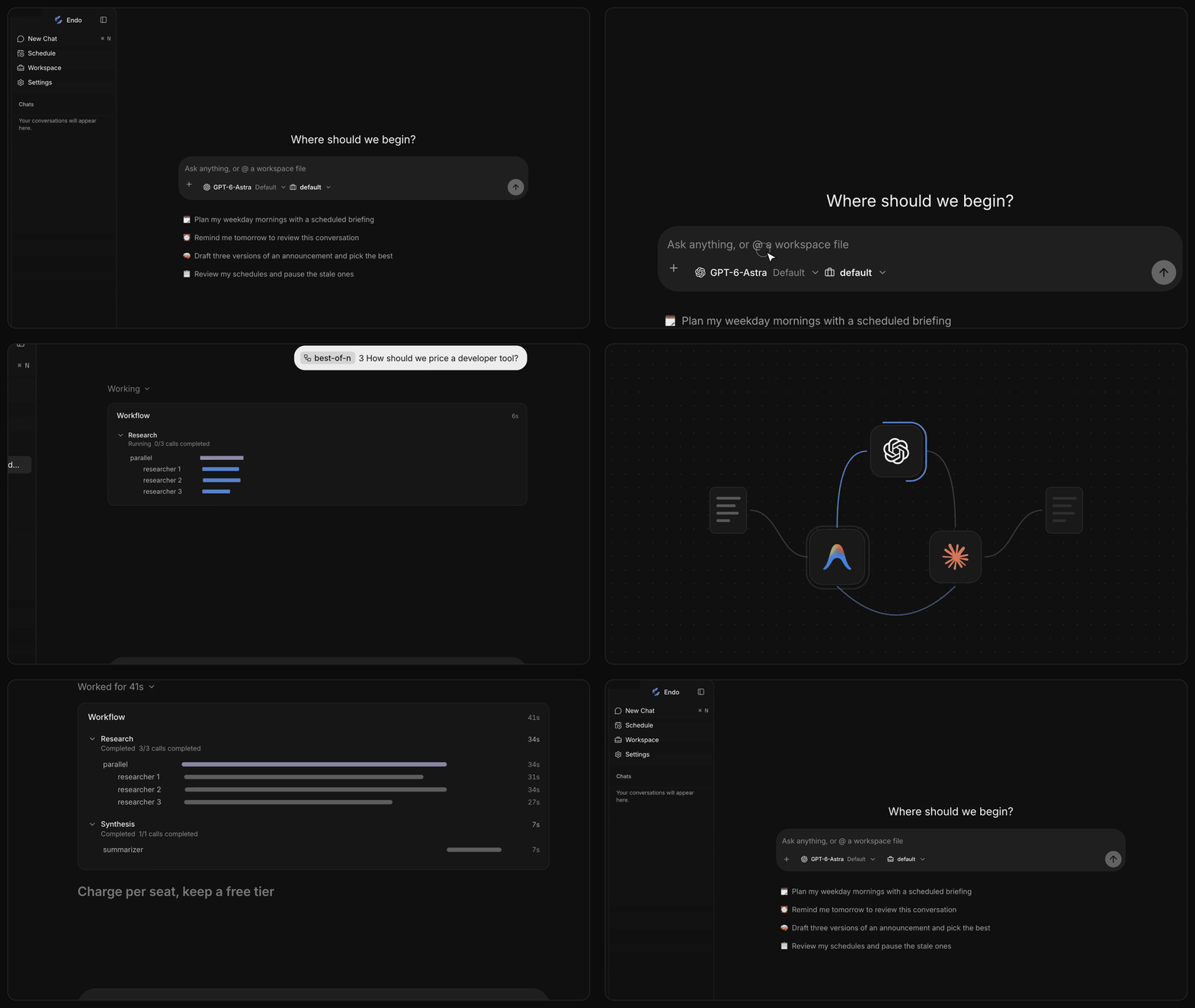
Download for Mac · Quick start · Features · Development guide
Higher Order Harness
A harness runs one agent: it sends the prompt, runs the tools and keeps the history. Endo is a Higher Order Harness (HOH). It takes agents as its building blocks, the way a higher-order function takes functions, and composes them freely:
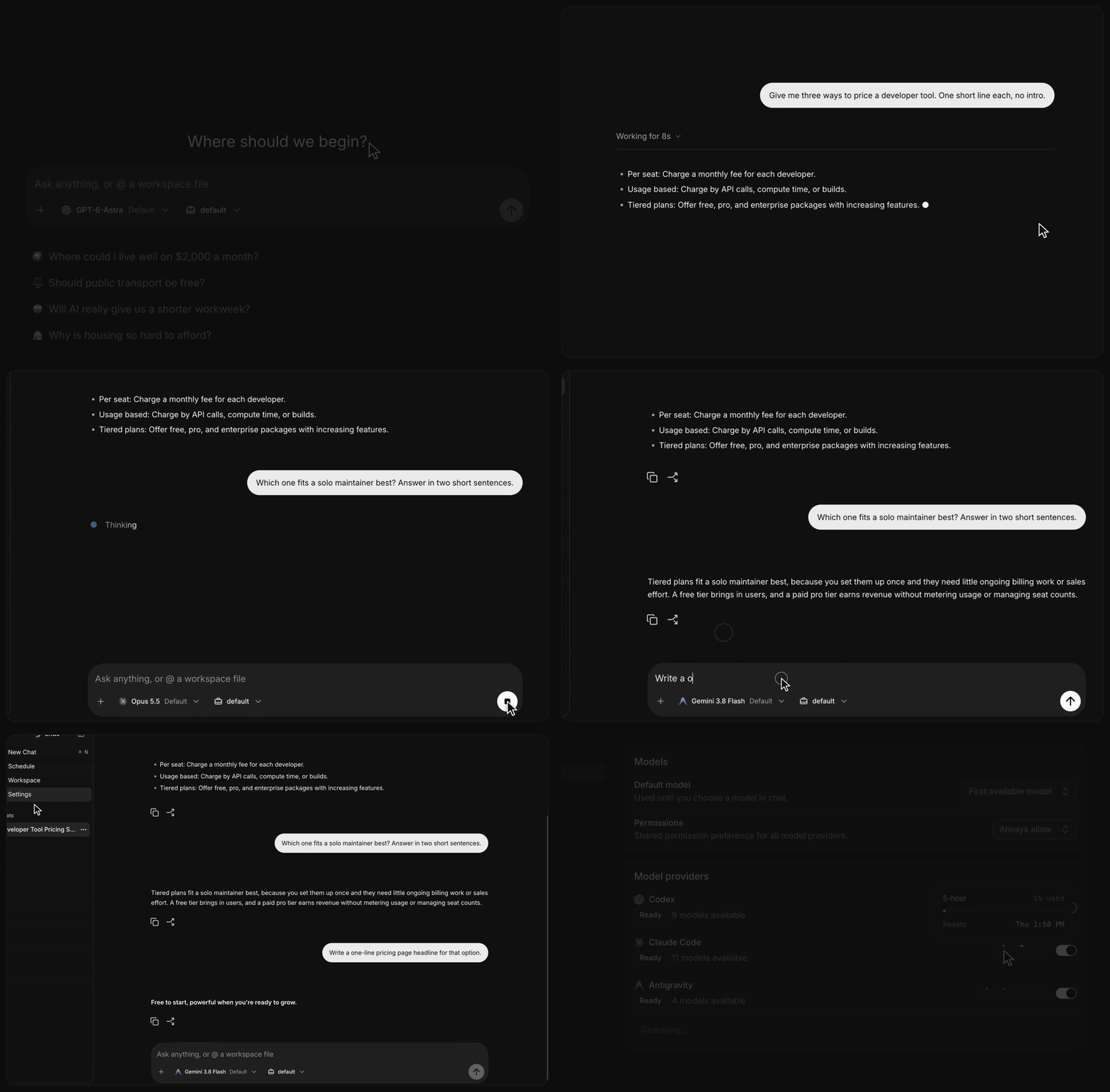
- In one session, switch between Codex, Claude Code and Antigravity mid-thread, or Dig In on any answer. Each agent picks up the full history.
- Across sessions, a workflow fans work out to agents from different vendors and continues any of their sessions, and a schedule runs the whole composition again later.
Why Endo? The name comes from endomorphism, a map whose output is the same kind of thing as its input. Endo takes agents and gives you back an agent: every composition answers in a thread you can talk to, dig into and schedule like any other chat.
Quick start
Download Endo for macOS (Apple Silicon), open the disk image, and install Endo. Signed releases update themselves in the background.
To run it from source, install Node.js 24, Bun 1.4.2, and Just, then:
git clone https://github.com/longsurf-ai/endo.git
cd endo
just install --frozen-lockfile
just desktop
Sign in to at least one provider (an existing codex, claude or Antigravity
login works, or use Settings → Models), then ask something like "Every weekday
at 9 AM, summarize my priorities for the day" and open the Schedule page.
Key features
Any agent, one protocol, your subscription
Endo drives Codex, Claude Code and Antigravity natively through their own CLIs, signed in with the accounts you already have. There are no API keys to paste, and Settings → Models shows each provider's plan usage. Every provider streams through one protocol into one harness, so answers, tool calls, permission prompts and history behave the same whichever model you pick, and you can change it mid-thread.
Workflows that compose anything
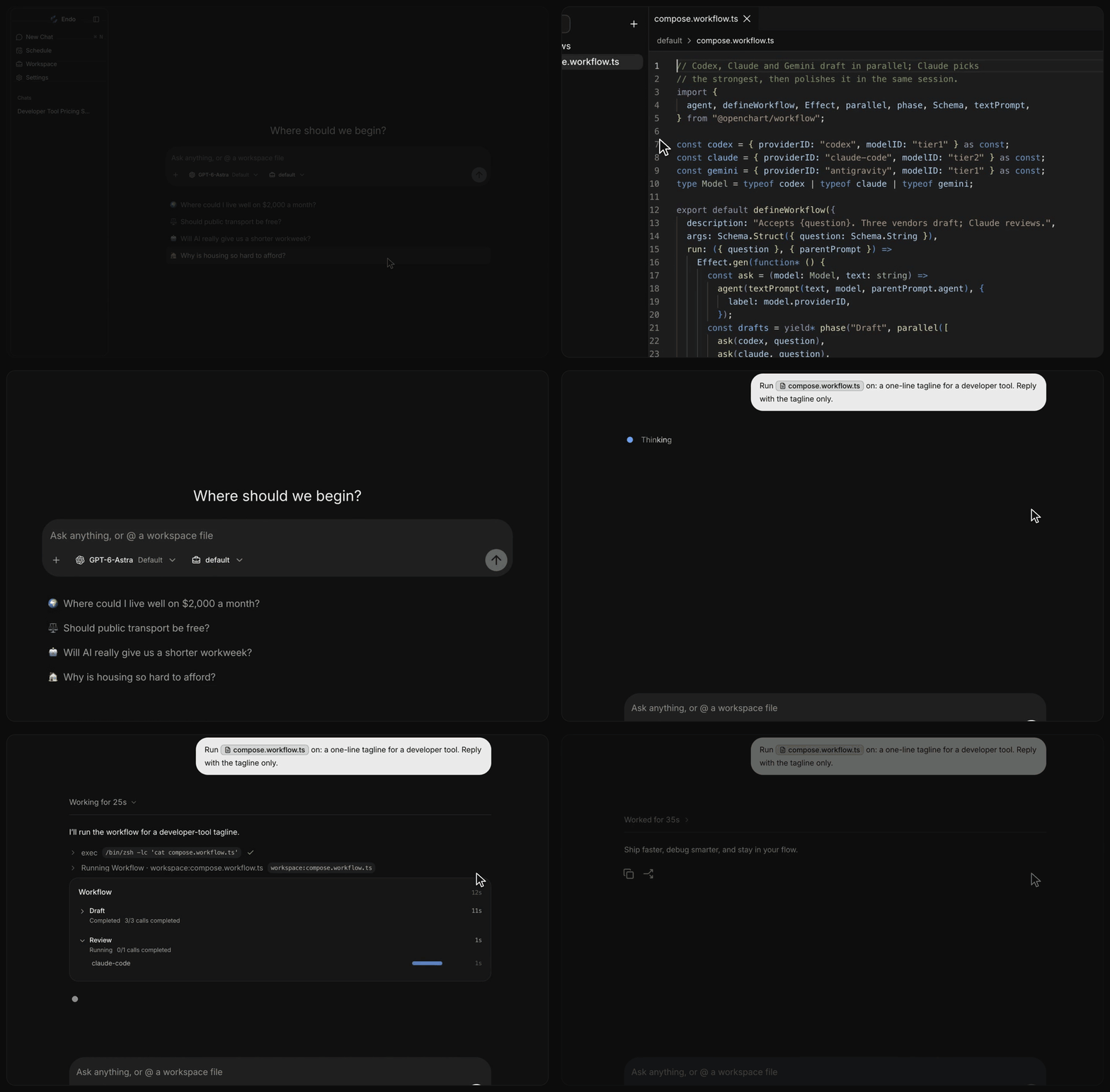
A workflow is a TypeScript file in your workspace. agent() calls any model
from any provider, parallel() fans calls out, phase() groups them, and a
session ID continues an earlier agent's conversation. Run one from chat and the
Workflow card shows every call as it happens. /best-of-n,
/multi-turn-debate, /thesis-killer and /hypothesis-race ship as
workflows, and schedules run any prompt later, on a cron or once.
Dig in, one thread, persistent memory
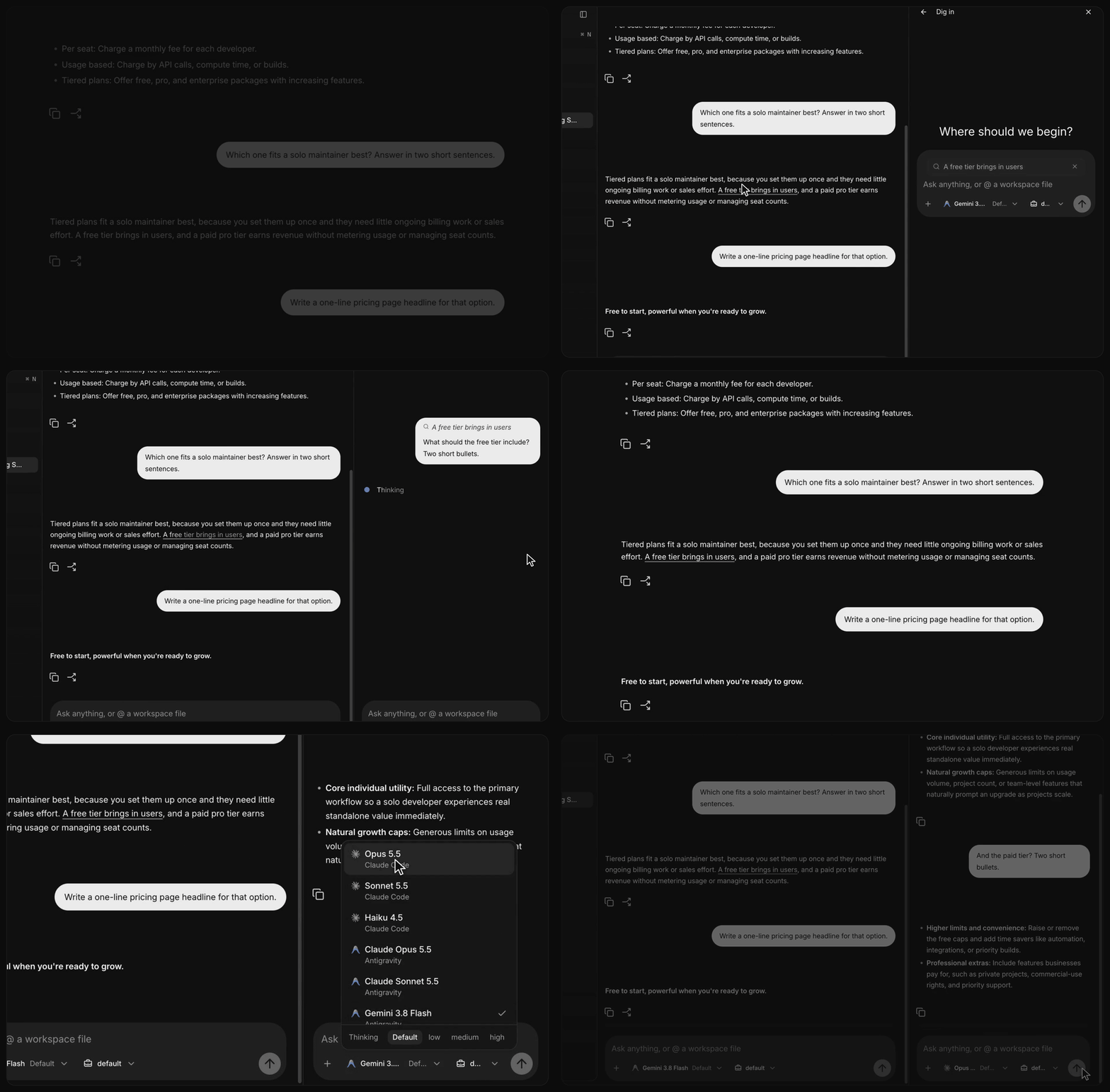
Select any part of an answer and Dig In: a focused conversation opens beside the thread, and the main thread stays clean. Sessions, runs and Dig Ins persist on your machine, so after a restart every thread and branch is still there, and any agent can pick up where another left off.
Building on it
- Add user data as a Resource: define it once, as a Drizzle table and an Effect Schema, and get a typed API, agent tools and live updates, so people and agents change the same state under the same rules. See Adding a Resource.
- Add an agent tool in
server/agent/tool/tools/and register it inserver/agent/tool/registry.tsandserver/agent/profiles/builtin.ts. - Change the agent's instructions in
server/agent/profiles/prompt/segments/. - Add a page under
app/src/app/and a feature underapp/src/features/. - Build and publish a signed Mac release with the release guide.
See the development guide and the code organization guide. Endo is at 0.1.x, so expect breaking changes.
Staying updated
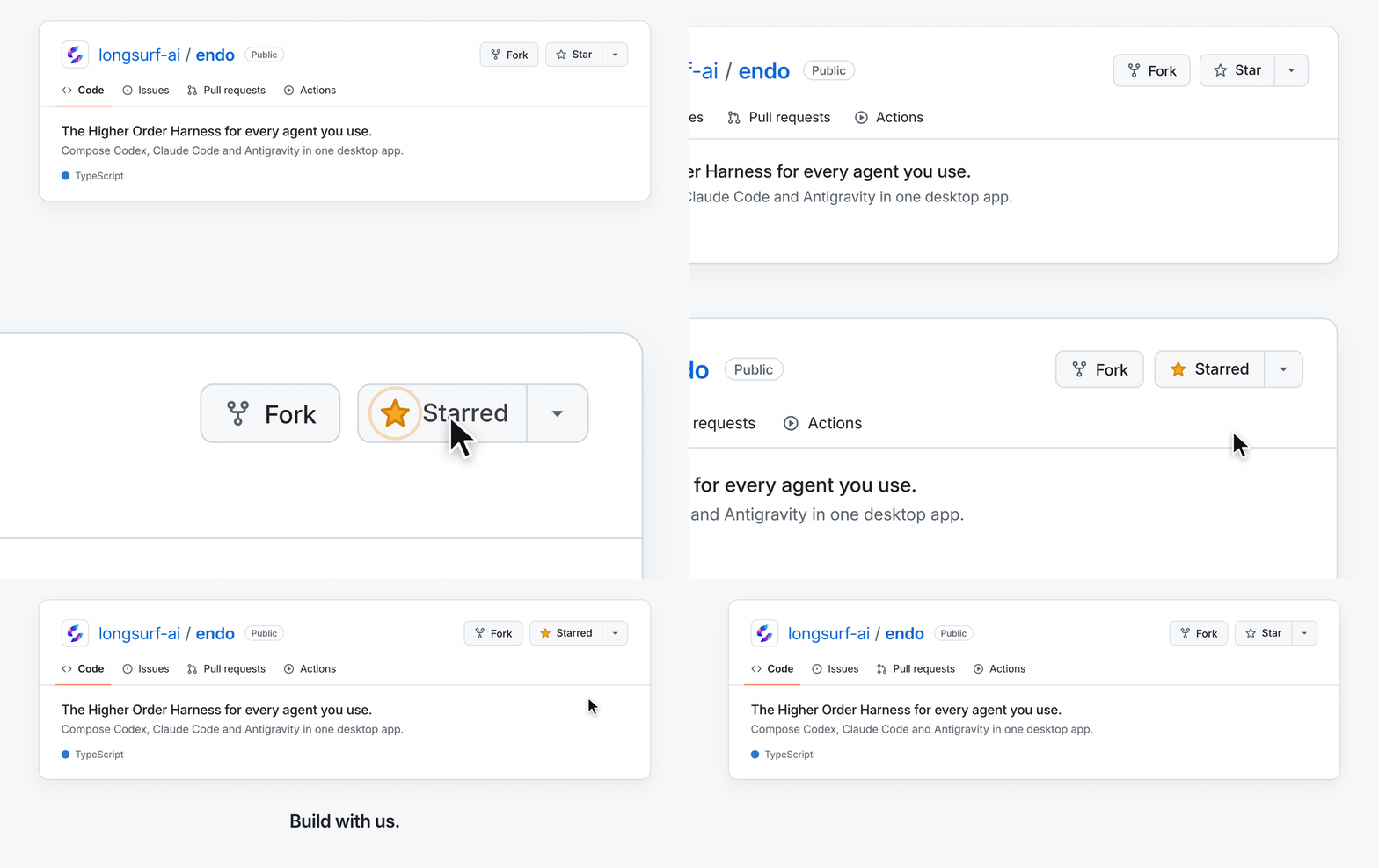
Star Endo to follow releases and help more people discover it.
License
Credits
Endo began as the core of OpenChart. It credits Jan for the app's design and visual style, OpenCode and Effect, assistant-ui and AG-UI, and shadcn/ui, Radix UI, and Base UI.