Lithe
A low-memory IntelliJ IDEA alternative for Java development and AI collaboration
简体中文 · Core features · Product tour · Download · Decision board · Develop Lithe
Lithe._README.mp4
Join the community
Welcome to join the Lithe community, share your experience, ask questions, and follow the latest updates.
| QQ group | WeChat group |
|---|---|
 |
 |
If you cannot scan the WeChat QR code, click here to join through Feishu.
Why Lithe
Codex, Claude Code, and other AI coding tools can now handle much of the implementation work. Developers still need an IDE to understand the generated code, follow symbols, run and debug the project, and review every diff. Keeping a heavyweight development environment open for those tasks can mean several gigabytes of resident memory.
Meet Lithe
Lithe is a lightweight IntelliJ IDEA alternative built first for Java and Spring Boot developers. It keeps the core workflows for browsing, editing, navigation, search, Maven, run and debug, Git diff review, local history, and databases.
The Lithe application typically uses about 300–400 MB of baseline memory after opening a regular project. Language servers, terminals, build tools, debuggers, and database helpers start on demand. Actual usage varies with the project and active services.
AI writes the code. Lithe helps you understand it, run it, and review it.
If macOS says it cannot open Lithe.app
If macOS says that Apple cannot verify whether Lithe.app contains malware, the manually downloaded package may not yet be notarized by Apple. First confirm that the app came from the trusted GitHub Releases, then use one of these methods:

-
In Applications, Control-click
Lithe.app, choose Open, and choose Open again in the confirmation dialog. -
If macOS still blocks it, open System Settings > Privacy & Security, click Open Anyway next to the security warning, and launch the app again.
-
You can also remove the quarantine attribute in Terminal:
sudo xattr -dr com.apple.quarantine /Applications/Lithe.app
Only use these steps for an app whose source you trust. Homebrew installations usually do not require manual quarantine removal.
Core features
Expand core features
- Built for Spring Boot projects and Java development.
- Maven management, breakpoint debugging, and custom run configurations.
- Git management and side-by-side diff review.
- Double-Shift search and
Command + Shift + Fproject-wide search. - Process-free lightweight completion and current-file navigation, with on-demand language servers for richer completion, hover, and semantic navigation.
- Local snapshot history.
- Multiple projects open within the app.
- Multiple files open independently in the same window.
- AI-generated commit messages with customizable formats.
- Rich Markdown rendering consistent with Yuque syntax.
- Local application memory usage monitoring.
- One-command installation and updates through Homebrew.
- One-click in-app updates and installation.
- Automatic project entry-point detection with one-click run support for Spring Boot, Java, Maven, Gradle, npm, Cargo, Go, Python, Make, Docker Compose, Procfile, and shell projects.
- Per-language service switches so language servers can be enabled or disabled independently to match the machine's resources.
- Multi-line editor tabs for keeping more files visible in the same workspace.
- Database connection workspace with multiple database types, connection management, SQL history, table browsing, and database operations.
- Ongoing bug fixes and user experience improvements.
Product tour


More screenshots


Download and install
- macOS 13+: Download the
arm64DMG for Apple silicon or thex86_64DMG for Intel Macs from GitHub Releases. - Windows x64: Download the Windows
.exeinstaller from GitHub Releases.
Homebrew is the recommended installation and update method on macOS:
brew tap lithe-idea/lithe https://github.com/Lithe-IDEA/Lithe-IDEA.git
brew install --cask lithe-idea/lithe/lithe
brew upgrade --cask lithe
Architecture Overview
macOS is the current reference product. Windows is an independent React/Tauri implementation. Both products share deterministic commands and contracts through Rust Core while keeping native UI and platform integrations separate.
flowchart LR
    subgraph macOS["macOS"]
        MacViews["SwiftUI / AppKit Views"] --> MacModel["AppModel and UI models"]
        MacModel --> MacFeatures["Application feature models"]
        MacFeatures --> MacServices["AppServices and Swift services"]
        MacServices --> MacRust["Typed Rust operations"]
        MacServices --> MacPorts["Platform ports"]
        MacPorts --> MacAdapters["macOS adapters"]
    end

    subgraph Shared["Shared behavior"]
        Editor["Shared Monaco editor"]
        Contracts["JSON contracts and fixtures"] --> Core["Rust lithe-core"]
    end

    subgraph Windows["Windows"]
        WinUI["React workbench and feature state"] --> WinBoundary["src/platform/tauri-core.ts"]
        WinBoundary --> Tauri["Tauri composition root and Windows adapters"]
    end

    Editor -.-> MacViews
    Editor -.-> WinUI
    MacRust -->|"JSON C ABI"| Core
    Tauri -->|"Rust crate"| Core
Develop Lithe
Development and CI use Swift 6.3.3, pinned in .swift-version, with Xcode 26.6. Running the complete test suite requires Xcode; basic SwiftPM builds only need matching Command Line Tools. Developers using Xcode 27 may also build locally; the macOS 27 SDK compatibility path is detected by the build scripts. Package.swift keeps its Swift 6.2 manifest API minimum; this does not select the compiler version.
Run the development build from the repository root:
./scripts/preview.sh
The script builds and links Rust Core before launching the macOS app. To validate only the Swift source, run:
swift run --disable-sandbox Lithe
Build an app bundle:
./scripts/package-app.sh
open dist/Lithe.app
Before submitting a change, run:
./scripts/test-macos.sh
./scripts/test-git-performance-baseline.sh
./scripts/verify-core.sh
./scripts/verify-git-graph.sh
./scripts/verify-service-boundaries.sh
./scripts/verify-shared-contracts.sh
./scripts/verify-windows-boundaries.sh
./scripts/verify-rust-core.sh
test-git-performance-baseline.sh runs deterministic Git graph work gates and
records an optimized multi-sample timing baseline under .artifacts/.
See Repository ownership and sharing boundaries for directory ownership, cross-platform boundaries, sharing rules, and the required Rust Core comment standard. Include your verification steps and known limitations when submitting a change.
Project support
❤️ Sponsors

FastAI
FastAI provides convenient relay access to a range of leading large language models, making it easier to connect AI capabilities to everyday development workflows. Its support helps Lithe continue improving its AI-assisted experience. Thank you to FastAI for supporting this project! Scan the QR code above to join the FastAI Token community chat group #2 (group ID: 1073874006).
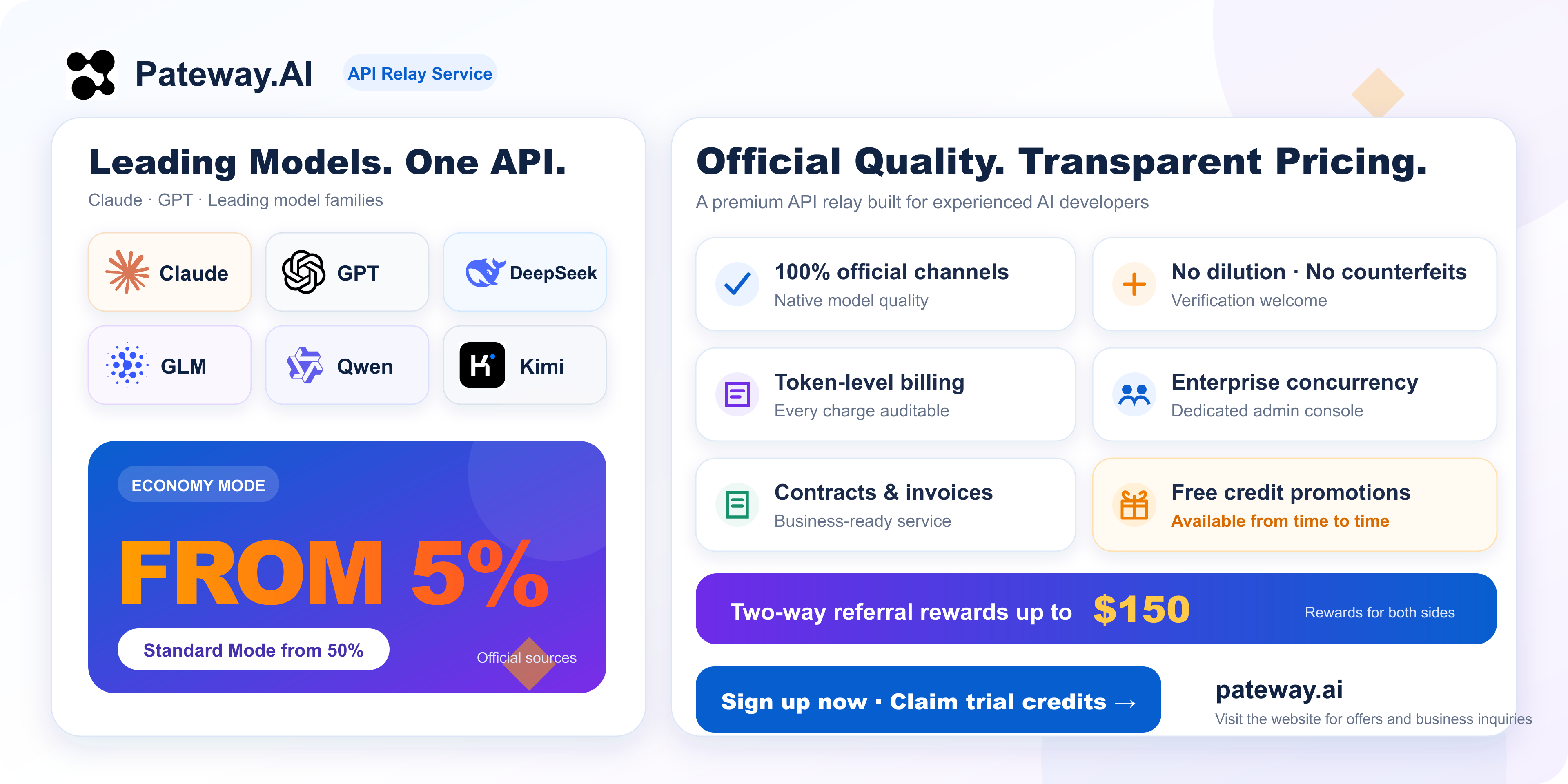
Special thanks to PatewayAI for sponsoring this project!
PatewayAI focuses on premium official-source API relay, supporting Claude, GPT, and leading Chinese models with transparent billing and enterprise-level services.
Economy mode rates are as low as 5% of official pricing. Sign up for trial credits, earn free credits in periodic campaigns, and receive mutual referral bonuses of up to $150 USD.

|
PackyCode provides API relay access to leading models through one key, with intelligent failover and dedicated Codex and Claude Code channels. Top up in RMB at a 1:1 rate with no transaction fees. New users receive a first-top-up discount and $1 in trial credit. |

|
TorchAI provides convenient large language model relay access for coding, content, and automation. Thank you to TorchAI for supporting Lithe! |

|
CCSub provides Claude, GPT, Gemini, and DeepSeek access through one API key, with support for major AI coding tools. New users receive $5 in trial credit. |

|
Clidex provides AI infrastructure and API access for native AI command-line tools at just 0.8% of official pricing. Thank you to Clidex for supporting Lithe! |

|
Atlas Cloud provides AI model relay services with access to over 400 models, giving developers more options through one platform. Thank you to Atlas Cloud for supporting Lithe! |

|
CodeZ provides stable relay access to GPT-family models for integrating model APIs into tools and projects. Thank you to CodeZ for supporting Lithe! |

|
RainYun offers cloud servers for application deployment, website hosting, and development environments. Thank you to RainYun for supporting Lithe! |
☕ Support Lithe
If Lithe is useful to you, you are welcome to buy the project a cup of coffee. Every contribution will be put back into Lithe's continued development and maintenance.
 |
 Alipay |
⭐ Special thanks

For all things AI, head to LINUX DO. Wishing the community ever greater success.
Contributors
Thank you to everyone who contributes to and improves Lithe.

License
Lithe is licensed under the Apache License 2.0.
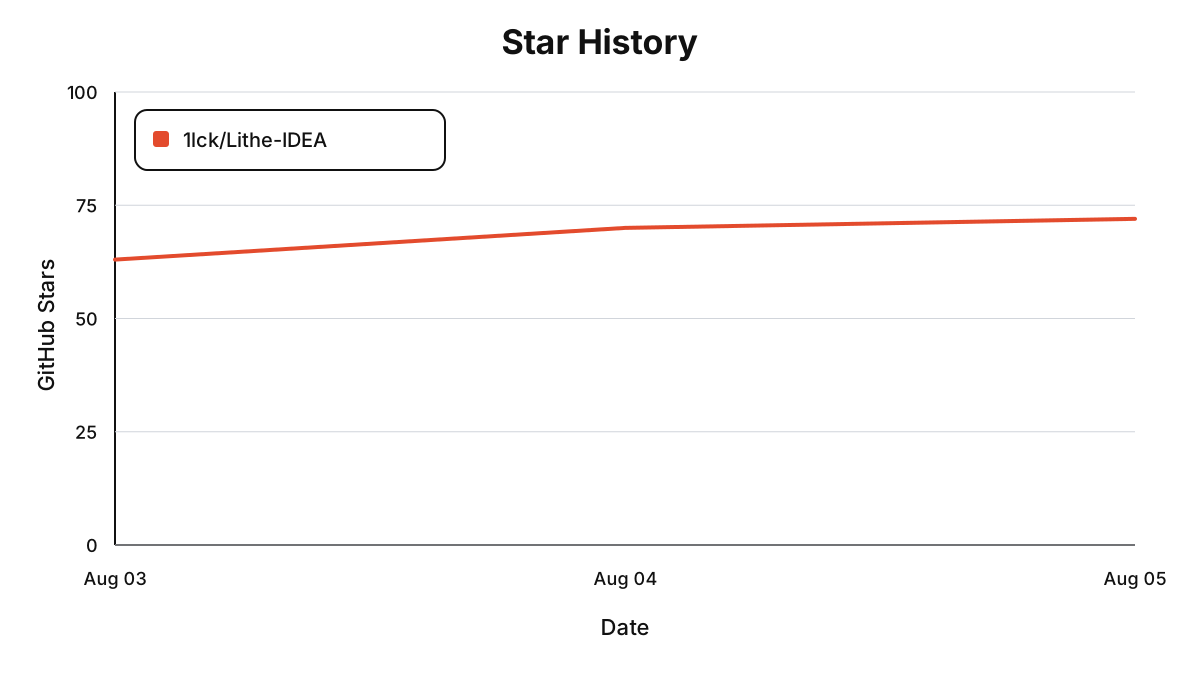
Star History