


Project Page · Watch Demos · Technical Report · Discord · WeChat Group
VibeGame: Vibe Your Dream Game
News
- [2026.08] 🚀 We release VibeGame: Prompt-to-Game Development with AI-Native Engine and Self-Evolving Adversarial Agent Team! Check our Project Page and Technical Report
Demos
Watch the demos and explore more project details on the Project Page.
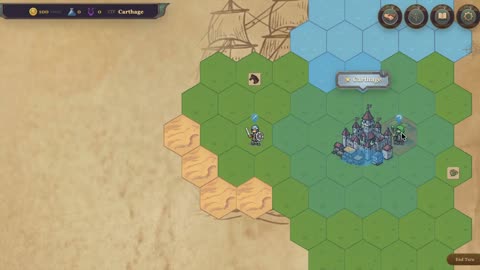 Civilization prototype |
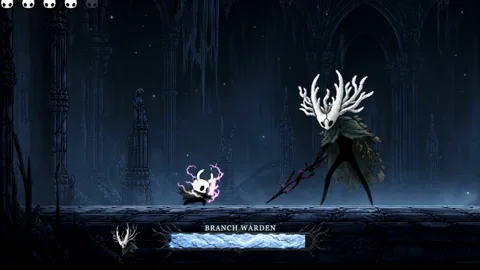 Hollow Knight boss slice |
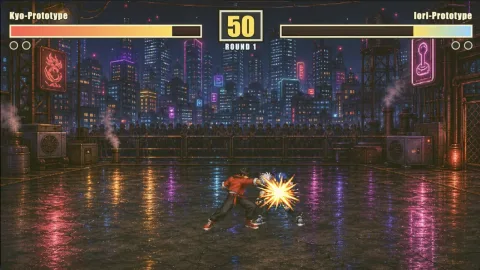 Arcade fighter |
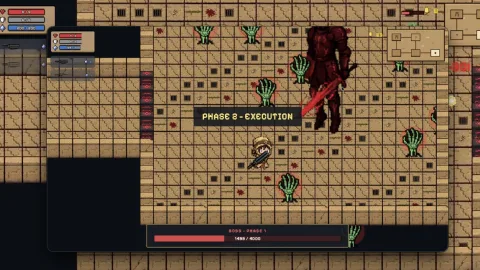 Dungeon roguelike |
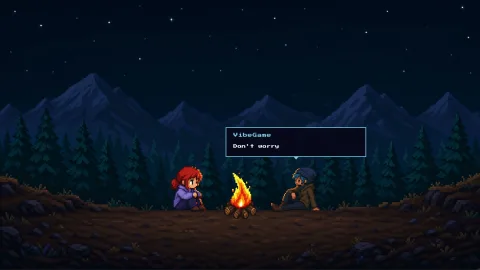 VibeGame Intro |
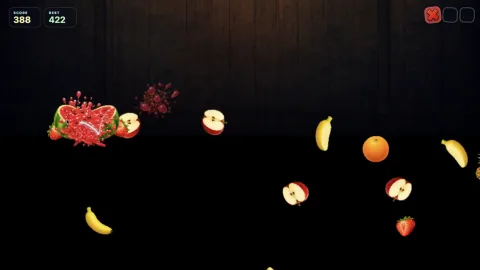 Fruit Ninja |
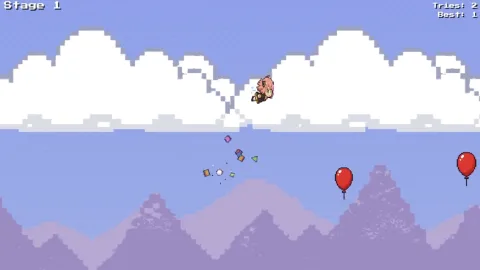 Aniya Parkour |
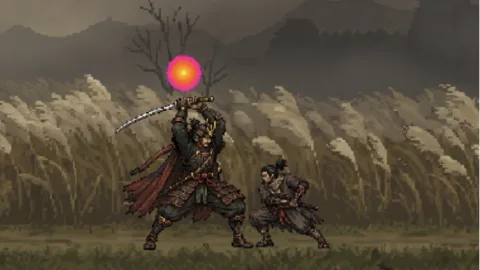 Pixel Sekiro |
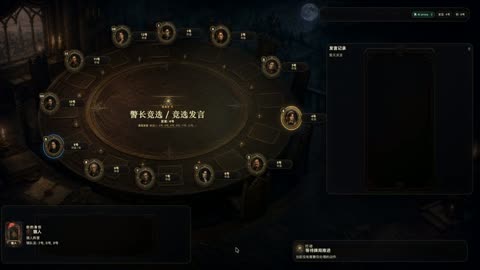 AI Werewolf party game |
Installation
Prerequisites:
- Python 3.12 or newer.
uv.tmux.- At least one supported agent CLI: Claude Code or Codex.
Node.js and npm are not required for the standard VibeGame setup.
First-time Claude Code users: VibeGame launches agents with
claude --dangerously-skip-permissions. If you have never used this flag before, run it once in a terminal and accept the confirmation prompt — the first-run consent screen cannot be completed inside VibeGame's managed session, and agent startup will fail without it.
Codex users: after
setup.sh, runvibegame setup codex-hooksonce, then open Codex, enter/hooks, and trust the newly added VibeGame hooks. The command writes~/.codex/hooks.json; the trust step is what actually enables them. Until both are done Codex agents still run, but they never register: the Dashboard stays empty and startup keeps waiting for a session that never appears.
git clone https://github.com/tettethu/VibeGame
cd VibeGame
Tell your agent (Claude Code or Codex):
Read and follow the instructions in @docs/SETUP.md to set up this project for me.
Or set it up manually:
./setup.sh
setup.sh links the installed vibegame command to this checkout so the CLI can use the bundled engine, templates, and Dashboard. Keep the checkout available; pulling updates changes the installed CLI without reinstalling it.
Quick Start
mkdir my-game && cd my-game
vibegame init
vibegame start
Or start an existing project from another directory:
vibegame start --project ./my-game "Continue polishing the boss fight"Use VibeGame's standard build workflow for an end-to-end game development goal:
/vibegame-build Build a compact roguelike dungeon with one boss encounter
Run or close the game directly:
vibegame run --port auto
vibegame close
VibeGame Dashboard
We provide a web dashboard for interacting more freely with the agent team and manually editing game properties.
 Chat Chat with your agents to start building |
 Assets Preview animations and adjust sprite bounds |
 Objects Configure character animations and properties |
 Play Play the game you are building |
Roadmap
- Release the VibeGame technical report
- Open-source the Phaser-based VibeGame implementation
- Add Godot support
- Add Unity support
- Expand VibeGame from 2D to end-to-end 3D game creation
Acknowledgments
We are inspired by the broader community exploring AI agents for game creation, game development, and gameplay. We thank the teams behind GameDevBench, OpenGame, GameCraft-Bench, and other open-source projects for advancing this field and sharing their work with the community.
- Claude Code and OpenAI Codex - agent runtimes supported by VibeGame.
- Phaser - the web game framework beneath VibeGame's 2D engine.
- Trellis - inspiration for the design of VibeGame's development harness.
- agent-sprite-forge - inspiration for VibeGame's sprite-generation prompt design.
License
VibeGame is released under the Apache License 2.0.
Commercial Deployment Notification
If you deploy VibeGame or a modified version as part of a commercial product or service, we kindly ask you to notify us at kiyotakali075@gmail.com.
Please include the name of your organization, the product or service name, and a brief description of how VibeGame is being used. No confidential information is required.
This notification is requested for project tracking and community outreach purposes only. It does not require approval, impose a license fee, or modify any rights granted under the Apache License 2.0.