
VelaTerm
English | 简体中文
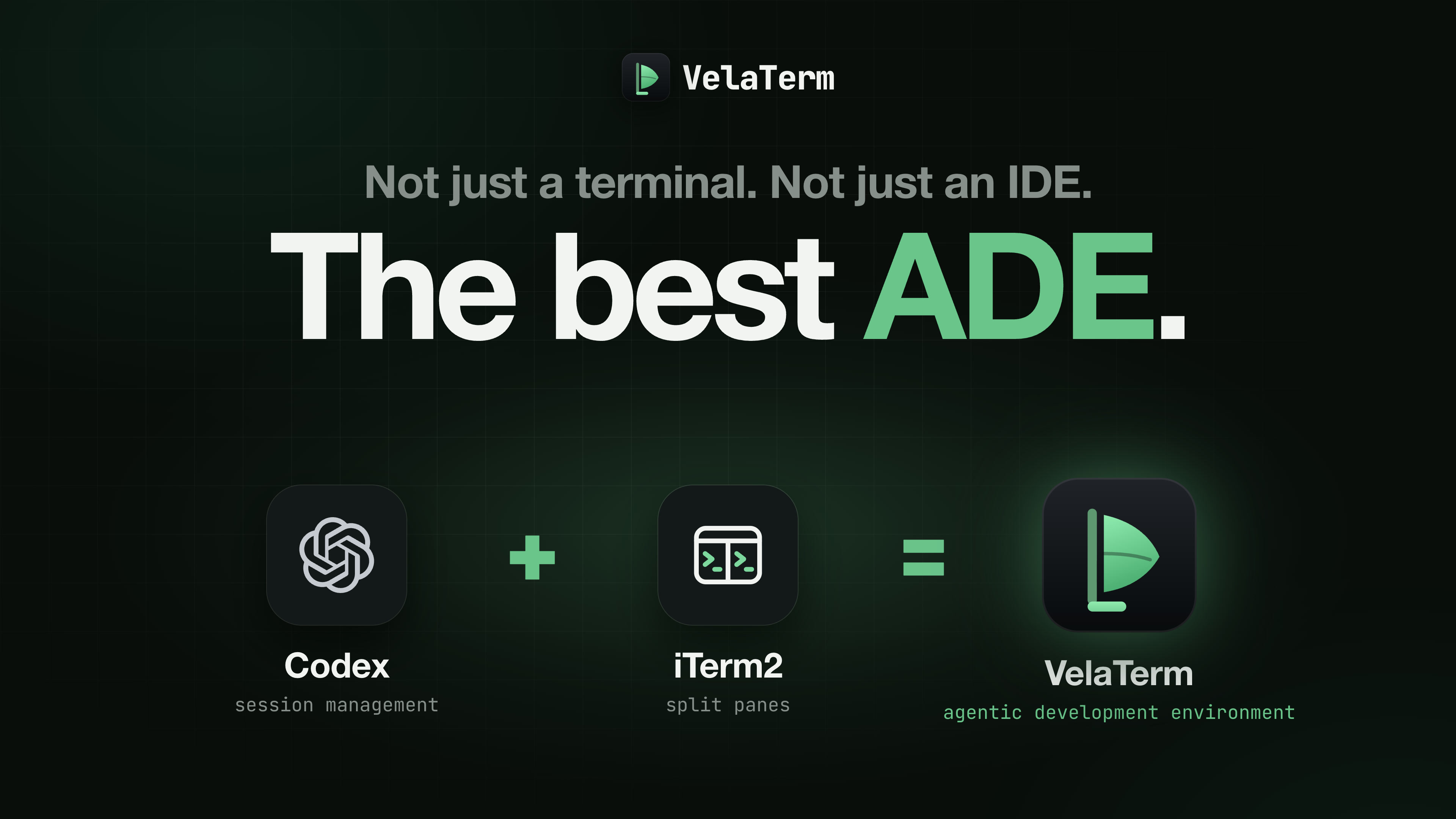
The best ADE. Not just a terminal. Not just an IDE.
Manage agent sessions like Codex. Split terminals like iTerm2. VelaTerm keeps both in one native app, and brings them to your browser and your phone.
Watch the intro video (2:55) · Download · User manual
Workspace
Every major coding agent
Claude Code, Codex, OpenCode, Copilot, Cursor, Antigravity, Cline, Pi and more. Each one runs as a managed session, with live status, resume and custom launch arguments.

A full agent dev environment
Follow an agent's plan, edits, commands and test results as a conversation, or switch the same session to the terminal view and work in its TUI.

Sessions in a tree
Projects → groups → nested sub-groups → sessions. However many sessions you run, they stay in order. Every session is a real pseudo-terminal that keeps running in the background, and sessions can be split side by side.

Commands and paths, as you type
Command and path suggestions appear as you type. Choose with the arrow keys, then press Tab to accept.

Know the moment an agent needs you
Session states follow the conversation live, in the session tree and the status bar, with a desktop notification when an agent finishes and waits for you.

Usage and load, live
While the agent works, the right panel keeps plan quota, context, tokens and system load in view.

Agents together
One command, one sub-session
An agent can hand a side task to a child session with vspawn: pick the agent, model and effort,
and give it its own worktree when needed. The child appears under its parent in the tree.

Agents talk across sessions
Sessions running Claude, Codex, OpenCode or Pi can search each other's conversations, ask about them, and send each other messages.
| Command | What it does |
|---|---|
vsearch |
Search every session |
vrefer |
Read a conversation, or ask about it |
vtell |
Message another session; with --steer the message joins the turn that is already running |


One big task, a team of sessions
Plan / Execute mode splits a large task across several agent sessions, each with one job. The planner writes the plan, splits the work and reviews every result; the executors each build one part in its own worktree and report back.
- Plan. Pick agents, models and reasoning effort for planning and execution separately.
- Execute. The planner proposes the split; you edit tasks and models before anything starts. Executors then work in parallel, one worktree each, as children of the planner in the session tree.
- Review. Reports come back to the planner automatically; anything short of the bar goes back to the same session, with its context intact.


Keep what your sessions learn
Organize a session into the Session Knowledge Base, keep Markdown notes in local knowledge bases, and
search both at once. With vkb, an agent looks things up before it acts:
| Command | Looks up |
|---|---|
vkb memories |
Session knowledge |
vkb notes |
Local notes |
vkb explore |
The code graph, queried locally without calling a model |
See the notebook guide.


Built-in tools
Editors included
A WYSIWYG Markdown editor, a code editor and an image viewer, plus a built-in browser on desktop. All of them work on remote machines too.

A little break between tasks
Open Game Center from your workspace and play Pixel Wing with a keyboard, touch controls or a controller.

Also included
- Code audits. Bundled Codex Security workflows using your logged-in local Codex or Claude Code, with source evidence, coverage limits and Markdown/JSON reports. See the code audit guide.
- Git integration. Branch, ahead/behind and change counts per session, plus common actions.
- Themes and languages. Light and dark themes that follow the system, and a fully translated interface.
Anywhere
Run it anywhere
Remote access is built in: connect over SSH, or serve the app over HTTPS with end-to-end encryption.
- Desktop. Native app for macOS, Windows and Linux. Connect to remote machines over SSH from inside the app.
- Browser. Open a URL on any machine. No install needed. Served over HTTPS with end-to-end encryption; no readable data crosses the network.
- Phone. A native app for iOS and Android. Scan a QR code to carry the same session tree with you.


Connect remotely, three ways
Connect over SSH, open a pairing link, or sign in to your account and pick one of your devices.

Your sessions, in your pocket
Scan a QR code to connect. Browse the tree, read agent replies as they stream and answer them, and get a push notification when an agent needs you.

macOS, Windows and Linux
One native app on every desktop. On Windows, Git Bash comes bundled with the full installer. Built on Tauri 2: a small install that stays smooth under heavy terminal load.
| Platform | Architectures | Shells |
|---|---|---|
| macOS | Apple Silicon, Intel | zsh |
| Windows | x64, arm64 | PowerShell, Git Bash, WSL |
| Linux | x86_64, aarch64 | bash |


Download
From the first command to the final review. Get the installer for your platform at velaterm.com/download, then start with the getting started guide.
Documentation
Community
- X — release announcements and short demos.
- YouTube — demos and guided tours of the application.
- Discord — questions, bug reports and everyday discussion.
- velaterm.com — downloads, manuals and the changelog.
Development
Tech stack
| Layer | Choice |
|---|---|
| Desktop shell | Tauri 2.x (Rust backend + system WebView); an Electron shell also lives in electron/ |
| PTY | portable-pty (wezterm) |
| Frontend | React 19 + TypeScript + Vite |
| Terminal | xterm.js with the fit, web-links, search, image, and unicode11 addons |
| State | Zustand |
| Persistence | SQLite via rusqlite (bundled) |
| Styling | Tailwind v4 with CSS-variable themes |
Build from source
Prerequisites: Node.js, pnpm, the Rust toolchain, and git. Tauri also needs its platform dependencies — see the Tauri prerequisites guide.
pnpm install          # install frontend dependencies
pnpm dev:desktop      # build the Rust backend and open the desktop window
Other development modes:
pnpm dev:web          # headless backend + Vite, driven from a normal browser
pnpm dev:electron     # the Electron shell instead of Tauri
pnpm dev:ls           # list running dev instances
pnpm dev:stop <label> # stop one instance by label
Every dev instance picks a random port and carries a label, so several can run side by side. dev:web
binds 0.0.0.0, so it also prints a LAN address that another computer or a phone can open, and it
defaults to an isolated database under .dev-data/, leaving your real session tree untouched.
Build and test:
pnpm build                                        # type-check and bundle the frontend
pnpm tauri build                                  # build the desktop application
pnpm test                                         # frontend tests (vitest)
pnpm lint                                         # eslint
cargo test --manifest-path src-tauri/Cargo.toml   # backend tests
Project layout
src/              React frontend
  layout/         three-column + bottom-bar regions
  store/          Zustand state
  ipc/            invoke / listen wrappers
  terminal/       xterm instance registry
  i18n/           translations, with English as the key source
  remote/         browser remote access and pairing
  mobile/         phone browser layout
src-tauri/src/    Rust backend
  pty/            PTY manager
  db/             SQLite persistence
  agent/          agent detection, status, transcripts, spawning
  web/            embedded web server and command dispatch
  git.rs          git status probing
electron/         Electron shell
skills/           agent skills exposed inside VelaTerm sessions
docs/manuals/     user manuals
Contributing
Three conventions matter most in this codebase:
- All user-facing strings are English and go through i18n (
src/i18n/). English is the key source; a missing key fails the type check. This includes strings returned from the Rust backend, which surface directly in the UI. - All code comments are written in English.
- Please do not run
cargo fmt. The Rust sources are hand-formatted and this project does not use rustfmt. Running it rewrites large parts of files a change never touched, which buries the actual diff. Match the style of the surrounding code instead.
Any command touching the network or the filesystem must be asynchronous — synchronous Tauri commands run on the main thread and freeze the UI.
License
Copyright (c) 2026 VLINX Software. Released under the MIT License.
You may use, copy, modify, merge, publish, distribute, sublicense and sell copies of VelaTerm, for any purpose, as long as the copyright notice and the licence text travel with it.