

English • Русский

Antigravity for Android
Autonomous agentic development environment engineered natively for Android and ARM64.
Android 7.0+ •
ARM64 v8.0-A+ •
Shizuku Ready •
Native Bionic •
Consistent Keystore •
Apache 2.0
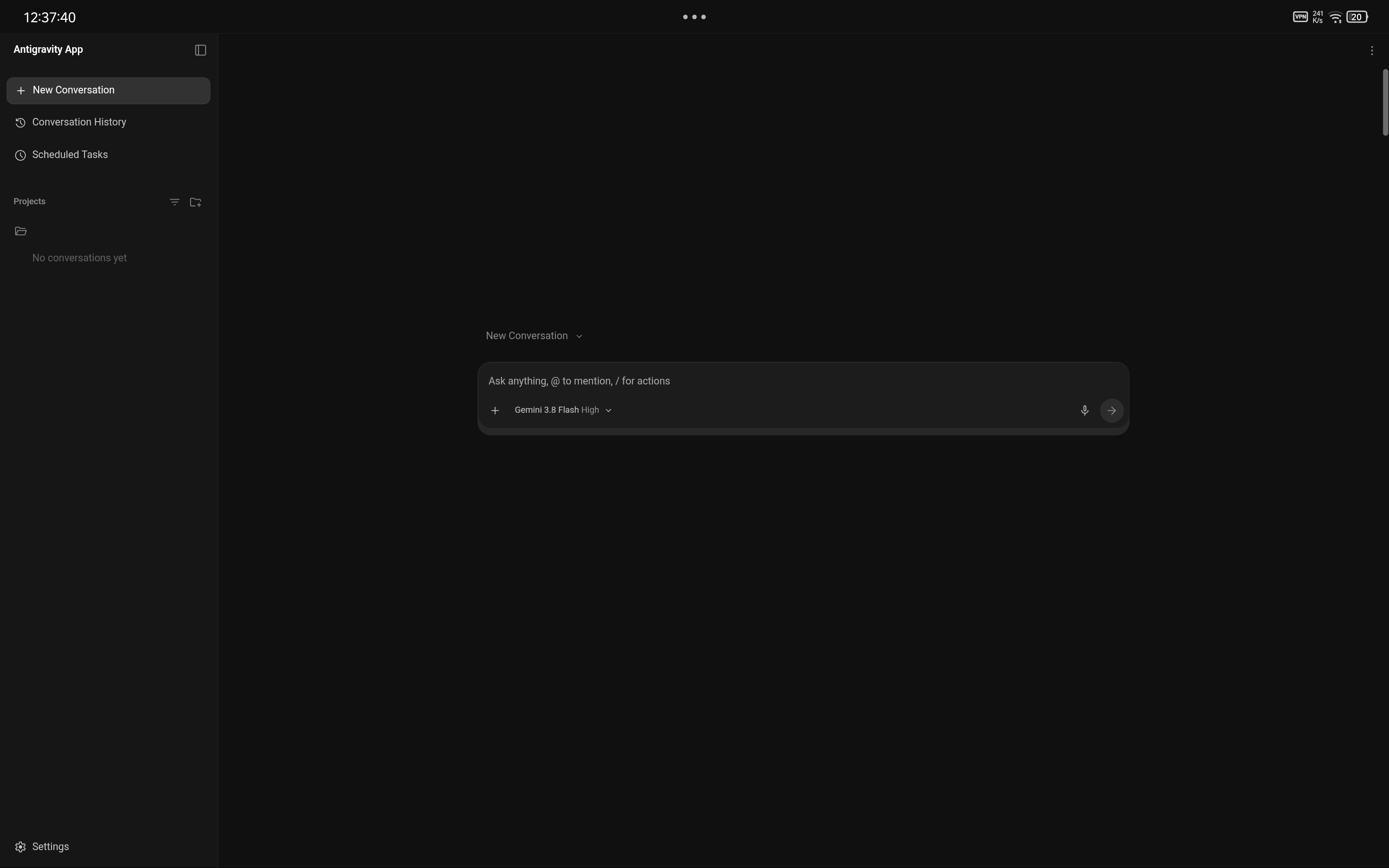
Antigravity autonomous agent development interface on Android (Linux 6.1, AArch64)
Architectural Overview
Antigravity for Android brings Google's autonomous agentic coding engine directly to mobile operating systems.
Unlike terminal-based chat wrappers or virtualized environments (PRoot, QEMU, chroot), Antigravity executes natively inside Android userspace (Bionic) within the application process. Powered by Gemini models, the agent autonomously inspects codebases, edits project trees, executes build tools, and validates results directly on the physical mobile hardware.
Note
Bare-Metal Execution with Transparent Compatibility: Processes run directly on the host CPU via a hybrid Bionic/Glibc loader without virtualization penalties, taking full advantage of UFS storage throughput and ARMv8.1-A+ Large System Extension (LSE) atomics (with transparent userspace emulation for ARMv8.0-A CPUs via liblse_compat.so).
Key Capabilities
|
Autonomous Gemini Agent End-to-end development: task planning, multi-file editing, test execution, compilation, and automatic build diagnosis. |
Shizuku (Rish) Elevation Privilege elevation to ADB shell level ( |
|
Native Lightweight package manager (tlx) written in Bash and AWK. Installs development runtimes ( |
Mobile & Desktop Viewports Touch-first mobile UI by default, with dynamic switching to a desktop viewport with custom User-Agent for tablets, keyboards, and Samsung DeX. |
|
Environment Awareness Auto-seeded system rules ( |
Seamless Upgrades Consistent signing keystore: upgrade APK releases in-place without uninstalling or losing conversation history and project data. |
Visual Feature Walkthrough
1. Developer Workspace
Designed specifically for mobile screens: project sidebar, session switching, Gemini model selector, and system theme synchronization.
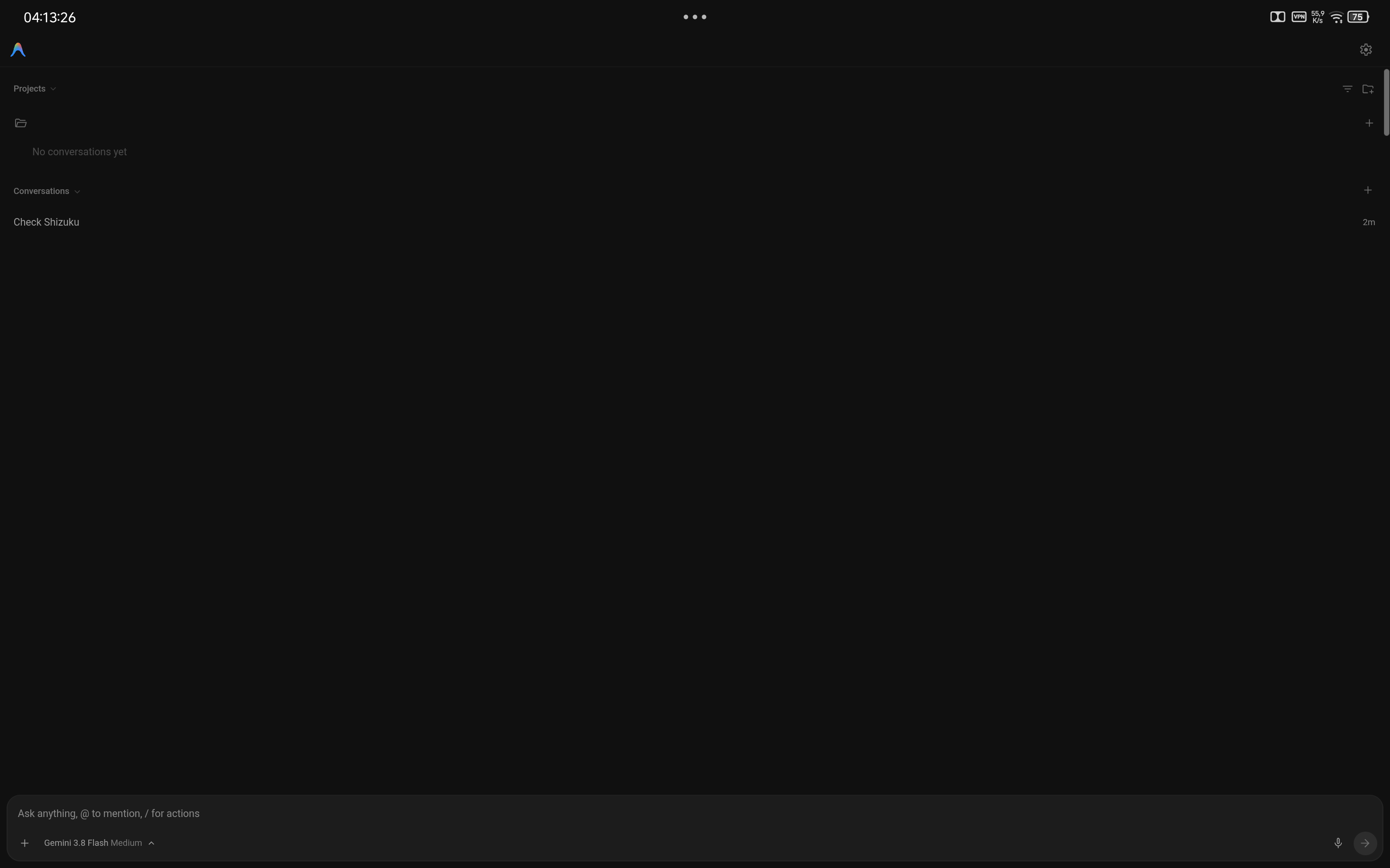
Sidebar navigation and active workspace canvas (dark and light themes)
2. Viewport Control: Mobile & Desktop Mode
Inside Appearance settings, toggle Desktop Mode on demand:
- Mobile Mode (Default): Touch-friendly controls optimized for one-handed operation and virtual keyboards.
- Desktop Mode: Full desktop viewport with wide editor layout and desktop User-Agent (for tablets, physical keyboards, and Samsung DeX).
- Changes apply dynamically on the fly via automatic WebView reload.
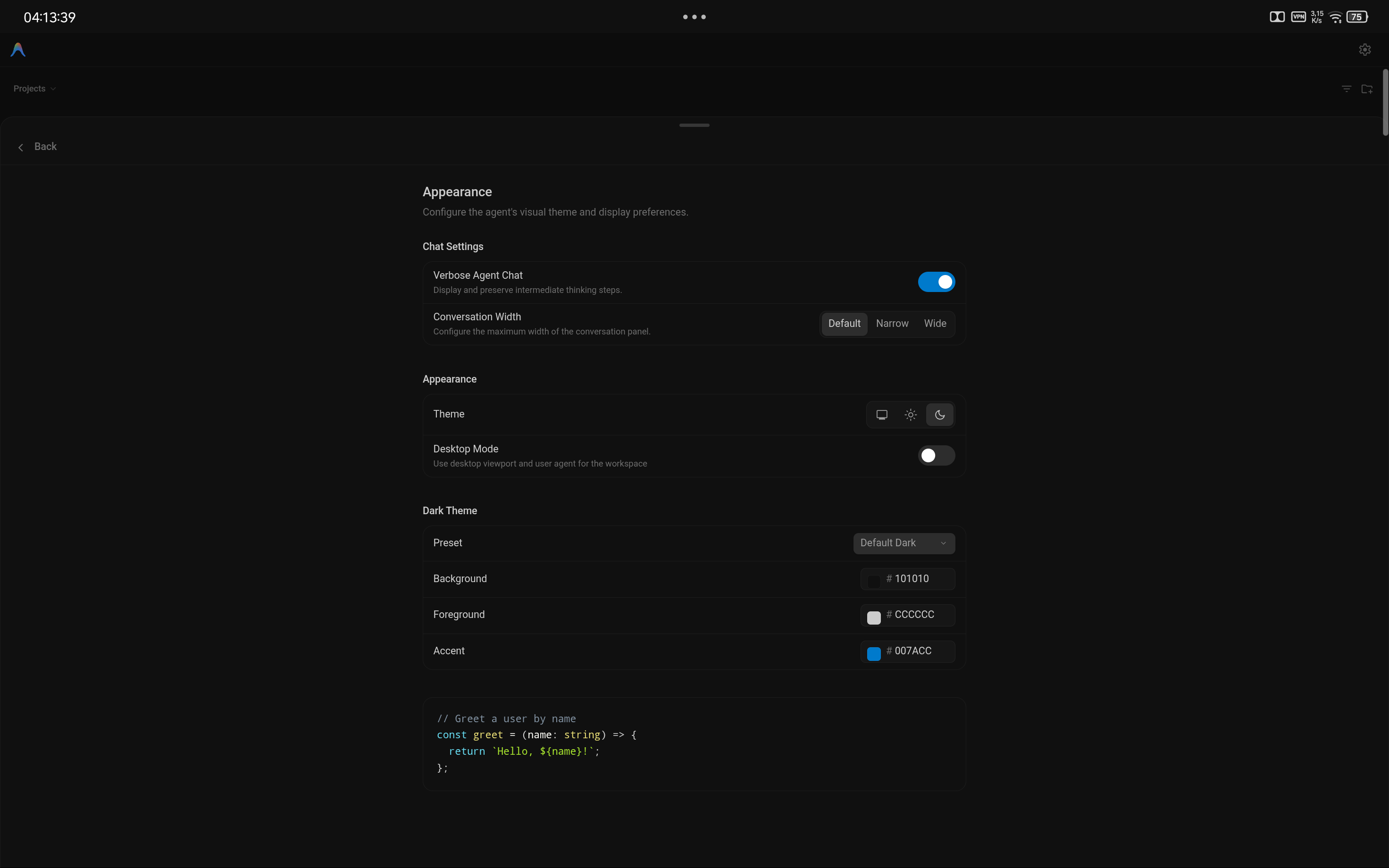
Appearance preferences panel with integrated Desktop Mode toggle
3. Autonomous Execution in Terminal
The agent directly drives the environment: executing userspace binaries, creating workspace hierarchies, running compilation tasks, and inspecting diagnostics in real time.
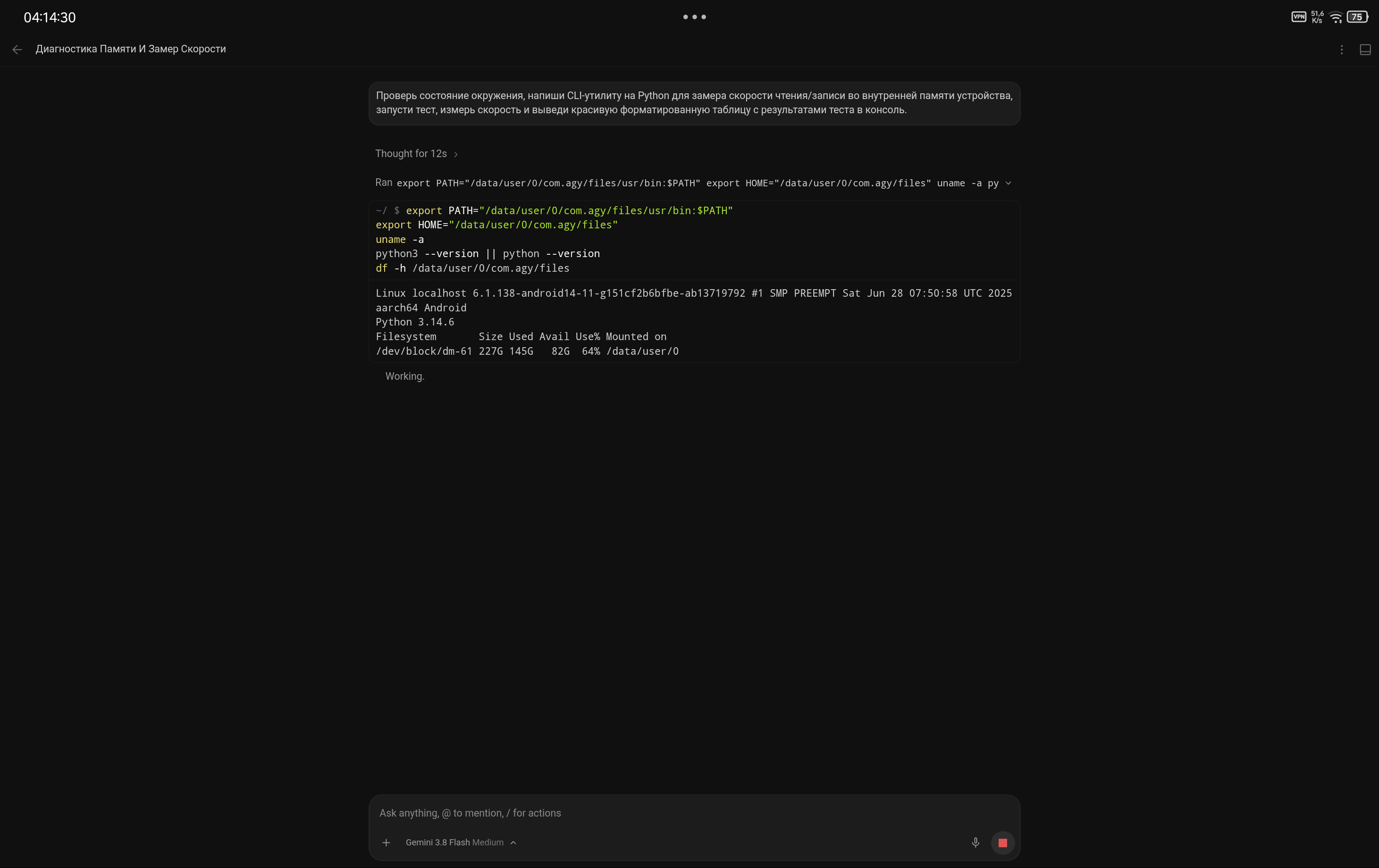
Agent provisioning project structure and probing Linux 6.1 kernel parameters
4. Hardware Throughput & Diagnostics
Real-world test: the agent authored a custom Python I/O benchmark and executed multi-pass tests on physical storage. Sequential reads exceeded 1222 MB/s, and random writes reached 84,395 IOPS, proving native UFS throughput without emulation overhead.
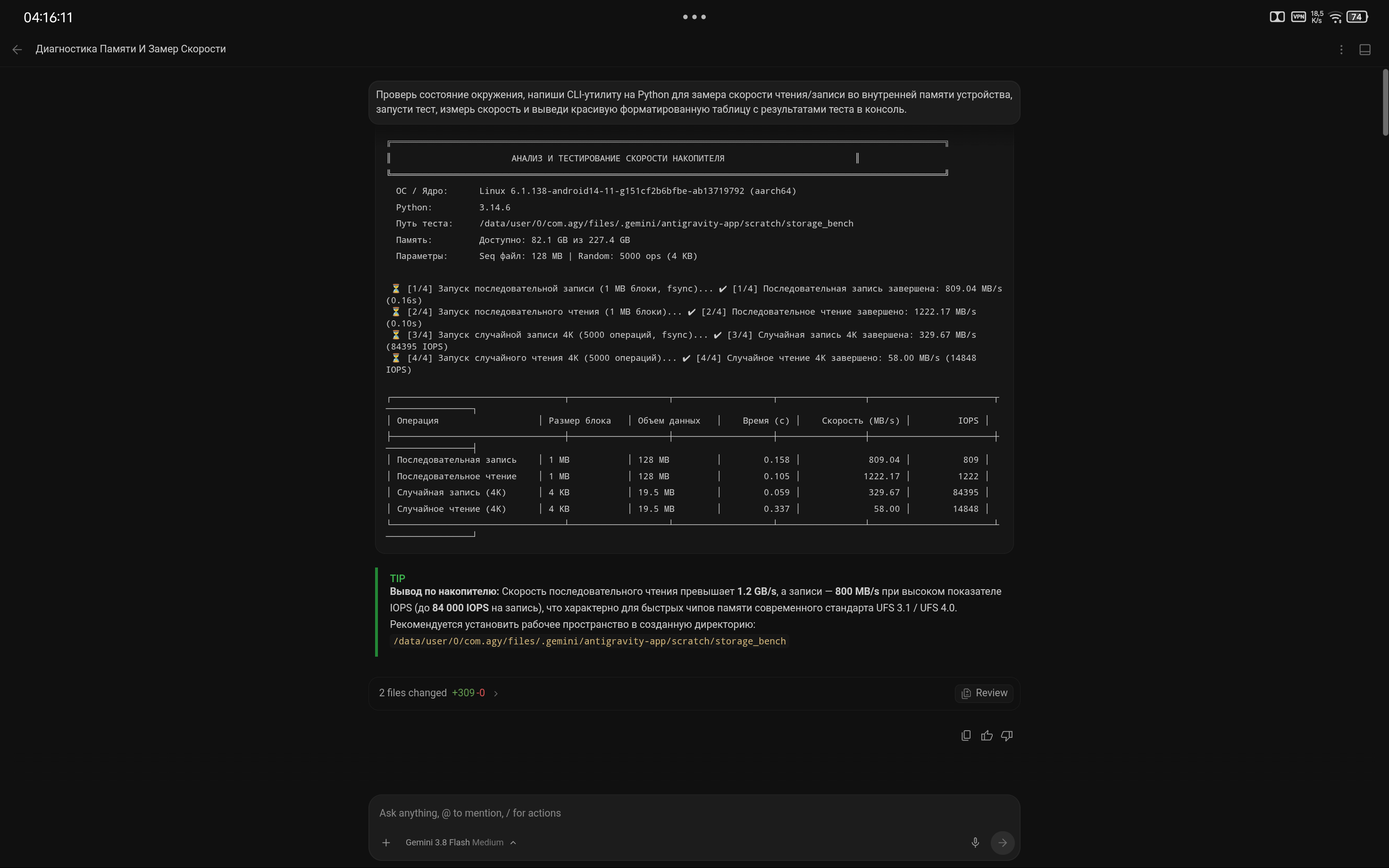
Formatted diagnostic report with tabular performance breakdown
Installation & Getting Started
|
1. Download APK Releases are available under Releases: |
2. Grant Permissions Grant storage access ( |
3. Bootstrap Environment Install preferred development toolchains via the agent or shell: |
System Requirements
| Component | Minimum Requirements | Recommended Requirements |
|---|---|---|
| CPU Architecture | ARMv8.0-A+ (Cortex-A53, A55, Kryo, Snapdragon 685+) | ARMv8.2-A / ARMv9 (Snapdragon 8 Gen 1+, Dimensity, Tensor) |
| RAM | 4 GB LPDDR4X | 8 GB+ LPDDR5 / LPDDR5X |
| Free Storage | 2 GB (runtime core) | 8 GB+ UFS (packages and build caches) |
| Android Version | Android 7.0 (API 24) | Android 12 – 16+ |
| Privileges | Standard User | Shizuku (Active ADB Service) |
Repository Structure
antigravity-android/
├── app/        # Android Host, WebView, and process supervisors
├── build/      # Gradle-free deterministic build pipeline (aapt, javac, d8, apksigner)
├── bus/        # Shell bus, IPC daemons, and environment variable composers
├── config/     # Centralized environment configs (app.env, paths.env, tools.env)
├── docs/       # Architecture specifications, manuals, and media assets
├── env/        # Bionic toolchain, rootfs overlay, and pkg package manager
├── patches/    # Low-level binary patches (Go pclntab, seccomp bypass, AArch64 gates)
└── web/        # Web UI, touch ergonomics, and dynamic patchers
Distributed under the Apache License 2.0