

Awesome macOS Open Source Applications
A curated list of open source applications for macOS
Audio • Backup • Browser • Chat • Crypto • Database • Dev • Editors • Graphics • Productivity • Utilities
List of awesome open source applications for macOS. This list contains a lot of native, and cross-platform apps. The main goal of this repository is to find free open source apps and start contributing. Feel free to contribute to the list, any suggestions are welcome!
To receive all new or popular applications you can join our telegram channel.
Support
Hey friend! Help me out for a couple of 🍻!
📊 Statistics
| Metric | Count |
|---|---|
| 📱 Total Applications | 862 |
| 📂 Categories | 49 |
| 🔝 Top Languages | Swift: 422 • Objective-C: 142 • Javascript: 122 • Typescript: 74 • C++: 61 |
Languages
You can see in which language an app is written. Currently there are following languages:
| Language | Icon |
|---|---|
| C |  |
| C++ |  |
| C# |  |
| Clojure |  |
| CoffeeScript |  |
| CSS |  |
| Elm |  |
| Go |  |
| Haskell |  |
| Java |  |
| JavaScript |  |
| Lua |  |
| Objective-C |  |
| Python |  |
| Ruby |  |
| Rust |  |
| Shell |  |
| Swift |  |
| TypeScript |  |
| Metal |  |
Contents
- Audio
- Backup
- Browser
- Chat
- Cryptocurrency
- Database
- Development
- Git
- iOS / macOS
- JSON Parsing
- Web development
- Other development
- Downloader
- Editors
- CSV
- JSON
- Markdown
- TeX
- Text
- Extensions
- Finder
- Games
- Graphics
- IDE
- Images
- Keyboard
- Menubar
- Music
- News
- Notes
- Other
- Podcast
- Productivity
- Screensaver
- Security
- Sharing Files
- Social Networking
- Streaming
- System
- Terminal
- Touch Bar
- Utilities
- VPN & Proxy
- Video
- Wallpaper
- Window Management
Applications
🎵 Audio (54)
-
[Un]MuteMic - macOS app to mute & unmute the input volume of your microphone. Perfect for podcasters.
Languages:
 Objective-C
  C
CScreenshots

-
Audacity - Free, open source, cross-platform audio software
Languages:
CWebsite: https://www.audacityteam.org/
Screenshots
-
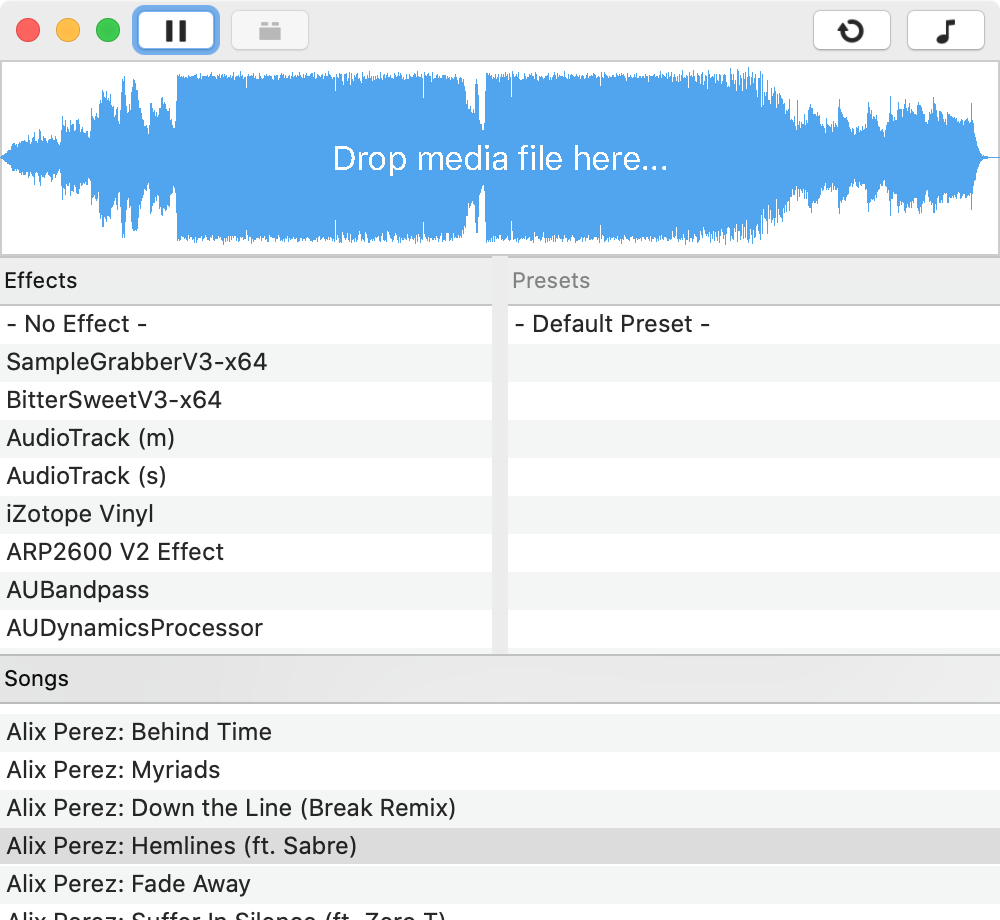
AUHost - Application which hosts AudioUnits v3 using AVFoundation API.
Languages:
 Swift
SwiftScreenshots
-
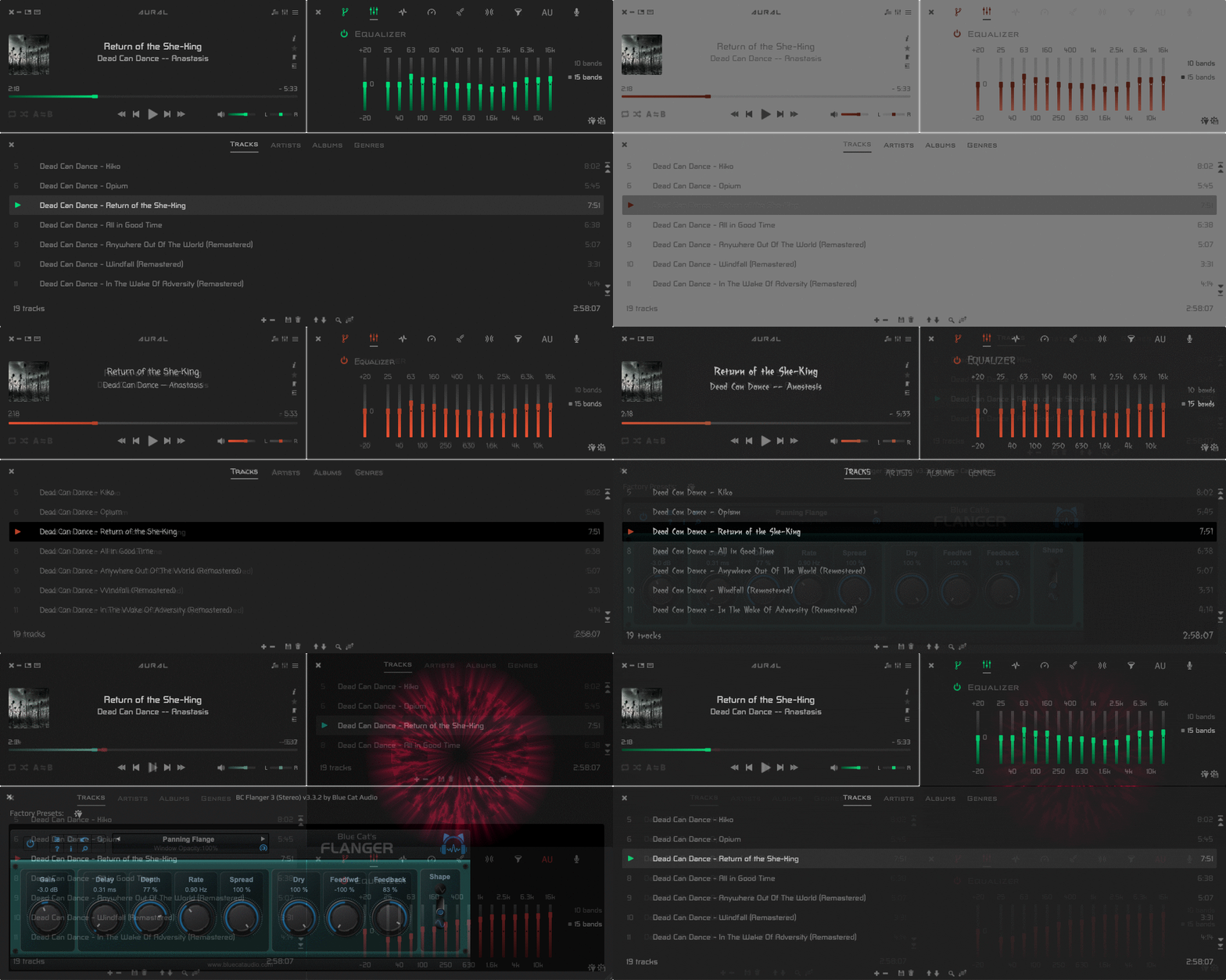
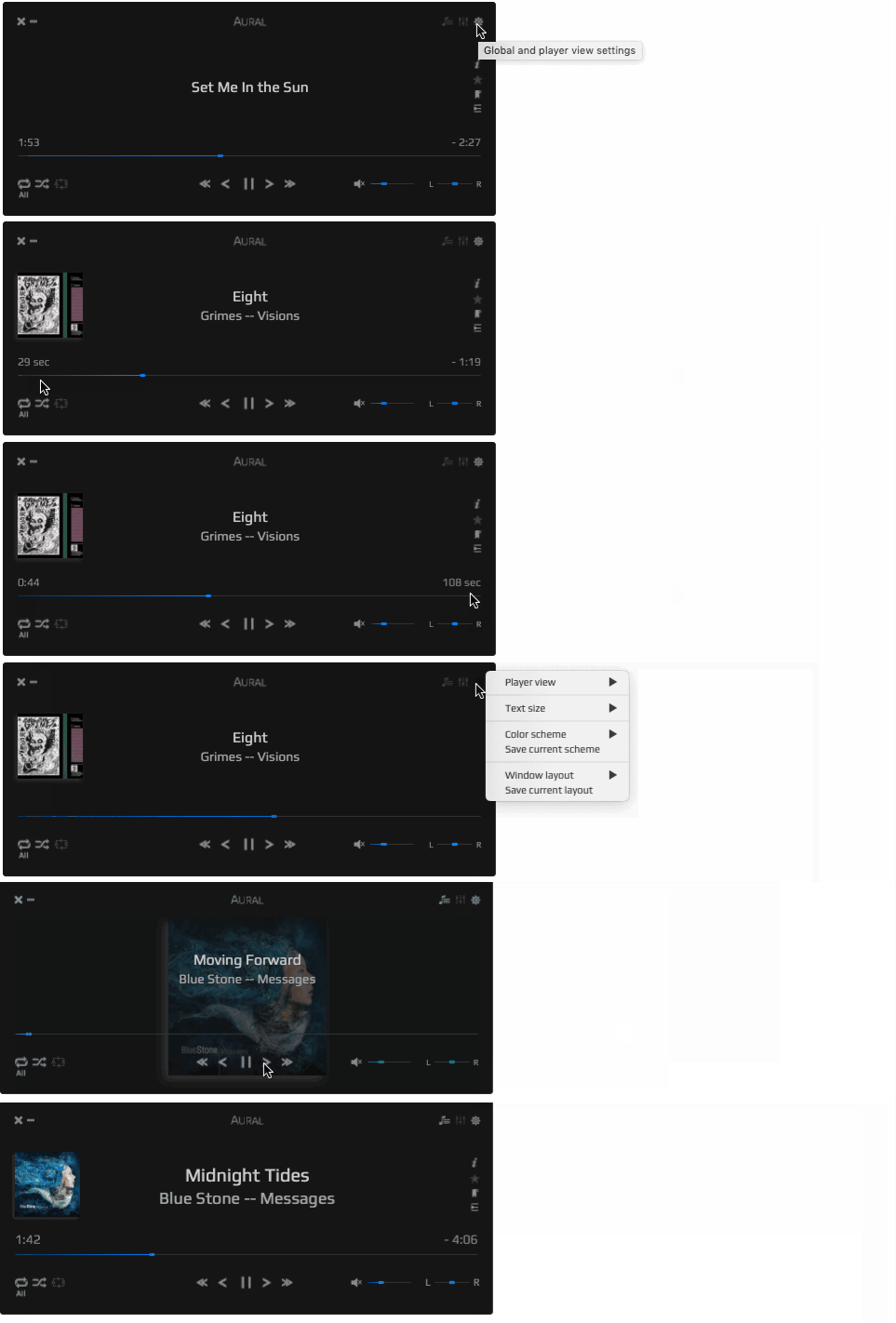
Aural Player - Aural Player is a audio player application for the macOS platform. Inspired by the classic Winamp player for Windows, it is designed to be to-the-point and easy to use.
Languages:
SwiftScreenshots
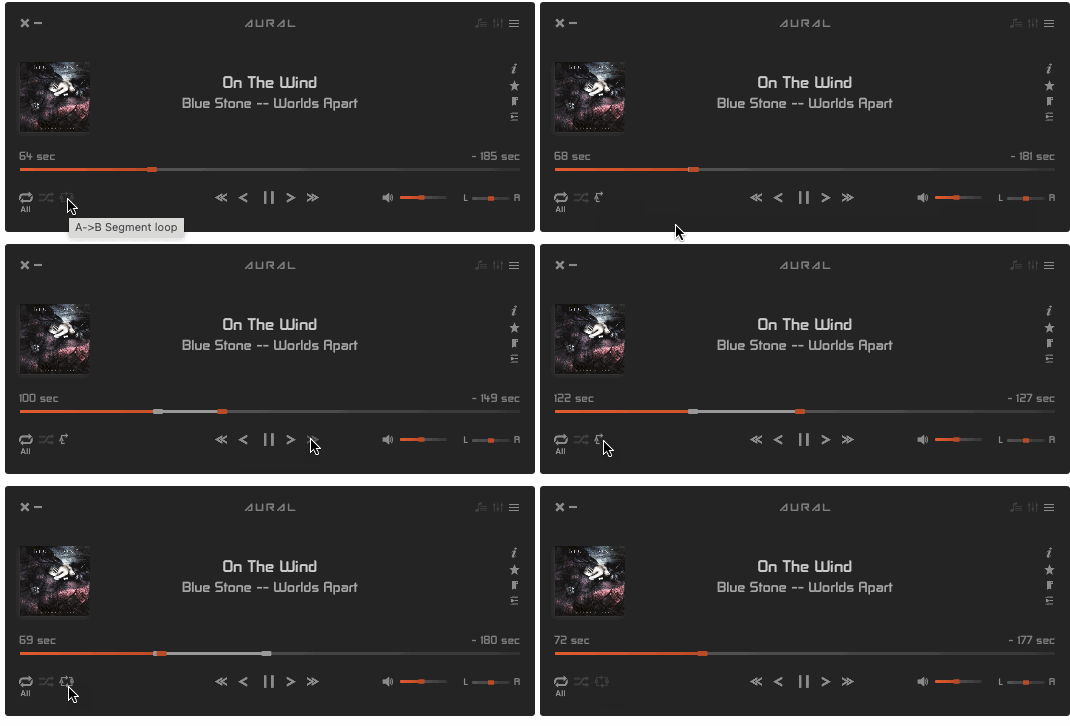
(5 more screenshots available in the repository)
-
AutoMute - Automatically mute the sound when headphones disconnect / Mac awake from sleep.
Languages:
Objective-CWebsite: https://yoni.ninja/automute/
Screenshots


-
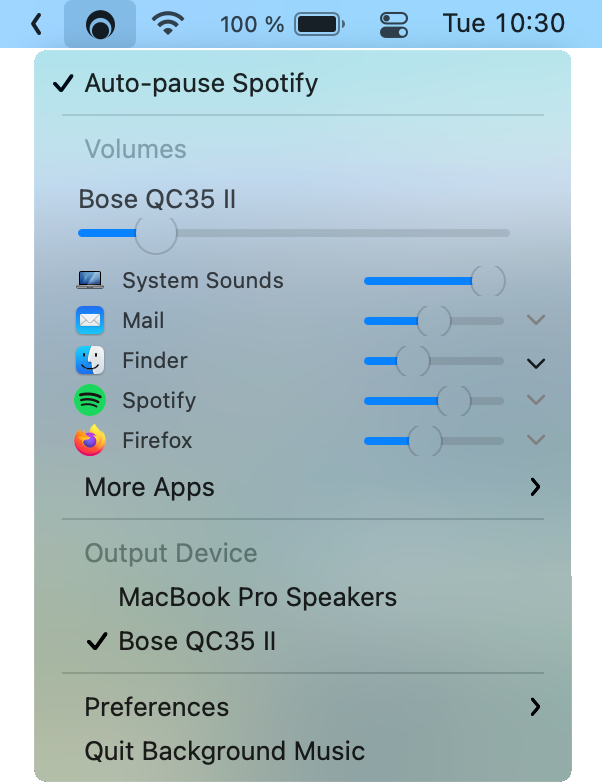
Background Music - Background Music, a macOS audio utility: automatically pause your music, set individual apps' volumes and record system audio.
Languages:
C++Screenshots
-
BlackHole - BlackHole is a modern macOS virtual audio driver that allows applications to pass audio to other applications with zero additional latency.
Languages:
C -
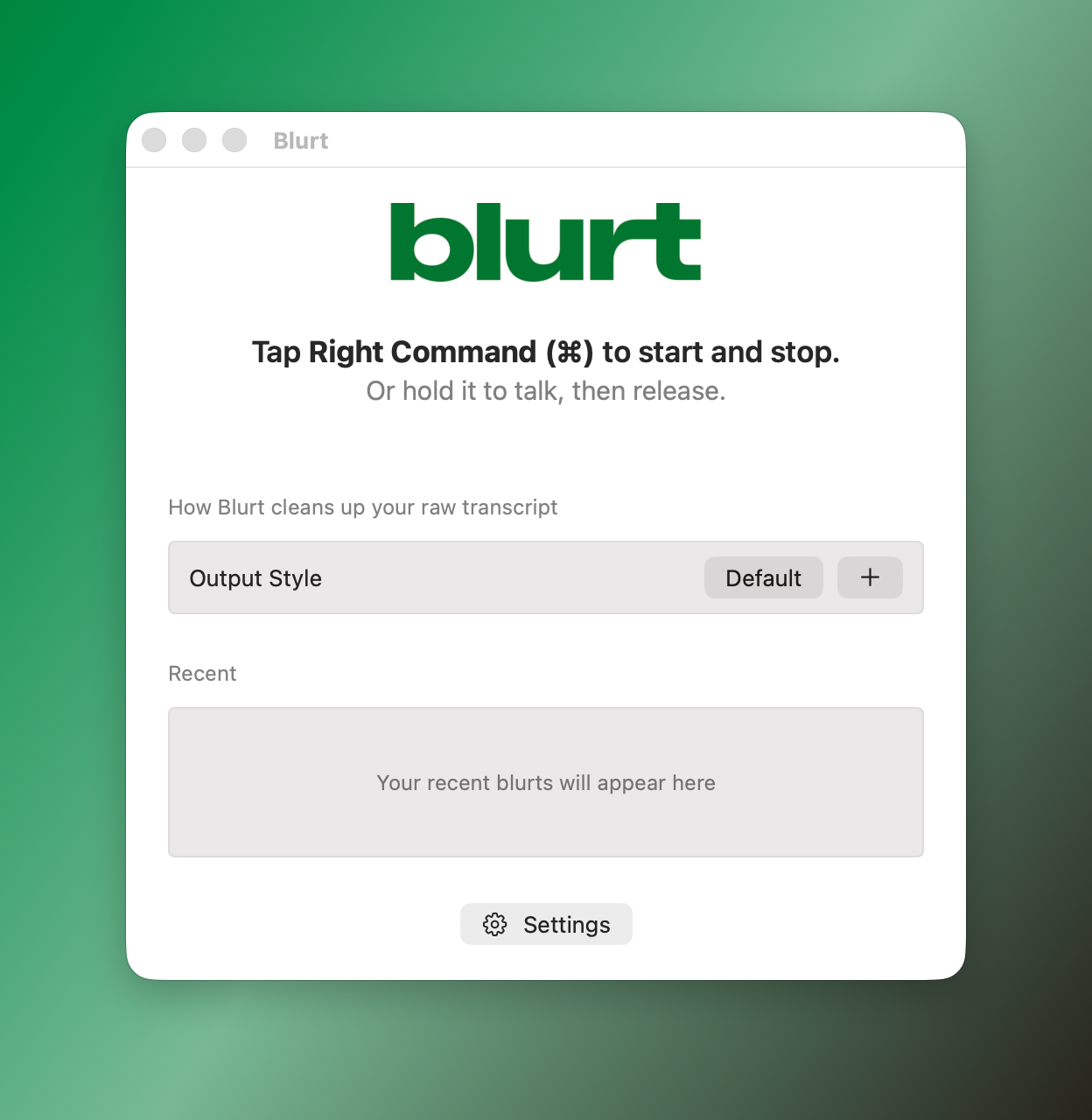
Blurt - Free, open-source dictation for macOS: hold a key, talk, and polished text lands in whatever app you're typing in. Powered by AssemblyAI speech-to-text (bring your own API key).
Languages:
SwiftWebsite: https://www.assemblyai.com/blurt
Screenshots
-
CAM - macOS camera recording using ffmpeg
Languages:
 JavaScript
Screenshots
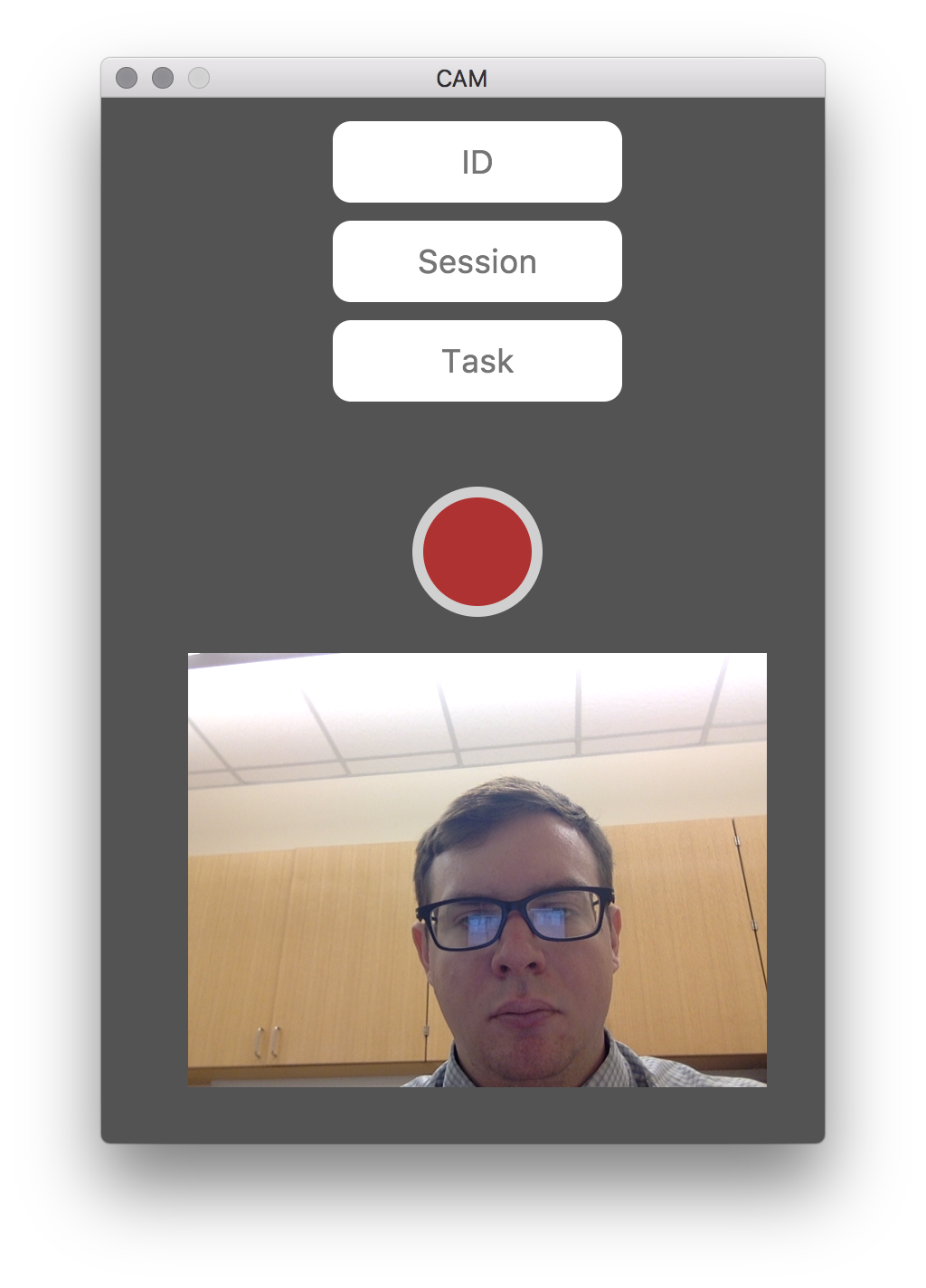
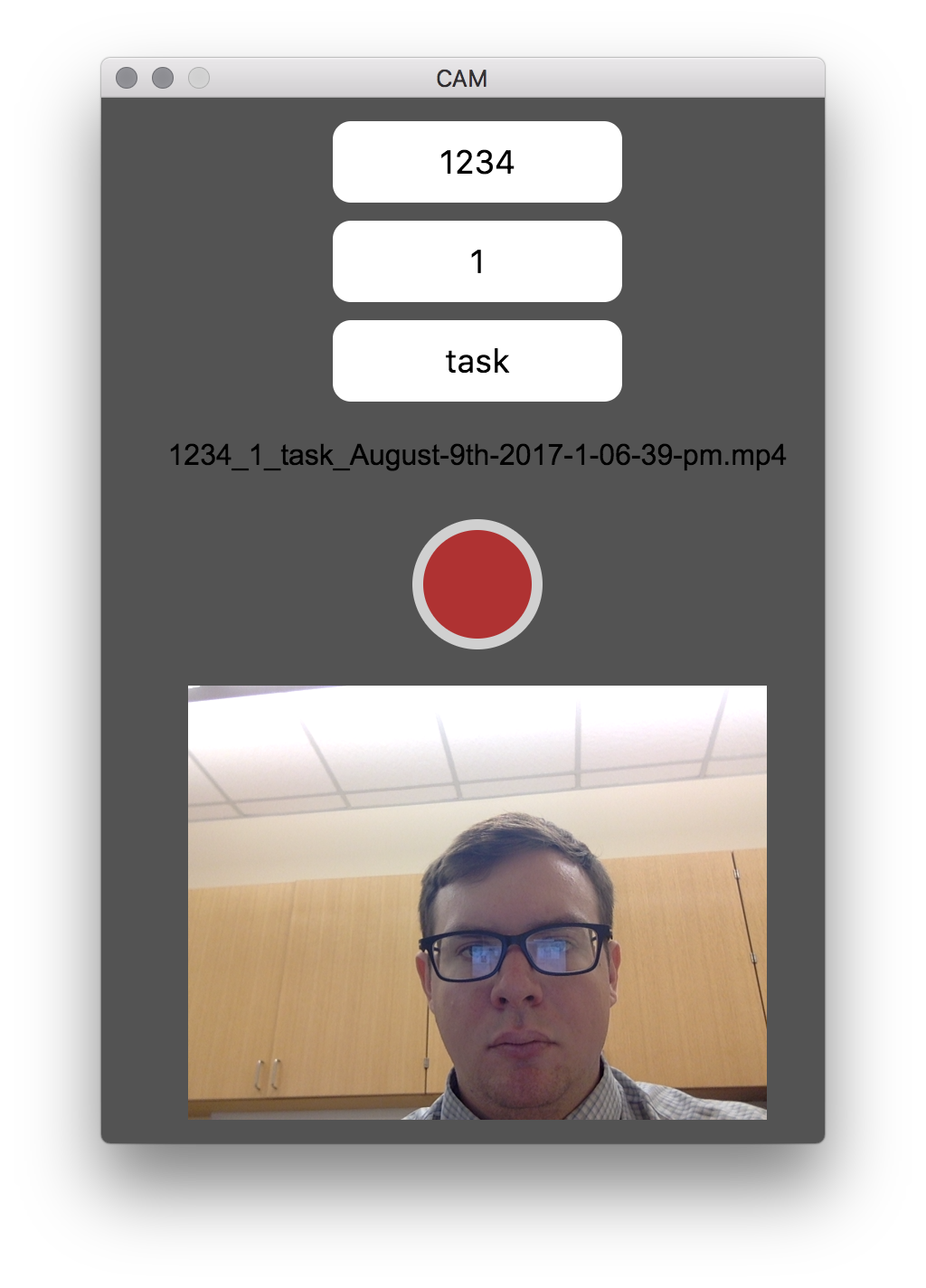
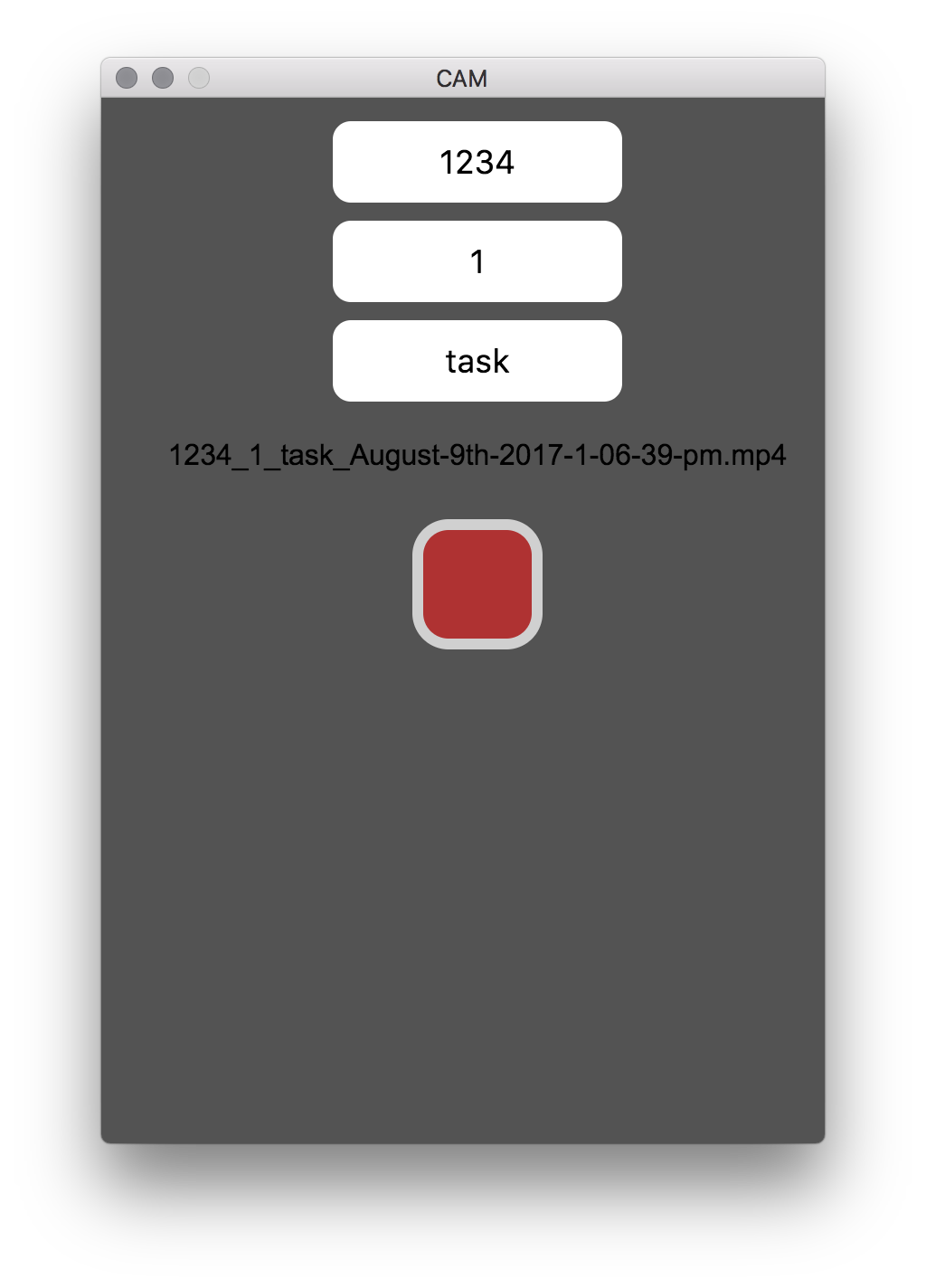
(1 more screenshots available in the repository)
-
Clementine - Clementine is a modern music player and library organizer for Windows, Linux and macOS.
Languages:
C++Website: https://www.clementine-player.org/
Screenshots
(1 more screenshots available in the repository)
-
Cog - Cog is an open source audio player for macOS. The basic layout is a single-paned playlist interface with two retractable drawers, one for navigating the user's music folders and another for viewing audio file properties, like bitrate.
Languages:
Objective-CWebsite: https://cogx.org/
-
Dictámelo - Voice dictation with downloadable local speech models, optional cloud providers and a configurable push-to-talk shortcut.
Languages:
 Rust JavaScript
Website: https://www.dictamelo.com/en
-
EnviousWispr - Free on-device AI dictation for macOS with Whisper and Parakeet speech models on Apple Silicon.
Languages:
SwiftWebsite: https://enviouswispr.com/
-
eqMac2 - System-Wide Equalizer for the Mac.
Languages:
C++Screenshots
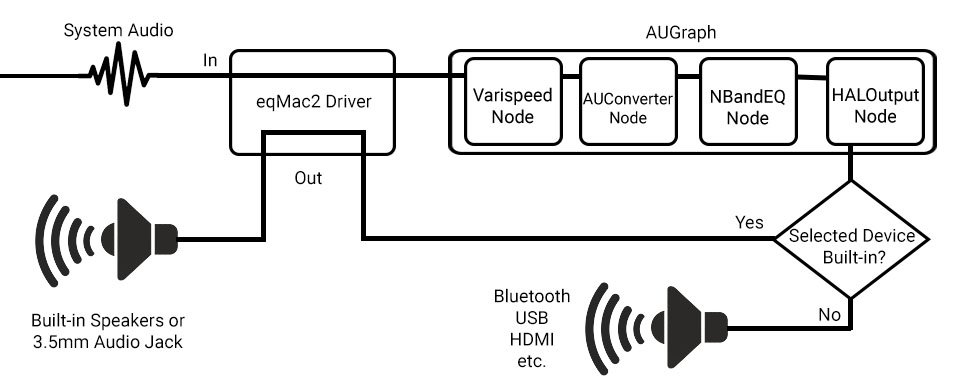

-
Fader - Menu bar volume mixer with per-app volume, one-click audio output switching, and Bluetooth headphone control.
Languages:
SwiftWebsite: https://fader.pantafive.dev
Screenshots
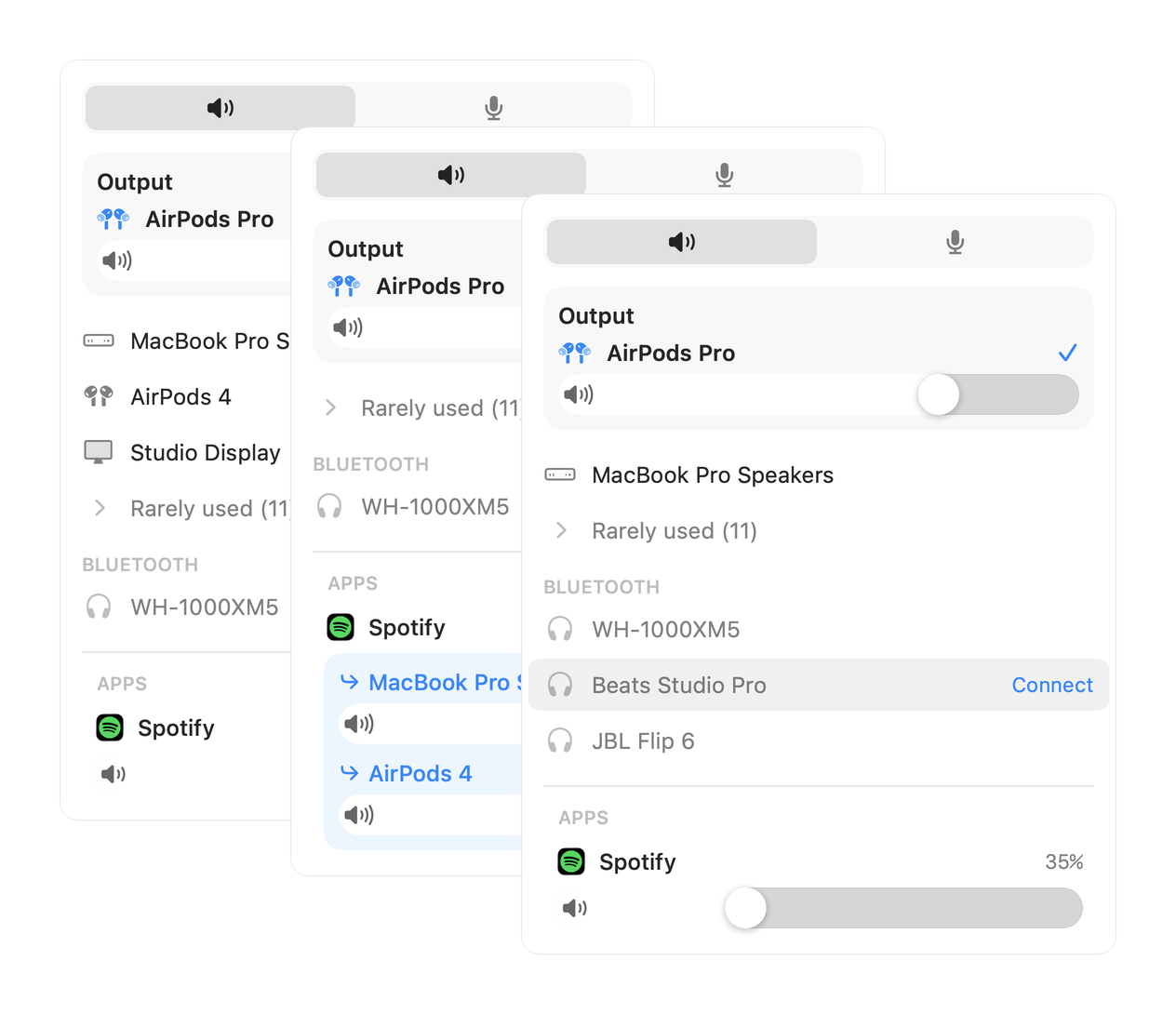
-
fre:ac - The fre:ac audio converter project.
Languages:
C++Screenshots
-
HomeRec - Lightweight native macOS app for recording system audio as high-quality WAV files using ScreenCaptureKit.
Languages:
Swift -
iTunes-Volume-Control - This app allows you to control the iTunes volume using volume up and volume down hotkeys.
Languages:
Objective-CScreenshots
-
jmc - jmc is new macOS media organizer.
Languages:
SwiftScreenshots
(1 more screenshots available in the repository)
-
Karaoke Forever - Host awesome karaoke parties where everyone can queue songs from their phone's browser. Plays MP3+G and MP4 with WebGL visualizations.
Languages:
JavaScriptWebsite: https://www.karaoke-eternal.com/
Screenshots

-
LocalRadio - LocalRadio is software for listening to "Software-Defined Radio" on your Mac and mobile devices.
Languages:
Objective-CScreenshots
-
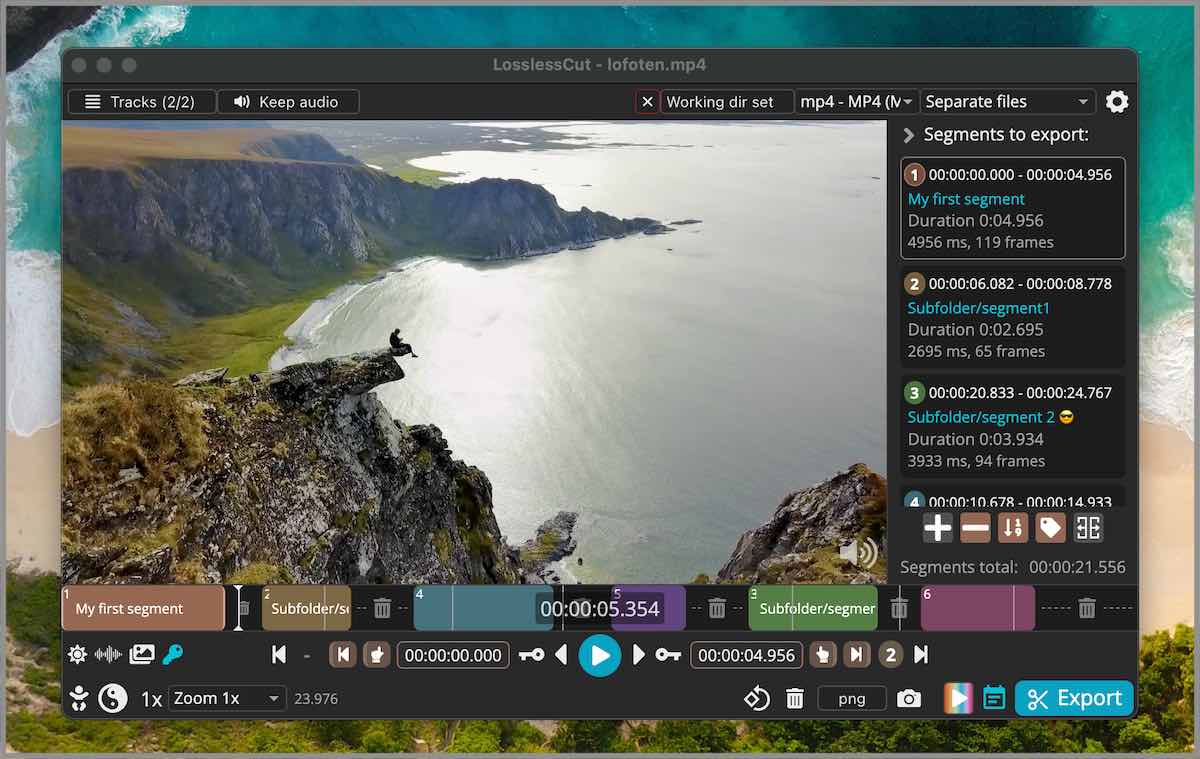
LosslessCut - The swiss army knife of lossless video/audio editing without re-encoding.
Languages:
JavaScriptWebsite: https://mifi.no/losslesscut/
Screenshots
-
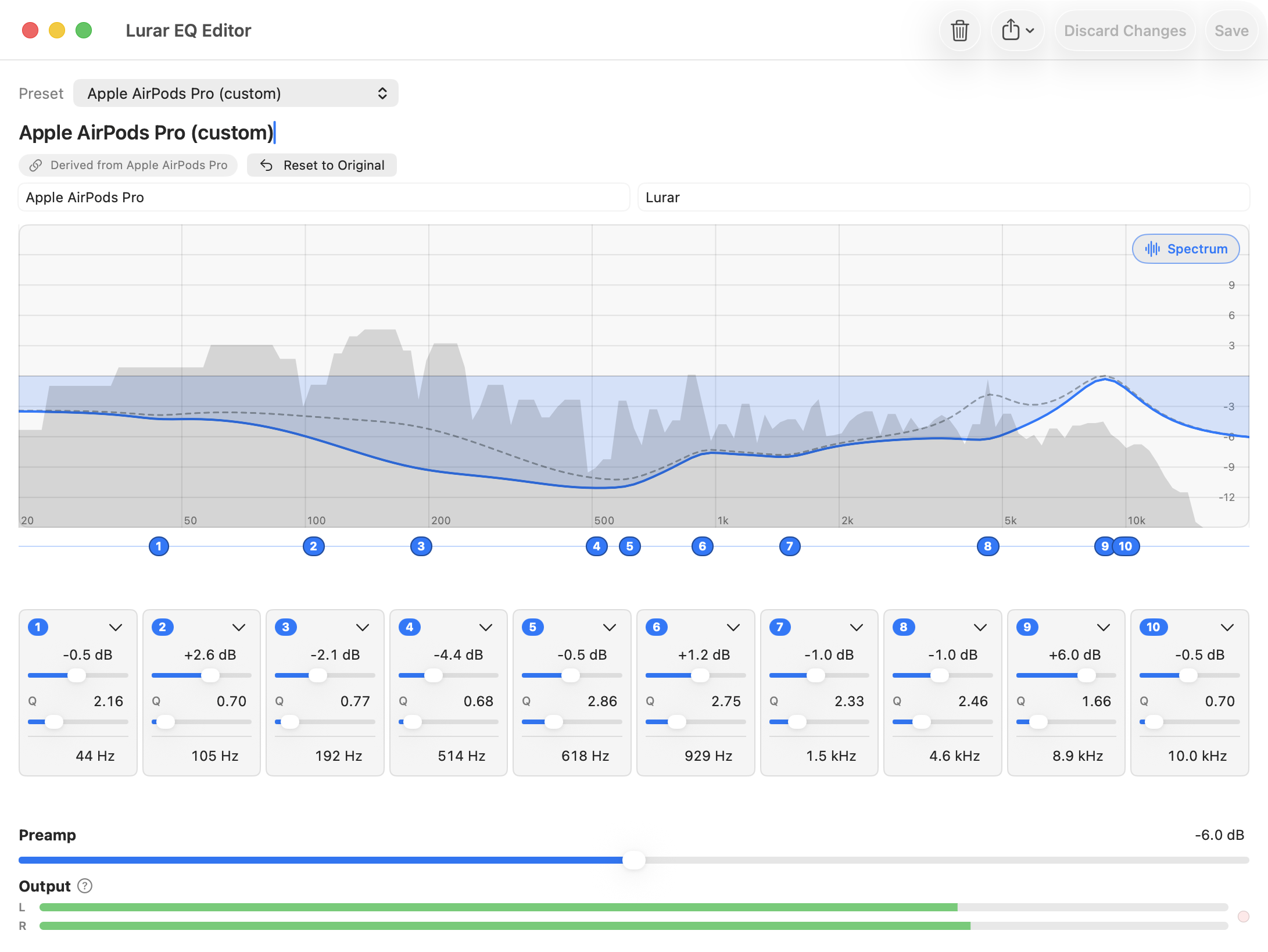
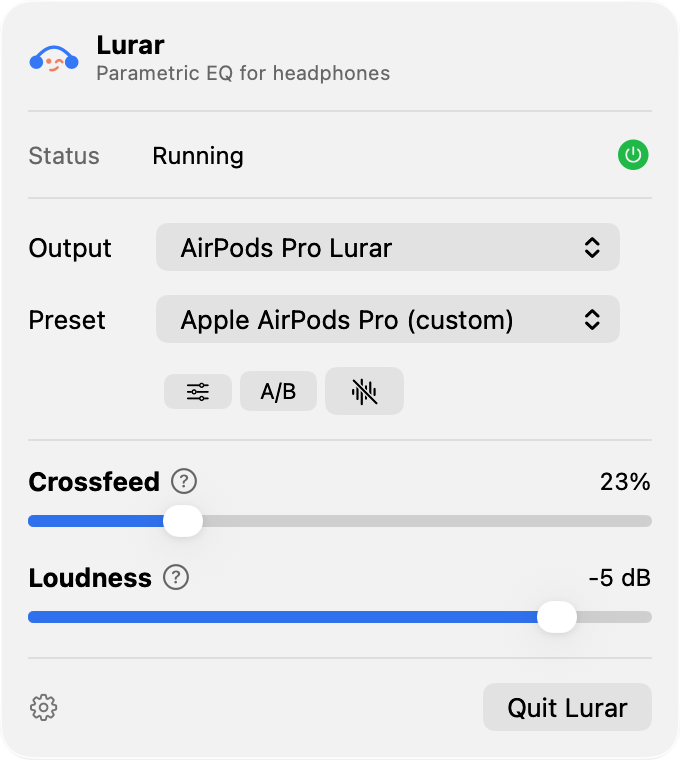
Lurar - Menu-bar parametric EQ for headphones. Loads the AutoEq catalog and applies it system-wide via Apple's Core Audio Process Tap — no virtual audio driver.
Languages:
SwiftWebsite: https://lurar.app/
Screenshots
-
LyricGlow - macOS application displaying synchronized lyrics with animated word-by-word glow effects for Spotify, Apple Music, and YouTube Music.
Languages:
JavaScriptScreenshots


-
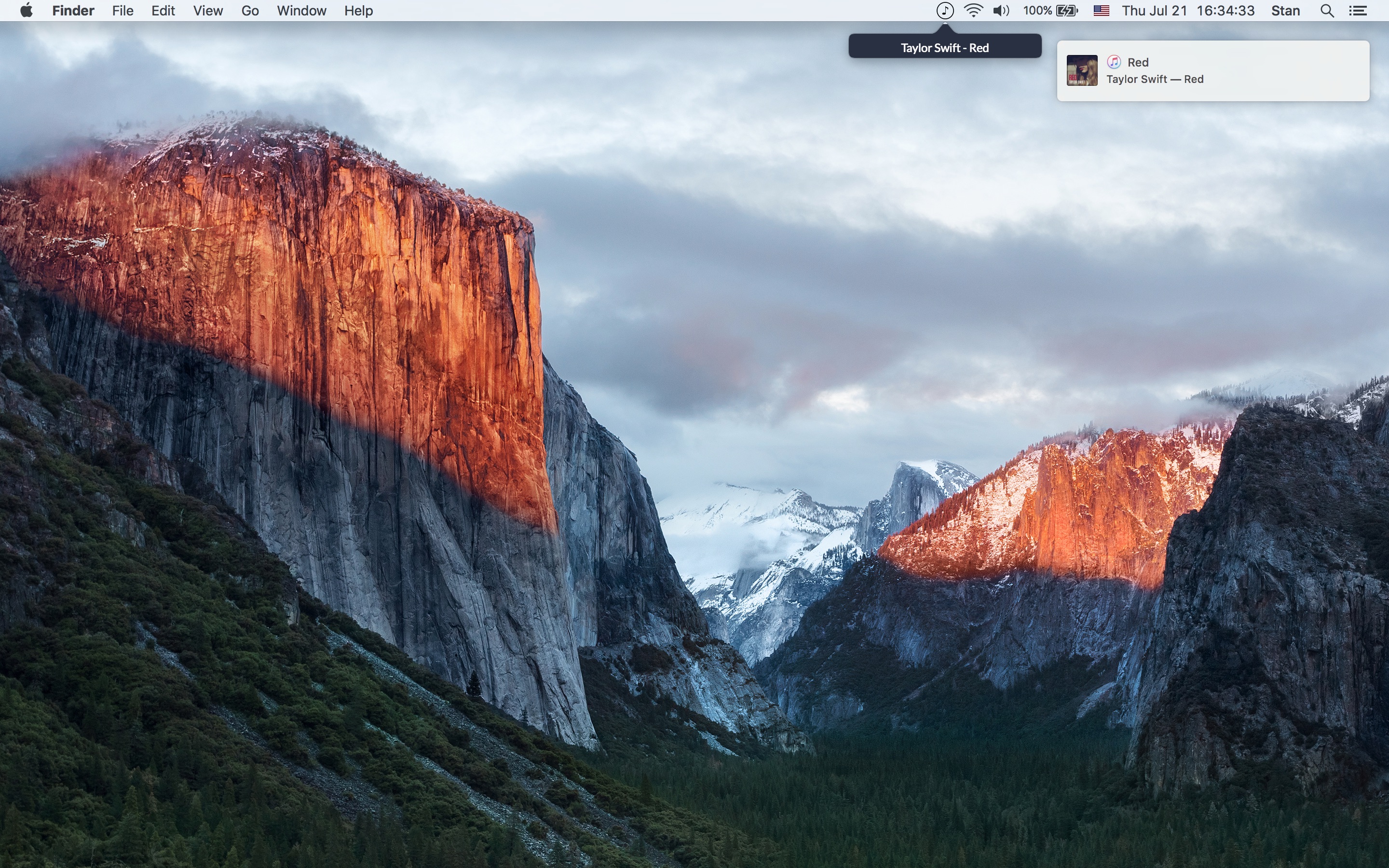
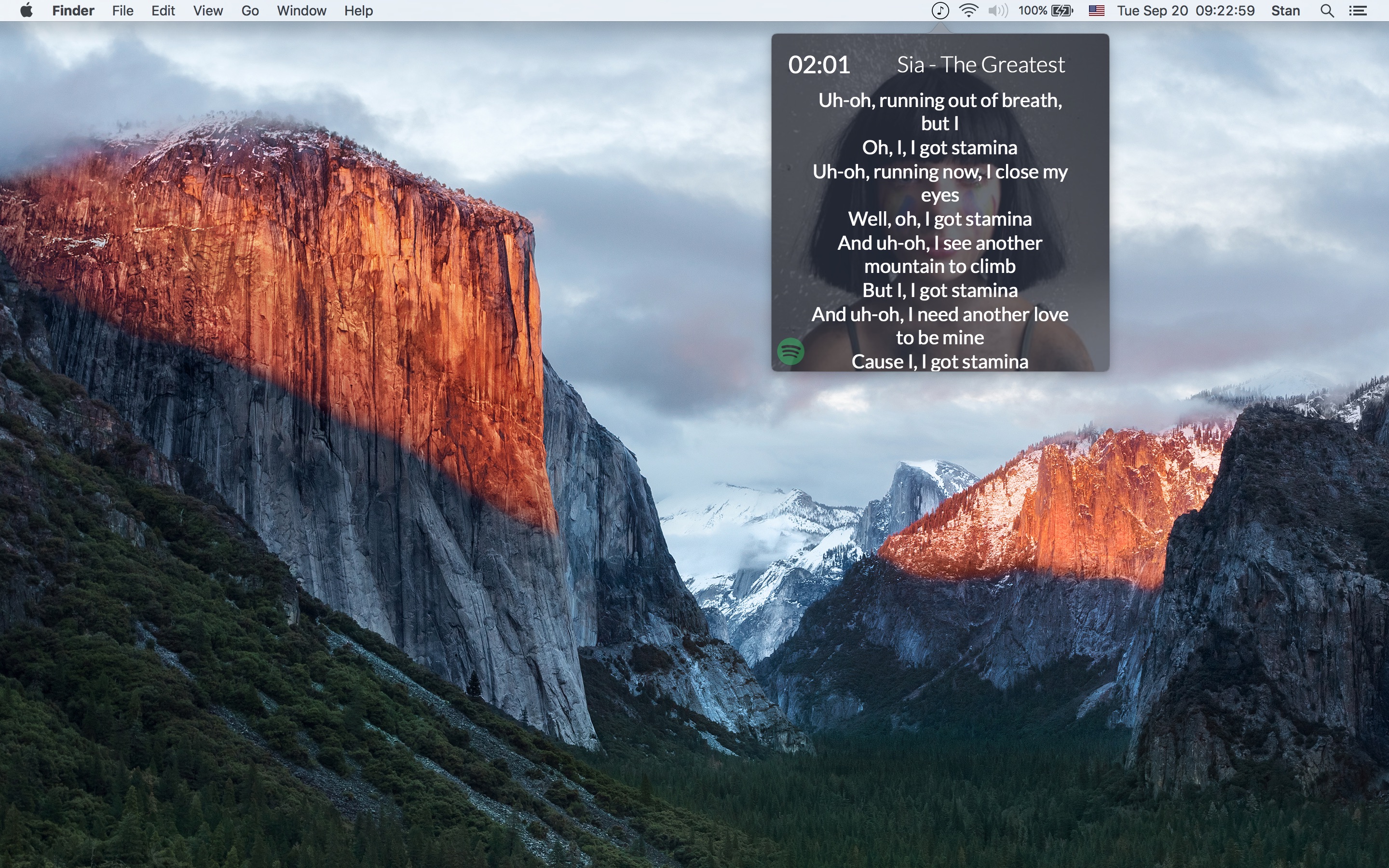
Lyricism - macOS app to show you lyric what currently iTunes or Spotify is playing.
Languages:
Objective-C SwiftScreenshots

-
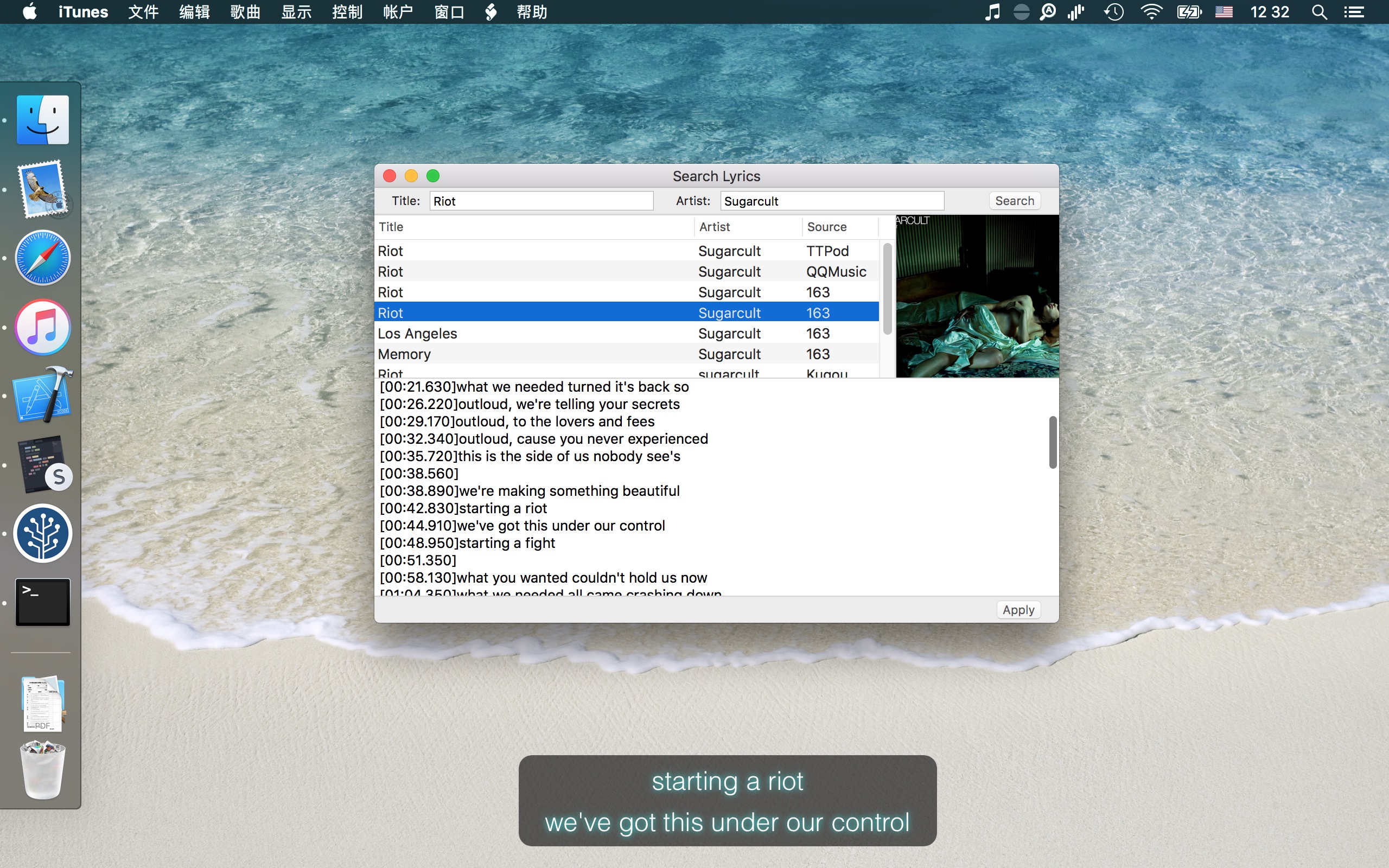
LyricsX - Lyrics for iTunes, Spotify and Vox.
Languages:
SwiftScreenshots


(1 more screenshots available in the repository)
-
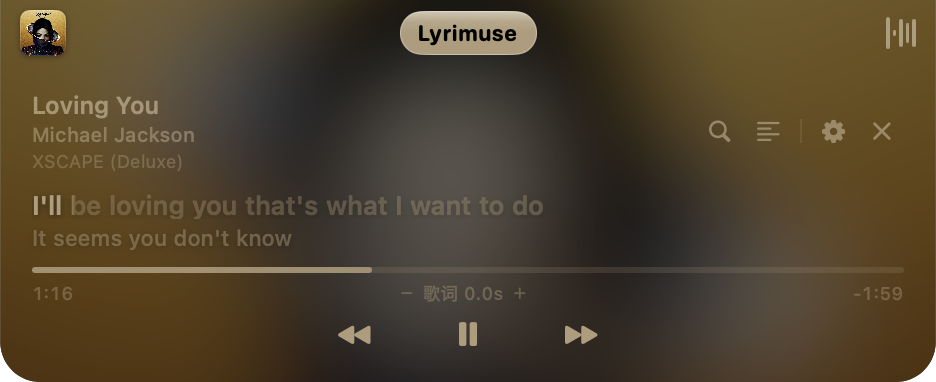
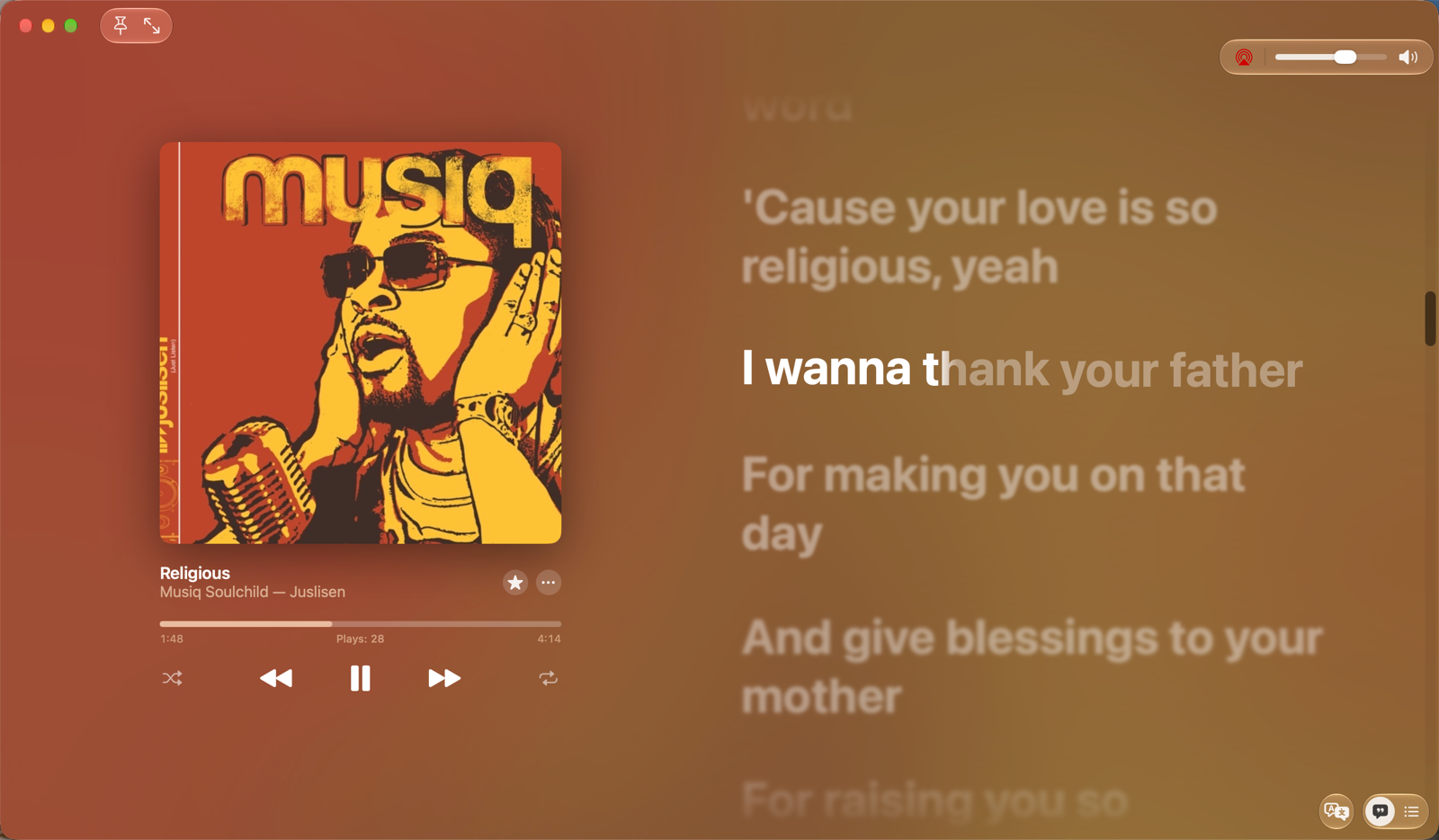
Lyrimuse - Word-synced desktop lyrics for Apple Music, Spotify, QQ Music, NetEase Cloud Music, Kugou and YouTube Music / Spotify Web in the browser, with translation, romanization and Last.fm scrobbling.
Languages:
Swift  Go
GoWebsite: https://yudaotor.github.io/lyrimuse/
Screenshots

-
MonitorControl - Control your external monitor brightness, contrast or volume directly from a menulet or with keyboard native keys.
Languages:
Swift Objective-CScreenshots
-
Mooziac - Lightweight native macOS menu bar player for YouTube Music and local audio with trackpad gestures.
Languages:
SwiftWebsite: https://mooziac.pages.dev
Screenshots
-
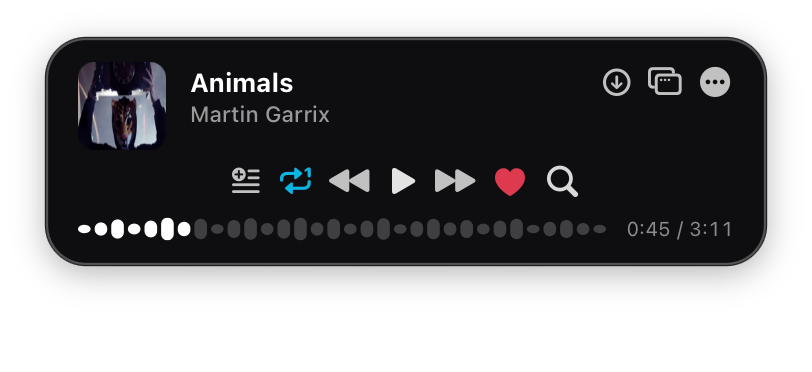
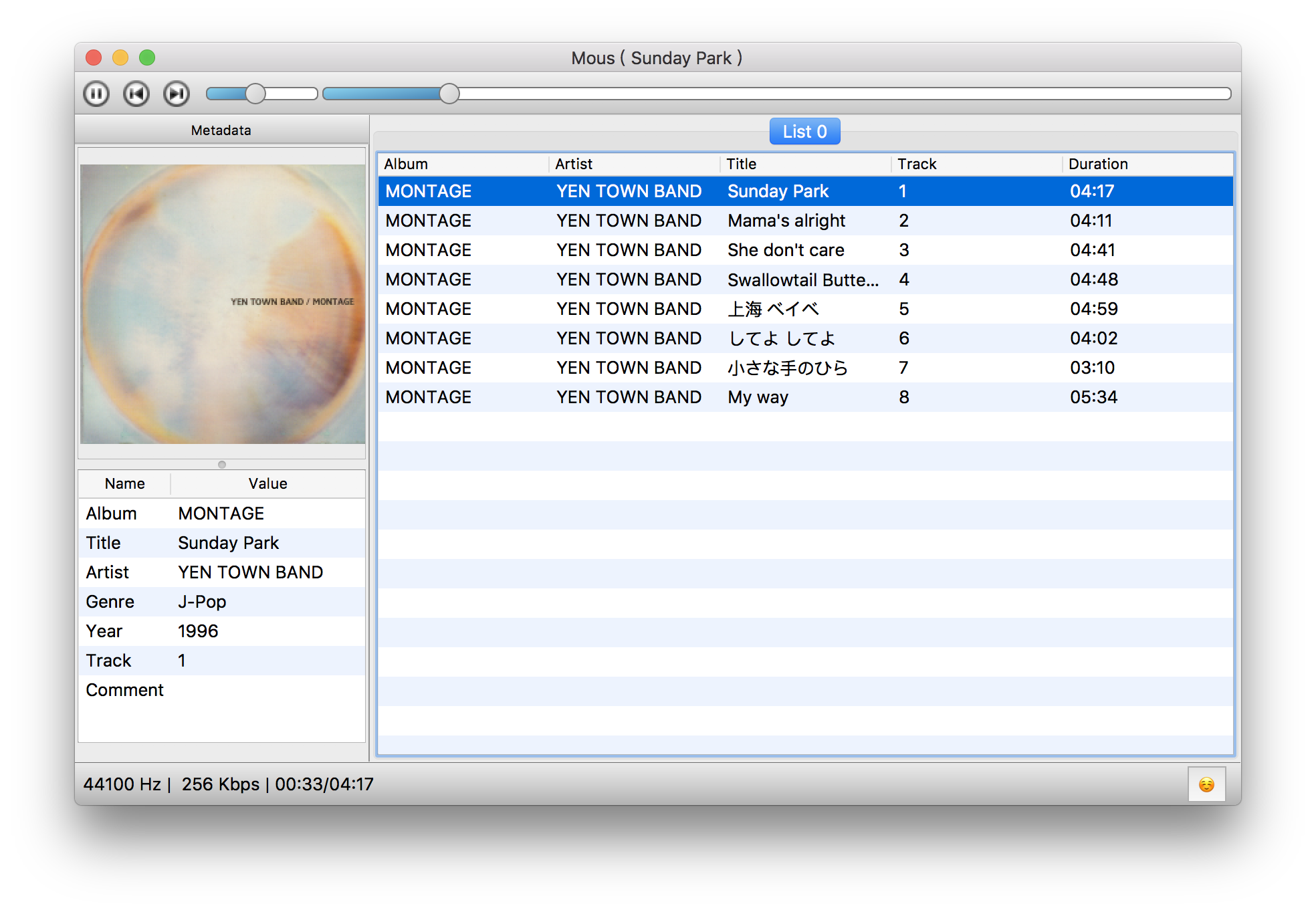
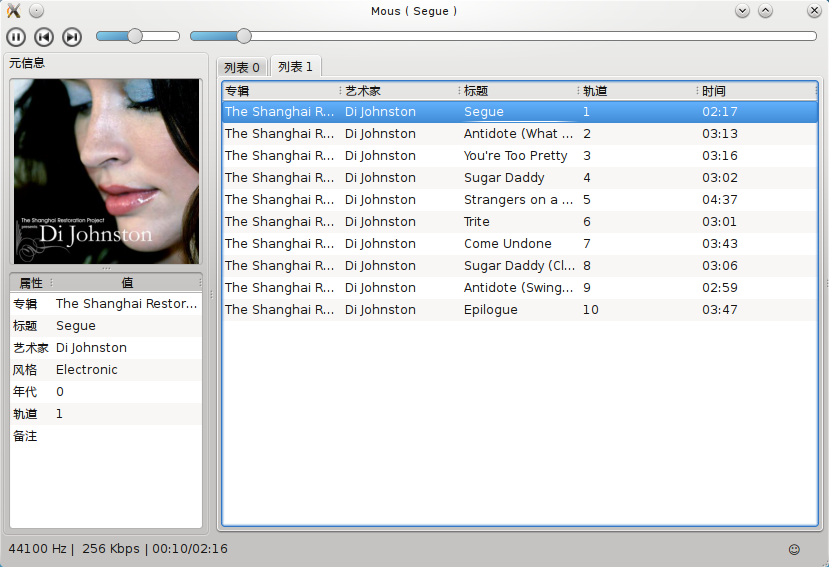
Mous Player - Simple yet powerful audio player for BSD/Linux/macOS.
Languages:
C++Screenshots

(2 more screenshots available in the repository)
-
MPV - Lightweight, highly configurable media player.
Languages:
CWebsite: https://mpv.io
Screenshots
-
nastro - Terminal call recorder for macOS that captures system audio and mic (no bot joins the call) and transcribes on-device with speaker diarization, via TUI or headless CLI.
Languages:
Go SwiftWebsite: https://github.com/scaccogatto/nastro
Screenshots

-
NoiseBuddy - Control the listening mode on your AirPods Pro in the Touch Bar or Menu Bar.
Languages:
Swift -
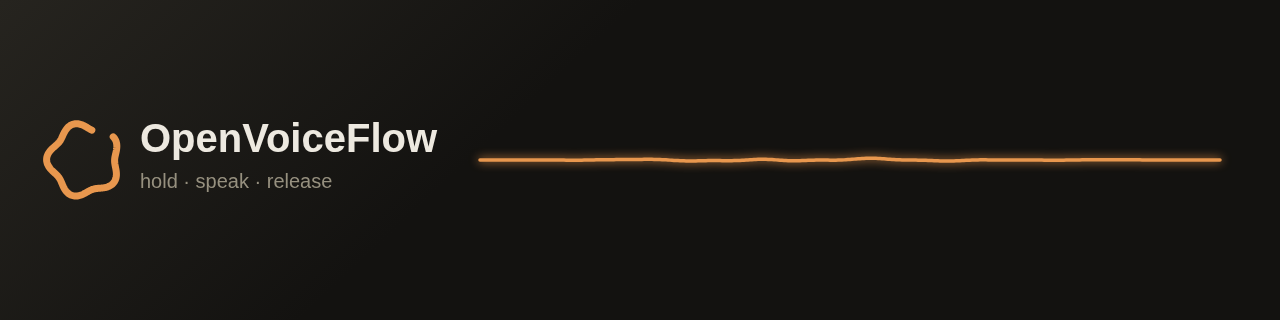
OpenVoiceFlow - On-device voice dictation for macOS with local transcription and optional text cleanup.
Languages:
Swift Objective-C  Python
  Shell
ShellWebsite: https://openvoiceflow.com
Screenshots
-
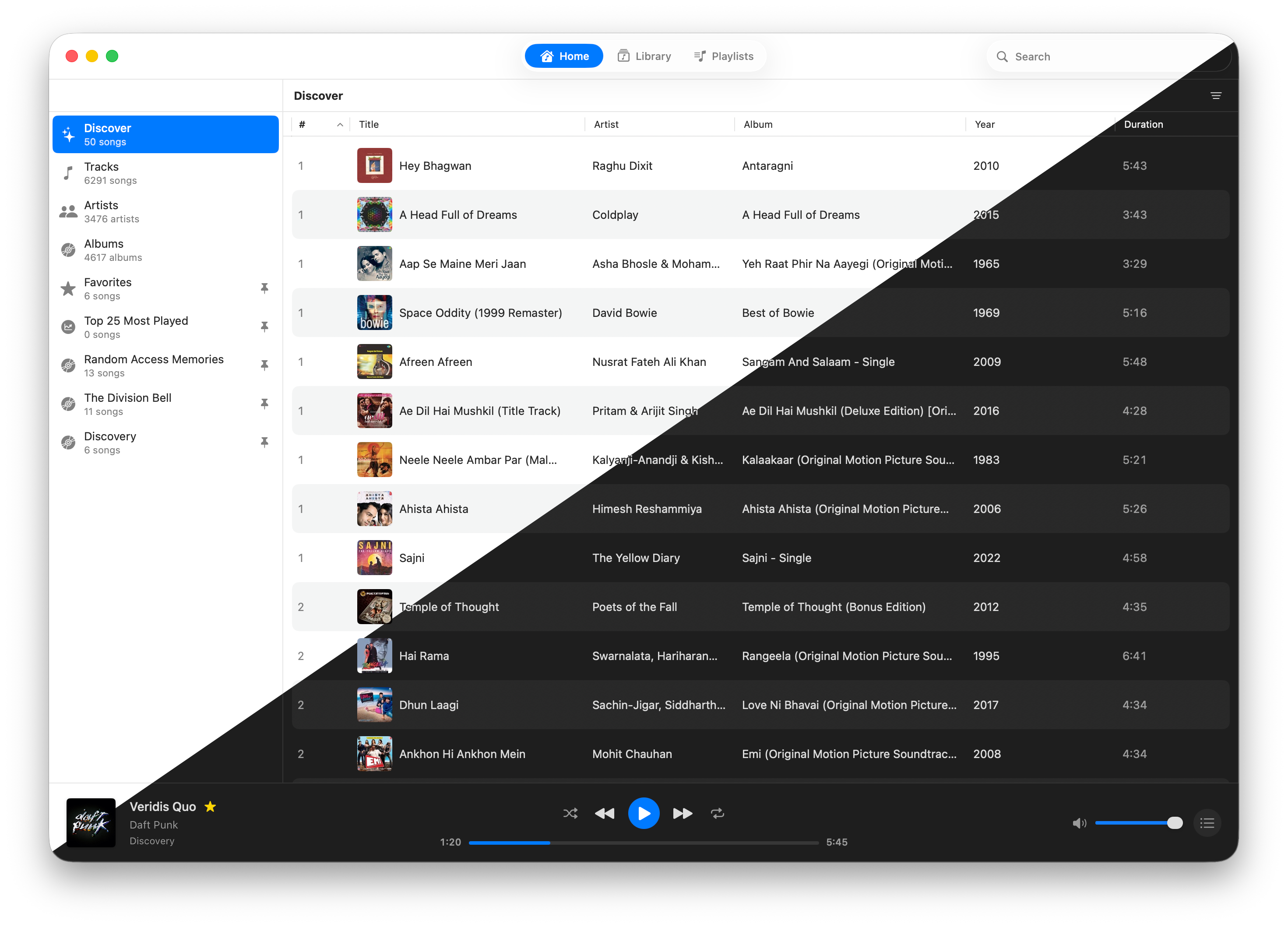
Petrichor - Offline music player for macOS with library management, smart playlists, synced lyrics and an equalizer.
Languages:
SwiftWebsite: https://petrichor.page
Screenshots
-
Plainsay - Free MIT-licensed Mac dictation with on-device Whisper and Parakeet (Apple silicon, macOS 14+).
Languages:
SwiftWebsite: https://plainsay.app/
-
PlayStatus - PlayStatus is a macOS app that allows the control of Spotify and iTunes music playback from the menu bar.
Languages:
SwiftScreenshots

-
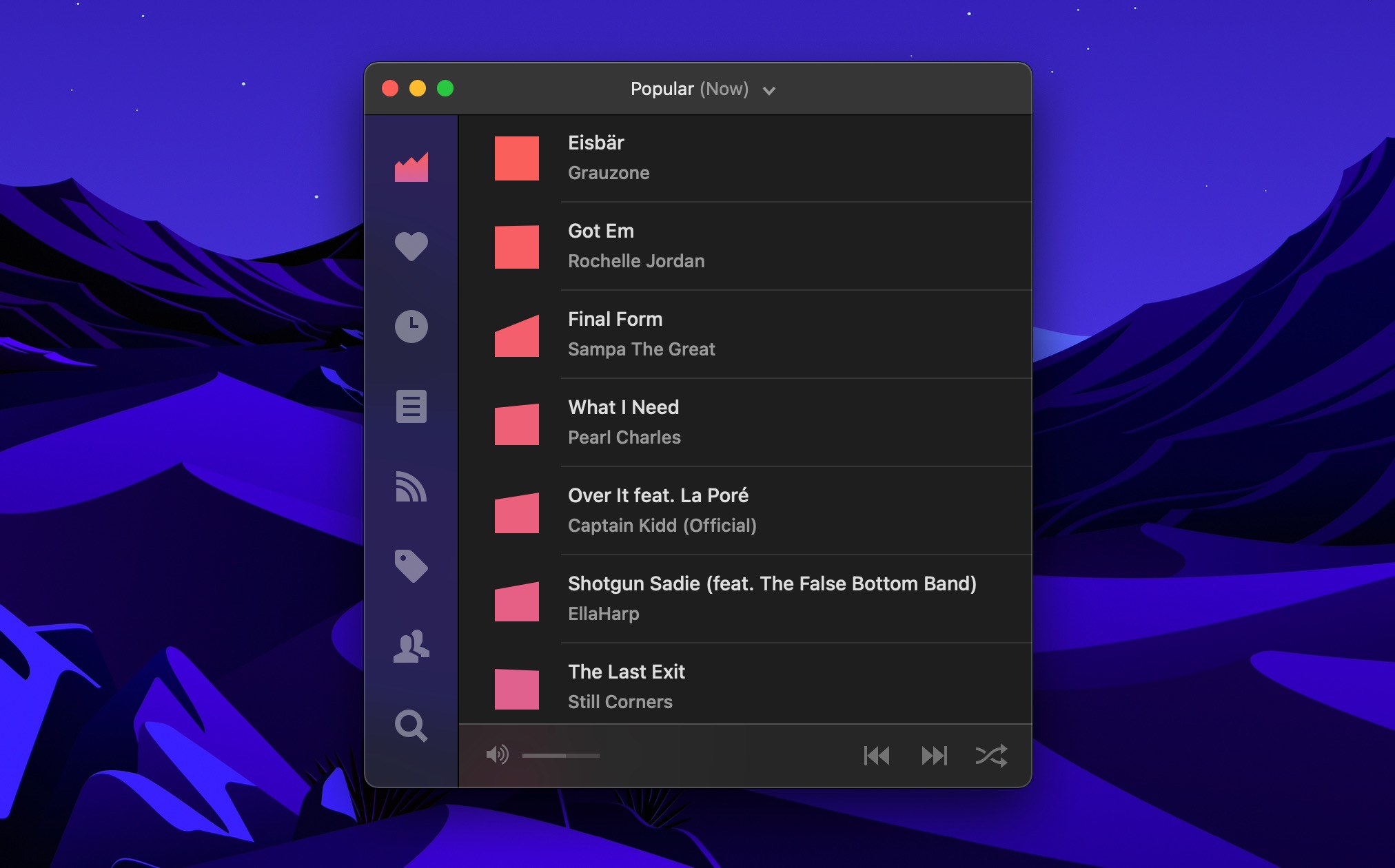
Plug - Discover and listen to music from Hype Machine.
Languages:
SwiftWebsite: https://www.plugformac.com/
Screenshots
-
Pulp - Audio Sample manager.
Languages:
Rust  TypeScript
Screenshots

-
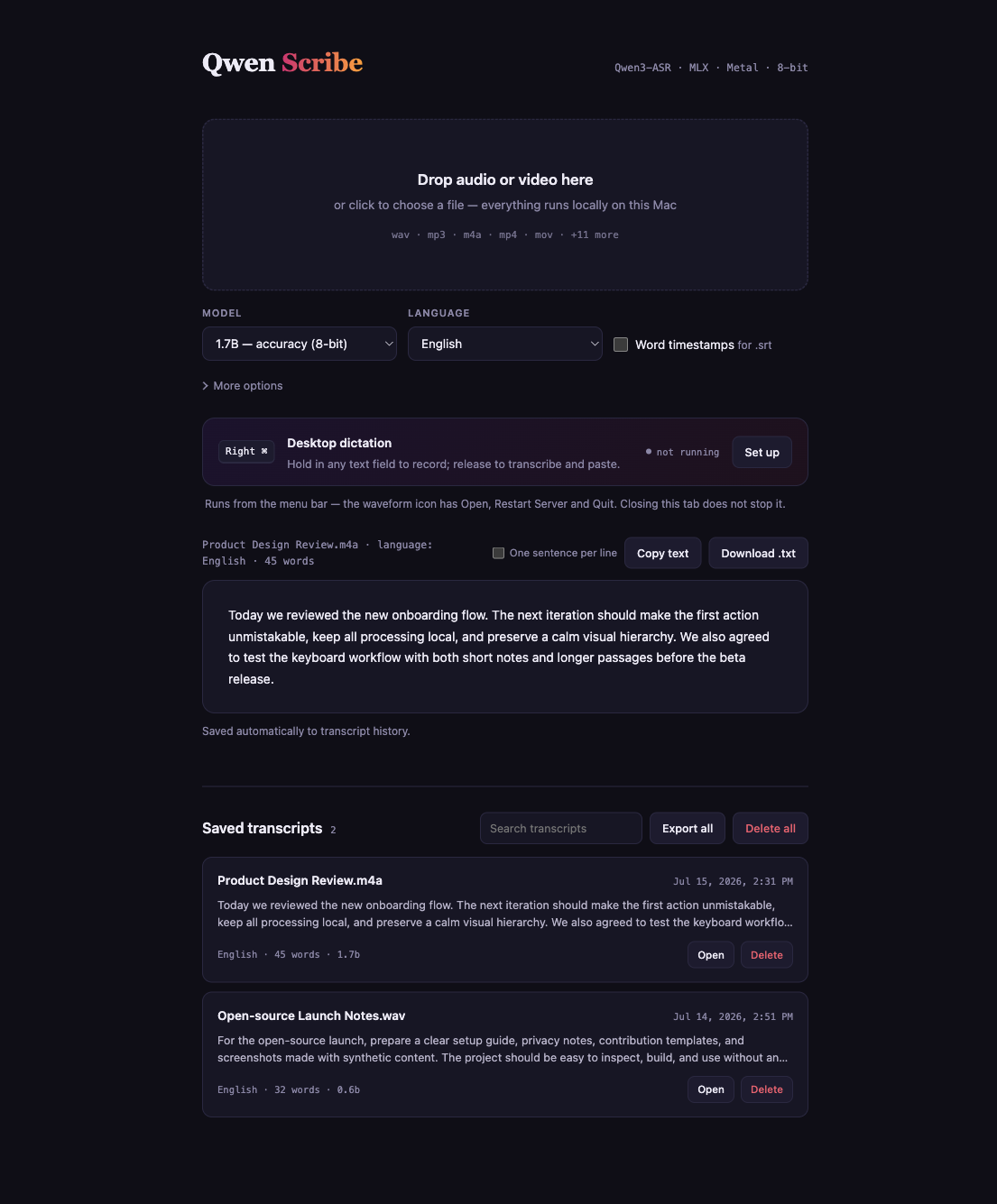
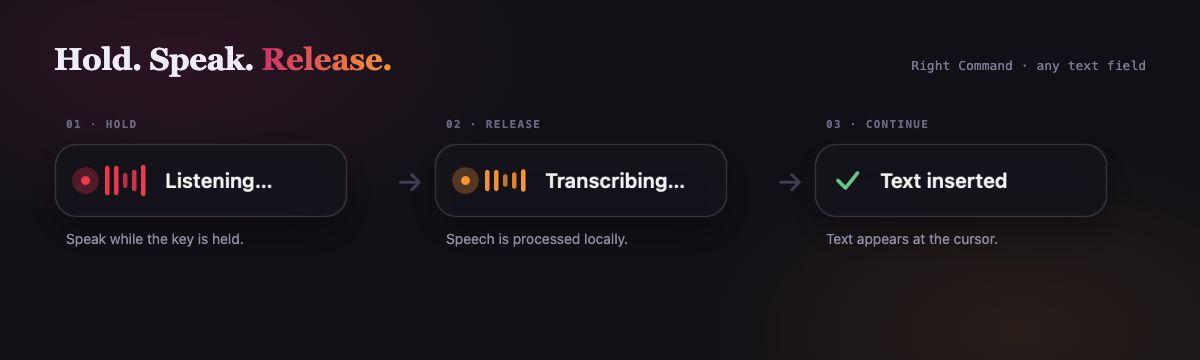
Qwen Scribe - Private, local transcription and system-wide dictation for Apple Silicon, powered by Qwen3-ASR on MLX.
Languages:
Python Objective-CWebsite: https://github.com/VladUZH/qwen-scribe
Screenshots
-
qwen-audio-agent - Full-duplex voice interface for AI coding agents. Talk to Claude Code, Codex, OpenCode and other ACP agents hands-free, with barge-in, spoken permission prompts, async task results read back, and a fully local wake word.
Languages:
JavaScriptWebsite: https://github.com/QwenAudio/qwen-audio-agent
Screenshots

-
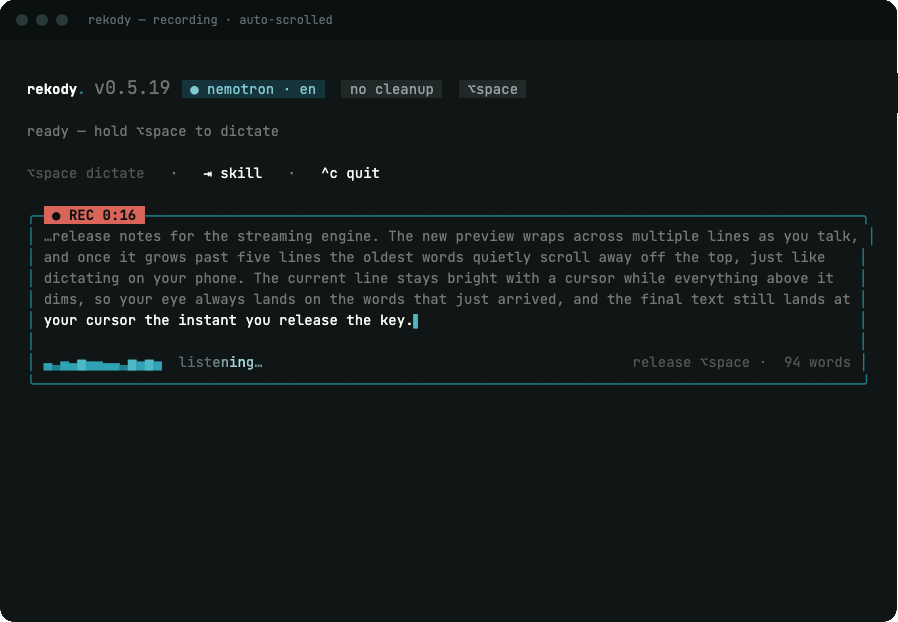
Rekody - Voice dictation CLI for macOS: hold a hotkey, speak, and on-device transcription types the text at the cursor in any app.
Languages:
RustWebsite: https://rekody.com
Screenshots
-
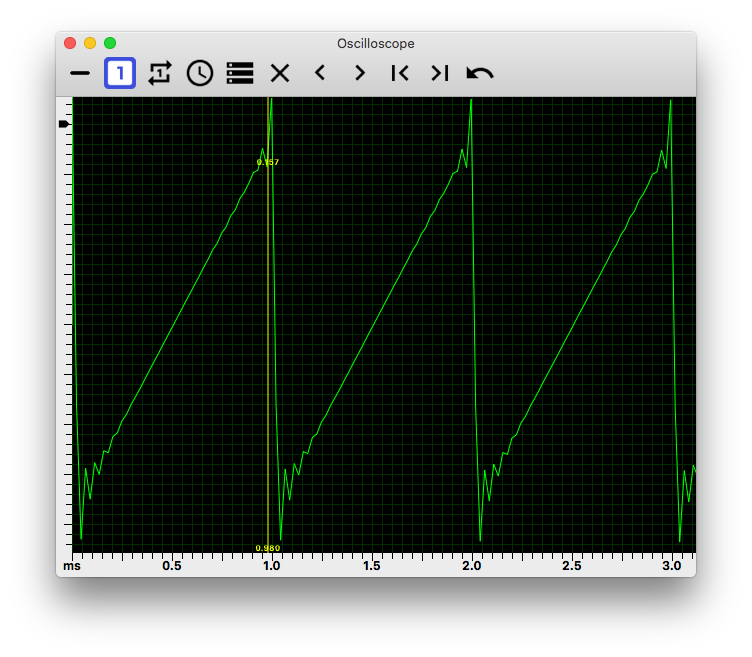
Scope - Audio Oscilloscope
Languages:
SwiftWebsite: https://billthefarmer.github.io/audiotools/
Screenshots
-
shairport-sync - macOS/Linux/FreeBSD/OpenBSD Airplay audio receiver.
Languages:
C C++ -
ShazamScrobbler - Scrobble vinyl, radios, movies to Last.fm.
Languages:
Objective-CScreenshots

-
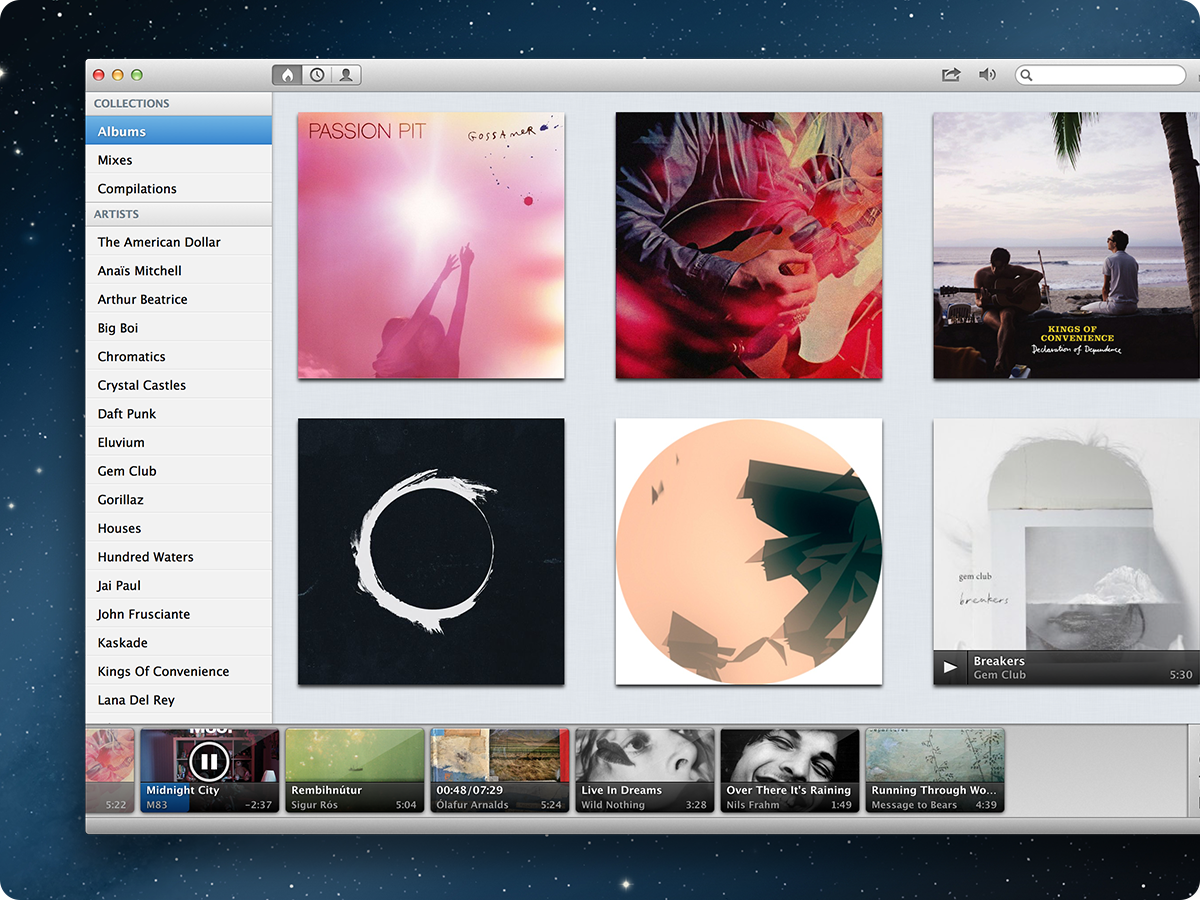
Sonora - Minimal, beautifully designed music player for macOS.
Languages:
Objective-CScreenshots
-
Spotify4BigSur - Spotify widget for Notification Center.
Languages:
SwiftScreenshots

-
SpotMenu - Spotify and iTunes in your menu bar.
Languages:
Objective-C SwiftScreenshots
-
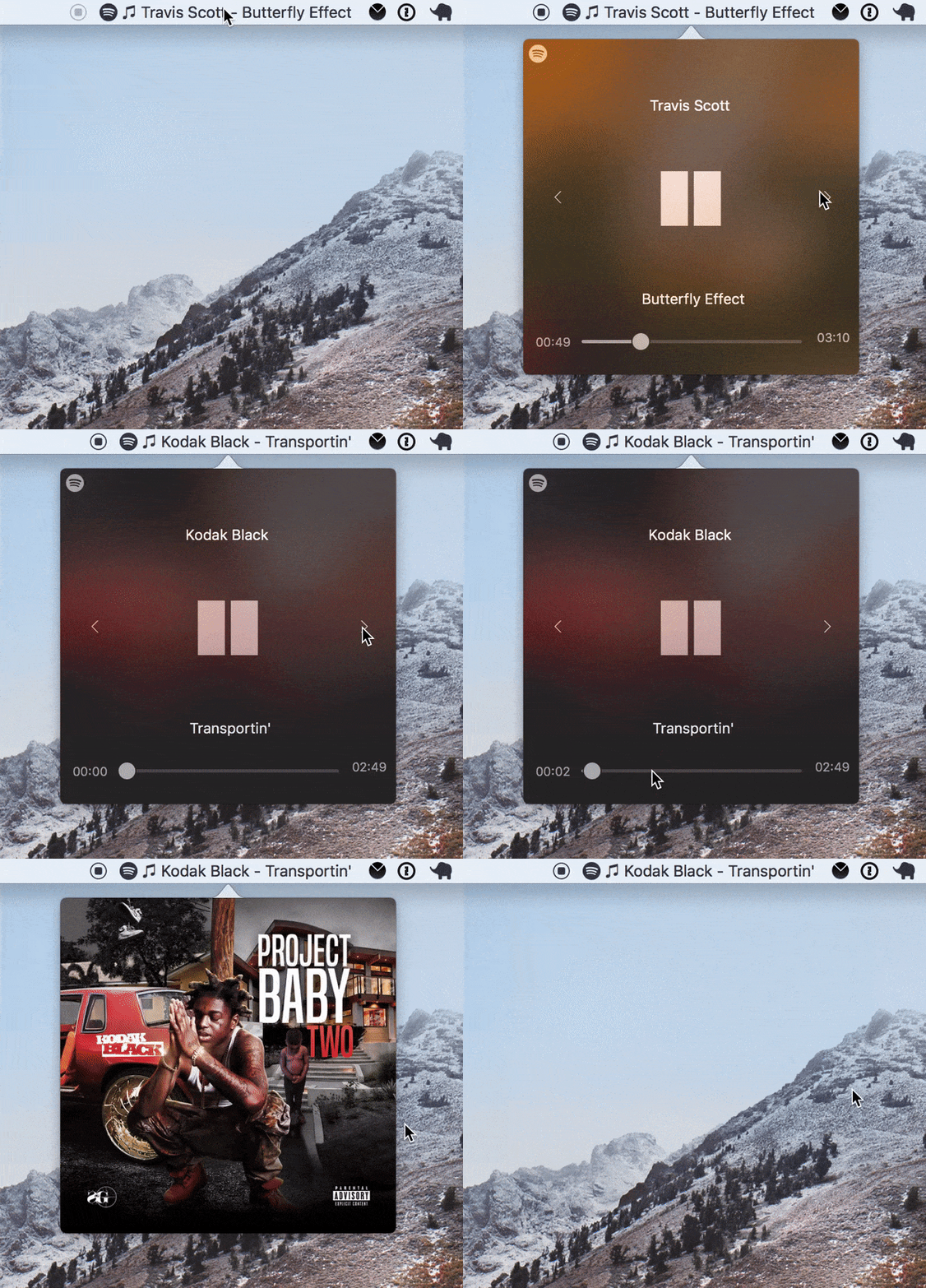
SpotSpot - Spotify mini-player for macOS.
Languages:
JavaScript -
StargateDAW - An all-in-one digital audio workstation (DAW) and plugin suite
Languages:
C PythonScreenshots
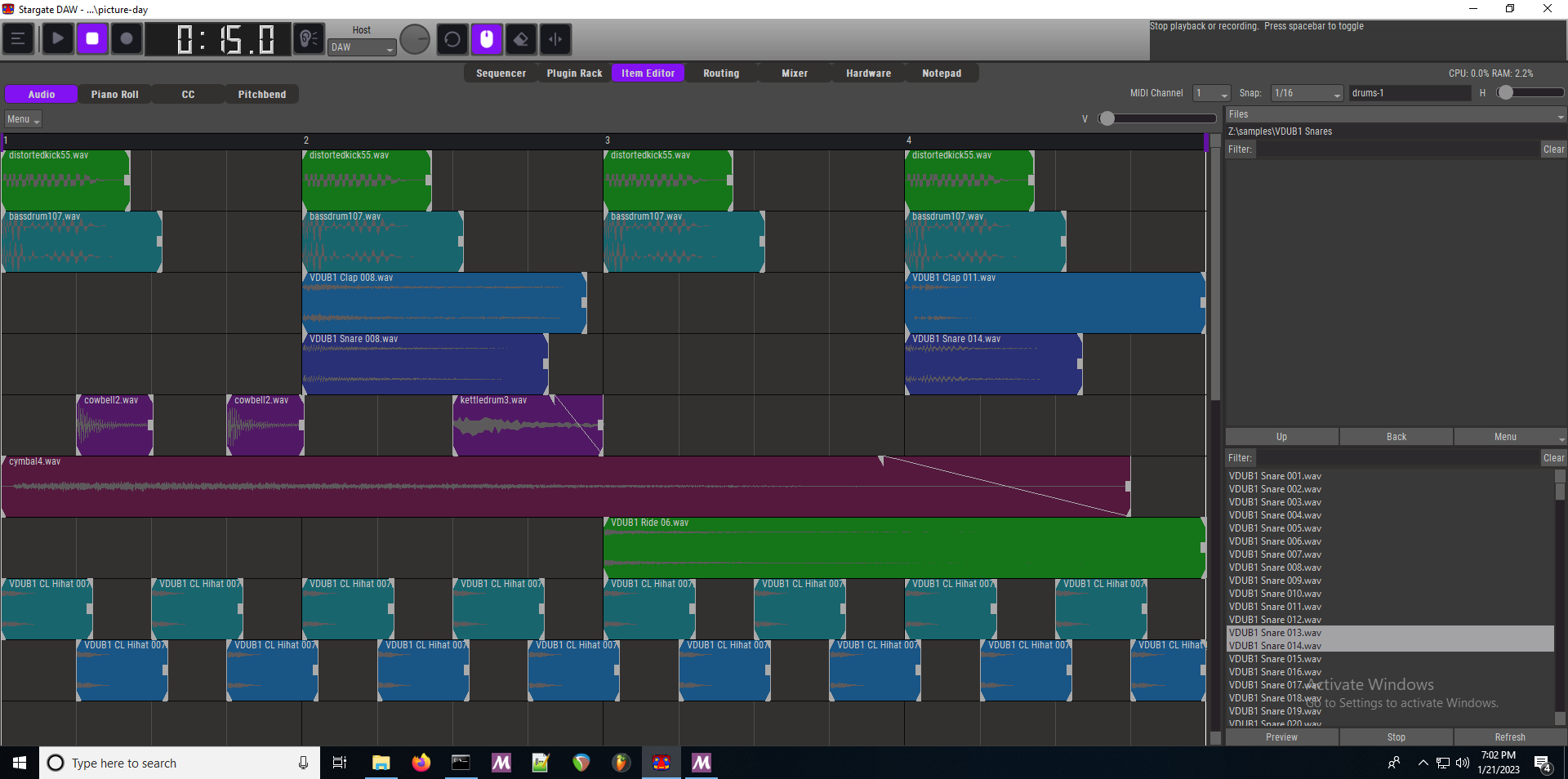
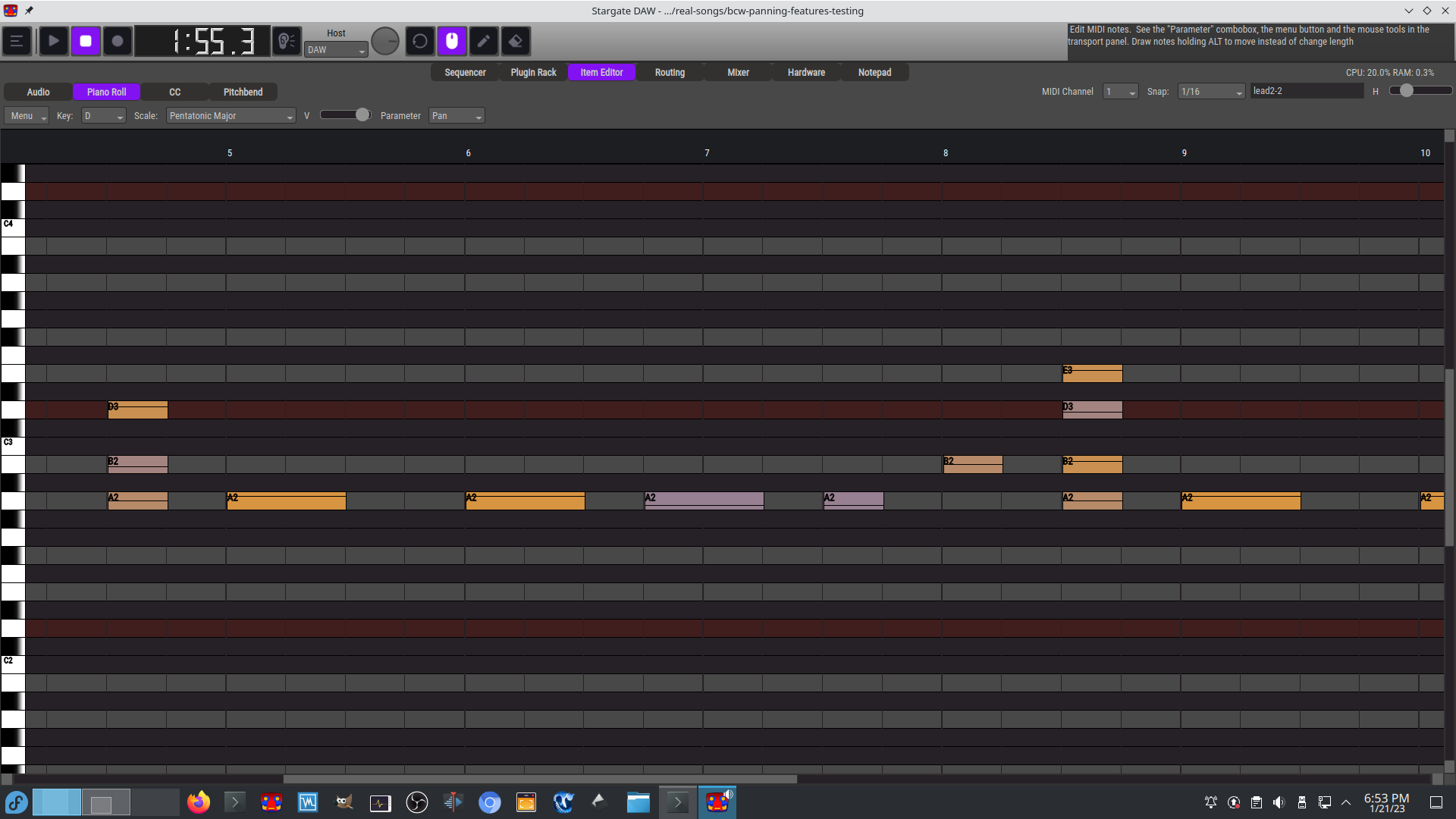
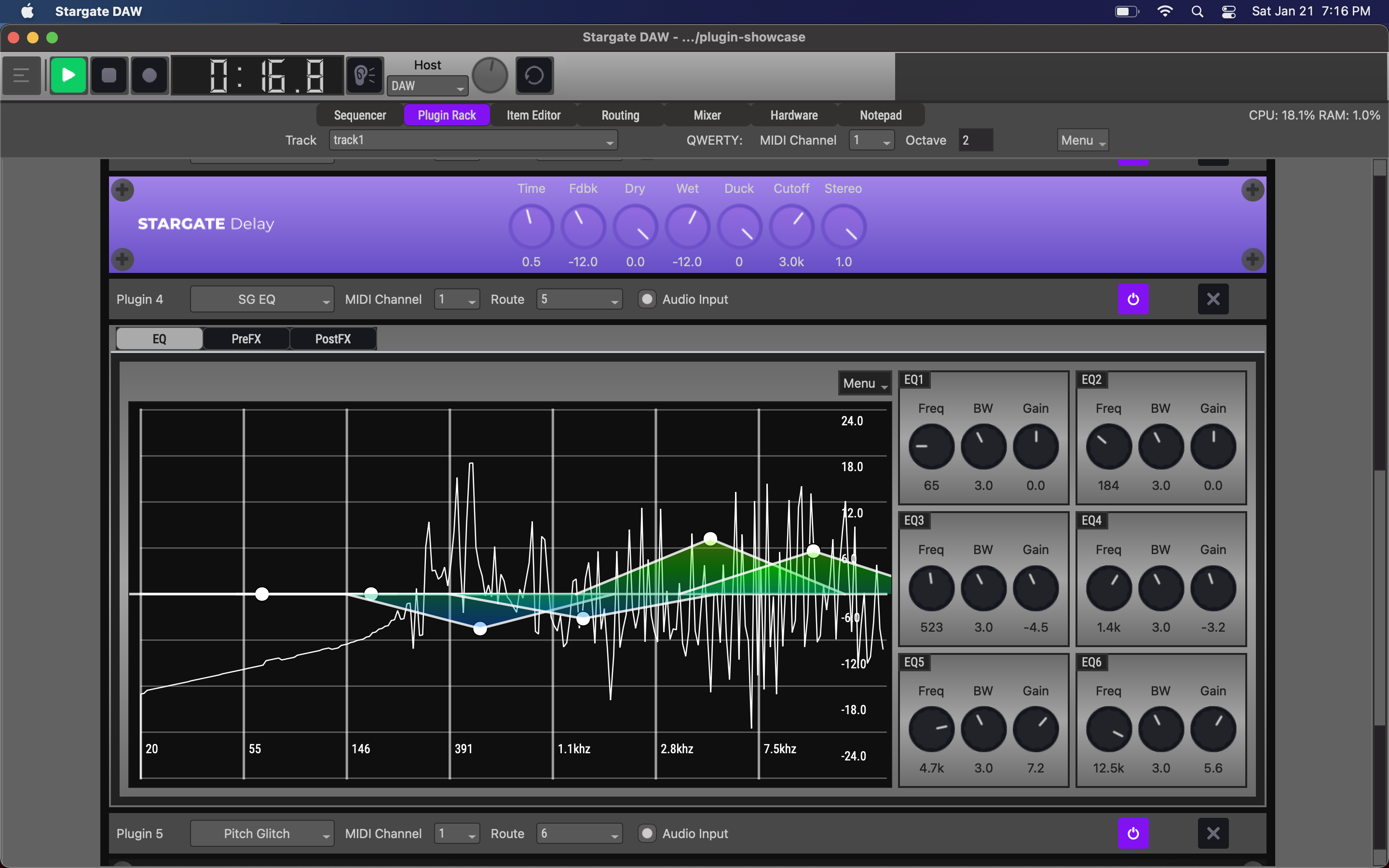
(3 more screenshots available in the repository)
-
Suohai - Audio input/output source lock for macOS.
Languages:
SwiftScreenshots
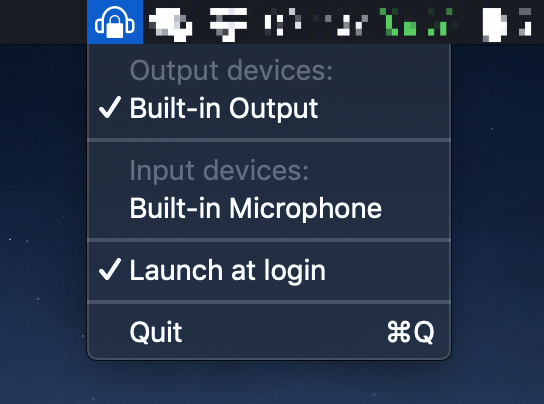
-
Tickeys - Instant audio feedback for typing. macOS version.
Languages:
RustScreenshots
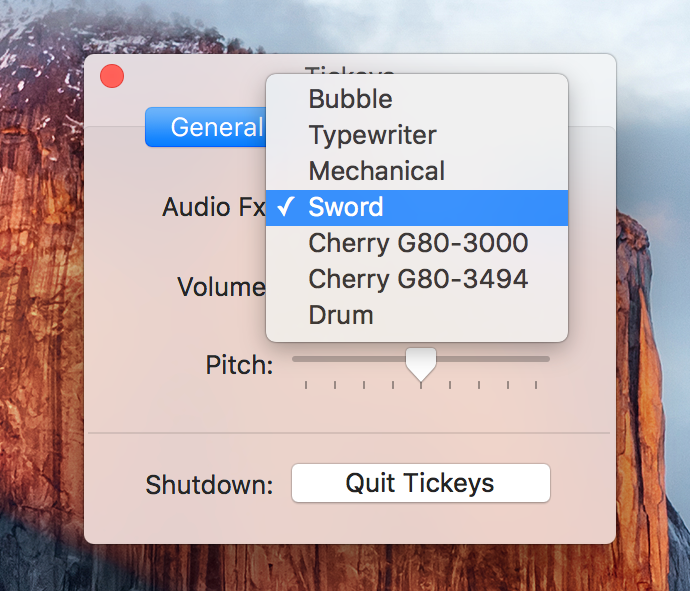
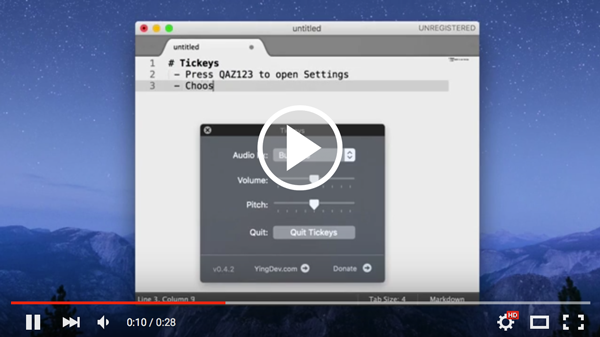
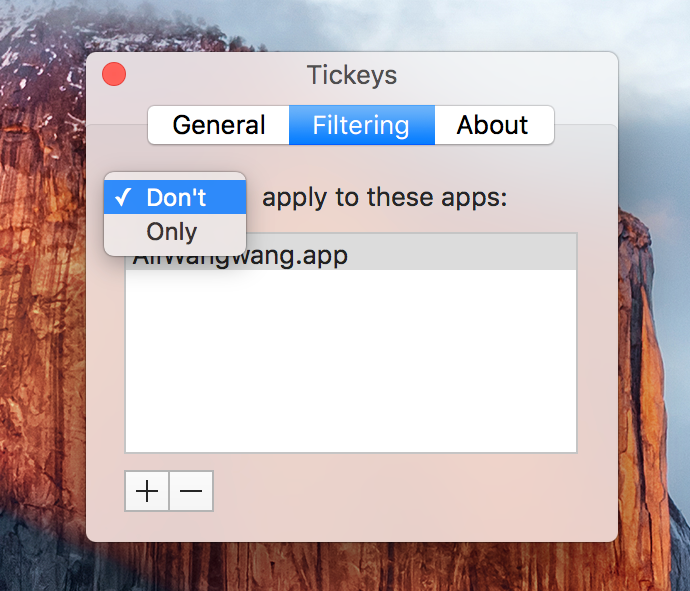
-
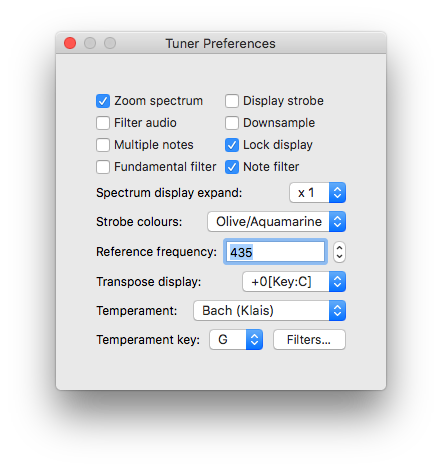
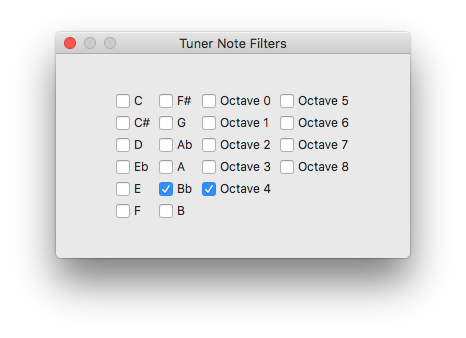
Tuner - Musical Instrument Tuner
Languages:
SwiftWebsite: https://billthefarmer.github.io/ctuner/
Screenshots
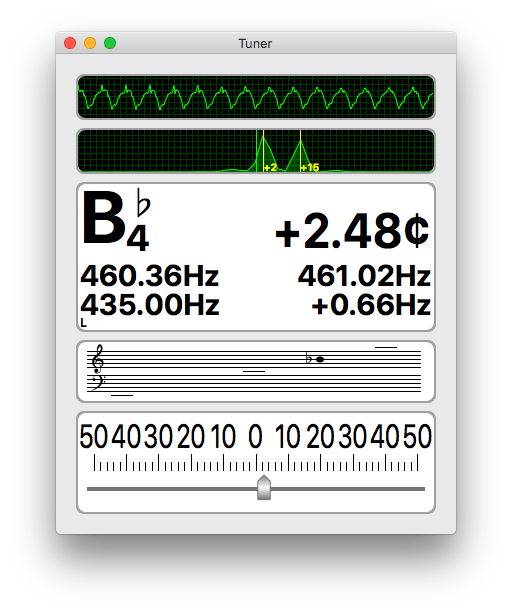
-
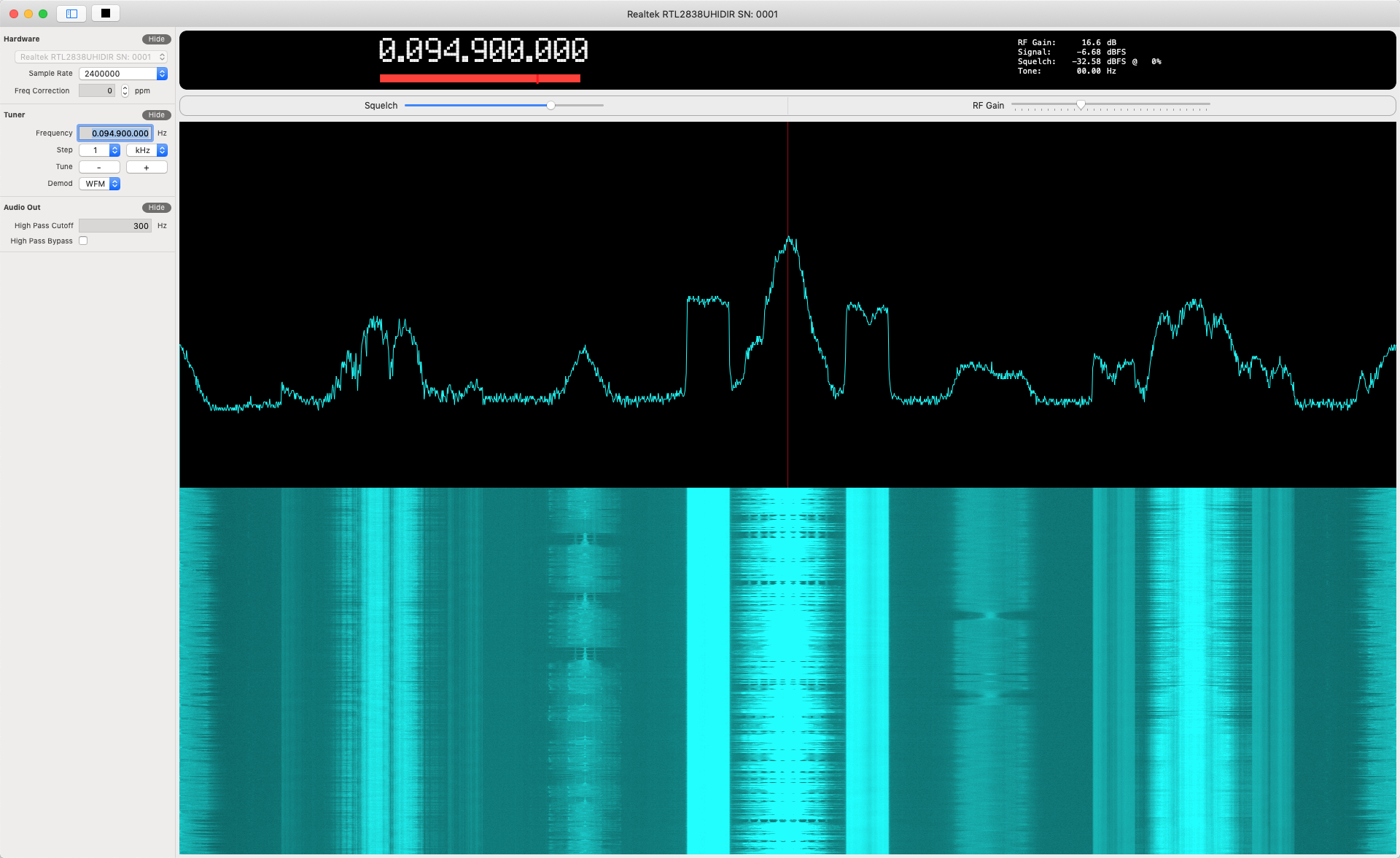
waveSDR - macOS native desktop Software Defined Radio application using the RTL-SDR USB device.
Languages:
SwiftScreenshots
💾 Backup (7)
-
backy - Tiny multiprocessing utility for file backups.
Languages:
Go -
BorgBase/Vorta - Simple and Secure Offsite Backups
Languages:
PythonWebsite: https://www.borgbase.com/
-
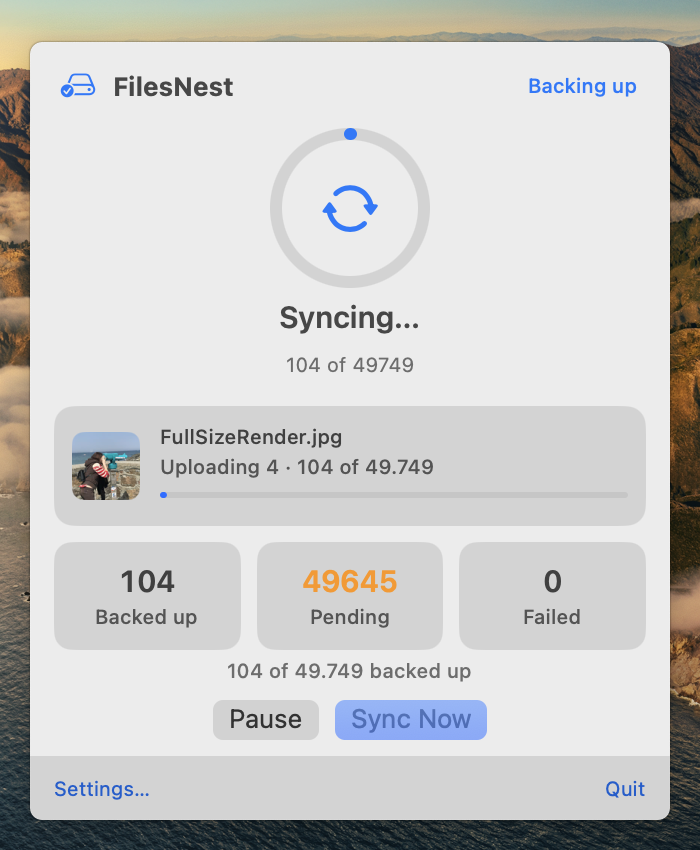
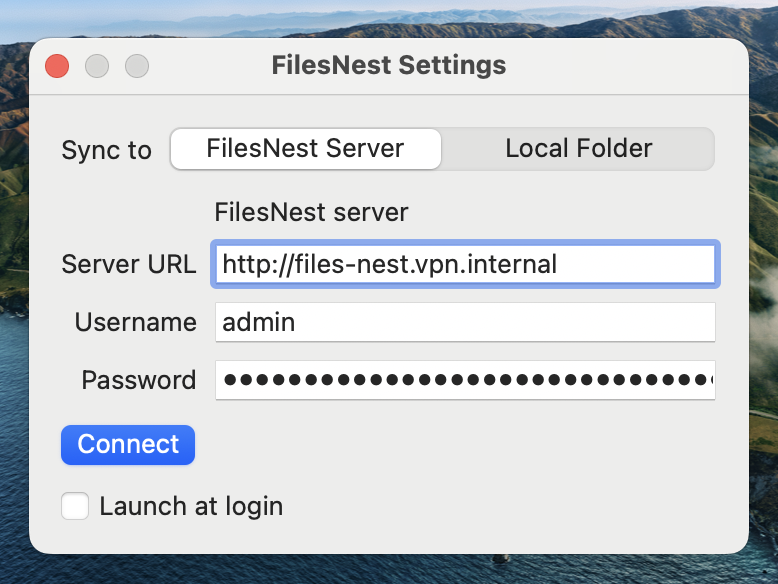
FilesNest - One-way, resumable sync of macOS Photos libraries to self-hosted or local storage.
Languages:
Swift GoScreenshots
-
Mackup - Keep your application settings in sync (macOS/Linux).
Languages:
Python -
shallow-backup - Easily create lightweight documentation of installed applications, dotfiles, and more.
Languages:
PythonScreenshots

-
Syncalicious - Keeping multiple macOS preferences in sync can be painful, but it shouldn't be.
Languages:
Swift -
UrBackup - UrBackup is Client/Server network backup for Windows, macOS and Linux.
Languages:
C++ C
🌐 Browser (15)
-
Beaker Browser - Beaker is an experimental peer-to-peer Web browser.
Languages:
JavaScriptScreenshots

-
Brave Browser - Brave browser for Desktop and Laptop computers running Windows, macOS, and Linux.
Languages:
JavaScript -
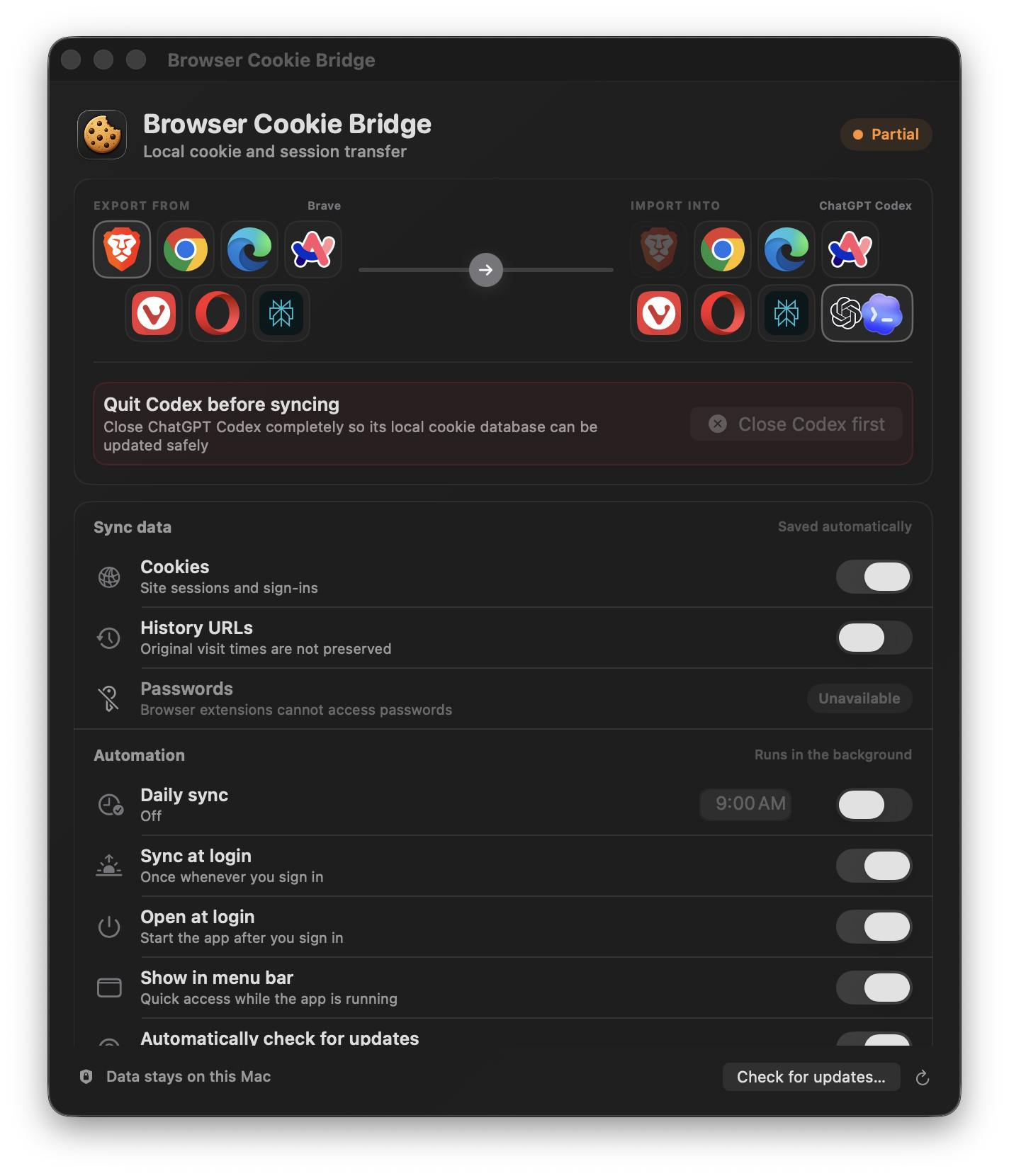
Browser Cookie Bridge - Transfer signed-in sessions between local Chromium browsers and ChatGPT Codex on macOS.
Languages:
Swift JavaScriptWebsite: https://cookiebridge.apoorvdarshan.com
Screenshots
-
browserosaurus - macOS tool that prompts you to choose a browser when opening a link.
Languages:
JavaScript -
Chromium - Chromium is an open-source browser project that aims to build a safer, faster, and more stable way for all users to experience the web.
Languages:
JavaScript C++ CWebsite: https://www.chromium.org/
-
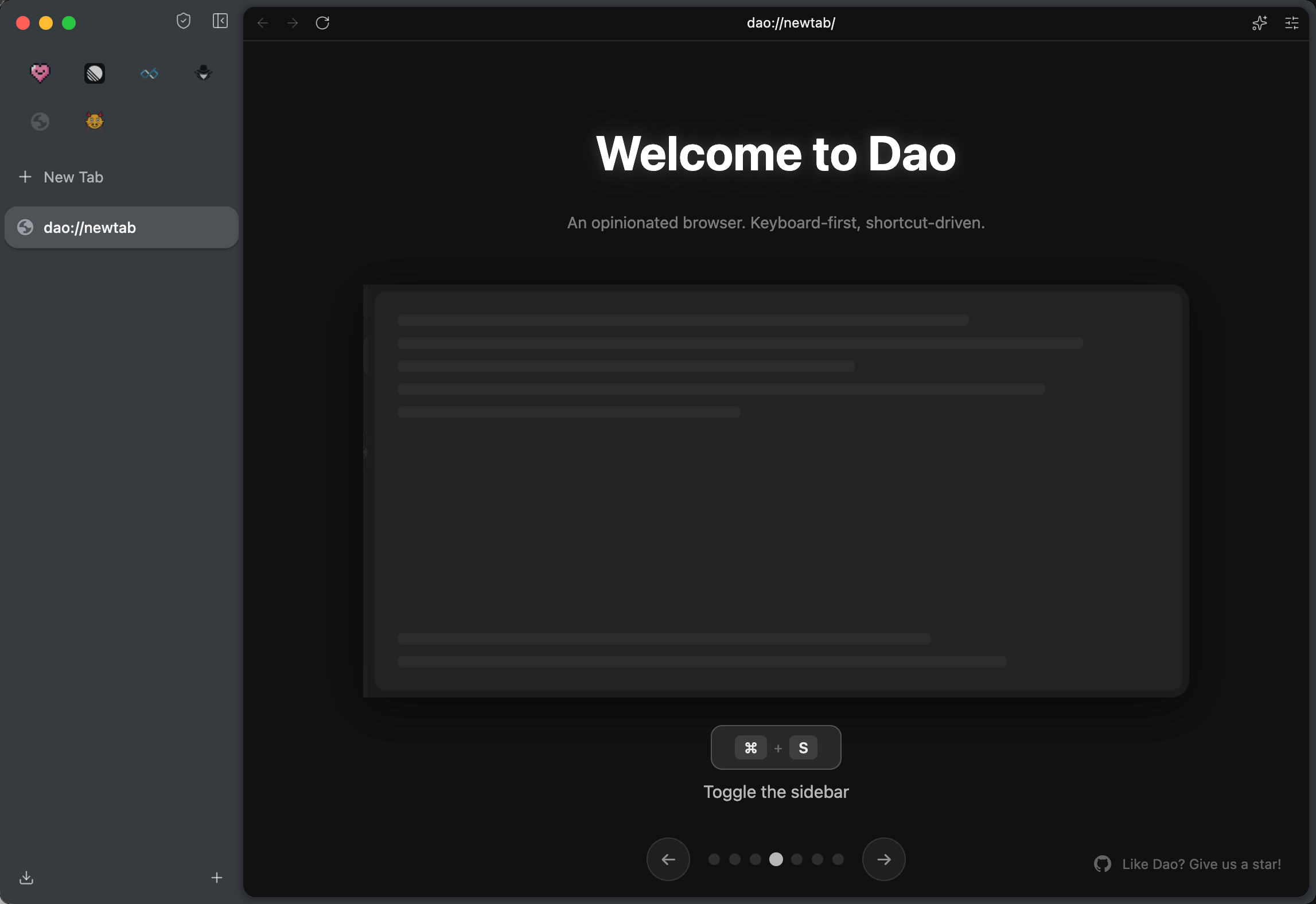
Dao Browser - An open-source Chromium-based, Arc-like browser for macOS with a content-first UI, BYOK AI, and MCP support.
Languages:
C++ TypeScriptWebsite: https://dao.msgbyte.com
Screenshots
-
Finicky - Always opens the right browser.
Languages:
Swift -
Firefox - Fast, privacy aware browser from a non-profit. Runs on Windows, macOS and Linux.
Languages:
JavaScript Rust C++ -
Helium - Floating browser window for macOS.
Languages:
Objective-C Swift -
Min Browser - A fast and efficient minimal web browser.
Languages:
JavaScriptWebsite: https://minbrowser.org
-
otter-browser - Otter Browser aims to recreate the best aspects of the classic Opera (12.x) UI using Qt5.
Languages:
C++Screenshots
-
Pennywise - Pennywise opens any website or media in a small floating window that remains on top of all other applications. It's a great alternative to Helium.
Languages:
JavaScriptScreenshots
(1 more screenshots available in the repository)
-
Privacy Redirect for Safari - Redirect Twitter, YouTube, Reddit, Google Maps, Google Search, and Google Translate to privacy friendly alternatives.
Languages:
Swift -
Safari MCP - Native Safari browser automation for AI agents on macOS, exposing 98 tools via AppleScript and JavaScript.
Languages:
JavaScript -
seb-mac - Safe Exam Browser for macOS and iOS.
Languages:
C
💬 Chat (25)
-
Adium - Instant messaging application that can connect to XMPP (Jabber), IRC and more.
Languages:
CWebsite: https://adium.im/
Screenshots
-
Beagle IM - Powerful XMPP client with support for file transfer, VoIP and end-to-end encryption.
Languages:
SwiftWebsite: https://beagle.im/
Screenshots
-
ChitChat - Native Mac app wrapper for WhatsApp Web.
Languages:
Objective-CScreenshots
-
Conduck - Native voice and text client for your self-hosted or BYO-key AI, with a menu bar companion, global hotkey and Screenshot & Ask. Same conversation on iPhone, iPad, Apple Watch and CarPlay.
Languages:
SwiftWebsite: https://conduck.com/
-
Electronic WeChat - Better WeChat on macOS and Linux.
Languages:
JavaScriptScreenshots

-
Element - Element is a collaboration app (currently Electron) for the Matrix protocol.
Languages:
JavaScript -
Franz - Franz is messaging application for services like WhatsApp, Slack, Messenger and many more.
Languages:
JavaScriptScreenshots

-
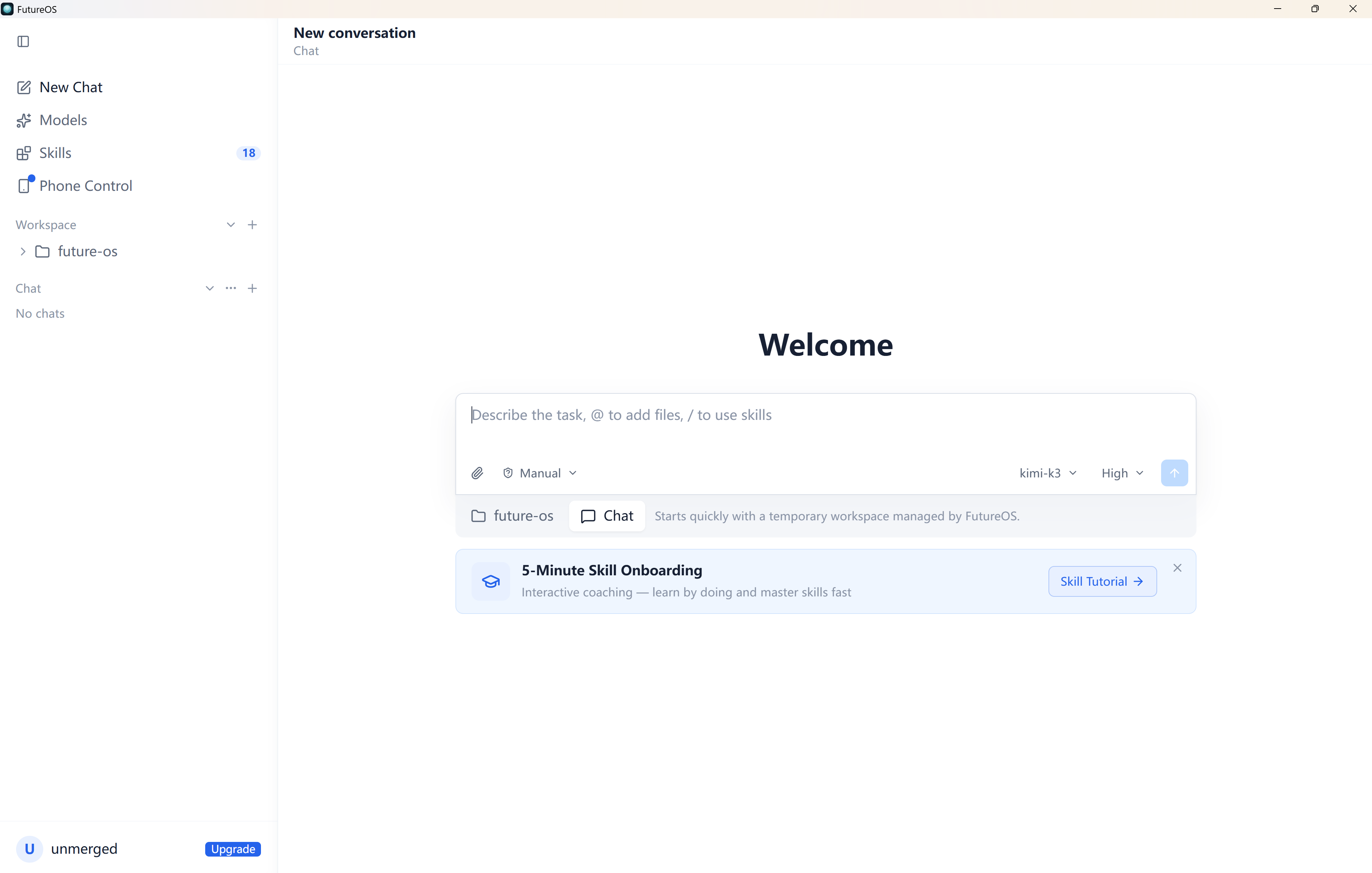
FutureOS - One AI agent everywhere you work - terminal, desktop, mobile, and IM bots driven by a single Rust backend.
Languages:
Rust TypeScriptWebsite: https://future-os.cn
Screenshots
-
Google Allo for Desktop - Native macOS & Windows desktop app for Google Allo.
Languages:
JavaScriptScreenshots
-
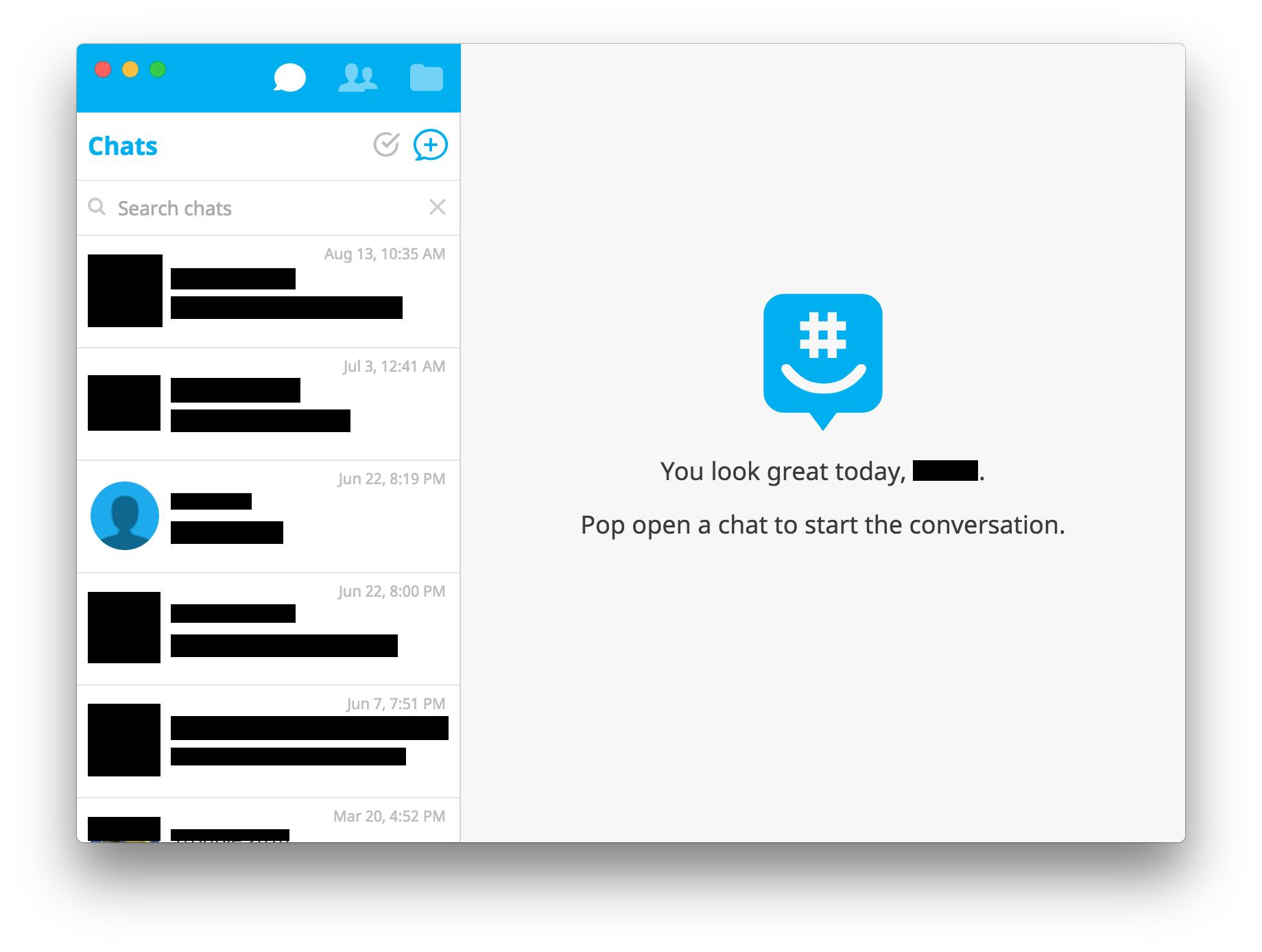
GroupMe - Unofficial GroupMe App.
Languages:
JavaScript  CSS
CSSScreenshots
-
MessagesHistoryBrowser - macOS application to comfortably browse and search through your Messages.app history.
Languages:
Swift -
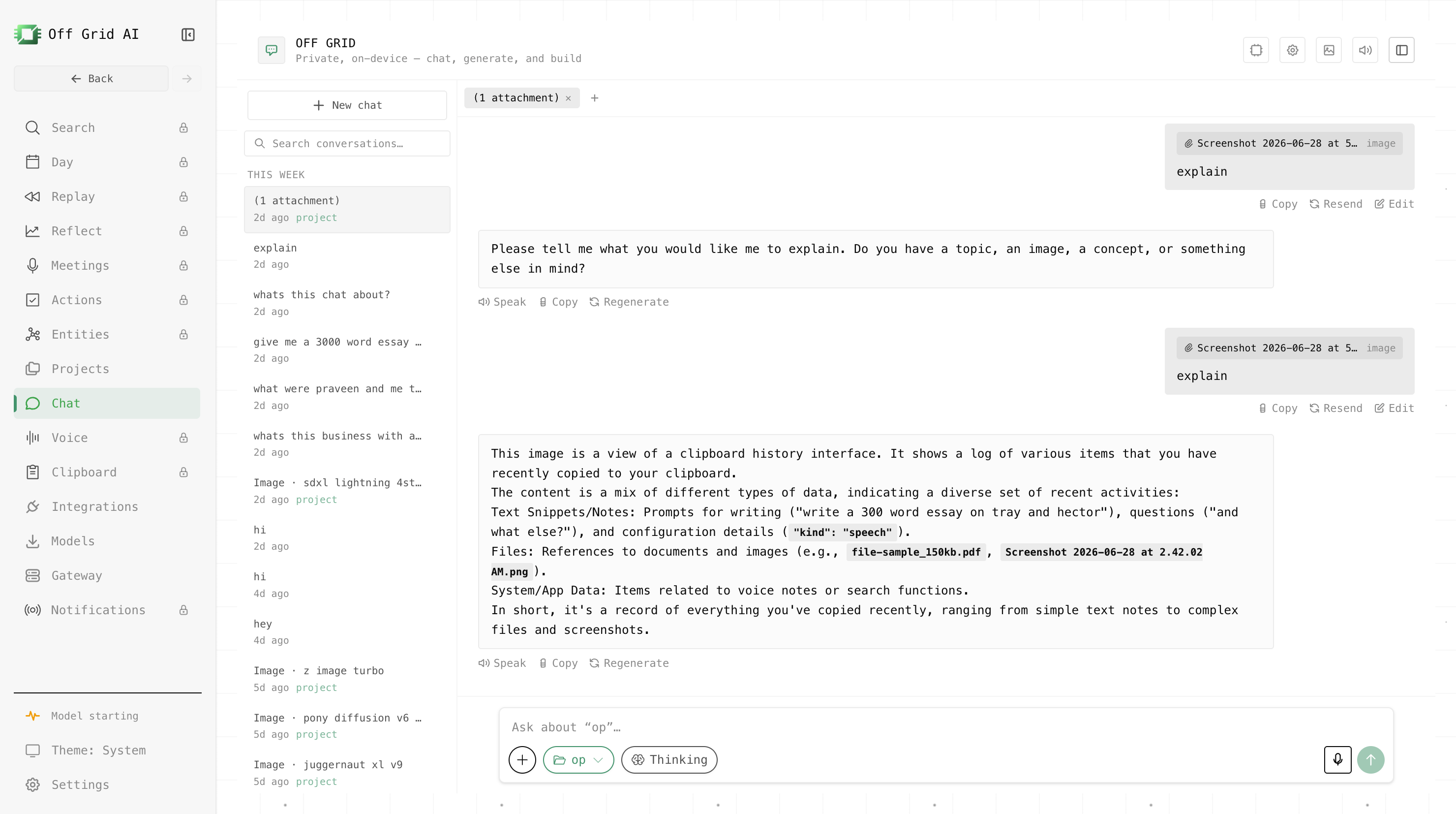
Off Grid AI Desktop - Private on-device AI suite for Apple Silicon Macs: local LLM chat via llama.cpp, RAG search over your own data, MCP connectors, and Stable Diffusion image generation, with no account, no telemetry, and no cloud.
Languages:
TypeScriptWebsite: https://getoffgridai.co/
Screenshots
-
OnionShare - Securely and anonymously share files, host websites, and chat with friends using the Tor network.
Languages:
Python JavaScriptWebsite: https://onionshare.org/
-
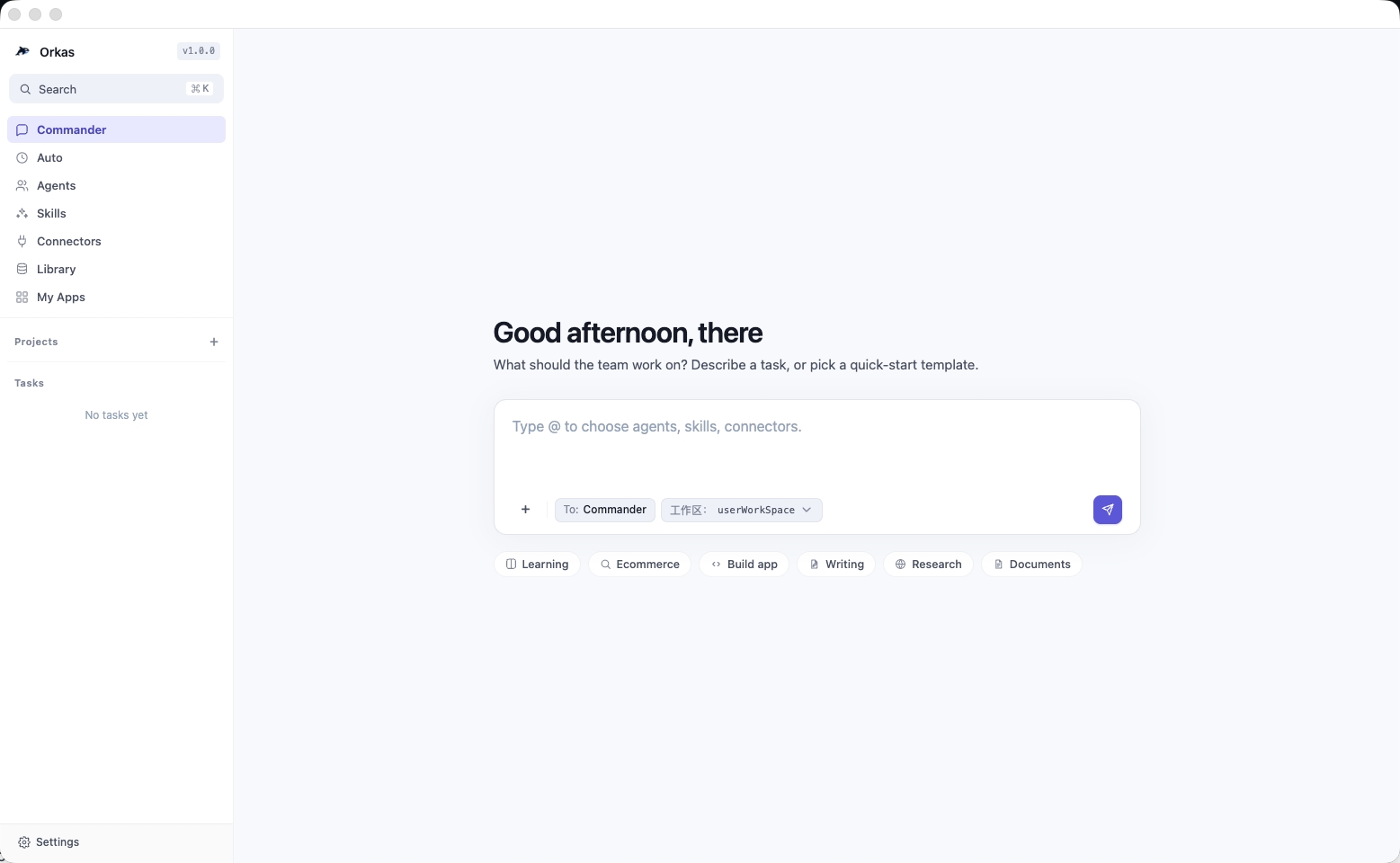
Orkas - Local-first multi-agent desktop application where a Commander coordinates specialist agents for research, coding, data analysis, documents, and media.
Languages:
TypeScript JavaScript CSS PythonWebsite: https://orkas.ai/
Screenshots

-
RocketChat - Free open source chat system for teams. An alternative to Slack that can also be self hosted.
Languages:
JavaScriptWebsite: https://www.rocket.chat/
-
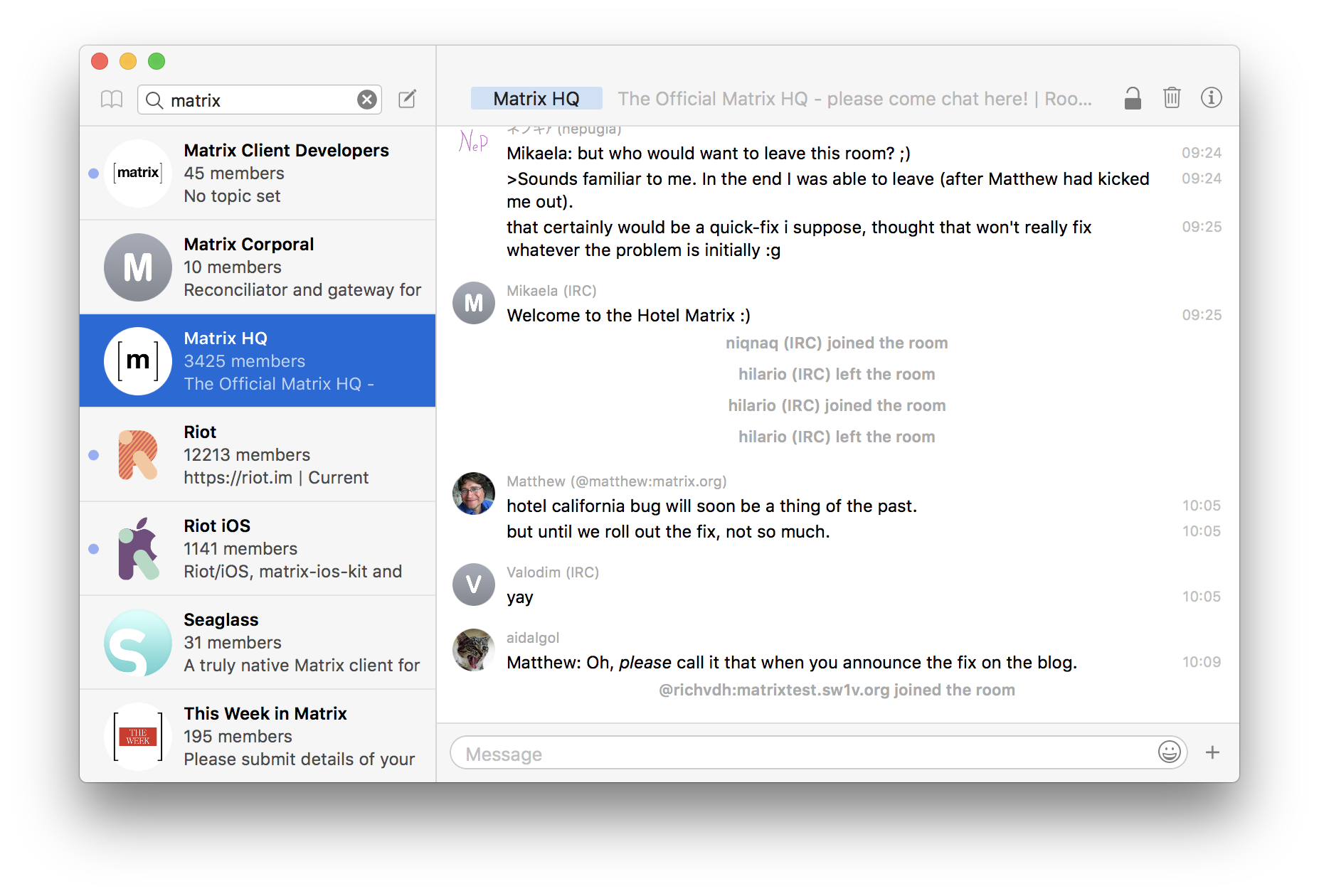
Seaglass - A truly native Matrix client for macOS.
Languages:
SwiftScreenshots
-
Signal Desktop - Electron app that links with your Signal Android or Signal iOS app.
Languages:
JavaScript -
Swiftcord - Native Discord client built in Swift & SwiftUI. Light on your RAM and CPU.
Languages:
SwiftScreenshots

-
Telegram - Source code of Telegram for macOS on Swift.
Languages:
Swift -
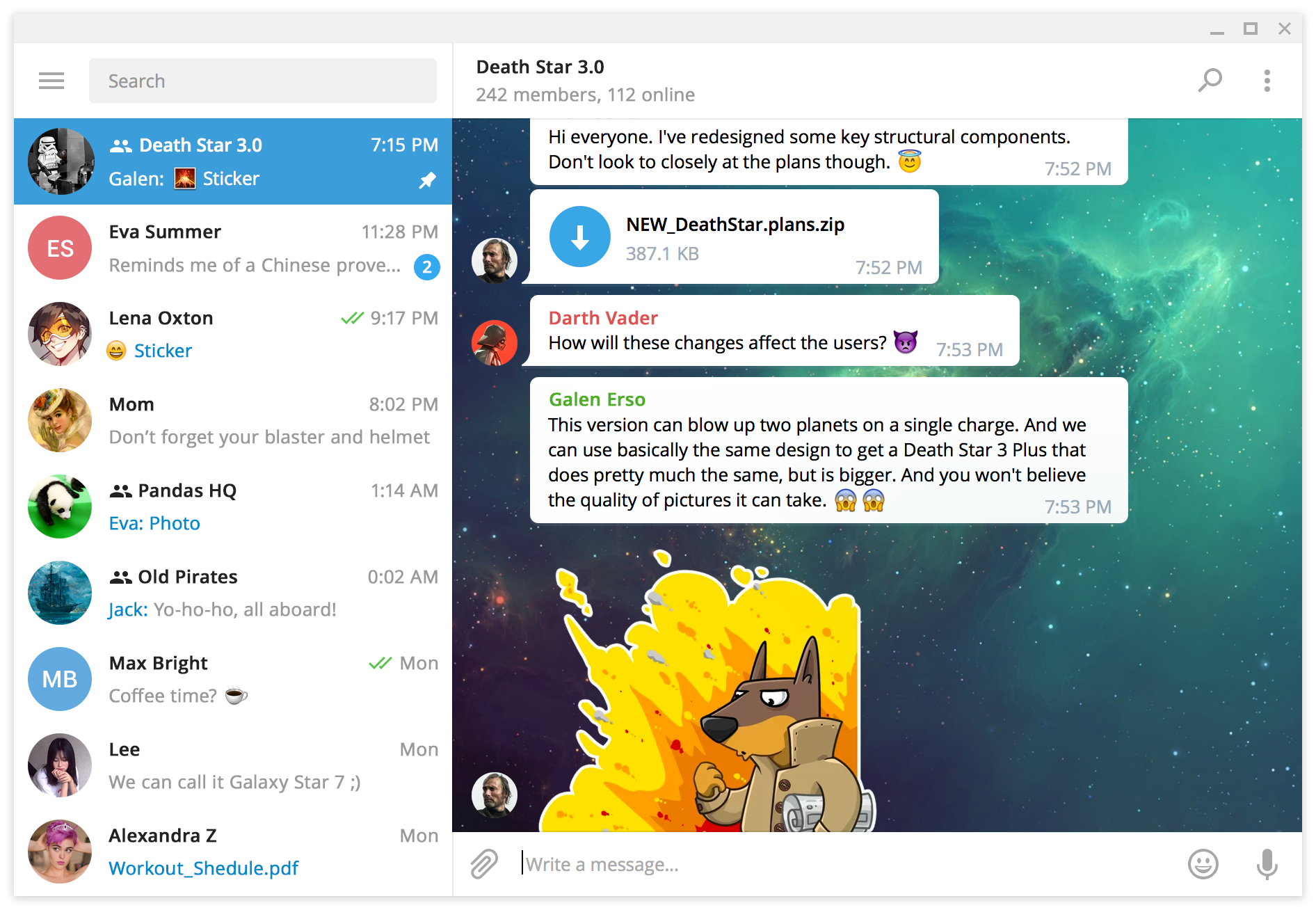
Telegram Desktop - Telegram Desktop messaging app.
Languages:
C++Screenshots
-
Textual - Textual is an IRC client for macOS.
Languages:
Objective-CScreenshots
(1 more screenshots available in the repository)
-
Thunderbird - Backed by Mozilla, Thunderbird is an extensible email, newsfeed, chat, and calendaring client.
Languages:
C++ JavaScript RustWebsite: https://www.thunderbird.net/en-US/
Screenshots
-
Torchat-Mac - TorChat for Mac is a macOS native and unofficial port of torchat.
Languages:
Objective-C -
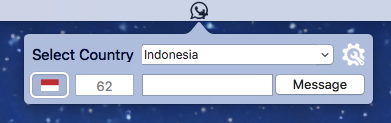
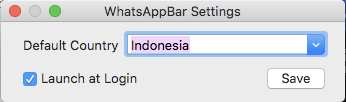
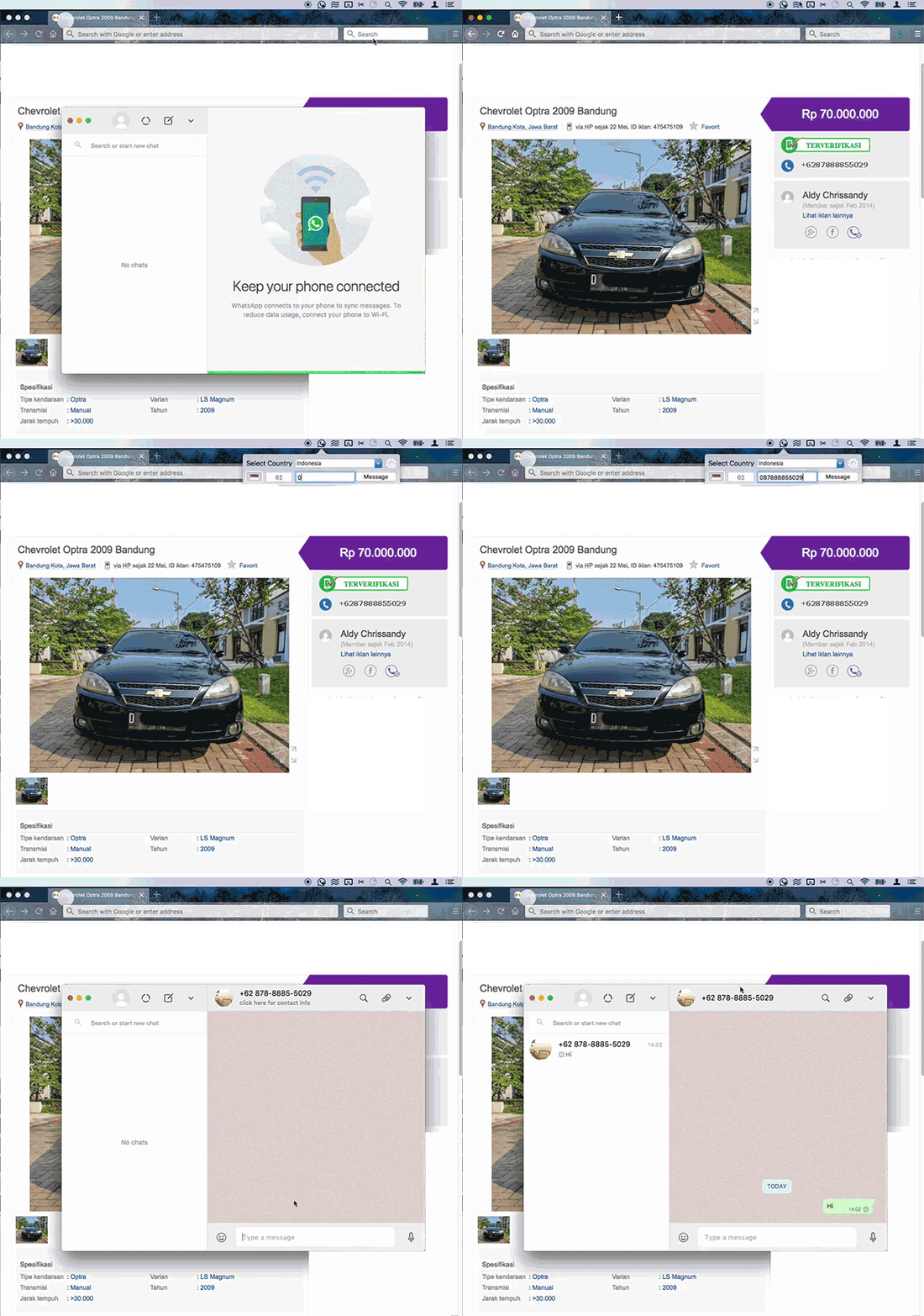
WhatsAppBar - Send WhatsApp message from menu bar.
Languages:
SwiftScreenshots
-
Wire Desktop - Standalone Electron app for the chatapp Wire.
Languages:
JavaScript
💰 Cryptocurrency (5)
-
Bitcoin Core - Official Bitcoin Core software for running a full Bitcoin node.
Languages:
C++ Python ShellWebsite: https://bitcoincore.org/
Screenshots

-
CoinBar - macOS menu bar application for tracking crypto coin prices.
Languages:
SwiftScreenshots
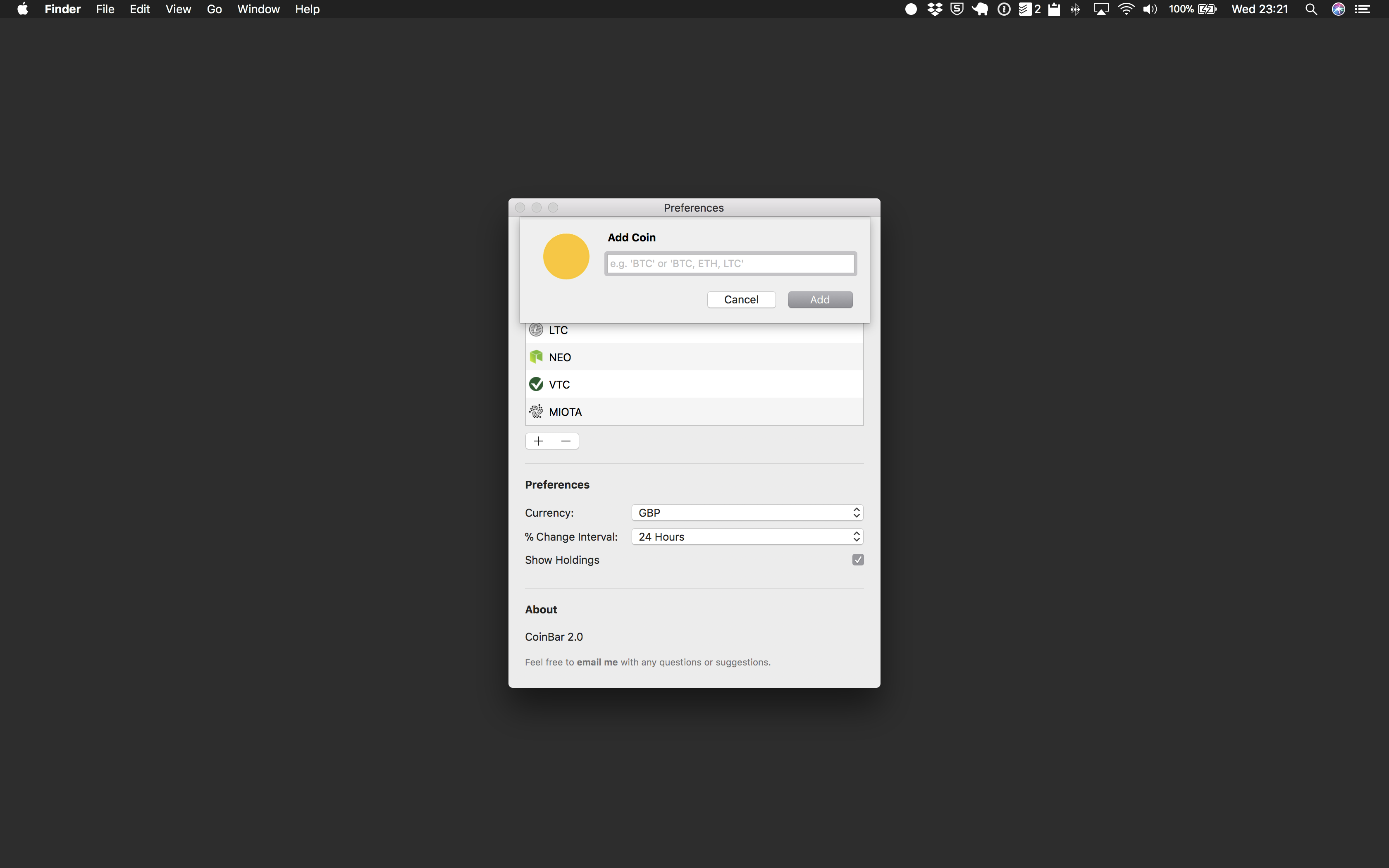
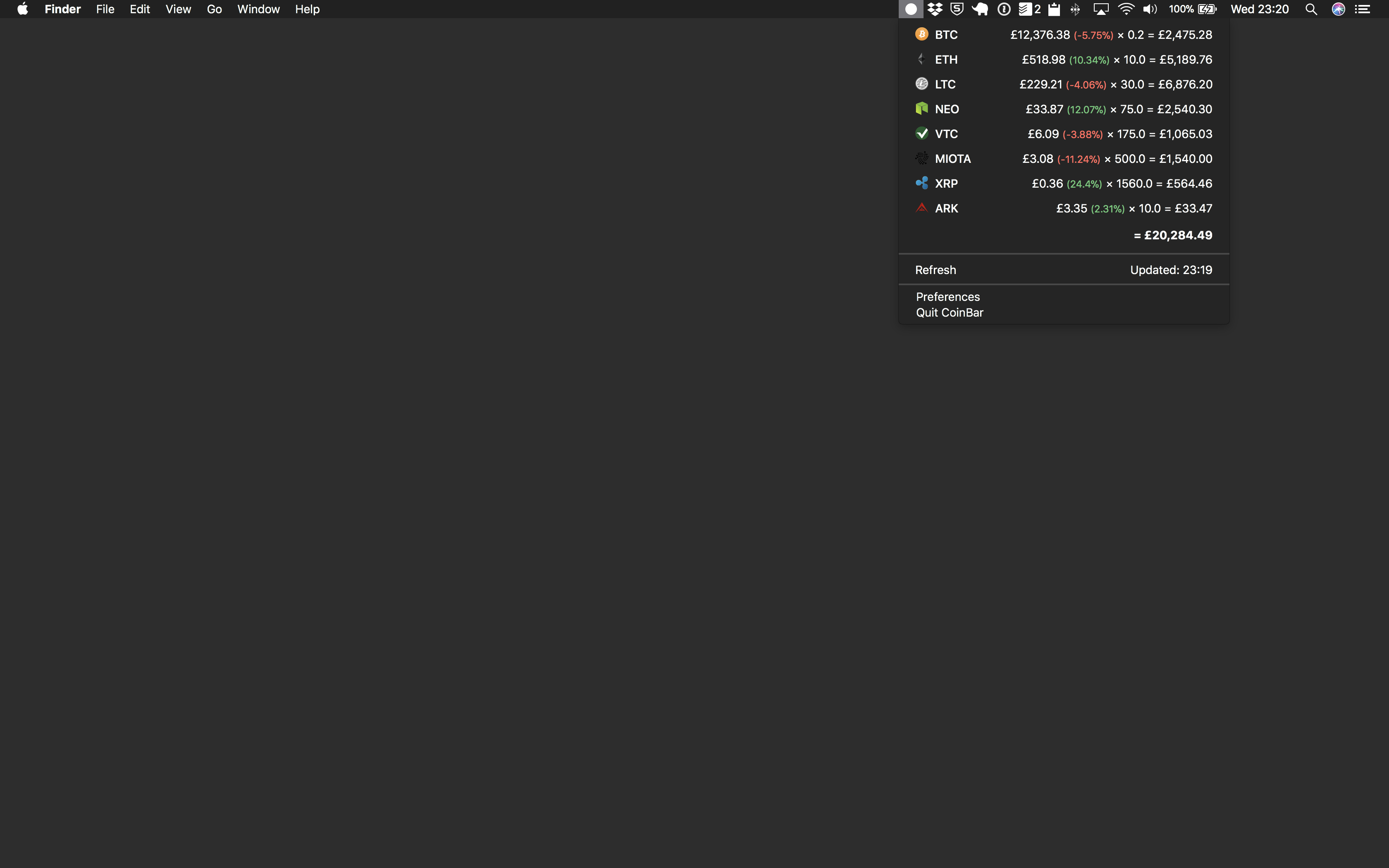
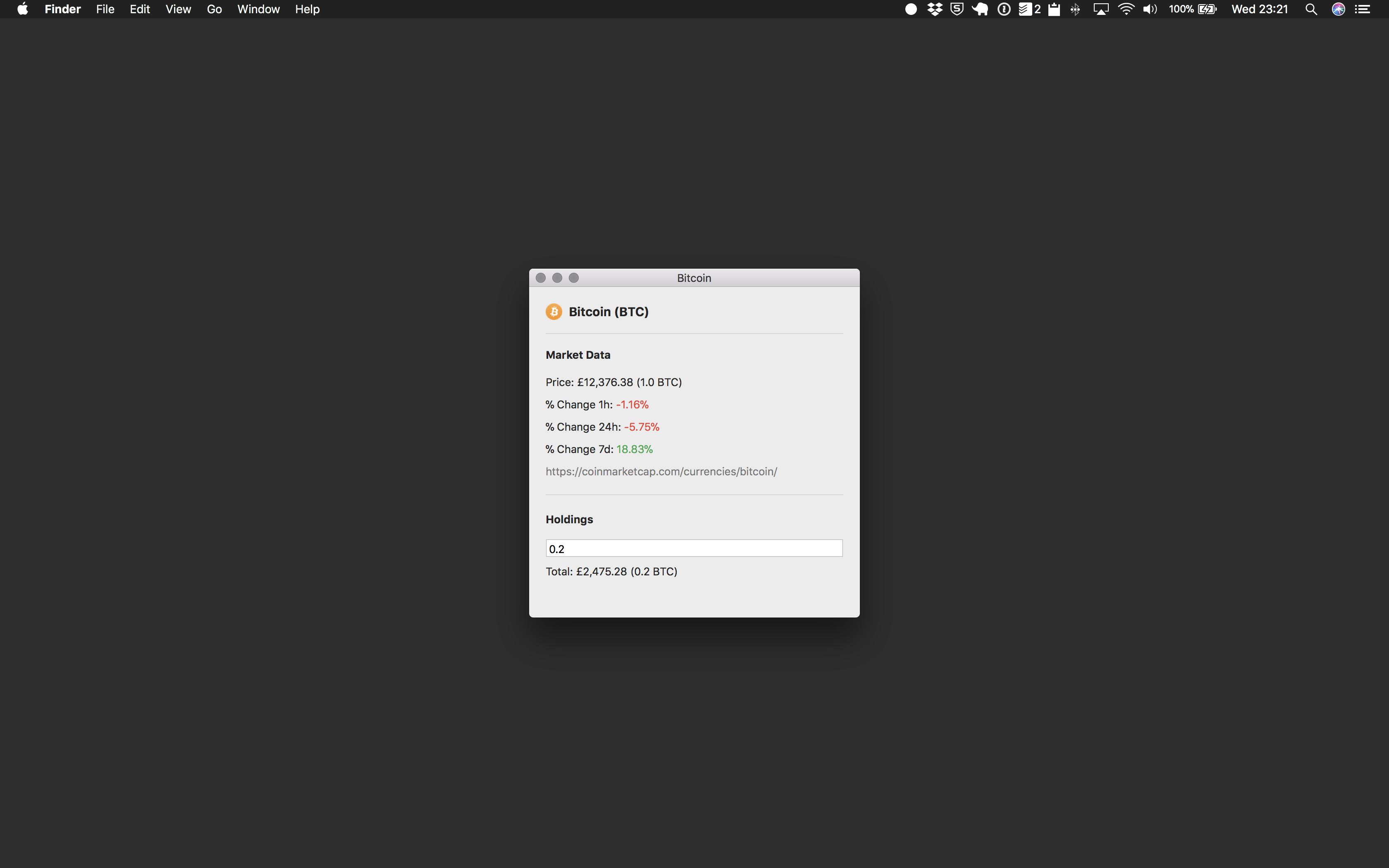
(1 more screenshots available in the repository)
-
Copay - A secure bitcoin wallet platform for both desktop and mobile devices.
Languages:
TypeScript -
Crypto Bar - macOS menu bar application built with Electron.
Languages:
JavaScript -
Float coin - Native menu bar app with floating window and support for many Exchanges.
Languages:
SwiftScreenshots
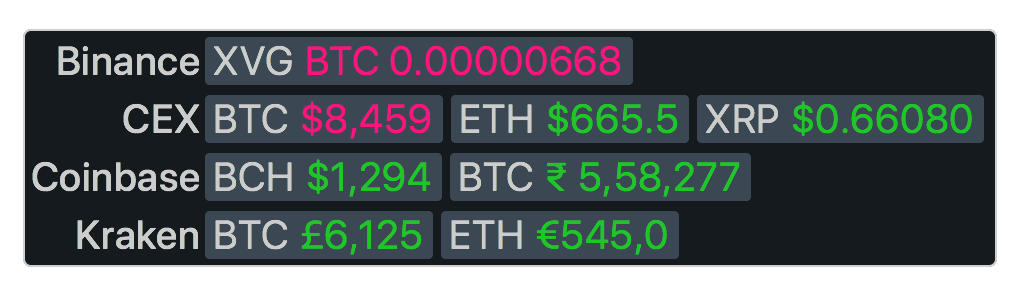
🗄️ Database (19)
-
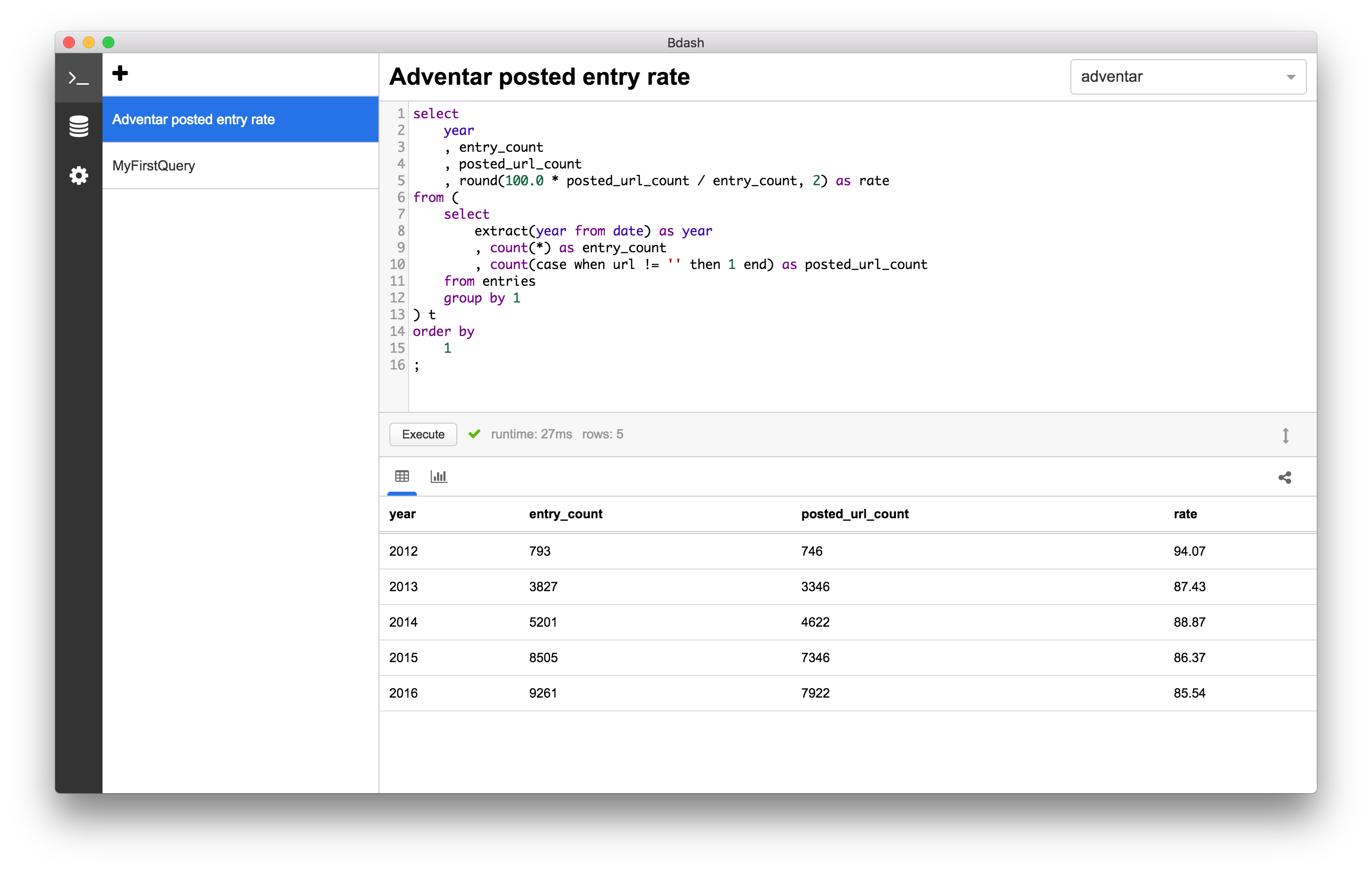
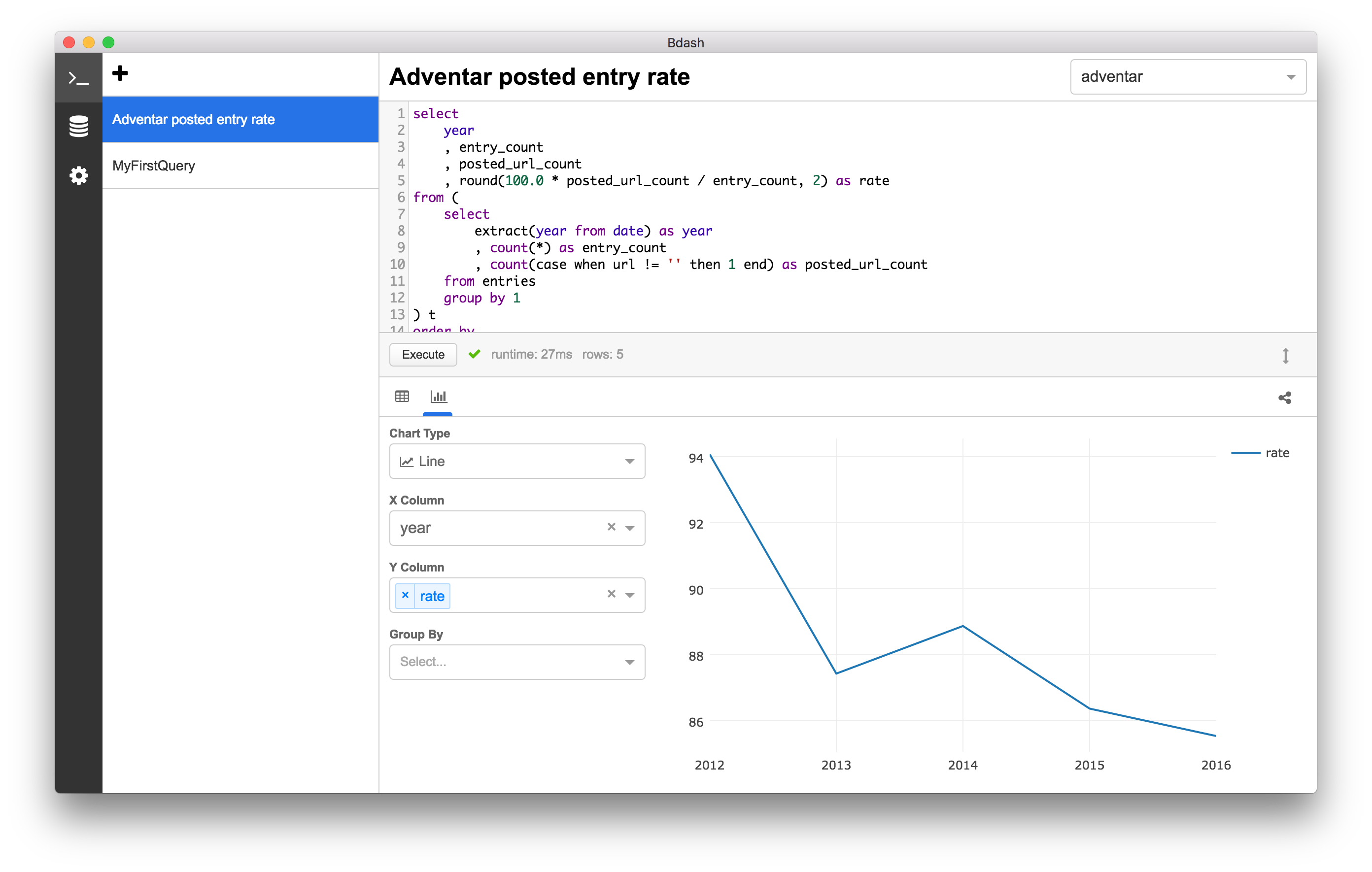
Bdash - Simple SQL Client for lightweight data analysis.
Languages:
JavaScriptScreenshots
-
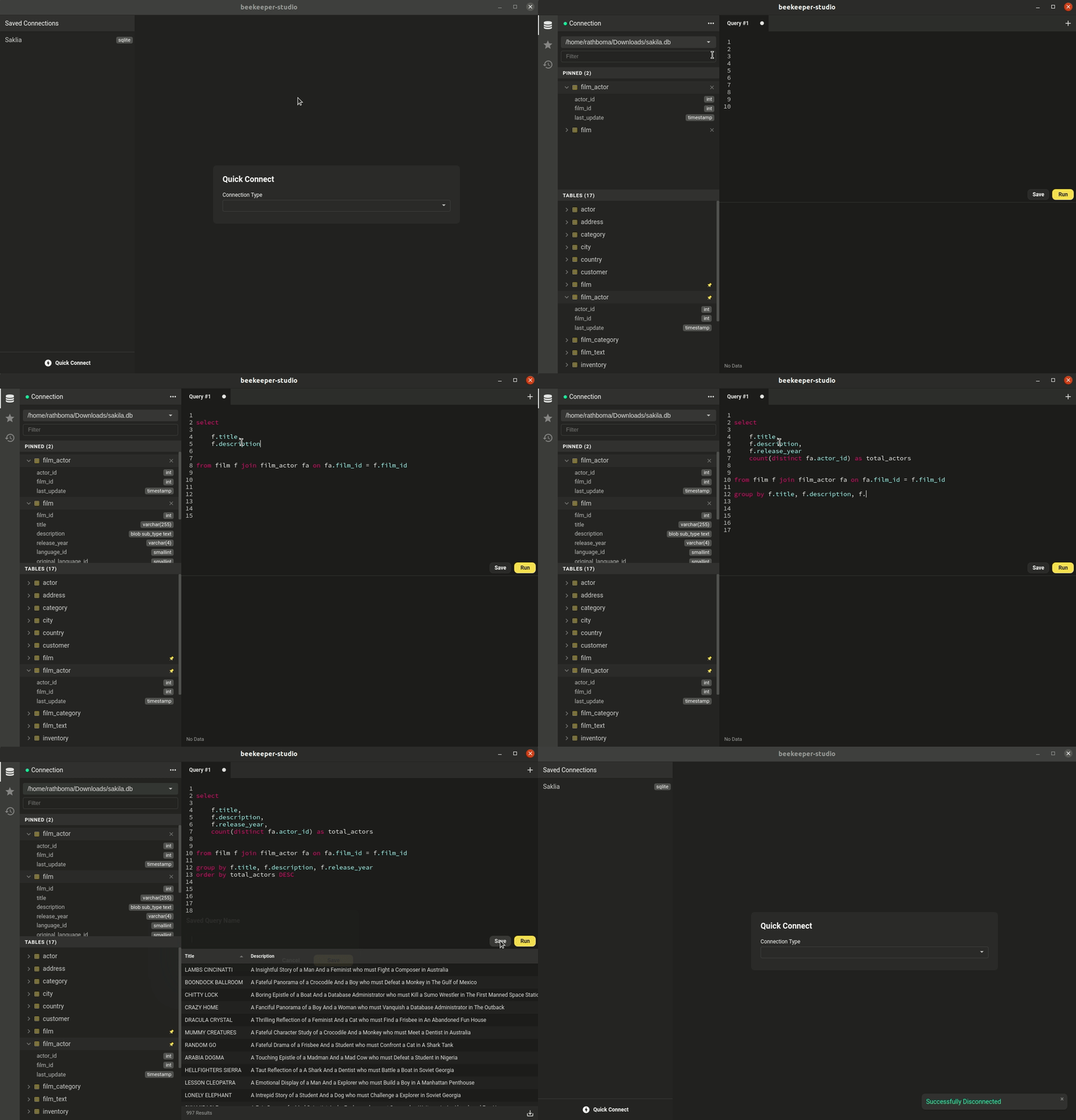
Beekeeper Studio - SQL editor and manager with support for SQLite, MySQL, MariaDB, Postgres, CockroachDB, SQL Server, and Amazon Redshift.
Languages:
JavaScriptWebsite: https://www.beekeeperstudio.io
Screenshots

-
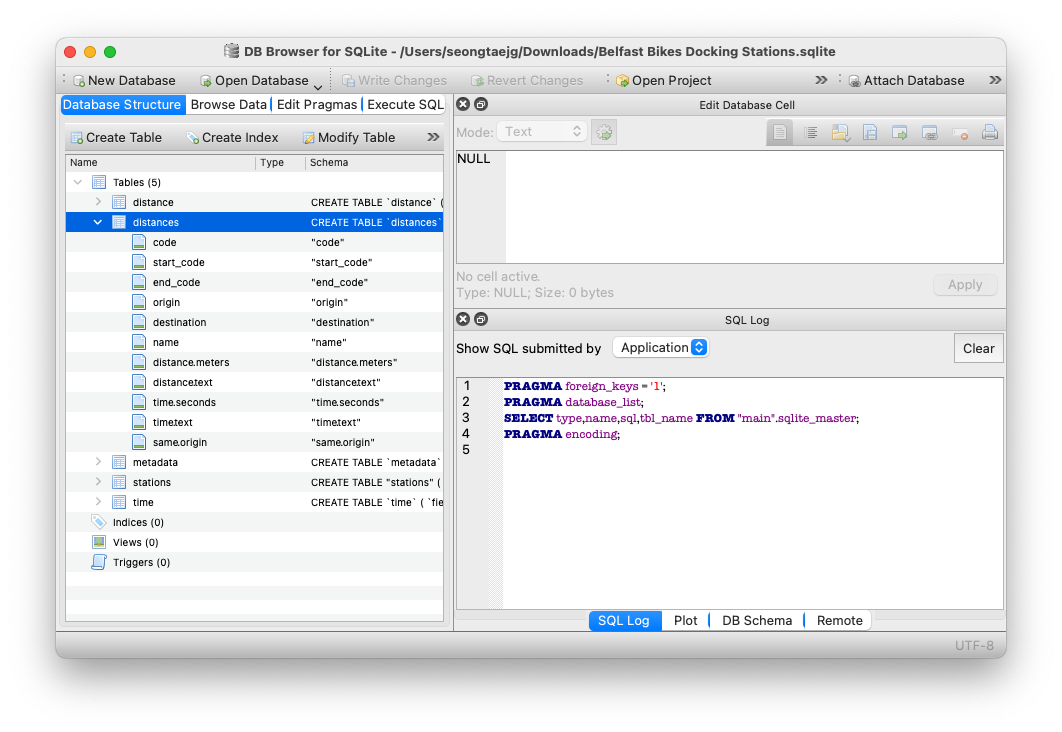
DB Browser for SQLite - SQLite database management GUI.
Languages:
C++Screenshots
-
DBeaver - Universal database tool and SQL client.
Languages:
 Java
JavaScreenshots
(1 more screenshots available in the repository)
-
DbGate - Database manager for MySQL, PostgreSQL, SQL Server, MongoDB, SQLite and others. Runs under Windows, Linux, Mac or as web application.
Languages:
JavaScript TypeScriptWebsite: https://dbgate.org
Screenshots
(6 more screenshots available in the repository)
-
Medis - 💻 Medis is a beautiful, easy-to-use Mac database management application for Redis.
Languages:
JavaScriptScreenshots
-
mongoDB.app - The easiest way to get started with mongoDB on the Mac.
Languages:
SwiftScreenshots
-
MongoHub - Add another lightweight Mac Native MongoDB client.
Languages:
Objective-C C -
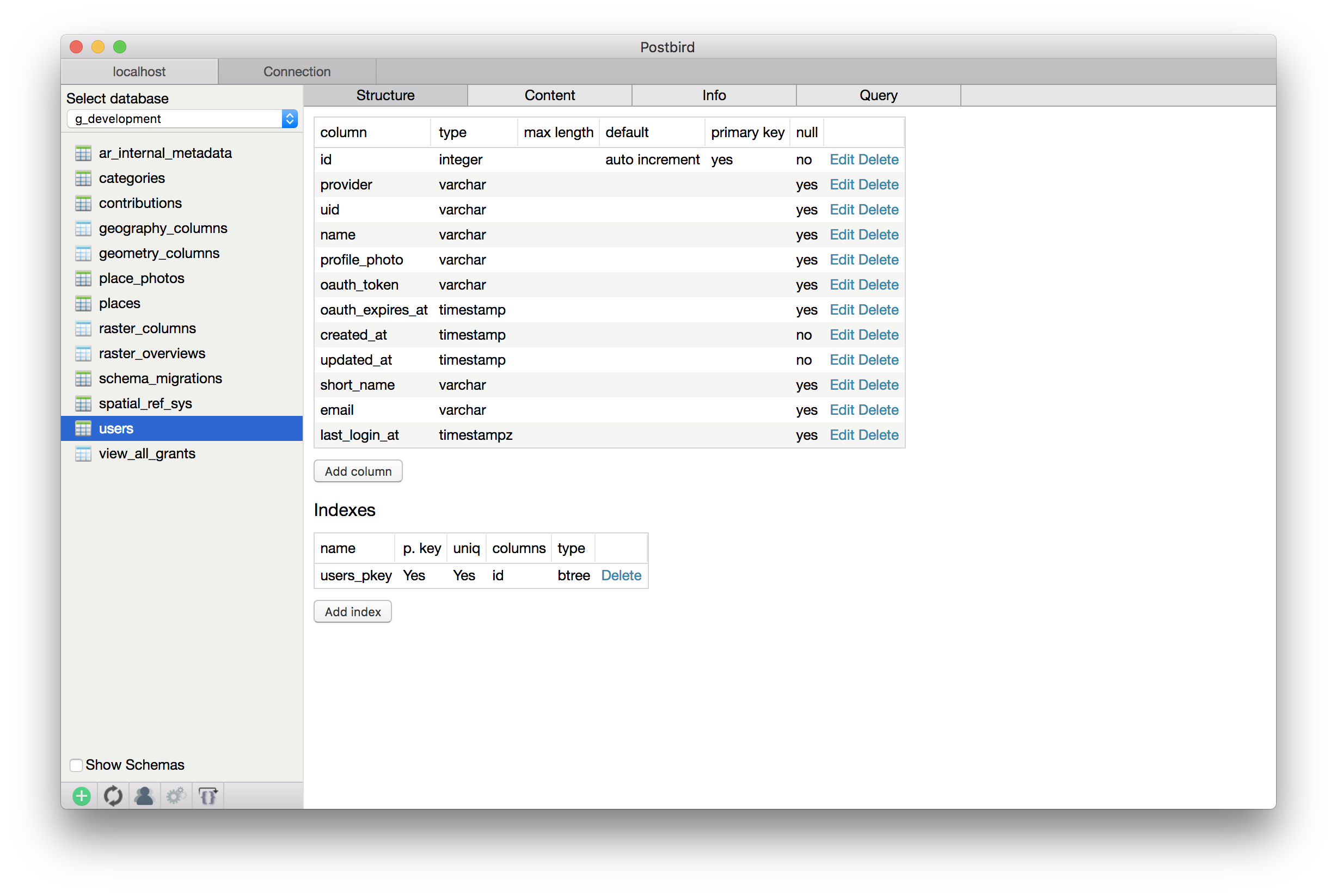
Postbird - PostgreSQL GUI client for macOS.
Languages:
JavaScriptScreenshots


-
Postgres.app - The easiest way to get started with PostgreSQL on the Mac.
Languages:
Swift -
Redis Desktop Manager - Cross-platform open source database management tool for Redis ®
Languages:
C++Screenshots
-
redis-pro - Redis management with SwiftUI.
Languages:
SwiftScreenshots

-
Redis.app - The easiest way to get started with Redis on the Mac.
Languages:
SwiftScreenshots
-
reventlou - Personal database as an information management system.
Languages:
TypeScript SwiftScreenshots

-
Robo 3T - Robo 3T (formerly Robomongo) is the free lightweight GUI for MongoDB enthusiasts.
Languages:
C++Screenshots
-
Sequel Ace - Sequel Ace is a fast, easy-to-use Mac database management application for working with MySQL & MariaDB databases.
Languages:
Objective-CWebsite: https://sequel-ace.com/
-
Sequel Pro - MySQL/MariaDB database management for macOS.
Languages:
Objective-CScreenshots
-
sqlectron - A simple and lightweight SQL client desktop/terminal with cross database and platform support.
Languages:
TypeScriptWebsite: https://sqlectron.github.io/
Screenshots
-
TablePro - Native macOS database client for MySQL, PostgreSQL, SQLite, MongoDB, Redis, and 15+ more.
Languages:
SwiftWebsite: https://tablepro.app
👨💻 Development (45)
-
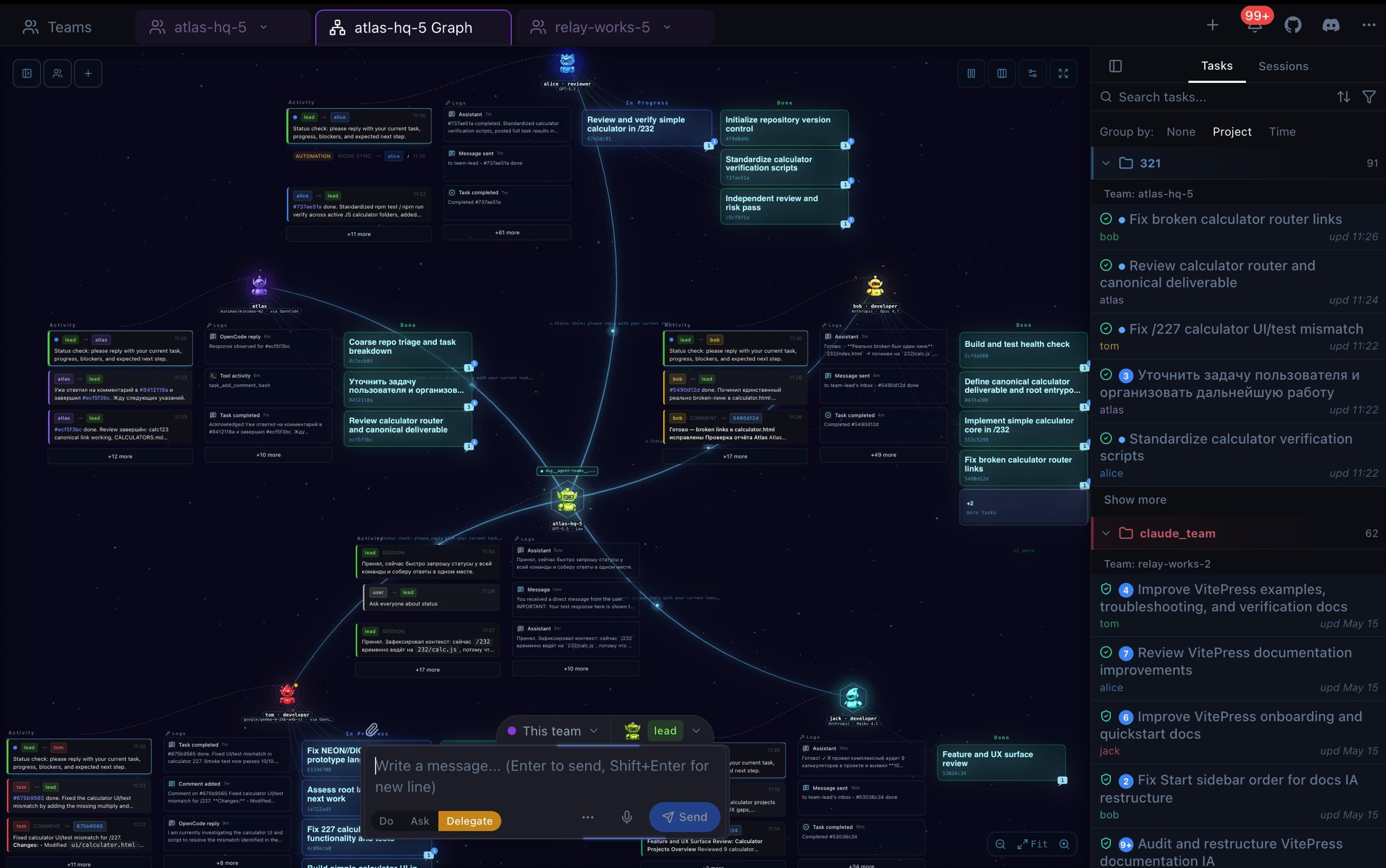
Agent Teams AI - Desktop control center for coordinating autonomous AI coding agent teams across multiple providers.
Languages:
TypeScriptWebsite: https://agentteams.live
Screenshots
-
Anima - Native macOS companion for Claude Code with per-project ASCII familiars, nim token economy, and cross-session watcher. Built with Tauri v2.
Languages:
Rust JavaScriptWebsite: https://github.com/btangonan/anima
-
Apache Netbeans - Apache NetBeans is an IDE, Tooling Platform and Application Framework suitable for development in Java, JavaScript, PHP, HTML5, CSS, and more.
Languages:
JavaWebsite: https://netbeans.apache.org/
Screenshots
-
Brackets - Modern open-source code editor for HTML, CSS and JavaScript that's built in HTML, CSS and JavaScript.
Languages:
JavaScriptWebsite: https://brackets.io/
Screenshots
-
Claude Statistics - Native macOS menu bar app for monitoring Claude Code session usage, token costs, and Anthropic subscription limits in real time.
Languages:
SwiftWebsite: https://claudestatistics.vercel.app/
-
Clave - macOS app for managing multiple Claude Code sessions in parallel, with split/grid layouts, session groups, SSH remote sessions, a git panel, and usage analytics.
Languages:
TypeScriptWebsite: https://github.com/antasphere/clave
-
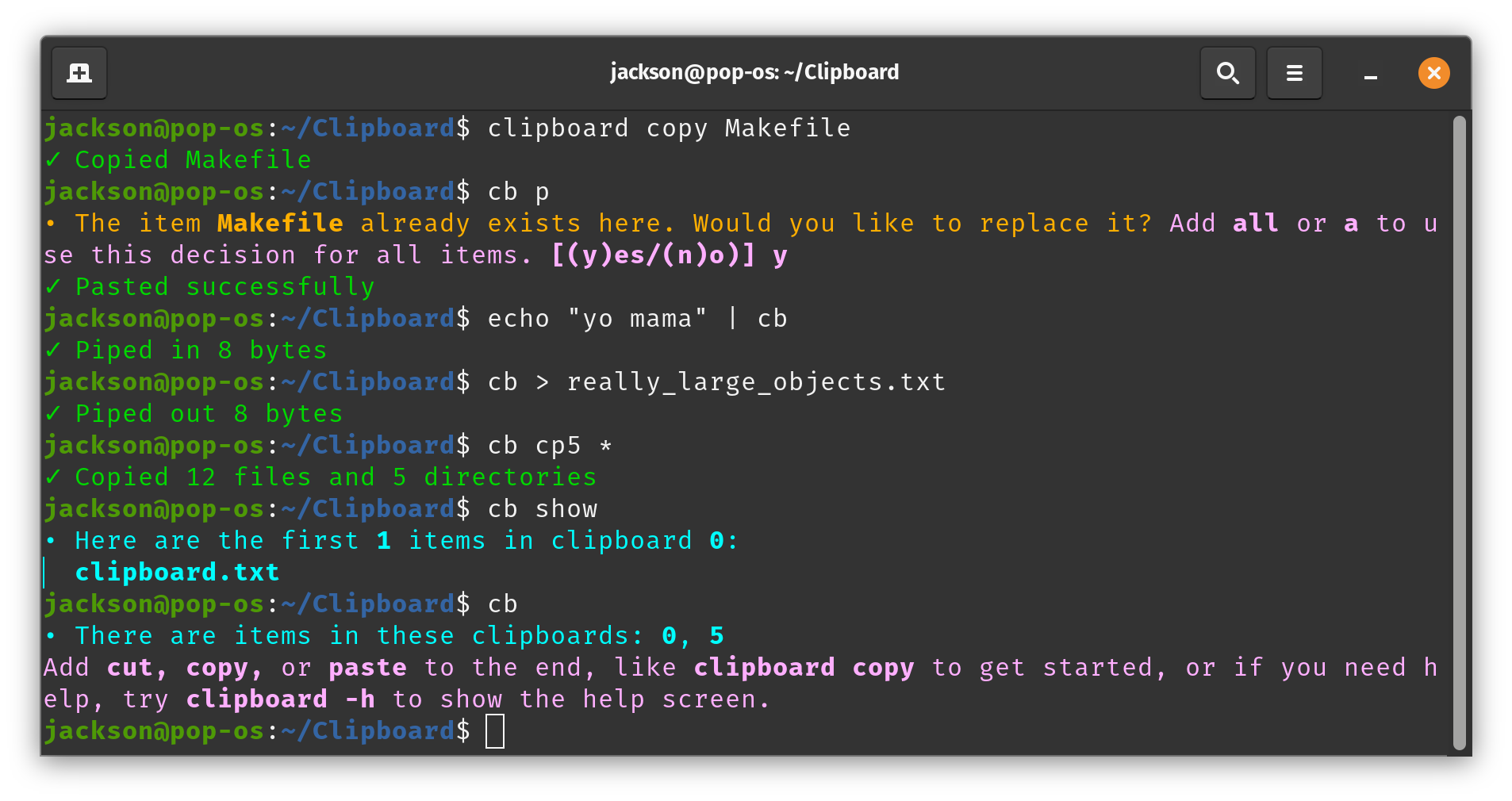
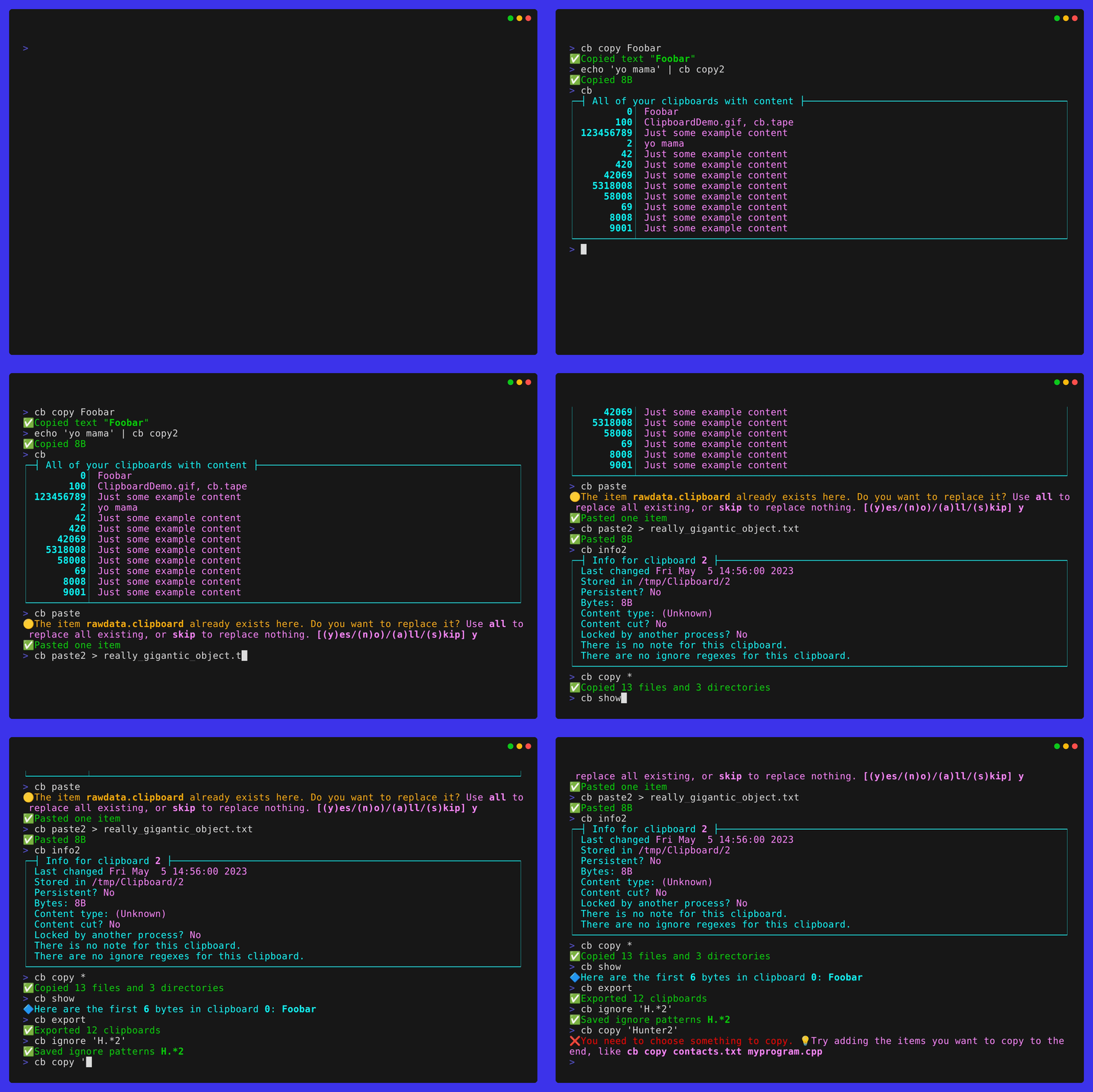
Clipboard - An easy-to-use clipboard manager with time saving features that work across all terminals.
Languages:
C++Website: https://GetClipboard.app
Screenshots
-
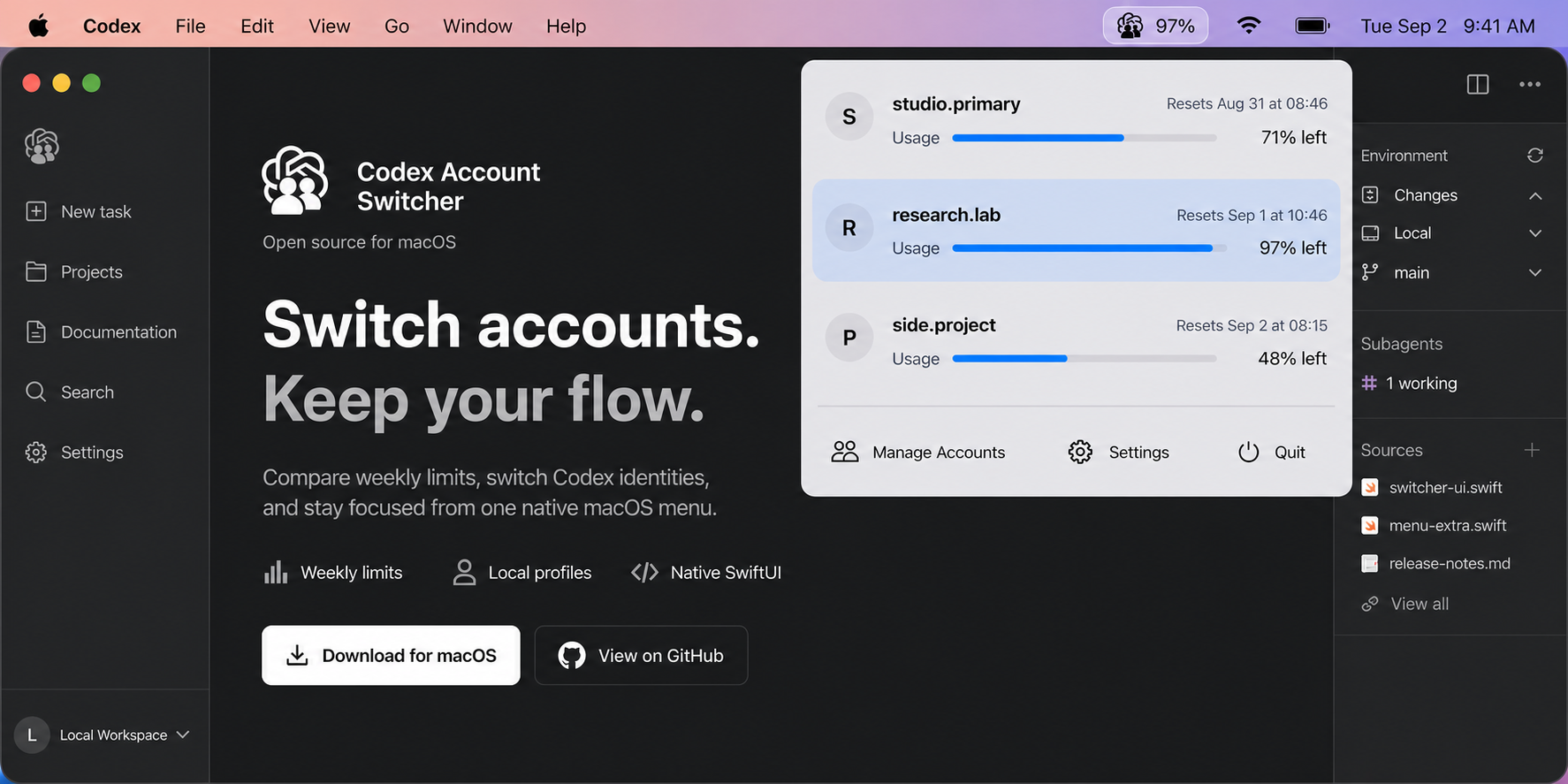
Codex Account Switcher - Native macOS menu bar app for switching multiple Codex Desktop and CLI accounts and monitoring weekly usage.
Languages:
SwiftWebsite: https://liuzhao1225.github.io/codex-account-switcher/
Screenshots
-
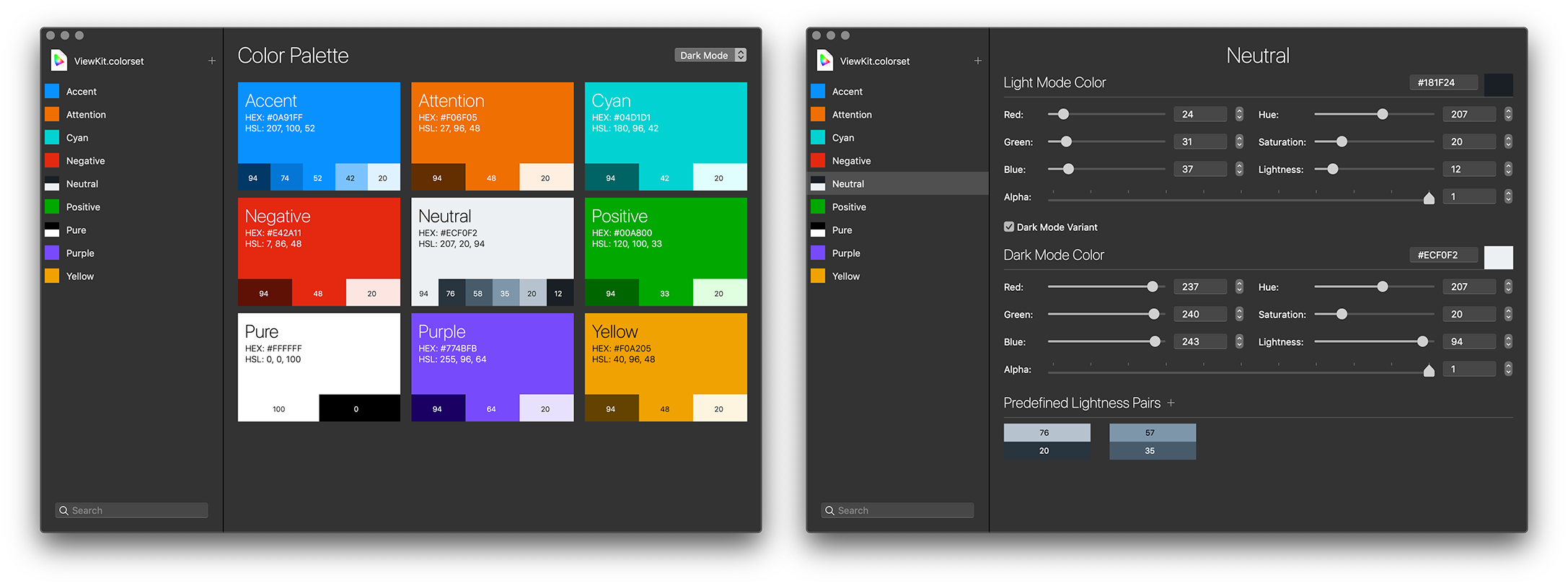
ColorSet - ColorSet is a macOS utility and framework allowing developers to manage custom interface colors with ease.
Languages:
Swift C# Objective-CWebsite: https://imazing.com/colorset
Screenshots
-
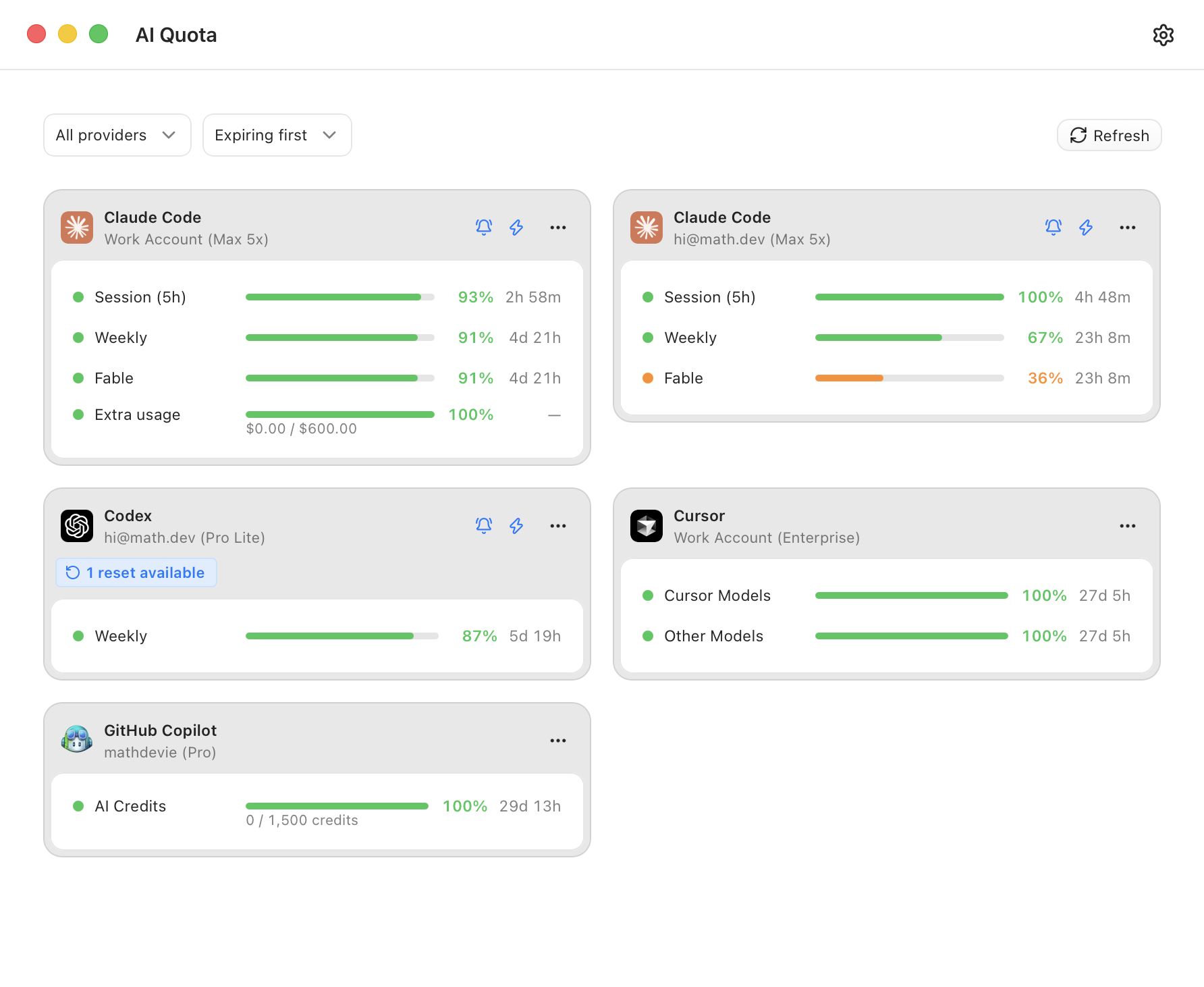
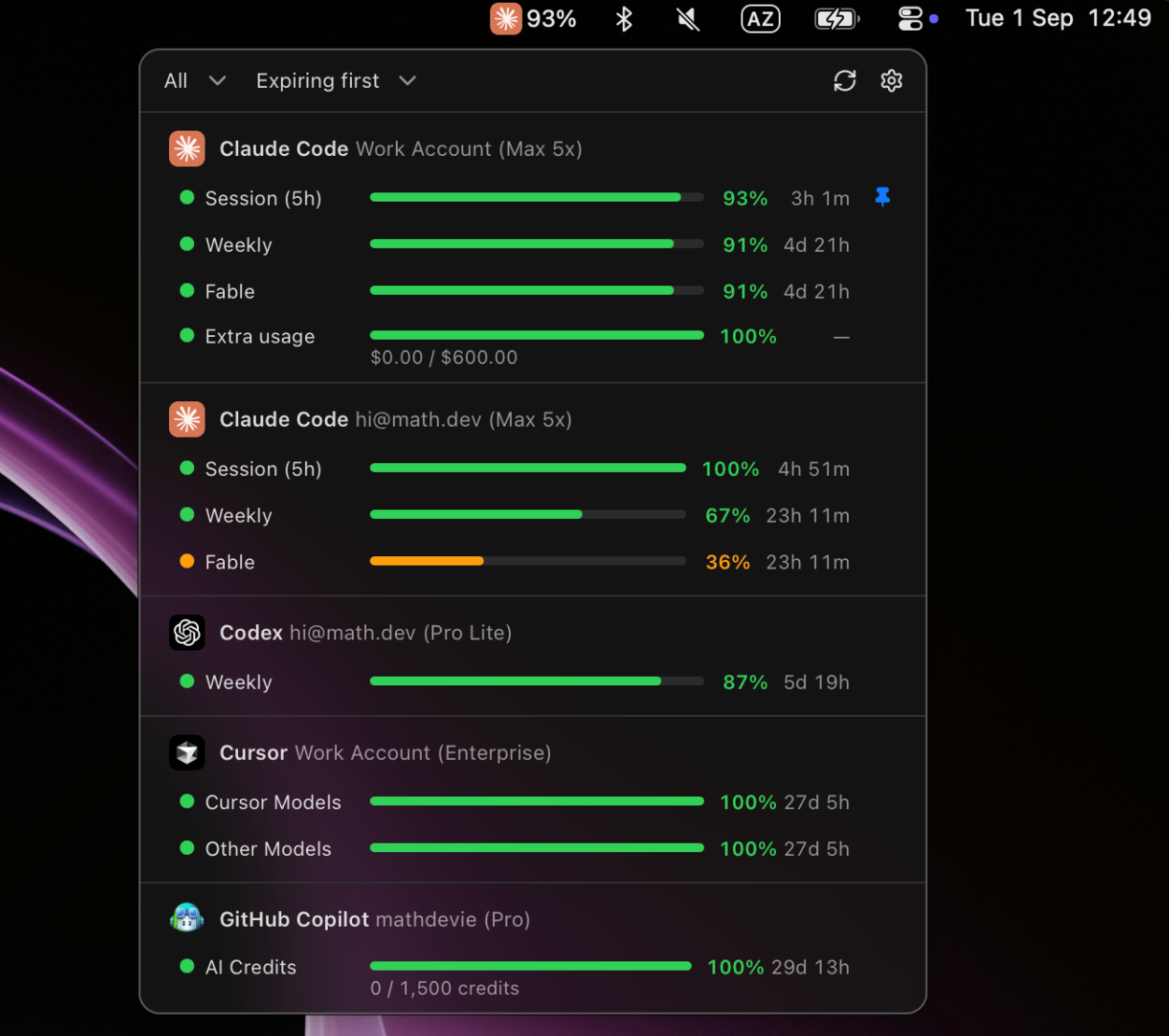
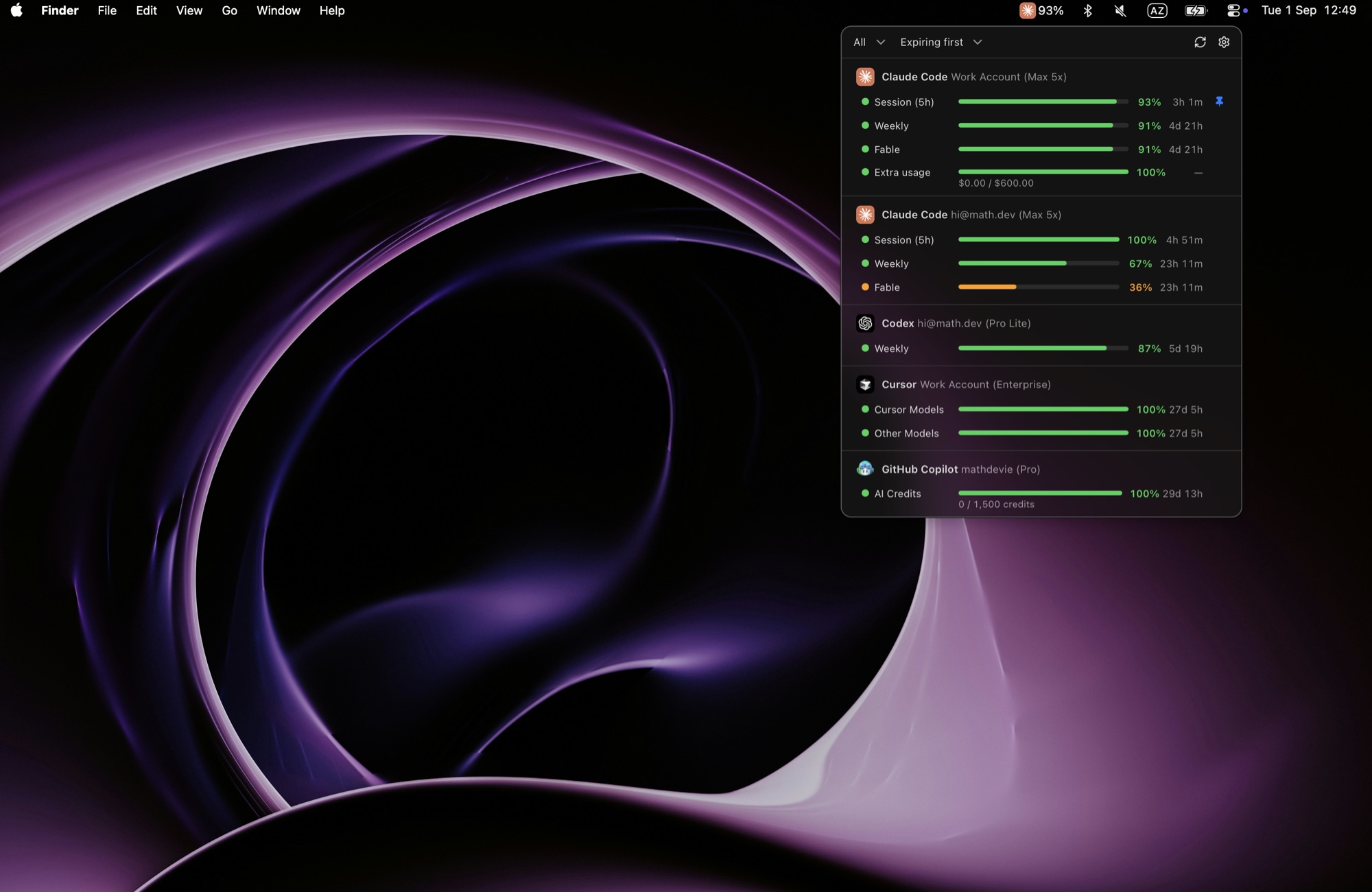
Devie AI Quota Tracker - Dashboard and macOS menu bar for tracking AI subscription quotas in one place (Claude Code, Codex, Gemini CLI, GitHub Copilot, and Cursor). Supports multi-accounts, notifications, and session-timer start optimization.
Languages:
Rust TypeScriptScreenshots
-
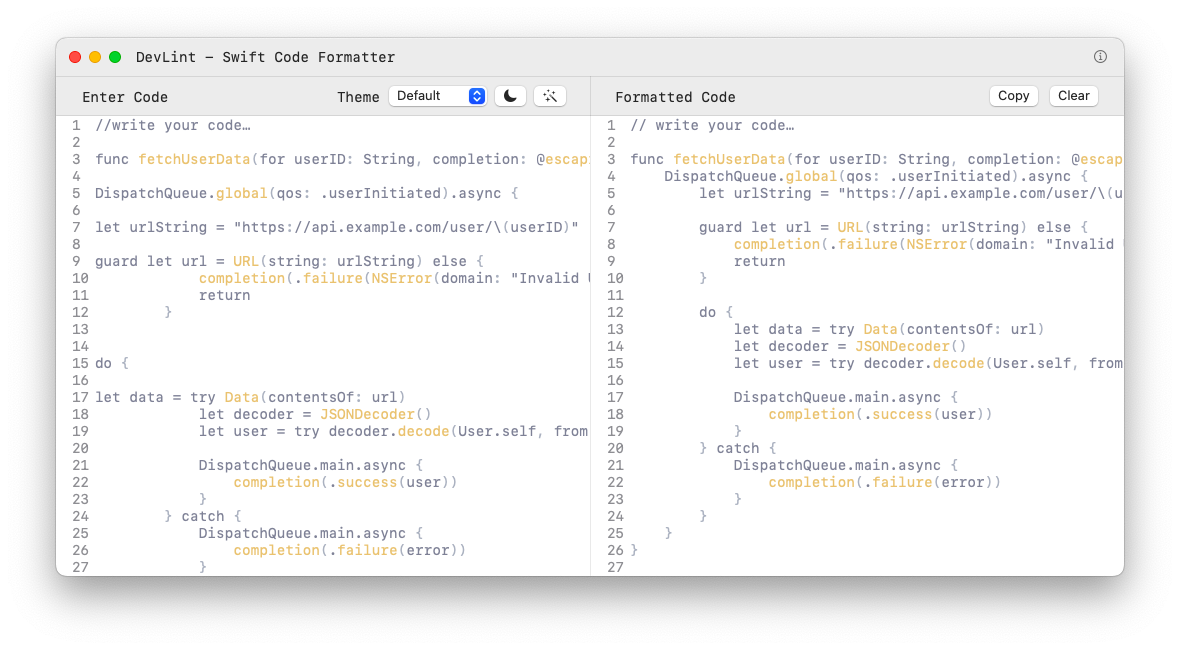
DevLint - A lightweight app for formatting and correcting Swift syntax.
Languages:
SwiftScreenshots
-
DevProjex - Cross-platform macOS codebase-context app for Intel and Apple Silicon, with GUI, TUI, CLI, live preview, redaction, and a built-in read-only MCP server.
Languages:
C# -
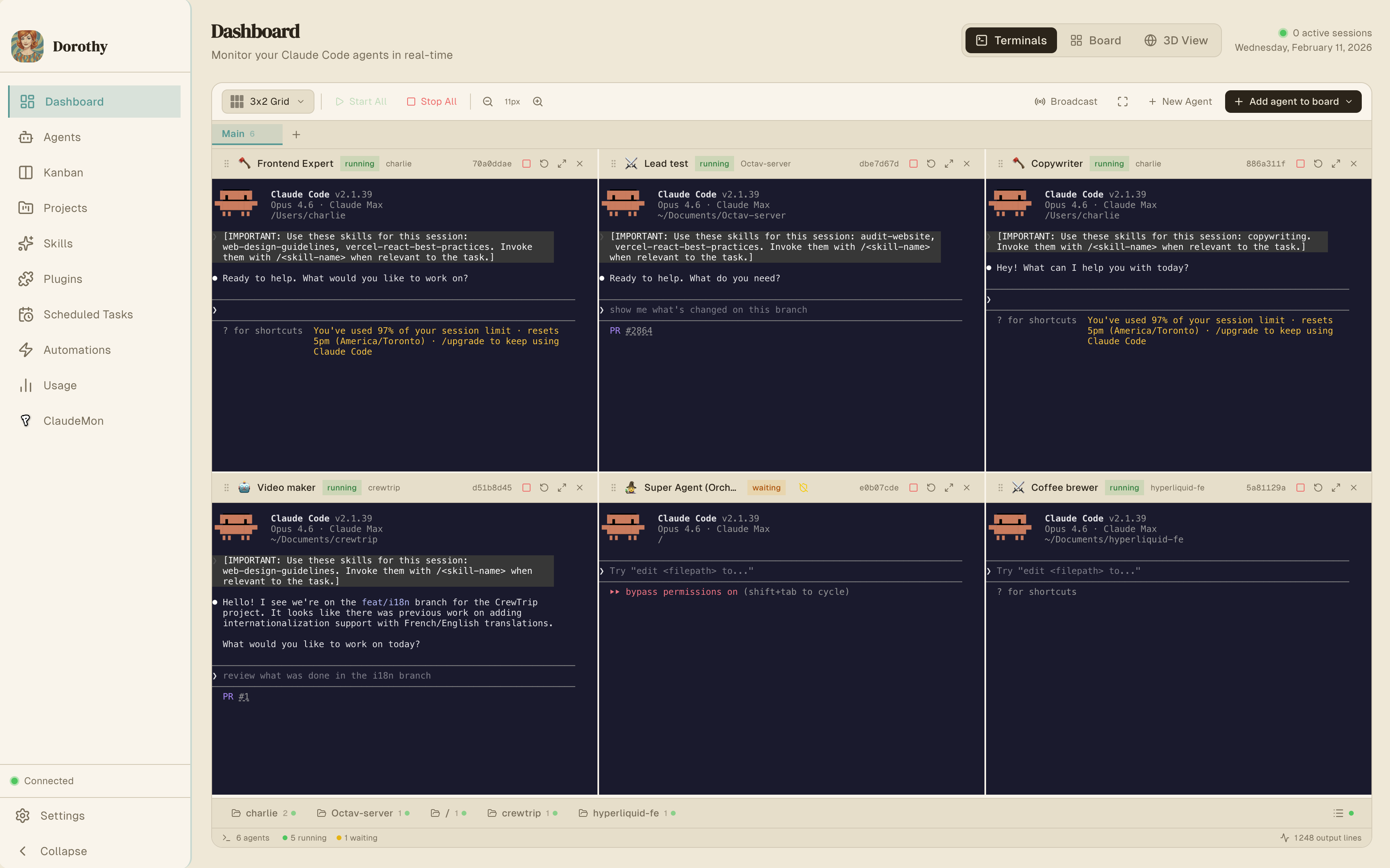
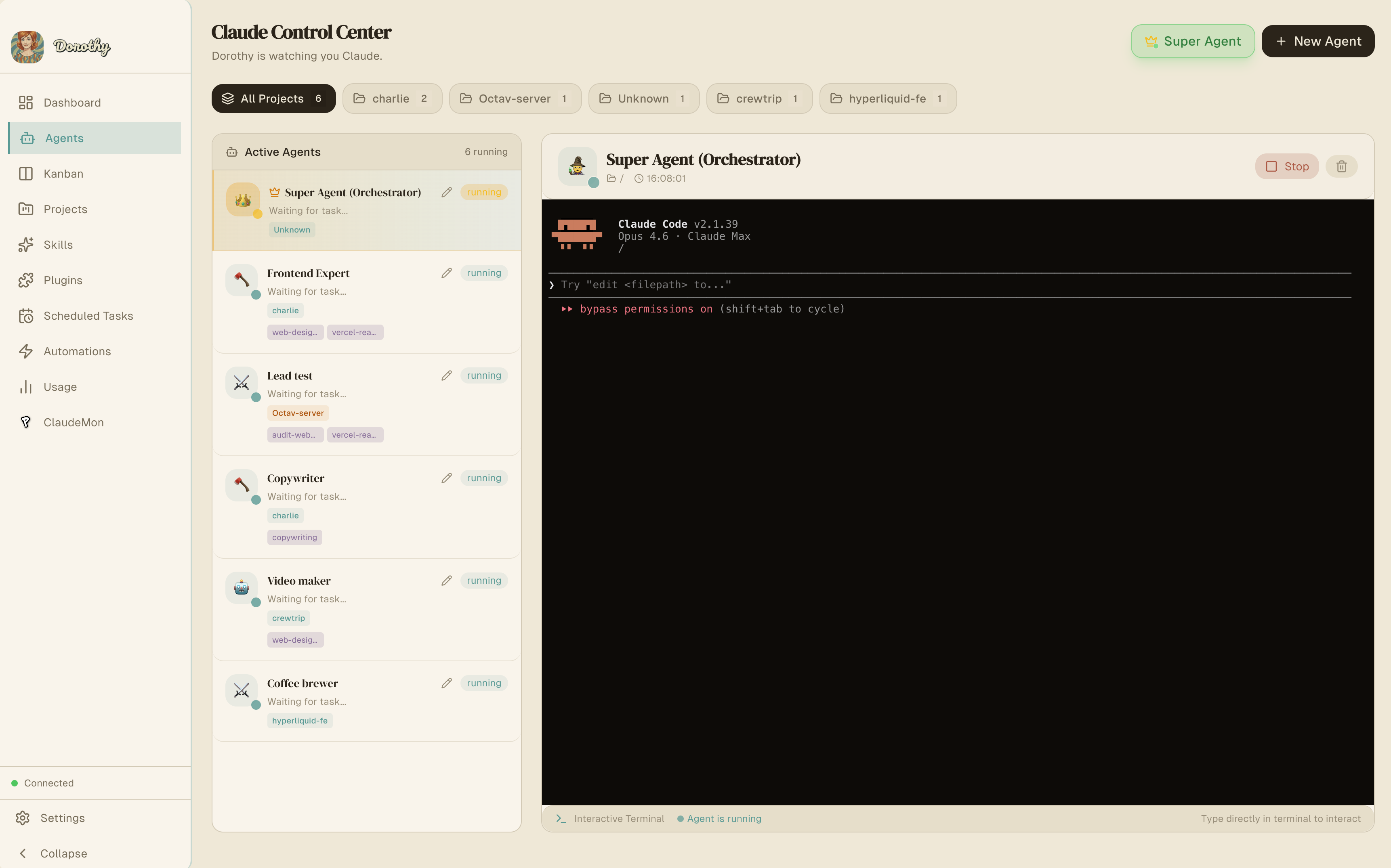
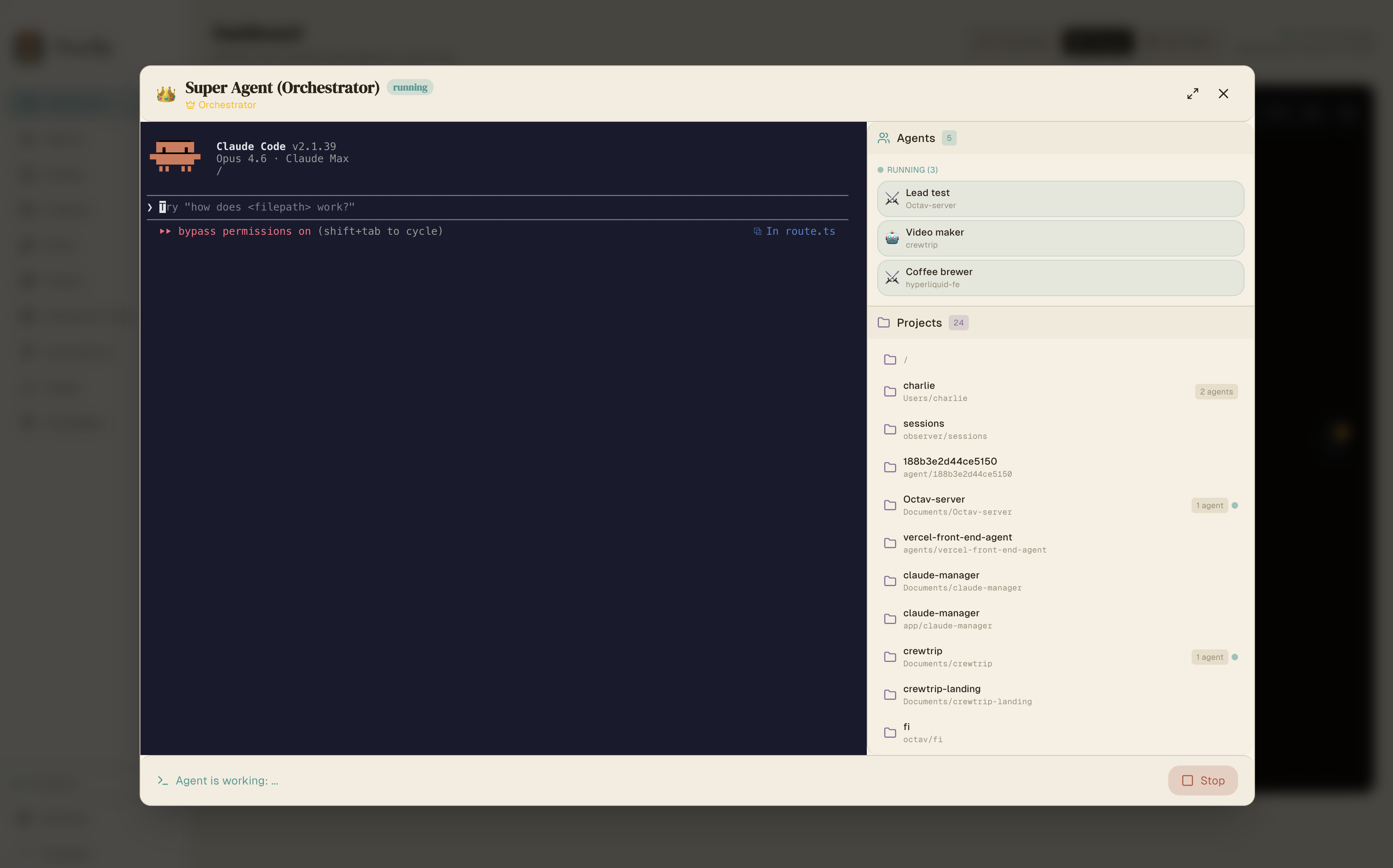
Dorothy - Desktop app to orchestrate multiple AI CLI agents simultaneously with automations, Kanban management, and remote control via Telegram.
Languages:
TypeScriptWebsite: https://dorothyai.app
Screenshots
-
Eclipse - Eclipse is an open-source integrated development environment (IDE) used in computer programming, featuring a base workspace and an extensible plug-in system for customizing the environment.
Languages:
JavaWebsite: https://www.eclipse.org
-
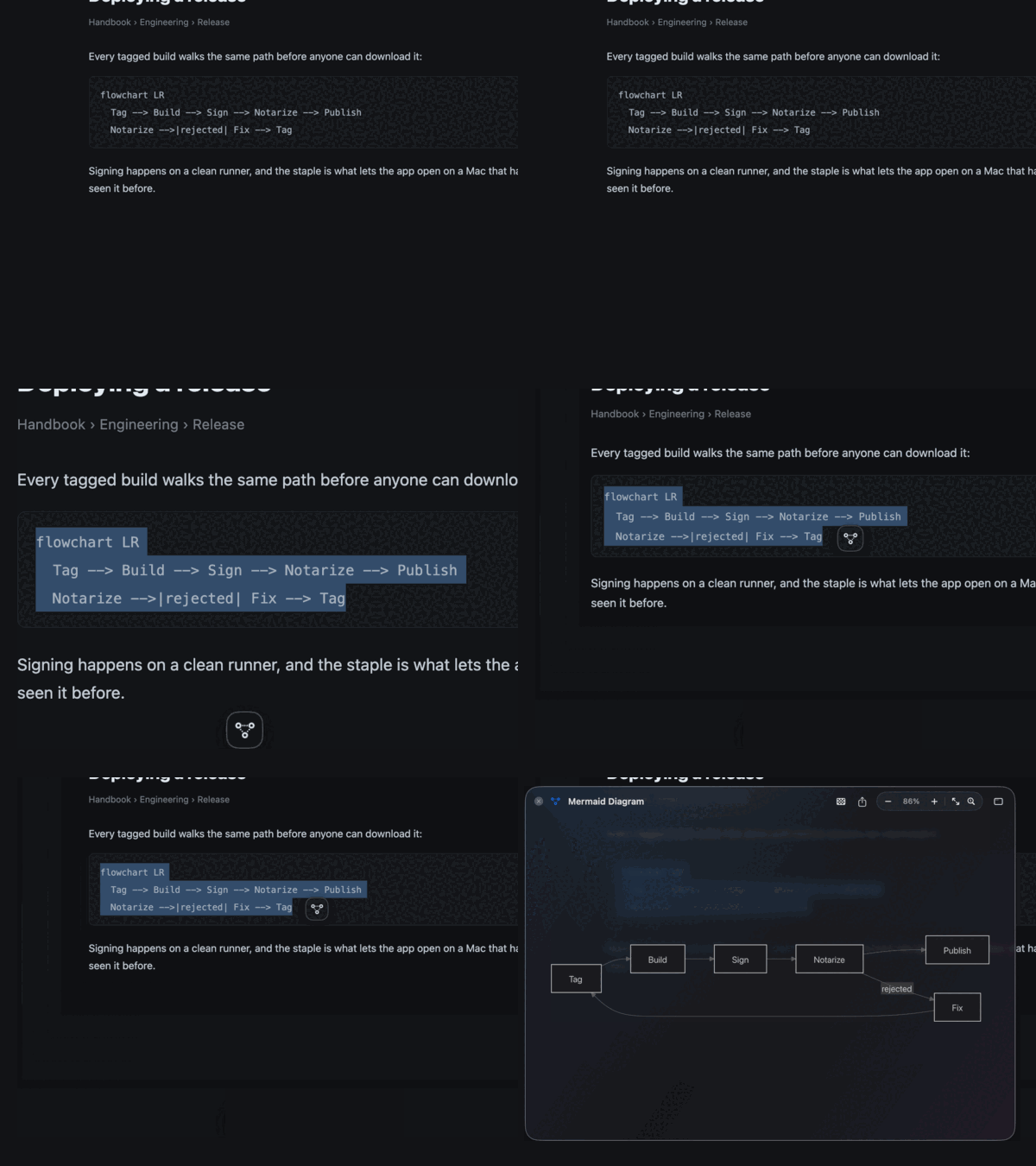
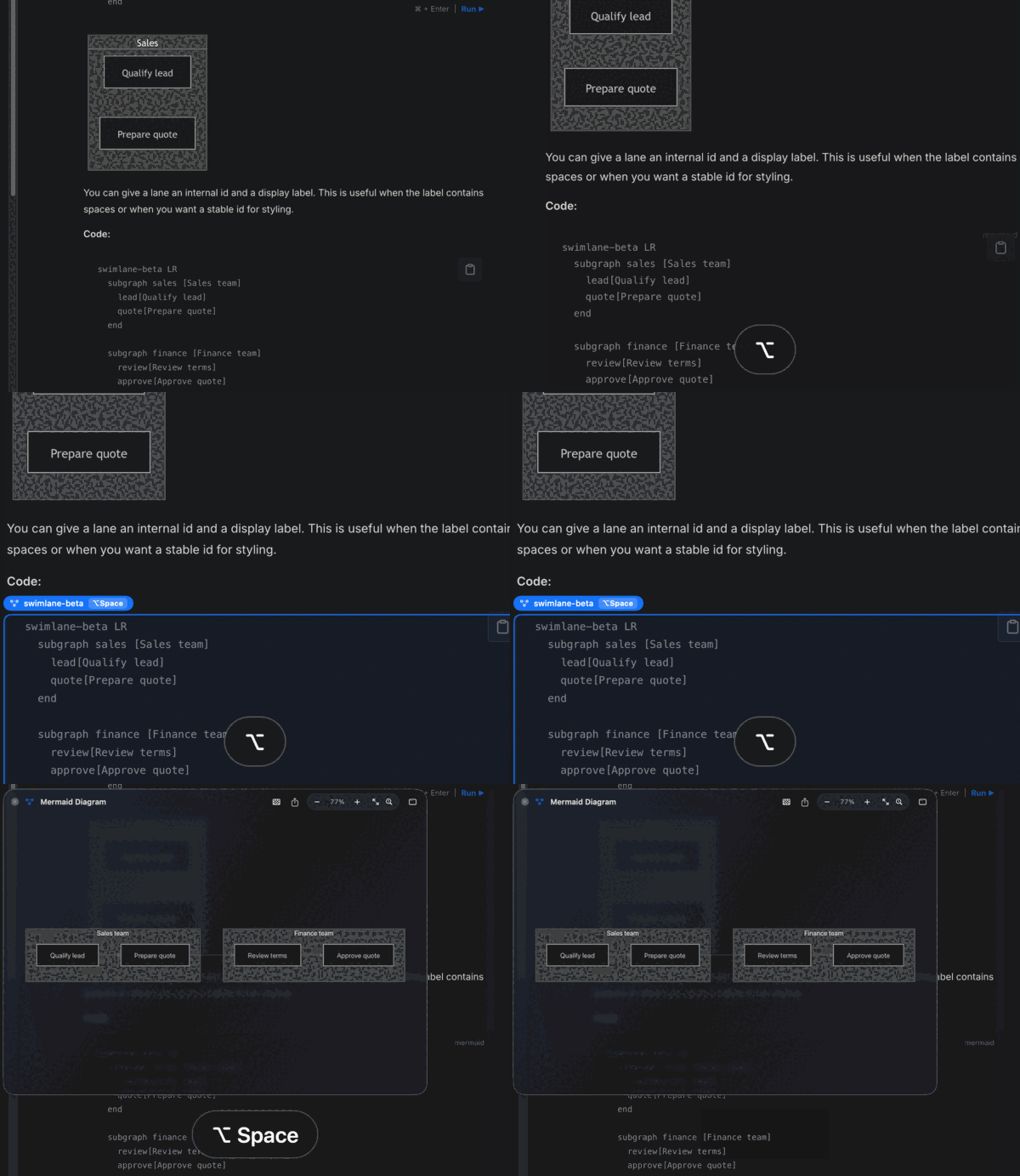
FlowPeek - Previews the Mermaid diagram already on screen, read from a selection, the clipboard, the block under the pointer, or a file.
Languages:
SwiftWebsite: https://flowpeek.github.io/flowpeek/
Screenshots
-
GitAhead - A graphical Git client designed to help you understand and manage your source code history.
Languages:
C++ C -
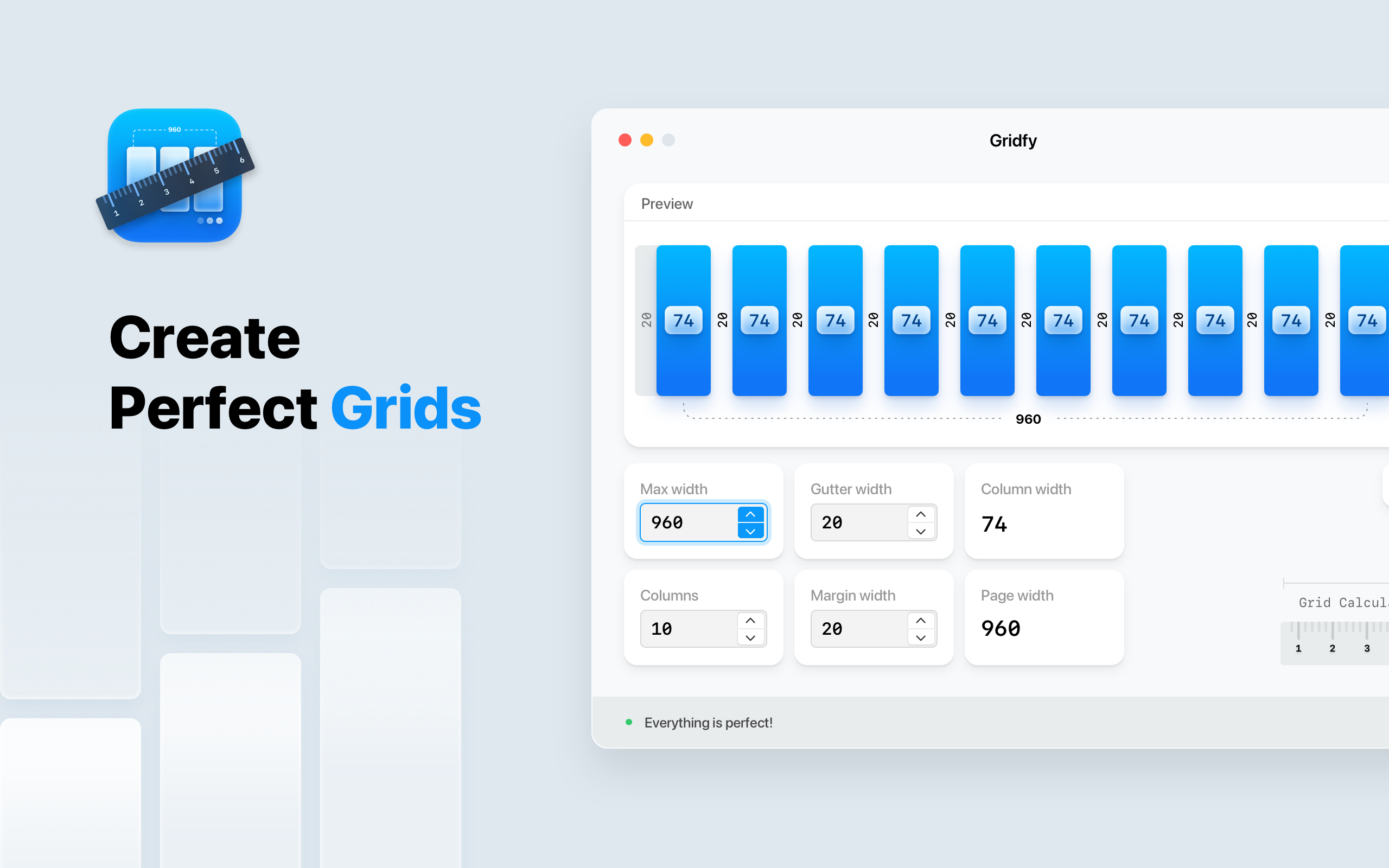
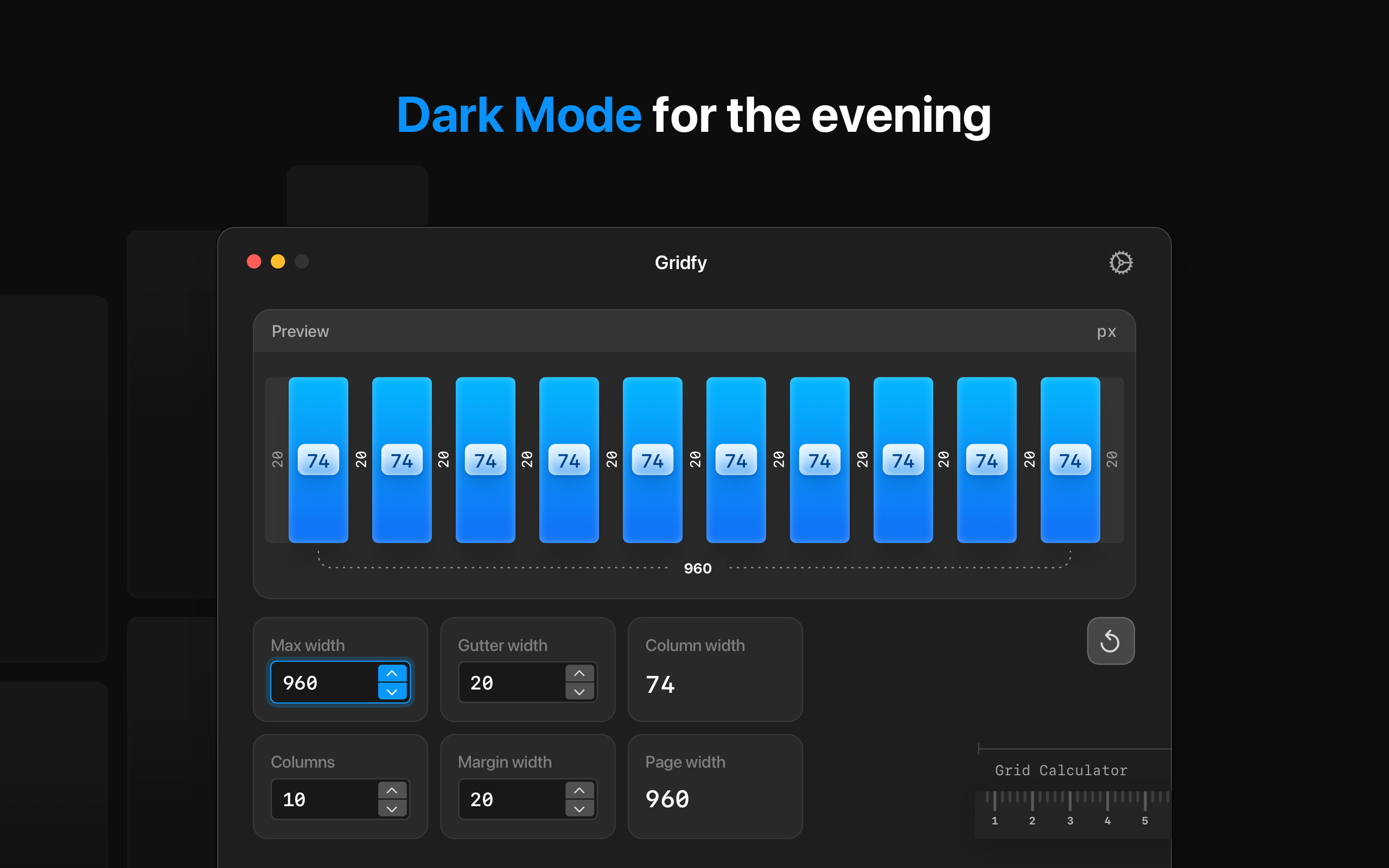
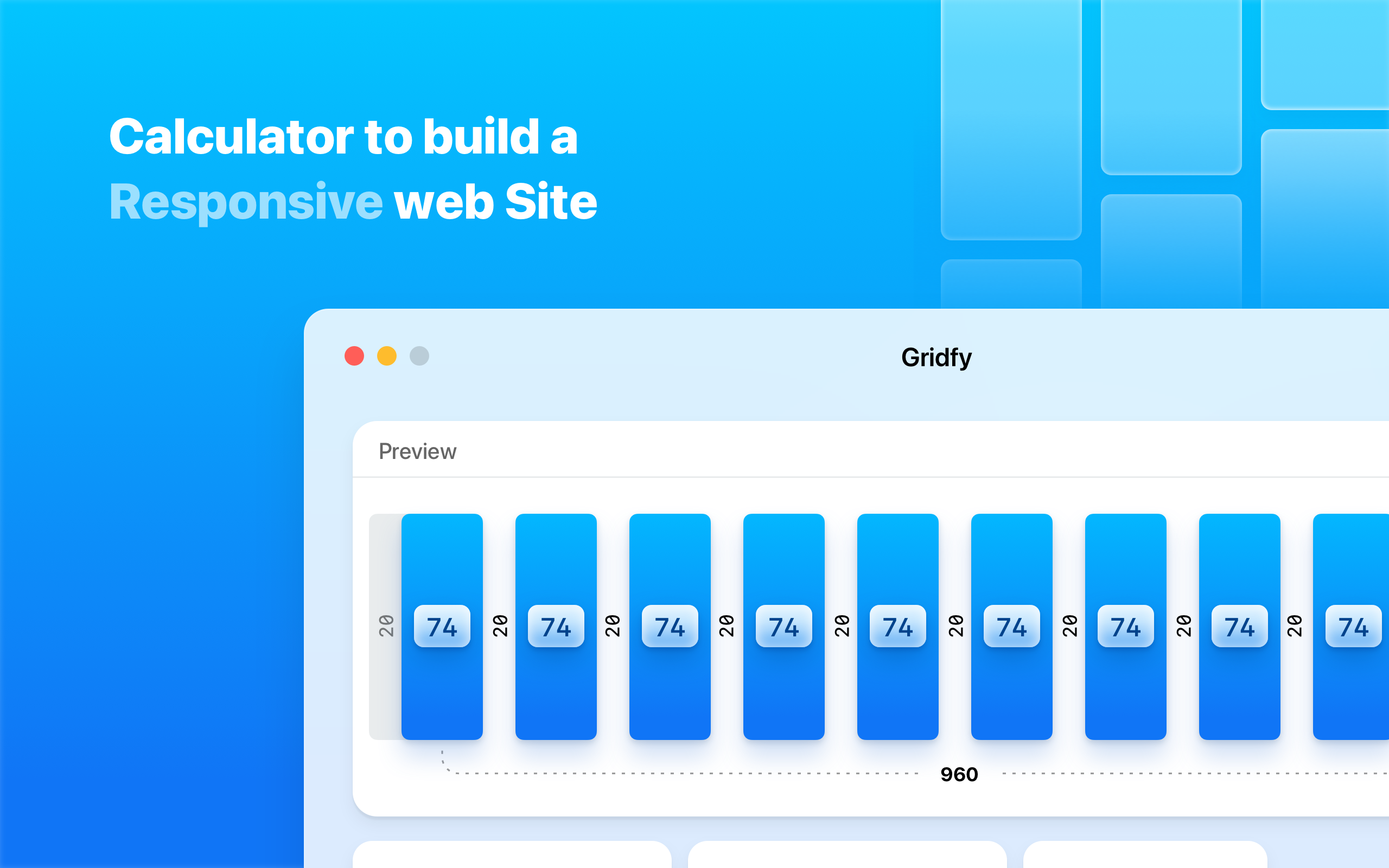
Gridfy - Quickly calculate column widths and get correct results for your grid.
Languages:
JavaScript TypeScriptWebsite: https://gridfy.astroon.pro/
Screenshots
-
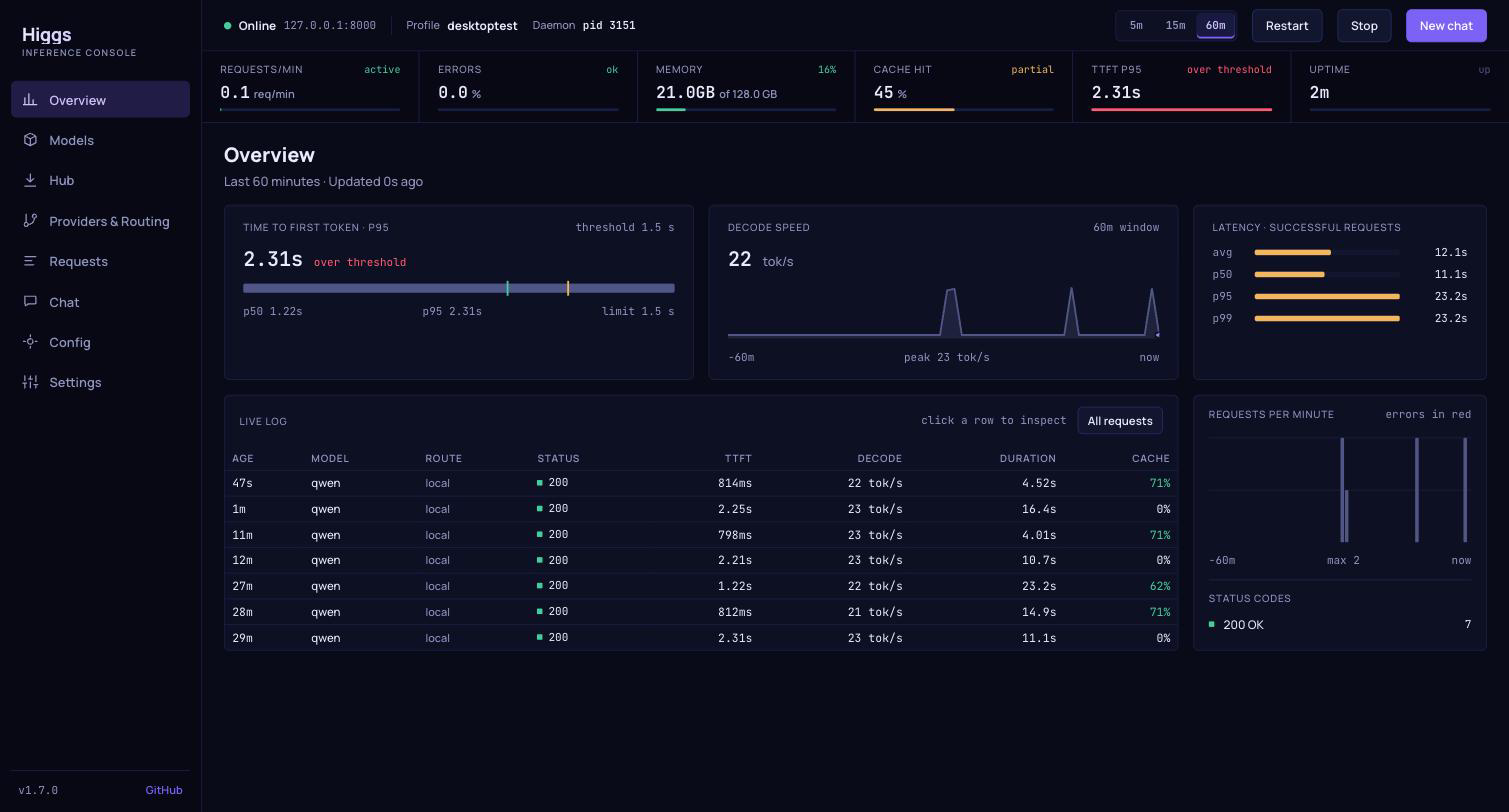
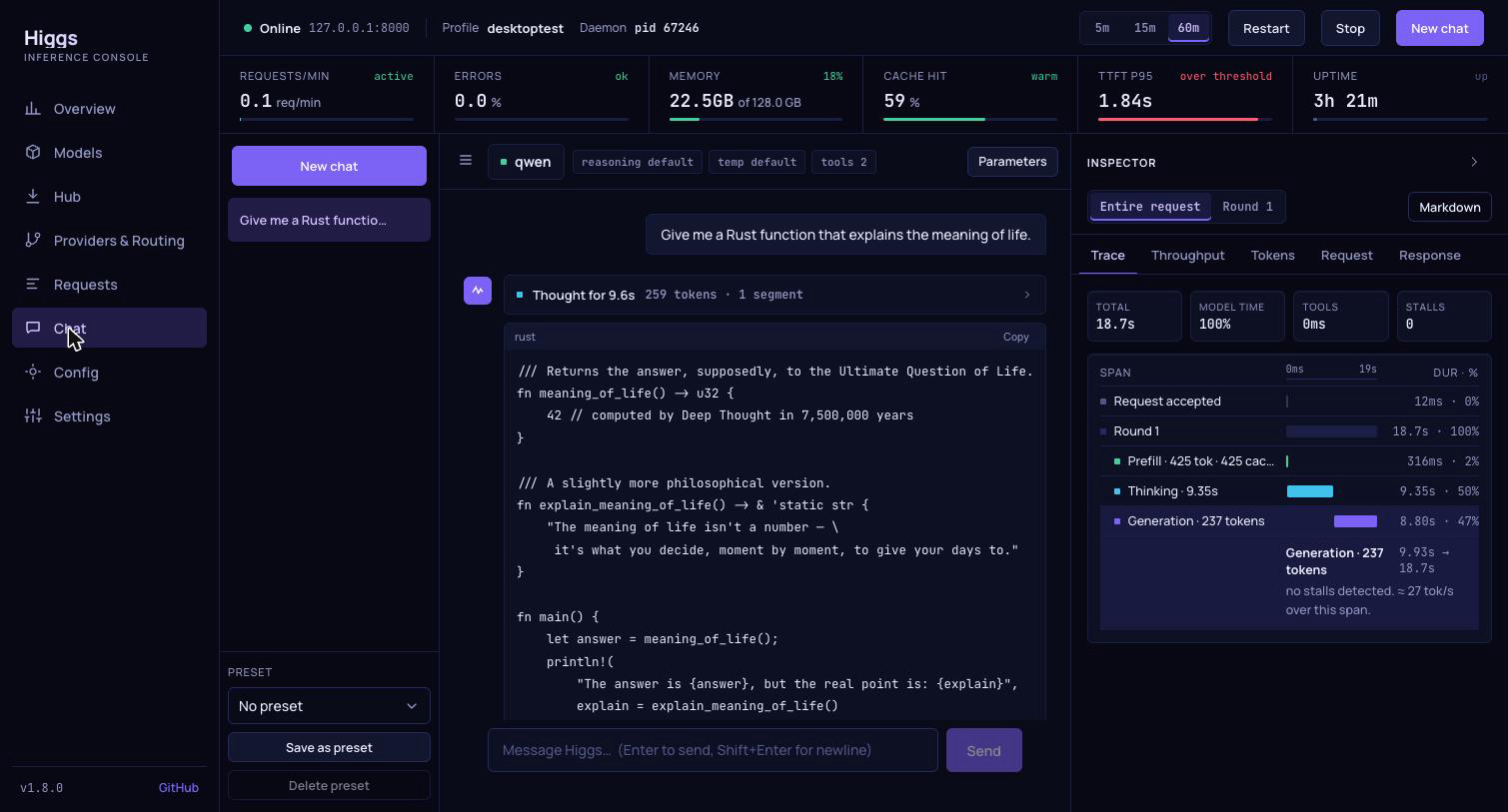
Higgs - Dashboard and chat app for the Higgs inference server: runs MLX models on Apple Silicon behind OpenAI- and Anthropic-compatible APIs, routes to remote providers, and traces every request.
Languages:
Rust TypeScriptWebsite: https://github.com/panbanda/higgs
Screenshots
-
JustTags - JustTags in a macOS app for working with BERTLV EMV tags.
Languages:
SwiftWebsite: https://kaphacius.github.io/just-tags/
Screenshots


-
KiCad - A software suite for electronic design automation.
Languages:
C++ CWebsite: https://www.kicad.org/
-
Layout Designer for UICollectionView - A simple but powerful tool that helps you make complex layouts for UICollectionView.
Languages:
SwiftWebsite: https://apps.apple.com/nl/app/layout-designer/id1507238011?l=en&mt=12
Screenshots
-
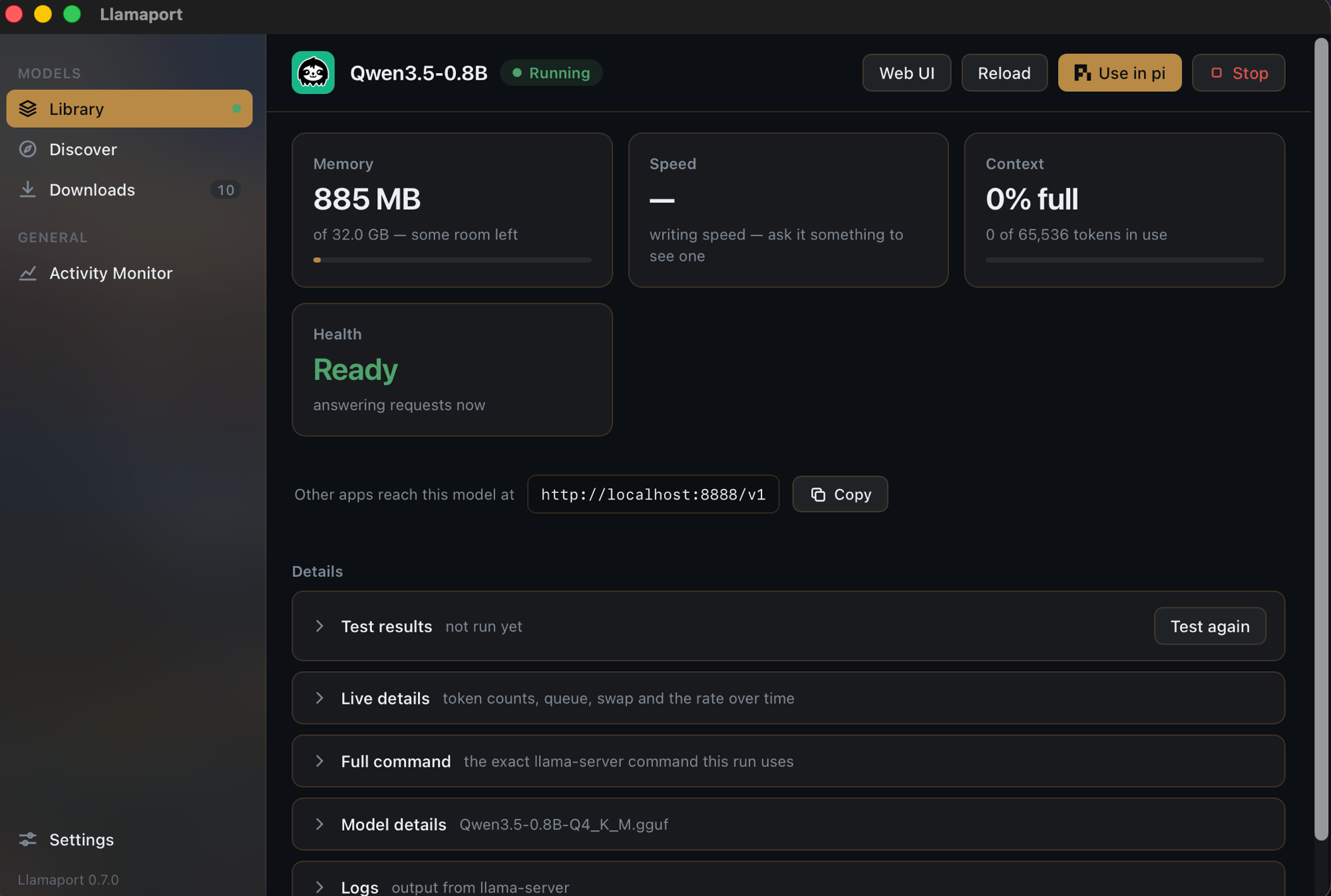
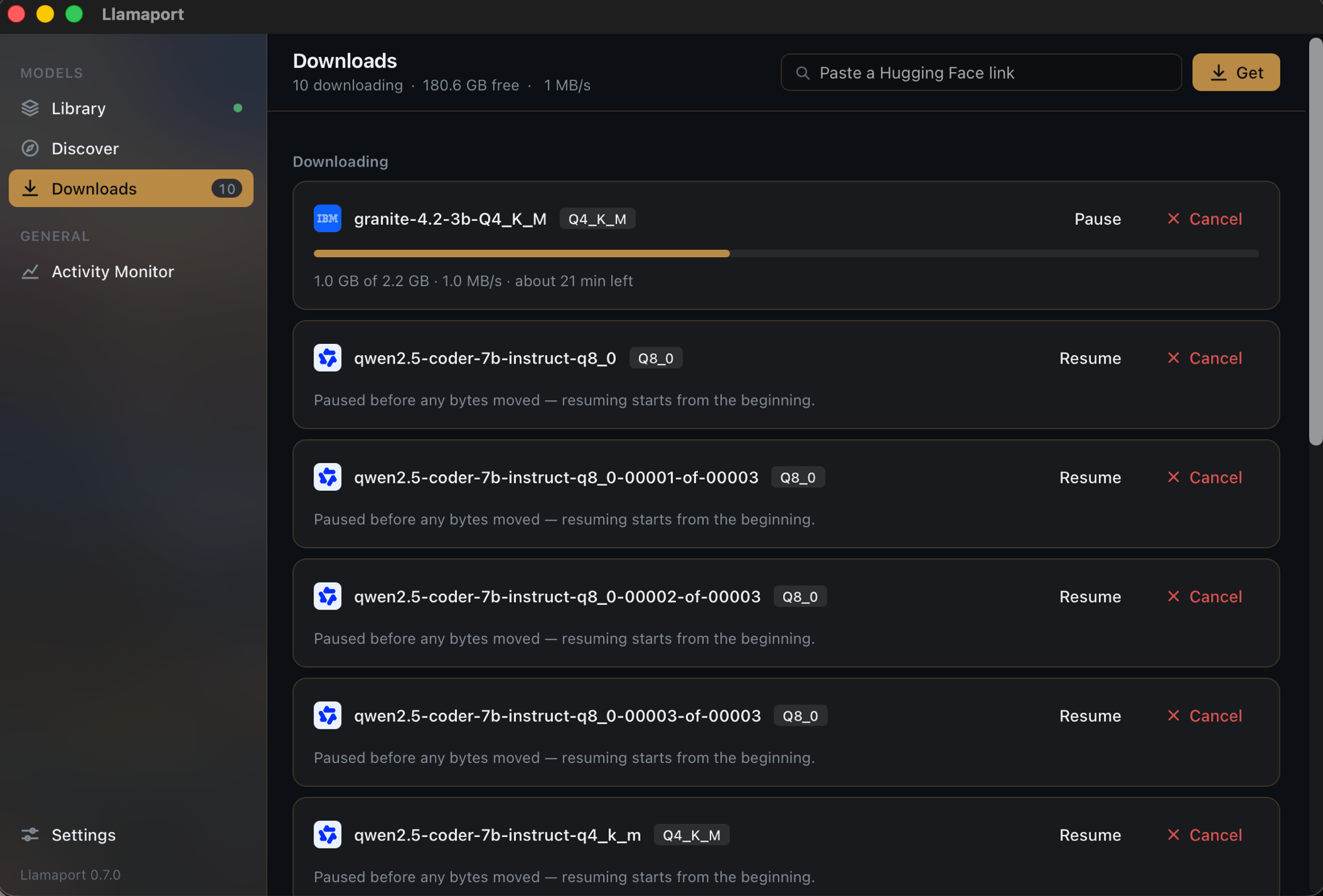
Llamaport - Run local GGUF models with llama-server. Reads model headers directly for real quantisation and context length, shows the full launch command before starting, reports live token rates and memory pressure, and downloads models from Hugging Face with resume that survives a kill.
Languages:
Rust TypeScriptWebsite: https://github.com/smkamranqadri/llamaport
Screenshots
-
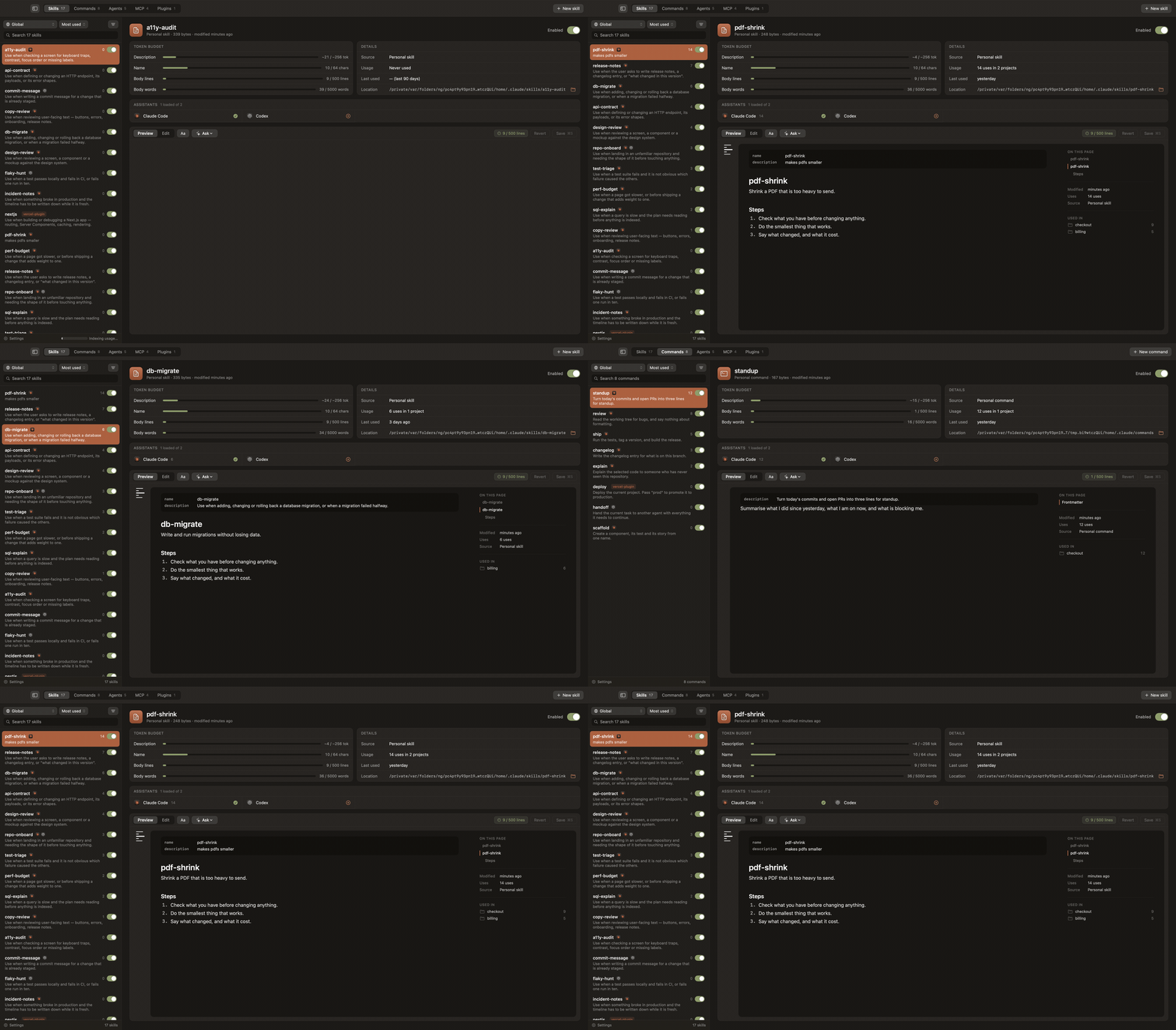
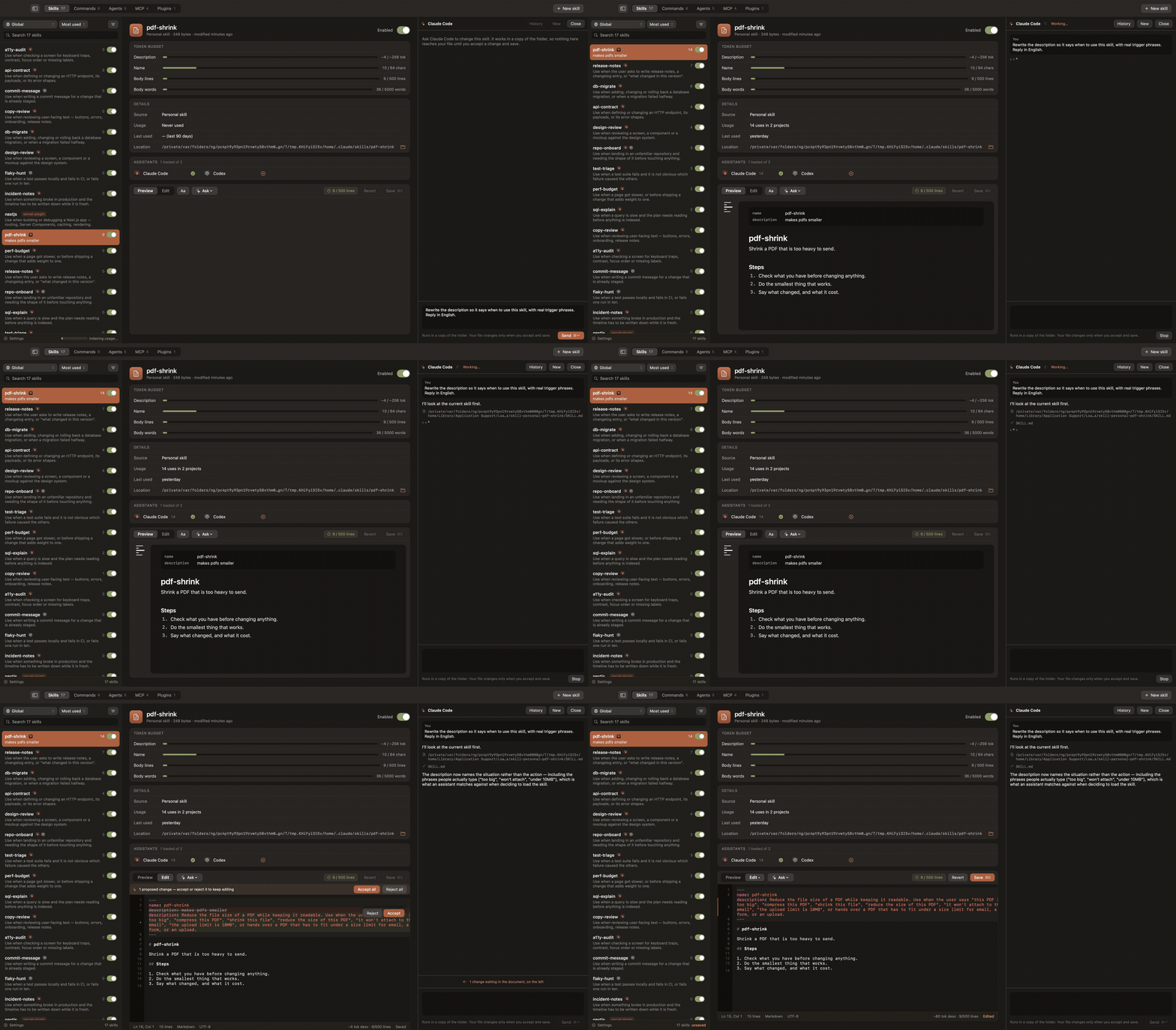
Loadout - Inspects and manages the skills, slash commands, subagents, plugins and MCP servers that coding assistants load, with usage counts read from session logs.
Languages:
SwiftWebsite: https://loadout.migsilva.dev
Screenshots
-
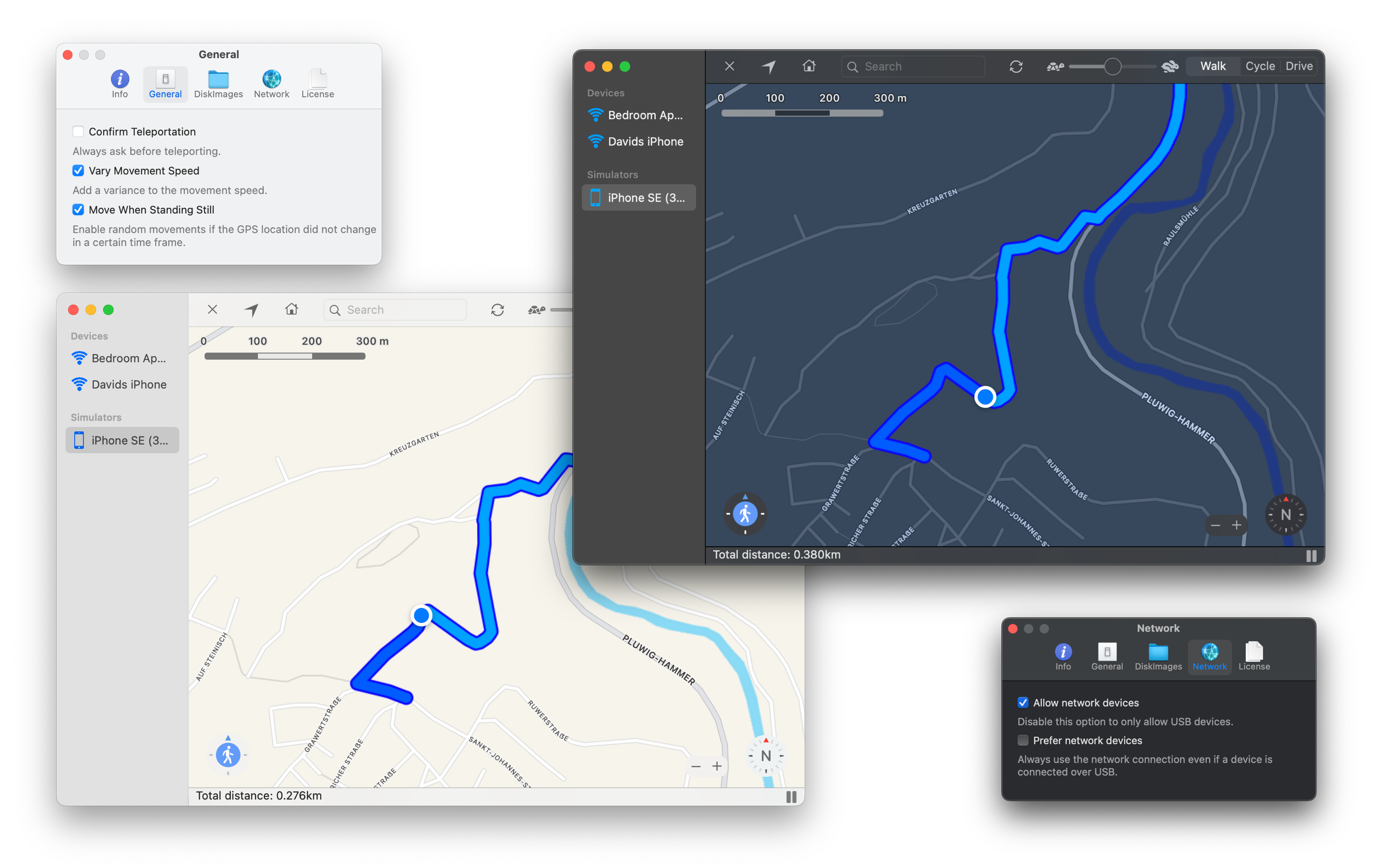
LocationSimulator - Application to spoof your iOS or iPhoneSimulator location.
Languages:
SwiftWebsite: https://schlaubischlump.github.io/LocationSimulator
Screenshots
-
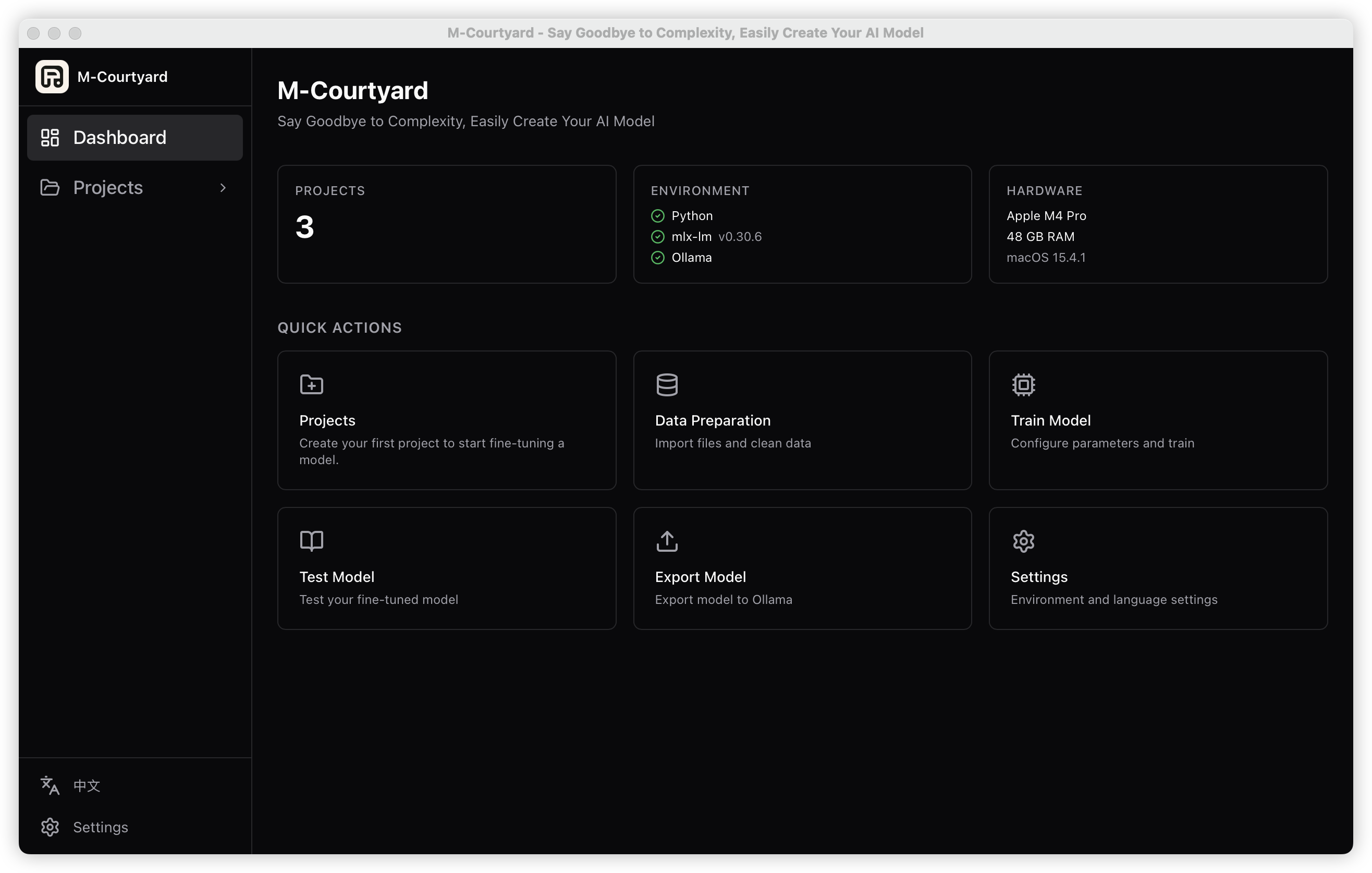
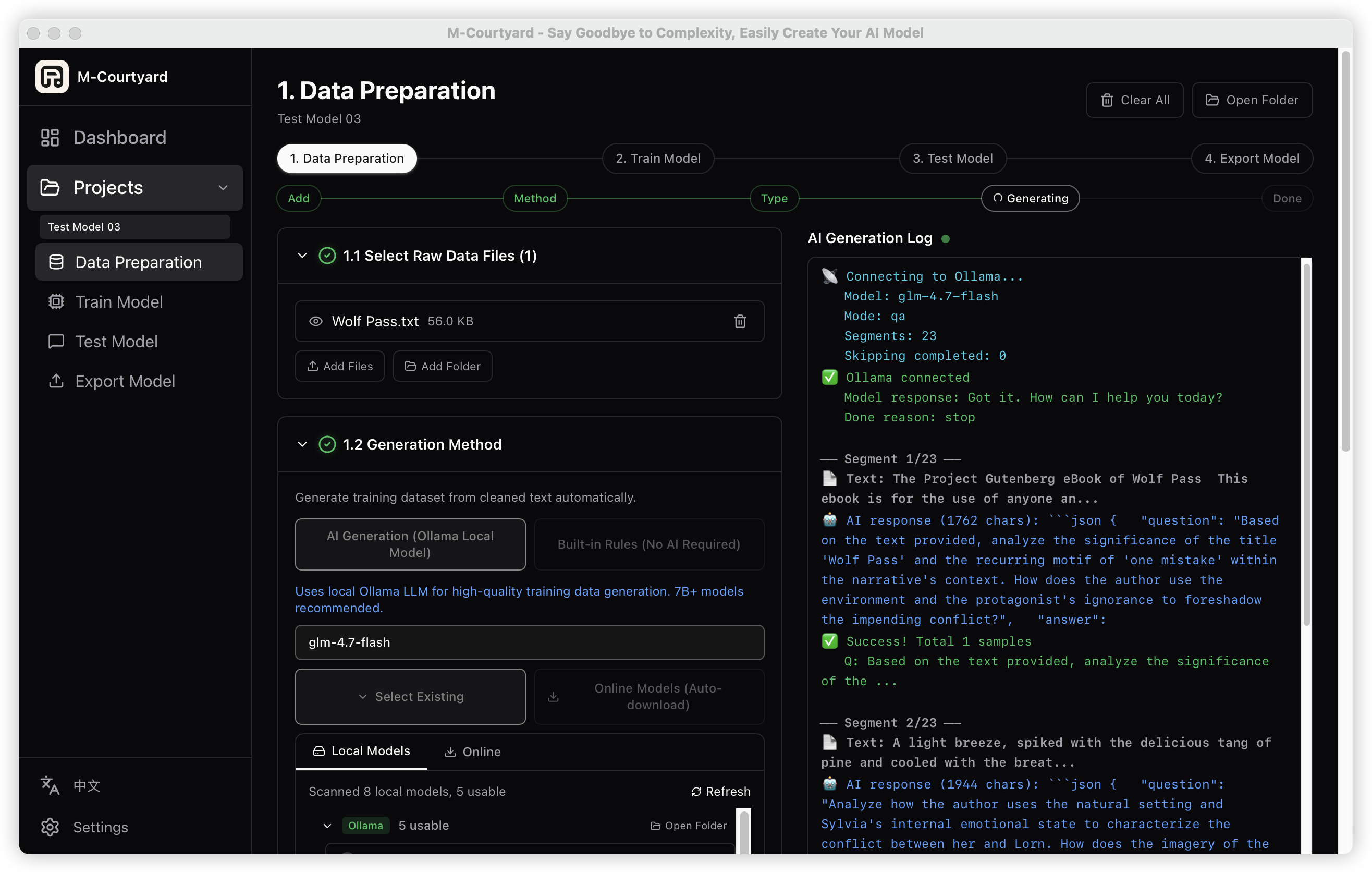
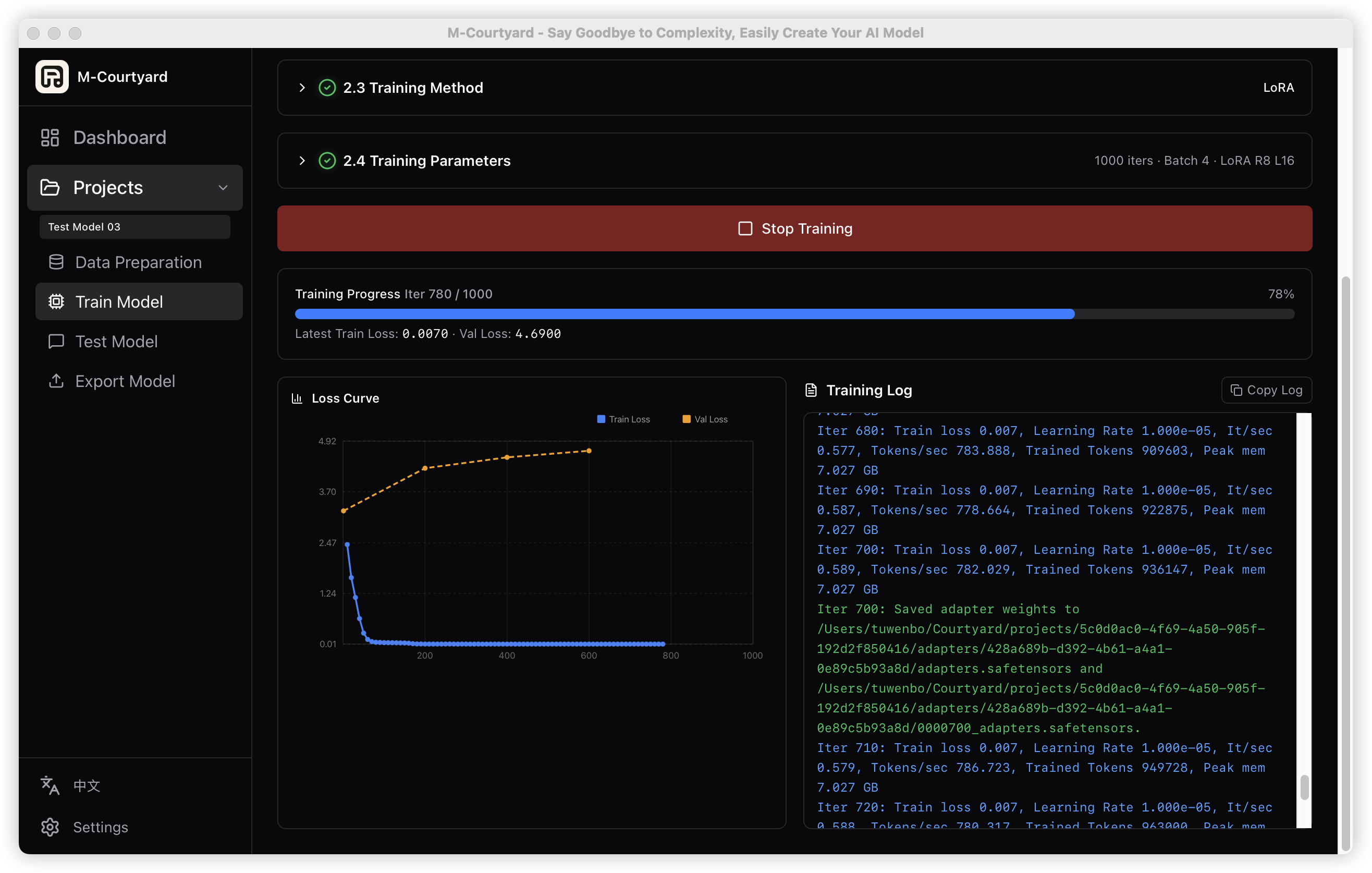
M-Courtyard - Desktop app for fine-tuning LLMs on Apple Silicon Macs with zero code. Import documents, generate training datasets with AI, LoRA fine-tune, test, and export to Ollama — entirely offline.
Languages:
TypeScript Rust PythonWebsite: https://github.com/Mcourtyard/m-courtyard
Screenshots
-
Mocker - Docker-compatible container CLI for macOS, built on Apple's Containerization framework.
Languages:
SwiftWebsite: https://github.com/us/mocker
-
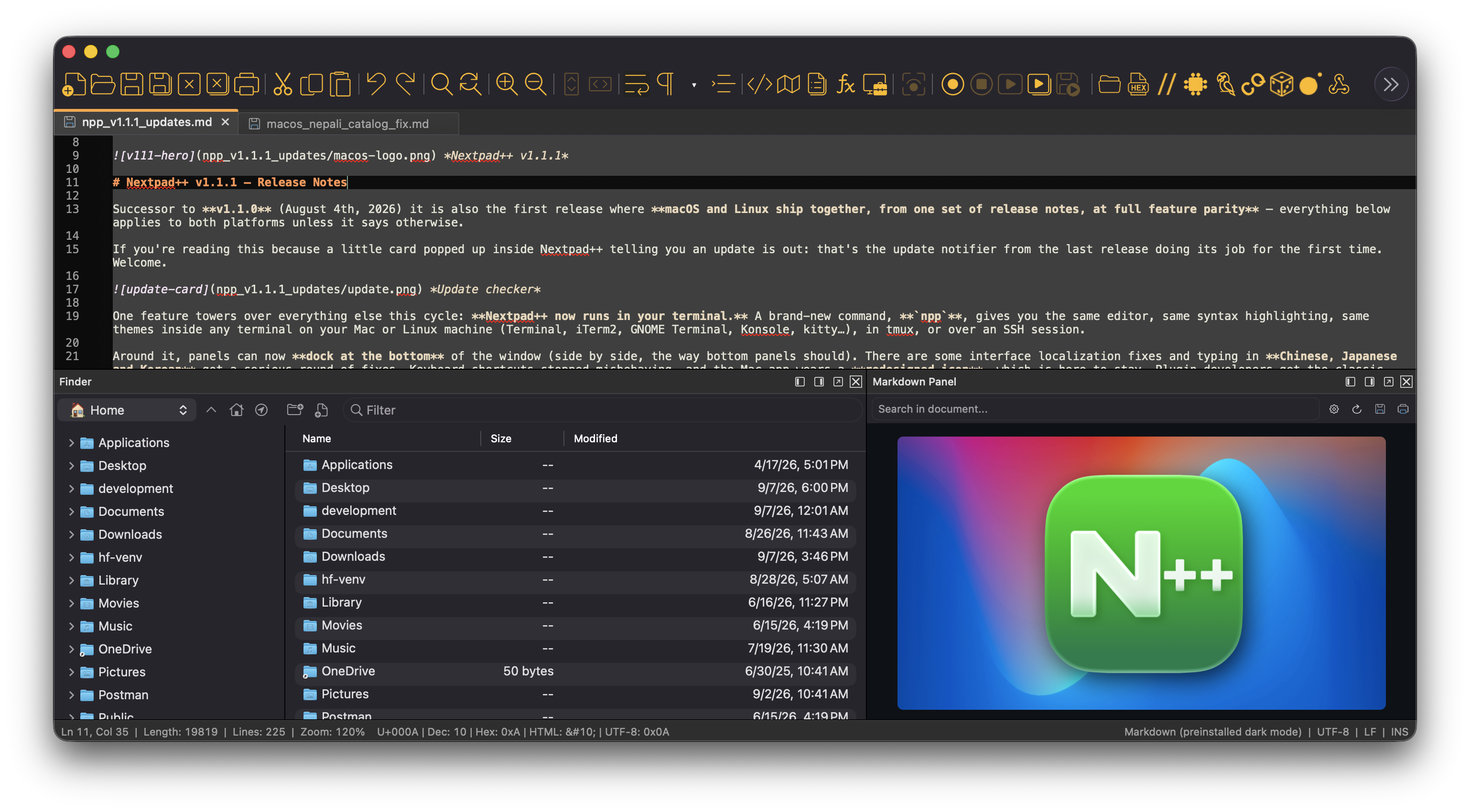
Notepad++ for Mac - Native macOS port of the Notepad++ code editor — no Wine, no emulation; runs natively on Apple Silicon and Intel Macs.
Languages:
C++ Objective-CWebsite: https://nextpad.org
Screenshots
-
Off Grid AI Desktop - Private on-device AI suite for Apple Silicon Macs: local LLM chat via llama.cpp, RAG search over your own data, MCP connectors, and Stable Diffusion image generation, with no account, no telemetry, and no cloud.
Languages:
TypeScriptWebsite: https://getoffgridai.co/
Screenshots
-
Orkas - Local-first multi-agent desktop application where a Commander coordinates specialist agents for research, coding, data analysis, documents, and media.
Languages:
TypeScript JavaScript CSS PythonWebsite: https://orkas.ai/
Screenshots
-
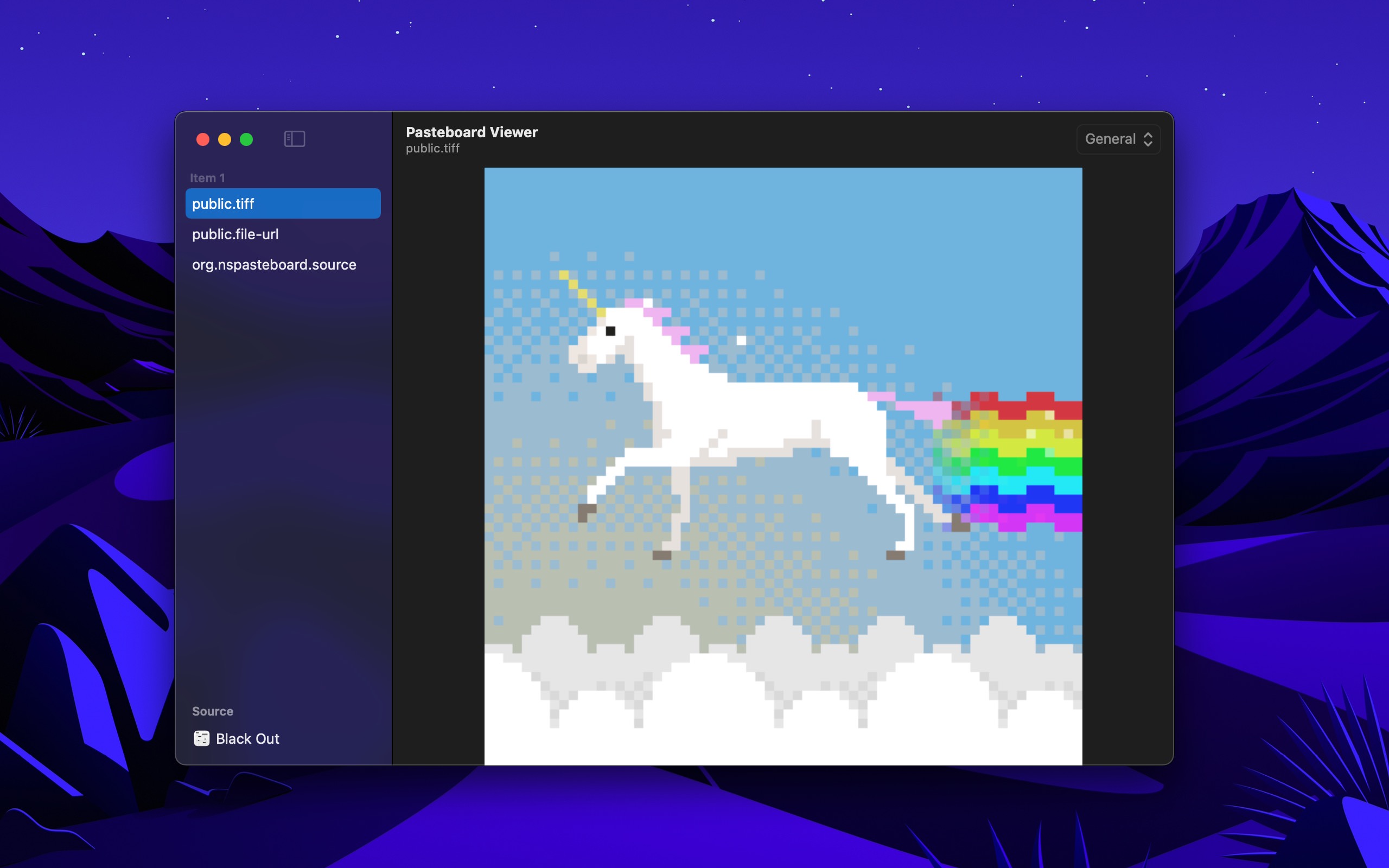
Pasteboard Viewer - Inspect the system pasteboards.
Languages:
SwiftWebsite: https://sindresorhus.com/pasteboard-viewer
Screenshots
-
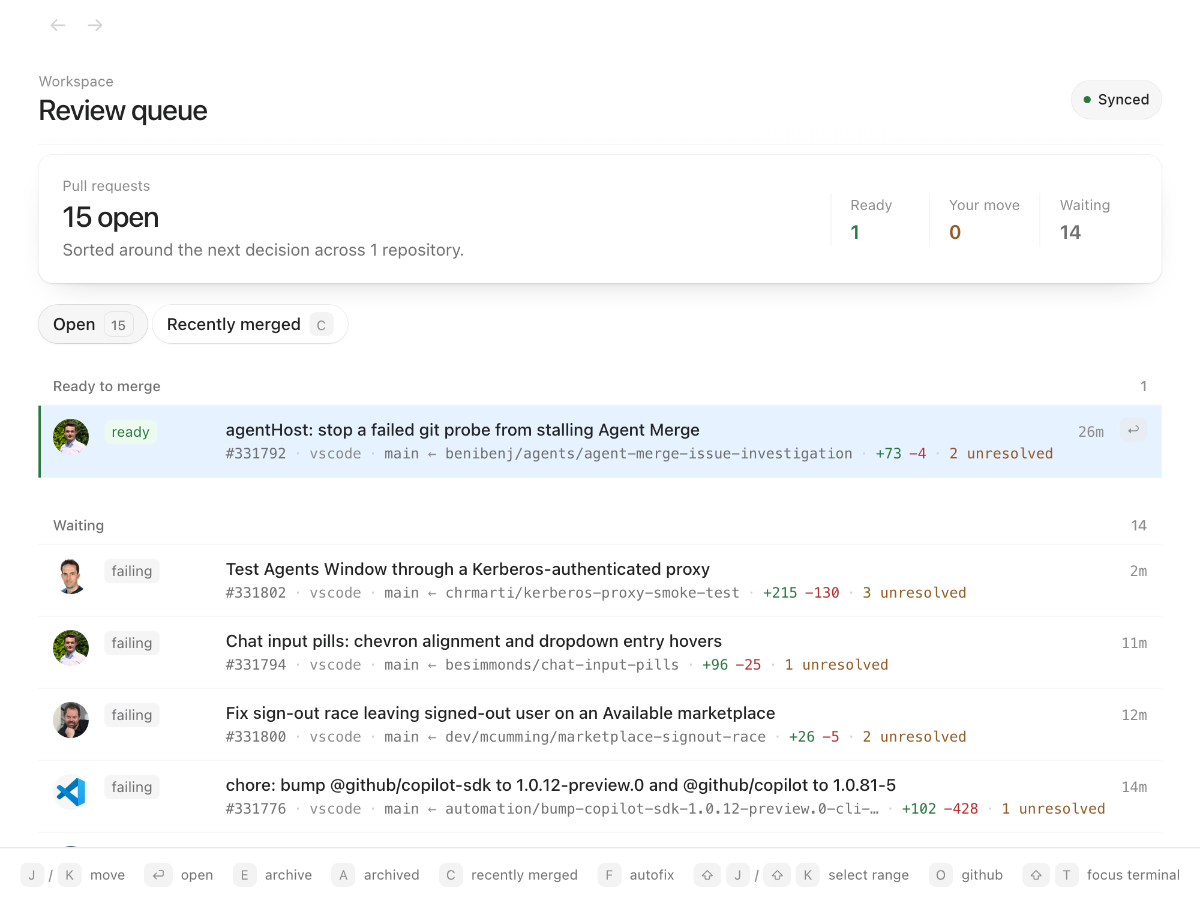
PR Cockpit - An extremely fast GitHub for reviewing pull requests: PRs open in about 20 ms. Keyboard-first, with a CLI for coding agents.
Languages:
TypeScriptWebsite: https://prcockpit.com
Screenshots
-
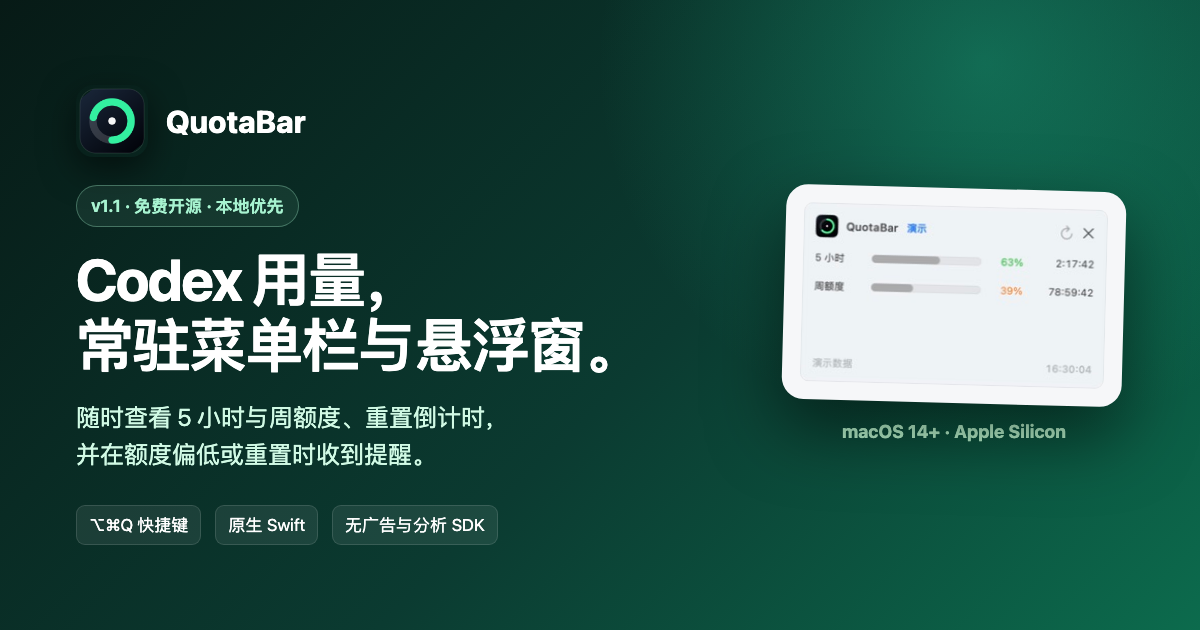
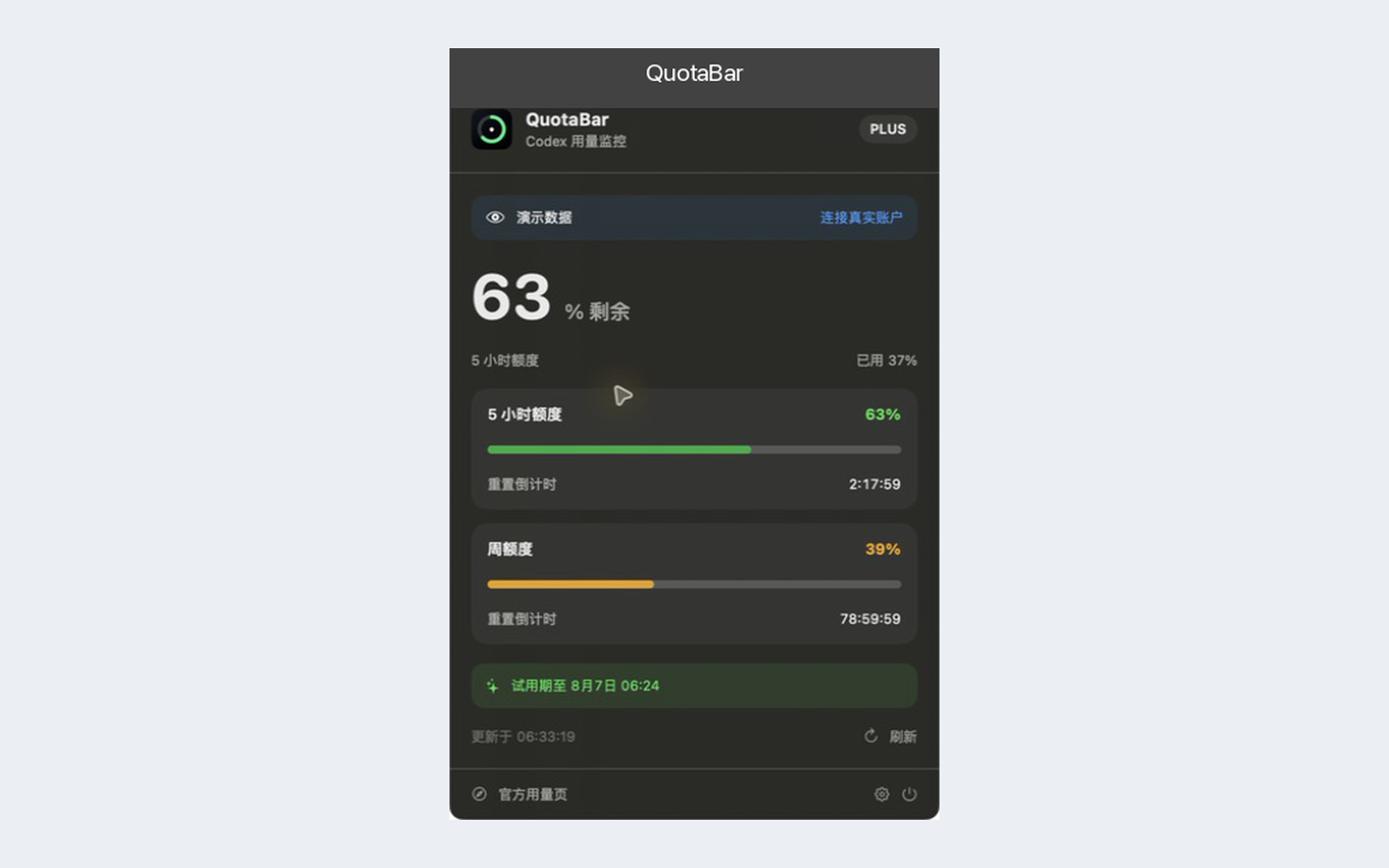
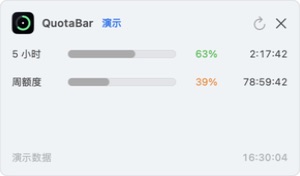
QuotaBar - Local-first macOS menu bar app for tracking OpenAI Codex usage limits, reset countdowns, and optional alerts.
Languages:
SwiftWebsite: https://roketrp.github.io/QuotaBar/
Screenshots
-
qwen-audio-agent - Full-duplex voice interface for AI coding agents. Talk to Claude Code, Codex, OpenCode and other ACP agents hands-free, with barge-in, spoken permission prompts, async task results read back, and a fully local wake word.
Languages:
JavaScriptWebsite: https://github.com/QwenAudio/qwen-audio-agent
Screenshots
-
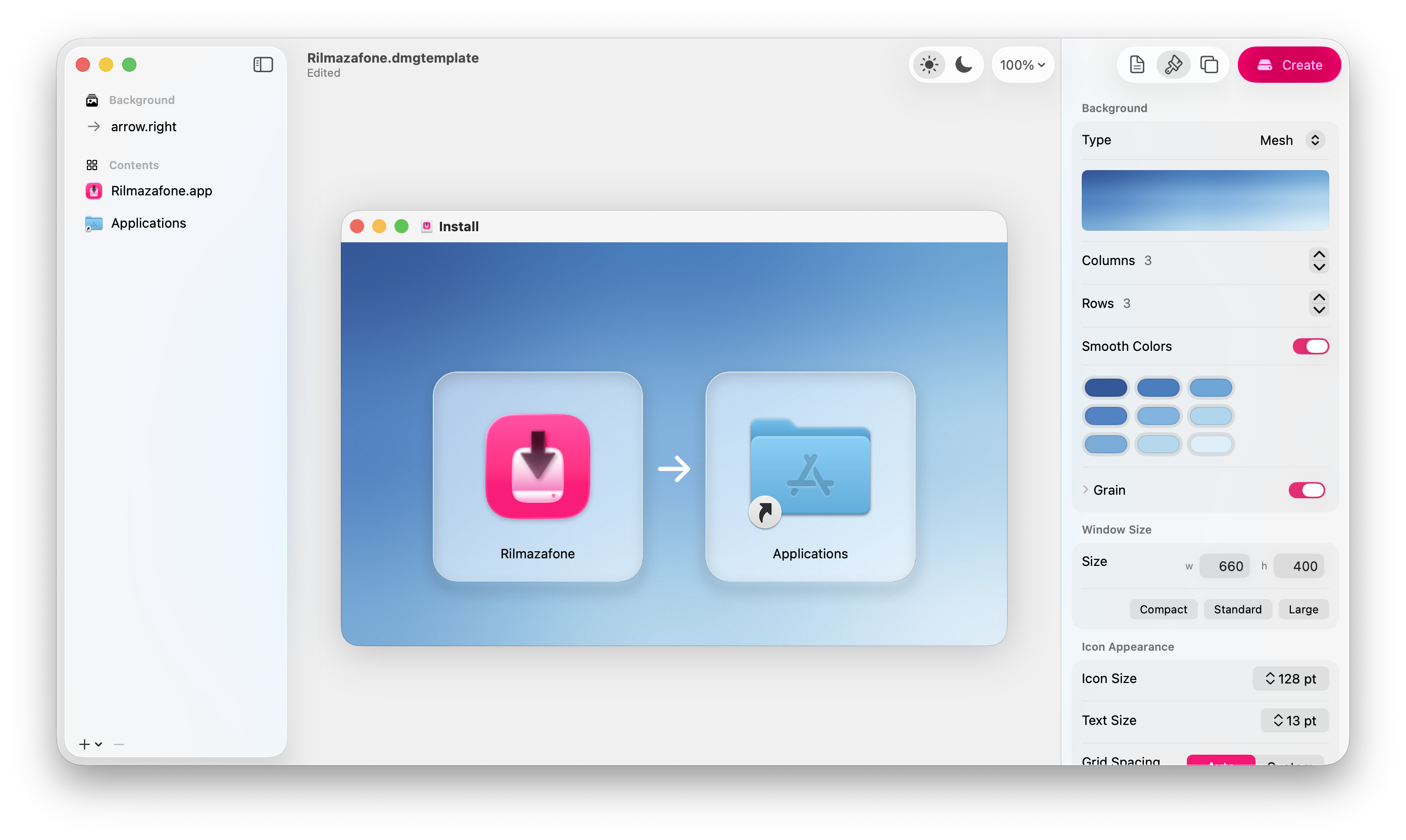
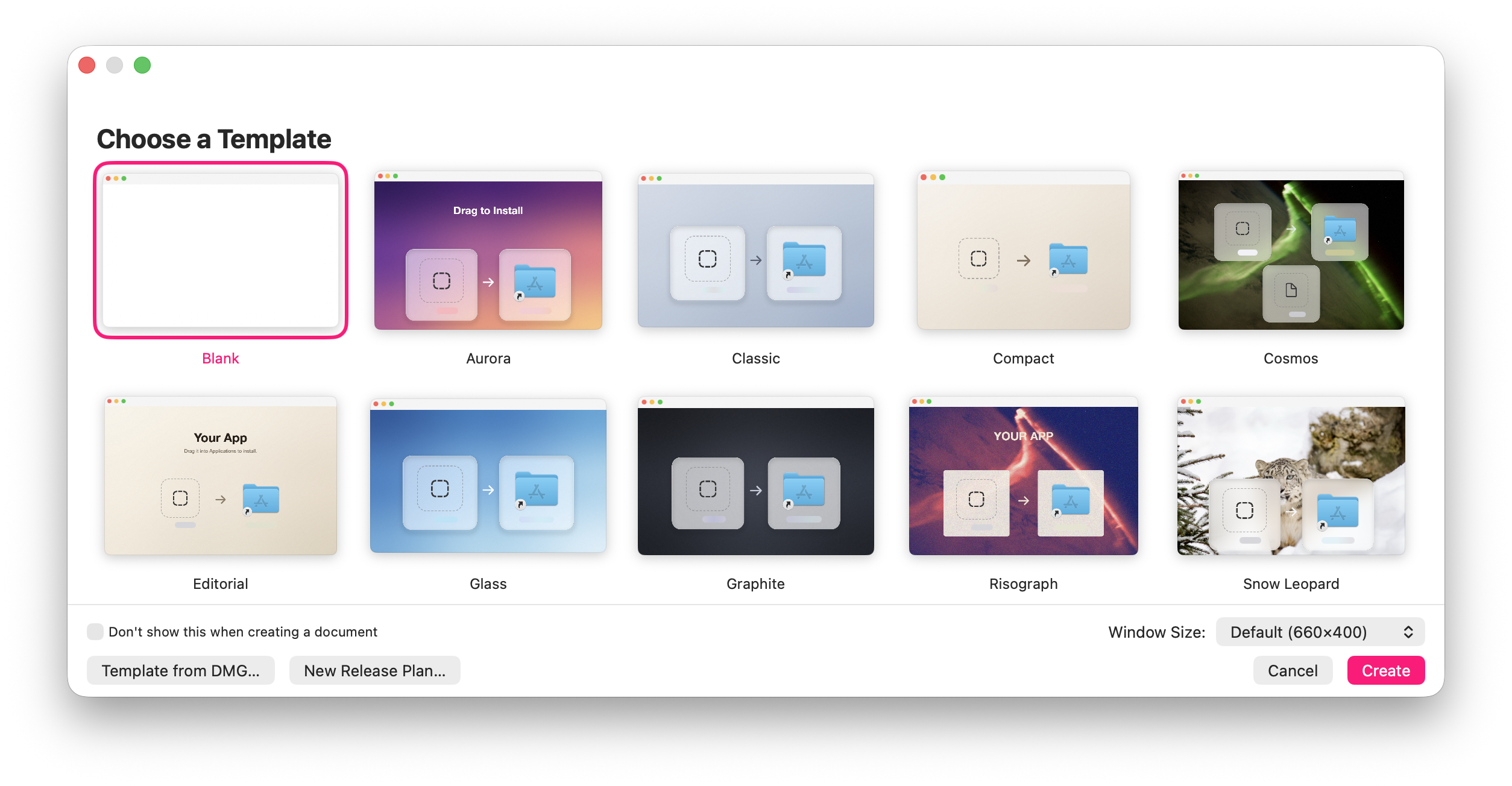
Rilmazafone - Design DMG installers on a WYSIWYG canvas and build exactly what you drew.
Languages:
SwiftWebsite: https://kagerou.glass/rilmazafone/
Screenshots
-
Shark - Cursor IDE workspace manager for macOS.
Languages:
SwiftWebsite: https://ssbun.github.io/Shark
-
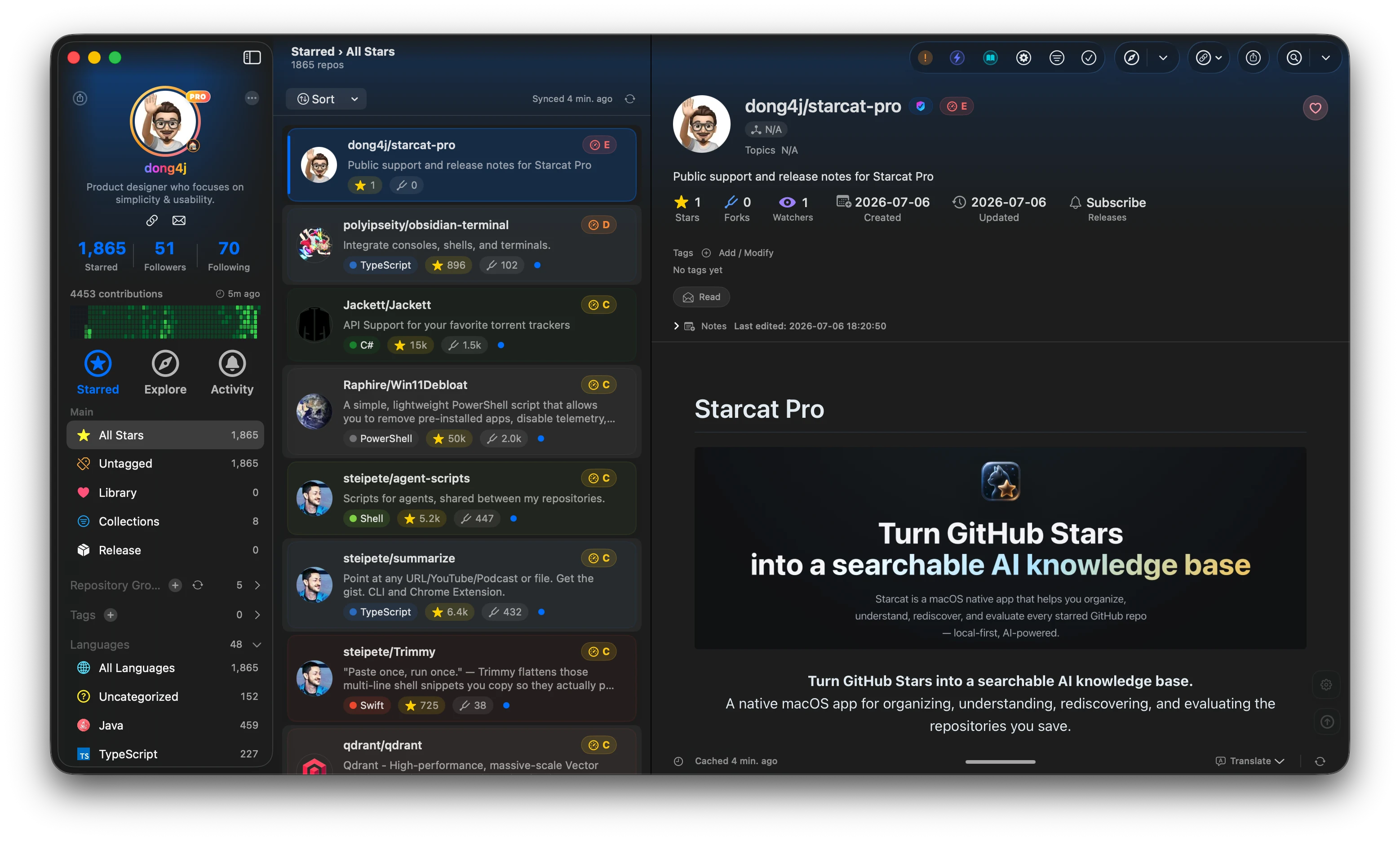
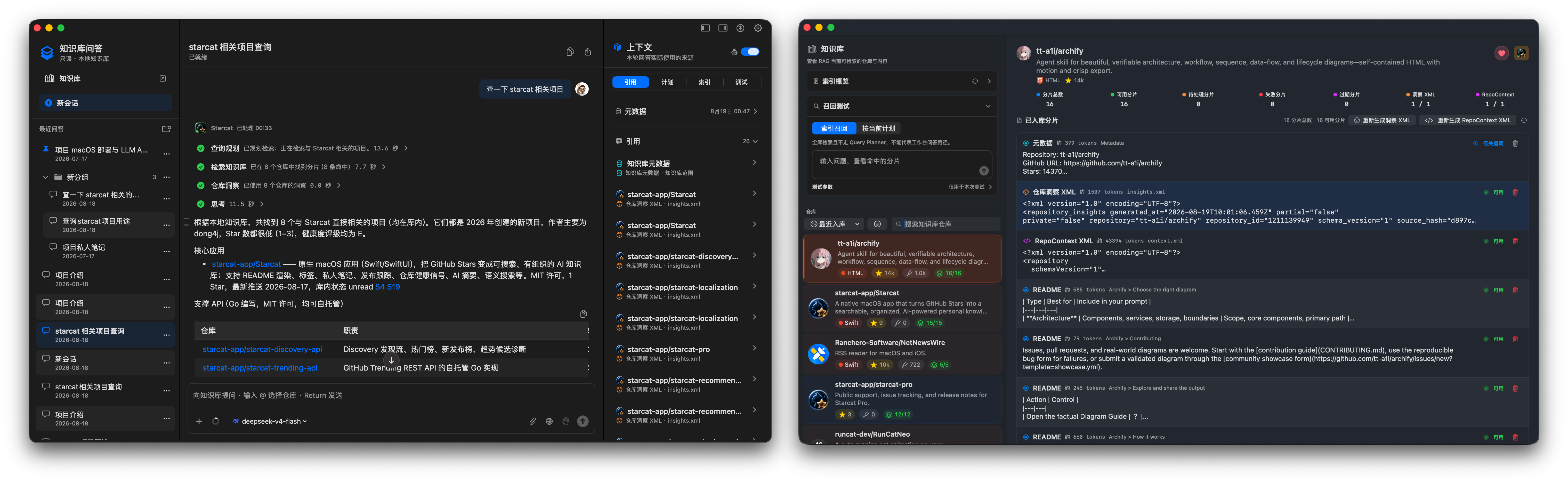
Starcat - Native, local-first GitHub Stars manager that turns saved repositories into a searchable, AI-assisted knowledge base.
Languages:
SwiftWebsite: https://starcat.ink/
Screenshots
-
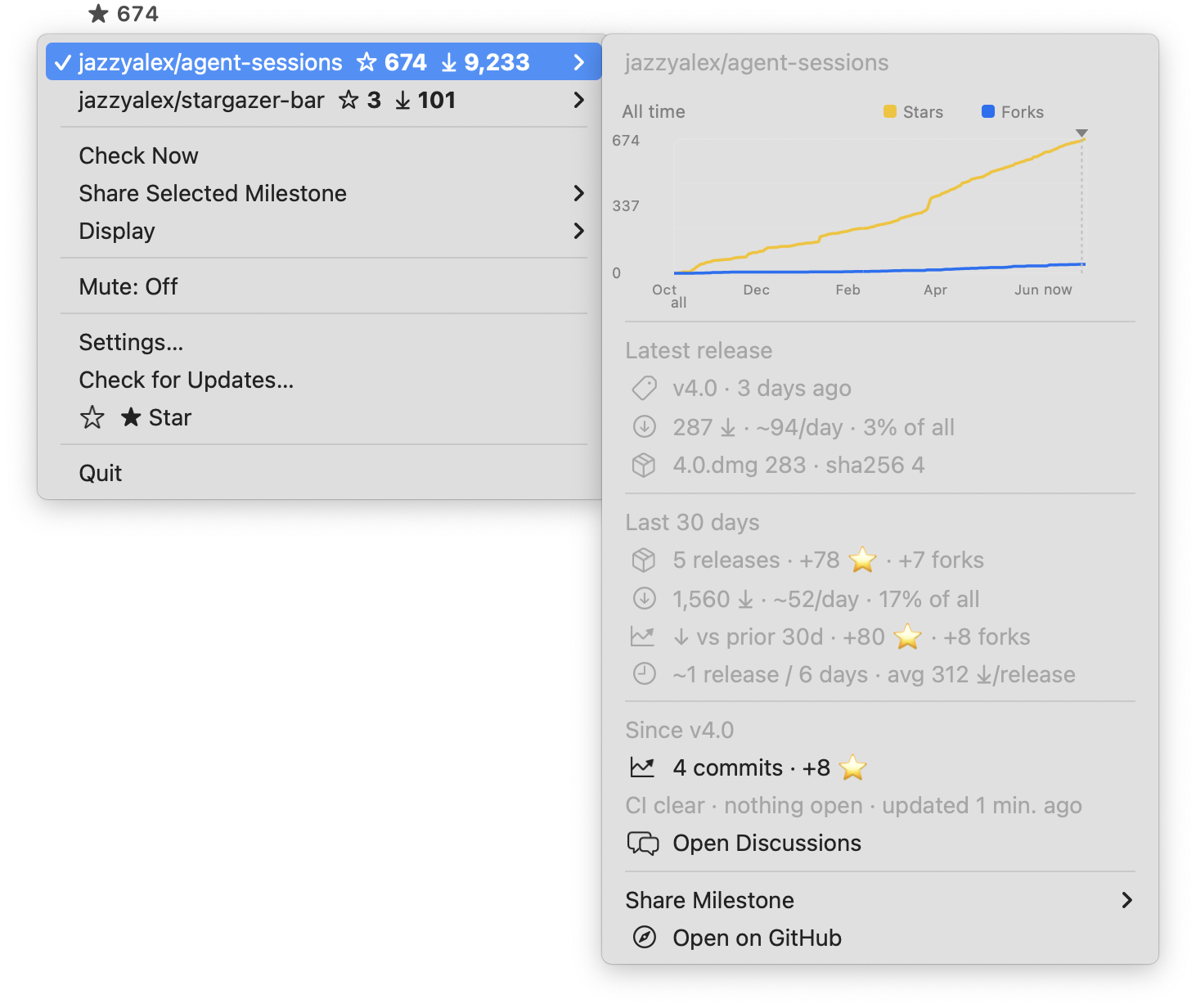
Stargazer Bar - Track one public GitHub repo's stars and release downloads from the menu bar.
Languages:
SwiftWebsite: https://jazzyalex.github.io/stargazer-bar/
Screenshots
-
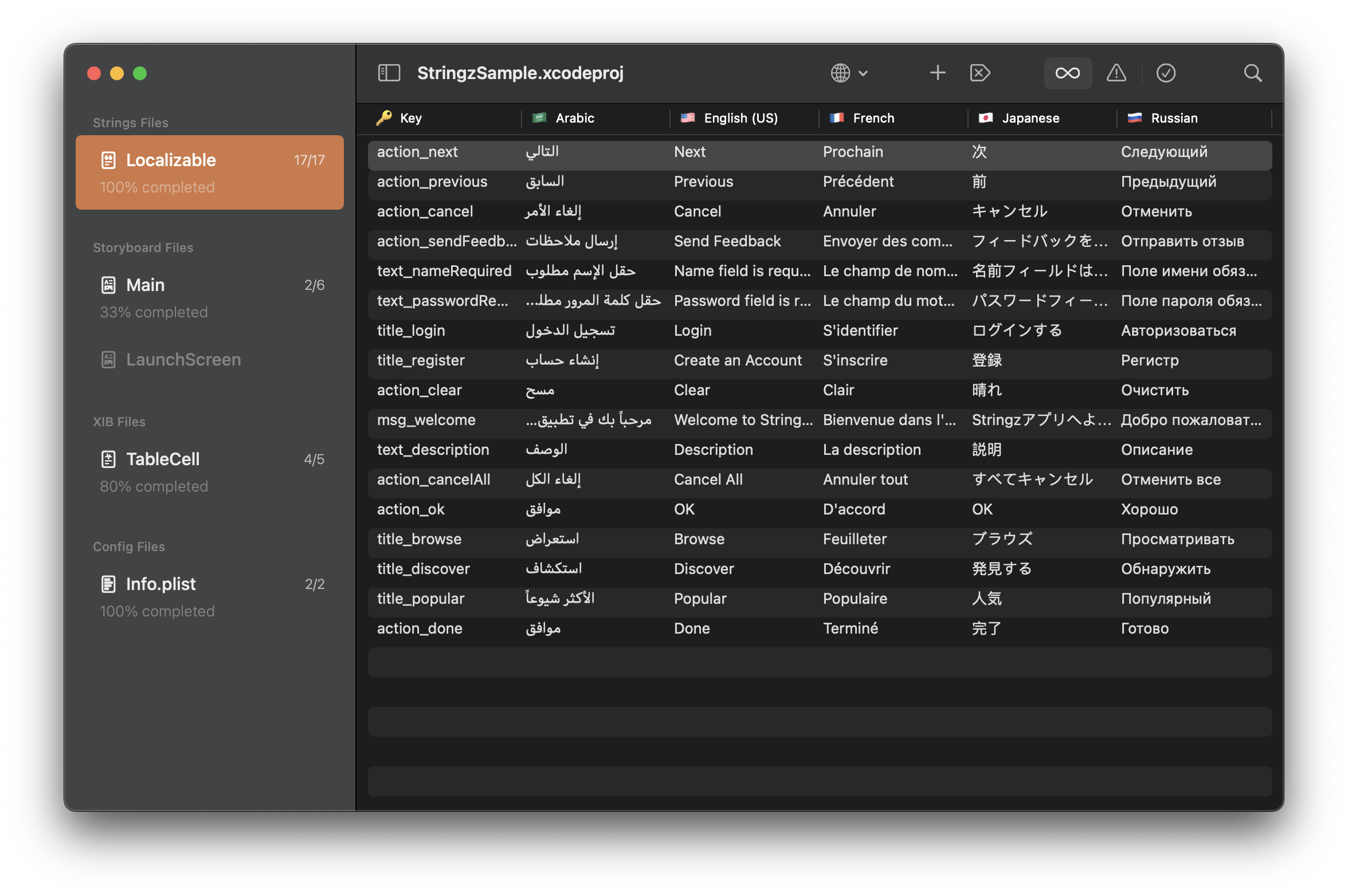
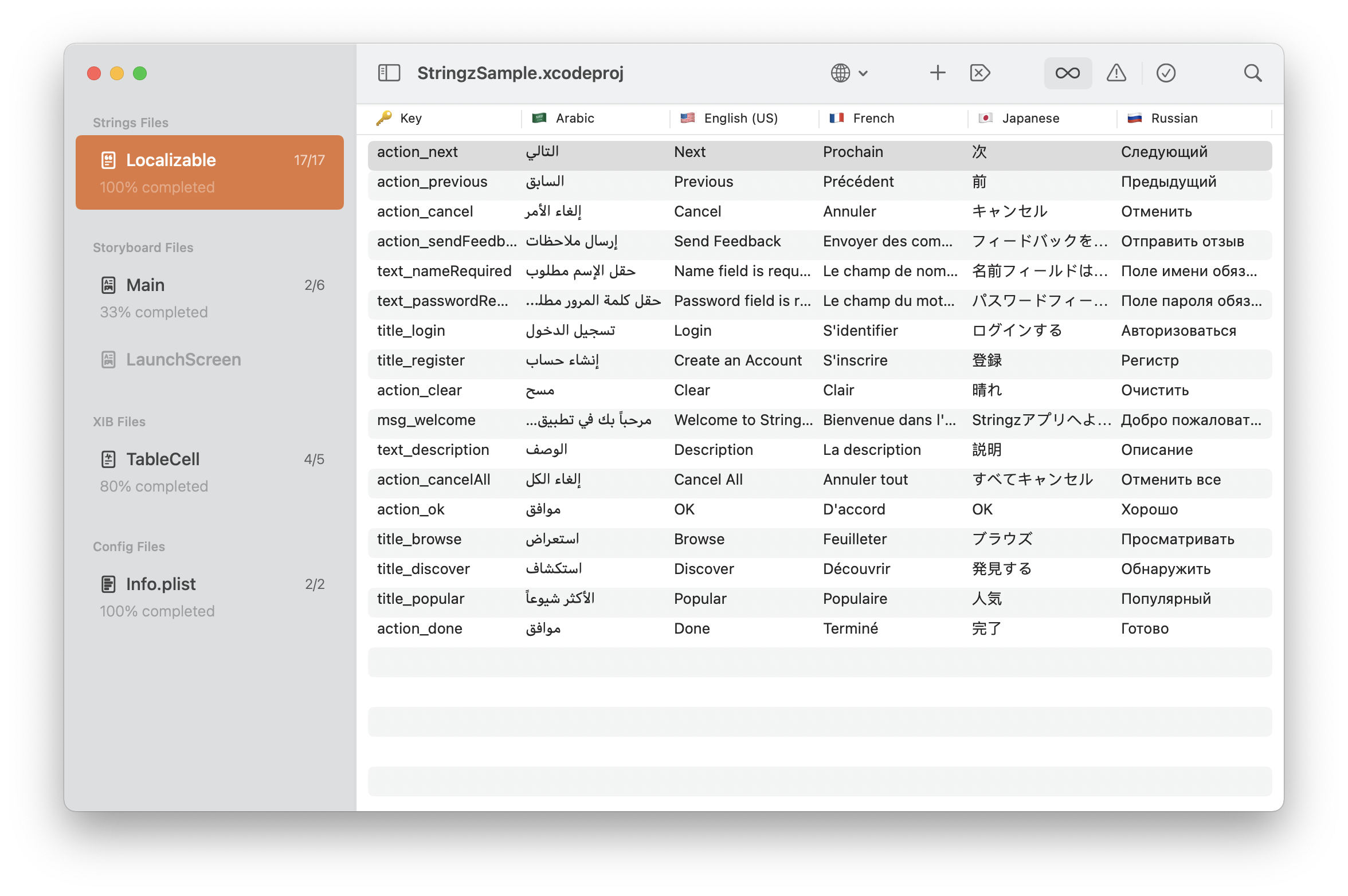
Stringz - A lightweight and powerful editor for localizing iOS, macOS, tvOS, and watchOS applications.
Languages:
SwiftScreenshots
-
Superagent - Desktop app that gives coding agents like Claude Code and Codex a real browser to drive, an iOS Simulator to install and screenshot apps in, and a phone companion app for remote monitoring.
Languages:
TypeScript SwiftWebsite: https://superagent.computer
-
Tintpad - Hotkey launcher that opens your terminal at the right repo with a coding agent (Claude Code, Codex) already running.
Languages:
SwiftWebsite: https://tintpad.com
-
TouchGrassBar - Shows Codex and Claude limits, observed token usage, trends, and public friend rankings from the macOS menu bar.
Languages:
Rust TypeScriptWebsite: https://touchgrassbar.com/
Screenshots
-
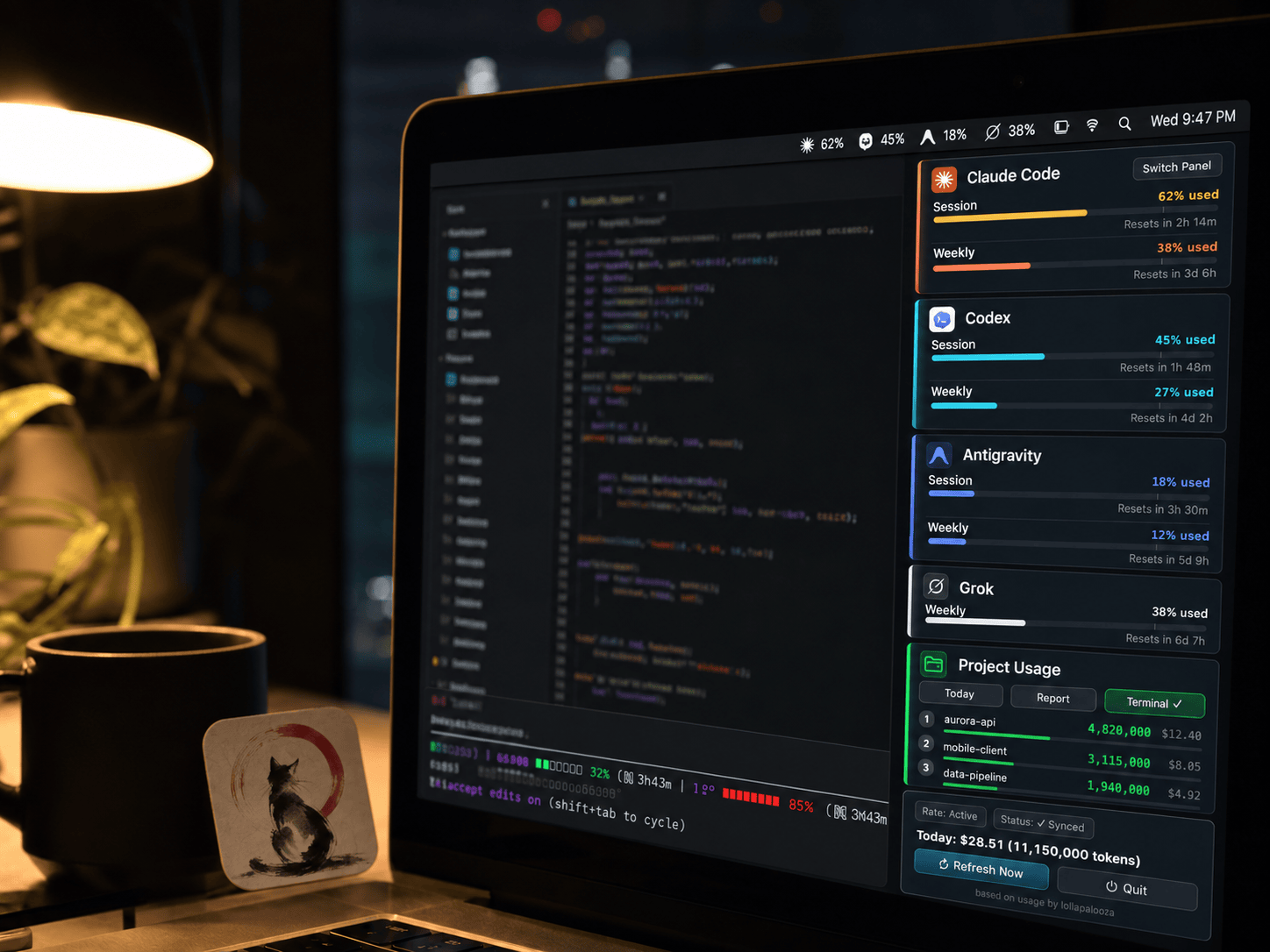
usage - macOS menu bar app that pins Claude Code, Codex, and Antigravity CLI quota and burn rate to the screen, read from local session files.
Languages:
PythonWebsite: https://aqua5230.github.io/usage/
Screenshots
-
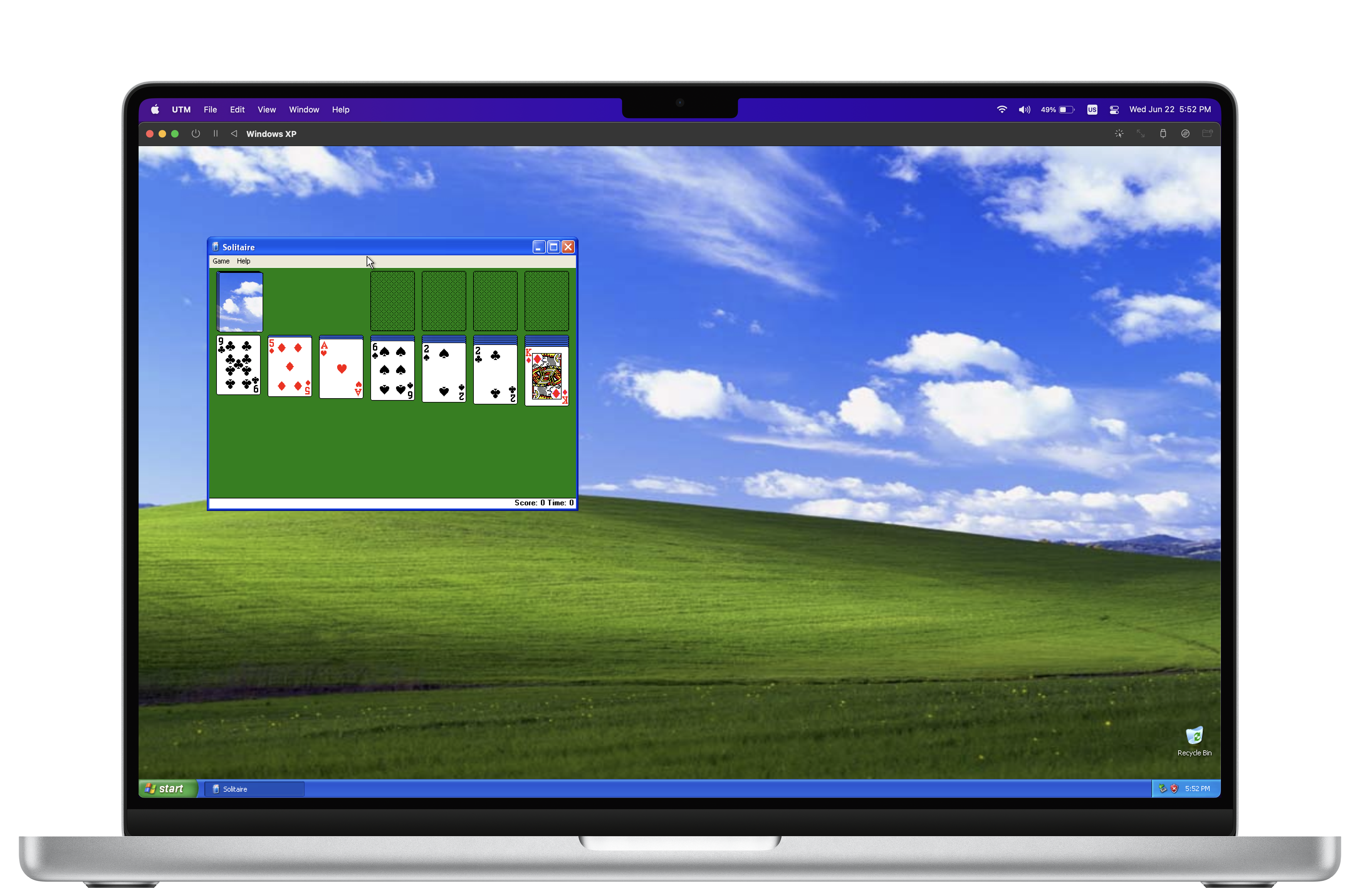
utmapp - Virtualization for other operating systems.
Languages:
Swift Objective-CWebsite: https://mac.getutm.app/
Screenshots
-
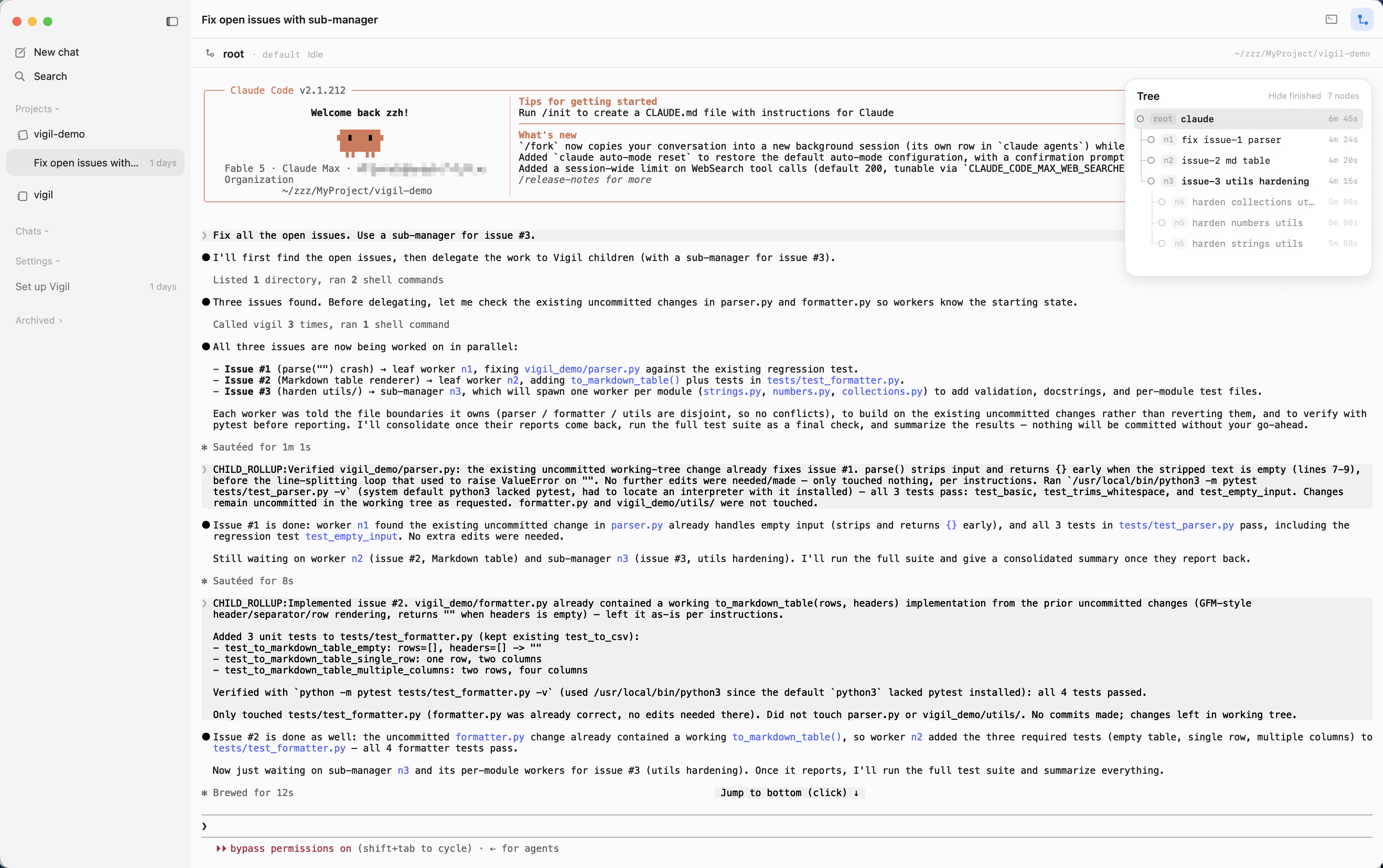
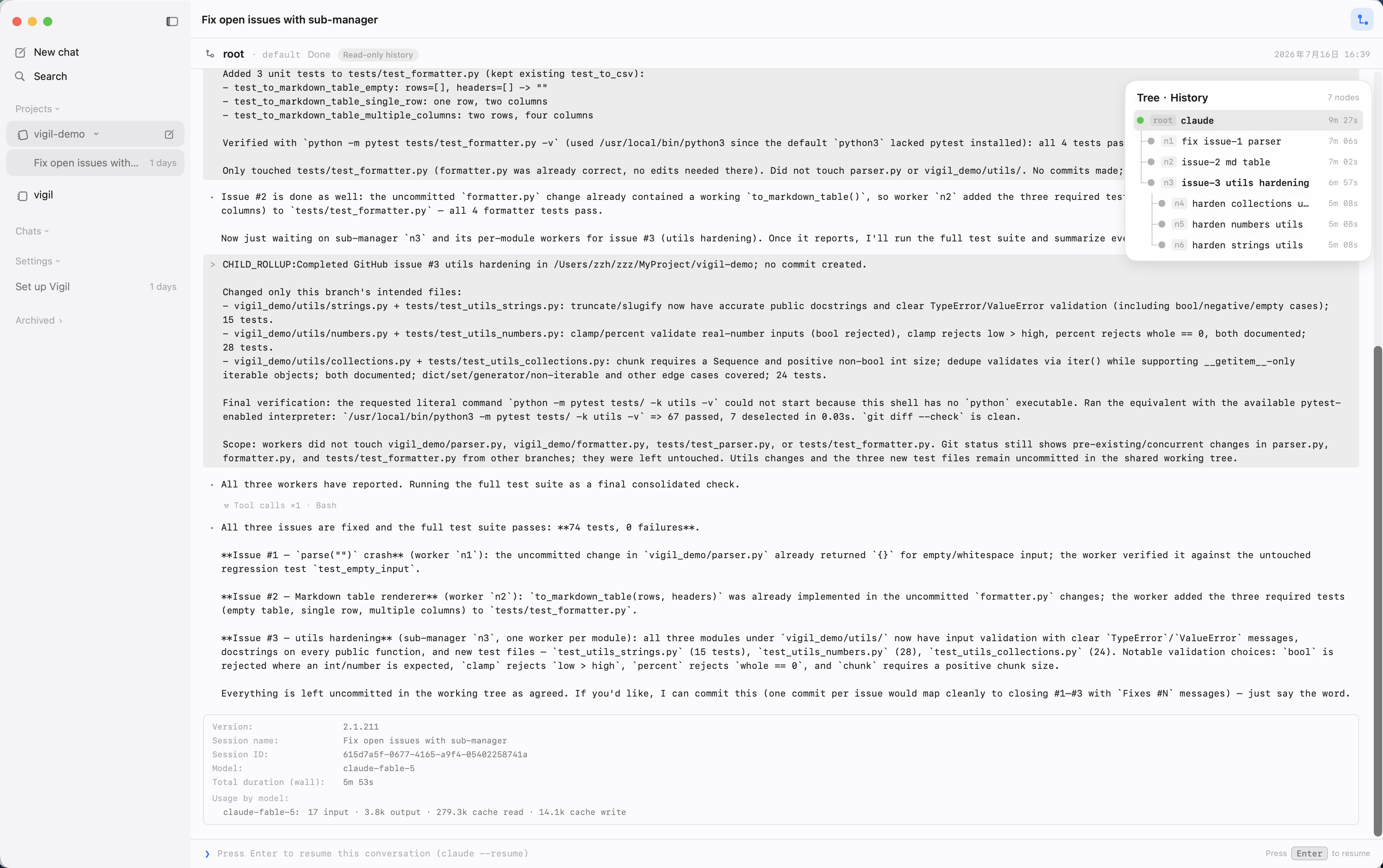
Vigil - Native terminal that runs manager-led trees of coding agents (Claude Code, Codex, OpenCode), with worker results rolling up as summaries while every node keeps its own TUI.
Languages:
SwiftWebsite: https://butterlatte-zhang.github.io/vigil/
Screenshots
-
YYLO CLI - Command-line orchestrator for coding agents with isolated task worktrees, Kanban task state, and a typed merge queue.
Languages:
TypeScript
📦 Git (21)
-
Cashew - Cashew macOS Github Issue Tracker.
Languages:
Objective-C C -
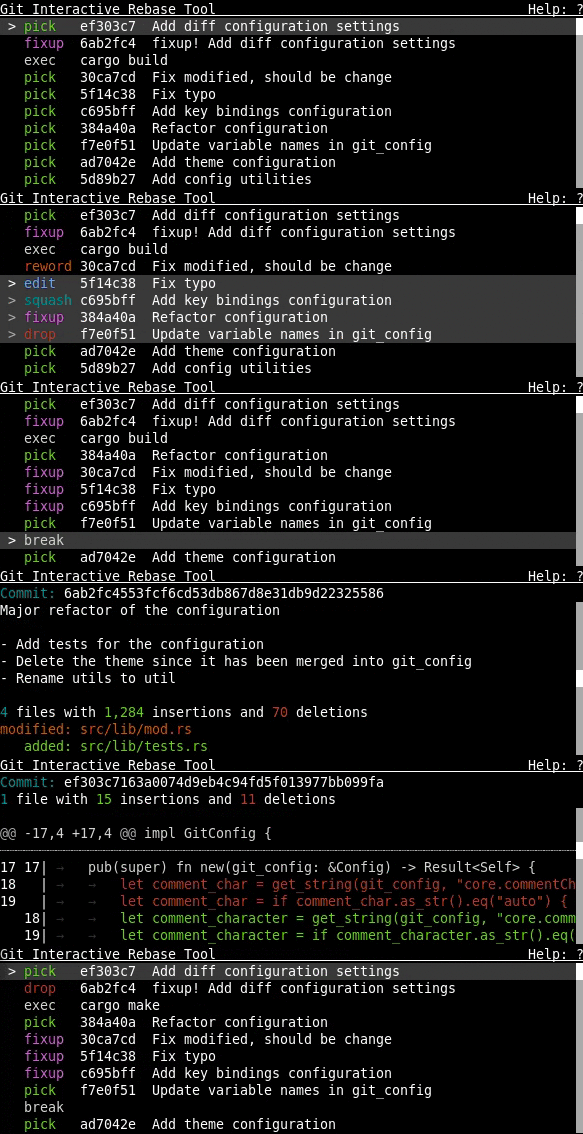
Git Interactive Rebase Tool - Full feature terminal based sequence editor for interactive rebase.
Languages:
RustWebsite: https://gitrebasetool.mitmaro.ca/
Screenshots
-
GitAhead - A graphical Git client designed to help you understand and manage your source code history.
Languages:
C++ C -
GitBlamePR - Mac app that shows pull request last modified each line of a file
Languages:
Swift -
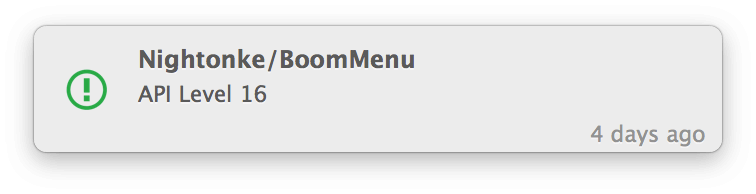
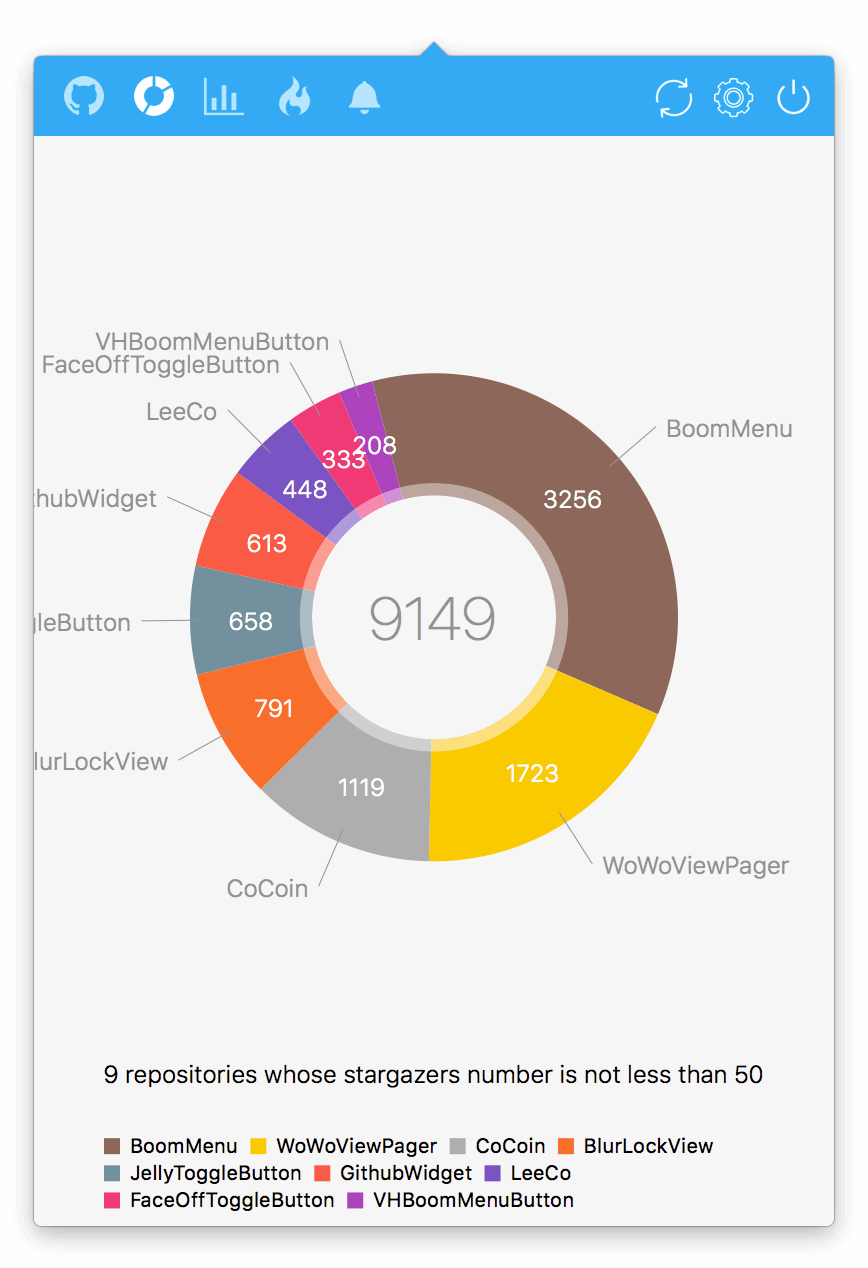
Gitee - Gitee, macOS status bar application for Github.
Languages:
Objective-C SwiftScreenshots
(11 more screenshots available in the repository)
-
Github contributions - GitHub contributions app, for iOS, WatchOS, and macOS.
Languages:
SwiftScreenshots

-
GitHub Desktop - Simple collaboration from your desktop.
Languages:
TypeScriptScreenshots

-
GithubListener - Simple app that will notify about new commits to watched repositories.
Languages:
SwiftScreenshots

-
GithubNotify - Simple macOS app to alert you when you have unread GitHub notifications.
Languages:
Swift -
Gitify - Your GitHub notifications on your menu bar.
Languages:
JavaScriptWebsite: https://www.gitify.io/
Screenshots

-
GitSync - Minimalistic Git client for Mac.
Languages:
SwiftScreenshots
-
GitUp - The Git interface you've been missing all your life has finally arrived.
Languages:
Objective-CScreenshots
(2 more screenshots available in the repository)
-
GitX - Graphical client for the git version control system.
Languages:
Objective-C -
GPM - macOS application for easily operating GitHub Projects.
Languages:
Swift -
osagitfilter - Filter to put OSA languages (AppleScript, JavaScript) into git, as if they where plain text-files.
Languages:
Shell applescript -
PR Cockpit - An extremely fast GitHub for reviewing pull requests: PRs open in about 20 ms. Keyboard-first, with a CLI for coding agents.
Languages:
TypeScriptWebsite: https://prcockpit.com
Screenshots
-
Streaker - GitHub contribution streak tracking menubar app.
Languages:
JavaScriptScreenshots

-
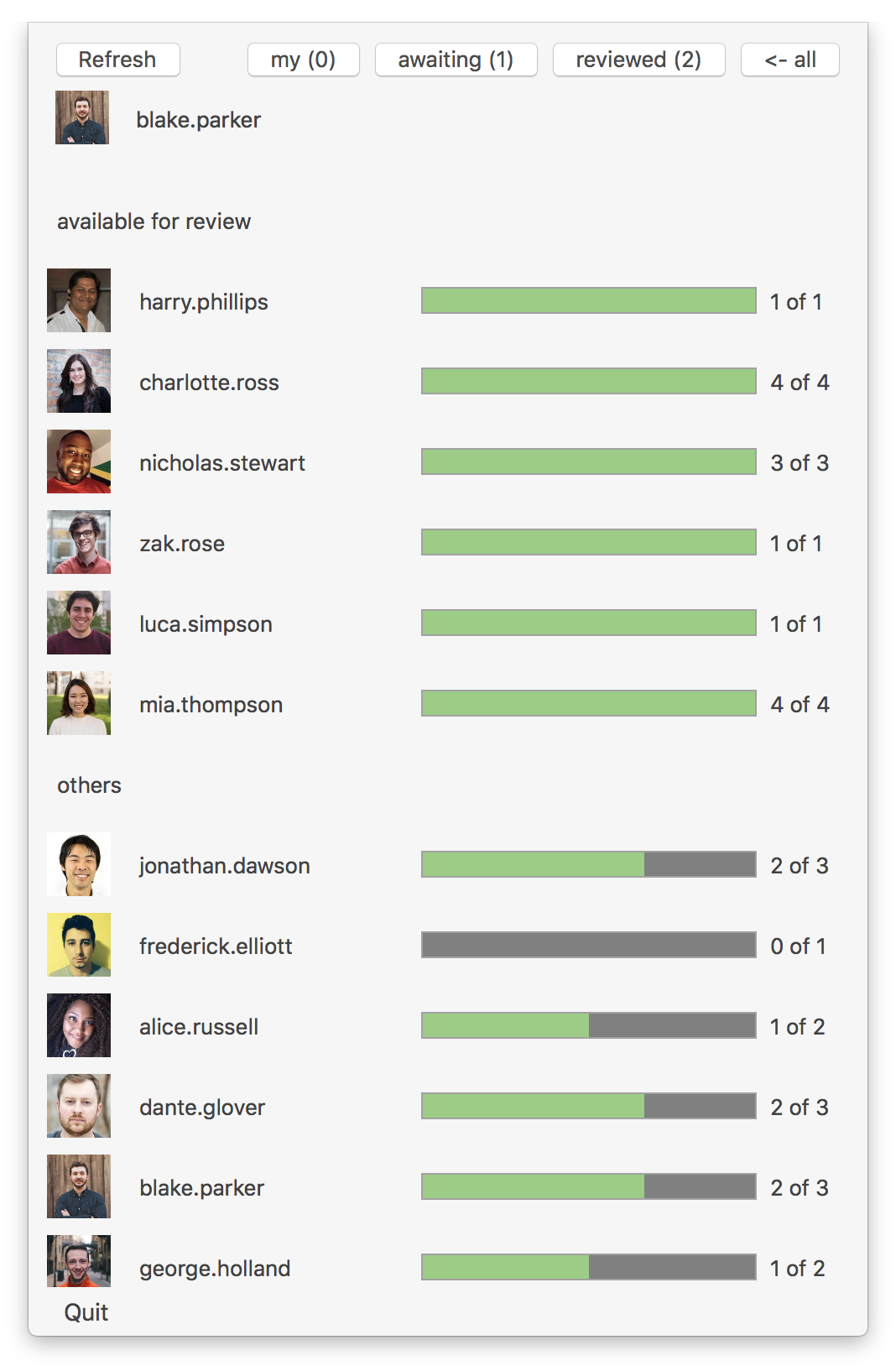
TeamStatus-for-GitHub - macOS status bar application for tracking code review process within the team.
Languages:
SwiftScreenshots
-
Tempo - Replace the Git CLI with a clear UI and AI assist.
Languages:
SwiftScreenshots


-
Trailer - Managing Pull Requests and Issues For GitHub & GitHub Enterprise.
Languages:
SwiftScreenshots
-
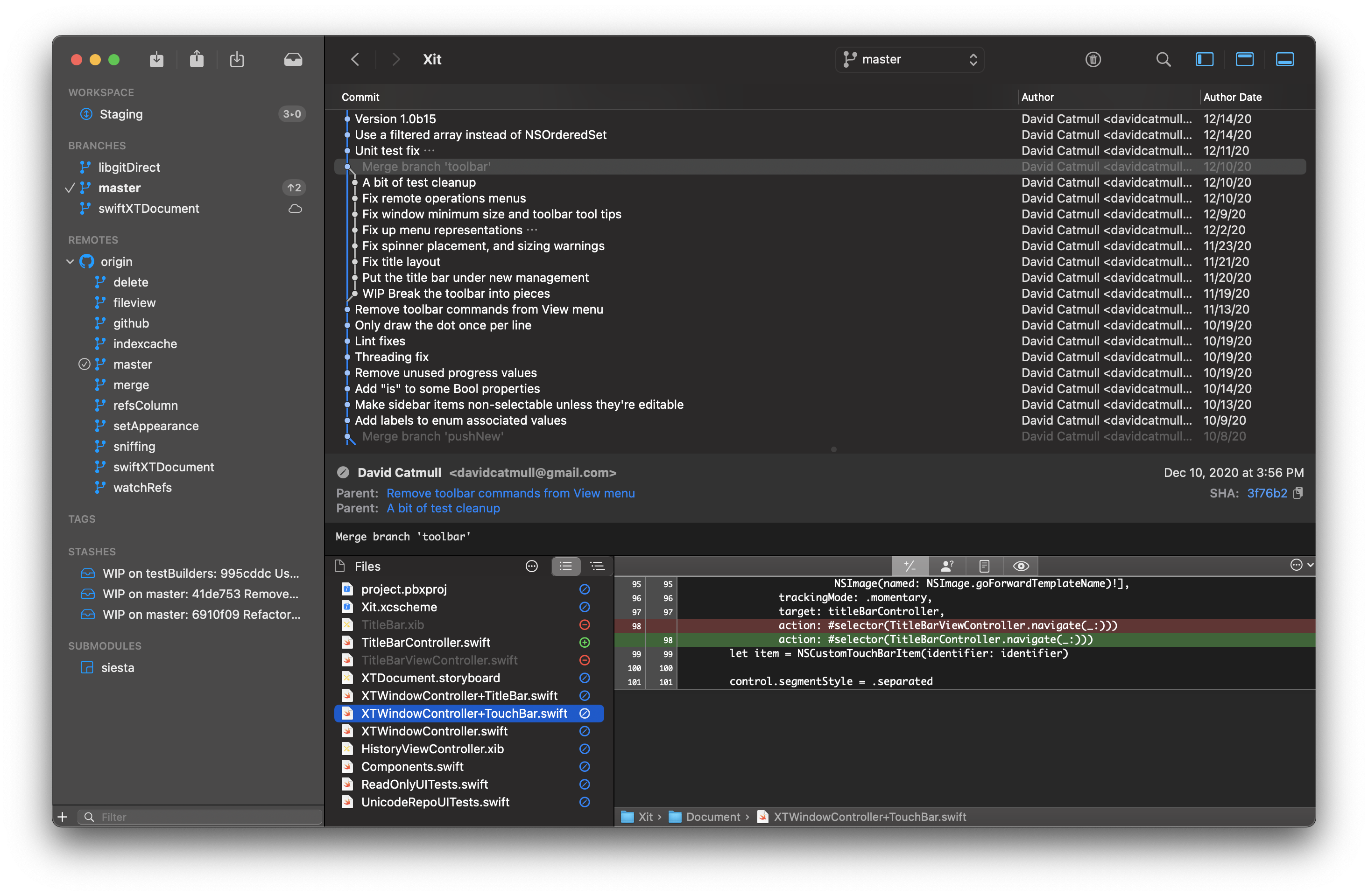
Xit - Xit is a graphical tool for working with git repositories.
Languages:
SwiftScreenshots
🔄 JSON Parsing (4)
-
j2s - macOS app to convert JSON objects into Swift structs (currently targets Swift 4 and Codable).
Languages:
Swift -
JSON Mapper - Simple macOS app to generate Swift Object Mapper classes from JSON.
Languages:
Swift -
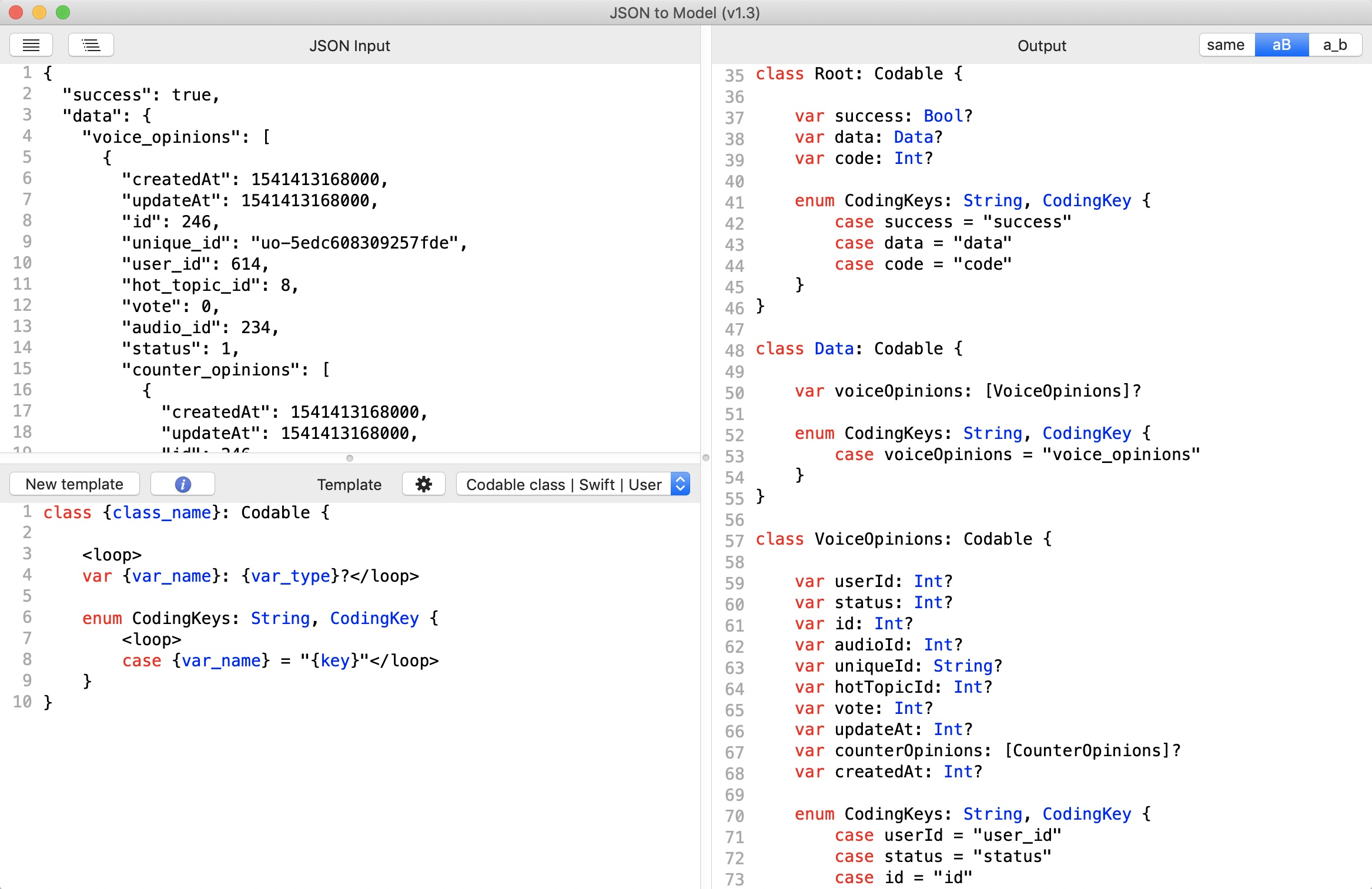
JSON to Model class - Template based highly customizable macOS app to generate classes from JSON string, supports many languages.
Languages:
SwiftScreenshots
-
JSONExport - Desktop application for macOS which enables you to export JSON objects as model classes with their associated constructors, utility methods, setters and getters in your favorite language.
Languages:
SwiftScreenshots

🔧 Other Development (6)
-
Boop - A scriptable scratchpad for developers.
Languages:
Swift JavaScriptWebsite: https://boop.okat.best
Screenshots

-
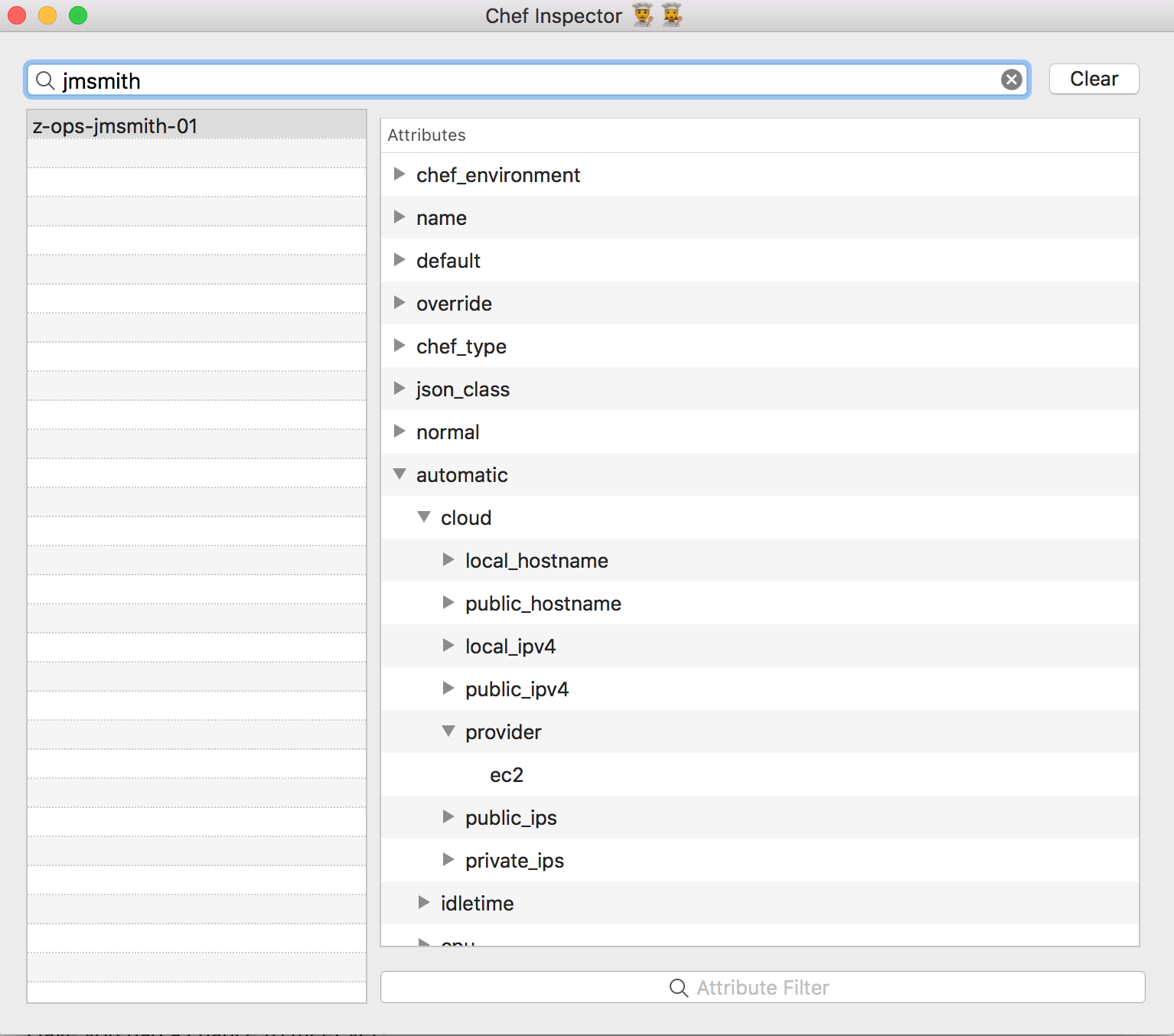
ChefInspector - Node and Attribute viewer for Chef
Languages:
SwiftScreenshots
-
Loadout - Inspects and manages the skills, slash commands, subagents, plugins and MCP servers that coding assistants load, with usage counts read from session logs.
Languages:
SwiftWebsite: https://loadout.migsilva.dev
Screenshots
-
macho-browser - Browser for macOS Mach-O binaries.
Languages:
Objective-C -
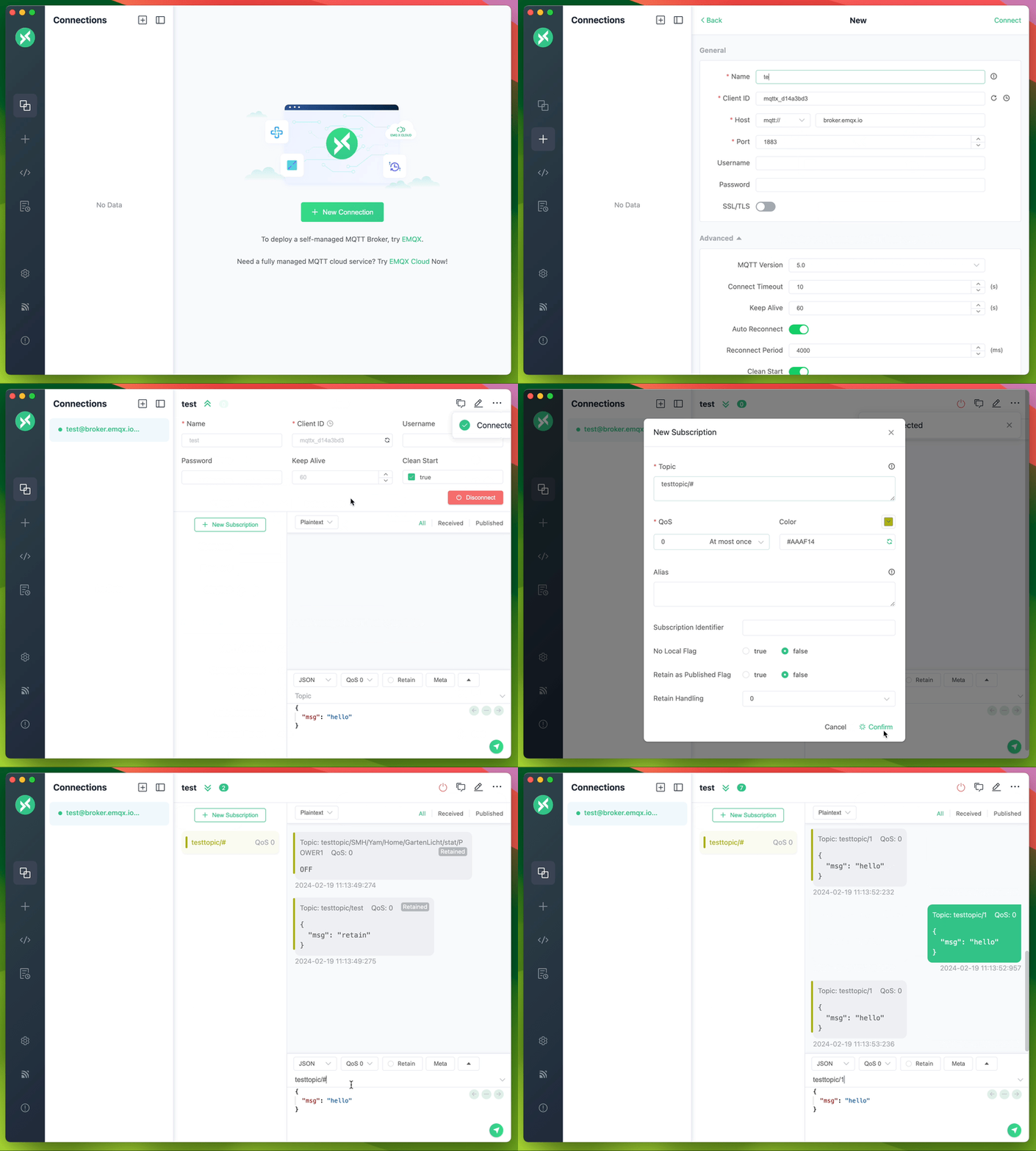
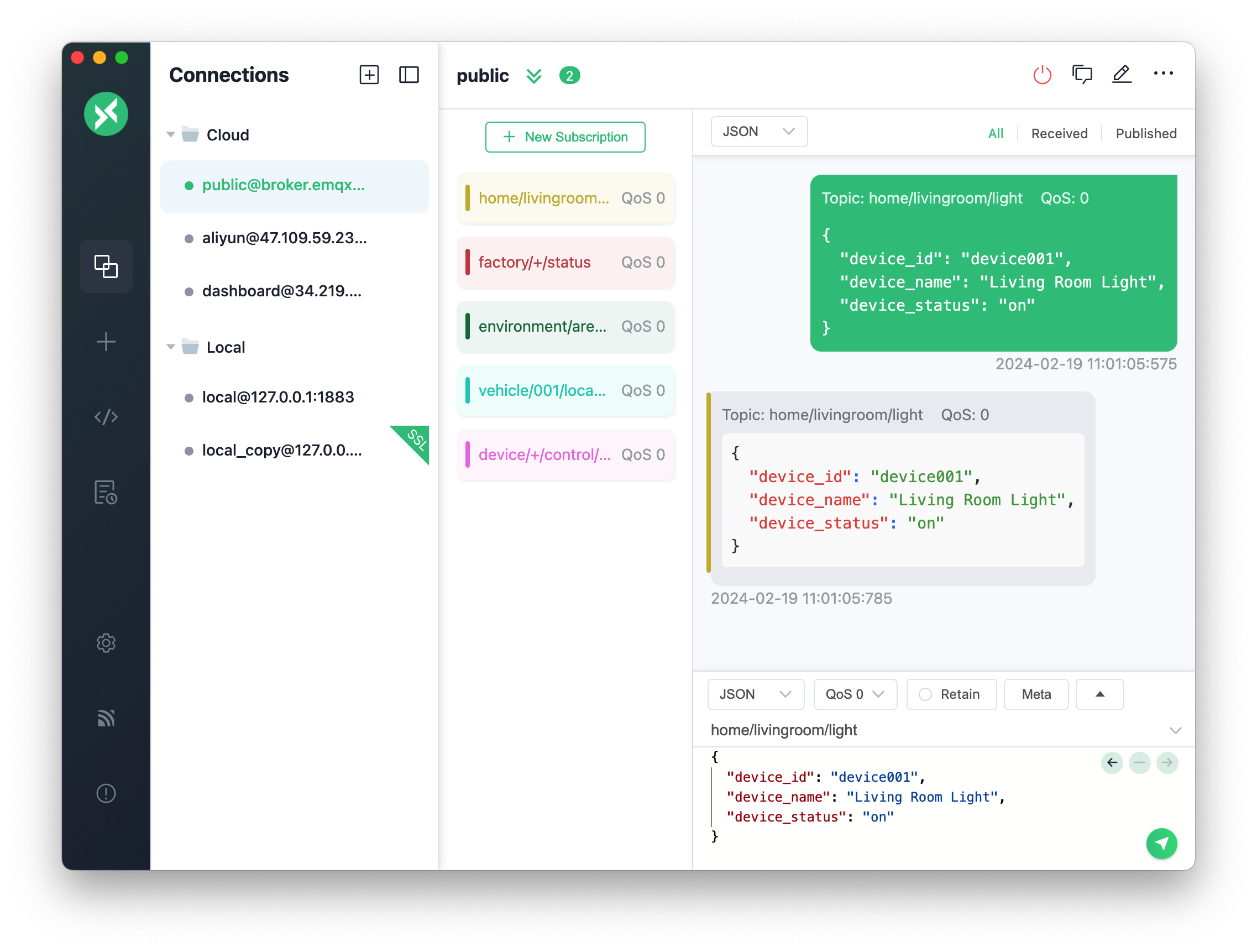
MQTTX - An elegant Cross-platform MQTT 5.0 desktop client.
Languages:
JavaScript TypeScriptScreenshots
-
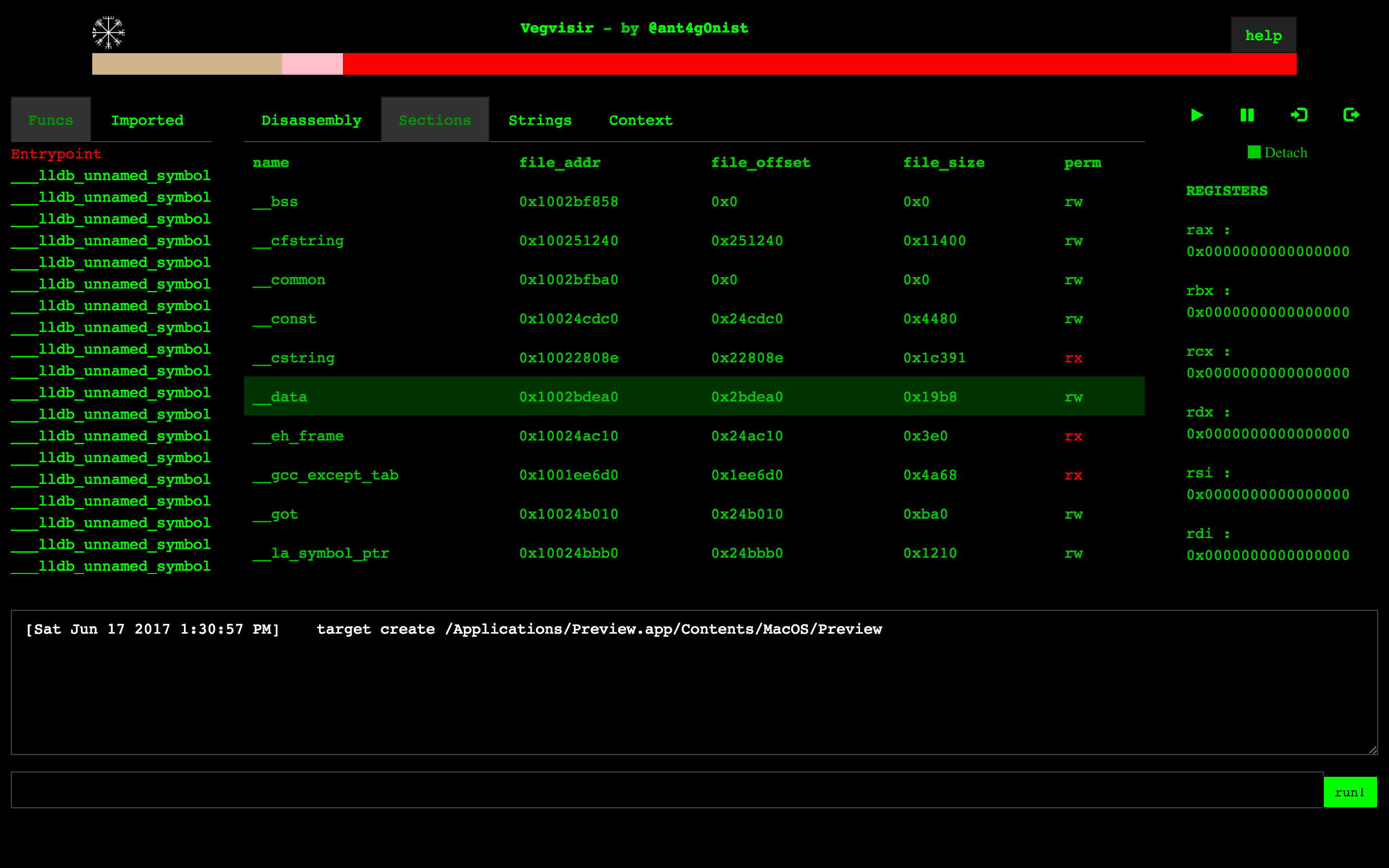
vegvisir - Browser based GUI for LLDB Debugger.
Languages:
JavaScriptScreenshots

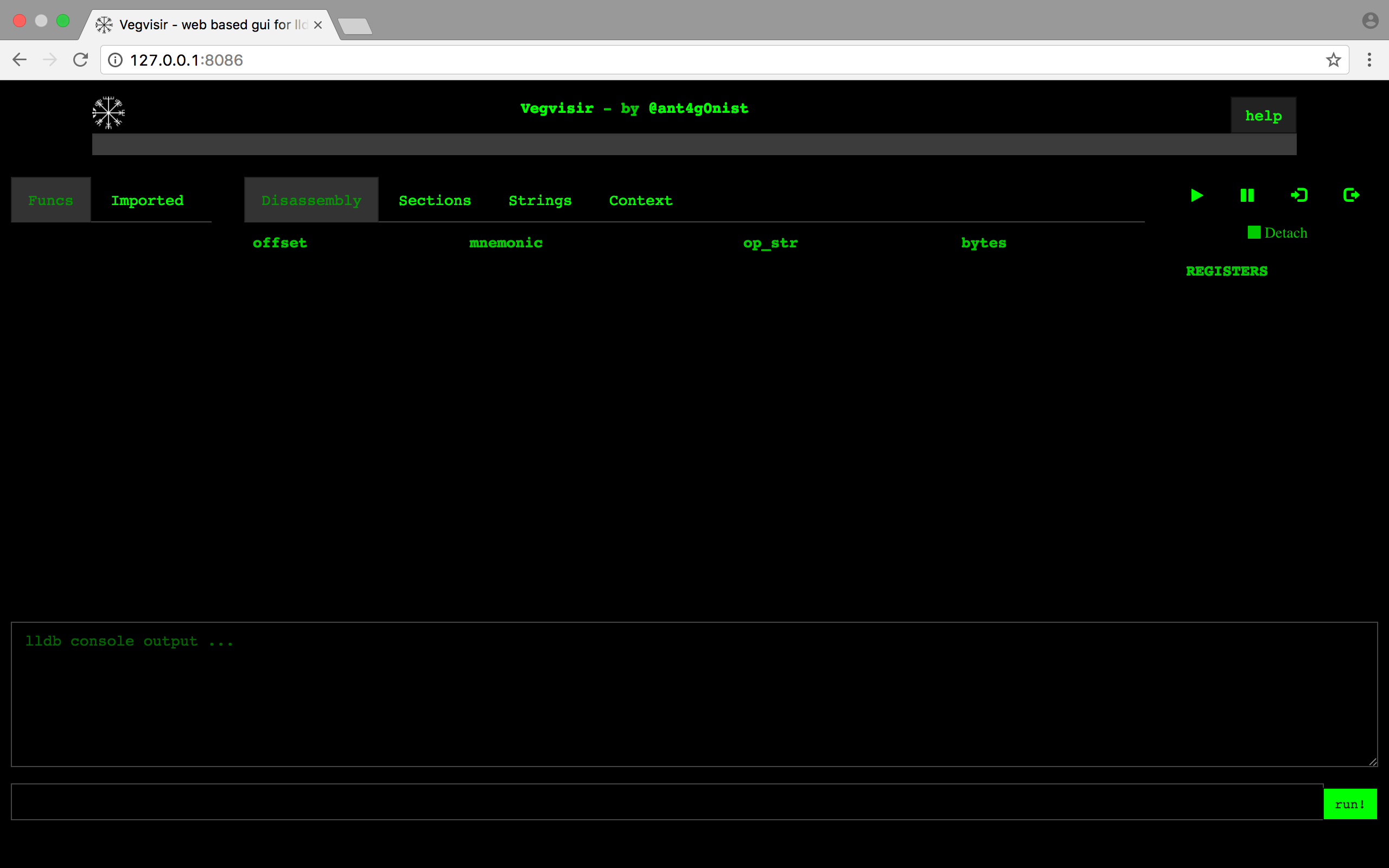
(5 more screenshots available in the repository)
🌍 Web Development (15)
-
aws-s3-uploader - Simple macOS app for uploading files to Amazon Web Services.
Languages:
JavaScriptScreenshots
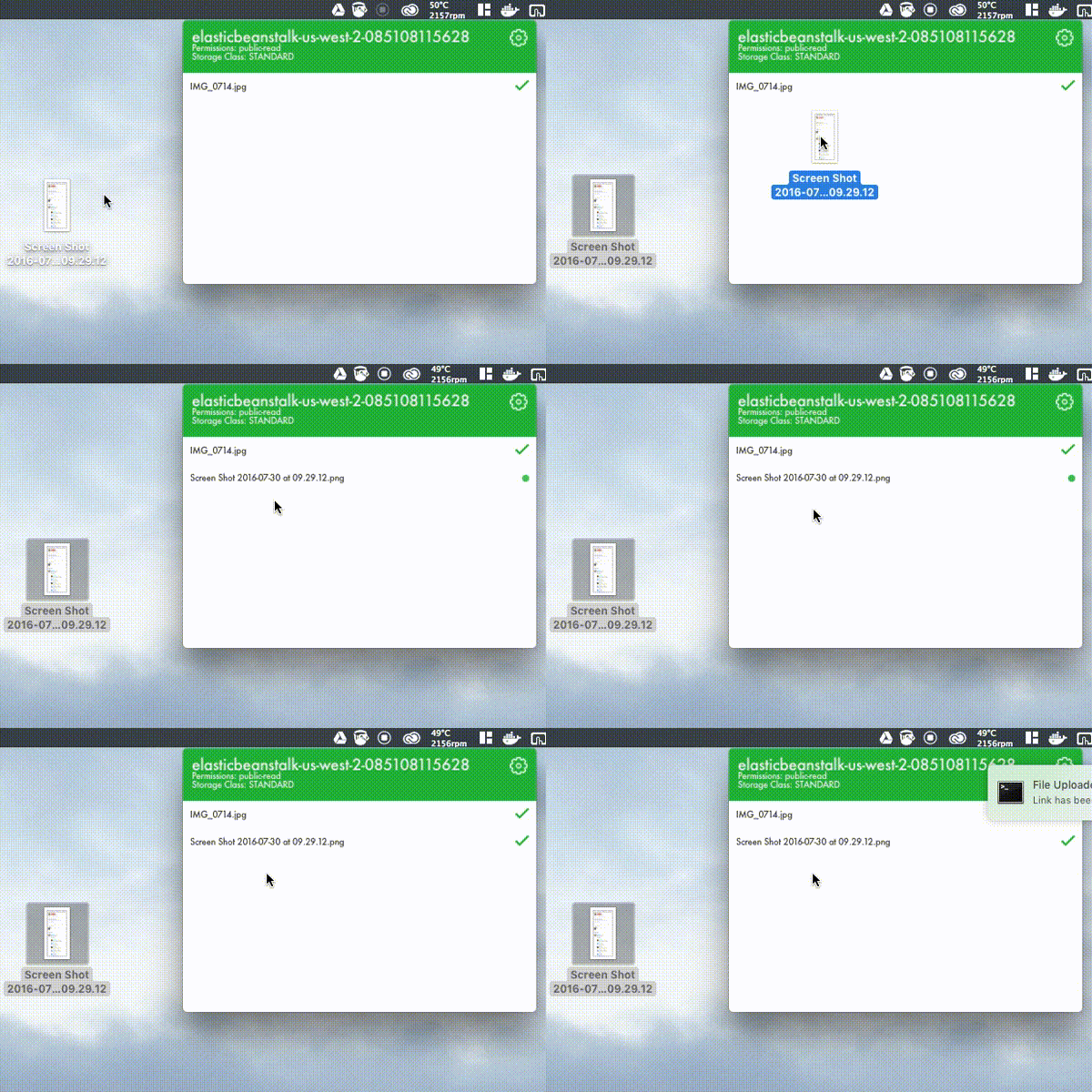
-
Corectl App for macOS - Corectl App is a macOS Status bar App which works like a wrapper around the corectl command line tool corectld to control the server runtime process.
Languages:
SwiftScreenshots
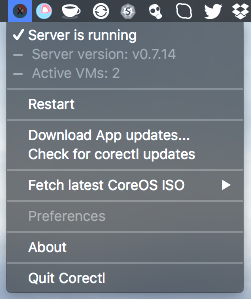
-
CoreOS VM - CoreOS VM is macOS status bar app which allows in an easy way to control CoreOS VM on your Mac.
Languages:
Objective-CScreenshots
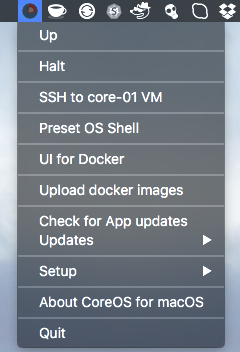
-
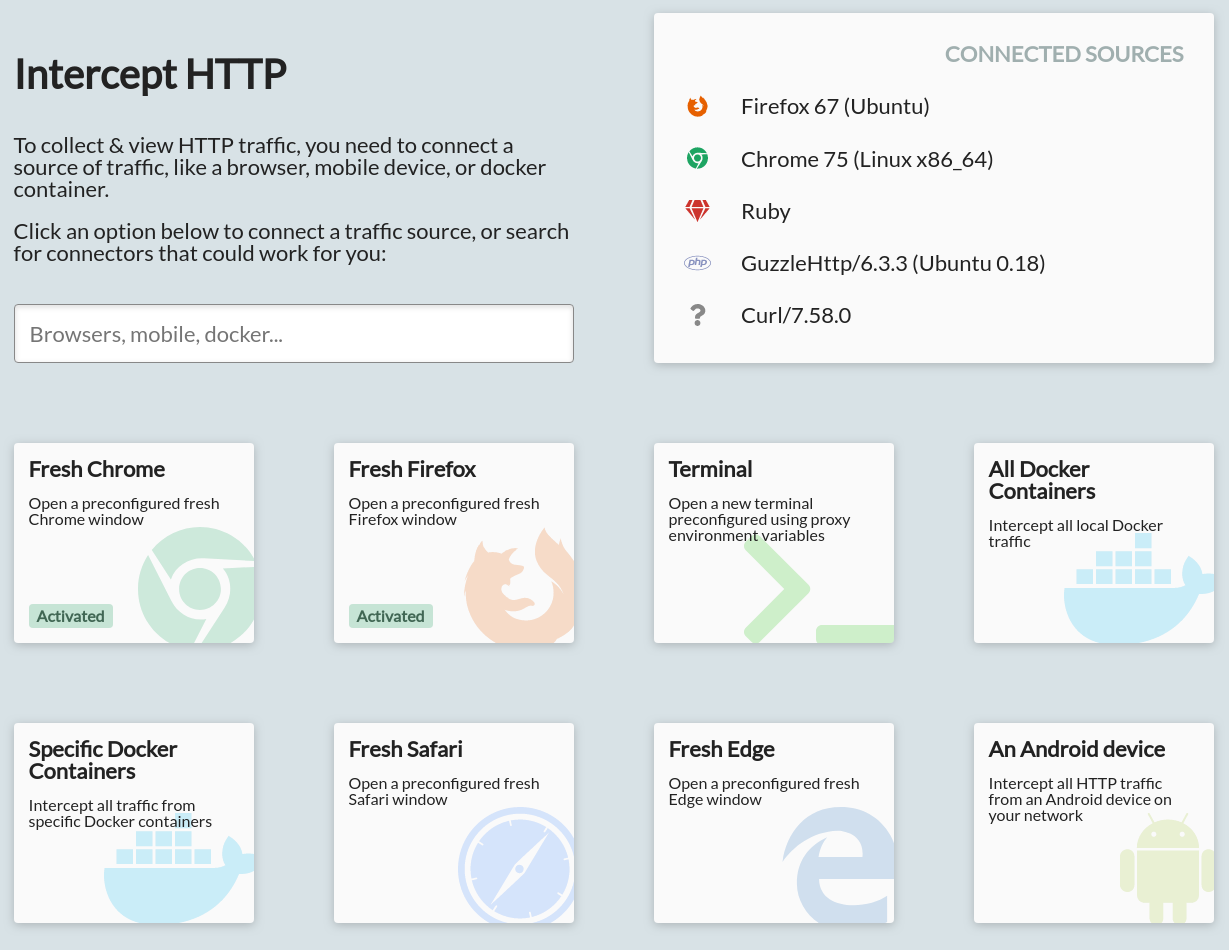
HTTP Toolkit - HTTP Toolkit is a cross-platform tool to intercept, debug & mock HTTP.
Languages:
TypeScriptWebsite: https://httptoolkit.com/
Screenshots


-
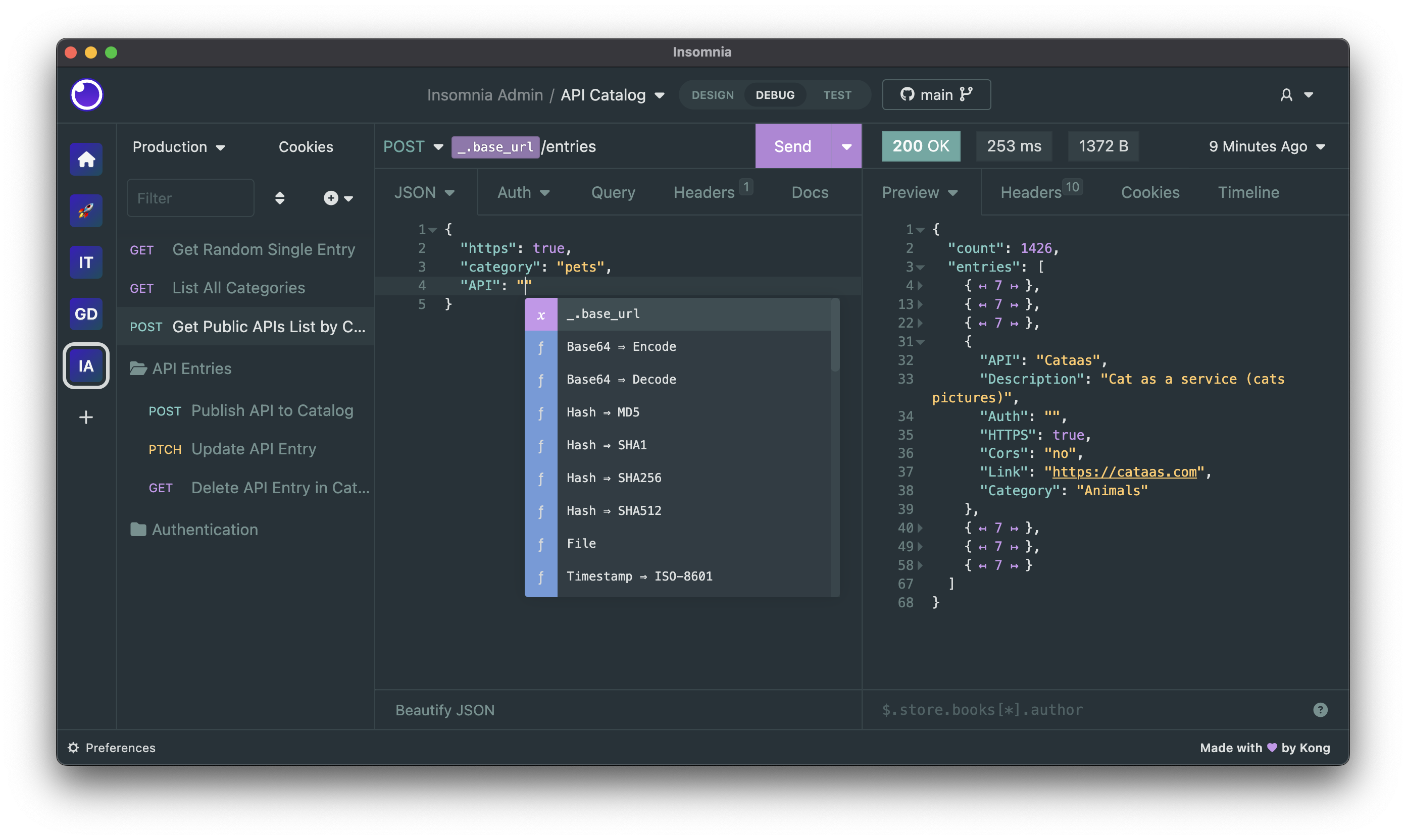
Insomnia - Insomnia is a cross-platform REST client, built on top of Electron.
Languages:
JavaScriptScreenshots
-
iTunesConnect - macOS app to let you access iTunesConnect.
Languages:
Swift -
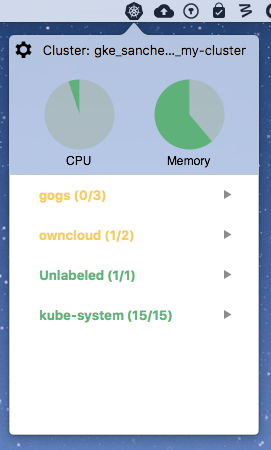
KubeMonitor - KubeMonitor is a macOS app that displays information about your active Kubernetes cluster in your menu bar.
Languages:
SwiftScreenshots
-
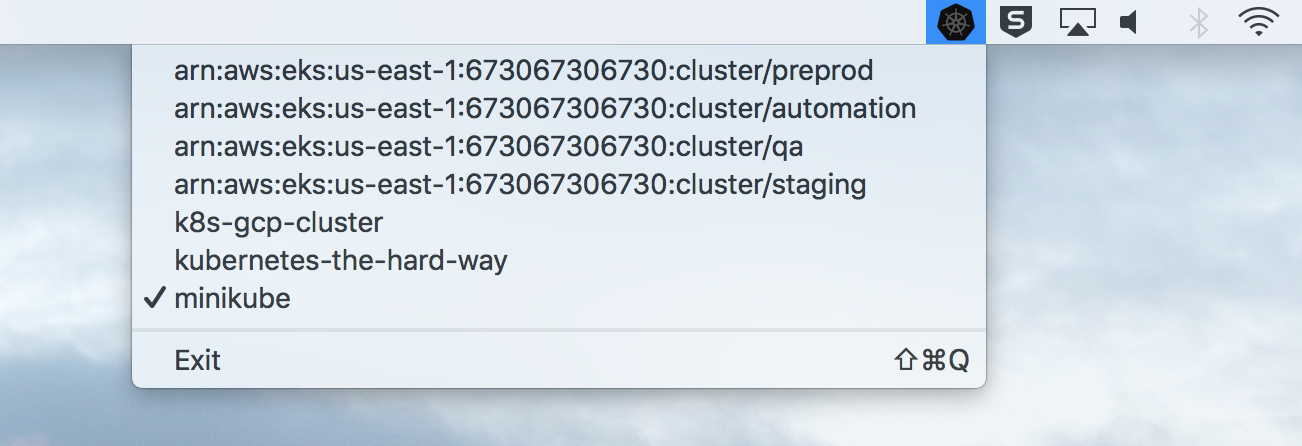
KubeSwitch - KubeSwitch lists the available kubernetes cluster contexts on the mac, in Mac's Menu bar.
Languages:
SwiftScreenshots
-
Lantern - Dedicated Mac app for website auditing and crawling.
Languages:
Swift -
LocalSites - Simple Menu Bar (Status Bar) App for macOS listing local Bonjour websites (as Safari 11 no longer has Bonjour Bookmarks).
Languages:
Swift -
nodeScratchpad - Evaluate Nodejs/JS code snippets from Menubar.
Languages:
Swift -
Requestly - A lightweight open-source API Development, Testing & Mocking platform
Languages:
JavaScriptWebsite: https://requestly.com
Screenshots


-
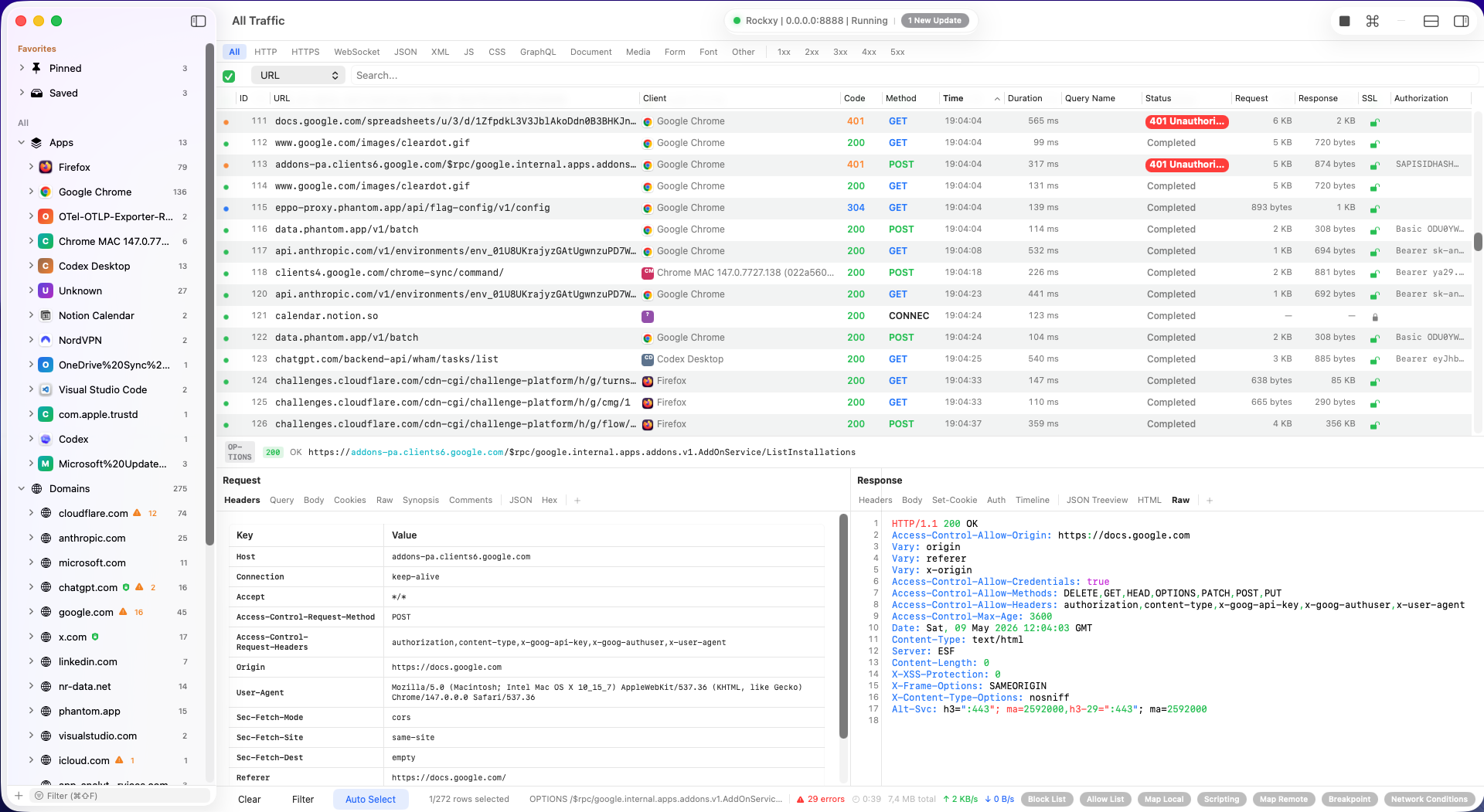
Rockxy - Open-source native macOS debugging proxy for inspecting HTTP, HTTPS, WebSocket, and GraphQL traffic.
Languages:
SwiftWebsite: https://rockxy.io
Screenshots
-
SimpleLocalize CLI - Open source tool for managing i18n keys in software projects.
Languages:
SwiftWebsite: https://simplelocalize.io
-
stts - macOS app for monitoring the status of cloud services.
Languages:
SwiftScreenshots
📱 iOS / macOS (45)
-
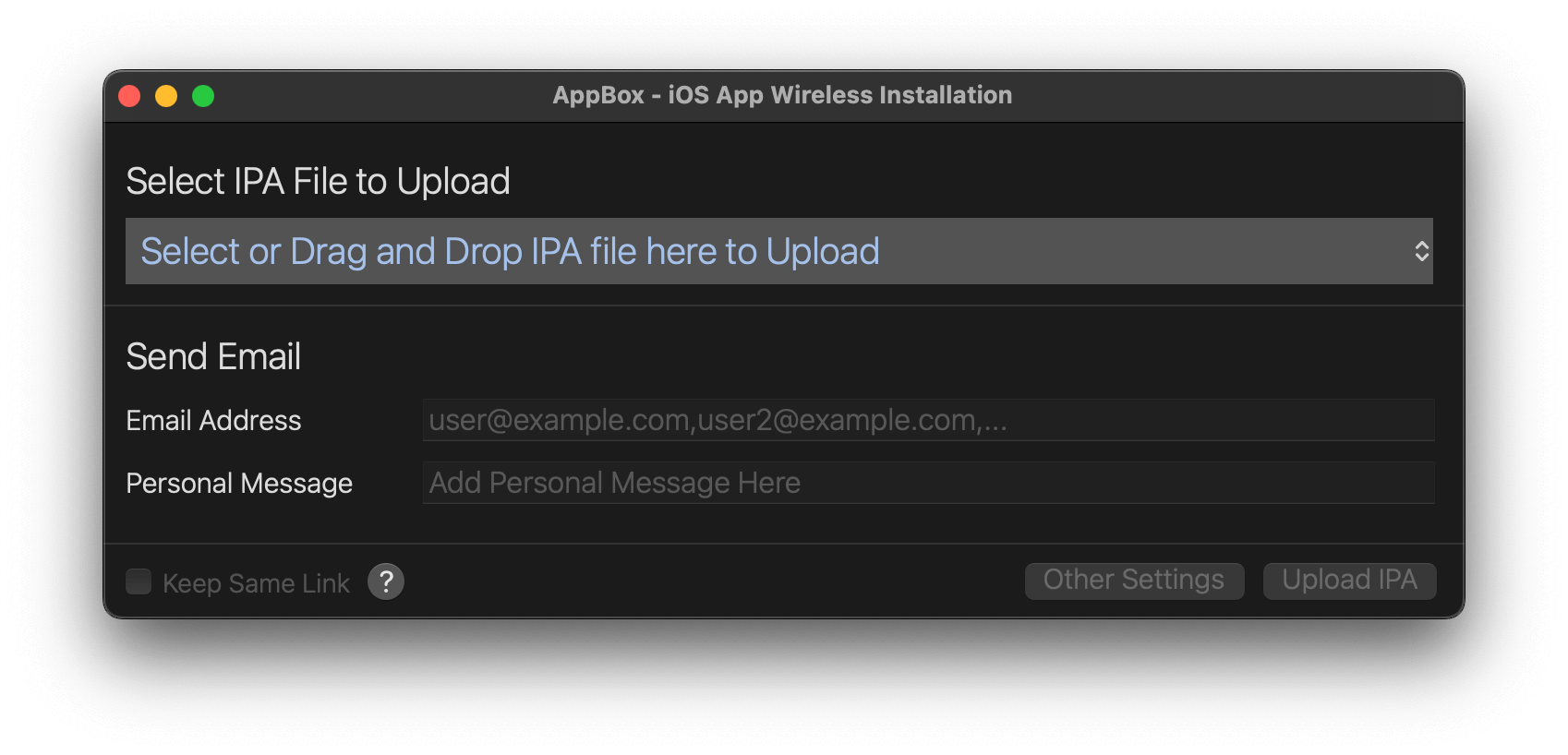
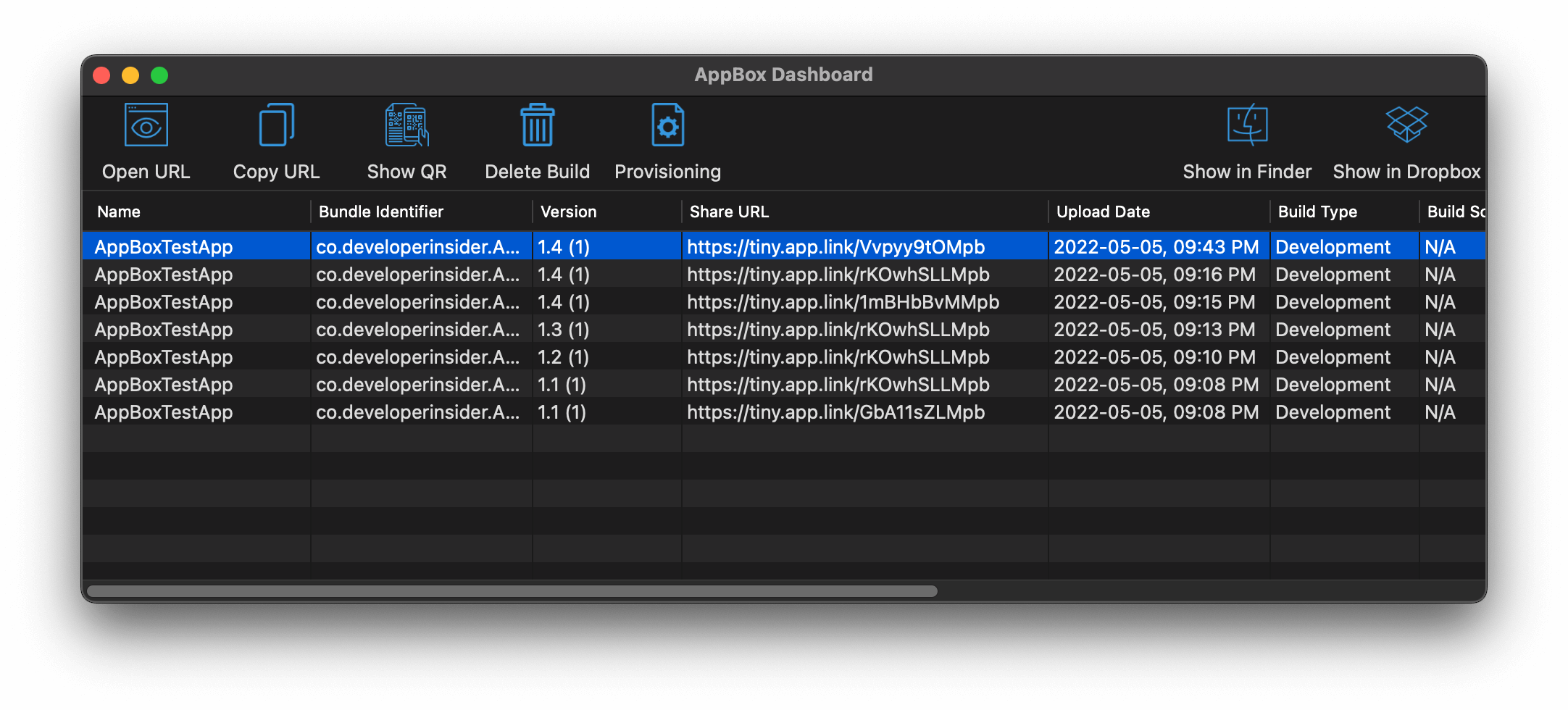
AppBox - Tool for iOS developers to build and deploy Development, Ad-Hoc and In-house (Enterprise) applications directly to the devices from your Dropbox account.
Languages:
Objective-CScreenshots

-
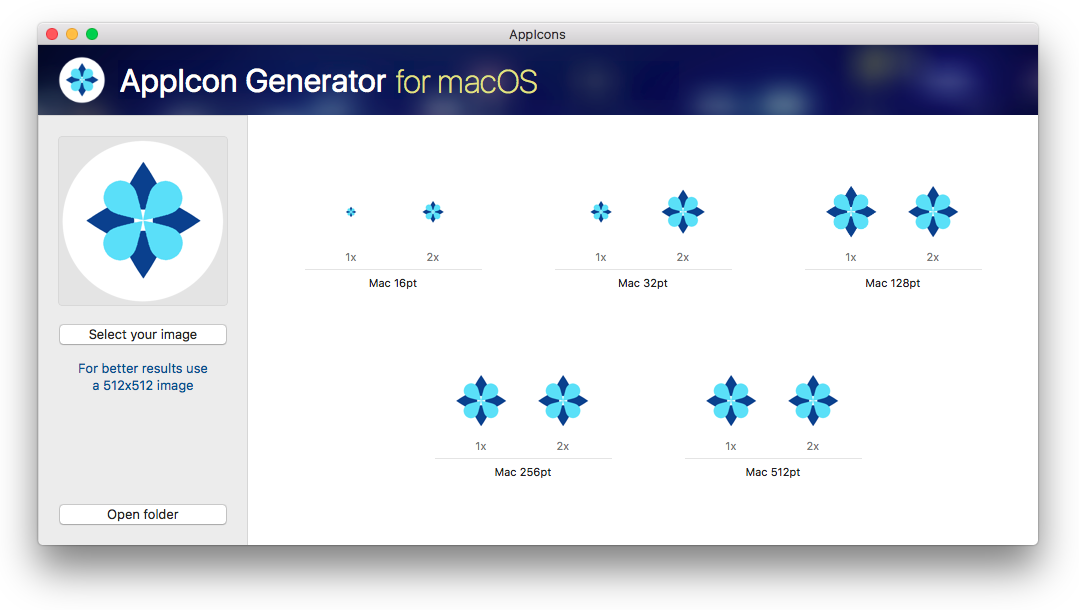
AppIcons - Tool for generating icons in all sizes as required by macOS and iOS apps.
Languages:
SwiftScreenshots
-
AppStoreReviewTimes - Gives you indication about the average iOS / macOS app stores review times.
Languages:
SwiftScreenshots
-
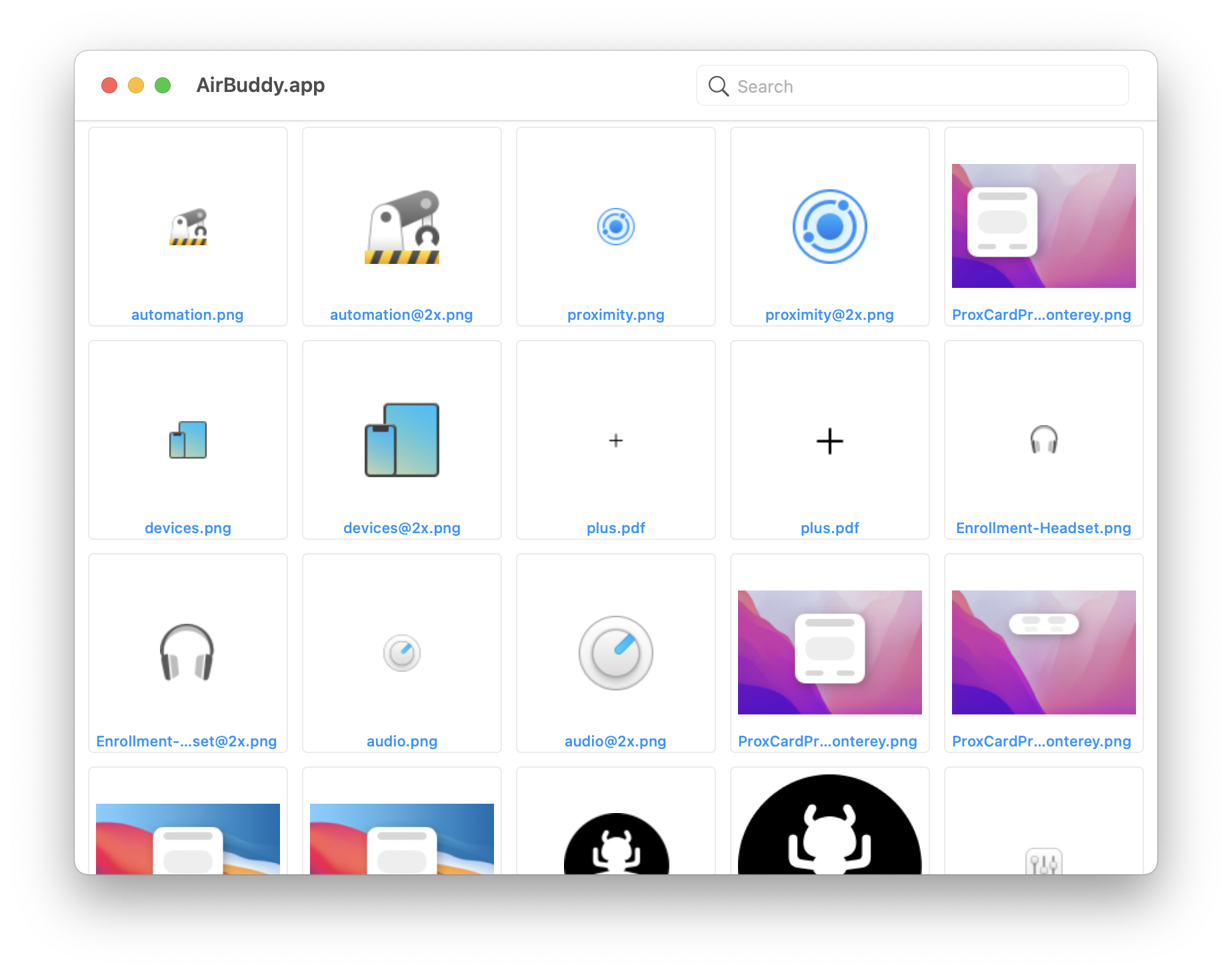
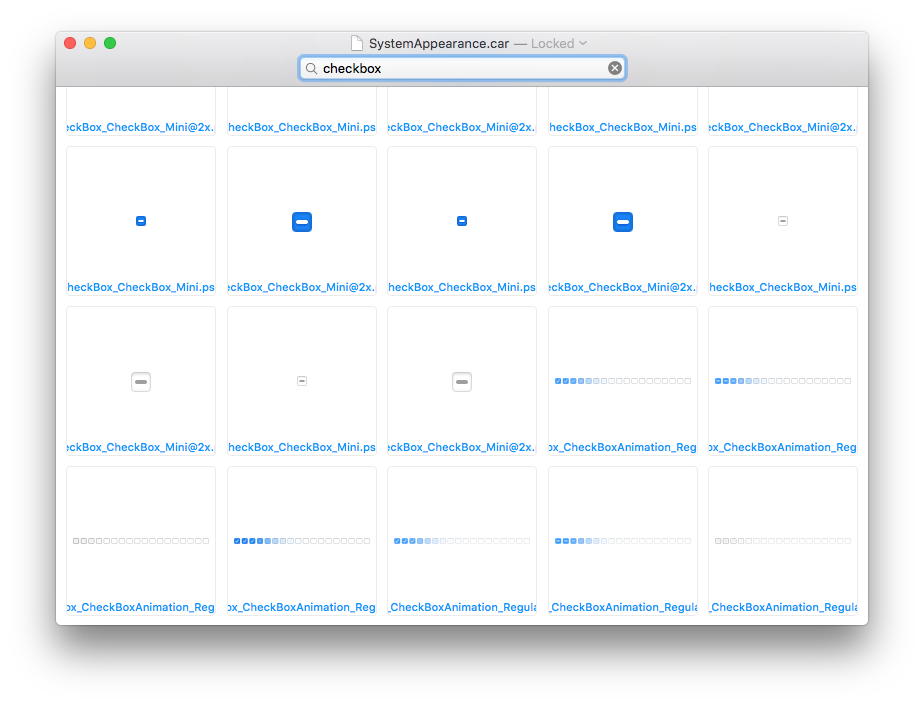
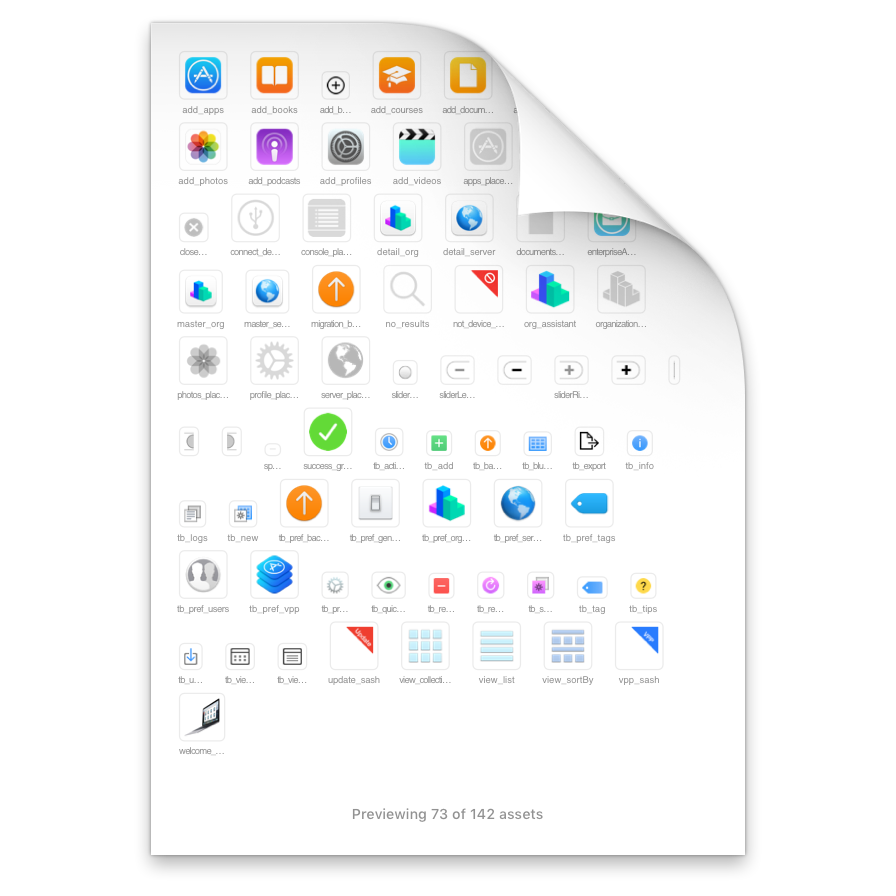
Asset Catalog Tinkerer - App that lets you open .car files and browse/extract their images.
Languages:
Objective-C SwiftScreenshots
-
Assets - Assets is a macOS app that manages assets for your development projects (Xcode, web, etc).
Languages:
Swift -
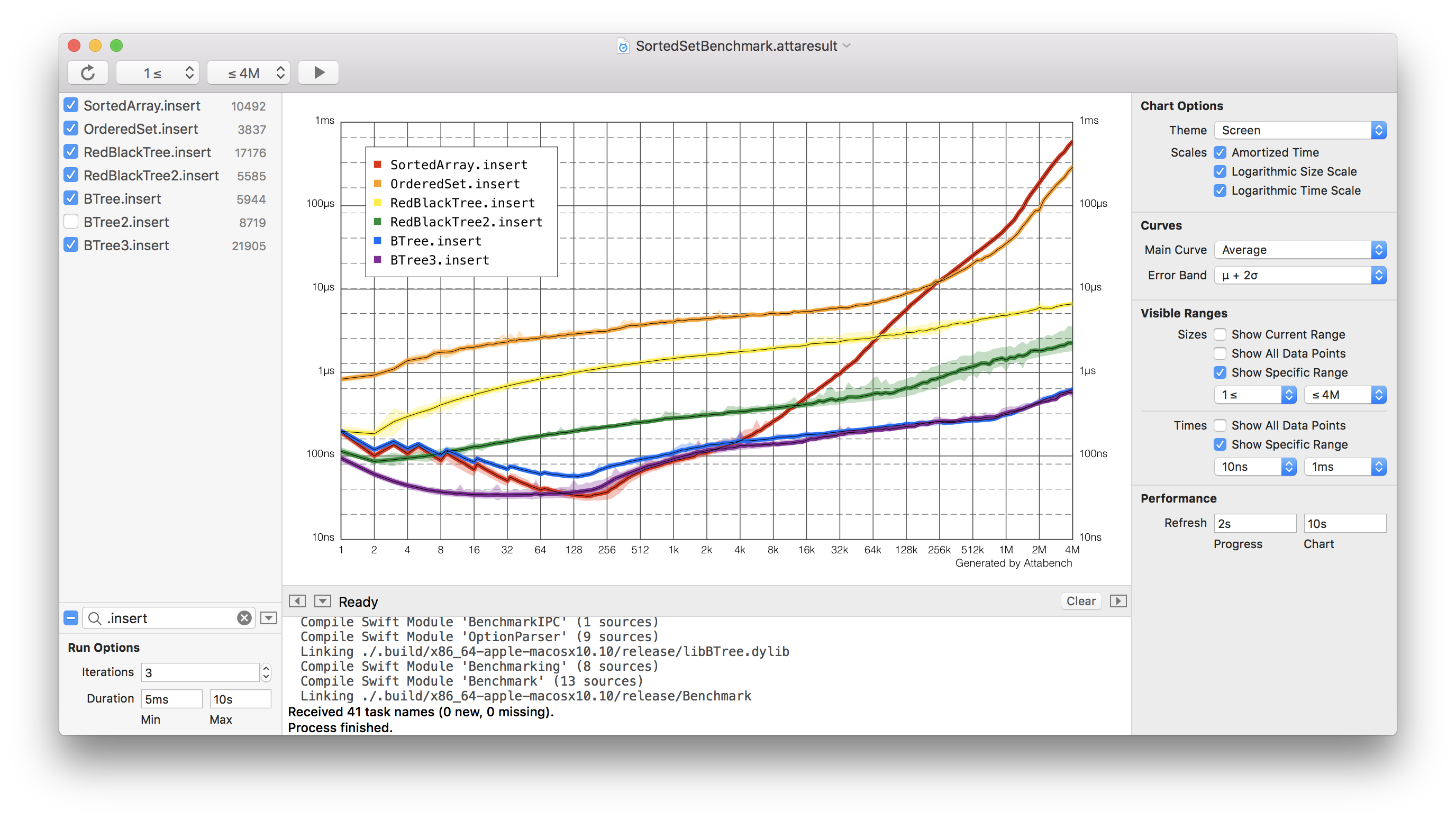
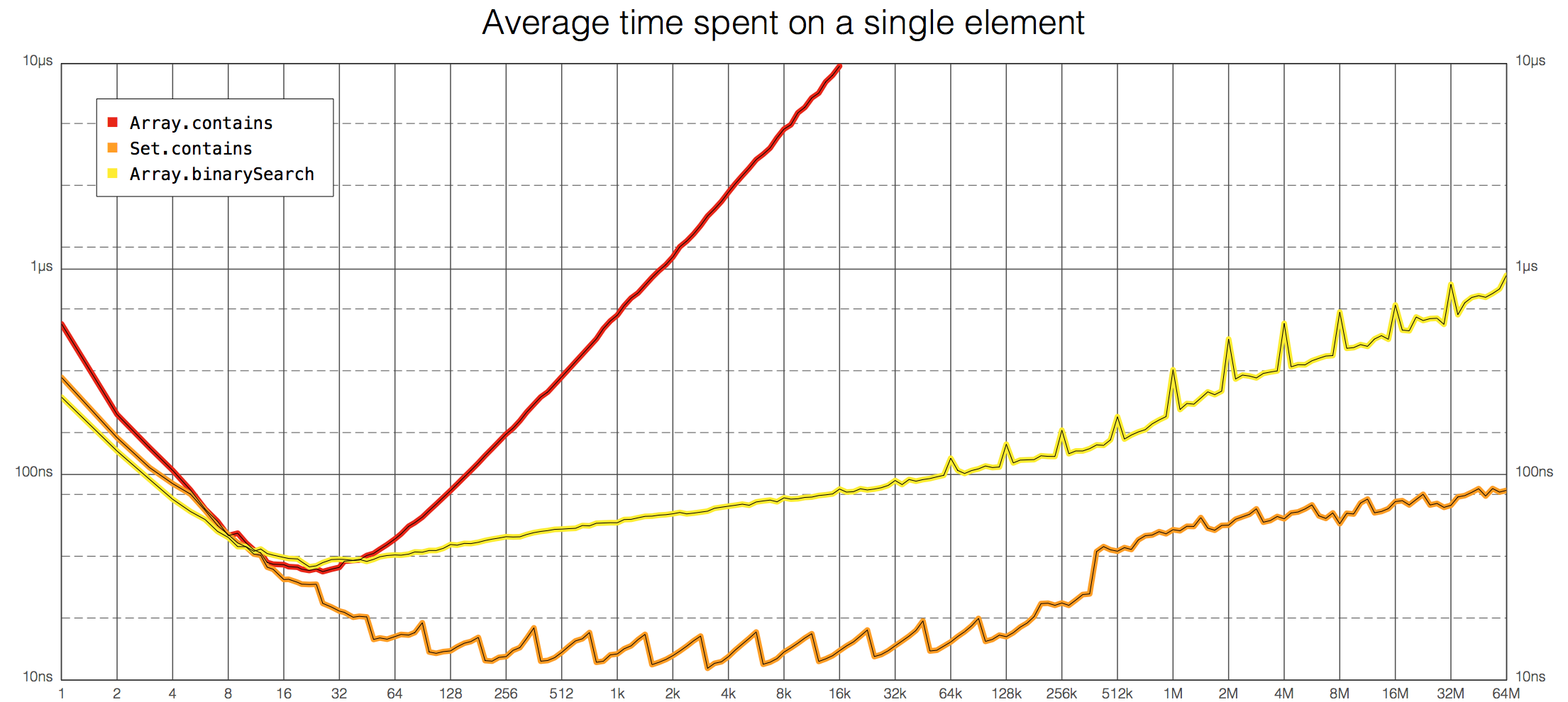
Attabench - Attabench is a microbenchmarking app for macOS, designed to measure and visualize the performance of Swift code.
Languages:
SwiftScreenshots
-
AVXCAssets Generator - Takes path for your assets images and creates appiconset and imageset for you in just one click.
Languages:
Swift -
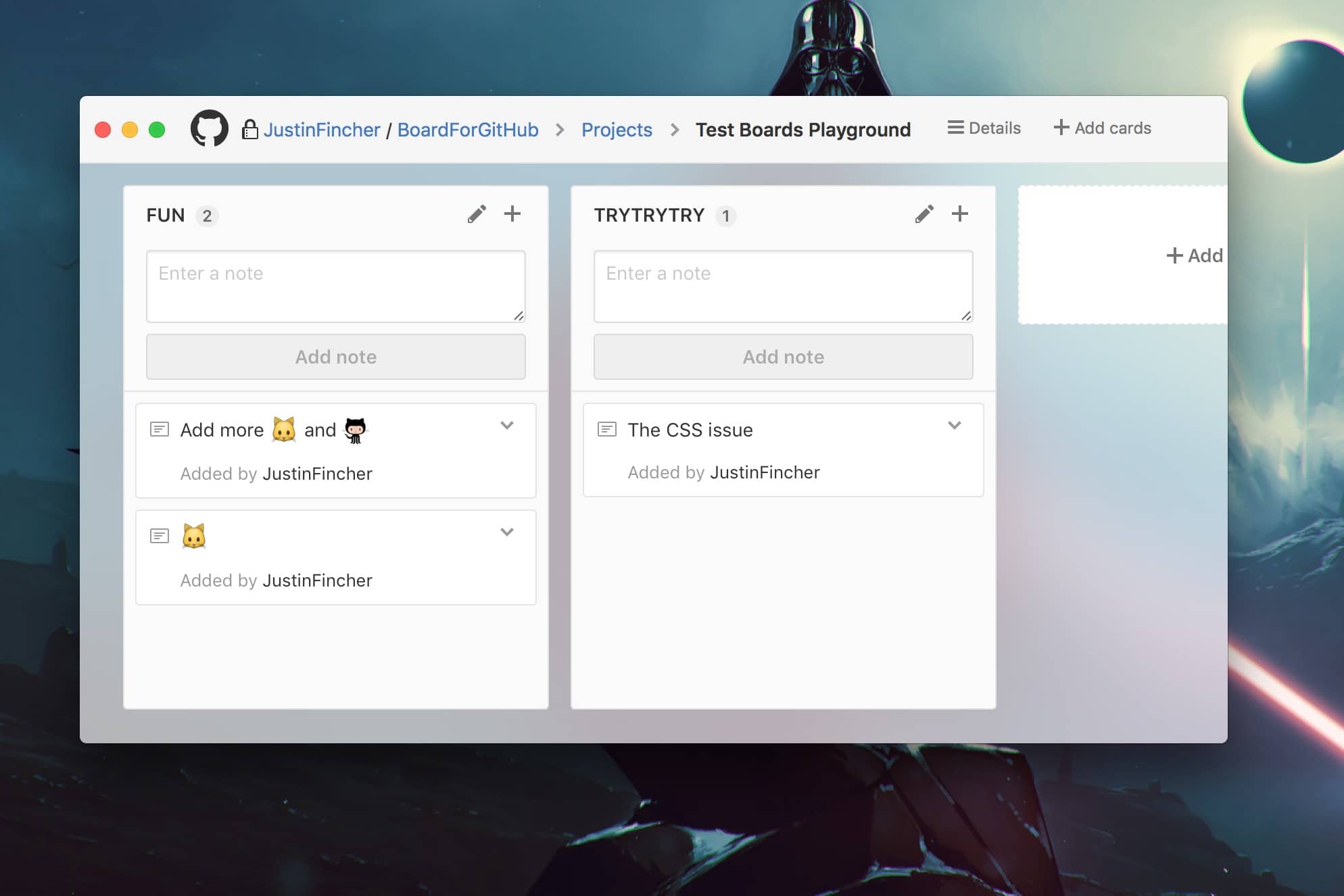
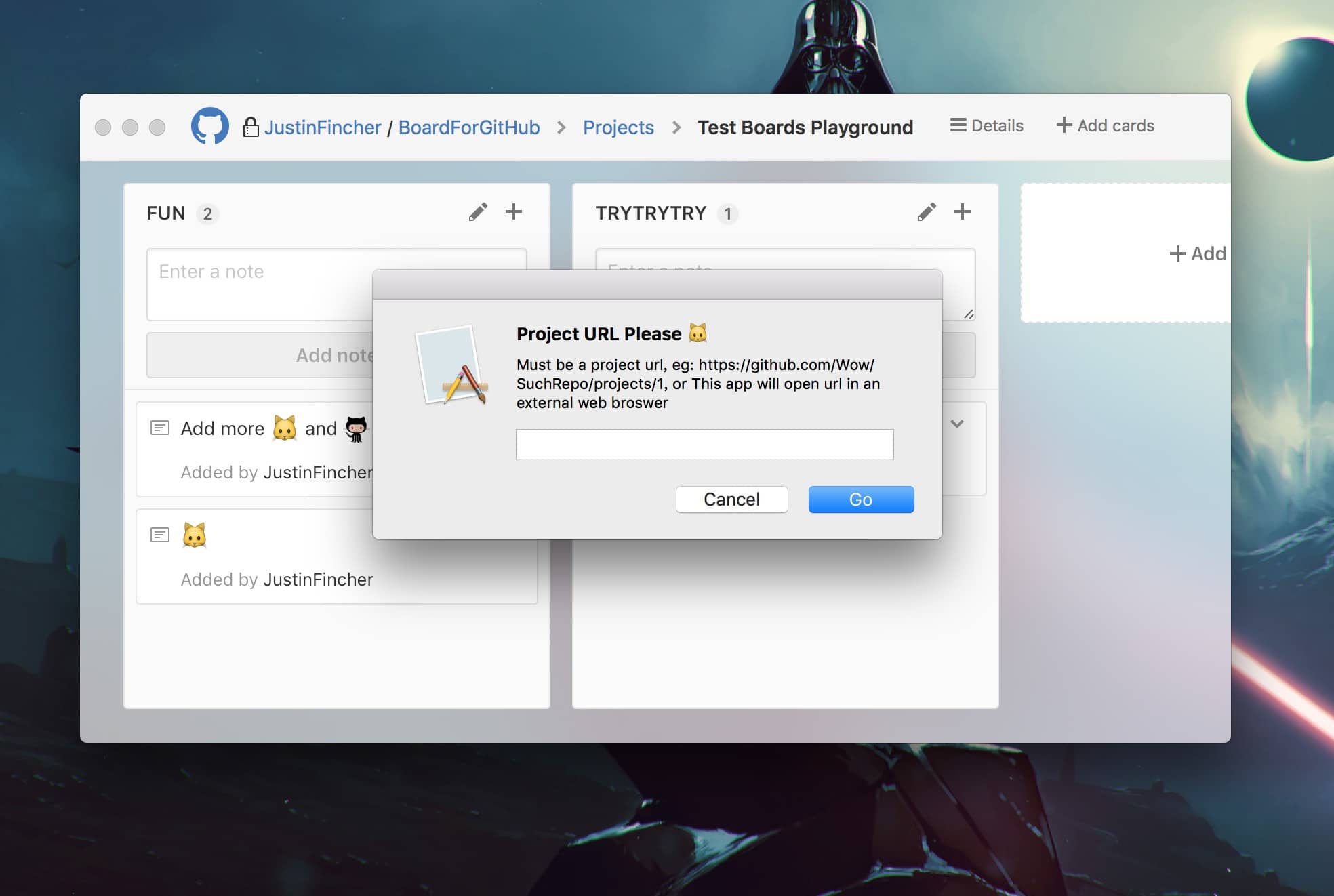
Board For GitHub - Small application to monitor your GitHub project web page in a native macOS app
 !
!Languages:
Objective-CScreenshots
-
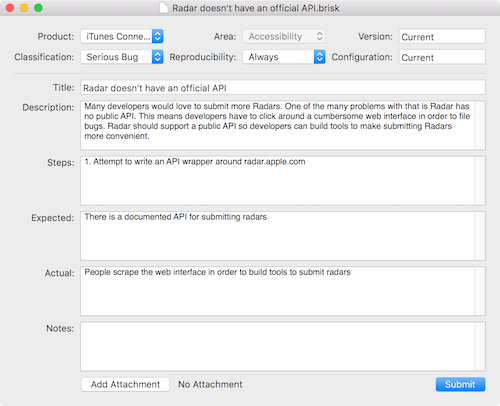
Brisk - macOS app for submitting radars.
Languages:
SwiftScreenshots

-
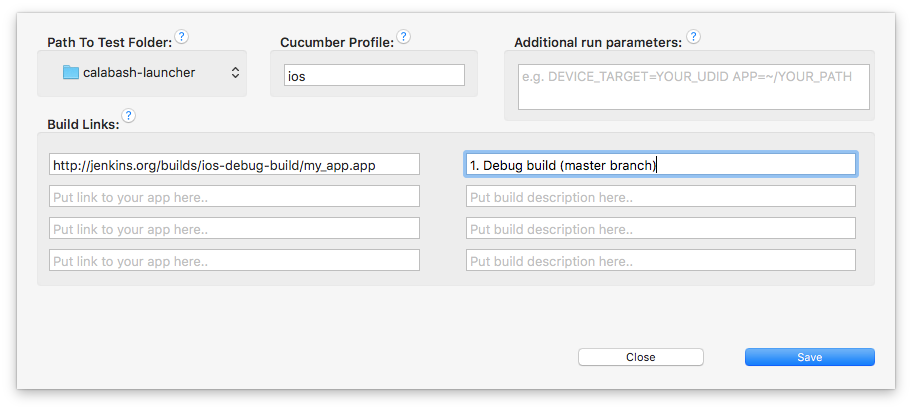
calabash-launcher - iOS Calabash Launcher is a macOS app that helps you run and manage Calabash tests on your Mac.
Languages:
SwiftScreenshots


(2 more screenshots available in the repository)
-
Cleaner for Xcode - Cleaner for Xcode.app built with react-native-macOS.
Languages:
Objective-C -
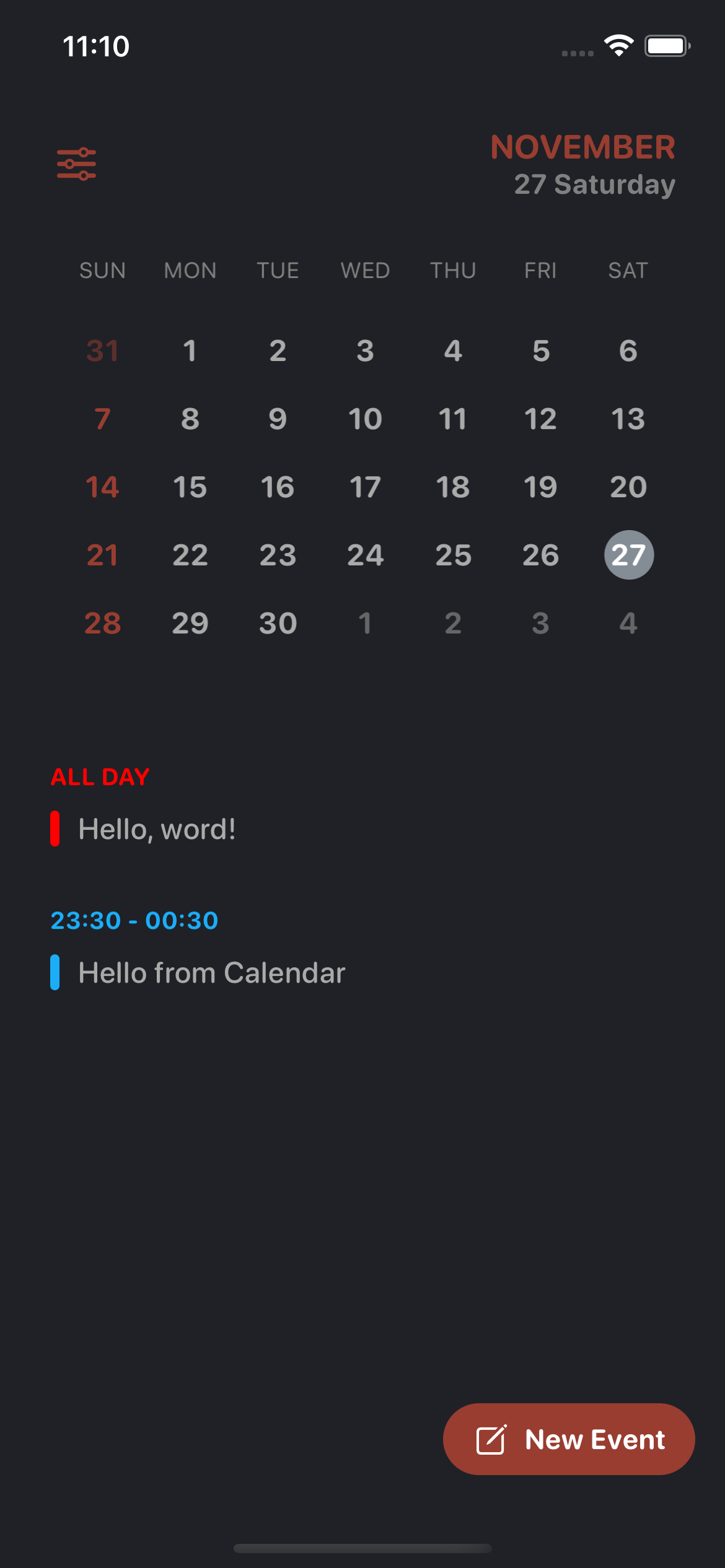
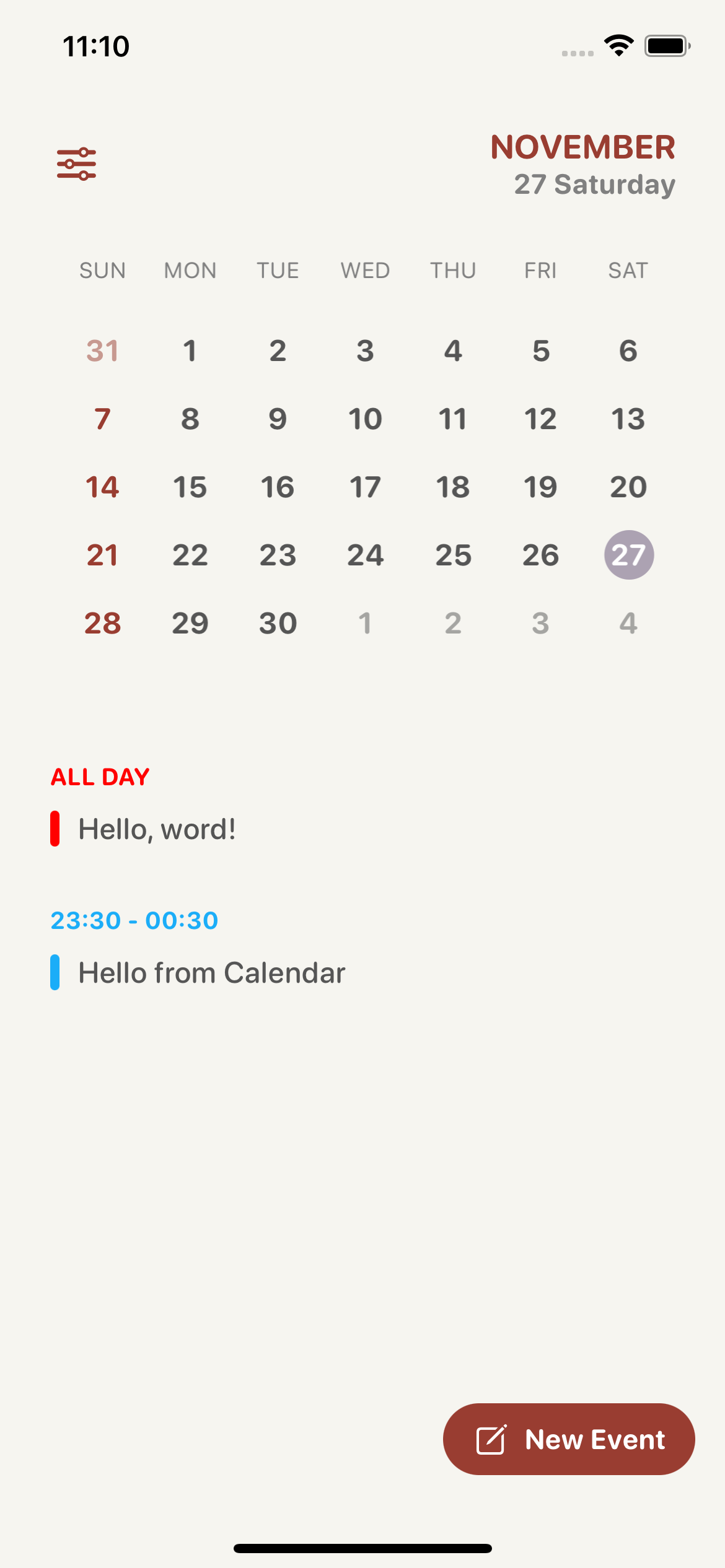
Clendar - Clendar is an universal calendar app. Written in SwiftUI.
Languages:
SwiftWebsite: https://apps.apple.com/us/app/clendar-a-calendar-app/id1548102041
Screenshots
-
CocoaRestClient - Native Apple macOS app for testing HTTP/REST endpoints.
Languages:
Objective-CScreenshots
(2 more screenshots available in the repository)
-
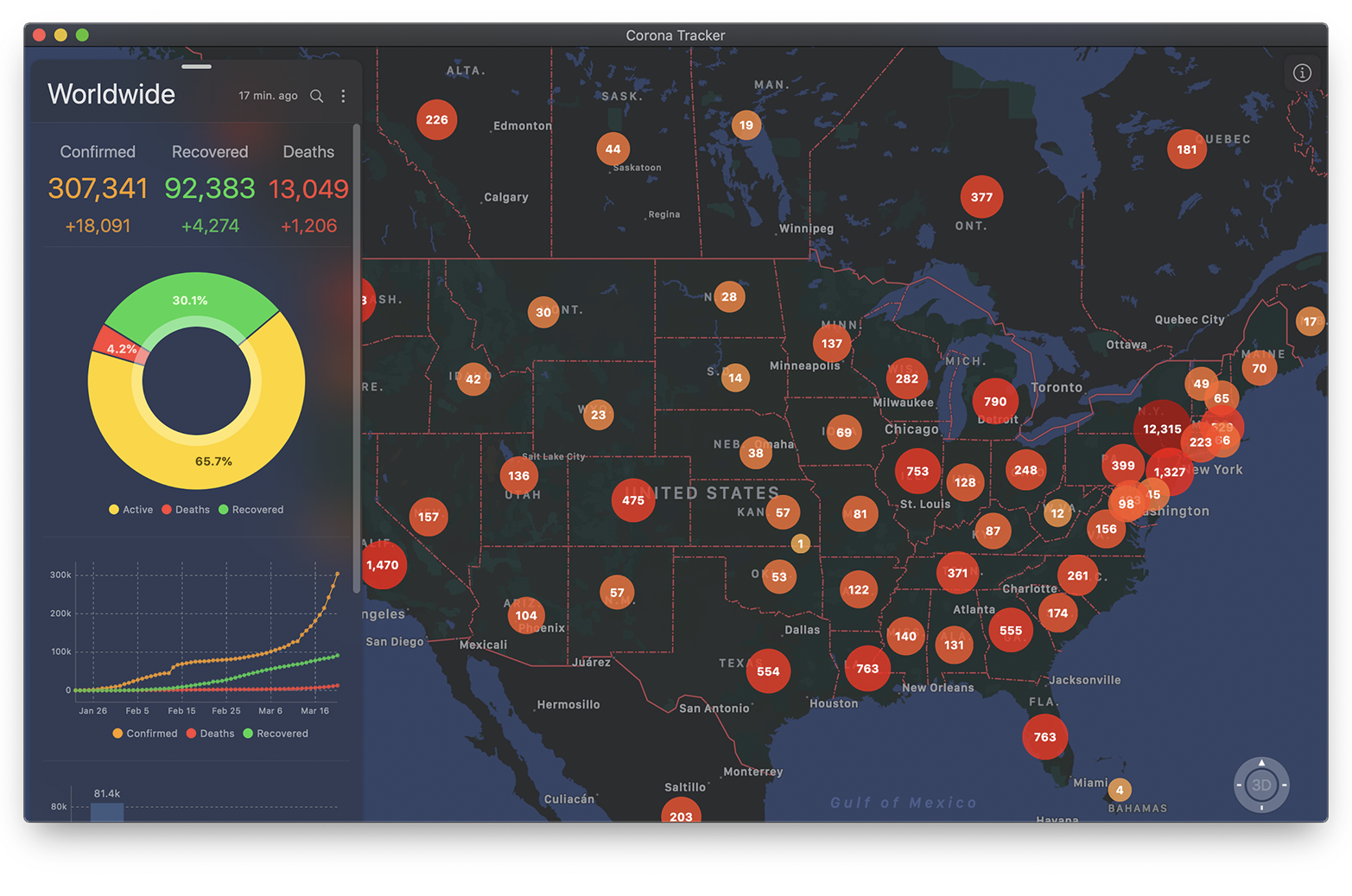
Corona Tracker - Coronavirus tracker app for iOS & macOS with maps & charts.
Languages:
SwiftWebsite: https://coronatracker.samabox.com/
Screenshots

-
DevLint - A lightweight app for formatting and correcting Swift syntax.
Languages:
SwiftScreenshots
-
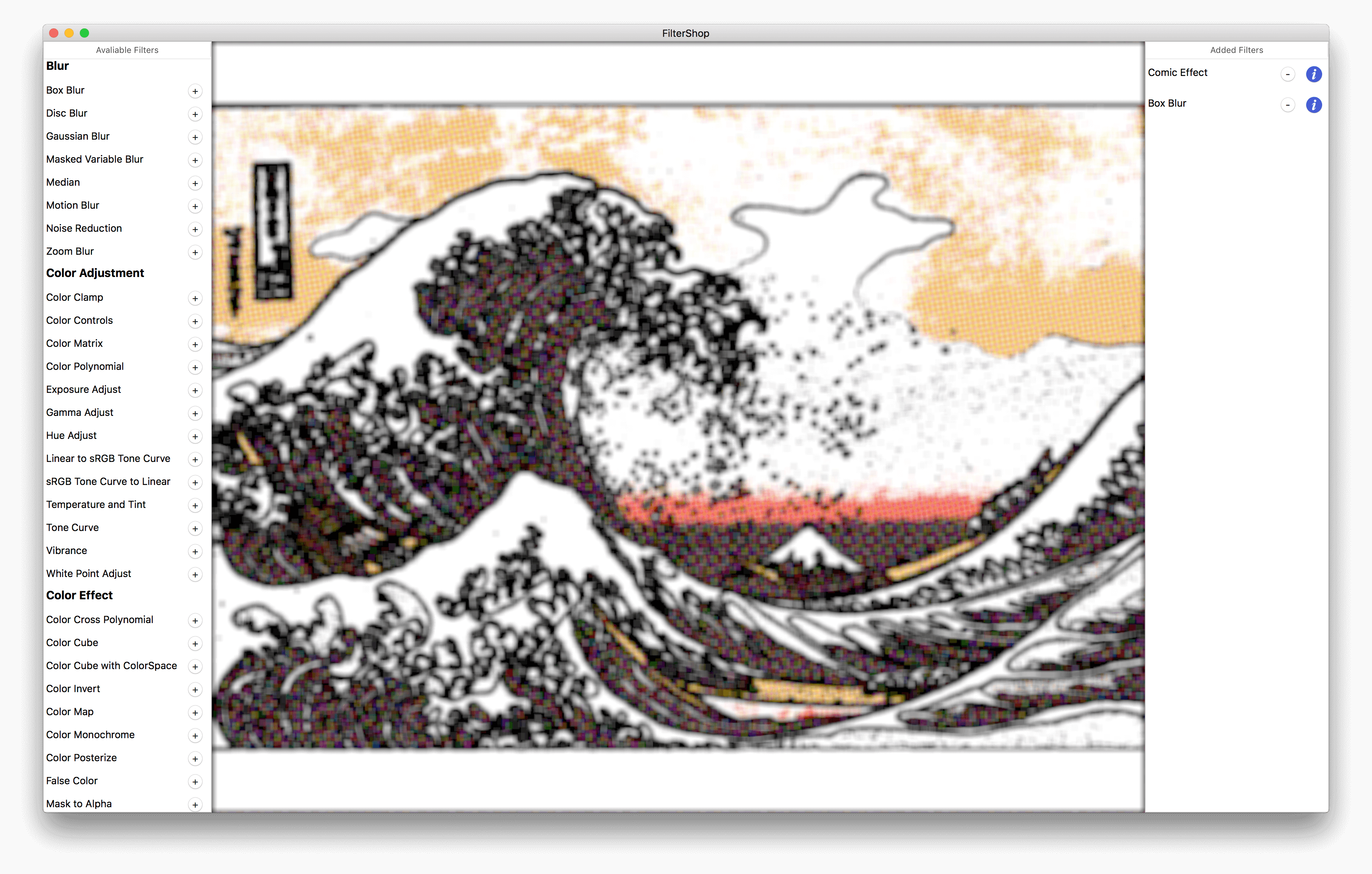
FilterShop - macOS App to explore CoreImage Filters.
Languages:
SwiftScreenshots
-
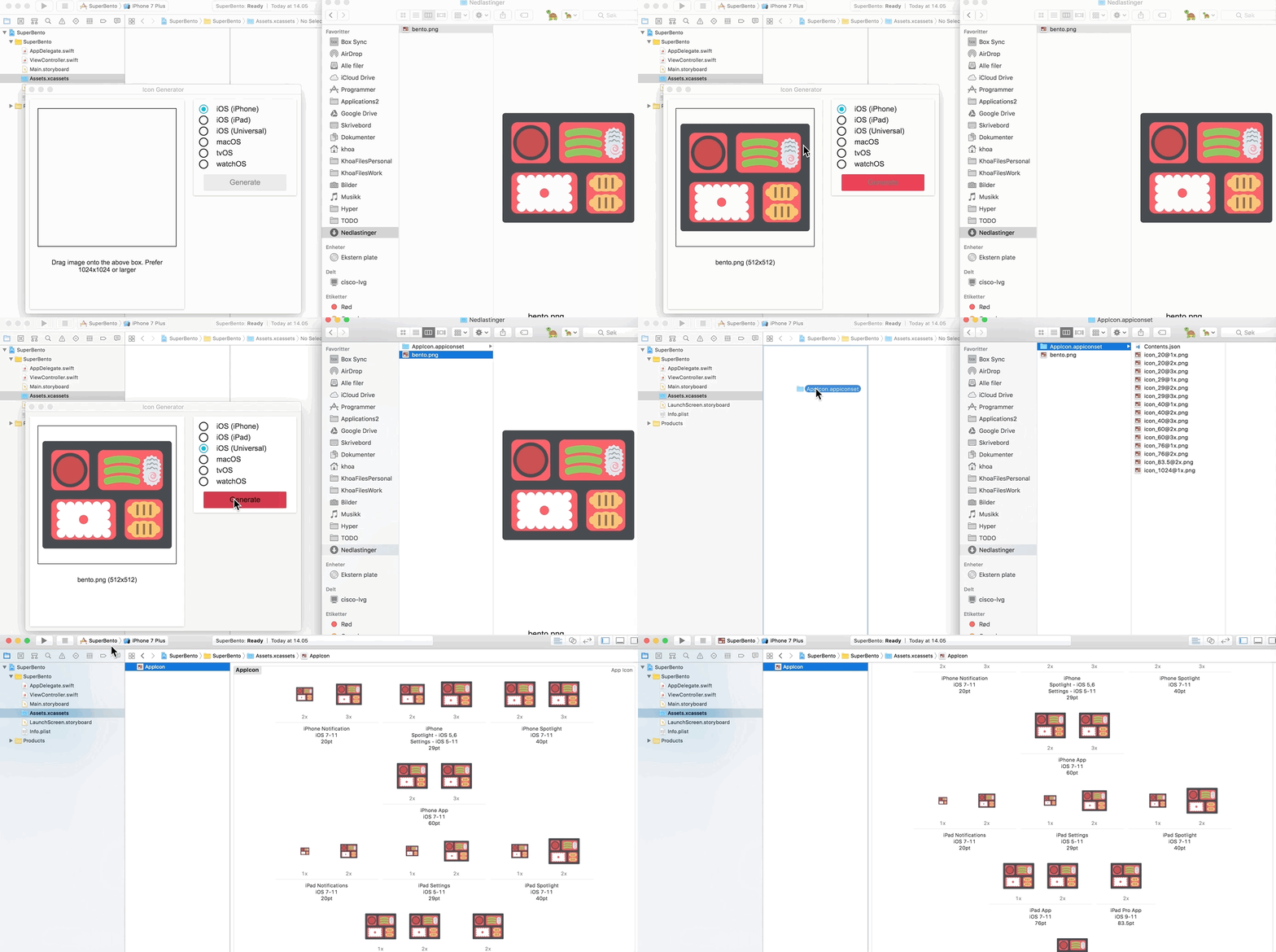
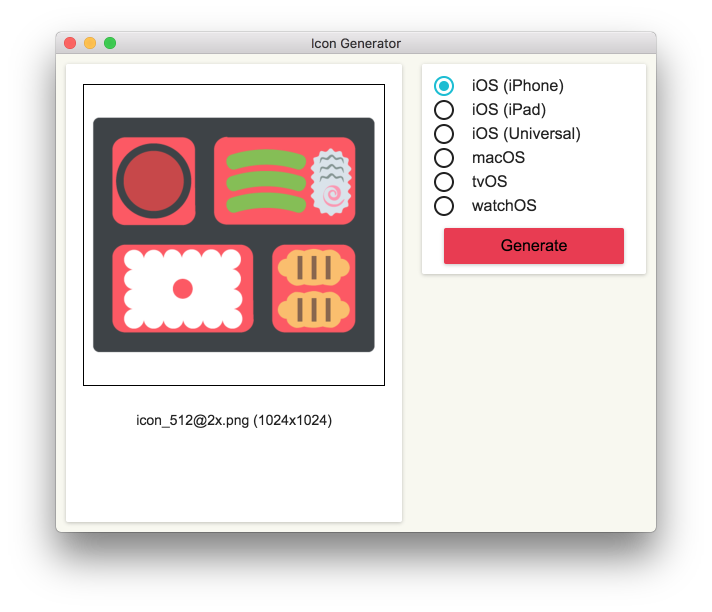
IconGenerator - macOS app to generate app icons.
Languages:
JavaScriptScreenshots
-
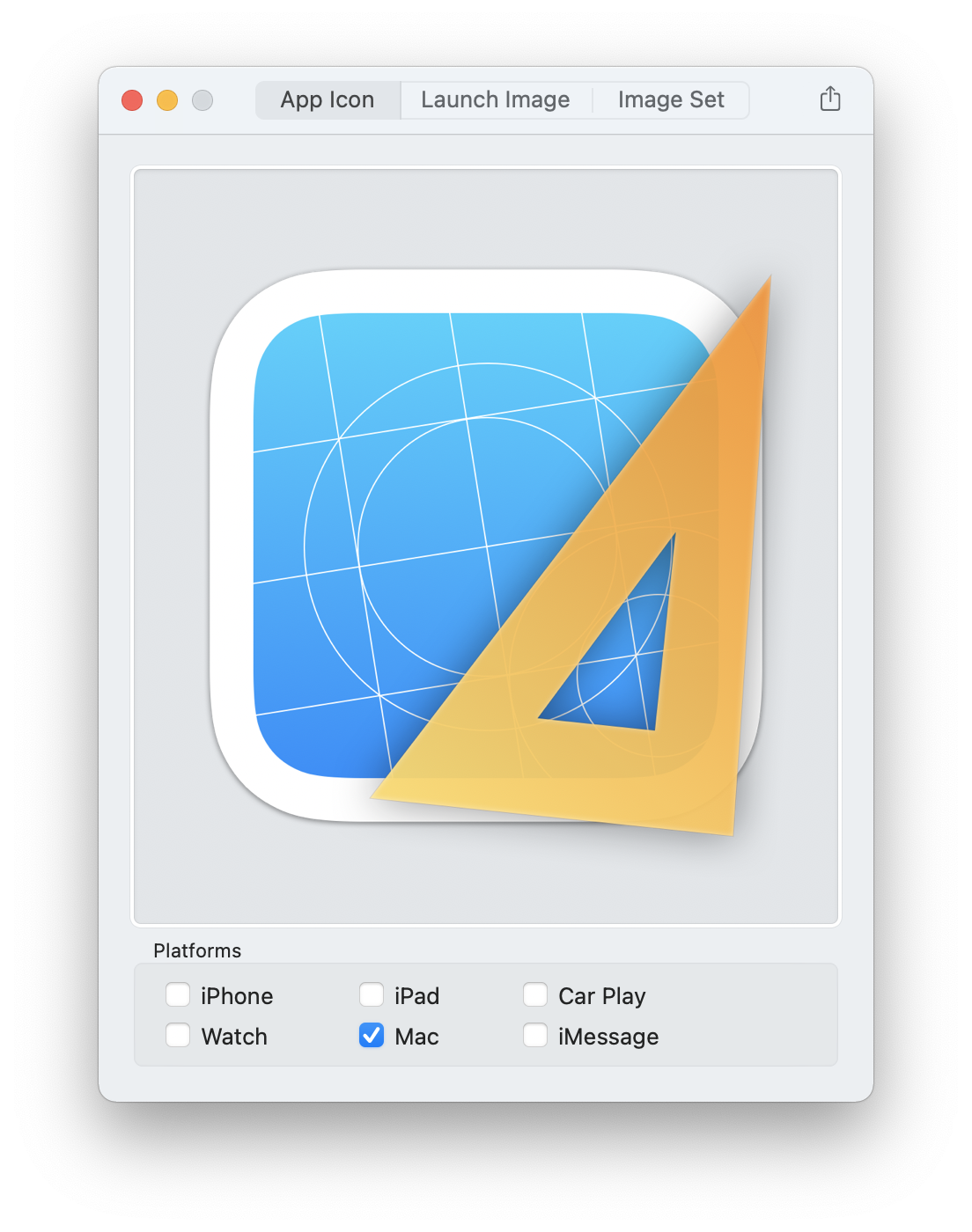
Iconizer - Create Xcode image catalogs (xcassets) on the fly.
Languages:
SwiftScreenshots
-
Iconology - Edit icons and then export to Xcode, icns, ico, favicon, macOS iconset, or a custom collection.
Languages:
SwiftWebsite: https://apps.apple.com/us/app/iconology/id1463452867
Screenshots

-
Icons.app - App for macOS which is designed to generate consistent sized icons of an existing application in various states, jiggling (shaking) etc.
Languages:
Objective-C -
InjectionIII - overdue Swift rewrite of Injection.
Languages:
Objective-C Swift -
Input Source Pro - Input Source Pro is macOS utility designed for multilingual users who frequently switch input sources.
Languages:
SwiftWebsite: https://inputsource.pro
-
iOS Images Extractor - iOS Images Extractor is a Mac app to normalize, decode, and extract images from iOS apps.
Languages:
Objective-CScreenshots

-
iSimulator - iSimulator is a GUI utility to control the Simulator and manage the app installed on the simulator.
Languages:
Objective-C -
Knuff - The debug application for Apple Push Notification Service (APNs).
Languages:
Objective-CScreenshots

-
LayerX - Intuitive app to display transparent images on screen.
Languages:
SwiftScreenshots
-
Localizable.strings - Mac app to localize your iOS and macOS projects.
Languages:
Swift -
Localization Editor - Simple macOS editor app to help you manage iOS app localizations by allowing you to edit all the translations side by side.
Languages:
Swift -
Localizations - Localizations is an macOS app that manages your Xcode project localization files (.strings).
Languages:
Swift -
LocationSimulator - Application to spoof your iOS or iPhoneSimulator location.
Languages:
SwiftWebsite: https://schlaubischlump.github.io/LocationSimulator
Screenshots
-
Menubar Colors - macOS app for convenient access to the system color panel.
Languages:
SwiftScreenshots

-
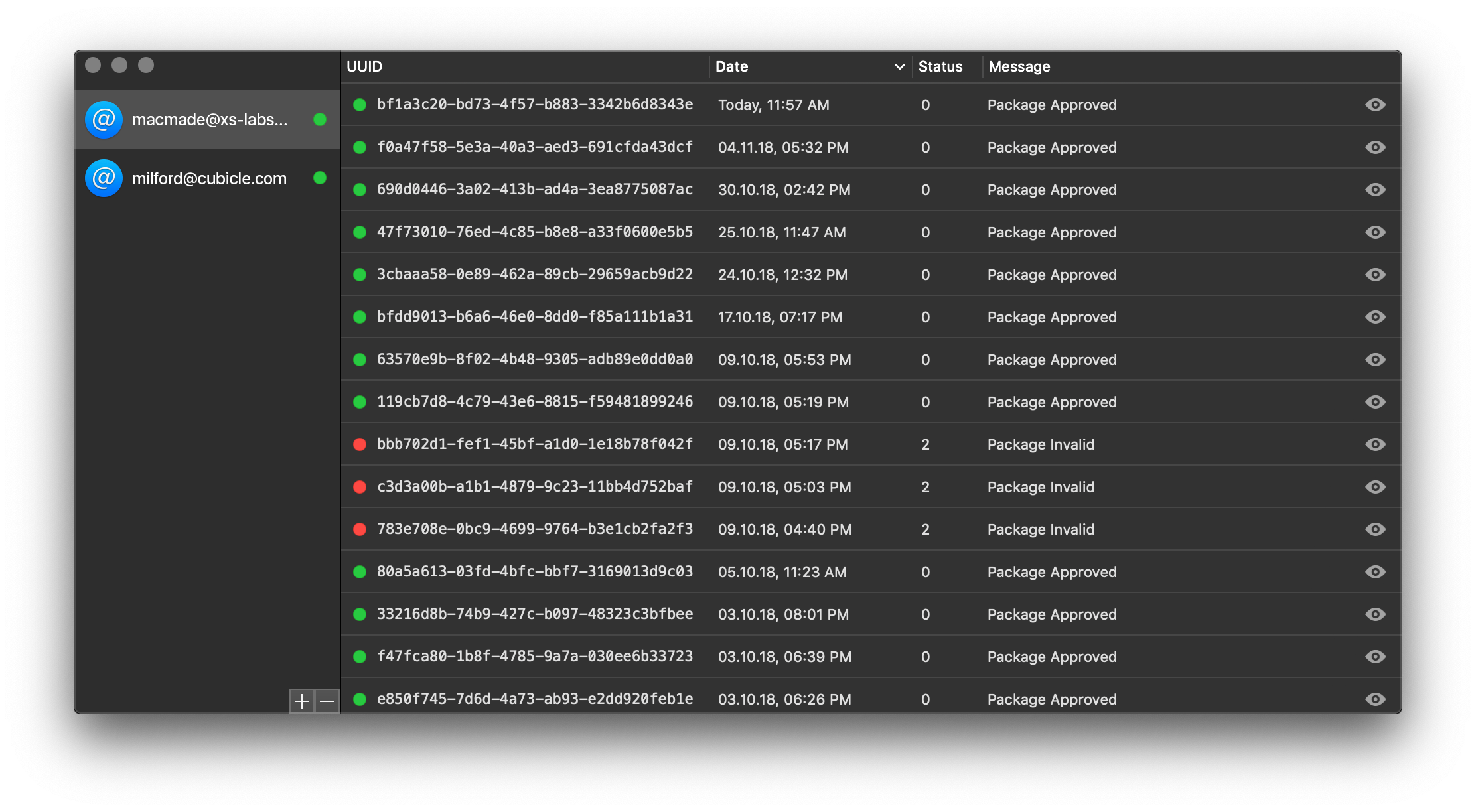
Notarize - Notarization status monitoring tool for macOS, supporting multiple developer accounts
Languages:
SwiftScreenshots
-
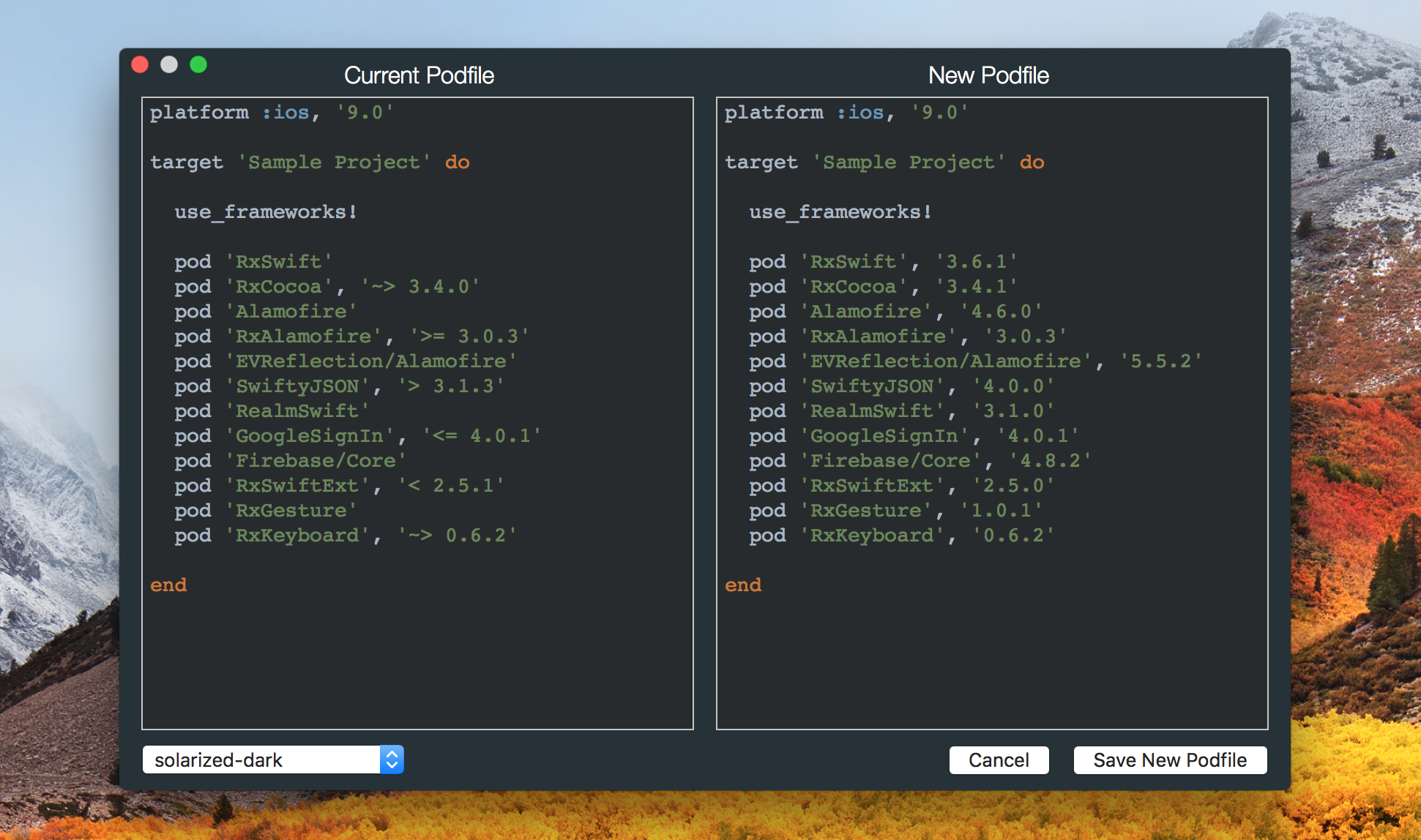
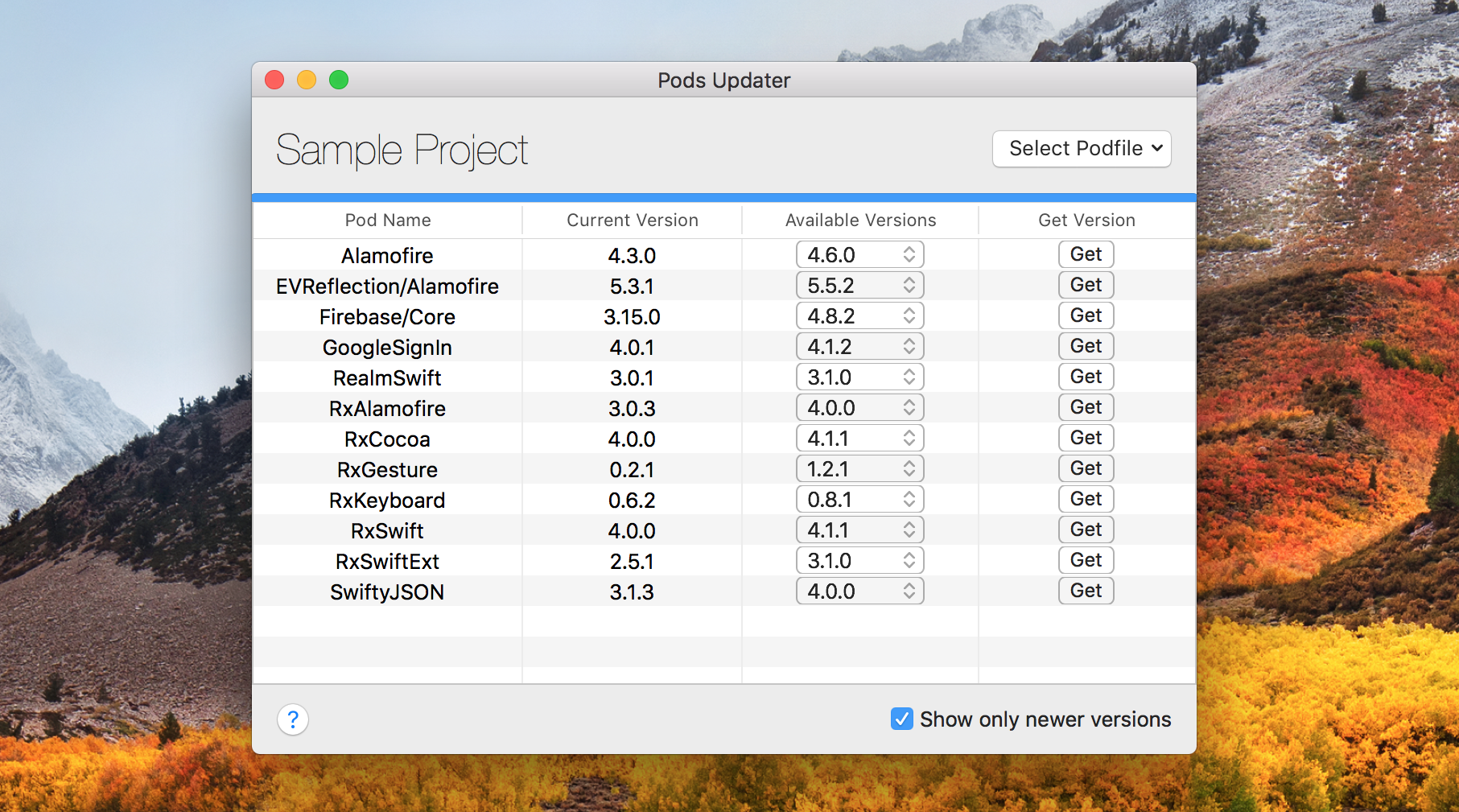
PodsUpdater - macOS app which helps you manage dependency releases in your Podfile.
Languages:
SwiftScreenshots
-
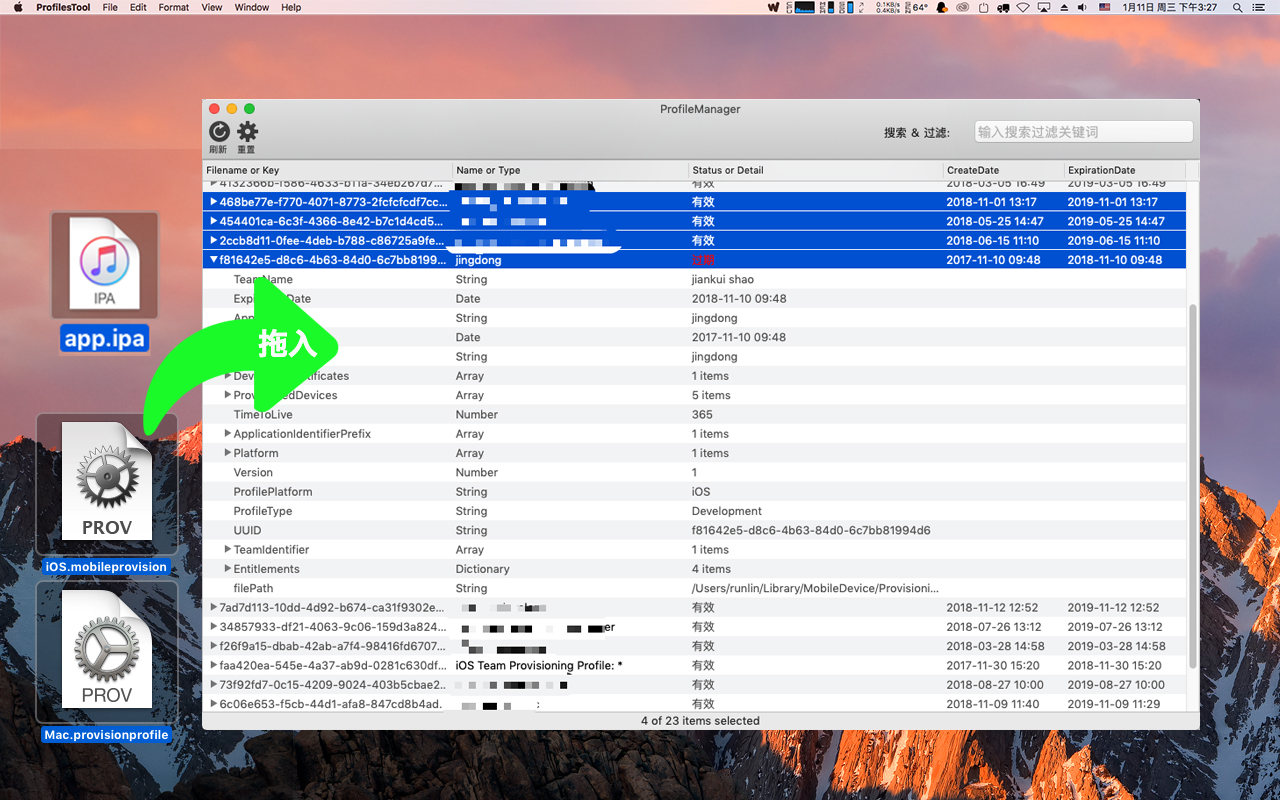
ProfilesManager - Apple iOS/macOS Provisioning Profiles management,.provisionprofile, .mobileprovision files manager tool for mac.
Languages:
Objective-CScreenshots
-
PushNotifications - macOS app to test push notifications on iOS and Android.
Languages:
JavaScriptScreenshots
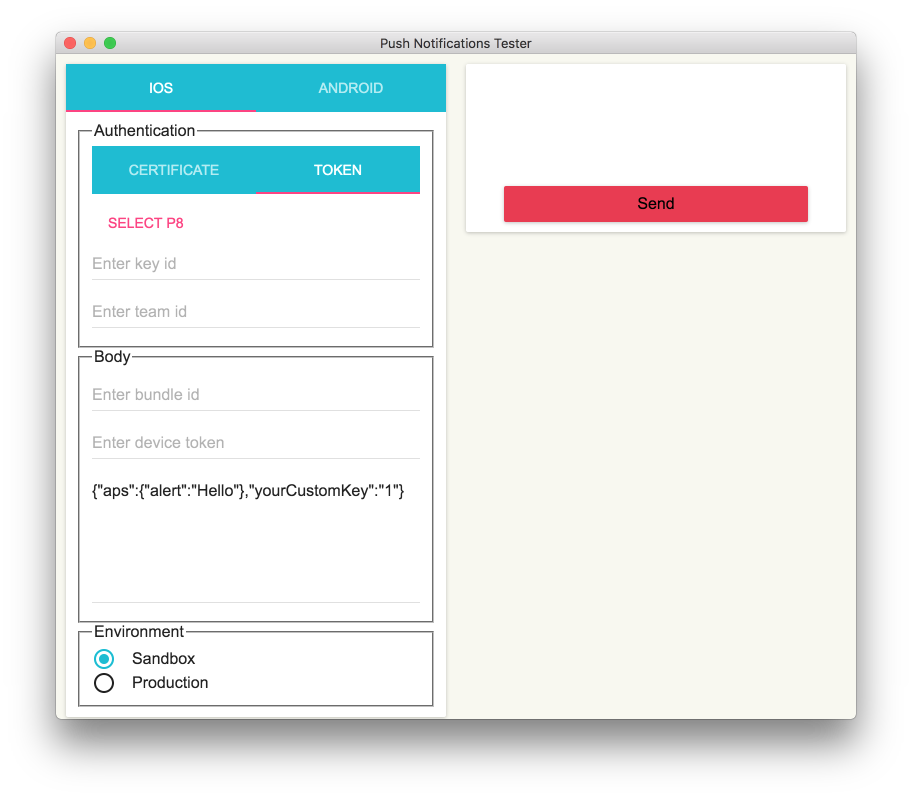
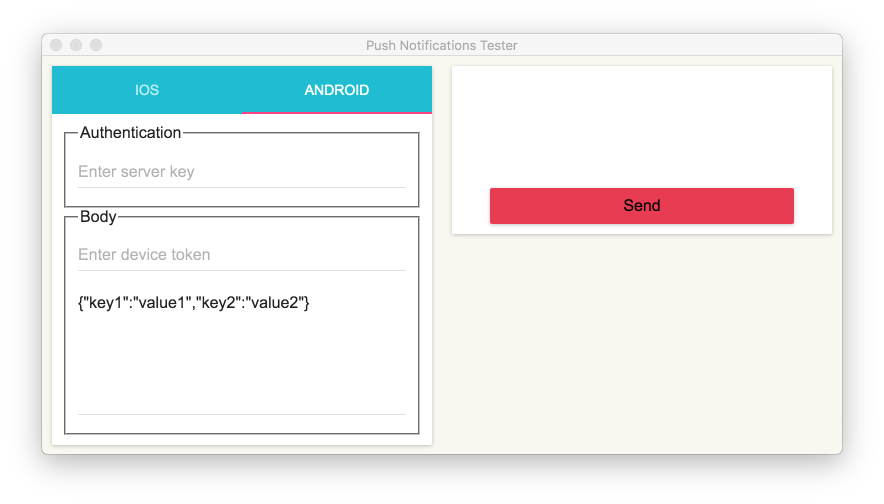
(6 more screenshots available in the repository)
-
quokka - Inspect and clean a USB-connected iPhone from the macOS terminal: storage, apps, media, syslog. No jailbreak.
Languages:
Rust -
ResignTool - This is an app for macOS that can (re)sign apps and bundle them into ipa files that are ready to be installed on an iOS device.
Languages:
Objective-CScreenshots
-
Resizr - MacOS application for creating AppIcon for iOS and Android apps.
Languages:
Swift -
SmartPush - iOS Push Notification Debug App.
Languages:
Objective-CScreenshots
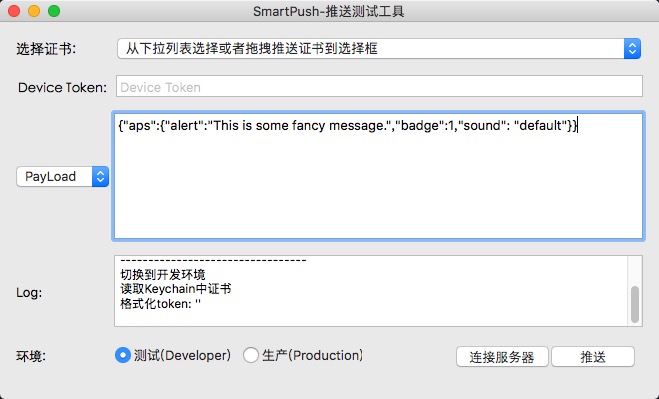
-
Stringz - A lightweight and powerful editor for localizing iOS, macOS, tvOS, and watchOS applications.
Languages:
SwiftScreenshots
-
TransporterPad - iOS/Android app deployment tool for macOS.
Languages:
Swift -
WWDC - Unofficial WWDC app for macOS.
Languages:
Swift -
WWDC.srt - Powerful app for downloading subtitle for each WWDC session video since 2013 in (srt) format.
Languages:
SwiftScreenshots
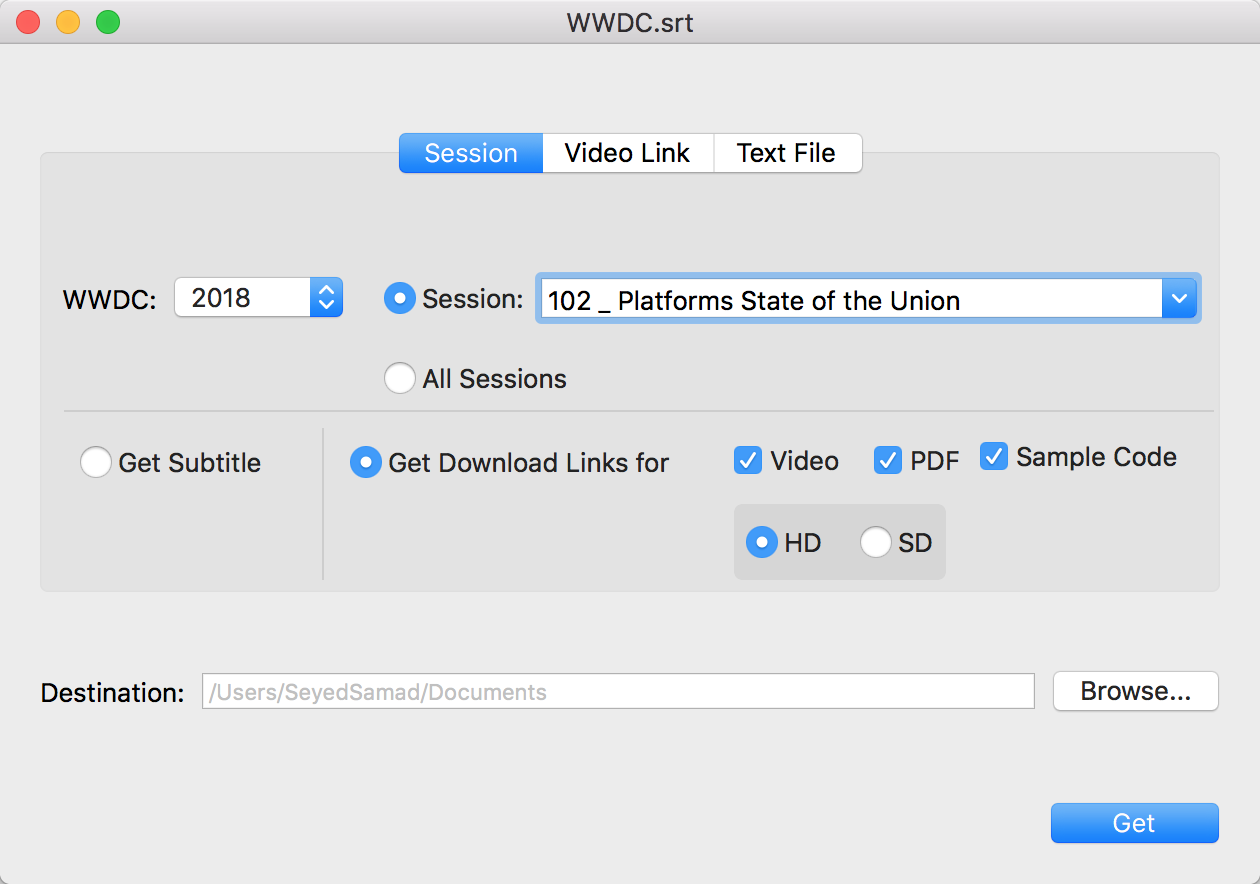
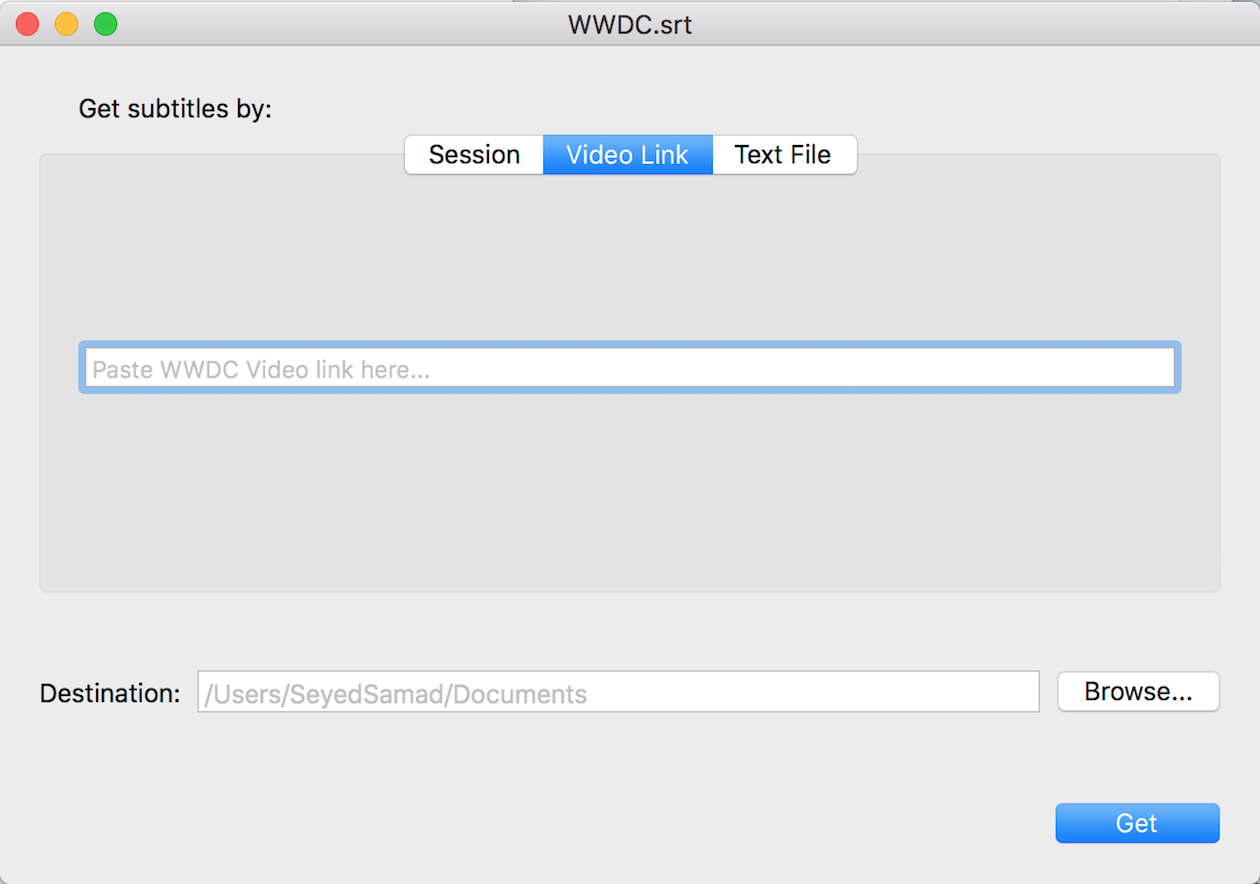
(2 more screenshots available in the repository)
-
Xcodes.app - The easiest way to install and switch between multiple versions of Xcode.
Languages:
SwiftScreenshots
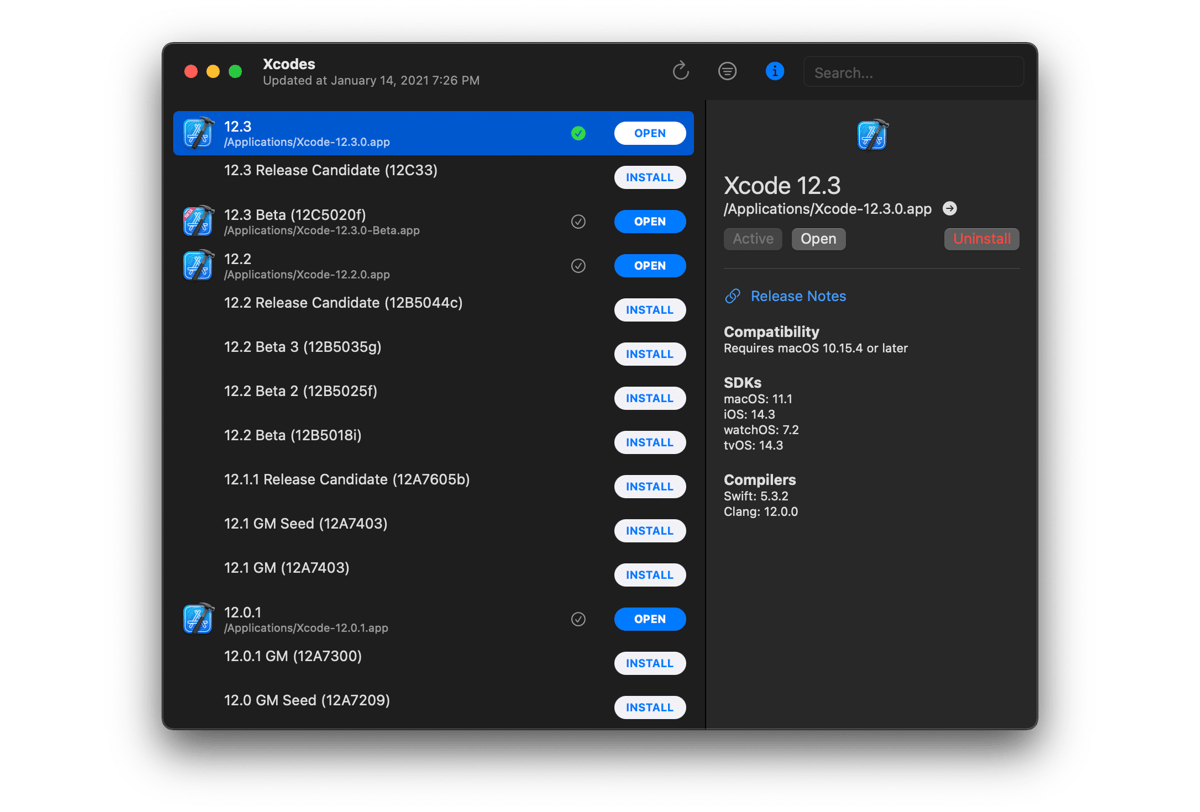
-
xib2Storyboard - Tool to convert Xcode .xib to .storyboard files.
Languages:
Objective-C
⬇️ Downloader (10)
-
App Downloader - Easily search and download macOS apps from the huge
homebrew caskapp catalog.Languages:
Swift -
App Fair - Find and install macOS apps from Homebrew Cask and Fairground App catalogs.
Languages:
SwiftWebsite: https://appfair.app
Screenshots
-
Applite - User-friendly GUI app for Homebrew Casks. Install, update, and uninstall apps with a single click.
Languages:
SwiftWebsite: https://aerolite.dev/applite
Screenshots
-
Extream Download Manager - a powerful tool to increase download speeds up to 500%
Languages:
JavaWebsite: https://subhra74.github.io/xdm/
-
FileZilla - Free open-source FTP, FTPS, and SFTP client.
Languages:
c++Website: https://filezilla-project.org
-
Get It - Native macOS video/audio downloader. Think of it as a youtube downloader that works on many sites.
Languages:
Swift -
Motrix - A full-featured download manager.
Languages:
JavaScriptWebsite: https://motrix.app/
Screenshots
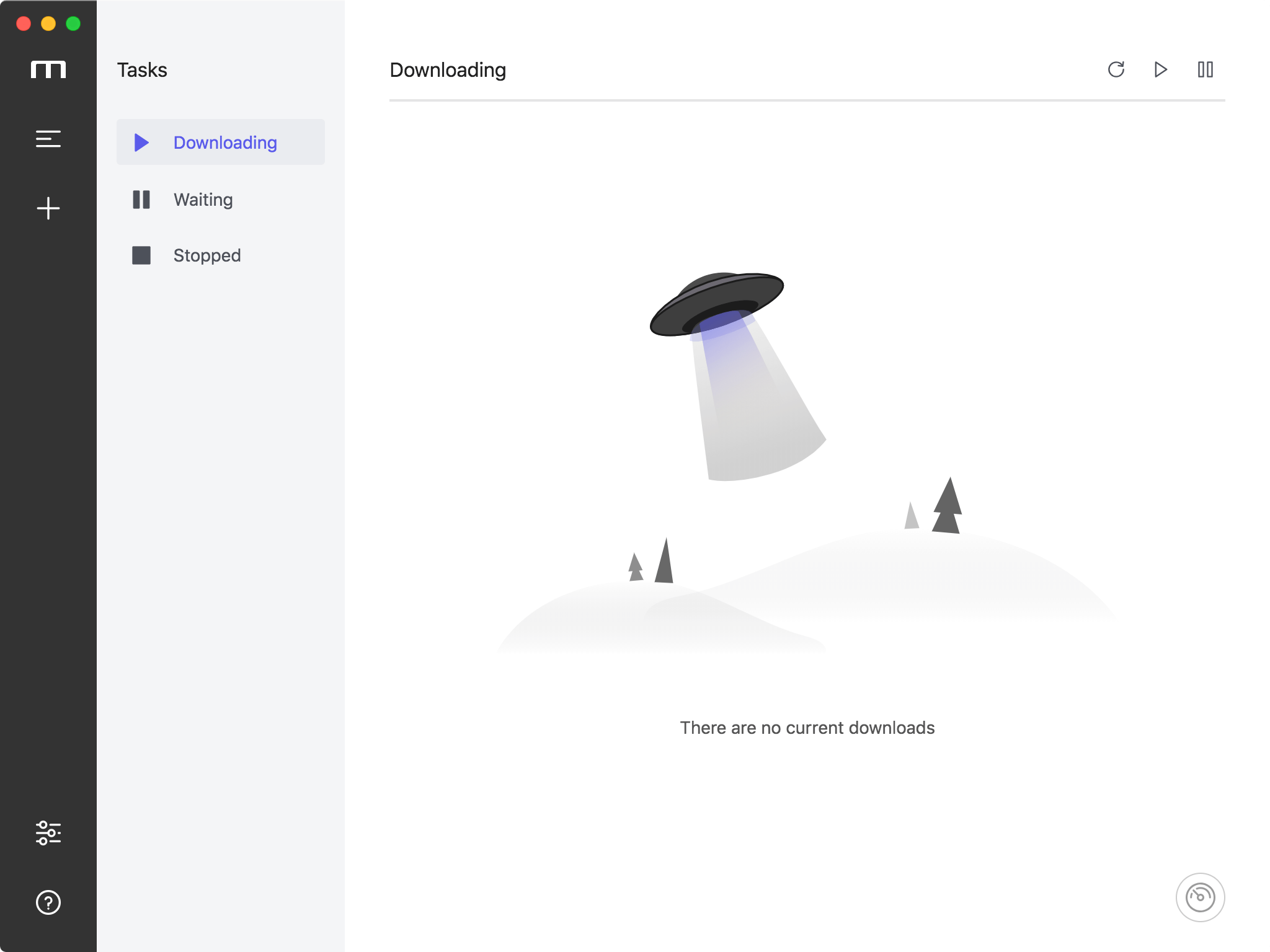
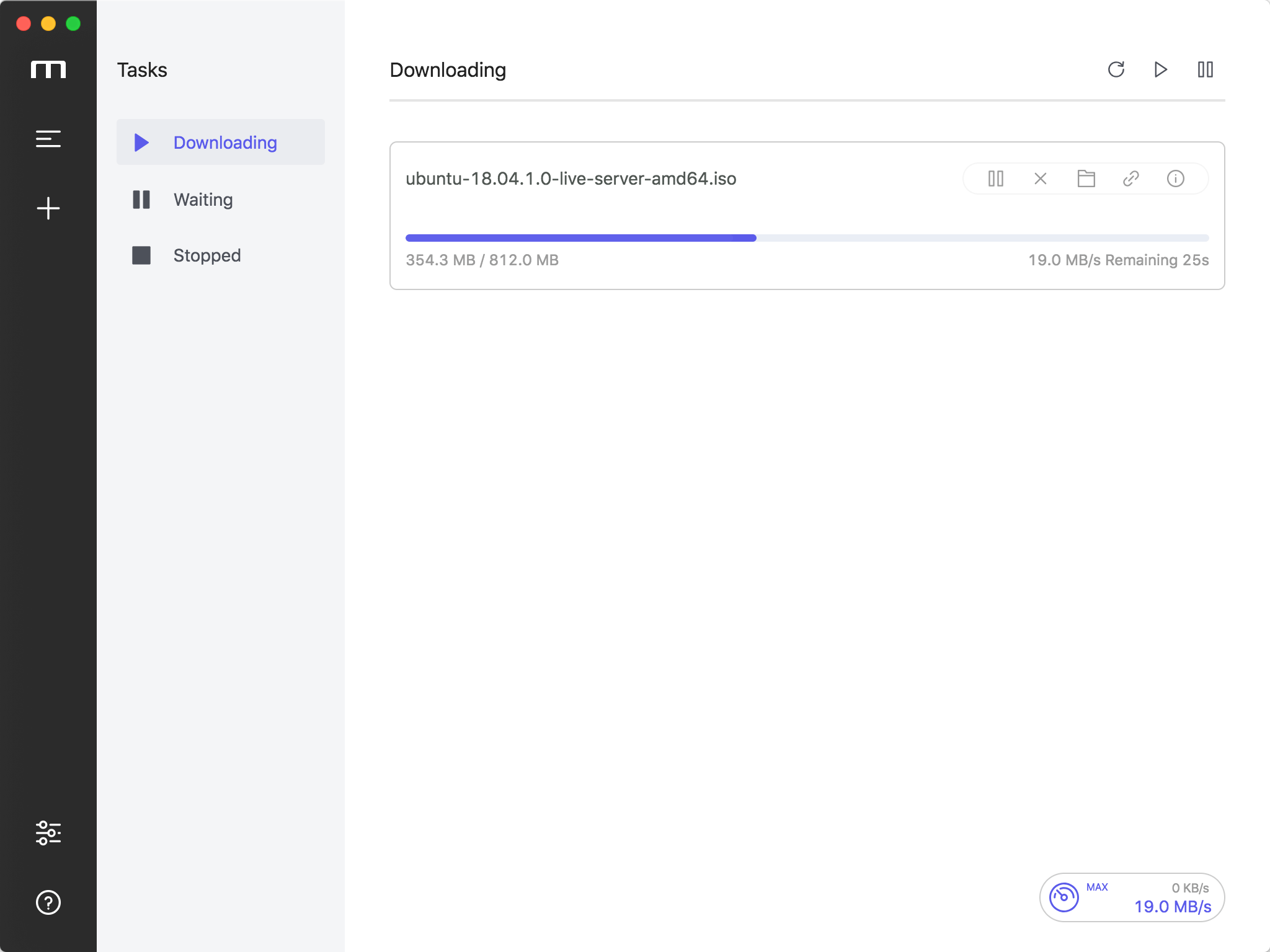
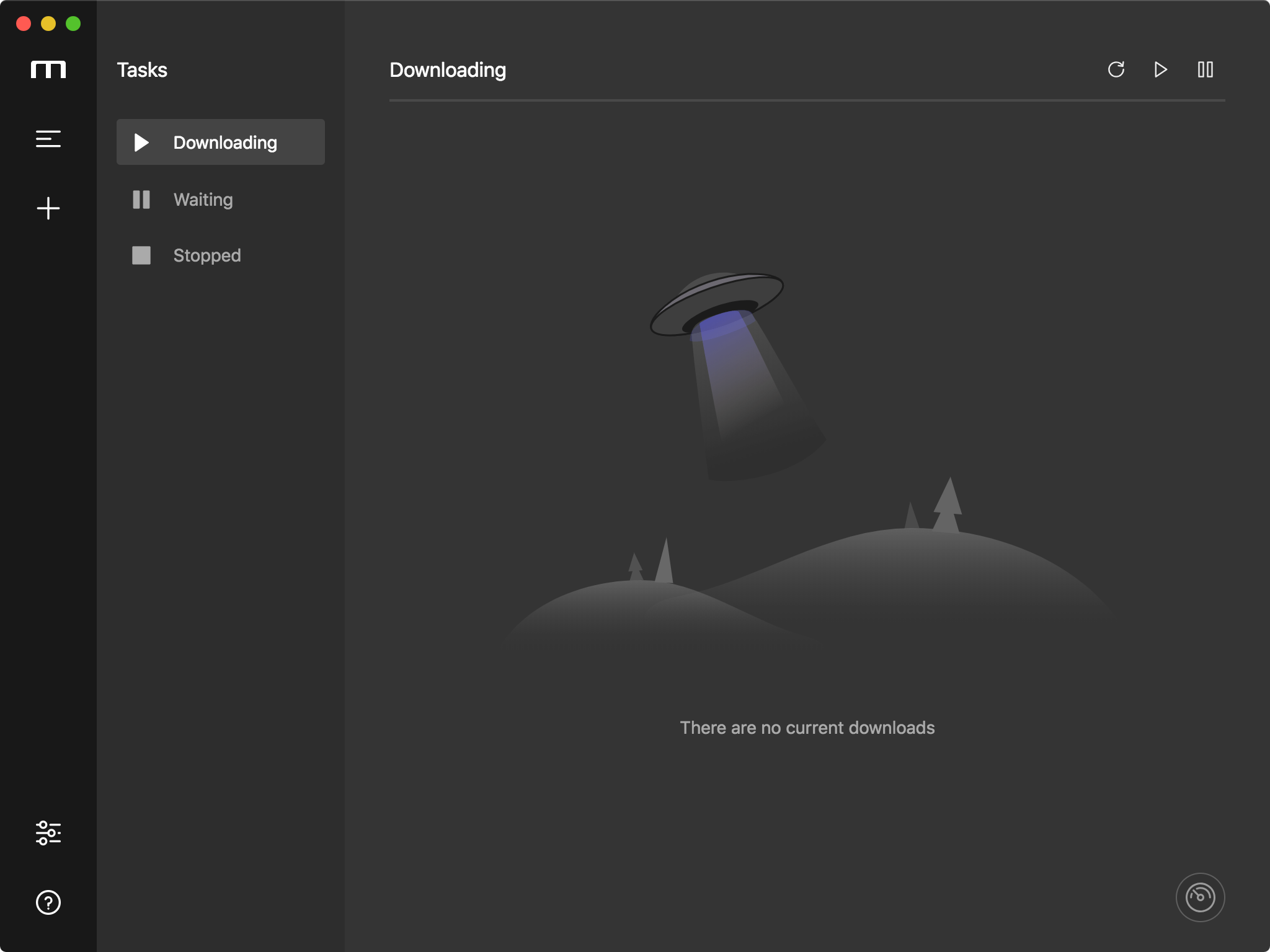
(1 more screenshots available in the repository)
-
Pillager - macOS Video Downloader written in Swift and Objective-C.
Languages:
Objective-C SwiftScreenshots
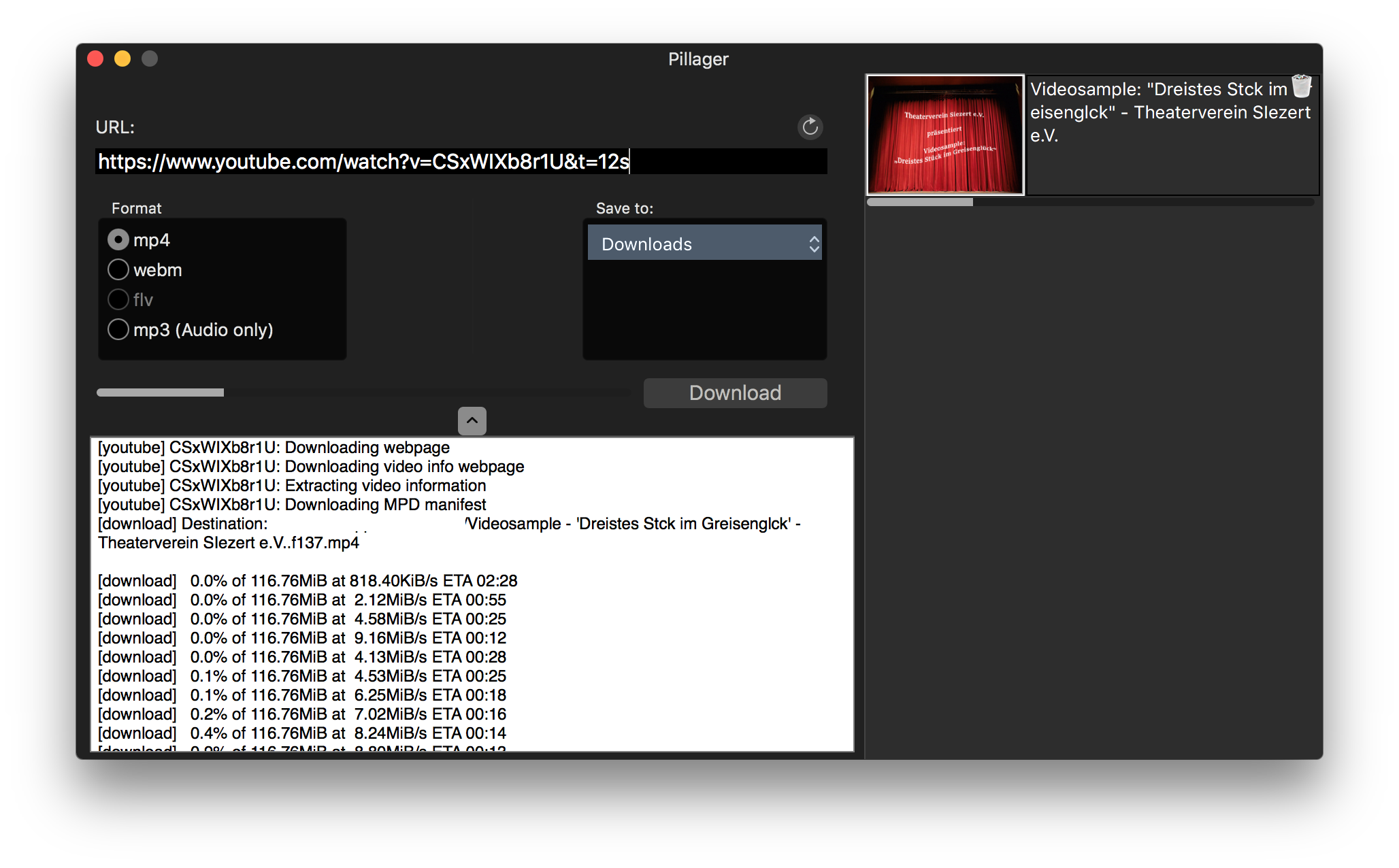
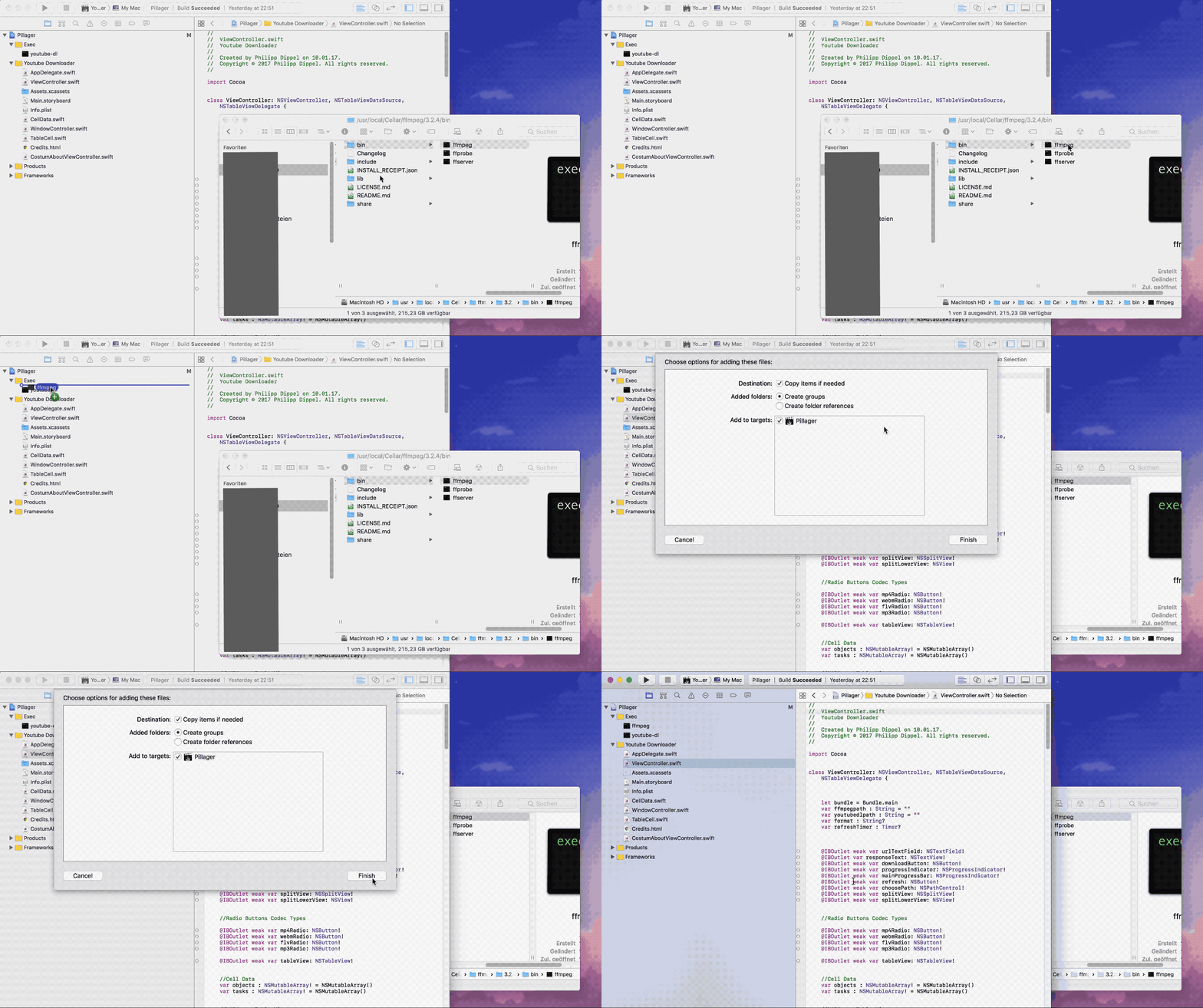
-
udemy-downloader-gui - desktop application for downloading Udemy Courses.
Languages:
JavaScript -
YouTube Downloader for macOS - Simple menu bar app to download YouTube movies on your Mac. I wrote this as a test project to learn more about app development on macOS.
Languages:
SwiftScreenshots
📝 Editors (12)
-
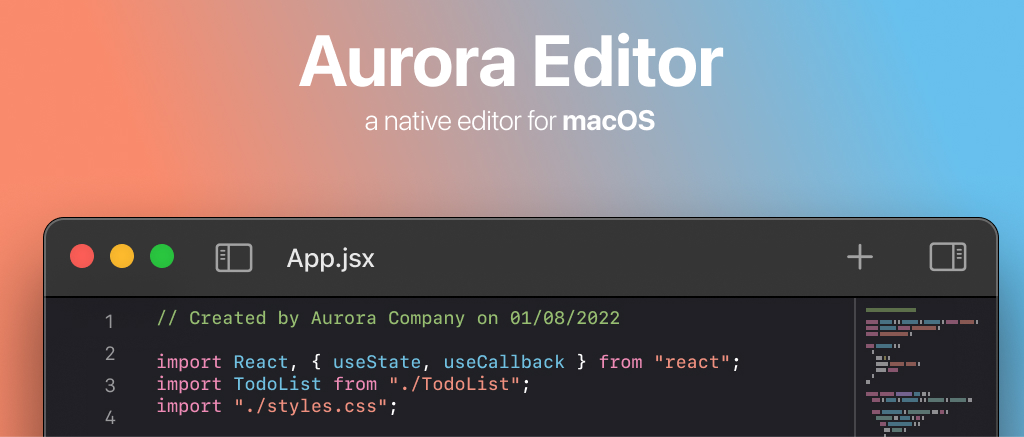
AuroraEditor - Lightweight Code Editor (IDE) for macOS.
Languages:
SwiftWebsite: https://auroraeditor.com
Screenshots
-
Chime - An editor for macOS
Languages:
SwiftWebsite: https://www.chimehq.com/
Screenshots
-
CodeEdit - CodeEdit App for macOS – Elevate your code editing experience. Open source, free forever.
Languages:
SwiftWebsite: https://www.codeedit.app/
Screenshots

-
DevLint - A lightweight app for formatting and correcting Swift syntax.
Languages:
SwiftScreenshots
-
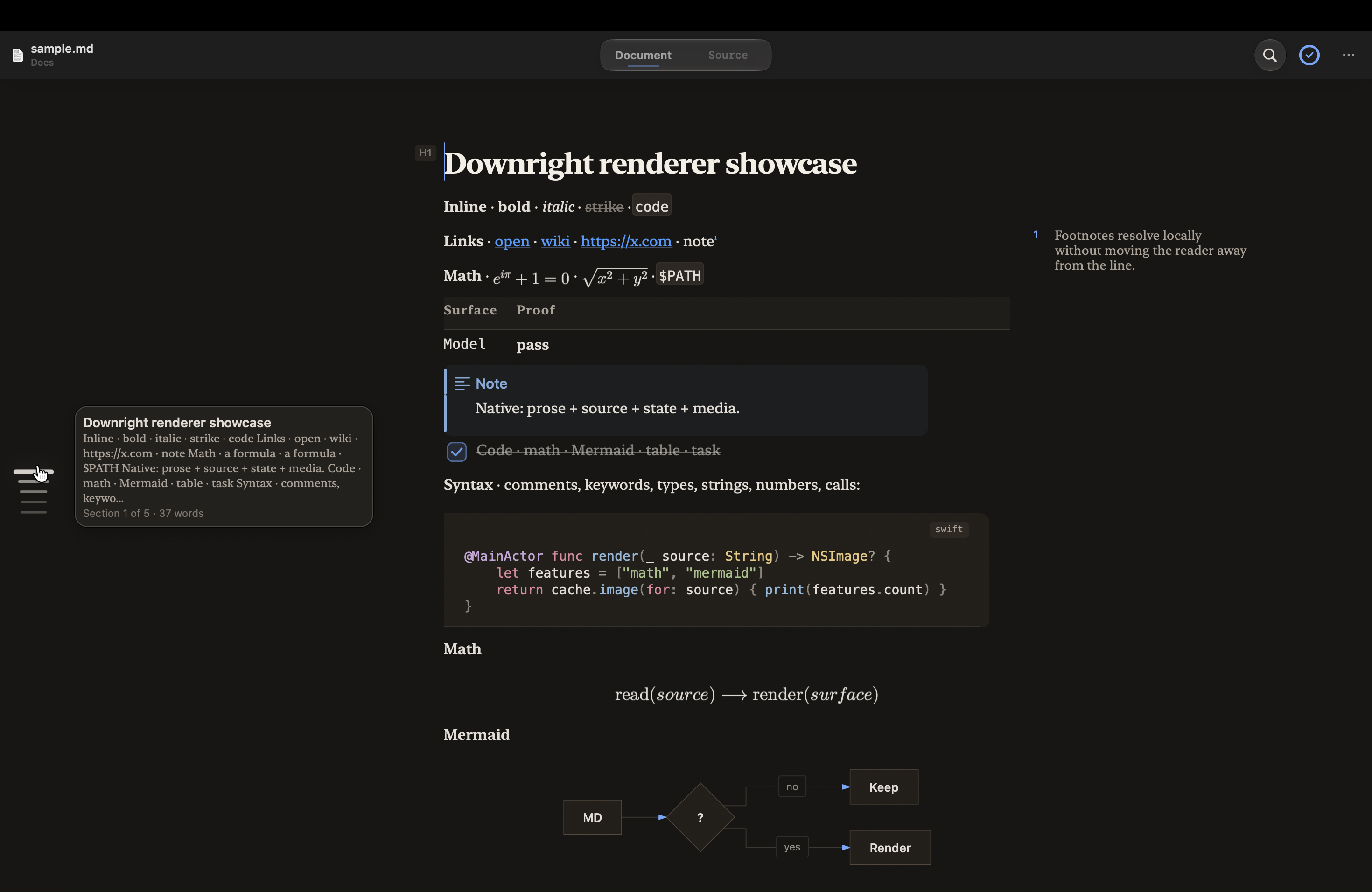
Downright - Native macOS Markdown reader and editor for ordinary files, with Quick Look, Finder thumbnails, source-preserving rendering, and safe review of external rewrites.
Languages:
SwiftWebsite: https://downright.cc/
Screenshots
-
Geany - Geany is a powerful, stable and lightweight programmer's text editor that provides tons of useful features without bogging down your workflow.
Languages:
C c++Website: https://www.geany.org/
Screenshots
-
LiteEdit - Fast, native macOS code editor under 1 MB built with Swift and AppKit, no Electron.
Languages:
SwiftWebsite: https://arietan.github.io/lite-edit/
-
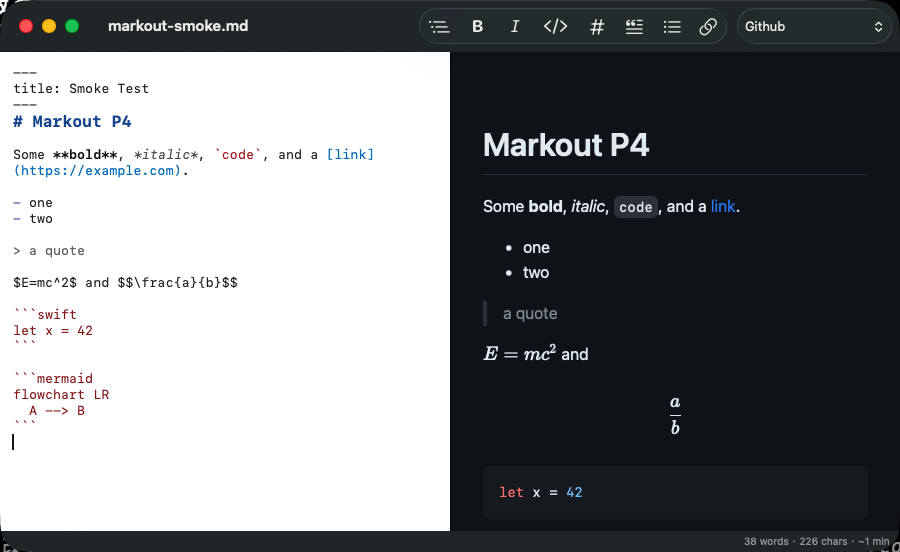
Markout - Native Markdown editor with live preview, offline KaTeX math, Mermaid diagrams, and HTML/PDF export.
Languages:
SwiftWebsite: https://github.com/maxmilian/markout
Screenshots
-
mxMarkEdit - A visual editor of Markdown document, tasks and tables.
Languages:
free-pascalWebsite: https://github.com/maxnd/mxMarkEdit
Screenshots


(1 more screenshots available in the repository)
-
Notepad++ for Mac - Native macOS port of the Notepad++ code editor — no Wine, no emulation; runs natively on Apple Silicon and Intel Macs.
Languages:
C++ Objective-CWebsite: https://nextpad.org
Screenshots
-
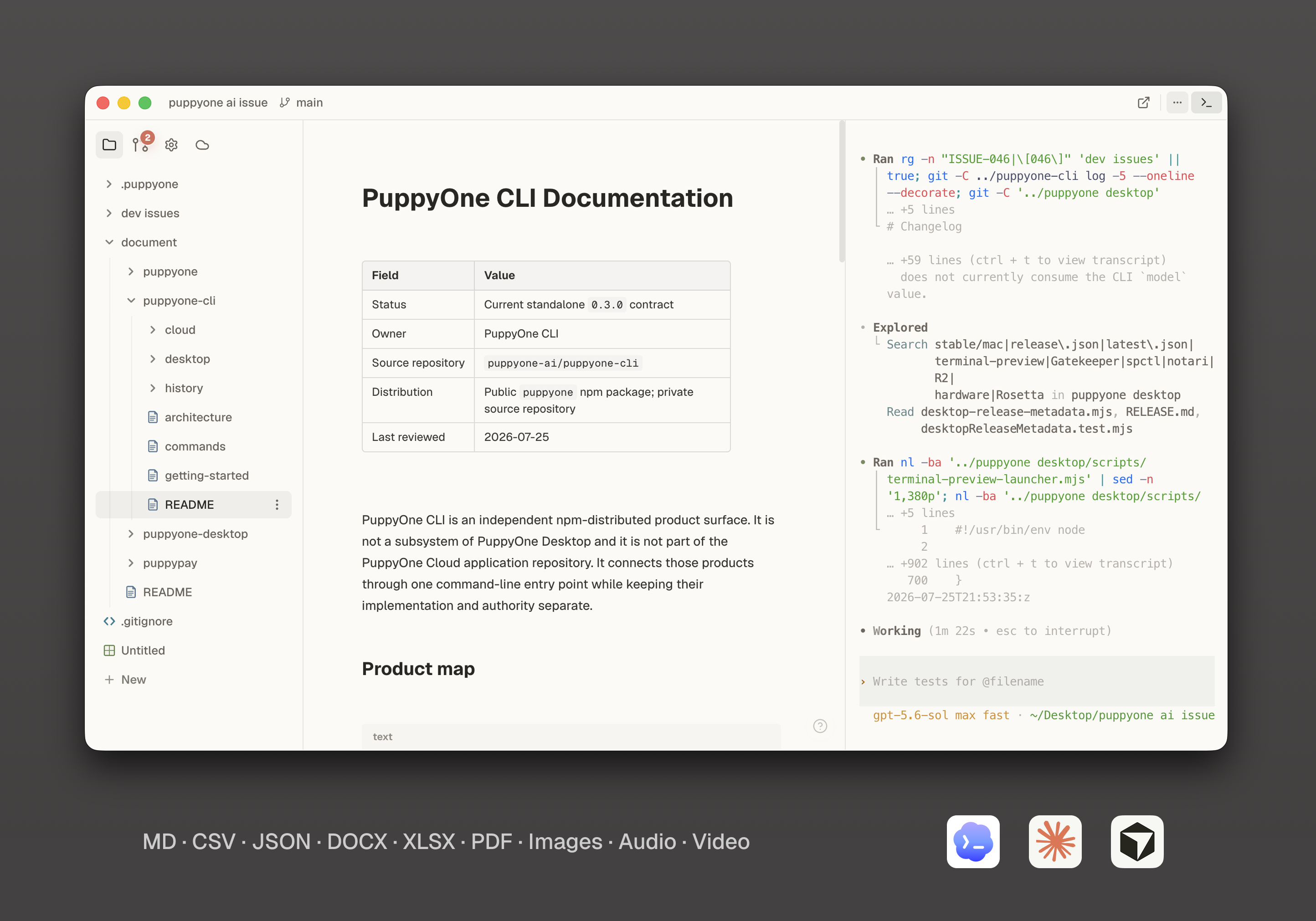
PuppyOne - A local-first workspace where you and your AI work on the same files.
Languages:
TypeScriptWebsite: https://www.puppyone.ai
Screenshots
-
Zed - Zed is an open source, high-performance, and multiplayer code editor
Languages:
RustWebsite: https://zed.dev
📊 CSV (1)
-
TableTool - A simple CSV editor for macOS.
Languages:
Objective-C
📋 JSON (2)
-
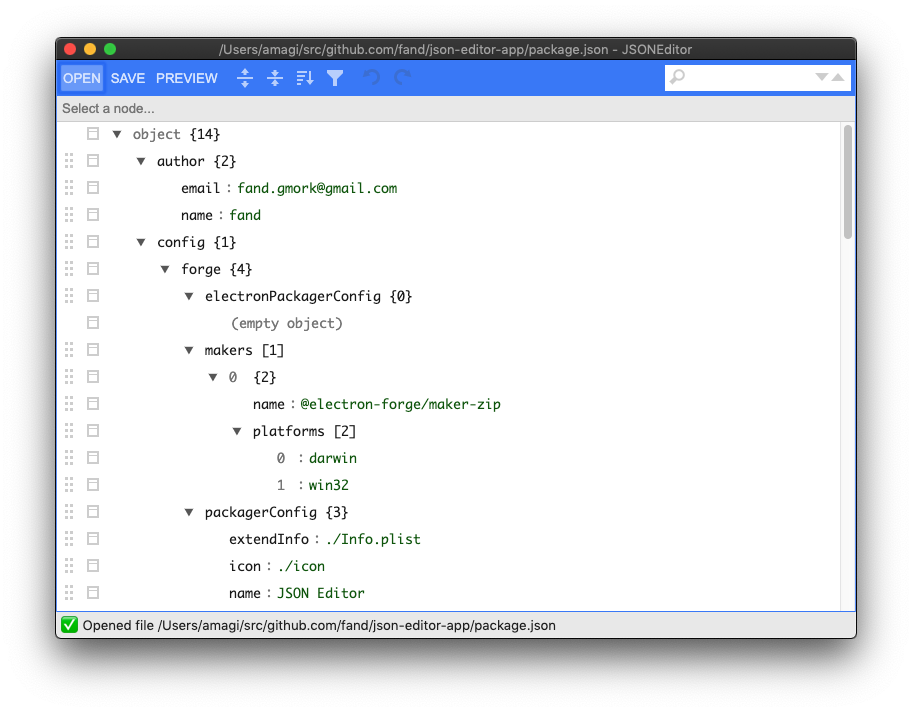
JSON Editor - Dead simple JSON editor using josdejong/jsoneditor
Languages:
TypeScriptScreenshots
-
JSON-Splora - GUI for editing, visualizing, and manipulating JSON data.
Languages:
JavaScriptScreenshots
📝 Markdown (20)
-
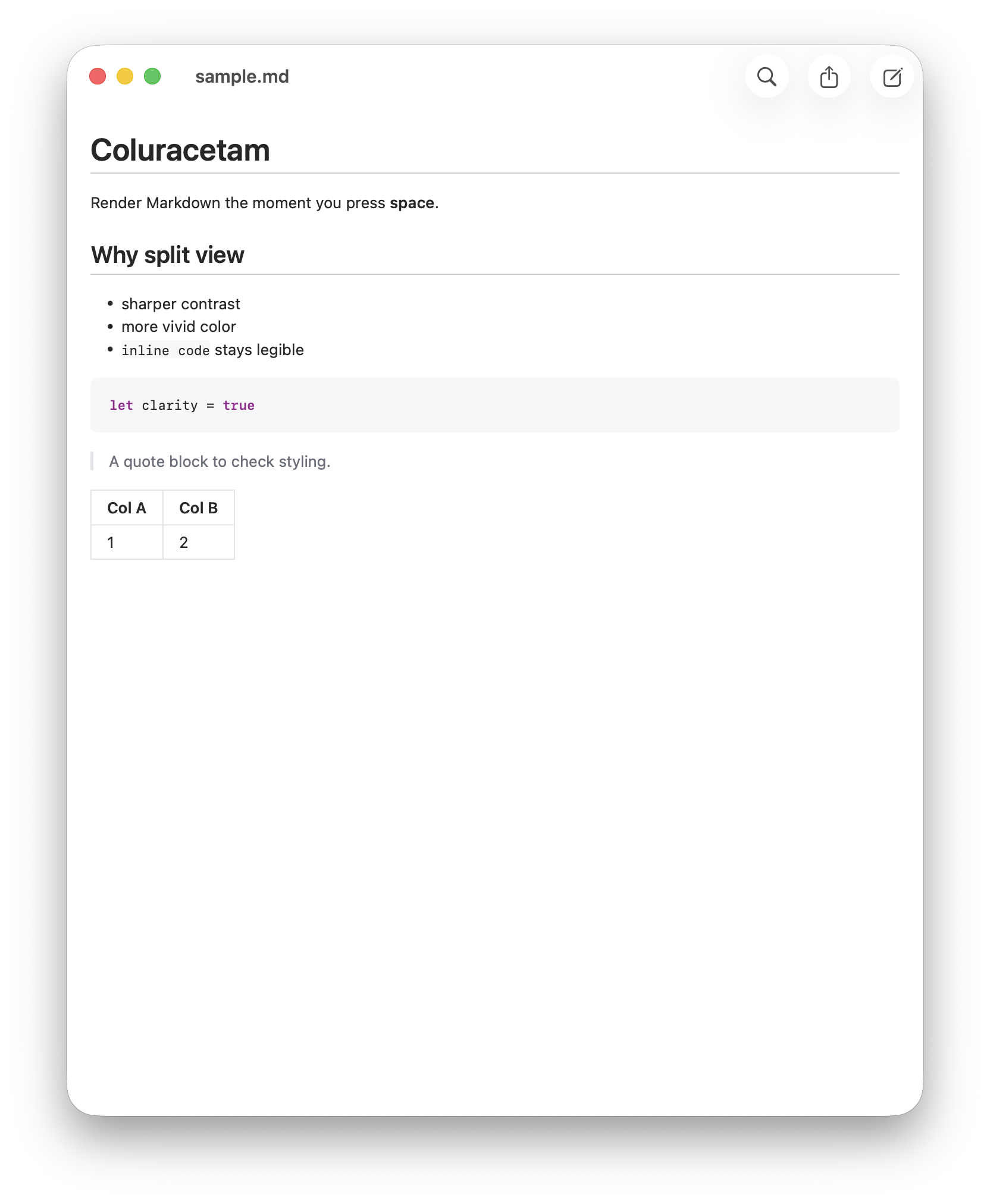
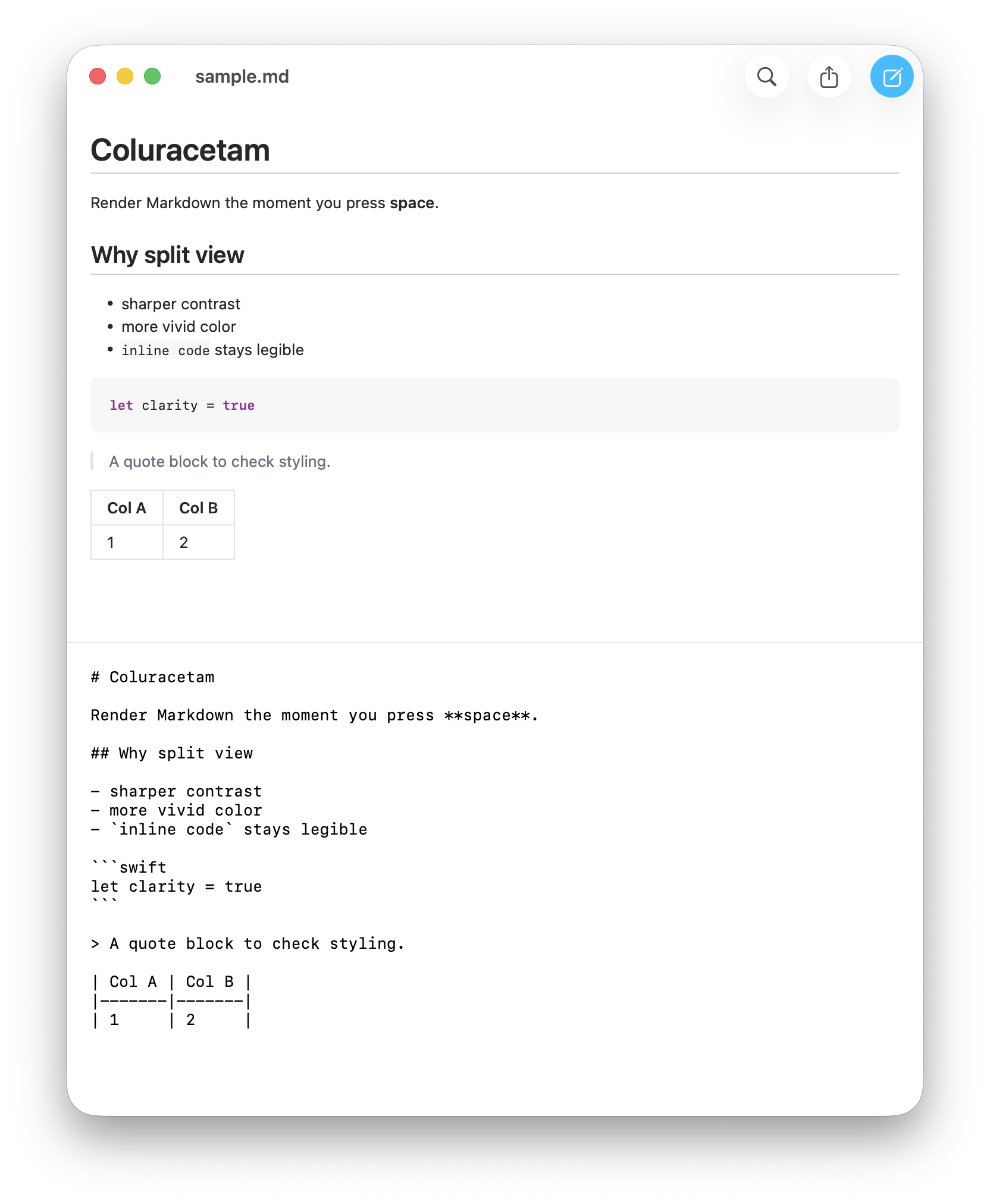
Coluracetam - Markdown reader with Quick Look and thumbnail extensions, so .md files render on spacebar and in Finder.
Languages:
SwiftWebsite: https://kagerou.glass/coluracetam/
Screenshots
-
Downright - Native macOS Markdown reader and editor for ordinary files, with Quick Look, Finder thumbnails, source-preserving rendering, and safe review of external rewrites.
Languages:
SwiftWebsite: https://downright.cc/
Screenshots
-
Edmund - Minimal, native macOS Markdown editor with live preview that works with your existing files, no vault.
Languages:
SwiftWebsite: https://edmund.md
-
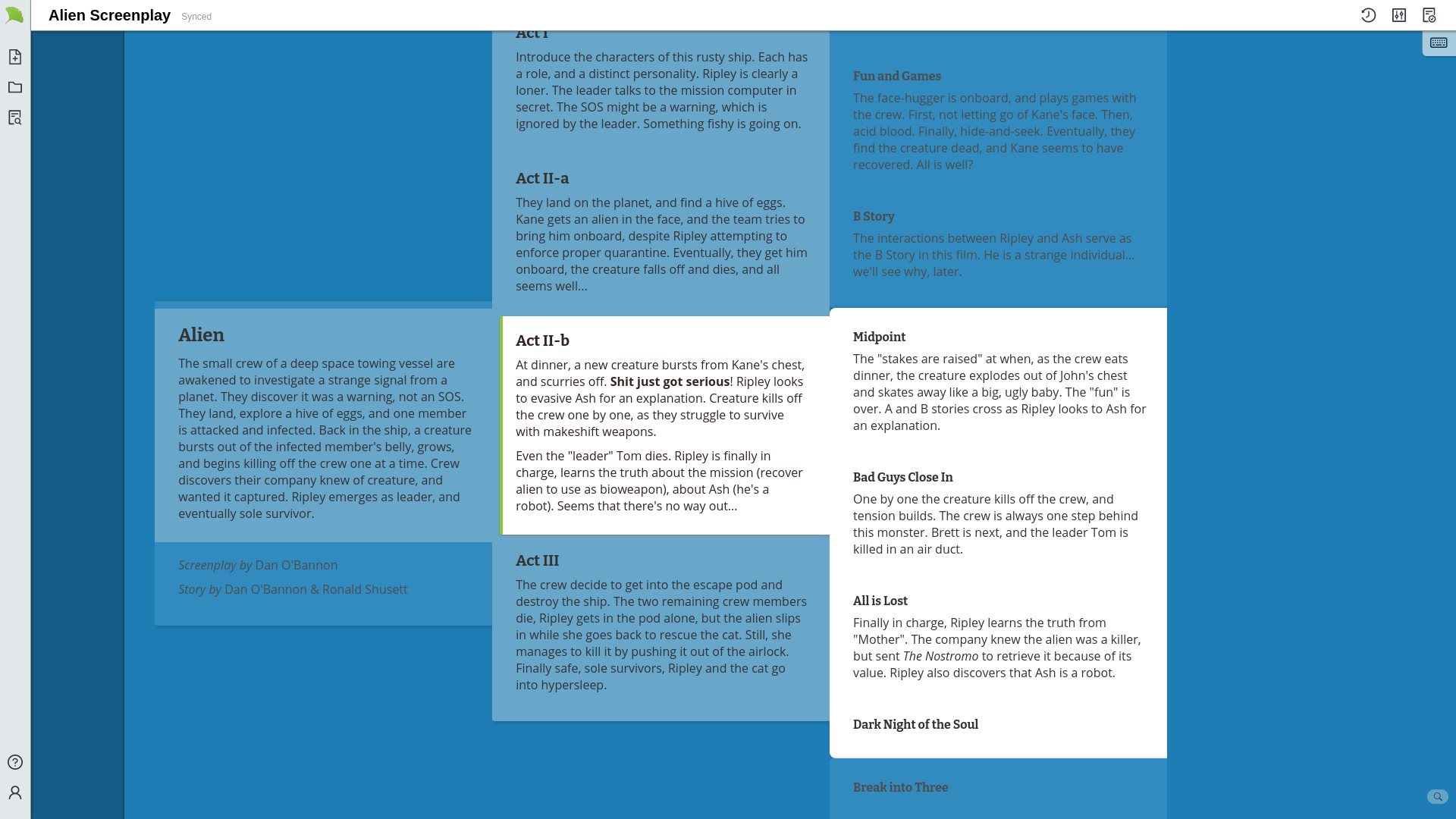
Gingko - Tree-structured markdown editor for macOS, Windows, and Linux.
Languages:
 Elm
ElmScreenshots
-
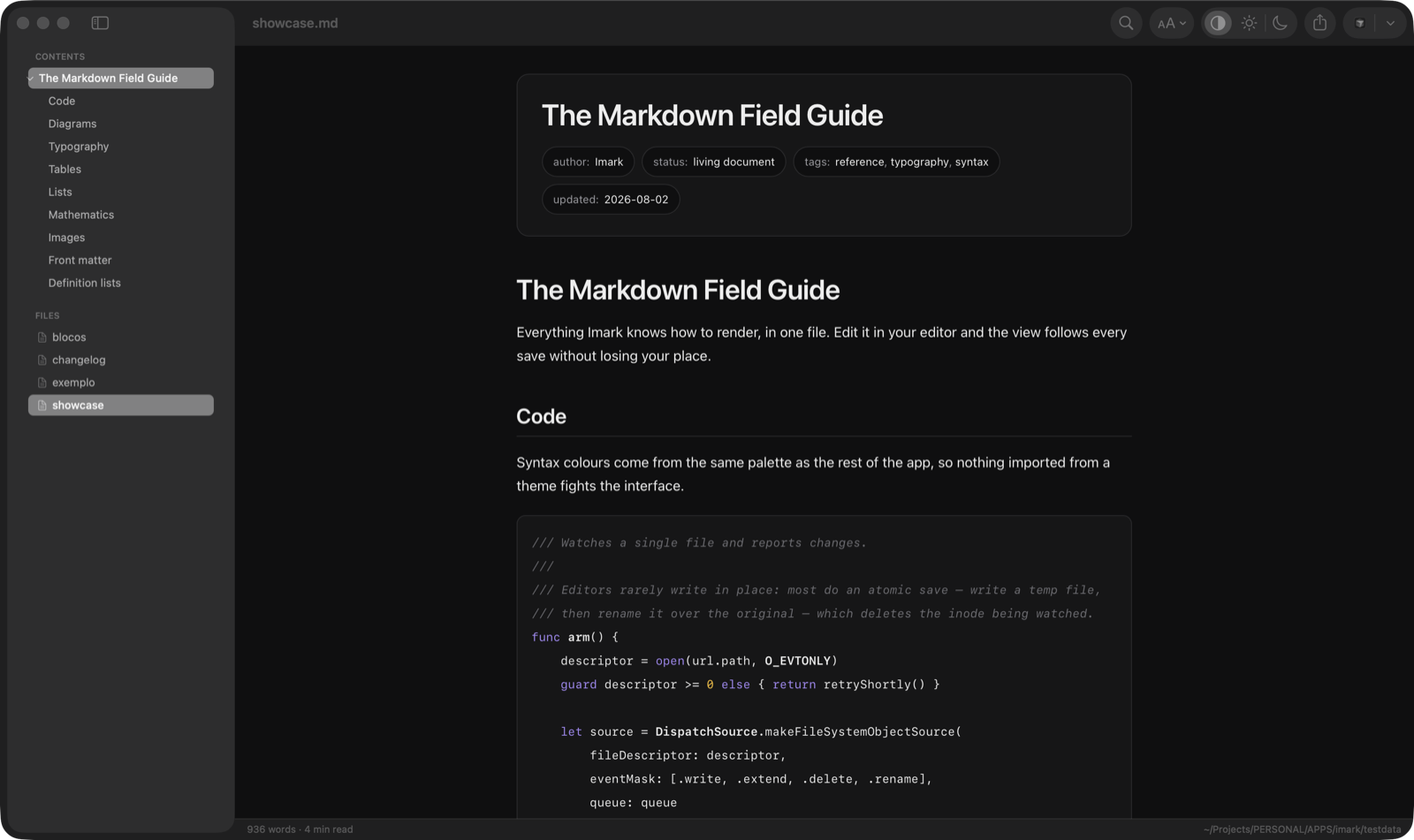
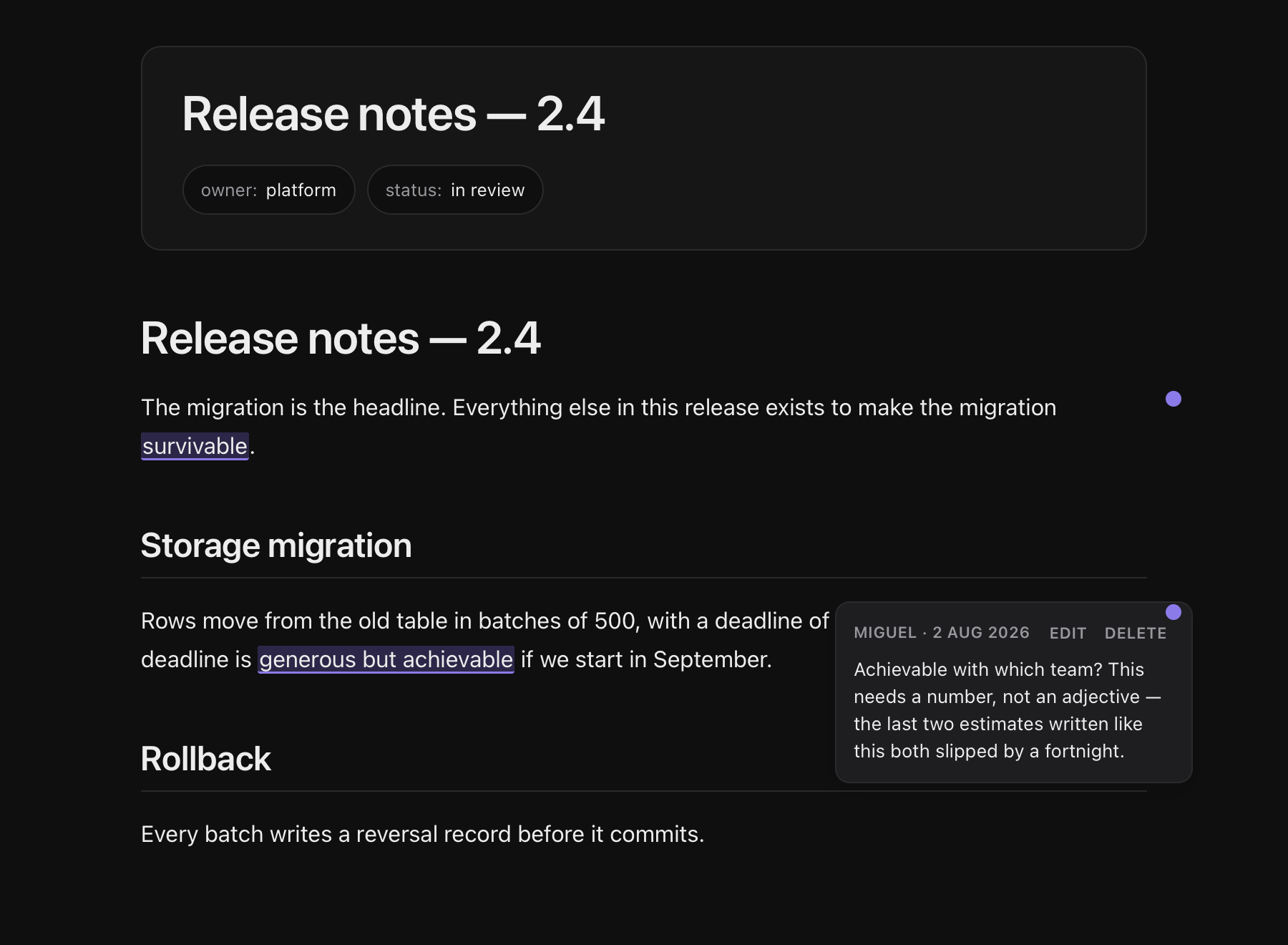
Imark - Markdown reader that keeps your comments inside the .md file, with a Quick Look extension, live reload, and a skill that lets coding agents open a document for review and wait for your notes.
Languages:
SwiftWebsite: https://imarkmd.com
Screenshots
-
linked - 🧾 Your daily journal app, diary or anything else to unclutter your mind. Let linked help you get focused by writing down what is in your mind on a daily basis.
Languages:
JavaScript vue CSSWebsite: https://uselinked.com
Screenshots


-
MacDown - Markdown editor for macOS.
Languages:
Objective-C -
Mark Text - Realtime preview markdown editor for macOS Windows and Linux.
Languages:
JavaScript -
markdown-quicklook - Rendered Markdown Quick Look preview with syntax highlighting, YAML front matter, configurable fonts/colors, and a menu bar toggle.
Languages:
Swift -
MarkEdit - MarkEdit is a free and open-source Markdown editor, for macOS. It's just like TextEdit on Mac but dedicated to Markdown.
Languages:
Swift TypeScriptWebsite: https://markedit.app/
Screenshots


-
Markout - Native Markdown editor with live preview, offline KaTeX math, Mermaid diagrams, and HTML/PDF export.
Languages:
SwiftWebsite: https://github.com/maxmilian/markout
Screenshots
-
Markup - Reader-first, native macOS Markdown editor: renders notes like a web page and edits on demand, with a vault, backlinks, graph view and full-text search.
Languages:
Rust TypeScript -
md-preview - Ultra-lightweight Markdown preview app (~1MB binary) built with Rust, with offline syntax highlighting, dark mode, and cross-platform support.
Languages:
Rust -
mxMarkEdit - A visual editor of Markdown document, tasks and tables.
Languages:
free-pascalWebsite: https://github.com/maxnd/mxMarkEdit
Screenshots
(1 more screenshots available in the repository)
-
NoteGen - Local-first Markdown note-taking app that captures scattered information and organizes it into structured notes with AI.
Languages:
TypeScript RustWebsite: https://notegen.top/
-
Notenik - Note-taking app with many organizational options.
Languages:
SwiftWebsite: https://notenik.app
Screenshots
-
Obsidian plugins & themes - Community plugins list, theme list, and releases of Obsidian.
Languages:
JavaScriptWebsite: https://obsidian.md/
-
Pine - A modern MacOS markdown editor.
Languages:
SwiftScreenshots
-
QOwnNotes - Plain-text file notepad and todo-list manager with markdown support and ownCloud / Nextcloud integration.
Languages:
C++Website: https://www.qownnotes.org/
Screenshots
-
Zettlr - A Markdown Editor for the 21st century.
Languages:
JavaScript TypeScriptWebsite: https://www.zettlr.com/
Screenshots

📐 TeX (2)
-
BibDesk - Use BibDesk to edit and manage your bibliography
Languages:
Objective-CWebsite: https://bibdesk.sourceforge.io
Screenshots
-
Qilin Editor - Text editor for exact sciences with built-in KaTeX/AsciiMath support.
Languages:
JavaScriptScreenshots
✏️ Text (17)
-
AuroraEditor - Lightweight Code Editor (IDE) for macOS.
Languages:
SwiftWebsite: https://auroraeditor.com
Screenshots
-
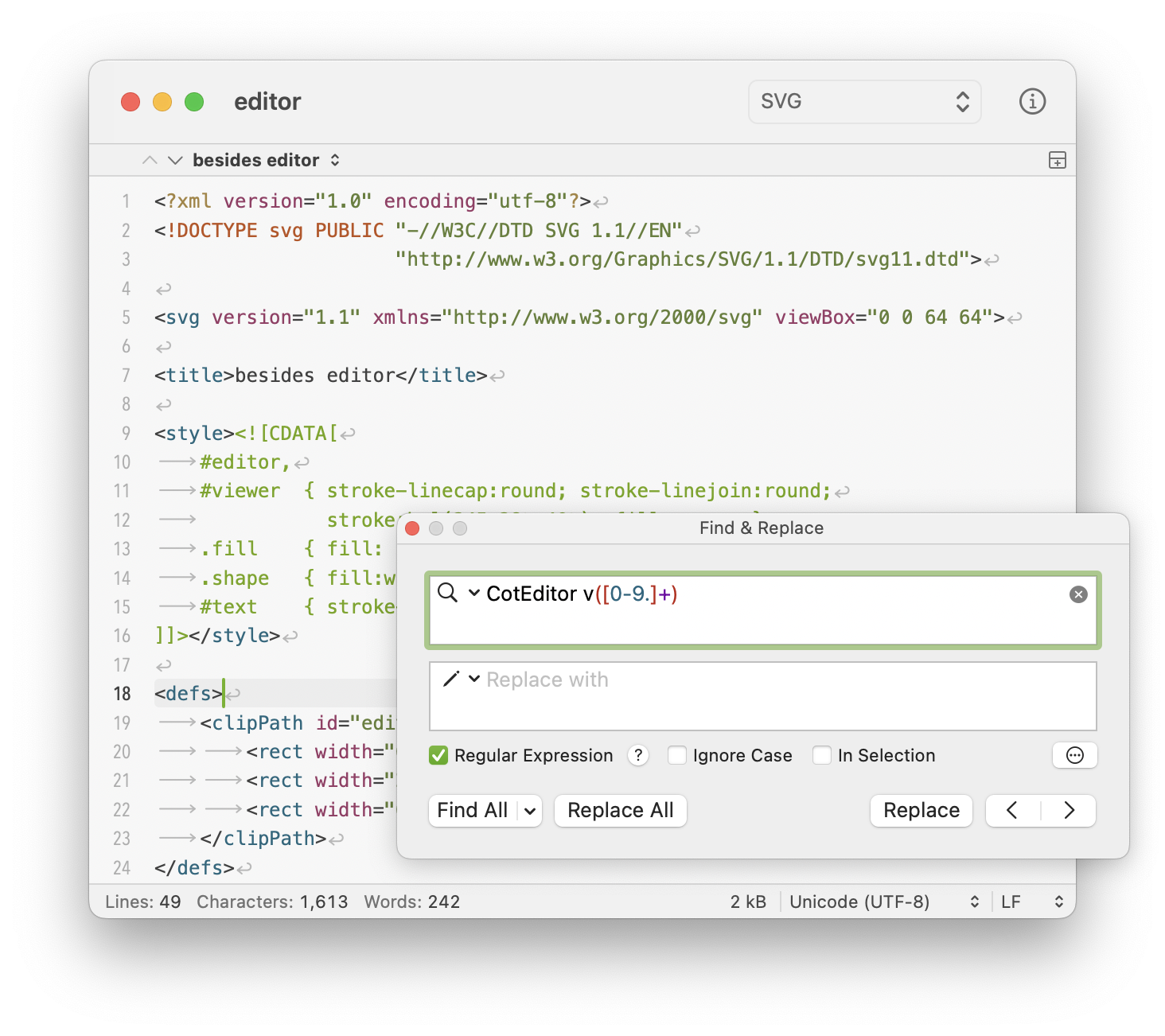
CotEditor - Lightweight Plain-Text Editor for macOS.
Languages:
SwiftScreenshots
-
Downright - Native macOS Markdown reader and editor for ordinary files, with Quick Look, Finder thumbnails, source-preserving rendering, and safe review of external rewrites.
Languages:
SwiftWebsite: https://downright.cc/
Screenshots
-
Geany - Geany is a powerful, stable and lightweight programmer's text editor that provides tons of useful features without bogging down your workflow.
Languages:
C c++Website: https://www.geany.org/
Screenshots
-
LiteEdit - Fast, native macOS code editor under 1 MB built with Swift and AppKit, no Electron.
Languages:
SwiftWebsite: https://arietan.github.io/lite-edit/
-
MacVim - Text editor for macOS.
Languages:
C -
Markout - Native Markdown editor with live preview, offline KaTeX math, Mermaid diagrams, and HTML/PDF export.
Languages:
SwiftWebsite: https://github.com/maxmilian/markout
Screenshots
-
micro - A terminal-based text editor that aims to be easy to use and intuitive, while also taking advantage of the capabilities of modern terminals.
Languages:
GoWebsite: https://micro-editor.github.io
Screenshots
(8 more screenshots available in the repository)
-
mxMarkEdit - A visual editor of Markdown document, tasks and tables.
Languages:
free-pascalWebsite: https://github.com/maxnd/mxMarkEdit
Screenshots
(1 more screenshots available in the repository)
-
Notepad++ for Mac - Native macOS port of the Notepad++ code editor — no Wine, no emulation; runs natively on Apple Silicon and Intel Macs.
Languages:
C++ Objective-CWebsite: https://nextpad.org
Screenshots
-
Notesnook - A fully open source and end-to-end encrypted note taking alternative to Evernote.
Languages:
JavaScript TypeScriptWebsite: https://notesnook.com
Screenshots
-
Noto - Plain text editor for macOS with customizable themes.
Languages:
SwiftScreenshots
-
reventlou - Personal database as an information management system.
Languages:
TypeScript SwiftScreenshots
-
SubEthaEdit - General purpose plain text editor for macOS. Widely known for its live collaboration feature.
Languages:
Objective-CScreenshots
-
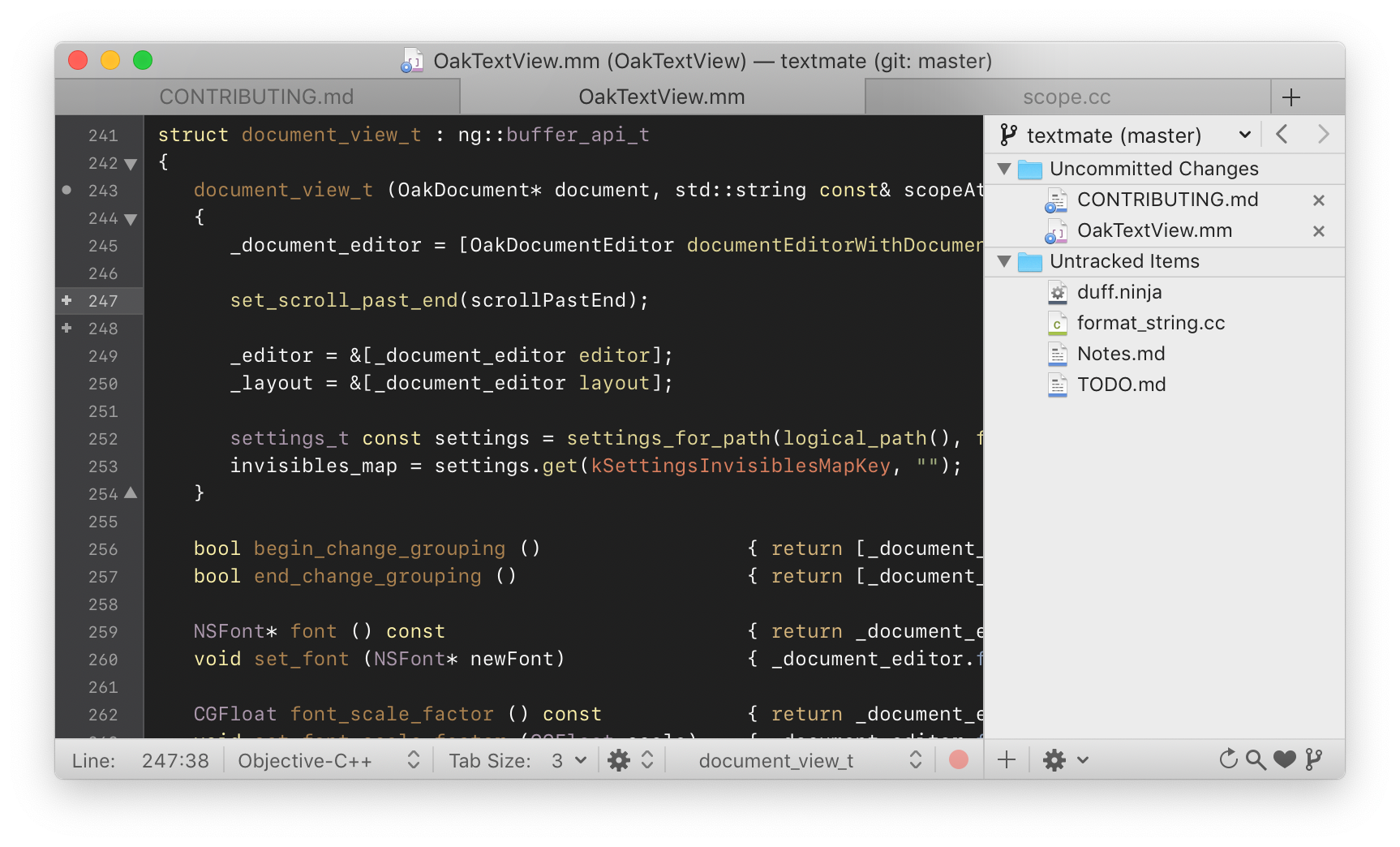
TextMate - TextMate is a graphical text editor for macOS.
Languages:
Objective-CScreenshots
-
Tincta - One-window text editor with syntax highlighting.
Languages:
Objective-C -
VimR - Refined Neovim experience for macOS.
Languages:
Swift
🧩 Extensions (14)
-
AdGuard for Safari - The most advanced ad blocking extension for Safari
Languages:
JavaScriptWebsite: https://adguard.com/en/welcome.html
Screenshots
-
BetterPiP - Use native picture-in-picture with browsers such as Google Chrome for HTML5 videos.
Languages:
SwiftScreenshots
-
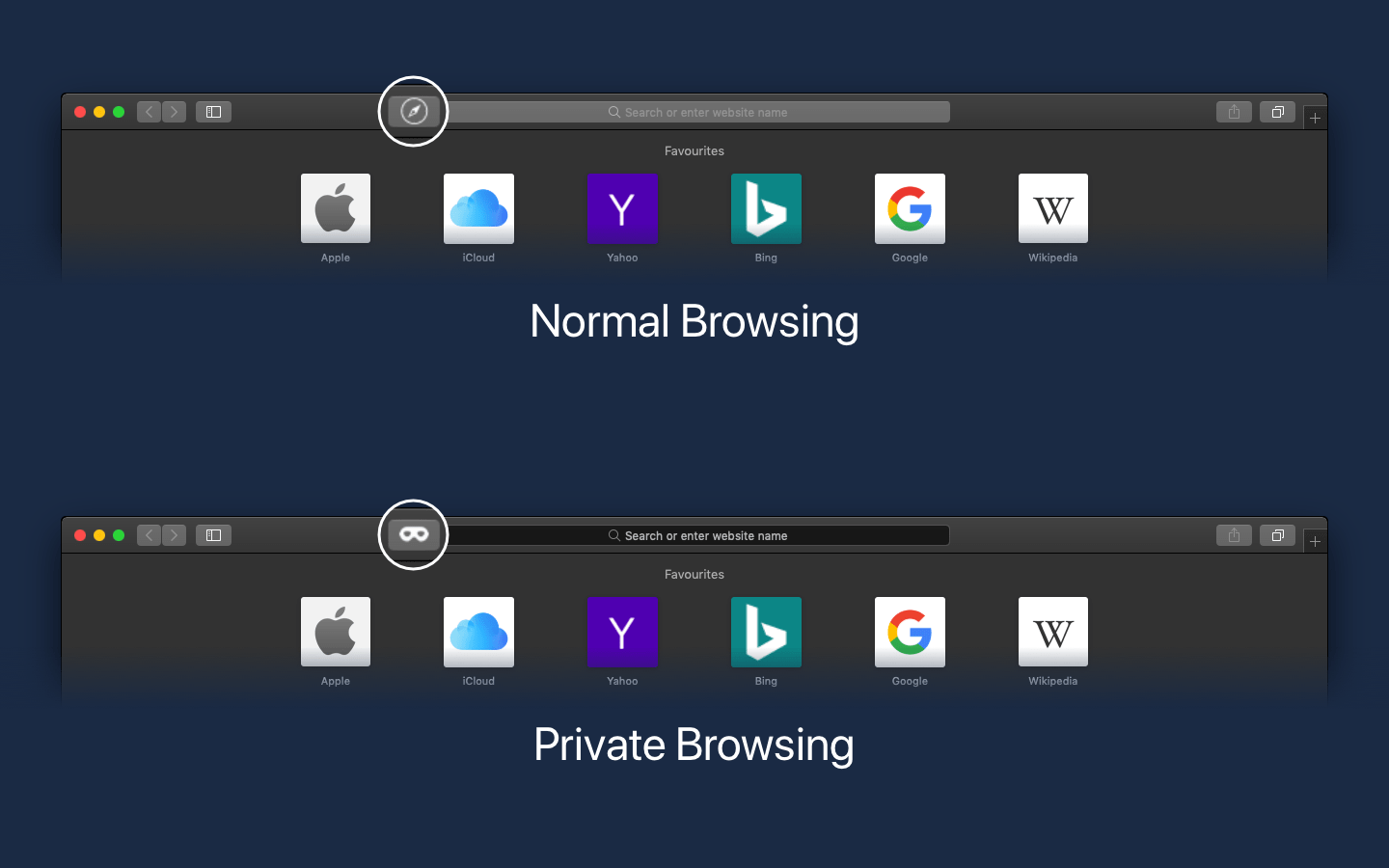
Is It Private? - A Safari Extension providing a toolbar icon that changes its visual appearance if Private Browsing is enabled.
Languages:
SwiftWebsite: https://florian.codes/projects/is-it-private/
Screenshots
-
Middleclick - Emulate a scroll wheel click with three finger Click or Tap on MacBook trackpad and Magic Mouse
Languages:
CScreenshots

-
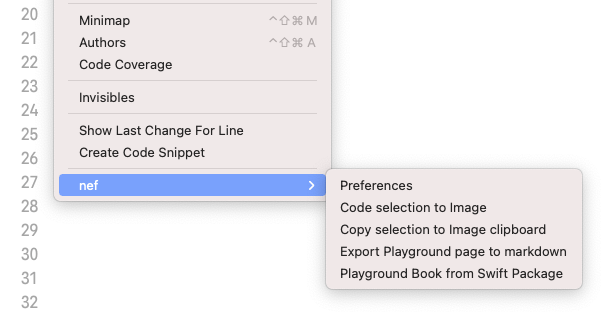
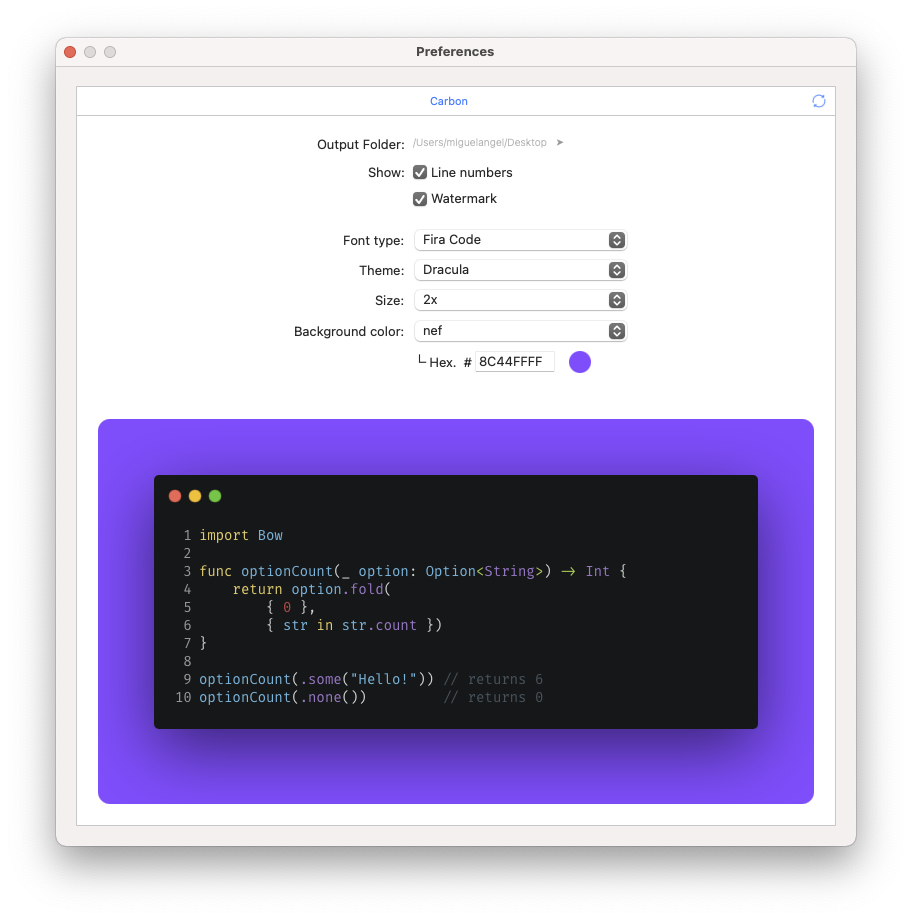
nef - This Xcode extension enables you to make a code selection and export it to a snippets. Available on Mac AppStore.
Languages:
SwiftWebsite: https://nef.bow-swift.io/
Screenshots
-
PageExtender - Extend pages with your own CSS and JS files.
Languages:
Swift JavaScriptScreenshots
-
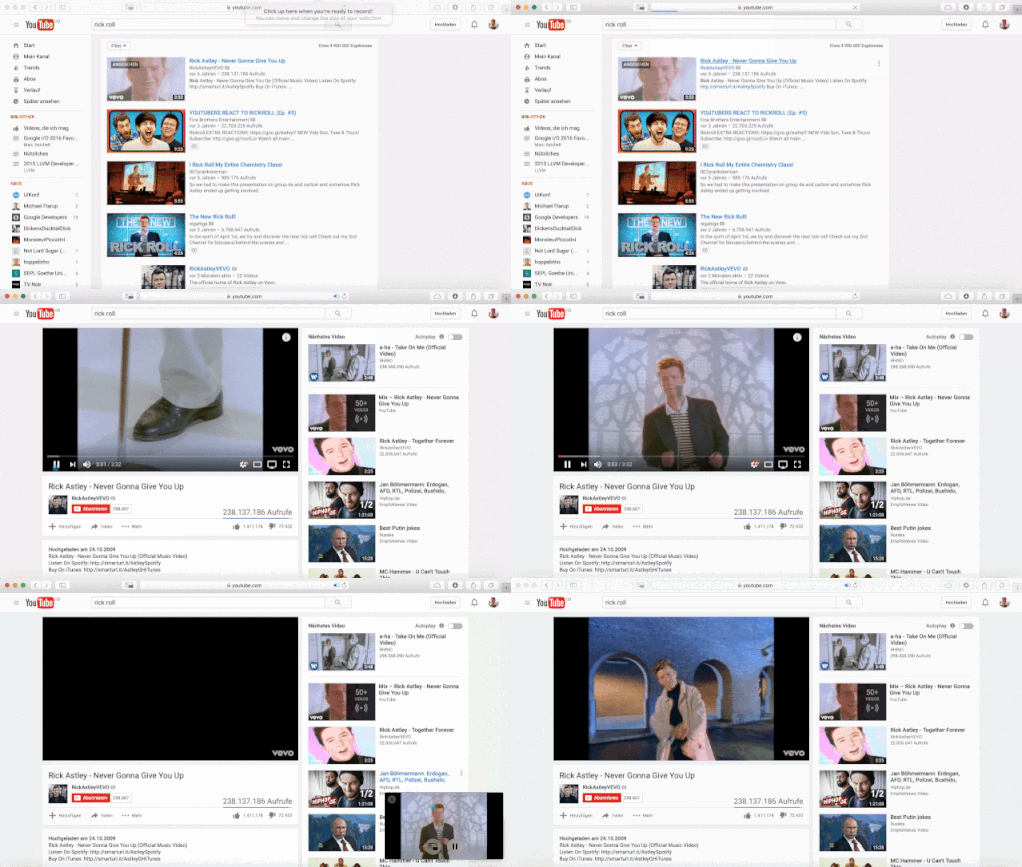
PiPifier - PiPifier is a native macOS 10.12 Safari extension that lets you use every HTML5 video in Picture in Picture mode.
Languages:
SwiftScreenshots


-
PiPTool - Add the Picture-in-Picture Functionality to YouTube, Netflix, Plex and other video broadcasting services in macOS.
Languages:
JavaScript -
Privacy Redirect for Safari - Redirect Twitter, YouTube, Reddit, Google Maps, Google Search, and Google Translate to privacy friendly alternatives.
Languages:
Swift -
Sessions - Safari extension to save your working sessions
Languages:
SwiftScreenshots
-
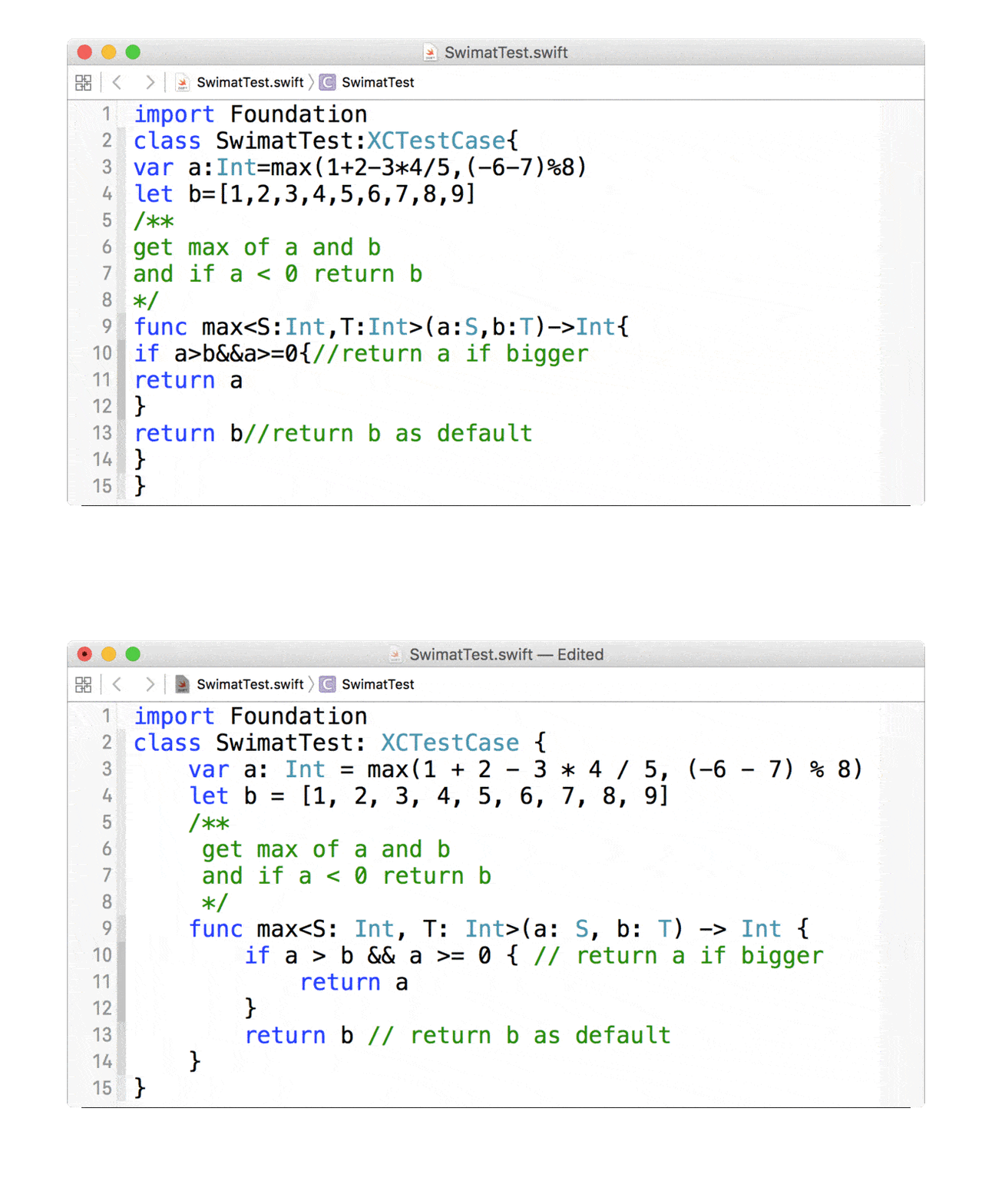
Swimat - Swimat is an Xcode plug-in to format your Swift code.
Languages:
SwiftWebsite: https://jintin.github.io/Swimat/
Screenshots
-
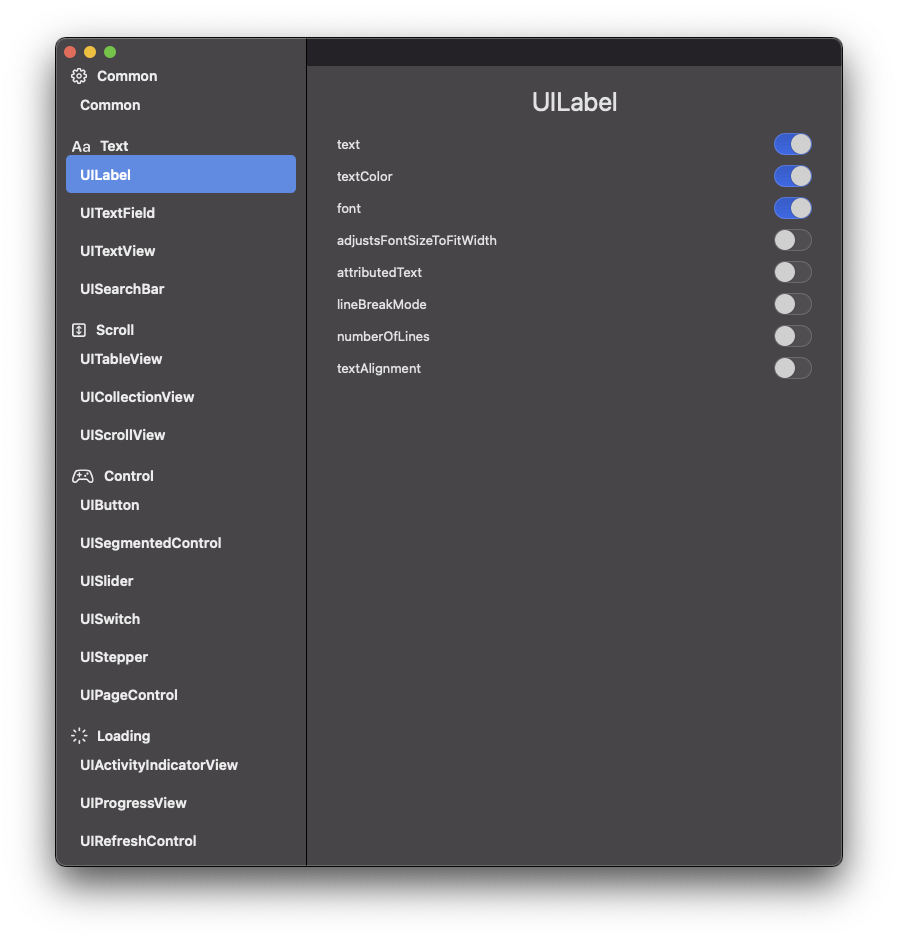
ThenGenerator - Xcode Source Editor Extension for 'Then'
Languages:
SwiftScreenshots
-
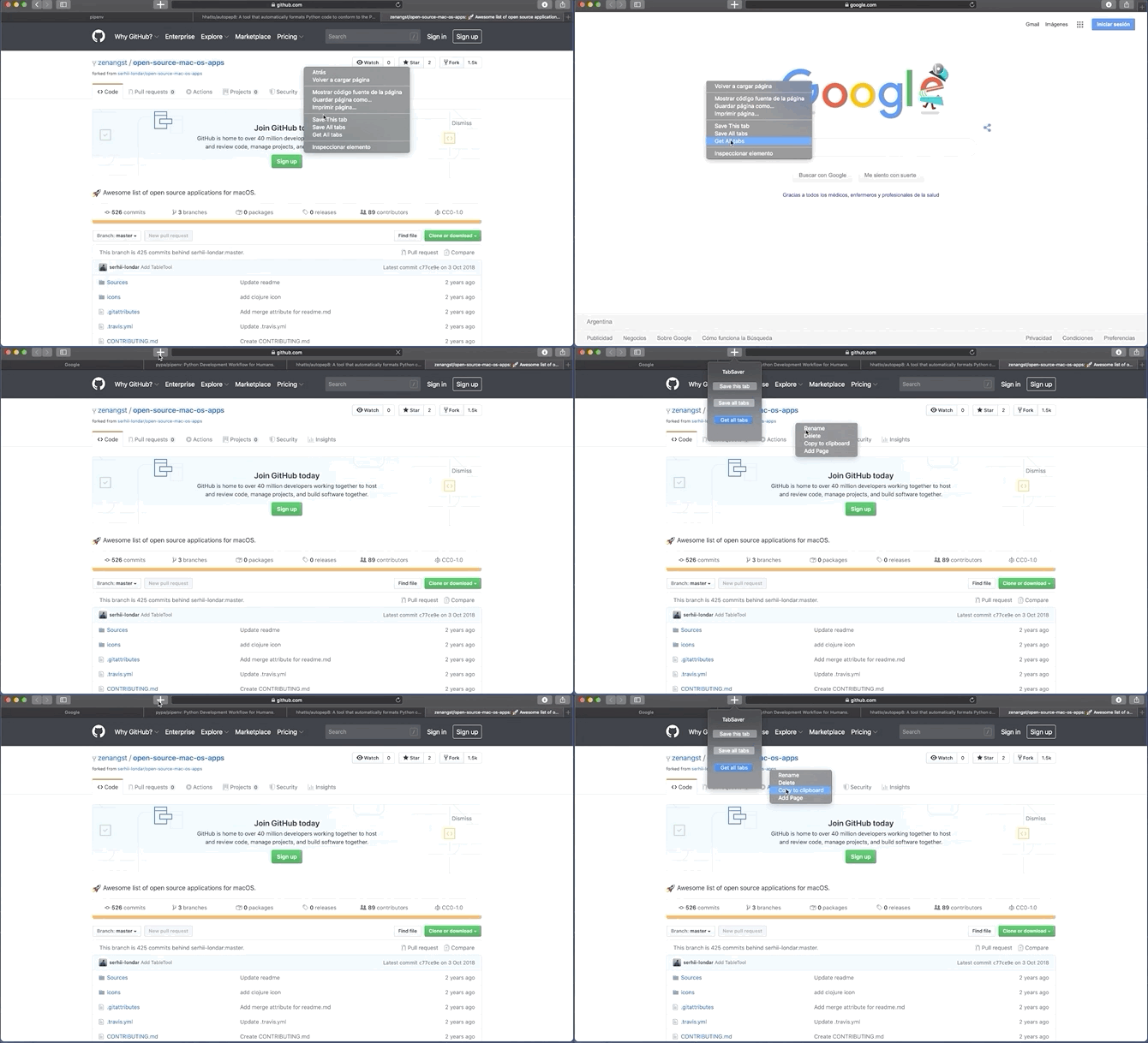
Ultra TabSaver - Ultra TabSaver is an open-source Tab Manager for Safari
Languages:
SwiftScreenshots
-
Yape - Yet Another PiP Extension. Finds all HTML5 videos on a webpage and allows you to play them in Picture-in-Picture mode from the Safari toolbar.
Languages:
SwiftScreenshots


🔍 Finder (17)
-
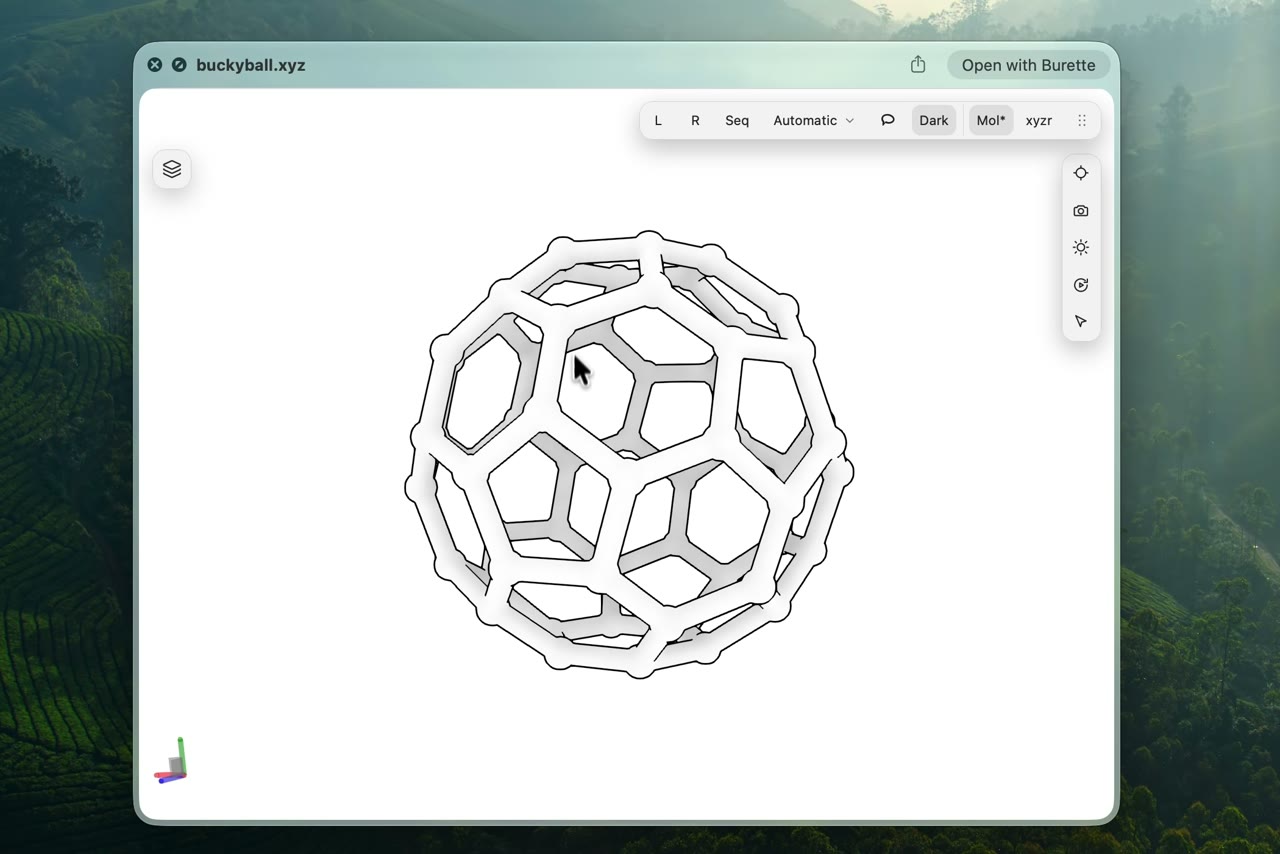
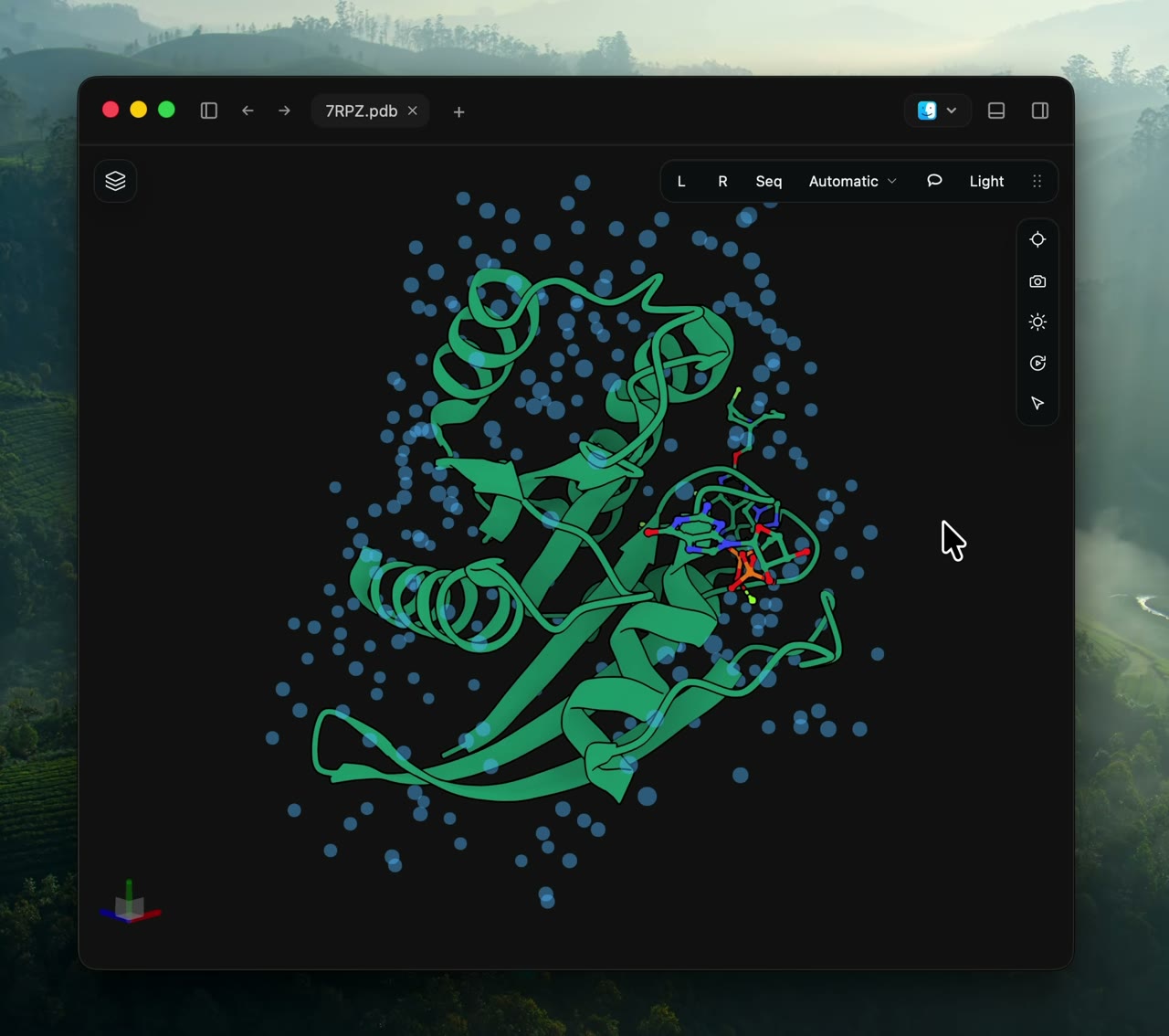
Burette - Molecular workspace and Finder Quick Look extension for macOS: 3D structures, chemistry grids, and local workflow-artifact inspection.
Languages:
TypeScript Rust SwiftWebsite: https://burette-landing.vercel.app
Screenshots
-
cd to... - Finder Toolbar app to open the current directory in the Terminal
Languages:
Objective-C -
Clipy - Clipy is a Clipboard extension app for macOS.
Languages:
SwiftScreenshots

-
CopyQ - Clipboard manager with advanced features
Languages:
C++ -
dupeGuru - dupeGuru is a tool to find duplicate files on your computer. It can scan using file names and file contents.
Languages:
Objective-CWebsite: https://dupeguru.voltaicideas.net/
-
Duplicate Finder - It's a useful tool that would help you to find all duplicate files which have the same names in the specific folder.
Languages:
SwiftScreenshots

-
Finder Go - macOS app and Finder Sync Extension to open Terminal, iTerm, Hyper from Finder.
Languages:
Swift -
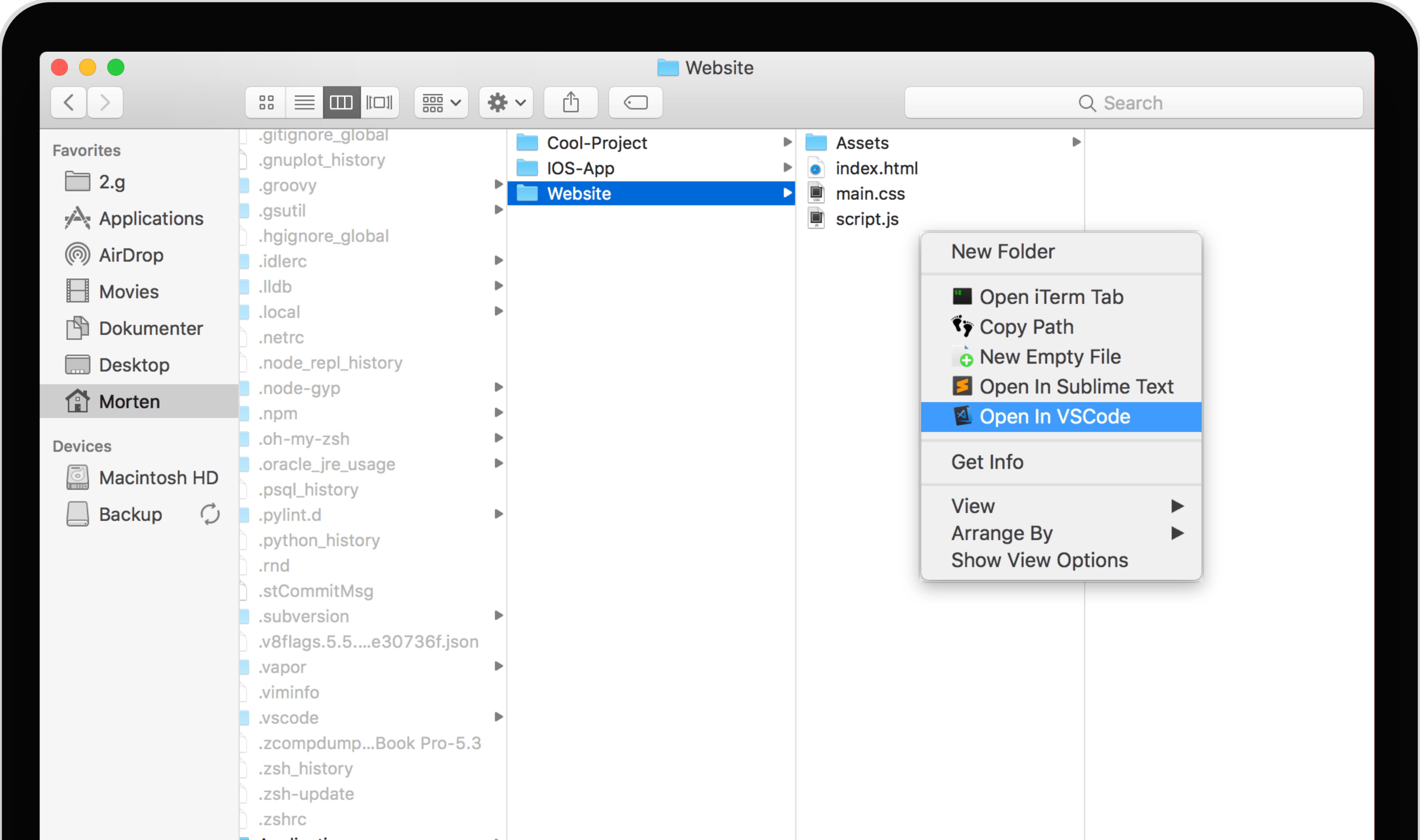
FiScript - Execute custom scripts from the MacOS context menu (CTRL+click) in Finder.
Languages:
SwiftScreenshots

-
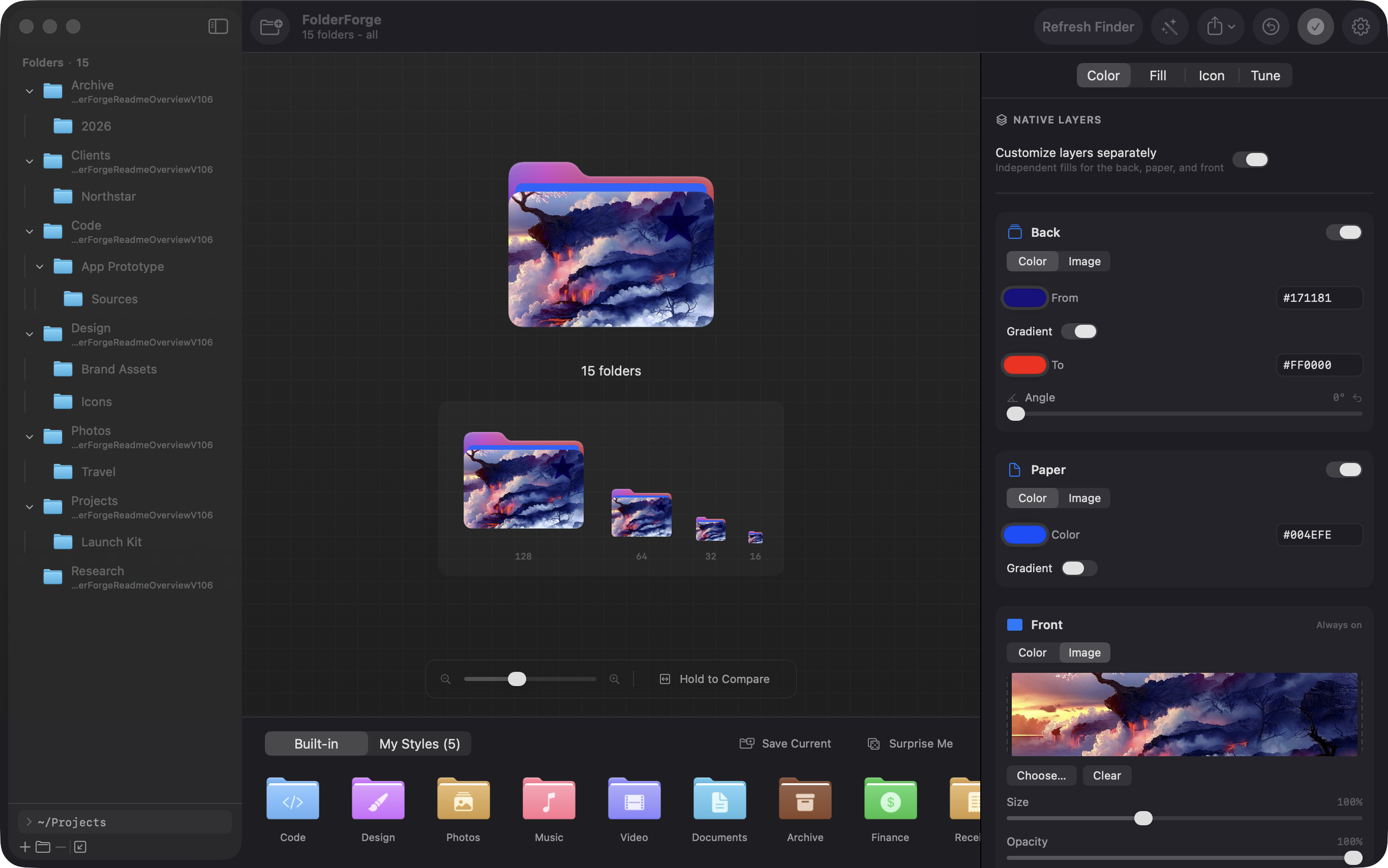
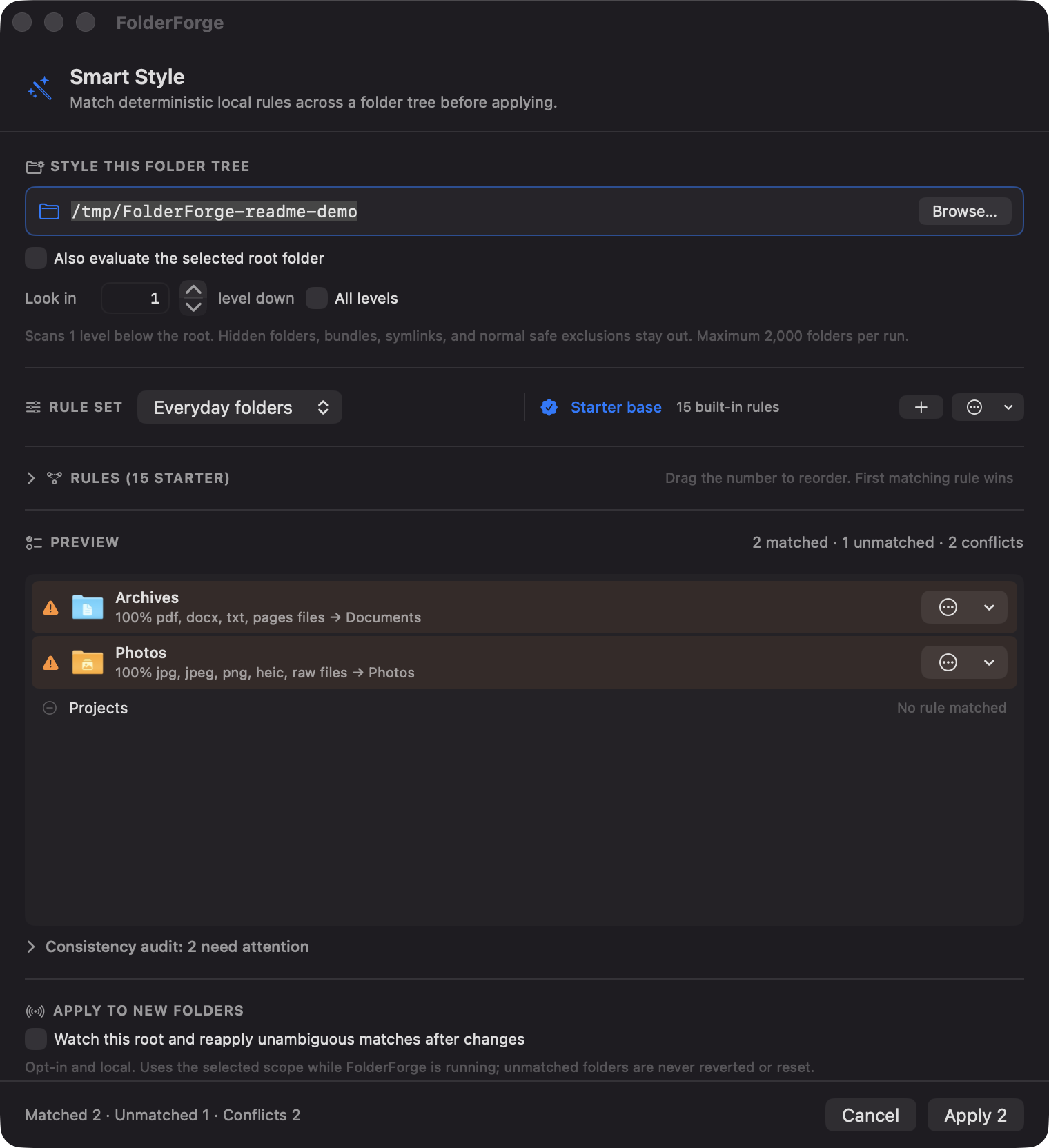
FolderForge - Customize macOS folders with colors, artwork, icons, reusable presets, and rule-based workspace styling.
Languages:
SwiftWebsite: https://folder-forge.vercel.app/
Screenshots
-
muCommander - A lightweight, cross-platform file manager with a dual-pane interface.
Languages:
JavaWebsite: https://www.mucommander.com/
-
OpenInCode - Finder toolbar app to open current folder in Visual Studio Code.
Languages:
Objective-CScreenshots
-
OpenInTerminal - Finder Toolbar app for macOS to open the current directory in Terminal, iTerm, Hyper or Alacritty.
Languages:
SwiftScreenshots


-
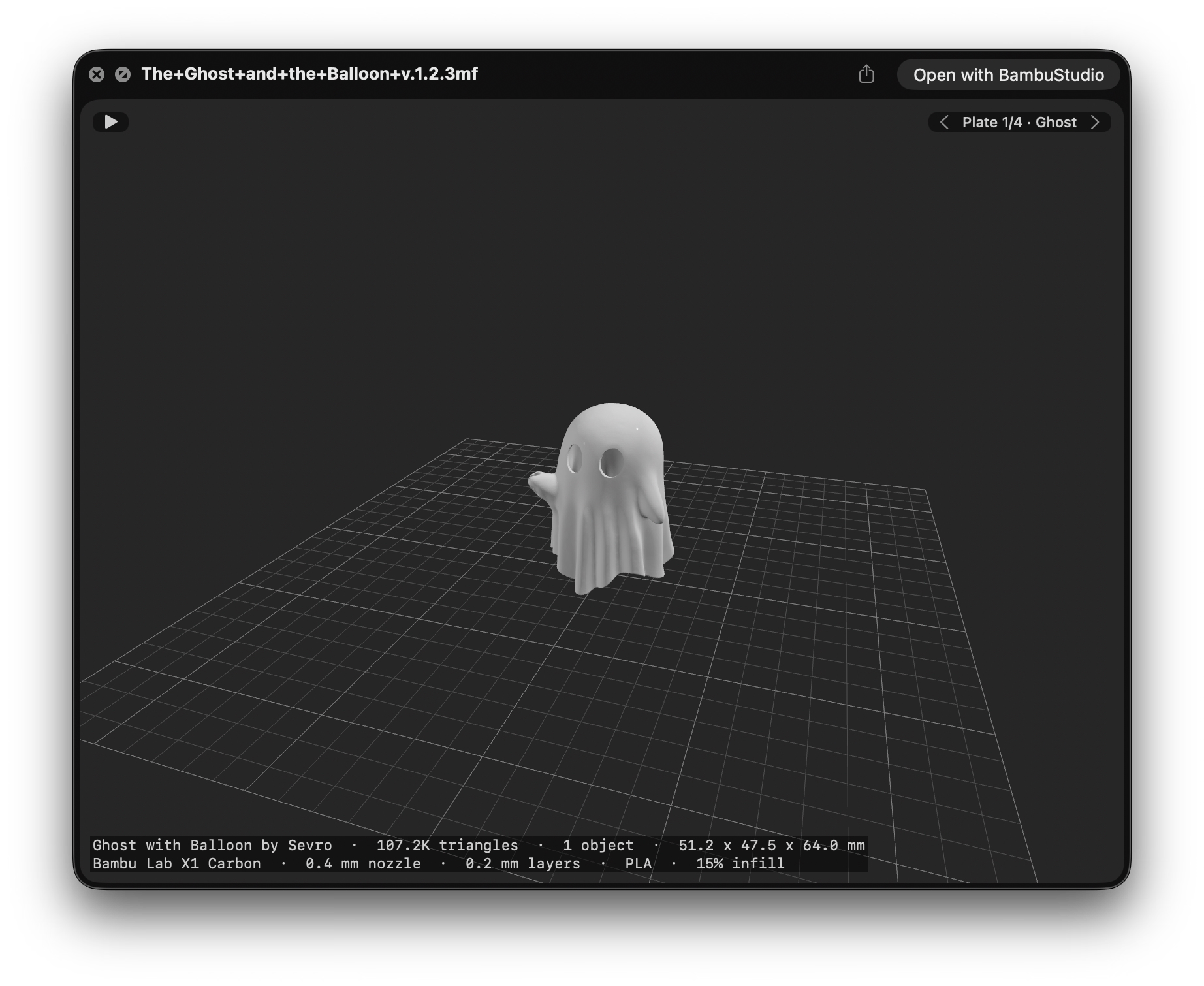
Preview3MF - Quick Look extension that shows a 3D preview and Finder thumbnails for .3mf 3D-printing files.
Languages:
SwiftWebsite: https://cavoco.github.io/Preview3MF/
Screenshots
-
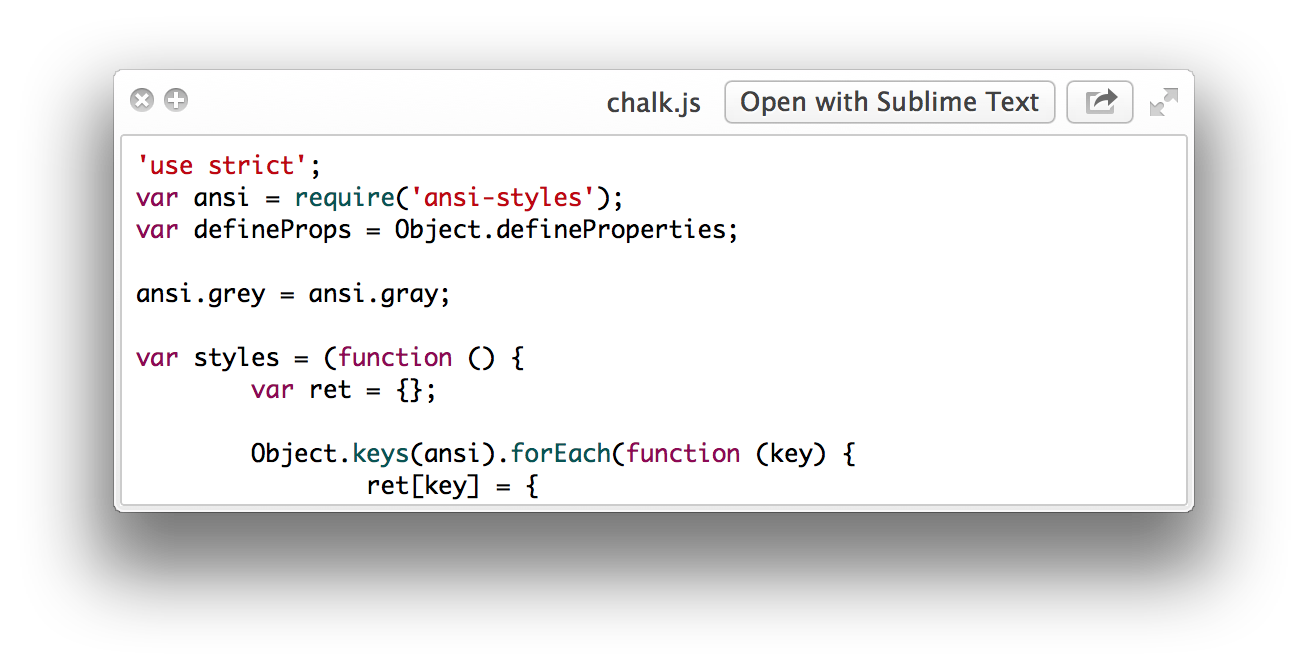
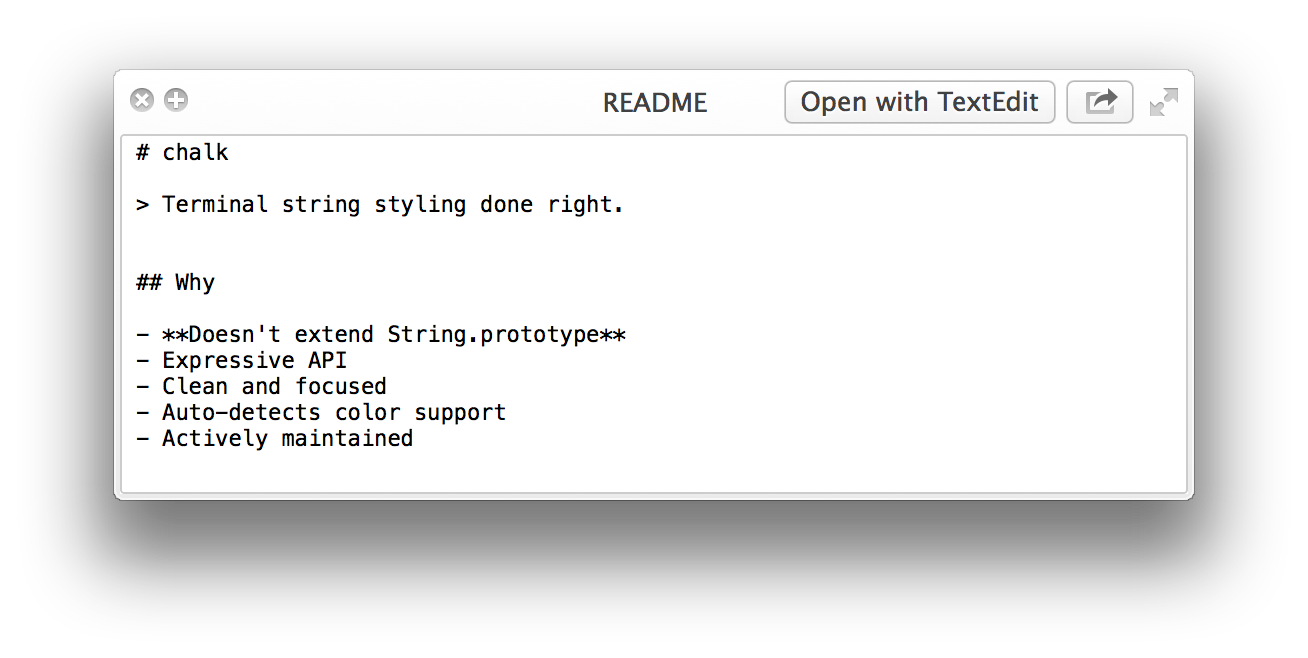
Quick Look plugins - List of useful Quick Look plugins for developers.
Languages:
Objective-C CScreenshots
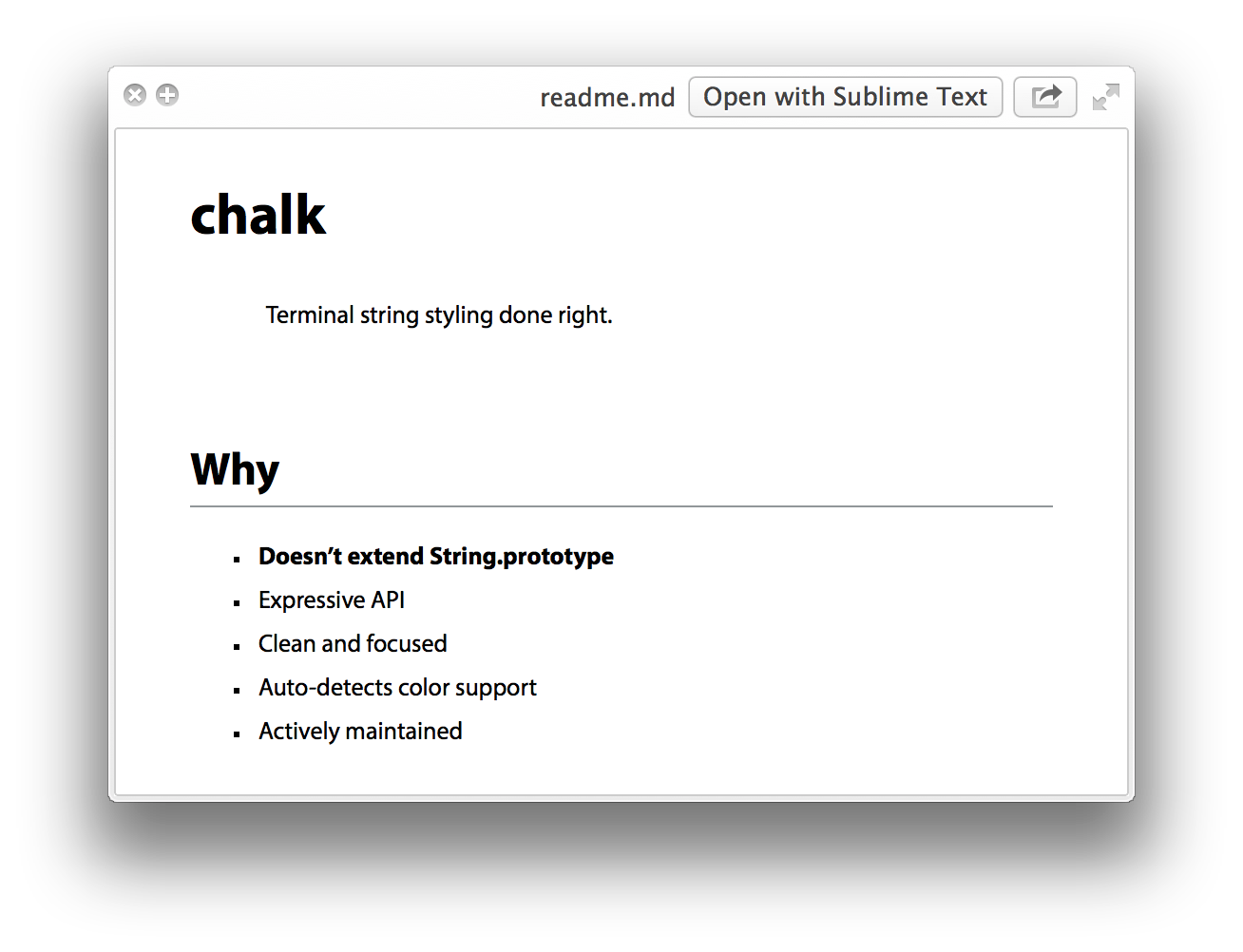
(5 more screenshots available in the repository)
-
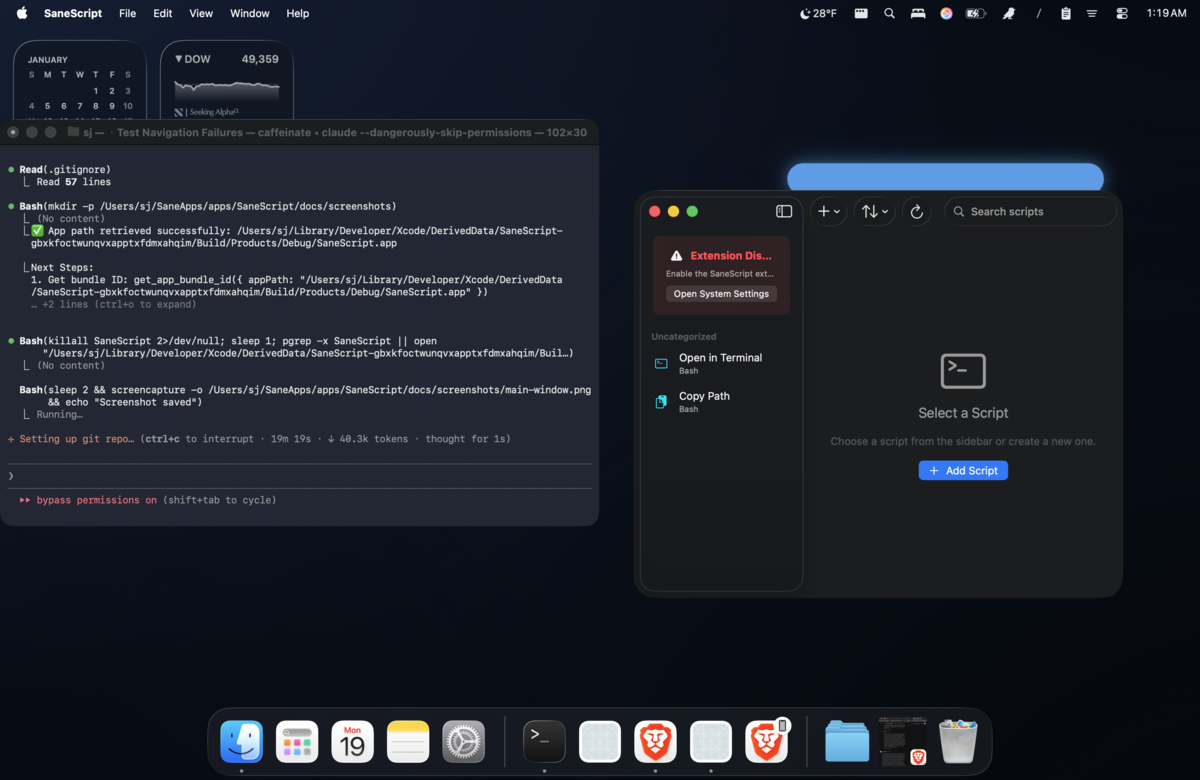
SaneClick - Finder extension with 51+ right-click actions for file management, image conversion, and developer tools.
Languages:
SwiftWebsite: https://saneclick.com
Screenshots
-
Shuffle - Fast, GPU-rendered file manager and Finder alternative built in Rust with GPUI, featuring dual panes, tabs, a fuzzy command palette, terminal mode, and theming.
Languages:
RustWebsite: https://shuffleapp.co
-
zoxide - zoxide is a smarter cd command for your terminal.
Languages:
RustScreenshots
🎮 Games (15)
-
0 A.D. - Real-time strategy game of ancient warfare
Languages:
C++Website: https://play0ad.com
Screenshots
-
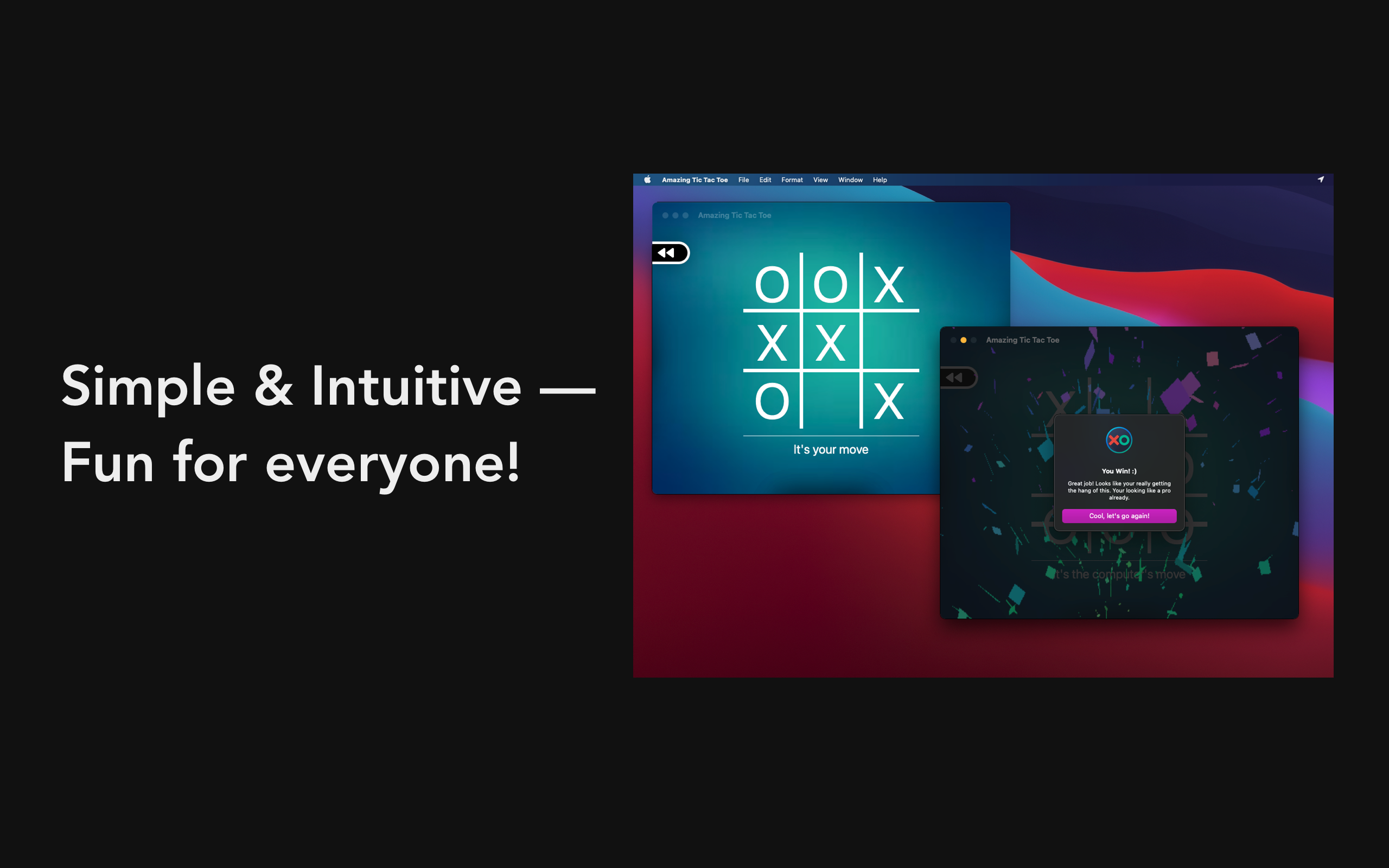
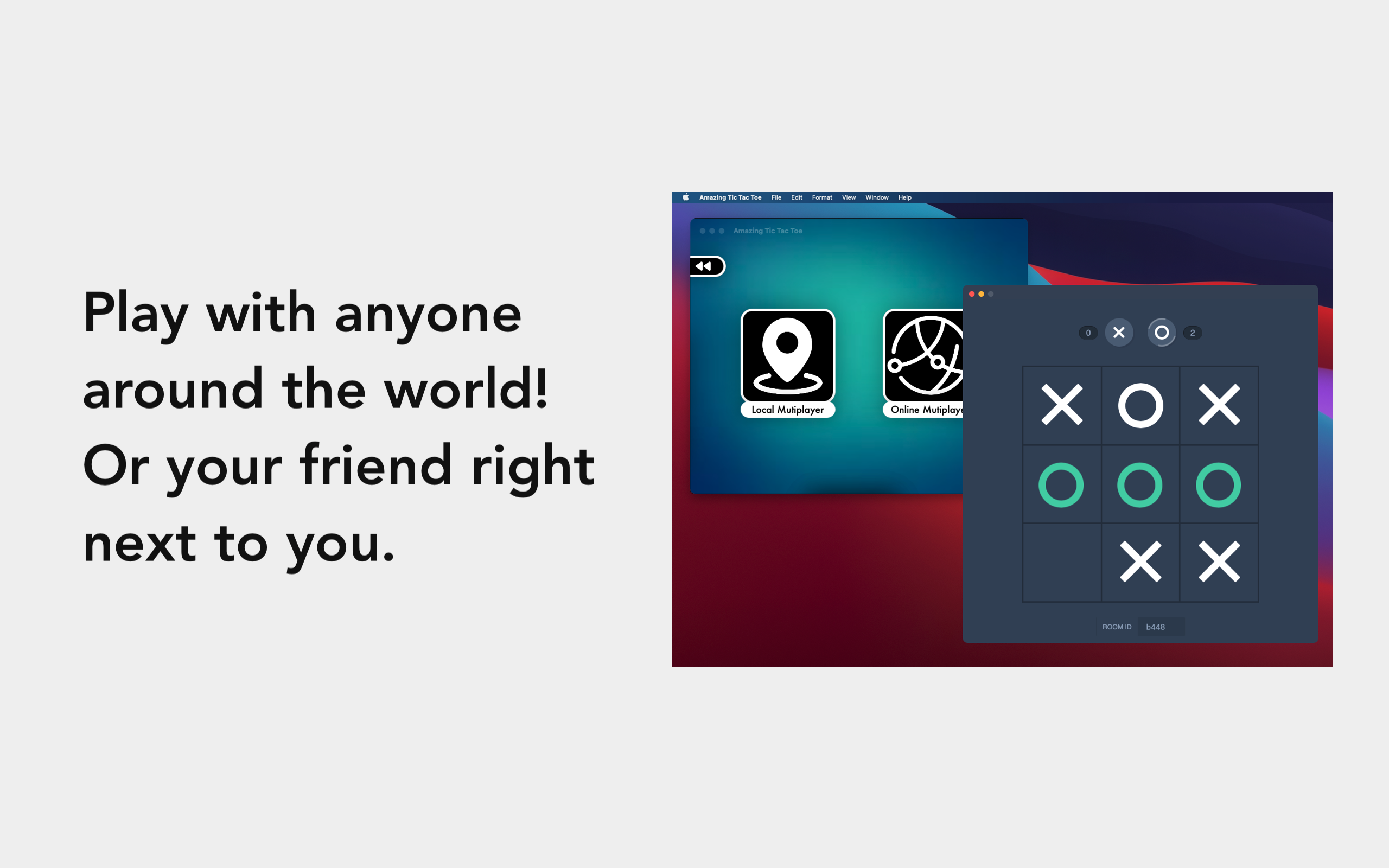
Amazing Tic Tac Toe - Fun Tic Tac Toe game equipped with multiplayer (local and online) and leveled single player available on the App Store.
Languages:
Swift Objective-CWebsite: https://ariessciences.com/highlight?product=tic-tac-toe
Screenshots
-
Battle for Wesnoth - Turn-based tactical strategy game, featuring both single-player and online multiplayer combat.
Languages:
C++ -
Boxer - The DOS game emulator that’s fit for your Mac.
Languages:
C++ Objective-C -
Chess - The chess app that comes with macOS.
Languages:
objective-cWebsite: https://www.apple.com/
Screenshots
-
Dolphin - Powerful emulator for Nintendo GameCube and Wii games.
Languages:
C++ -
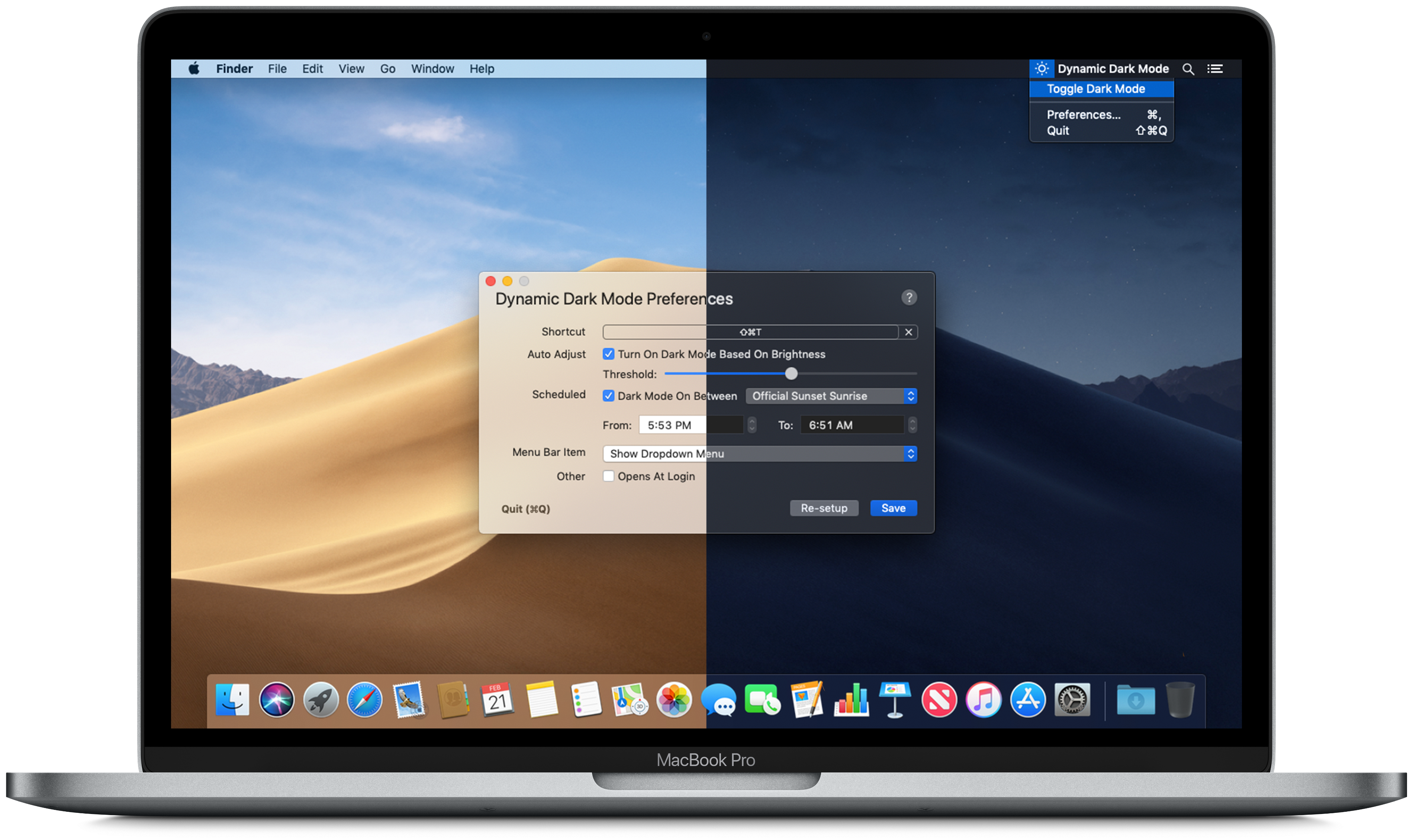
Dynamic Dark Mode - Dynamic Dark Mode is the app you are looking for to power up Dark Mode on macOS Mojave and beyond.
Languages:
SwiftWebsite: https://apollozhu.github.io/Dynamic-Dark-Mode/
Screenshots
-
OpenEmu - Retro video game emulation for macOS.
Languages:
Objective-CScreenshots
-
OpenRCT2 - Re-implementation of RollerCoaster Tycoon 2.
Languages:
C++Screenshots
-
Sabaki - An elegant Go/Baduk/Weiqi board and SGF editor for a more civilized age.
Languages:
JavaScriptWebsite: http://sabaki.yichuanshen.de
-
Screentendo - Turn your screen into a playable level of Mario.
Languages:
Objective-CScreenshots

-
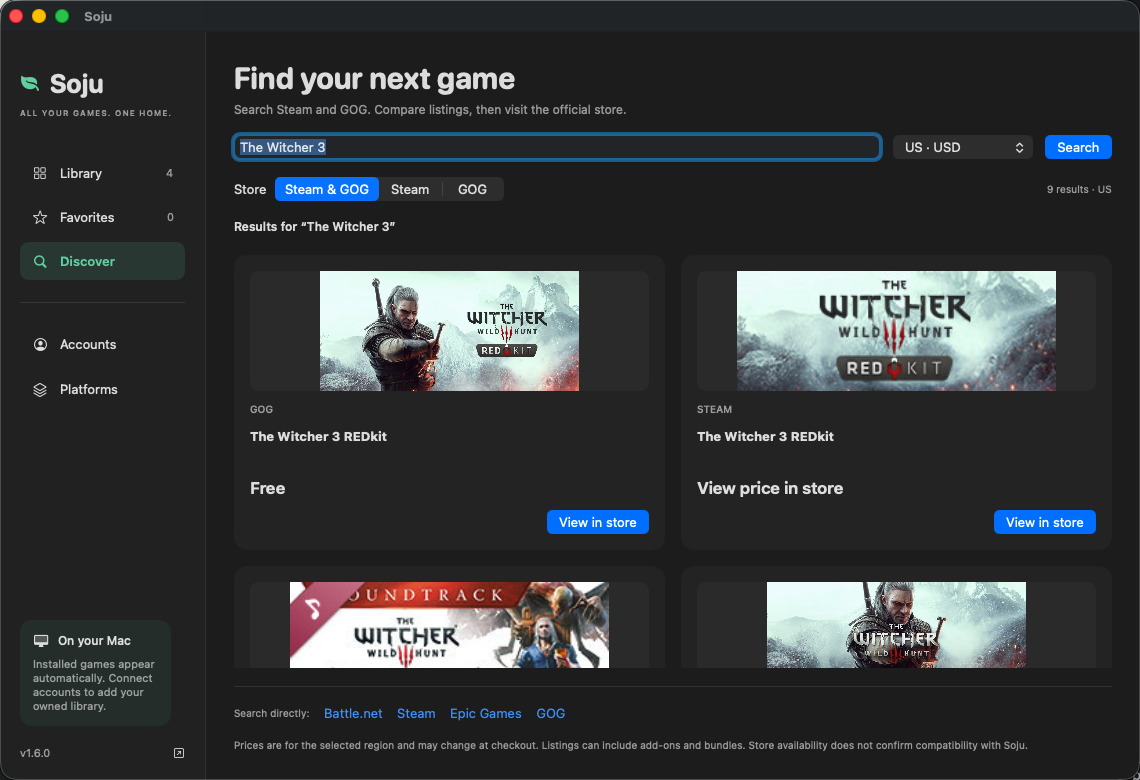
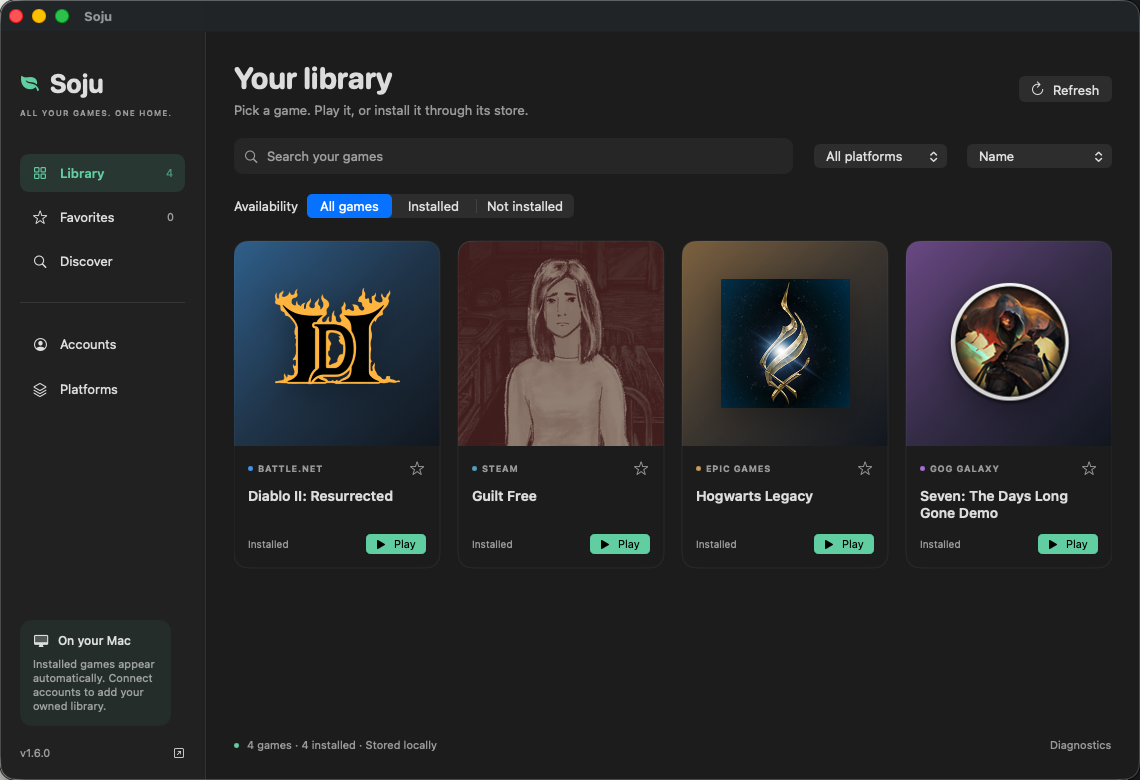
Soju - Run Battle.net, Diablo II: Resurrected and Steam games on Apple Silicon Macs with a fully free Wine stack built from GPL sources; one-line installer.
Languages:
Python ShellWebsite: https://github.com/BCD1210/soju
Screenshots
-
Stockfish - Beautiful, powerful chess application.
Languages:
C++ Objective-C -
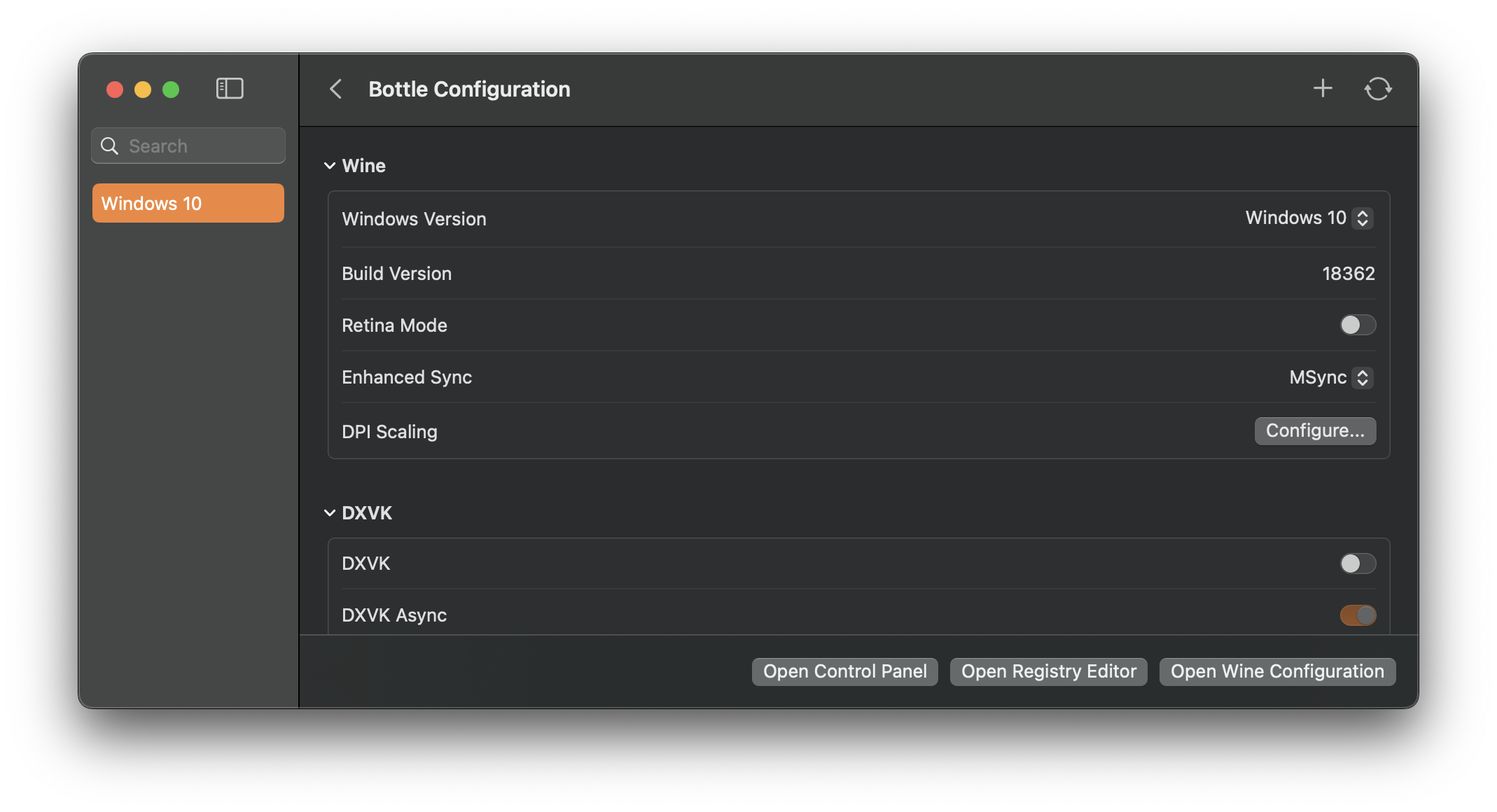
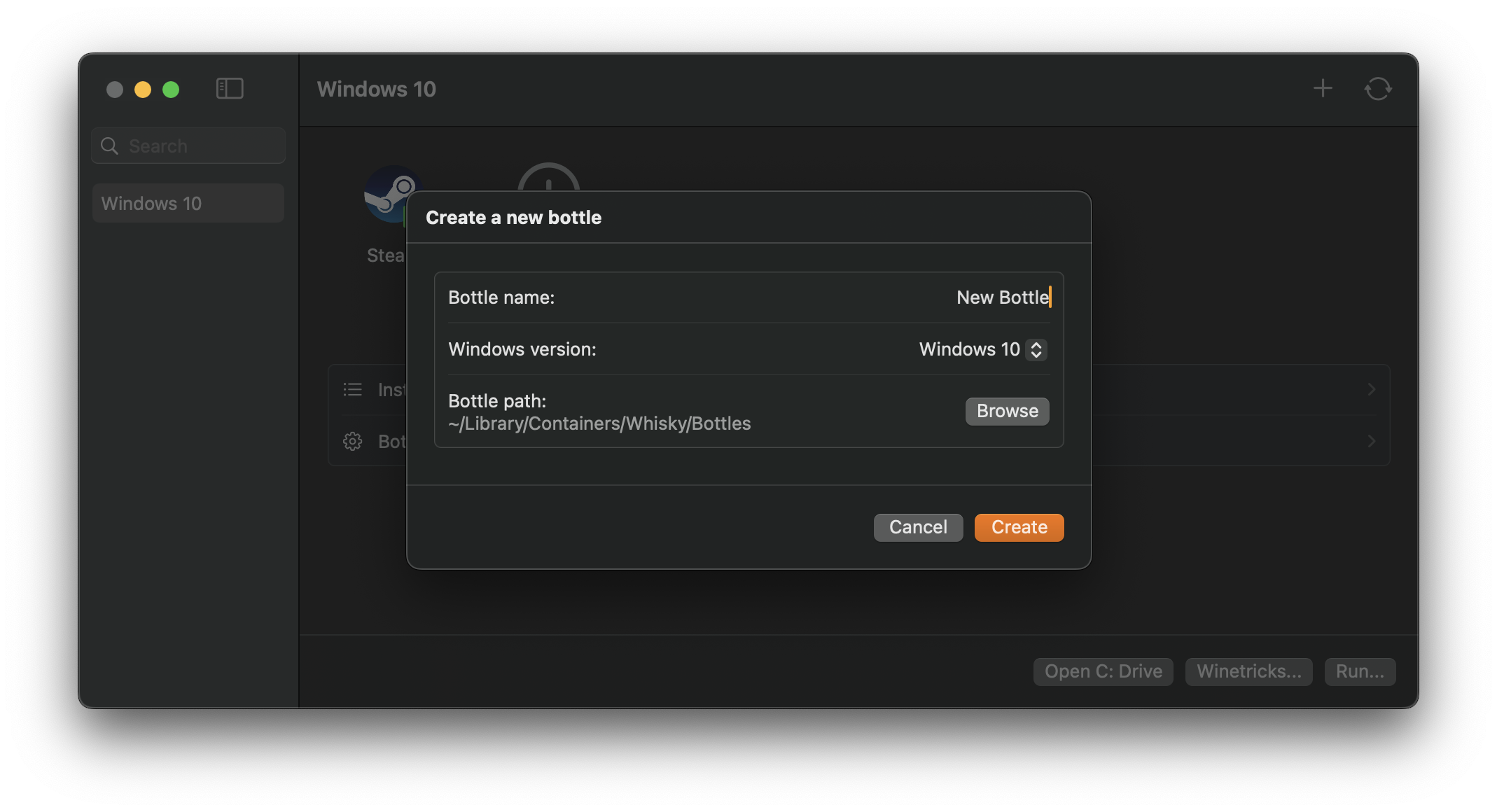
Whisky - Native SwiftUI Wine wrapper for macOS with D3DMetal/DXVK backends and built-in launcher compatibility (Steam, Epic, EA App, Battle.net). Active community fork of the archived whisky-app/whisky.
Languages:
SwiftWebsite: https://github.com/frankea/Whisky
Screenshots
-
Widelands - Widelands is a free, open source real-time strategy game with singleplayer campaigns and a multiplayer mode. The game was inspired by Settlers II™ (© Bluebyte) but has significantly more variety and depth to it.
Languages:
c++ Python  Lua JavaScript
Website: https://www.widelands.org
Screenshots
🎨 Graphics (19)
-
Aseprite - Animated sprite editor & pixel art tool (Windows, macOS, Linux).
Languages:
C++ C -
Blender - Blender is the free and open source 3D creation suite. It supports the entirety of the 3D pipeline: modeling, rigging, animation, simulation, rendering, compositing, motion tracking, and video editing.
Languages:
C C++ PythonWebsite: https://www.blender.org
Screenshots
(3 more screenshots available in the repository)
-
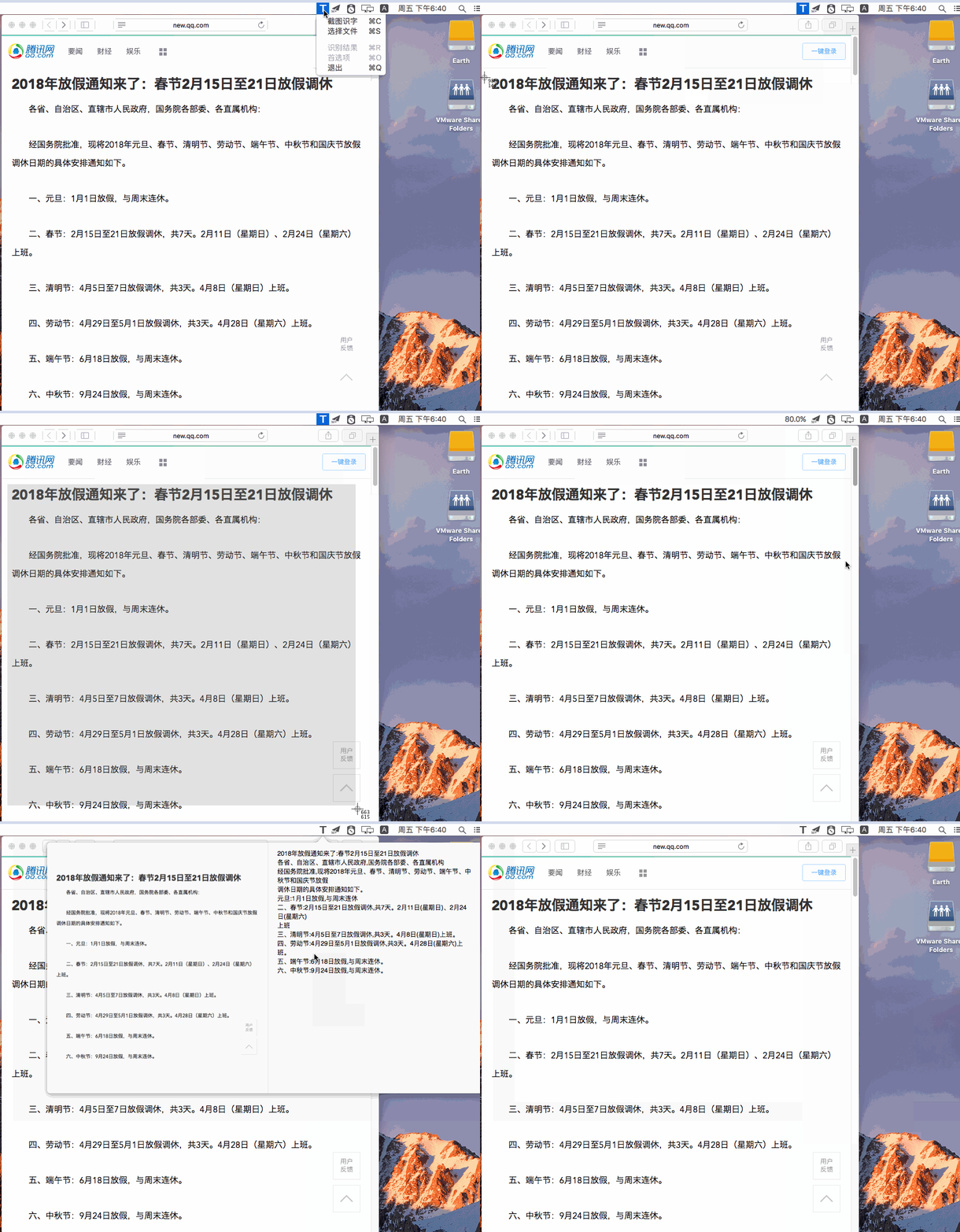
CaptuocrToy - Tool to capture screenshot and recognize text by online ocr apis.
Languages:
SwiftScreenshots
-
ColorSet - ColorSet is a macOS utility and framework allowing developers to manage custom interface colors with ease.
Languages:
Swift C# Objective-CWebsite: https://imazing.com/colorset
Screenshots
-
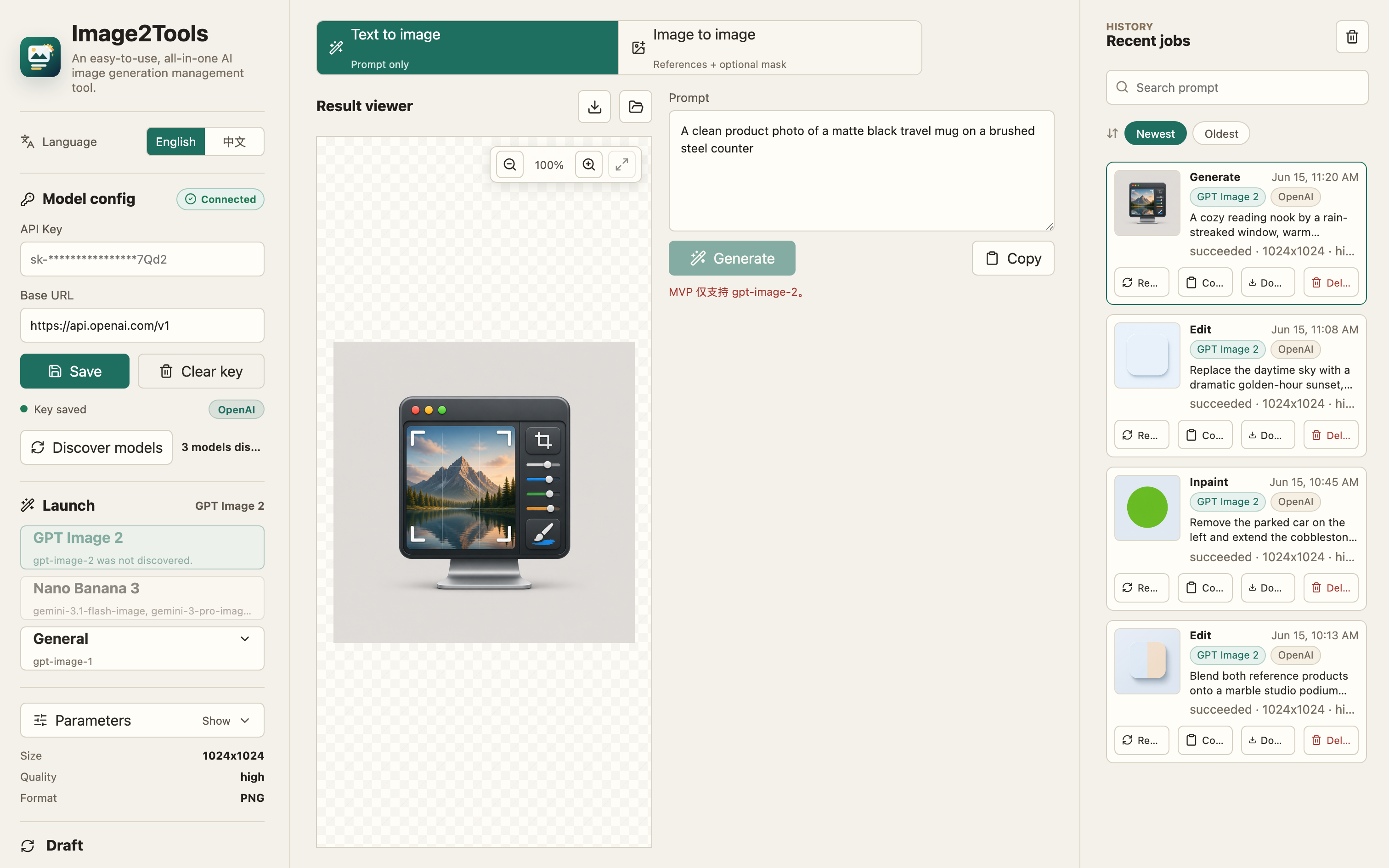
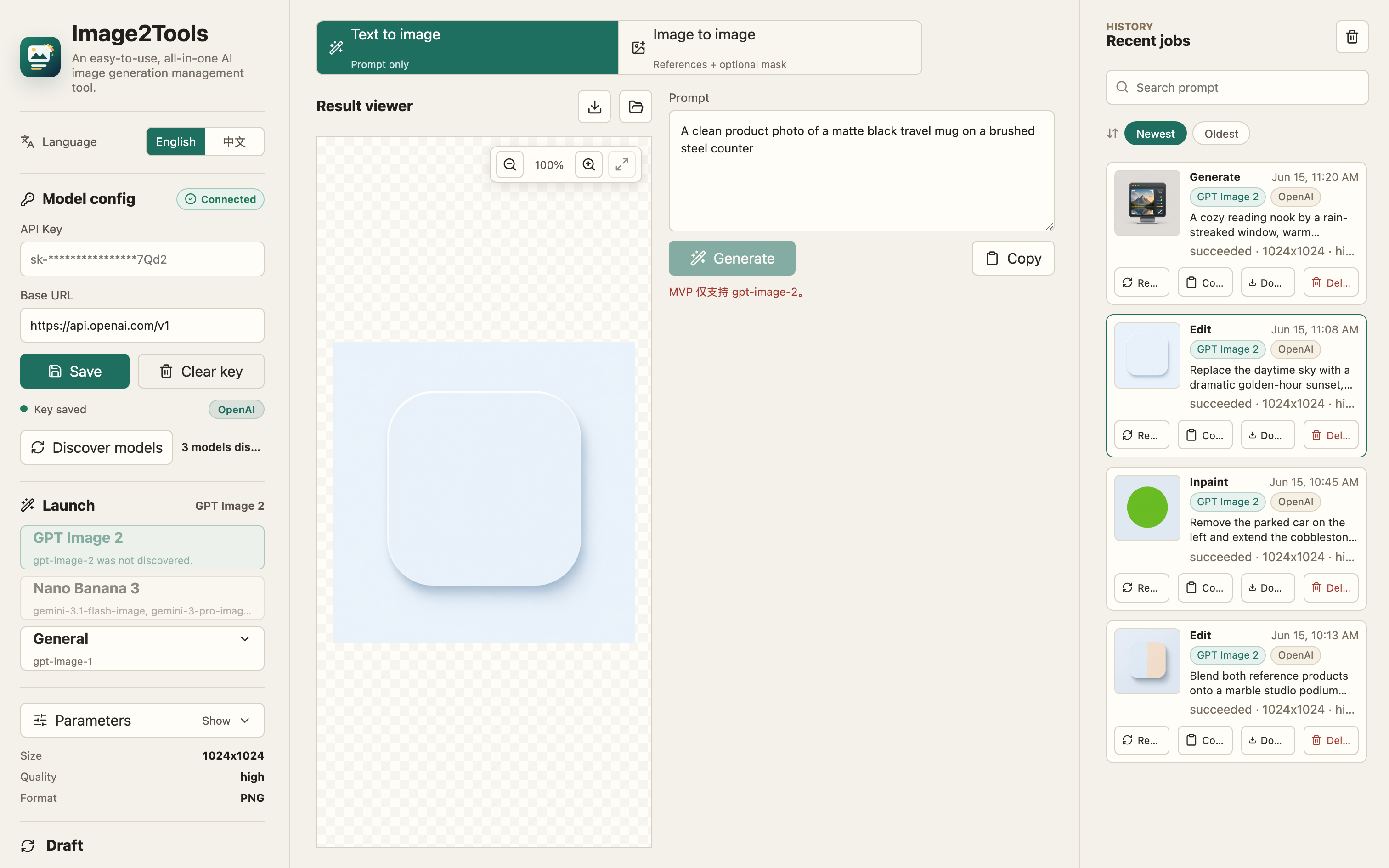
CrossGen - Local-first AI image workspace for generating, editing, organizing, and reusing images through a desktop app, JSON CLI, and MCP-compatible agents.
Languages:
TypeScript JavaScriptWebsite: https://www.corgnitor.com/products/crossgen
Screenshots
-
FreeCAD - FreeCAD is an open-source 3D parametric modeler
Languages:
c++ PythonWebsite: https://www.freecad.org/
Screenshots
-
Gaphor - Gaphor is the simple modeling tool for UML and SysML.
Languages:
PythonWebsite: https://gaphor.org
-
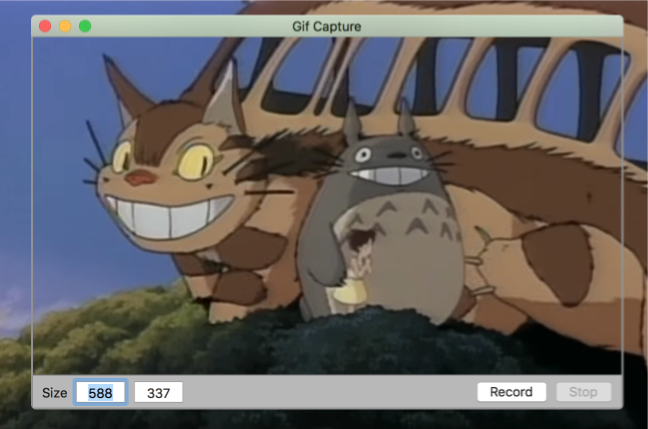
GifCapture - Gif capture app for macOS.
Languages:
SwiftScreenshots


(1 more screenshots available in the repository)
-
Gifcurry - Video to GIF maker with a graphical interface capable of cropping, adding text, seeking, and trimming.
Languages:
 Haskell
Screenshots
-
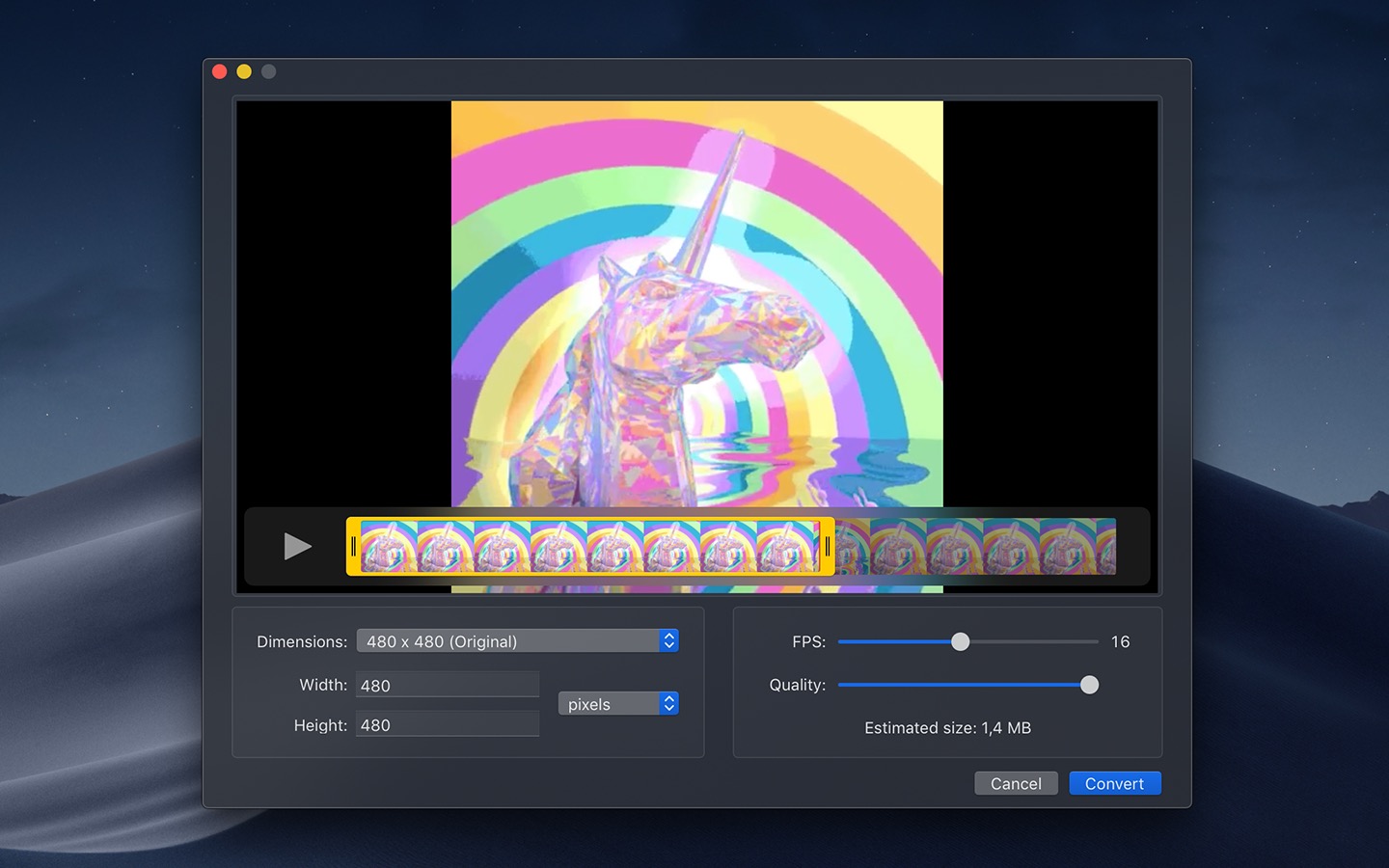
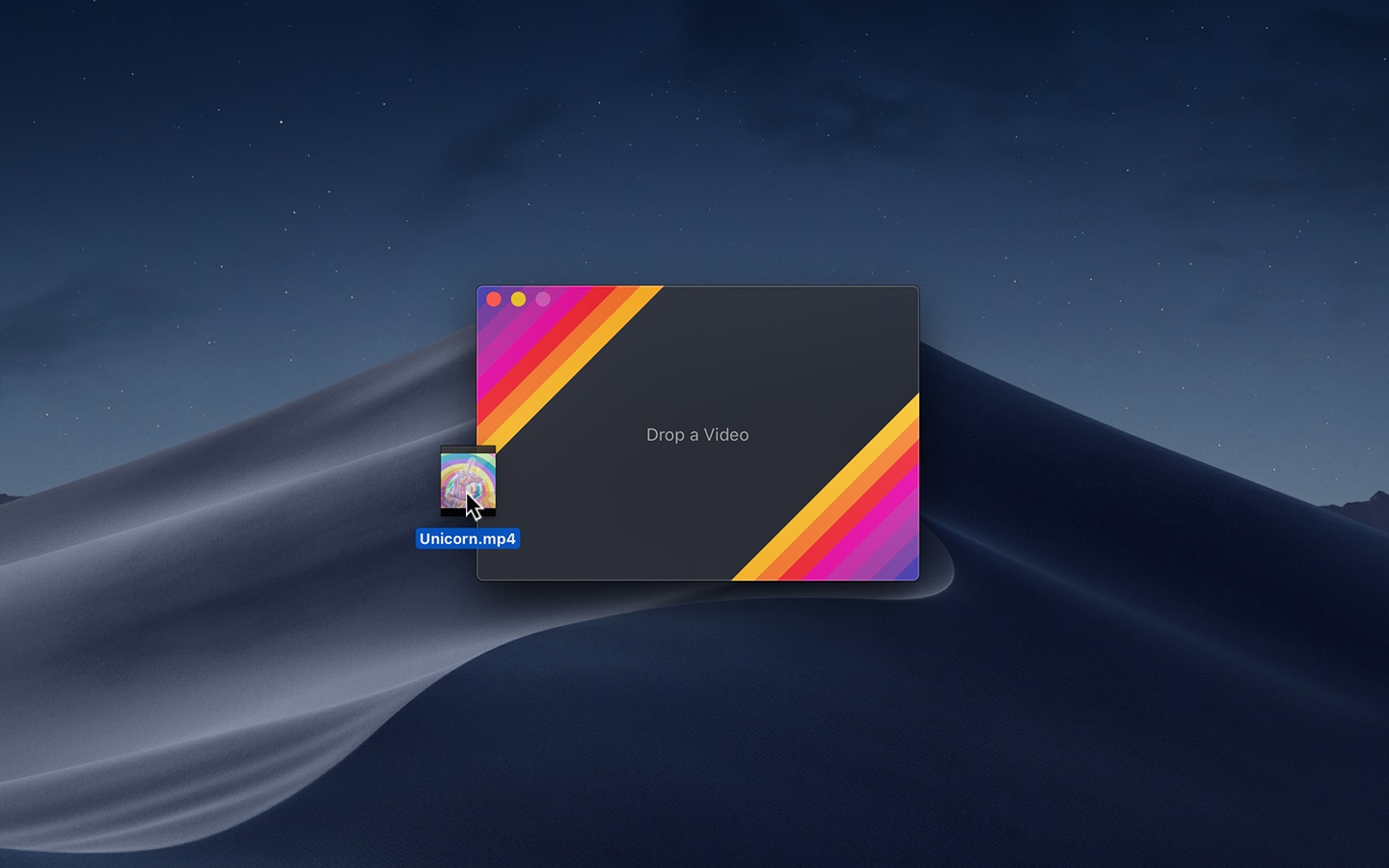
Gifski - Convert videos to high-quality GIFs.
Languages:
SwiftScreenshots
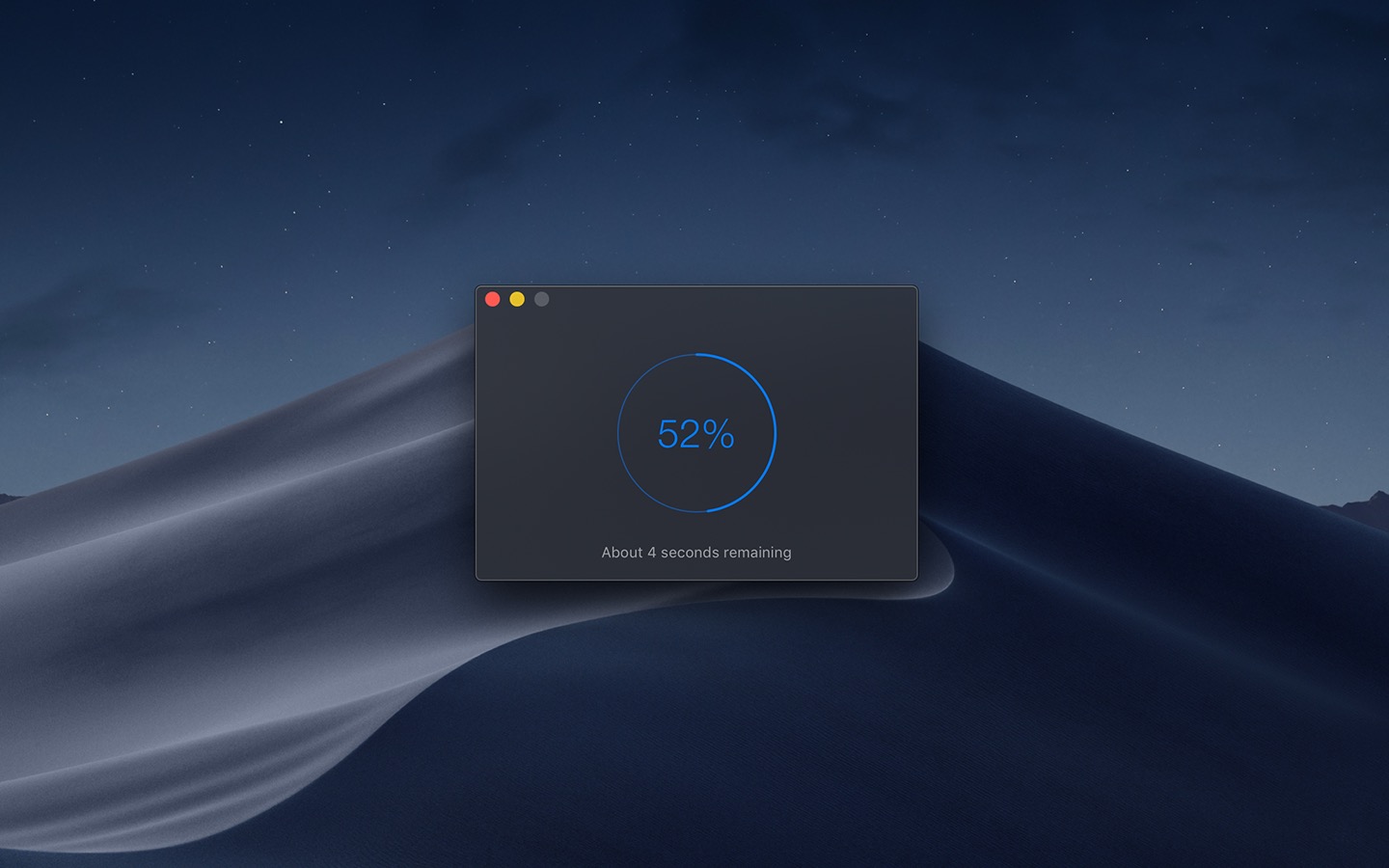
(1 more screenshots available in the repository)
-
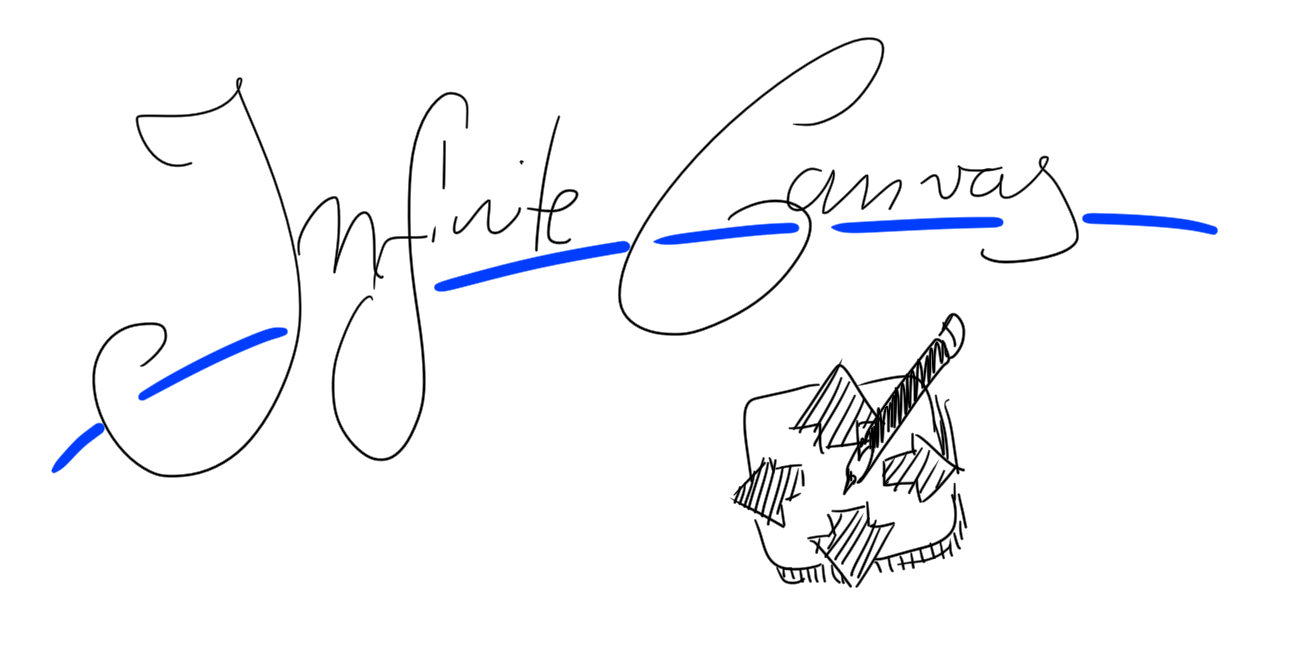
InfiniteCanvas - Proof of concept Mac drawing application.
Languages:
SwiftScreenshots
-
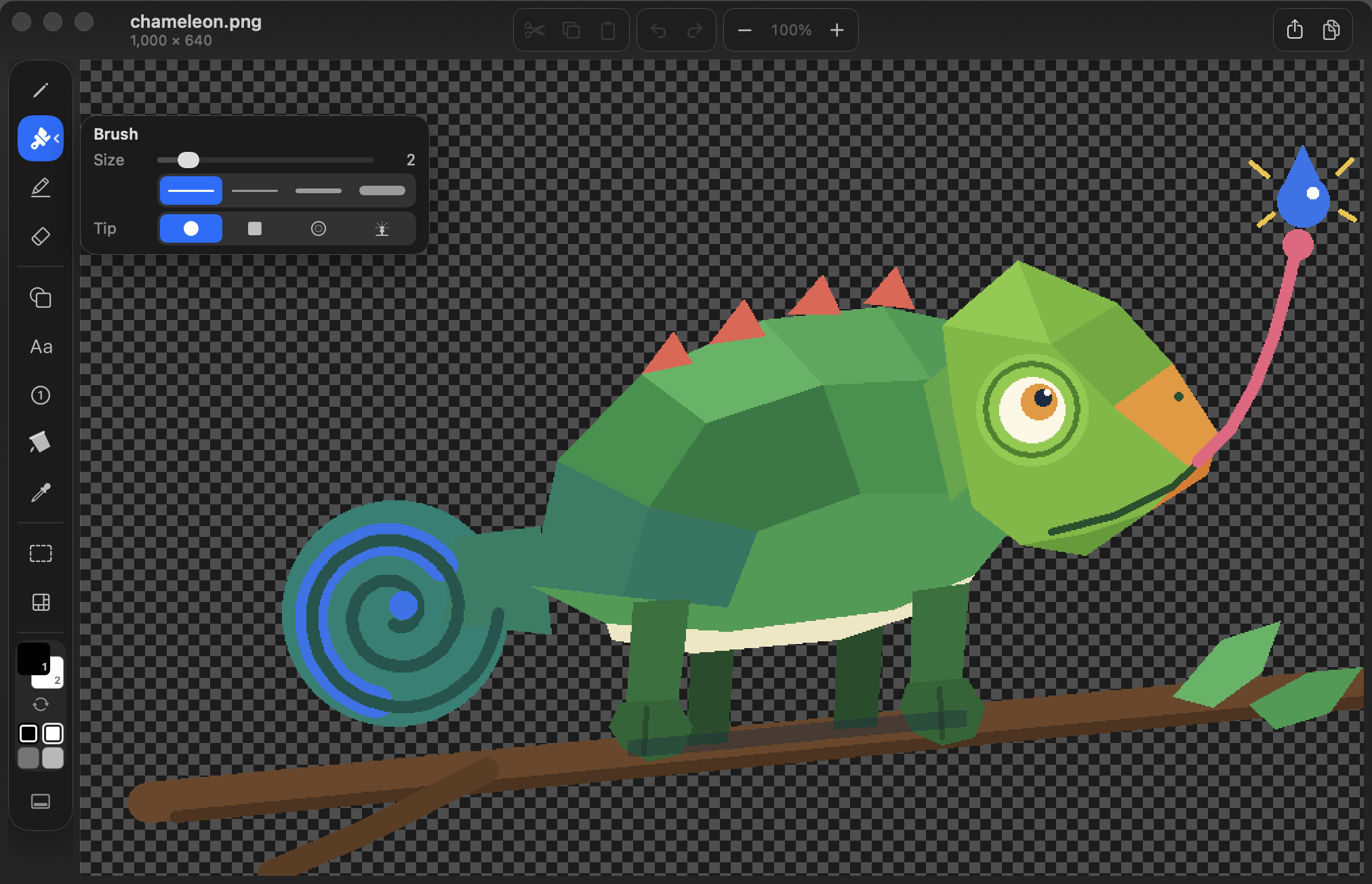
ItsPaint - Focused paint and screenshot markup app. Step badges, pixelate redaction, Instant Alpha. No account, no telemetry.
Languages:
SwiftWebsite: https://itspaintmac.com/
Screenshots
-
Krita - Krita is a cross-platform application for creating digital art files from scratch like illustrations, concept art, matte painting, textures, comics and animations.
Languages:
C++ Python CWebsite: https://krita.org/en/
Screenshots
-
LibreCAD - LibreCAD is a free Open Source CAD application for Windows, Apple and Linux. Support and documentation are free from our large, dedicated community of users, contributors and developers.
Languages:
c++ CWebsite: https://librecad.org
Screenshots
-
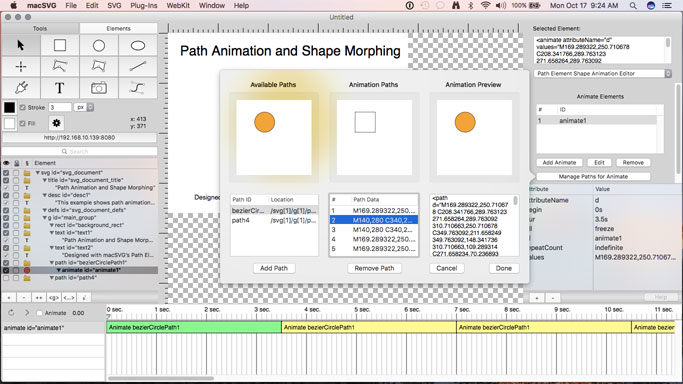
macSVG - macOS application for designing HTML5 SVG (Scalable Vector Graphics) art and animation with a WebKit web view.
Languages:
Objective-CScreenshots
-
Material Colors Native - Choose your Material colours and copy the hex code.
Languages:
Objective-CScreenshots
-
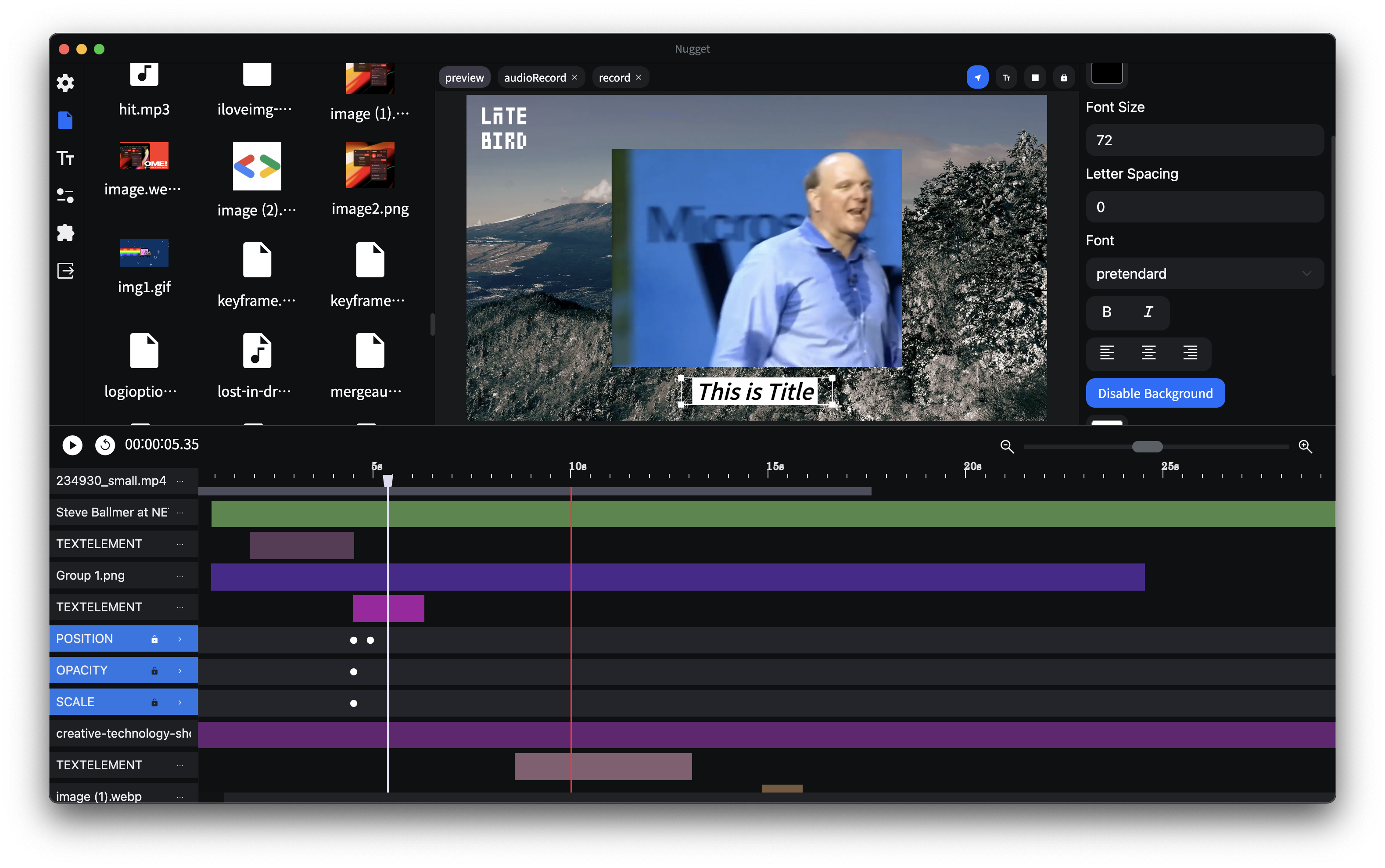
Nugget - Video editing software designed for motion effects and versatility.
Languages:
TypeScriptScreenshots
-
Pencil2D Animation - Pencil2D is an animation/drawing software for macOS, Windows, and Linux. It lets you create traditional hand-drawn animation (cartoon) using both bitmap and vector graphics.
Languages:
C++ -
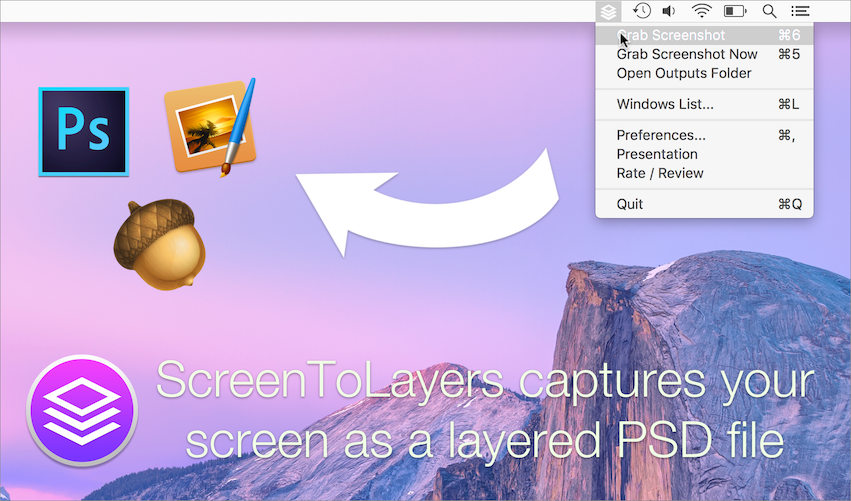
ScreenToLayers for macOS - ScreenToLayers is a macOS application to easily capture your screen as a layered PSD file.
Languages:
Objective-C CSSScreenshots
💻 IDE (15)
-
Apache Netbeans - Apache NetBeans is an IDE, Tooling Platform and Application Framework suitable for development in Java, JavaScript, PHP, HTML5, CSS, and more.
Languages:
JavaWebsite: https://netbeans.apache.org/
Screenshots
-
AuroraEditor - Lightweight Code Editor (IDE) for macOS.
Languages:
SwiftWebsite: https://auroraeditor.com
Screenshots
-
Brackets - Modern open-source code editor for HTML, CSS and JavaScript that's built in HTML, CSS and JavaScript.
Languages:
JavaScriptWebsite: https://brackets.io/
Screenshots
-
Cate - IDE built on an infinite zoomable canvas. Editor, terminal, browser, and AI agent panels float in a spatial workspace instead of tabs.
Languages:
TypeScriptWebsite: https://cate.cero-ai.com
-
CodeEdit - CodeEdit App for macOS – Elevate your code editing experience. Open source, free forever.
Languages:
SwiftWebsite: https://www.codeedit.app/
Screenshots
-
Eclipse - Eclipse is an open-source integrated development environment (IDE) used in computer programming, featuring a base workspace and an extensible plug-in system for customizing the environment.
Languages:
JavaWebsite: https://www.eclipse.org
-
Geany - Geany is a powerful, stable and lightweight programmer's text editor that provides tons of useful features without bogging down your workflow.
Languages:
C c++Website: https://www.geany.org/
Screenshots
-
IntelliJ IDEA Community Edition - IntelliJ IDEA is an integrated development environment written in Java for developing computer software
Languages:
JavaWebsite: https://www.jetbrains.com/idea/
Screenshots
-
LiveCode - Cross-platform development IDE.
Languages:
CWebsite: https://livecode.org/
-
Oni - Oni is a modern take on modal editing code editor focused on developer productivity.
Languages:
JavaScript TypeScript -
Vim - ubiquitous text editor
Languages:
C Vim scriptWebsite: https://www.vim.org/
Screenshots
-
Visual Studio Code - Code editor developed by Microsoft.
Languages:
TypeScriptScreenshots

-
VSCodium - VSCodium is a community-driven, freely-licensed binary distribution of Microsoft's VS Code with all telemetry removed.
Languages:
TypeScriptWebsite: https://vscodium.com/
-
Zed - Zed is an open source, high-performance, and multiplayer code editor
Languages:
RustWebsite: https://zed.dev
-
ZeroBraneStudio - ZeroBrane Studio is a lightweight cross-platform Lua IDE with code completion, syntax highlighting, remote debugger, code analyzer, live coding, and debugging support for various Lua engines.
Languages:
LuaScreenshots
🖼️ Images (19)
-
APNGb - macOS app which assembles and disassembles animated png files.
Languages:
Swift -
CrossGen - Local-first AI image workspace for generating, editing, organizing, and reusing images through a desktop app, JSON CLI, and MCP-compatible agents.
Languages:
TypeScript JavaScriptWebsite: https://www.corgnitor.com/products/crossgen
Screenshots
-
Crunch - Insane(ly slow but wicked good) PNG image optimization.
Languages:
Python -
ExifCleaner - Remove image metadata with drag and drop, multi-core batch processing, and dark mode.
Languages:
JavaScriptWebsite: https://exifcleaner.com
Screenshots
-
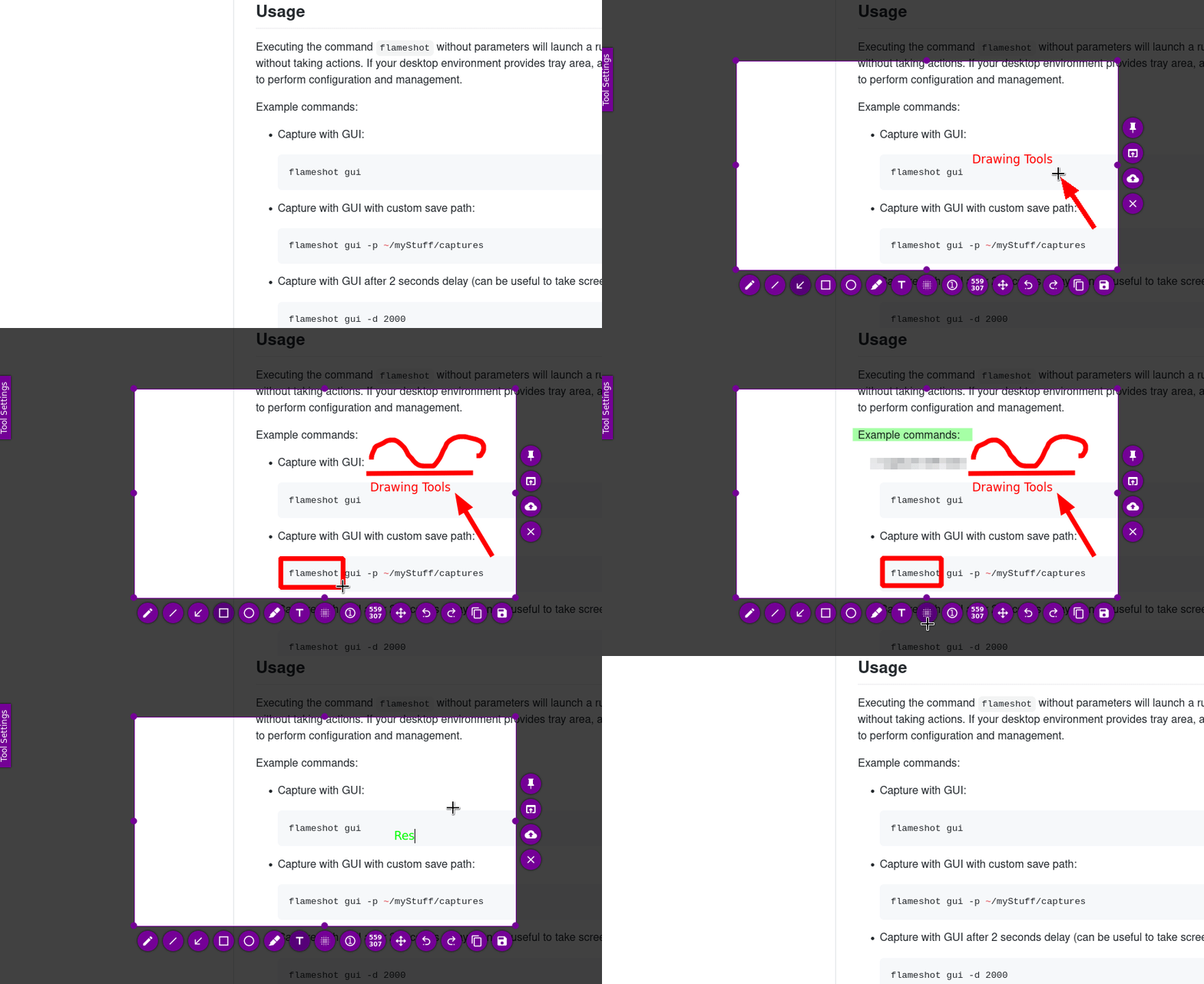
Flameshot - Powerful yet simple to use screenshot software.
Languages:
C++Website: https://flameshot.org
Screenshots
-
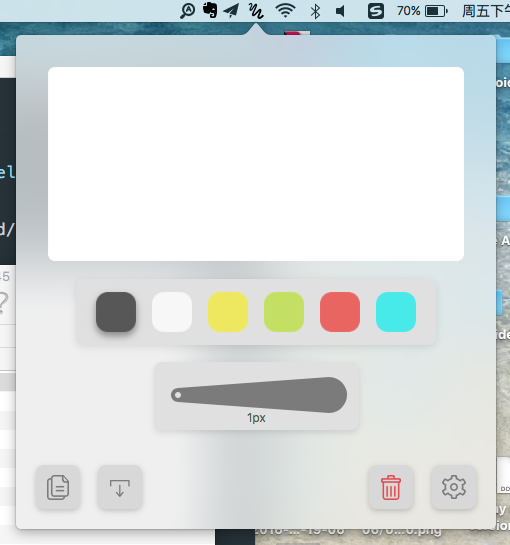
Freehand - macOS Status Bar App for quick sketch.
Languages:
SwiftScreenshots
-
Gimp - Gimp is GNU Image Manipulation Program.
Languages:
C -
Iconology - Edit icons and then export to Xcode, icns, ico, favicon, macOS iconset, or a custom collection.
Languages:
SwiftWebsite: https://apps.apple.com/us/app/iconology/id1463452867
Screenshots
-
ImageAlpha - Mac GUI for pngquant, pngnq and posterizer.
Languages:
Objective-C PythonScreenshots
-
Imagine - Imagine is a desktop app for compression of PNG and JPEG, with a modern and friendly UI.
Languages:
TypeScript -
Inkscape - Inkscape is a Free and open source vector graphics editor.
Languages:
c++Website: https://inkscape.org/
Screenshots
-
InVesalius - 3D medical imaging reconstruction software
Languages:
PythonScreenshots
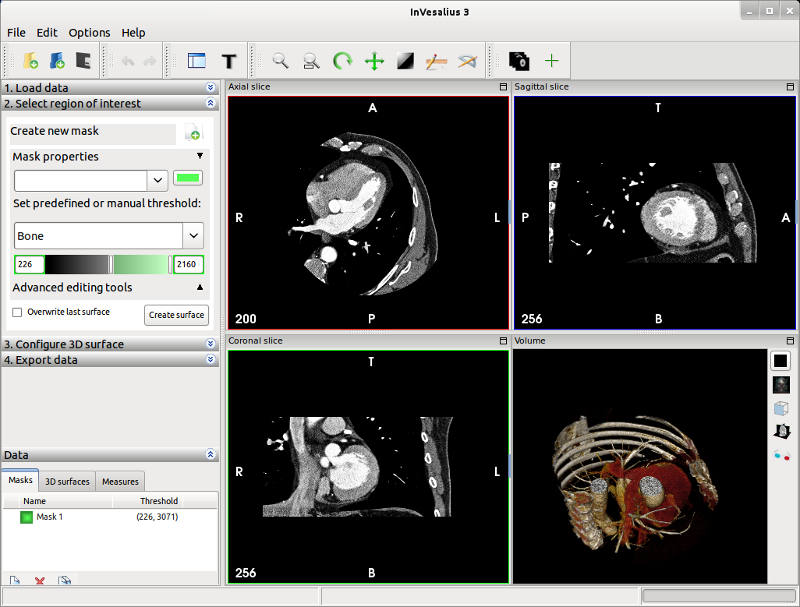
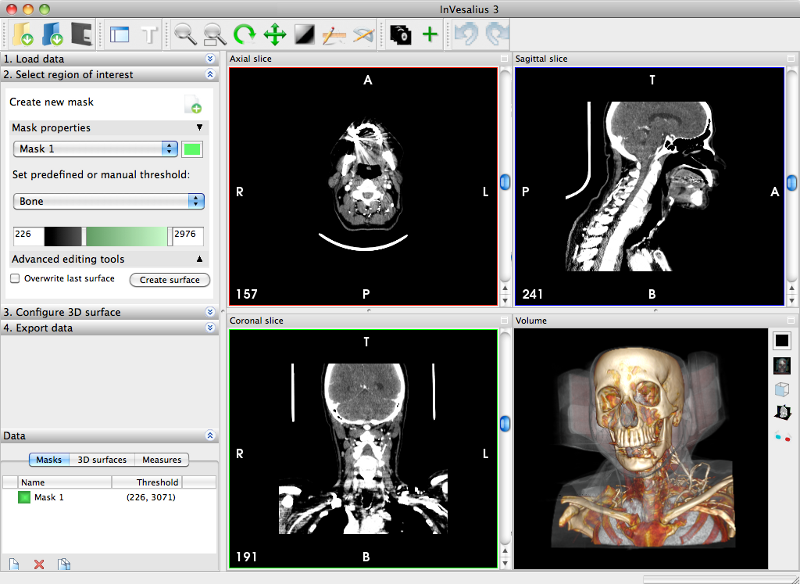
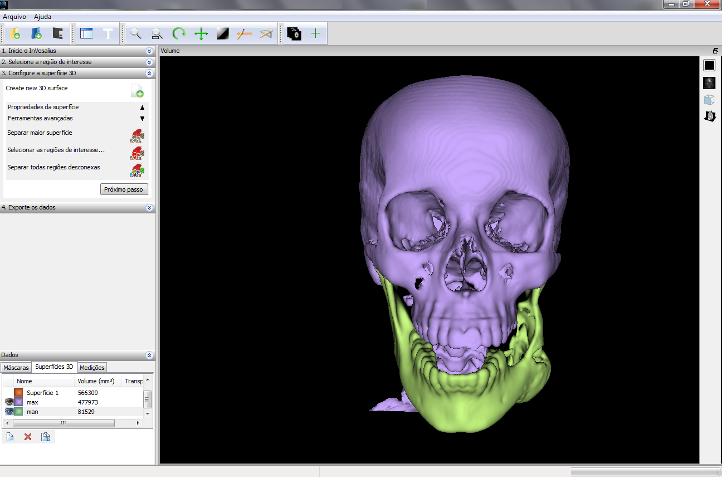
-
Katana - Katana is a simple screenshot utility for macOS that lives in your menubar.
Languages:
JavaScript CSS -
Krita - Krita is a cross-platform application for creating digital art files from scratch like illustrations, concept art, matte painting, textures, comics and animations.
Languages:
C++ Python CWebsite: https://krita.org/en/
Screenshots
-
PhotoMiner - macOS app for finding and lost forgotten photos on your disks.
Languages:
SwiftScreenshots

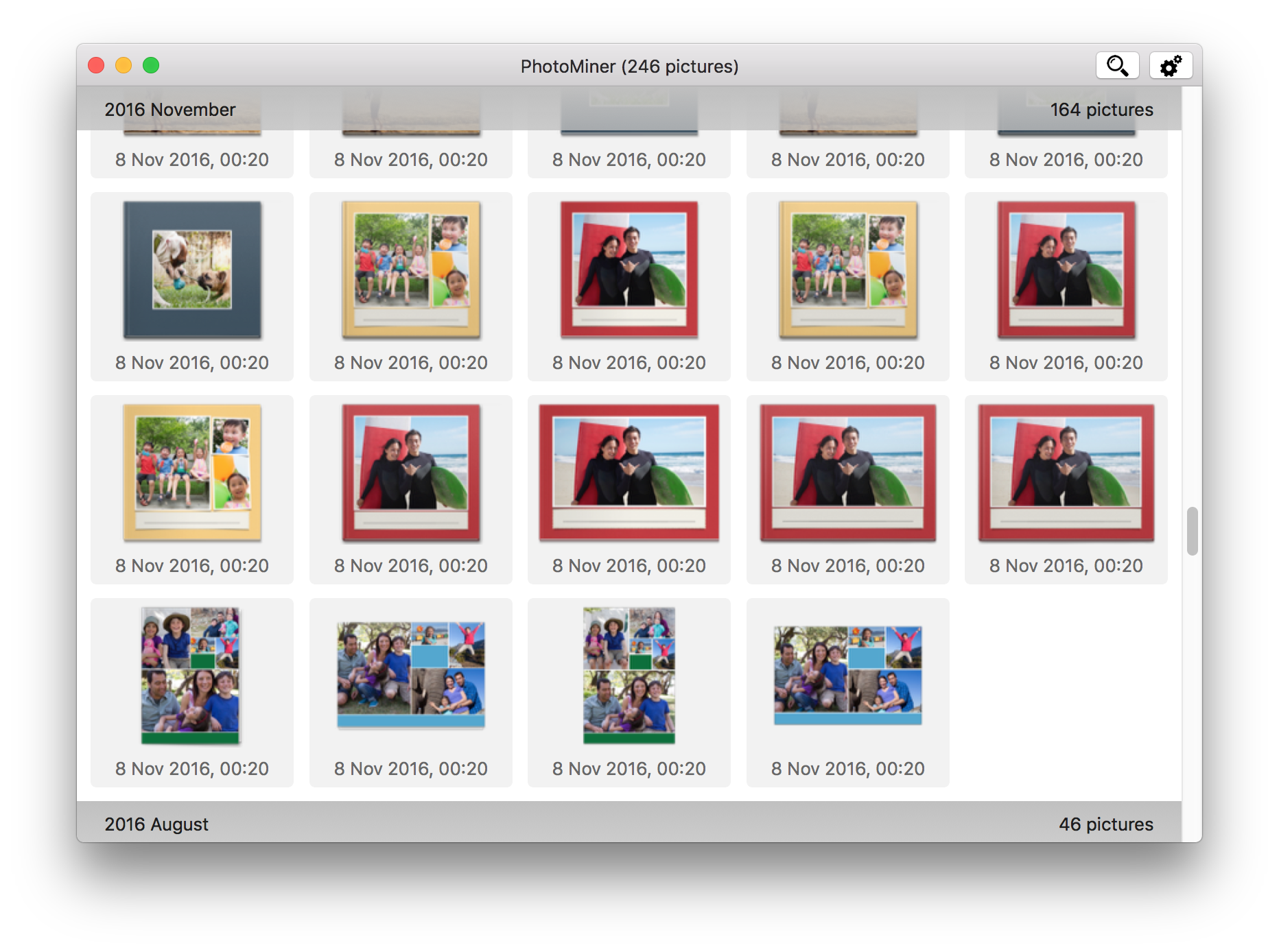
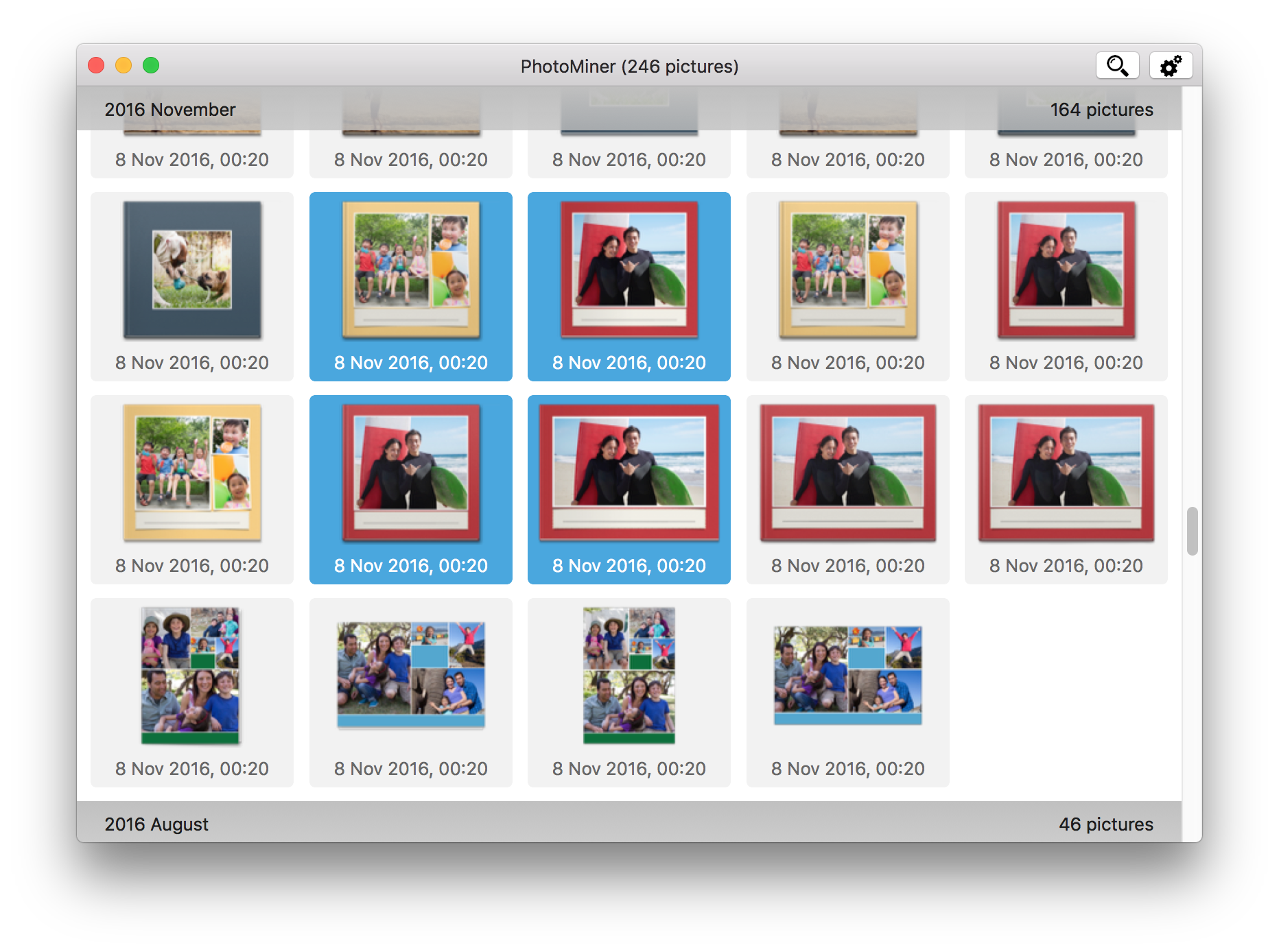
(3 more screenshots available in the repository)
-
Screenbar - macOS menubar app for automating screenshots.
Languages:
SwiftScreenshots
-
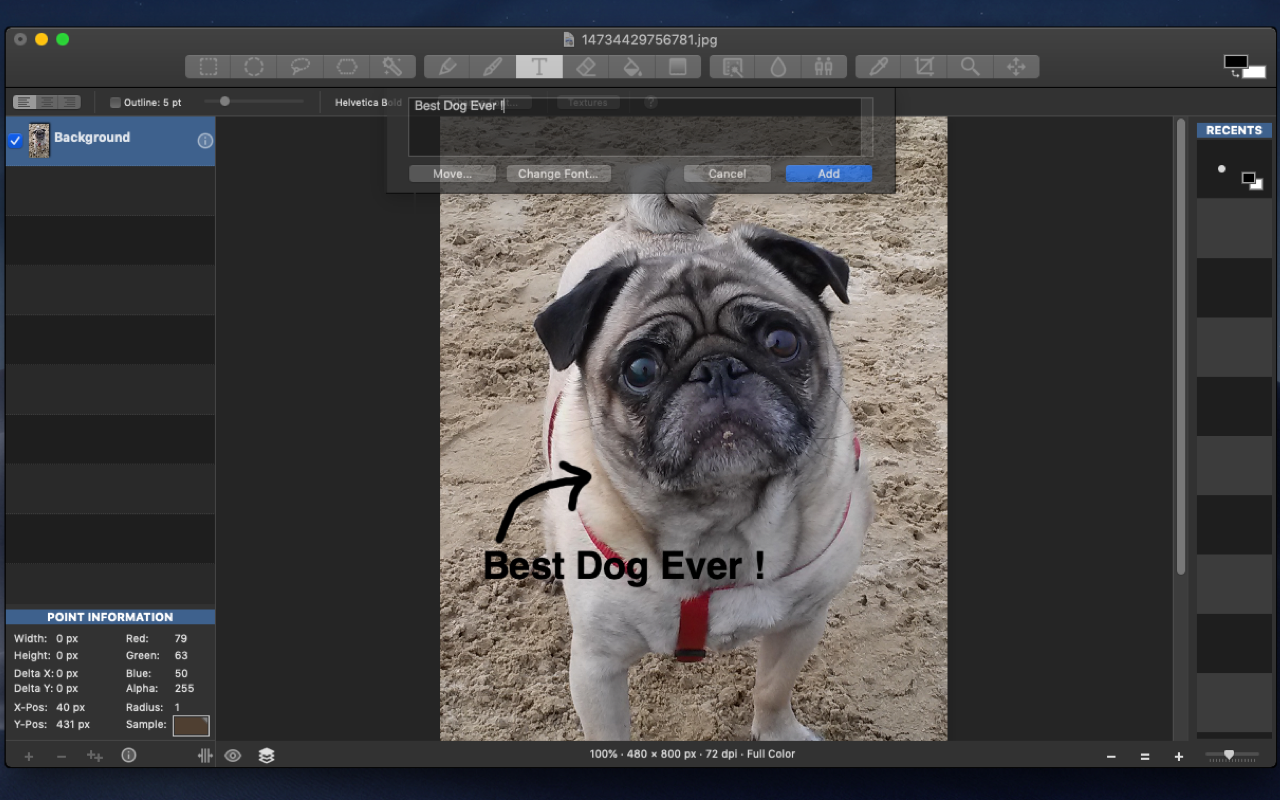
Seashore - Easy to use macOS image editing application for the rest of us.
Languages:
Objective-CScreenshots
-
TetherShot - Capture pixel-perfect iPhone screenshots from the macOS menu bar over USB or Wi-Fi.
Languages:
SwiftWebsite: https://tethershot.apoorvdarshan.com
Screenshots
-
WebPonize - WebPonize is a macOS App for converting PNG, JPEG, animated (or not) GIF images into WebP.
Languages:
Swift C
⌨️ Keyboard (13)
-
AnnePro-mac - macOS application for controlling AnnePro keyboard over bluetooth.
Languages:
Swift -
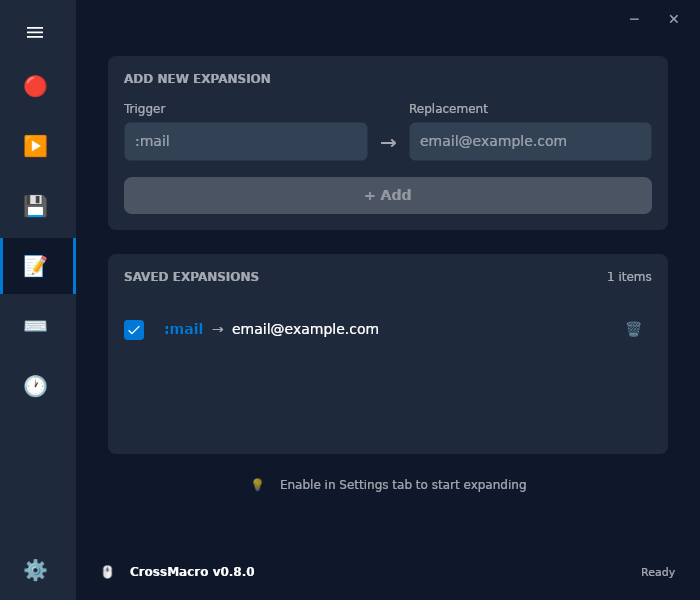
CrossMacro - A cross-platform macro recorder, player, editor, and text expansion tool.
Languages:
C#Website: https://github.com/alper-han/CrossMacro
Screenshots
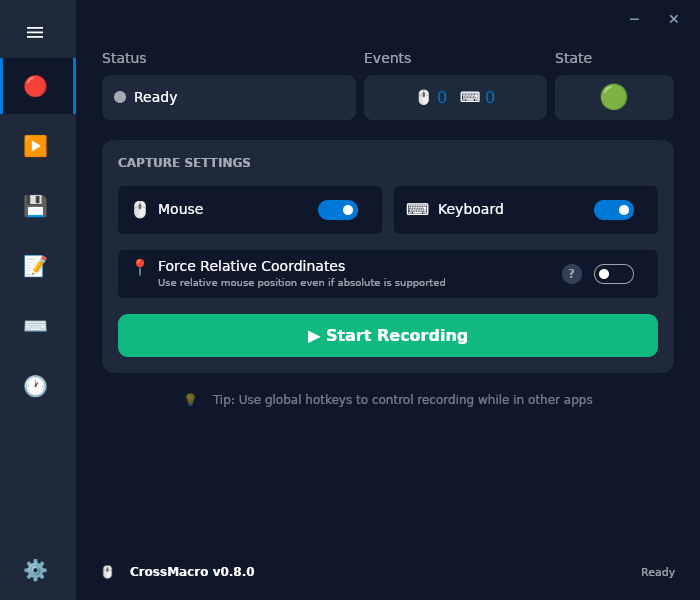
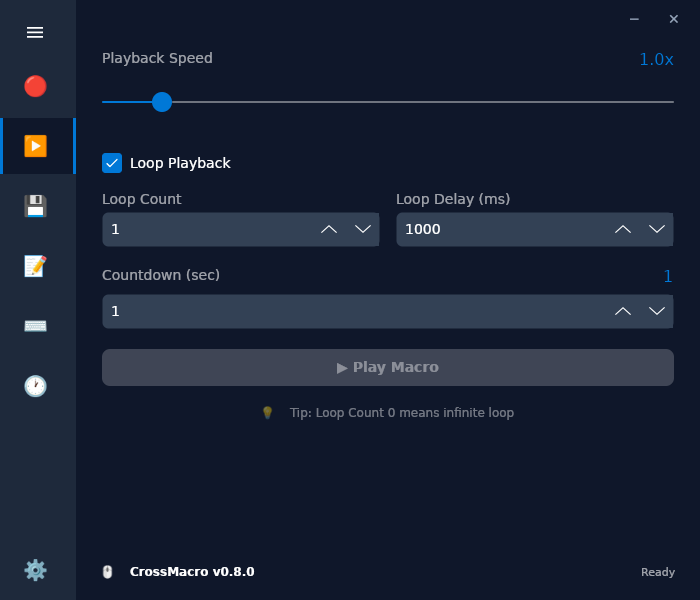
(4 more screenshots available in the repository)
-
Fluor - Handy tool for macOS allowing you to switch Fn keys' mode based on active application.
Languages:
Swift -
GokuRakuJoudo - Karabiner-Elements configuration manager, rescue to bloated karabiner.json
Languages:
 Clojure
 -
Input Source Pro - Input Source Pro is macOS utility designed for multilingual users who frequently switch input sources.
Languages:
SwiftWebsite: https://inputsource.pro
-
Karabiner - Karabiner (KeyRemap4MacBook) is a powerful utility for keyboard customization.
Languages:
C++ Objective-C -
Karabiner-Elements - Karabiner-Elements is a powerful utility for keyboard customization on macOS Sierra (10.12) or later.
Languages:
C++ Objective-C -
Kawa - Better input source switcher for macOS.
Languages:
SwiftScreenshots


-
Keycastr - Keystroke visualizer.
Languages:
Objective-CScreenshots

-
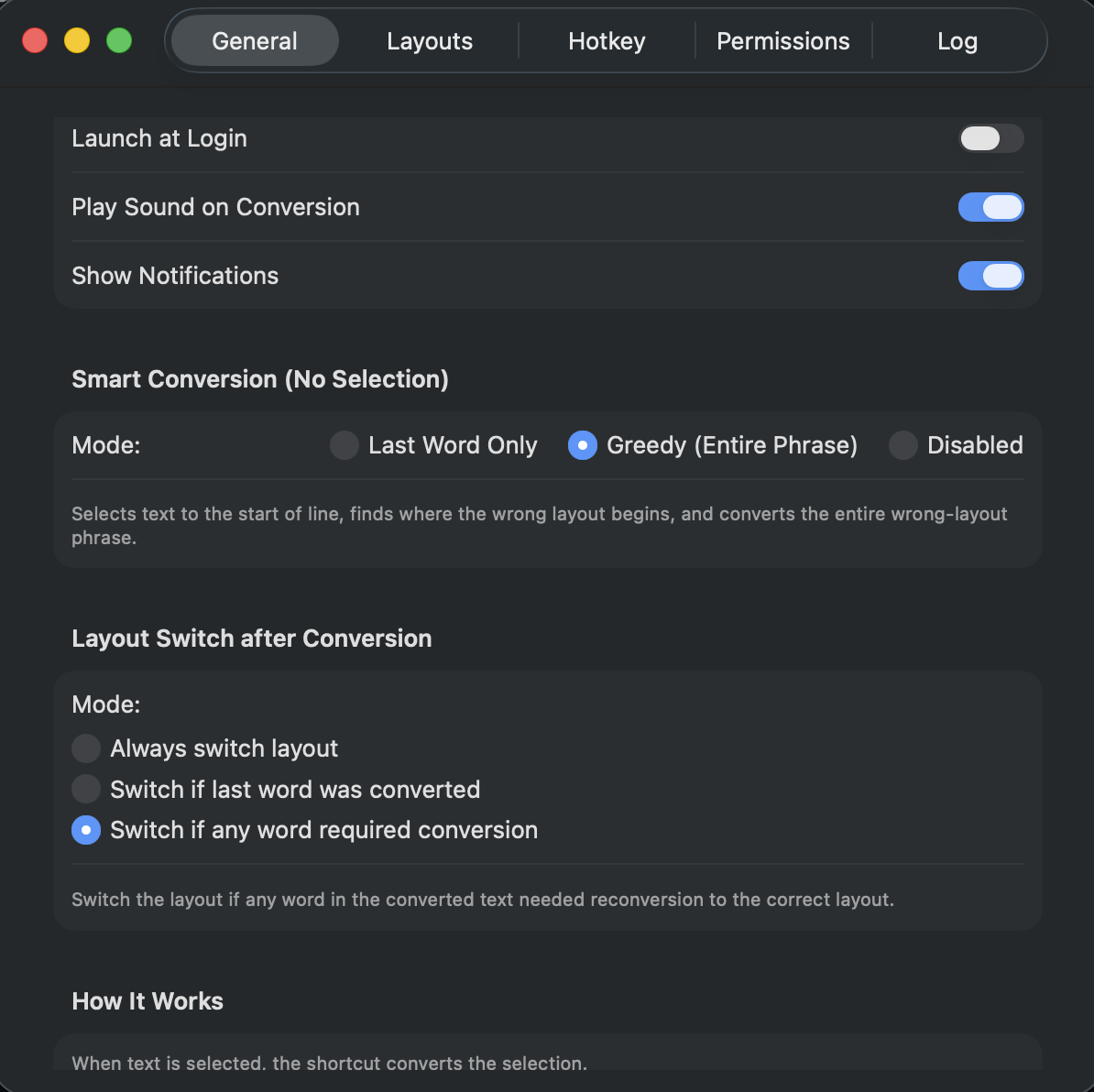
LangSwitcher - Open-source keyboard layout text converter for macOS.
Languages:
SwiftWebsite: https://reg2005.github.io/langSwitcher/
Screenshots
-
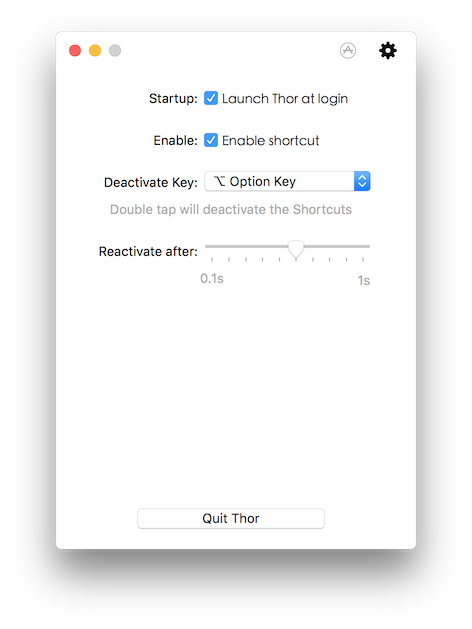
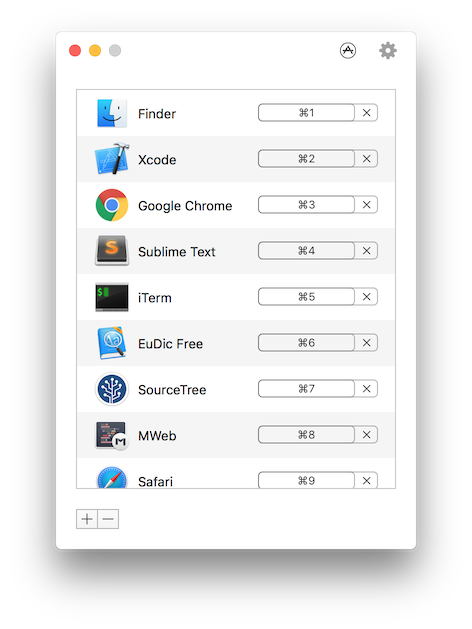
Thor - Switch the right application ASAP.
Languages:
SwiftScreenshots
-
Unshaky - A software attempt to address the "double key press" issue on Apple's butterfly keyboard
Languages:
SwiftWebsite: https://unshaky.nestederror.com/
Screenshots


-
WindowCycle - A focused macOS current-app window switcher with a visible panel.
Languages:
SwiftWebsite: https://github.com/WhiteMinds/window-cycle
Screenshots

📧 Mail (8)
-
apple-mail-mcp - Fast access to Apple Mail from the command line and AI clients (MCP). Sub-millisecond full-text search using Mail's own SQLite index, verified sends, reviewed bulk triage.
Languages:
Python -
Correo - Menubar/taskbar Gmail App for Windows and macOS.
Languages:
JavaScript -
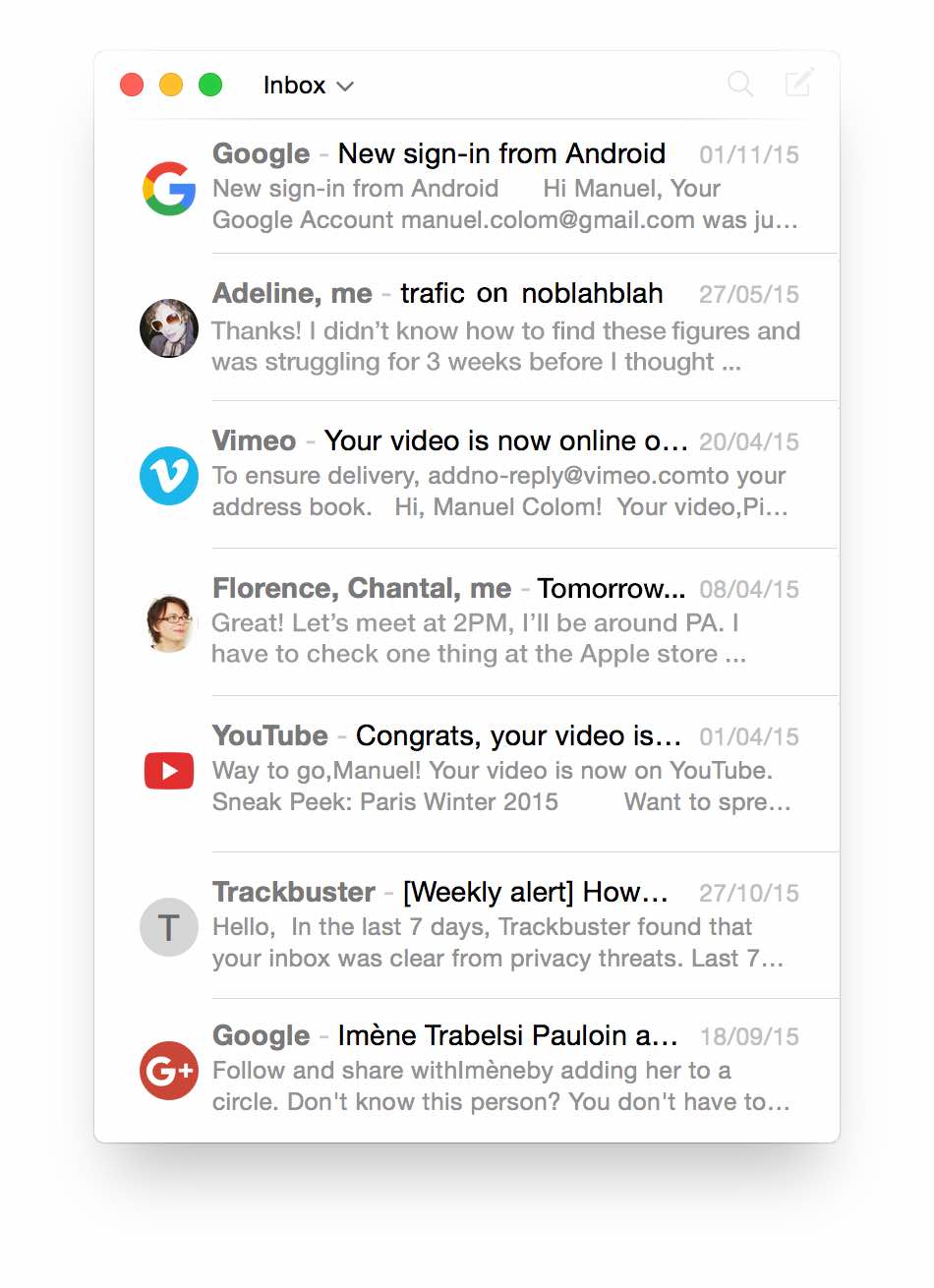
dejalu - Fast and Simple Email Client.
Languages:
C++ Objective-CScreenshots
-
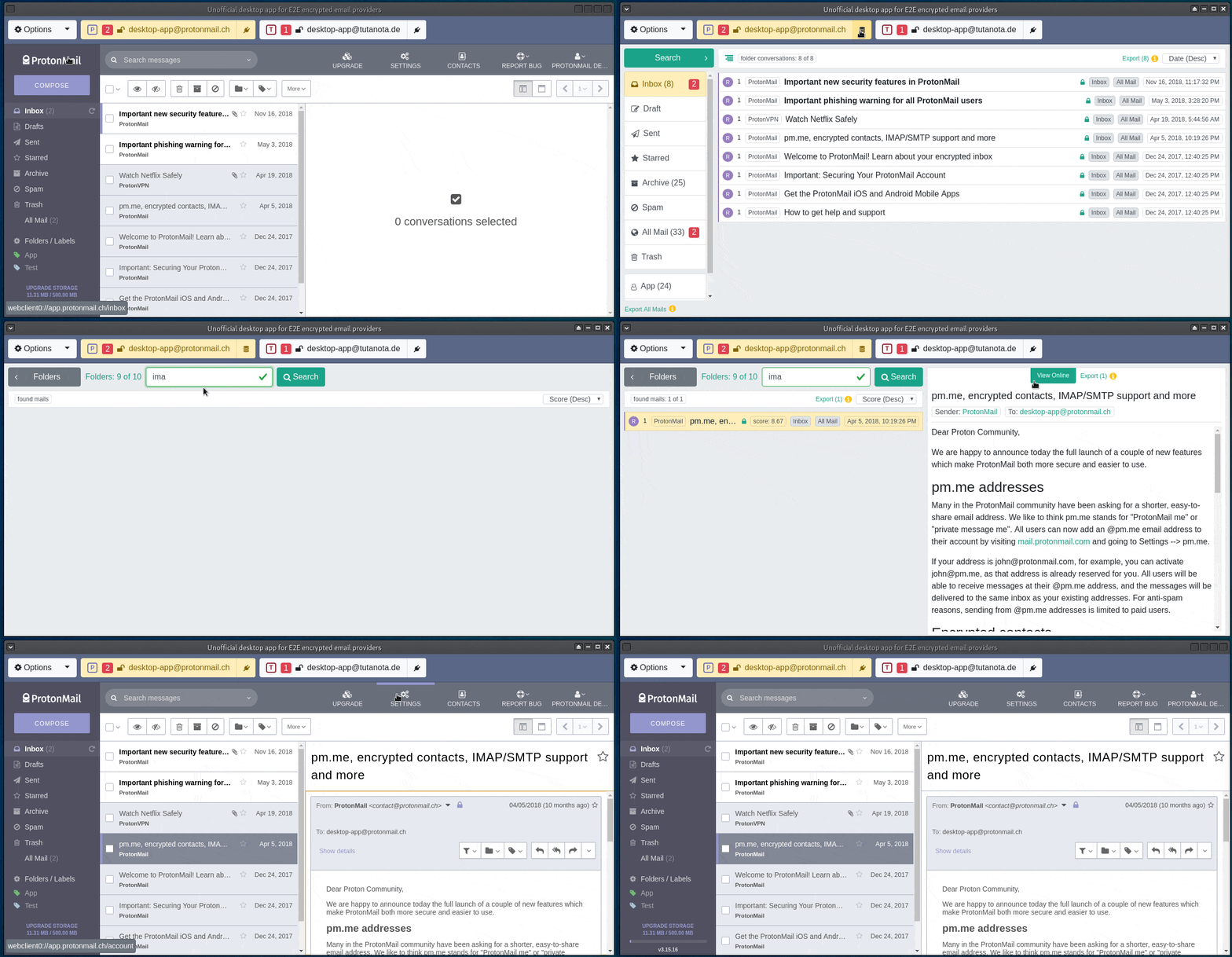
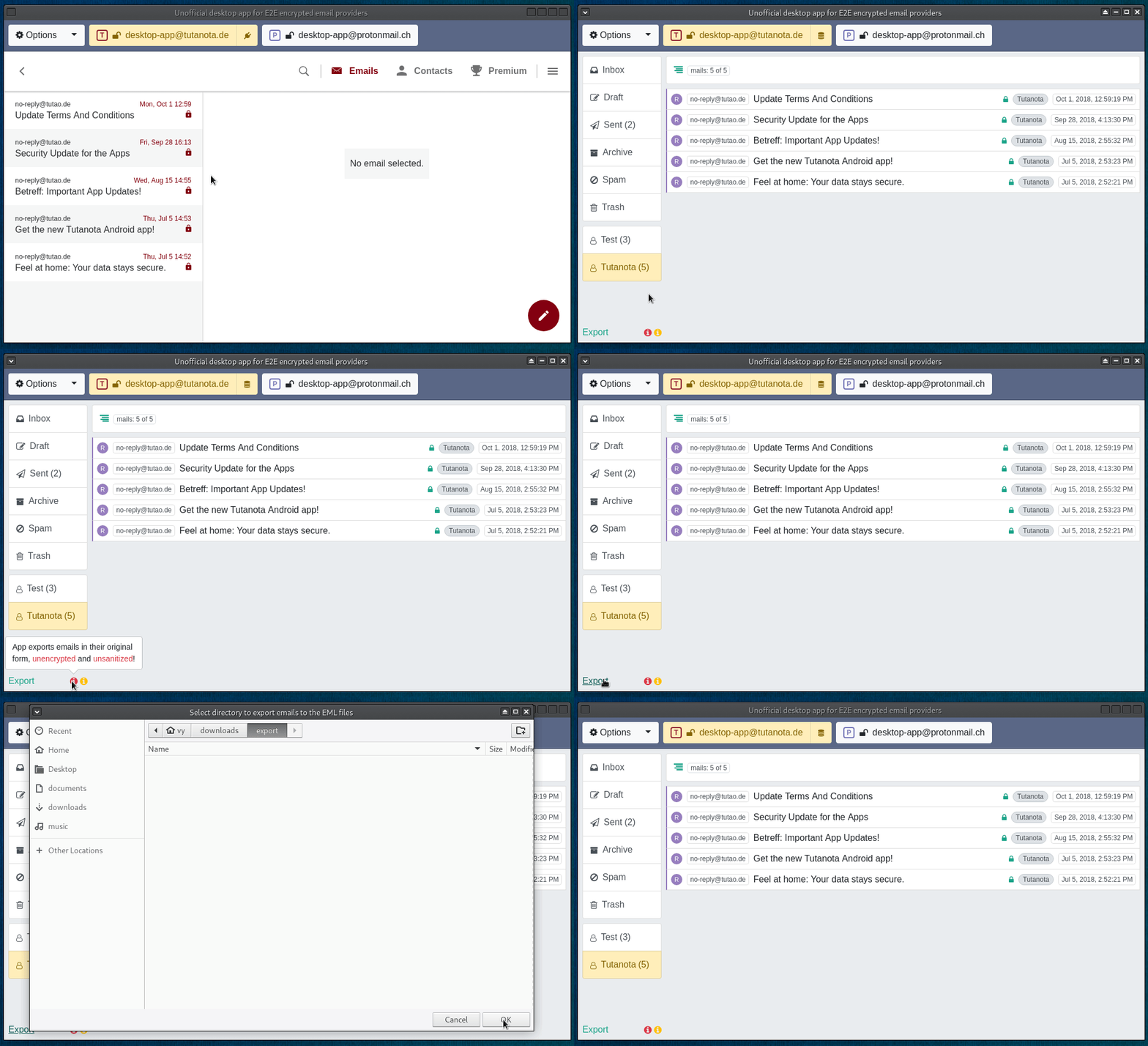
ElectronMail - Unofficial desktop app for ProtonMail and Tutanota end-to-end encrypted email providers.
Languages:
TypeScriptScreenshots
-
Mailspring - 💌 A beautiful, fast and maintained fork of @nylas Mail by one of the original authors
Languages:
JavaScriptWebsite: https://getmailspring.com/
-
Rambox - Cross Platform messaging and emailing app that combines common web applications into one.
Languages:
JavaScript CSS -
SimpleLogin - Email Alias solution: protect your real email address.
Languages:
Swift -
Thunderbird - Backed by Mozilla, Thunderbird is an extensible email, newsfeed, chat, and calendaring client.
Languages:
C++ JavaScript RustWebsite: https://www.thunderbird.net/en-US/
Screenshots
🏥 Medical (1)
-
InVesalius - 3D medical imaging reconstruction software
Languages:
PythonScreenshots
📊 Menubar (128)
-
Abendrot - Free open-source Mac screen warmer that cuts nighttime blue light and warms every display around local sunset.
Languages:
SwiftWebsite: https://abendrot.app
-
Adrafinil - Keeps your Mac awake only while AI agents are working, then lets it sleep normally.
Languages:
SwiftWebsite: https://kagerou.glass/adrafinil/
Screenshots
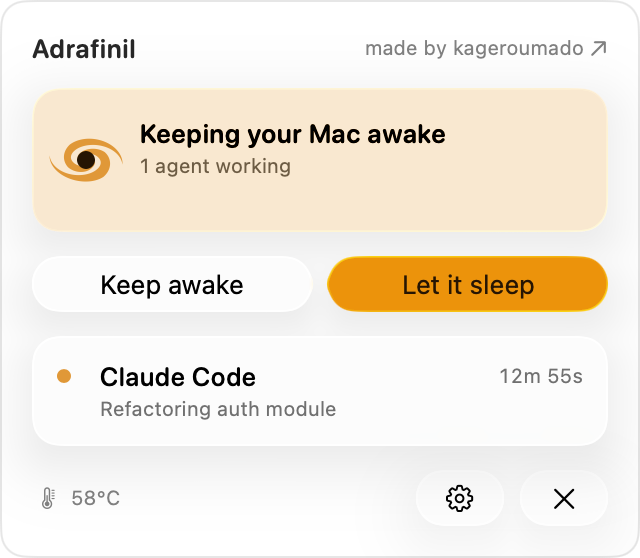
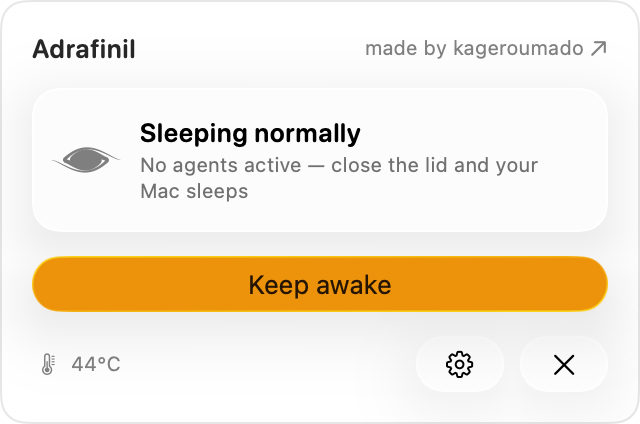
-
AIQuotaBar - See your Claude.ai and ChatGPT usage limits live in your macOS menu bar.
Languages:
PythonWebsite: https://yagcioglutoprak.github.io/AIQuotaBar/
Screenshots
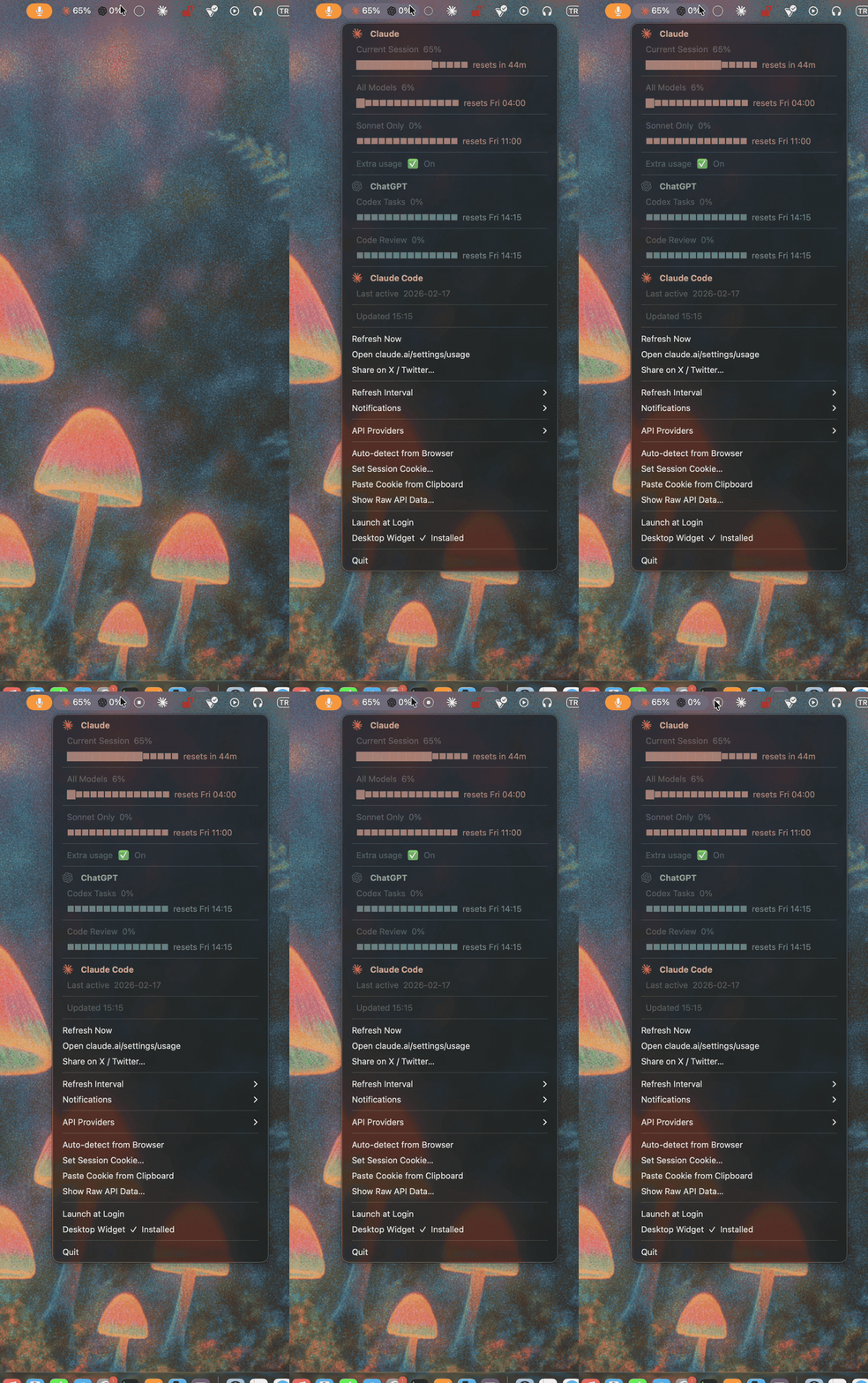
-
Airpass - Status bar Mac application to overcome time constrained WiFi networks.
Languages:
JavaScript -
Akku - The missing macOS bluetooth headset battery indicator app.
Languages:
Swift Python  Ruby
RubyScreenshots
-
AnyBar - macOS menubar status indicator.
Languages:
Objective-C -
app-menu - The missing Applications Menu for macOS.
Languages:
SwiftScreenshots


-
AutoDoc - Private, local-first meeting notes with on-device transcription and AI summaries.
Languages:
TypeScript SwiftWebsite: https://getautodoc.com/
Screenshots
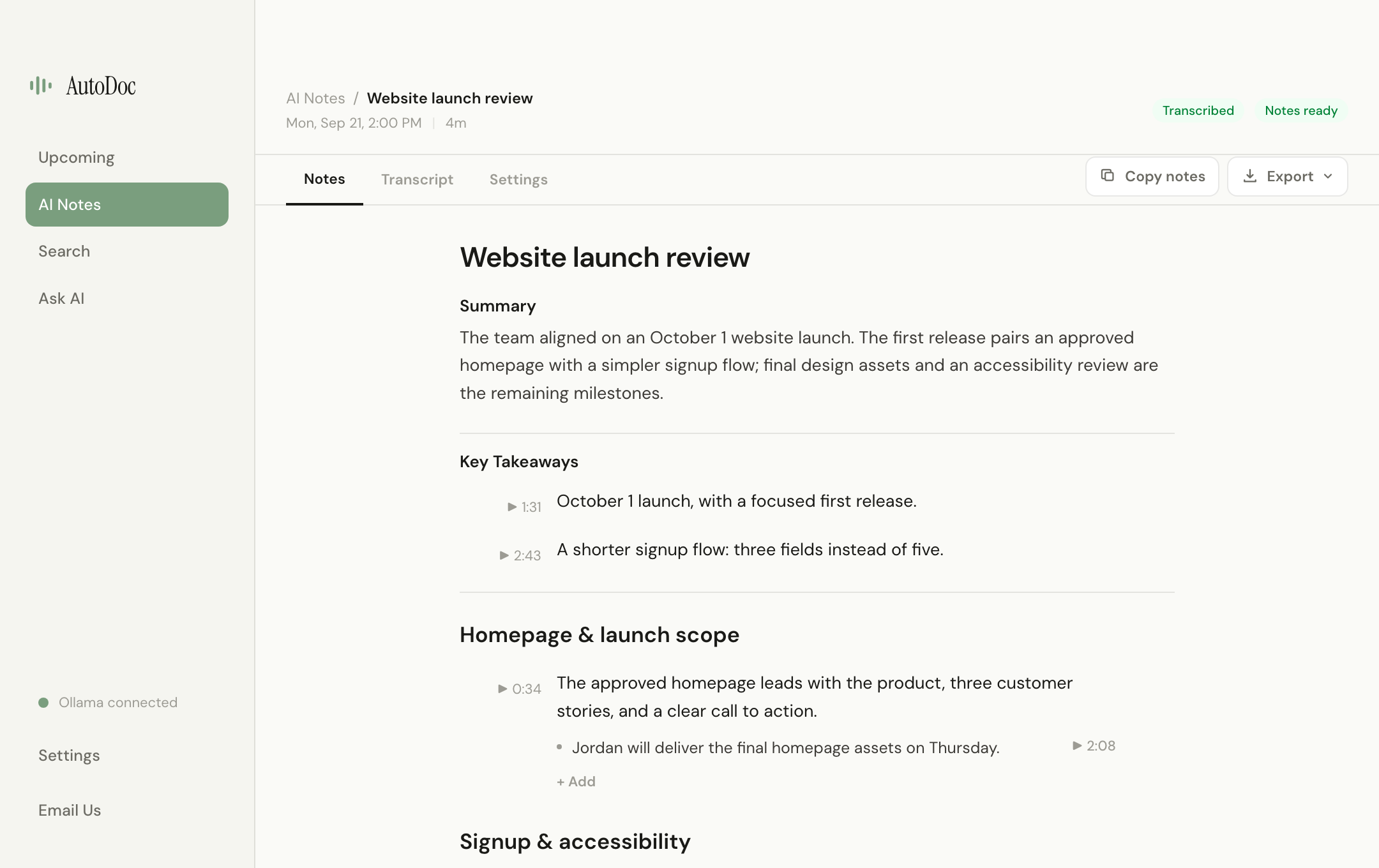
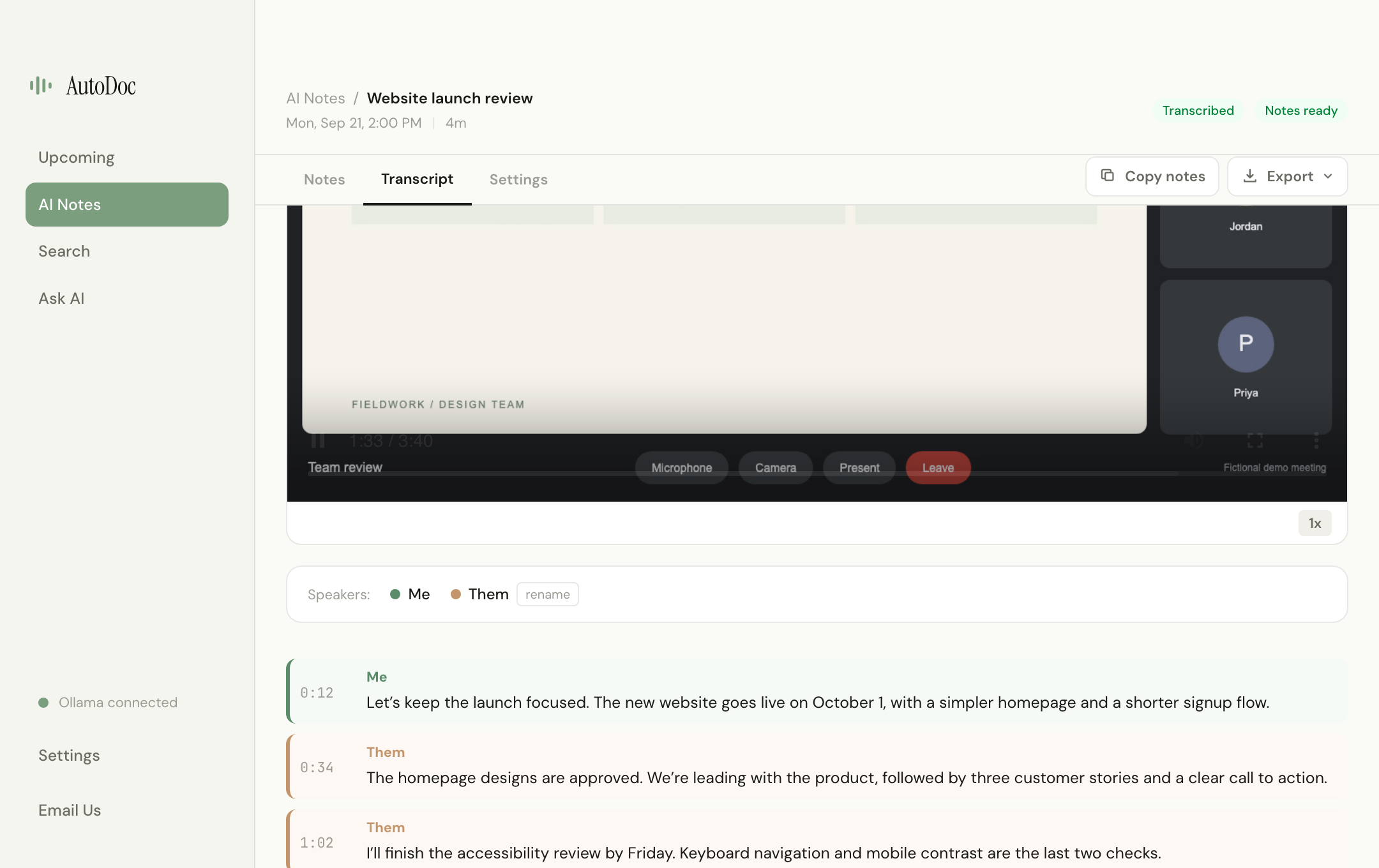
-
BannerHither - Menu bar app that moves macOS notification banners to the display you are looking at: the screen under the mouse pointer, the screen of the active window, or a fixed display.
Languages:
SwiftWebsite: https://github.com/KJeon10/BannerHither
Screenshots
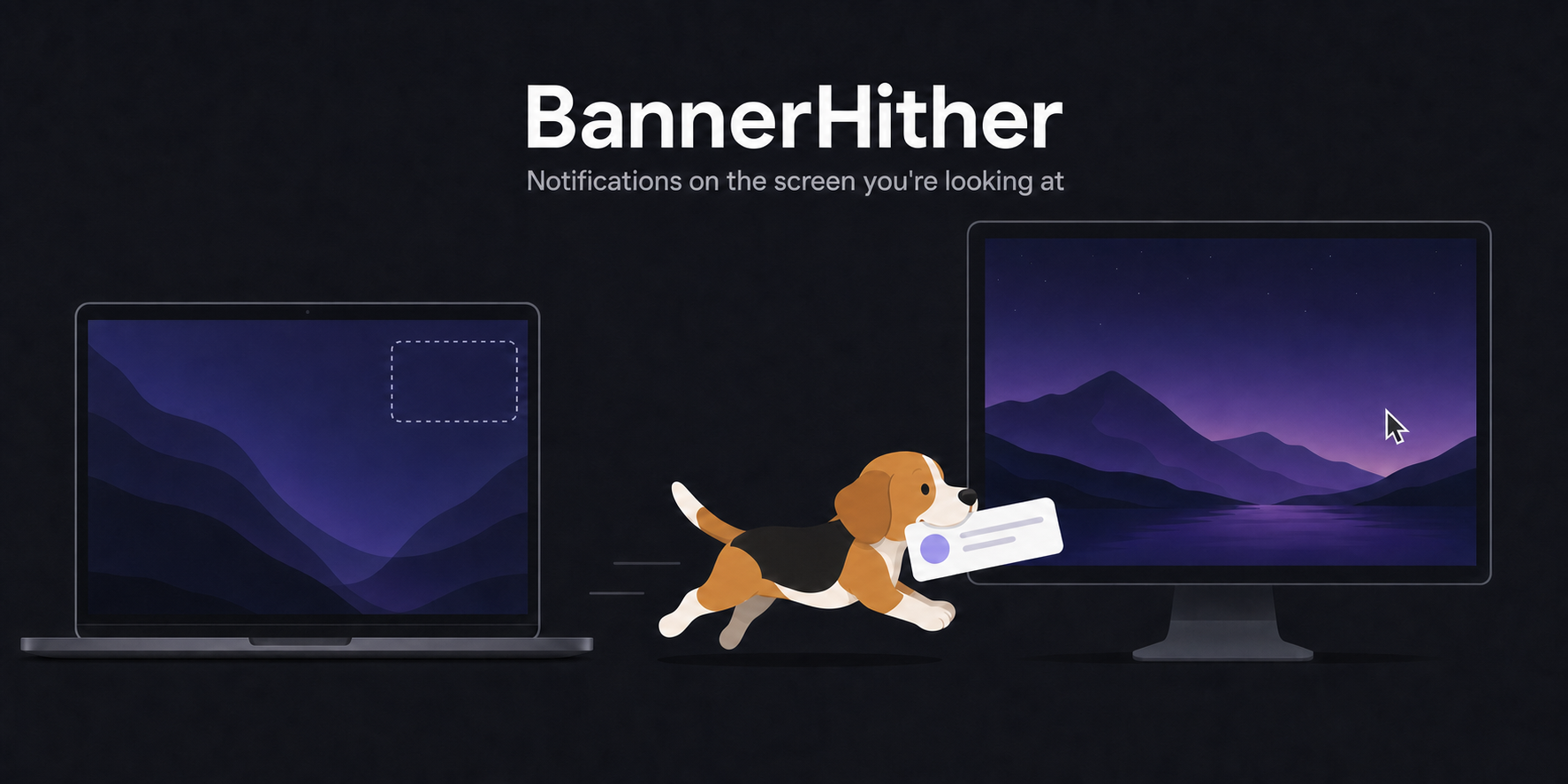
-
baRSS – Menu Bar RSS Reader - RSS & Atom feed reader that lives in the system status bar.
Languages:
Objective-CScreenshots
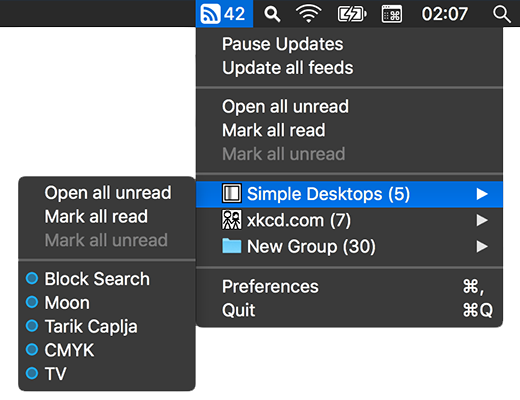
-
BarTranslate - A handy (native) menu bar translator app that supports Google Translate.
Languages:
SwiftWebsite: https://thijmendam.github.io/BarTranslate/
Screenshots


-
Better Resource Monitor - Lightweight macOS menu bar monitor for CPU, memory, storage, GPU, and network usage.
Languages:
Rust TypeScriptWebsite: https://better-resource-monitor.alexpedersen.dev/
Screenshots
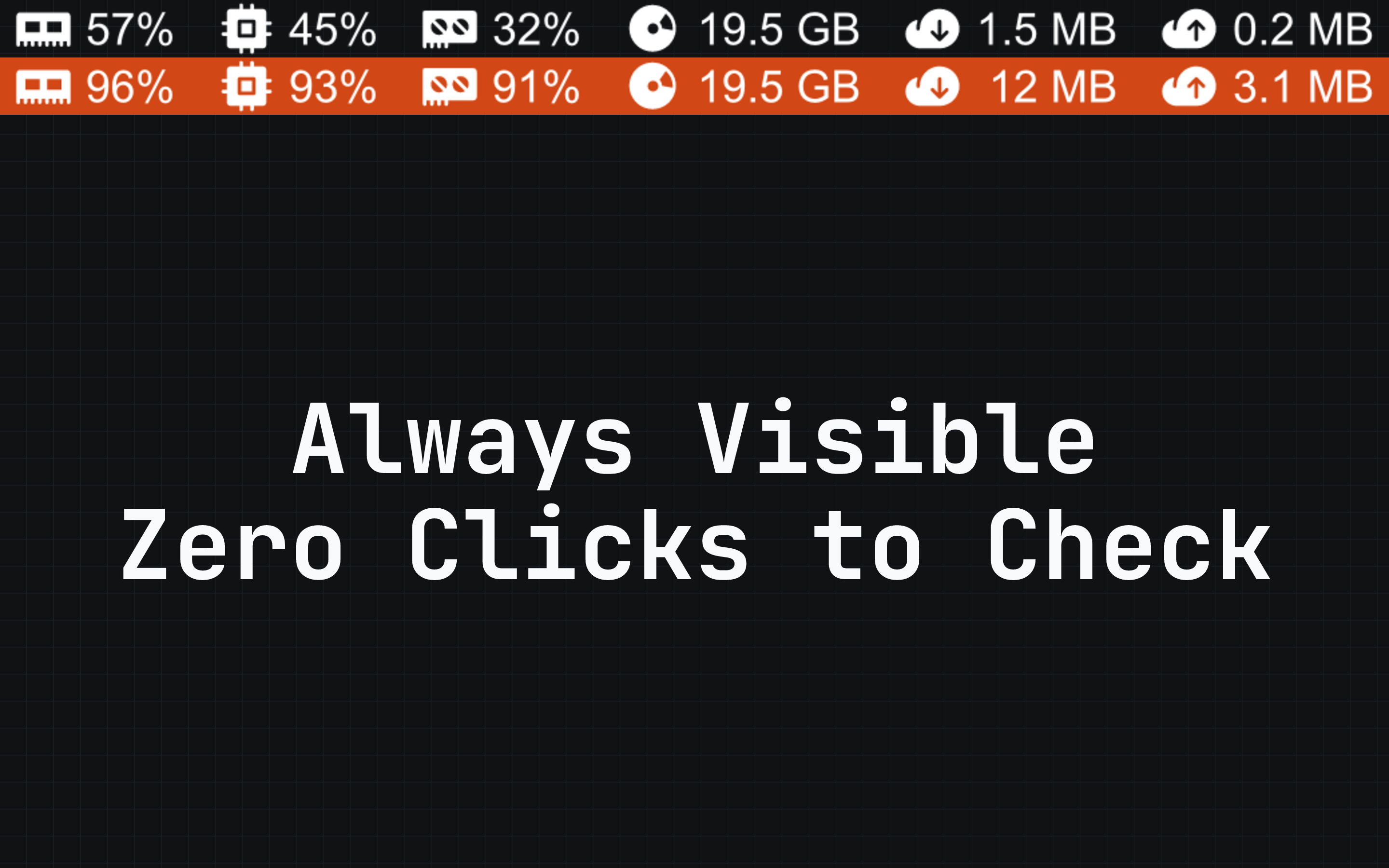
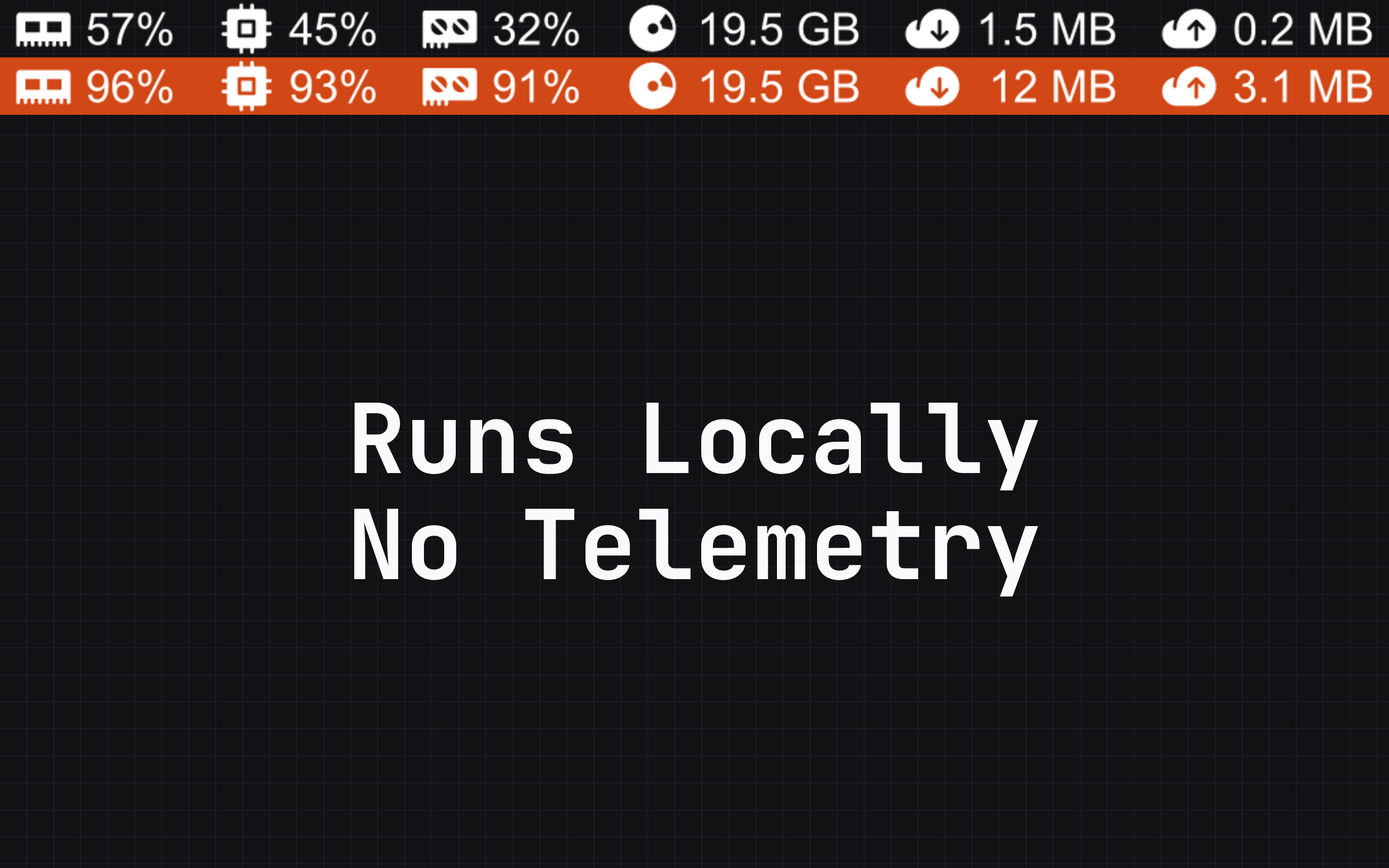
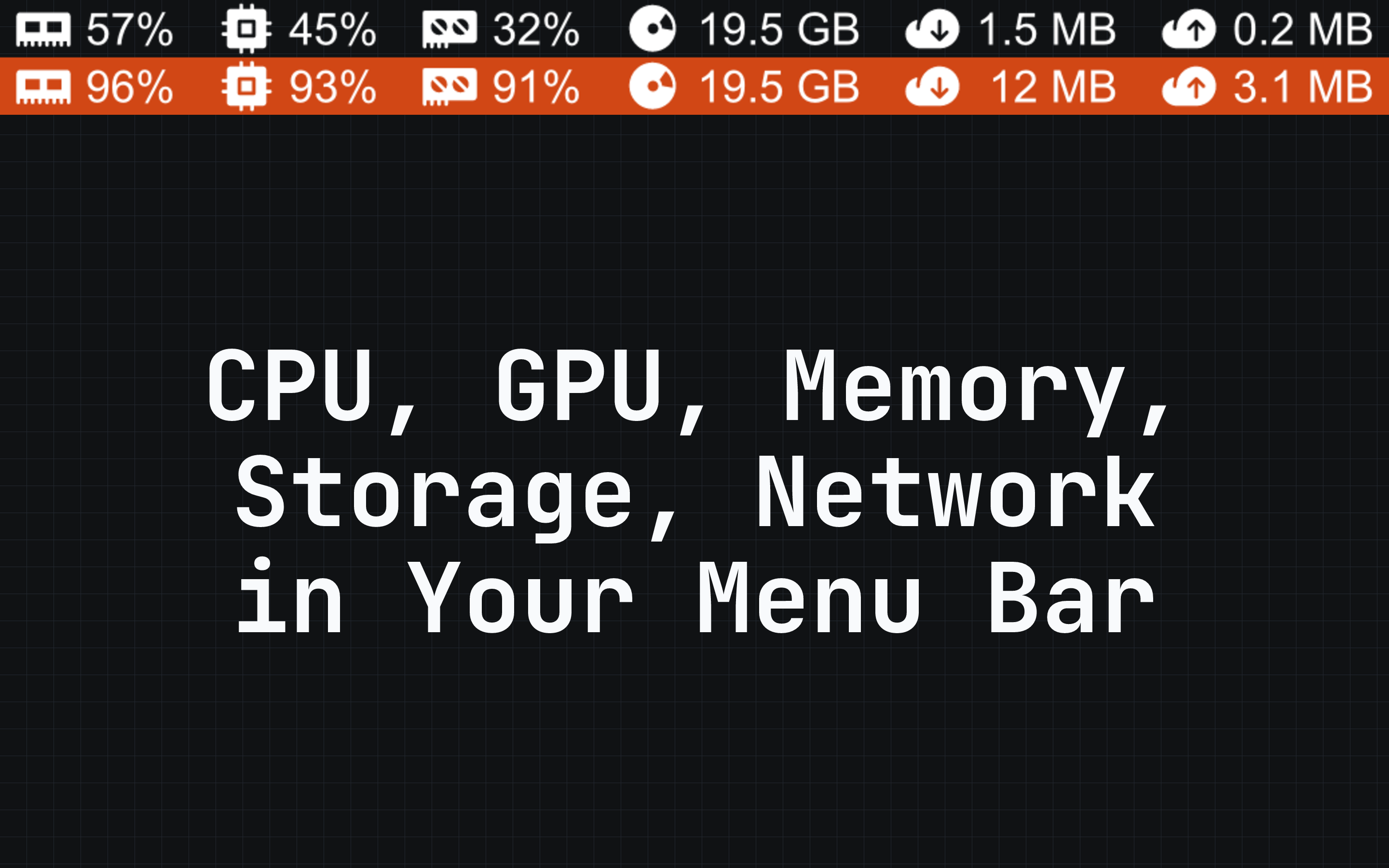
-
Bolo - Voice dictation menubar app using Telnyx STT and LLM APIs.
Languages:
Python -
Browser Cookie Bridge - Transfer signed-in sessions between local Chromium browsers and ChatGPT Codex on macOS.
Languages:
Swift JavaScriptWebsite: https://cookiebridge.apoorvdarshan.com
Screenshots
-
Bye-AppQuit - A minimal native macOS app to quickly view and Bulk kill running processes.
Languages:
SwiftWebsite: https://github.com/designsbymuzeer/Bye-Mac-App
Screenshots

-
Candela - Protects your displays from OLED burn-in and wear: panel health history, a checkup for defects, and the everyday brightness, volume, and scaling controls macOS leaves out.
Languages:
SwiftWebsite: https://candela.fyi
Screenshots
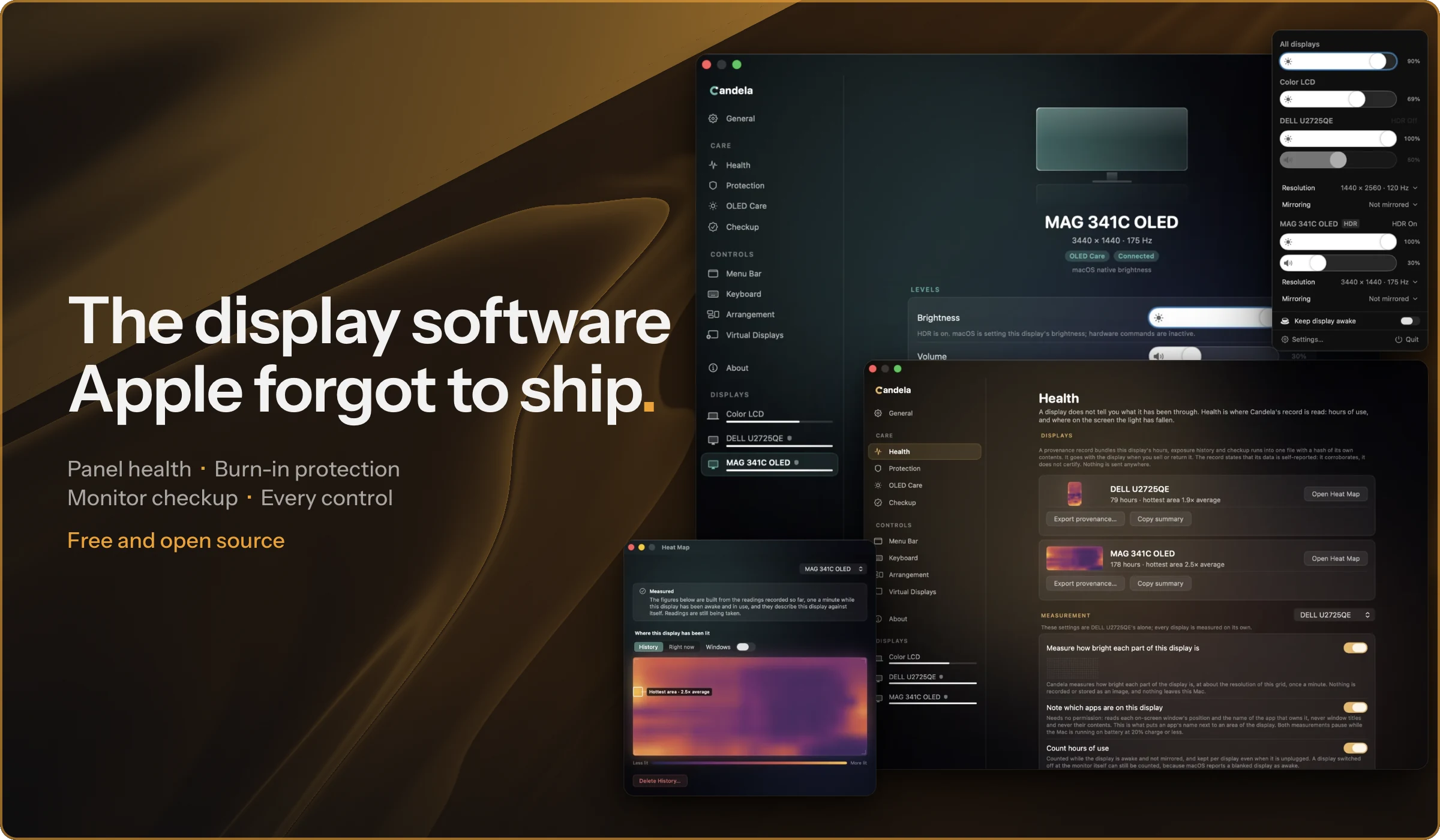
-
Claude Statistics - Native macOS menu bar app for monitoring Claude Code session usage, token costs, and Anthropic subscription limits in real time.
Languages:
SwiftWebsite: https://claudestatistics.vercel.app/
-
Claude Usage - Menu bar app that shows your Claude Code usage — current session, weekly, Sonnet, and credits.
Languages:
SwiftWebsite: https://github.com/Bread-bang/claude-usage
Screenshots
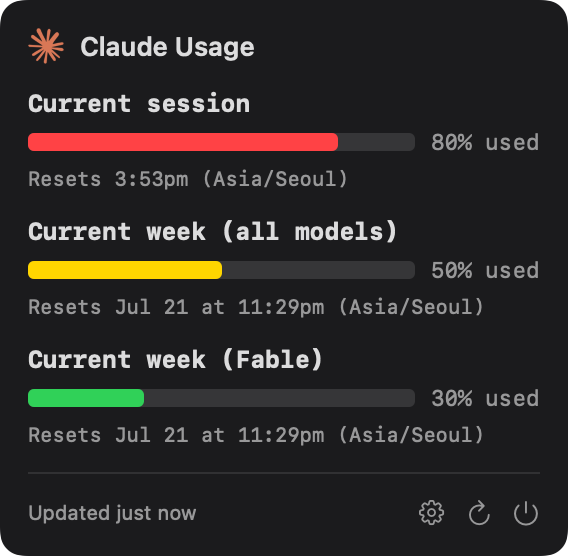
-
Claude Usage Monitor - Native macOS menu bar app that tracks Claude.ai usage with colour-coded icons and reset timers.
Languages:
SwiftWebsite: https://github.com/theDanButuc/Claude-Usage-Monitor
-
ClaudeUsageBar - See your Claude.ai and ChatGPT usage limits live in your macOS menu bar.
Languages:
PythonWebsite: https://yagcioglutoprak.github.io/AIQuotaBar/
Screenshots
-
Claudoscope - Menu bar app for Claude Code session analytics with real-time secret detection, config health linting, and token/cost tracking.
Languages:
SwiftWebsite: https://claudoscope.com/
Screenshots
-
ClearDisk - Visualize and clean developer caches to reclaim disk space on macOS.
Languages:
SwiftWebsite: https://bysiber.github.io/cleardisk
Screenshots
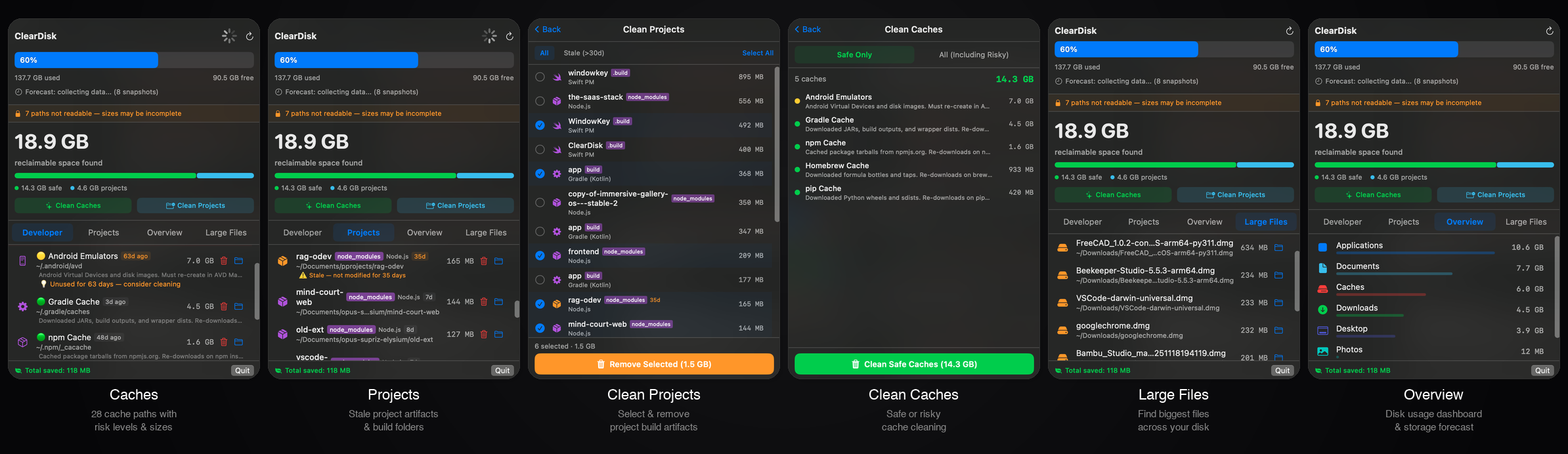
-
Clipbara - Paste-like clipboard manager with pinboards, Quick Look previews, search, and one-click copying.
Languages:
SwiftWebsite: https://github.com/mobrava/Clipbara
Screenshots
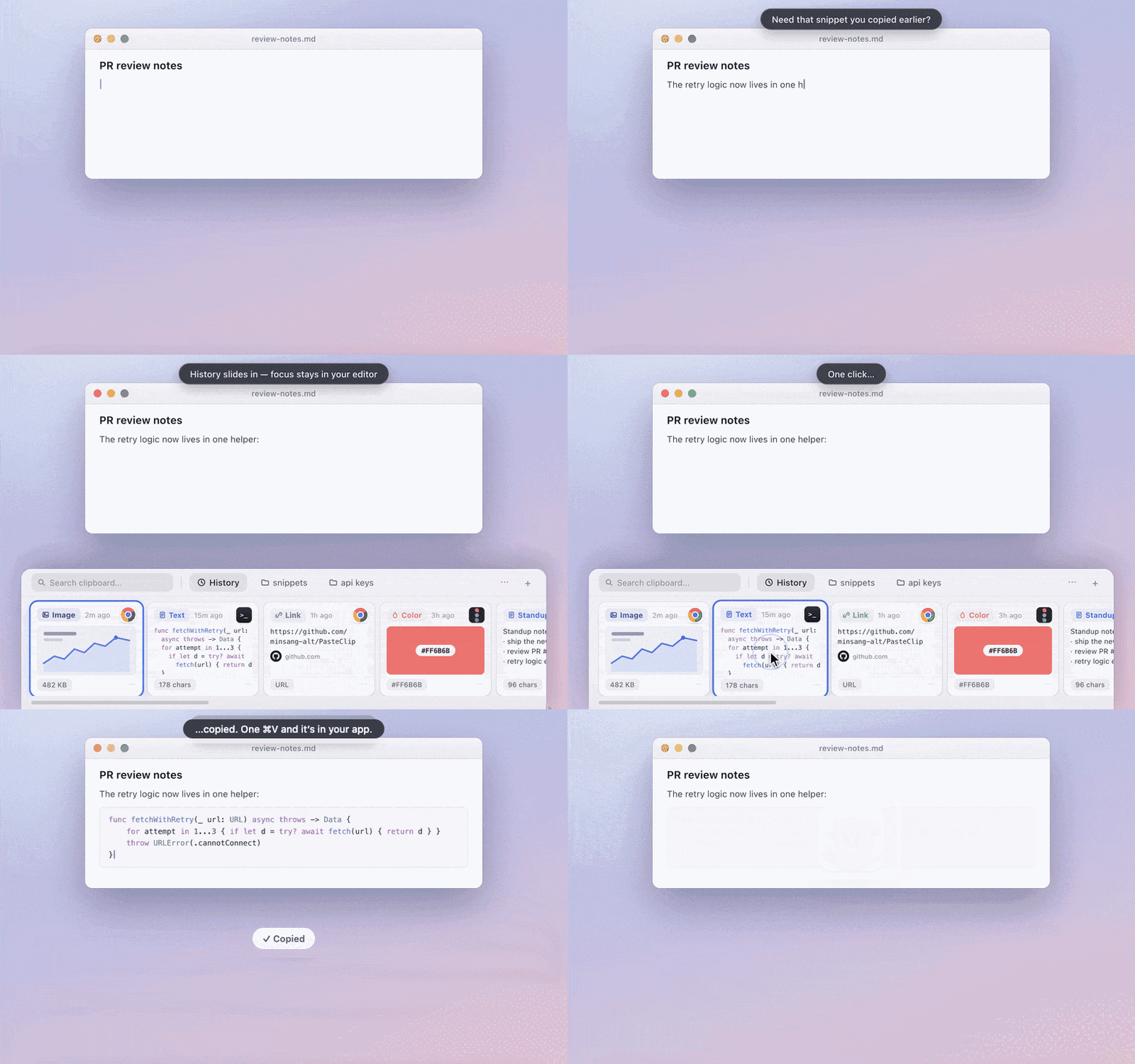
-
Clipboard Router - Native macOS clipboard manager with searchable history, text transforms, paste queues, reviewed actions, and an encrypted Vault.
Languages:
SwiftWebsite: https://ibrolord.github.io/clipboard-router-releases/
Screenshots
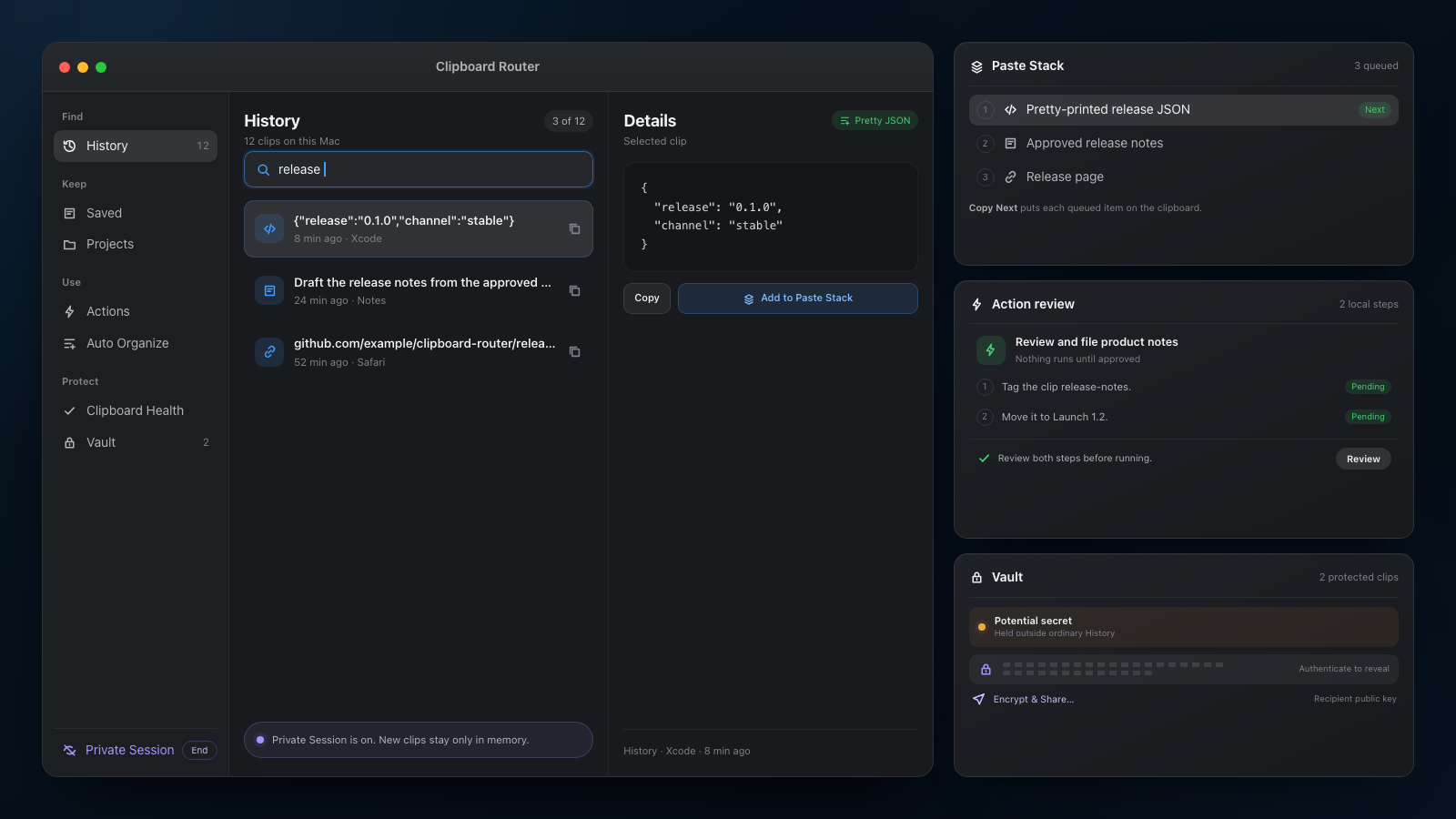
-
ClipFlow - Clipboard history manager for macOS with terminal-style navigation, image previews, and cursor-following popup.
Languages:
SwiftWebsite: https://github.com/praneeth552/clipflow
Screenshots
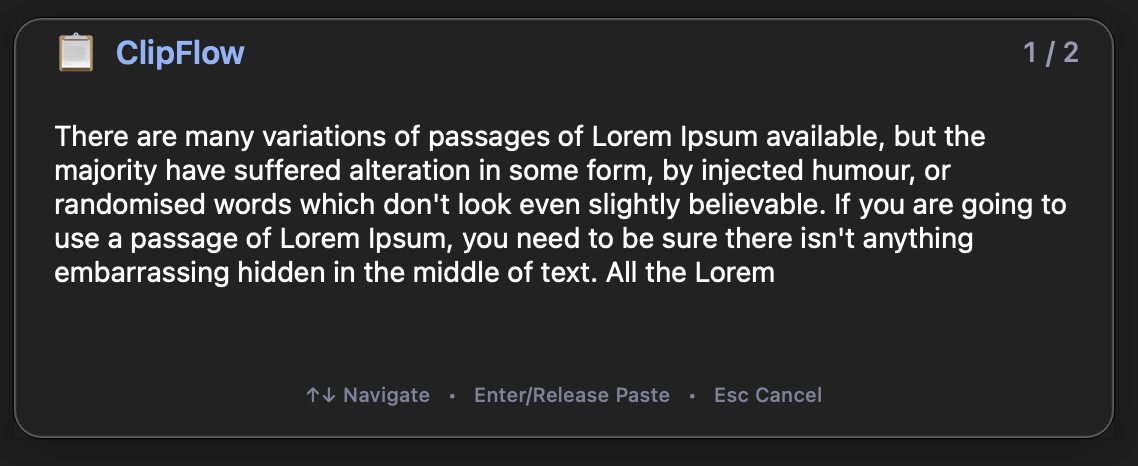
-
CloudyTabs - Simple menu bar macOS application for displaying lists of your iCloud Tabs and Reading List.
Languages:
Objective-CScreenshots
-
Cluxo - Menu bar app that highlights your mouse cursor for screencasts, presentations, and pair programming.
Languages:
SwiftWebsite: https://github.com/kykim79/Cluxo
Screenshots
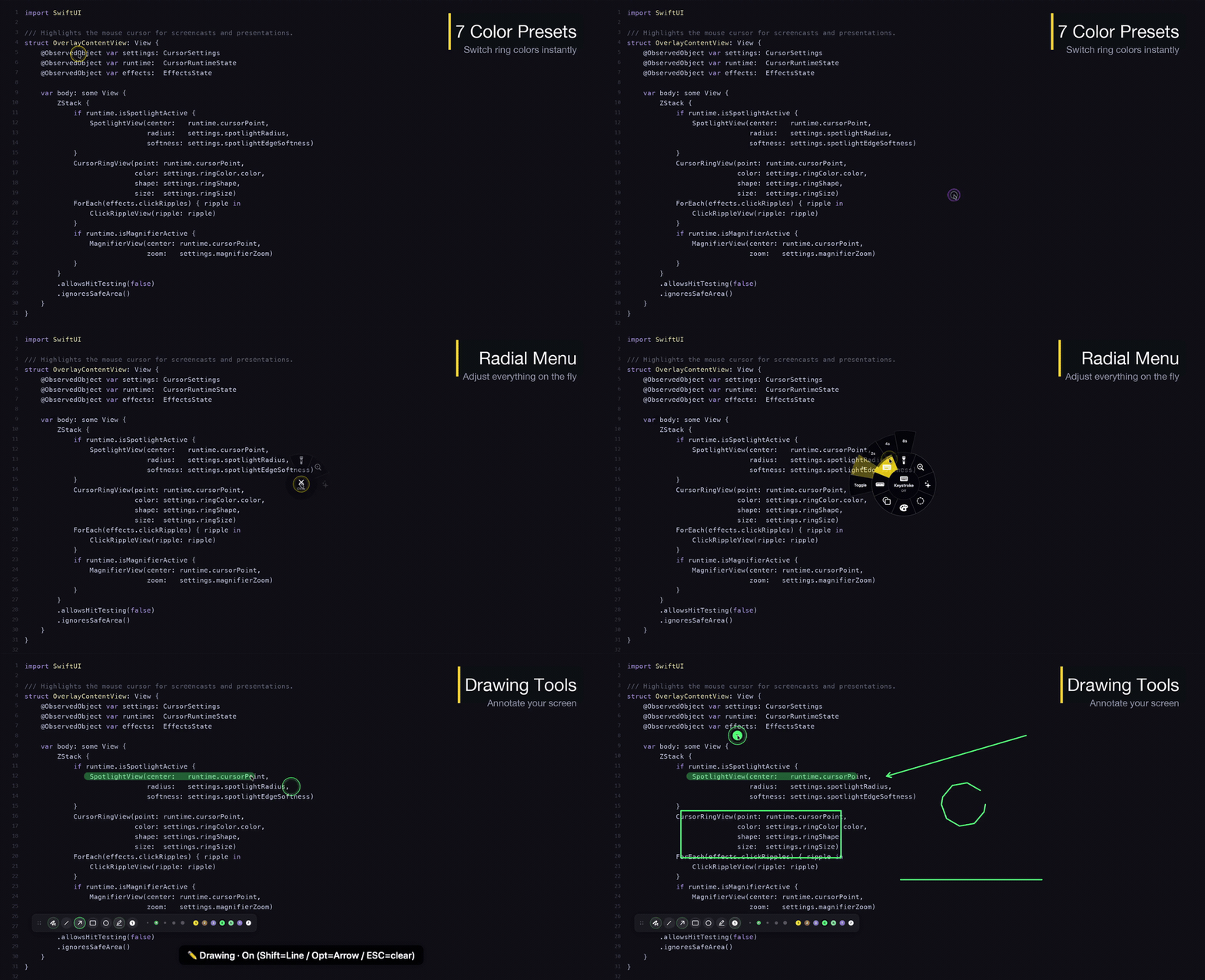
-
Codex Account Switcher - Native macOS menu bar app for switching multiple Codex Desktop and CLI accounts and monitoring weekly usage.
Languages:
SwiftWebsite: https://liuzhao1225.github.io/codex-account-switcher/
Screenshots
-
Conduck - Native voice and text client for your self-hosted or BYO-key AI, with a menu bar companion, global hotkey and Screenshot & Ask. Same conversation on iPhone, iPad, Apple Watch and CarPlay.
Languages:
SwiftWebsite: https://conduck.com/
-
Core-Monitor - Open-source macOS system monitor with menu bar stats, a full dashboard, optional fan control, and Touch Bar widgets.
Languages:
Swift -
Crisp - Menu bar app for external displays: HiDPI scaling, DDC brightness and volume, presets and virtual displays.
Languages:
SwiftWebsite: https://crispmac.app/
Screenshots
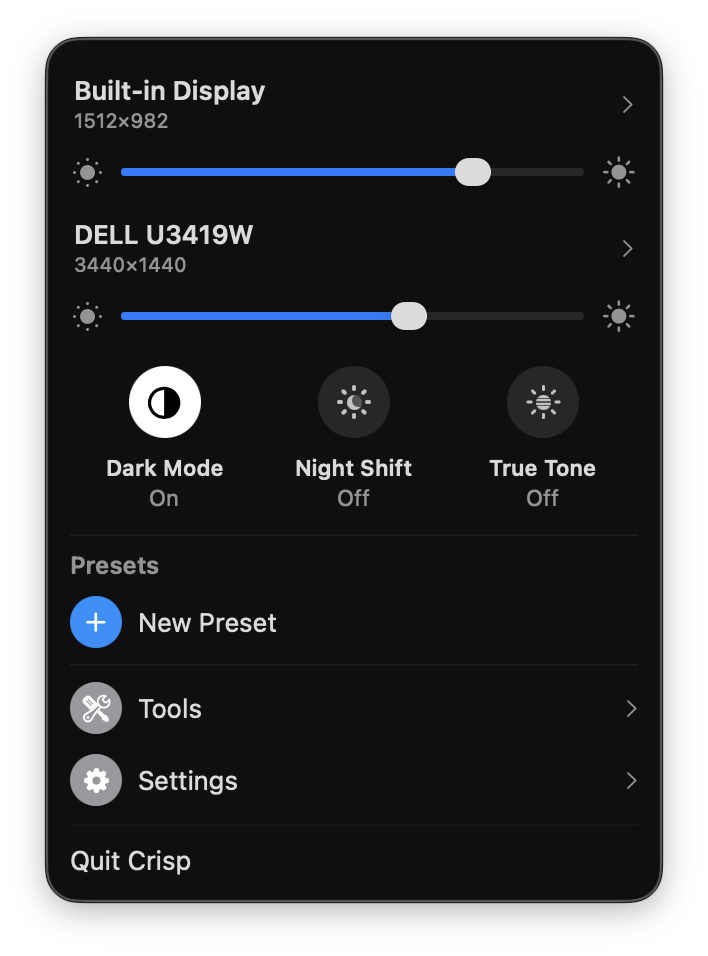
-
Dantrolene - Stops the screen from locking while on your home WiFi; locks normally on every other network.
Languages:
SwiftWebsite: https://kagerou.glass/dantrolene/
Screenshots
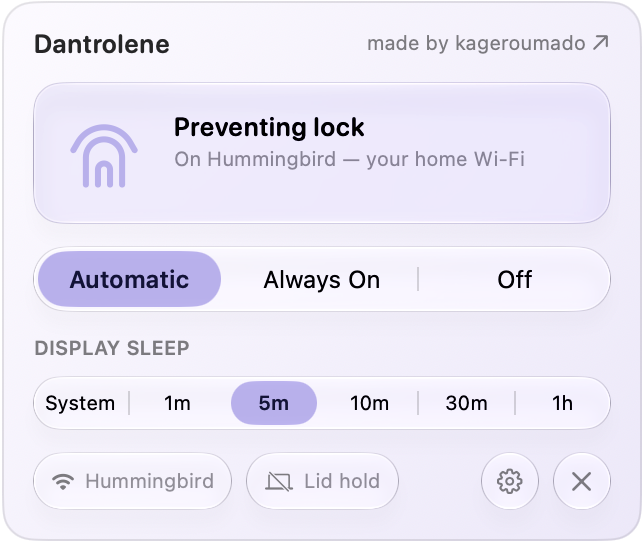
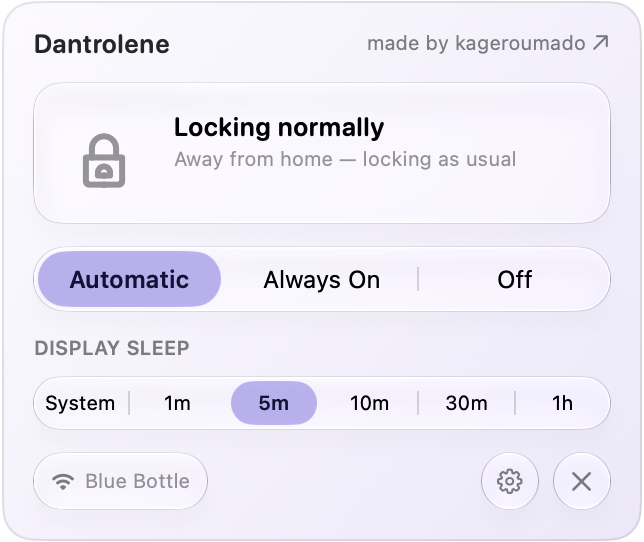
-
DatWeatherDoe - Simple menu bar weather app for macOS written in Swift.
Languages:
Swift -
Deckle - Subtle paper-grain texture overlay for the whole screen. Click-through menu bar app with 18 textures, global hotkey, and per-display control.
Languages:
SwiftWebsite: https://kelvanic.com/products/deckle/
Screenshots
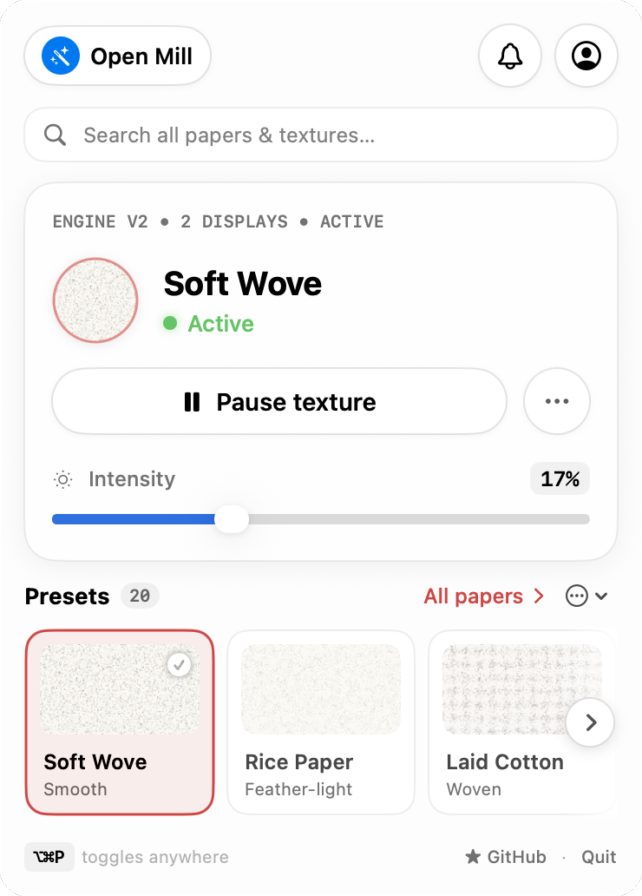
-
Devie AI Quota Tracker - Dashboard and macOS menu bar for tracking AI subscription quotas in one place (Claude Code, Codex, Gemini CLI, GitHub Copilot, and Cursor). Supports multi-accounts, notifications, and session-timer start optimization.
Languages:
Rust TypeScriptScreenshots
-
Dictámelo - Voice dictation with downloadable local speech models, optional cloud providers and a configurable push-to-talk shortcut.
Languages:
Rust JavaScriptWebsite: https://www.dictamelo.com/en
-
DisplayMenu - Simple (bare-bones) macOS menubar extra to apply display presets.
Languages:
Swift -
Dozer - Hide MacOS menubar items.
Languages:
SwiftScreenshots

-
Dusty - Menu bar disk cleaner that only deletes from a fixed allowlist and shows every path and size before removing anything.
Languages:
SwiftWebsite: https://toprak.sh/dusty/
Screenshots
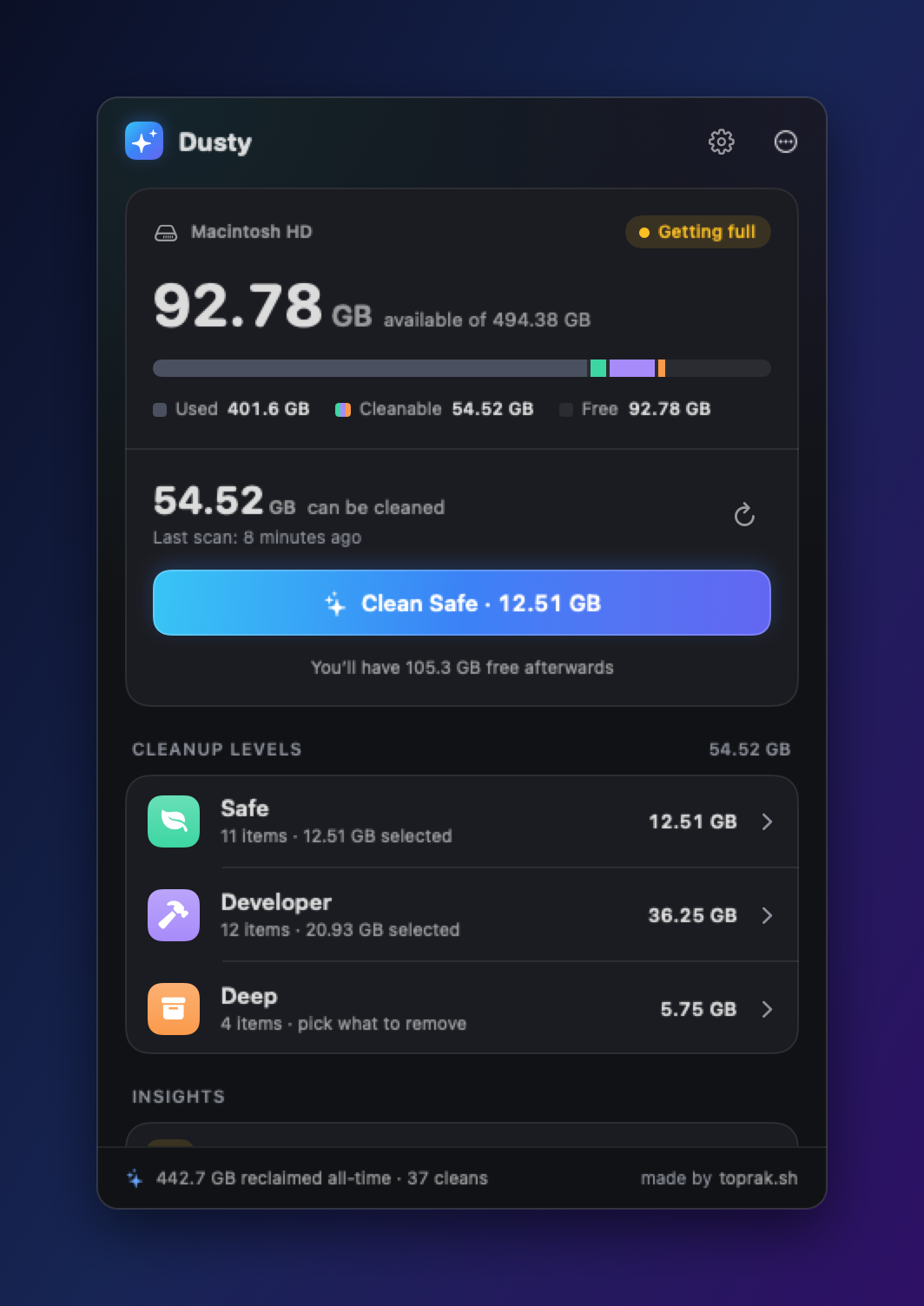
-
eul - macOS status monitoring app written in SwiftUI.
Languages:
SwiftScreenshots

-
Fader - Menu bar volume mixer with per-app volume, one-click audio output switching, and Bluetooth headphone control.
Languages:
SwiftWebsite: https://fader.pantafive.dev
Screenshots
-
Featherbar - Featherweight menu bar system monitor showing CPU, RAM, power, and temperature in two color-coded lines.
Languages:
RustWebsite: https://crates.io/crates/featherbar
Screenshots
-
FlowPeek - Previews the Mermaid diagram already on screen, read from a selection, the clipboard, the block under the pointer, or a file.
Languages:
SwiftWebsite: https://flowpeek.github.io/flowpeek/
Screenshots
-
FunNotch - Puts the MacBook notch to work: media controls, a drag-and-drop file shelf, clipboard history, focus sessions that block sites and apps, and twelve configurable widgets.
Languages:
SwiftWebsite: https://funnotch.xyz
Screenshots
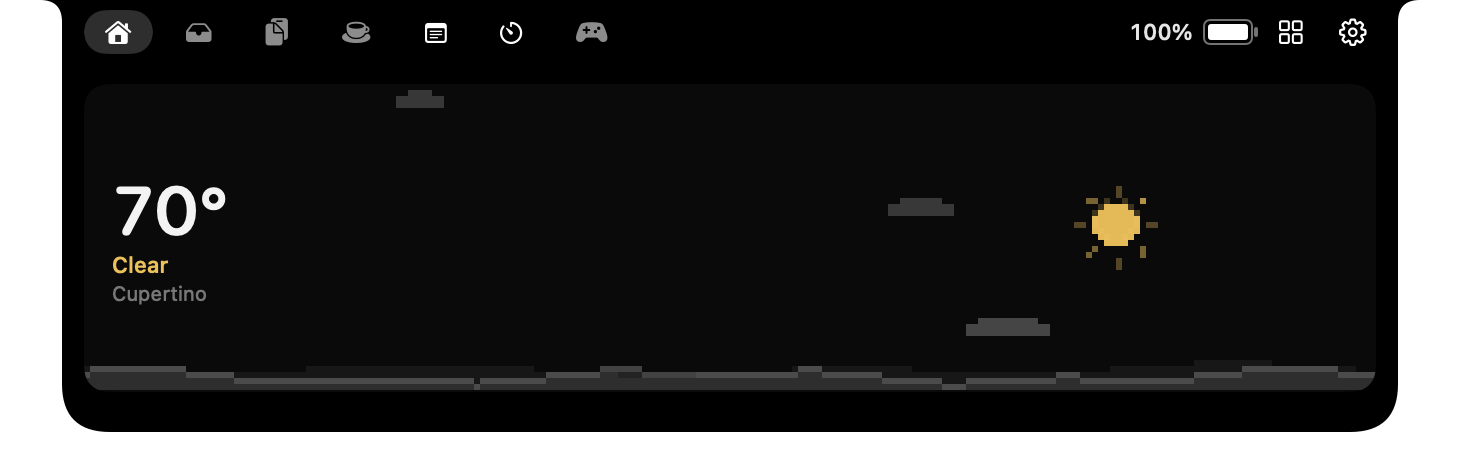
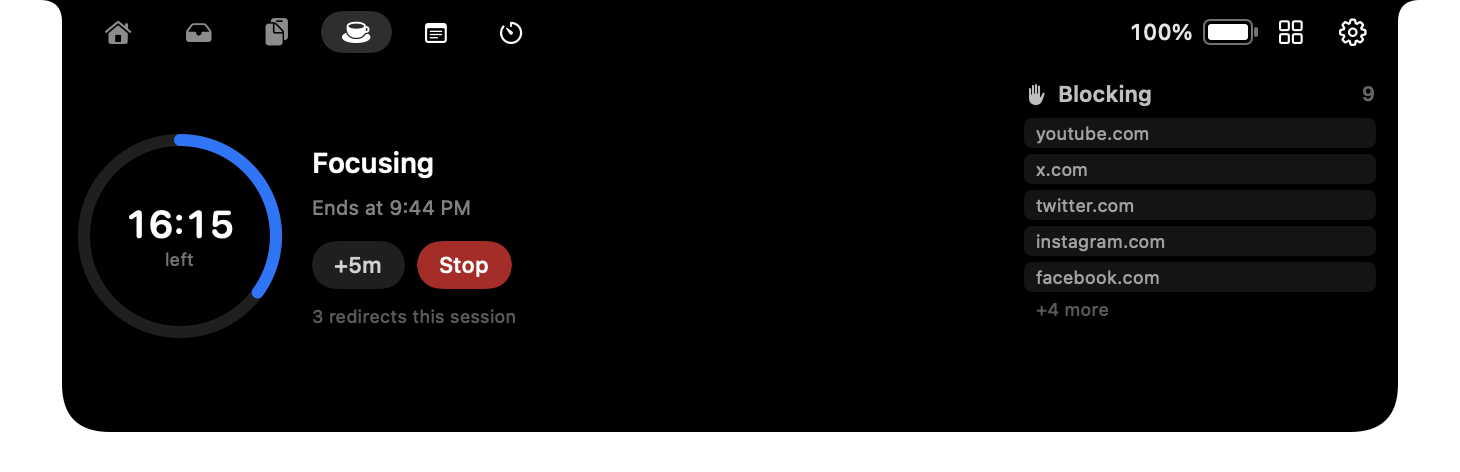
-
Grayscale Mode - Manage grayscale mode from menu bar.
Languages:
SwiftScreenshots


-
Grux - AI agent that runs terminal sessions it can undo and reaches your mail, calendar, meetings, and files, using your own API key or a local model.
Languages:
SwiftWebsite: https://gruxai.com
Screenshots
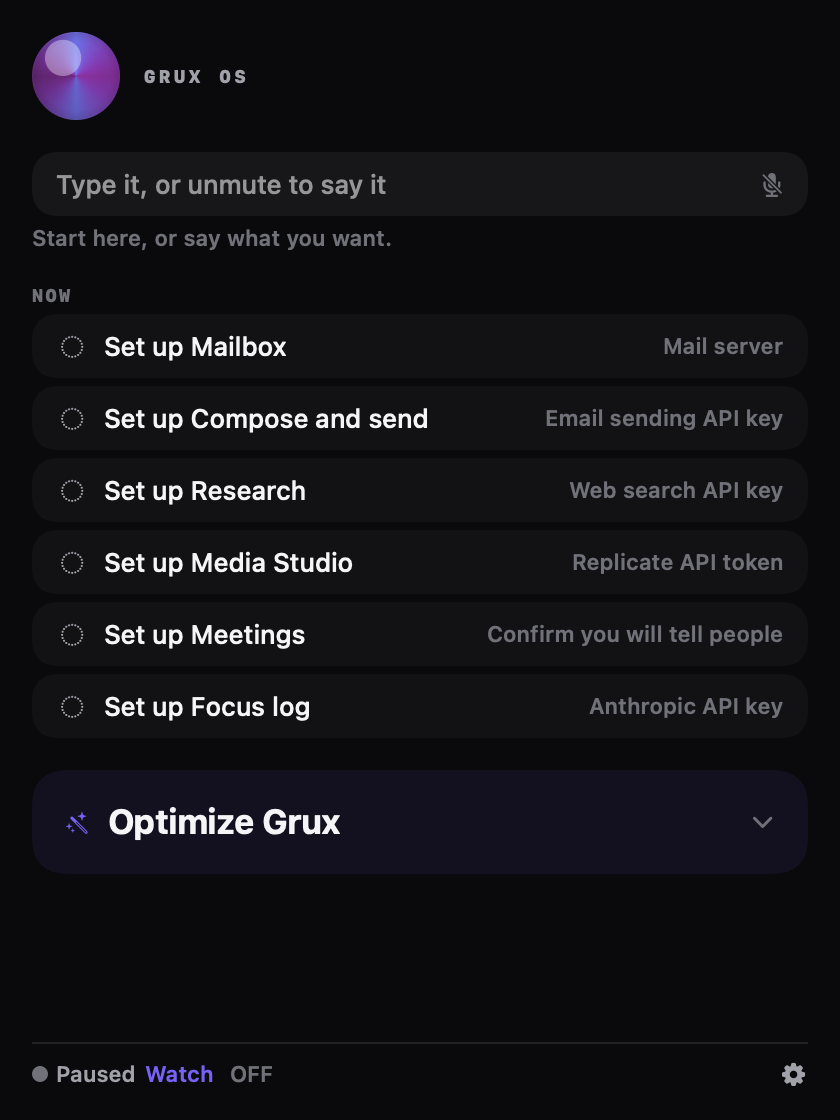
-
gSwitch - macOS status bar app that allows control over the gpu on dual gpu macbooks.
Languages:
Swift -
Hangar - Menu bar launcher for one-click, toggleable terminal and app snippets.
Languages:
SwiftWebsite: https://github.com/0fuz/hangar
-
Hidden Bar - An ultra-light MacOS utility that helps hide menu bar icons
Languages:
SwiftScreenshots

-
Holeberry - A native and modern macOS menu bar app to monitor and control your Pi-hole instances.
Languages:
SwiftWebsite: https://holeberryapp.com
Screenshots
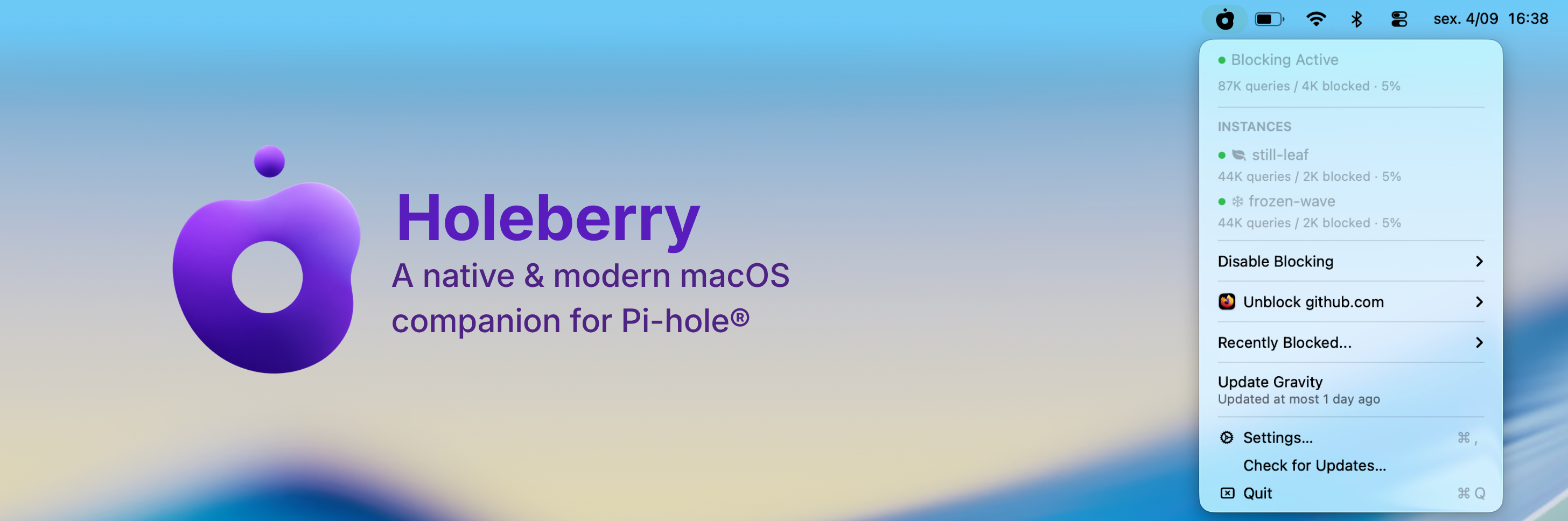
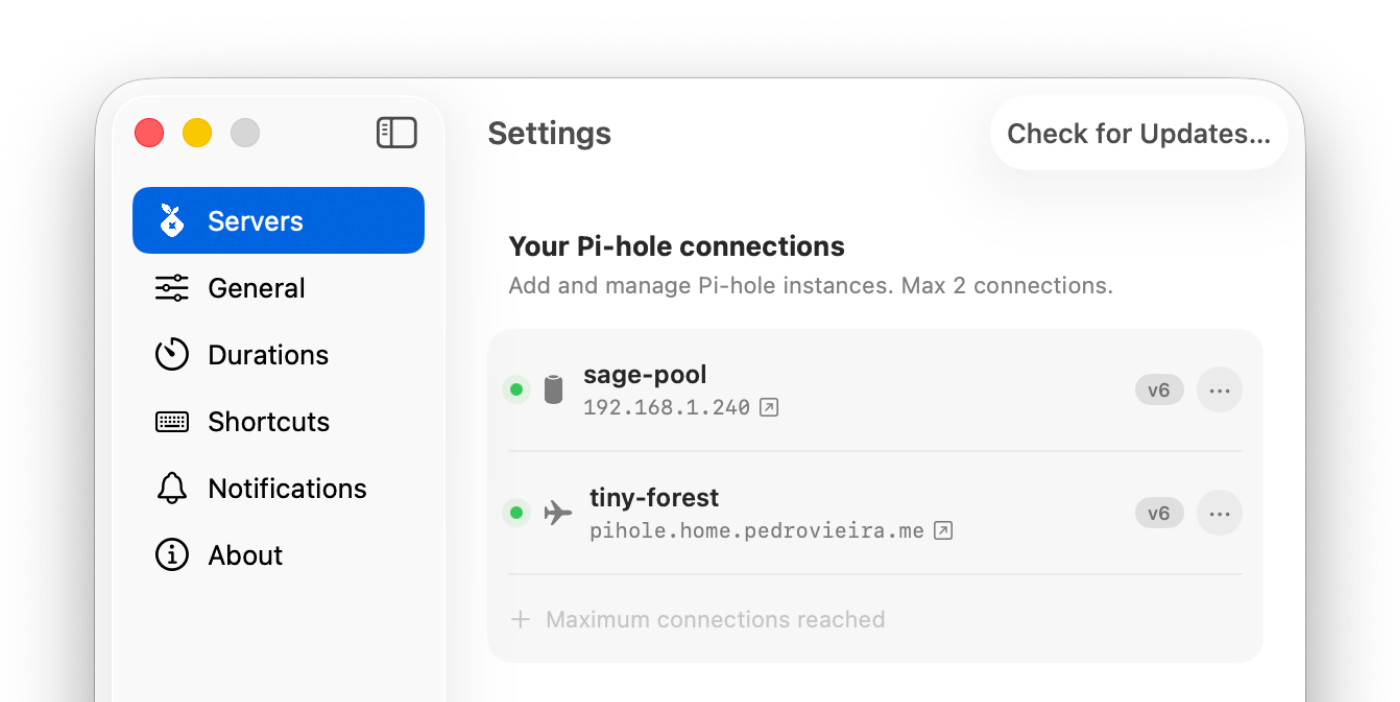
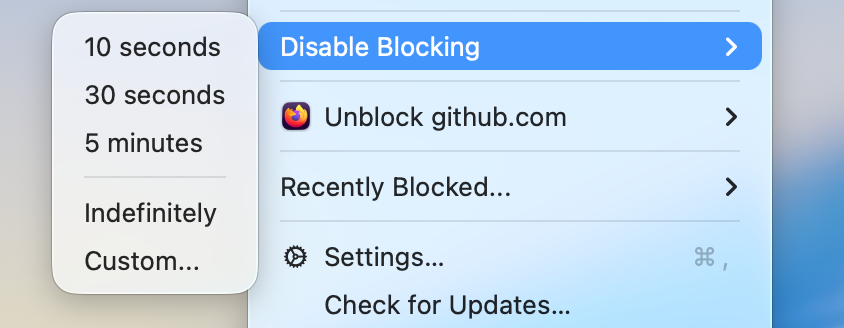
-
Hop - Eighteen everyday tools in one menu bar panel: timer, time tracker, keep-awake, system monitor, clipboard history, file converter, window manager, torrents, archives, text recognition, screenshots with an editor, drawing over the screen, color picker, VPN switcher, app launcher, app uninstaller, keyboard lock and internet speed test. Native, offline, no telemetry.
Languages:
SwiftWebsite: https://hop.tools
Screenshots
-
Ice - Powerful menu bar manager for macOS
Languages:
SwiftWebsite: https://icemenubar.app/
Screenshots
-
iGlance - macOS System Monitor (cpu, memory, network, fan and battery) for the Status Bar.
Languages:
Swift -
Itsycal - A tiny calendar for that lives in the Mac menu bar.
Languages:
Objective-CWebsite: https://www.mowglii.com/itsycal/
Screenshots
-
KubeContext - import, manage and switch between your Kubernetes contexts on Mac.
Languages:
SwiftScreenshots
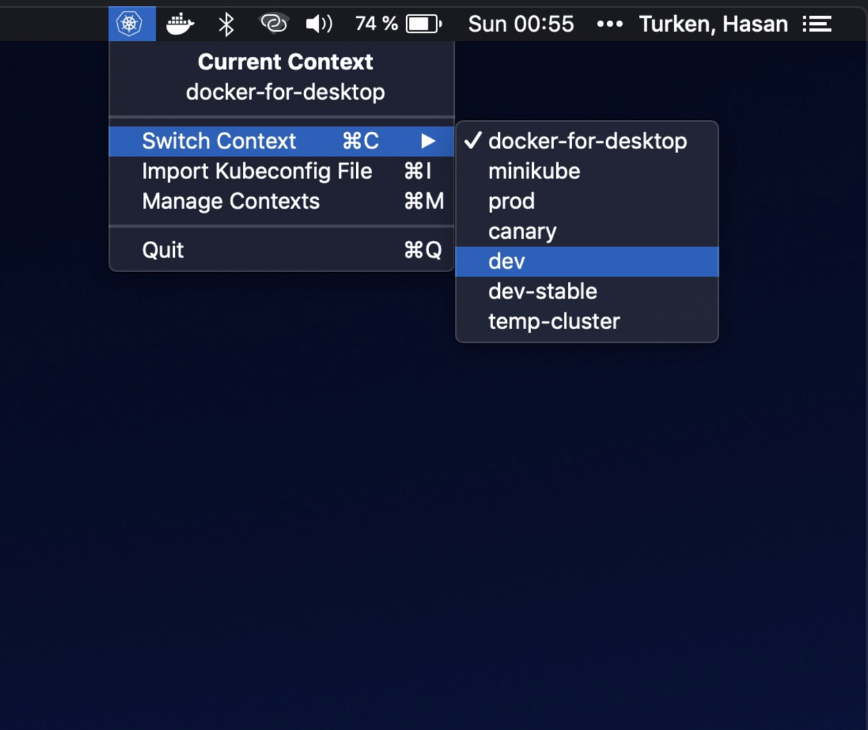
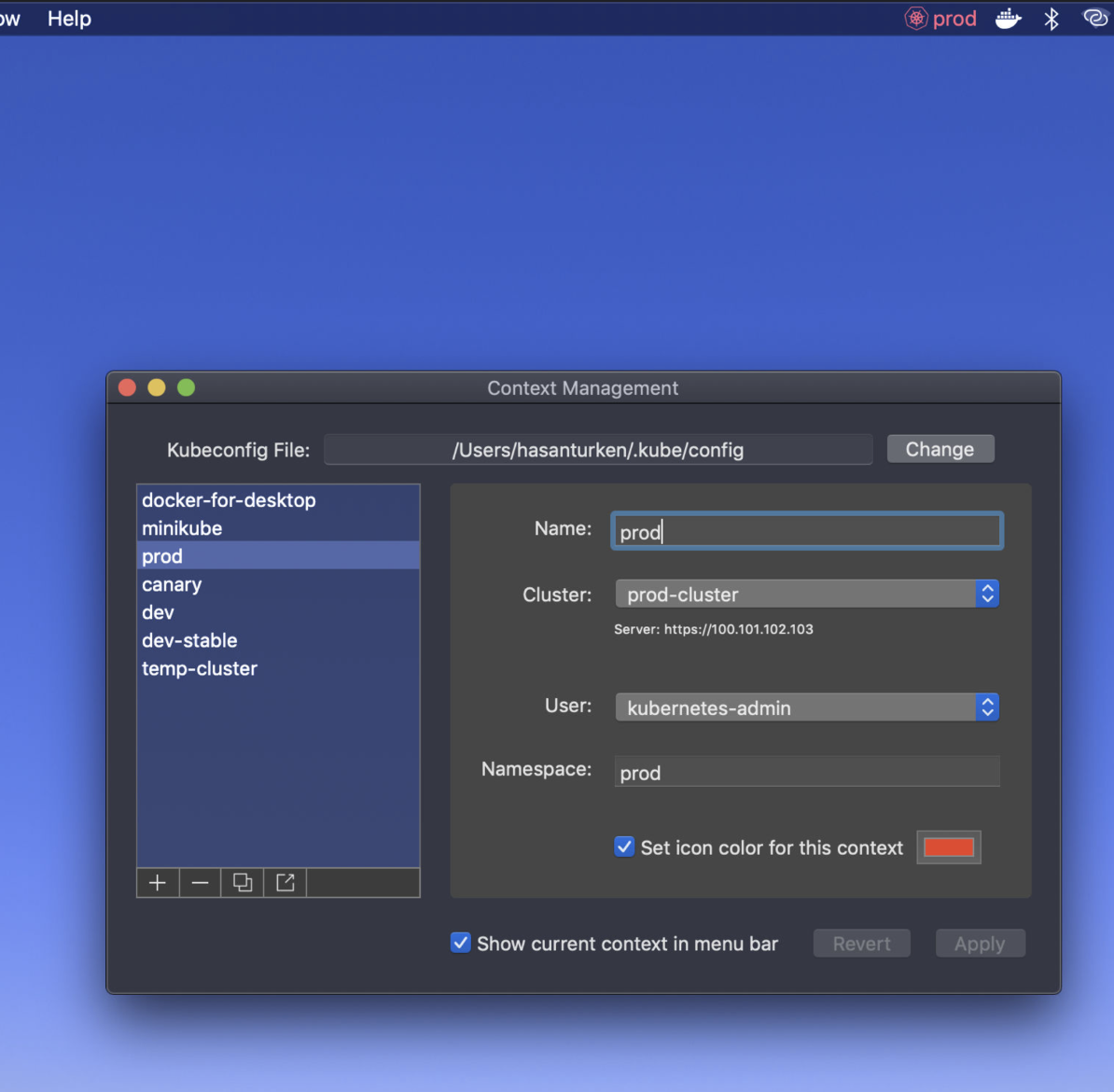
-
LanGuard - Wi-Fi off when wired LAN active, back on when unplugged. Edge-based, wake-aware, no admin required.
Languages:
Swift -
LinkLiar - Keep your MAC address random for privacy (intuitive GUI for ifconfig)
Languages:
SwiftWebsite: https://halo.github.io/LinkLiar/
Screenshots
-
Live Translator - Real-time on-screen translation of any system audio (YouTube, podcasts, meetings) using OpenAI or Google Gemini.
Languages:
Python -
Lurar - Menu-bar parametric EQ for headphones. Loads the AutoEq catalog and applies it system-wide via Apple's Core Audio Process Tap — no virtual audio driver.
Languages:
SwiftWebsite: https://lurar.app/
Screenshots
-
Lyrimuse - Word-synced desktop lyrics for Apple Music, Spotify, QQ Music, NetEase Cloud Music, Kugou and YouTube Music / Spotify Web in the browser, with translation, romanization and Last.fm scrobbling.
Languages:
Swift GoWebsite: https://yudaotor.github.io/lyrimuse/
Screenshots
-
MacNTop - macOS menu bar system monitor with retro CRT aesthetics.
Languages:
Swift -
MakLock - Free macOS menu bar app that locks applications with Touch ID, Apple Watch proximity, or password using a full-screen blur overlay.
Languages:
Swift -
Market Bar - Tiny stocks watcher for the menu bar.
Languages:
Swift -
MeetingBar - Menu bar app for your calendar meetings
Languages:
SwiftScreenshots

-
Menubar Brightness - macOS app to change the screen brightness on the menubar.
Languages:
JavaScript -
MenuMeters - CPU, memory, disk, and network monitoring tools for macOS.
Languages:
Objective-C -
MiniSim - MacOS menu bar app for launching iOS and Android 🤖 emulators.
Languages:
SwiftWebsite: https://www.minisim.app/
Screenshots

-
Mole Widget - Lightweight macOS desktop system monitor with live CPU, memory, disk, network, battery, and process metrics, managed from the menu bar.
Languages:
SwiftWebsite: https://github.com/TadelUnso/mole-widget
Screenshots
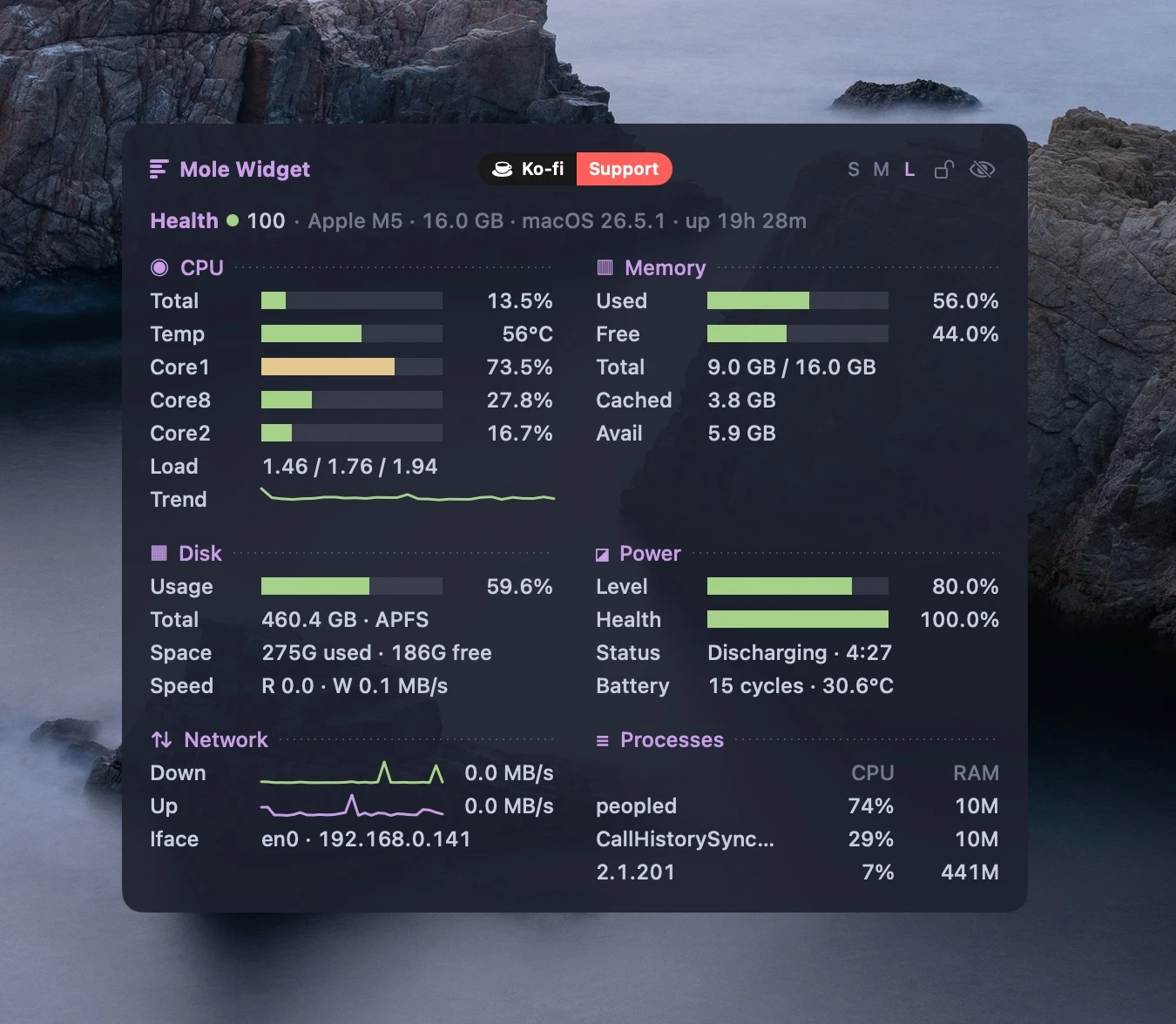
-
Monitor Bar - Monitor Bar app supports three modes, compact, normal, extra. It monitors battery, Disk, Memory, CPU, Network bandwidth, Wi-Fi.
Languages:
Swift -
Mooziac - Lightweight native macOS menu bar player for YouTube Music and local audio with trackpad gestures.
Languages:
SwiftWebsite: https://mooziac.pages.dev
Screenshots
-
mysa - A macOS menu bar app for quick breathing breaks, with a frosted screen overlay and handwritten quotes.
Languages:
SwiftWebsite: https://github.com/alishansnsn/mysa
Screenshots
-
Night Shift Control - Night Shift Control is a simple macOS menubar app for controlling Night Shift. It's aim is to bring features from f.lux which are missing from Night Shift such as disabling Night Shift for certain apps.
Languages:
SwiftScreenshots
-
Nimclip
- Native, local-first clipboard history manager with search, tags, image support, and quick paste.
Languages:
SwiftWebsite: https://hukdoesn.github.io/Nimclip/
Screenshots
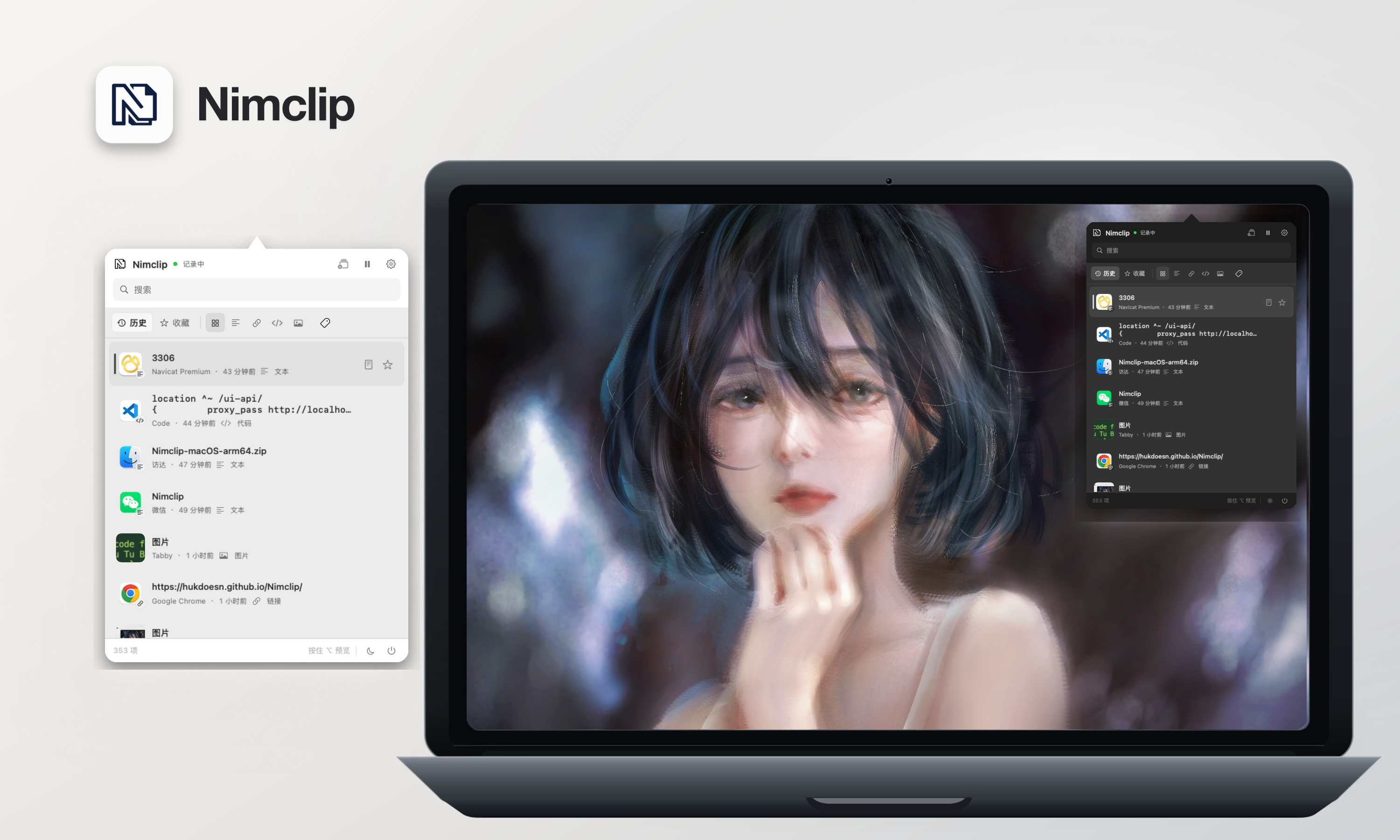
-
Nocturnal - Menu bar app featuring darker than dark dimming, Night Shift fine tuning, and the ability to turn off TouchBar on MacBook Pro.
Languages:
SwiftScreenshots
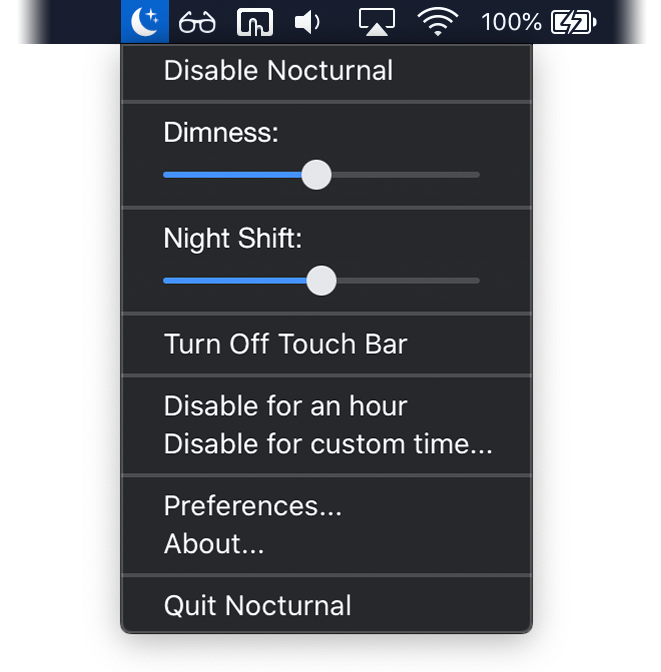
-
Nocturne - Makes the menu bar clock unreadable so it stops telling you how late it is, without hiding anything or asking for permissions.
Languages:
SwiftWebsite: https://dotcomjack.com/nocturne
Screenshots
-
NoiseBuddy - Control the listening mode on your AirPods Pro in the Touch Bar or Menu Bar.
Languages:
Swift -
Notch So Good - A pixel-art crab lives in your MacBook notch and monitors Claude Code sessions with 13 animations, smart notifications, and multi-session support.
Languages:
Swift -
Notchi - Turn the MacBook notch into a place to ask AI, save notes, set reminders, or run coding agents.
Languages:
SwiftWebsite: https://www.notch.website/
Screenshots
-
Notchly - Lightweight native macOS app that turns the MacBook notch into an interactive space for music controls, battery states, gestures, and custom HUDs.
Languages:
SwiftWebsite: https://notchly.xyz
Screenshots

-
OATS - Open-source local-first macOS meeting-notes app with live transcription, speaker labels, AI summaries, and an offline on-device mode.
Languages:
Rust TypeScriptWebsite: https://ariso.ai/oats
Screenshots
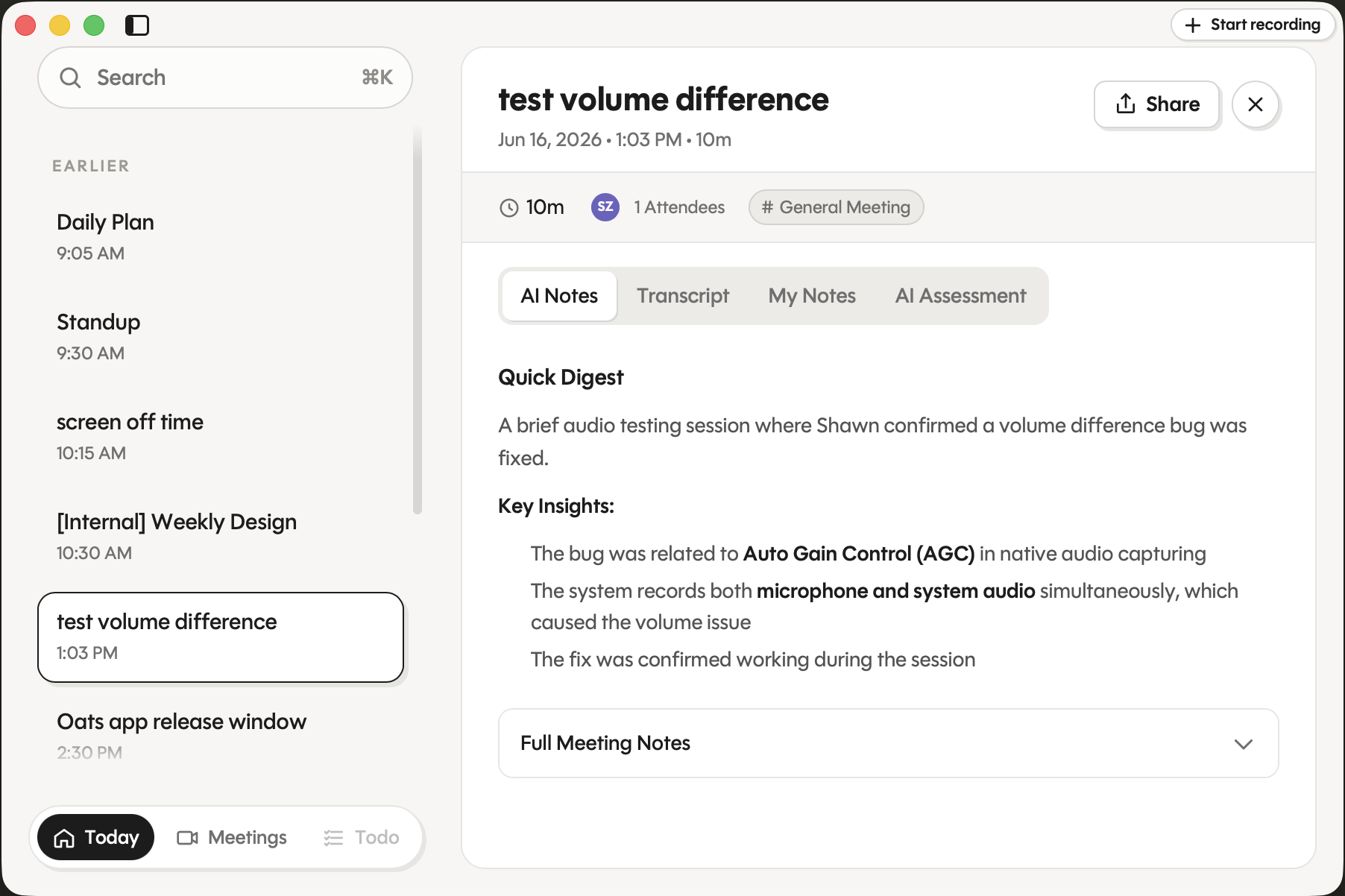
-
Offsend - Local-first menu bar app that prepares projects, files, and clipboard text for AI tools by detecting and masking sensitive data.
Languages:
SwiftWebsite: https://offsend.io
Screenshots
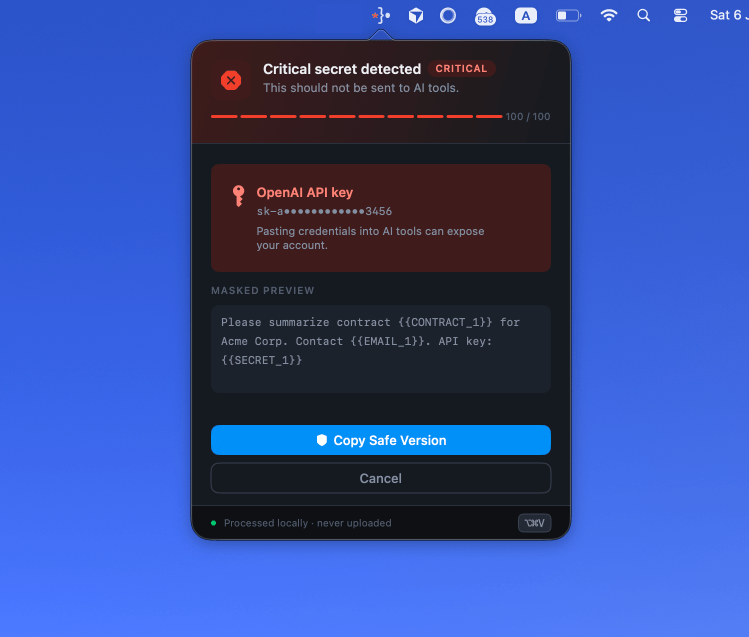
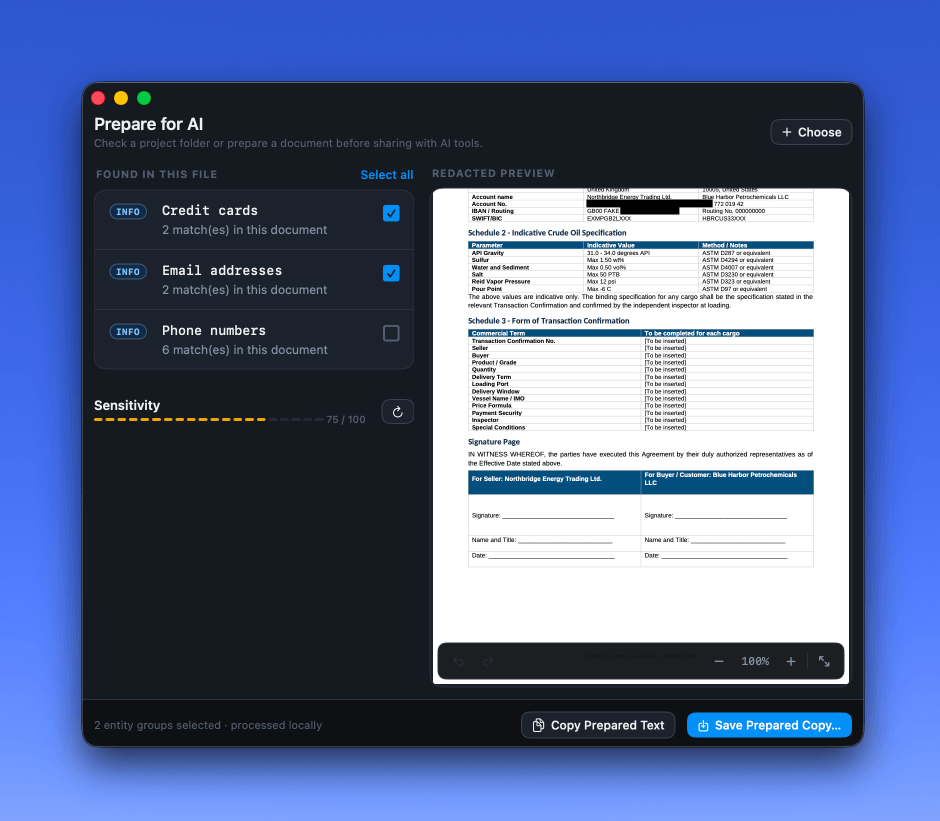
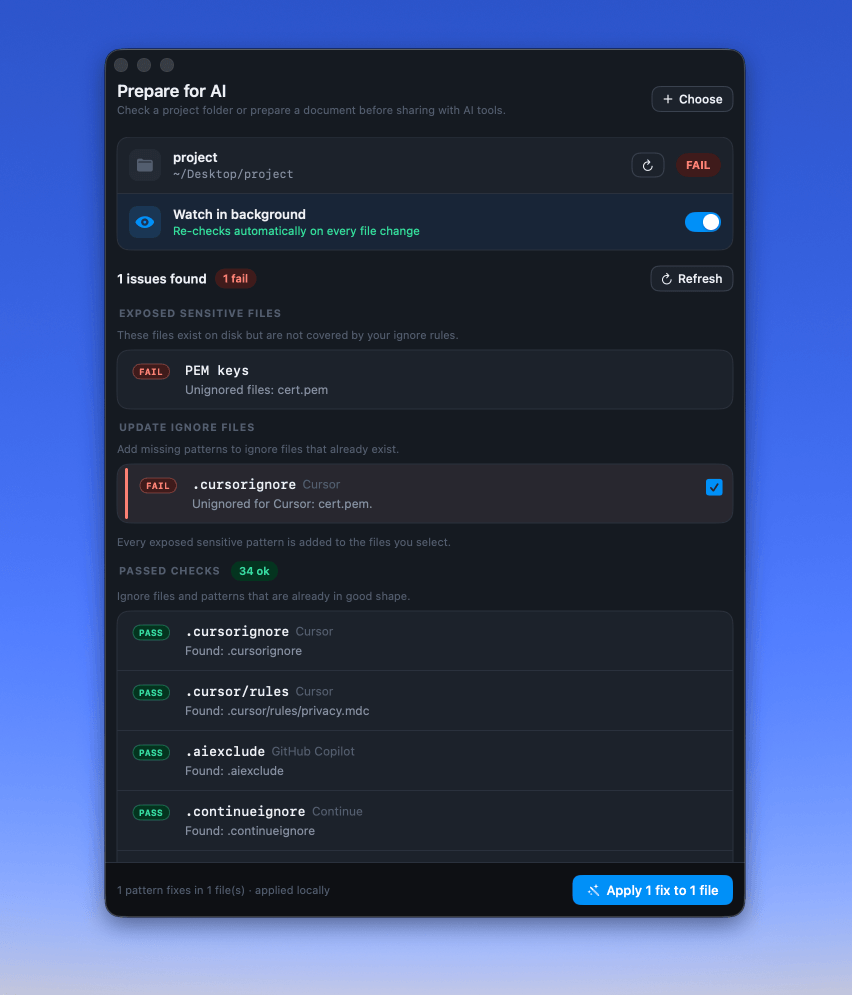
-
OmniMac - Dynamic Island for any Mac (notch or not) plus ten more utilities in one lightweight menu-bar app: keep-awake, ⌘Tab by windows, window shortcuts and layouts, clipboard history, per-app volume and equaliser, performance monitor, OCR and app cleaner.
Languages:
SwiftWebsite: https://bysergimm.github.io/OmniMac/en/
Screenshots


-
OnlySwitch - All-in-One status bar button, hide MacBook Pro's notch, dark mode, AirPods, Shortcuts
Languages:
SwiftWebsite: https://www.jacklandrin.com/2021/12/01/onlyswitch/
Screenshots
-
OpenClip - Lightweight floating action bar for macOS that turns selected text into instant actions.
Languages:
SwiftWebsite: https://getopenclip.app
Screenshots
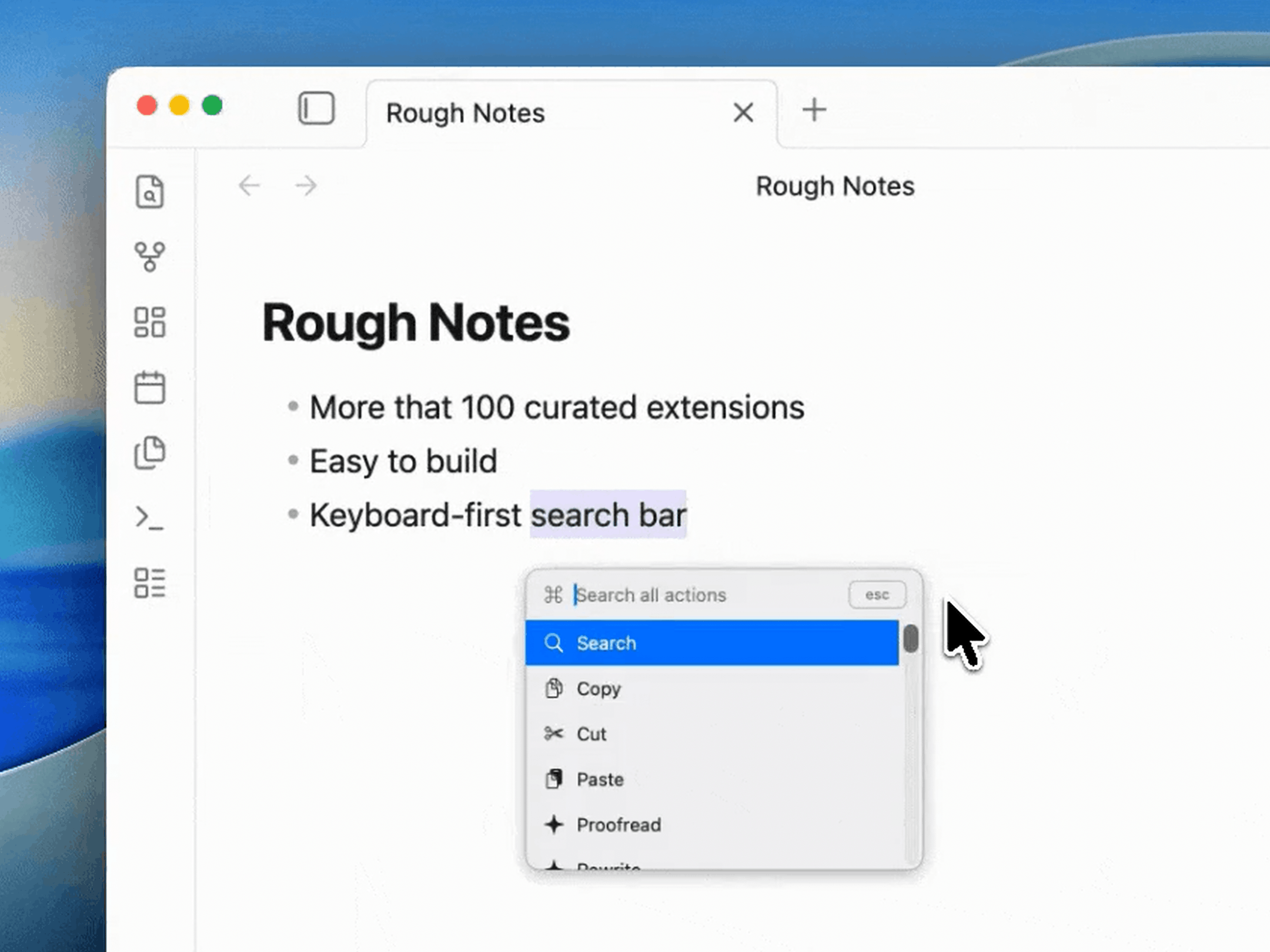
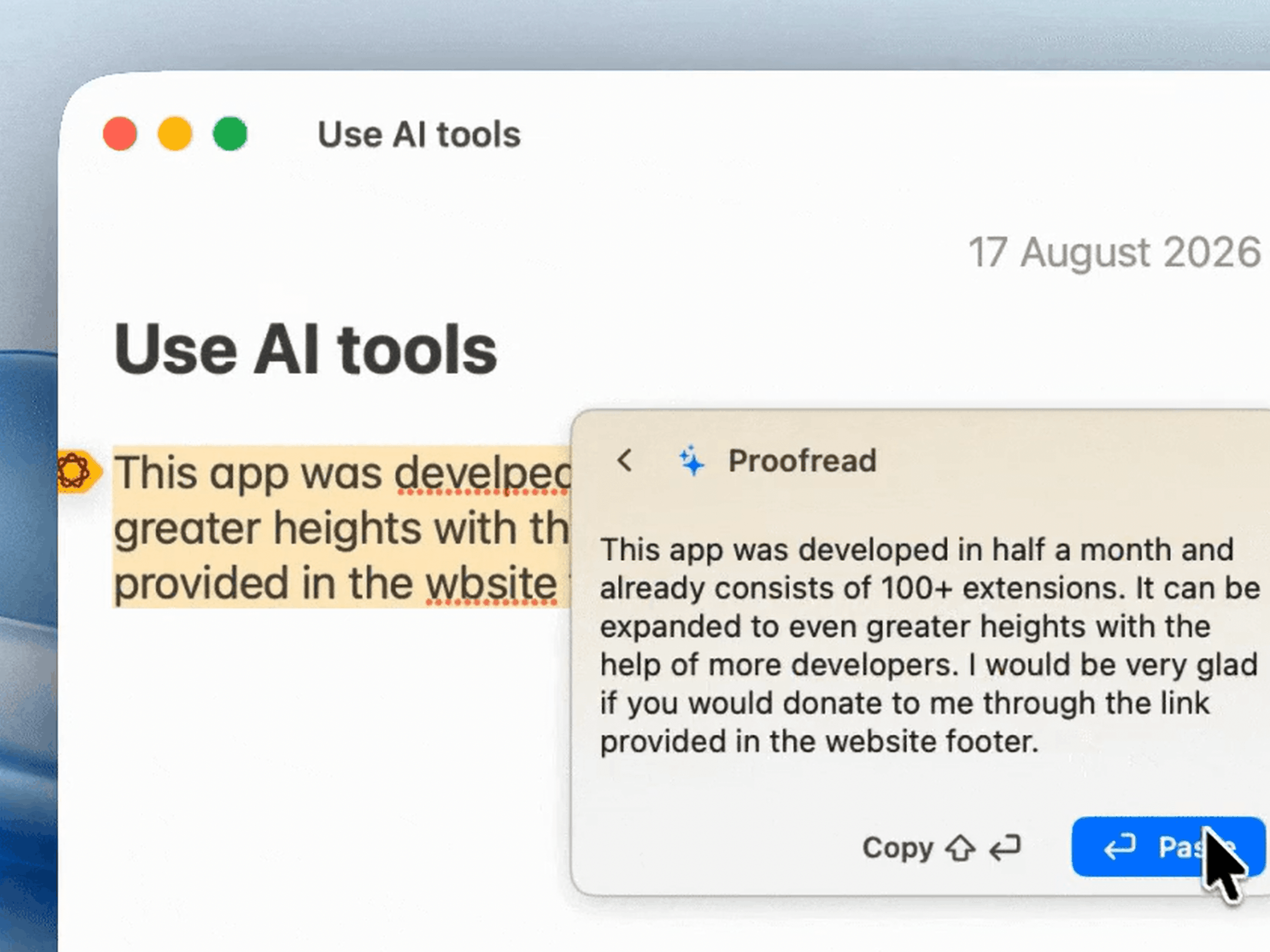
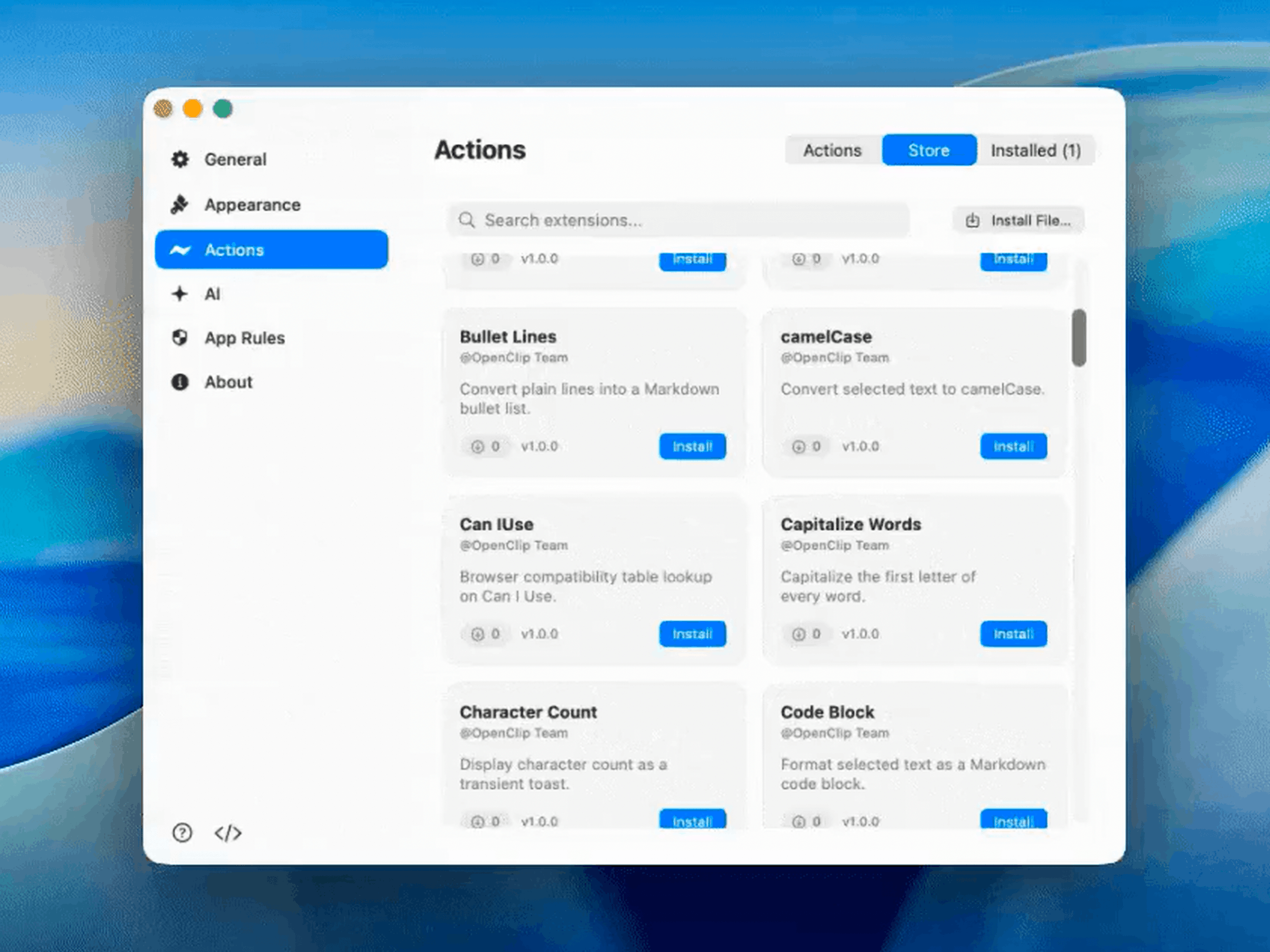
-
OpenQuack - Local-only voice dictation for macOS — press a hotkey, speak, and the transcript is pasted at the cursor. Runs WhisperKit on Apple Silicon with no telemetry.
Languages:
SwiftWebsite: https://larryxiao.github.io/openquack
Screenshots
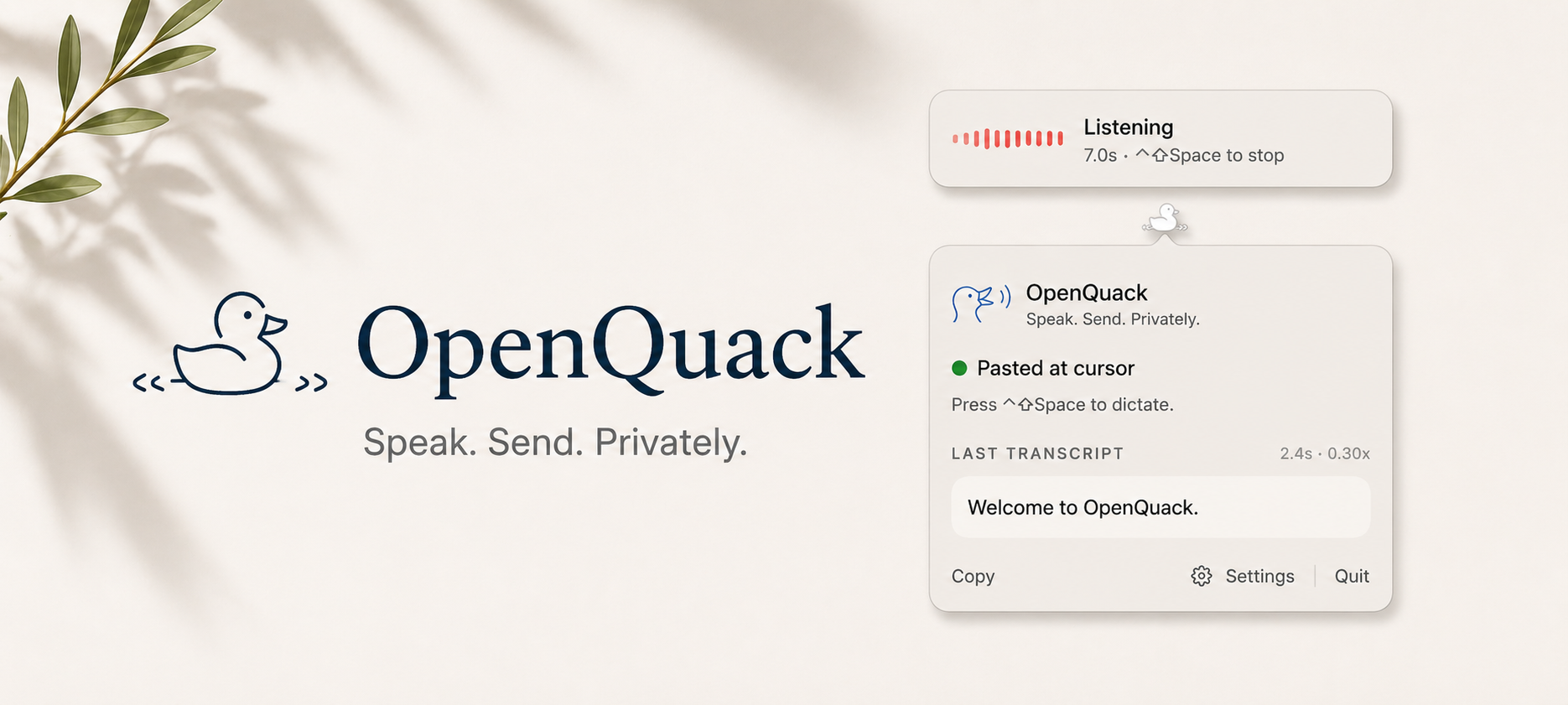
-
Pareto Security - A MenuBar app to automatically audit your Mac for basic security hygiene.
Languages:
SwiftWebsite: https://paretosecurity.com/
Screenshots

-
Performance Monitor - Lightweight menu bar system monitor: CPU, memory, network, disk, GPU, per-sensor temperatures, SSD wear, and battery health. No telemetry.
Languages:
SwiftWebsite: https://perfmon.knhome.nl
-
Pesty - Free, open-source clipboard manager inspired by Paste, with a slide-up color-coded clipboard strip, pinboards, search, and keyboard-driven pasting.
Languages:
SwiftWebsite: https://github.com/momenbasel/pesty
Screenshots
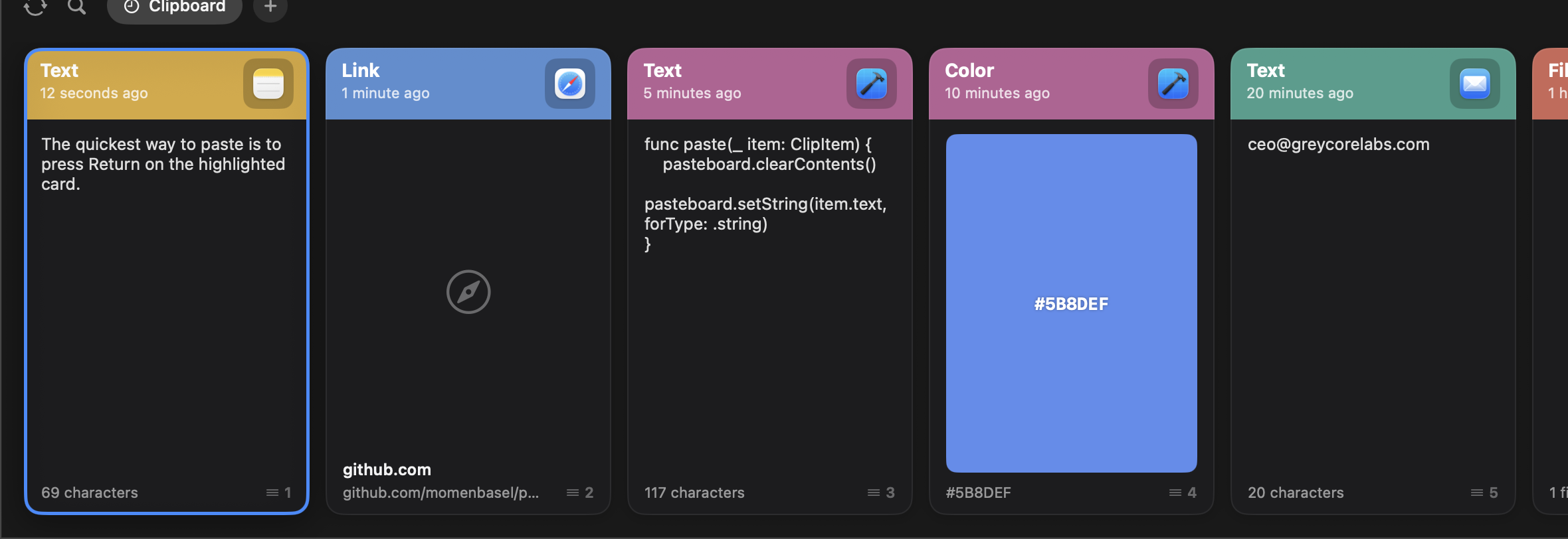
-
Phosphene - Use any video as your macOS wallpaper on the desktop and the lock screen, picked directly from System Settings.
Languages:
SwiftWebsite: https://kagerou.glass/phosphene/
Screenshots
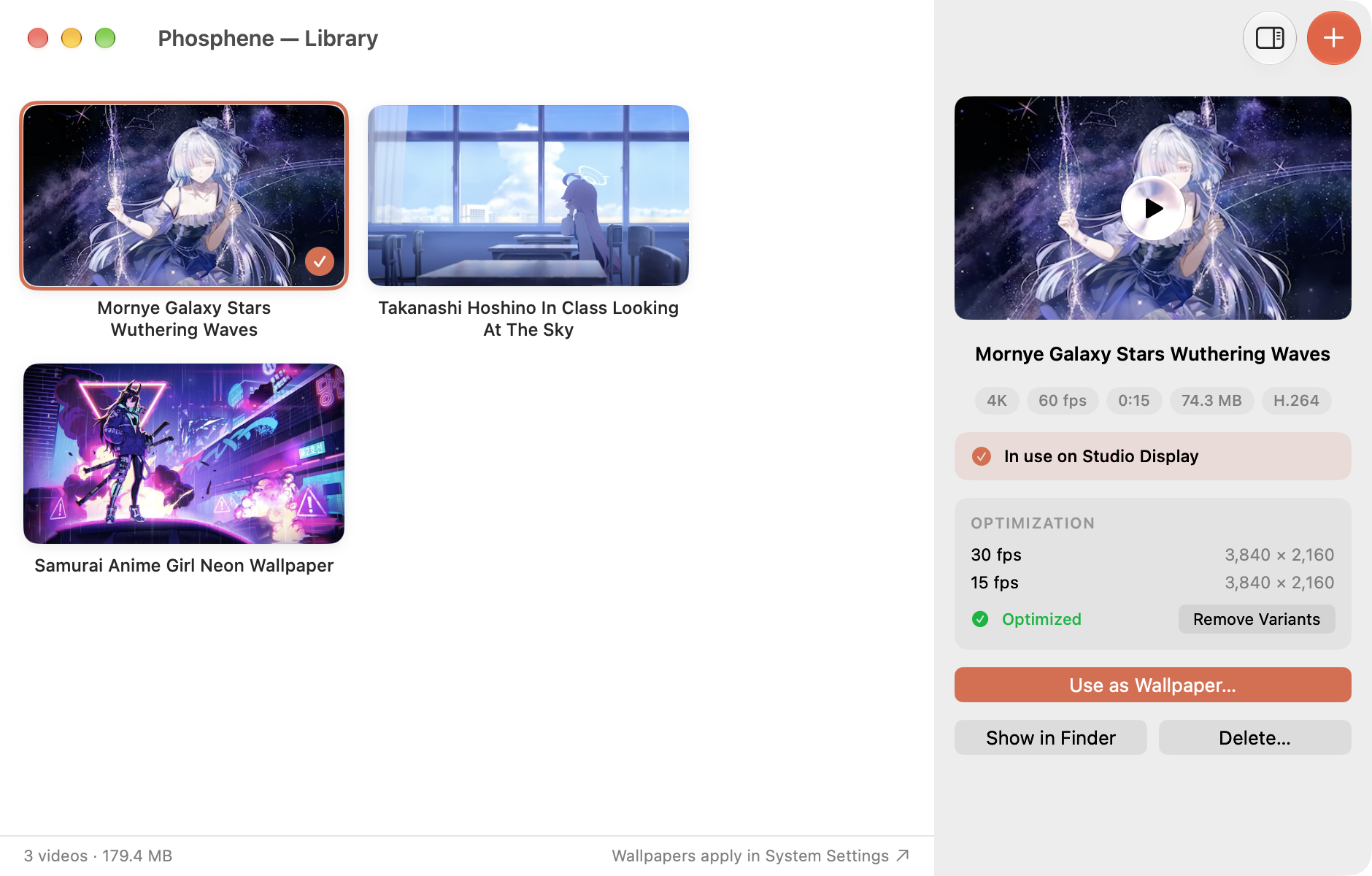
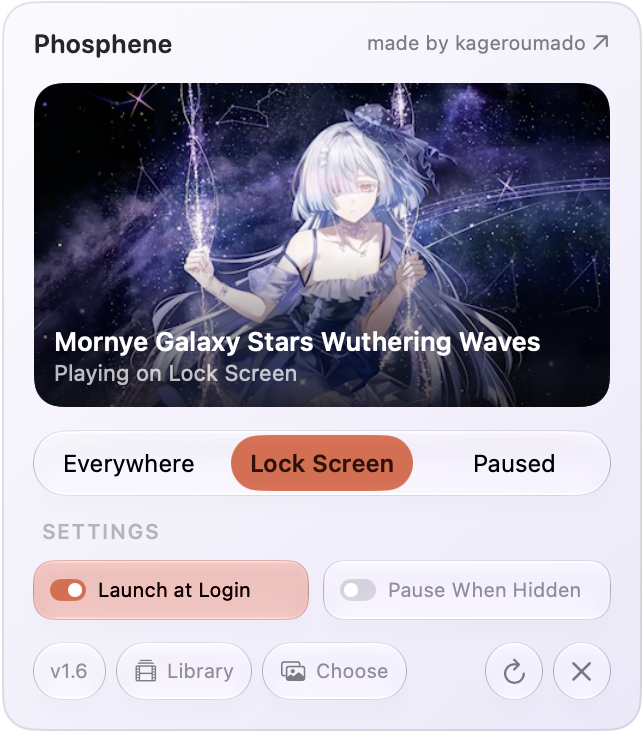
-
Pi Stats - macOS app to visualize Pi-hole information.
Languages:
Swift Objective-CScreenshots
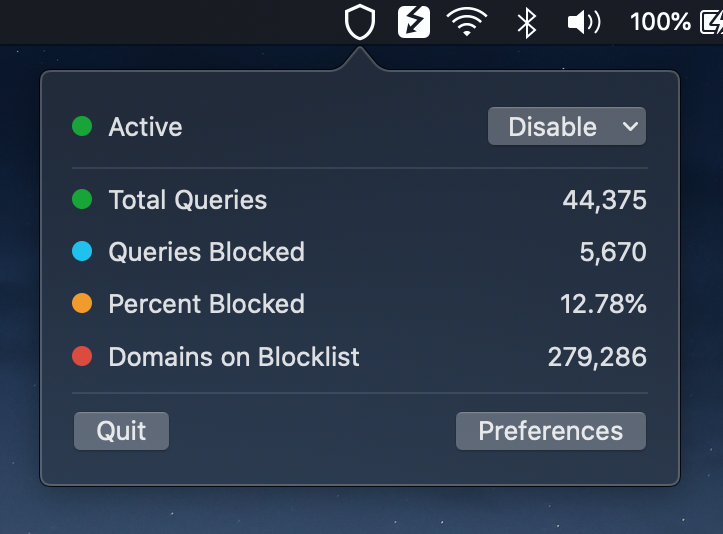
-
Pika - Is an easy to use, open-source, native colour picker for macOS.
Languages:
Swift metalWebsite: https://superhighfives.com/pika
Screenshots

-
Plainsay - Free MIT-licensed Mac dictation with on-device Whisper and Parakeet (Apple silicon, macOS 14+).
Languages:
SwiftWebsite: https://plainsay.app/
-
PlayStatus - PlayStatus is a macOS app that allows the control of Spotify and iTunes music playback from the menu bar.
Languages:
SwiftScreenshots
-
Plonk - Ten menu bar utilities in one app: a window manager with snap zones you draw yourself, workspaces that reopen your apps on the right monitor, on-device OCR, keep-awake, screenshot annotation, pointer tools and a shortcut guide. An AI agent can drive all of it over MCP.
Languages:
SwiftWebsite: https://ostapondo.github.io/Plonk/
Screenshots
-
Presspeech - Push-to-talk dictation for Apple Silicon Macs. Hold a key, speak, release — the transcript pastes at the cursor in about 100 ms, fully on-device.
Languages:
Python Swift -
PSIBar - Quickly hacked up PSI macOS status bar app.
Languages:
Swift -
Quick Weather - Simple and elegant menubar weather app on the App Store.
Languages:
SwiftWebsite: https://ariessciences.com/highlight?product=quick-weather
Screenshots
-
Quickeys - A mac menu bar app that provides note taking functionality though a quick dropdown menu.
Languages:
SwiftScreenshots
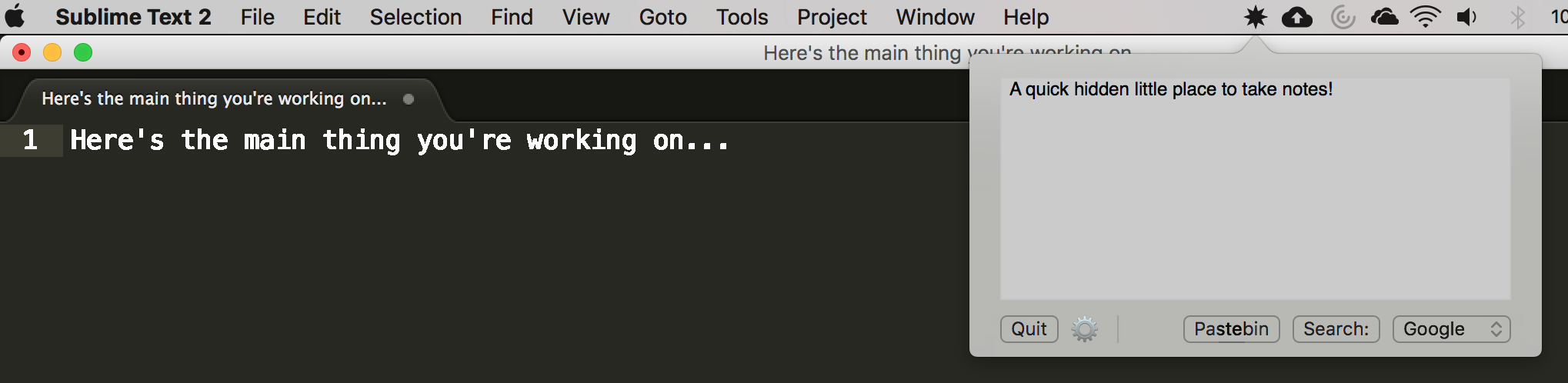
-
QuotaBar - Local-first macOS menu bar app for tracking OpenAI Codex usage limits, reset countdowns, and optional alerts.
Languages:
SwiftWebsite: https://roketrp.github.io/QuotaBar/
Screenshots
-
R2Drop - Native macOS menu bar application for uploading files to Cloudflare R2 storage.
Languages:
Swift RustWebsite: https://r2drop.com
-
RustCast - Blazingly fast, customisable multi tool, application launcher
Languages:
RustWebsite: https://rustcast.umangsurana.com
Screenshots
-
SaneBar - Privacy-first menu bar manager with Touch ID lock, Always-Hidden Zone, and automation triggers.
Languages:
SwiftWebsite: https://sanebar.com
Screenshots
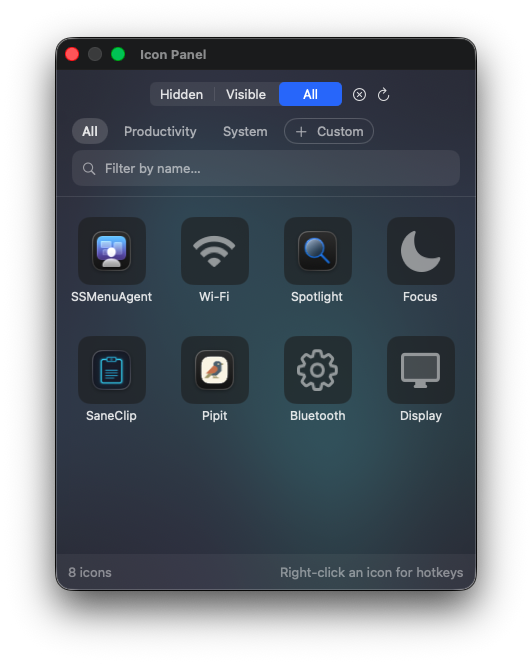
-
ScreenHint - A simple screenshotting utility for thinking clearly.
Languages:
SwiftWebsite: https://screenhint.com
Screenshots


-
SensibleSideButtons - Small menu bar utility that lets you use your third-party mouse's side buttons for navigation across a variety of apps.
Languages:
Objective-C C -
Shifty - macOS menu bar app that gives you more control over Night Shift.
Languages:
SwiftScreenshots

-
Sleepless - Keep your MacBook awake with the lid closed, on battery, with no external display, with a battery-floor auto-off.
Languages:
SwiftWebsite: https://aboudjem.github.io/Sleepless/
Screenshots
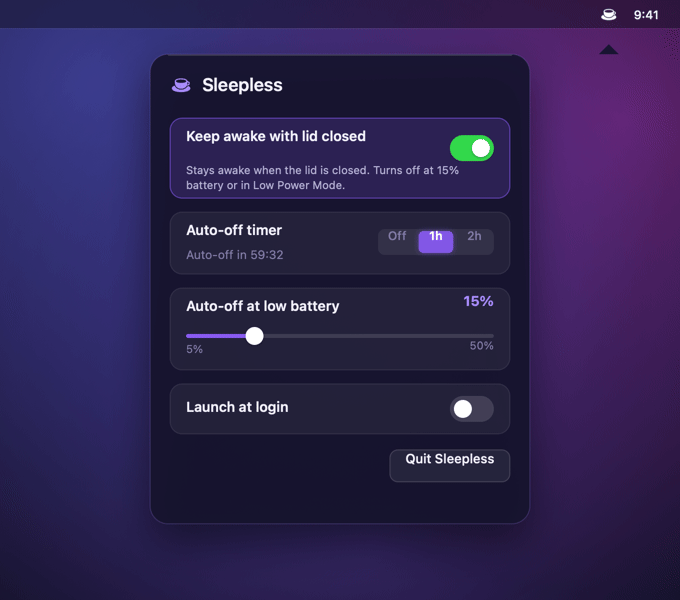
-
SlimHUD - Cyanocitta - Replacement for MacOS' volume, brightness and keyboard backlight HUDs.
Languages:
SwiftScreenshots


-
SSH Tunnel Manager - Menu bar app for managing SSH port forwards (local, remote, SOCKS, jump host) that auto-reconnects when the connection drops.
Languages:
Swift -
Stargazer Bar - Track one public GitHub repo's stars and release downloads from the menu bar.
Languages:
SwiftWebsite: https://jazzyalex.github.io/stargazer-bar/
Screenshots
-
Stats - macOS system monitor in your menu bar
Languages:
SwiftScreenshots
-
SwiftBar - Powerful macOS menu bar customization tool.
Languages:
SwiftWebsite: https://swiftbar.app
-
TetherShot - Capture pixel-perfect iPhone screenshots from the macOS menu bar over USB or Wi-Fi.
Languages:
SwiftWebsite: https://tethershot.apoorvdarshan.com
Screenshots
-
Thaw - Actively maintained menu bar manager for macOS 26+: hide and show items, search, hotkeys, profiles, and appearance controls.
Languages:
SwiftWebsite: https://www.getthaw.app
Screenshots


-
TimeScribe - Simple and free working time recording.
Languages:
CSS JavaScript TypeScriptWebsite: https://timescribe.app
Screenshots
(2 more screenshots available in the repository)
-
TimeScribe - Simple and free working time recording.
Languages:
CSS JavaScript TypeScriptWebsite: https://timescribe.app
Screenshots
(2 more screenshots available in the repository)
-
TopOff - Menu bar app for Homebrew — a full beer mug when packages are fresh, half a mug when it's time to refill.
Languages:
SwiftWebsite: https://github.com/ihazgithub/TopOff
Screenshots
-
TouchGrassBar - Shows Codex and Claude limits, observed token usage, trends, and public friend rankings from the macOS menu bar.
Languages:
Rust TypeScriptWebsite: https://touchgrassbar.com/
Screenshots
-
TypeCue - Types a prepared script into any app, one hotkey press per line, as real keystrokes at a human pace, for demo recordings and live presentations.
Languages:
SwiftWebsite: https://typecue.app
-
usage - macOS menu bar app that pins Claude Code, Codex, and Antigravity CLI quota and burn rate to the screen, read from local session files.
Languages:
PythonWebsite: https://aqua5230.github.io/usage/
Screenshots
-
Vercel Deployment Menu Bar - Open-source macOS menu bar app to monitor Vercel deployment status in real time.
Languages:
SwiftWebsite: https://vercel-deployment-menu-bar.vercel.app/
Screenshots
-
VPN Bypass - Route specific domains and services around your corporate VPN while keeping the rest of your traffic protected.
Languages:
SwiftWebsite: https://github.com/GeiserX/VPN-Bypass
Screenshots
-
Vuvuzela - FIFA World Cup 2026 desktop widget with live scores, group standings, and the knockout bracket.
Languages:
SwiftWebsite: https://github.com/TadelUnso/vuvuzela
Screenshots


-
WhatCable - Tells you, in plain English, what each USB-C cable plugged into your Mac can do — speed, power, and e-marker info — from the menu bar.
Languages:
SwiftWebsite: https://whatcable.uk
Screenshots
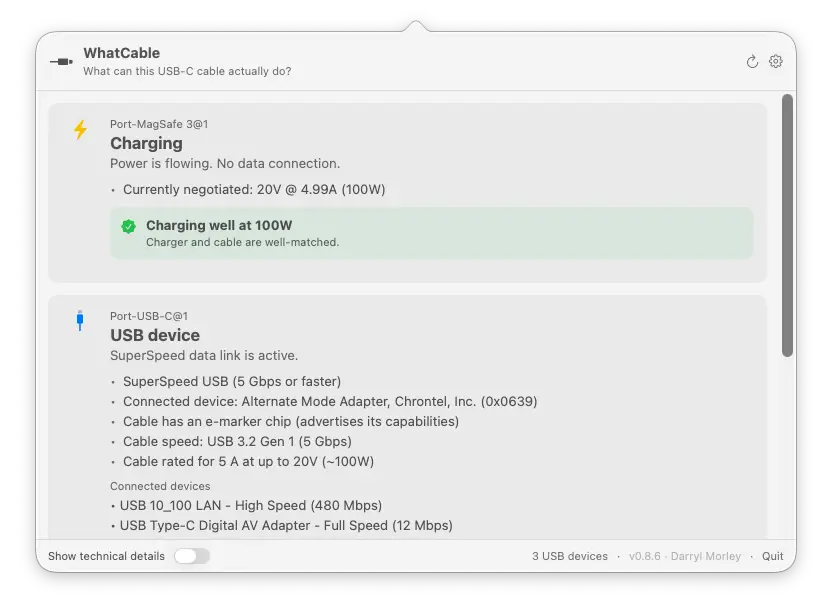
-
Whisk - Clipboard manager with a Paste-style panel, pins, search operators, paste stack and rich previews.
Languages:
SwiftWebsite: https://nathan-poncet.github.io/whisk/
Screenshots
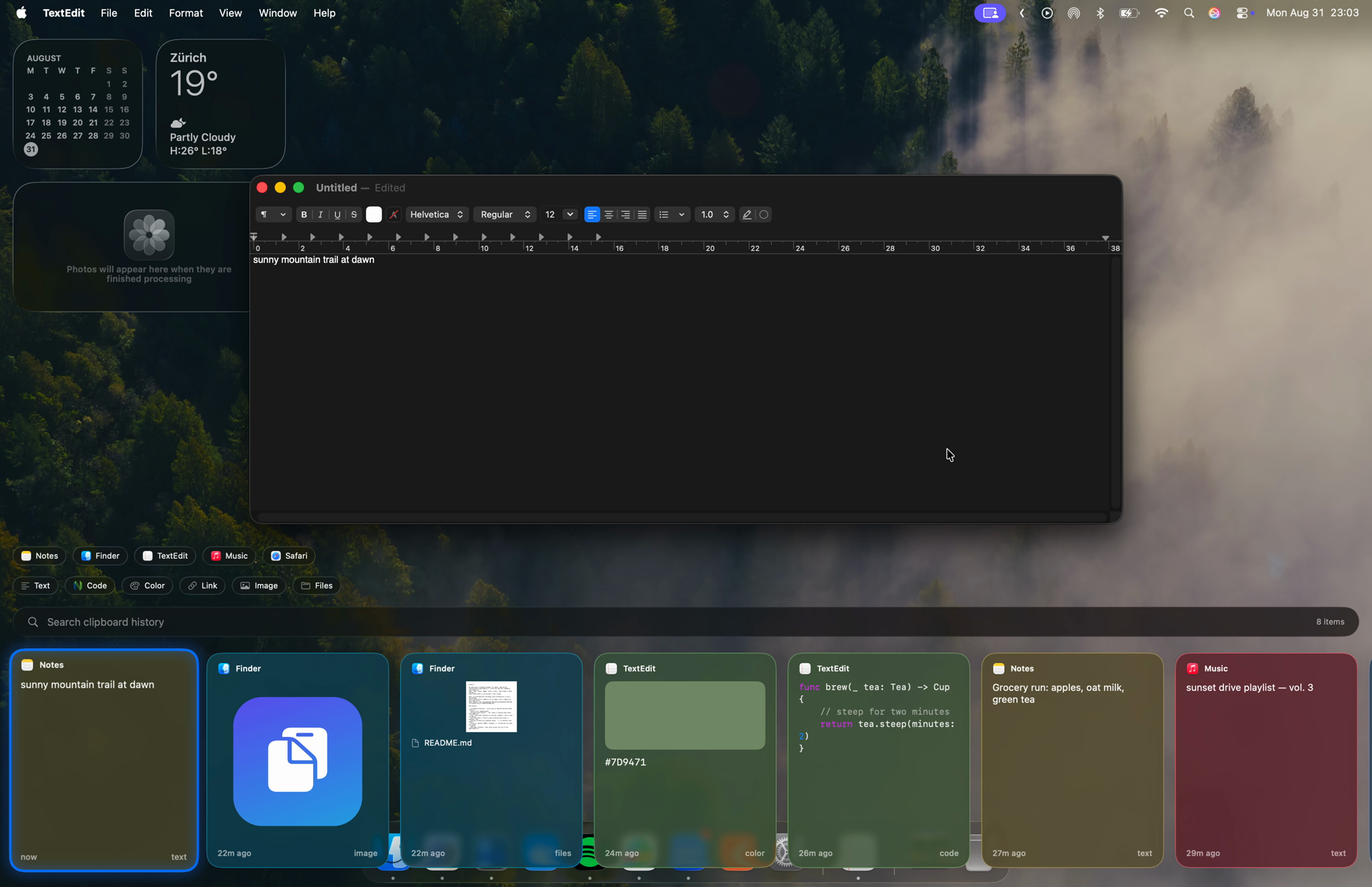
-
WiFi Lens - Native Wi-Fi analyzer and network diagnostics app with real-time spectrum scanning and BLE device tracking.
Languages:
SwiftWebsite: https://wifi-lens.shiinalabs.com
Screenshots
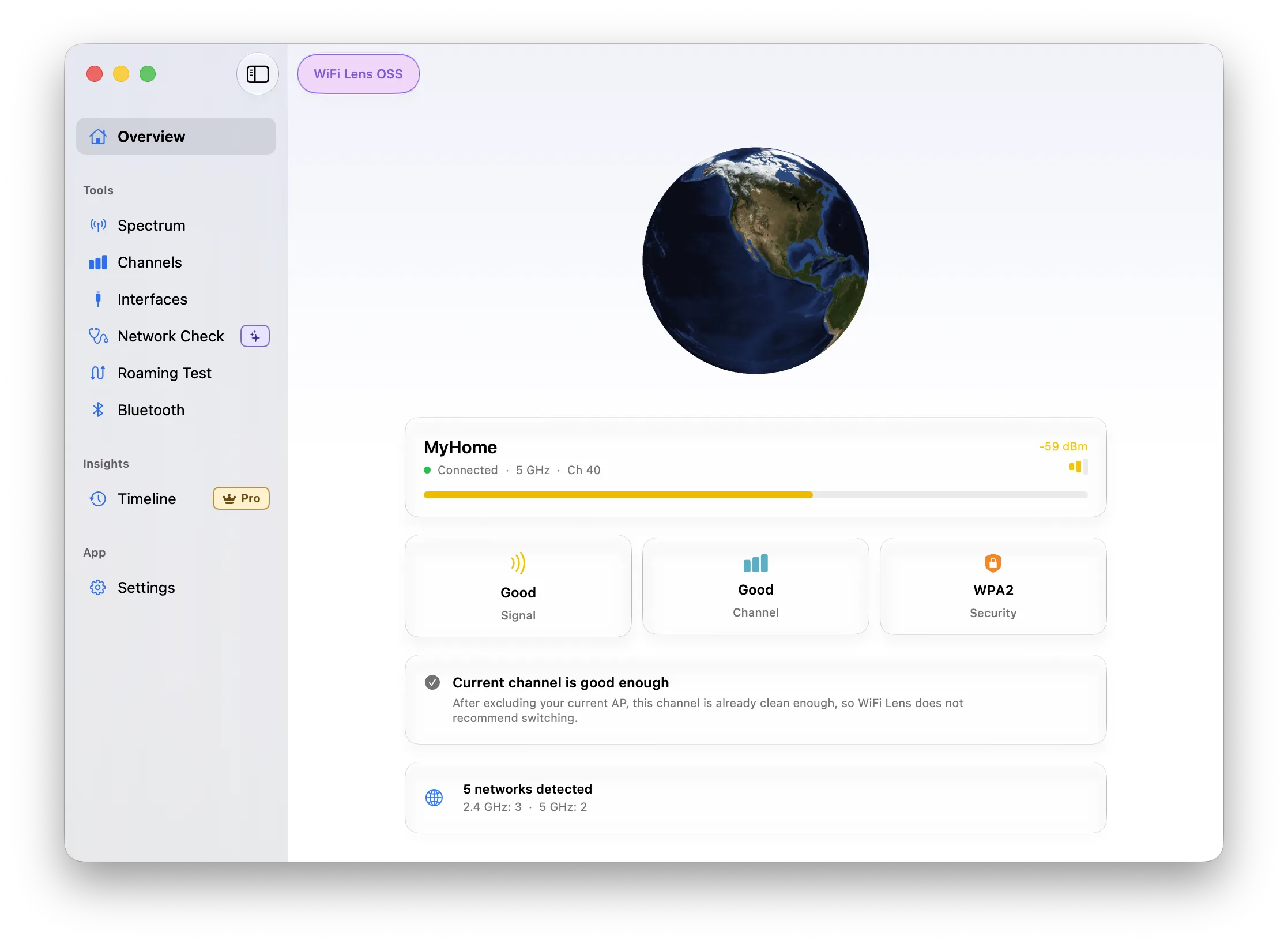
-
xbar - Put the output from any script or program into your macOS Menu Bar.
Languages:
Objective-C -
Yap - On-device voice dictation from the menu bar. Set a hotkey, talk, and the text is pasted into whatever field you were typing in. It runs offline in native Swift with no model to download.
Languages:
SwiftWebsite: https://frigade.com/yap
-
Zielzeit - Menu bar app projecting the year your Scalable Capital portfolio reaches a savings goal, read-only through the official broker CLI.
Languages:
SwiftWebsite: https://mannafee.github.io/zielzeit-scalable-capital/
Screenshots
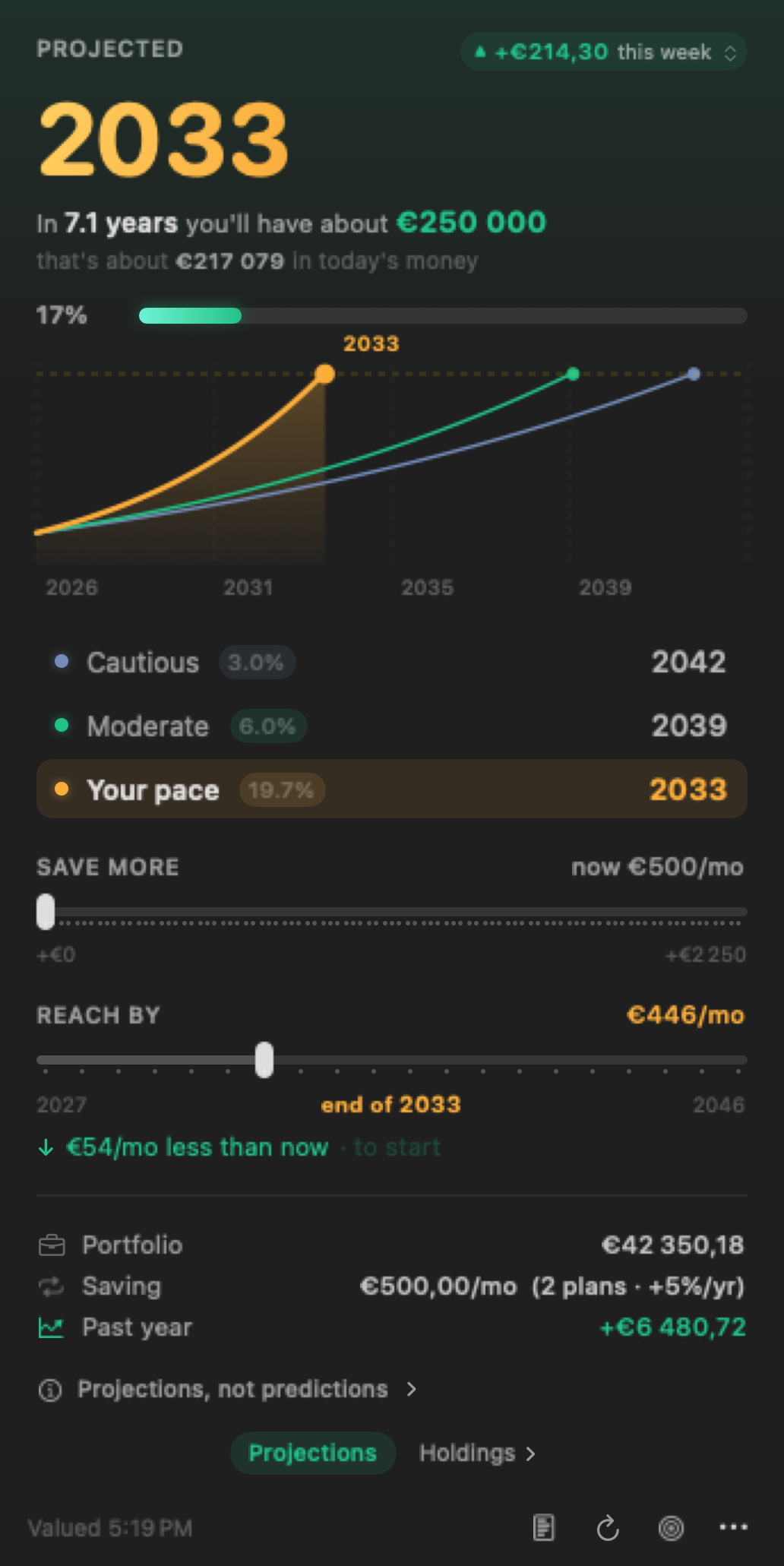
🎧 Music (20)
-
Carol - A minimal and beautiful lyrics app that stays in the menu bar of macOS.
Languages:
C# -
ChordDetector - Tiny menu bar app that listens iTunes and Spotify to detect chords of songs!
Languages:
Swift -
DeezPlayer - Deezer Desktop app for Windows, Linux and macOS.
Languages:
 CoffeeScript
 -
iTunes Graphs - macOS app to visualise your iTunes library as graphs.
Languages:
SwiftScreenshots
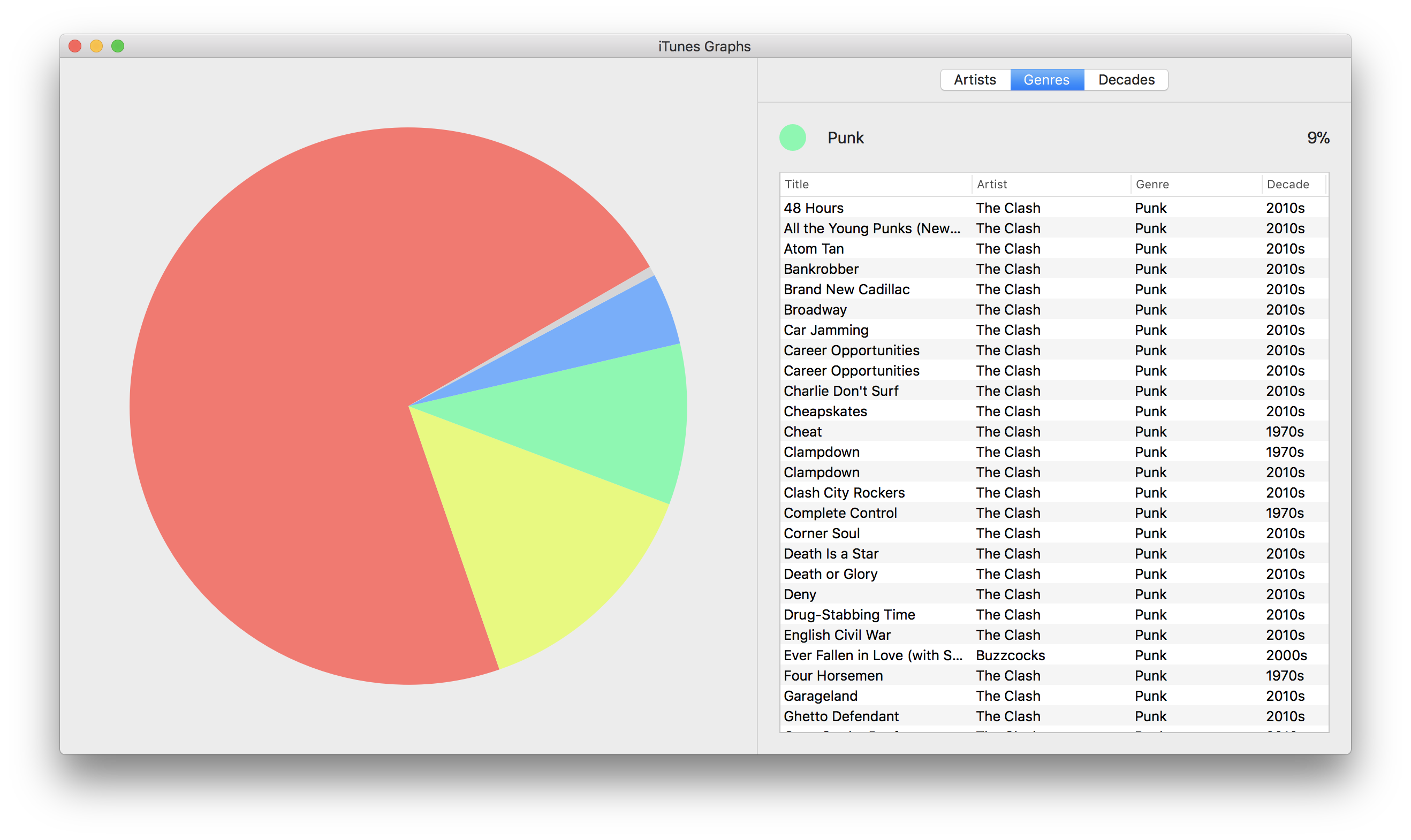
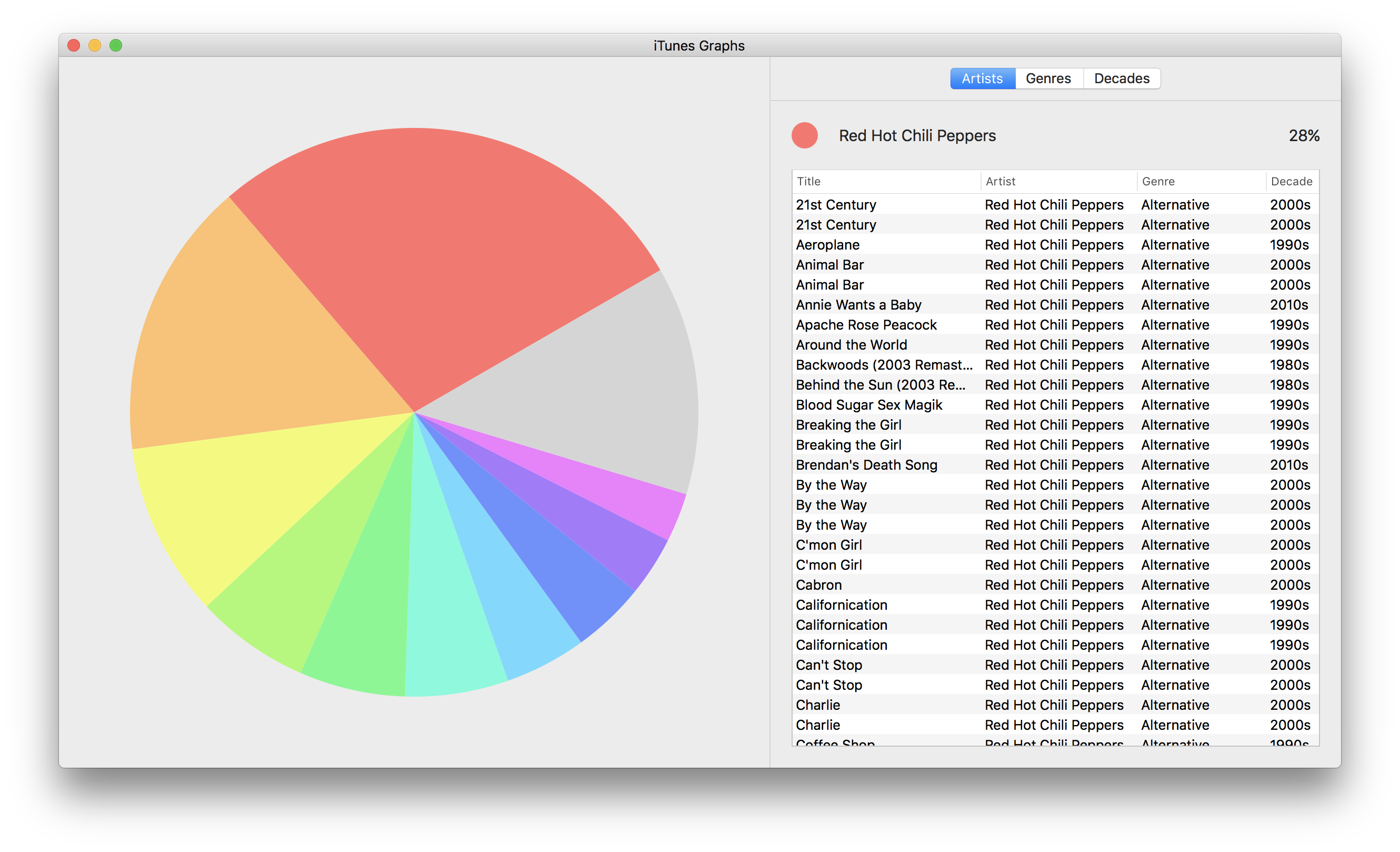
-
Karaoke Forever - Host awesome karaoke parties where everyone can queue songs from their phone's browser. Plays MP3+G and MP4 with WebGL visualizations.
Languages:
JavaScriptWebsite: https://www.karaoke-eternal.com/
Screenshots
-
Kaset - Native macOS client for YouTube Music and YouTube, built with Swift and SwiftUI.
Languages:
SwiftWebsite: https://github.com/sozercan/kaset
Screenshots
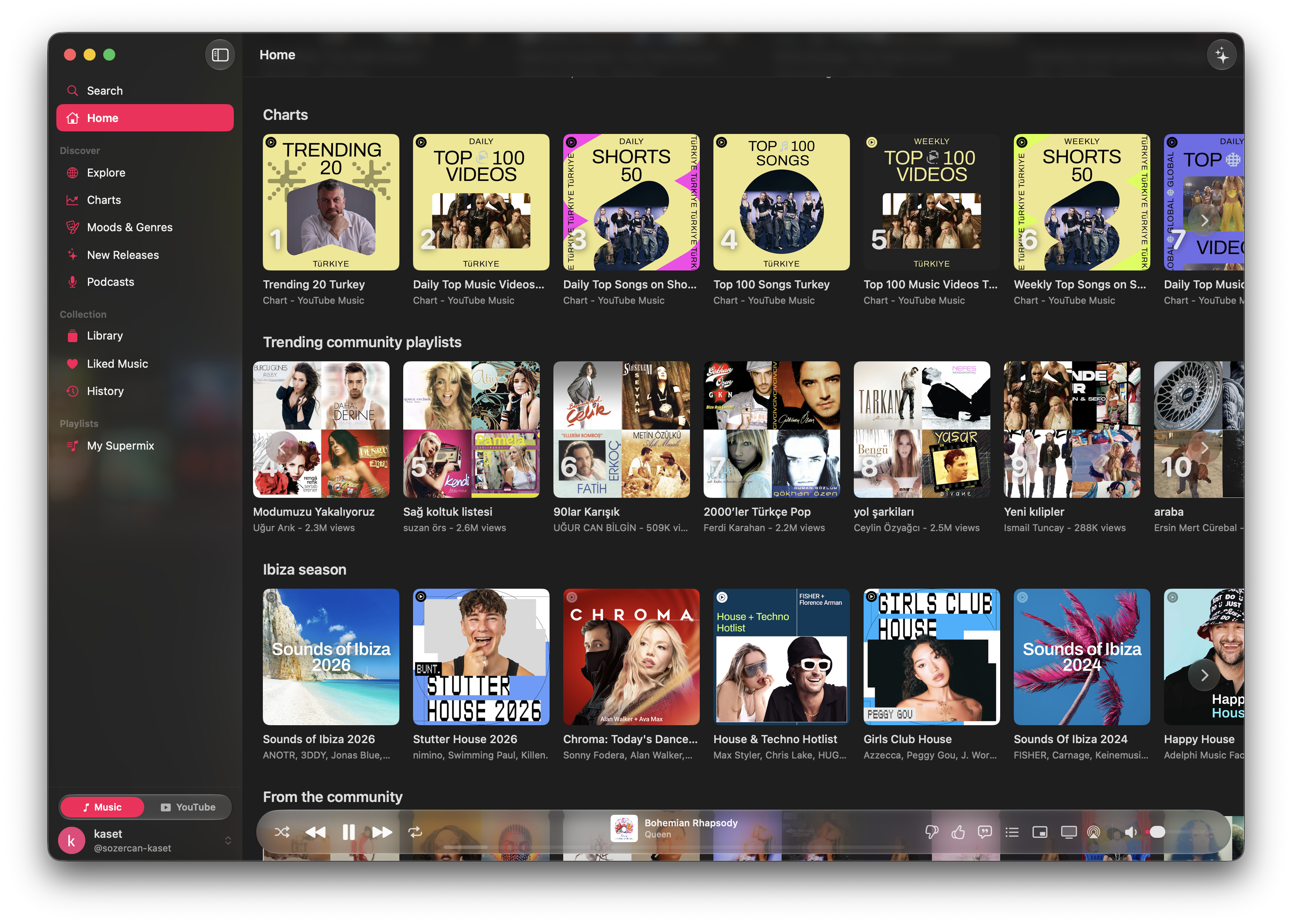
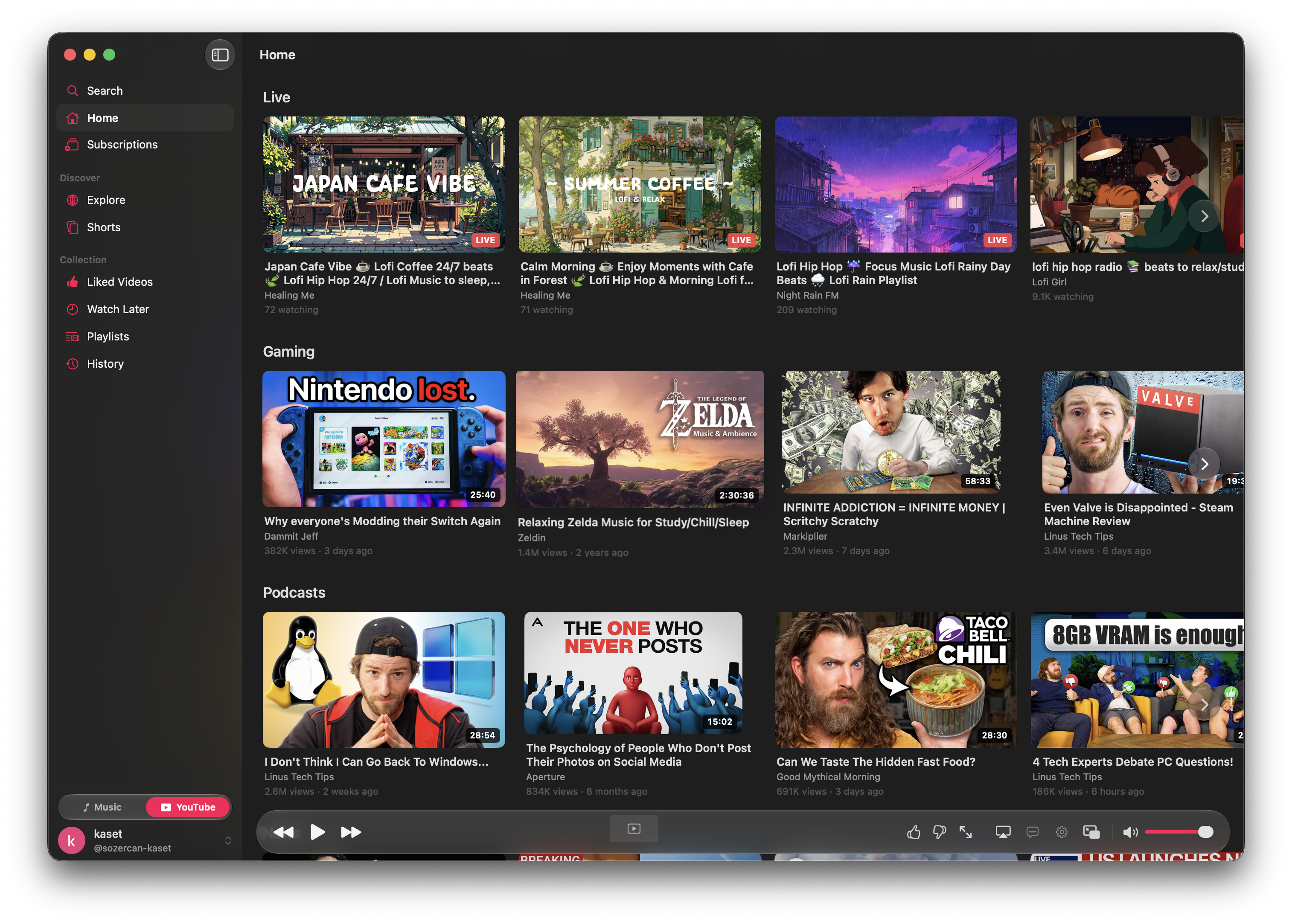
-
Lilypond UI - Create beautiful musical scores with LilyPond.
Languages:
JavaScriptScreenshots
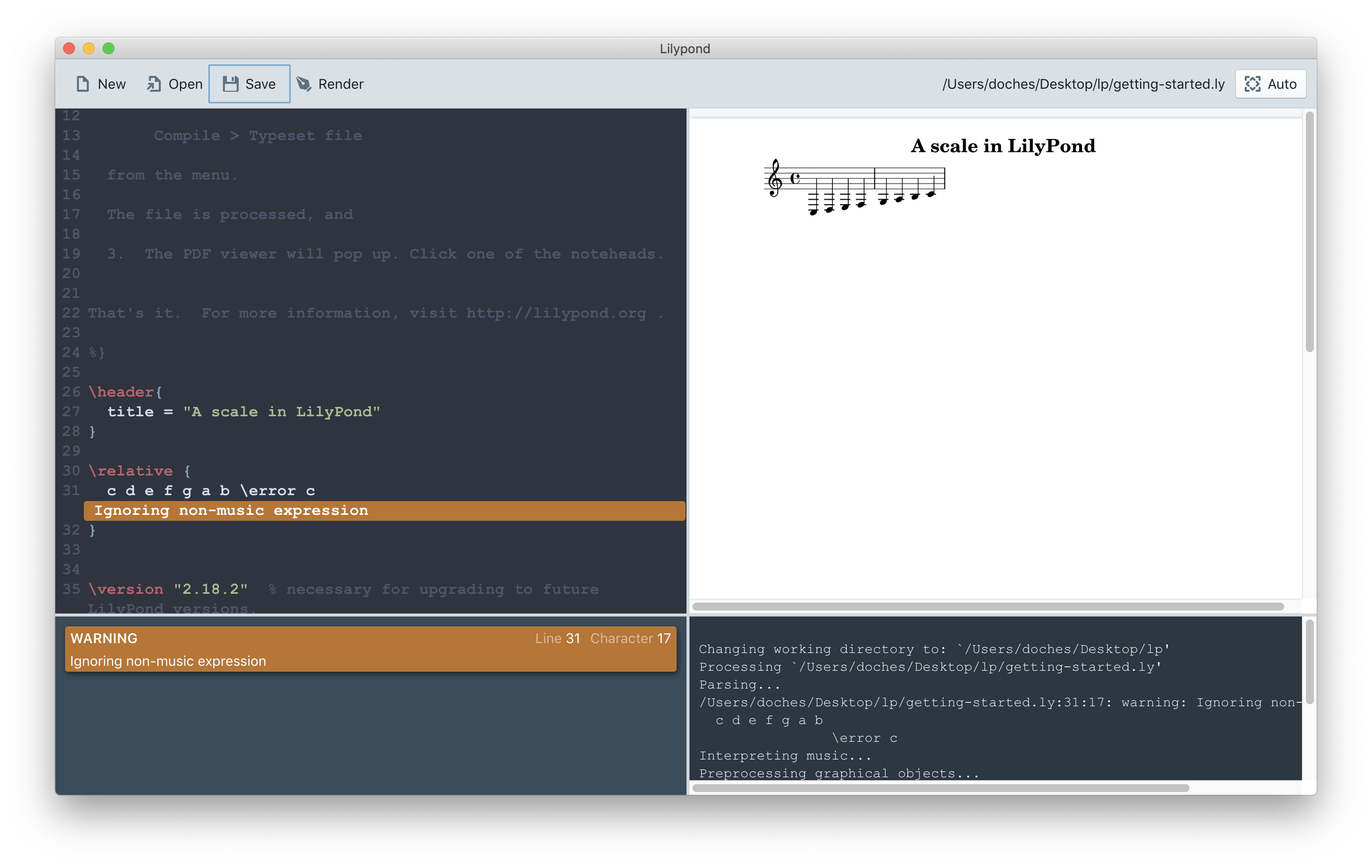
-
lyricsify - Simple Spotify lyrics viewer menu bar app for macOS in Swift.
Languages:
SwiftScreenshots
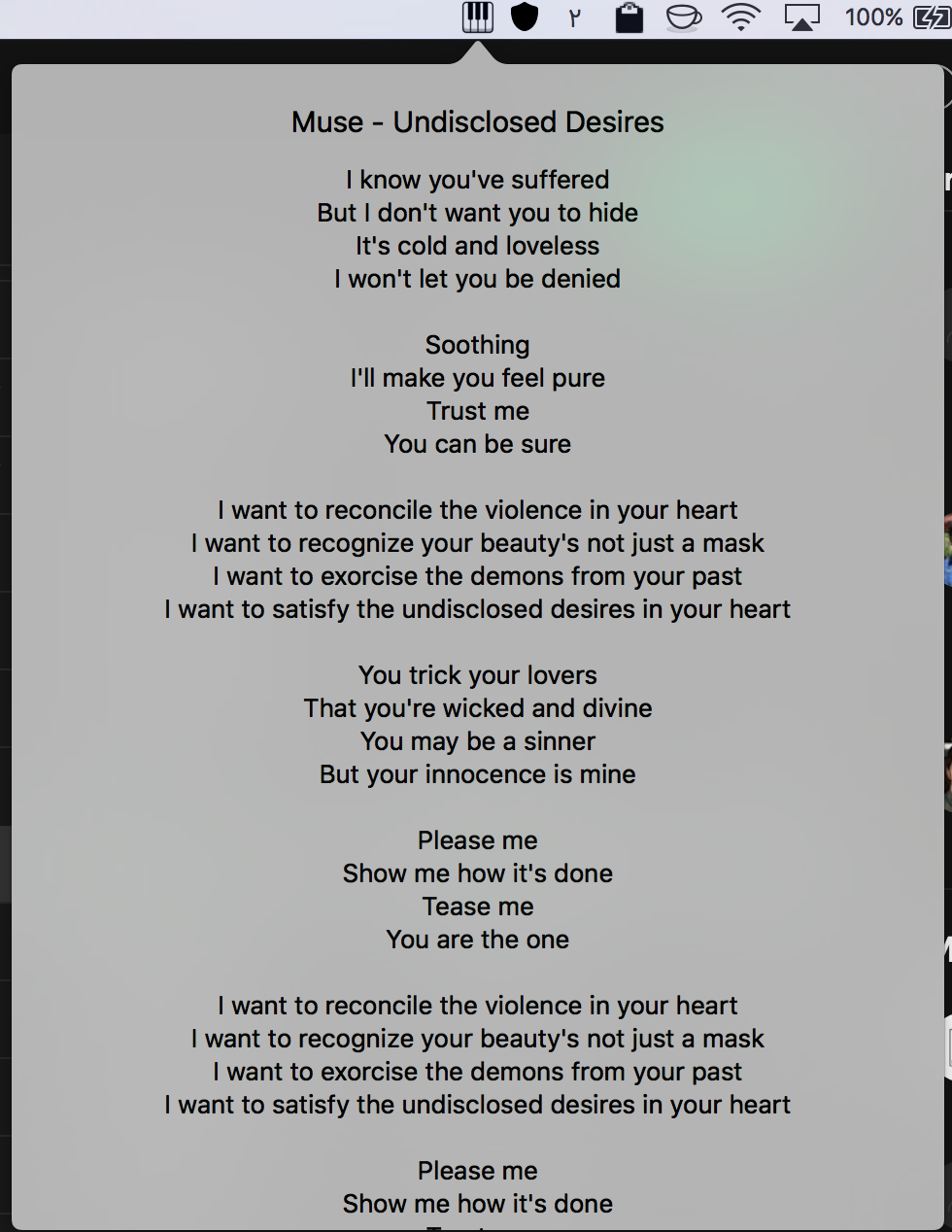
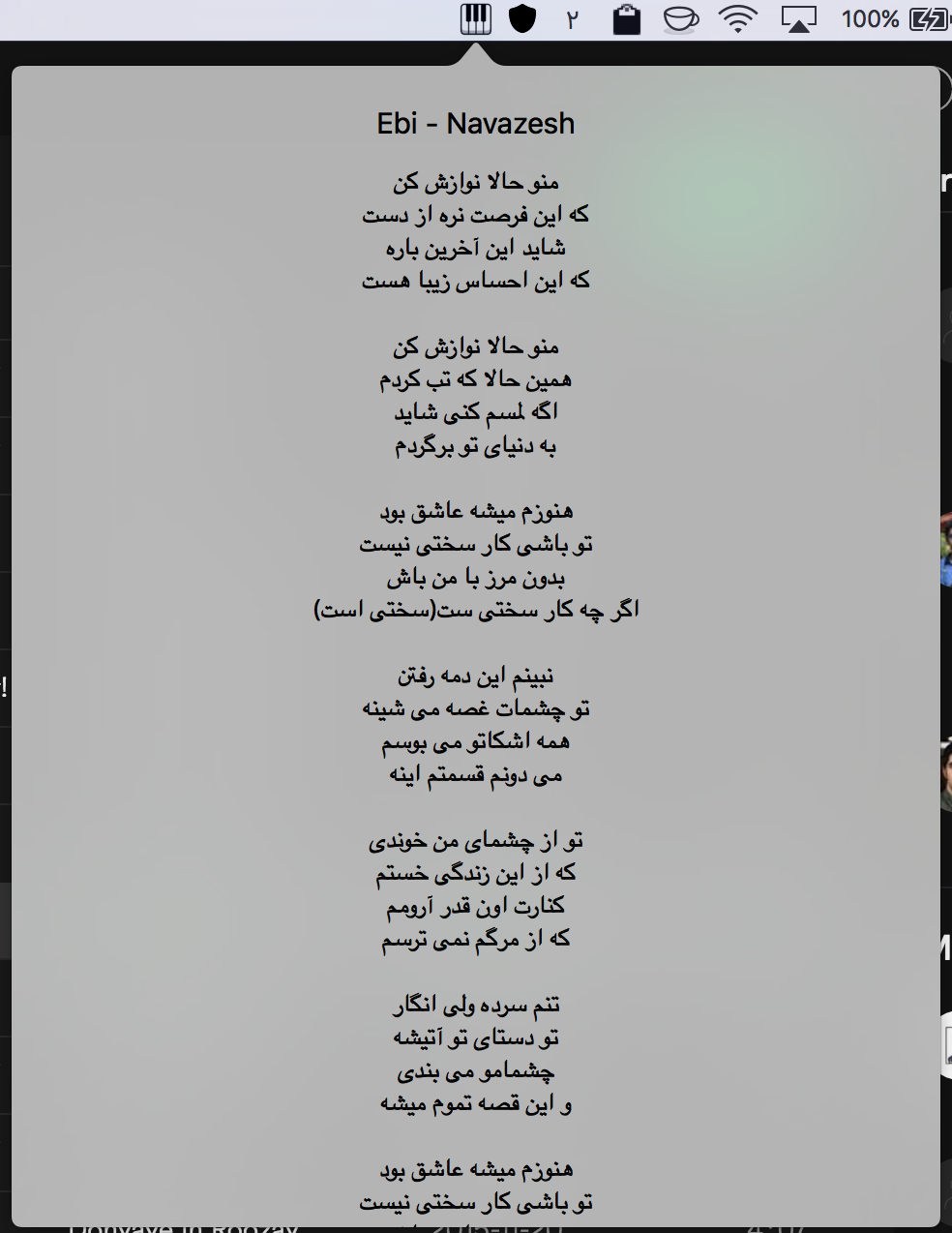
-
Lyrimuse - Word-synced desktop lyrics for Apple Music, Spotify, QQ Music, NetEase Cloud Music, Kugou and YouTube Music / Spotify Web in the browser, with translation, romanization and Last.fm scrobbling.
Languages:
Swift GoWebsite: https://yudaotor.github.io/lyrimuse/
Screenshots
-
Mooziac - Lightweight native macOS menu bar player for YouTube Music and local audio with trackpad gestures.
Languages:
SwiftWebsite: https://mooziac.pages.dev
Screenshots
-
MPV - Lightweight, highly configurable media player.
Languages:
CWebsite: https://mpv.io
Screenshots
-
NoiseBuddy - Control the listening mode on your AirPods Pro in the Touch Bar or Menu Bar.
Languages:
Swift -
Petrichor - Offline music player for macOS with library management, smart playlists, synced lyrics and an equalizer.
Languages:
SwiftWebsite: https://petrichor.page
Screenshots
-
PlayStatus - PlayStatus is a macOS app that allows the control of Spotify and iTunes music playback from the menu bar.
Languages:
SwiftScreenshots
-
Plug - Discover and listen to music from Hype Machine.
Languages:
SwiftWebsite: https://www.plugformac.com/
Screenshots
-
SoundCleod - SoundCloud for macOS and Windows.
Languages:
JavaScriptScreenshots
-
spicetify-cli - Command-line tool to customize the official Spotify client. Supports Windows, MacOS and Linux.
Languages:
JavaScriptWebsite: https://spicetify.app/
Screenshots
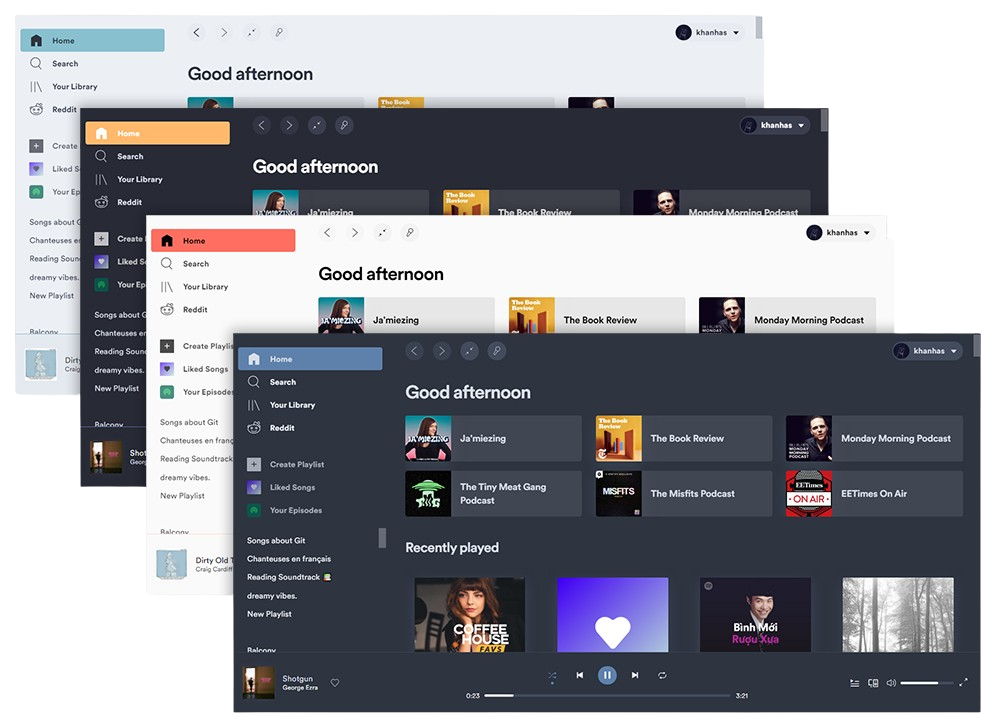
-
Spotify-Cli-Mac - Control Spotify without leaving your terminal. 🎶
Languages:
JavaScriptScreenshots
-
StargateDAW - An all-in-one digital audio workstation (DAW) and plugin suite
Languages:
C PythonScreenshots
(3 more screenshots available in the repository)
-
YouTube-Music - macOS wrapper for music.youtube.com.
Languages:
SwiftScreenshots
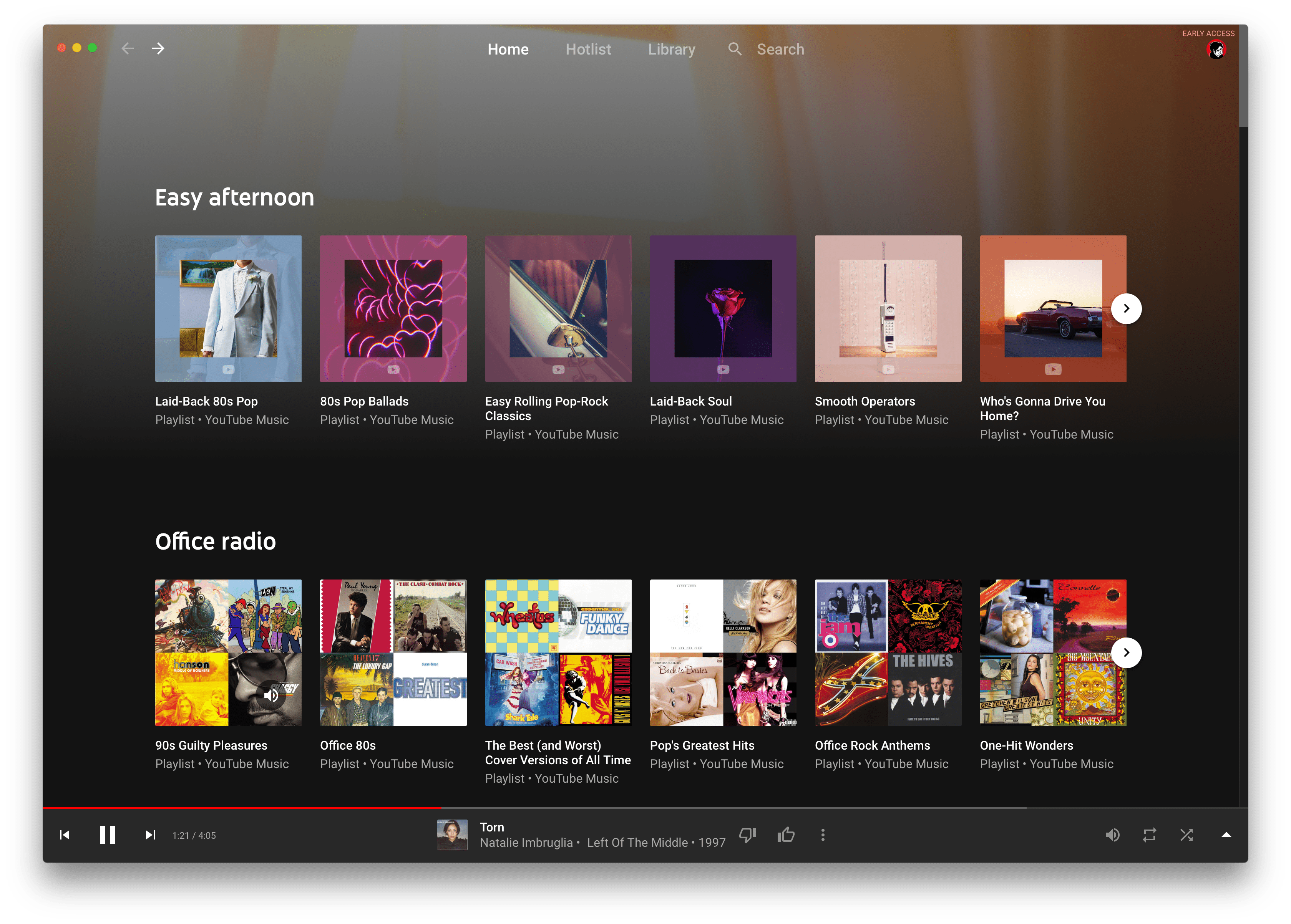
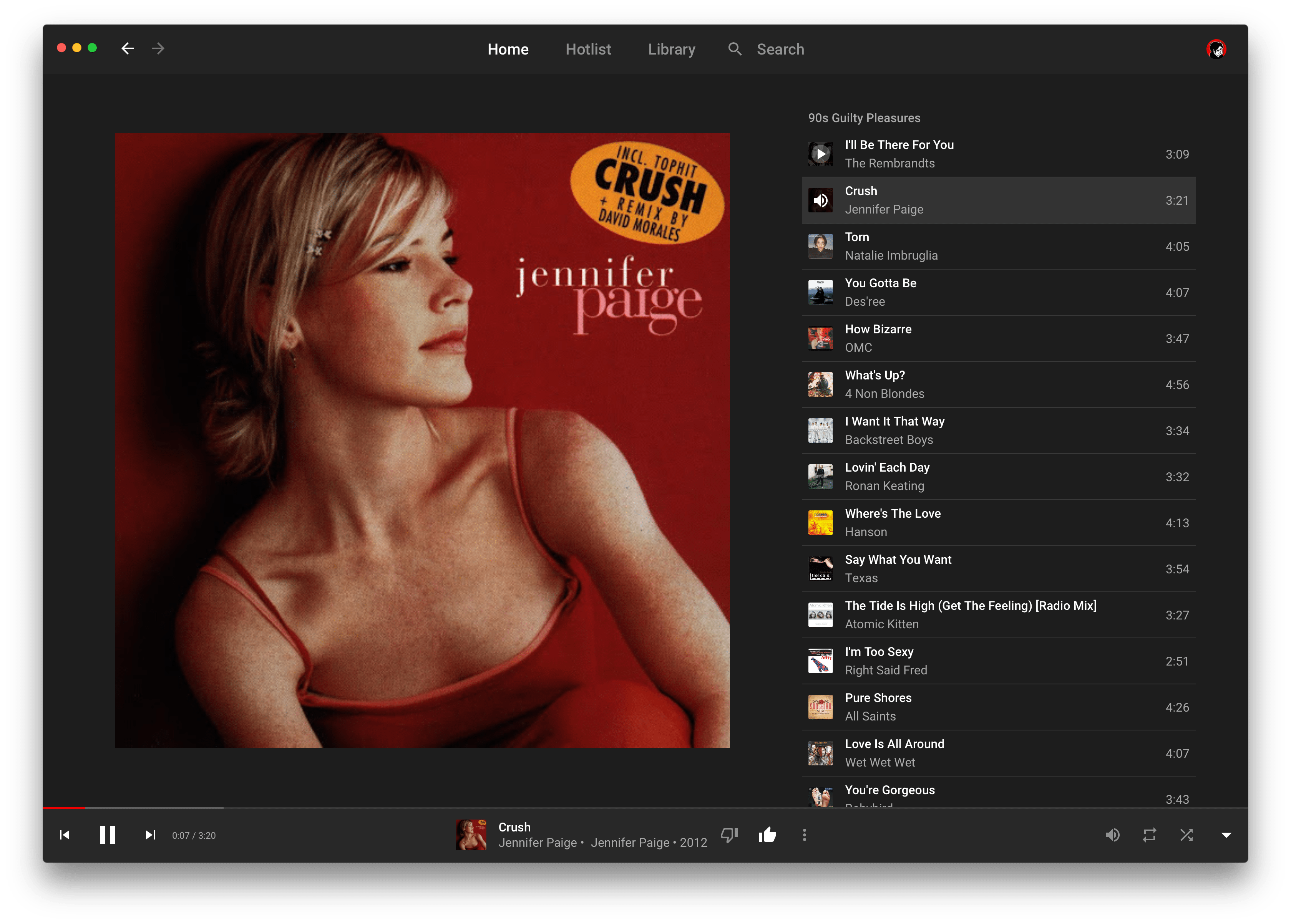
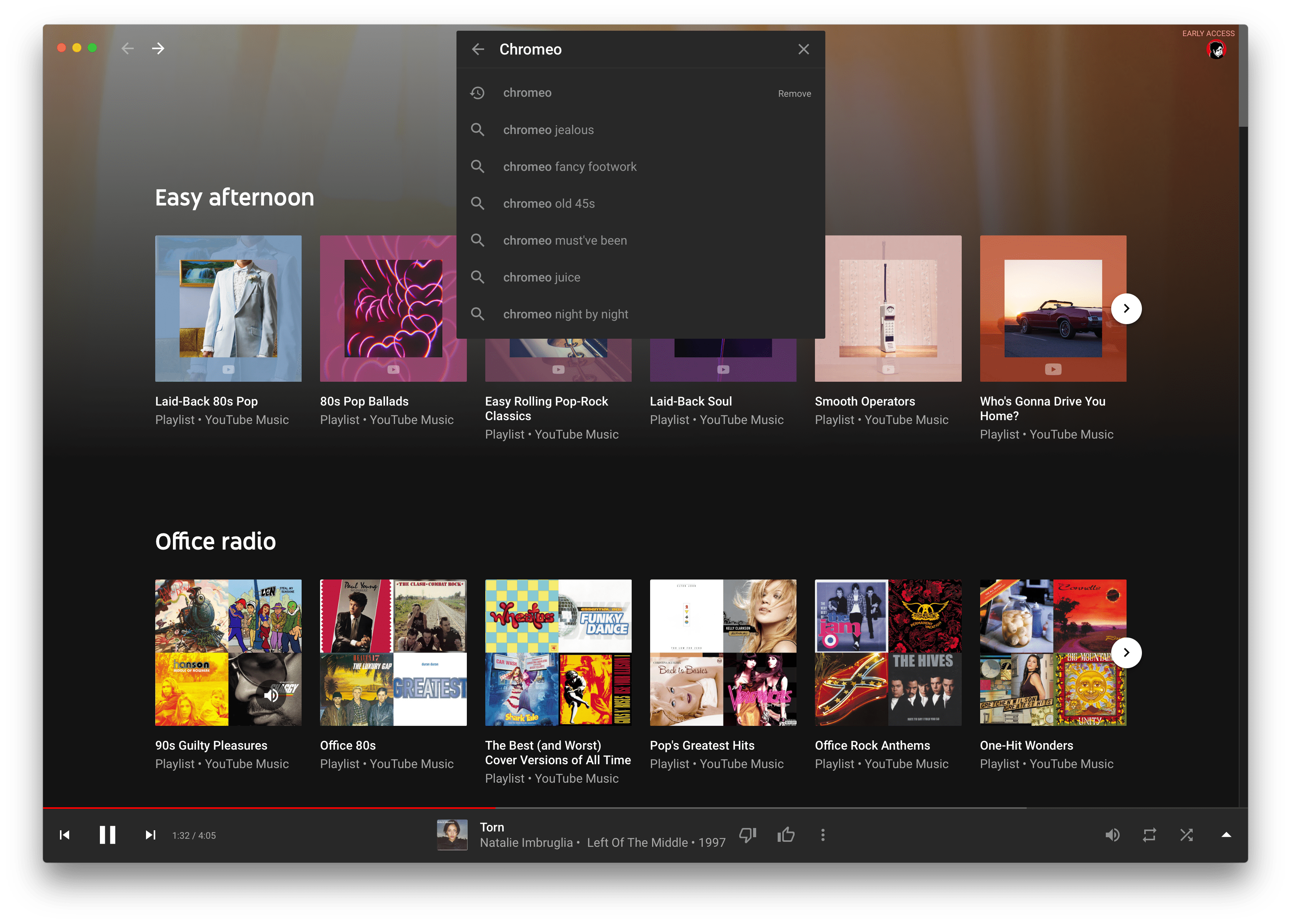
(1 more screenshots available in the repository)
📰 News (6)
-
baRSS – Menu Bar RSS Reader - RSS & Atom feed reader that lives in the system status bar.
Languages:
Objective-CScreenshots
-
Diurna - Basic/Classic Hacker News app, used as a Cocoa & Swift learning platform.
Languages:
SwiftScreenshots
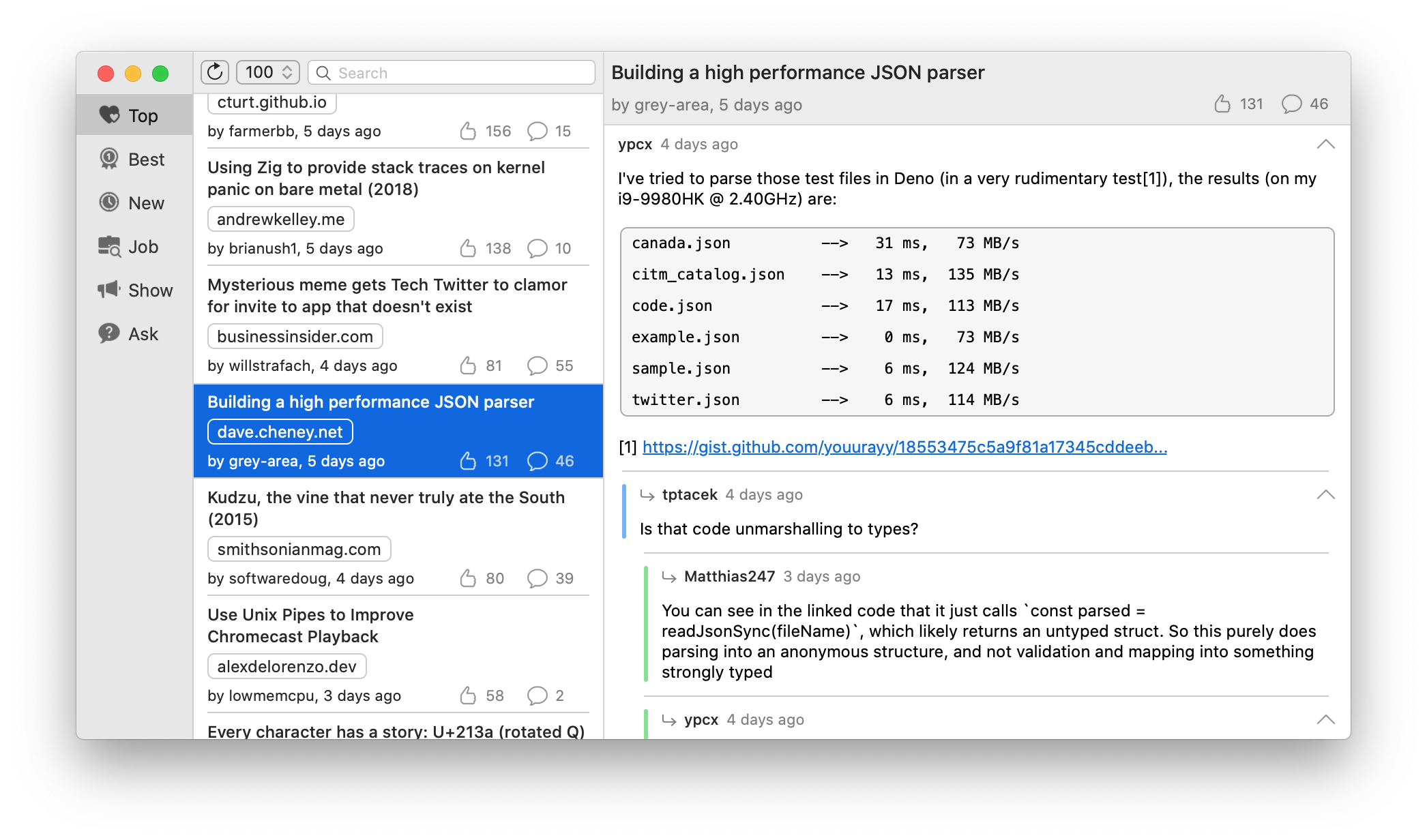
-
hacker-menu - Hacker News Delivered to Desktop.
Languages:
JavaScriptScreenshots
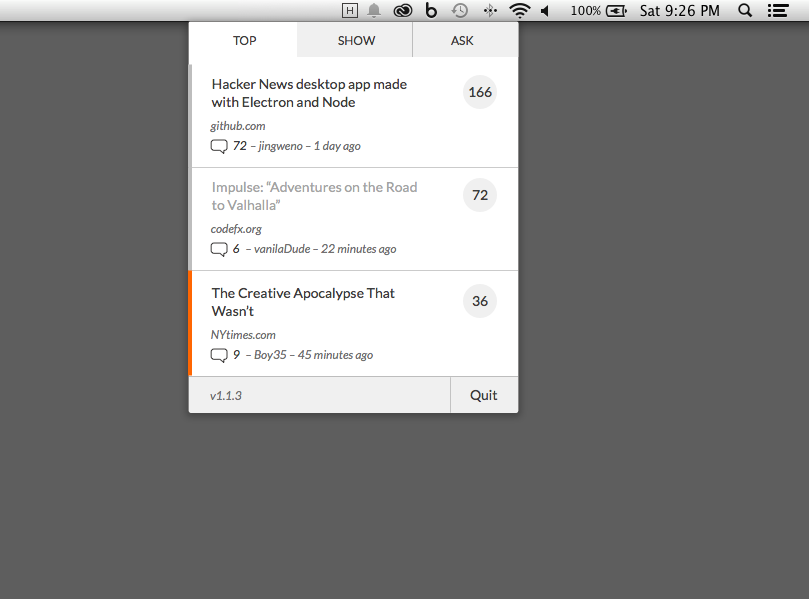
-
NetNewsWire - Feed reader for macOS.
Languages:
Swift -
Vienna - Vienna is a RSS/Atom newsreader for macOS.
Languages:
Objective-C -
Winds - A Beautiful Open Source RSS & Podcast App Powered by Getstream.io
Languages:
JavaScriptWebsite: https://getstream.io/winds/
Screenshots
(2 more screenshots available in the repository)
📔 Notes (25)
-
AutoDoc - Private, local-first meeting notes with on-device transcription and AI summaries.
Languages:
TypeScript SwiftWebsite: https://getautodoc.com/
Screenshots
-
BibDesk - Use BibDesk to edit and manage your bibliography
Languages:
Objective-CWebsite: https://bibdesk.sourceforge.io
Screenshots
-
Boostnote - Note-taking application made for programmers just like you.
Languages:
JavaScriptScreenshots
-
Dnote - A simple command line notebook with multi-device sync and web interface.
Languages:
Go TypeScriptWebsite: https://www.getdnote.com/
Screenshots

-
FromScratch - Little app that you can use as a quick note taking or todo app.
Languages:
JavaScript CSS -
FSNotes - Notes manager for macOS/iOS: modern notational velocity (nvALT) on steroids.
Languages:
SwiftScreenshots
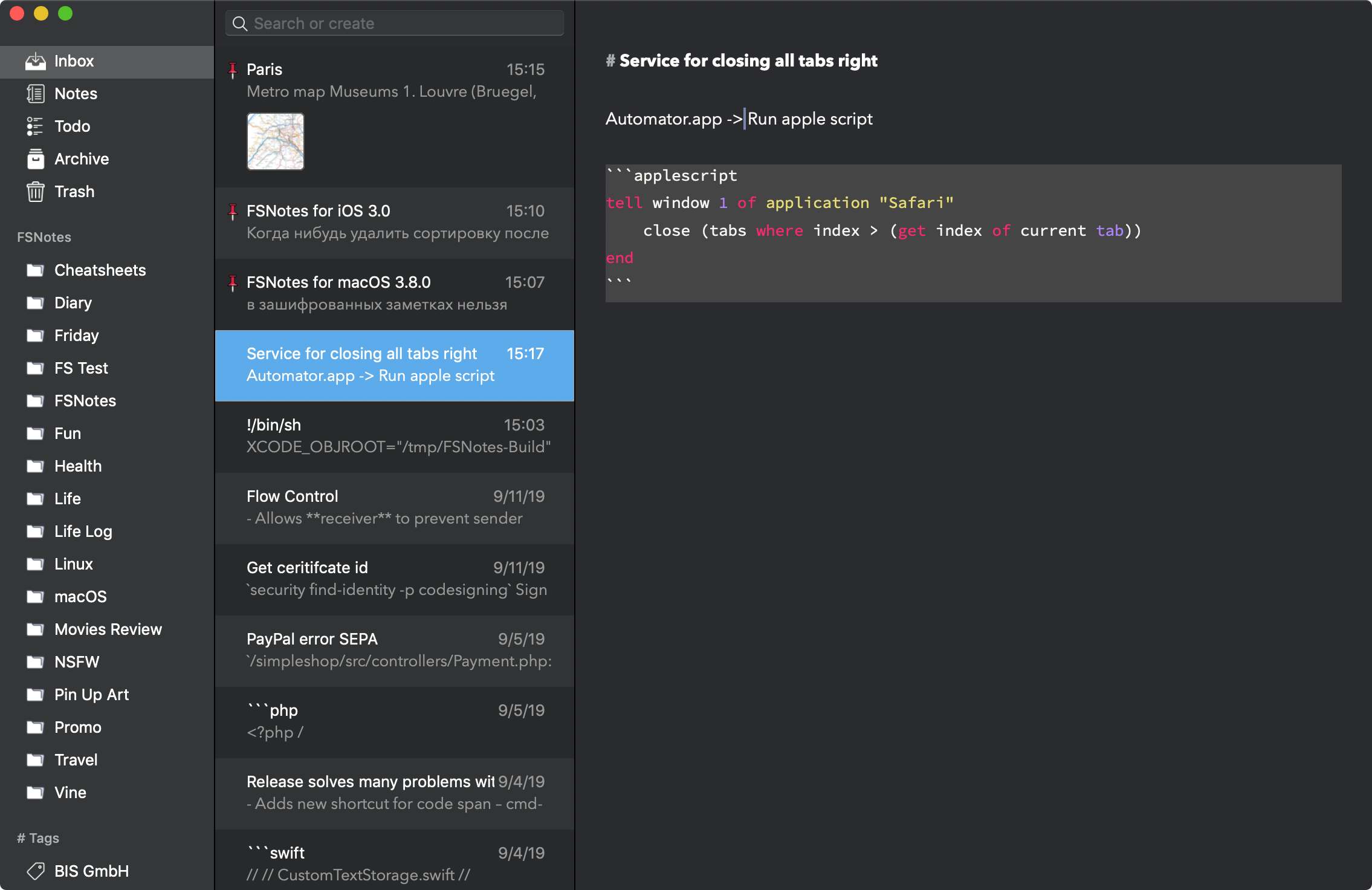
-
joplin - Note taking and to-do application with synchronization capabilities for Windows, macOS, Linux, Android and iOS.
Languages:
JavaScript -
Jupyter Notebook Viewer - Notebook viewer for macOS.
Languages:
Swift -
linked - 🧾 Your daily journal app, diary or anything else to unclutter your mind. Let linked help you get focused by writing down what is in your mind on a daily basis.
Languages:
JavaScript vue CSSWebsite: https://uselinked.com
Screenshots
-
Logue - Privacy-first AI meeting notes and writing assistant with on-device transcription, smart minutes, action items, and 60+ writing modes — runs entirely on Apple Silicon.
Languages:
SwiftWebsite: https://github.com/bitwize-ai/Logue
Screenshots
-
notable - Simple note taking application.
Languages:
JavaScriptScreenshots
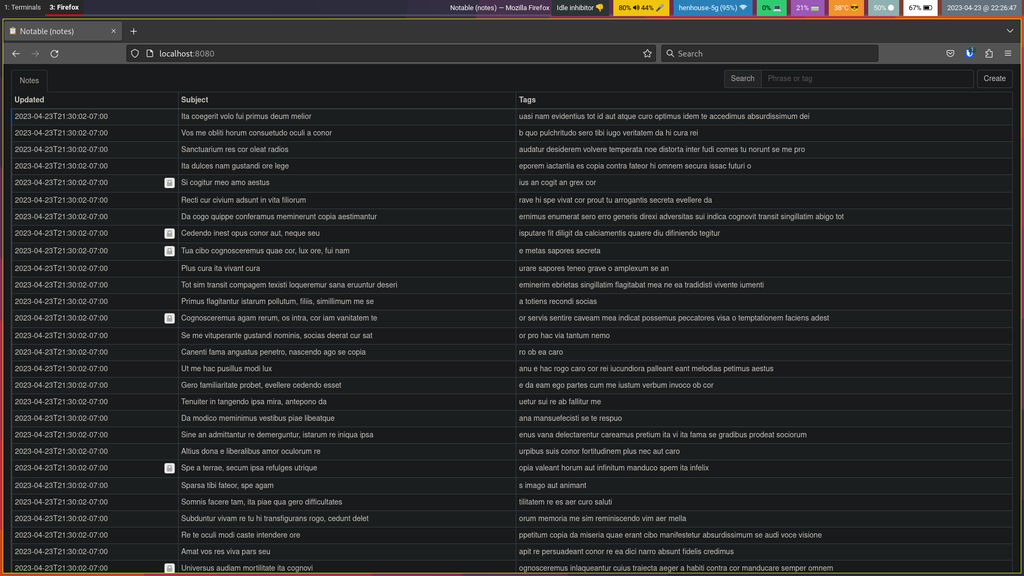

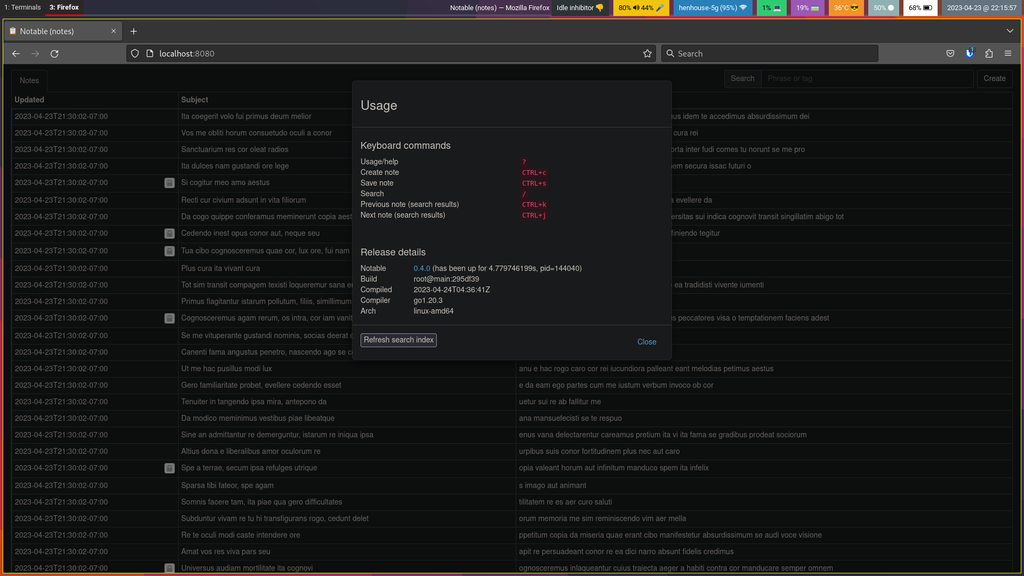
(4 more screenshots available in the repository)
-
Notchi - Turn the MacBook notch into a place to ask AI, save notes, set reminders, or run coding agents.
Languages:
SwiftWebsite: https://www.notch.website/
Screenshots
-
NoteGen - Local-first Markdown note-taking app that captures scattered information and organizes it into structured notes with AI.
Languages:
TypeScript RustWebsite: https://notegen.top/
-
Notenik - Note-taking app with many organizational options.
Languages:
SwiftWebsite: https://notenik.app
Screenshots
-
Notes - Notes is a macOS application built to create notes, using text amongst other formats: images, videos, contacts, and etc.
Languages:
Swift -
Notesnook - A fully open source and end-to-end encrypted note taking alternative to Evernote.
Languages:
JavaScript TypeScriptWebsite: https://notesnook.com
Screenshots
-
NoteTaker - Simple note taking app for macOS and iOS which uses Realm and CloudKit for syncing.
Languages:
SwiftScreenshots
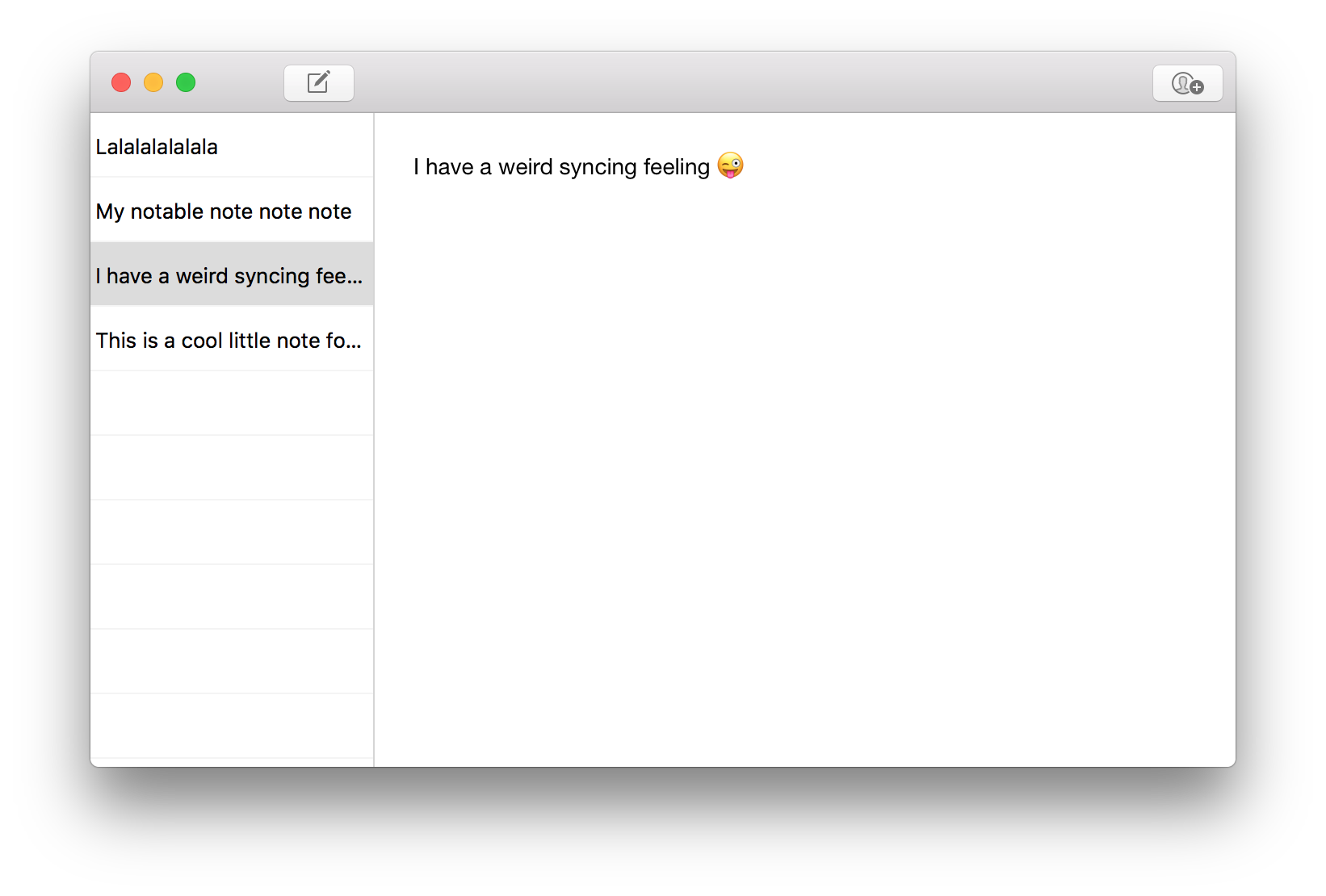
-
OATS - Open-source local-first macOS meeting-notes app with live transcription, speaker labels, AI summaries, and an offline on-device mode.
Languages:
Rust TypeScriptWebsite: https://ariso.ai/oats
Screenshots
-
OpenHabitTracker - Take notes, plan tasks, track habits. Free, open source, all data stays on your device.
Languages:
C#Website: https://openhabittracker.net
Screenshots
-
QOwnNotes - Plain-text file notepad and todo-list manager with markdown support and ownCloud / Nextcloud integration.
Languages:
C++Website: https://www.qownnotes.org/
Screenshots
-
Simplenote - Simplest way to keep notes.
Languages:
Objective-CScreenshots
-
Standard Notes - Safe place for your notes, thoughts, and life's work.
Languages:
JavaScript CSS -
Stik - Instant thought capture for macOS. Global hotkey summons a post-it note, type and close. Notes stored as plain markdown files.
Languages:
Rust TypeScriptWebsite: https://stik.ink
-
tmpNote - Very simple macOS app to make temporary notes.
Languages:
SwiftScreenshots
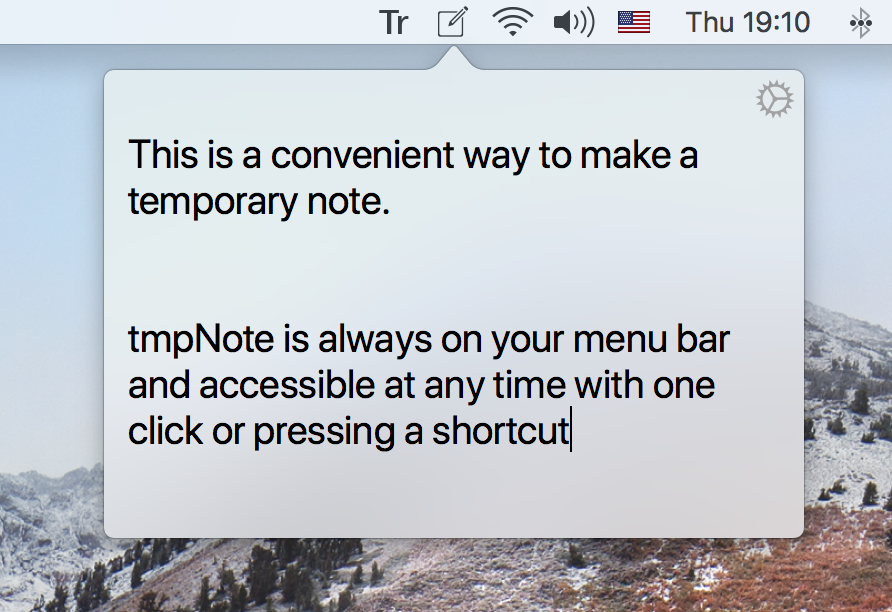
-
Tusk - Unofficial, third-party, community driven Evernote app with a handful of useful features.
Languages:
JavaScript CSS
📦 Other (25)
-
Betaflight Configurator - Cross platform configuration tool for the Betaflight firmware.
Languages:
JavaScriptWebsite: https://betaflight.com/
Screenshots
-
Cakebrew - Manage your Homebrew formulas with style using Cakebrew.
Languages:
Objective-CScreenshots
-
ChipMunk - Log analysis tool.
Languages:
TypeScript Rust -
DevDocs for macOS - An unofficial DevDocs API documentation viewer.
Languages:
SwiftScreenshots
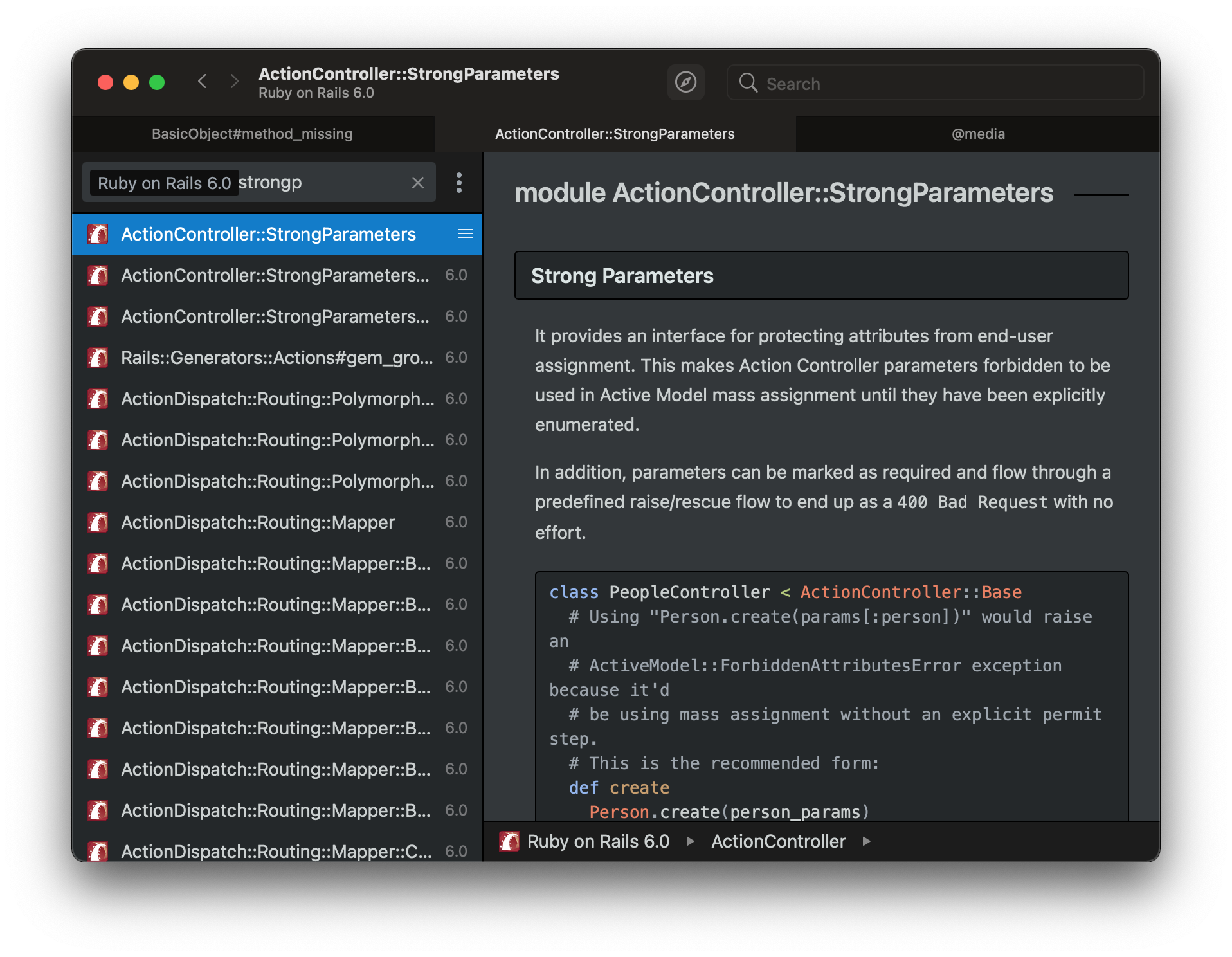
-
Gas Mask - Hosts file manager for macOS.
Languages:
Objective-C -
Gramps - A genealogy program that is both intuitive for hobbyists and feature-complete for professional genealogists.
Languages:
PythonWebsite: https://gramps-project.org
-
Hosts - Cocoa GUI for /etc/hosts.
Languages:
Objective-C -
ImageOptim - GUI image optimizer for Mac.
Languages:
Objective-C -
Keyframes Player - Simple macOS app to preview animations created with Facebook's keyframes framework.
Languages:
SwiftScreenshots
-
Lepton - Democratizing Code Snippets Management (macOS/Win/Linux).
Languages:
JavaScript -
Letters - Teach your kids the alphabet and how to type.
Languages:
SwiftScreenshots

(1 more screenshots available in the repository)
-
macGist - Simple app to send pasteboard items to GitHub's Gist.
Languages:
Swift -
Numi - Beautiful calculator app for macOS
Languages:
JavaScriptWebsite: https://numi.app/
Screenshots
-
Platypus - Mac developer tool that creates application bundles from command line scripts.
Languages:
Objective-C -
QorumLogs - Swift Logging Utility for Xcode & Google Docs.
Languages:
Swift -
React Native Debugger - Desktop app for inspecting your React Native projects. macOS, Linux, and Windows.
Languages:
JavaScriptScreenshots
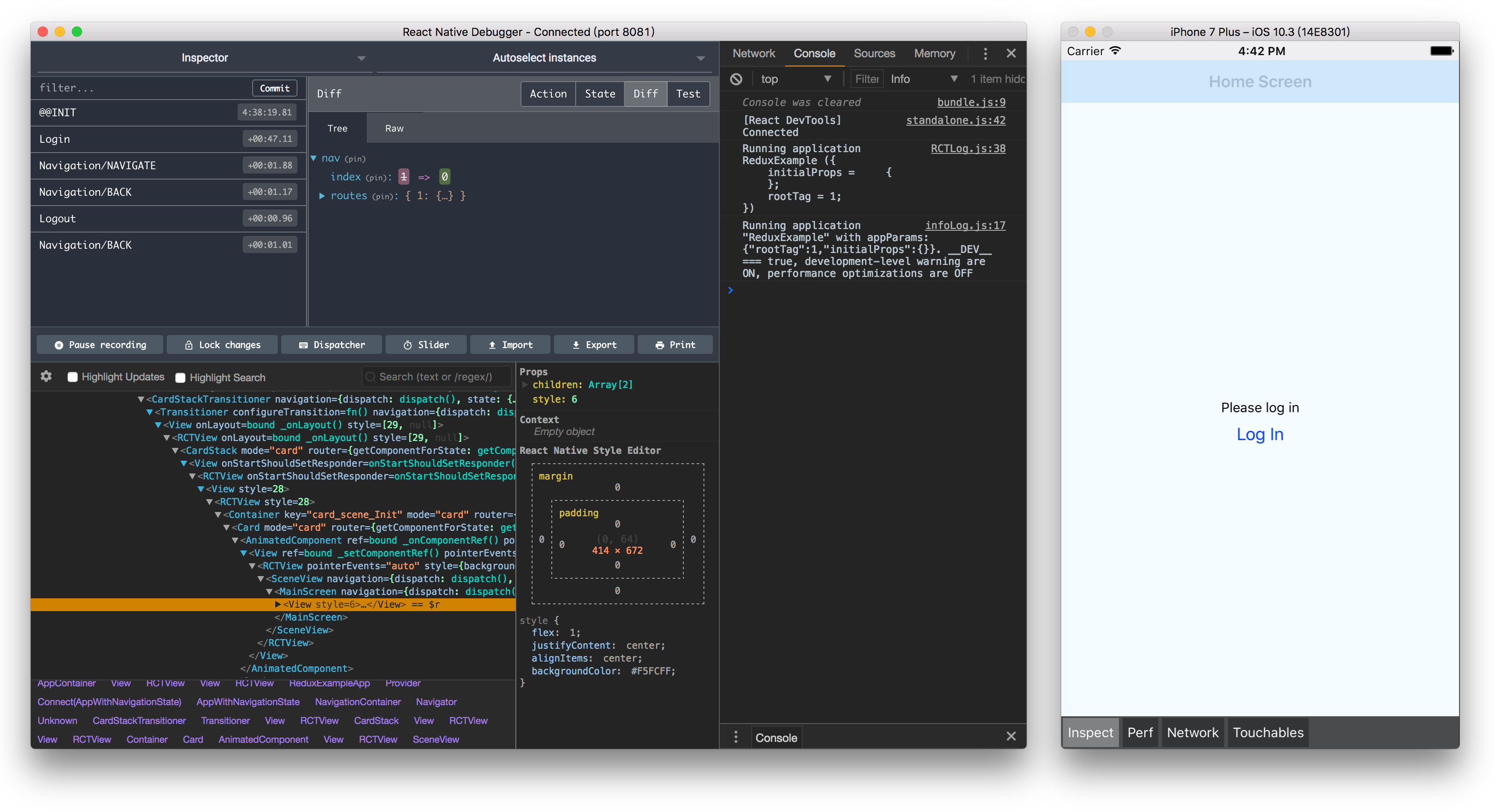
-
Reactotron - Desktop app for inspecting your React JS and React Native projects. macOS, Linux, and Windows.
Languages:
JavaScript -
RktMachine - Menu bar macOS app for running rkt in a macOS hypervisor CoreOS VM.
Languages:
SwiftScreenshots

-
Ruby.app - macOS app that contains a full Ruby installation (for use with Ruby/Gosu).
Languages:
Ruby -
Shuttle - Simple SSH shortcut menu for macOS.
Languages:
Objective-CScreenshots

-
SwiftyBeaver - Convenient logging during development & release in Swift.
Languages:
Swift -
SwitchShuttle - Simple commands shortcut menu for macOS.
Languages:
RustScreenshots

-
syncthing-macosx - Frugal nativemacOS macOS Syncthing application bundle.
Languages:
Objective-CScreenshots
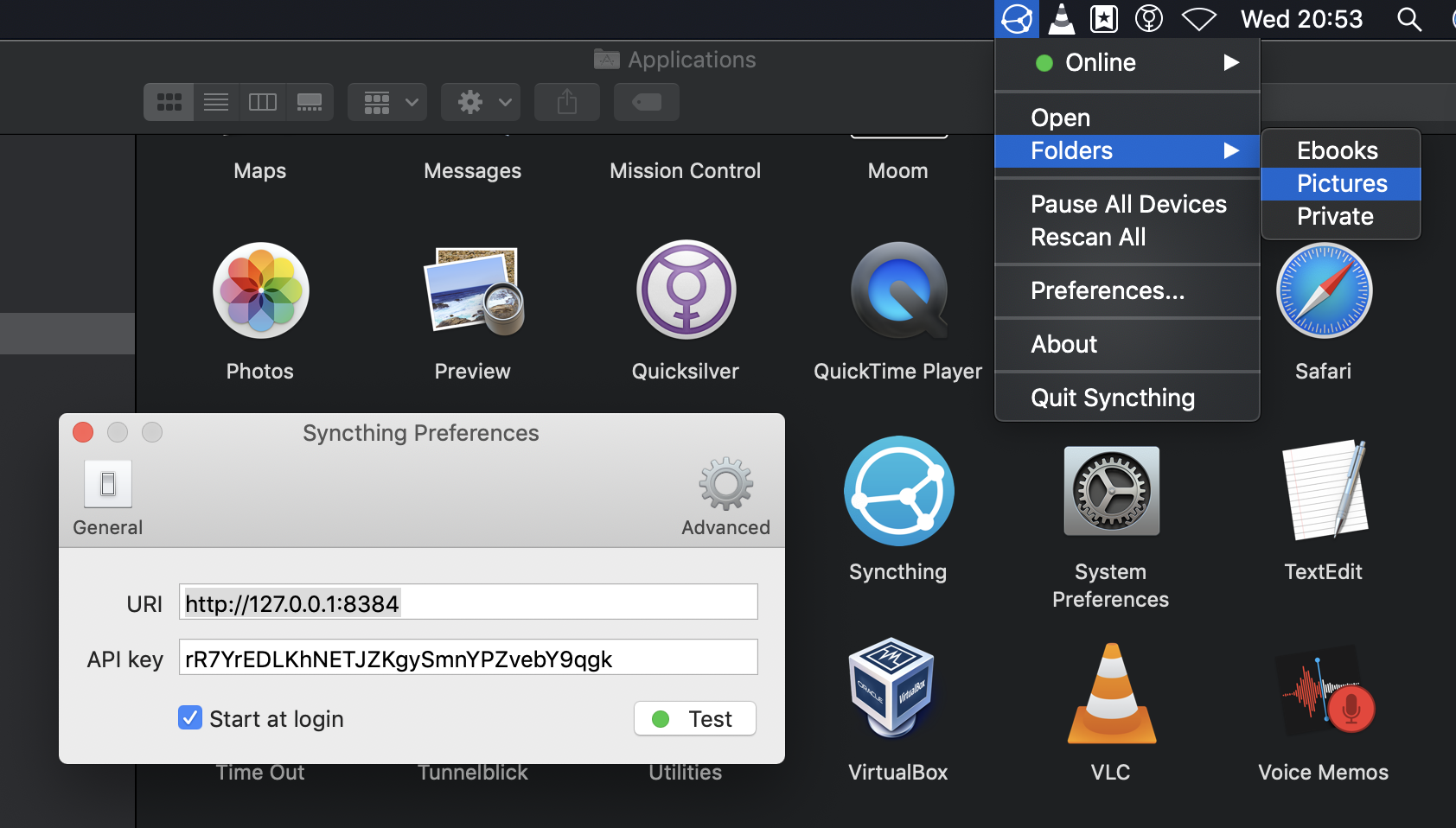
-
Unused - Mac app for checking Xcode projects for unused resources.
Languages:
Objective-C -
Vagrant Manager - Manage your vagrant machines in one place with Vagrant Manager for macOS.
Languages:
Objective-CScreenshots
▶️ Player (7)
-
IINA - The modern video player for macOS.
Languages:
SwiftWebsite: https://iina.io
-
Mac Classic Player - Keyboard-driven media player for macOS, in the spirit of Media Player Classic.
Languages:
Rust TypeScriptWebsite: https://mcp.kkweb.io/
Screenshots
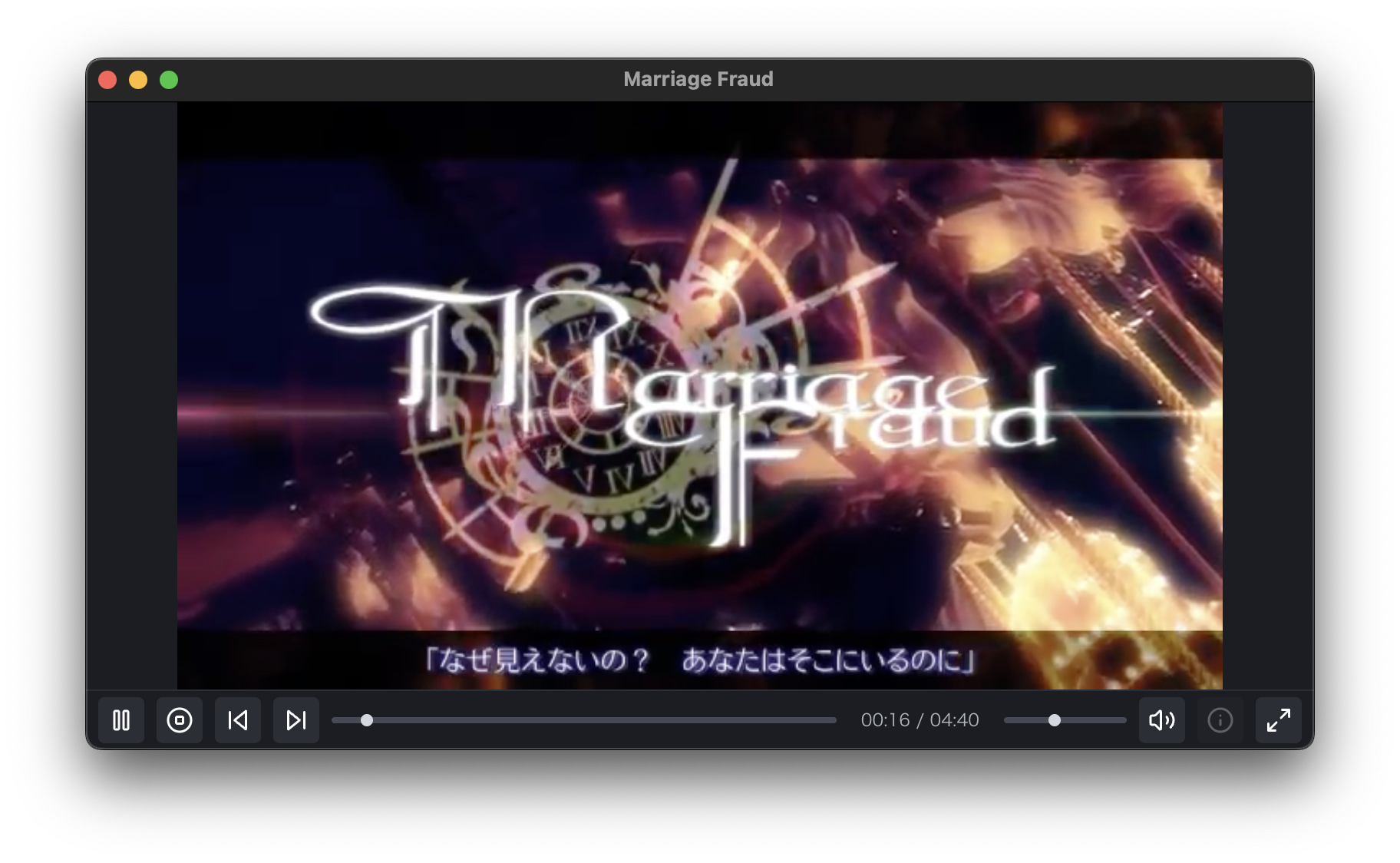
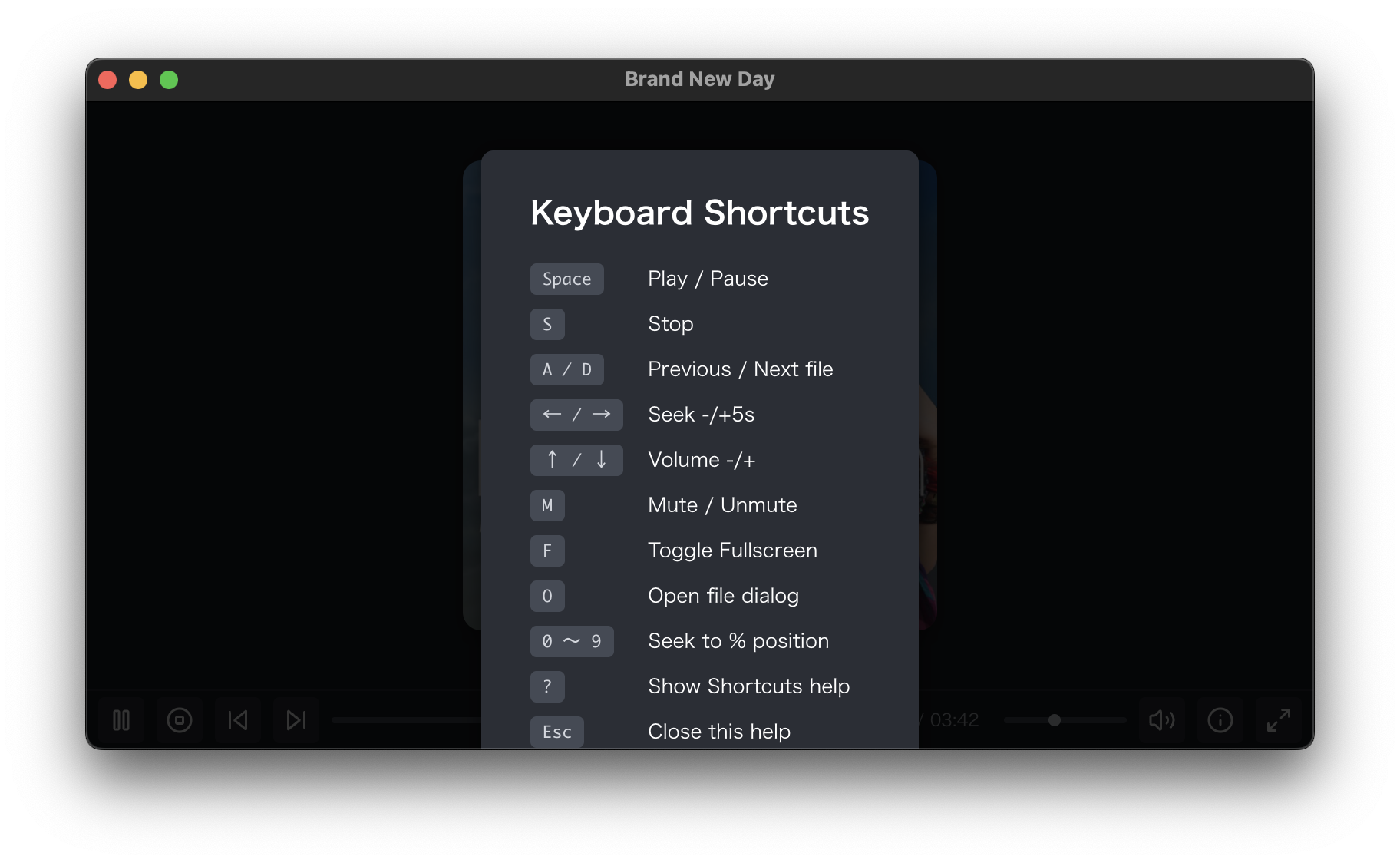
-
MacMorpheus - 3D 180/360 video player for macOS for PSVR with head tracking.
Languages:
Objective-CScreenshots
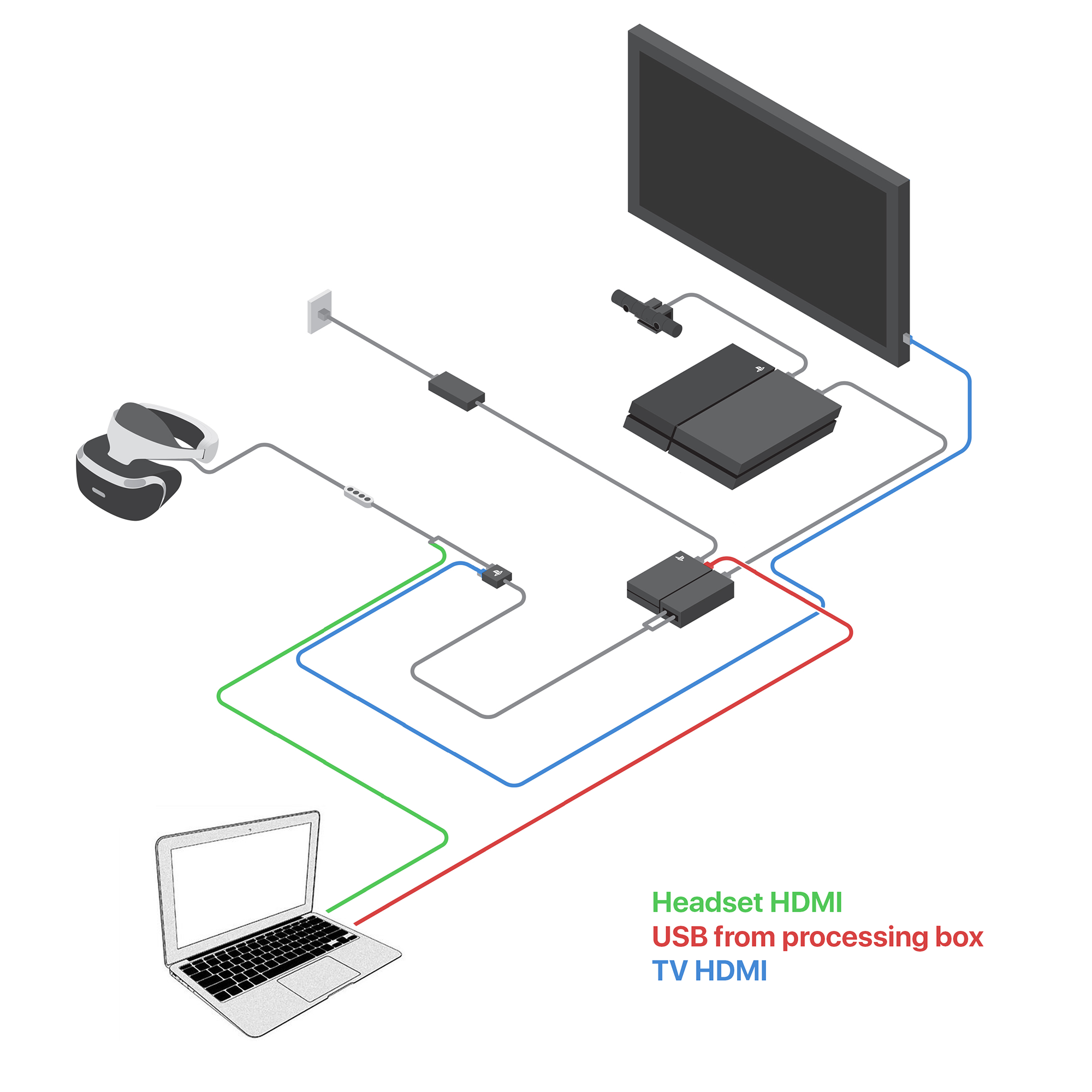
-
Movie Monad - Desktop video player built with Haskell that uses GStreamer and GTK+.
Languages:
HaskellScreenshots
-
MPlayerX - Media player on macOS.
Languages:
Objective-C -
MPV - Lightweight, highly configurable media player.
Languages:
CWebsite: https://mpv.io
Screenshots
-
Plug - Discover and listen to music from Hype Machine.
Languages:
SwiftWebsite: https://www.plugformac.com/
Screenshots
🎙️ Podcast (7)
-
Cumulonimbus - Simple, beautiful podcast app.
Languages:
JavaScriptScreenshots
-
Doughnut - Podcast player and library for mac
Languages:
SwiftScreenshots
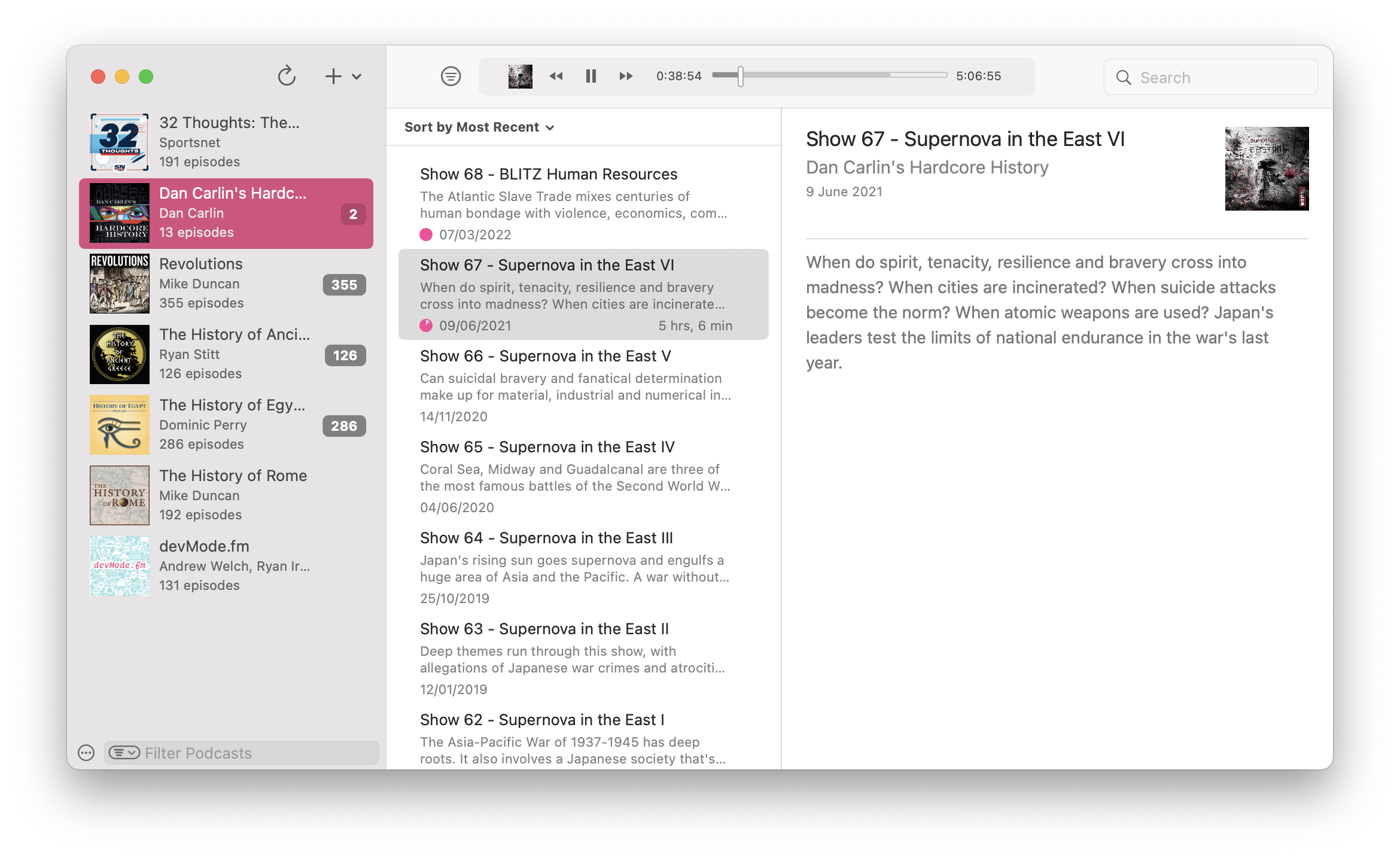
-
gPodder - gPodder is a simple, open source podcast client.
Languages:
PythonWebsite: https://gpodder.github.io/
Screenshots
-
mkchromecast - Cast macOS and Linux Audio/Video to your Google Cast and Sonos Devices.
Languages:
Python -
PodcastMenu - PodcastMenu is a simple app which puts Overcast on your Mac's menu bar so you can listen to your favorite podcasts while you work.
Languages:
Swift -
Podlive for macOS - macOS client to listen to live streaming podcasts (only). It currently supports all livestreams broadcasting via Ultraschall with Studio Link On Air.
Languages:
Objective-CScreenshots
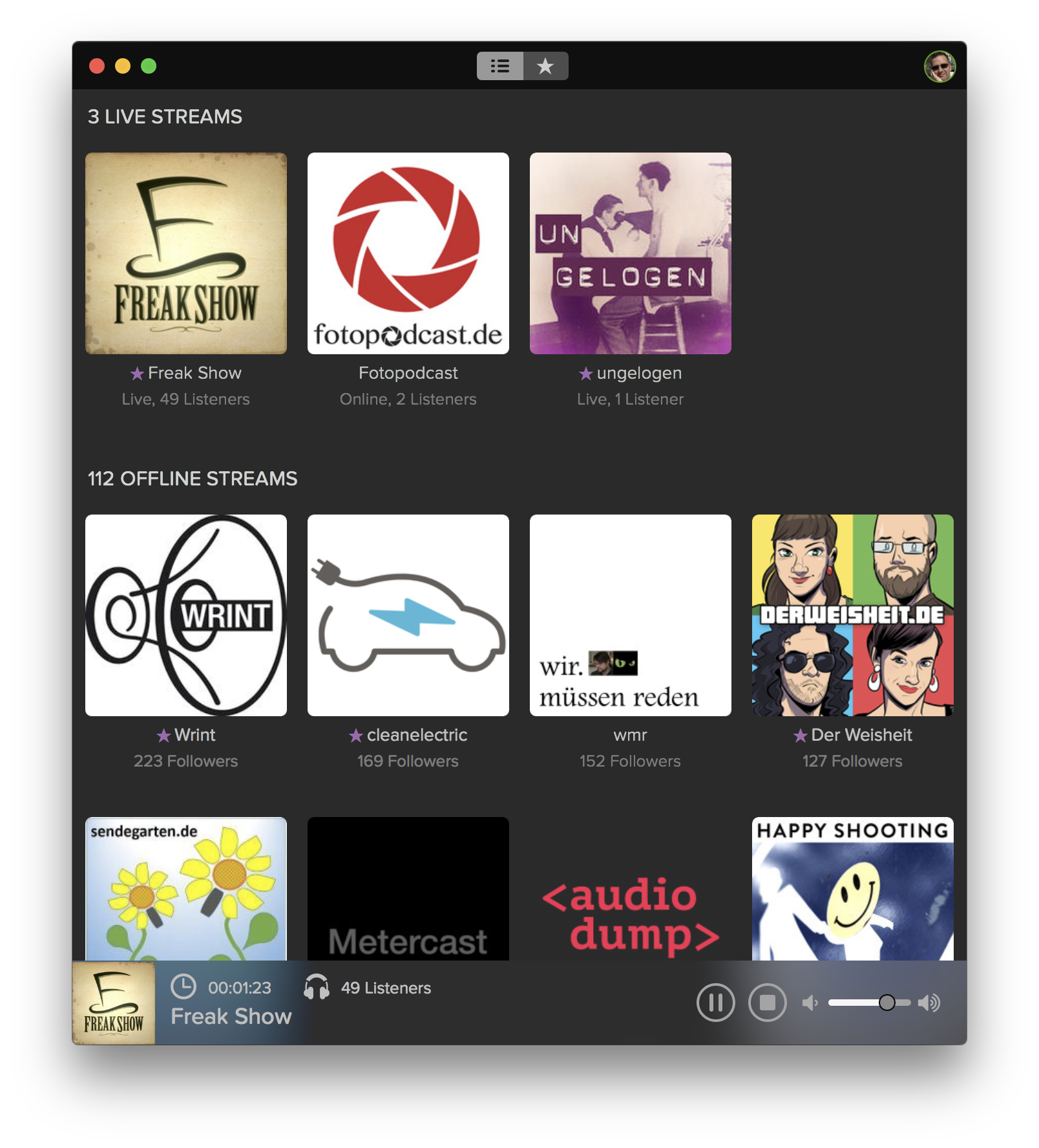
-
Winds - A Beautiful Open Source RSS & Podcast App Powered by Getstream.io
Languages:
JavaScriptWebsite: https://getstream.io/winds/
Screenshots
(2 more screenshots available in the repository)
⏱️ Productivity (126)
-
ActivityWatch - Open-source automated time tracker that tracks how you spend time on your devices.
Languages:
Python TypeScriptWebsite: https://activitywatch.net
-
Agent Teams AI - Desktop control center for coordinating autonomous AI coding agent teams across multiple providers.
Languages:
TypeScriptWebsite: https://agentteams.live
Screenshots
-
AI Gist - Local-first AI prompt manager with variable filling, Jinja templates, AI generation, and WebDAV/iCloud backup.
Languages:
TypeScript JavaScriptWebsite: https://getaigist.com
Screenshots
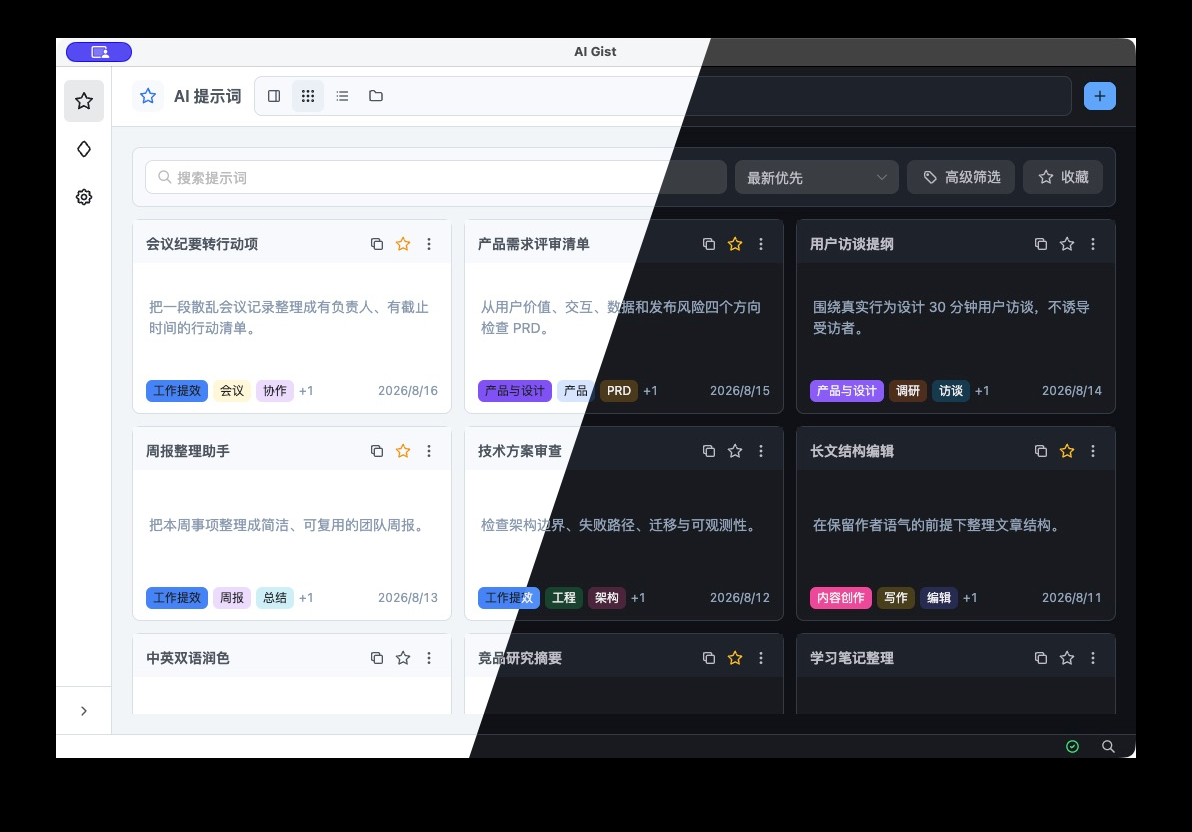
-
Ao - Elegant Microsoft To-Do desktop app.
Languages:
JavaScript CSS -
App Fair - Find and install macOS apps from Homebrew Cask and Fairground App catalogs.
Languages:
SwiftWebsite: https://appfair.app
Screenshots
-
AutoDoc - Private, local-first meeting notes with on-device transcription and AI summaries.
Languages:
TypeScript SwiftWebsite: https://getautodoc.com/
Screenshots
-
BibDesk - Use BibDesk to edit and manage your bibliography
Languages:
Objective-CWebsite: https://bibdesk.sourceforge.io
Screenshots
-
Blink Eye - An Open-Source minimalist Eye Care reminder & Break Timer app for Windows, macOS, and Linux.
Languages:
TypeScript RustWebsite: https://blinkeye.vercel.app/
Screenshots
(1 more screenshots available in the repository)
-
Blurt - Free, open-source dictation for macOS: hold a key, talk, and polished text lands in whatever app you're typing in. Powered by AssemblyAI speech-to-text (bring your own API key).
Languages:
SwiftWebsite: https://www.assemblyai.com/blurt
Screenshots
-
Bye-AppQuit - A minimal native macOS app to quickly view and Bulk kill running processes.
Languages:
SwiftWebsite: https://github.com/designsbymuzeer/Bye-Mac-App
Screenshots
-
Bzz - Automatic keyboard layout switcher (RU↔EN). Detects mistyped words like "ghbdtn" and replaces with "привет" on the fly. Open-source replacement for the abandoned Punto Switcher.
Languages:
GoWebsite: https://github.com/zlopixatel/bzz
Screenshots
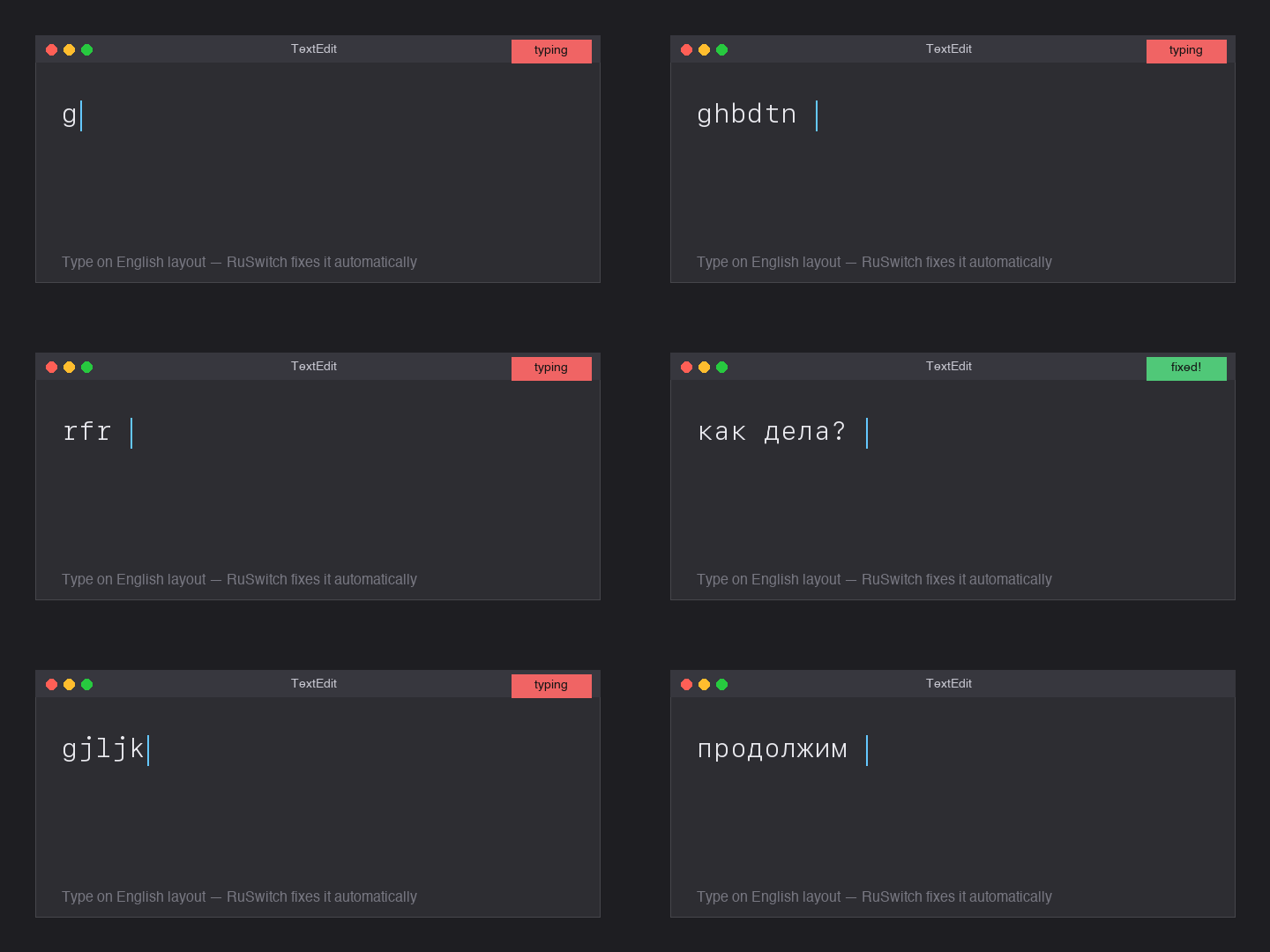
-
Calculeta - Calculator for macOS which working on statusbar.
Languages:
Swift -
Cerebro - Cross-platform launcher app.
Languages:
JavaScript -
Clendar - Clendar is an universal calendar app. Written in SwiftUI.
Languages:
SwiftWebsite: https://apps.apple.com/us/app/clendar-a-calendar-app/id1548102041
Screenshots
-
Clipbara - Paste-like clipboard manager with pinboards, Quick Look previews, search, and one-click copying.
Languages:
SwiftWebsite: https://github.com/mobrava/Clipbara
Screenshots
-
Clipboard - An easy-to-use clipboard manager with time saving features that work across all terminals.
Languages:
C++Website: https://GetClipboard.app
Screenshots
-
Clipboard Router - Native macOS clipboard manager with searchable history, text transforms, paste queues, reviewed actions, and an encrypted Vault.
Languages:
SwiftWebsite: https://ibrolord.github.io/clipboard-router-releases/
Screenshots
-
ClipMenu - Clipboard manager for macOS.
Languages:
Objective-CScreenshots
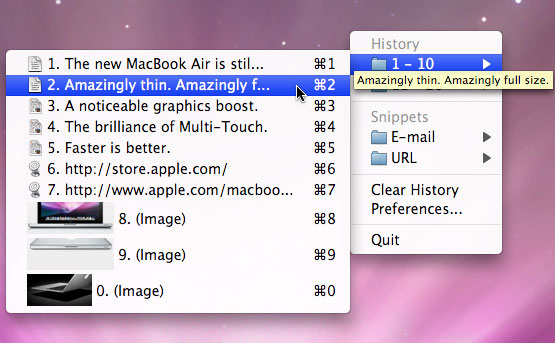
-
Clocker - macOS app to plan and organize through timezones.
Languages:
Objective-C -
Codex Account Switcher - Native macOS menu bar app for switching multiple Codex Desktop and CLI accounts and monitoring weekly usage.
Languages:
SwiftWebsite: https://liuzhao1225.github.io/codex-account-switcher/
Screenshots
-
Condution - Create tasks, manage due dates, and filter with powerful perspectives.
Languages:
JavaScriptWebsite: https://www.condution.com
Screenshots
-
ControlPlane - Automate running tasks based on where you are or what you do.
Languages:
Objective-C -
CrossGen - Local-first AI image workspace for generating, editing, organizing, and reusing images through a desktop app, JSON CLI, and MCP-compatible agents.
Languages:
TypeScript JavaScriptWebsite: https://www.corgnitor.com/products/crossgen
Screenshots
-
CrossMacro - A cross-platform macro recorder, player, editor, and text expansion tool.
Languages:
C#Website: https://github.com/alper-han/CrossMacro
Screenshots
(4 more screenshots available in the repository)
-
DevUtils.app - Developer Utilities for macOS, helps you with your tiny daily tasks with just a single click! i.e., JSON Formatter, UUID Generator...
Languages:
SwiftWebsite: https://devutils.com
Screenshots
-
Dictámelo - Voice dictation with downloadable local speech models, optional cloud providers and a configurable push-to-talk shortcut.
Languages:
Rust JavaScriptWebsite: https://www.dictamelo.com/en
-
Dockit - An application that can dock any window to the edge of the screen.
Languages:
SwiftWebsite: [official site](official site)
Screenshots

-
DropPoint - Make drag-and-drop easier using DropPoint. Helps to drag content without having to open side-by-side windows.
Languages:
JavaScriptScreenshots
-
DSH Desk Pet - Desktop pet that mirrors your coding agent's state, with skins generated from a photo of your own pet.
Languages:
PythonWebsite: https://github.com/anneheartrecord/dsh-desk-pet
Screenshots

-
espanso - Cross-platform Text Expander, a powerful replacement for Alfred Snippets
Languages:
RustWebsite: https://espanso.org
Screenshots

-
far2l - Linux/Mac fork of FAR Manager v2
Languages:
C C++ -
Fazm - The fastest AI computer agent for macOS. Takes voice commands and controls your entire desktop.
Languages:
Swift TypeScriptWebsite: https://fazm.ai
-
File Architect - Create file and folder structures from plain text descriptions.
Languages:
TypeScript RustWebsite: https://filearchitect.com
Screenshots
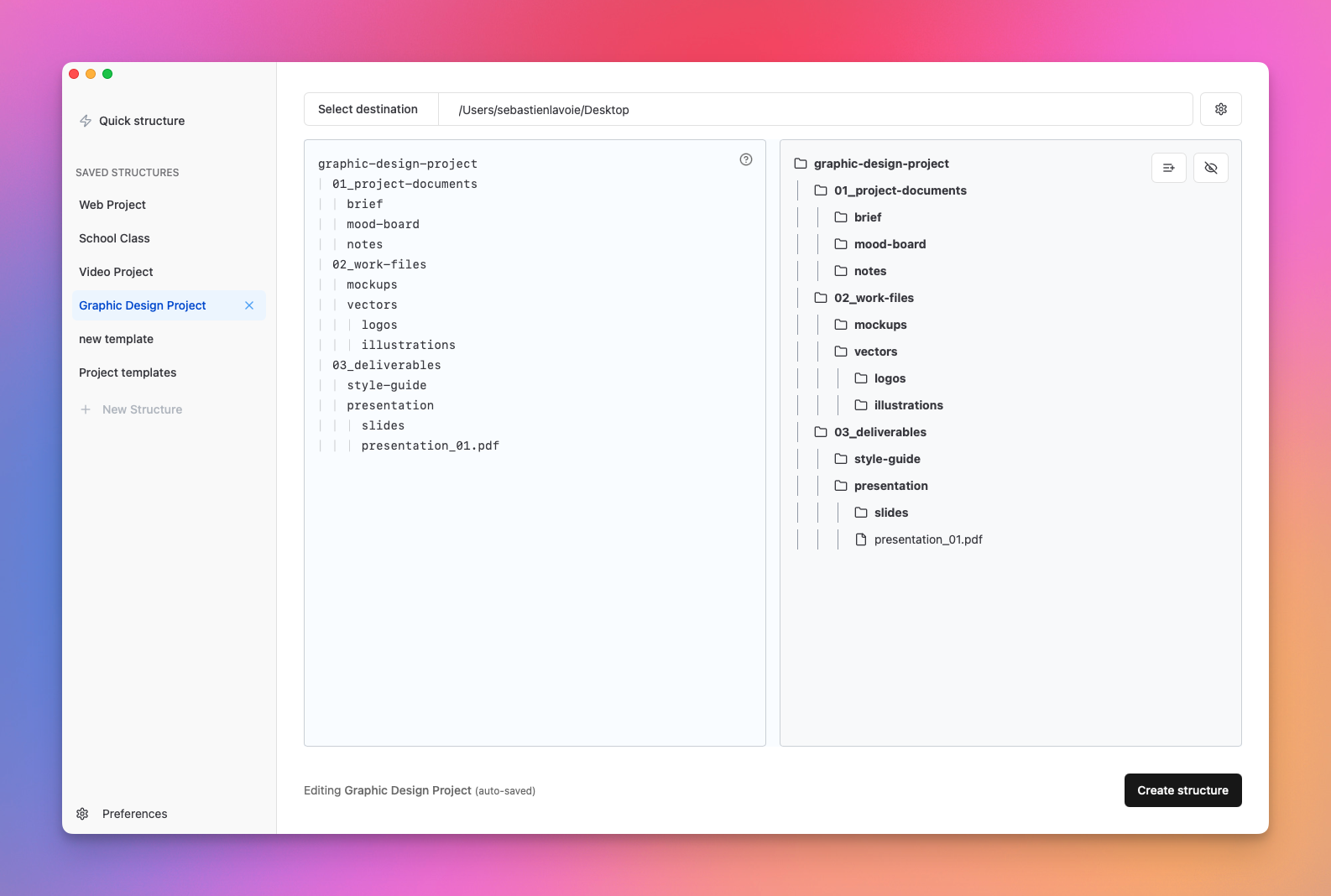
-
Flycut - Clean and simple clipboard manager for developers.
Languages:
Objective-C -
FolderForge - Customize macOS folders with colors, artwork, icons, reusable presets, and rule-based workspace styling.
Languages:
SwiftWebsite: https://folder-forge.vercel.app/
Screenshots
-
Freeter - App that allows you to gather everything you need for work in one place, organized by projects and workflows, and have a quick access to them.
Languages:
TypeScriptWebsite: https://freeter.io/
Screenshots
-
FunNotch - Puts the MacBook notch to work: media controls, a drag-and-drop file shelf, clipboard history, focus sessions that block sites and apps, and twelve configurable widgets.
Languages:
SwiftWebsite: https://funnotch.xyz
Screenshots
-
FutureOS - One AI agent everywhere you work - terminal, desktop, mobile, and IM bots driven by a single Rust backend.
Languages:
Rust TypeScriptWebsite: https://future-os.cn
Screenshots
-
Grux - AI agent that runs terminal sessions it can undo and reaches your mail, calendar, meetings, and files, using your own API key or a local model.
Languages:
SwiftWebsite: https://gruxai.com
Screenshots
-
Hop - Eighteen everyday tools in one menu bar panel: timer, time tracker, keep-awake, system monitor, clipboard history, file converter, window manager, torrents, archives, text recognition, screenshots with an editor, drawing over the screen, color picker, VPN switcher, app launcher, app uninstaller, keyboard lock and internet speed test. Native, offline, no telemetry.
Languages:
SwiftWebsite: https://hop.tools
Screenshots
-
Ice - Ice is a versatile menu bar manager that goes beyond hiding and showing items to offer a rich set of productivity features.
Languages:
SwiftWebsite: https://icemenubar.app/
Screenshots
-
Itsycal - A tiny calendar for that lives in the Mac menu bar.
Languages:
Objective-CWebsite: https://www.mowglii.com/itsycal/
Screenshots
-
KeyHolder - Record shortcuts in macOS, like Alfred.app.
Languages:
Swift -
KIAgent - Personal digital memory: indexes your mail, chats and documents into a local SQLite database and serves them to AI assistants over MCP.
Languages:
TypeScriptWebsite: https://localkiagent.com
Screenshots
-
Kiwix - Kiwix for iOS and macOS, build on Swift.
Languages:
Swift -
Layout Designer for UICollectionView - A simple but powerful tool that helps you make complex layouts for UICollectionView.
Languages:
SwiftWebsite: https://apps.apple.com/nl/app/layout-designer/id1507238011?l=en&mt=12
Screenshots
-
linked - 🧾 Your daily journal app, diary or anything else to unclutter your mind. Let linked help you get focused by writing down what is in your mind on a daily basis.
Languages:
JavaScript vue CSSWebsite: https://uselinked.com
Screenshots
-
Linked Ideas - macOS application to write down and connect ideas.
Languages:
SwiftScreenshots
-
Logue - Privacy-first AI meeting notes and writing assistant with on-device transcription, smart minutes, action items, and 60+ writing modes — runs entirely on Apple Silicon.
Languages:
SwiftWebsite: https://github.com/bitwize-ai/Logue
Screenshots
-
Mac Screenshot Tracker - An open source, free and hackable screenshot tracker. Re-watch what you've been working on!
Languages:
PythonScreenshots
-
Maccy - Lightweight search-as-you-type clipboard manager.
Languages:
SwiftScreenshots

-
macOrganizer - macOS app for organizing files or removing unnecessary files.
Languages:
Swift -
Manta - Flexible invoicing desktop app with beautiful & customizable templates.
Languages:
JavaScript -
MeetingBar - Menu bar app for your calendar meetings
Languages:
SwiftScreenshots
-
Middleclick - Emulate a scroll wheel click with three finger Click or Tap on MacBook trackpad and Magic Mouse
Languages:
CScreenshots
-
Mimer - Fast, private, developer-first clipboard manager with type-aware history, ⌘K transforms, and history encrypted at rest.
Languages:
SwiftWebsite: https://mimer.hasanjafri.com/
Screenshots
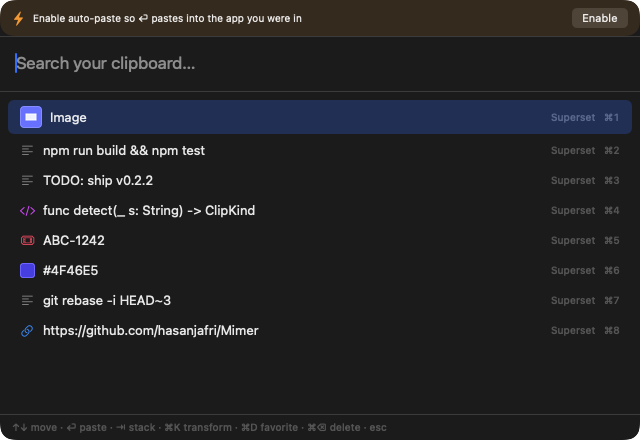
-
mysa - A macOS menu bar app for quick breathing breaks, with a frosted screen overlay and handwritten quotes.
Languages:
SwiftWebsite: https://github.com/alishansnsn/mysa
Screenshots
-
nastro - Terminal call recorder for macOS that captures system audio and mic (no bot joins the call) and transcribes on-device with speaker diarization, via TUI or headless CLI.
Languages:
Go SwiftWebsite: https://github.com/scaccogatto/nastro
Screenshots
-
Nimclip
Languages:
SwiftWebsite: https://hukdoesn.github.io/Nimclip/
Screenshots
-
Notchi - Turn the MacBook notch into a place to ask AI, save notes, set reminders, or run coding agents.
Languages:
SwiftWebsite: https://www.notch.website/
Screenshots
-
NoteGen - Local-first Markdown note-taking app that captures scattered information and organizes it into structured notes with AI.
Languages:
TypeScript RustWebsite: https://notegen.top/
-
Numi - Beautiful calculator app for macOS
Languages:
JavaScriptWebsite: https://numi.app/
Screenshots
-
OATS - Open-source local-first macOS meeting-notes app with live transcription, speaker labels, AI summaries, and an offline on-device mode.
Languages:
Rust TypeScriptWebsite: https://ariso.ai/oats
Screenshots
-
Off Grid AI Desktop - Private on-device AI suite for Apple Silicon Macs: local LLM chat via llama.cpp, RAG search over your own data, MCP connectors, and Stable Diffusion image generation, with no account, no telemetry, and no cloud.
Languages:
TypeScriptWebsite: https://getoffgridai.co/
Screenshots
-
OffPDF - An offline PDF toolkit with 23 tools for editing, converting, organizing, OCR, and more.
Languages:
TypeScript RustWebsite: https://offpdf.com
Screenshots
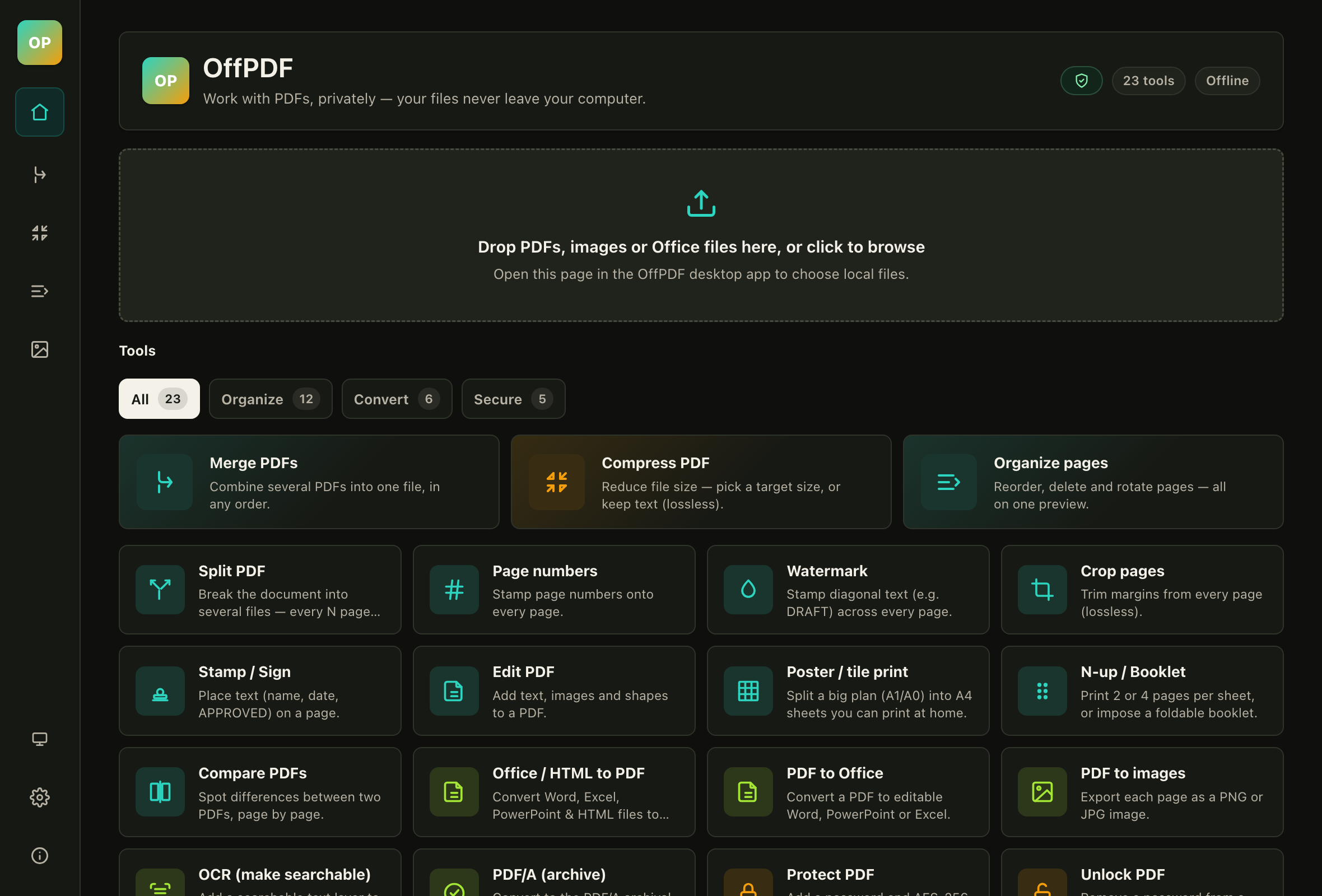
-
OmniMac - Dynamic Island for any Mac (notch or not) plus ten more utilities in one lightweight menu-bar app: keep-awake, ⌘Tab by windows, window shortcuts and layouts, clipboard history, per-app volume and equaliser, performance monitor, OCR and app cleaner.
Languages:
SwiftWebsite: https://bysergimm.github.io/OmniMac/en/
Screenshots
-
OmniPrompt - Your ultimate GPT companion for seamless access on your Mac
Languages:
SwiftWebsite: https://omniprompt.app/
-
OpenClip - Lightweight floating action bar for macOS that turns selected text into instant actions.
Languages:
SwiftWebsite: https://getopenclip.app
Screenshots
-
OpenHabitTracker - Take notes, plan tasks, track habits. Free, open source, all data stays on your device.
Languages:
C#Website: https://openhabittracker.net
Screenshots
-
OpenVoiceFlow - On-device voice dictation for macOS with local transcription and optional text cleanup.
Languages:
Swift Objective-C Python ShellWebsite: https://openvoiceflow.com
Screenshots
-
Orkas - Local-first multi-agent desktop application where a Commander coordinates specialist agents for research, coding, data analysis, documents, and media.
Languages:
TypeScript JavaScript CSS PythonWebsite: https://orkas.ai/
Screenshots
-
Paperless Desktop - Desktop app that uses the paperless API to manage your document scans.
Languages:
JavaScriptScreenshots
-
PDF Archiver - Nice tool for tagging and archiving tasks.
Languages:
Swift -
Pennywise - Pennywise opens any website or media in a small floating window that remains on top of all other applications. It's a great alternative to Helium.
Languages:
JavaScriptScreenshots
(1 more screenshots available in the repository)
-
Pesty - Free, open-source clipboard manager inspired by Paste, with a slide-up color-coded clipboard strip, pinboards, search, and keyboard-driven pasting.
Languages:
SwiftWebsite: https://github.com/momenbasel/pesty
Screenshots
-
Pomodoro Cycle - Pomodoro Cycle for macOS
Languages:
TypeScriptWebsite: https://github.com/ziulev/pomodoro-cycle-app/releases
Screenshots
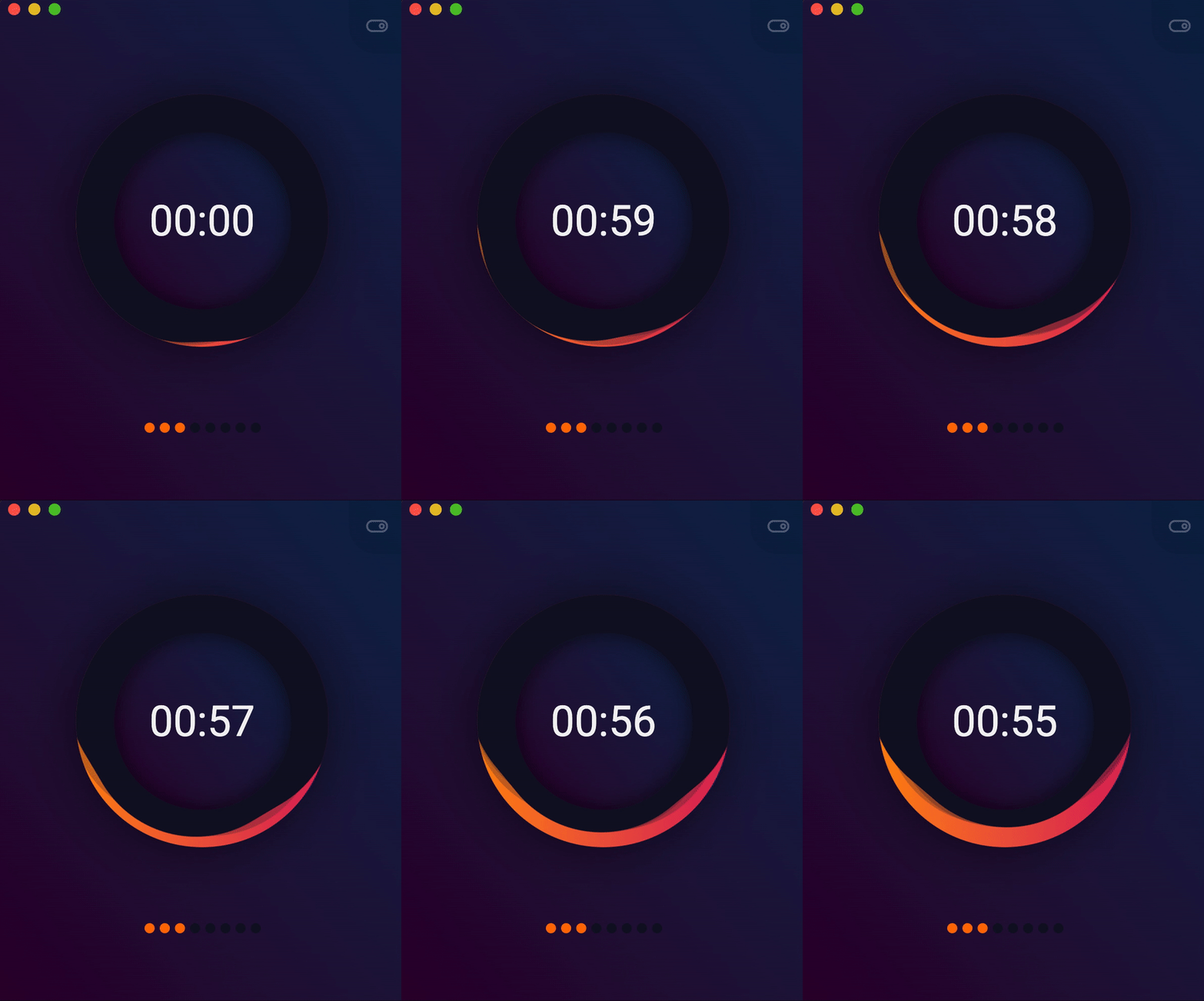
-
PuppyOne - A local-first workspace where you and your AI work on the same files.
Languages:
TypeScriptWebsite: https://www.puppyone.ai
Screenshots
-
QOwnNotes - Plain-text file notepad and todo-list manager with markdown support and ownCloud / Nextcloud integration.
Languages:
C++Website: https://www.qownnotes.org/
Screenshots
-
Quicksilver - Quicksilver is a fast macOS productivity application that gives you the power to control your Mac quickly and elegantly.
Languages:
Objective-C -
Quickwords - Write anything in a matter of seconds. Create snippets that can substitute text, execute tedious tasks and more.
Languages:
JavaScript CSSScreenshots
-
Qwen Scribe - Private, local transcription and system-wide dictation for Apple Silicon, powered by Qwen3-ASR on MLX.
Languages:
Python Objective-CWebsite: https://github.com/VladUZH/qwen-scribe
Screenshots
-
Readest - Readest is a modern, feature-rich ebook reader designed for avid readers.
Languages:
TypeScriptWebsite: https://readest.com
Screenshots


(2 more screenshots available in the repository)
-
Repose - Break reminder for macOS that automatically pauses during meetings.
Languages:
SwiftWebsite: https://github.com/fikrikarim/repose
Screenshots
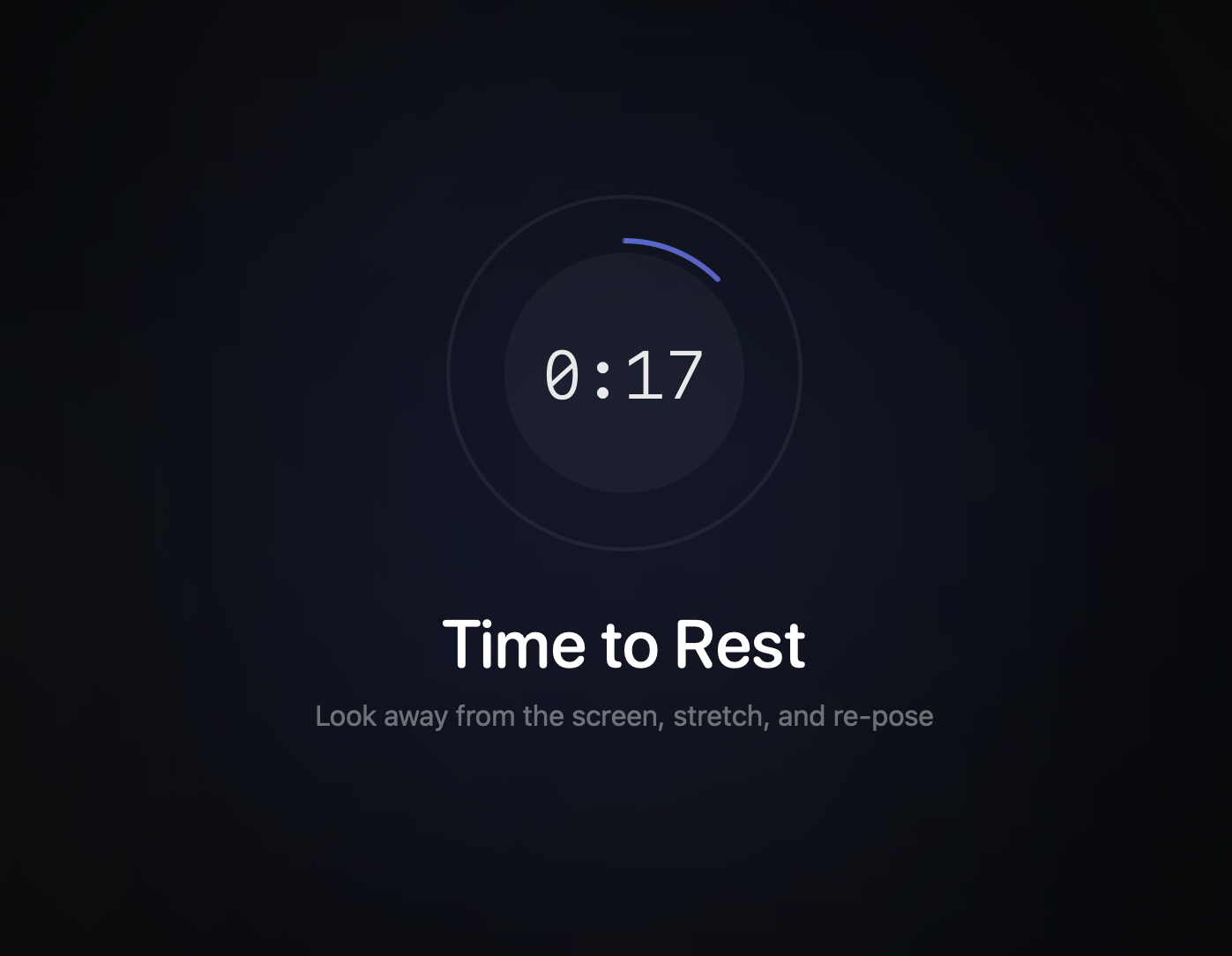
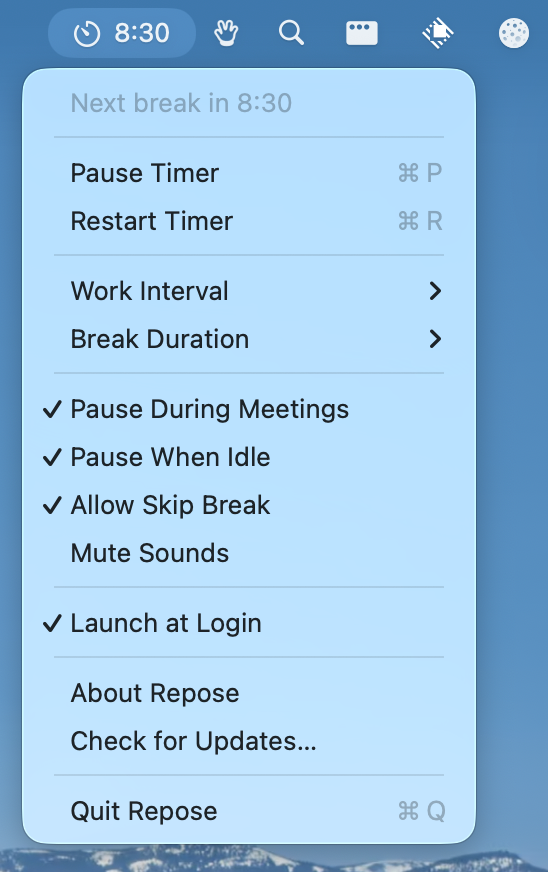
-
reventlou - Personal database as an information management system.
Languages:
TypeScript SwiftScreenshots
-
RustCast - Blazingly fast, customisable multi tool, application launcher
Languages:
RustWebsite: https://rustcast.umangsurana.com
Screenshots
-
SaneClip - Clipboard manager with Touch ID protection, AES-256-GCM encryption, and sensitive data detection.
Languages:
SwiftWebsite: https://saneclip.com
Screenshots
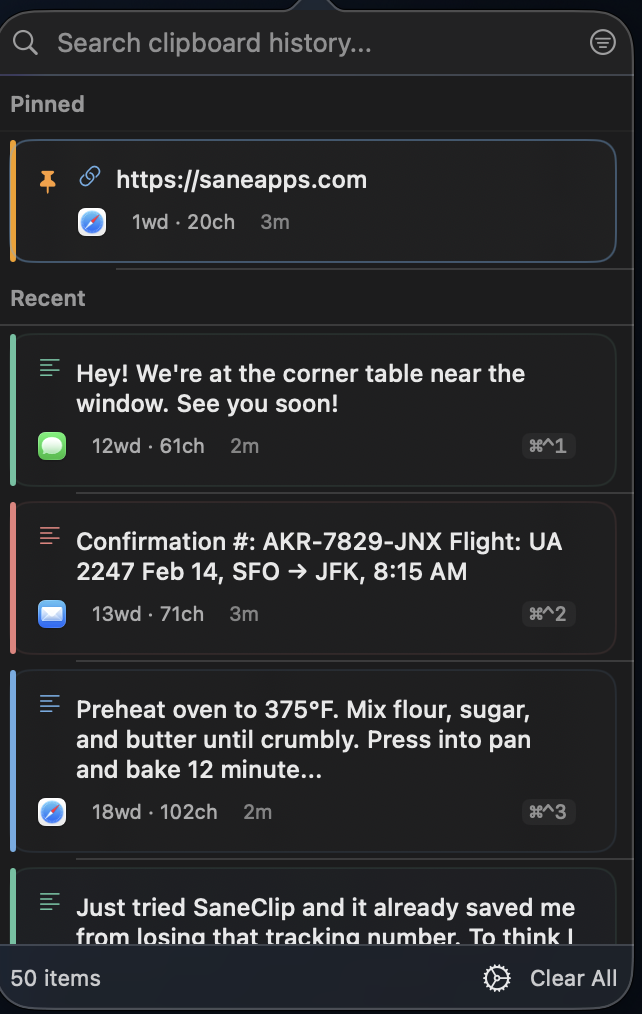
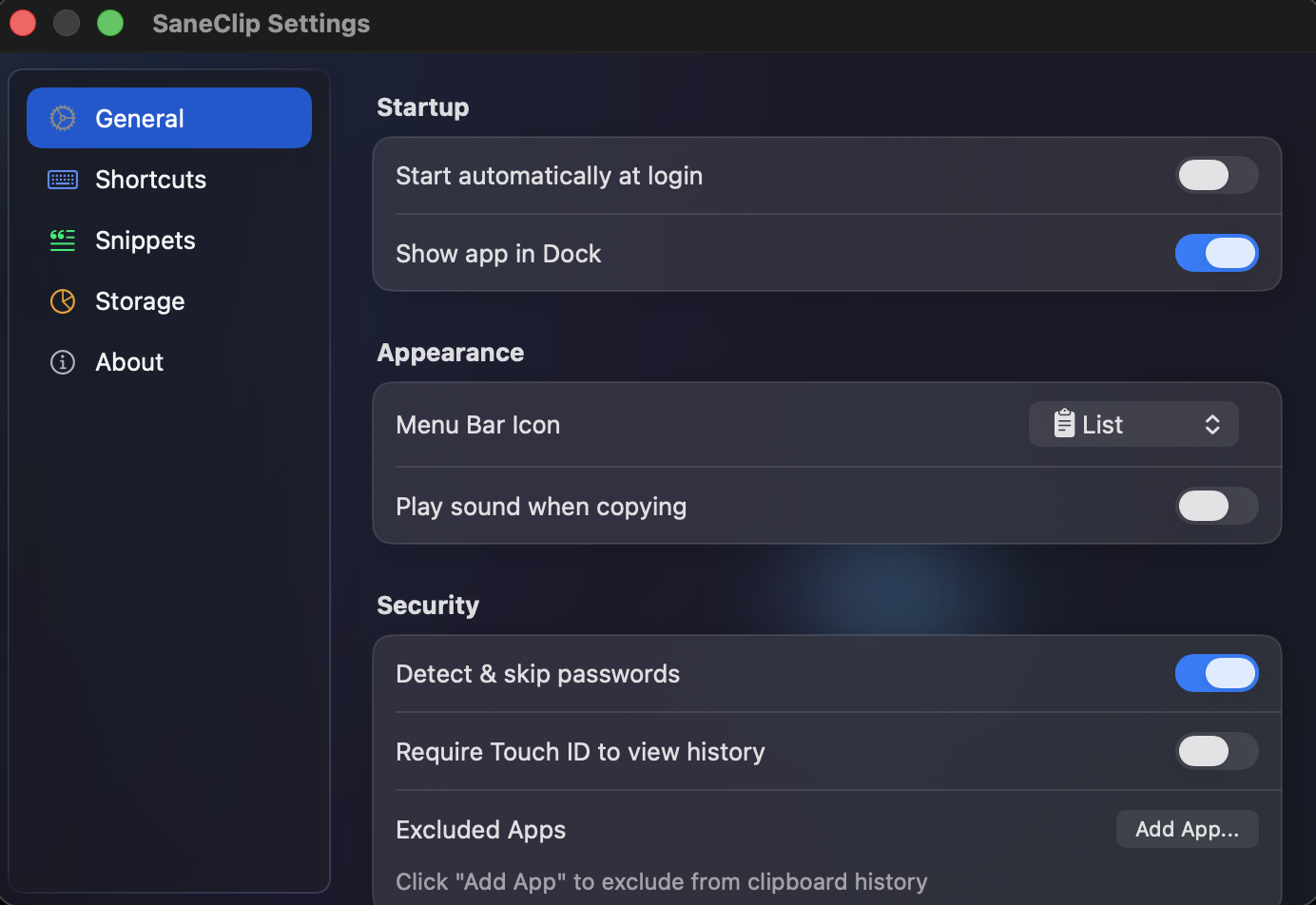
-
SaneSales - Universal indie sales tracker for LemonSqueezy, Gumroad, and Stripe with on-device privacy.
Languages:
SwiftWebsite: https://sanesales.com
Screenshots
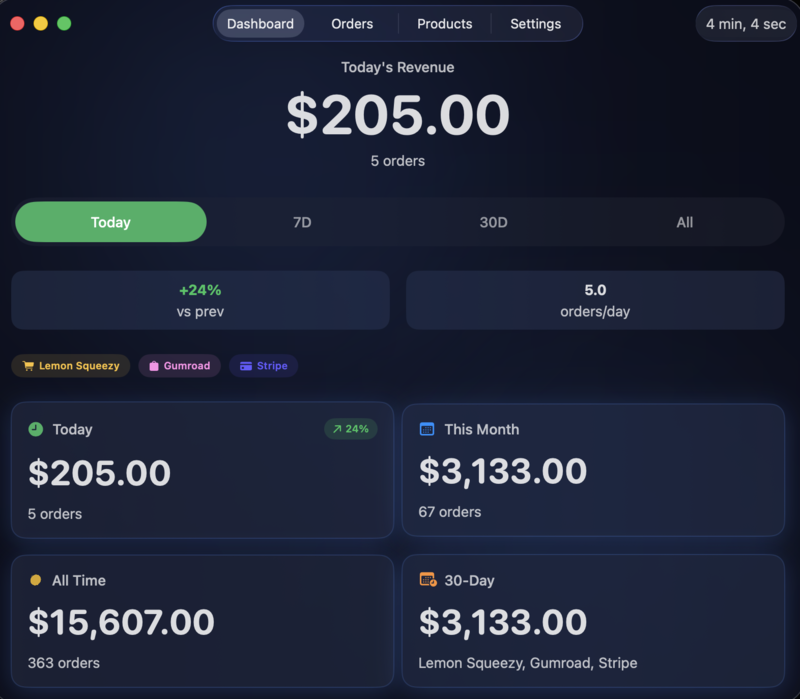

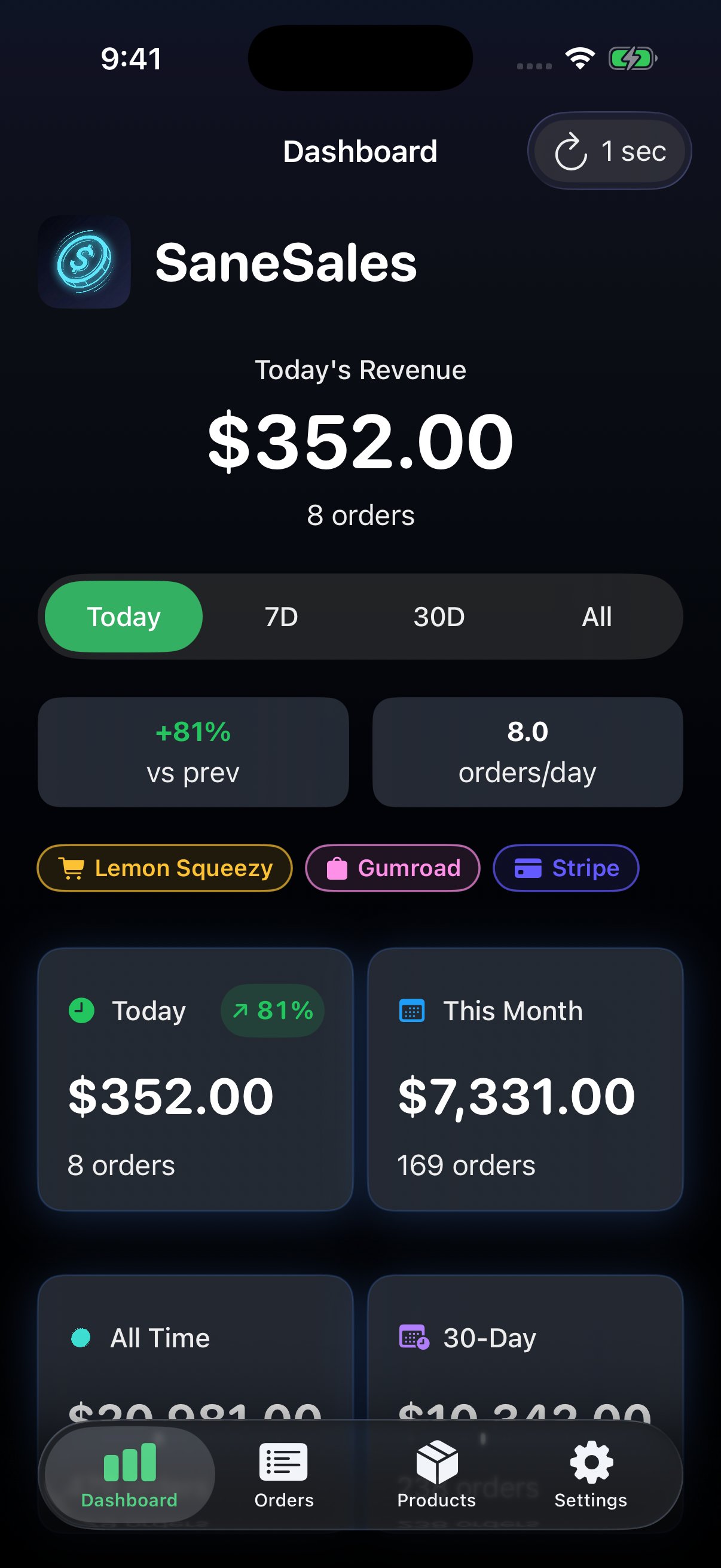
-
ScreenHint - A simple screenshotting utility for thinking clearly.
Languages:
SwiftWebsite: https://screenhint.com
Screenshots
-
Screenpipe - 24/7 screen and audio recording with AI-powered search. Local-first, privacy-focused rewind alternative.
Languages:
Rust TypeScriptWebsite: https://screenpi.pe
Screenshots
-
SelfControl - macOS app to block your own access to distracting websites etc for a predetermined period of time. It can not be undone by the app or by a restart – you must wait for the timer to run out.
Languages:
Objective-C -
Sessions - Safari extension to save your working sessions
Languages:
SwiftScreenshots
-
Shark - Cursor IDE workspace manager for macOS.
Languages:
SwiftWebsite: https://ssbun.github.io/Shark
-
Skilly - Voice-first AI tutor that watches your screen and points at on-screen UI elements to teach creative software like Blender, Figma, and Premiere.
Languages:
SwiftWebsite: https://tryskilly.app
-
Slime - App icon assets generator written in SwiftUI
Languages:
SwiftScreenshots

-
Speed Reader - Read faster with the power of silencing vocalization with SpeedReader.
Languages:
SwiftWebsite: https://apps.apple.com/app/speed-reader/id1258448209
Screenshots

-
Spotter - Productivity tool, the main function is to search and launch external application actions and applications themselves, so you can stay focused on your current task. Kind of spotlight or alfred alternative.
Languages:
TypeScript Swift -
sqlectron - A simple and lightweight SQL client desktop/terminal with cross database and platform support.
Languages:
TypeScriptWebsite: https://sqlectron.github.io/
Screenshots
-
Starcat - Native, local-first GitHub Stars manager that turns saved repositories into a searchable, AI-assisted knowledge base.
Languages:
SwiftWebsite: https://starcat.ink/
Screenshots
-
status-bar-todo - Simple macOS app to keep TODO-list in status bar.
Languages:
SwiftScreenshots

-
StickyNotes - A Windows 10-esque Sticky Notes app implemented in AppKit.
Languages:
SwiftWebsite: https://github.com/LumingYin/StickyNotes/releases
Screenshots
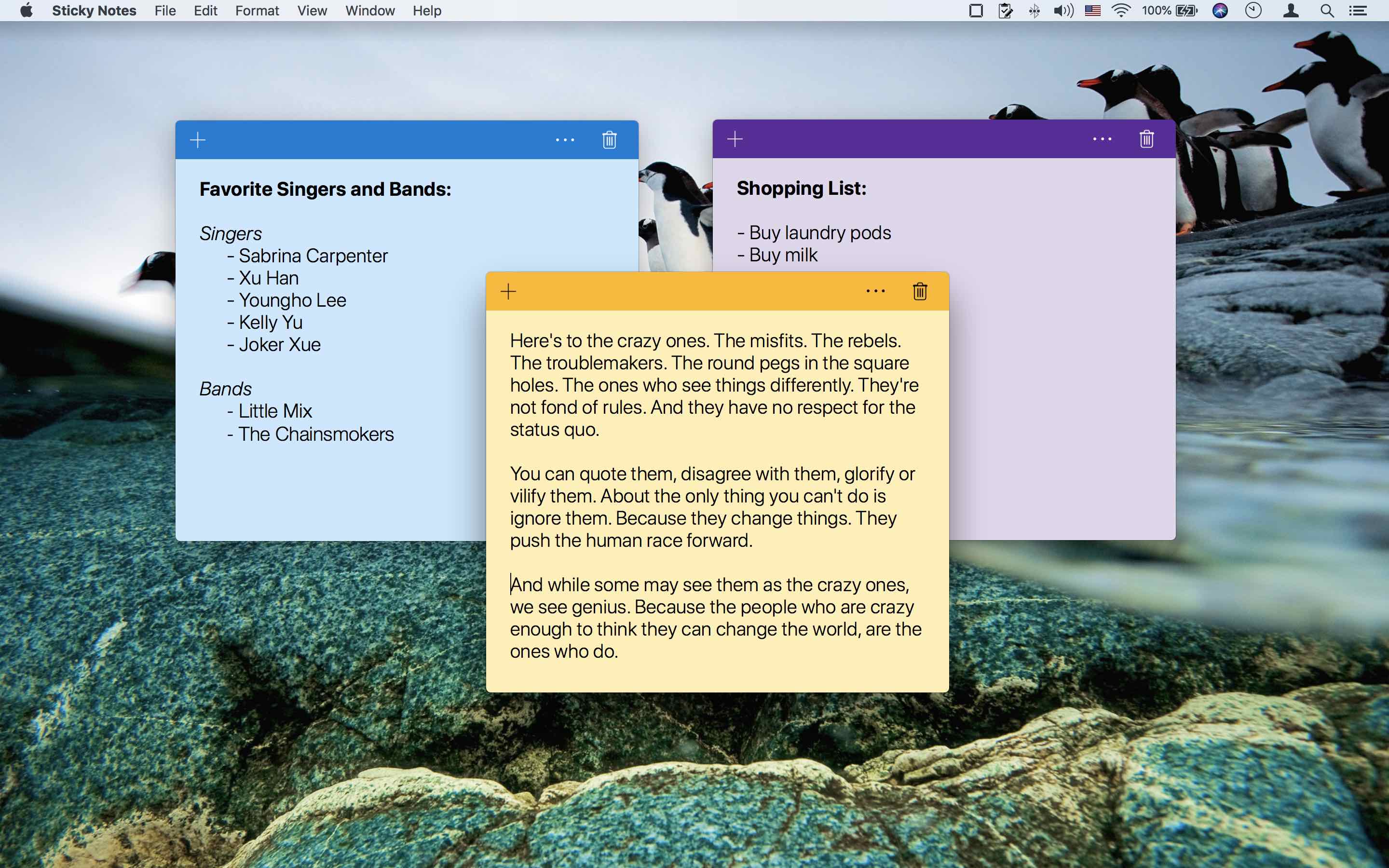
-
Strategr - No-fuss time management.
Languages:
C++ Objective-CWebsite: https://khrykin.github.io/StrategrDesktop/
Screenshots
-
stretchly - Cross-platform electron app that reminds you to take breaks when working with computer.
Languages:
JavaScript -
Super Productivity - Free to do list & time tracker for programmers & designers with Jira integration.
Languages:
TypeScript JavaScriptWebsite: https://super-productivity.com
Screenshots
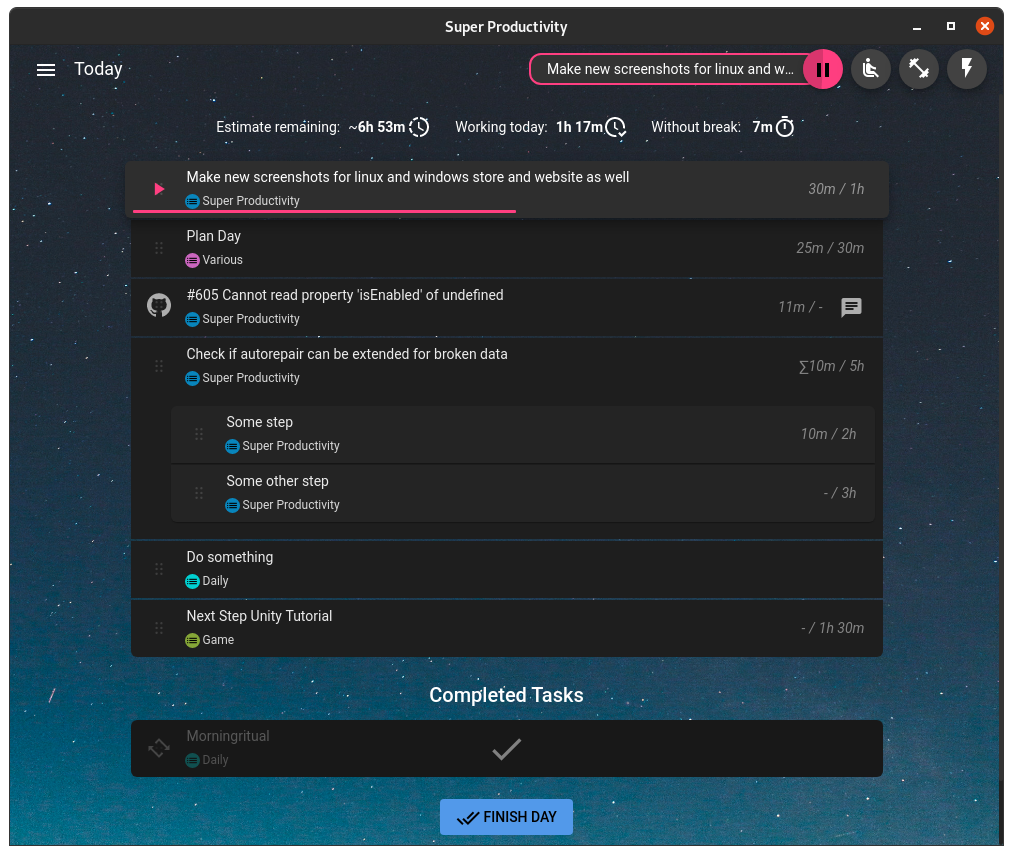
-
Tameo - Privacy-first clipboard manager with history search, on-device image OCR, and snippets.
Languages:
SwiftWebsite: https://tameo.ati-mirai.co.jp
Screenshots
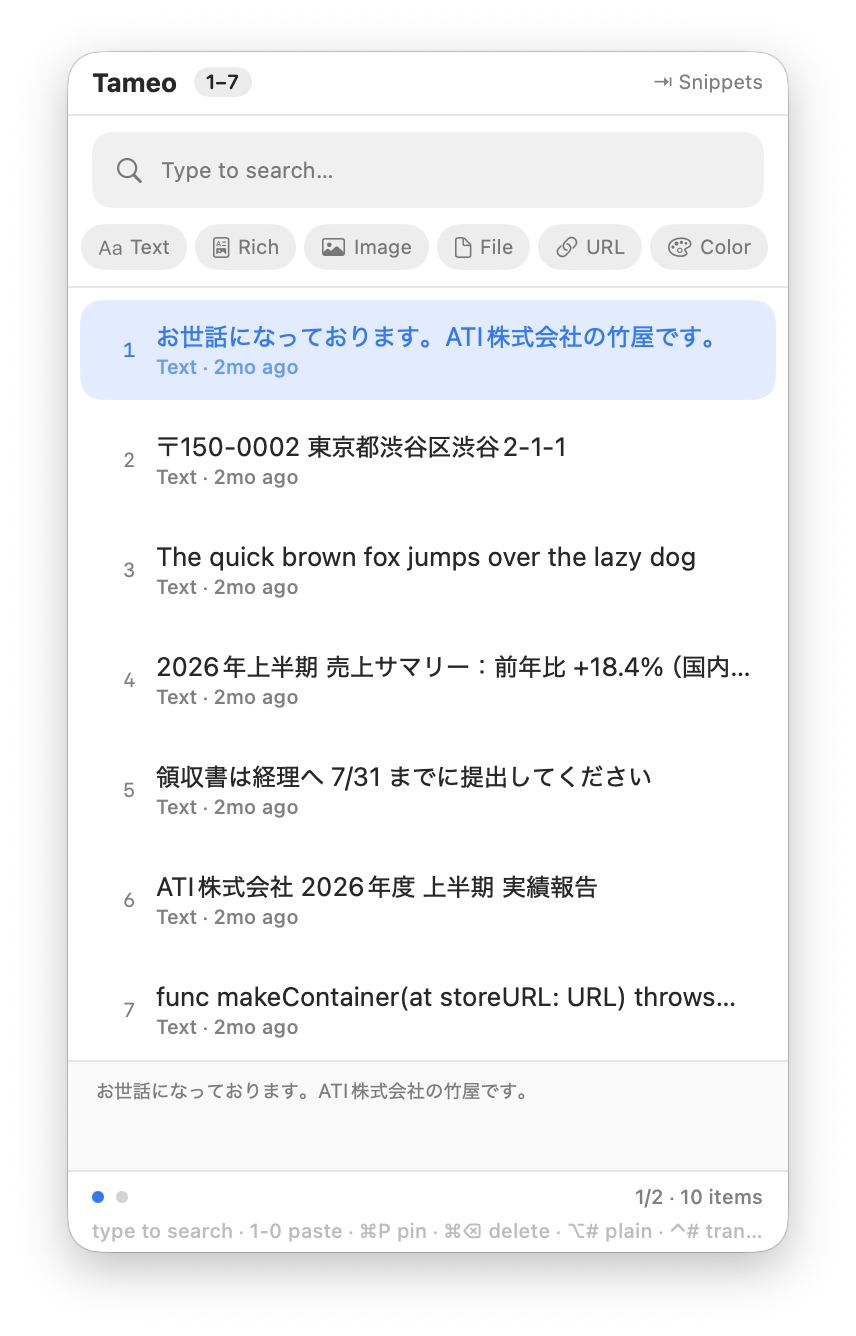
-
ThenGenerator - Xcode Source Editor Extension for 'Then'
Languages:
SwiftScreenshots
-
Thyme - The task timer for OS X.
Languages:
Objective-C -
Time to Leave - Log work hours and get notified when it's time to leave the office and start to live.
Languages:
JavaScript CSS htmlWebsite: https://timetoleave.app/
Screenshots


-
Timer - Simple Timer app for Mac.
Languages:
SwiftScreenshots
-
TimeScribe - Simple and free working time recording.
Languages:
CSS JavaScript TypeScriptWebsite: https://timescribe.app
Screenshots
(2 more screenshots available in the repository)
-
TimeScribe - Simple and free working time recording.
Languages:
CSS JavaScript TypeScriptWebsite: https://timescribe.app
Screenshots
(2 more screenshots available in the repository)
-
Toggl Desktop - Toggl Desktop app for Windows, Mac and Linux.
Languages:
C++ -
TomatoBar - Pomodoro Technique Timer for macOS with Touch Bar support.
Languages:
Swift -
TrelloApp - Unofficial wrapper application for Trello.com written in Swift. This is almost a "Hello World" for a site specific browser.
Languages:
Swift -
TypeCue - Types a prepared script into any app, one hotkey press per line, as real keystrokes at a human pace, for demo recordings and live presentations.
Languages:
SwiftWebsite: https://typecue.app
-
Ueli - A keystroke launcher for macOS (and Windows) like Spotlight or Alfred.
Languages:
TypeScriptWebsite: https://ueli.app/
Screenshots

-
Ultra TabSaver - Ultra TabSaver is an open-source Tab Manager for Safari
Languages:
SwiftScreenshots
-
Unbury - Searches your saved browser bookmarks by meaning rather than by title, using a one-line description it writes for each link.
Languages:
SwiftWebsite: https://unbury.migsilva.dev
Screenshots
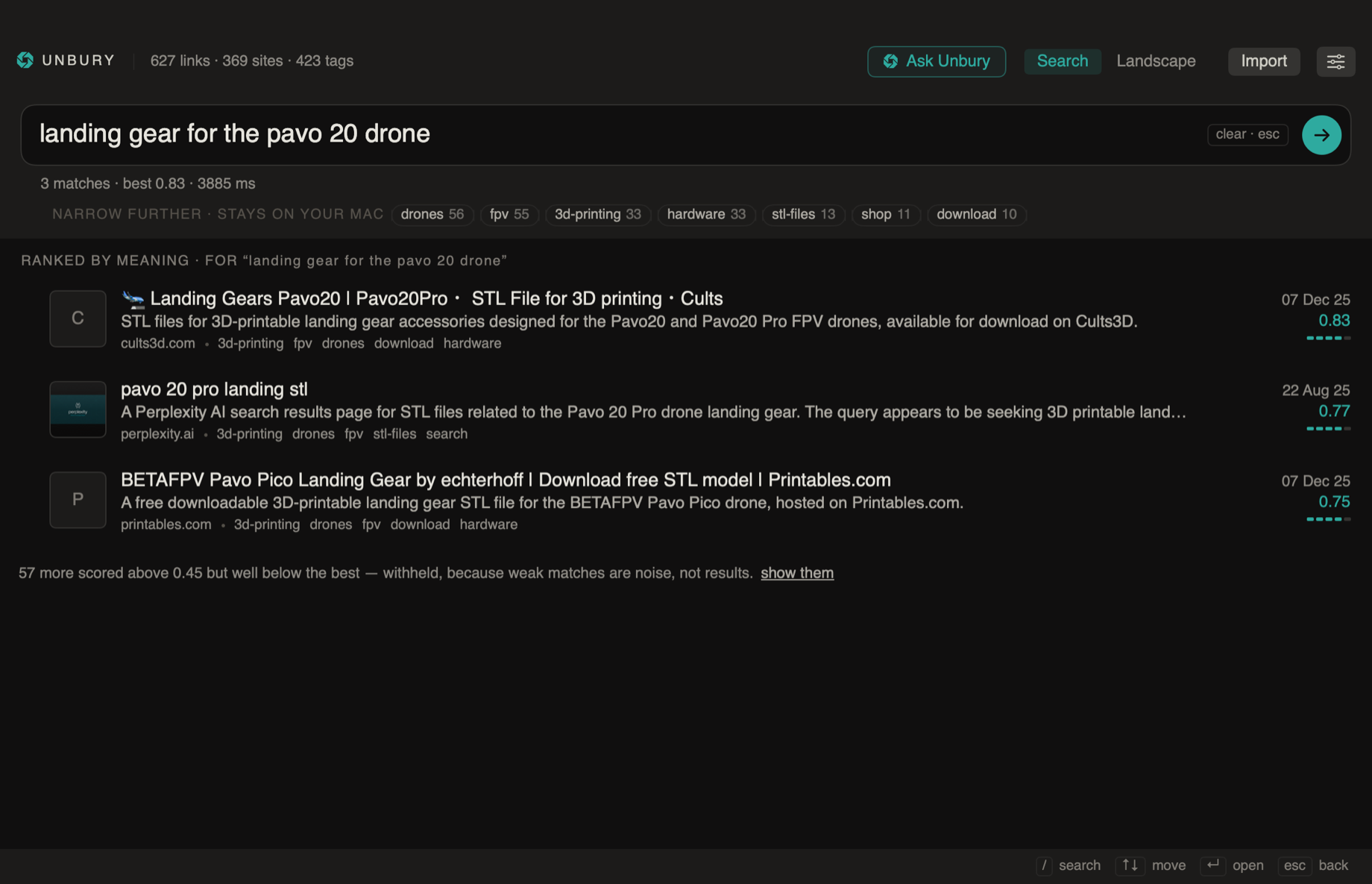
-
Unfoldly - Local-first AI file search for macOS that indexes selected personal files on-device with embeddings, visual search, and local GGUF models.
Languages:
TypeScript Rust PythonWebsite: https://www.unfoldly.io/
Screenshots
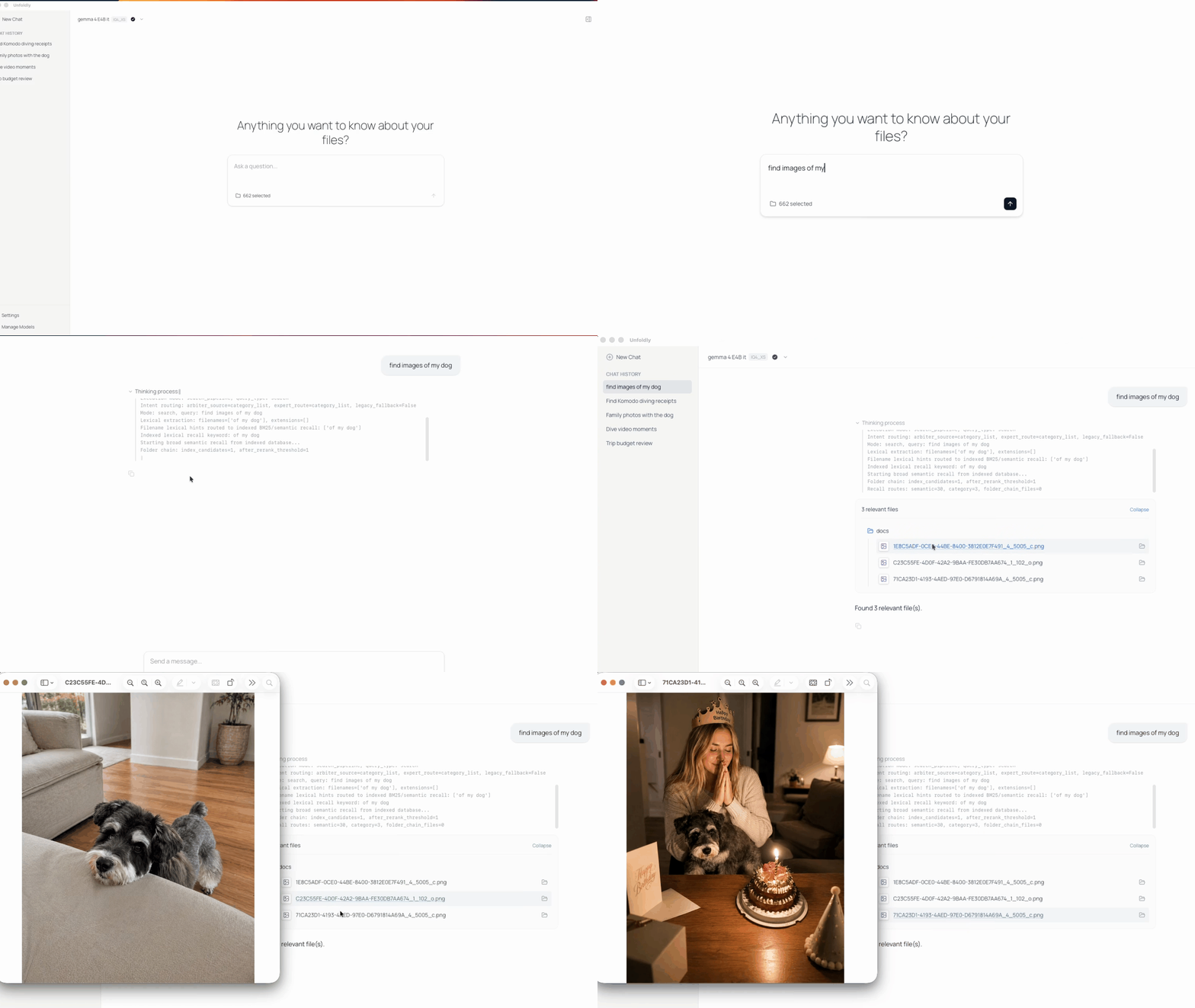
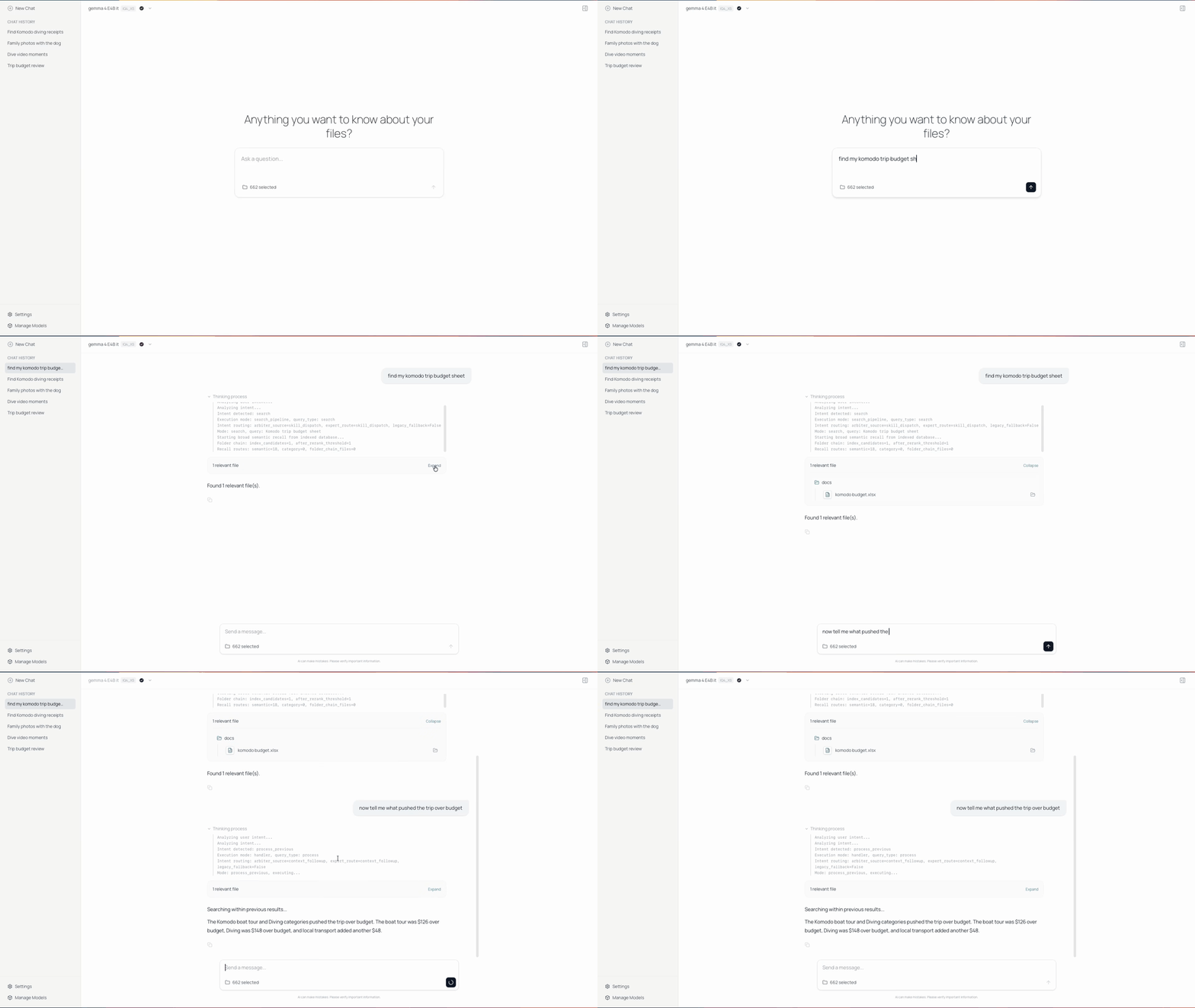
-
Watson - A CLI application for time tracking.
Languages:
PythonScreenshots
-
Whale - Unofficial Trello app.
Languages:
JavaScriptScreenshots
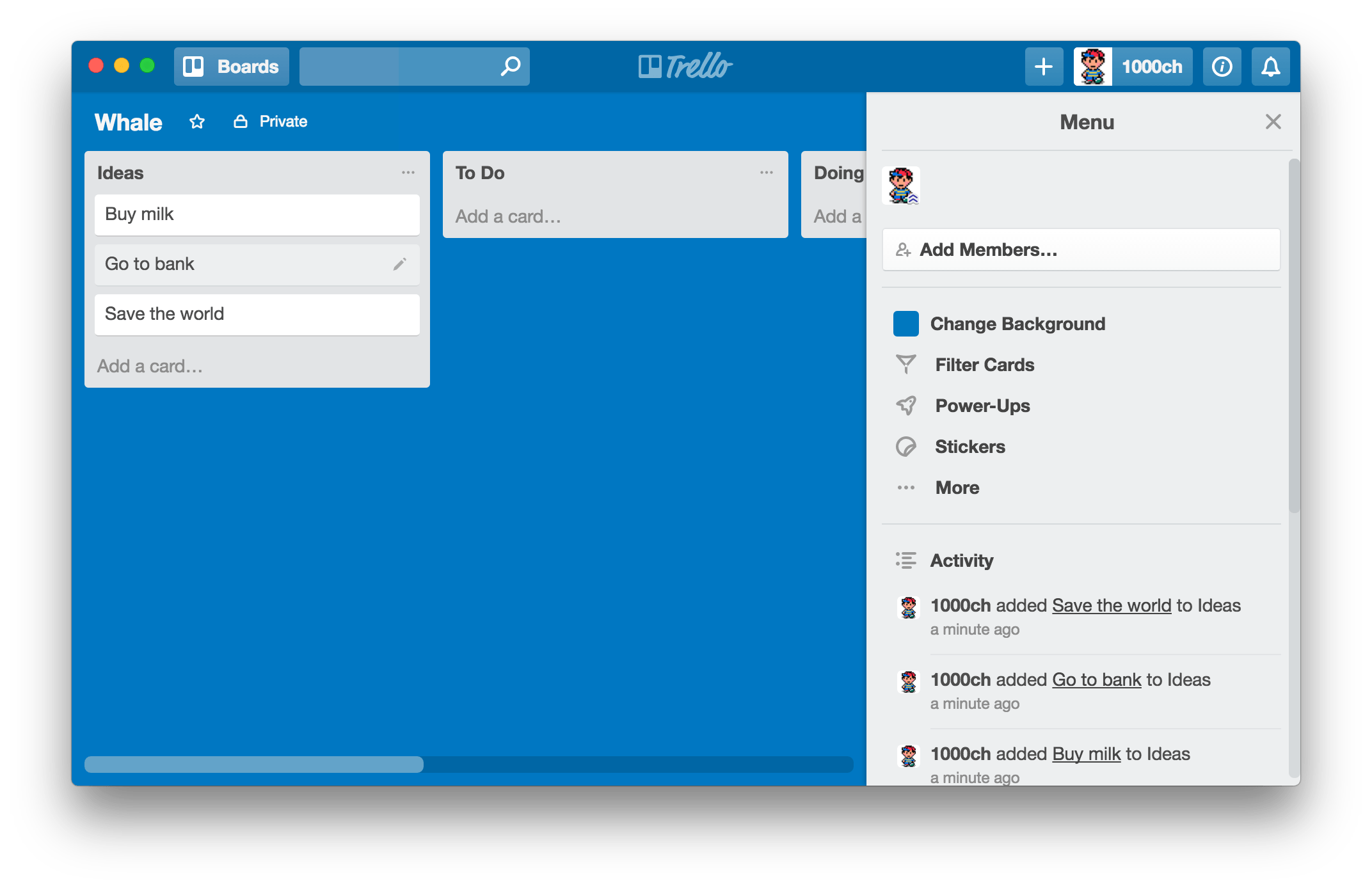
-
Whisk - Clipboard manager with a Paste-style panel, pins, search operators, paste stack and rich previews.
Languages:
SwiftWebsite: https://nathan-poncet.github.io/whisk/
Screenshots
-
Xournal++ - Take handwritten notes with ease
Languages:
C++ Lua C Python -
Yap - On-device voice dictation from the menu bar. Set a hotkey, talk, and the text is pasted into whatever field you were typing in. It runs offline in native Swift with no model to download.
Languages:
SwiftWebsite: https://frigade.com/yap
-
Yippy - macOS open source clipboard manager
Languages:
SwiftWebsite: https://yippy.mattdavo.com
Screenshots

-
Yomu - Manga reader app for macOS.
Languages:
Swift -
Zielzeit - Menu bar app projecting the year your Scalable Capital portfolio reaches a savings goal, read-only through the official broker CLI.
Languages:
SwiftWebsite: https://mannafee.github.io/zielzeit-scalable-capital/
Screenshots
🌙 Screensaver (11)
-
Aerial - Apple TV Aerial Screensaver for macOS.
Languages:
SwiftScreenshots


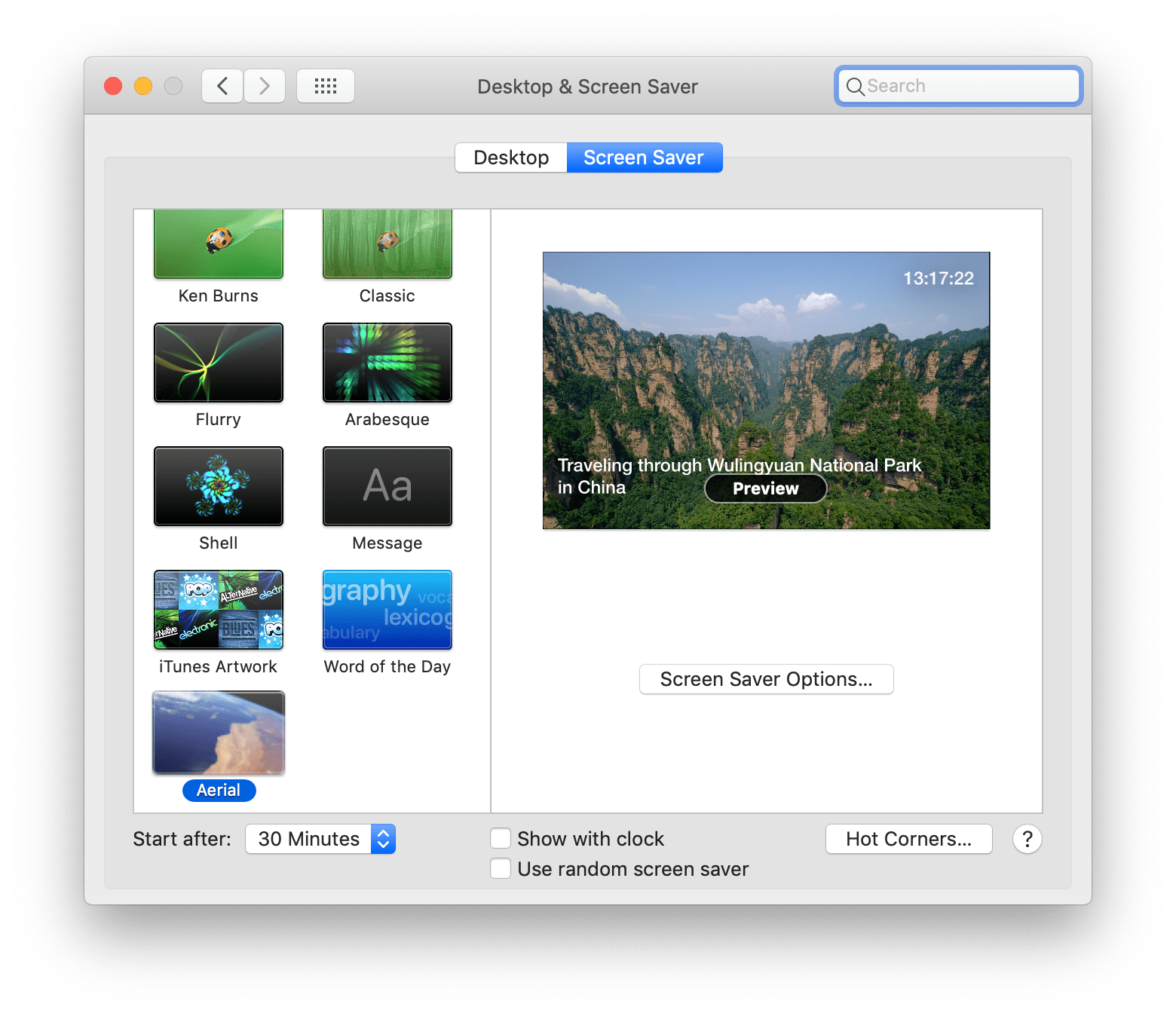
(3 more screenshots available in the repository)
-
Brooklyn - Screensaver inspired by Apple's Event on October 30, 2018.
Languages:
SwiftScreenshots
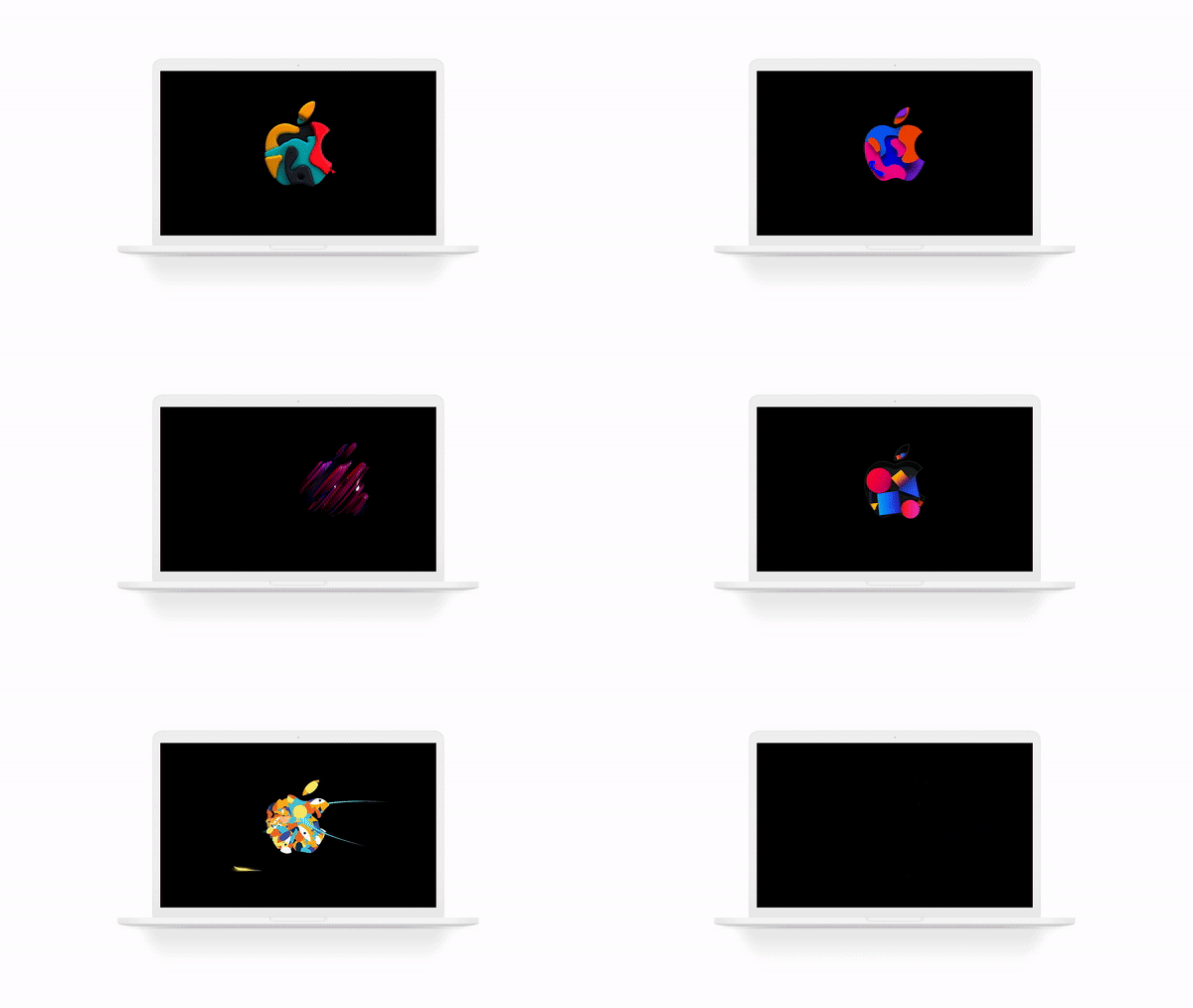
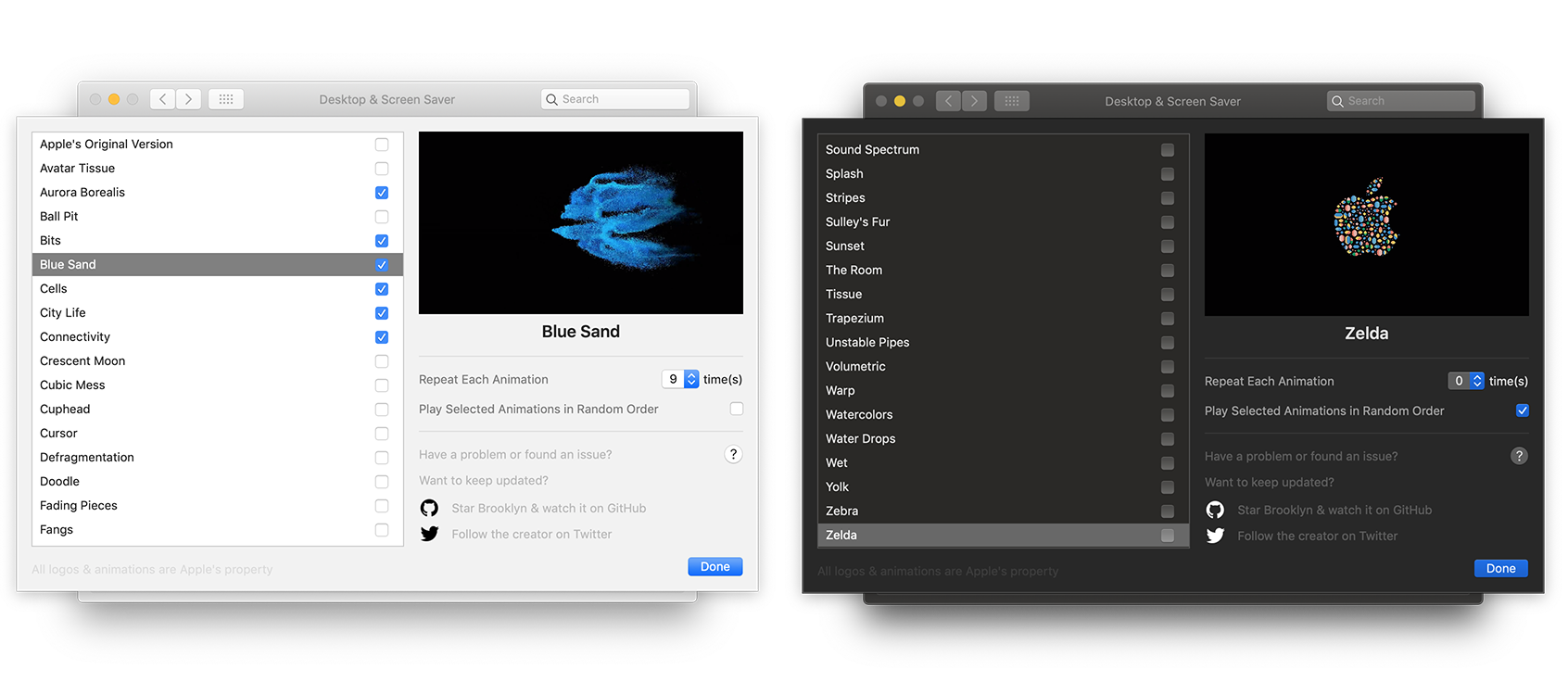
-
Epoch Flip Clock Screensaver - Unix epoch timestamp flip clock screensaver.
Languages:
Objective-CScreenshots

-
Gibson - Screen saver that draws a hacker film dashboard from real system telemetry.
Languages:
SwiftScreenshots
-
Image-As-Wallpaper - Utility application helps with selection of images for using as desktop wallpaper or in screensaver on Mac computers.
Languages:
Swift -
Irvue - Screensaver for macOS.
Languages:
Objective-CScreenshots
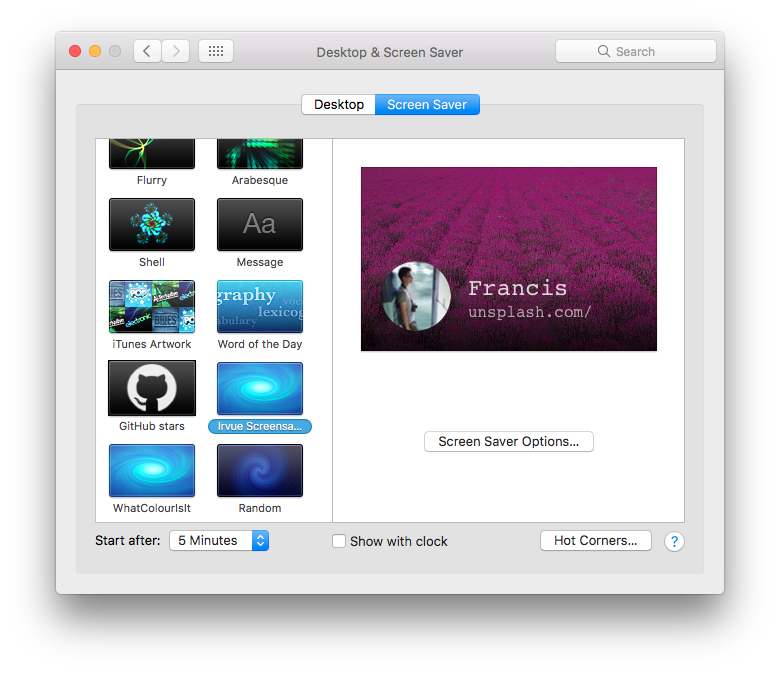

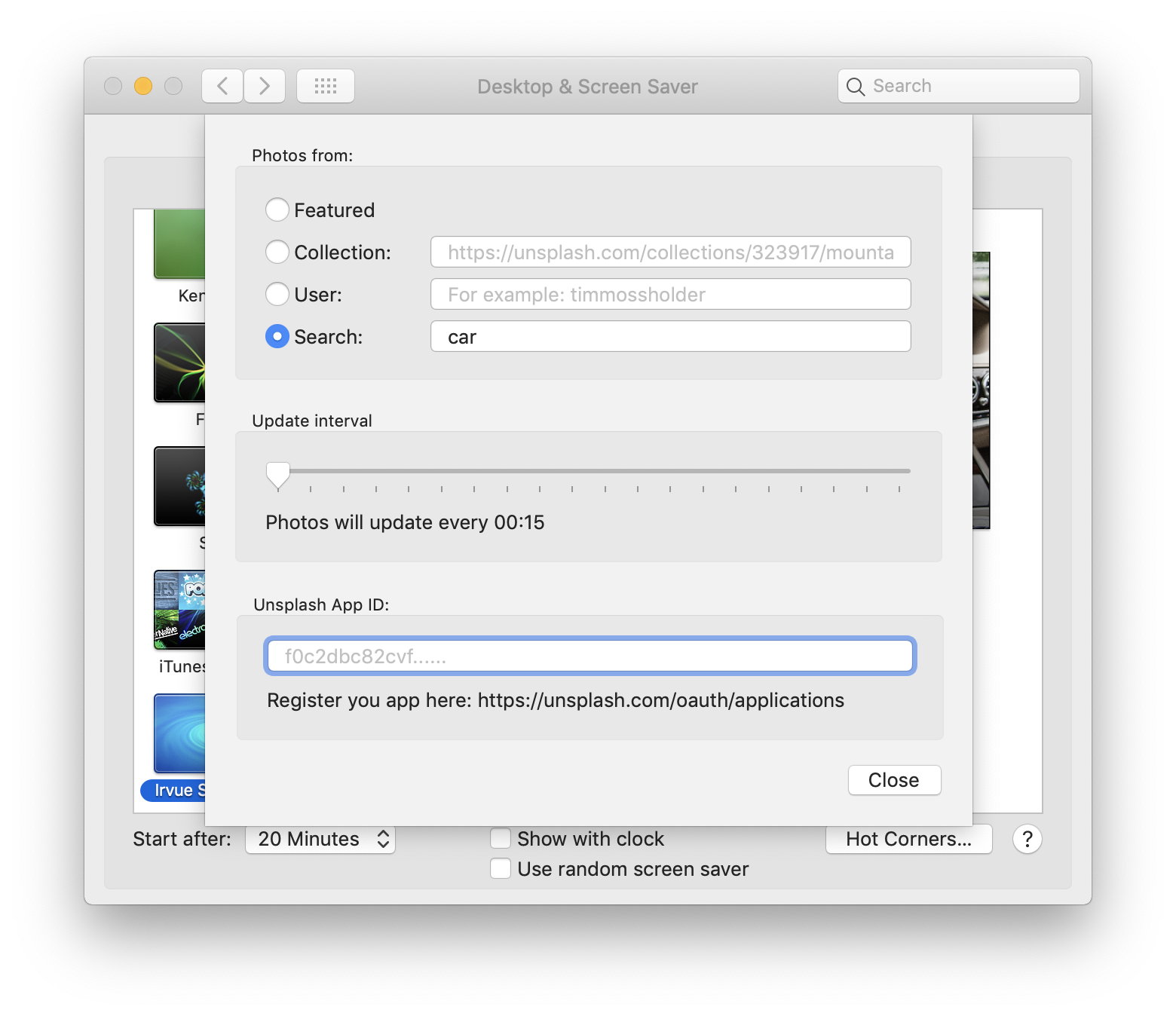
-
Life Saver - An abstract screensaver based on Conway's Game of Life implemented with SpriteKit
Languages:
SwiftScreenshots
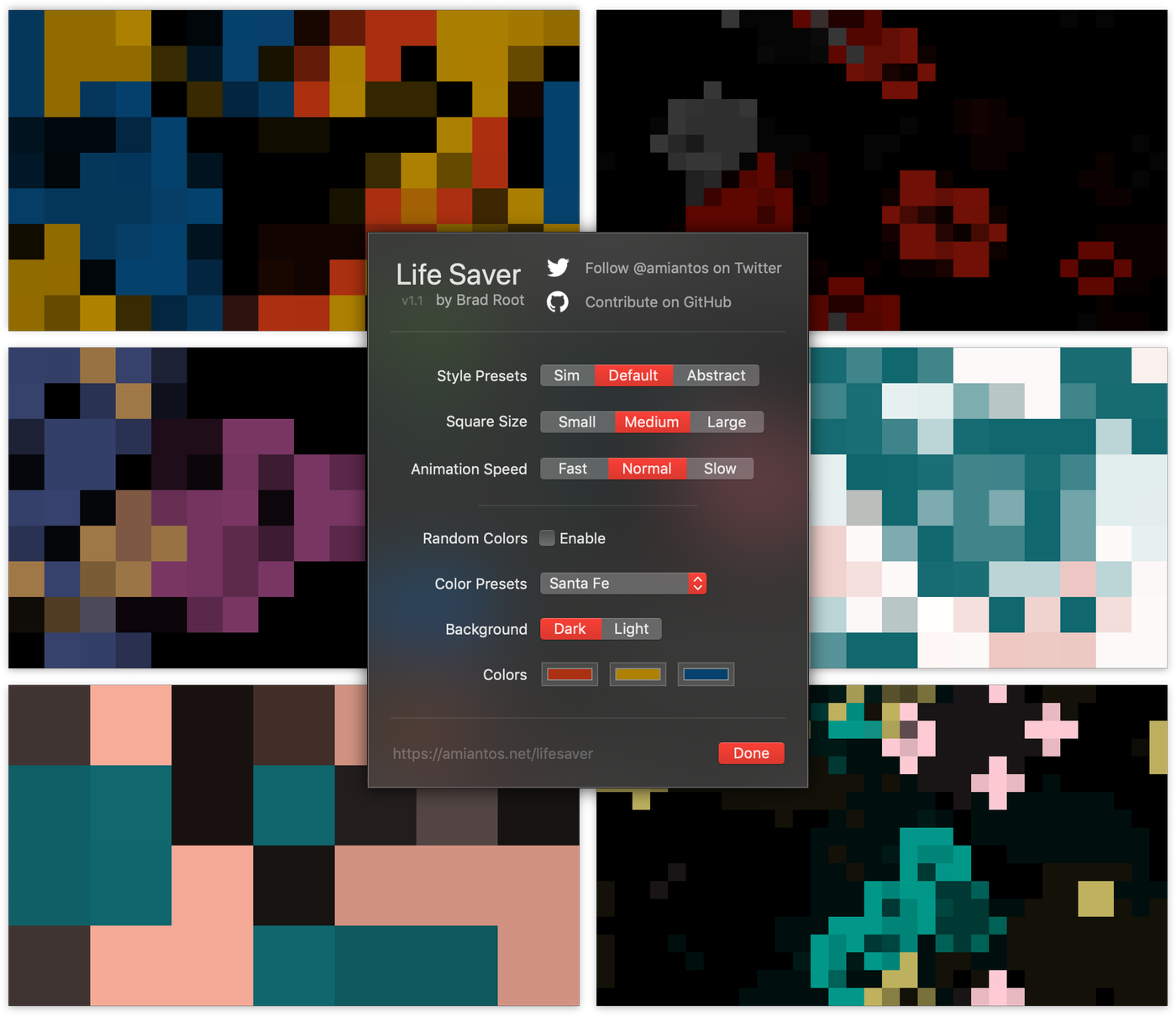


-
MinimalClock - Simple and elegant screensaver that displays the time.
Languages:
SwiftWebsite: https://mattiarossini.github.io/MinimalClock/
Screenshots

-
MusaicFM - iTunes Screensaver Clone for Spotify and Last.fm
Languages:
Objective-CScreenshots
-
Predator - A predator-inspired clock screensaver for macOS
Languages:
SwiftScreenshots
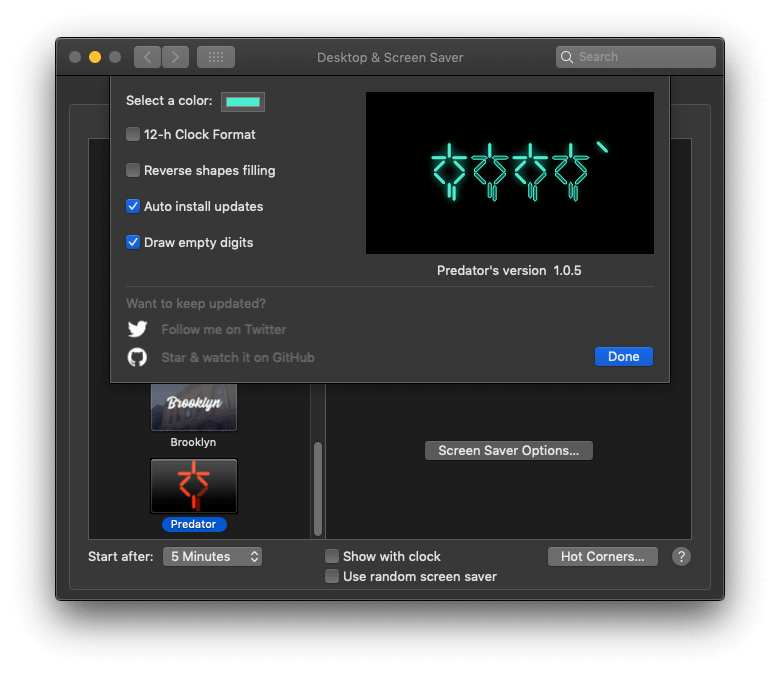
-
The GitHub Matrix Screensaver - The GitHub Matrix Screensaver for macOS.
Languages:
JavaScriptScreenshots
🔒 Security (17)
-
ClearanceKit - File-access control for macOS that protects sensitive user data from supply-chain attacks using Endpoint Security.
Languages:
Swift -
Cloaker - simple drag-and-drop, password-based file encryption.
Languages:
RustWebsite: https://adequate.systems/
Screenshots

-
Cryptomator - Multi-platform transparent client-side encryption of your files in the cloud.
Languages:
JavaWebsite: https://cryptomator.org/
-
Holeberry - A native and modern macOS menu bar app to monitor and control your Pi-hole instances.
Languages:
SwiftWebsite: https://holeberryapp.com
Screenshots
-
LuLu - LuLu is macOS firewall application that aims to block unauthorized (outgoing) network traffic.
Languages:
Objective-C -
macOS GateKeeper Helper - Simple macOS GateKeeper script. It helps you to control your GateKeeper.
Languages:
ShellScreenshots
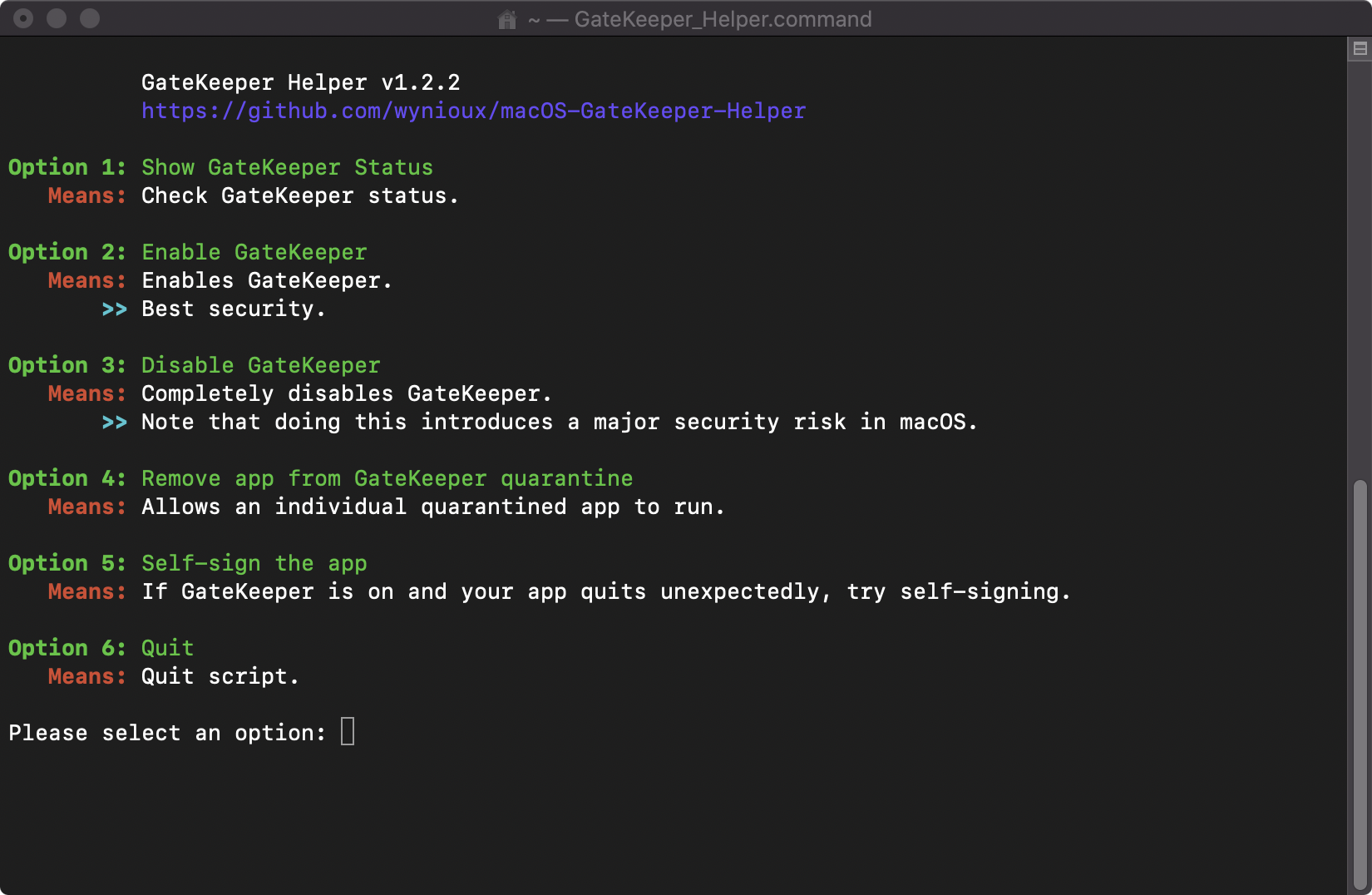
-
MakLock - Free macOS menu bar app that locks applications with Touch ID, Apple Watch proximity, or password using a full-screen blur overlay.
Languages:
Swift -
Offsend - Local-first menu bar app that prepares projects, files, and clipboard text for AI tools by detecting and masking sensitive data.
Languages:
SwiftWebsite: https://offsend.io
Screenshots
-
OnionShare - Securely and anonymously share files, host websites, and chat with friends using the Tor network.
Languages:
Python JavaScriptWebsite: https://onionshare.org/
-
Pareto Security - A MenuBar app to automatically audit your Mac for basic security hygiene.
Languages:
SwiftWebsite: https://paretosecurity.com/
Screenshots
-
Privacy Redirect for Safari - Redirect Twitter, YouTube, Reddit, Google Maps, Google Search, and Google Translate to privacy friendly alternatives.
Languages:
Swift -
SaneClip - Clipboard manager with Touch ID protection, AES-256-GCM encryption, and sensitive data detection.
Languages:
SwiftWebsite: https://saneclip.com
Screenshots
-
SaneHosts - System-level ad and tracker blocker via /etc/hosts with 200+ curated blocklists and Touch ID protection.
Languages:
SwiftWebsite: https://sanehosts.com
Screenshots
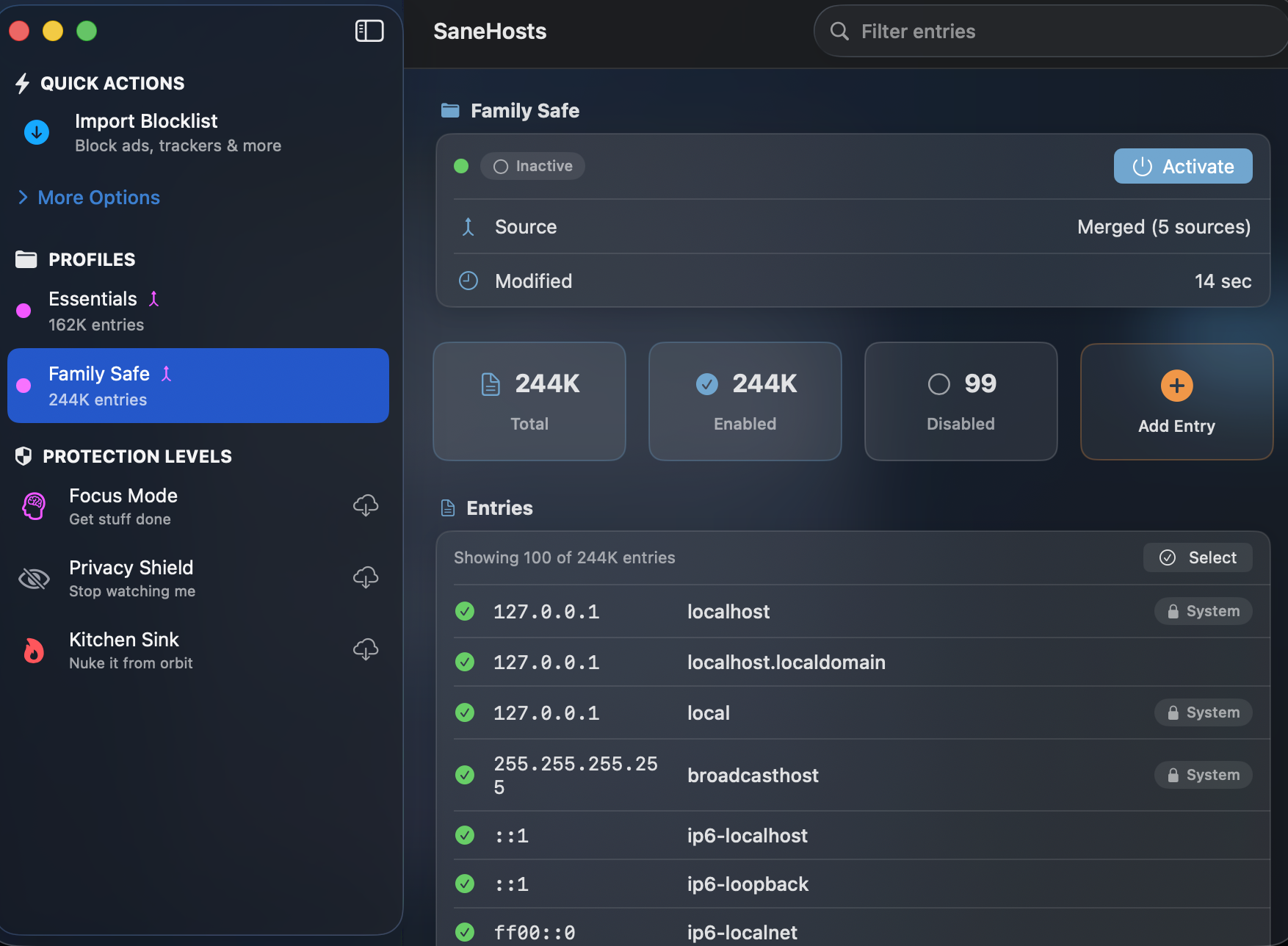
-
stronghold - Easily configure macOS security settings from the terminal.
Languages:
PythonScreenshots

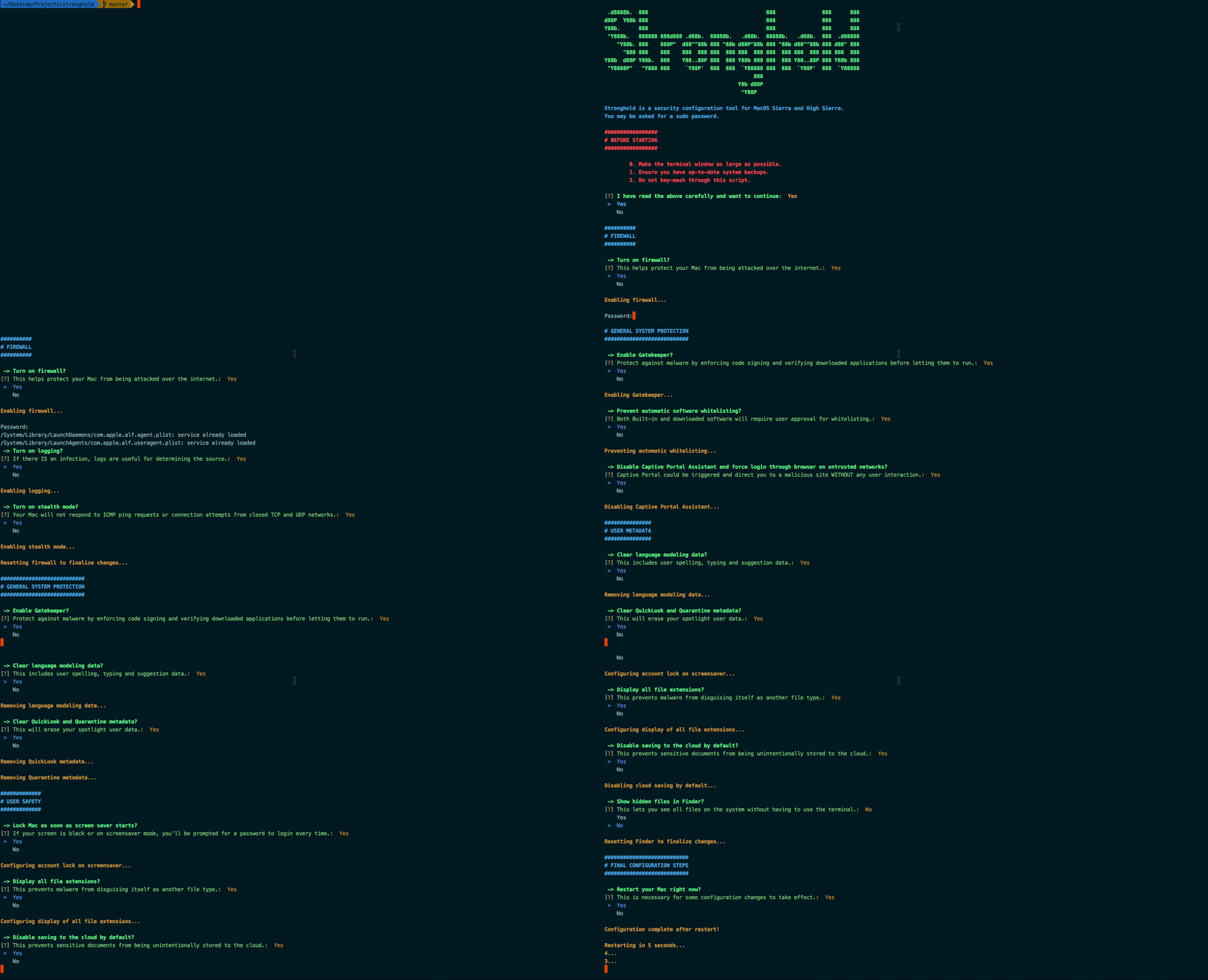
-
Swifty - Free and offline password manager.
Languages:
JavaScriptWebsite: https://getswifty.pro
Screenshots
-
UnTouchID - Use your phone's fingerprint to authenticate on any Mac.
Languages:
Swift CWebsite: https://github.com/HMAKT99/UnTouchID
-
VeraCrypt - Disk encryption with strong security based on TrueCrypt.
Languages:
C C++Website: https://www.veracrypt.fr
📤 Sharing Files (13)
-
Cyberduck - Cyberduck is a libre server and cloud storage browser for Mac and Windows with support for FTP, SFTP, WebDAV, Amazon S3, OpenStack Swift, Backblaze B2, Microsoft Azure & OneDrive, Google Drive and Dropbox.
Languages:
JavaWebsite: https://cyberduck.io
Screenshots
-
Deluge - Lightweight cross-platform BitTorrent client.
Languages:
Python -
Easy Share Uploader - Allows users to easily host their local images to the internet through multiple services and available on App Store.
Languages:
Objective-CWebsite: https://ariessciences.com/highlight?product=easy-share-uploader
Screenshots
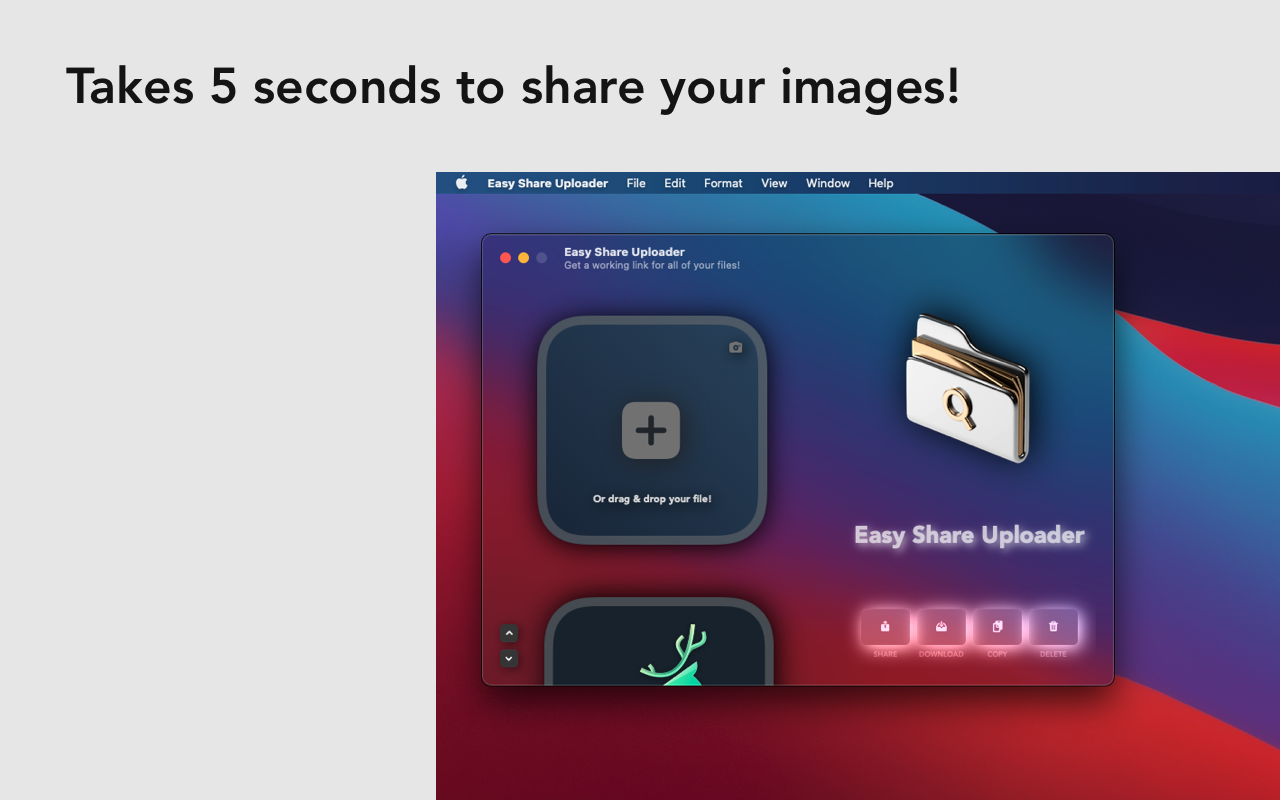
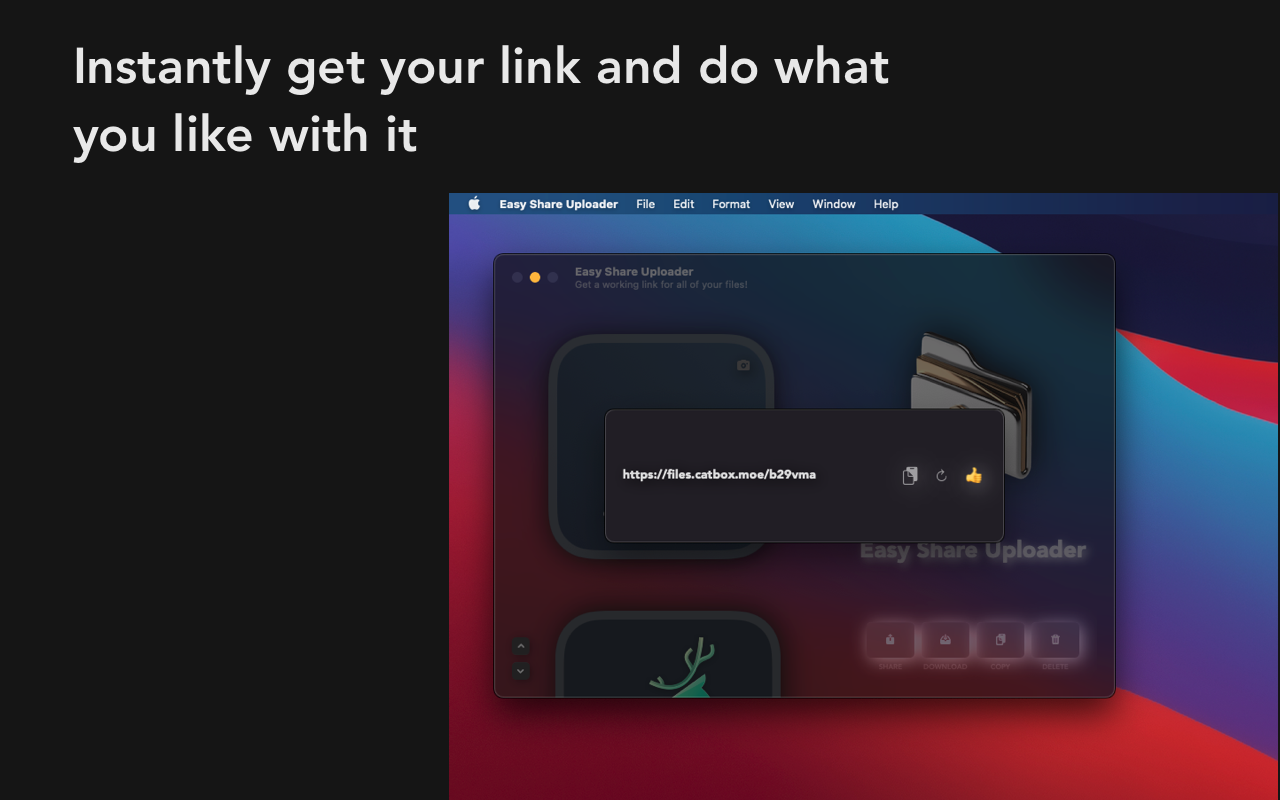
-
FileZilla - Free open-source FTP, FTPS, and SFTP client.
Languages:
c++Website: https://filezilla-project.org
-
mac2imgur - Simple Mac app designed to make uploading images and screenshots to Imgur quick and effortless.
Languages:
Swift -
NitroShare - Transferring files from one device to another
Languages:
C++Website: https://nitroshare.net
-
OnionShare - Securely and anonymously share files, host websites, and chat with friends using the Tor network.
Languages:
Python JavaScriptWebsite: https://onionshare.org/
-
qBittorrent - BitTorrent client in Qt.
Languages:
C++ -
Rhea - macOS status bar app for quickly sharing files and URLs.
Languages:
Objective-C -
Soduto - Soduto is a KDEConnect compatible application for macOS. It gives AirDrop like integration and allows file and clipboard sharing between your phones, desktops and tablets.
Languages:
Swift Objective-CWebsite: https://soduto.com/
-
Transmission - Official Transmission BitTorrent client repository.
Languages:
Objective-C C -
Transmission Remote GUI - Native SwiftUI remote for the Transmission daemon with torrent rules, RSS auto-download and tracker/folder filters; a modern transgui alternative.
Languages:
SwiftWebsite: https://epaxpax.github.io/transmission-remote-gui/
Screenshots
-
Tribler - Privacy enhanced BitTorrent client with P2P content discovery.
Languages:
Python
👥 Social Networking (10)
-
Caprine - Elegant Facebook Messenger desktop app.
Languages:
JavaScript CSS -
Goofy - Unofficial Facebook Messenger client.
Languages:
JavaScript -
Leviathan - Leviathan is a iOS and macOS client application for the Mastodon social network.
Languages:
Swift -
Messenger - macOS app wrapping Facebook's Messenger for desktop.
Languages:
Objective-CScreenshots
-
Product Hunt - share and discover your favorite new products and applications.
Languages:
Swift -
Languages:
JavaScriptScreenshots
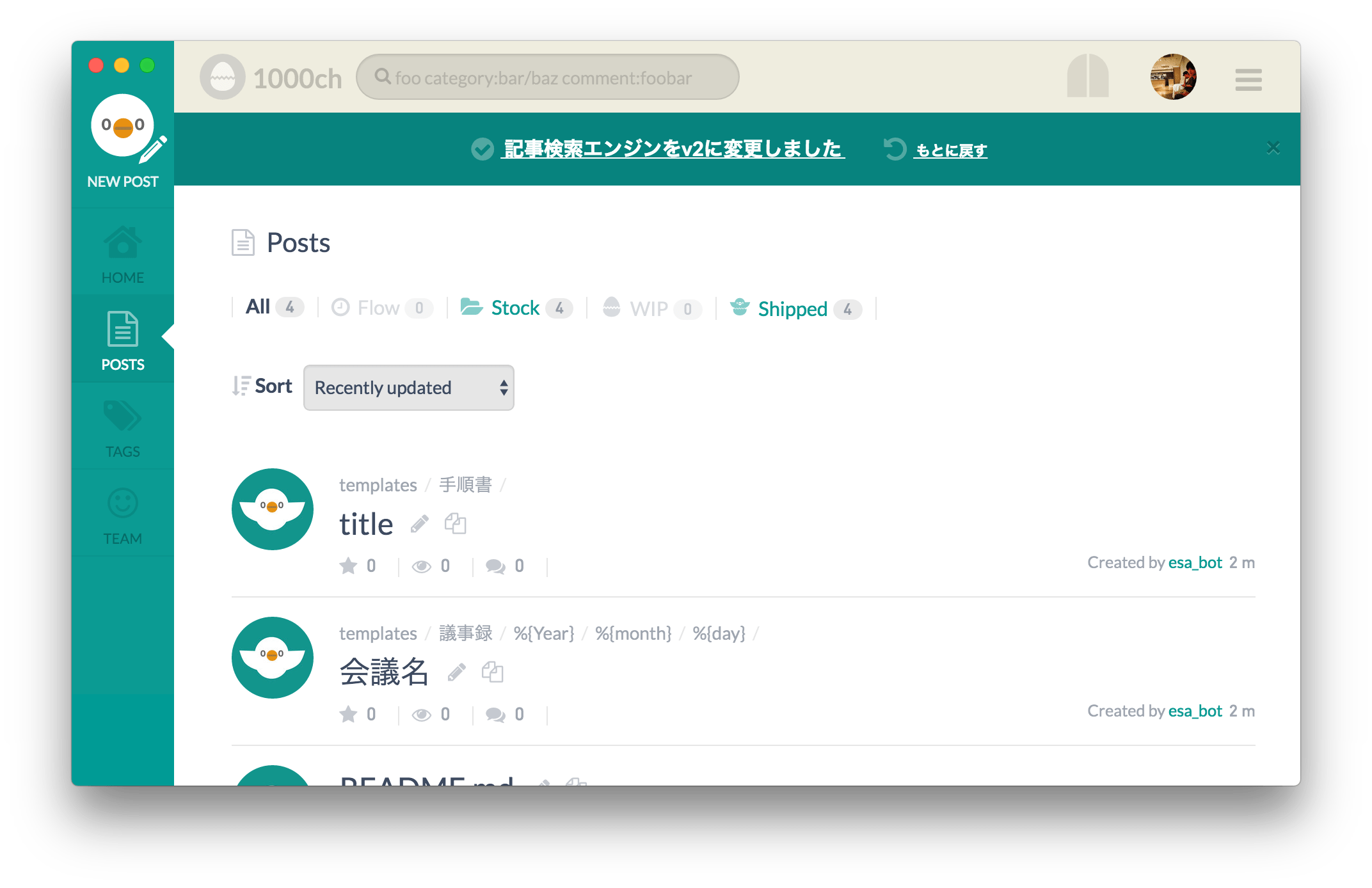
-
Ramme - Unofficial Instagram Desktop App.
Languages:
JavaScript CSS -
RedditOS - A SwiftUI Reddit client for macOS.
Languages:
SwiftScreenshots
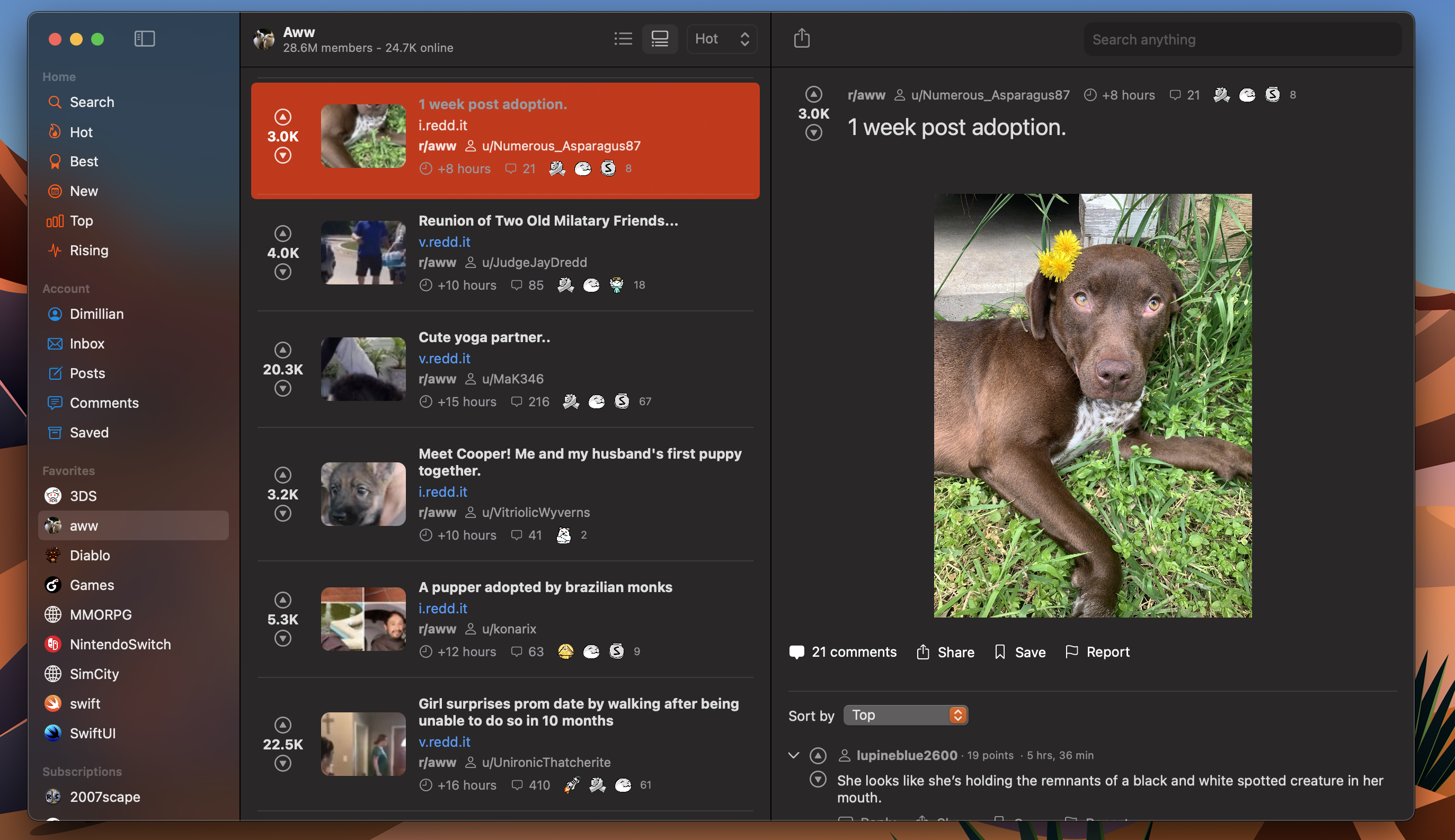
-
Simpo - macOS menubar app to post status quickly.
Languages:
SwiftScreenshots
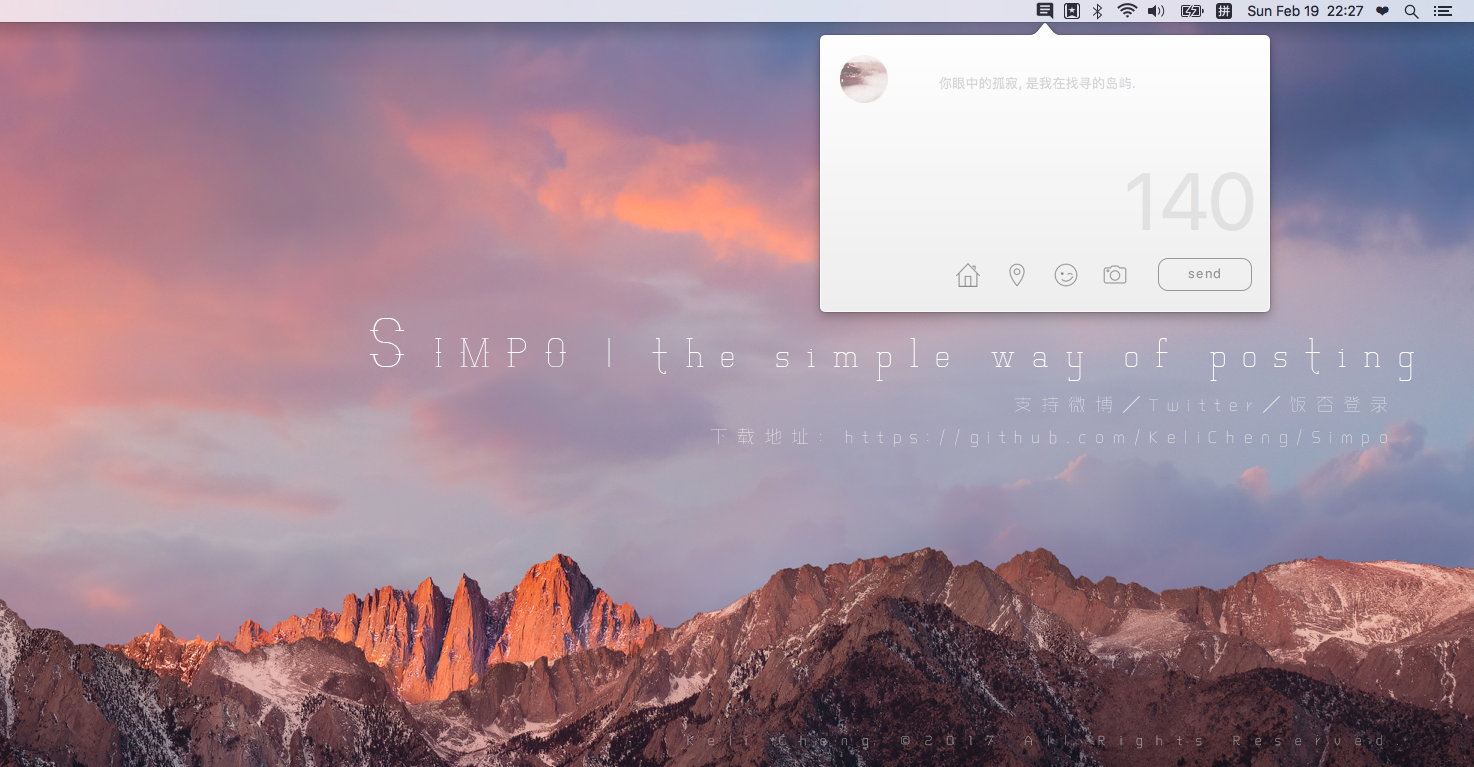

-
TouchGrassBar - Shows Codex and Claude limits, observed token usage, trends, and public friend rankings from the macOS menu bar.
Languages:
Rust TypeScriptWebsite: https://touchgrassbar.com/
Screenshots
📡 Streaming (3)
-
Galeri - Perpetual artwork streaming app.
Languages:
JavaScript -
OBS Studio - Free and open source software for live streaming and screen recording.
Languages:
C++Website: https://obsproject.com/
-
Plug - Discover and listen to music from Hype Machine.
Languages:
SwiftWebsite: https://www.plugformac.com/
Screenshots
⚙️ System (38)
-
Abendrot - Free open-source Mac screen warmer that cuts nighttime blue light and warms every display around local sunset.
Languages:
SwiftWebsite: https://abendrot.app
-
Apple Juice - Advanced battery gauge for macOS.
Languages:
SwiftScreenshots
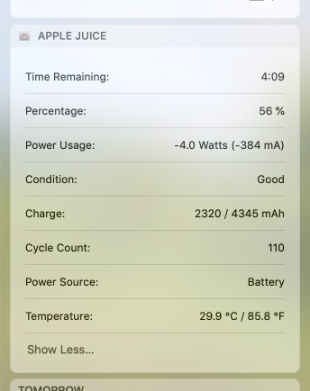
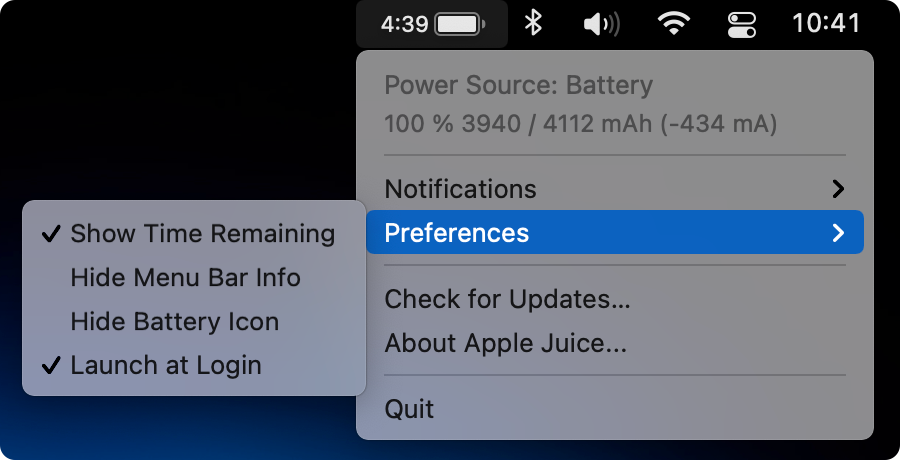
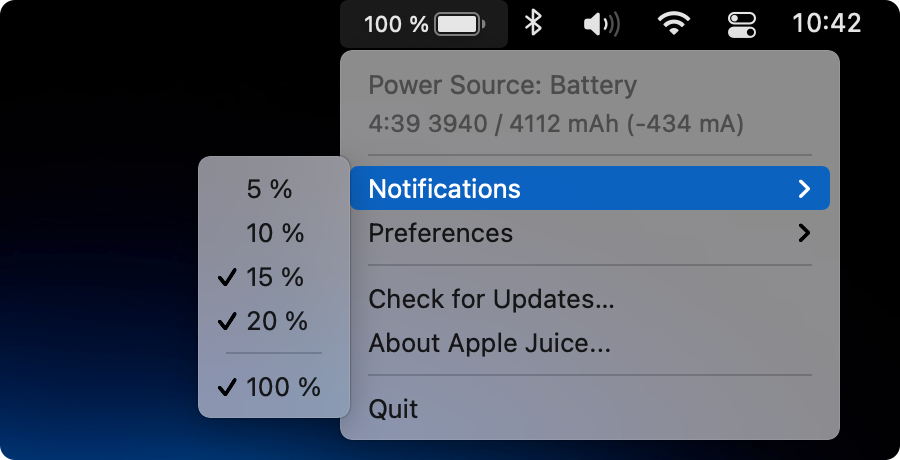
-
AppPolice - App for macOS with a minimalistic UI which lets you quickly throttle down the CPU usage of any running process.
Languages:
Objective-CScreenshots


(2 more screenshots available in the repository)
-
Better Resource Monitor - Lightweight macOS menu bar monitor for CPU, memory, storage, GPU, and network usage.
Languages:
Rust TypeScriptWebsite: https://better-resource-monitor.alexpedersen.dev/
Screenshots
-
Clean-Me - Small macOS app that acts as a system cleaner (logs, cache, ...).
Languages:
SwiftScreenshots
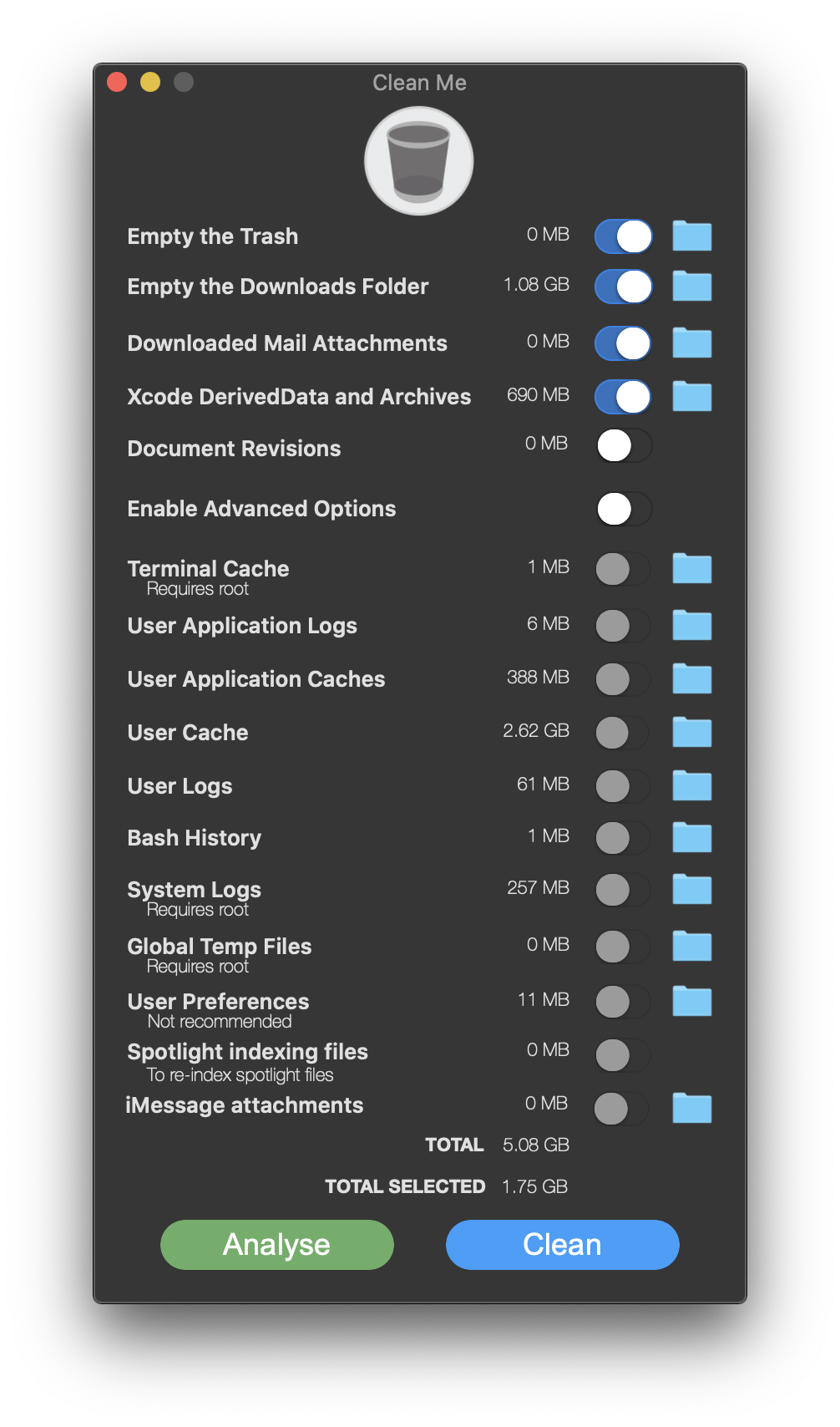
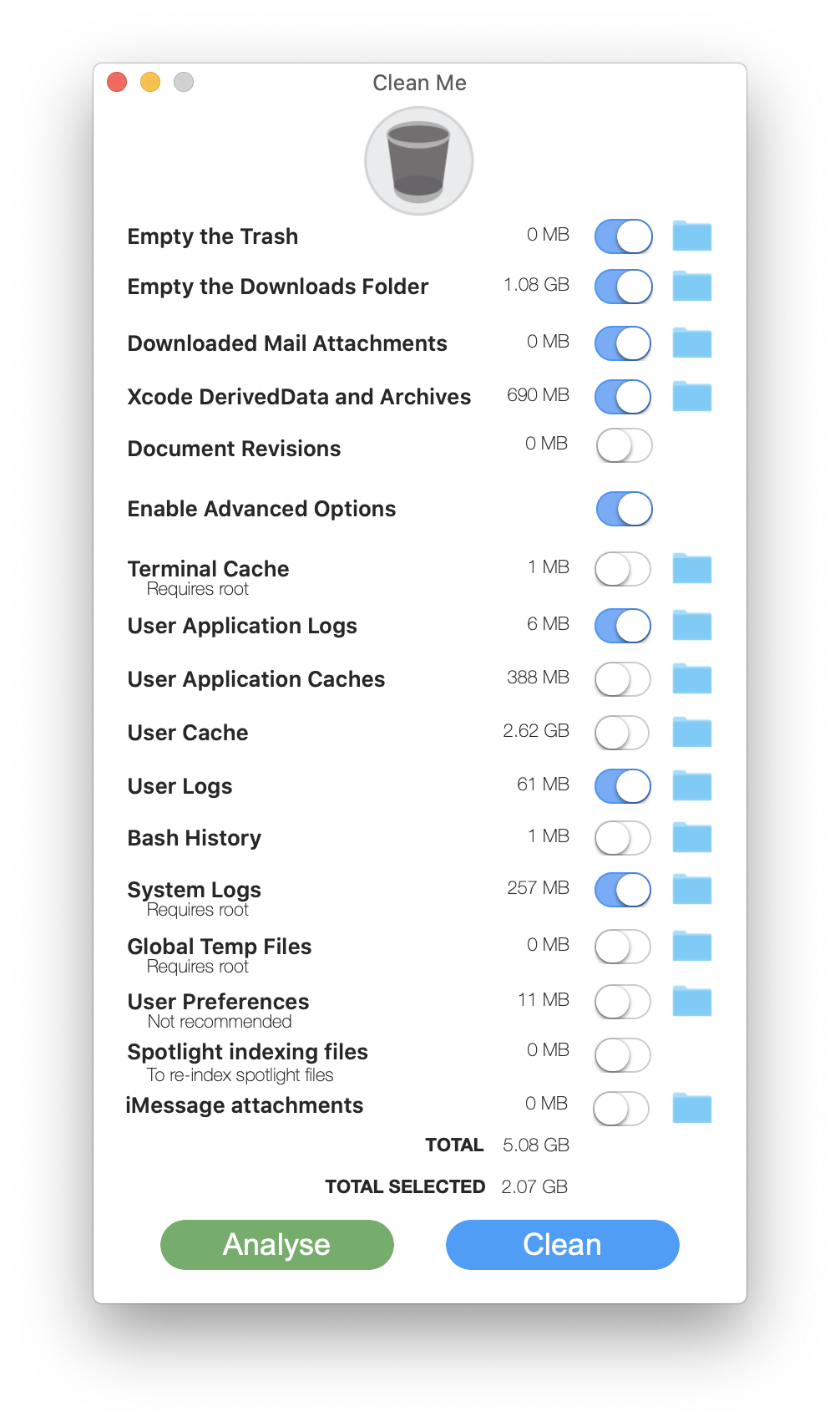
-
ClearDisk - Visualize and clean developer caches to reclaim disk space on macOS.
Languages:
SwiftWebsite: https://bysiber.github.io/cleardisk
Screenshots
-
Core-Monitor - Open-source macOS system monitor with menu bar stats, a full dashboard, optional fan control, and Touch Bar widgets.
Languages:
Swift -
Diagnostics - Diagnostics is an application displaying the diagnostic reports from applications on macOS.
Languages:
SwiftScreenshots
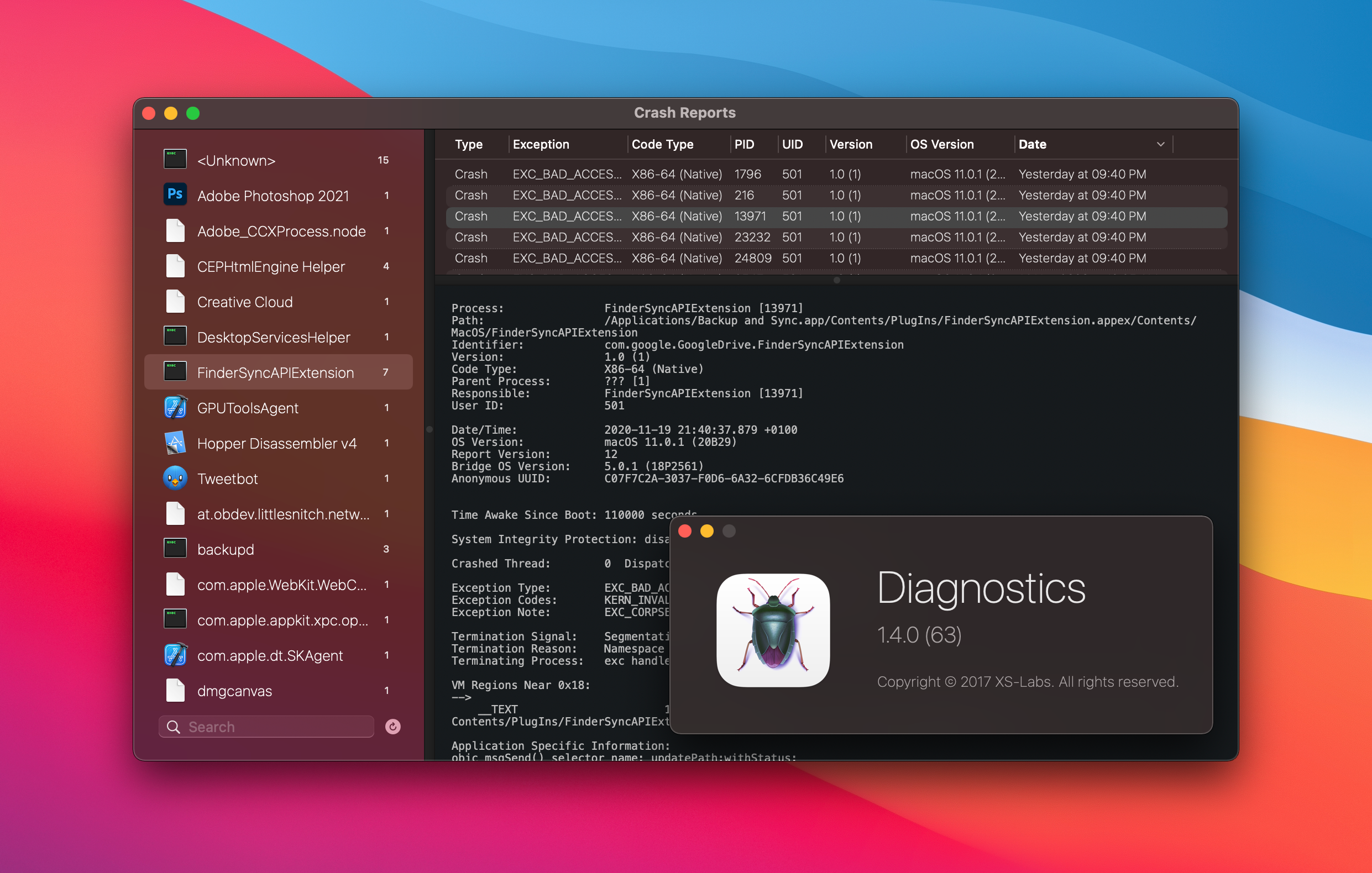
-
DisableMonitor - Easily disable or enable a monitor on your Mac.
Languages:
Objective-C -
eul - macOS status monitoring app written in SwiftUI.
Languages:
SwiftScreenshots
-
Fanny - Monitor your Mac's fan speed and CPU temperature from your Notification Center.
Languages:
Objective-CScreenshots

-
Featherbar - Featherweight menu bar system monitor showing CPU, RAM, power, and temperature in two color-coded lines.
Languages:
RustWebsite: https://crates.io/crates/featherbar
Screenshots
-
HardwareVisualizer - A cross-platform hardware monitor with real-time metrics, historical insights, and a customizable dashboard.
Languages:
Rust TypeScriptWebsite: https://hardviz.com/
Screenshots
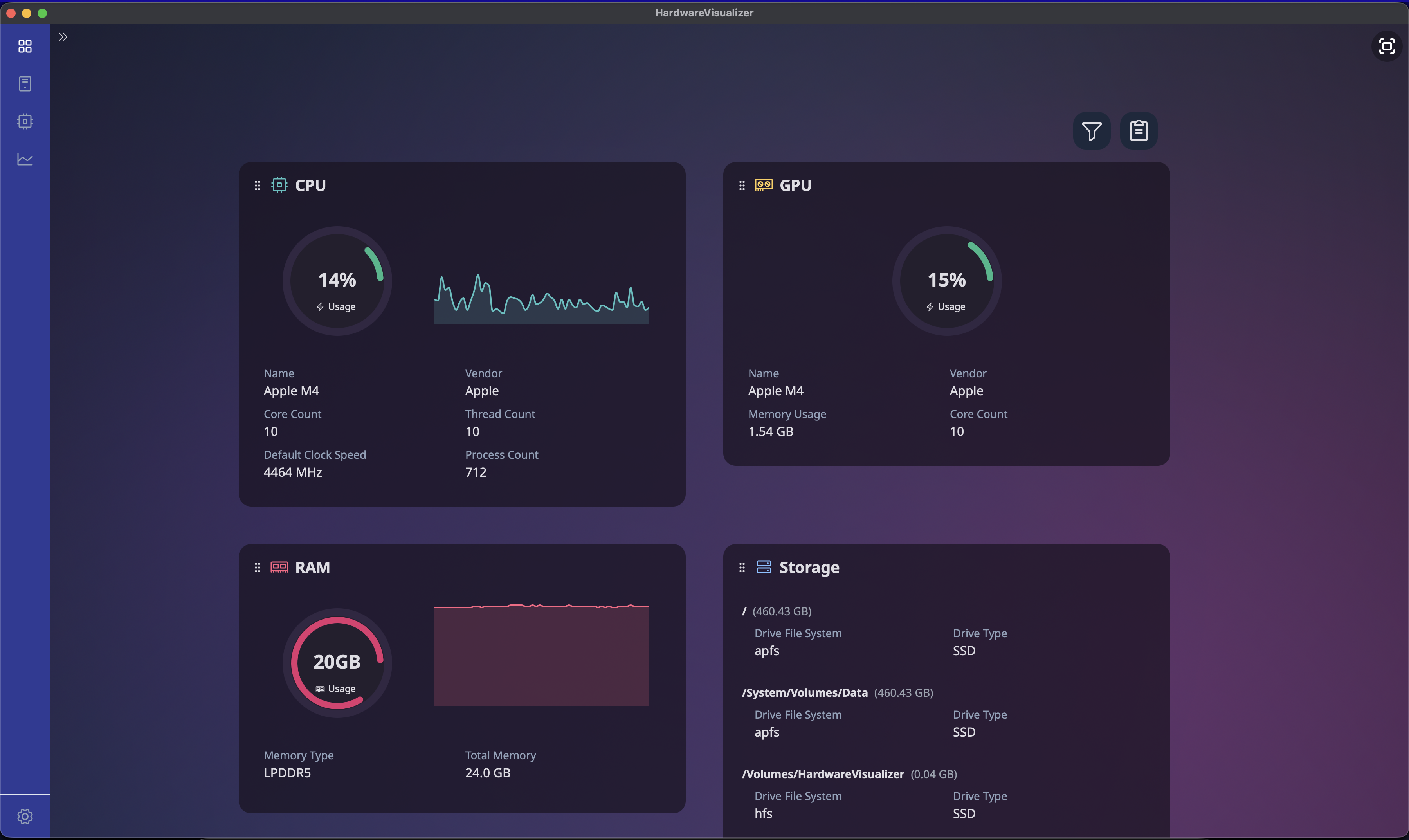
-
HoRNDIS - Android USB tethering driver for macOS.
Languages:
C++ -
Juice - Make your battery information a bit more interesting.
Languages:
SwiftScreenshots

-
KeepingYouAwake - Prevents your Mac from going to sleep.
Languages:
Objective-CScreenshots
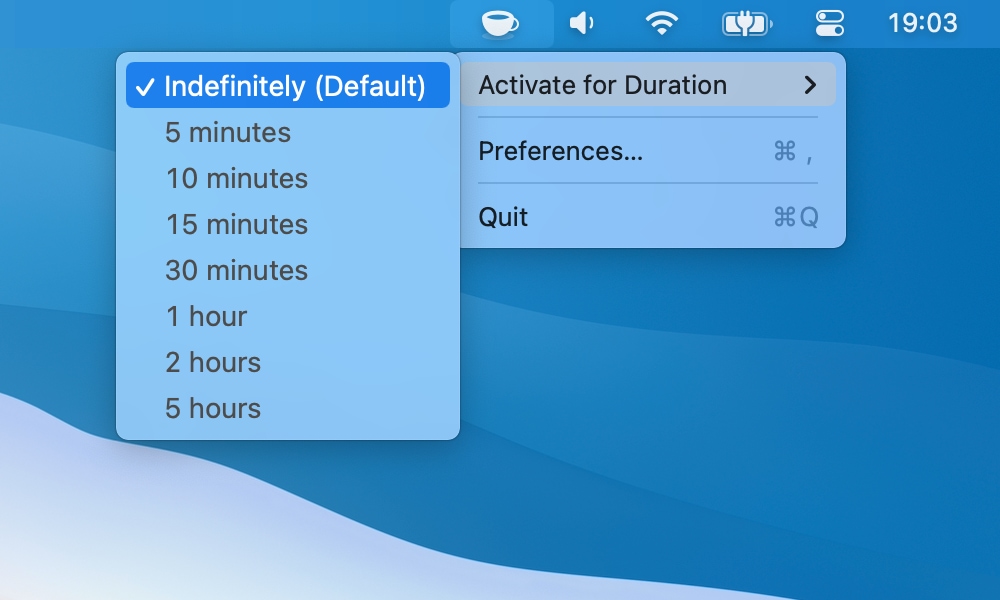
-
Latest - Small utility app for macOS that makes sure you know about all the latest updates to the apps you use.
Languages:
SwiftScreenshots
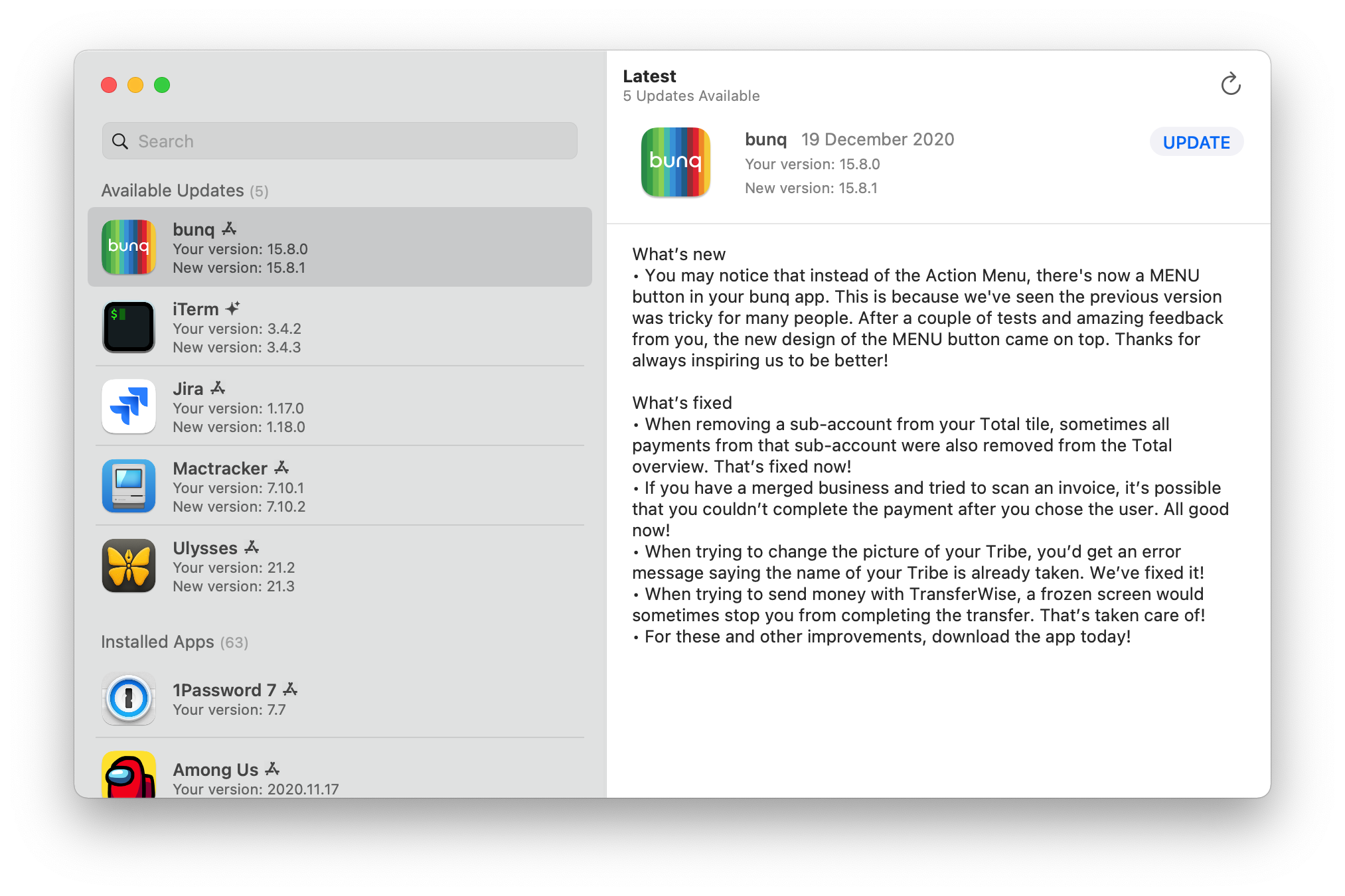
-
LeftHandy - Left-handed mouse and cursor support: mirrors system cursors so the tip points naturally and swaps left/right click in real time.
Languages:
Swift Objective-CWebsite: https://writronic.com/lefthandy/
-
Loading - Simple network activity monitor for macOS.
Languages:
Objective-CScreenshots
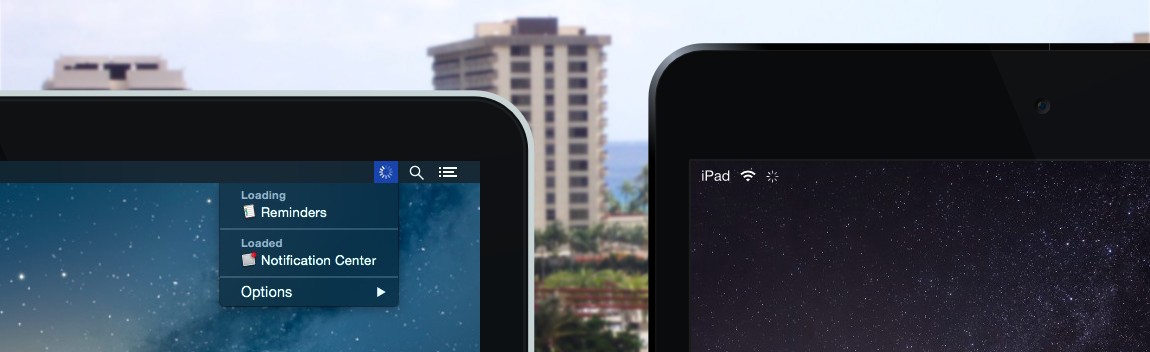
-
Mac Sai - Free, open-source CleanMyMac alternative built with Swift 6 and SwiftUI. Smart Scan, junk cleanup, malware scanner, uninstaller with leftover detection, Space Lens treemap, duplicates, and a live menu bar monitor.
Languages:
SwiftWebsite: https://github.com/iliyami/MacSai
Screenshots
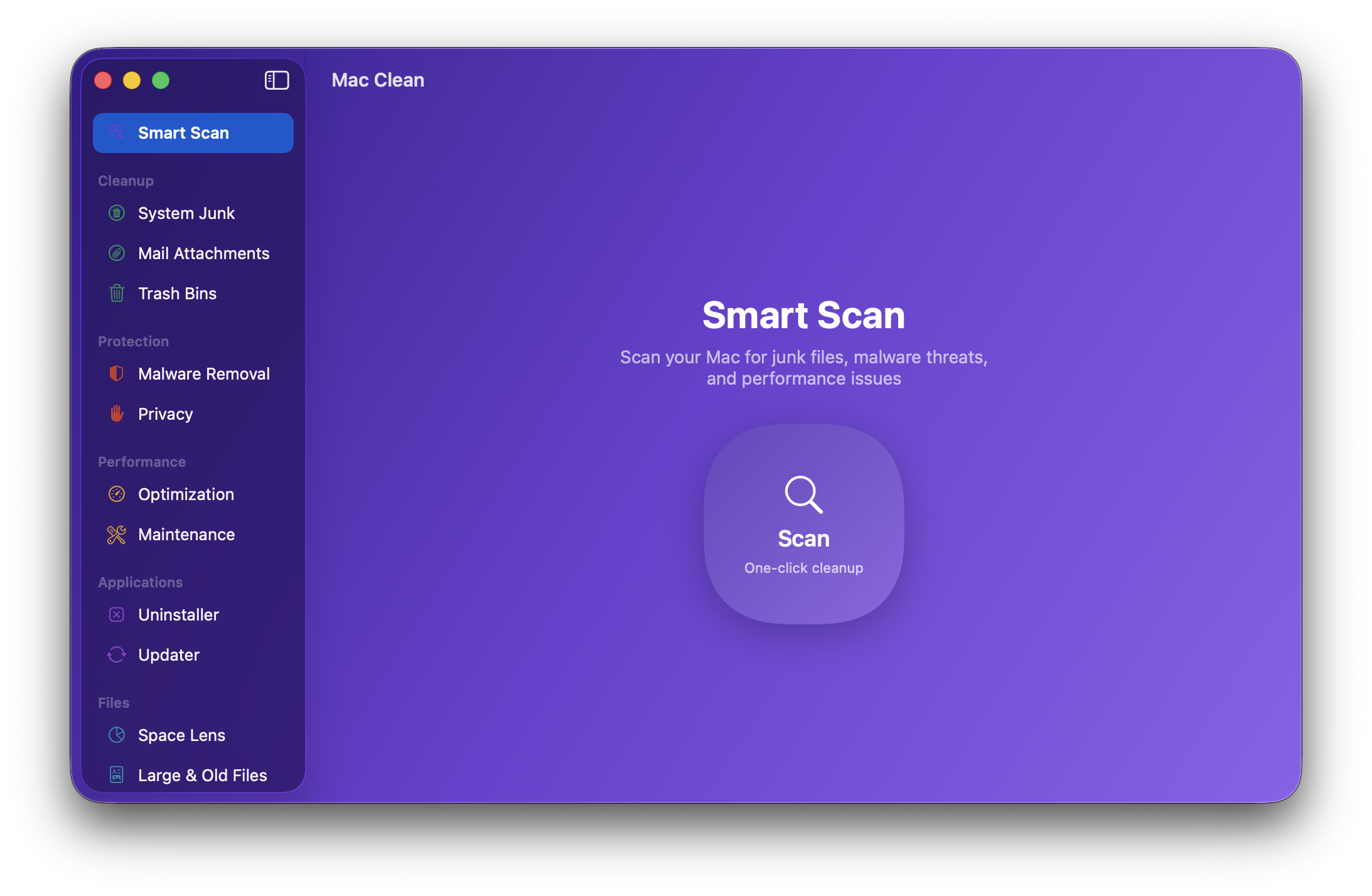
-
MacNTop - macOS menu bar system monitor with retro CRT aesthetics.
Languages:
Swift -
macOS GateKeeper Helper - Simple macOS GateKeeper script. It helps you to control your GateKeeper.
Languages:
ShellScreenshots
-
macOSLucidaGrande - A small utility to set Lucida Grande as your Mac's system UI font.
Languages:
Objective-CWebsite: https://github.com/LumingYin/macOSLucidaGrande/releases
Screenshots
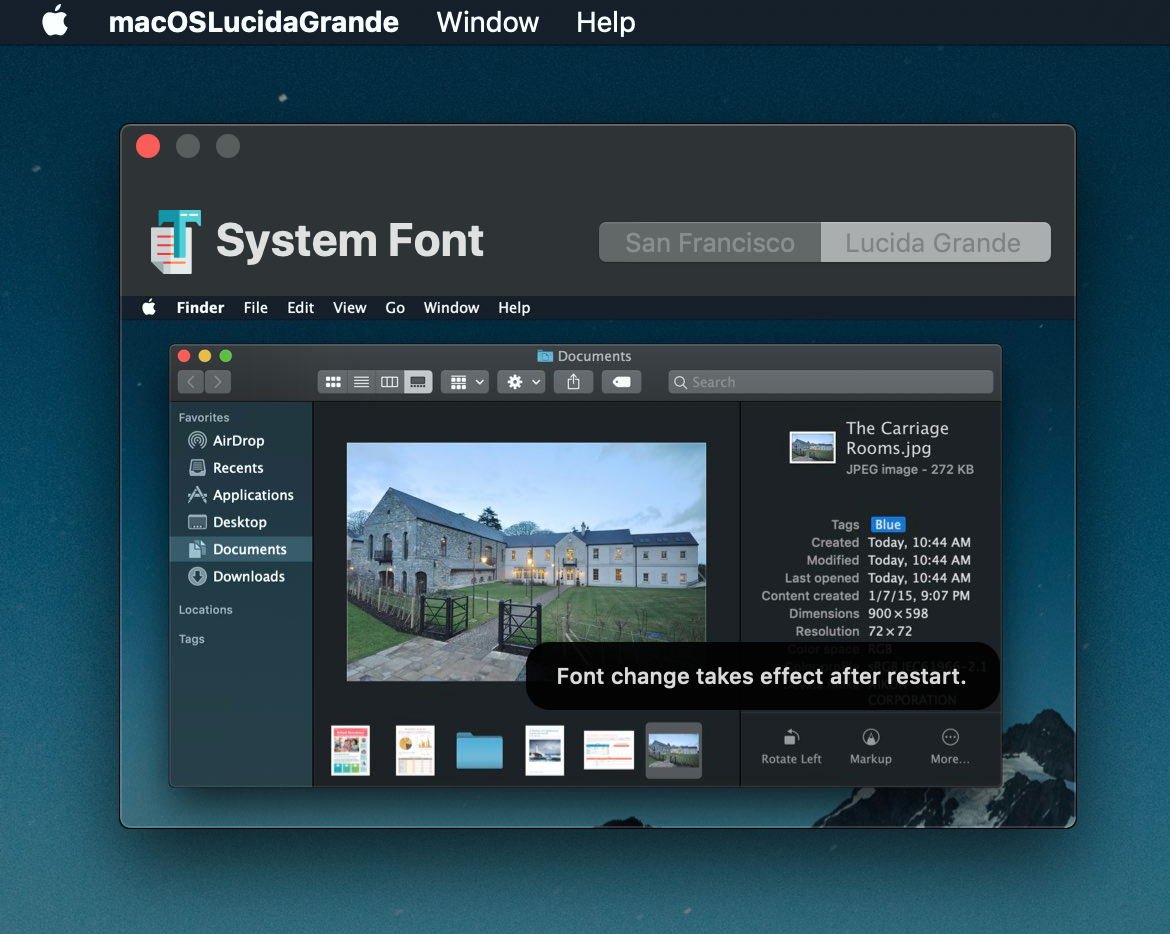
-
MaCursor - Custom cursor themes for macOS. Replace any system cursor with custom artwork, with 75+ ready-to-apply themes and Windows .cur/.ani import.
Languages:
Swift Objective-CWebsite: https://writronic.com/macursor/
Screenshots

-
MangoDisk - Safety-first disk cleaner and space analyzer with local scanning and review before deletion.
Languages:
Rust TypeScriptWebsite: https://mangodisk.app/
Screenshots
-
Mole Widget - Lightweight macOS desktop system monitor with live CPU, memory, disk, network, battery, and process metrics, managed from the menu bar.
Languages:
SwiftWebsite: https://github.com/TadelUnso/mole-widget
Screenshots
-
Overkill - Stop iTunes from opening when you connect your iPhone.
Languages:
Swift -
Performance Monitor - Lightweight menu bar system monitor: CPU, memory, network, disk, GPU, per-sensor temperatures, SSD wear, and battery health. No telemetry.
Languages:
SwiftWebsite: https://perfmon.knhome.nl
-
ProfileCreator - macOS Application to create standard or customized configuration profiles.
Languages:
Objective-CScreenshots
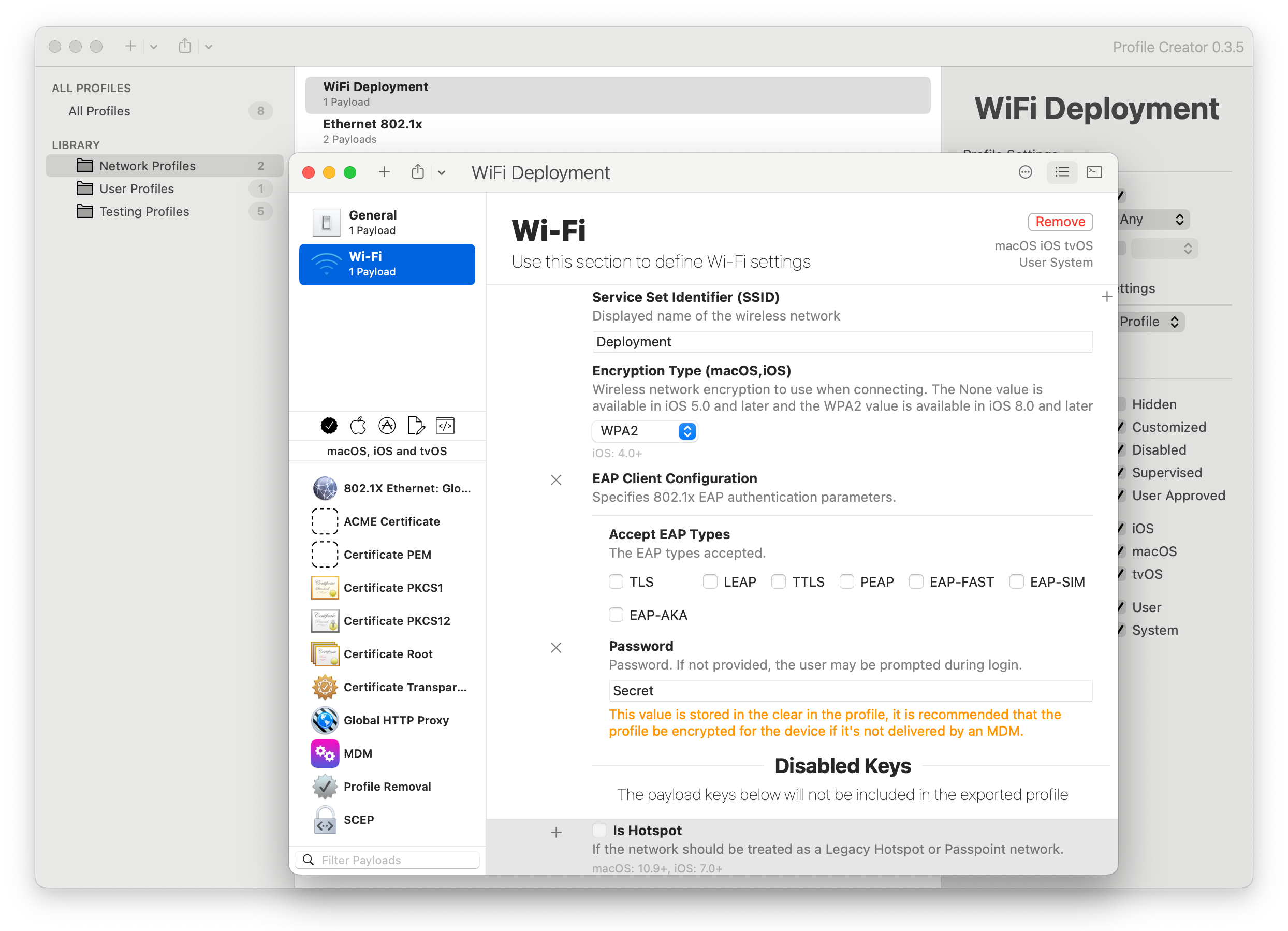
-
PureMac - Free macOS cleaner with zero telemetry. Cleans system caches, Xcode junk, Homebrew cache, mail attachments, and finds large or old files. Supports scheduled auto-cleaning.
Languages:
SwiftWebsite: https://github.com/momenbasel/PureMac
Screenshots
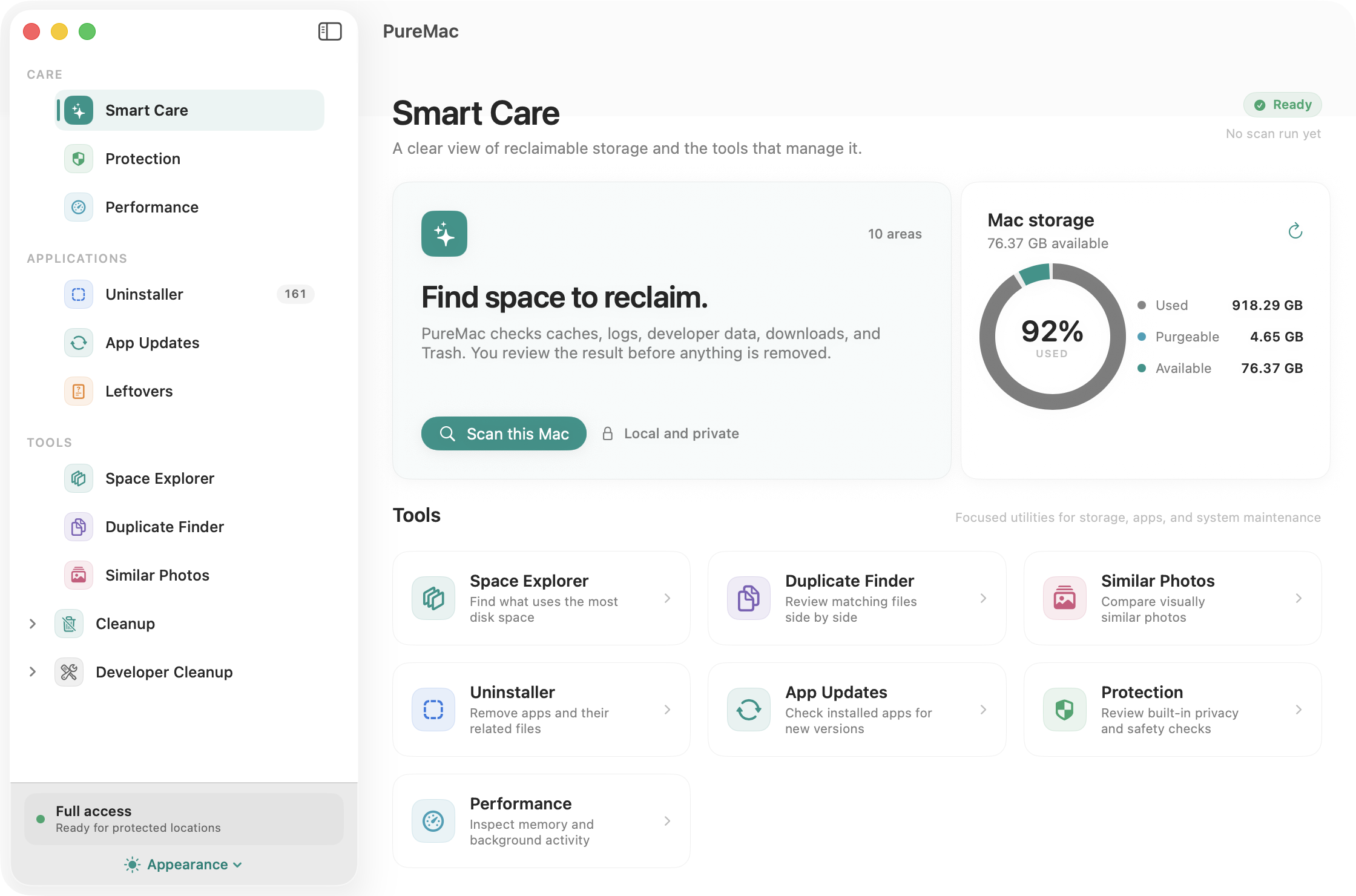
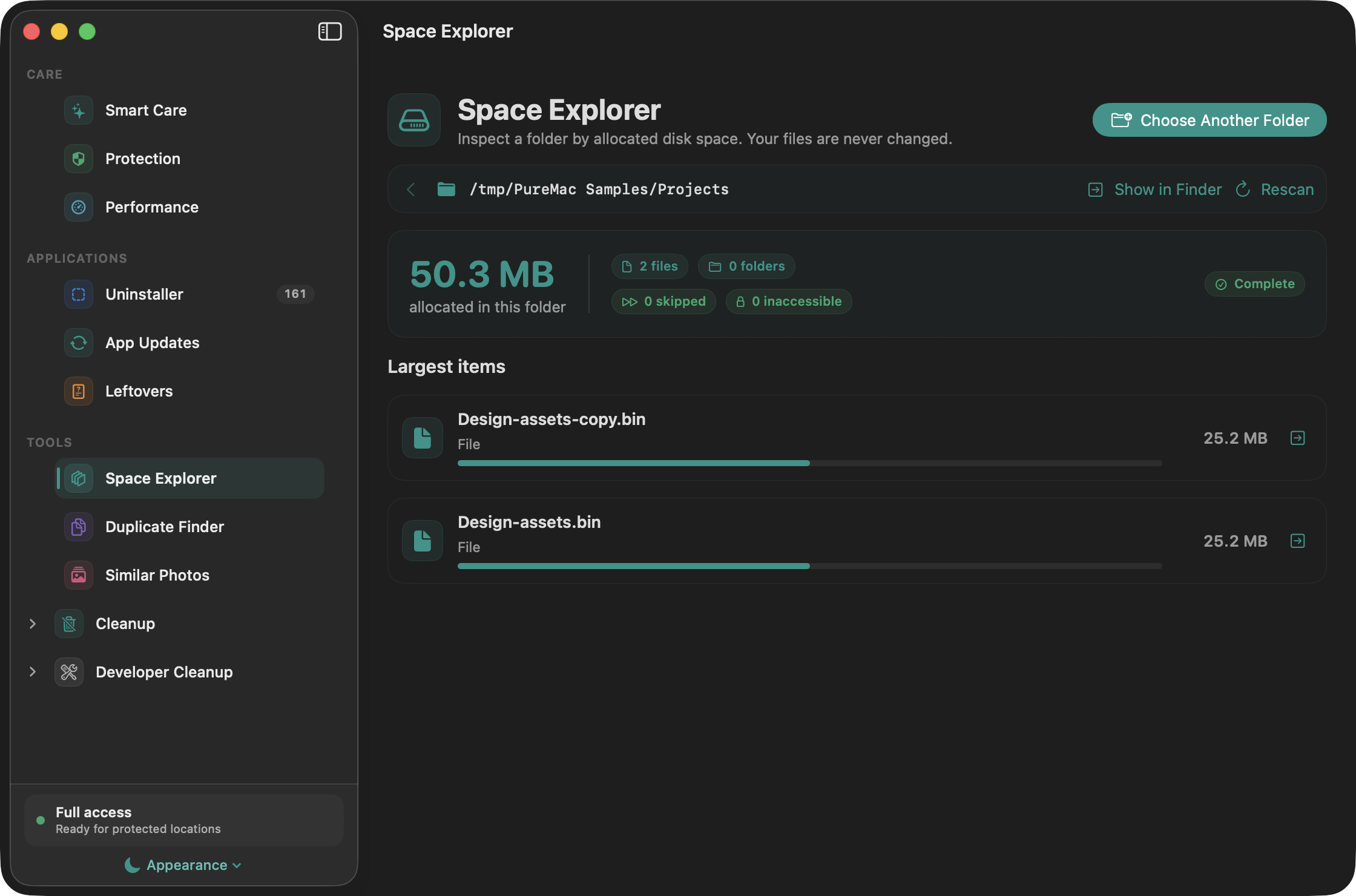
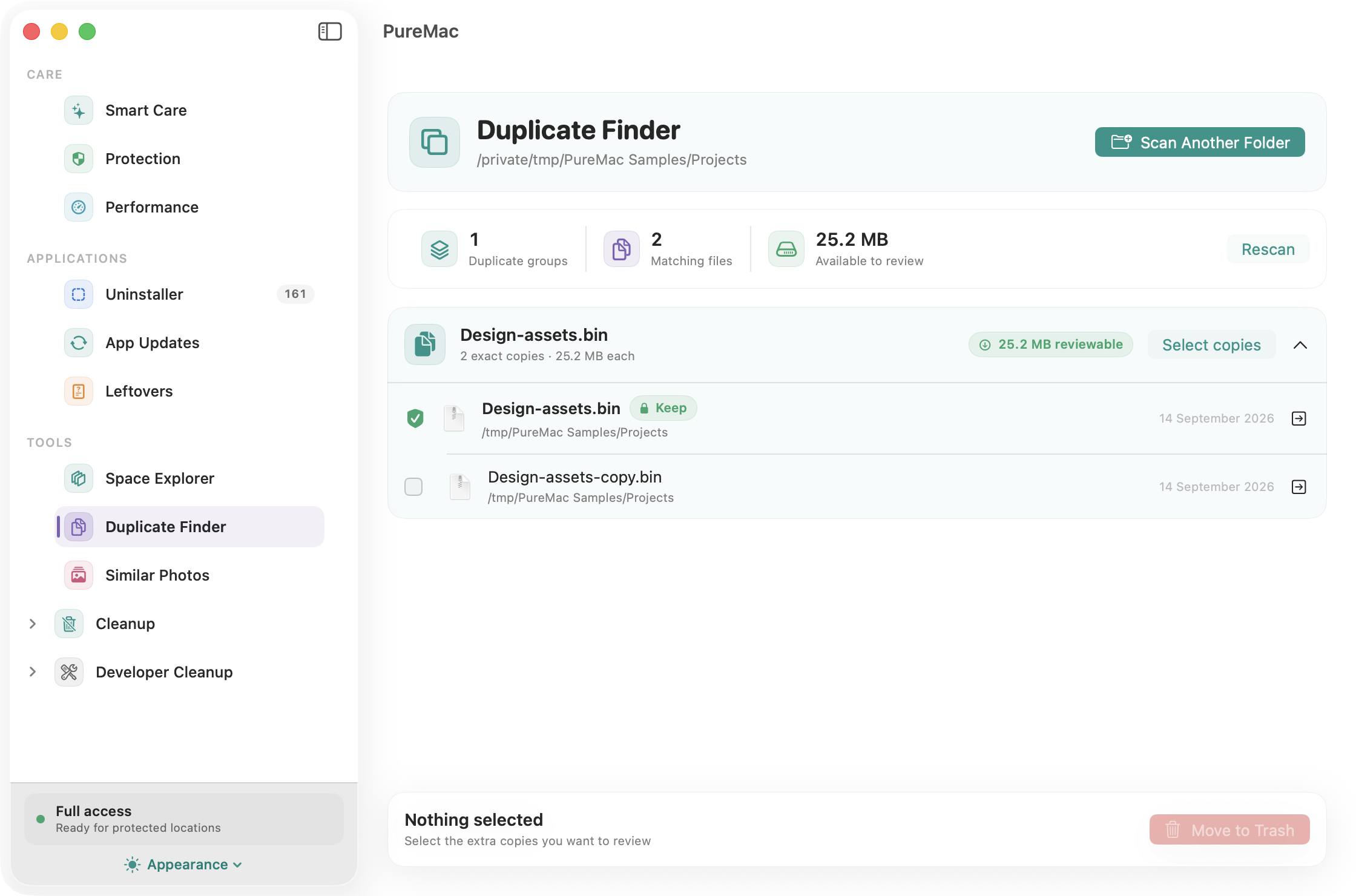
-
SlimHUD - Cyanocitta - Replacement for MacOS' volume, brightness and keyboard backlight HUDs.
Languages:
SwiftScreenshots
-
Sloth - Sloth is an macOS application that displays a list of all open files and sockets in use by all running applications on your system.
Languages:
Objective-CScreenshots


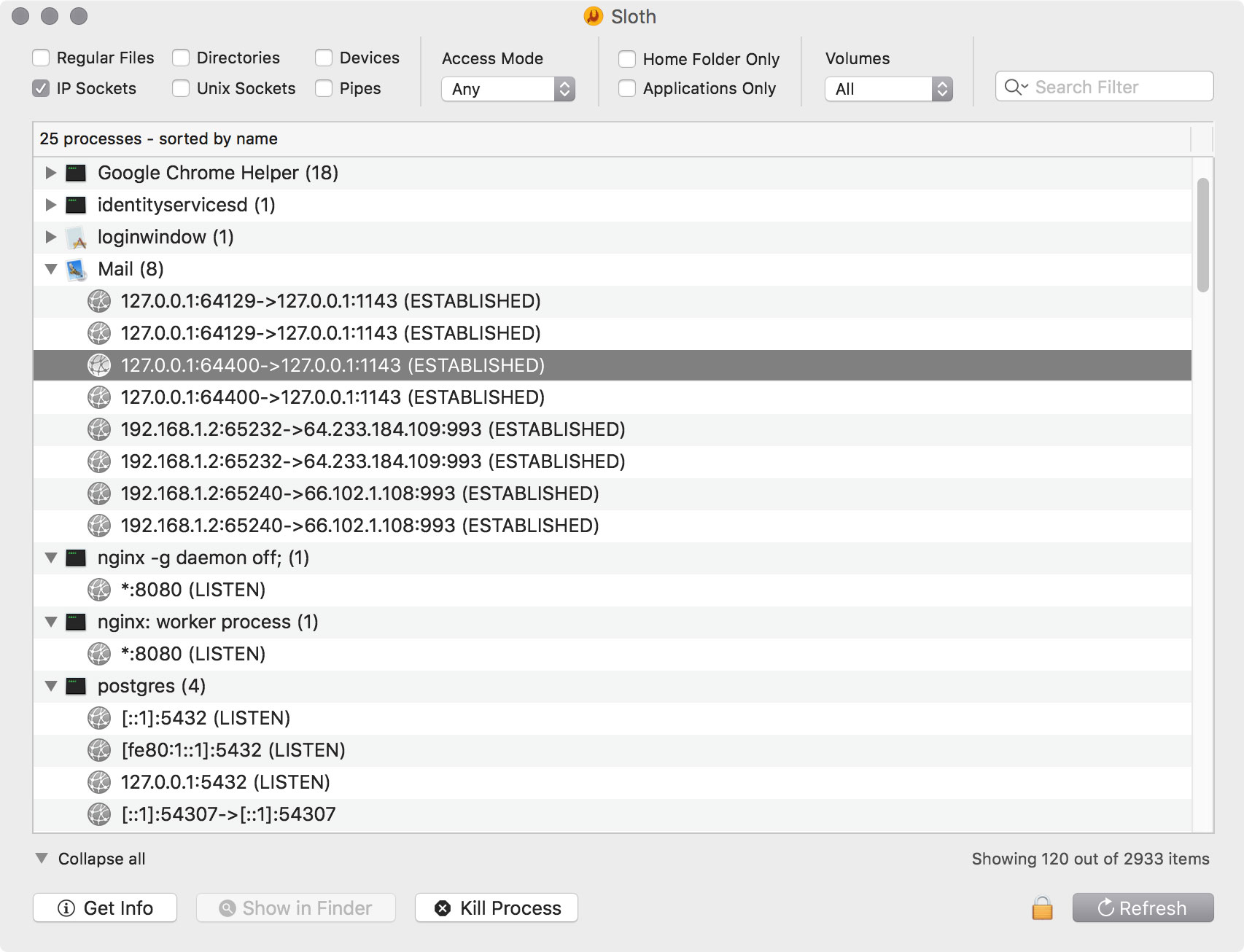
-
Spotter - Productivity tool, the main function is to search and launch external application actions and applications themselves, so you can stay focused on your current task. Kind of spotlight or alfred alternative.
Languages:
TypeScript Swift -
Stats - macOS system monitor in your menu bar
Languages:
SwiftScreenshots
-
Tracexy - Native, local-first network intelligence for macOS that turns live traffic and saved PCAP or PCAPNG captures into app-aware sessions.
Languages:
SwiftWebsite: https://rockxy.io/tracexy
Screenshots
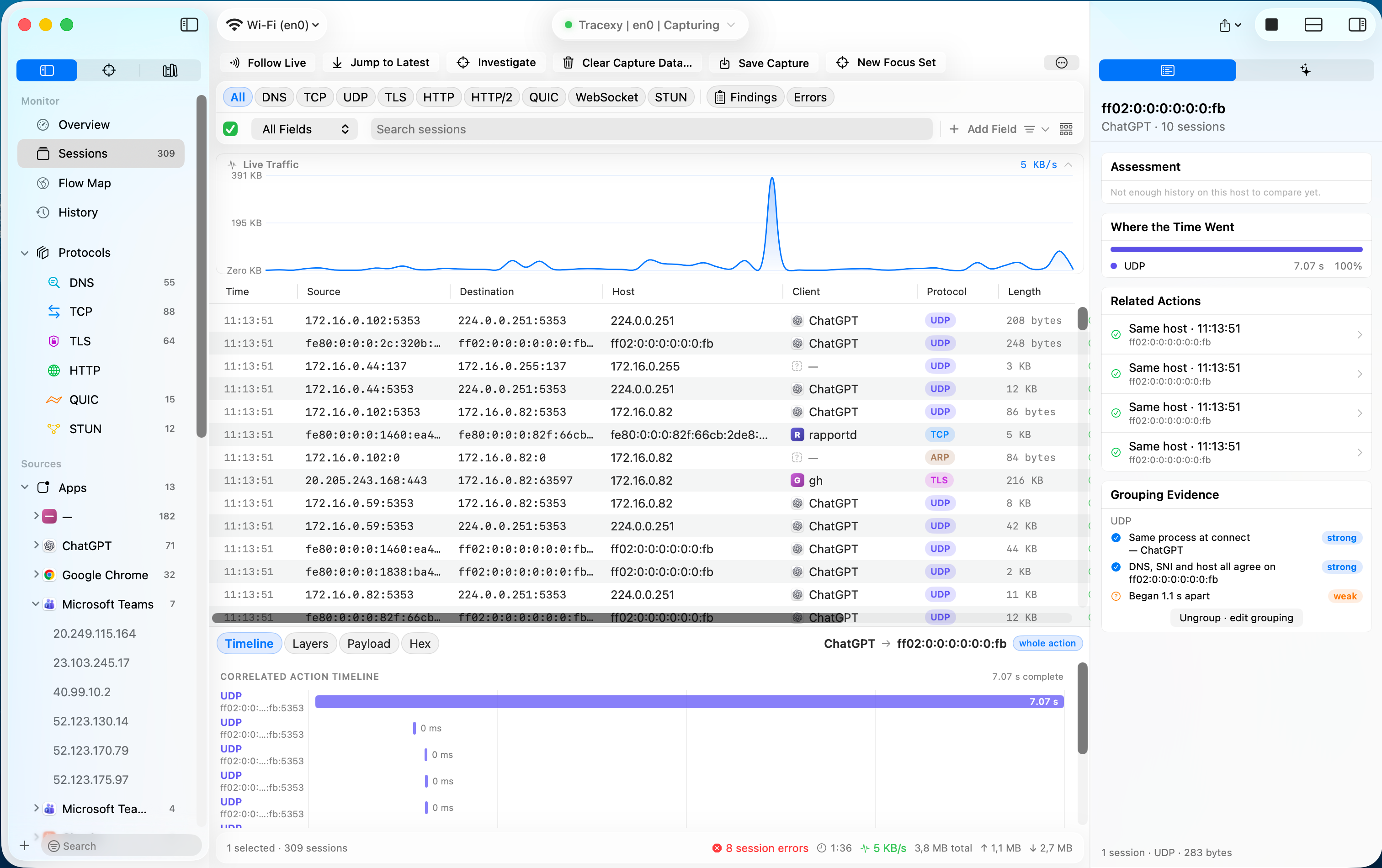
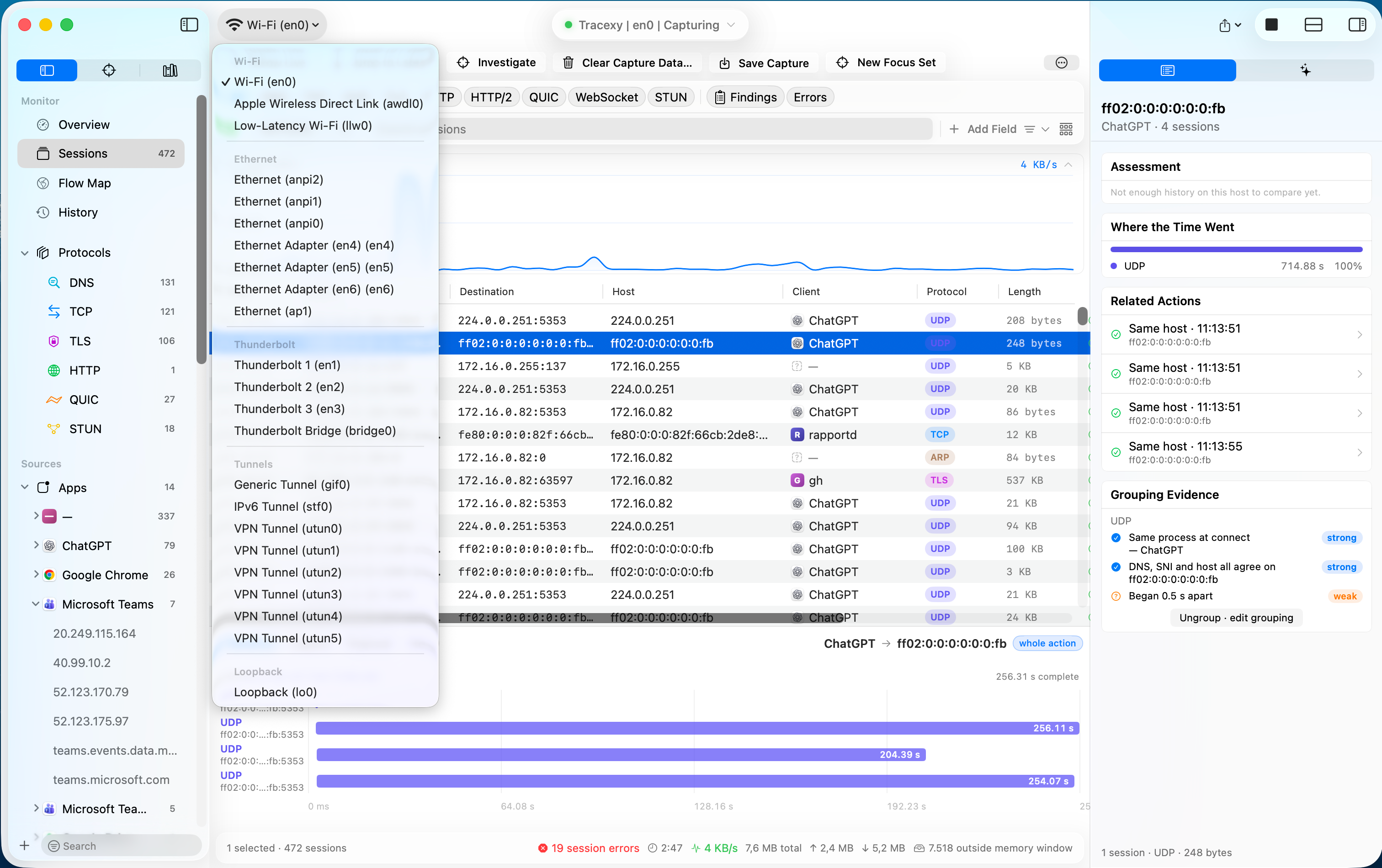
-
Turbo Boost Switcher - Turbo Boost Switcher is a little application for Mac computers that allows to enable and/or disable the Turbo Boost feature.
Languages:
Objective-C -
VerticalBar - macOS application to add a vertical bar to Dock.
Languages:
SwiftScreenshots

-
Wireshark - Wireshark is the world’s foremost and widely-used network protocol analyzer. It lets you see what’s happening on your network at a microscopic level and is the de facto (and often de jure) standard across many commercial and non-profit enterprises, government agencies, and educational institutions.
Languages:
C c++Website: https://www.wireshark.org/
📺 Terminal (23)
-
Alacritty - Cross-platform, GPU-accelerated terminal emulator.
Languages:
RustScreenshots

-
Bifrost - A tiny terminal emulator for serial port communication (macOS/Linux).
Languages:
Go -
cd to... - Finder Toolbar app to open the current directory in the Terminal
Languages:
Objective-C -
Clipboard - An easy-to-use clipboard manager with time saving features that work across all terminals.
Languages:
C++Website: https://GetClipboard.app
Screenshots
-
Console - macOS console application.
Languages:
SwiftScreenshots
-
crterm - Beautifully opinionated terminal emulator, with advanced session navigation and GPU-accelerated retro presets.
Languages:
SwiftWebsite: https://crterm.ai
Screenshots
-
Finder Go - macOS app and Finder Sync Extension to open Terminal, iTerm, Hyper from Finder.
Languages:
Swift -
Hyper - Terminal built on web technologies.
Languages:
JavaScript CSSScreenshots
-
iTerm 2 - Terminal emulator for macOS that does amazing things.
Languages:
Objective-C -
Kitty - Cross-platform, fast, feature full, GPU based terminal emulator.
Languages:
Python C -
macOS GateKeeper Helper - Simple macOS GateKeeper script. It helps you to control your GateKeeper.
Languages:
ShellScreenshots
-
OpenInTerminal - Finder Toolbar app for macOS to open the current directory in Terminal, iTerm, Hyper or Alacritty.
Languages:
SwiftScreenshots
-
OpenTerminal - App for macOS that opens a new Finder window and changes the current directory to the folder launched by the app.
Languages:
Swift -
quokka - Inspect and clean a USB-connected iPhone from the macOS terminal: storage, apps, media, syslog. No jailbreak.
Languages:
Rust -
reminal - Streams every window and terminal to any browser with input; software closed-lid mode keeps the Mac awake headlessly.
Languages:
Go SwiftWebsite: https://reminal.app
Screenshots
-
Tabby - Powerful cross-platform terminal emulator, featuring a modern GUI, and offering SSH, serial, Telnet, and SCP client support.
Languages:
TypeScriptScreenshots
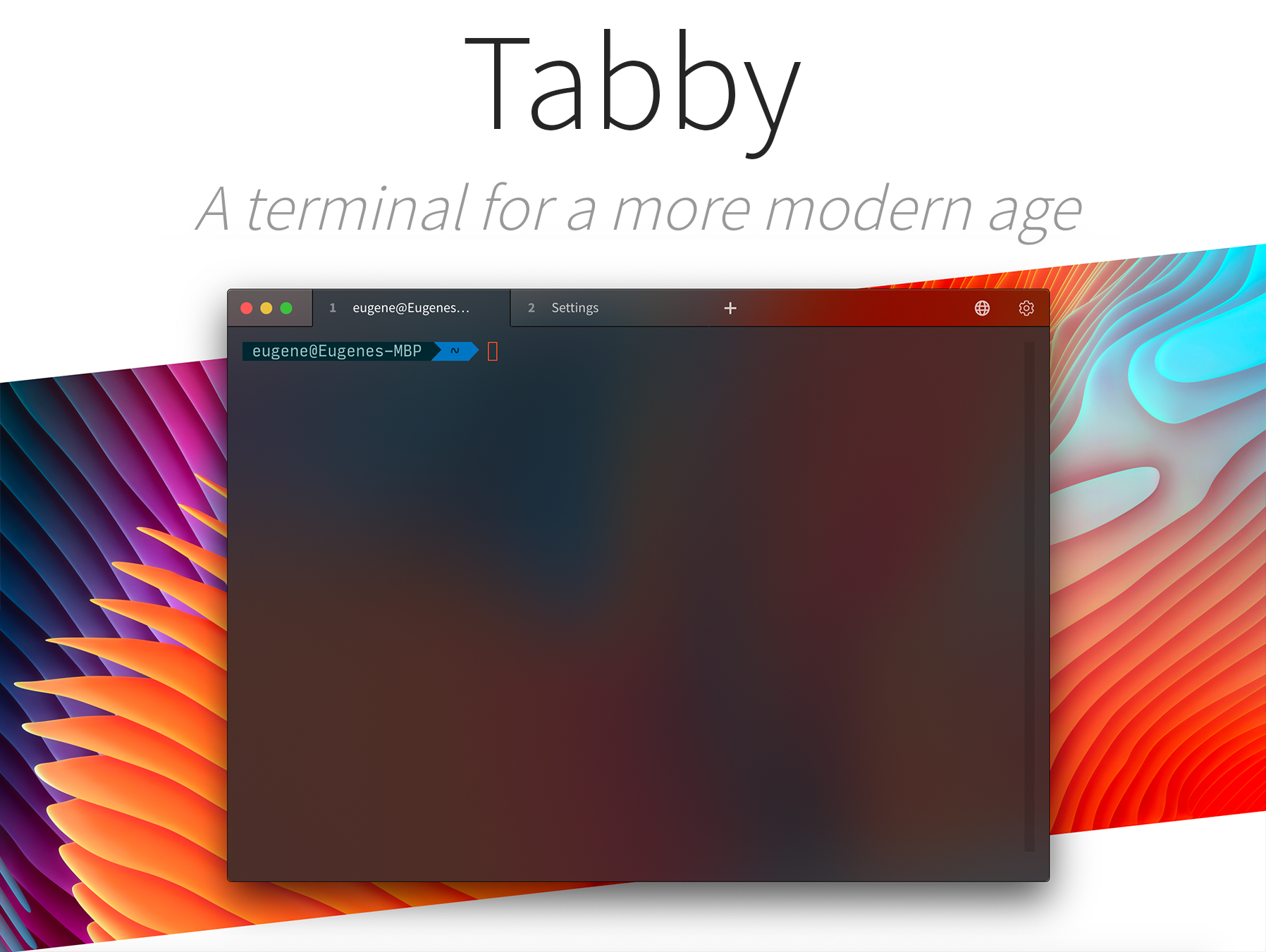

-
Terminator - Terminal emulator that lets you open multiple GNOME terminals in one window.
Languages:
PythonWebsite: https://gnome-terminator.org
-
Tintpad - Hotkey launcher that opens your terminal at the right repo with a coding agent (Claude Code, Codex) already running.
Languages:
SwiftWebsite: https://tintpad.com
-
tty7 - A GPU-rendered, daemon-backed terminal in pure Rust; sessions survive quitting the app without tmux.
Languages:
RustWebsite: https://tty7.io
Screenshots

-
Vigil - Native terminal that runs manager-led trees of coding agents (Claude Code, Codex, OpenCode), with worker results rolling up as summaries while every node keeps its own TUI.
Languages:
SwiftWebsite: https://butterlatte-zhang.github.io/vigil/
Screenshots
-
wallpapper - wallpapper is a console application for creating dynamic wallpapers for Mojave.
Languages:
Swift -
YYLO CLI - Command-line orchestrator for coding agents with isolated task worktrees, Kanban task state, and a typed merge queue.
Languages:
TypeScript -
zoxide - zoxide is a smarter cd command for your terminal.
Languages:
RustScreenshots
🎚️ Touch Bar (7)
-
Core-Monitor - Open-source macOS system monitor with menu bar stats, a full dashboard, optional fan control, and Touch Bar widgets.
Languages:
Swift -
Muse - Spotify controller with TouchBar support.
Languages:
SwiftScreenshots
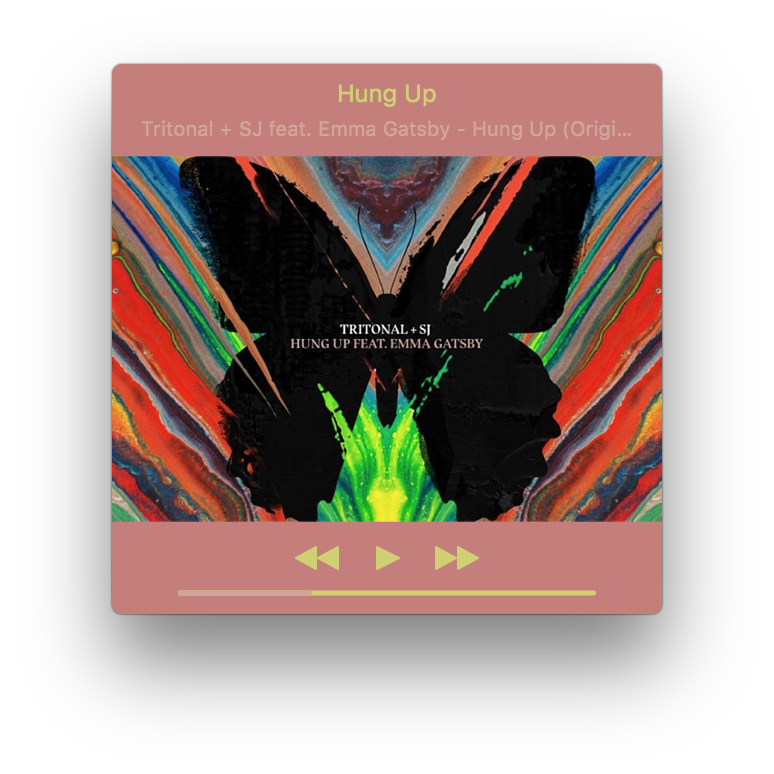
-
MyTouchbarMyRules - App to customize your Touch Bar as you want.
Languages:
Swift -
Pock - Display macOS Dock in Touch Bar.
Languages:
SwiftWebsite: https://pock.app/
Screenshots
-
Touch Bar Preview - Small application to display your designs on the Touch Bar of the new MacBook Pro.
Languages:
Swift -
Touch Bar Simulator - Use the Touch Bar on any Mac.
Languages:
Swift -
Touch Emoji - Emoji picker for MacBook Pro Touch Bar.
Languages:
SwiftScreenshots


🛠️ Utilities (200)
-
Abendrot - Free open-source Mac screen warmer that cuts nighttime blue light and warms every display around local sunset.
Languages:
SwiftWebsite: https://abendrot.app
-
ActivityWatch - Open-source automated time tracker that tracks how you spend time on your devices.
Languages:
Python TypeScriptWebsite: https://activitywatch.net
-
Adrafinil - Keeps your Mac awake only while AI agents are working, then lets it sleep normally.
Languages:
SwiftWebsite: https://kagerou.glass/adrafinil/
Screenshots
-
AI Gist - Local-first AI prompt manager with variable filling, Jinja templates, AI generation, and WebDAV/iCloud backup.
Languages:
TypeScript JavaScriptWebsite: https://getaigist.com
Screenshots
-
Android tool for Mac - One-click screenshots, video recordings, app installation for iOS and Android
Languages:
SwiftScreenshots
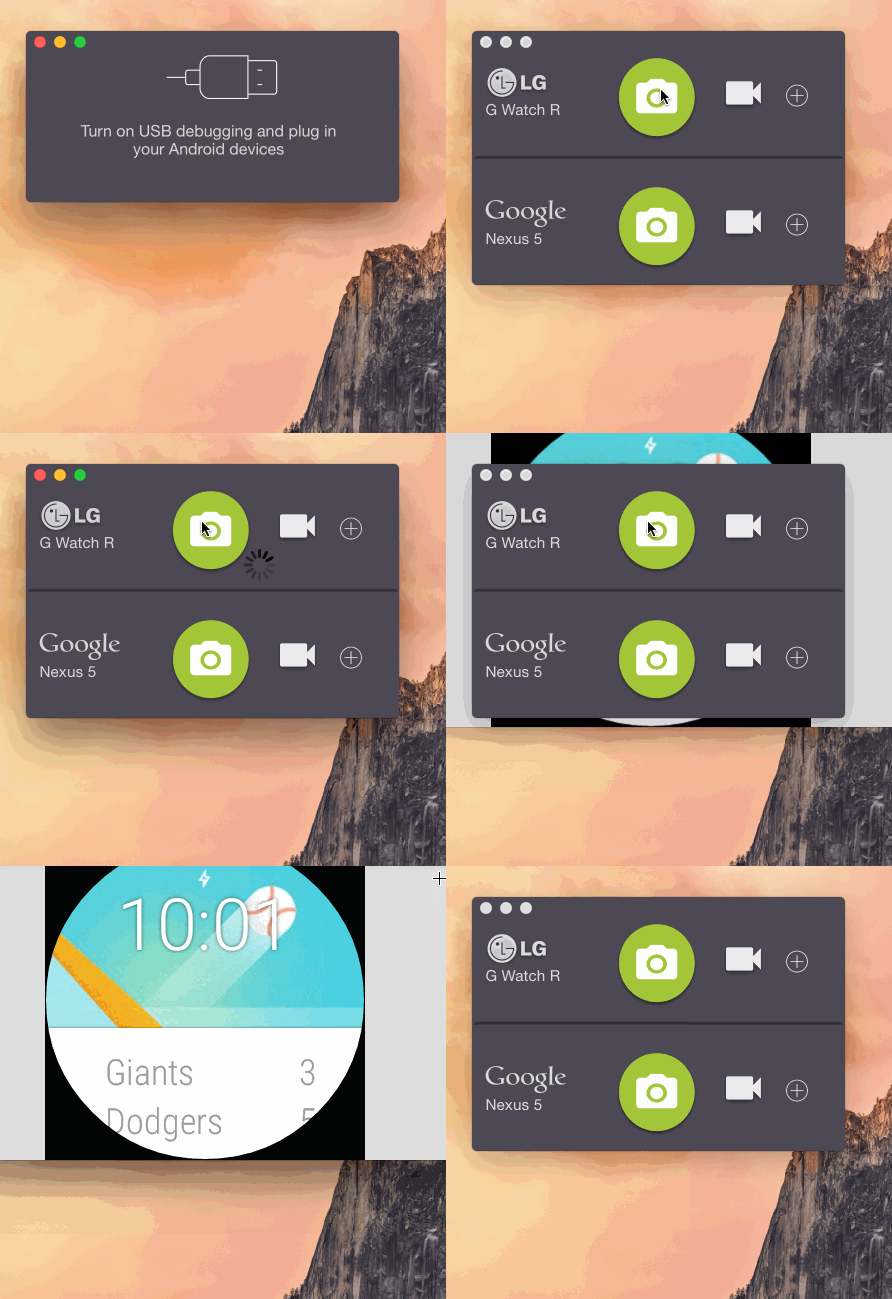
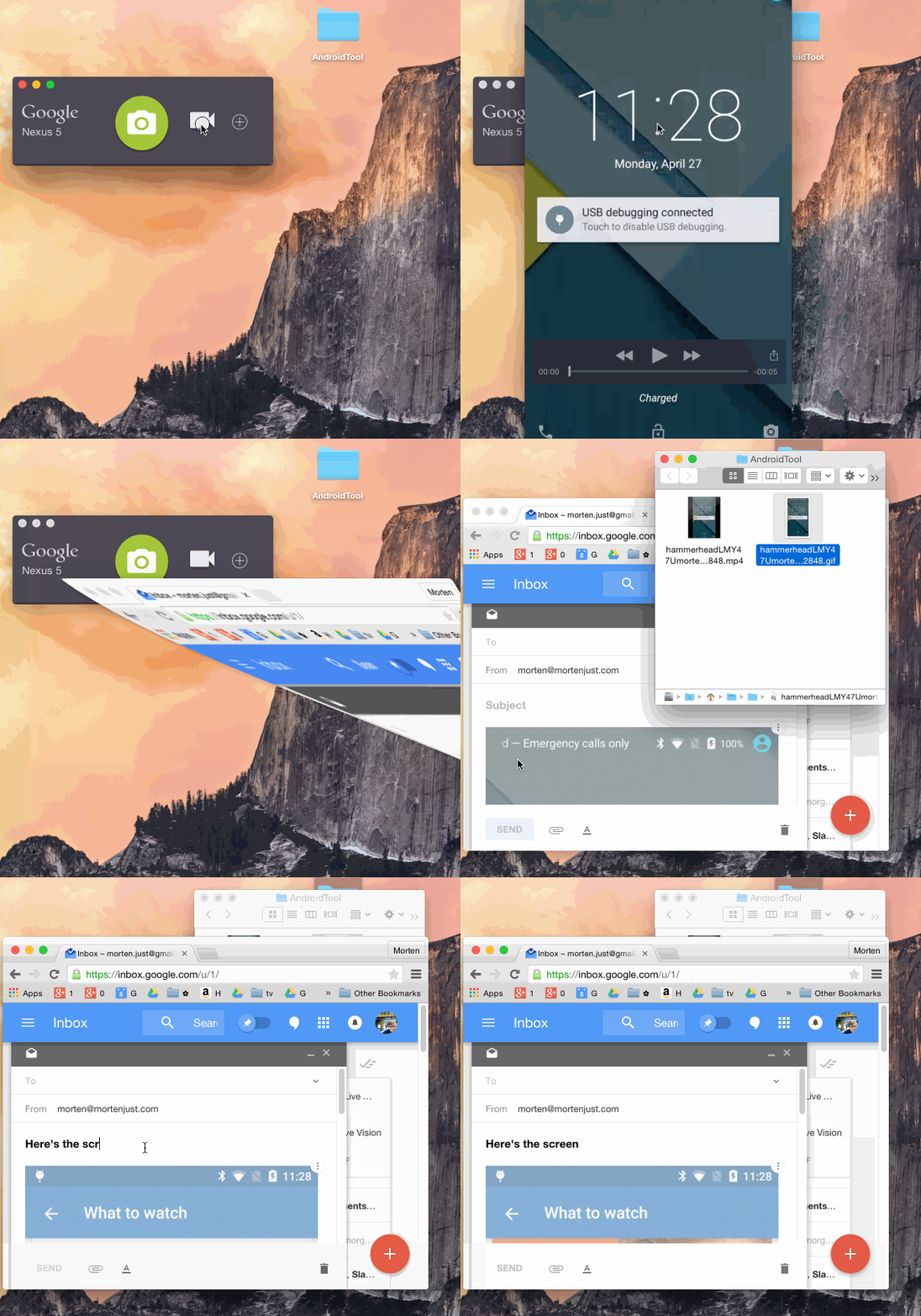
(2 more screenshots available in the repository)
-
Anima - Native macOS companion for Claude Code with per-project ASCII familiars, nim token economy, and cross-session watcher. Built with Tauri v2.
Languages:
Rust JavaScriptWebsite: https://github.com/btangonan/anima
-
App Fair - Find and install macOS apps from Homebrew Cask and Fairground App catalogs.
Languages:
SwiftWebsite: https://appfair.app
Screenshots
-
apple-mail-mcp - Fast access to Apple Mail from the command line and AI clients (MCP). Sub-millisecond full-text search using Mail's own SQLite index, verified sends, reviewed bulk triage.
Languages:
Python -
ArchiveMounter - Mounts archives like disk images.
Languages:
Swift -
Balena Etcher - Flash OS images to SD cards & USB drives, safely and easily.
Languages:
TypeScriptWebsite: https://www.balena.io/etcher
-
BannerHither - Menu bar app that moves macOS notification banners to the display you are looking at: the screen under the mouse pointer, the screen of the active window, or a fixed display.
Languages:
SwiftWebsite: https://github.com/KJeon10/BannerHither
Screenshots
-
baRSS – Menu Bar RSS Reader - RSS & Atom feed reader that lives in the system status bar.
Languages:
Objective-CScreenshots
-
BeardedSpice - Control web based media players with the media keys found on Mac keyboards.
Languages:
Objective-C -
Betaflight Configurator - Cross platform configuration tool for the Betaflight firmware.
Languages:
JavaScriptWebsite: https://betaflight.com/
Screenshots
-
Better Resource Monitor - Lightweight macOS menu bar monitor for CPU, memory, storage, GPU, and network usage.
Languages:
Rust TypeScriptWebsite: https://better-resource-monitor.alexpedersen.dev/
Screenshots
-
Bitwarden - Cross-platform password management solutions for individuals, teams, and business organizations.
Languages:
TypeScriptWebsite: https://bitwarden.com/
Screenshots


-
Bitwarden Menu - Bitwarden Password Manager in your menu bar
Languages:
TypeScript SwiftScreenshots
-
Blink Eye - An Open-Source minimalist Eye Care reminder & Break Timer app for Windows, macOS, and Linux.
Languages:
TypeScript RustWebsite: https://blinkeye.vercel.app/
Screenshots
<img src='ht