

Netflin Theme
Netflin is a CSS theme for Jellyfin's web client that gives it Netflix's look: title-art heroes, rows of cards, detail pages, menus and player controls, on desktop and on phones.

I'd wanted a theme of my own for a while. Before this I used the amazing ElegantFin by lscambo13 for a long time, and some of its ideas stuck with me, so you'll recognise a few here. ElegantFin doesn't support Jellyfin's new Modern layout, which is what Netflin is built for.
It spent about a year on my disk as tweaks for my own server before I cleaned it up to share. It's a hobby project, so updates are best effort, but issues are welcome.
It's pure CSS: one line to install, or one small script if you want the dashboard themed too.
Author: ahza-code
Key features
- streaming-app layouts and colour tones: black, greys, and red only where it counts
- title-art heroes on the home page (with Media Bar) and on detail pages
- rows of cards with play buttons placed by card shape
- clean type and even spacing on a shared page gutter
- matching menus, dialogs and player controls
- skeleton loading: cards pulse as grey placeholders until their images arrive
- less clutter: muted secondary buttons, extra tags and labels tucked away
- various fixes for things that look off in the stock new layout
- Media Bar and KefinTweaks styled to match
- the admin dashboard themed too (with Option 2)
- same design on desktop and phone
Requirements
- Jellyfin 12.x. That's what I run and the only version I've tested.
- Display Mode set to Auto (
User Settings > Display > Display Mode > Auto). Netflin is built for the new layout. The legacy modes aren't fully supported. - Tested on desktop browsers and the Jellyfin app on iOS and Android. Tablets get the phone layout and mostly work. TVs aren't tested.
Plugins (optional, but it's my setup)
Netflin works without any plugins, but it looks its best with these two, since I styled their parts to match:
- Media Bar by IAmParadox27, based on the original by MakD (M0RPH3US): the big featured slideshow on the home page
- KefinTweaks by ranaldsgift: most of it is covered (Watchlist and its tabs, enhanced search, breadcrumbs, popovers, collection sorting and more)
Screenshots
💻 Desktop
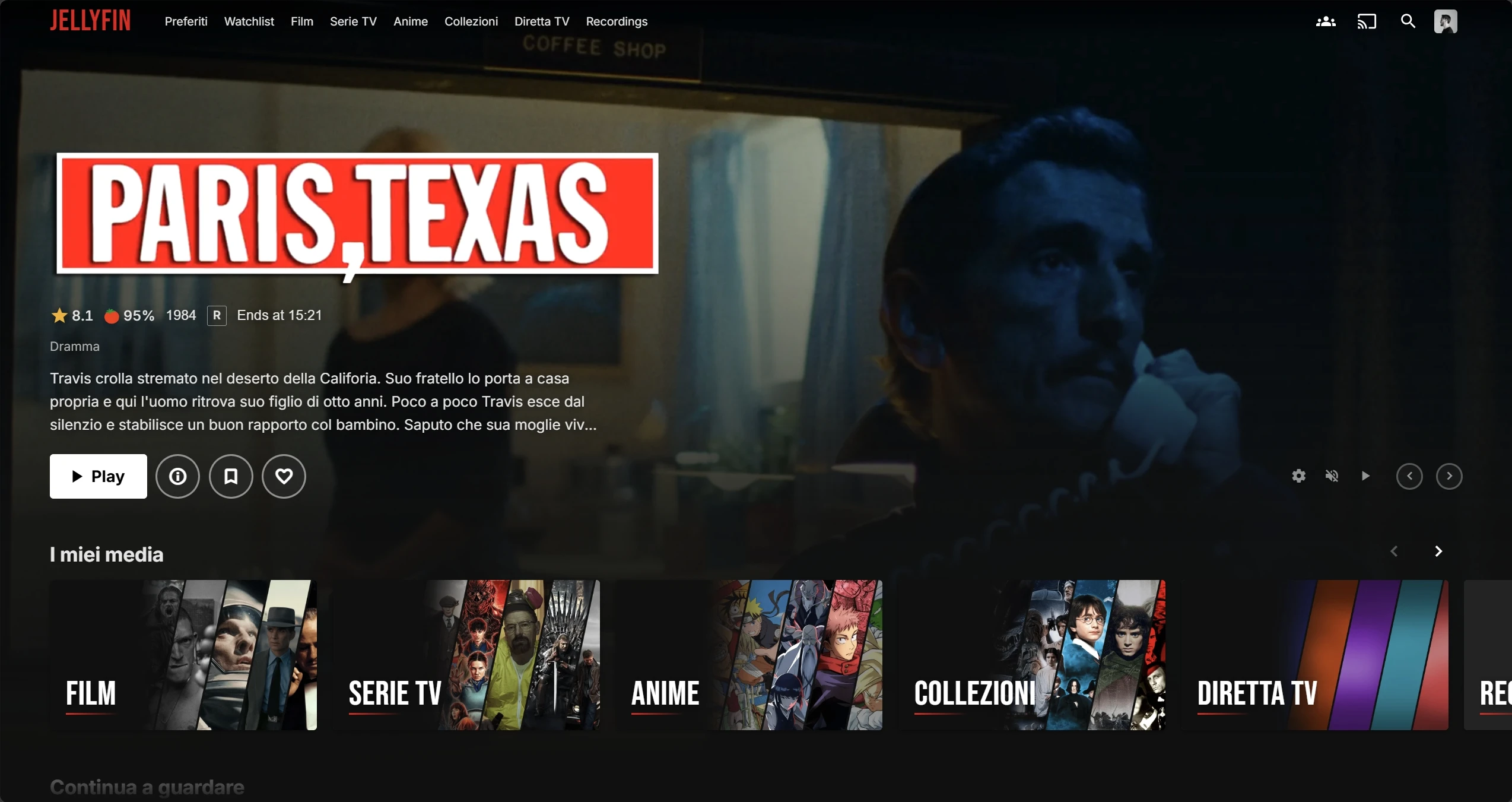 Home |
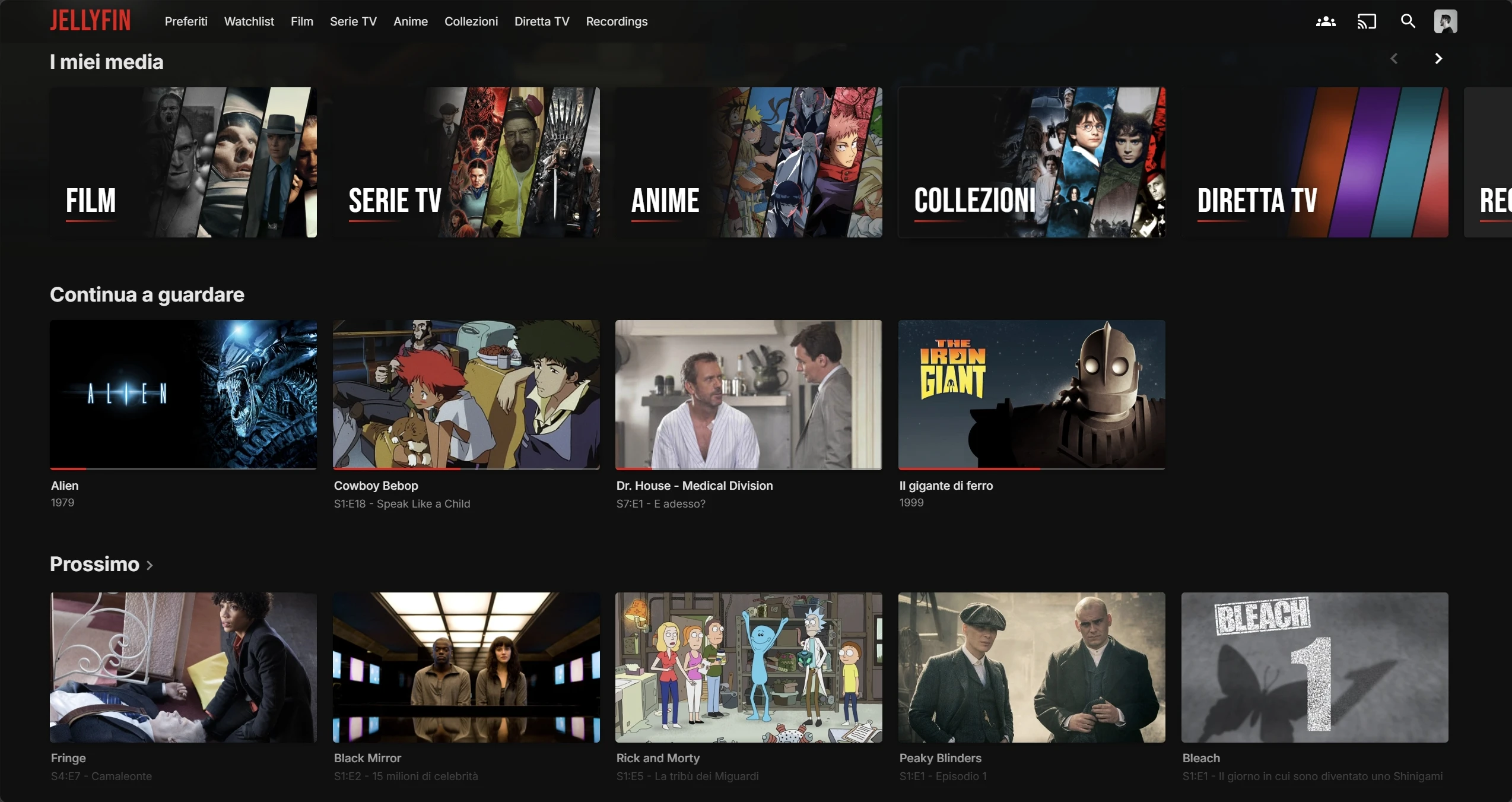 Home rows |
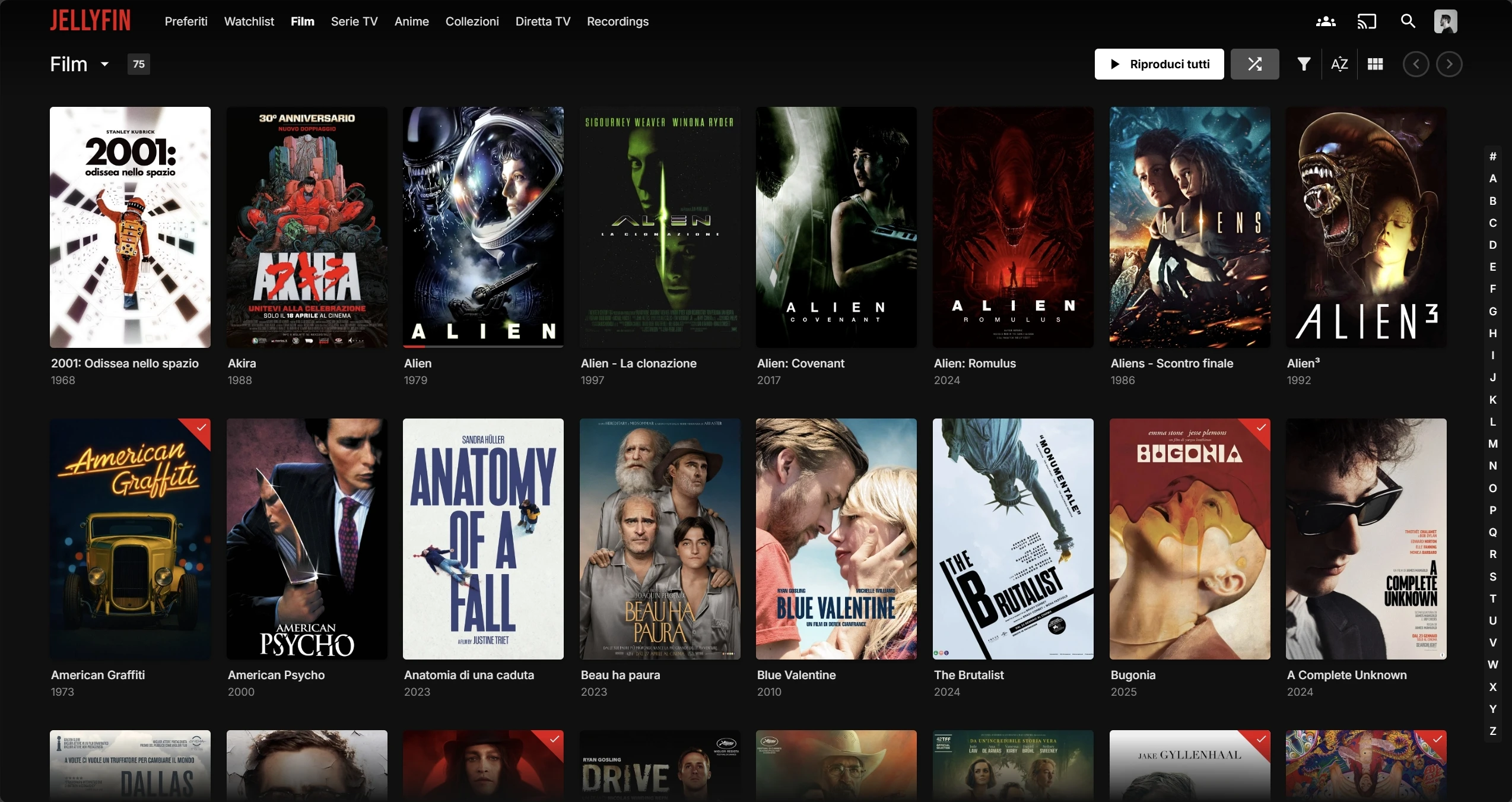 Library |
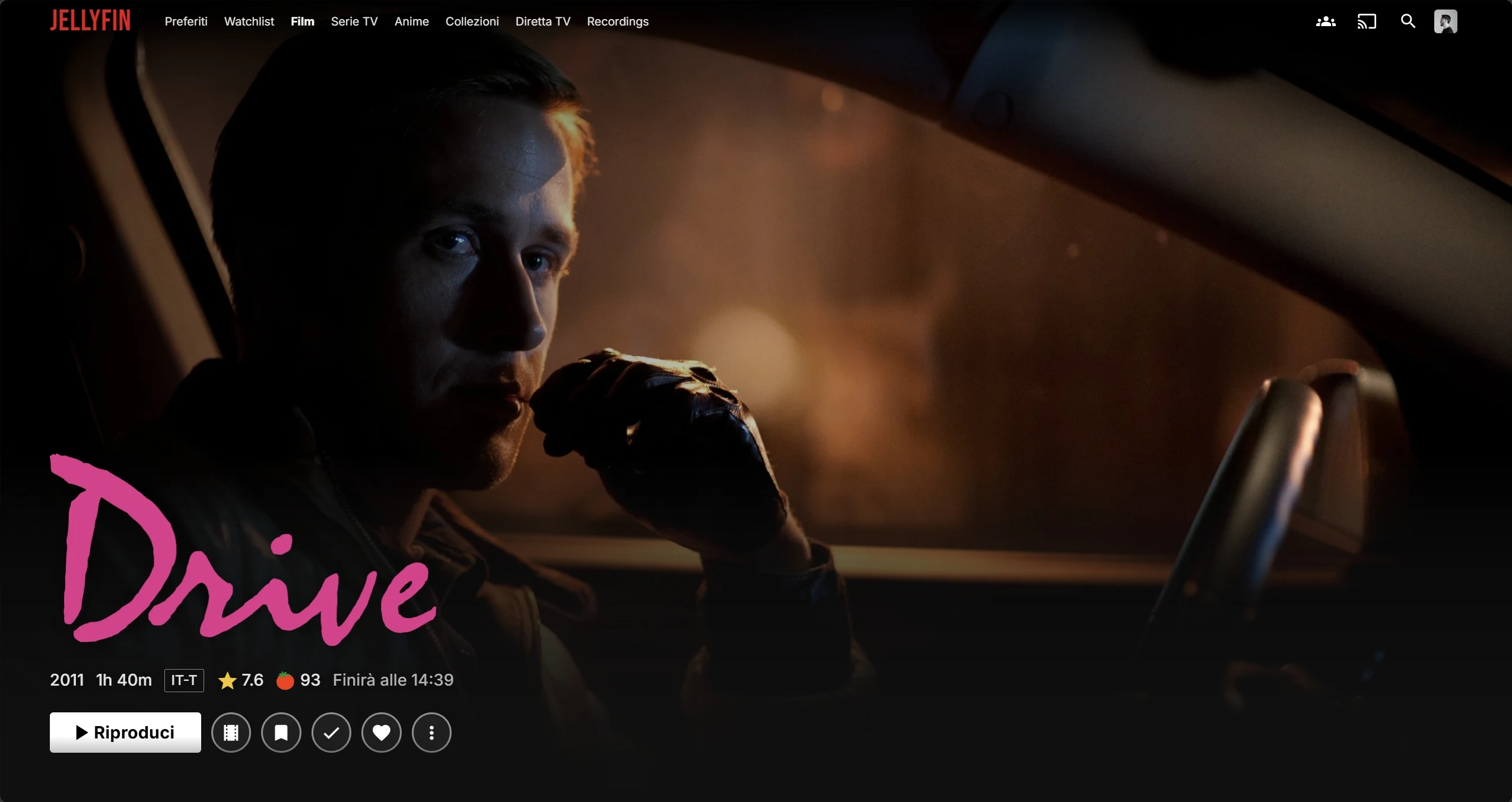 Movie |
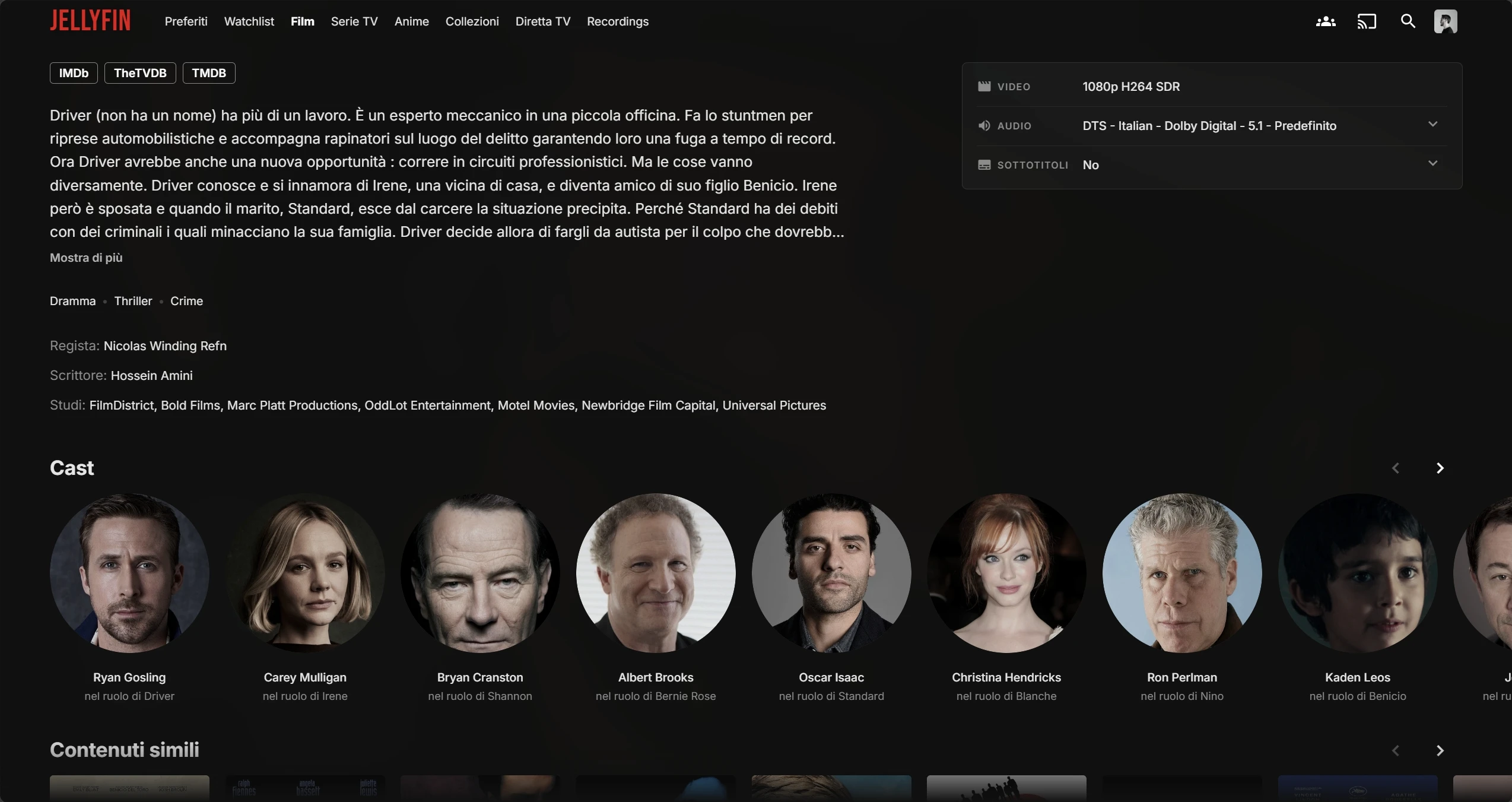 Movie details |
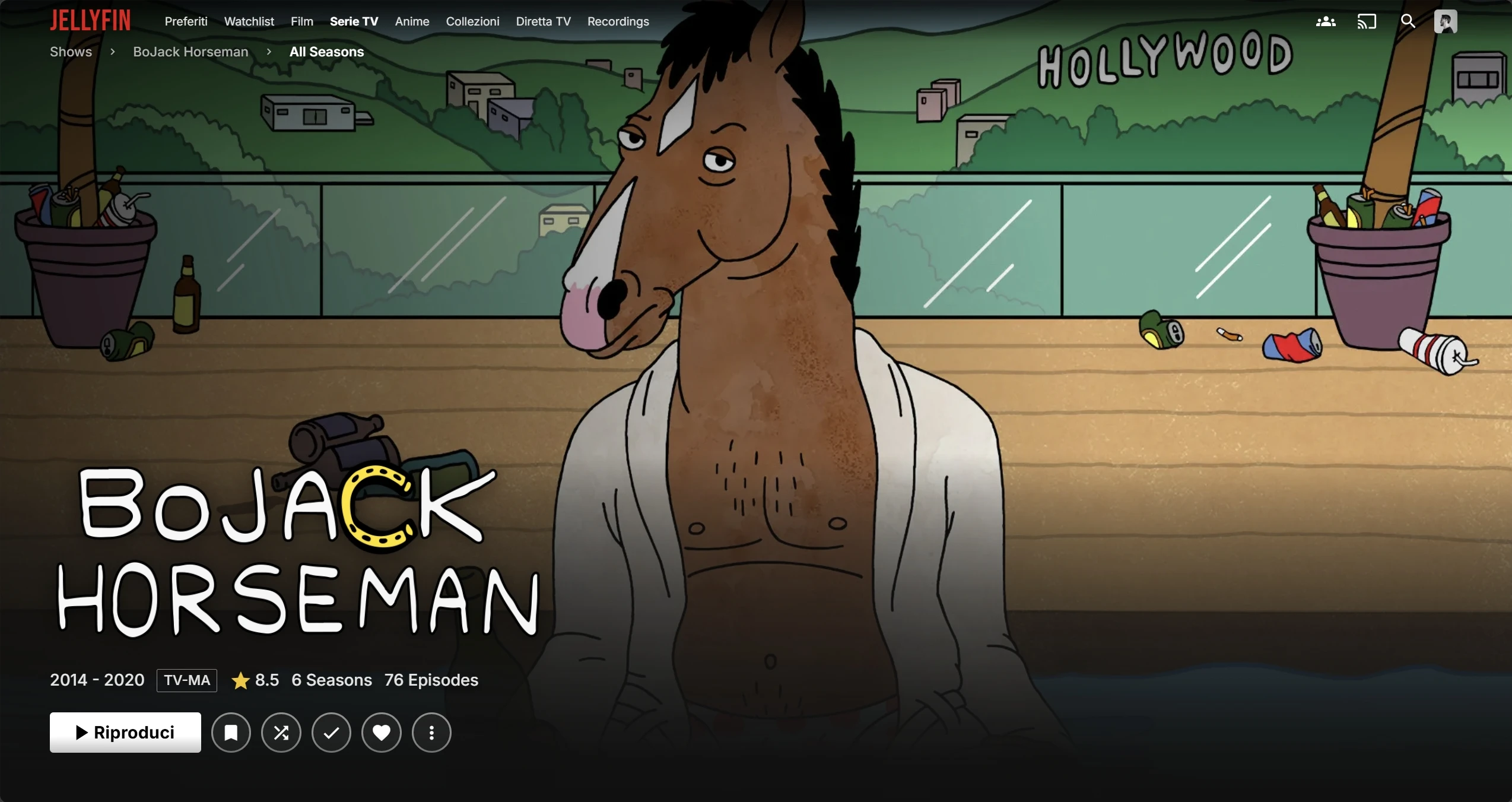 Series |
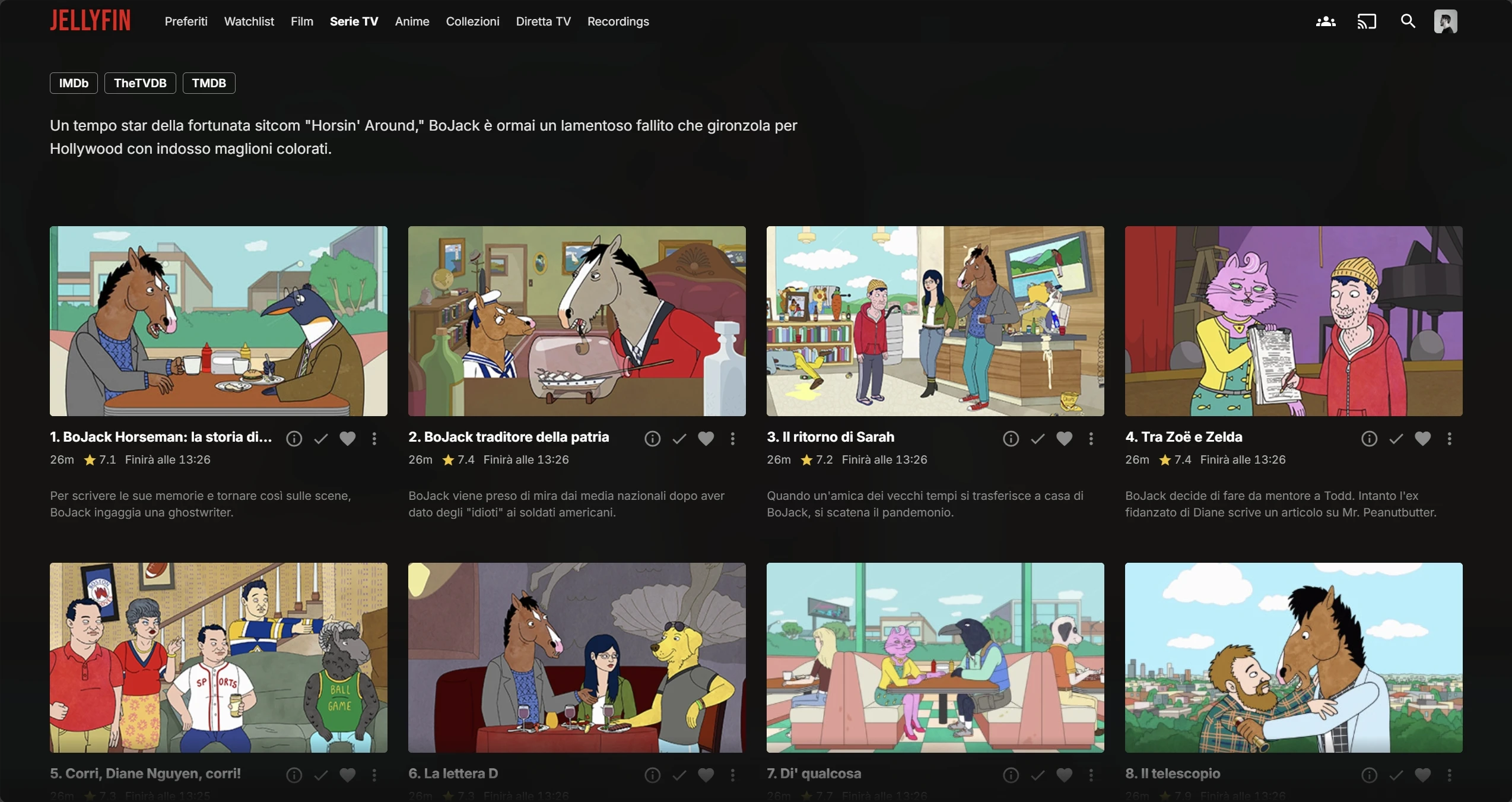 Season |
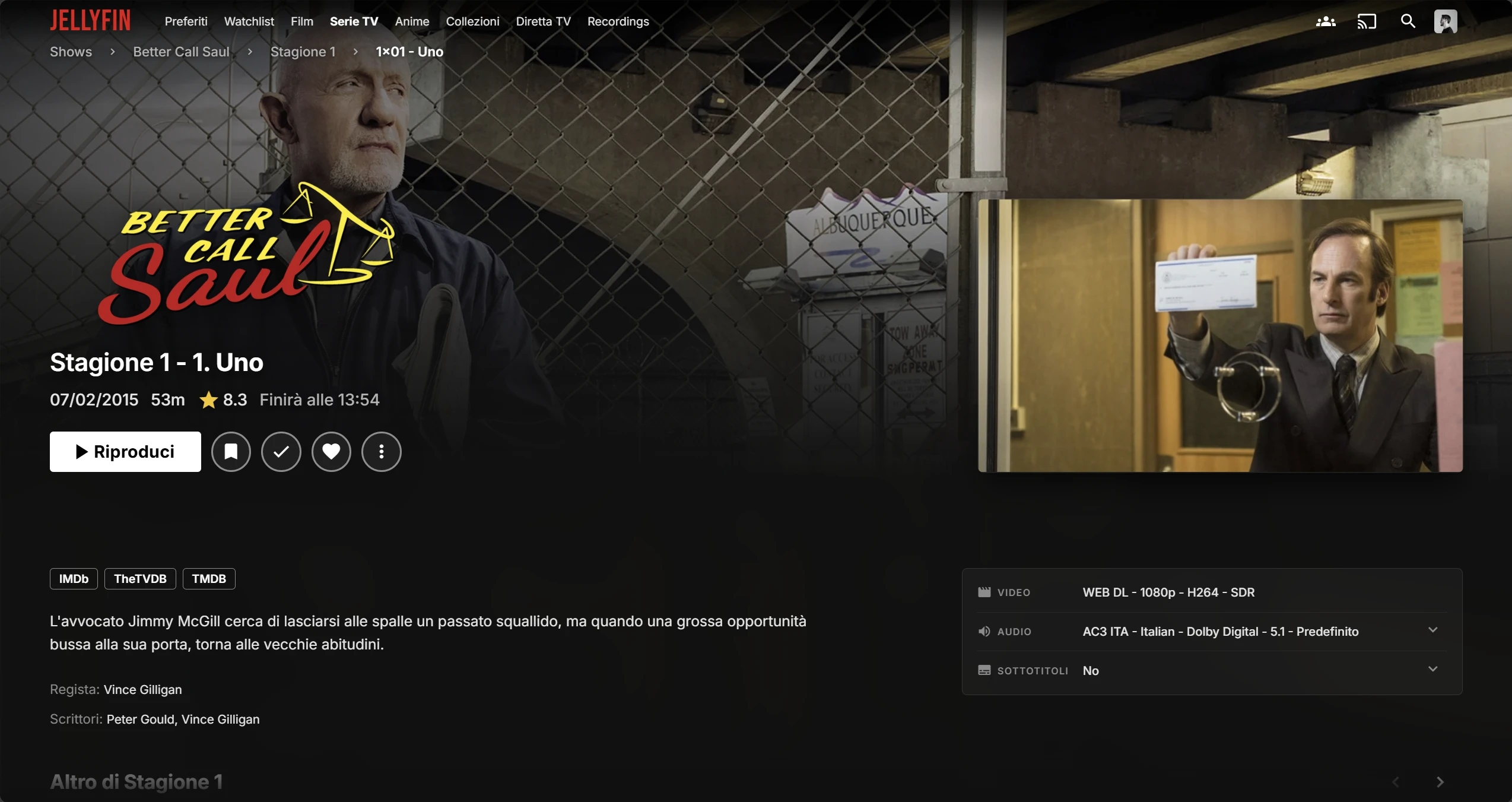 Episode |
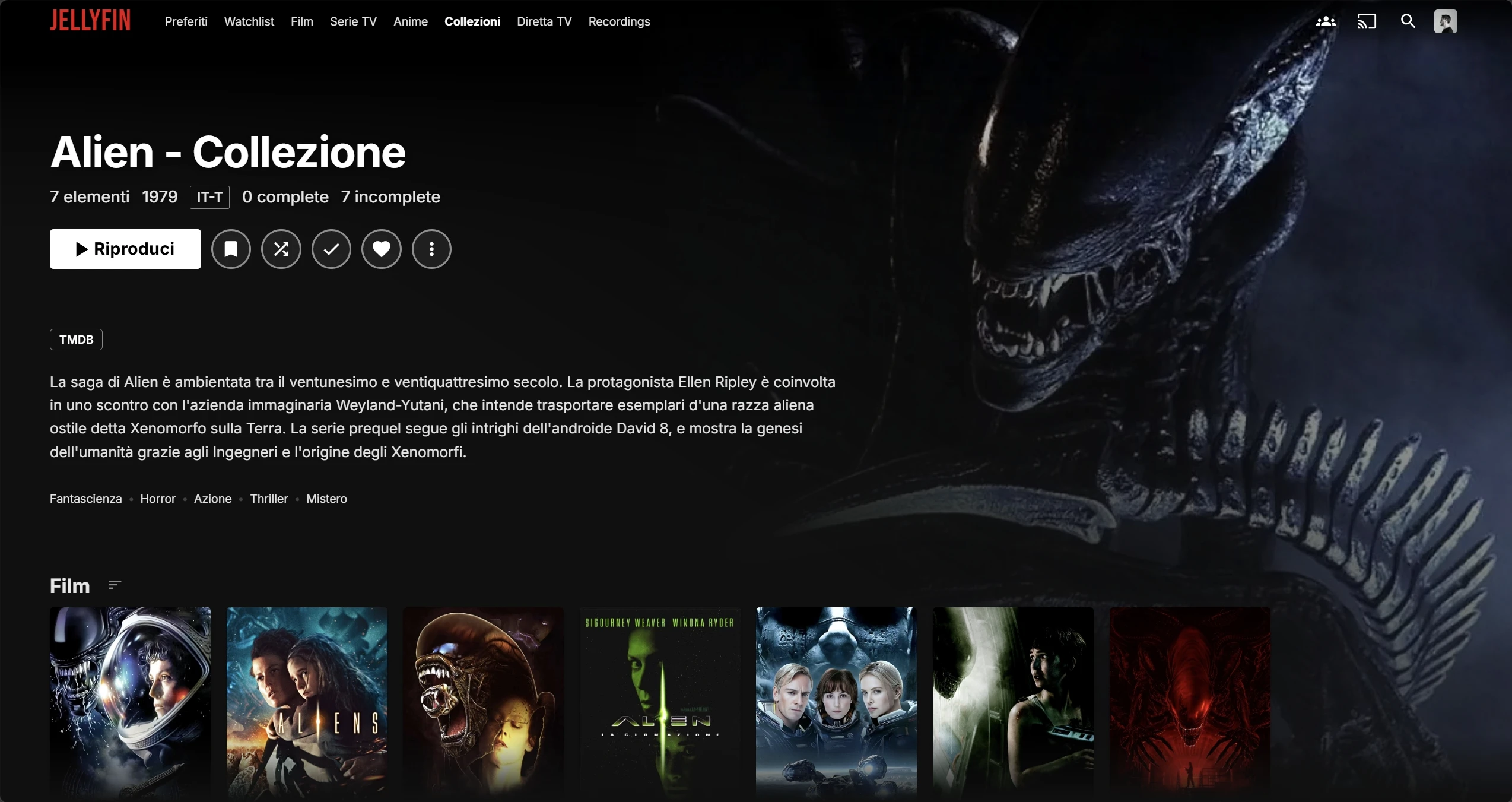 Collection |
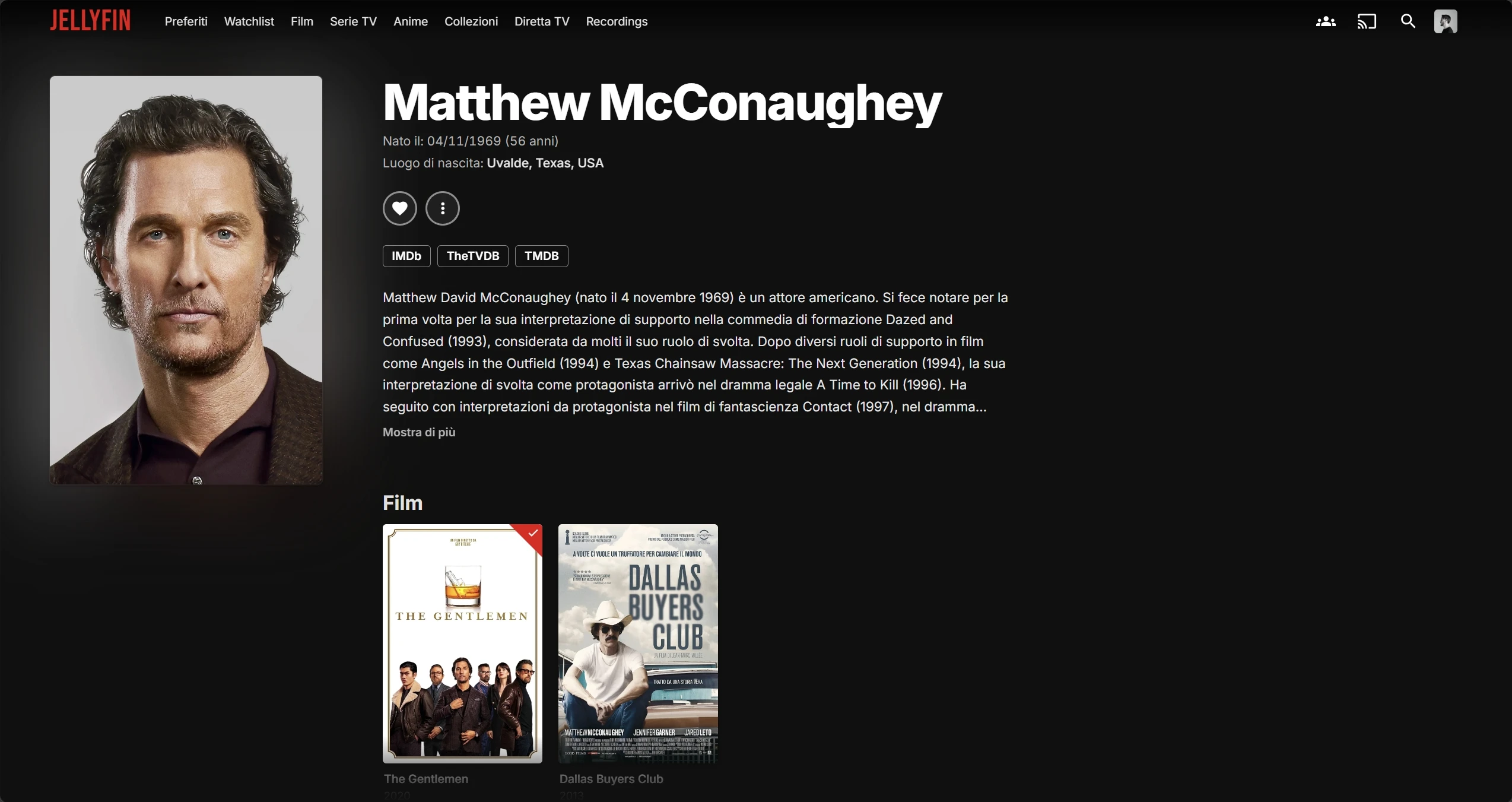 Person |
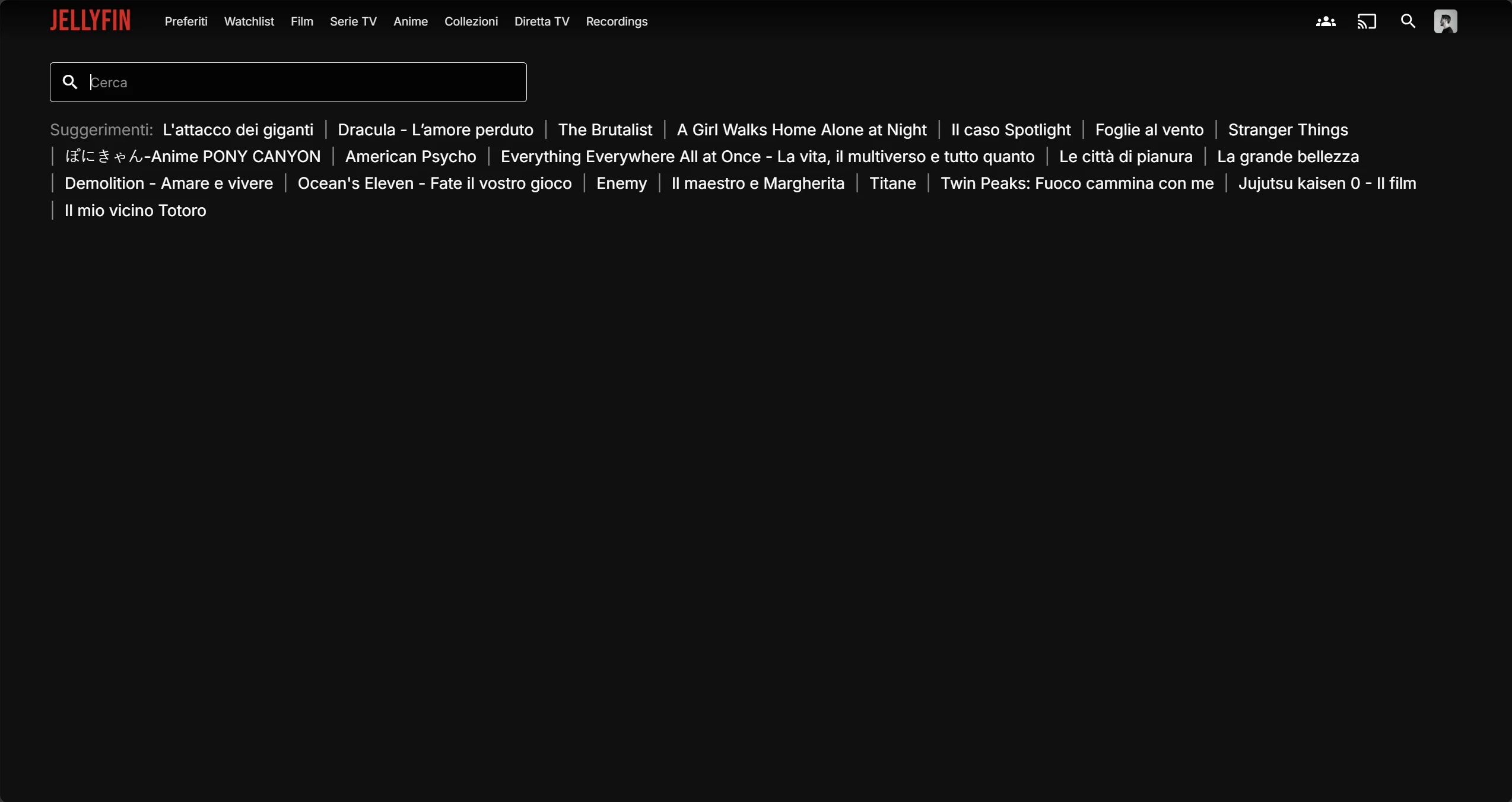 Search |
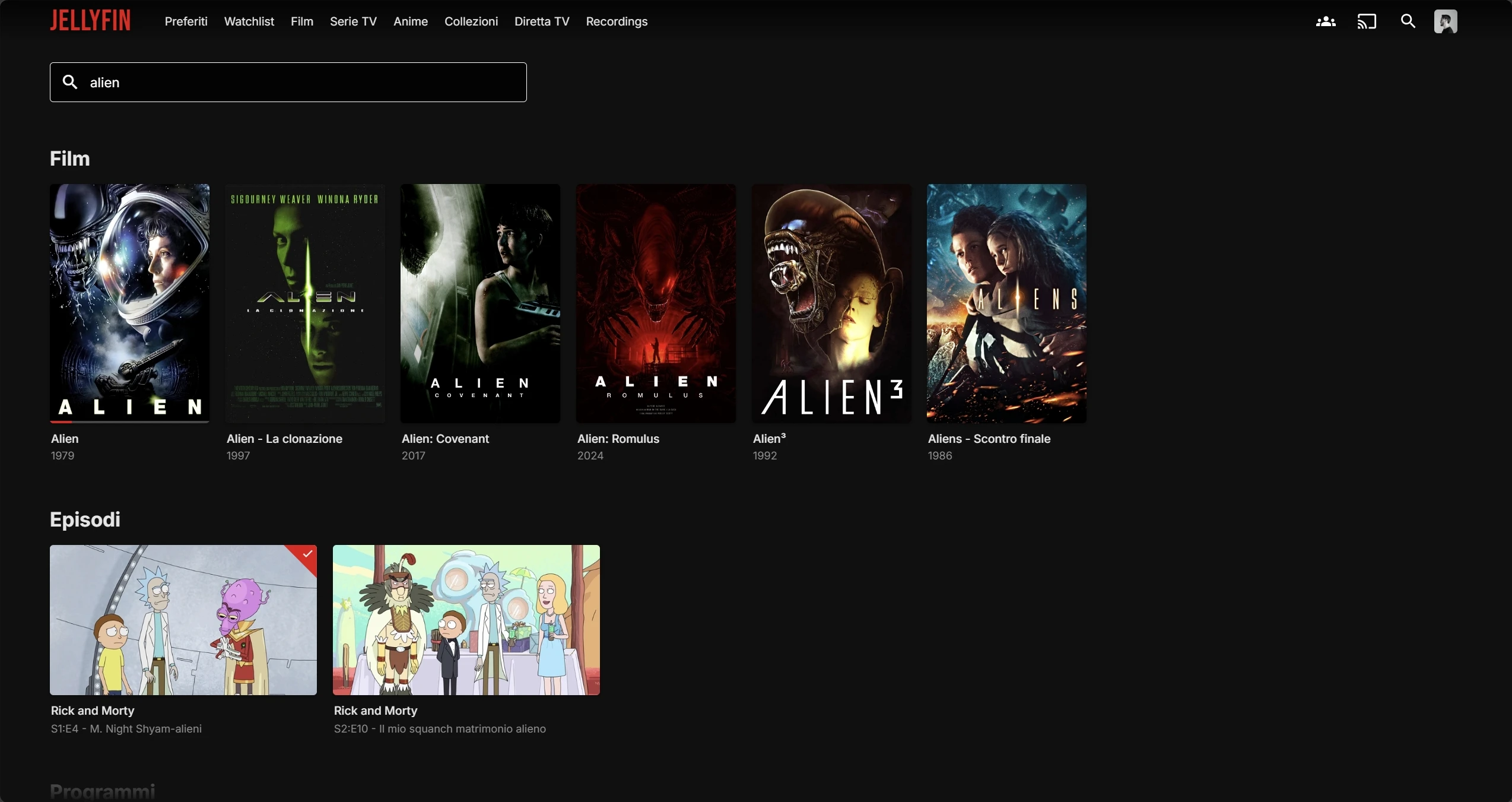 Search results |
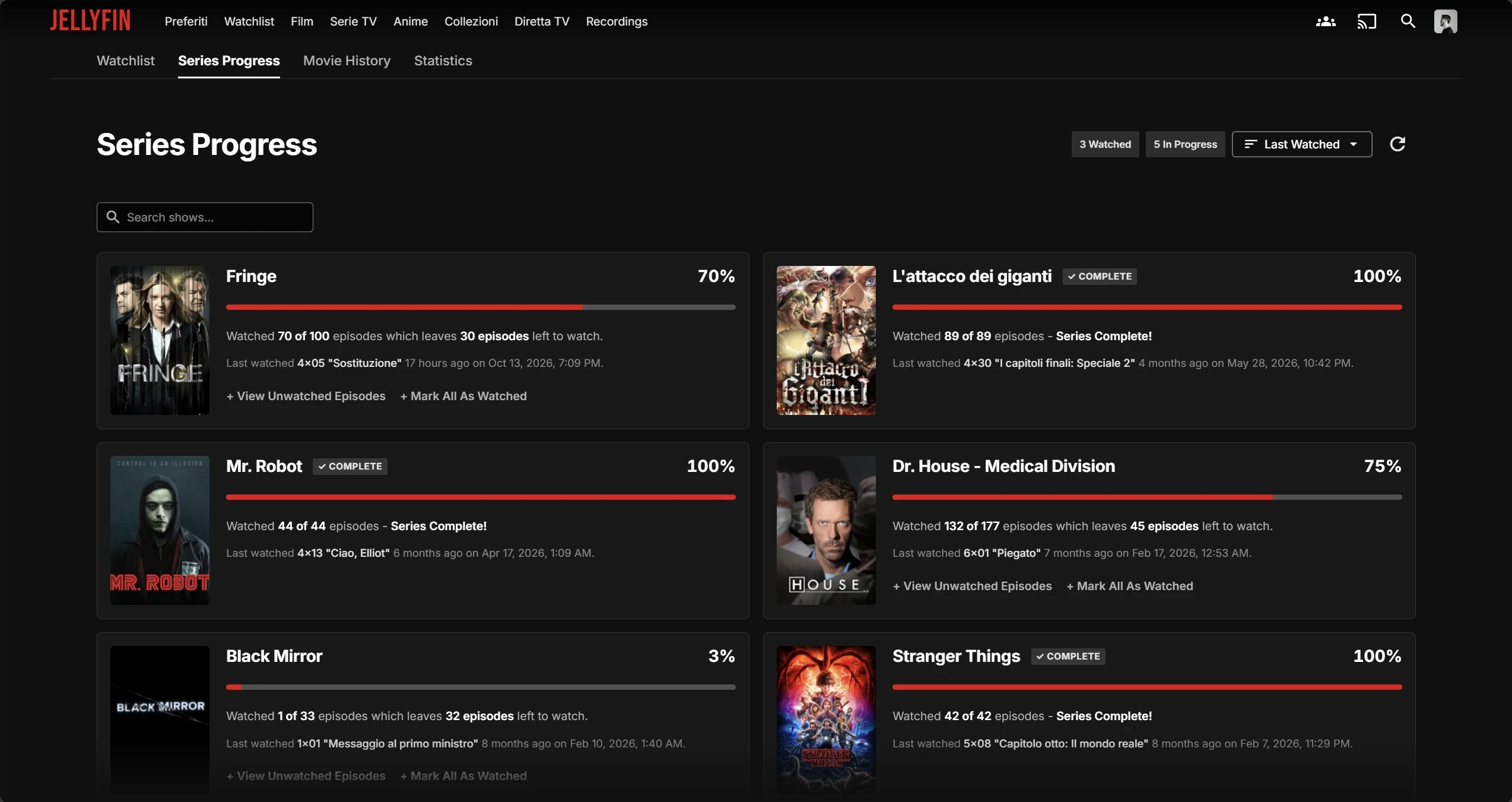 Watchlist (KefinTweaks) |
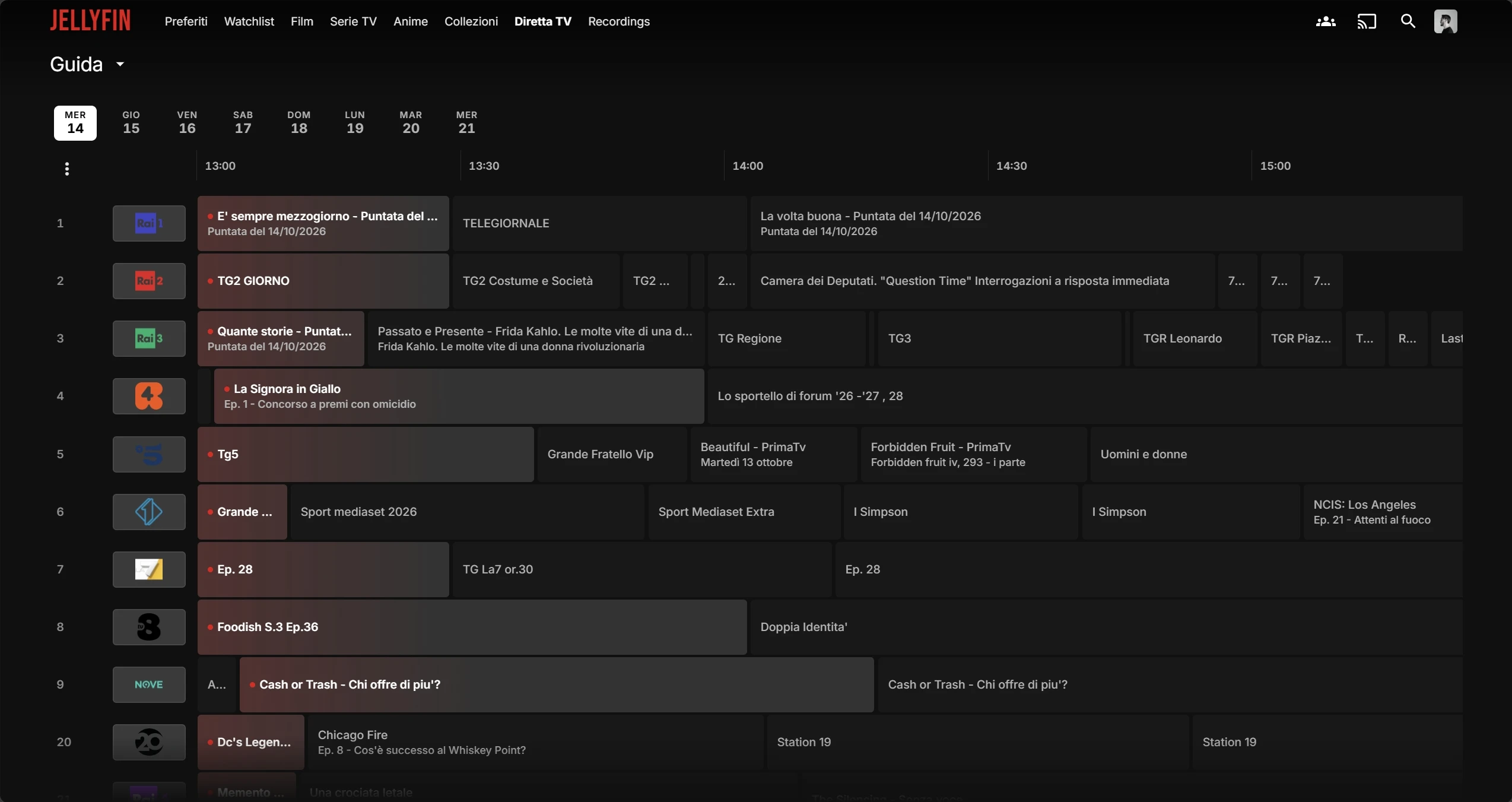 Live TV guide |
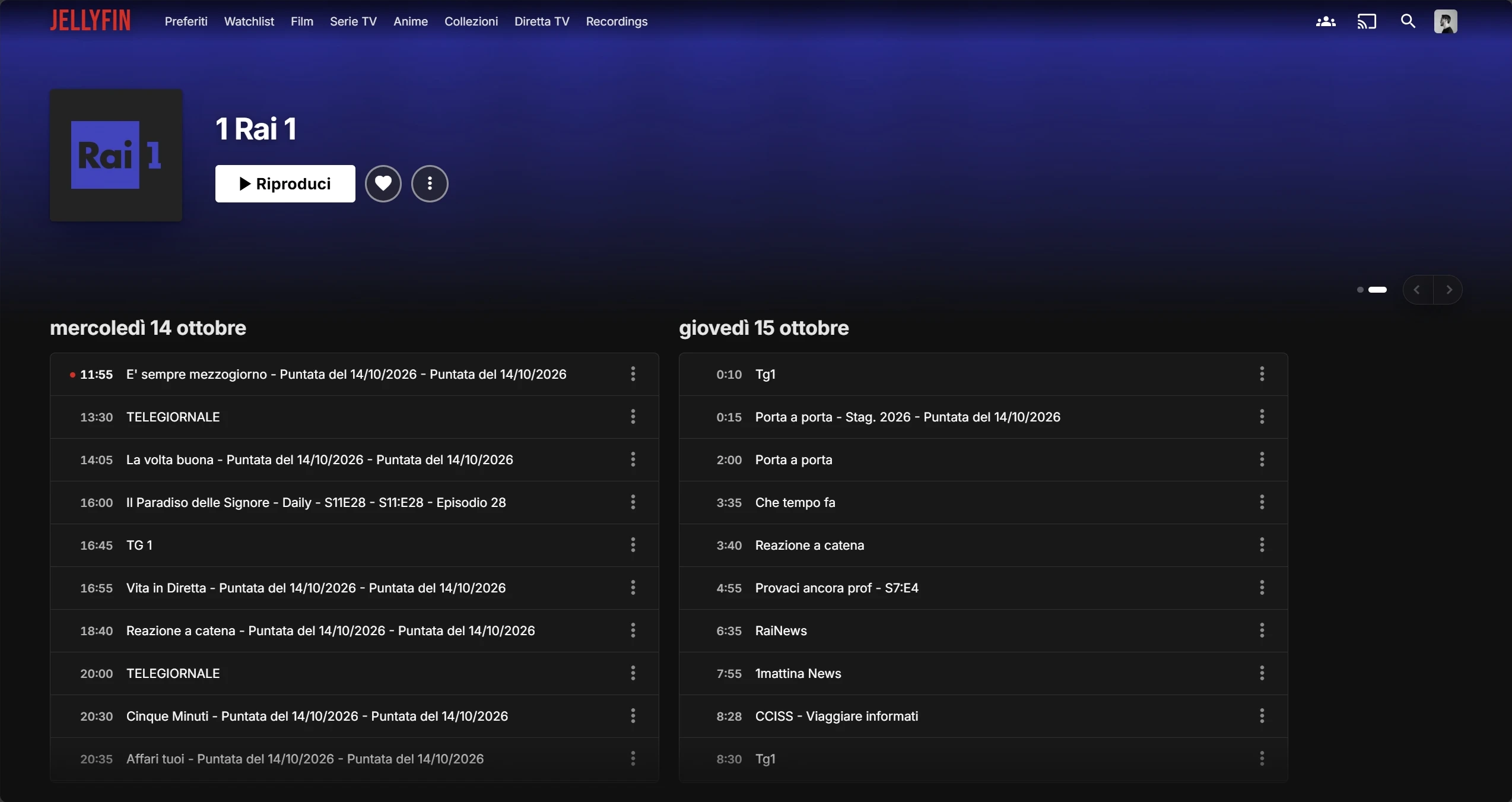 Channel |
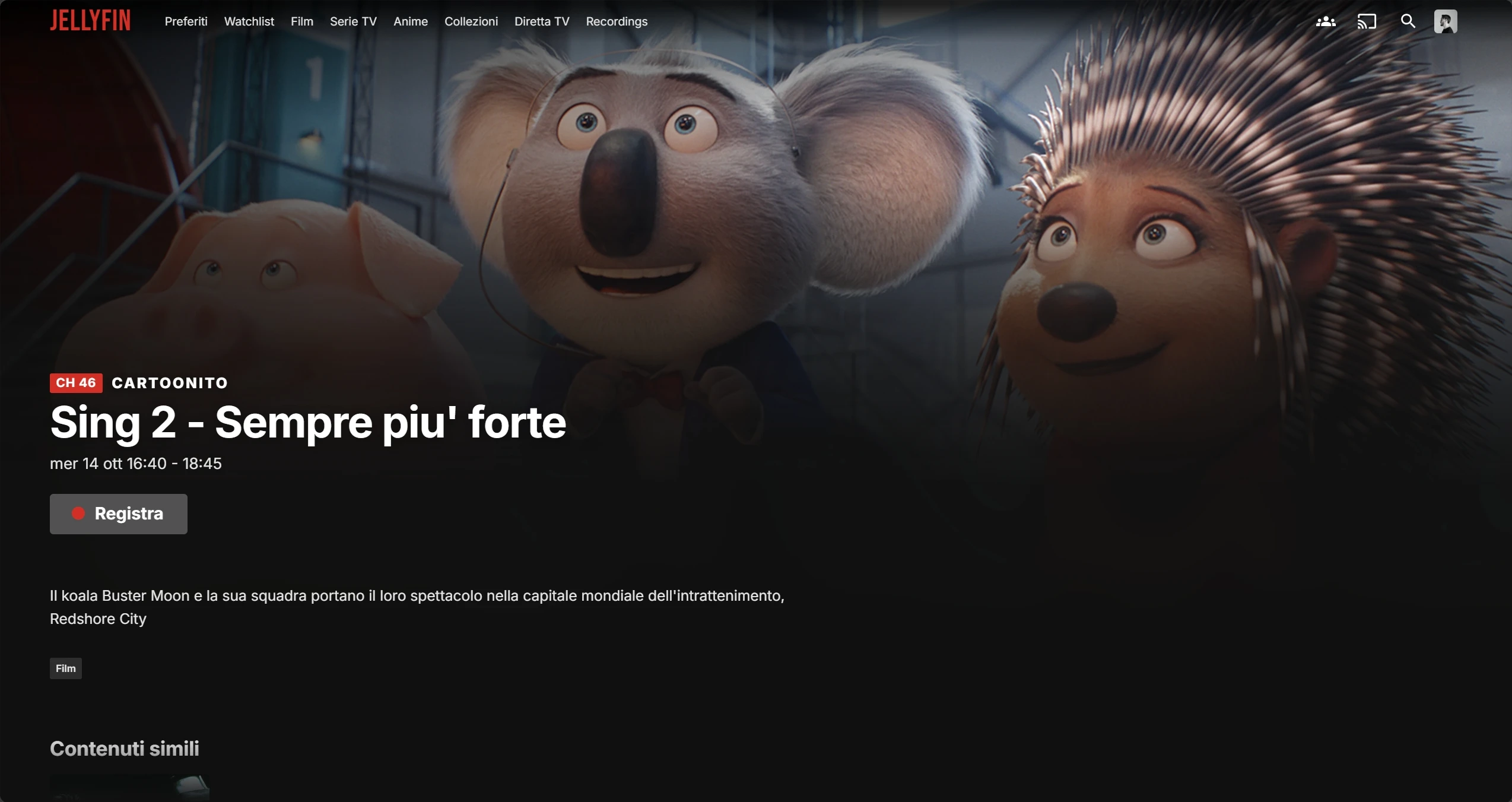 Programme |
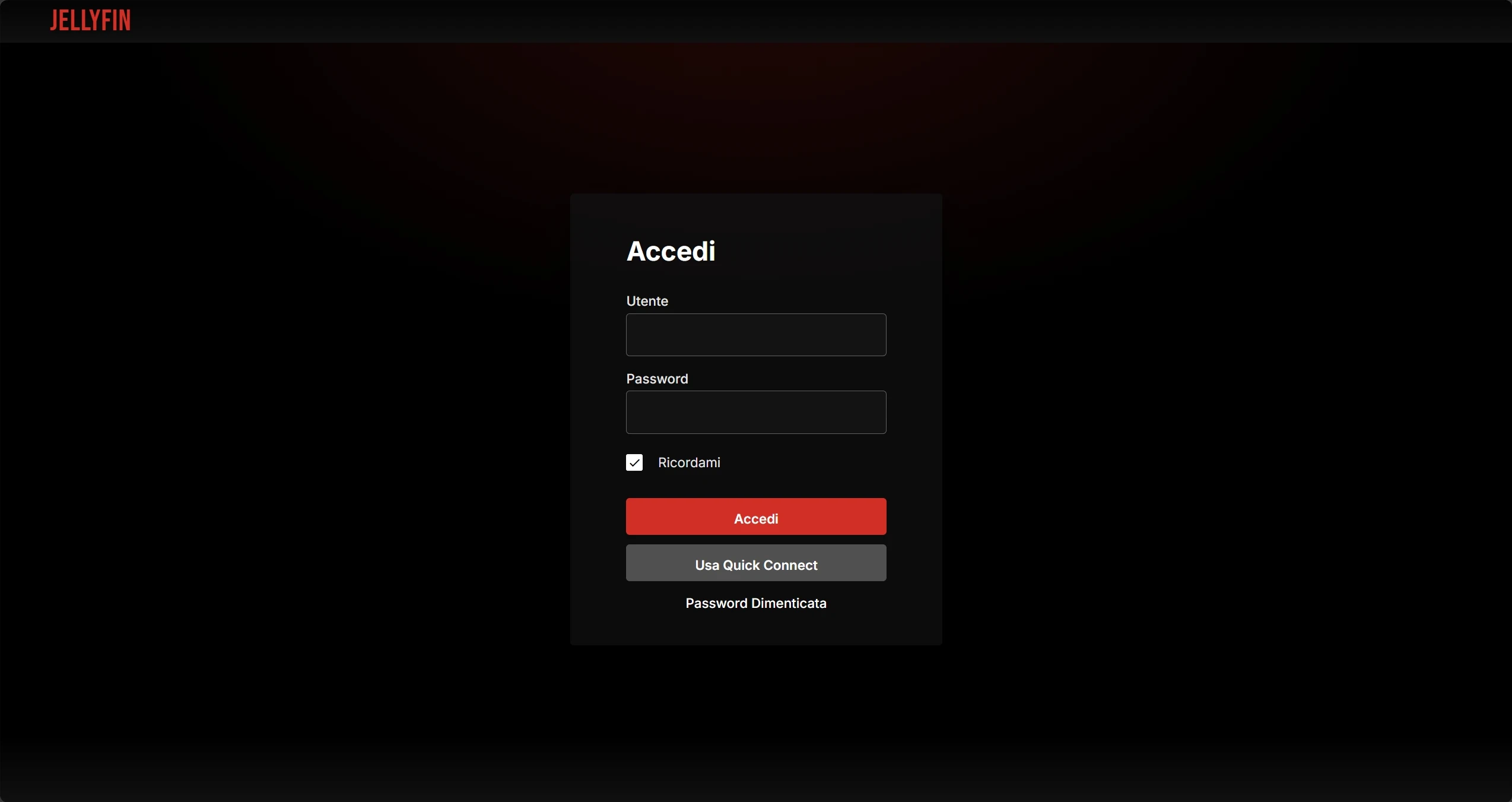 Sign in |
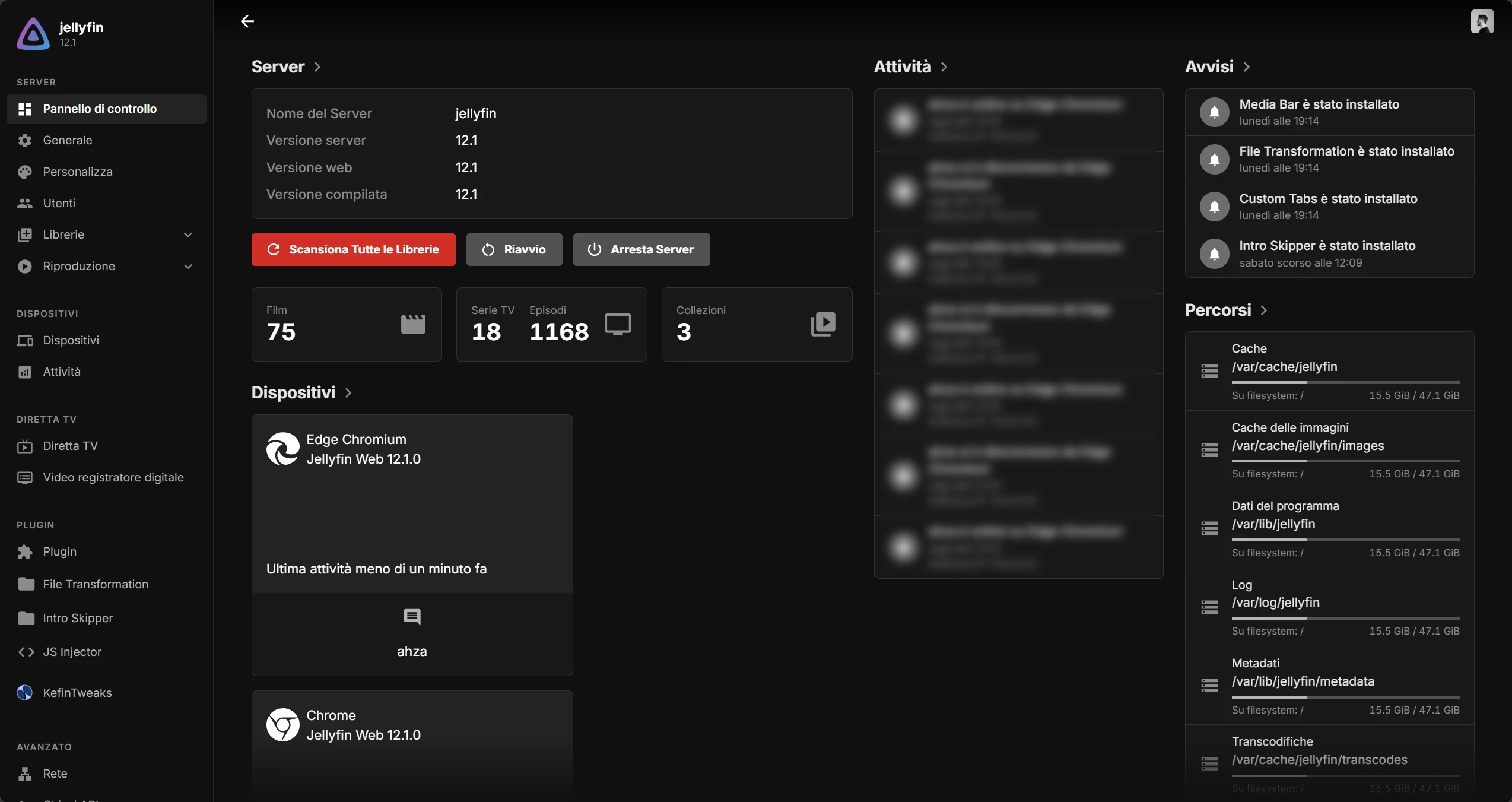 Dashboard |
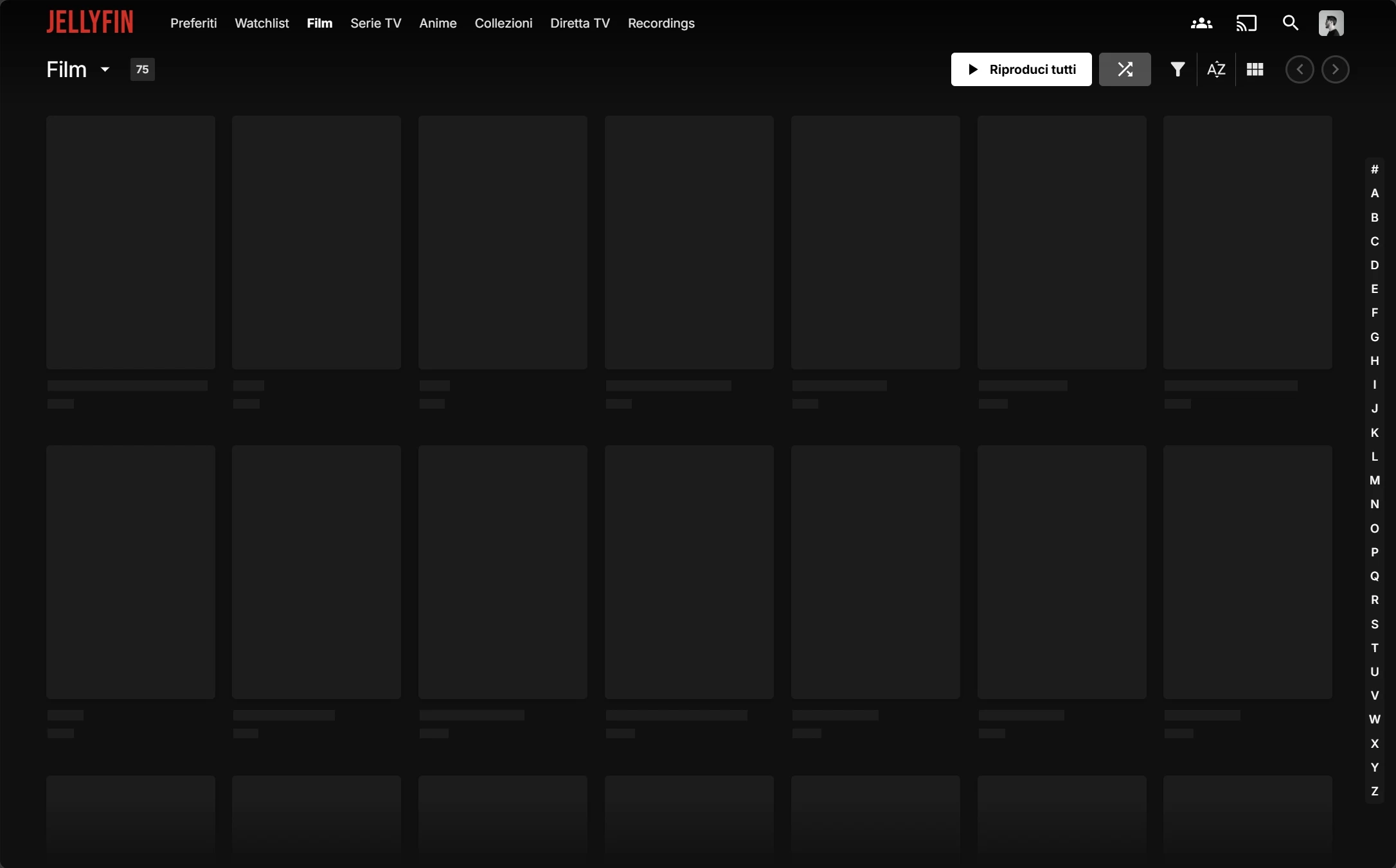 Loading |
📱 Mobile
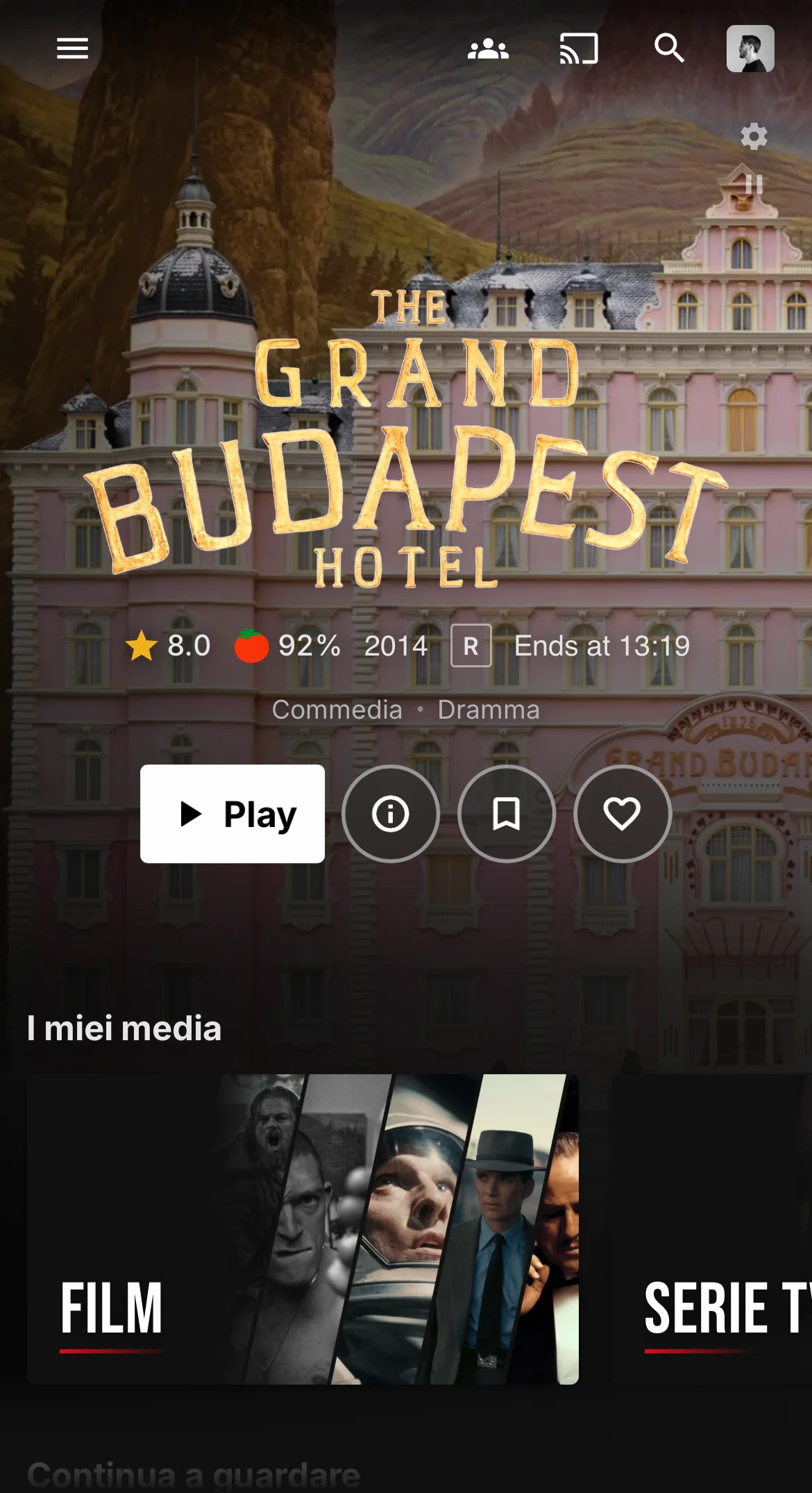 Home |
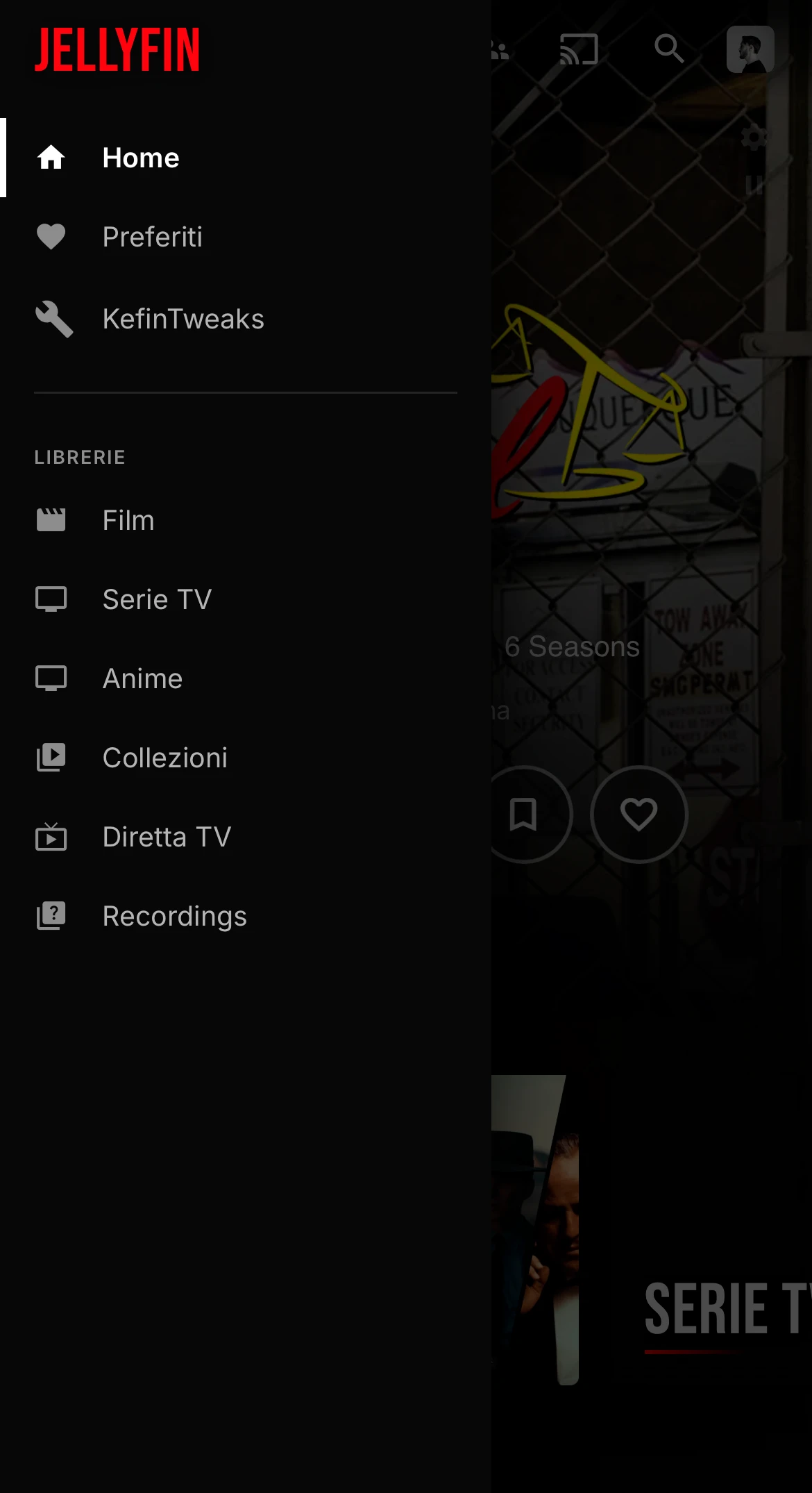 Menu |
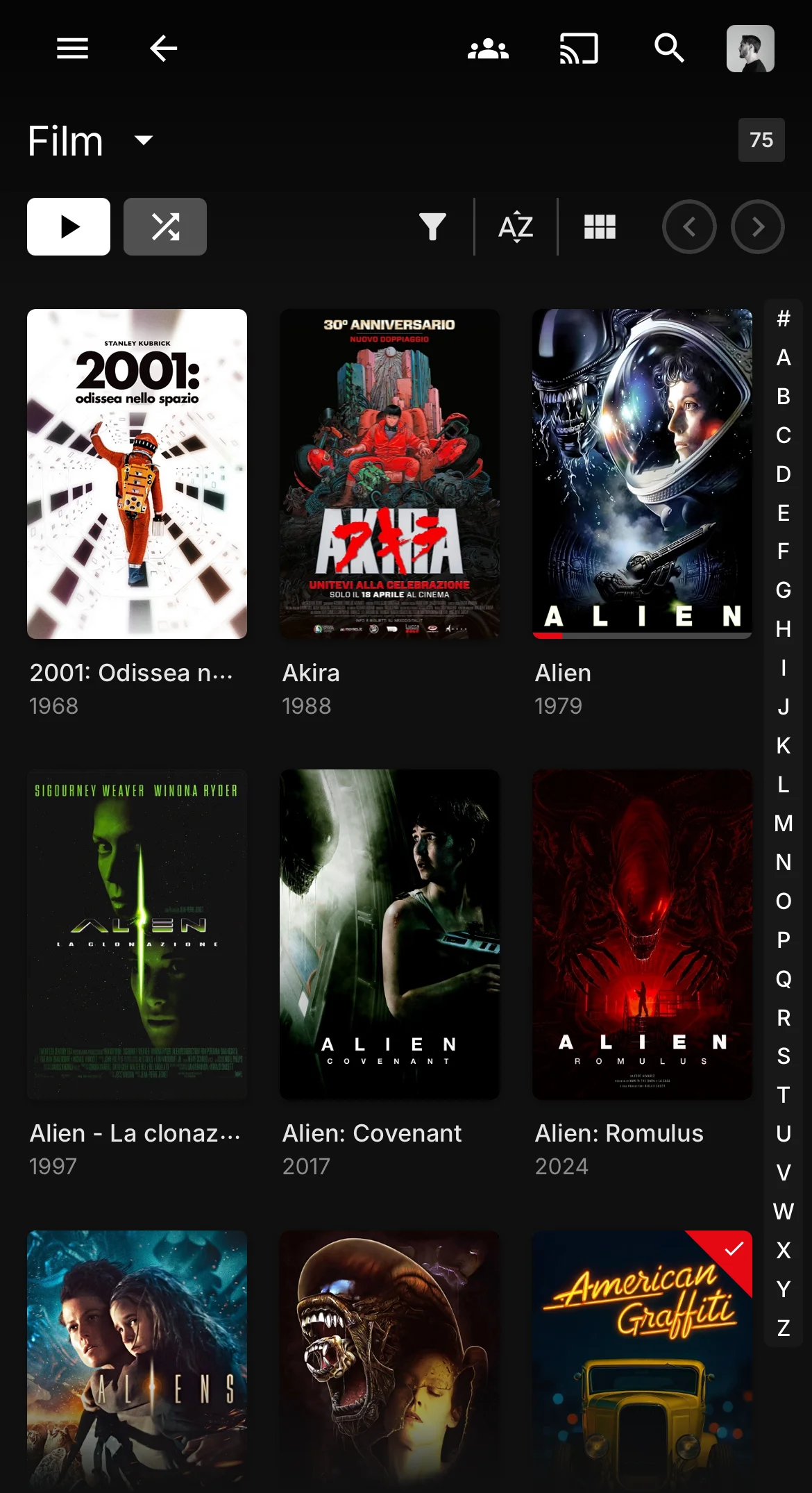 Library |
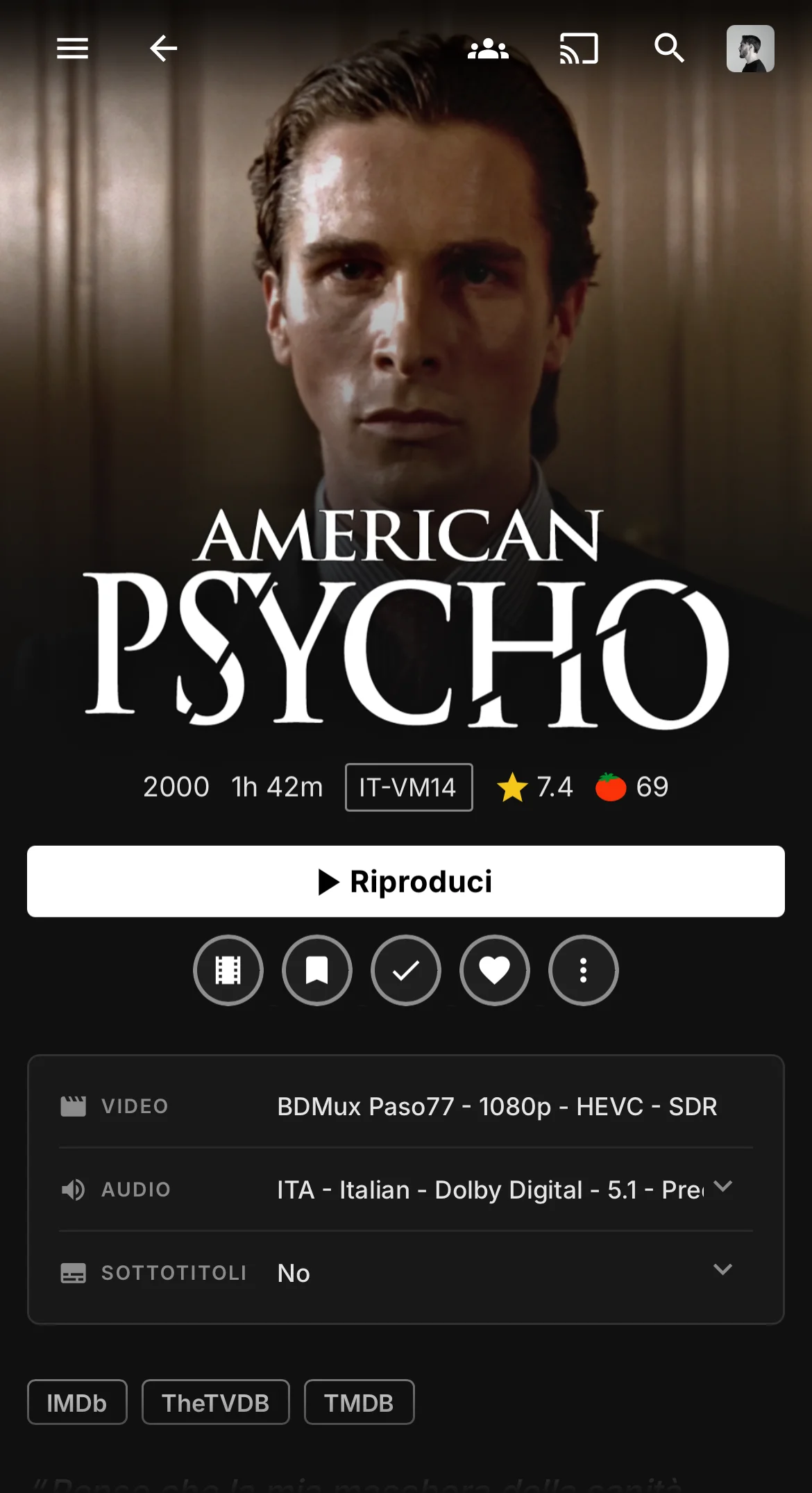 Movie |
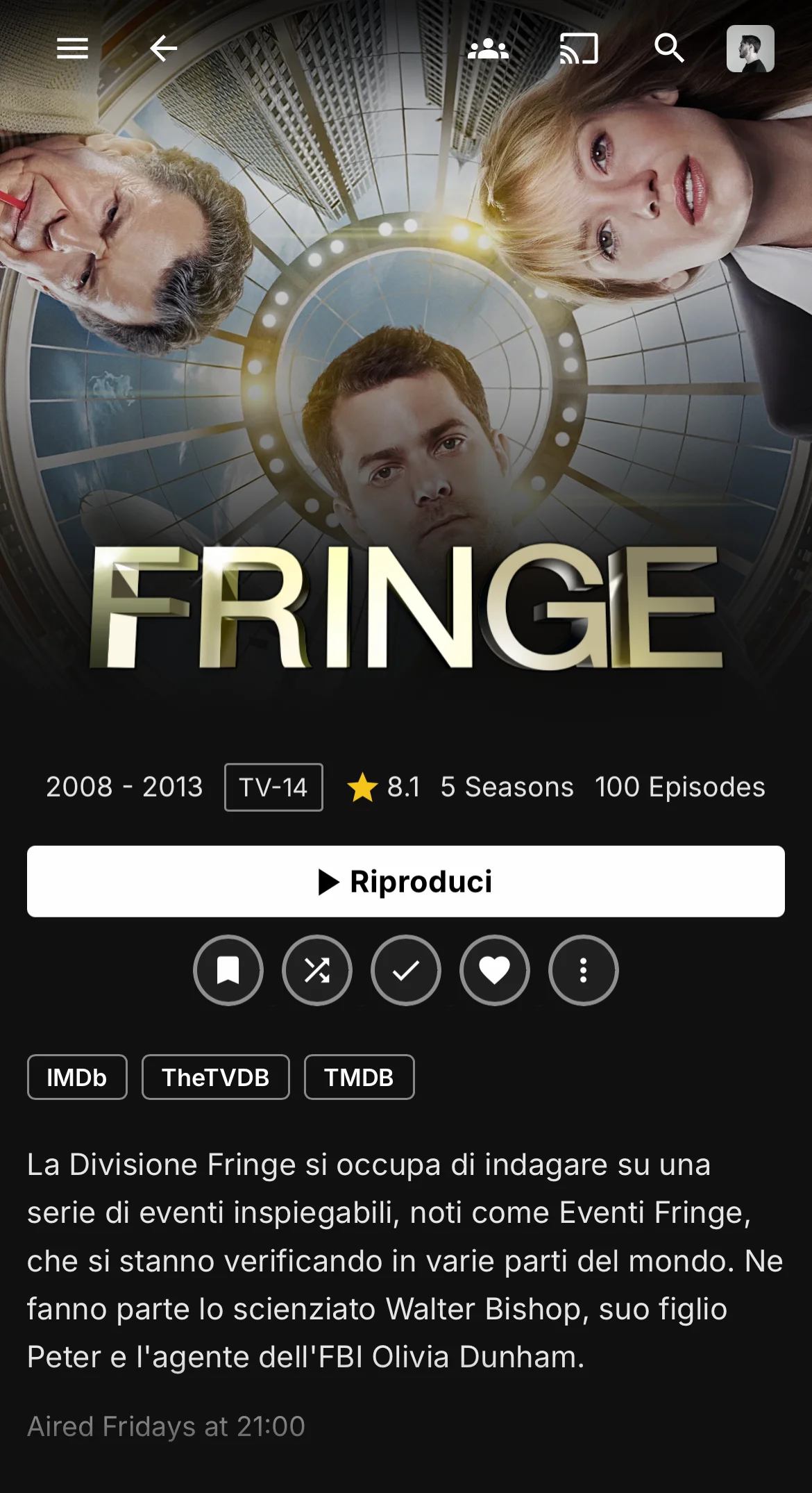 Series |
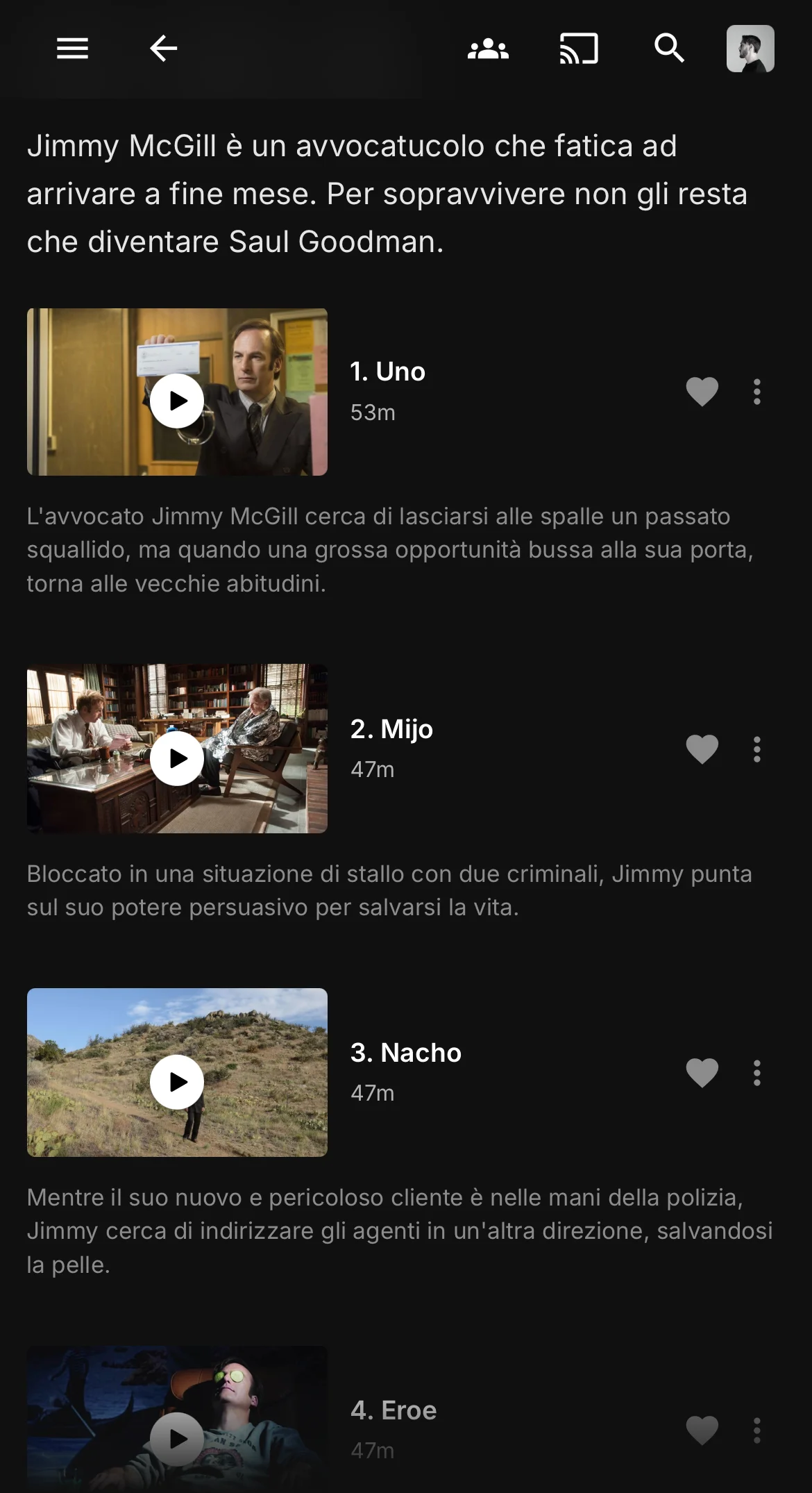 Season |
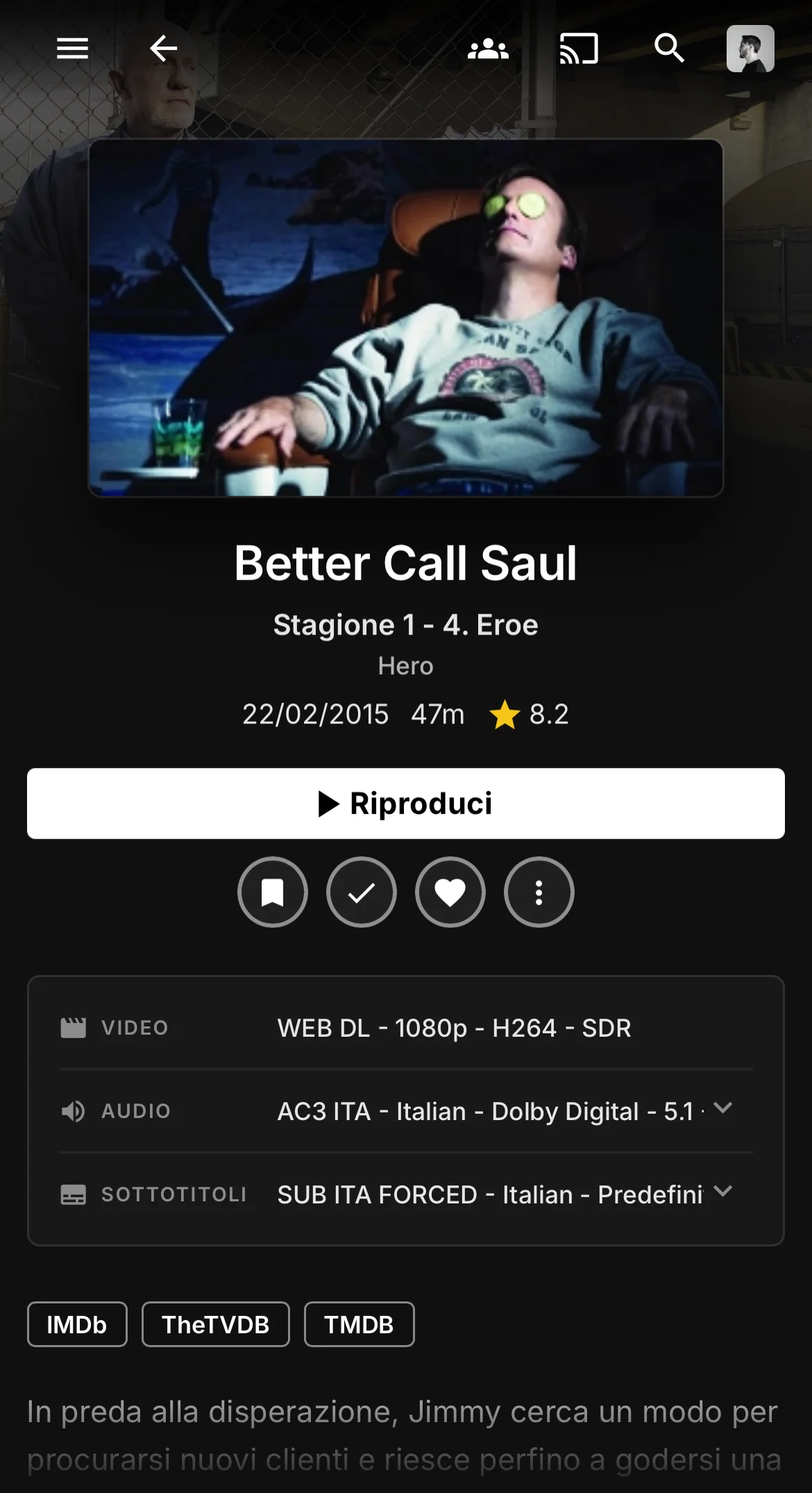 Episode |
How to install
There are two ways. Use one of them, not both, or the theme loads twice.
Option 1: Custom CSS (simplest)
Go to Dashboard > General, paste this into the Custom CSS box and save:
@import url("https://cdn.jsdelivr.net/gh/ahza-code/Netflin@latest/Theme/Netflin.min.css");
This themes everything except the admin dashboard, because Jellyfin doesn't apply Custom CSS there.
Option 2: JavaScript Injector (themes the dashboard too)
This is how I run it. Install the JavaScript Injector plugin by n00bcodr, add a new script, paste this and enable it:
// Netflin: delete a line to drop that add-on
const files = [
  "Theme/Netflin.min.css",
  "Theme/add-ons/netflin-logo.min.css",
  "Theme/add-ons/media-covers.min.css",
];

let previous = document.getElementById("reactRoot");
for (const file of files) {
  const link = document.createElement("link");
  link.rel = "stylesheet";
  link.href = "https://cdn.jsdelivr.net/gh/ahza-code/Netflin@latest/" + file;
  previous.insertAdjacentElement("afterend", link);
  previous = link;
}
Want only the theme? Keep just the first line in files. The stylesheets go in right after Jellyfin's app root, so they load after Jellyfin's own CSS and win over it. Then refresh the page (Ctrl+Shift+R).
Updates
@latest always points to the newest release, so you get updates on your own. Your browser can keep the old version cached for a few days, so if something looks off after a release, hard-refresh (Ctrl+Shift+R). If you'd rather stay on one version, replace @latest with a tag, e.g. @v1.0.0.
Add-ons
Both are optional and load after the main file. With Custom CSS, add the line under the main @import. With the injector, keep its line in files.
NETFLIN logo
By default the logo in the top bar and the menu is the word "JELLYFIN" in red. This swaps it for a curved NETFLIN wordmark.
@import url("https://cdn.jsdelivr.net/gh/ahza-code/Netflin@latest/Theme/add-ons/netflin-logo.min.css");
Media covers
Replaces the library cards on the home page (Movies, Shows, Anime, Collections, Live TV) with custom artwork, with the library name written on it. Other library types keep their own image.
@import url("https://cdn.jsdelivr.net/gh/ahza-code/Netflin@latest/Theme/add-ons/media-covers.min.css");
Disclaimer
- Netflin is a fan project and isn't affiliated with or endorsed by Netflix. I just wanted a red dark Jellyfin :P
- I did most of the work by hand, but AI helped with parts of it: mapping Jellyfin's selectors, keeping the rules that target them lean, and debugging.