

Awesome Astra Prompts

Building with Claude Opus 5.5? Explore Awesome Opus 5.5 Prompts for source-linked 3D scenes, games and simulations.
A starting point for your next game, scene or interactive world.
Explore GPT-6 Astra prompts and 3D examples for Blender, Three.js, Unreal Engine, Unity and the browser.
352 examples · 14 languages · 12 examples with source code
Featured projects
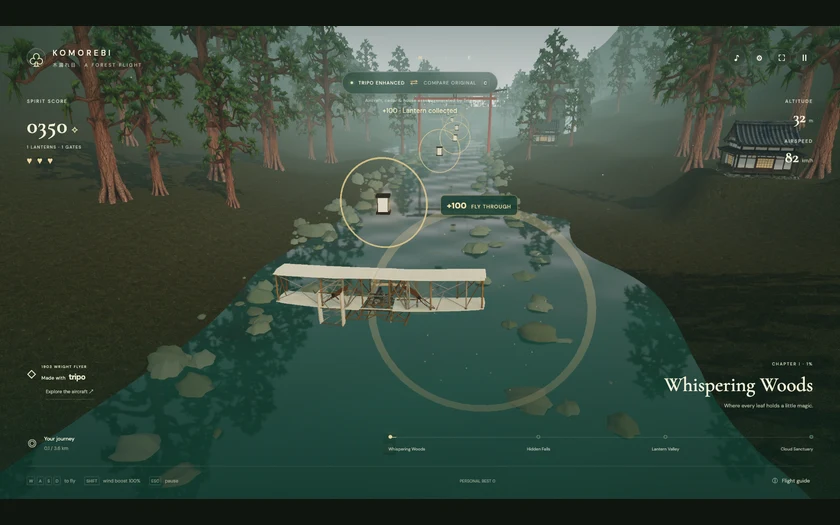 Wright Flyer Through a Japanese Forest Jared Prompt → |
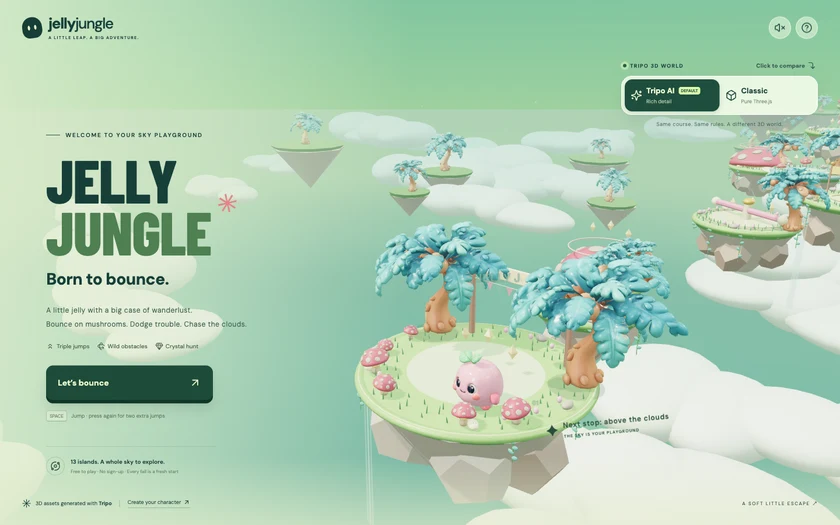 Jelly Jungle: 3D Platformer Jared Prompt → |
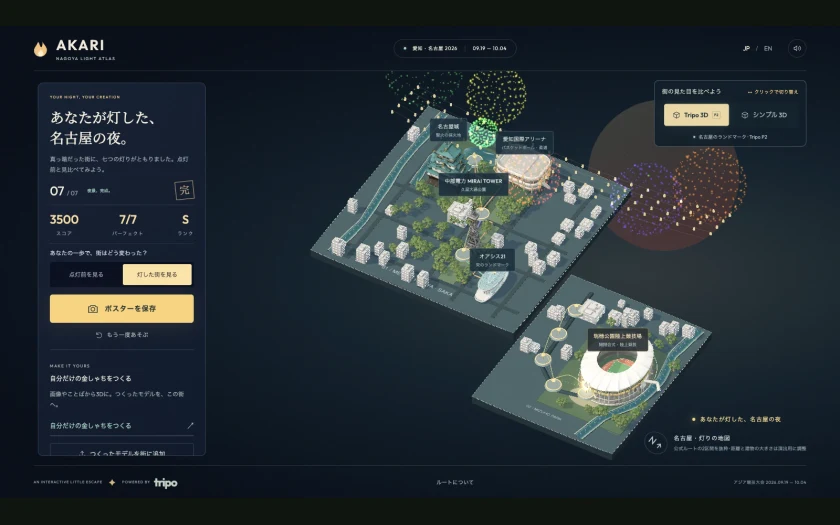 AKARI: Nagoya Rooftop Flame Relay Jared Prompt → |
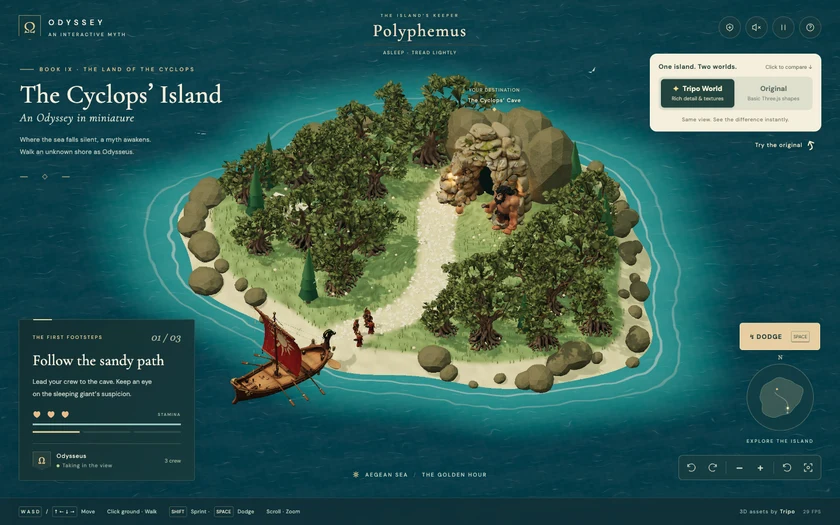 The Cyclops' Island Jared Prompt → |
Latest Astra prompts
Browse examples
- Monster Block — 45 Seconds to Wreck the City
- Interactive IWC Schaffhausen Watch Model
- Galaxy from real orbital physics
- Complete Photorealistic 3D Environment
- Interactive 3D aircraft engine display
- Catfu martial-arts cat 3D animation and video workflow
- 3D model of a Waymo Jaguar I-Pace
- Sailboat on Open Water
- Create a 3D model of WALL-E in Three.js
- Verdant — interactive 3D dinosaur island
- Interactive 3D Sun model website
- Spline Rush procedural browser racing game
- Interactive 3D helicopter design presentation
- Tokyo Tower Day-and-Night 3D Scene and Video
- Bubble Bay: 3D Water Balloon Battle
- A Tower Defense Game Inspired by Sir, We Have Orc Problems
- Two-story suburban house with interior
- 3D kart racer in a single HTML file
- Medieval castle browser animation
- Orbit Lab: A 3D Simulation of the Sun, Earth, and Moon
- Browser-Based Medieval European-Style 3D Castle
- Interactive 3D Chessboard for Studying Chess Gambits
- Infinite solarpunk city shader
- First-person burger simulator
- Hyper-realistic live desert campfire HTML scene
- Voxel Codex in Three.js
- Interactive 3D gummy citrus slice
- Northbound: Interactive Viking Longship Journey
- Explorable misty autumn Three.js experience
- STILLWATER — Moonlit Swamp Browser Experience
- Golden-hour Roman battlefield set piece
- Pitaya Jelly
- 3D Modeling for VRChat Outfits
- Create a Guinea Pig in Blender
- Voxel-style Japanese garden in Three.js
- Voxel ship-in-a-bottle WebGL scene
- Forest lake village environment
- Super Heavy booster catch in Blender
- Interactive 3D camera lens light-path demo
- Interactive 3D Melon Jelly Slice
- Genshin-Style Game and Terrain Editor
- 3D-printable J-hook for a strength test
- Interactive educational 3D CRISPR representation
- Interactive moonlit jungle boat ride
- Transforming sports car with x-ray exploded view
- Highly detailed 3D human eye
- Time, Undone.
- Realistic F-22 Raptor model and Godot flight video
- Cinematic photorealistic rocket launch scene
- Blender render of the Golden Gate Bridge
- Create a 3D Minion Character in Blender
- Recreate a scene in Isaac Sim
- Golden miniature 3D pyramid diorama
- 3D asteroid-dodging game
- Playable 3D Boat Scene on a Mountain River
- A Browser-Based 3D House You Can Walk Through
- Create a cinematic trailer for a fictional game
- 3D Game: Collect 10 Star Fragments on a Small Island at Night
- Plush Spider — Material Studies No. 015
- Banana Jelly
- Wild Atlas interactive wildlife encyclopedia
- Plush Squid.
- Villa Jelly
- Three.js visualization of Invisible Cities
- Scroll-Driven 3D Website for Lealand Tea
- Atoll Jelly interactive WebGPU lagoon diorama
- Interactive Three.js jelly lab with drag-to-squish physics
- 3D voxel world of a pelican riding a bike
- Pirate Jelly interactive WebGPU diorama
- Cinematic 3D ORBIT smartwatch product reveal
- Interactive educational 3D jet engine
- Detailed visual 3D presentation of an AH-64E Apache Guardian
- Interactive Honey Keyboard
- Interactive 3D gummy dice experience
- Interactive Floating Neon Island
- Castle Jelly interactive WebGPU diorama
- Photoshop for Gaussian Splats
- Interactive 3D cloth simulation on a chrome sphere
- Mario character in Three.js
- Interactive realistic 3D highway car scene
- Tidepool Jelly Interactive 3D Coastal Ecosystem
- Trippy Three.js and WebGPU 3D visual
- Low-poly open-world driving sandbox game
- Goblin Blender model with walking animation
- Plush Penguin WebGPU Material Study
- Plush Octopus Interactive WebGPU Experience
- Torii at High Tide interactive shrine diorama
- Old stone lighthouse on a rocky cliff at dusk
- 3D Flappy Bird-style tropical game
- Exploded view of a Rolex inspired watch
- Ogre Blender model with walking animation
- Interactive 3D gaming mouse explainer
- 3D Screw-Orbit Simulation of the Solar System Moving Through the Milky Way
- Battle City 3D: Endless Tank Defense
- Crazy Tanks — 3D Island Artillery
- Golden Miner: 24-Level 3D Mining Game
- Jelly Villa
- ODD ARMS — Weird Weapons Survival Game
- Red Light, Green Light: 3D Survival Game
- TITANIC — The Last Light
Monster Block — 45 Seconds to Wreck the City
Tony · 2026-09-18
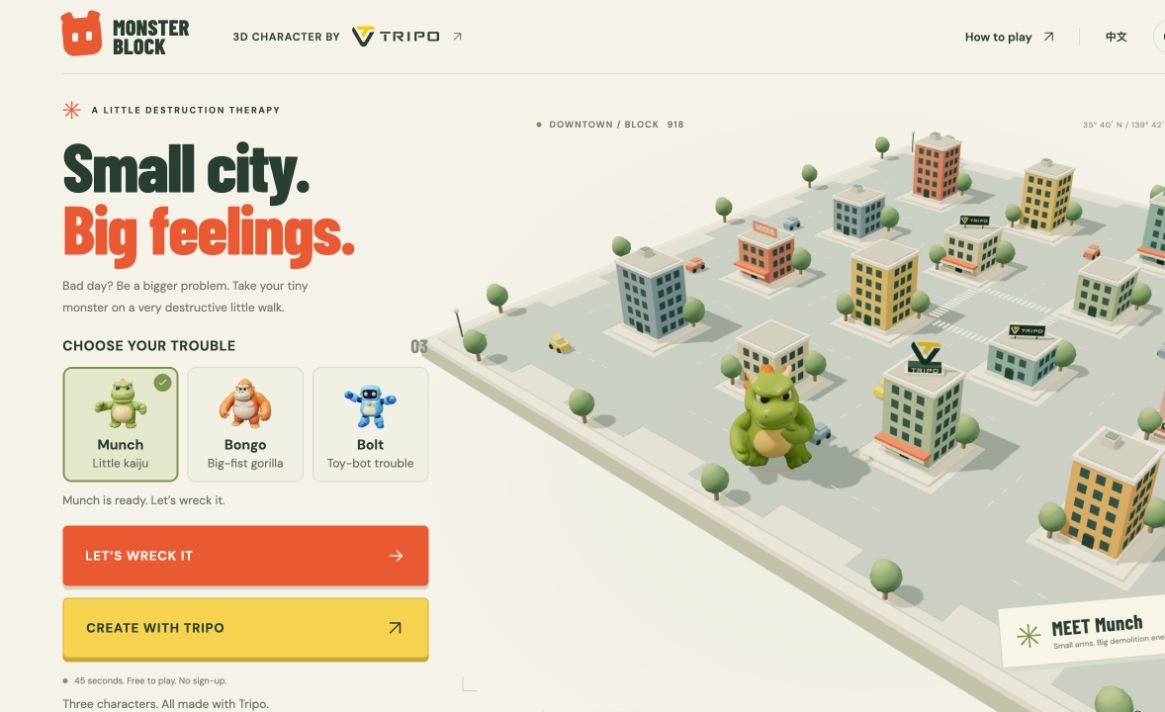
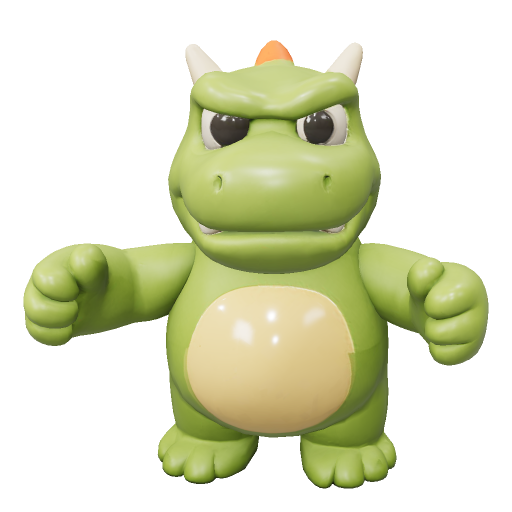
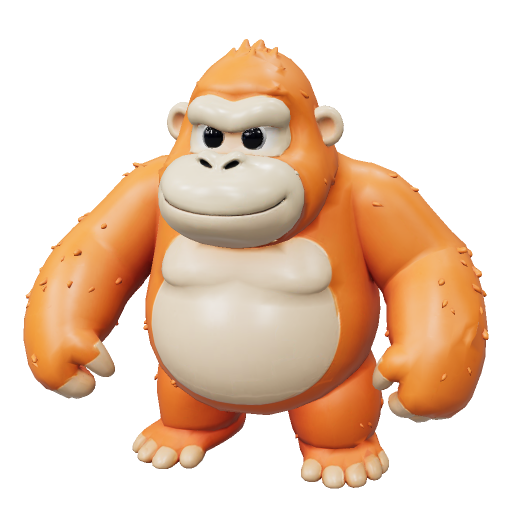
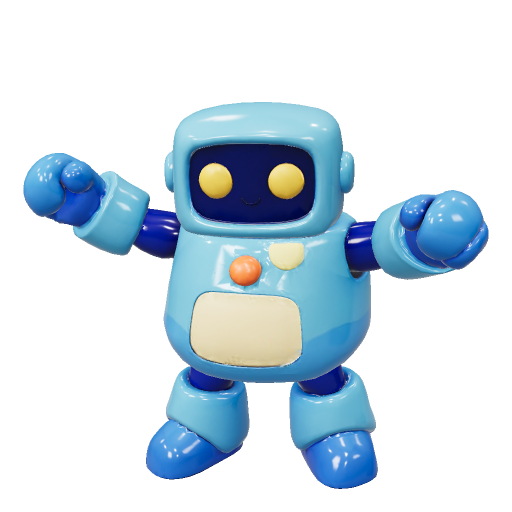
Choose Munch the little kaiju, Bongo the gorilla, or Bolt the robot. Smash buildings, throw cars, and chain combos in a 45-second 3D city rampage. All three animated characters were created with Tripo.
Prompt
# Monster Block — rebuild specification

## 1. Project goal

Build a playable browser game called Monster Block. Let the player choose a toy monster, enter a miniature city, and destroy as many buildings as possible in 45 seconds. Moving, clawing buildings, throwing cars, and chaining demolitions must produce immediate feedback. Finish with a score, a title, a retry action, and a challenge link that lets a friend play the same block. Provide English and Simplified Chinese interfaces and keyboard and touch controls.

## 2. Visual style

Create a warm tabletop diorama on a thick square platform against a cream background. Use low-detail pastel buildings, small dark teal windows, pale roof rims, broad muted green-grey roads, zebra crossings, rounded trees, tiny cars, and warm soft shadows. The building palette includes terracotta, mustard, dusty teal, rose, blue-grey, cream, and sage. Materials should look like matte painted toys rather than shiny metal.

Use a high three-quarter perspective camera, not a flat overhead camera. The reference camera starts at (35, 37, 41), looks toward (0, 0.4, 0), and uses a 38-degree field of view on wide screens, 44 degrees on intermediate screens, and 51 degrees on narrow screens. During play, smoothly follow the monster while keeping nearby targets visible. Light the scene with a warm hemisphere light, a soft shadow-casting directional light, and a cool fill light.

Use condensed bold display typography for large English headings and a readable sans-serif for instructions. Combine dark green text, cream surfaces, orange play actions, and yellow Tripo creation actions. On the homepage, make Play and Create with Tripo equally prominent. In the pause dialog, place a dark green Tripo card with three character thumbnails and a yellow creation button above the outlined Resume button. Keep help text comfortably readable on phones.

Use short, input-triggered effects: claw swipes, brief building recoil, distinct hit and demolition impacts, expanding stomp rings, small debris bursts, score popups, combo changes, and a restrained directional camera jolt. Lift a grabbed car into the hand over about 220 ms. Honor reduced-motion preferences by removing shake, debris bursts, and UI scaling while retaining scores, target cues, and destruction outcomes.

## 3. World and scene

Place 16 destructible buildings in a 4-by-4 grid. Use block spacing 10.4, block centers at -1.5, -0.5, 0.5, and 1.5 times that spacing, and five avenues along each axis. The platform is 52.6 units wide. Buildings have two to five floors, varied footprints, roof details, occasional awnings, and small HOTEL or NOODS signs. Generate the layout deterministically from a seed.

Place 12 cars along the roads and one guaranteed throwable yellow car near the initial play position. Include trees around building plots and platform edges, four corner lamps, lane markings, and a central crossing. Start the monster in a clear avenue at (0, 0.2, 10.4); use a foreground idle position at z=20.8 for the homepage.

The same block parameter must reproduce the same building layout. When absent, derive the block seed from the UTC date. A beat parameter supplies a friend's target score. Keep the selected block when retrying. Random debris need not be deterministic.

## 4. Asset inventory

Maintain stable asset IDs and separate visual models from gameplay collision proxies.

- munch: Munch / 阿猛, the default green dinosaur. Preserve the original rounded snout, cream belly and horns, orange back spikes, short arms, large feet, and long tail. Load /assets/monster-animated.glb and normalize its height to 5.6 units. Retain /assets/monster.glb as a static fallback.
- bongo: Bongo / 橘拳, an orange toy gorilla with oversized fists and a broad body. Load /assets/bongo-animated.glb and normalize its height to 4.5 units.
- bolt: Bolt / 蓝电, a blue toy robot with chunky limbs and a friendly silhouette. Load /assets/bolt-animated.glb and normalize its height to 4.9 units.
- Each character has a matching preview PNG and idle, run, and slash clips. Preserve the actual three selectable characters; switching must update both the preview and the model used in the next round.
- city_building: procedural reusable building groups, with separately tracked health, collider bounds, hit recoil, and demolition state. Their roof rims, bases, and awnings belong to the collision envelope.
- city_car: reusable procedural throwable cars. Keep held, airborne, and destroyed states separate. Three cars carry yellow Tripo branding.
- city_decor: procedural trees, lamps, sidewalks, signs, and road paint. Keep this lightweight and reuse geometry and materials.
- tripo_scenery: one rooftop logo sculpture, two rooftop signs, one workshop storefront, and three branded cars. Construct these from the supplied Tripo logo and procedural meshes. These are scene decorations, not additional API-generated models or gameplay power-ups.

The three character models are the priority Tripo assets. Reuse the supplied generated and rigged GLBs when available. For a new character, generate a matching toy-style model, check rig suitability, bind it, create idle/run/slash animations, and validate its proportions before adding it to the roster. Do not call generation APIs when a player starts a round. Character uploads and automatic import of a player's own creations are outside this version.

## 5. Gameplay and feedback

Support WASD or arrow keys for movement, held Space for repeated claw attacks, E to grab a nearby car and E again to throw it, R to stomp, and Escape to pause. Provide a virtual joystick and separate attack, grab/throw, and stomp buttons on touchscreens. Clear held inputs when pausing or losing focus.

Use these rules:

- A round lasts 45 seconds. Buildings have floor count plus one health, giving 3–6 health.
- A claw hit deals 1 damage, with a 0.42-second attack interval.
- A stomp deals 3 damage to each building in range and has a 7-second cooldown.
- A thrown car deals 4 damage to buildings in its impact area and awards 75 base points for the throw impact.
- A building hit awards 20 times the current multiplier. A demolition adds round(180 + building height × 50) times the multiplier after incrementing the demolition combo.
- Demolishing again within 3.5 seconds continues the combo. Ordinary hits do not extend this window. The multiplier is min(5, 1 + floor(combo / 2)).
- Clearing all 16 buildings ends the round and awards ceil(seconds remaining) × 100. Otherwise, end when time reaches zero and prevent further scoring.

There are no enemies, boss fights, player health, or death penalties. The challenge is choosing routes, using cars and stomps efficiently, and maintaining a demolition combo. Show the remaining time, score, buildings destroyed, multiplier, and stomp cooldown. Make unavailable actions understandable without blocking movement. Distinguish an empty swing from a successful hit through sound and visual feedback.

Resolve movement and rotation against each character's sampled animated footprint, including arms and tail. Check against full building bounds with a small clearance. The monster must be able to attack from a legal standing position. Allow movement through a plot after its building is demolished. Avoid trapping the player at corners or letting a turn sweep the tail through an intact building.

Pause the timer and input on Escape, the pause button, window blur, and hidden tabs. Provide Resume, Retry, and Home flows. End with the score, demolition count, best combo, a playful title, and a same-map challenge link. Provide a downloadable 1080-by-1350 scorecard and, where MediaRecorder is supported, a recording of the round in a supported MP4 or WebM format. Use native sharing when available and a clipboard fallback for challenge links. Never present a browser-computed score as a secure competitive leaderboard.

## 6. Technical implementation

Use Three.js, TypeScript, and Vite with a static dist build. Keep world generation, rules, collision, characters, rendering, audio, recording, analytics, and UI in separate modules. Bundle fonts and required decoder assets locally. Use instancing for repeated windows and road markings and reuse materials and geometry. Cap render pixel ratio at 1.65. Bound temporary effects and dispose of their resources on completion or reset.

Use GLTFLoader, skeletal animation mixers, and the supplied GLB clips. Normalize each model around a centered ground pivot. The reference exports face +X; rotate the visual pivot by -90 degrees around Y to align with the game's +Z forward direction. Evaluate idle before displaying the loaded model and keep animated feet near the ground. Use a visible procedural fallback if loading fails; expose the failure honestly. Guard asynchronous character selection so an older load cannot replace the latest selection.

Keep character collision data independent from render meshes and rebake sampled footprints when changing the character or animations. Test both translation and rotation near walls. Preserve stable keyboard/touch input, responsive dialogs, localized copy, focus behavior, muted audio controls, reduced motion, and WebGL recovery behavior.

Link Tripo creation actions to https://www.tripo3d.ai/ with utm_source=monster_block, utm_medium=referral, utm_campaign=monster_block_game, and a placement-specific utm_content: header_logo, hero_create, pause_create, result_create, or footer_logo. Open these actions in a separate tab and pause active play first. Explain that Tripo creates 3D assets; do not promise automatic import into this game.

Preserve the existing Pageview and PostHog event integration when supported by the hosting policy. Use only public browser ingestion configuration in the static build. Keep generation, CMS, deployment, and personal analytics credentials outside source and build artifacts. Record page entry, character selection, play, first actions, round results, retry, sharing/export, and outbound Tripo clicks without treating clicks as verified signups or payments.

## 7. Done criteria

Deliver runnable source, local assets, a production static build, and clear install/start/build instructions. Verify all three character selections, a full timed round, building destruction, grabbing and throwing, stomp cooldown, combo expiry, pause/resume, retry, and end-of-round scoring. Verify the original dinosaur remains selectable and that all three characters can move and turn near buildings without visible penetration or getting stuck.

Check English and Chinese layouts at desktop and narrow mobile widths, including readable help copy, touch controls, pause actions, and result sharing. Verify Tripo CTA destinations and UTM placement values, scorecard export, and recording fallback behavior. Test the deployed page and its actual CMS iframe environment for model loading, input, external links, and downloads. Report browser or device limitations instead of claiming universal support or a measured stable frame rate without evidence.
View detail ↗ · Original post · Live demo · Back to examples
Interactive IWC Schaffhausen Watch Model
YouWare · 2026-09-18
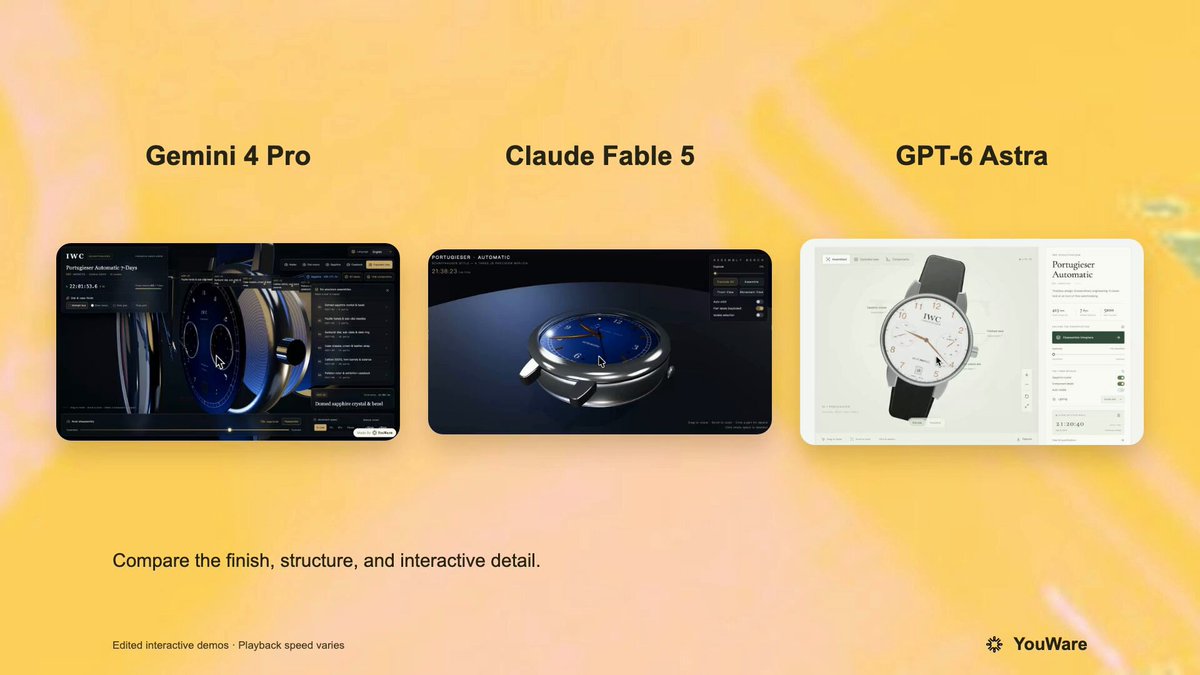
A verified author comment supplies a prompt for a highly detailed Three.js interactive 3D IWC Schaffhausen watch. It specifies individually distinguishable mechanical components, realistic sapphire glass, real-time hand movement, and an exploded disassembly/reassembly interaction. The root post presents this as the shared prompt in a comparison involving GPT-6 Astra and other models.
Prompt
Use Three.js to develop a highly faithful 3D interactive watch model of an IWC Schaffhausen timepiece. Requirements: 1) The dial structure must be highly precise, with every mechanical component individually rendered and clearly distinguishable; 2) The watch face must use a sapphire glass material with realistic transparency, refraction, and reflection effects; 3) The minute hand and second hand must be correct hands that follow real timekeeping logic, with automatic continuous hand-sweep animation; 4) Support disassembly and reassembly of the watch, with each part able to be separated and viewed individually; 5) The overall level of detail must be extremely high, closely matching the structure and proportions of a real watch, with realistic material textures for screws, metal parts, and other components, and fine craftsmanship. Please ensure the model runs smoothly in the browser and interacts naturally.
View detail ↗ · Original post · Back to examples
Galaxy from real orbital physics
Argona · 2026-09-18
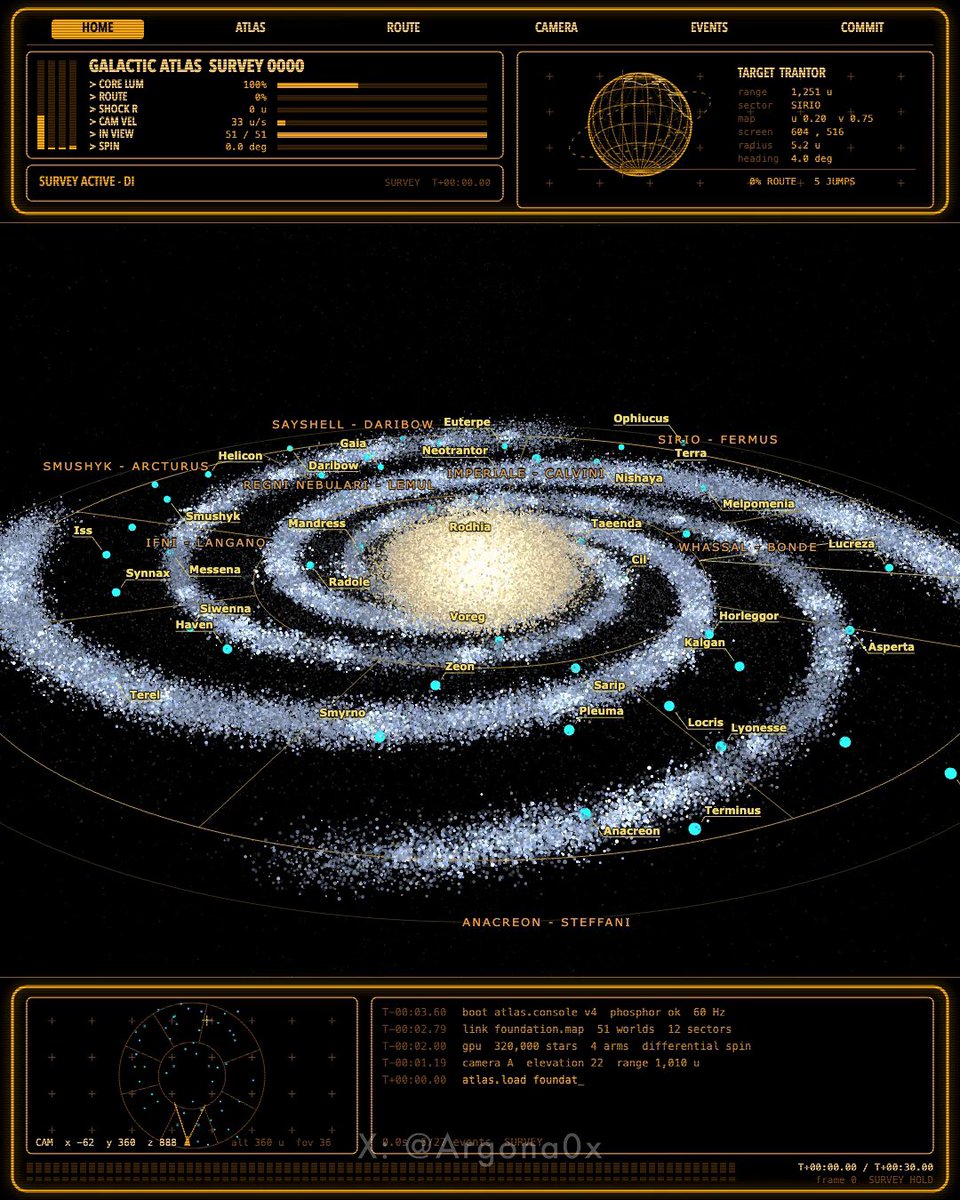
The author presents this one-sentence GPT-6 Astra prompt as their input for a deterministic galaxy simulation and a 30-second flight through it. It requests real orbital physics and 320,000 stars.
Prompt
a galaxy from real orbital physics, 320,000 stars, one flight through it, 30 seconds
View detail ↗ · Original post · Back to examples
Complete Photorealistic 3D Environment
Julian Goldie SEO · 2026-09-19
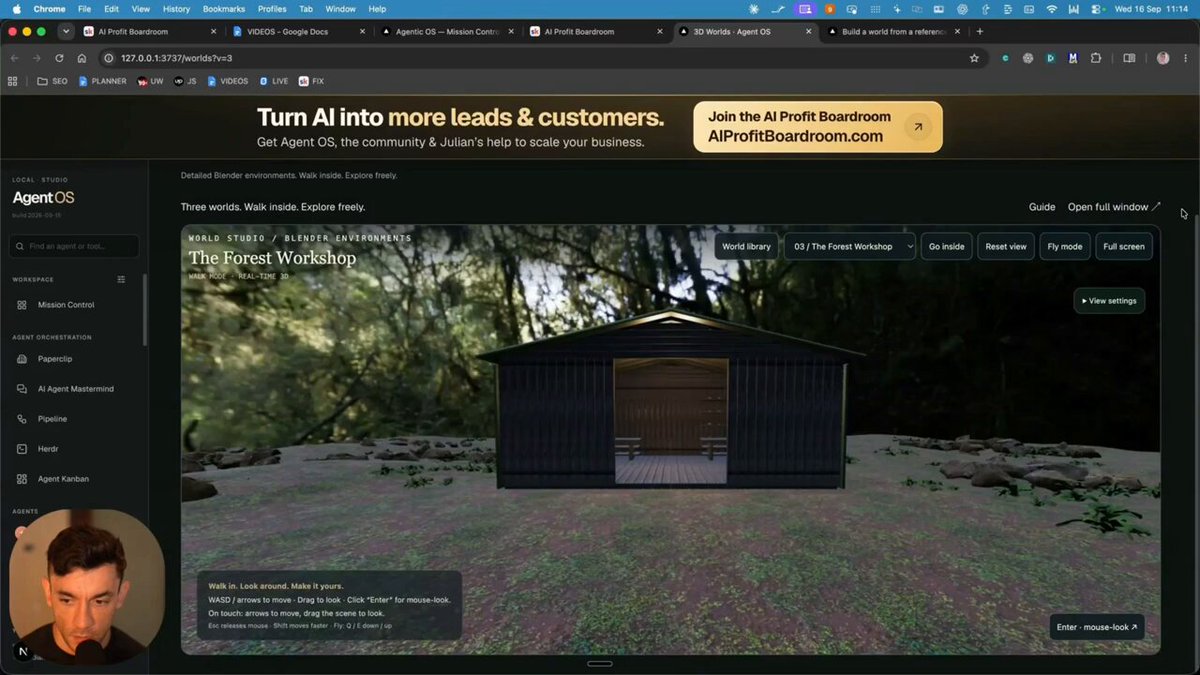
Create a complete photorealistic 3D environment with an open-ended concept.
Prompt
Build a complete photorealistic 3D environment. Surprise me.
View detail ↗ · Original post · Back to examples
Interactive 3D aircraft engine display
YouWare · 2026-09-19
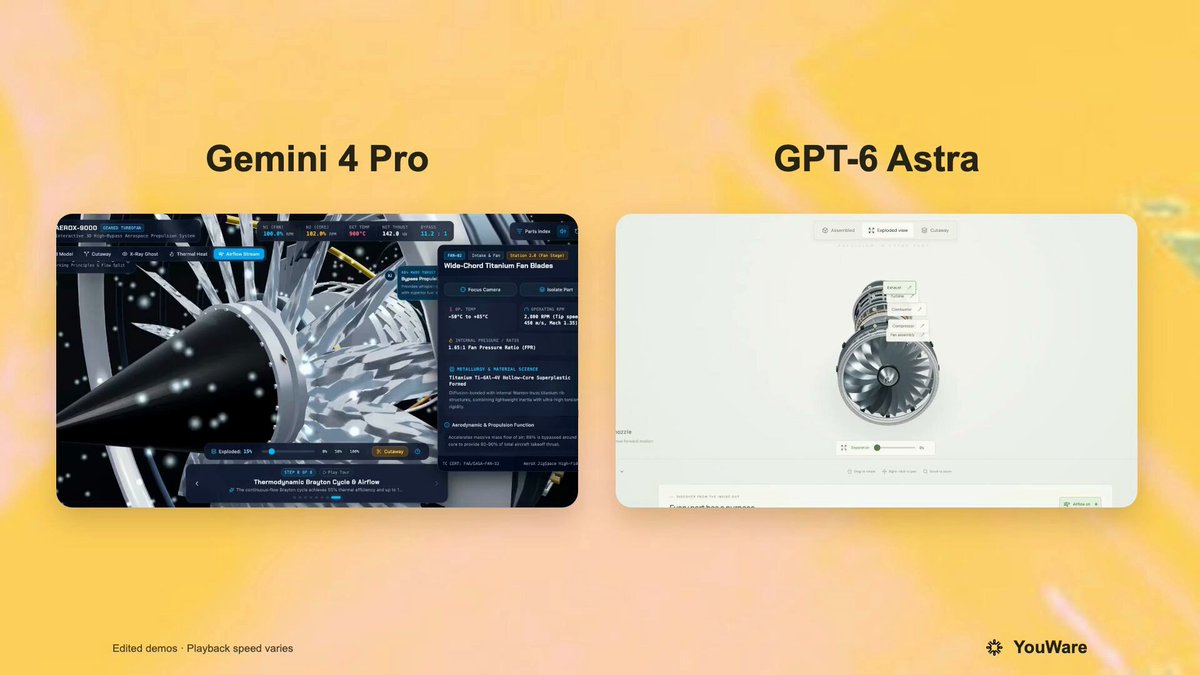
A reusable prompt posted by YouWare for an interactive, high-fidelity 3D aircraft-engine web display. It requests a detailed engine model with disassembly and exploded-view interactions, clickable or hoverable part information, and smooth camera controls. The root post says the same prompt was run against GPT-6 Astra and Gemini 4 Pro.
Prompt
Use three.js to build a 3D interactive display of an aircraft engine on a webpage.
Please refer to Jigspace's interaction design philosophy to achieve a realistic model with near 1:1 high-fidelity restoration, fully preserving material and texture details such as metal, pipelines, and blades. Interactive features must include: step-by-step disassembly animation, exploded view of components, and part descriptions and principle explanations triggered by click or hover.
Overall, it must support smooth camera control and friendly human-computer interaction, ensuring a smooth experience on the web that fully showcases the engine's structure and working principles.
View detail ↗ · Original post · Back to examples
Catfu martial-arts cat 3D animation and video workflow
PixVerse · 2026-09-19
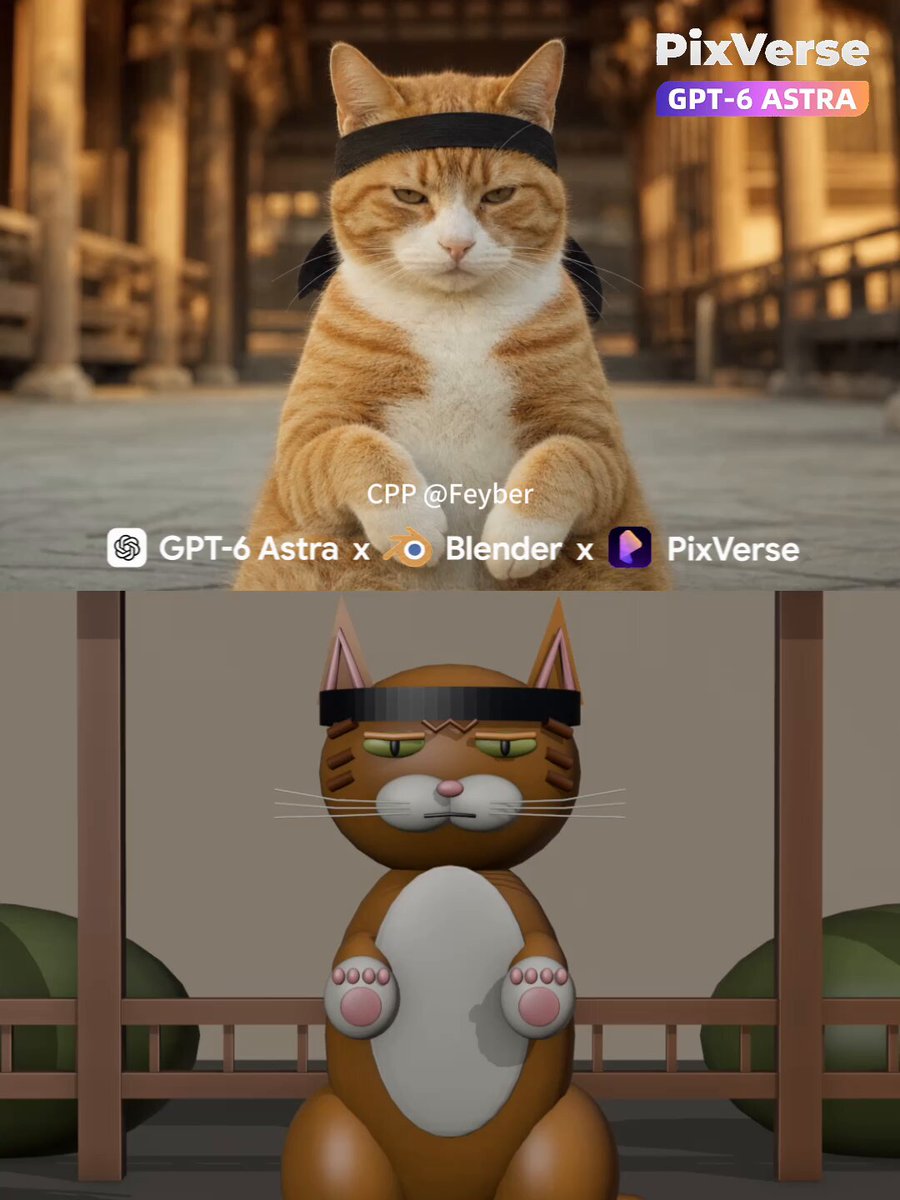
PixVerse’s verified comment presents this as a prompt used in Hermes Agent. The root post credits PixVerse creator @woleswoosh for the catfu showcase and says it was made with GPT-6 Astra + Blender. The prompt directs an agent to build lightweight Blender meshes and animation for a rigid, stoic tabby cat parrying incoming hands in a Japanese temple courtyard, render a 10-second motion-reference MP4, then generate a photorealistic 1080p video using PixVerse CLI and Seedance 2.5.
Prompt
Photorealistic cinematic single take, 10 seconds, 16:9, 24fps, locked-off camera, no cuts.
A ginger-and-white tabby cat (white muzzle, chest and paws, orange tabby stripes with an "M" on the forehead) sits upright, dead center, facing the lens in a rigid martial-arts posture — flat, stoic, unimpressed stare, eyes half-lidded, mouth closed, head never moving. It wears a black hachimaki headband tied low across the brow, knot at the back, ears sticking up above the band.
Setting: traditional Japanese temple courtyard — warm wooden pillars, eaves and railings — melted into creamy golden-hour bokeh. 85mm lens, f/1.8, extremely shallow depth of field, focus locked on the cat's eyes. Warm 3500K grade, soft key light from front-right, gently filled shadows, fine film grain.
ACTION: a bare human arm drives in from frame left, open palm thrusting fast at the cat's face with strong motion blur; the cat calmly lifts its right front paw and parries, intercepting the palm and killing the strike's momentum — it blocks, it doesn't slap. The arm sweeps horizontally across the cat's face in a blur, then a second hand chops down from the right; the cat deflects each one with a short minimal paw block, body and head completely still, eyes never leaving the lens. The hands are the aggressors — the cat is purely reactive and unbothered. The hands feint in and out from both sides; the cat slides into a two-paw boxing guard at chest height, paws curled, elbows in, and holds it, waiting. It snaps out quick blurred single-paw counters, kung-fu style, catching the incoming hands mid-air, head still locked forward. Finally it drives its right paw straight into the lens, pink pad facing camera, until the paw fills the frame as a soft out-of-focus foreground shape — the face stays razor sharp behind it, cold stare intact.
Motion: natural speed, real motion blur on the flying hands and the fast paw blocks. Defensive, minimal, economical cat movement — it barely moves, the hands do all the work and fail. No camera movement, no zoom, no text.
NEGATIVE: extra limbs, fused/mutated paws, extra fingers, distorted face, headband merging into fur, plastic skin, oversaturated color, text, subtitles, logo, watermark, cuts, camera shake, playful/celebratory body language, high-five gesture.
SHORT VERSION:
Ginger-and-white tabby cat in a black hachimaki headband sits in a sunlit Japanese temple courtyard, deadpan stare at camera, 85mm f/1.8 shallow DOF, golden hour, film grain. Human hands chop and thrust in fast at its face from both sides in motion blur — the cat calmly parries each strike with a minimal paw block, never moving its head. It drops into a two-paw kung-fu guard, throws fast blurred counters, then drives its paw into the lens until the pad fills the frame. Locked-off single take, 10s, 16:9, 24fps, photorealistic, no text.
Catatan kecil dari frame: tangannya dominan masuk dari kiri (chop descending + sweep horizontal), kontak terjadi di wrist/palm — bukan paw-to-paw. Guard dua paw ada di ~4.0-5.6s, counter blur di 5.6-8s, finish paw ke lensa 8-10s. your job is to make 3d mashed with blender mcp and make 10s 24fps output amd render it to super realistic scene with pixverse cli using seedance 2.5 as video model generation
AGENT STEPS: Check Blender MCP, PixVerse CLI authentication, model capabilities, and available credits. Disclose estimated costs and obtain spending approval before paid generation. Turn the prompt into a timed beat sheet, build lightweight 3D meshes and animation through official Blender MCP, render a motion-reference MP4, and inspect framing, motion, contacts, duration, and frame rate. Generate and inspect a separate appearance-reference image before submitting the video. Use the image to guide identity, style, and lighting, and the Blender video to guide movement and timing. After generation, download the result, verify technical specs, inspect key frames, report deviations honestly, and calculate actual credit usage. Preserve originals; never silently switch models or regenerate.
PIXVERSE CALL: Use pixverse create image with gpt-image-2.0 to create the appearance reference at the confirmed aspect ratio, 1080p, high detail. Then use pixverse create reference with the confirmed video model, passing both --images and --videos to combine the appearance image with the Blender motion reference. For Seedance 2.5, use --model seedance-2.5 --task-type auto, the confirmed duration/aspect ratio, and --quality 1080p --count 1. Verify current capabilities before submission, use unique idempotency keys, and track completion through pixverse task status / pixverse task wait.
FINAL OUTPUT: Return the completed video at the confirmed aspect ratio and duration, targeting 1080p and 24fps, plus the appearance-reference image, Blender .blend project, and motion-reference MP4. Provide absolute local paths or downloadable URLs. Keep the final report format: Video, Gambar referensi, Blender mesh + animasi, Check, Look, and Kredit terpakai. Report actual resolution, frame rate, frame count, duration, visual deviations, image/video credit costs, total spent, remaining balance, and whether any regeneration occurred.
View detail ↗ · Original post · Back to examples
3D model of a Waymo Jaguar I-Pace
Harshith · 2026-09-19
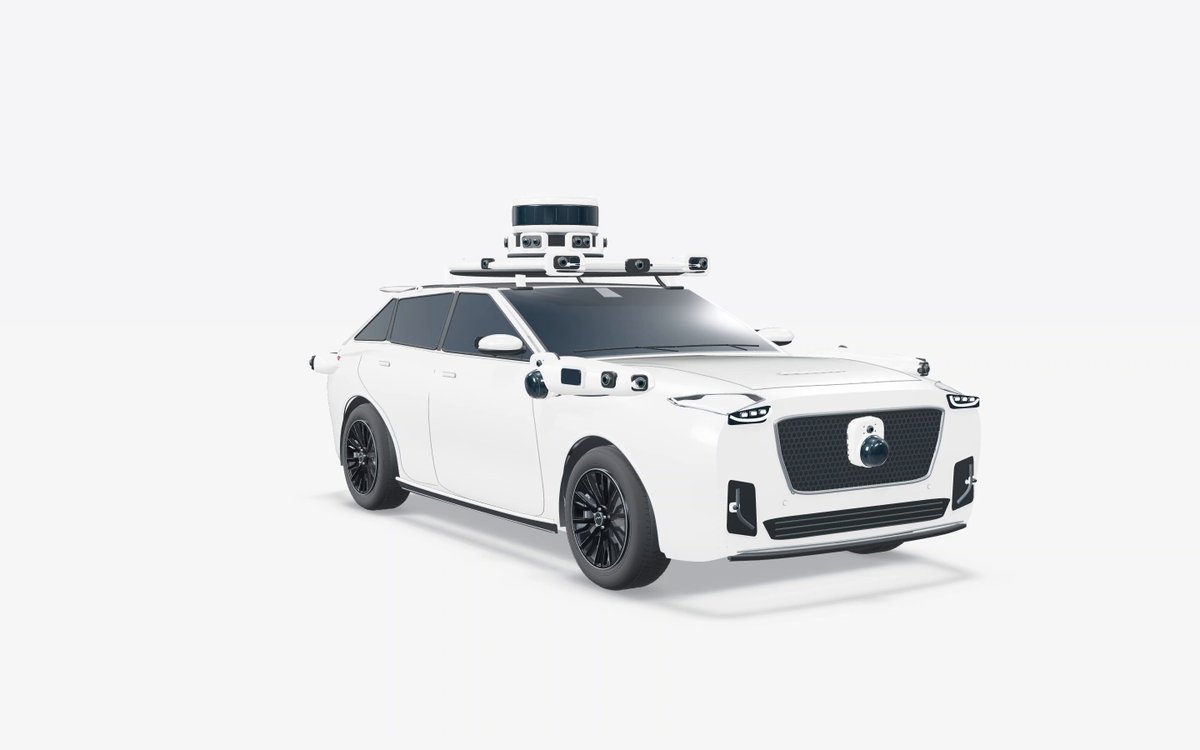
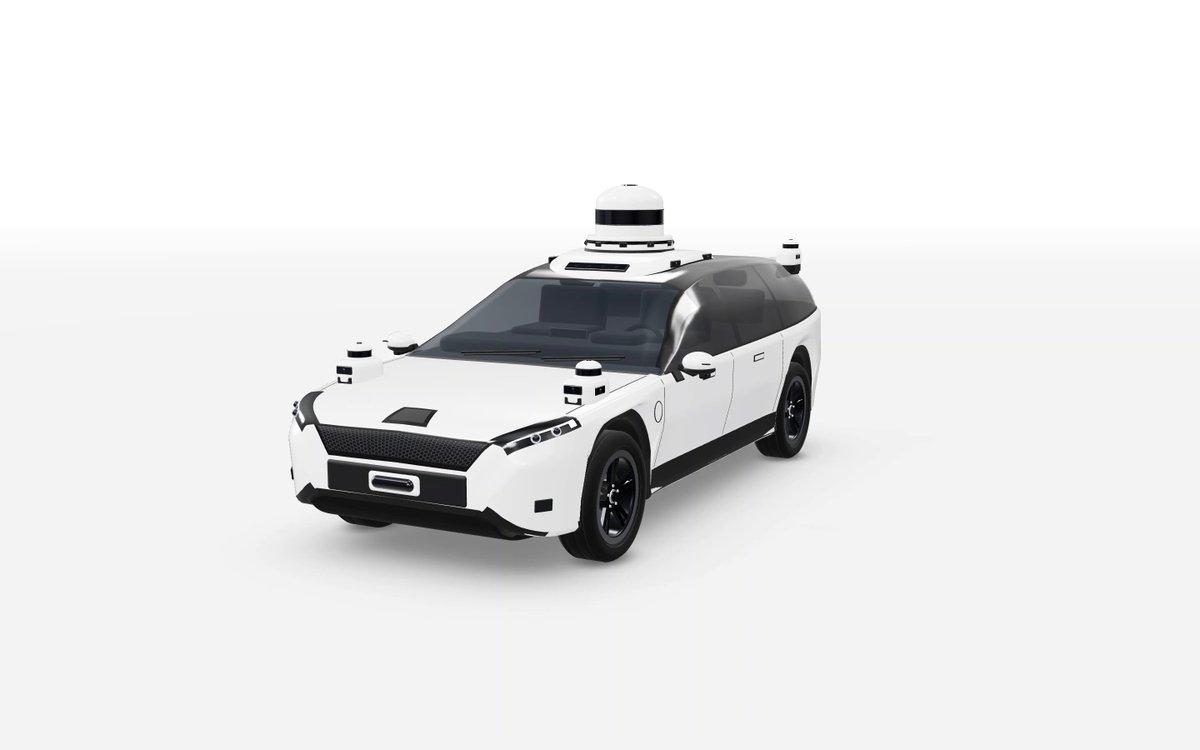
The author reports using this prompt with GPT-6 Astra Max in Codex for a 3D Waymo Jaguar I-Pace model made with Three.js. They state that no reference was used and that the resulting vehicle did not resemble the actual car.
Prompt
3d model of Waymo Jaguar i-Pace using three js
View detail ↗ · Original post · Back to examples
Sailboat on Open Water
www.aicontenders.dev · 2026-09-20
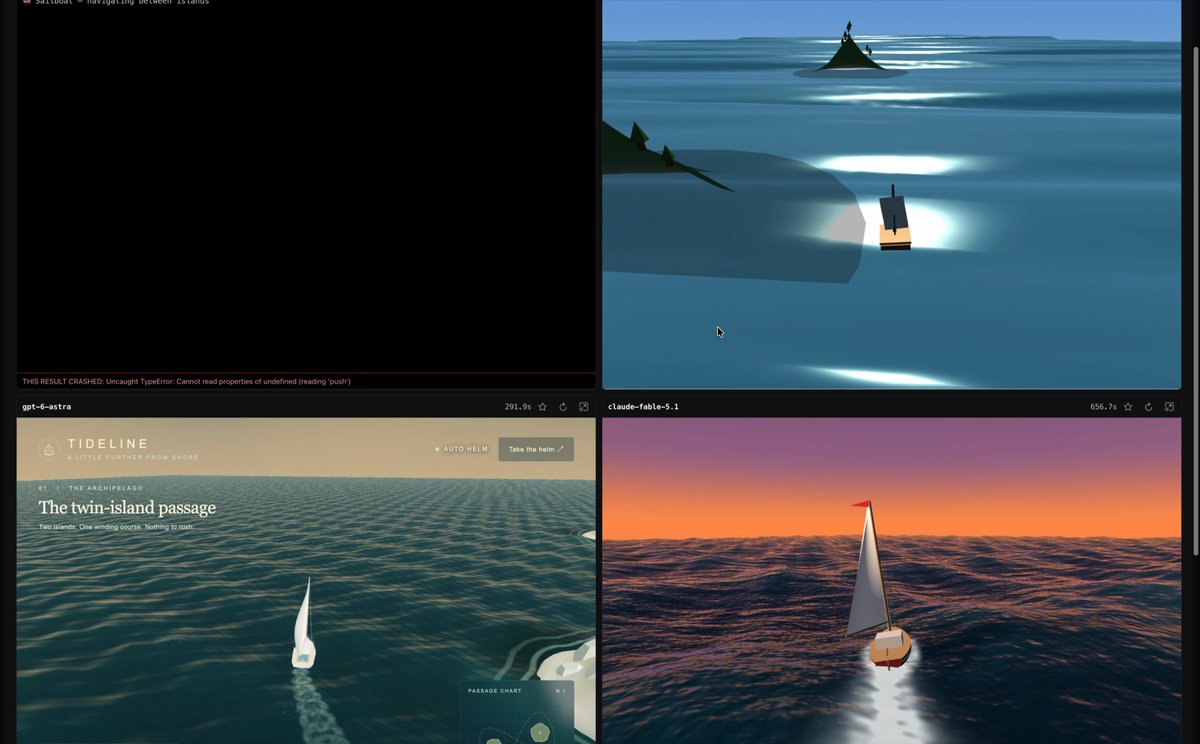
Published on the linked AIContenders comparison page and run against GPT-6-astra alongside other models. The task requests a single-file interactive 3D sailboat scene with procedural animated water, two islands, wave-responsive boat motion, navigation that avoids land, and a smoothed chase camera.
Prompt
Build a single HTML file with a 3D scene showing a small sailboat moving across open water, with native steering and a course that navigates around two visible islands, similar to the comparison "boat game" demos seen in recent model tests.

Functional requirements:

A water surface rendered as an animated wave mesh (procedural water shader, moving waves, light reflections that shift with viewing angle, a wake trail behind the boat), not a flat, static texture.
A sailboat model built from simple shapes (hull, mast, sail filled by the wind), with visible bobbing and slight tilting on the waves, synchronized with the motion of the water beneath it.
Two distinct islands placed at different points in the scene, each with simple terrain shaping (a rise, a beach, optionally vegetation) and a shadow cast onto the water around it.
The boat should follow a route that genuinely avoids both islands (never clipping through their silhouette or crossing through the land), turning smoothly rather than snapping between angles.
The camera follows the boat with a slight lag (smoothed camera follow), giving the impression of a dynamic chase rather than a rigidly attached top down view.
A gradient sky (e.g. sunset or daytime blue, model's choice) with a sun or light reflection on the water, directionally consistent with the shadows on the islands.

Technical requirements:

A single .html file, three.js from cdnjs is allowed, no other external assets or textures, all water and terrain generated procedurally in code/shader.
The route around the islands can be a pre-planned path (e.g. a Bezier curve threading between the islands) or simple steering that reacts to position, model's choice, but no collision with land is allowed.
The animation must run smoothly for at least 20 seconds, looping or continuous, minimum 30fps on a typical laptop, canvas resolution capped to window size with a devicePixelRatio no higher than 1.5 to avoid overloading hidpi screens.

Judged primarily on whether the water looks convincingly like a fluid in motion (not a texture with animated UV offset), whether the boat genuinely reacts to the waves, and whether the route around the islands reads as intentional navigation rather than a random near miss.
View detail ↗ · Original post · Back to examples
Create a 3D model of WALL-E in Three.js
Marcel · 2026-09-20
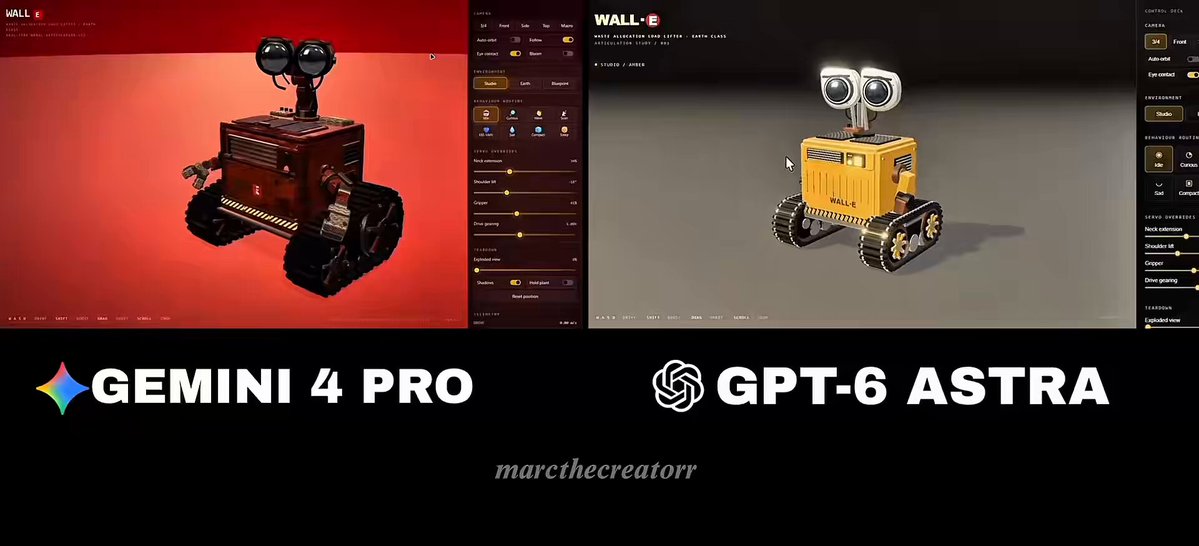
A prompt shared by Marcel as the exact same prompt they gave Astra, requesting a 3D WALL-E model built in Three.js.
Prompt
create a 3d model of wall-e in three.js.
View detail ↗ · Original post · Back to examples
Verdant — interactive 3D dinosaur island
vib3coded · 2026-09-20
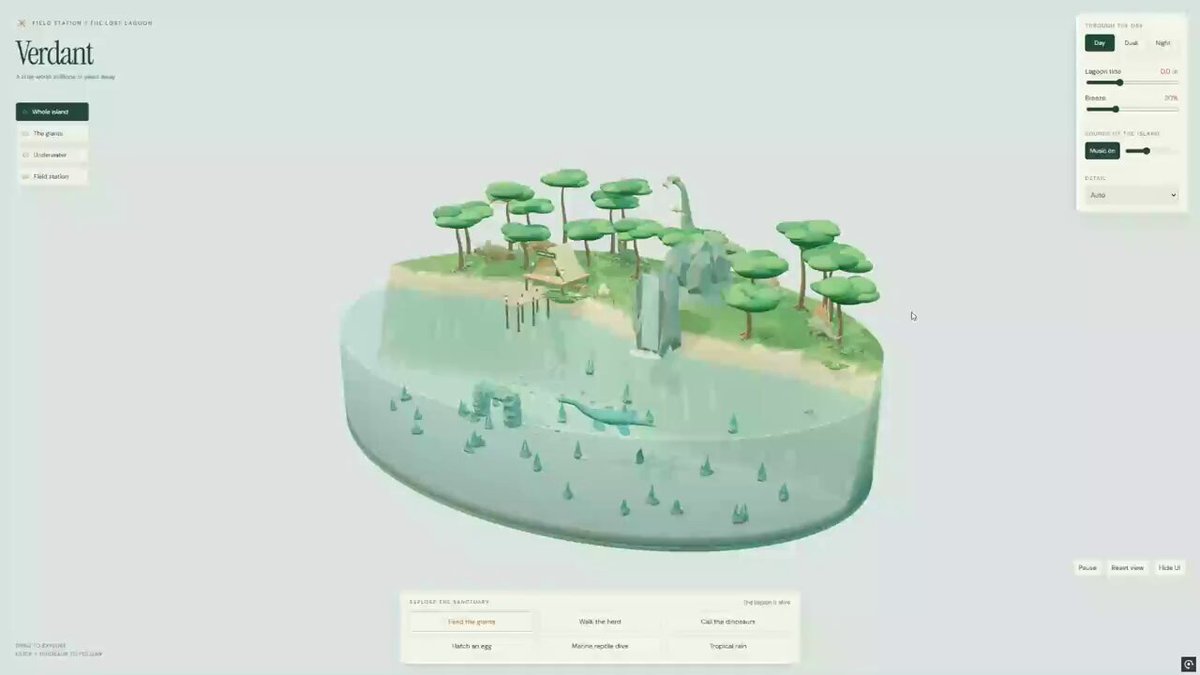
An author-verbatim request from @vib3coded for Verdant, an interactive Three.js and WebGL 3D island diorama. It specifies roaming dinosaurs, a waterfall and cutaway lagoon, underwater camera movement, animal-feeding and egg-hatching interactions, environmental controls, rain, music, and delivery as one browser-ready HTML file.
Prompt
create Verdant - an interactive 3D diorama built with Three.js + WebGL

A lush island with roaming dinosaurs, a waterfall, and a cutaway lagoon with a swimming marine reptile. Feed the herd, hatch a baby dinosaur, and take the camera underwater

Adjust the tide, wind, and time of day, or bring in tropical rain while relaxing music plays

Everything runs right in your browser, in a single HTML file
View detail ↗ · Original post · Back to examples
Interactive 3D Sun model website
HIX.AI · 2026-09-21
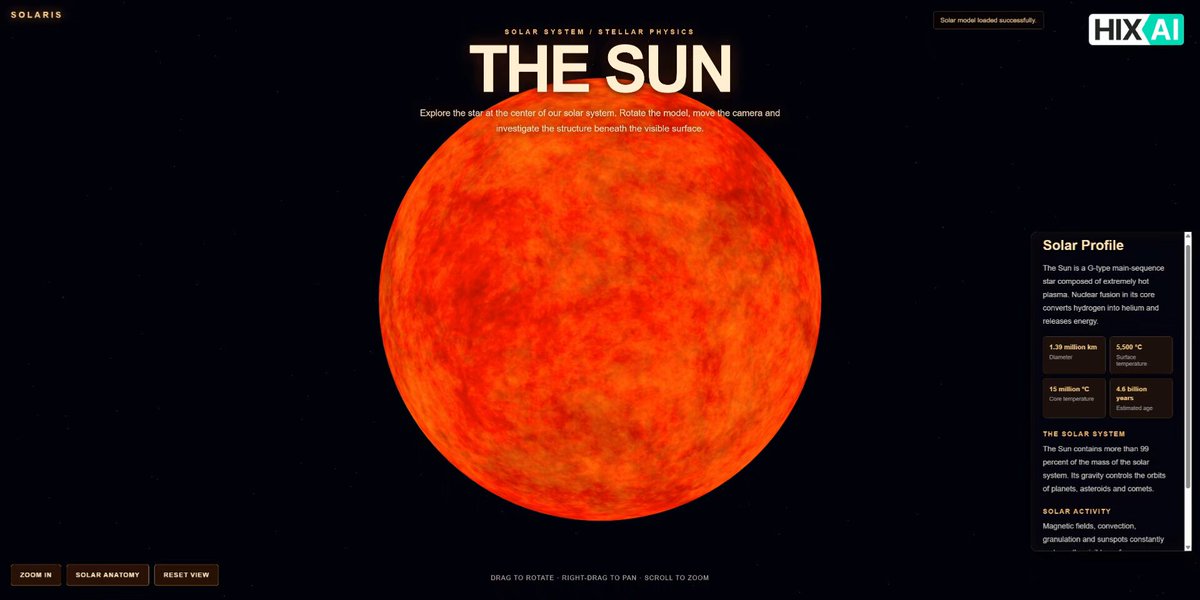
Create an interactive Three.js website centered on a realistic 3D Sun made through a Blender Python script. The site supports rotating, moving around, and zooming into the Sun; includes a cosmic background and solar-system information; and provides an interactive anatomy view with labeled solar layers and descriptions.
Prompt
I want to build an interactive 3D Sun model website using Three.js.

First, please write a Python script that can be run directly in Blender to create a highly realistic 3D model of the Sun. The model should be based on the Sun's real physical and visual characteristics, including its spherical shape, surface texture, color, plasma-like appearance, solar granulation, and glowing atmosphere. It should not look like a simple orange sphere. Please use appropriate materials, shaders, textures, and lighting effects to create a realistic solar appearance.

Then, write the complete website code using Three.js. The Sun should occupy approximately 80% of the main visual area. Users should be able to rotate the Sun, move the view, and zoom in and out. The scene should include realistic lighting and glowing effects to make the Sun look dynamic and three-dimensional.

Add a zoom-in button that allows users to get closer to the Sun and observe its surface details.

The website should also include informative content about the Sun and its role in the solar system. The overall background should be a realistic cosmic galaxy/space environment.

In addition, add a button that opens an interactive internal anatomy view of the Sun. This view should show the major layers of the Sun, such as the core, radiative zone, convection zone, photosphere, chromosphere, and corona. Each layer should have a corresponding label and a short text description. Ideally, users should be able to interact with the diagram and select different layers to view their information.

Please make the website visually impressive, scientifically informative, and fully interactive, with a modern space-themed UI.
View detail ↗ · Original post · Back to examples
Spline Rush procedural browser racing game
Maharajahu🪢 · 2026-09-21
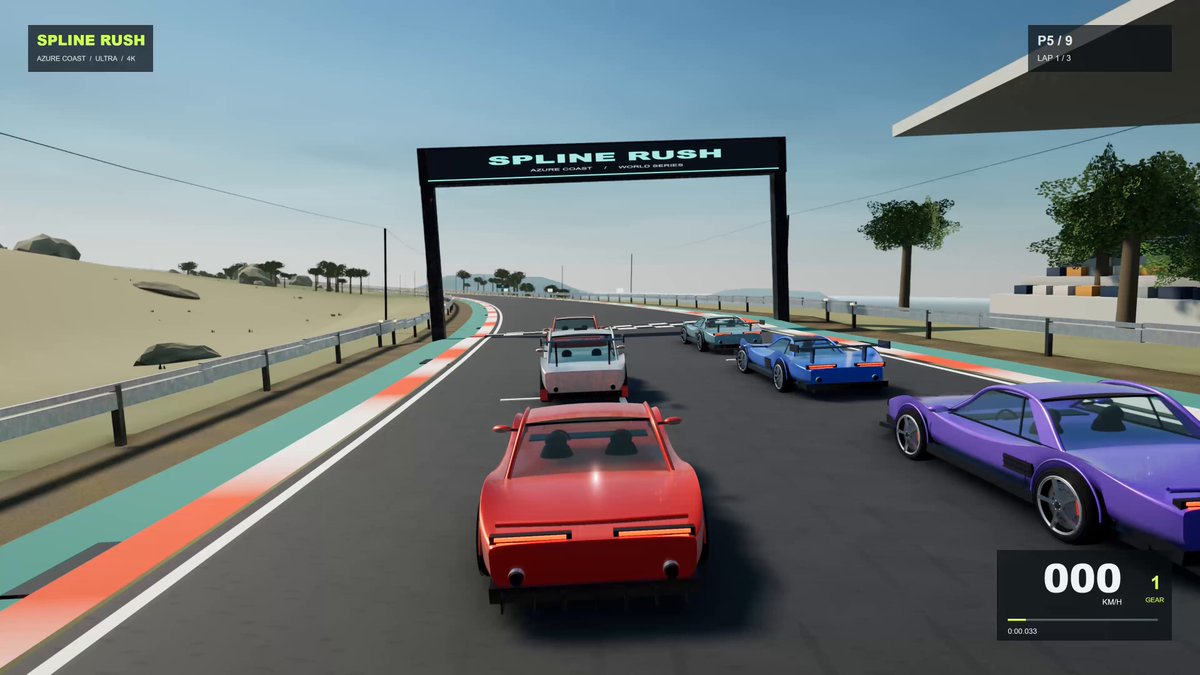
A verbatim prompt supplied in the root author’s verified comment for creating Spline Rush, a procedural Three.js browser racing game with tracks, AI opponents, physics, graphics presets, and synthesized audio.
Prompt
Build a complete, production-quality browser racing game called Spline Rush using the latest Three.js (WebGPURenderer + TSL where possible). 100% procedural: no external models, textures, audio files or fonts. Everything generated in code at runtime.

CORE GAME
- 6 unique tracks with elevation, banking, tunnels, hairpins, named corners and distinct biomes (coastal day, mountain dusk, desert sunset, forest rain, night city neon, high-speed oval).
- Championship mode (qualifying + 3 races), Time Trial with ghosts, Quick Race.
- 8 AI opponents with personality, racing line, braking points, overtaking and defending.
- Best lap records, sector times, live event feed, replay camera.
- Garage: 5 parametric cars with clearcoat + metal-flake paint, panel gaps, working lights, animated suspension, damage states.

GRAPHICS TARGET (Ultra, worthy of RTX 5090 at 4K)
Renderer: THREE.WebGPURenderer. Physically based pipeline.
Lighting:
- Rayleigh/Mie physically based sky + starfield + moon + dynamic sun that drives a full day/night cycle.
- Cascaded shadow maps (4 cascades, stable texel snapping, high-res).
- IBL via PMREM updated with time of day.
- Volumetric fog + god rays + heat haze.
Materials:
- MeshPhysicalMaterial / TSL nodes: clearcoat, anisotropy, transmission on glass, metal-flake paint, wet-road shader that reacts to rain.
Post-processing chain (RenderPipeline / TSL or postprocessing library):
GTAO or high-quality SSAO → SSR → bloom (Karis) → motion blur (velocity) → DOF → god rays → auto-exposure → color grading + film grain + vignette → SMAA or TAA.
Effects:
- GPU particle pools: tyre smoke, sparks, dust, rain spray, grass/gravel kick-up, heat distortion.
- Skid marks that persist and fade.
- Dynamic wetness and puddle reflections when raining.

PHYSICS & FEEL
- Fixed-step 120 Hz simulation.
- Raycast or strut suspension, load transfer, combined-slip tyres, ABS/TC, surface types (asphalt, kerb, grass, gravel, wet).
- Camera: cinematic chase + hood + onboard with motion and collision shake.

AUDIO
- Fully synthesised Web Audio: multi-layer engine by RPM/load, wind, tyre screech, kerb rumble, crowd, dynamic music.

QUALITY SYSTEM
- Presets: Low / Medium / High / Ultra.
- Ultra assumes RTX 5090-class GPU: 4K, high shadow maps, max particles, all post effects on, no aggressive LOD.
- Adaptive quality that can drop effects if frame time exceeds target.

Start with a playable first version (one track, one car, basic lighting), then iterate feature-by-feature exactly as requested. Keep everything in a single clean HTML/JS (or Vite) project that runs locally. Comment major systems. Make it look expensive, not cute.
View detail ↗ · Original post · Back to examples
Interactive 3D helicopter design presentation
Vib3Coded · 2026-09-22
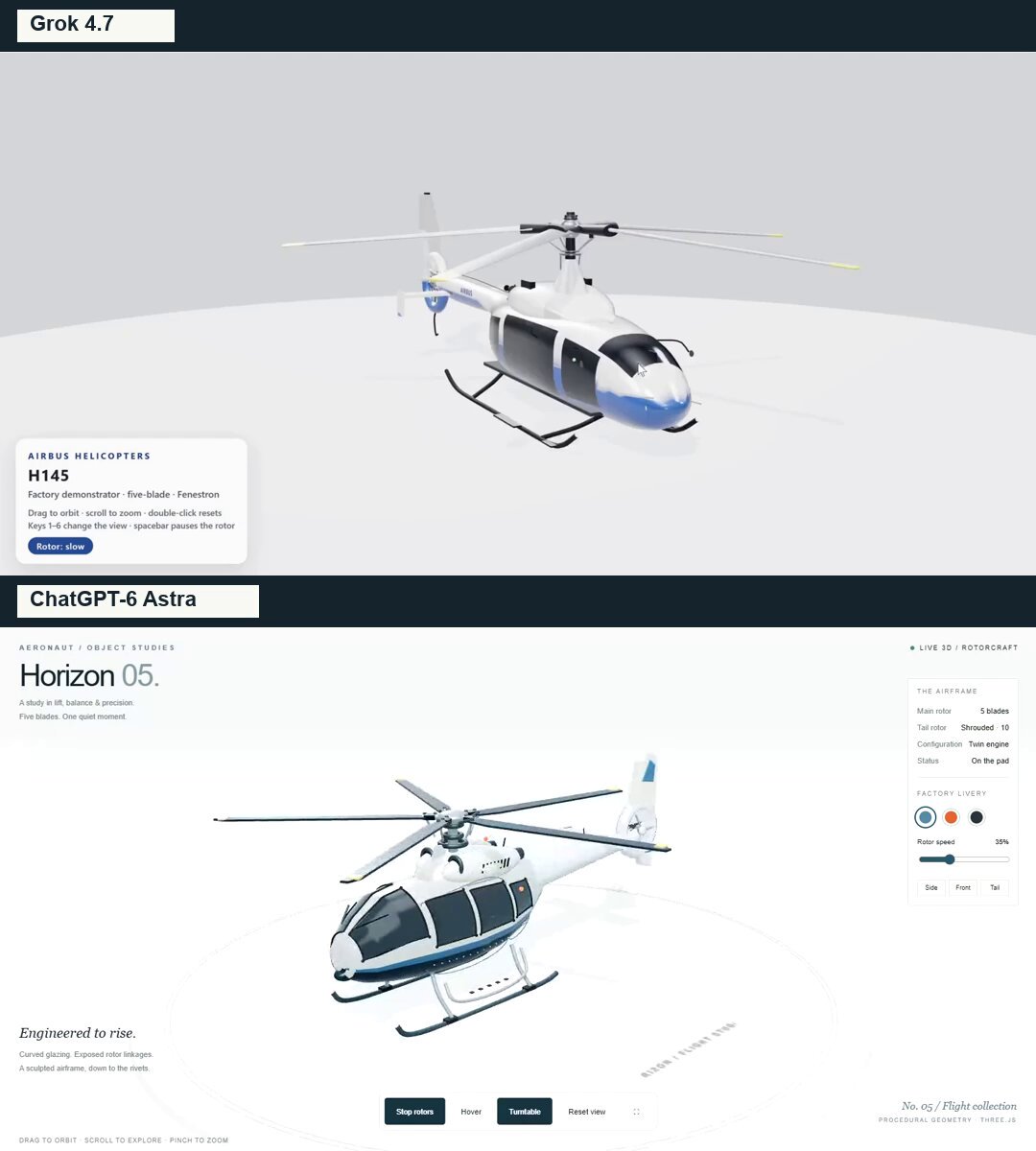
The author shared this prompt in a comment on their comparison of Grok 4.7 and ChatGPT-6 Astra. It requests a browser-based interactive 3D helicopter presentation with procedural geometry, detailed aviation features, selectable liveries, rotor controls, hover behavior, camera controls, and a responsive Three.js/WebGL interface.
Prompt
Create a detailed, interactive 3D scene of a modern helicopter in a single HTML file using Three.js and WebGL. Build genuine 3D geometry that can be viewed from every angle, not an image.

Visual style:
A premium aviation design presentation with a light gray studio background, a circular display platform, soft shadows, and realistic reflections.
Helicopter:

A smooth, streamlined fuselage inspired by light twin-engine helicopters such as the H145.
A white body with a dark navy underside and blue accent stripe.
Curved, tinted cockpit windows with reflections and carefully fitted window seals.
Side doors, handles, panel seams, rivets, boarding steps, and antennas.
Two engine housings with air intakes, ventilation grilles, and exhaust outlets.
A five-bladed main rotor with a detailed hub, attachment hardware, and pitch-control linkages.
A tapered tail boom, stabilizers, and a shrouded tail rotor with a genuine opening through its housing.
Curved landing skids attached to the fuselage with structural supports.
Navigation lights and a blinking beacon.
All components must connect physically. Avoid floating parts, gaps between sections, rotor blades intersecting the fuselage, or windows hovering above the body.

Interactions:

Mouse drag to orbit, scroll to zoom, and touch controls.
Start and stop both rotors with gradual acceleration and deceleration.
Adjustable rotor speed.
Hover mode: smoothly lift off the platform, gently sway in the air, and land softly when disabled.
Automatic camera orbit.
Front, side, and tail camera presets.
Reset camera and fullscreen controls.
Three liveries: glacier blue and white, rescue orange, and graphite.
Interface:

Top left: a small “AERONAUT / OBJECT STUDIES” label and a large “Horizon 05.” heading.
Right side: a compact panel with specifications, helicopter status, livery selection, and rotor speed.
Bottom: controls and interaction hints.
Restrained typography, thin borders, and generous whitespace. Keep the helicopter unobstructed.
All interface text in English.
Technical requirements:

Generate the geometry procedurally without downloading a prebuilt helicopter model.
Use PBR materials, a studio reflection environment, and soft shadows.
Make animation independent of frame rate.
Reuse geometry and materials where appropriate, and cap pixel ratio for performance.
Support desktop and mobile layouts, keeping the full rotor span visible in the initial view.
If possible, embed dependencies in the HTML so the file works offline.
Display a helpful fallback message if WebGL is unavailable.
Before finishing, inspect the model from every side, test every control, and check for console errors. Pay particular attention to the silhouette, structural connections, glazing, and rotor mechanisms.

Deliver the working HTML file, not just an explanation.
View detail ↗ · Original post · Back to examples
Tokyo Tower Day-and-Night 3D Scene and Video
Wafffle · 2026-09-22
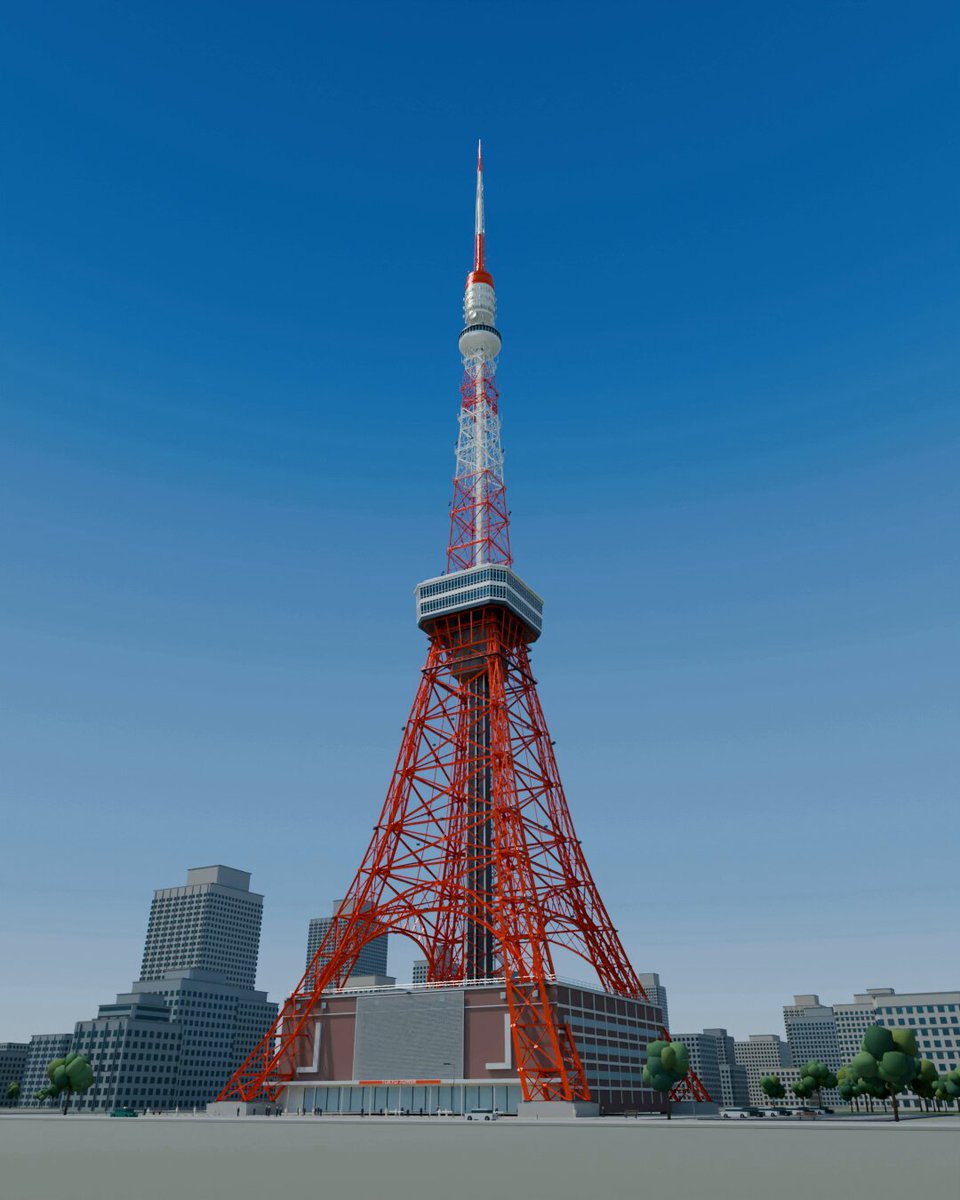
A production brief for creating a scene based on researched structural features of Tokyo Tower and the atmosphere of its surroundings, using actual 3D geometry to show both daytime and nighttime views. Deliverables include editable Blender files, an approximately 30-second MP4 for posting on X, preview images, and a README. The author is sharing this as an instruction prompt for Astra.
Prompt
Create a compelling 3D artwork centered on Tokyo Tower, along with an approximately 30-second video for posting on X.

You are the production director. Create the necessary subtasks and commission the research and production work. Take responsibility for defining the brief, managing progress, reviewing deliverables, requesting revisions, and compiling the final package.

【What to create】
Create Tokyo Tower in a way that conveys its height from a ground-level, upward-looking view and the fine detail of its steel framework from close up.
Provide both daytime and nighttime versions: show the structure and paint during the day, and the beauty of the illumination at night.

The work should make viewers feel that Tokyo Tower has been carefully studied. Research and reproduce distinctive details—not just the tower’s overall shape, but also the way its legs flare outward, the arrangement of its steel framework, the observatories, and the buildings at its base. Keep the surrounding city focused enough to convey the tower’s scale and sense of place.

【Production process】
・Research official references and photographs, then determine which features to reproduce and set their priorities.
・Based on that research, provide specific production instructions for each subtask.
・Review an actual 3D preview early on and adjust the form, composition, and brightness.
・Review the finished images and video yourself, identify anything that feels off or incomplete, and request revisions.
・Make independent decisions about detailed technical choices and shot structure, and carry the project through to completion.

Do not substitute a background made from pasted photographs or generated images. Express the scene using actual 3D geometry and camera movement. Record both verified facts and areas inferred due to insufficient reference material.

【Video】
Approximately 30 seconds. Combine an upward-looking ground-level view, close-ups of the steel framework and observatories, and a wide shot that shows the entire tower. Also show the transition between day and night.
Decide on the exact timing and shot breakdown based on the completed model, choosing the structure that presents it most effectively.

【Deliverables】
・Editable Blender files
・MP4 video for posting on X
・Preview images showing the full scene and details in both day and night settings
・A short draft post
・A README documenting asset sources, the scope of the reproduction, and verification results
View detail ↗ · Original post · Back to examples
Bubble Bay: 3D Water Balloon Battle
jared · 2026-09-22
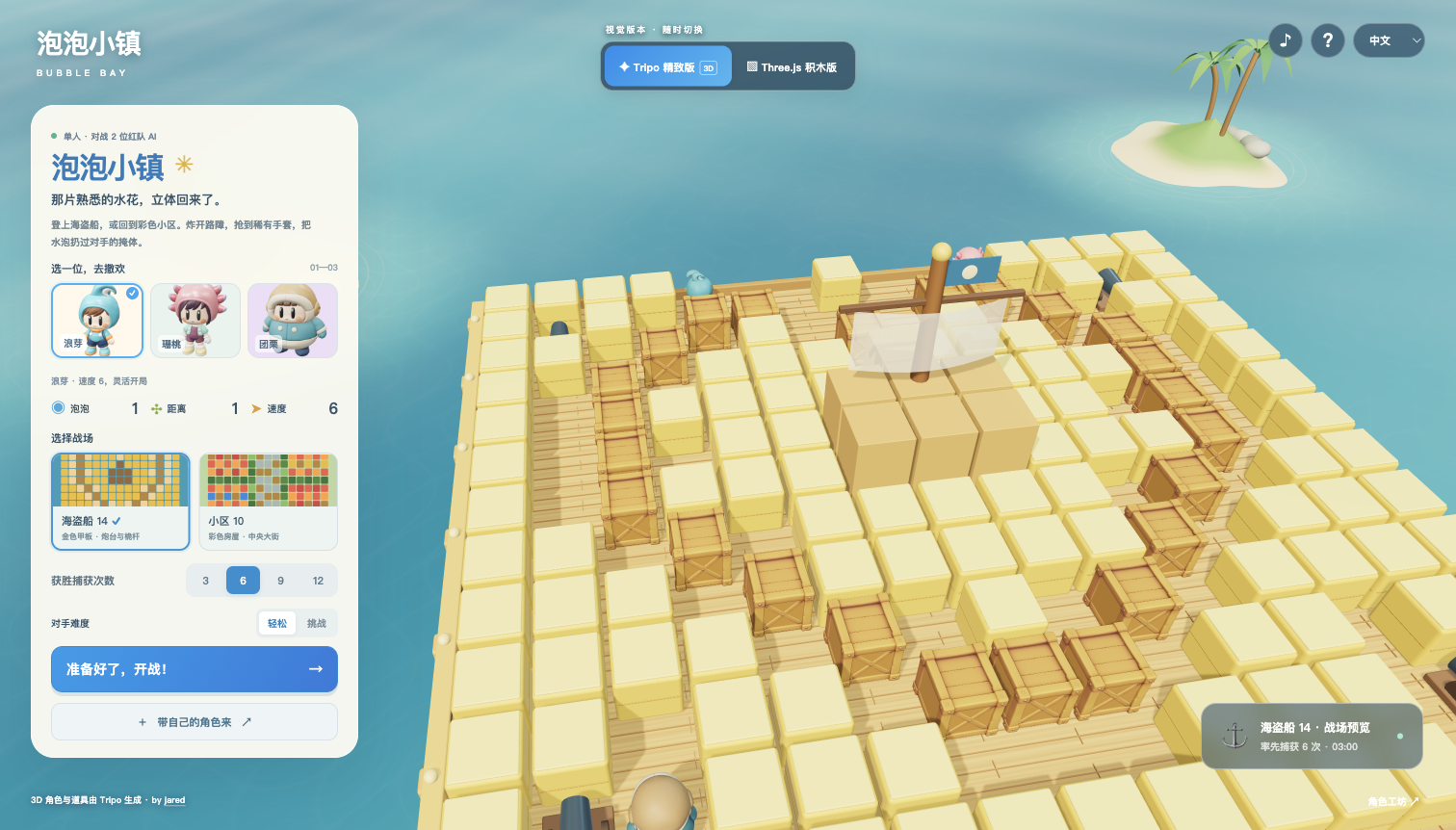
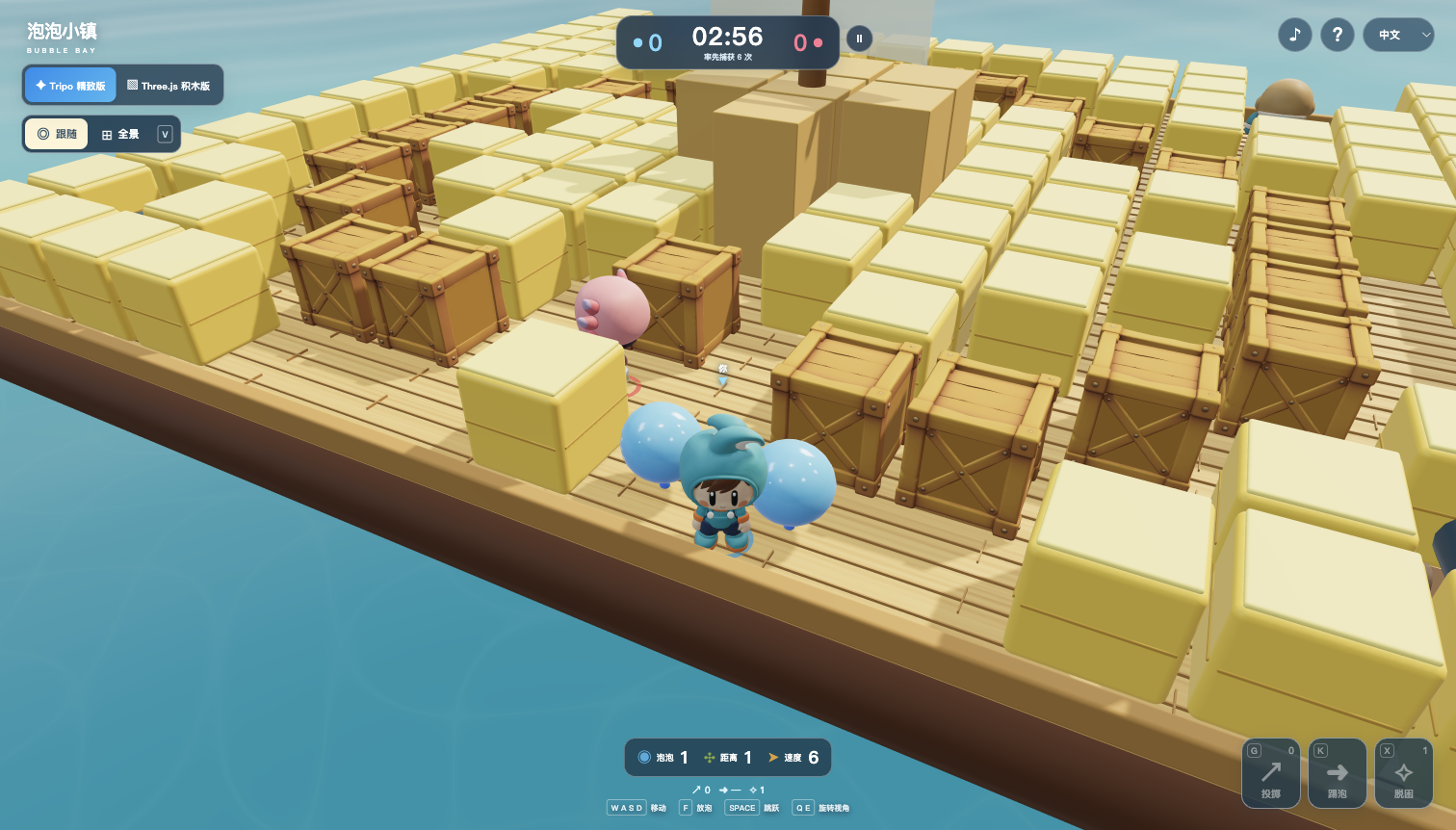
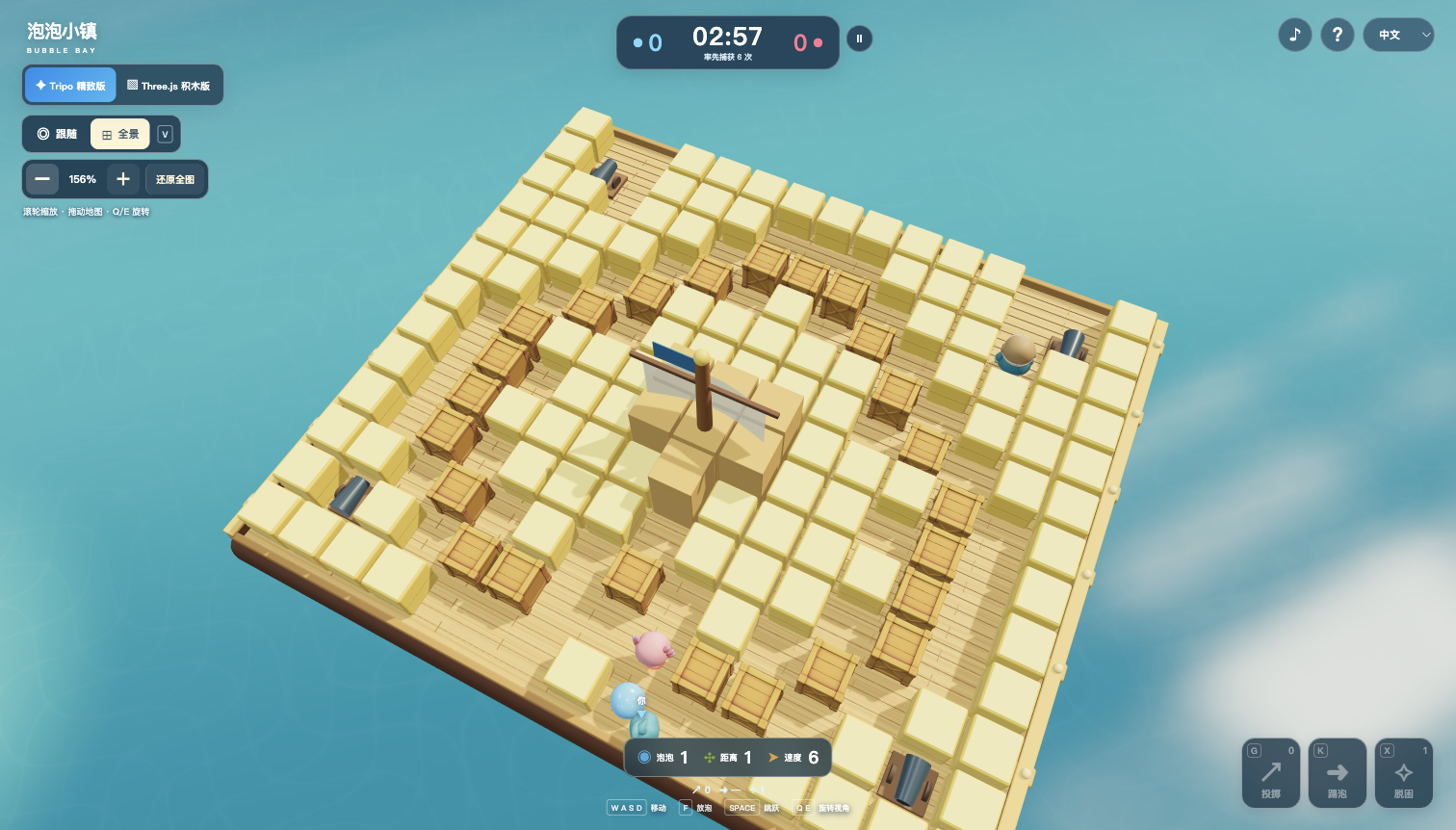
Build a 3D water-balloon battle with original costumed characters Langya, Shantao and Tuanli, animated P2 models, Pirate14 and Village10 arenas, close follow and zoomable overview cameras, AI rivals, six-capture matches, custom character imports and original ElevenLabs music.
Prompt
Build Bubble Bay, a playable Three.js water-balloon arena with the familiar big-headed, short-bodied, exposed-face costume-character style of classic bubble games. Default to detailed Tripo models with an obvious Three.js geometry comparison switch that preserves the match. Use three new characters: Langya, Shantao and Tuanli. Follow the supplied new character concept/model references, preserving their silhouettes, faces, colors and outfits.

Langya is a lively human boy in a turquoise hood with one connected sideways wave crest, orange collar/cuffs, navy shorts and turquoise shoes with orange soles. Shantao is a small human girl with a dark-plum bob, a peach-pink bonnet with three short petal ornaments on each side, mint jacket, plum short overalls and pale-yellow boots. Tuanli is a chubby human boy with a broad pear-shaped body, a caramel round padded cap with cream face trim, teal short jacket, cream lower belly and navy boots. All show warm skin-colored child faces with simple dark oval eyes and tiny smiles. These are children in newly designed costumes; do not turn them into literal aquatic creatures or reuse the prior recognizable character outfits. Generate each separately through Tripo CLI with explicit tripo-p2 and independent front/back images, then bind valid biped skeletons and skins. Idle/run/jump must drive actual joints; inspect motion, correct headgear/shoe/body weighting and keep provenance accurate. If motions are locally authored, identify them as such.

Localized names: 浪芽 / 랑야 / Langya, 珊桃 / 산타오 / Shantao, 团栗 / 퇀리 / Tuanli. Starting capacity/range/speed levels: 1/1/6, 1/2/5, 2/1/4; caps: 6/7/9, 6/7/8, 9/8/8. Convert speed to 0.25 + level*0.8 world units per second; tiles are 2 units. Choosing a character assigns the other two as distinct rivals with matching profiles. Keep the same gameplay hit radius regardless of the chubby visual silhouette.

Offer 15x13 Pirate/Patrit14 by default and Village10. Preserve recognizable gold deck, yellow cargo, wooden crates, four cannons and central mast; the village has four colored housing districts, a central road, hedges and toy blocks. Use publisher maps as reference, construct runtime artwork yourself, and document small route openings needed for continuous 3D movement and AI escape. Provide bright materials, shadows, ocean scenery, clear camera follow and overview.

One player faces two cooperating AI rivals. WASD/arrows move, F places a 2.5-second bubble, Space jumps onto real platforms, Shift dashes, Q/E orbits, V changes view and Escape pauses. Cross-shaped water respects obstacles, breaks the first soft block and chains bubbles. Implement trapping, escape, enemy captures, respawns, a selectable target of 3, 6, 9 or 12 captures (default 6), or 180-second scoring, result and retry. Touch joystick and action buttons must work simultaneously.

Use six generated Tripo pickups: balloon, range potion, roller skate, throwing glove, kick boot and rescue needle. Crates drop an item 85% of the time. Conditional item weights: 30/30/30/2.5/3.5/4 percent. Gloves add three throws, capped at six. G throws a nearby bubble up to four tiles over cover, preserving its owner and original fuse, reserving its landing and showing an arc. A bubble expiring in flight lands and explodes. K slides bubbles until blocked without resetting the fuse. X uses a rescue needle, starting at one and capped at three. Show inventory and available controls clearly.

Chinese, English and Korean UI: mainland-China IANA timezones select Chinese, Korea/North Korea select Korean, all others including Hong Kong/Macao/Taiwan select English. Manual choice always wins. Upload only embedded-texture, standard uncompressed, genuinely skinned GLB up to 40 MB and 150k triangles. Validate bones, joints and weights, reject static models, use embedded animations where present, and provide basic joint motion for recognized humanoids without clips. Unrecognized skeletons need animations. Explain rigging versus animation plainly, provide a 90-degree orientation adjustment, process locally in-browser, and assign stable balanced stats by file hash.

Use exactly https://studio.tripo3d.ai/?utm_source=satellite_invite&utm_medium=bubble-bay&utm_campaign=create-character for the creation CTA. Credit jared linking to https://x.com/jaredliu_bravo .

Integrate 13 ElevenLabs sound effects with normalization, short decay, distance/pan, polyphony limits, volume and mute: place, burst, crate, pickup, rare, throw, land, trap, rescue, jump, victory, defeat, kick. Create two original instrumental tracks with ElevenLabs music_v2_5, 90 seconds each, matching the nautical pirate map and sunny neighborhood. Normalize them to a restrained -20 LUFS target and crossfade loop boundaries. Give music its own volume control, change tracks by map, fade on pause and honor master mute. Do not reproduce the original game soundtrack.

Keep independent source, dependencies, tests and asset provenance outside the CMS platform apps. Bundle same-origin static resources and MIT notices. Verify actual desktop and touch gameplay, upload variants, languages and visual switching in Ego Lite. Create an immutable review version attached to existing CMS Web Page 12; preserve the existing live release while review is pending. Publish only with truthful source and asset-rights clearance, then verify the public URL, model hashes and behavior. Preserve history and distinguish saved CMS records, previews and public releases.

Load model assets with visible progress, at most three concurrent downloads, a 30-second idle timeout and two attempts. Preserve successful downloads on retry. Hide the entire Tripo / Three.js tab switch until all models are ready, then reveal it. Do not label procedural loading placeholders as loaded Tripo models.


Use a close perspective follow camera that starts outside the spawn facing the arena center. Preserve Q/E orbit, mouse drag pitch and V overview. Keep a compact scoreboard at the top, the mode switch at the upper left, and brief notices near the bottom. Hide joystick and large touch actions on mouse desktops, retaining small rare-item controls; support compact simultaneous touch actions on narrow screens. Add an animated wave shader with teal depth variation, organic sandy islets with curved palms and rocks, subtle wood grain and grass textures. Enclose each trapped character in a size-aware translucent bubble with an iridescent Fresnel rim, gentle float, small bubbles and ground ripples. Verify posed skin vertices fit, reset lift on rescue, and check resource disposal after repeated switching. Avoid expensive scene-wide transmission passes for the water membrane; cap narrow-screen pixel ratio at 1.5.


Provide visible Follow / Overview camera controls and V switching. In Overview, support zoom from 100 to 300 percent using +/− buttons, the mouse wheel and two-finger pinch, with bounded map dragging and Fit map reset. Preserve zoom and the live match when switching camera or rendering versions. Keep compact, non-overlapping rare-item controls in Chinese, English and Korean.
View detail ↗ · Original post · Live demo · Back to examples
A Tower Defense Game Inspired by Sir, We Have Orc Problems
nkz/ぴたすぽ · 2026-09-22
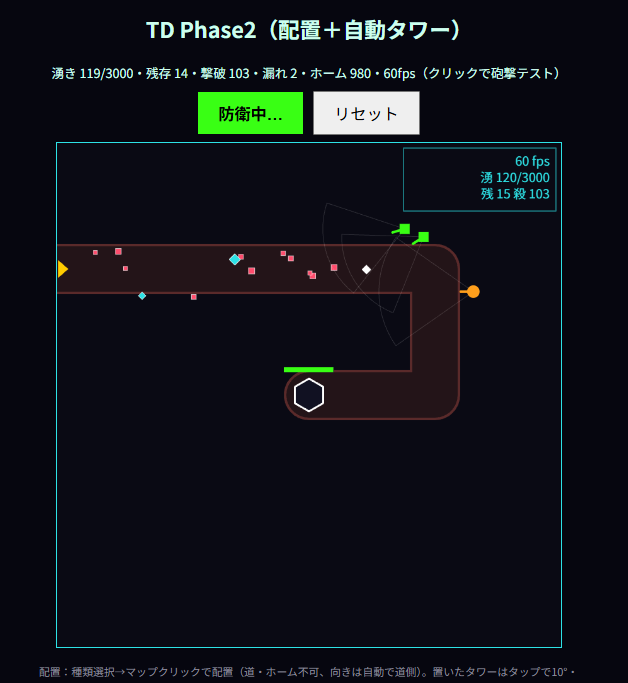
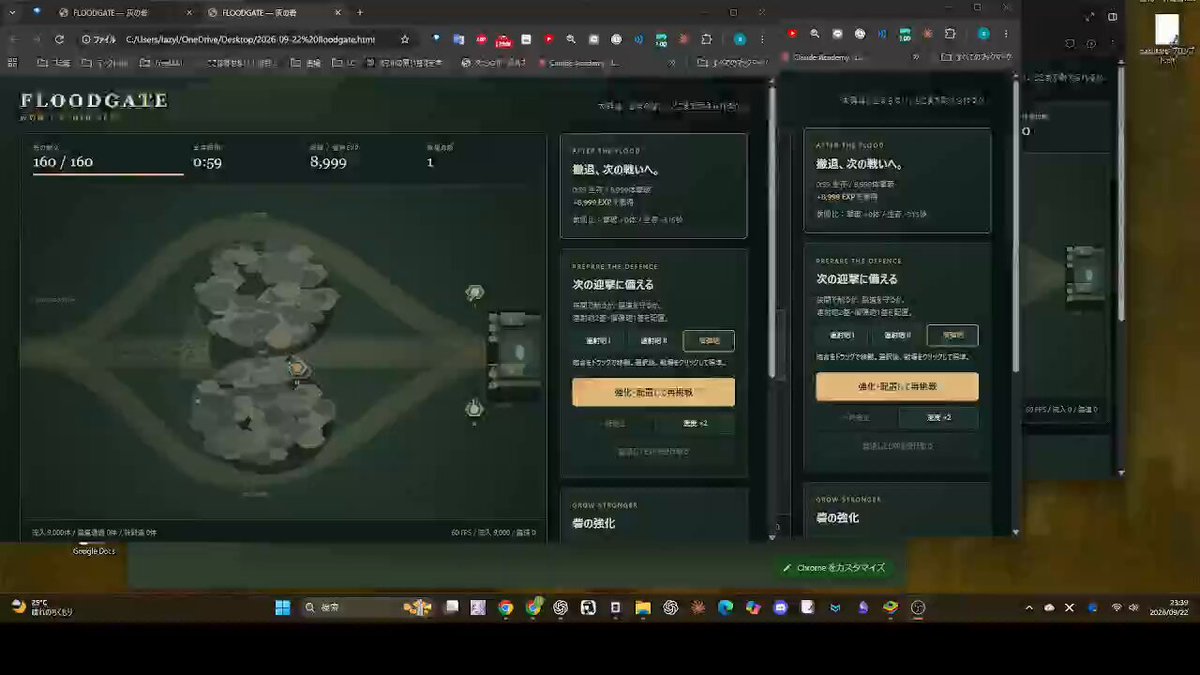
A prompt asking Astra to create a tower defense game like Sir, We Have Orc Problems.
Prompt
Create a tower defense game like Sir, We Have Orc Problems.
View detail ↗ · Original post · Back to examples
Two-story suburban house with interior
Azer · 2026-09-22
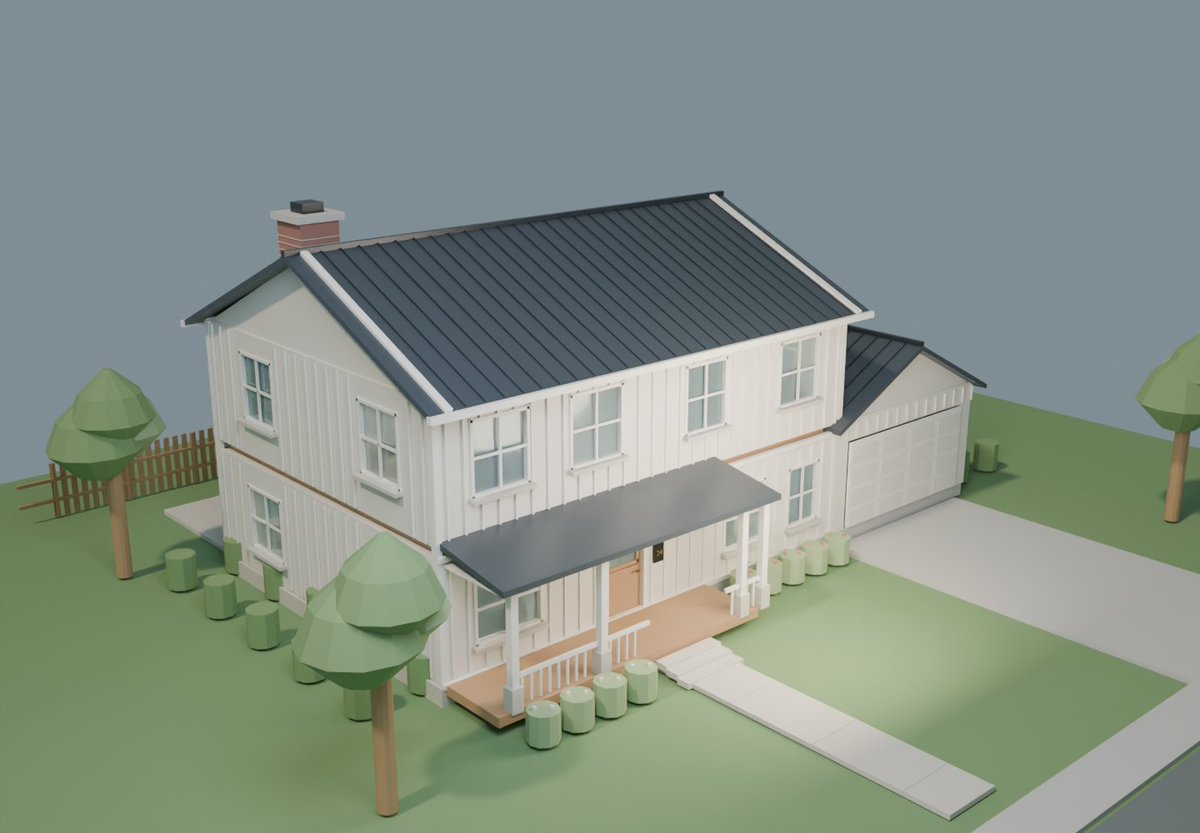
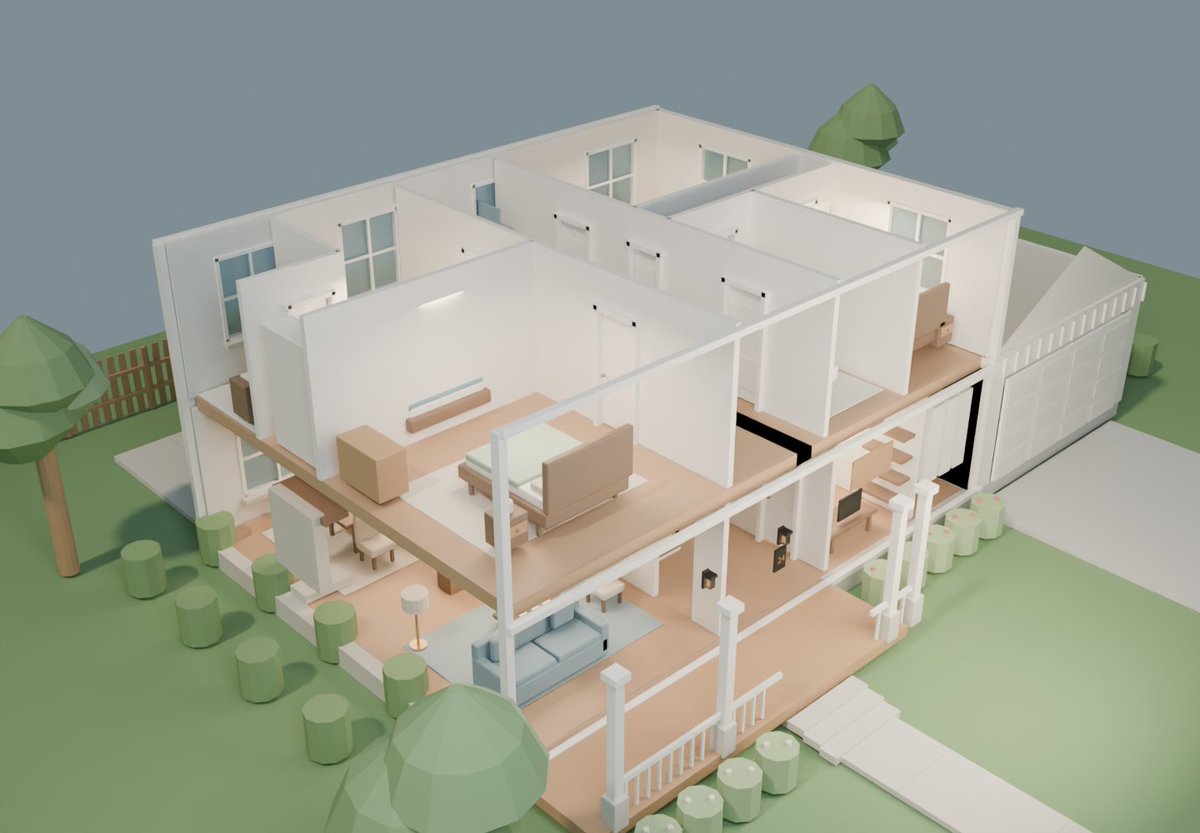
Azer’s stated prompt requests a Blender 3D model of a two-story suburban house with its interior included.
Prompt
Hello. Please design the best possible 3D model using Blender of a two-story suburban house, interior and everything included.
View detail ↗ · Original post · Back to examples
3D kart racer in a single HTML file
Anshul · 2026-09-23
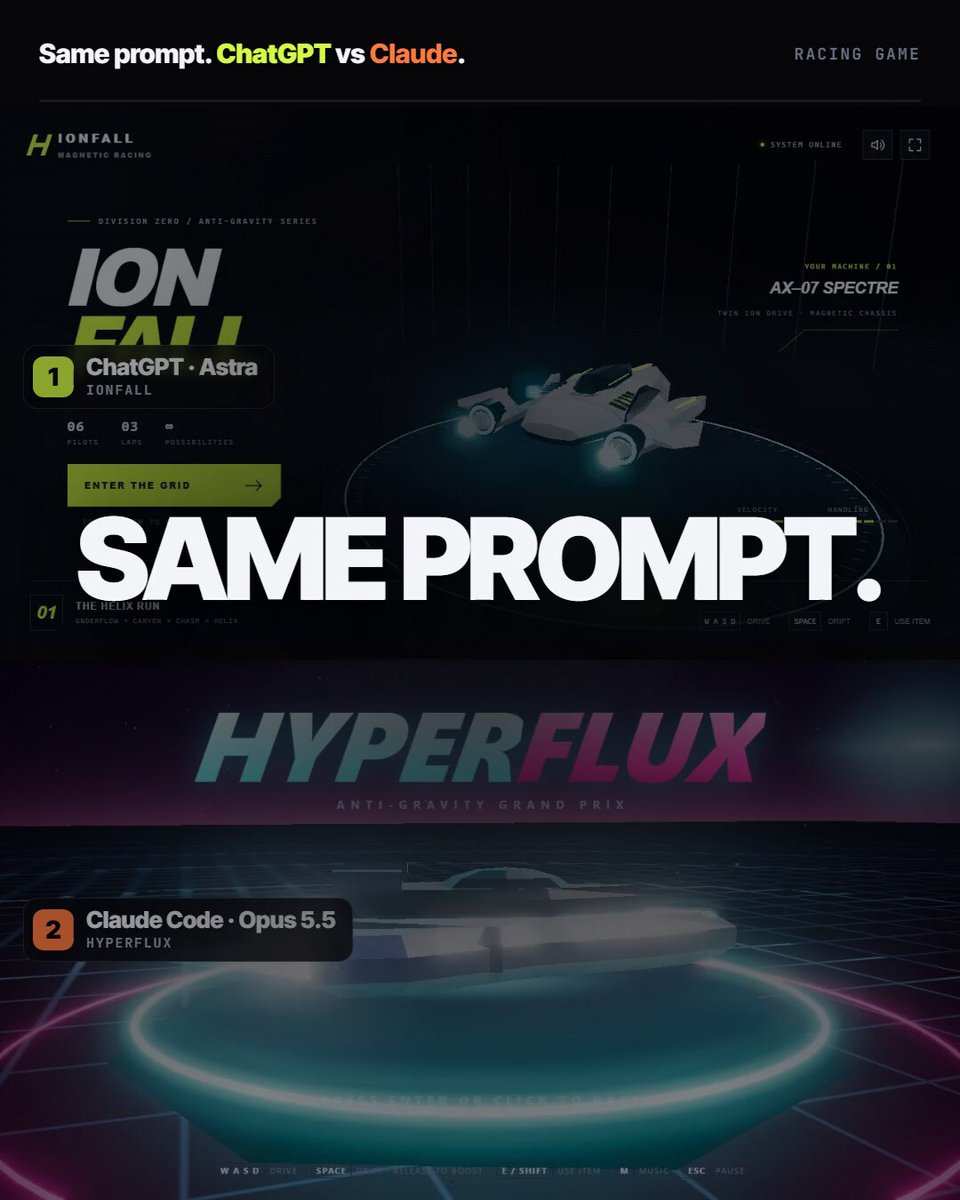
A reusable prompt the author states was given unchanged to GPT Astra 6 and Claude Opus 5.5 for a comparison of their 3D kart-racing implementations.
Prompt
build a 3D kart racer in a single HTML file.
View detail ↗ · Original post · Back to examples
Medieval castle browser animation
juhapalomaki.fi · 2026-09-23
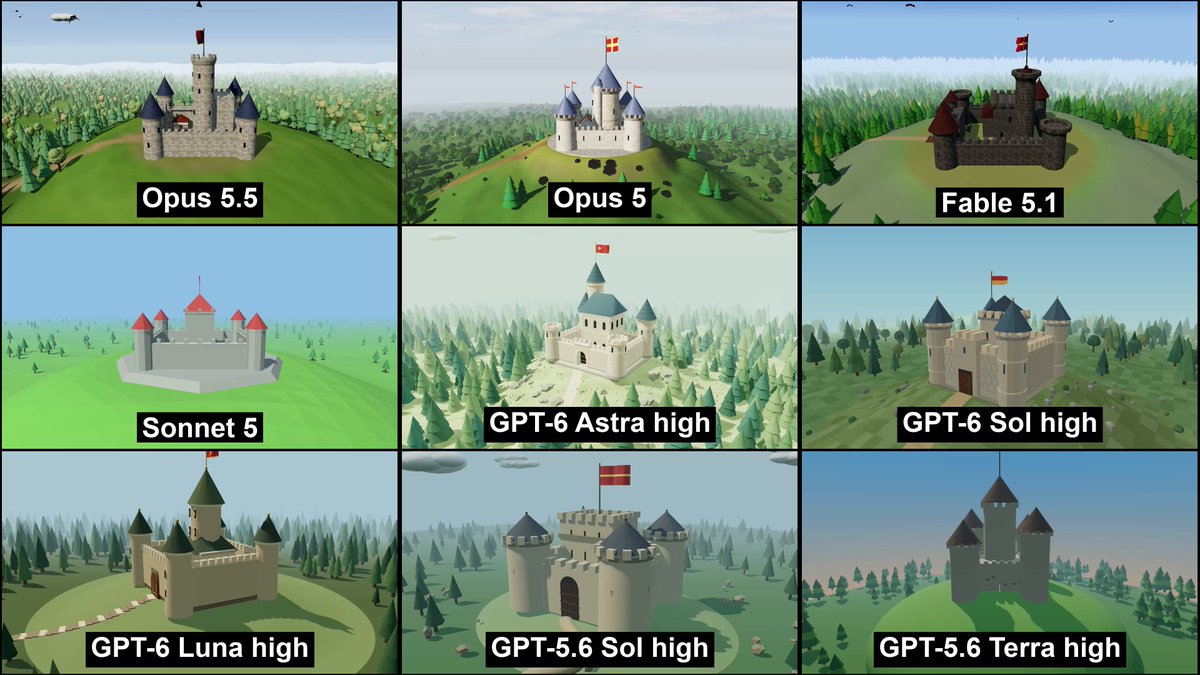
A browser-based 3D scene of a medieval castle on a forested hill. The camera continuously rotates around the castle, and a tower flag waves in the wind. The linked author post identifies this as the shared one-shot task used for GPT-6 Astra high and other tested models.
Prompt
Create a 3d animation that runs completely in browser. The animation features a medieval castle, sitting on top of a hill that is located on large forest. Do not add any keyboard controls, just make the camera spin around the castle so that we see it from all sides. On top of the castle tower there should be a flag that waves in the wind.

The output should contain index.html file that when executed shows the castle and starts the looping animation.
View detail ↗ · Original post · Back to examples
Orbit Lab: A 3D Simulation of the Sun, Earth, and Moon
technewsradio.tokyo · 2026-09-23
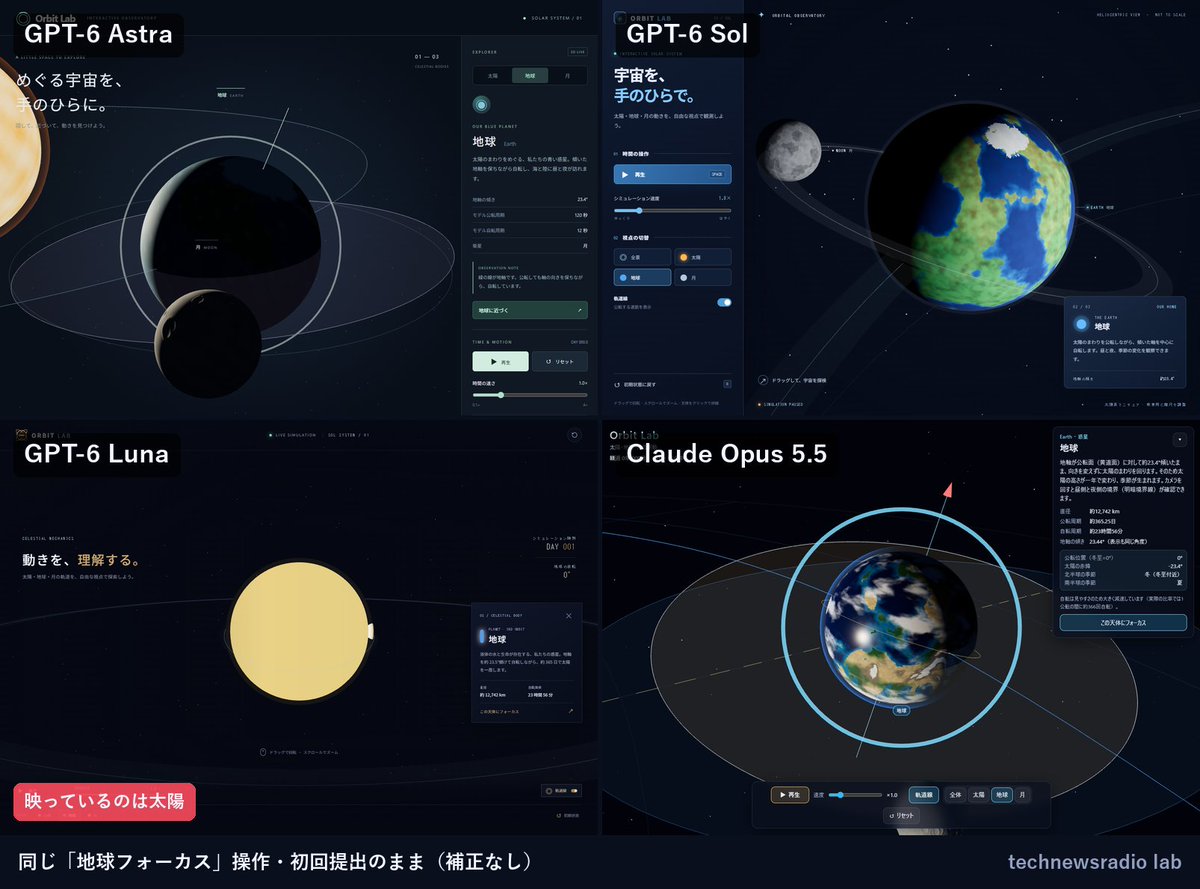
This comparison prompt is stated in the linked article to have been given to all four models, including GPT-6 Astra, Sol, and Luna. It asks for an educational 3D simulation web app built with Three.js, featuring procedurally generated models of the Sun, Earth, and Moon, orbital and rotational motion, click selection, camera controls, playback, speed control, focus controls, and more.
Prompt
This is a comparison experiment. Implement and complete the following web app with the exact same specifications in your working directory. Name it “Orbit Lab.” Use Three.js 0.186.0 and load the core library and OrbitControls at the same version (either via a CDN import map or npm is fine). There is no need to publish or deploy it.

Requirements:
1. Represent 3D models of the Sun, Earth, and Moon using procedural geometry and materials. Do not use external images or 3D assets. Use the Sun as a point light so that the lighting on Earth and the Moon is visible as the camera moves.
2. Animate Earth’s orbit and rotation, its axial tilt, and the Moon’s orbit using delta time. Visualize the tilt of the orbital plane and display orbit lines for Earth and the Moon. The scale and speed may be exaggerated for educational purposes.
3. Generate a reproducible starfield background using a seeded random number generator. Use OrbitControls for rotation and zoom. Clicking a celestial body must change its selected state and the information panel.
4. Include play/pause, a speed slider, an orbit-line visibility toggle, camera focus controls for the Sun, Earth, and Moon, and a button to restore the initial state. Play/pause and reset must also work from the keyboard.
5. Make the interface usable on smartphone-width screens, provide a message for browsers without WebGL support, handle resizing, and cap the pixel ratio to avoid excessive rendering load.
6. Add startup instructions and controls to the README. If possible, launch the app and verify that it works; if not, clearly state why. In the completion report, briefly list the files created, implemented features, and verification results.

Do not ask questions during the process. Make reasonable decisions and implement everything through to completion.
View detail ↗ · Original post · Back to examples
Browser-Based Medieval European-Style 3D Castle
もぎ@ボードゲーム · 2026-09-23
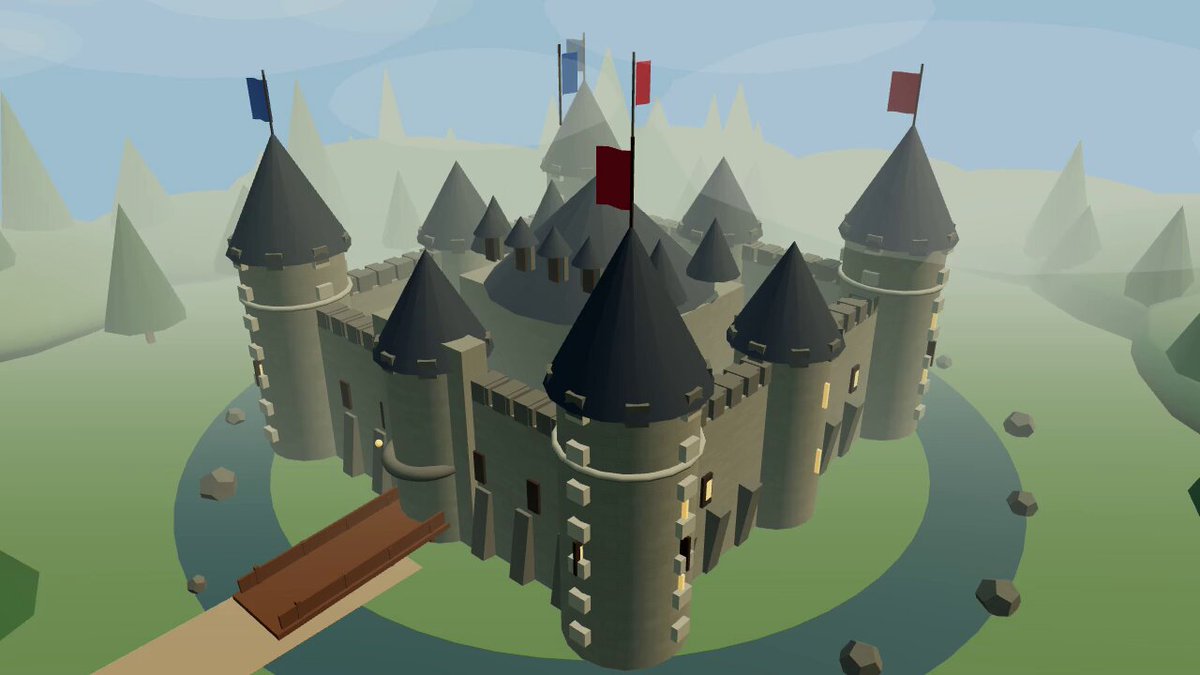
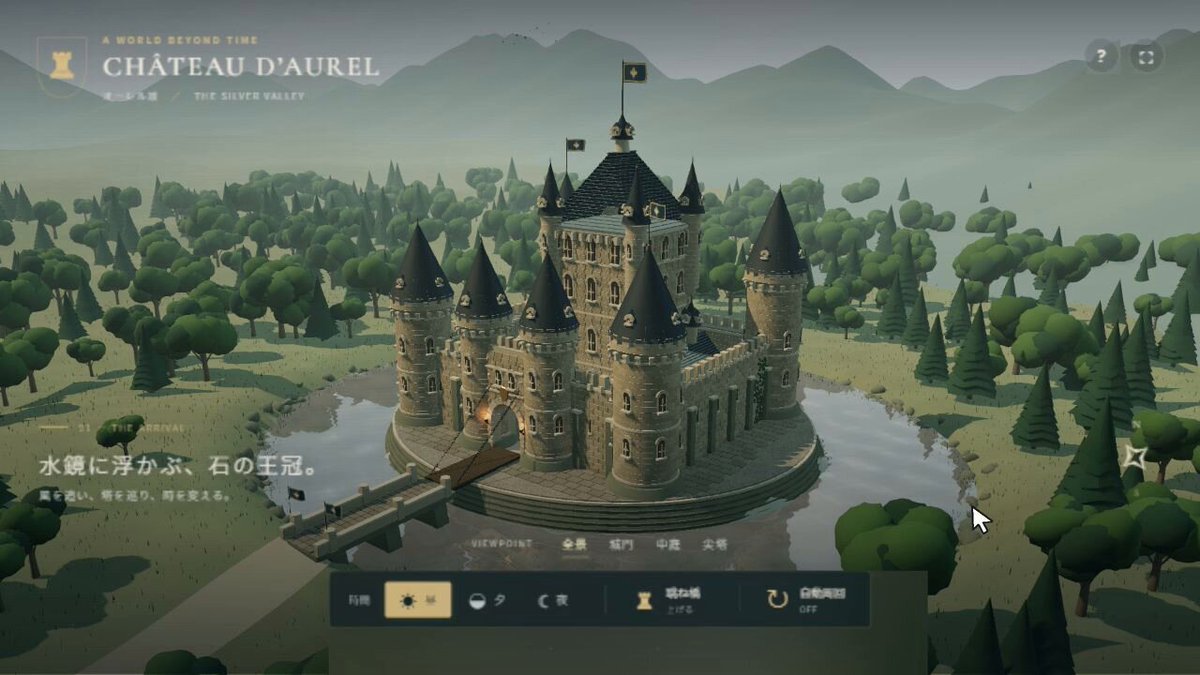
Create a browser-based, interactive 3D castle in a medieval European style. Include a moat, drawbridge, towers, stone walls, flags, and a forest, with the ability to switch between day and night. Prioritize the appearance and quality of the 3D model above all else.
Prompt
Create an interactive 3D medieval European-style castle that can be operated in a browser. Include a moat, drawbridge, towers, stone walls, flags, a forest, and day/night switching.
This is a benchmark, so prioritize the visual quality of the 3D model and push the appearance as far as possible.
View detail ↗ · Original post · Back to examples
Interactive 3D Chessboard for Studying Chess Gambits
Diogo Santos · 2026-09-23
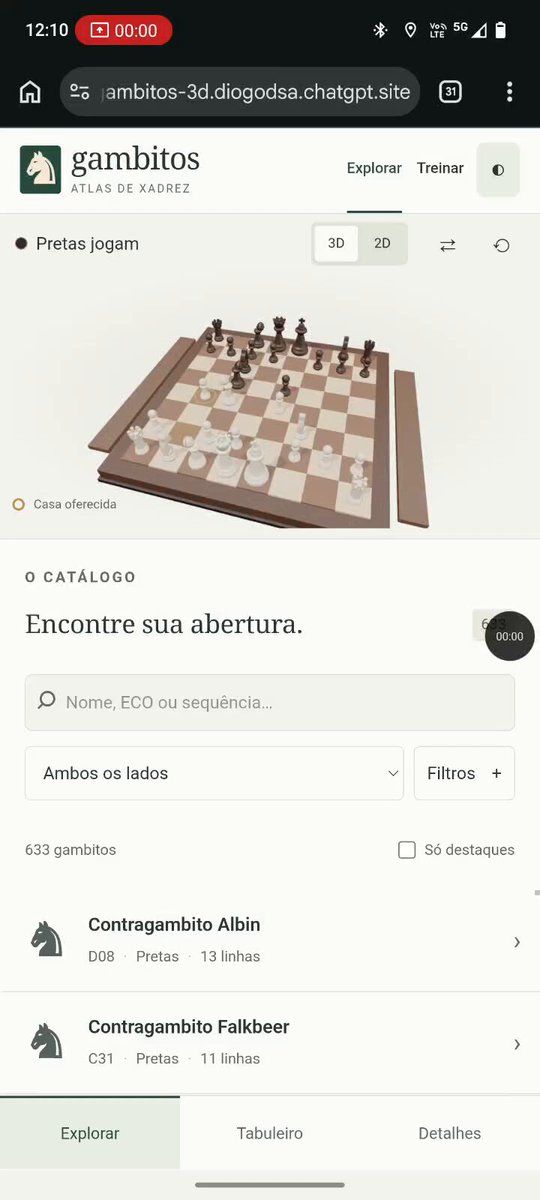
Prompt shared by the author as “a prompt to get started” for a web app with an interactive 3D chessboard for studying gambits. The author says they created a 3D environment and showed an exploration of the Benko Gambit in the video, but does not explicitly claim that this was the exact prompt used for the result shown.
Prompt
Create a web app with an interactive 3D chessboard for studying the main chess gambits. Include move animations, controls to move forward and back, variations, and explanations of the ideas behind each opening.
View detail ↗ · Original post · Back to examples
Infinite solarpunk city shader
Jonas Fröller · 2026-09-23
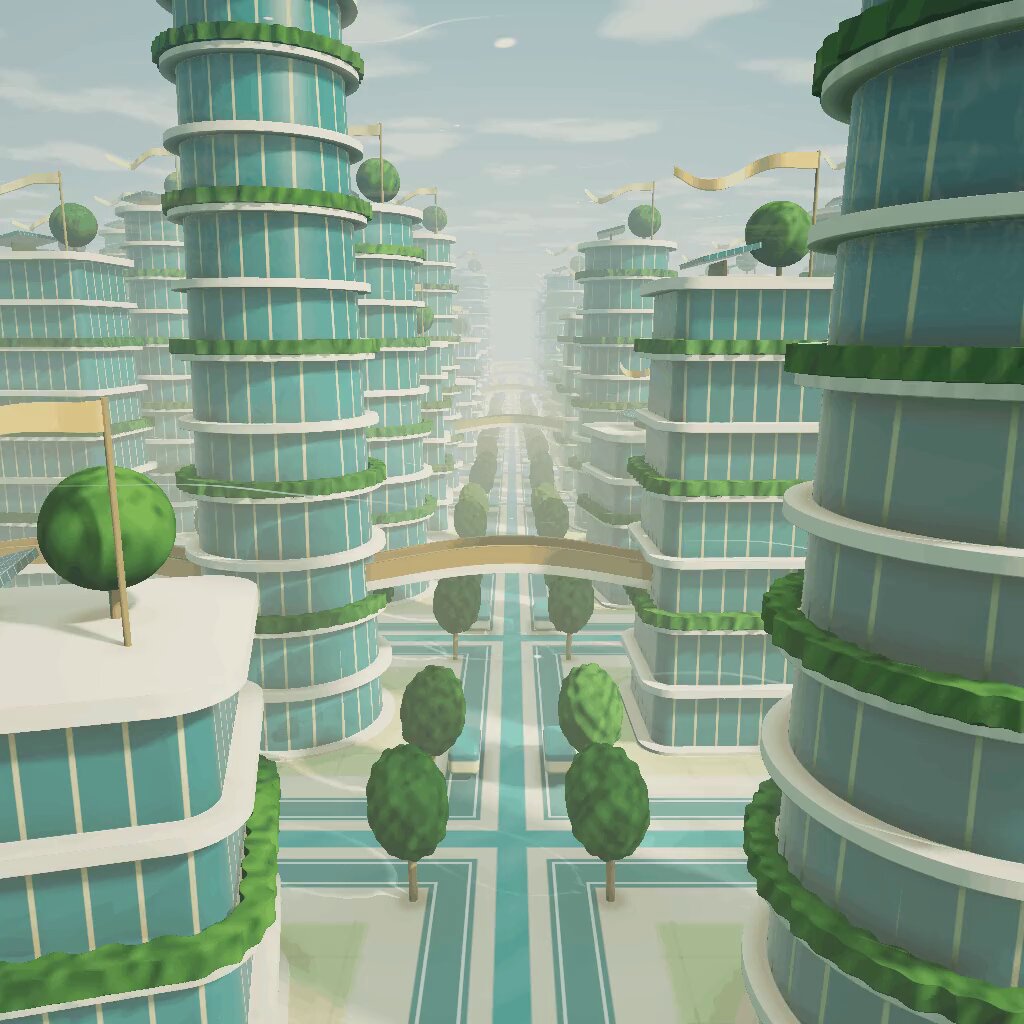
A prompt for a shader depicting an infinite city of solarpunk roads and towers, with a continuously visible breeze effect, designed to run in twigl.app.
Prompt
create a visually interesting shader that can run in twigl-dot-app make it like an infinite city of solarpunk roads and towers with a visible breeze running continuously
View detail ↗ · Original post · Back to examples
First-person burger simulator
noclipepe · 2026-09-23
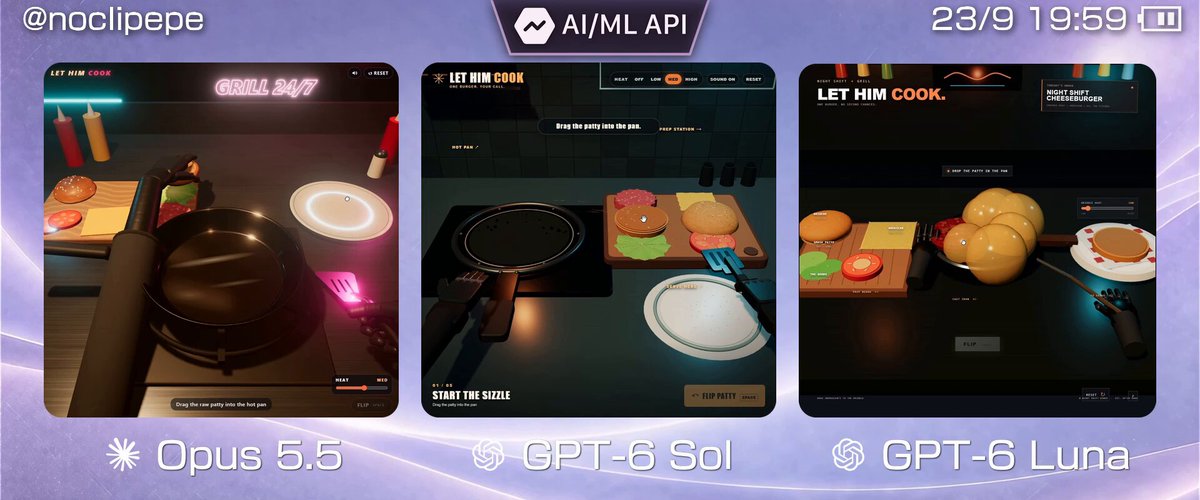
A prompt the posting author says they gave to three models, including GPT-6 Sol and GPT-6 Luna, for a first-person burger-simulator game.
Prompt
build a first-person burger simulator.
View detail ↗ · Original post · Back to examples
Hyper-realistic live desert campfire HTML scene
Nick Gwood · 2026-09-24
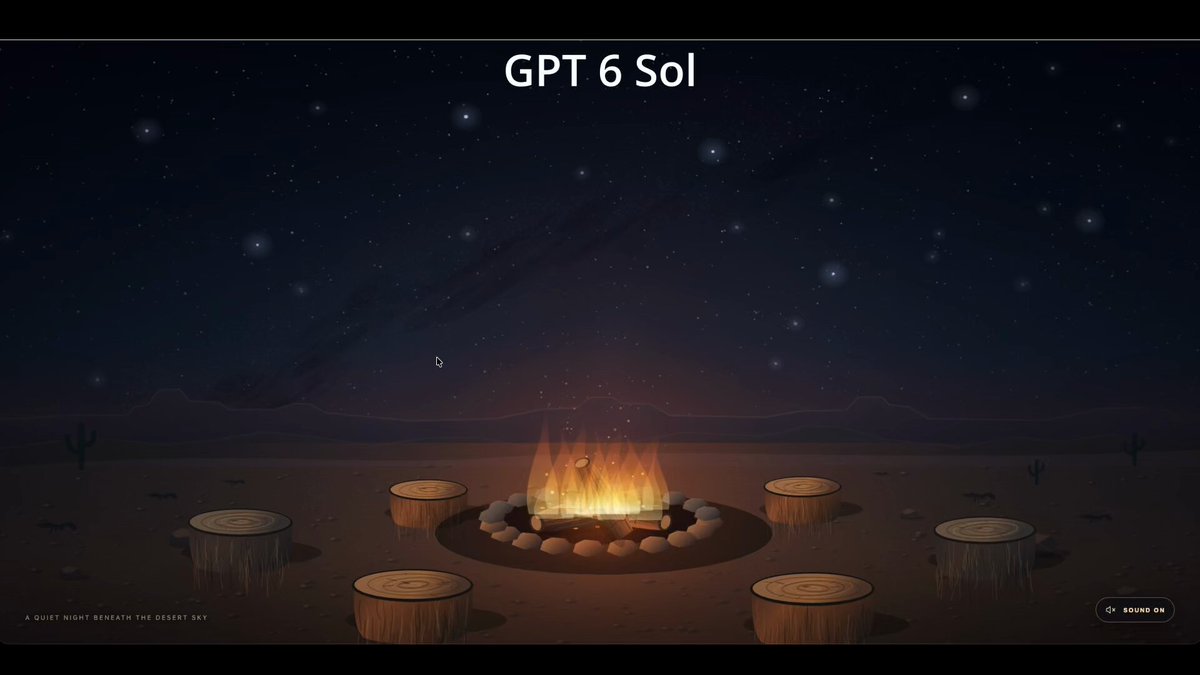
Author-posted prompt used in a comparison of GPT 6 Sol and Opus 5.5 harnesses. It requests a single interactive HTML scene depicting a hyper-realistic nighttime desert campfire, surrounding log-stump seats, visible stars, occasional wildlife, and scene-matched high-quality sound.
Prompt
Do not reference any other file or previous work. This task must be fully original and not built as a cheat from any other work here.

Create a single html file of a live campfire in the desert. It is night time and the stars are visible. there are log stumps set up as seats around the fire. no people are in the shot. different wildlife may periodically come into view and out.

noises should also match the scene and be of high quality.
Make everything hyper realistic

name the file (based on model)
View detail ↗ · Original post · Back to examples
Voxel Codex in Three.js
Arsh - 16 y/o builder · 2026-09-24
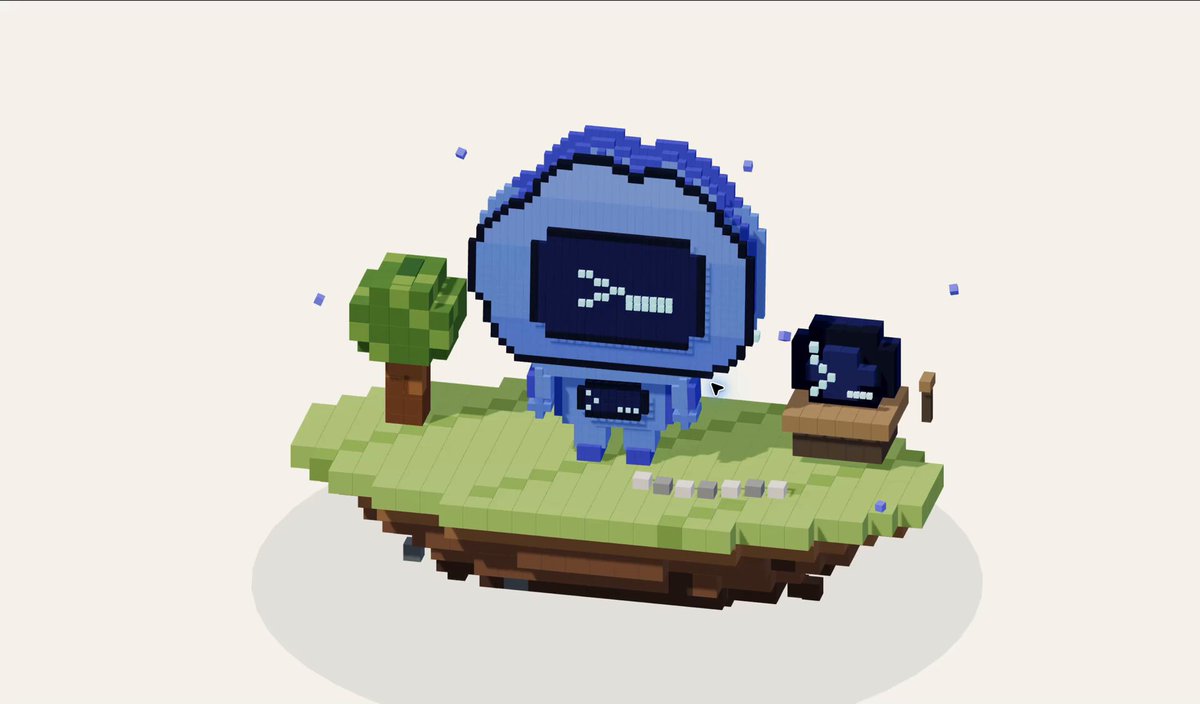
A reusable author-comment prompt requesting a voxel-based Three.js representation of Codex, built from scratch without skills.
Prompt
make yourself, codex in threejs using voxels, make everything from scratch, dont use any skills
View detail ↗ · Original post · Back to examples
Interactive 3D gummy citrus slice
Vib3Coded · 2026-09-24
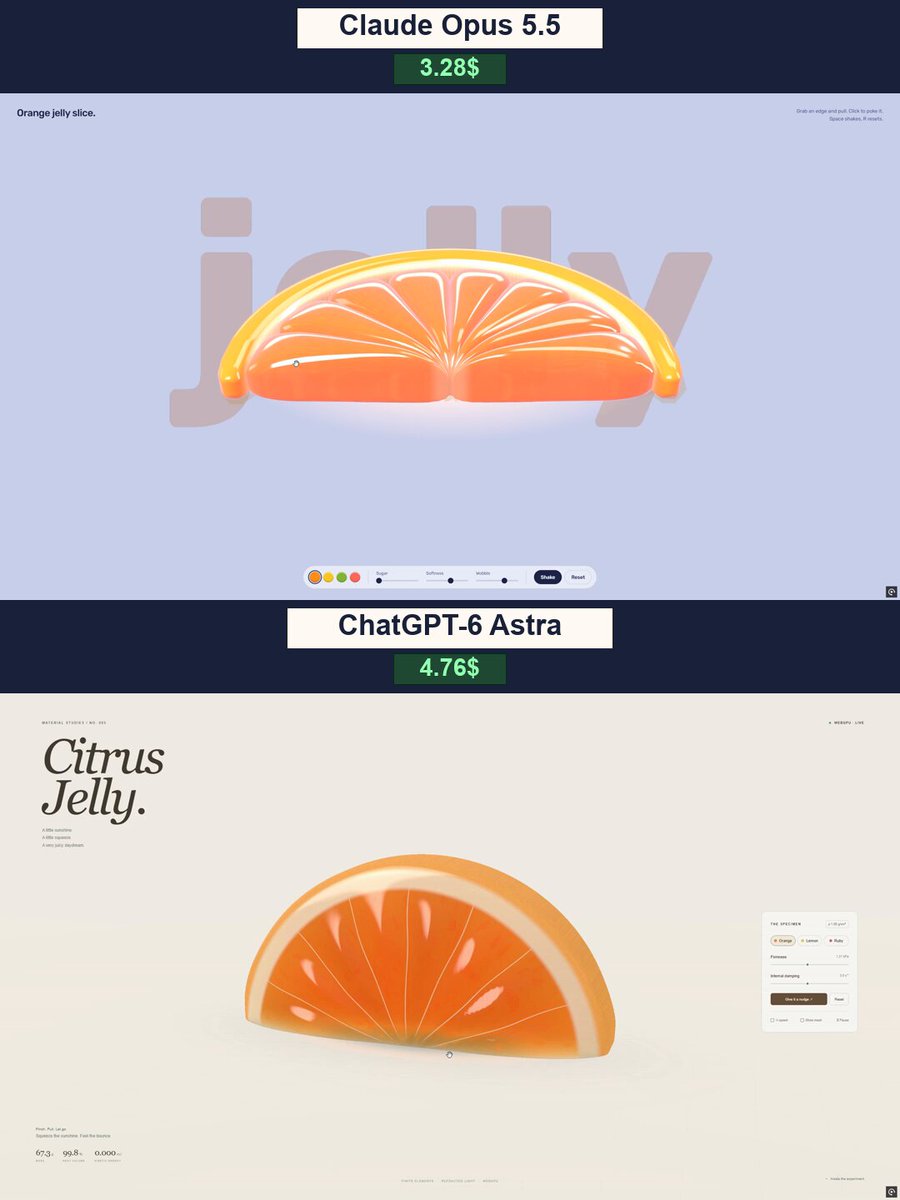
The posting author shared this prompt in a comparison of Claude Opus 5.5 and ChatGPT-6 Astra. It requests a standalone WebGPU soft-body simulation of a deformable gummy citrus slice with touch and mouse interaction, procedural geometry, shader-based rendering, and simulation controls.
Prompt
Create a beautiful, interactive 3D gummy citrus slice using WebGPU. Deliver the complete experience in one standalone HTML file with embedded JavaScript and WGSL shaders.

This must be a real-time 3D simulation, not a video, image, or looping animation.

APPEARANCE

Create a thick, semicircular orange slice with translucent, juicy flesh, eight distinct segments, delicate internal membranes, tiny bubbles, a pale pith layer, and a soft orange rind.

Make it look like premium gummy candy: saturated color, glossy highlights, light passing through the flesh, convincing refraction, and soft contact shadows. Avoid excessive bloom, washed-out colors, or a hard plastic appearance.

Use a warm, light studio background and a clean editorial interface with generous whitespace. Add the large italic serif title “Citrus Jelly.” Keep controls compact and the slice clearly visible.

SOFT-BODY PHYSICS

The jelly feel is the most important part.

- Grab any part of the slice with a mouse or finger.
- Pull, lift, stretch, twist, and release it.
- Make deformation local: pulling one edge should stretch nearby flesh while the rest follows naturally.
- After release, the slice should wobble, overshoot, and gradually recover its original shape.
- Include gravity, inertia, damping, ground collisions, and soft bouncing.
- Preserve volume approximately and prevent the mesh from collapsing or turning inside out.
- Make the rind slightly firmer than the flesh.
- Internal segments, membranes, and bubbles must follow the deformation without floating outside the body.

Use a stable volumetric soft-body solver, such as a tetrahedral mesh with XPBD constraints. Do not imitate softness by scaling or rotating the entire object.

CONTROLS

Include three color presets: Orange, Lemon, and Ruby.

Add:
- Firmness slider.
- Internal damping slider.
- “Give it a nudge” button.
- Reset button.
- Quarter-speed checkbox.
- Show mesh checkbox.
- Pause/resume button.

Display small live readouts for mass, percentage of rest volume, and kinetic energy.

TECHNICAL REQUIREMENTS

Use genuine WebGPU rendering with WGSL shaders. Generate all geometry and visual details procedurally, without imported models or image files.

Keep simulation updates independent of rendering frame rate. Support desktop and touch devices. Show a clear fallback message if WebGPU is unavailable.

Test strong dragging, repeated releases, all controls, and narrow screens. Fix unstable physics, broken geometry, and visual artifacts before delivering the finished HTML.

The result should feel like a tiny, tactile candy experiment that is genuinely satisfying to play with.
View detail ↗ · Original post · Back to examples
Northbound: Interactive Viking Longship Journey
Vib3Coded · 2026-09-24
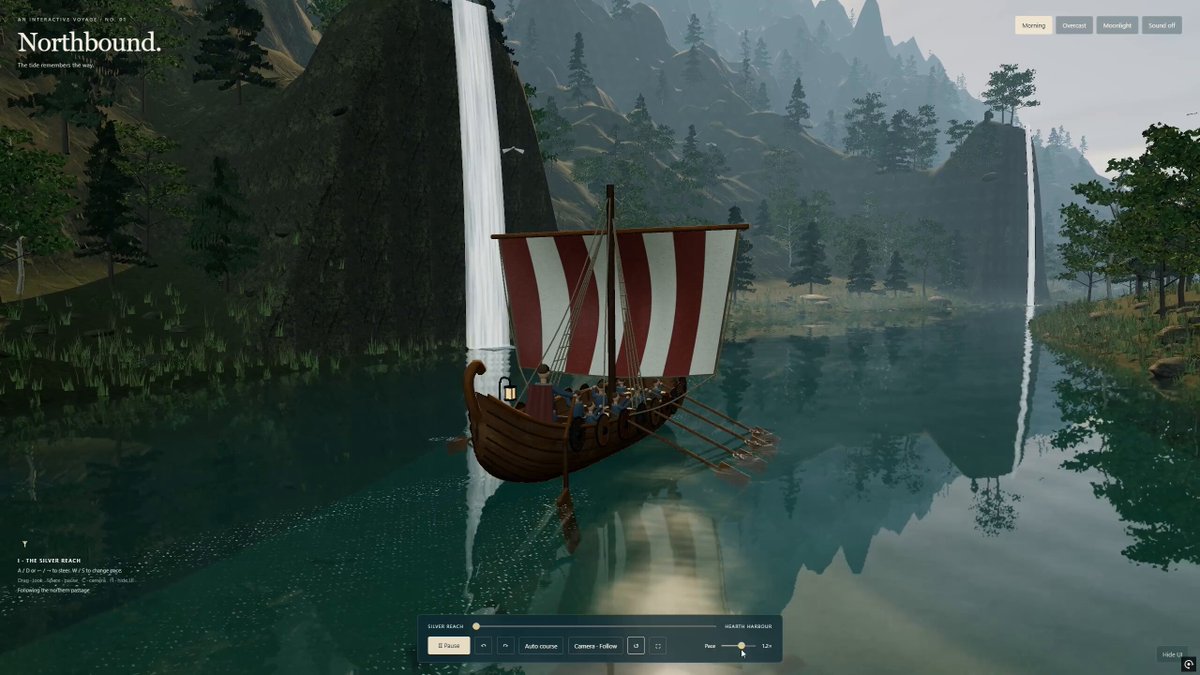
An author-supplied prompt for a standalone Three.js and WebGL interactive 3D fjord voyage aboard a detailed Viking longship. It specifies a cinematic Nordic environment, physically connected ship construction, animated rowing and water-contact effects, steering and camera controls, mobile support, lighting modes, audio behavior, and embedded delivery assets.
Prompt
Create “Northbound” - a beautiful, interactive 3D journey through a Nordic fjord aboard a detailed Viking longship.

Build a genuine real-time scene using Three.js and WebGL, delivered as a single standalone HTML file. This must be an explorable browser experience, not a pre-rendered video or a flat illustration.

VISUAL DIRECTION

Aim for a polished, cinematic environment with realistic materials, natural proportions, and restrained colors. Avoid a cartoon or low-poly appearance.

A wooden longship travels through deep green-blue water between towering cliffs, dense forests, waterfalls, and small Nordic settlements. Use atmospheric perspective, subtle mist, soft shadows, and convincing depth. Compose beautiful views throughout the journey, not just from the initial camera position.

THE LONGSHIP

Construct a detailed, watertight hull with overlapping wooden planks, visible grain, ribs, benches, and a continuous interior.
Add a carved dragon prow, striped cloth sail, mast, ropes, shields, supplies, and warm lanterns.
Include proportionate Viking passengers and rowers with layered clothing, believable seated poses, and hands positioned near their oars.
Keep every component physically connected. No floating passengers, intersecting accessories, or visible gaps through the hull.
Animate subtle buoyancy, pitch, and roll. The sail should respond gently to the wind.

WATER AND ROWING

Make the water a central visual feature.

Use a custom shader with planar reflections, refraction, Fresnel highlights, depth-dependent absorption, visible shallow areas, and layered surface ripples. Reflections must respond correctly to the moving camera and changing lighting.

Create a believable wake behind the ship.

Animate a complete rowing cycle: blades enter the water, pull backward, lift out, and return above the surface. Coordinate this with the rowers’ movement.

Generate ripples, foam, and small droplets at the actual blade-water contact points. Trails must remain in world space and gradually dissipate. Avoid effects appearing while the blades are in the air.

ENVIRONMENT AND MATERIALS

Use detailed terrain, irregular rock formations, natural tree silhouettes, branching trunks, and individual leaf or needle clusters.

Use PBR materials with normal and roughness maps for wood, stone, and ground. You may embed appropriately licensed textures; include attribution where required.

Ensure the underwater terrain continues beneath the surface. No bright seams, shoreline gaps, floating vegetation, or trees obstructing the navigable route.

CONTROLS

A/D or arrow keys: steer left and right.
W/S: adjust speed.
Mouse drag: look around.
Provide follow, orbit, and cinematic camera modes.
Include an optional automatic journey mode.
Add pause, reset, fullscreen, and hide-interface controls.
Support touch steering and speed controls on mobile.
Prevent the ship from passing through land and rocks.

ATMOSPHERE AND INTERFACE

Provide three smoothly transitioning lighting presets: Morning, Overcast, and Moonlight.

Add optional ambient water, wind, birds, and rowing sounds. Audio must begin only after user interaction.

Design a minimal editorial interface: “Northbound.” in an elegant serif typeface, subtle chapter labels, and a compact translucent control bar. Keep the scenery unobstructed.

PERFORMANCE AND DELIVERY

Use instancing, sensible geometry budgets, distance-based detail, and appropriately sized reflection targets. Adapt rendering quality to the device instead of promising a fixed frame rate.

Deliver one HTML file with scripts and required assets embedded so it can open directly in a modern browser.

Test steering, camera modes, lighting transitions, and rowing. Inspect the ship from multiple angles and check the shoreline from low viewpoints. Fix geometry intersections, reflection artifacts, excessive glare, and console errors before considering the scene finished.

Prioritize convincing water, a beautifully constructed longship, and a cohesive environment over adding more objects.
View detail ↗ · Original post · Back to examples
Explorable misty autumn Three.js experience
Simonas · 2026-09-24
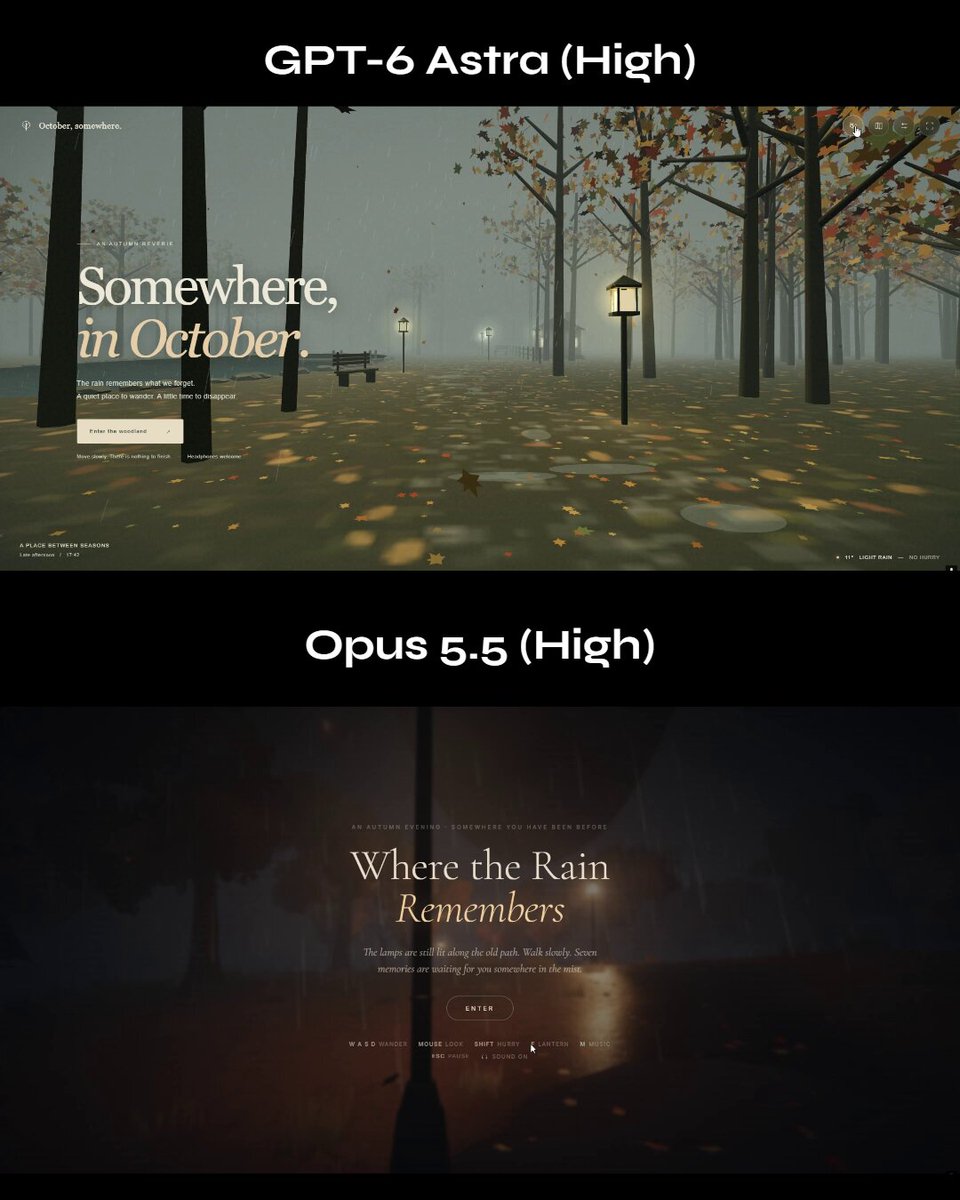
Create an explorable Three.js experience with a misty, rainy, autumn-like, mysterious and nostalgic atmosphere, delivered in a single HTML/CSS/JS file.
Prompt
I want you to create me a misty, rainy, autumn-like mysterious atmosphere, nostalgic experience in an explorable Three.js in a single html/css/js file.
View detail ↗ · Original post · Back to examples
STILLWATER — Moonlit Swamp Browser Experience
YouWare · 2026-09-25
A detailed prompt supplied by the posting author in a reply for an interactive Three.js swamp world. It specifies a guided cabin-skiff drift through a flooded cypress environment, cinematic reflective water, atmospheric lighting and fog, drag-to-look camera controls, and editorial HUD elements. The requested outcome explicitly excludes combat and other gameplay systems.
Prompt
Build a browser experience in Three.js called STILLWATER. Tone: a moonlit swamp you get lost in. Not a game with enemies. Not photoreal Unreal. A quiet, expensive-looking web world where the water reflections are the feature. People should stare at the water for an unhealthy amount of time. SETTING - Location title: THE DEEP SWAMP - Time on the HUD: 19:26 - First named place: Heron bend - Tagline under the place name: "Leave a little room for the wild." - Discovery toast when you arrive: "Discovered: Heron bend" WORLD A flooded cypress swamp at moonrise / late dusk. - Tall knobby-kneed trees standing in black-green water - Spanish moss hanging in long strands - Lily pads clustered along the banks - Narrow winding channel that opens into a wider bend - Thick volumetric fog, teal-green distance, purple-pink cloudy sky - A bright moon with a long broken reflection path on the water - A few birds crossing the sky - Warm cabin light from the boat punching through the gloom WATER (do not cheap out) This is the hero. - Real-time reflections of trees, moon, fog and boat lights - Gentle swell, not ocean waves - Lily pads that sit on the surface and bob - Shoreline foam / dark tannin water near roots - Screen-space or planar reflections good enough that the moon path feels cinematic - Keep 60fps. LOD the trees, instanced foliage. BOAT A small weathered cabin skiff / workboat. - Hull number 86 on the stern - White cabin, dark blue hull, warm interior lamps - Idle drift through the channel, optional slow guided tour - HUD speed around 15.9 KNOTS - Mode label: GUIDED DRIFT Player can look around. Boat can be followed from a cinematic chase / side orbit. CAMERA - Start on a three-quarter of the boat in the trees - Drift behind the stern down the moonlit lane - Occasional side slide past a foreground trunk - Drag to look - Optional PHOTO MODE Feel like a nature documentary, not an FPS. UI — editorial, not gamey Top-left: small mark + STILLWATER Top-center: THE DEEP SWAMP / 19:26, a compass heading (e.g. 314°) Top-right: quiet utility icons Bottom-left: EXPLORING STILLWATER Heron bend Leave a little room for the wild. 15.9 KNOTS GUIDED DRIFT Bottom-right: PHOTO MODE, fps, Pause Center-bottom: small toast "Discovered: Heron bend" Tiny hint row: shaders / water / drag to look / photos / wildlife Look: dark filmic grade, muted greens, magenta clouds, one moon highlight. Taste over realism. No bloated debug GUI. TECH Three.js in the browser. Procedural / instanced nature. Custom water shader. Fog. Soft shadows or baked-looking dusk lighting. No asset-store swamp pack if you can author it. DO NOT add combat, inventory, jump scares, or a treasure hunt. Something can lurk underwater later — not now.
View detail ↗ · Original post · Back to examples
Golden-hour Roman battlefield set piece
tonysuri · 2026-09-25
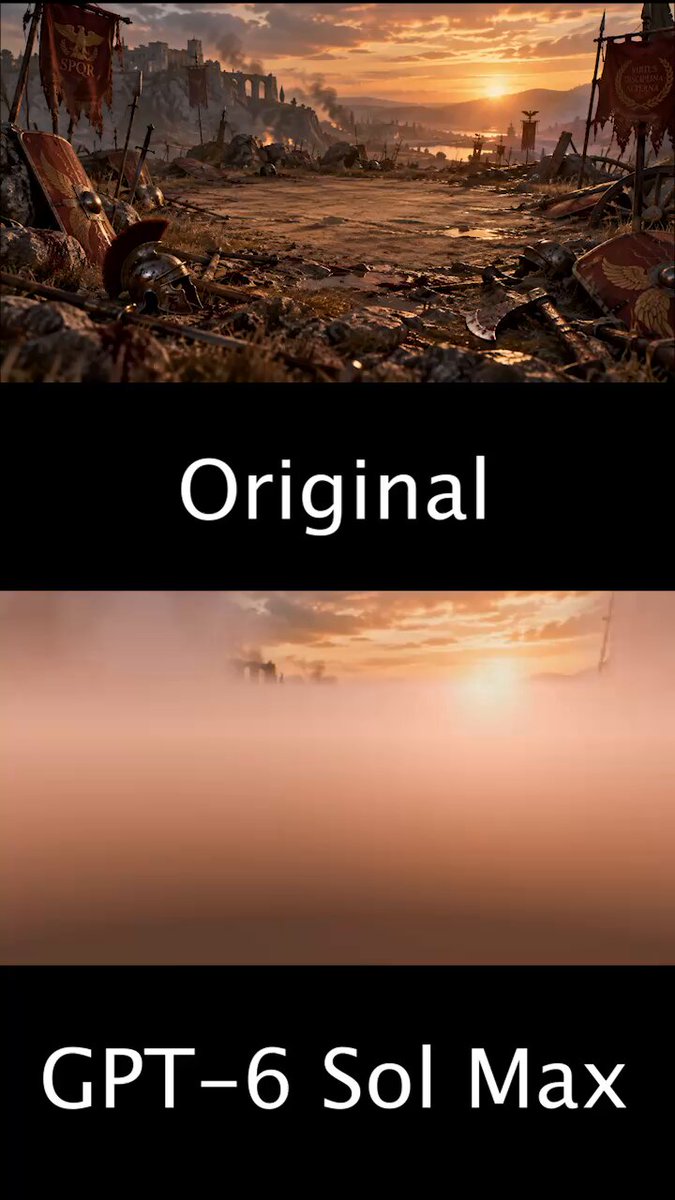
A detailed Blender task for a realistic golden-hour Roman battlefield scene based on a supplied concept image. It specifies a boulder-ringed 1v1 arena, detailed bump-mapped ground, procedural assets where possible, a golden-hour skybox, harsh shadows, reusable GLB assets, and delivery of the .blend file plus a build timelapse.
Prompt
THE TASK
Build a golden-hour Roman battlefield set piece in Blender from the supplied concept image.  Generation is allowed. You may generate 3D models for the environment and its parts with the available generation tools (Tripo on https://t.co/JV0K8OtuWC) and assemble them. Everything must still form one coherent scene: matched scale, consistent materials, and unified lighting.  Requirements: Use bump maps on the ground and keep the ground highly detailed.
Create a circular empty spot on the ground with large boulders around it to form a 1v1 arena.
Render everything realistically.
Create assets procedurally where possible.
Create a skybox for golden-hour sky.
Use harsh shadows.
Reuse objects (flags, banners, helms, rocks, etc.). Export a GLB for every object and reuse those assets.
Match the supplied image as closely and accurately as possible.
TIMELAPSE REQUIREMENT
While you build, save a viewport screenshot into a numbered timelapse/ folder after every meaningful addition (each new object, modifier pass, material step, and lighting step, in order).  When the work is finished, assemble those frames into a timelapse video at 2 fps (0.5 s per frame) so the full build can be watched from start to finish. Deliver the timelapse video with the main files.
DELIVERABLES
The .blend file, with camera and viewport set so the view exactly matches the original image.
The build timelapse video.
View detail ↗ · Original post · Back to examples
Pitaya Jelly
Vib3Coded · 2026-09-25
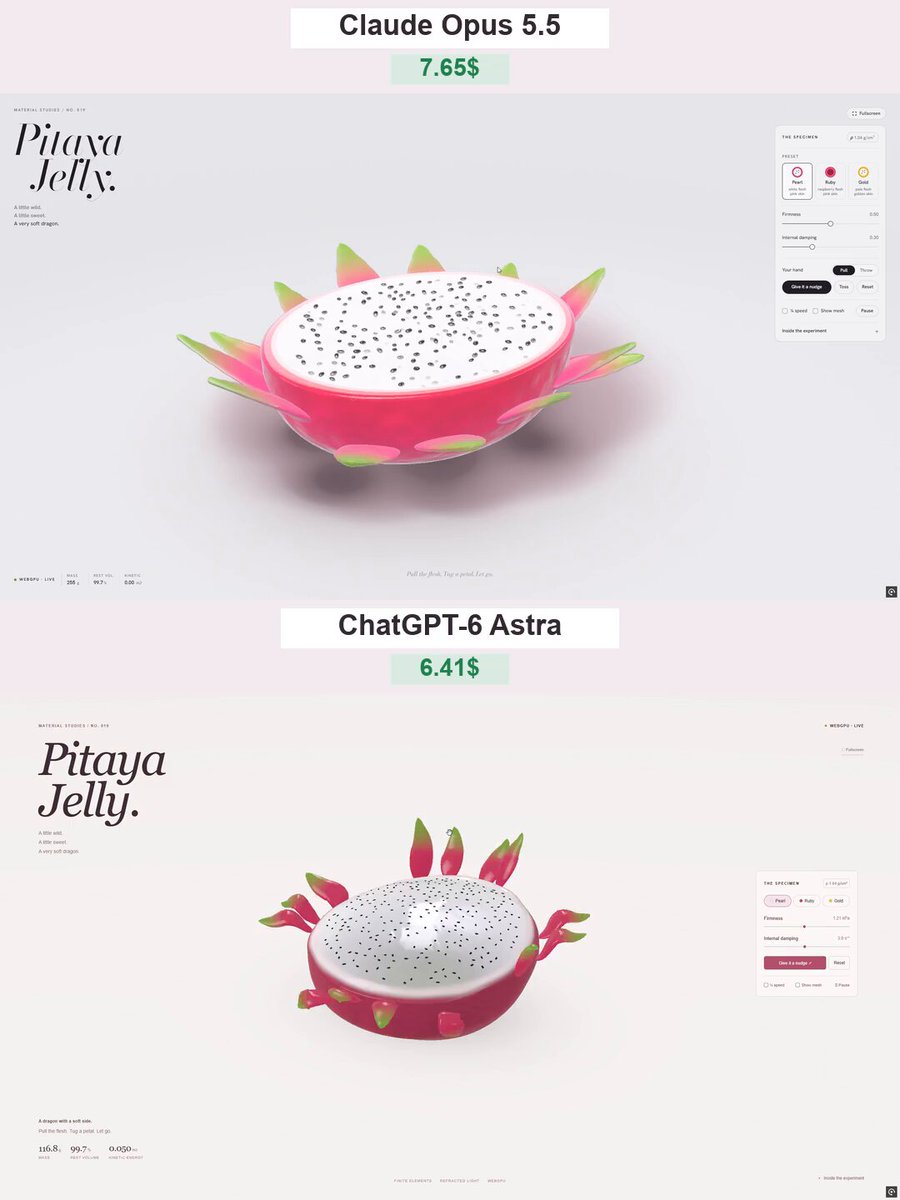
An author-shared prompt for GPT-6 Astra to create a browser-based interactive 3D dragon-fruit jelly material experiment. It specifies procedural WebGPU geometry, translucent gummy materials, soft-body deformation, draggable peel petals, touch support, presets, simulation readouts, and a light studio-style interface.
Prompt
Create an interactive 3D scene called “Pitaya Jelly” — a dragon fruit half made of soft, translucent jelly. Build the entire project in a single HTML file using genuine WebGPU rendering and WGSL shaders. Do not use premade models or image assets.

APPEARANCE

A large dragon fruit half resting cut-side up on a light studio surface.
Rich raspberry-pink skin, a thin pale inner rind, and pearly white flesh.
Approximately 250 tiny black seeds distributed naturally across the flesh.
12–14 fleshy peel petals around the fruit, transitioning from pink bases to green tips.
A glossy, wet surface with light refraction, small internal bubbles, and a soft contact shadow.
The material should look like soft gummy candy, not rigid plastic. Preserve saturated colors without blown-out highlights.

PHYSICS AND INTERACTION

Implement genuine soft-body deformation using a volumetric mesh with elastic connections and volume-preserving constraints, such as XPBD.
Users can grab the flesh with a mouse or finger, stretch it, and release it.
Deformation should concentrate around the grabbed point rather than simply translating the entire object.
After release, the fruit should wobble, jiggle, and gradually recover its original shape.
Make the peel petals individually draggable. They should be softer than the flesh, bending and springing back while remaining attached to the fruit.
Seeds must follow the deforming surface without floating away or sinking into the flesh.
Keep the simulation stable during strong pulls, with floor contact and protection against inverted elements.

VISUAL DESIGN

Use a minimal, light-themed studio interface with an editorial aesthetic: generous whitespace, thin borders, restrained controls, and no unnecessary decoration.

Top left:
“MATERIAL STUDIES / NO. 019”
A large italic serif heading on two lines:
“Pitaya Jelly.”

Below it:
“A little wild.”
“A little sweet.”
“A very soft dragon.”
On the right, add a floating panel titled “THE SPECIMEN” containing:

Density badge: ρ 1.04 g/cm³.
Three presets:
Pearl — white flesh and pink skin.
Ruby — raspberry-colored flesh and pink skin.
Gold — pale flesh and golden skin.
Firmness and Internal damping sliders with visible values.
“Give it a nudge” and “Reset” buttons.

“¼ speed” and “Show mesh” checkboxes.

A “Pause” button.
Also include:
A fullscreen button with an exit option.
A “WEBGPU · LIVE” status indicator.
Live readouts for mass, percentage of rest volume, and kinetic energy.
A short interaction hint: “Pull the flesh. Tug a petal. Let go.”
A collapsible “Inside the experiment” section explaining the implementation accurately.
TECHNICAL REQUIREMENTS
Deliver one self-contained file named pitaya-jelly-webgpu.html.

Use actual WebGPU rendering, not a Canvas 2D imitation.

Build all geometry procedurally.
Use thickness-aware refraction, Fresnel reflections, and soft studio lighting.
Use a fixed simulation timestep for consistent behavior.
Support desktop and touch interaction with a responsive layout.
Avoid expensive geometry reconstruction or shader compilation during dragging.

Show a clear fallback message when WebGPU is unavailable.

Verify dragging, release, shape recovery, presets, reset, pause, fullscreen, and mobile layout.
The main priorities are convincing jelly-like behavior, beautiful materials, and satisfying interaction. The result should feel like a polished, playable material experiment.
View detail ↗ · Original post · Back to examples
3D Modeling for VRChat Outfits
のわ〜る👼🍆🐄 · 2026-09-25
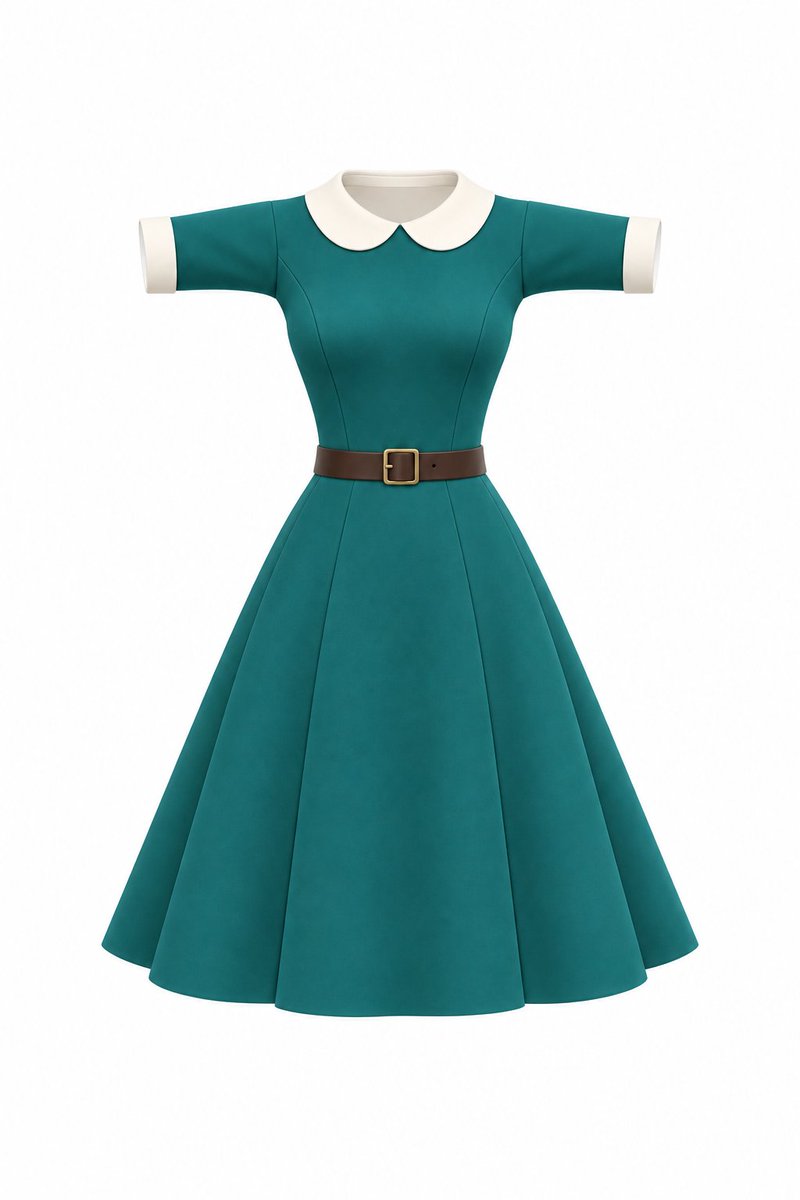
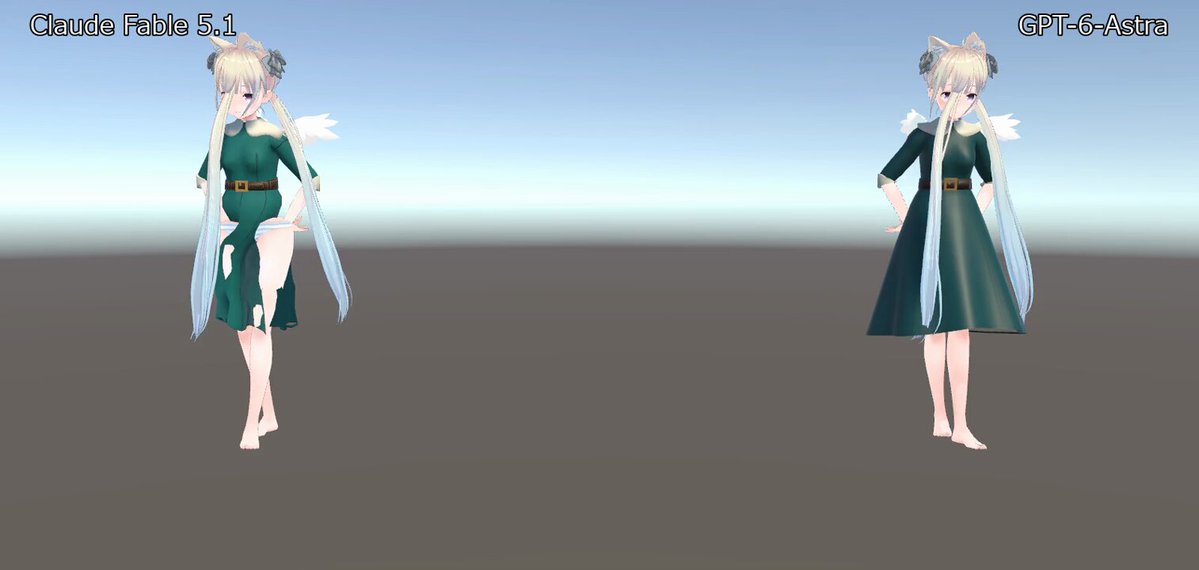
The creator reports instructing Astra to model an outfit in Blender based on a design created with ChatGPT, using the prompt “Create an outfit for VRChat.”
Prompt
Create an outfit for VRChat
View detail ↗ · Original post · Back to examples
Create a Guinea Pig in Blender
かよこ · 2026-09-25
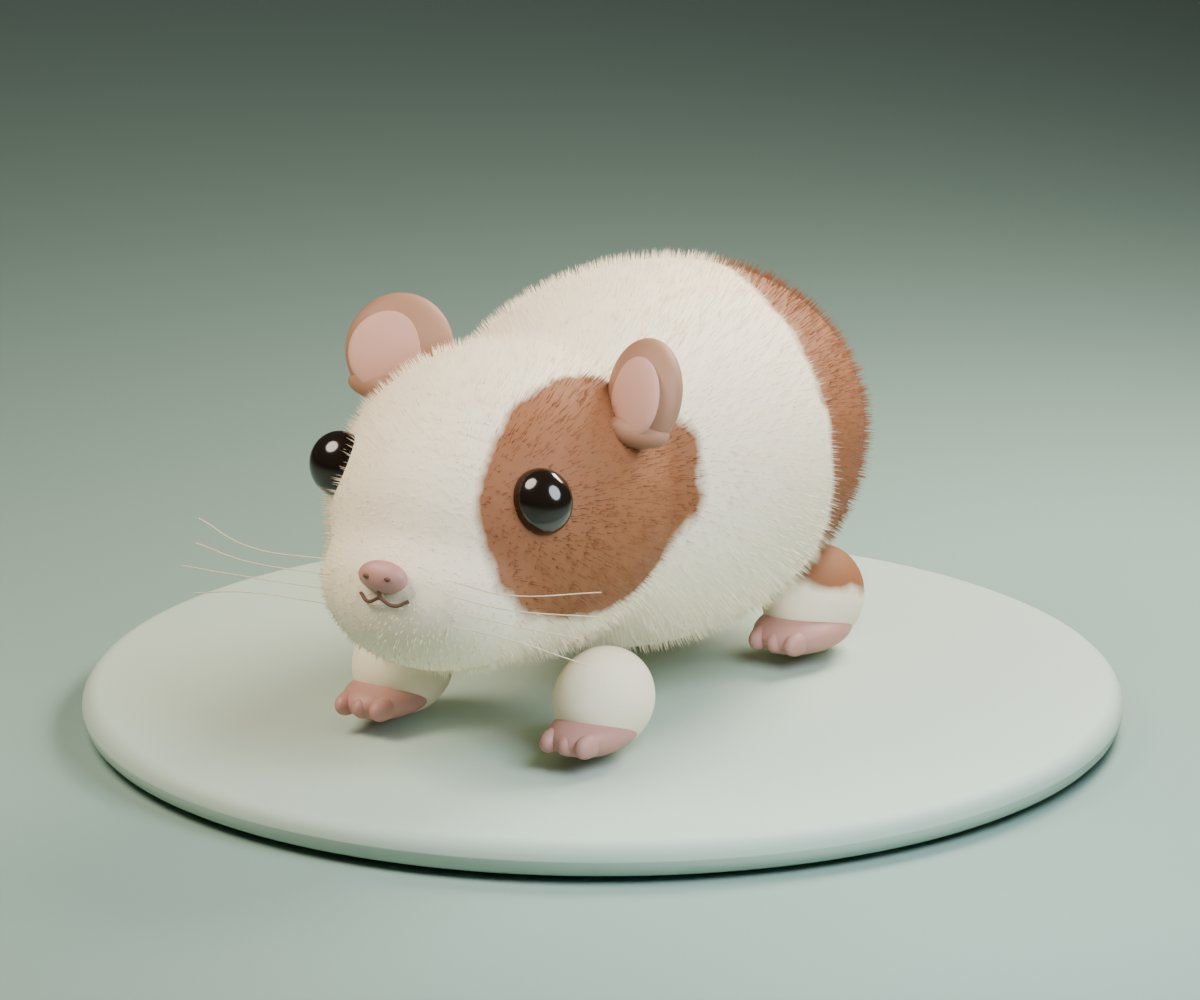
A prompt asking Codex (GPT-6 Astra High) to create a guinea pig without showing it a photo.
Prompt
Create a guinea pig in Blender
View detail ↗ · Original post · Back to examples
Voxel-style Japanese garden in Three.js
Marcel · 2026-09-25
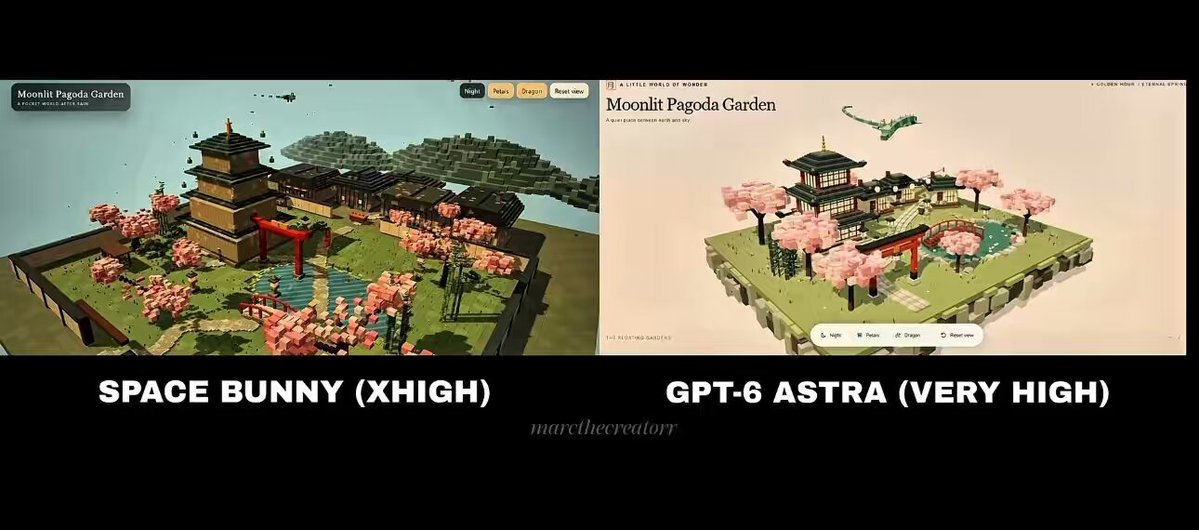
A prompt for an interactive voxel-style Japanese garden featuring a pagoda, tiny villagers, and a flying dragon. The posting author says this exact prompt was given to Astra and Space Bunny for a one-shot comparison.
Prompt
Build a detailed voxel-style Japanese garden in Three.js, with a pagoda, tiny villagers, a flying dragon and interactive details.
View detail ↗ · Original post · Back to examples
Voxel ship-in-a-bottle WebGL scene
PEP PEPICH · 2026-09-26
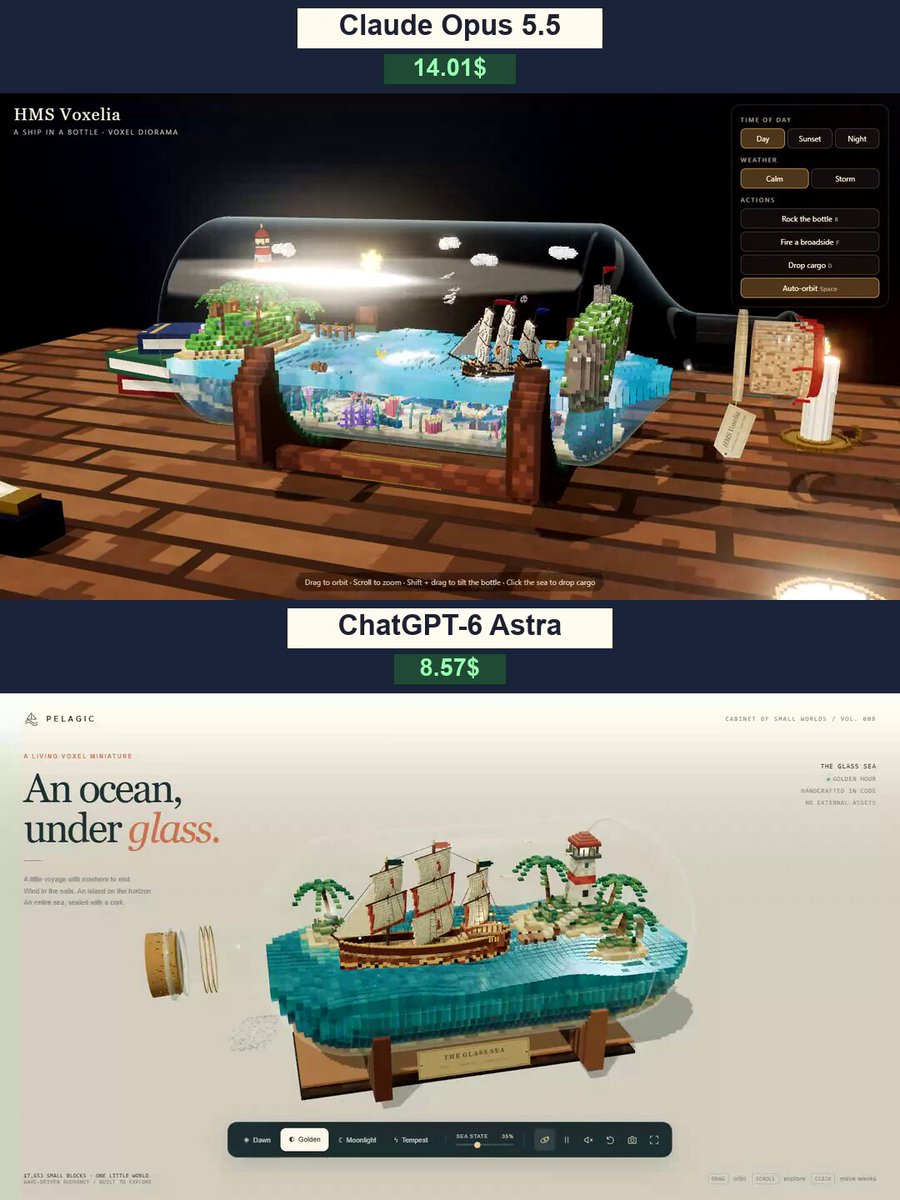
Create an elaborate colorful voxel-art scene of a sailing ship and ocean enclosed in a bottle, with waves, modeled physics, and varied props or landscapes. The requested result is a WebGL scene that can run from a single HTML file in Chrome.
Prompt
Design and create a very creative, elaborate, and detailed voxel art scene of a intricate ship sailing through the ocean inside of a bottle. Include waves and realistic physics, with the whole scene encapsulated inside of the bottle. Make the scene impressive and varied and use colorful voxels, modeled physics, and interesting props / landscapes all encapsulated inside of the bottle. Use WebGL and whatever libraries to get this done but make sure I can paste it all into a single HTML file and open it in Chrome
View detail ↗ · Original post · Back to examples
Forest lake village environment
Givros · 2026-09-26
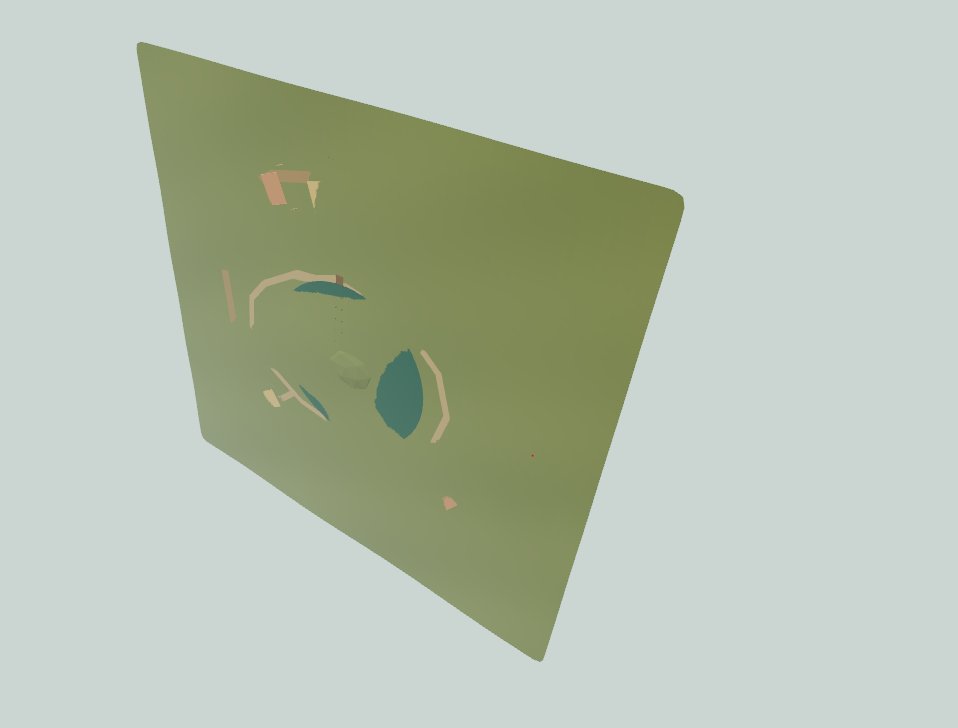
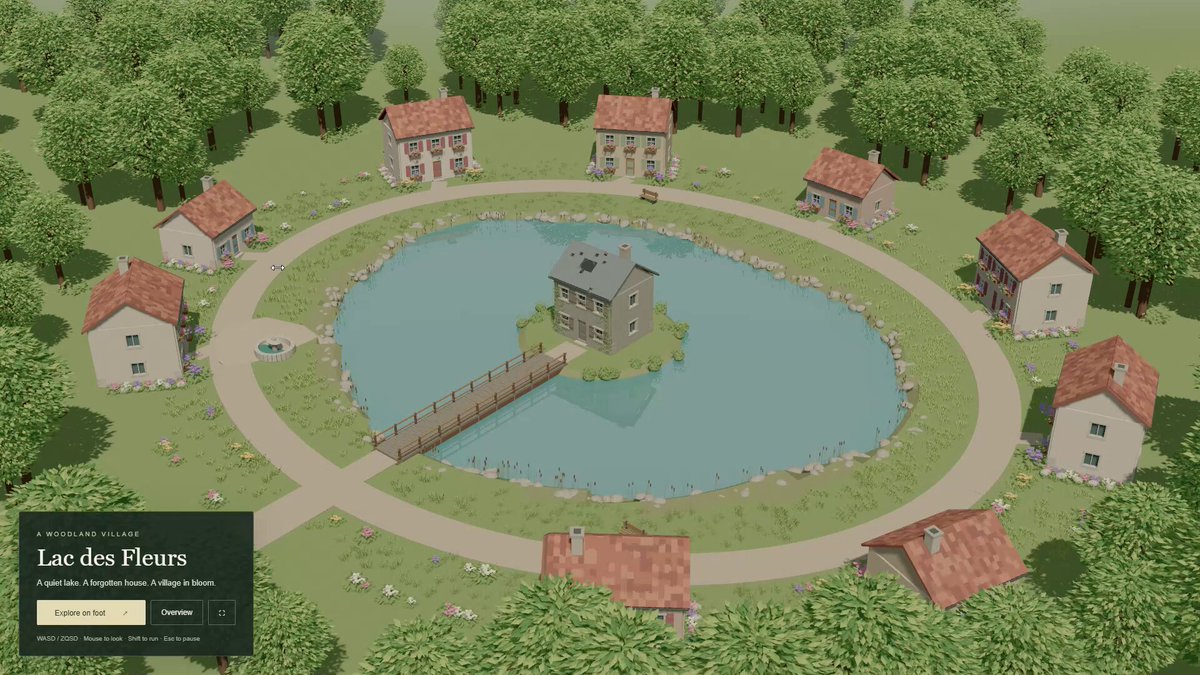
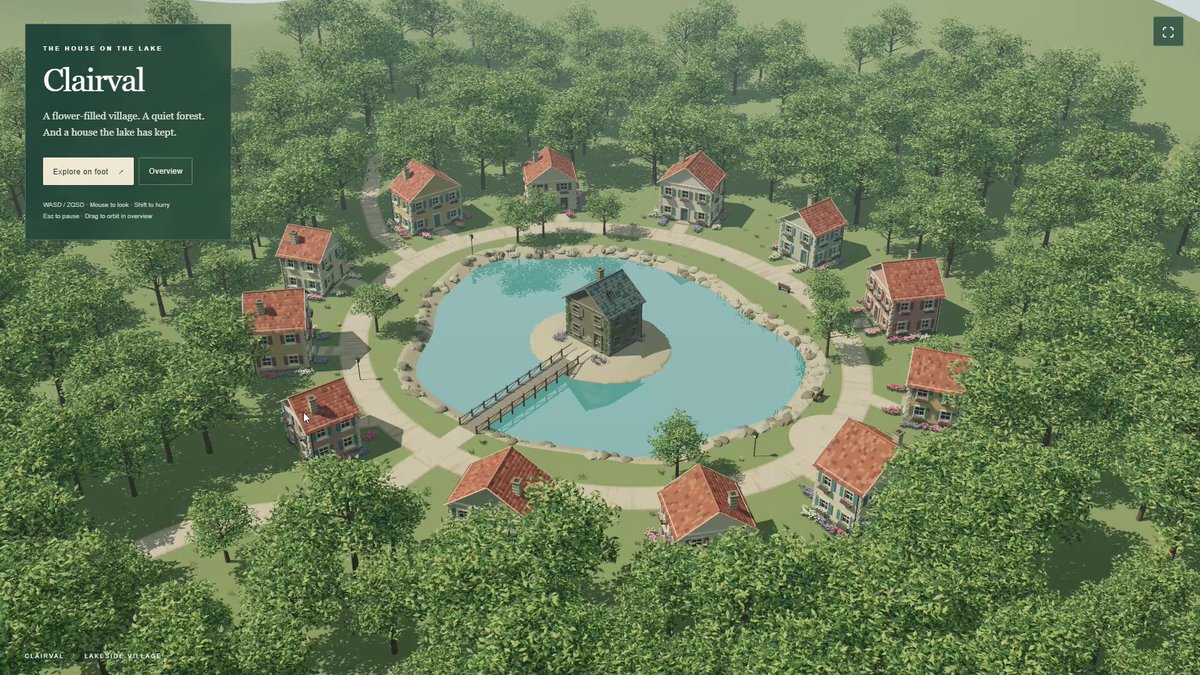
A 3D environment brief used by the root author for a same-prompt comparison of Luna Light, Sol Light, and Astra Light. It specifies a forest surrounding a central lake, an abandoned house in the lake, a flower-filled French village around it, and connecting paths.
Prompt
A forest with a lake in the center. In the middle of the lake, an abandoned house. Around the lake, a flower-filled French village. Paths connecting the important points.
View detail ↗ · Original post · Back to examples
Super Heavy booster catch in Blender
Vortlyn · 2026-09-26
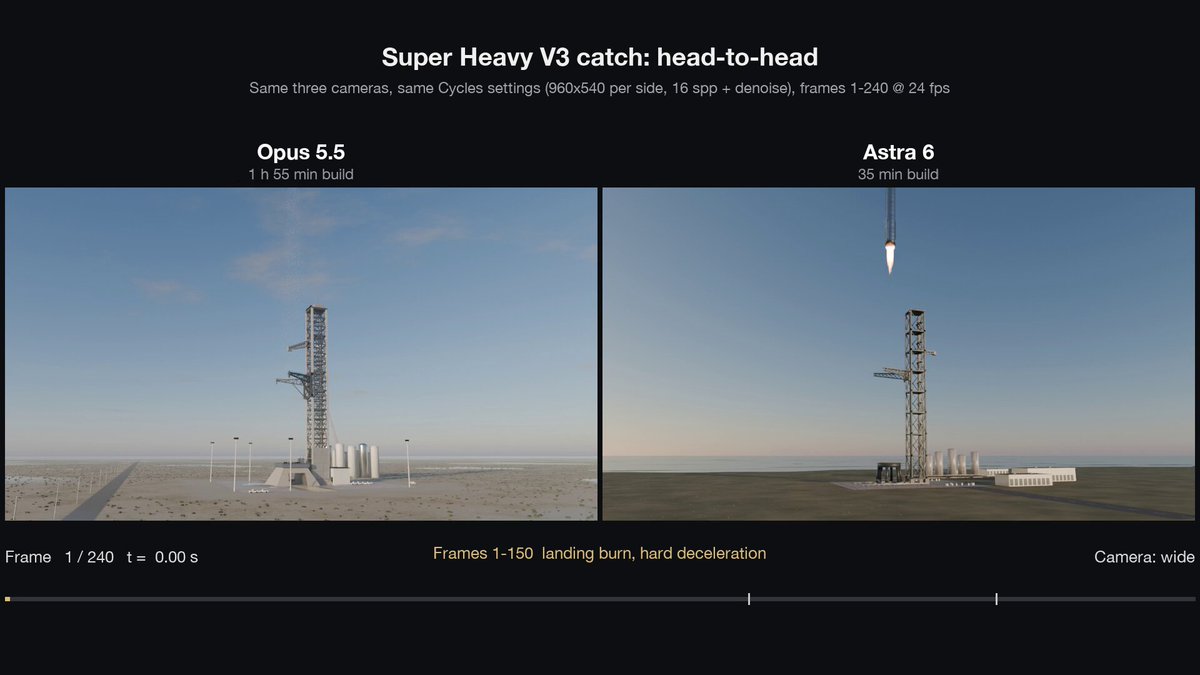
Create a code-generated Blender model of a Super Heavy booster catch, without downloaded models, textures, or HDRIs.
Prompt
build a Super Heavy booster catch in Blender using only Python. no downloaded models, no textures, no HDRIs, everything generated by code
View detail ↗ · Original post · Back to examples
Interactive 3D camera lens light-path demo
noah helms · 2026-09-27
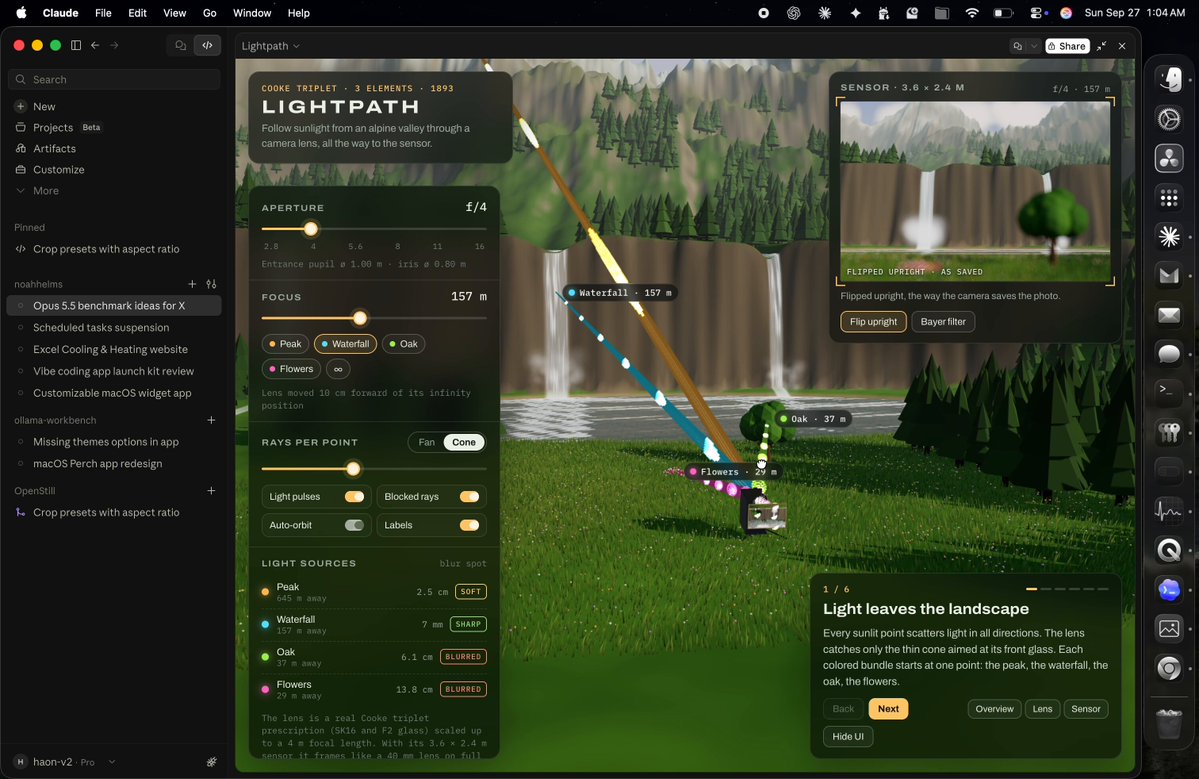
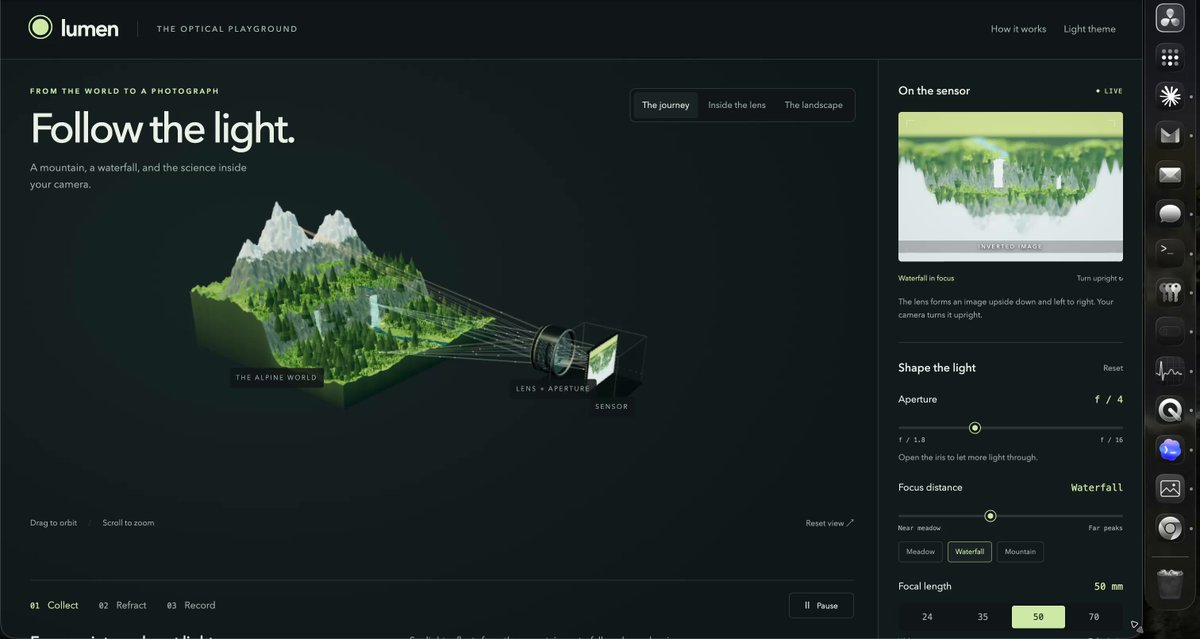
An interactive 3D render demonstrating how light travels through a camera lens to the sensor, set in a mountain landscape with waterfalls and green grass. The root post presents this as the prompt used for an Astra-6 and Opus 5.5 comparison.
Prompt
i want you to create an interactive 3d render of how light travels through a camera lens and gets to the sensor. make the demo use a beautiful mountain scape with waterfalls and beautiful green grass
View detail ↗ · Original post · Back to examples
Interactive 3D Melon Jelly Slice
基恩-Keane 🌊 · 2026-09-28
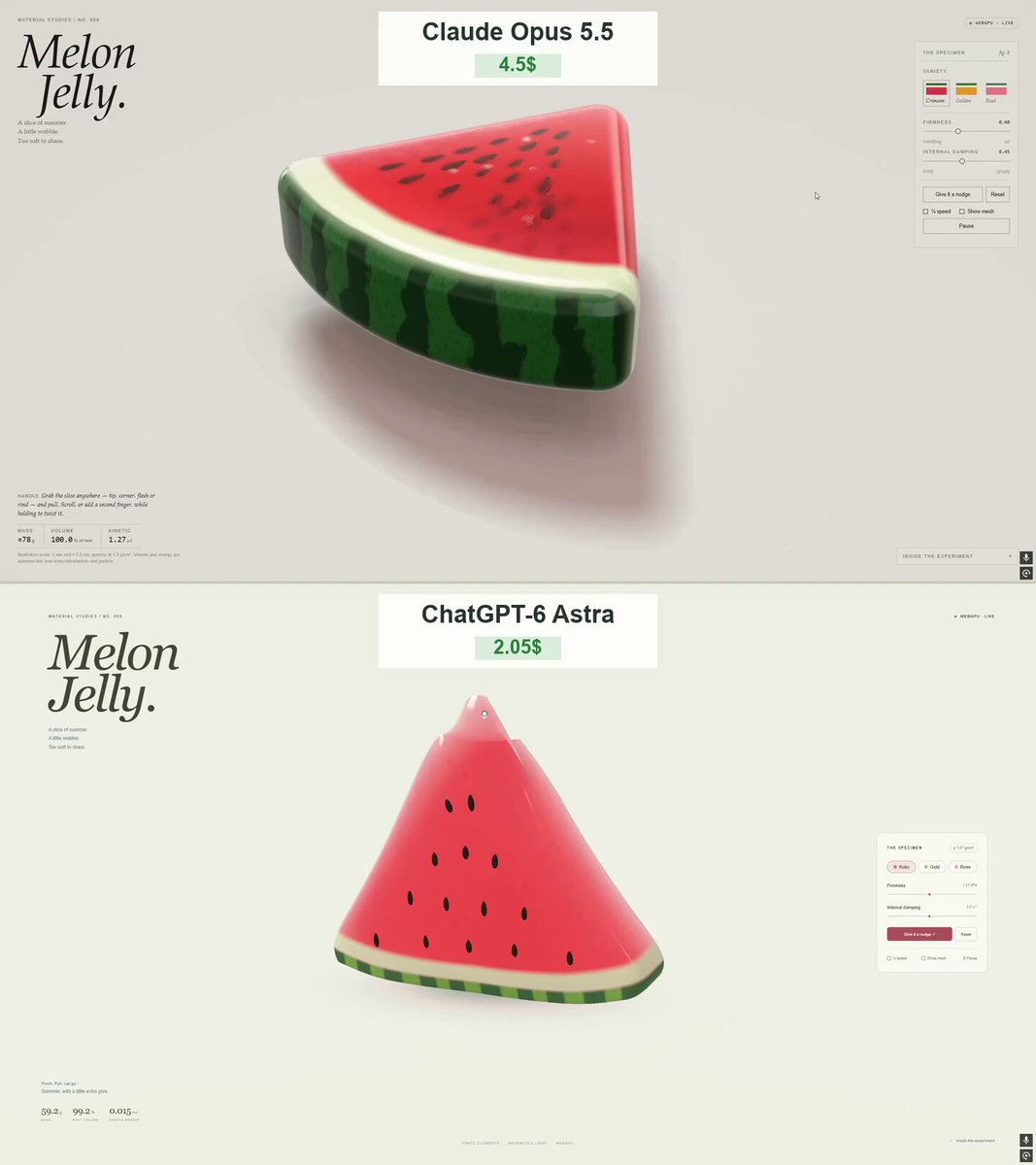
The creator shared a prompt in the comments for making “Melon Jelly.” It calls for a browser-based 3D watermelon jelly soft-body simulation built with WebGPU and WGSL, allowing users to grab, stretch, bend, and twist the slice, with requirements for materials, physics, interface, and validation. The original post says Opus 5.5 and GPT-6 Astra each created a jelly watermelon; this comment contains the prompt published by the creator.
Prompt
Create “Melon Jelly” — a polished, interactive 3D watermelon jelly slice that runs directly in the browser using genuine WebGPU and WGSL shaders.
Deliver a single, self-contained HTML file with embedded JavaScript and CSS. This must be an actual interactive 3D simulation, not a static render, video, or 2D imitation.
THE WATERMELON
Create a thick, rounded triangular watermelon wedge with:
Translucent ruby-red jelly flesh.
A pale, slightly translucent layer between the flesh and rind.
A glossy green outer rind with irregular dark-green stripes.

Individually modeled dark seeds embedded in both exposed sides.
Softly rounded corners and an appealing, substantial thickness.
Make it look like an expensive gummy candy photographed in a studio. It should feel juicy, soft, and almost edible. Keep the colors rich without overexposing the highlights.
SOFT-BODY PHYSICS
Use a volumetric soft-body simulation, such as a tetrahedral mesh with XPBD elastic and volume-preservation constraints.
The user must be able to:
Grab the tip, a corner, the flesh, or the rind.
Stretch, bend, lift, and gently twist the slice.

Release it and watch it wobble before gradually settling.
The slice must visibly deform locally, not simply move or scale as one rigid object. Make the rind slightly firmer than the flesh while keeping the whole slice flexible.
Preserve volume reasonably during stretching. Prevent inverted elements, explosive motion, and permanent collapse. Use a fixed simulation timestep and bounded substeps for stability.
After release, the motion should decay naturally — no instant snapping back and no endless oscillation.
Keep seeds attached to the deforming flesh. They must move and rotate with the surface rather than float independently or remain fixed in space.
Include ground contact, gentle friction, and soft bouncing. Avoid visible floor penetration.
RENDERING
Use native WebGPU with WGSL shaders.
Include:
Thickness-dependent light absorption.
Refraction through the jelly.

Fresnel reflections and glossy highlights.
Soft transmitted light through thin edges.
Subtle internal details and a few tiny air bubbles.

Soft contact shadows beneath the slice.
A light, neutral studio background.
The flesh, pale rind, and green skin should have distinct material responses. Avoid making everything look like clear glass or opaque plastic.
Keep the slice large and easy to inspect, with a three-quarter camera angle that reveals the flesh, seeds, and thickness.
INTERFACE
Use a minimal editorial layout with generous whitespace, thin borders, restrained controls, and no decorative UI gradients.
Top left:
“MATERIAL STUDIES / NO. 009”
A large italic serif heading split across two lines: “Melon” and “Jelly.”
Small caption:
“A slice of summer.”
“A little wobble.”
“Too soft to share.”
Top right:
A small status indicator showing “WEBGPU · LIVE” when the renderer is running.

Right-side panel:
“THE SPECIMEN”
Three coordinated watermelon-inspired color presets.
Firmness slider with its current value.
Internal damping slider with its current value.
“Give it a nudge” and “Reset” buttons.
“¼ speed” and “Show mesh” checkboxes.

Pause / Resume button.
Bottom left:
A short hint explaining that the slice can be grabbed and stretched.
Live mass, relative volume, and kinetic-energy readouts derived from the simulation. Clearly describe illustrative units or approximate values where appropriate.
Bottom right:

A collapsible “Inside the experiment” section briefly explaining the physics and rendering.
BEHAVIOR AND PERFORMANCE
Support both mouse and touch input. Use pointer capture so dragging remains reliable when the pointer leaves the object.
Make the layout work on desktop and mobile without controls covering the slice.
Reuse buffers and avoid rebuilding geometry or compiling shaders during dragging. Keep interaction smooth and responsive.
Respect reduced-motion preferences. If WebGPU is unavailable, display a clear explanation instead of silently substituting a fake renderer.
VALIDATION
Test dragging from several locations, strong stretches, repeated releases, ground collisions, all sliders, presets, pause, reset, and slow motion.
Check that the model returns to a stable resting shape, seeds stay attached, the mesh remains intact, and there are no rendering errors.
Prioritize the quality of the jelly response and lighting. The result should be something people want to keep grabbing and playing with.
View detail ↗ · Original post · Back to examples
Genshin-Style Game and Terrain Editor
ふぐあい(ふぐおん) · 2026-09-28
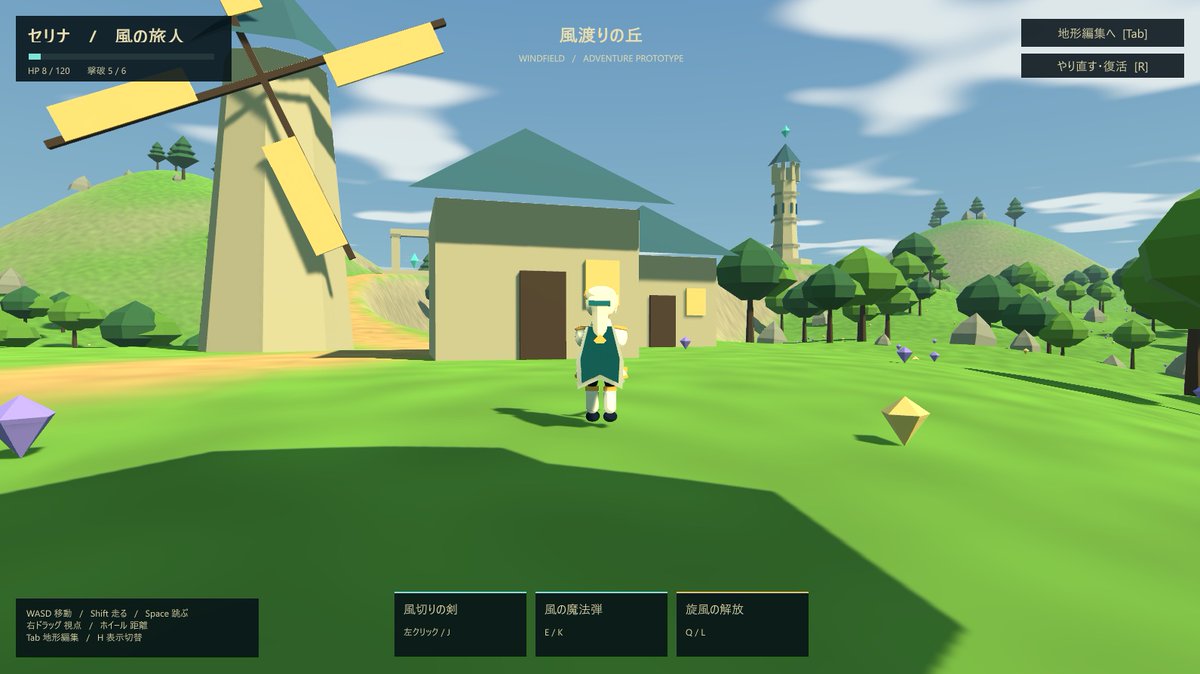
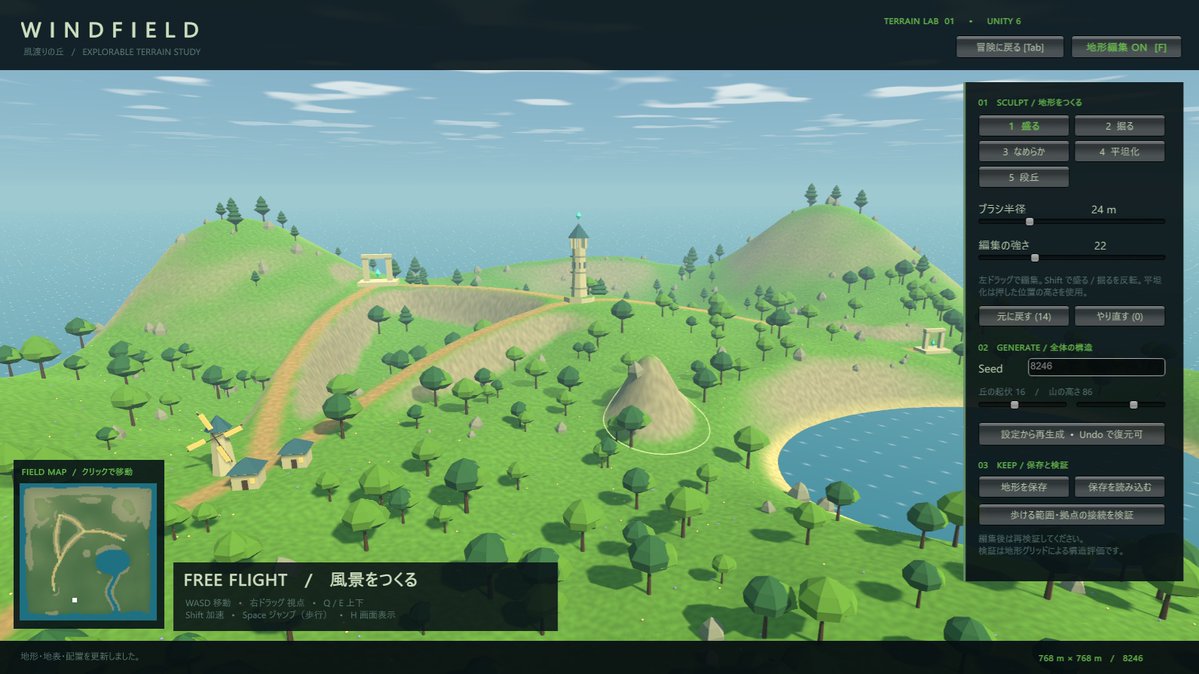
A prompt for creating a Genshin-like game and a tool for editing its terrain.
Prompt
Create a Genshin-like game and a tool for editing its terrain.
View detail ↗ · Original post · Back to examples
3D-printable J-hook for a strength test
Wësche · 2026-09-28
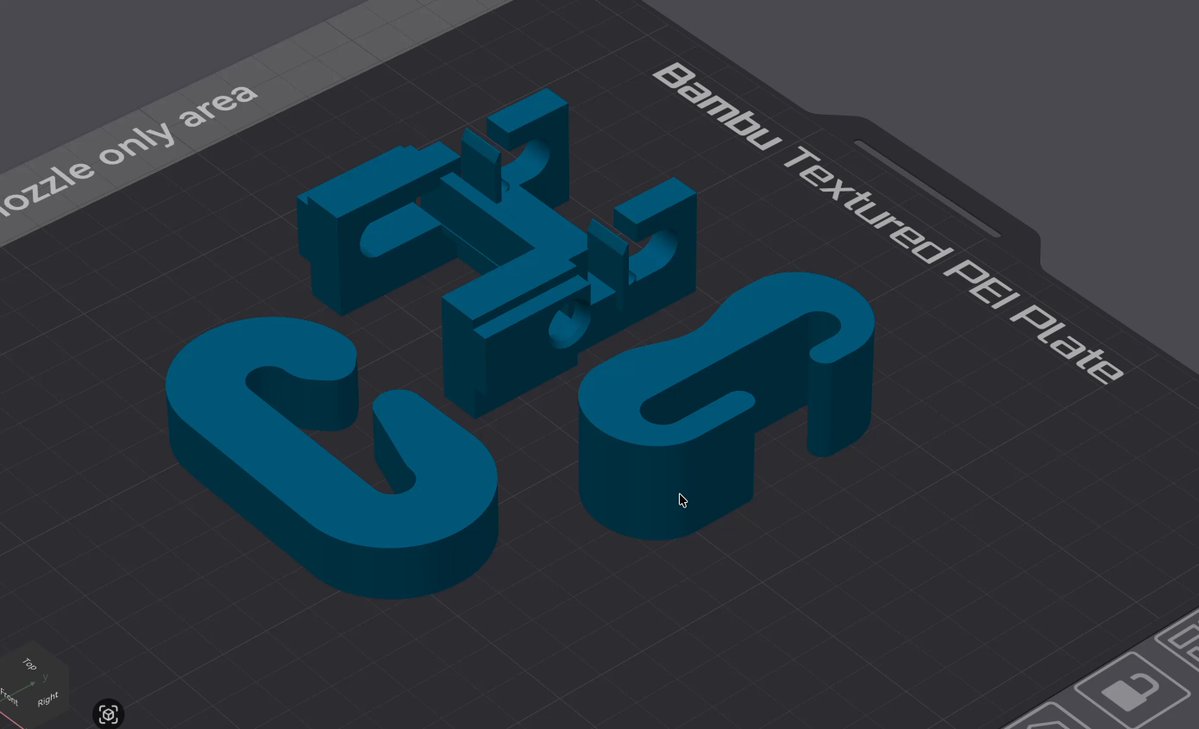
Design a single-part PLA J-hook for 3D printing and strength testing. It clips by hand onto an 8 mm steel bar and holds an 8 mm load pin, with dimensional, mass, retention, and anti-slip requirements. The requested output is a complete OpenSCAD file suitable for STL export.
Prompt
Design one 3D-printable J-hook for a strength test.
The hook hangs from an 8 mm steel bar. An 8 mm pin sits in the bill and we hang weight from that pin. I want the highest breaking load I can get without the bar or the pin slipping out.
Rules:
- One printed part. No screws, inserts, glue, or extra pieces.
- Must clip onto the bar and the pin by hand. No closed rings.
- Pin seats 40 mm apart, center to center.
- PLA. Max 35 g as printed.
- Must fit 80 x 60 x 25 mm.
- The pin should have to lift at least 10 mm to come out. If it can roll out the side, that design is invalid.
Give me:
1. A short explanation of the shape.
2. A complete OpenSCAD file I can compile and export to STL for Bambu Studio.
No STL text. No G-code. OpenSCAD only. If the first idea would slip off, replace it in the same answer.
View detail ↗ · Original post · Back to examples
Interactive educational 3D CRISPR representation
Alejandro · 2026-09-28
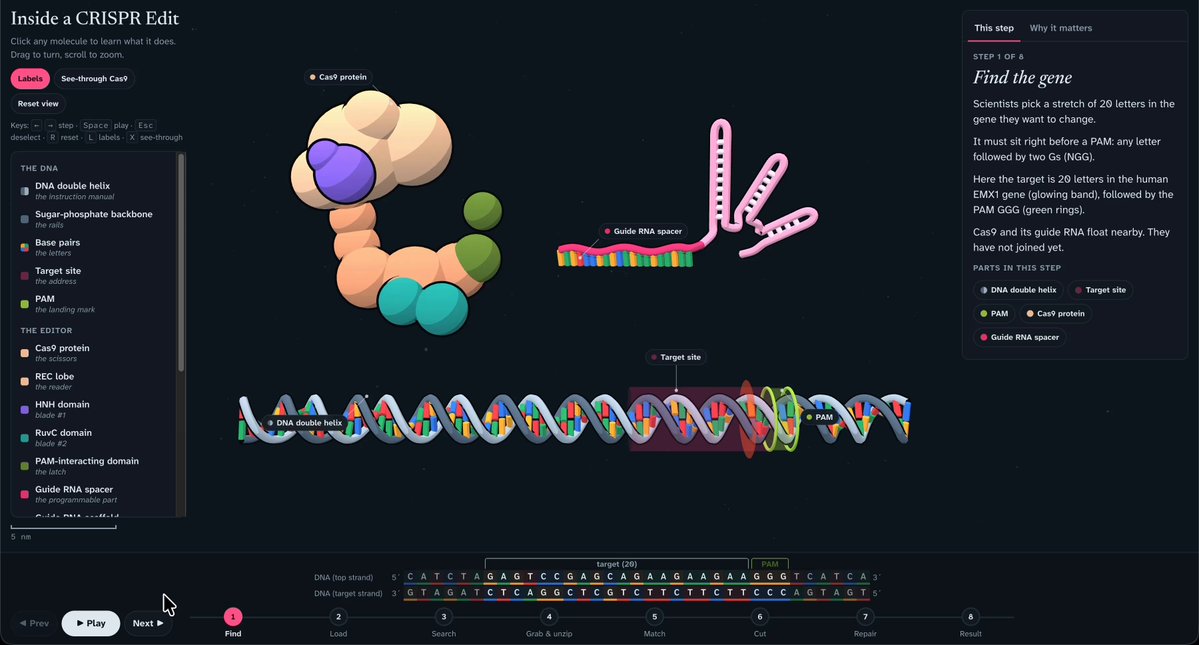

An interactive, readable 3D educational representation of CRISPR DNA technology. It should show a DNA strand and the full gene-editing process, identify each component, and let users select relevant parts to learn about them.
Prompt
I want you to create an interactive educational 3d represenation how CRISPR DNA technology works. You can choose what ever technology you want as long as its clear readable and has a dna strand, you can see a full work of gene editing and what each piece is, I should be able to select any relevant part of it and learn something
View detail ↗ · Original post · Back to examples
Interactive moonlit jungle boat ride
Fazley · 2026-09-28
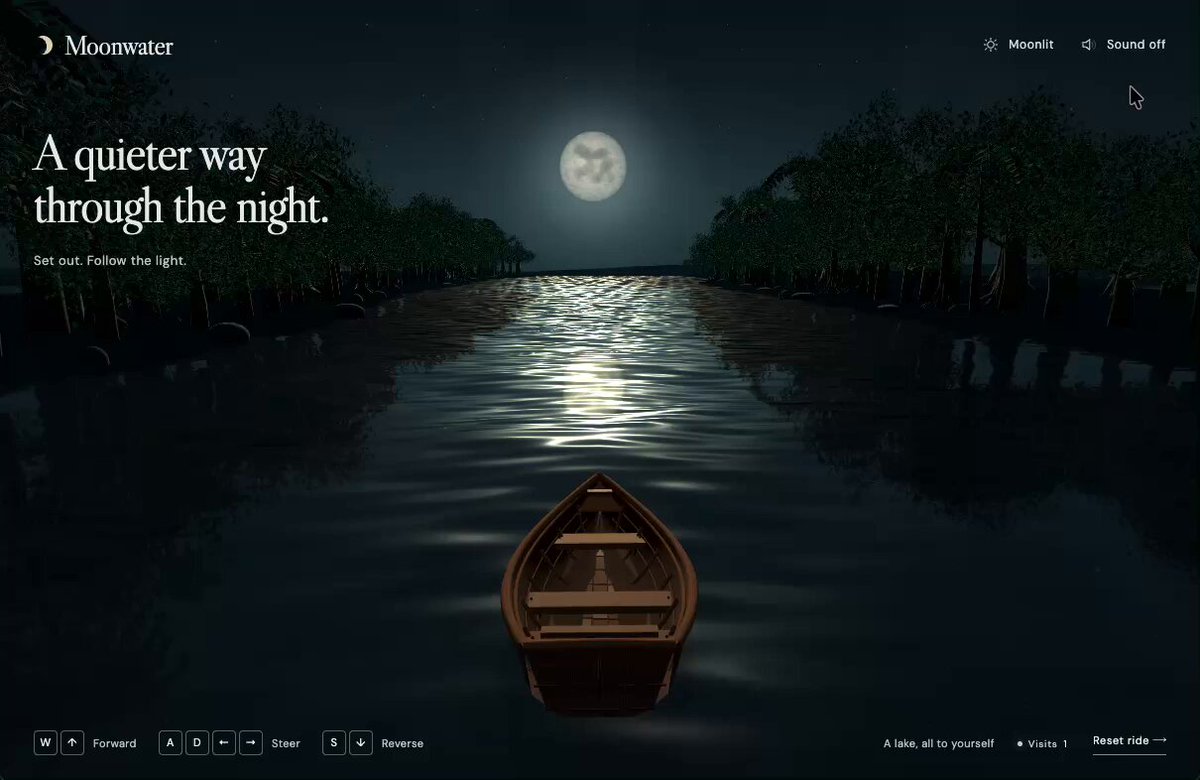
A fullscreen responsive Three.js boat ride through a narrow jungle waterway. Players steer an empty wooden rowboat using keyboard or touch controls, with animated water, wake effects, moonlight reflections, ambient audio, and toggles for moonlit night, dawn, and rain.
Prompt
Build a fullscreen, responsive Three.js boat ride set in a narrow jungle waterway. Use a third-person camera following an empty wooden rowboat with a pointed bow, broad sides, flat stern, visible floorboards and seats, no oars, a dry interior, and a hull slightly submerged in the water. Let users steer with WASD or arrow keys and touch controls. Make the scene nocturnal and mystical: dense, varied, realistic dark-green trees on both banks, subtle wind, a detailed full moon, and broken moonlight reflected across animated water. Use convincing moving waves, distorted reflections of the boat and trees, and a wake that follows the boat’s traveled path and fades naturally no fixed glowing marks or hard circular borders. Add a weather toggle for moonlit night, warm dawn, and overcast rain; in rain mode, show falling drops and small, short-lived impact ripples shaped by the water’s waves. Add optional, subtle water, jungle, and rain ambience. Keep the interface minimal. Verify the visuals, controls, audio, counter, and all three weather modes on desktop and mobile.
View detail ↗ · Original post · Back to examples
Transforming sports car with x-ray exploded view
Marcel · 2026-09-28
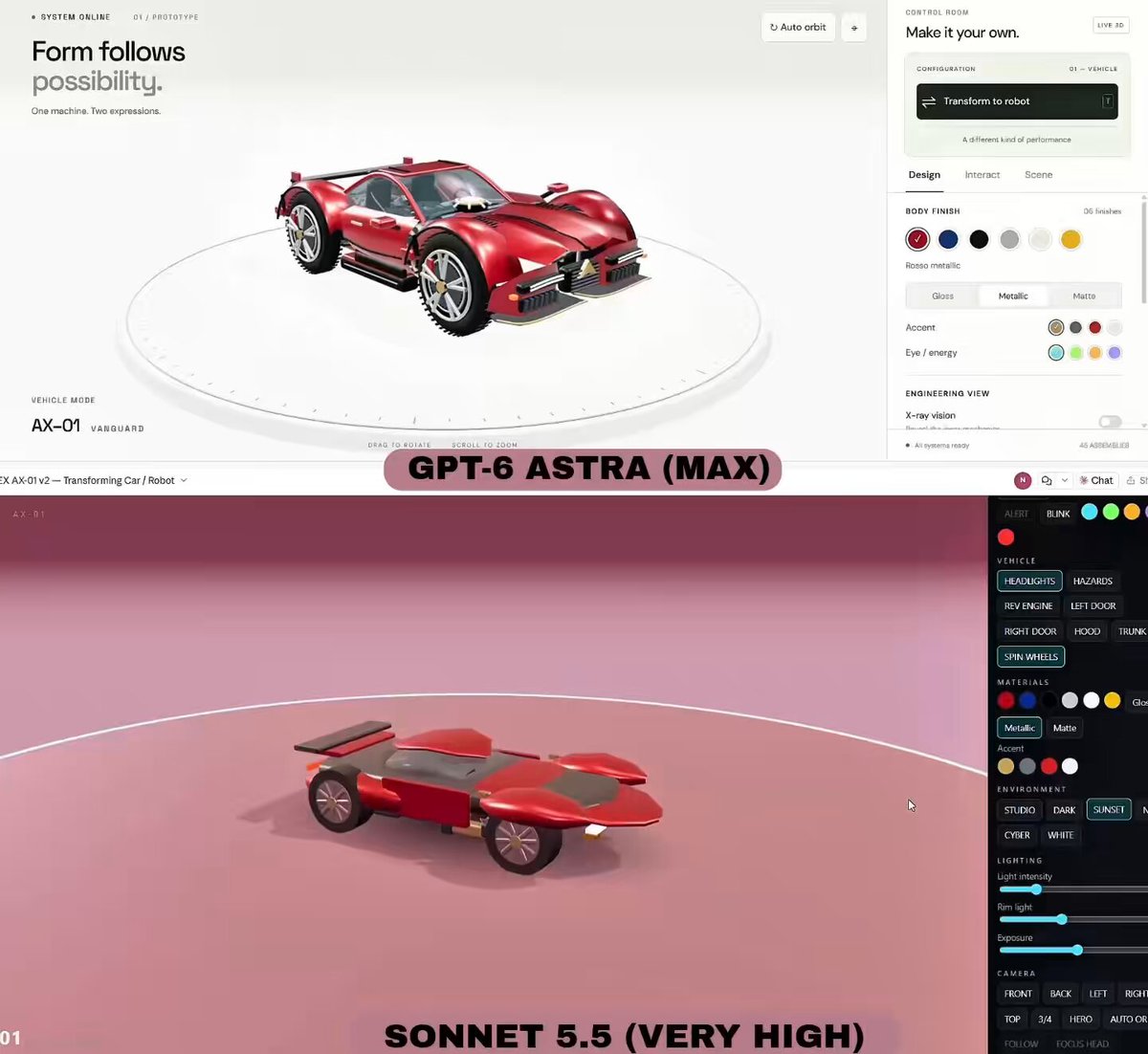
One-shot prompt supplied by Marcel for a comparison between GPT-6 Astra and Sonnet 5.5. It requests an interactive detailed sports car that transforms into a humanoid robot and includes x-ray and exploded-view modes.
Prompt
Build a detailed sports car that transforms into a humanoid robot, with an x-ray mode and interactive exploded view
View detail ↗ · Original post · Back to examples
Highly detailed 3D human eye
Simonas · 2026-09-29
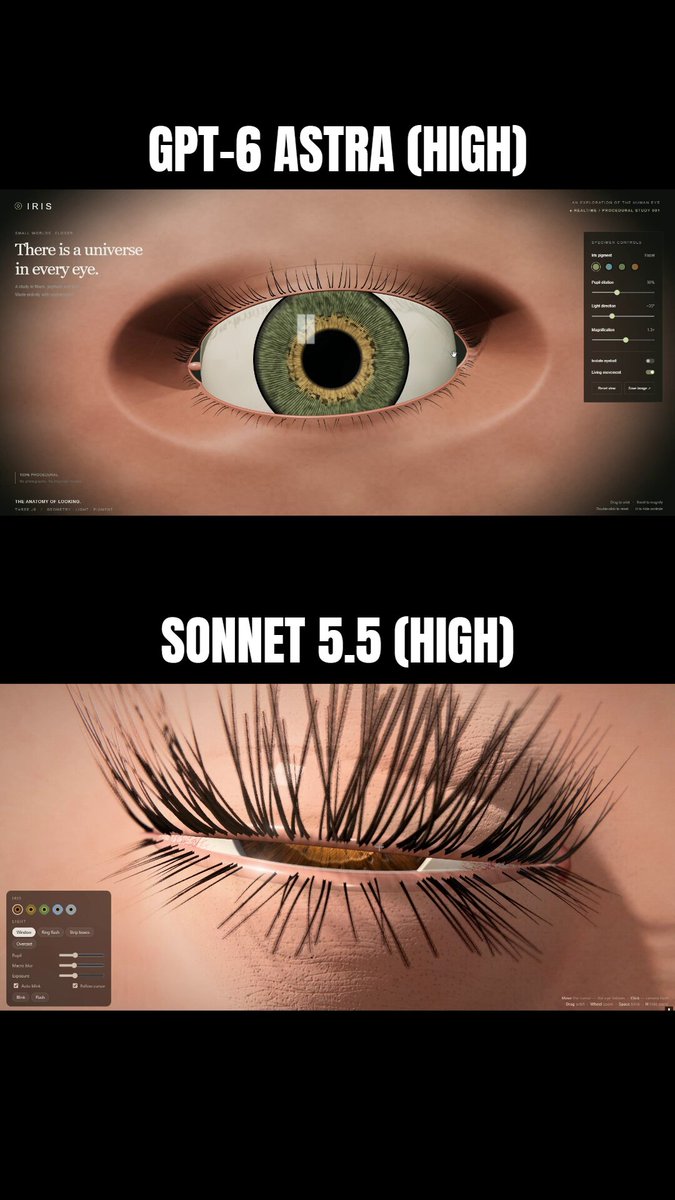
Create a local Three.js HTML/CSS/JS file containing a highly detailed 3D human eye modeled from scratch with a realistic macro-photograph appearance.
Prompt
Create a local HTML/CSS/JS file using Three.js. Make a highly detailed 3D model of a human eye that looks like a macro photograph of a real eye. Everything must be created from scratch.
View detail ↗ · Original post · Back to examples
Time, Undone.
Paruchh · 2026-09-29
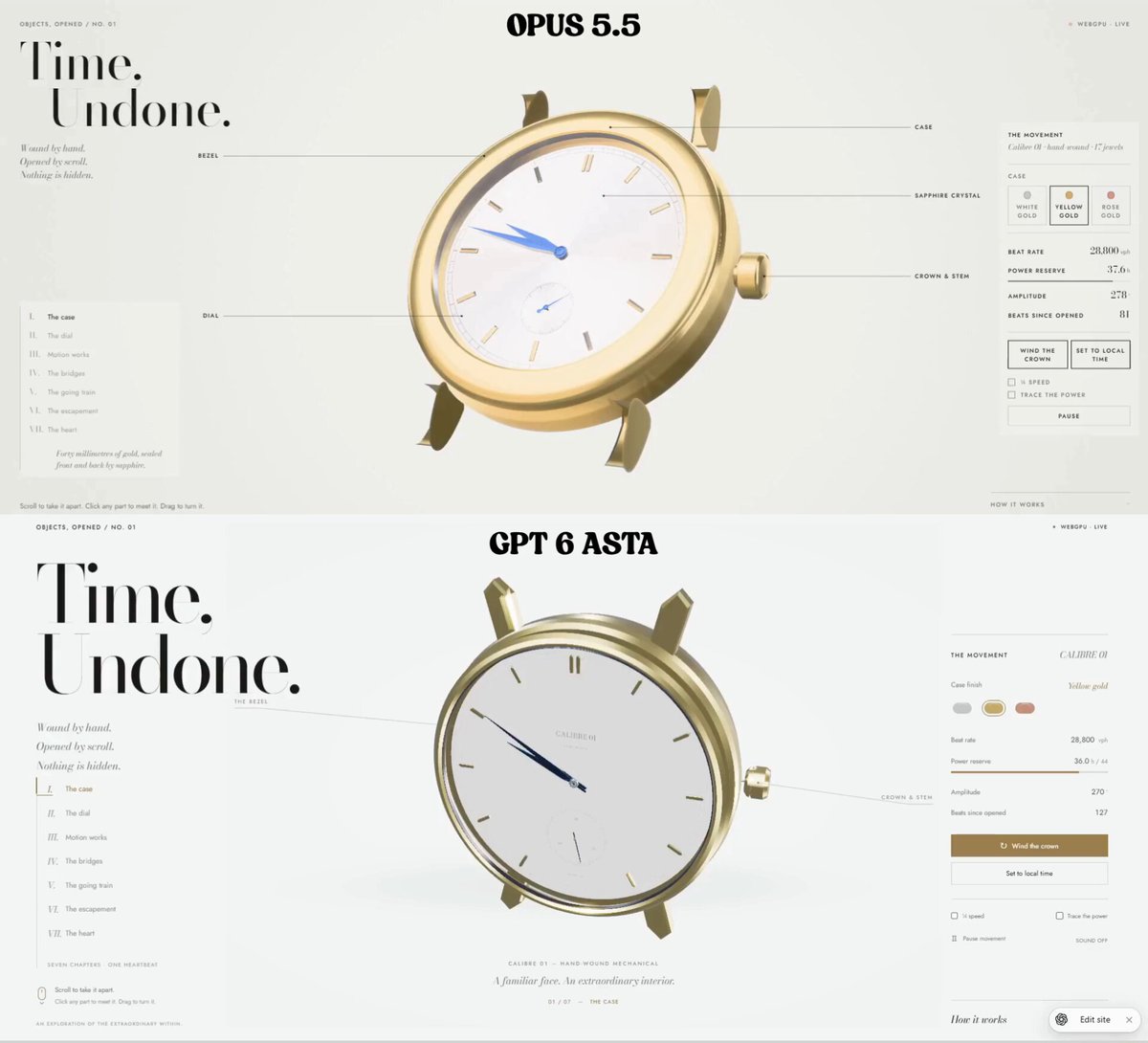
Create a self-contained WebGPU and WGSL interactive 3D mechanical watch. The unbranded hand-wound Calibre 01 has a mechanically specified Swiss-lever movement, real-time power reserve, winding interaction, and a scroll-driven seven-stage exploded view that continues running while disassembled. It includes part inspection, camera controls, gold case presets, technical validation, and a macro-photography-inspired editorial interface.
Prompt
Build "Time, Undone." - a single self-contained HTML file (embedded JS and CSS) running a genuine WebGPU + WGSL interactive 3D mechanical watch that takes itself apart as you scroll, while it keeps running. No 3D engine libraries; all geometry is generated in code. This is issue No. 01 of a series about objects everyone has seen from the outside and almost no one has seen from the inside.
THE OBJECT
An original, unbranded, hand-wound mechanical watch in a round 40 mm case, with a classic Swiss-lever movement about 30 mm across.
Layout: centre hours and minutes; small seconds sub-dial at 6 o'clock; crown at 3 o'clock.
Dial: silver-opaline with a fine guilloché sunburst, applied polished indices, dauphine hands, a railroad minute track.
Case: front sapphire crystal and a display caseback, so the movement is visible from behind.
No brand names, logos or real calibre names anywhere. Call it "Calibre 01".
THE MECHANISM (must be internally correct, not decorative)
Beat rate 28,800 vph (4 Hz balance).
Build a real going train with consistent tooth counts:mainspring barrel 96 teeth → centre pinion 12; the centre wheel turns once an hour and carries the minute hand;
centre wheel 80 → third pinion 10;
third wheel 75 → fourth pinion 10; the fourth wheel turns once a minute and carries the small seconds hand;
fourth wheel 84 → escape pinion 7;
escape wheel 20 teeth, turning once every 5 s.

Motion works under the dial: cannon pinion 12 → minute wheel 36; minute pinion 10 → hour wheel 40 (12:1).
Keyless works: crown, stem, crown wheel, ratchet wheel, click with spring.
Escapement: escape wheel, pallet fork with two ruby pallet stones and banking pins, balance wheel with hairspring and impulse roller.
Structure: mainplate, barrel bridge, train bridge, balance cock, ruby jewel bearings, blued screws.
Gears: watch-style cycloidal tooth profiles, spoked wheel crossings, pinions with leaves, arbors and pivots. Centre distances are derived from a common module so every pair meshes visibly correctly when assembled.
Motion, driven from ONE master clock:the balance oscillates as θ(t) = A·sin(2π·4·t), with amplitude A around 270° at full power;
at each beat, the pallet fork flicks between its banking pins and the escape wheel advances half a tooth in a short eased impulse, then locks;
every other wheel steps exactly by its ratio from the escape wheel;
the seconds hand ticks 8 times per second; the minute and hour hands follow the train.
On load, set the hands to the viewer's local time.

Power: a power reserve of about 44 h that drains in real time.Amplitude falls from 290° to 180° as the reserve empties; at 0 the watch stops, the balance settling rather than freezing.
Winding raises the reserve, with visible ratchet and click motion and a soft click sound (Web Audio, muted until the first user interaction).

The mechanism keeps running in every exploded state: wheels spin in mid-air, the balance keeps beating, the seconds hand keeps ticking.
THE EXPLODE (scroll-driven, with stops)
Page scroll maps to a progress value from 0 to 1, split into seven chapters. Each chapter eases into a resting "stop" where scroll briefly settles (a soft snap, never a hard lock). The camera moves smoothly between chapters.
Chapters:
I. The case: front 3/4 view, assembled.
II. The dial: the crystal and bezel lift away; the hands and dial rise.
III. Motion works: the wheels under the dial separate.
IV. The bridges: the watch turns over to show the back; the caseback lifts; the bridges and the balance cock rise, with their screws floating just above their holes.
V. The going train: barrel, centre, third and fourth wheels spread upward along their own axes like a technical drawing.
VI. The escapement: escape wheel, pallet fork and balance separate a little further, and the camera closes in.
VII. The heart: a macro view of the beating balance and hairspring, with the full exploded column behind.
Every part moves along a clear axis, mostly its own arbor axis or straight up from the plate. Parts that belong together stay together. Nothing intersects during the explode, and nothing leaves the frame.
Thin hairline leader lines with small caps labels appear for the main parts at each stop, and fade between stops.
INTERACTION
Scroll (wheel, trackpad, touch swipe) drives the explode.
Dragging on empty space turns the watch within limits; it eases back when released.
Hovering a part outlines it softly with its name.
Clicking a part:the part is highlighted, other parts dim to about 35%, and the camera eases to frame it;
a card opens beside it, joined by a hairline leader. The card shows: name; role in one or two plain sentences; one precise fact (for example: "Escape wheel · 20 teeth · one turn every 5 s"); and one live value (current speed, angle, or beats so far).
Esc, a close button, or clicking empty space returns.

Dragging the crown sideways winds the watch (a tactile ratchet), when the crown is visible.
Pointer capture, mouse and touch. Picking by an object-ID render pass or exact ray tests; no approximate bounding spheres.
RENDERING (real metals, macro-photography feel — not a cartoon)
Physically based materials, with a procedural studio environment (large softboxes, a strip light and a dim warm fill) for reflections.
Finishes:Côtes de Genève stripes on the bridges (anisotropic brushed specular aligned to the stripes);
perlage (circular graining) on the mainplate;
mirror-polished bevels (anglage) catching bright edge highlights;
thin-film heat-blued screws and hands;
ruby jewels that are translucent red with internal sparkle;
rhodium-plated steel parts;
sapphire crystals with faint blue-violet reflections and a slight edge thickness.

Case in the selected gold.
Highlights: controlled bloom on specular highlights only; small star glints on jewels and polished edges that appear as the light or the watch moves. Glamour, not glitter.
Soft contact shadows, gentle ambient occlusion, subtle depth of field that follows the focused part.
Filmic tonemap with no clipped highlights; 4x MSAA or equivalent.
Background: pale porcelain white with a soft vignette, like a seamless photo studio. Not yellow, not cream.
UI (aristocratic, editorial, generous whitespace)
Fonts: "Bodoni Moda" for display and numerals, "Jost" for UI text (Google Fonts, with serif and sans fallbacks). Small caps labels with 0.16em tracking; tabular numerals.
Colours:ink #1B1A17 on the porcelain background;
hairlines 1px at 15% ink;
the accent follows the selected gold.

No gradients on UI elements, no heavy shadows, no emoji.
Top-left:kicker "OBJECTS, OPENED / NO. 01";
large Bodoni heading on two lines, "Time," / "Undone.";
three caption lines in Bodoni italic: "Wound by hand." "Opened by scroll." "Nothing is hidden."

Top-right: status "WEBGPU · LIVE" with a small dot.
Left edge, vertically centred: the chapter index "I. The case", "II. The dial", "III. Motion works", "IV. The bridges", "V. The going train", "VI. The escapement", "VII. The heart".The current chapter is highlighted, with a hairline progress rule; clicking a chapter scrolls to it.

Right panel "THE MOVEMENT":three case presets: White gold, Yellow gold, Rose gold, with small metal swatches;
live readouts: Beat rate "28,800 vph", Power reserve (h, with a thin bar), Amplitude (°), Beats since opened;
buttons "Wind the crown" and "Set to local time";
checkboxes "¼ speed" and "Trace the power". Trace the power makes a slow line of light flow along the energy path: mainspring → barrel → centre → third → fourth → escape wheel → pallet fork → balance, with each part glowing as it passes;
a Pause/Resume button.

Bottom-left hint: "Scroll to take it apart. Click any part to meet it. Drag to turn it."
Bottom-right: a collapsible "How it works", with a short, accurate explanation of the going train, the escapement, the balance and the power reserve, plus a short note on how this page renders it.
Mobile: the canvas fills the top about 65% of the screen, and the chapter index becomes a horizontal row of Roman numerals. The panel flows below; part cards become a bottom sheet. Nothing covers the watch.
ENGINEERING
Build all geometry once at start-up. Instance repeated parts (screws, jewels, teeth where useful). Update only transforms per frame; no shader compilation or buffer rebuilds during interaction.
Animation time comes from one clock with ¼-speed scaling. Pause freezes the mechanism, not the UI.
Respect prefers-reduced-motion: instant chapter transitions, no camera flights, no glints animation.
If WebGPU is unavailable, show a clear, well-designed explanation. No fake fallback renderer.
Handle device loss. Cap the pixel ratio at 2. Aim for 60 fps on a laptop and a smooth experience on a recent phone.
VALIDATE BEFORE DELIVERING
In code, assert the train ratios: the seconds hand turns once per 60 s, the minute hand once per 3600 s, the hour hand once per 12 h, the escape wheel once per 5 s. Log the check to the console.
Every meshing pair is at the correct centre distance and visibly meshed when assembled.
No part intersects another at any explode progress; no z-fighting.
Scroll stops, chapter jumps, part picking, cards, winding, presets, trace-the-power, pause, ¼ speed and the mobile layout all work.
Card texts are horologically accurate.
No console errors.
View detail ↗ · Original post · Back to examples
Realistic F-22 Raptor model and Godot flight video
Demetrius Greses Jr · 2026-09-29
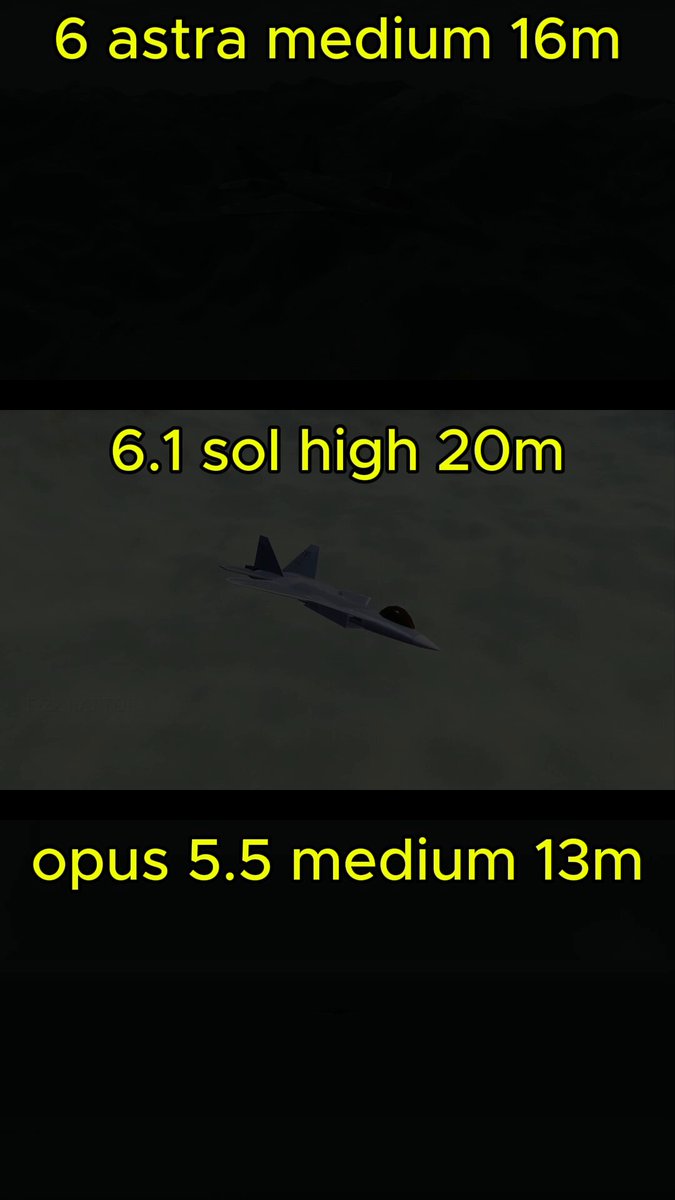
A comparison prompt requesting a realistic 3D model of a Lockheed Martin F-22 Raptor, followed by a 60-second MP4 of the aircraft flying in Godot for upload to X. The root post lists 6 Astra among the models being compared.
Prompt
Using blender mcp. Make me a realistic 3d model of the: Lockheed Martin F-22 Raptor (US only). Then create me 60 second mp4 of it flying around in Godot that I can upload to X.
View detail ↗ · Original post · Back to examples
Cinematic photorealistic rocket launch scene
Matthew Lebo · 2026-09-29
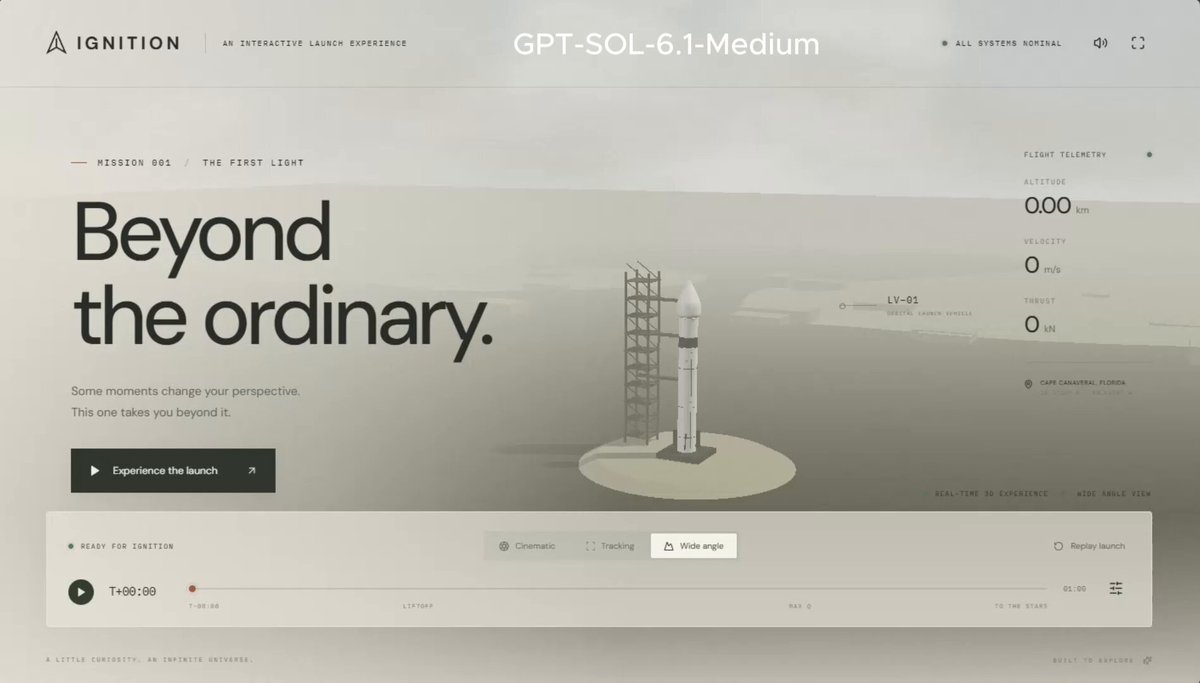
A reusable prompt shared by the posting author as the same exact input used to compare GPT-Astra, GPT-6.1-Sol, and Claude Opus 5.5. It requests a cinematic, photorealistic, textured 3D rocket launch scene implemented with Three.js.
Prompt
Build a cinematic, photorealistic, beautifully textured rocket launch scene using Three.js
View detail ↗ · Original post · Back to examples
Blender render of the Golden Gate Bridge
EvoLink.ai · 2026-09-30
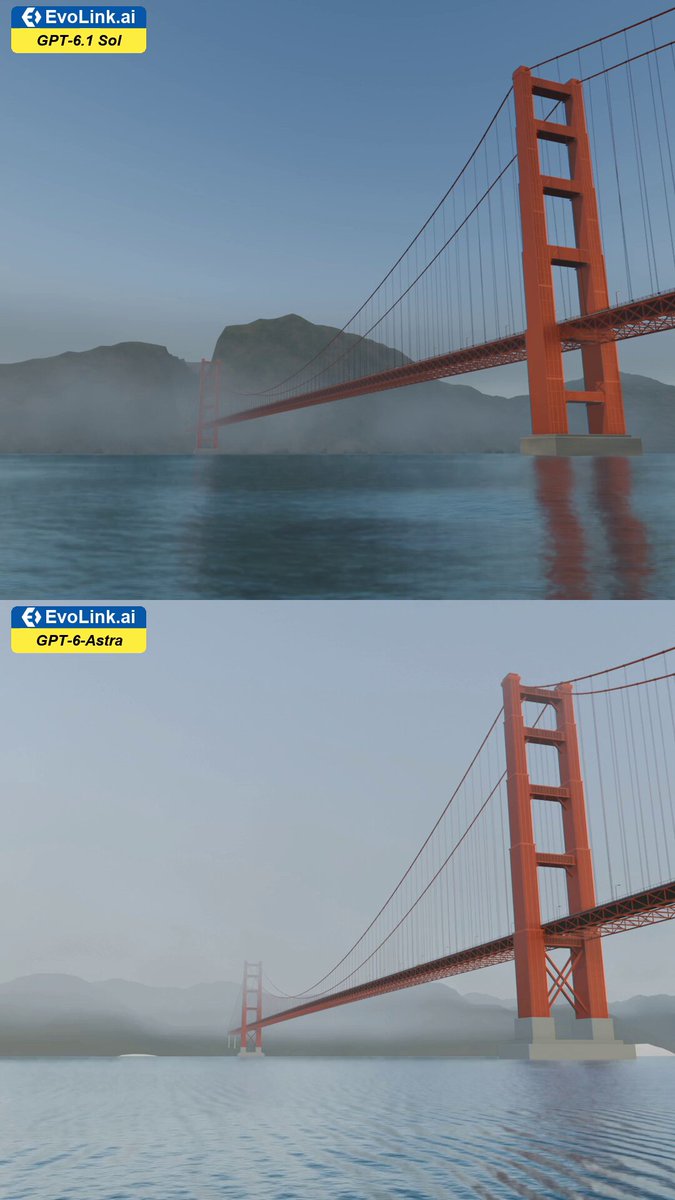
A benchmark prompt shared by EvoLink.ai for rendering the Golden Gate Bridge in Blender. It specifies an extreme low-angle view from San Francisco Bay, foggy morning conditions, intricate steel-truss towers, detailed roadway vehicles, and rugged coastal headlands.
Prompt
A Blender render of the Golden Gate Bridge. A sweeping, extreme low-angle shot from the surface of San Francisco Bay, looking up at the colossal, intricate steel-truss towers piercing the foggy morning sky. The expansive roadway stretches across the span with countless tiny, detailed vehicles, highlighting the bridge's grand, imposing scale against the rugged coastal headlands.
View detail ↗ · Original post · Back to examples
Create a 3D Minion Character in Blender
EvoLink.ai · 2026-09-30
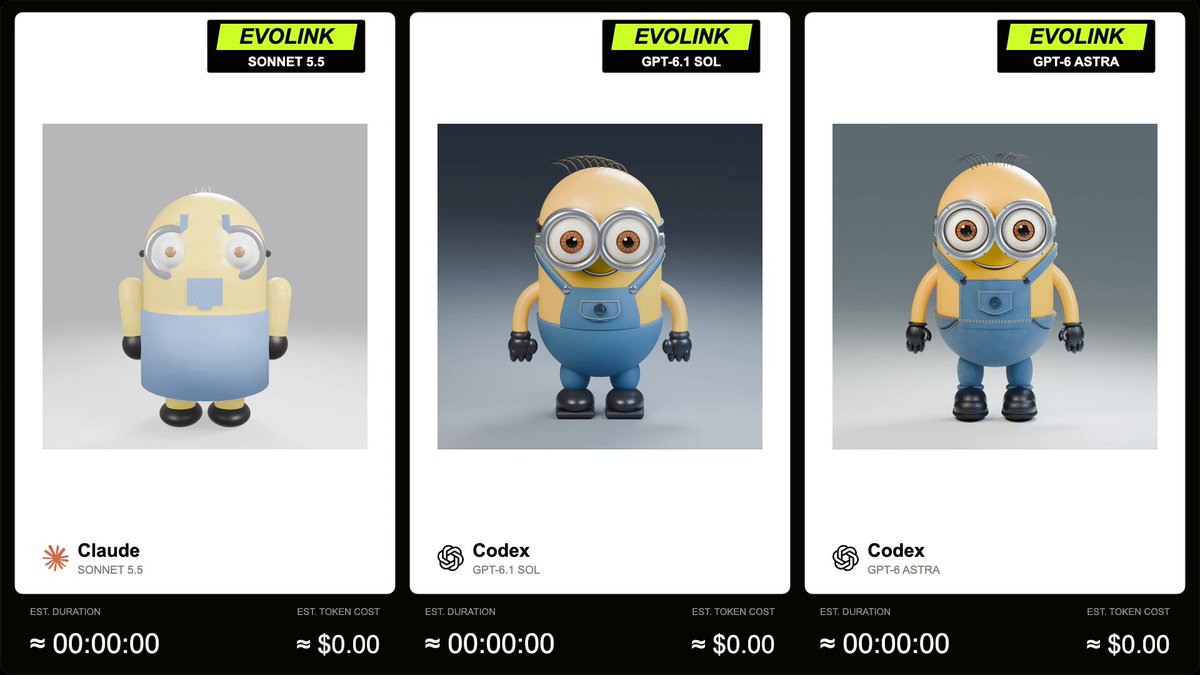
A verified-author prompt supplied as a 3D Blender character test for GPT-6.1 Sol, Sonnet 5.5, and GPT-6 Astra. It requests an executable bpy script that models a Minion-style character with materials, mirrored components, studio lighting, and a five-second square turntable render.
Prompt
Write a complete, executable Python script using Blender's bpy module to create a 3D Minion character, set up a 360-degree turntable camera animation, and render a 5-second 1:1 video.
Animation & Render Specifications:

Frame Rate & Duration: Set frame rate to 30 fps and render frame range from frame 1 to 150 (exactly 5 seconds).
Aspect Ratio: Set render resolution to 1080x1080 pixels (1:1 square ratio).
Camera Turntable Animation:Animate the camera (or an empty controller object parented to the camera) to perform a seamless 360-degree rotation around the Minion over the 150 frames.
Set keyframe interpolation to LINEAR to ensure smooth, constant-speed rotation.

Output Settings: Set output format to FFmpeg video (H.264 / MP4 container).
Technical Requirements & Model Structure:
Base Body:Create a capsule-like mesh for the main body (yellow material, subsurface scattering/roughness ~0.3).
Add sparse, thin strands of black hair on top of the head.

Goggles & EyesBuild dual-lens goggles using extruded cylinders/toruses.
Goggle Frame Material: Metallic (~0.9), Roughness (~0.2) to simulate brushed aluminum/metal.
Add a black elastic strap wrapping around the body.
Generate two eyeball meshes inside the frame (white sclera, brown iris, shiny pupil).

Clothing - Overalls:Model the denim overalls using separate mesh geometry or extruded body segments.
Material: Blue denim color, higher roughness (~0.6).
Include shoulder straps and a front pocket on the chest.

Appendages & DetailsAdd arms and legs with black gloved hands and black shoes.
Use Mirror Modifier (bpy.ops.object.modifier_add(type='MIRROR')) where applicable (e.g., eyes, goggles frame, arms, straps, legs) to ensure symmetry and clean code.

Lighting & Scene:Place a three-point lighting setup (Key, Fill, Rim lights) parented to the camera or placed uniformly so the lighting stays consistent during rotation.
Set render engine to Cycles or EEVEE with a clean studio background.
Ensure all materials are created using Nodes (use_nodes = True).

Return ONLY valid Python code inside a markdown block with no surrounding text or markdown explanations.
View detail ↗ · Original post · Back to examples
Recreate a scene in Isaac Sim
Charles Wong · 2026-09-30
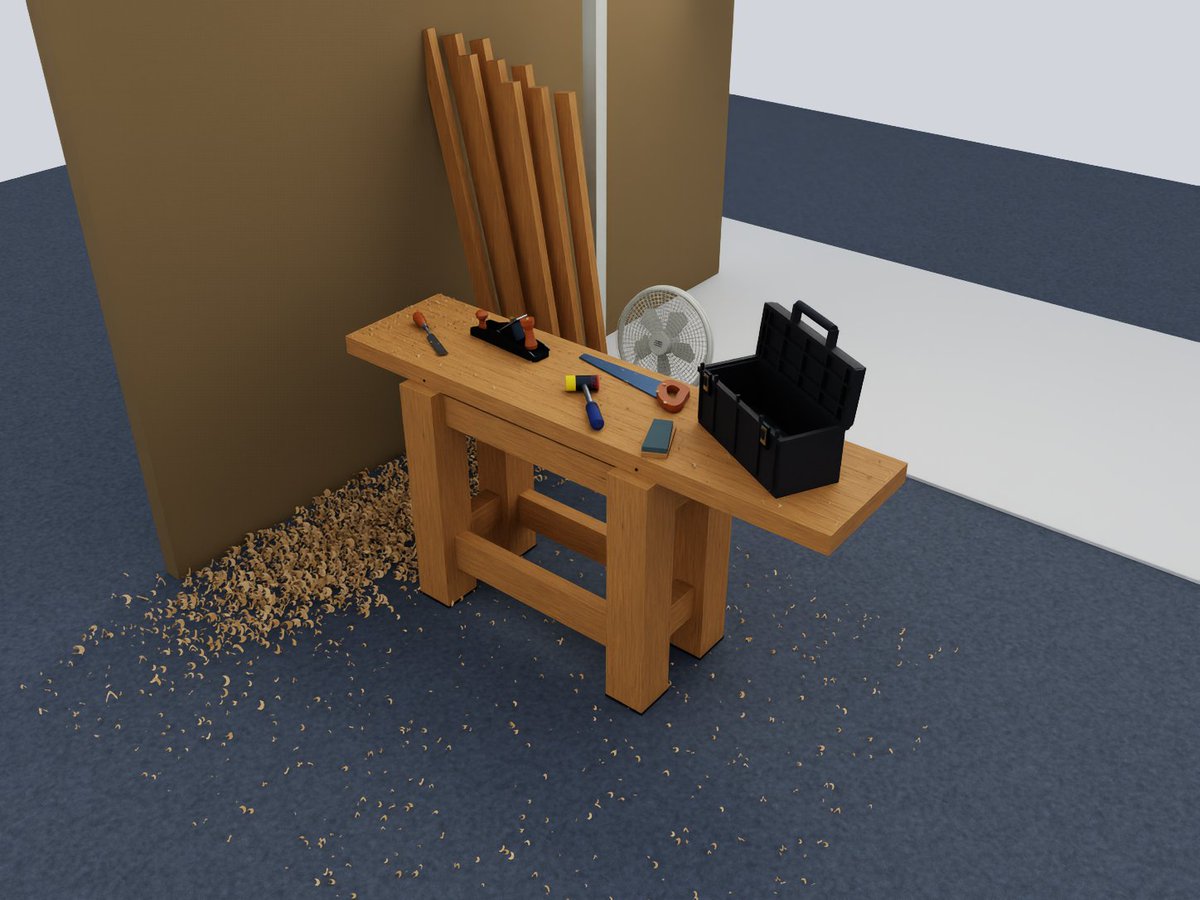
A prompt to recreate the attached scene in Isaac Sim for manipulation policy evaluation, without using Manifold.
Prompt
Recreate this scene in Isaac Sim for the purposes of manipulation policy evaluation. Don't use Manifold.
View detail ↗ · Original post · Back to examples
Golden miniature 3D pyramid diorama
demon · 2026-09-30
An author-shared prompt for a 15-second split-screen comparison of GPT-6 Astra and Fable 5. It requests a golden miniature pyramid-and-temple diorama with a synchronized orbiting camera and a pyramid morph animation.
Prompt
{
  "task": "build the pyramids in 3D. rotate the camera",
  "video": { "duration": "15s", "ratio": "16:9", "layout": "split screen, 1 model per side" },
  "scene": "golden miniature diorama, tilt-shift, dark dusk lighting, smooth carved pyramid, temple, small pyramids, cracked plaza, contour terrain",
  "animation": "pyramid morphs in from base to tip, no workers, no ramps, no blocks",
  "camera": "continuous 150 degree orbit, synced on both sides",
  "overlay": "model name + timer only"
}
View detail ↗ · Original post · Back to examples
3D asteroid-dodging game
dubspeak.com · 2026-10-01
A linked DubSpeak transcript of an OpenAI original video quotes a request for a 3D game about dodging asteroids, with arrow-key movement and a spacebar boost.
Prompt
Now, I want you to make a 3D game where I'm ducking asteroids, using the arrow keys to move around, and I'm using space to boost.
View detail ↗ · Original post · Back to examples
Playable 3D Boat Scene on a Mountain River
けんすみ|海外AI事例編集者 · 2026-10-03
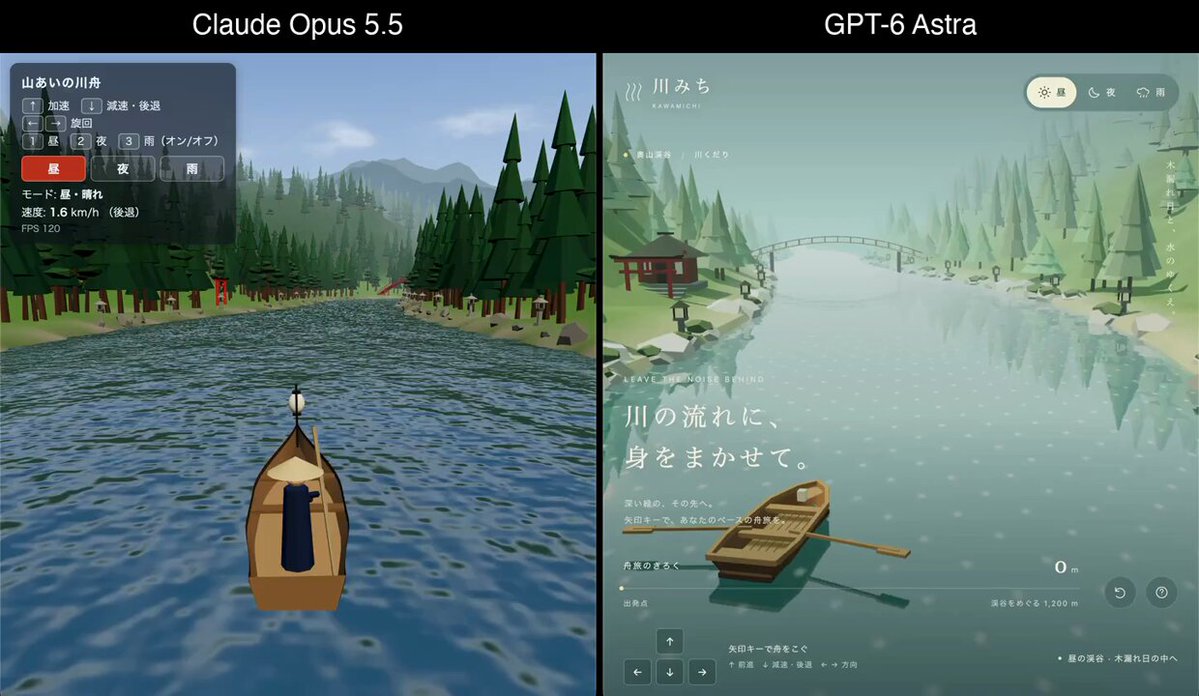
Instructions for creating a three.js 3D scene of a boat traveling along a mountainous river in Japan. The scene should support boat controls with the arrow keys, switching between day, night, and rain, and glowing lanterns along the river at night. The poster states that they sent these same instructions to GPT-6 Astra once.
Prompt
Create a three.js 3D scene of a boat traveling along a mountainous river in Japan. Let the player control the boat with the arrow keys, switch between day, night, and rain, and make the lanterns along the river glow at night.
View detail ↗ · Original post · Back to examples
A Browser-Based 3D House You Can Walk Through
けんすみ|海外AI事例編集者 · 2026-10-04
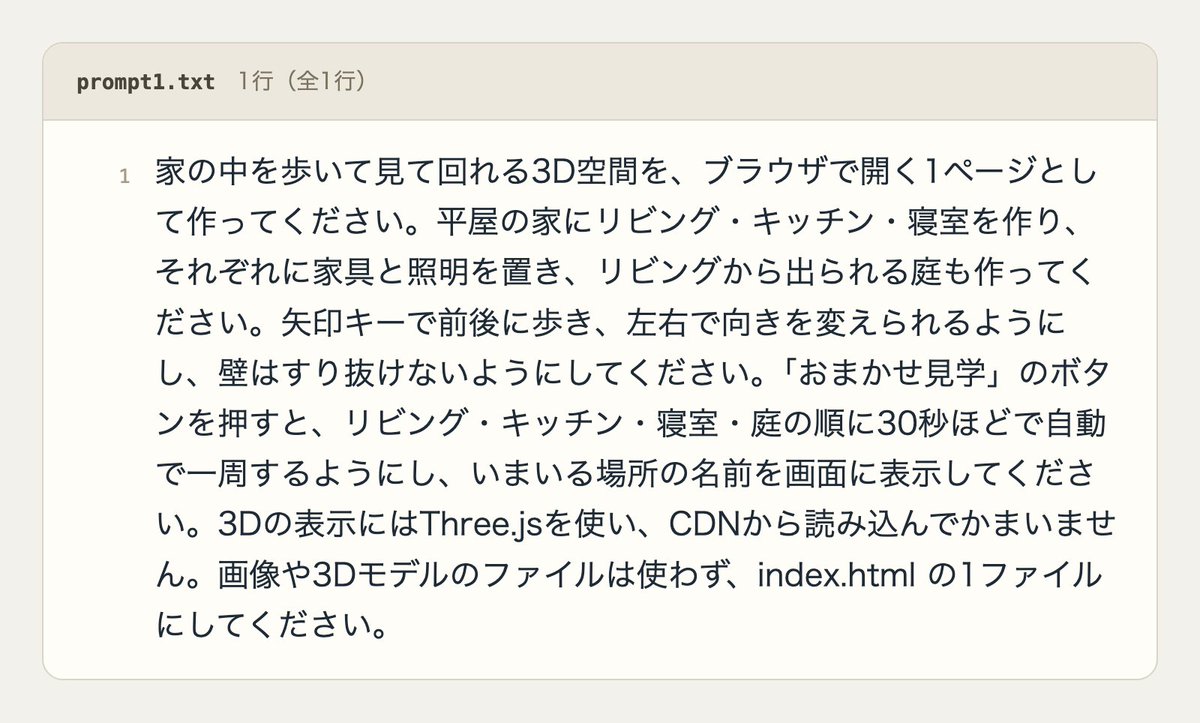
Instructions for creating a 3D space that lets users walk through and explore a house in a single browser page.
Prompt
Create a 3D space that users can walk through and explore inside a house as a single browser page.
View detail ↗ · Original post · Back to examples
Create a cinematic trailer for a fictional game
Paruchh · 2026-10-04
A complete author-comment prompt for a 35–40 second cinematic fictional-game trailer. It requests a procedurally generated 3D world, creature or character animation, atmospheric lighting, synthesized audio, storyboarded pacing, quality review, and reproducible Blender/Python source deliverables. The root post says GPT-6 Astra created the showcased trailer from this prompt.
Prompt
Create a cinematic trailer for a fictional game, 35–40 seconds long, with the production quality of a reveal at The Game Awards

MAIN RULE
Everything the viewer sees and hears must be created by your code: geometry, materials, animation, lighting, particles, titles, music, and sound
No premade models, textures, HDRIs, images, videos, audio, or logo fonts from the internet
System fonts are allowed

TOOLS

- Blender (headless, Python/bpy): procedural generation using Geometry Nodes and shader nodes, animation using keyframes and drivers
- Rendering: EEVEE Next (bloom, volumetrics, motion blur, depth of field), use Cycles only for 1–2 hero shots if time allows
- Audio: synthesis in Python (numpy/scipy) or SuperCollider for music, ambience, impacts, whooshes, rumble, and a deep BRAAAM at the climax
- Assembly: ffmpeg for editing, color grading, grain, 2.39:1 letterboxing, and audio mixing

STEP 1: CONCEPT
Invent a game: its title, setting, conflict, and one memorable visual hook, such as a world with floating mountains or a gigantic creature beneath the clouds
Write it in CONCEPT.md

STEP 2: STORYBOARD
Plan 8–12 shots with timecodes in STORYBOARD.md
For each shot, describe what is in frame, camera movement (dolly, crane, orbit, FPV flythrough, slow push-in), focal length, lighting, and sound
Structure:

- 0–8 s: quiet and atmosphere, dawn, slow wide shots
- 8–20 s: increasing pace, transition between day and night (time-lapse sky and shadows), first signs of a threat
- 20–32 s: climax, fast cuts on the beat, epic scale, particles, bursts of light, a creature or an event
- 32–35 s: impact, black screen, animated game logo
- 35–40 s: “Coming 2027” and a quiet final sound

STEP 3: WORLD AND ANIMATION IN BLENDER

- Procedural terrain (noise + erosion), procedural vegetation or ruins using instancing, water or volumetric clouds
- At least one complex character or creature animation: a bone rig created through code, procedural walking or wing flapping, secondary animation (tail, cloth, dust particles)
- Dynamic sky: Nishita sky or a custom shader, sun moving along an arc, stars at night
- Atmosphere: fog, god rays, dust in light beams, particles (sparks, ash, leaves)
- Camera: smooth Bézier curves, easing, subtle noise-driven handheld shake in dynamic shots, no linear movements
- Logo: 3D text or a procedural emblem with an assembly animation and an emissive shader

STEP 4: AUDIO
Synchronize the music with the edit: tempo and impacts must align with cut timecodes
Layers: ambient pad, pulsing bass, percussion during the climax, sound design for specific on-screen events
Final mix: stereo, normalized to -14 LUFS

STEP 5: QUALITY CONTROL

- First render a low-resolution preview of each shot and 3 still frames per shot, inspect them yourself and honestly assess composition, lighting, readability, and whether it looks expensive, rework weak shots
- Only then perform the final render

DELIVERABLES

- trailer.mp4: 1920×1080, 24 fps, H.264, AAC
- Source folder: .blend file, all generation scripts, audio script, assembly script
- https://t.co/vviyxTr1Yi / build.ps1: one command that rebuilds everything from scratch
- README.md: concept, storyboard, description of techniques, render time

SUCCESS CRITERION
Someone watching without any context should believe this is a real game trailer rather than a technical demo
Priority: atmosphere, lighting, and rhythm matter more than object count

Choose the technologies yourself within these constraints
Work autonomously until the finished result is ready
View detail ↗ · Original post · Back to examples
3D Game: Collect 10 Star Fragments on a Small Island at Night
けんすみ|海外AI事例編集者 · 2026-10-05
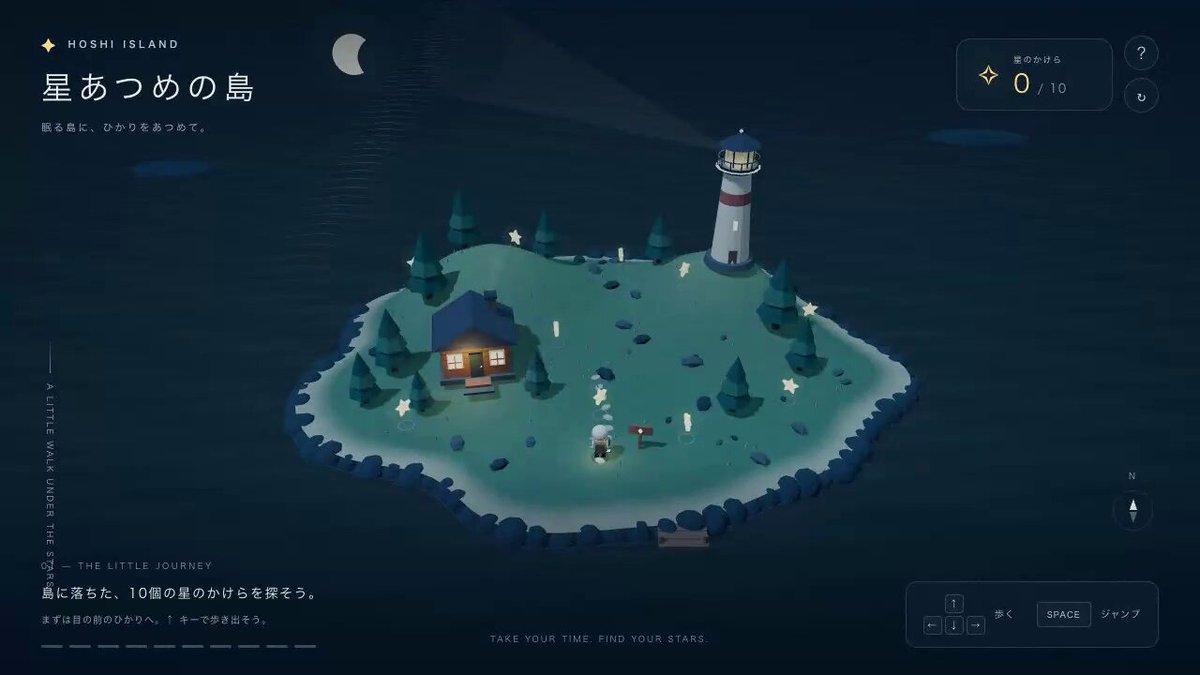
A prompt for creating a browser-based 3D game in which the player explores a small island at night and collects 10 star fragments, explicitly stating that the poster instructed GPT-6 Astra.
Prompt
Create a 3D game that can be played in a single browser page, where the player explores a small island at night and collects 10 star fragments.
View detail ↗ · Original post · Back to examples
Plush Spider — Material Studies No. 015
Vib3Coded · 2026-10-05
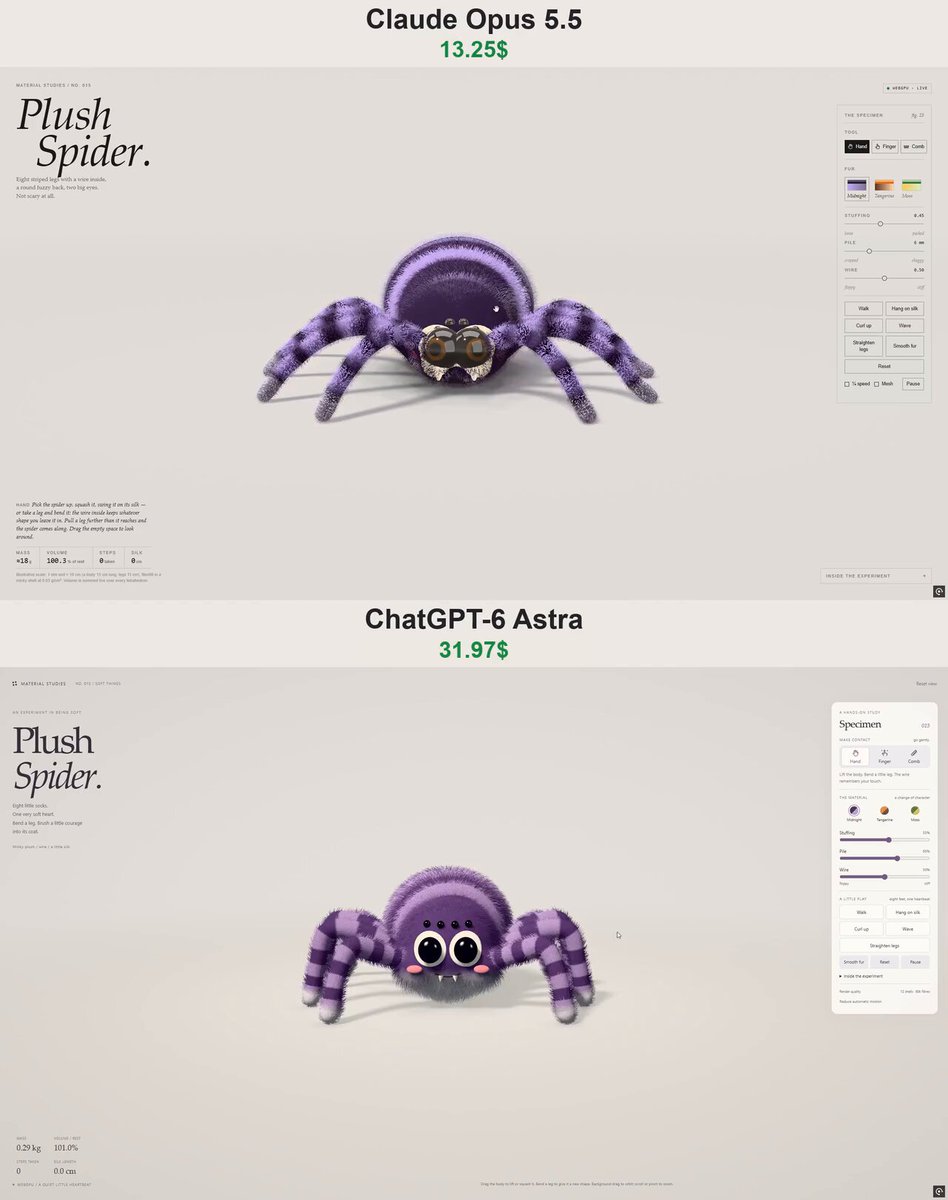
Create a self-contained native-WebGPU interactive plush spider study. The procedural spider has soft-body and wire-leg physics, combable shell fur, walking, curling, silk-hanging and waving behaviors, plus direct Hand, Finger and Comb controls. The root post compares a ChatGPT-6 Astra version with an Opus version; the author supplied this prompt in a verified comment.
Prompt
Build "Plush Spider" — Material Studies No. 015.

Format and style:
- A single self-contained HTML file on native WebGPU, fully procedural (no assets, no libraries).
- The same editorial style as the series: serif masthead, side specimen panel, live readouts, "Inside the experiment" notes.

The specimen: a cute plush spider sitting on a table.
- The body is one signed distance field:
  - a big round abdomen with knitted-looking stripes;
  - a smaller head-and-chest tucked into it, with two fuzzy cheeks;
  - a paler underside.
- The face:
  - two big glossy bead eyes on white felt discs;
  - a row of four tiny bead eyes above them;
  - blushing cheeks, an embroidered smile and two little felt fangs.
- Eight posable plush legs, four a side, sewn on along the chest. They are striped like socks, end in pale little feet, and have a wire inside.

Physics — body:
- XPBD soft body on a hex-cell lattice: co-rotational shape matching plus tetrahedral volume, 60 Hz, 6 substeps.
- Gravity and floor friction. The seat keeps its footing.
- The toy slowly rights itself toward the heading it last walked (posture with a yaw).
- The abdomen breathes: its cells' rest shapes and rest volumes swell.

Physics — legs:
- Each leg is an XPBD rod chain from a hip embedded in the body lattice to the toe.
- A blended pose in the body's frame (sit, stand, hang, curl, wave) pulls each point toward its target: firmly at the hip, less toward the toe. So the legs hold their shape but sag and swing.
- The wire is plastic: when the hand bends a leg past its give, the pose itself takes the new shape and the leg stays bent until "Straighten legs".
- Spheres riding the body keep the legs off it. Toes grip the table. The finger pushes the legs aside.
- Pulling a leg further than it reaches tows the spider by that hip.

Behaviour:
- Walking:
  - the body rises onto its legs with a height controller;
  - it is led toward a goal with a weak pull and turns to face it;
  - toes are drawn to footholds on the table;
  - an alternating four-and-four gait lifts the set that has fallen furthest behind and sets it down ahead, with a little arc;
  - it wanders on its own now and then.
- Curl up (button or a finger poke): the legs hug up over its back, the spider rolls away from the touch as a ball (no footing, no rolling resistance), then unrolls and rights itself.
- Hang on silk:
  - a springy thread that only pulls, from an anchor high above to a patch of the back;
  - it is reeled up off the table, swings when pushed, and its legs paddle the air;
  - pressing again lowers it back to the table.
- Wave: one front leg is raised and wiggles.
- With the Finger tool, the spider scuttles over to the finger.

Rendering:
- Shell fur: base plus N instanced shells, alpha-to-coverage under 4× MSAA.
  - The fur lie is carried by the deformation gradient, with a damped-spring tip lag.
  - Kajiya–Kay highlights, velvet sheen, a comb tool.
- Regions painted in rest space: abdomen stripes, pale underside, short pile around the felt eye discs, cheeks, smile groove, stitched seams round the hips.
- Legs are drawn each frame as plush tubes:
  - swept along a Catmull–Rom curve through each rod with a parallel-transport frame;
  - a slight knee bulge and a rounded little foot;
  - banded colour and a shorter pile.
- A thin glinting silk thread.
- Soft PCSS key-light shadows, contact occlusion on the studio floor, Khronos PBR Neutral tone mapping.
- NaN-safe WGSL: clamped pow and smoothstep, clamped post.

UI:
- Tools:
  - Hand: lift and squash the body, or grab and bend a leg;
  - Finger: the spider follows it, and a poke curls it up;
  - Comb: brush the pile.
- Buttons: Walk, Hang on silk, Curl up, Wave, Straighten legs, Smooth fur, Reset.
- Sliders: Stuffing, Pile, Wire (floppy to stiff).
- Palettes: Midnight (dark plum with lilac stripes), Tangerine (orange with brown stripes), Moss (green with yellow stripes).
- Readouts: mass, volume % of rest, steps taken, silk length in cm.
- Orbit and zoom; responsive stacked layout on phones; adaptive quality; reduced-motion support.
View detail ↗ · Original post · Back to examples
Banana Jelly
NinjaCodex · 2026-10-05
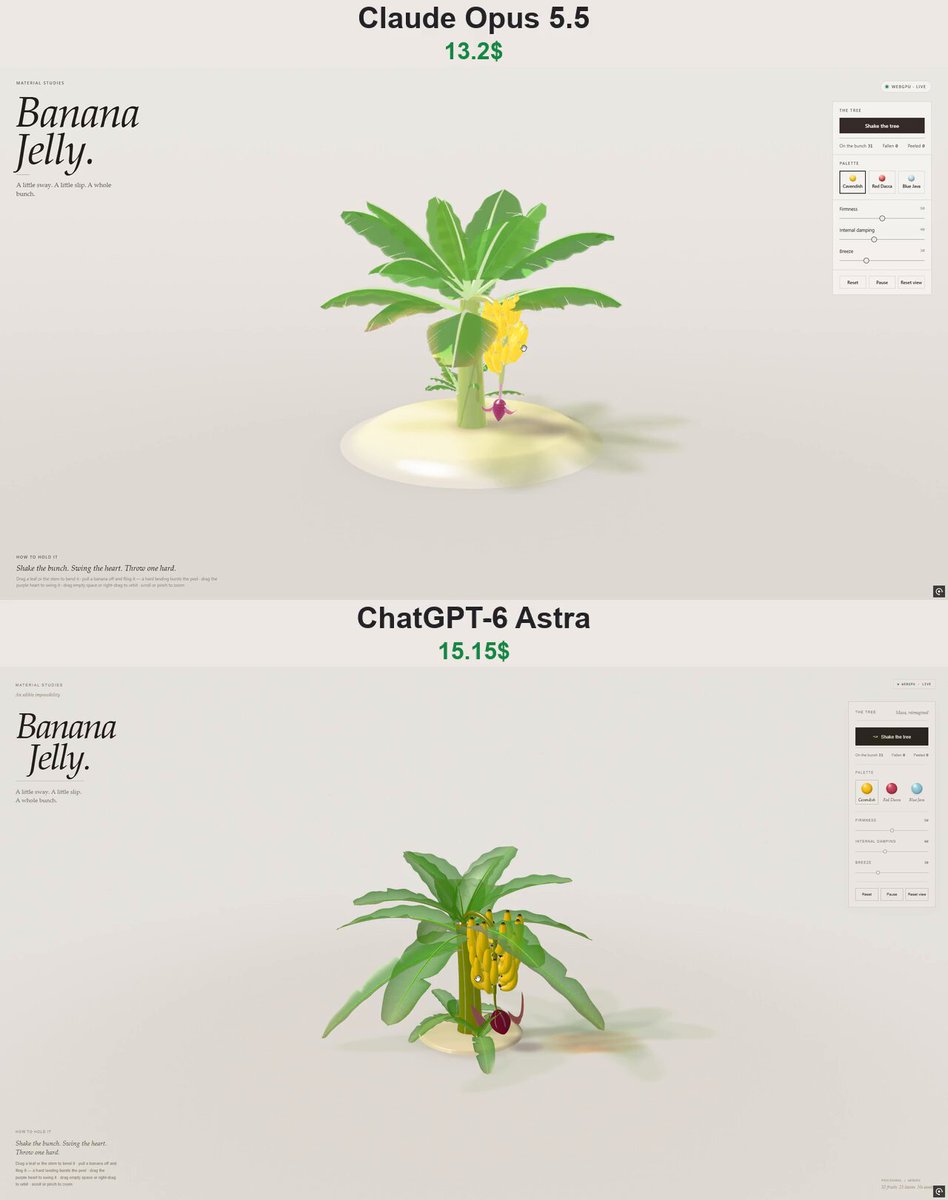
An interactive WebGPU material study of a lush, translucent-jelly banana plant. The author supplied this prompt in a comment on a comparison between Claude Opus 5.5 and ChatGPT-6 Astra; it specifies procedural plant geometry, physics-driven motion, detachable bananas, impact-triggered peeling, palette controls, and touch/pointer interaction.
Prompt
Build "Banana Jelly" — a single self-contained HTML file (no external requests, no libraries, no build step at runtime) using native WebGPU + WGSL. It is one entry in an editorial "MATERIAL STUDIES" series: an interactive, physically simulated banana plant whose every part is rendered as translucent coloured jelly. Simulation in JS, rendering in WebGPU; the page must stay smooth (sim < 2 ms/frame).

PAGE / LAYOUT (editorial, warm paper)
- Background paper #ece9e3 fading to a slightly darker floor; ink #241f1d; accent #c99a06 (banana gold); hairline rules #d5d0c8.
- Top-left: small caps eyebrow "MATERIAL STUDIES", huge italic serif H1 "Banana / Jelly." (Iowan Old Style / Palatino / Georgia stack), short rule, caption "A little sway. A little slip. A whole bunch."
- Top-right pill: green dot + "WEBGPU · LIVE" (or "WebGPU · Unavailable").
- Right floating glass panel (rgba paper, 1px border):
  • "THE TREE": dark button "Shake the tree" with a thin gold progress bar under it; tally row "On the bunch 31 · Fallen 0 · Peeled 0" (tabular mono numbers).
  • "PALETTE": three swatch buttons with a glossy jelly ball each — Cavendish (yellow), Red Dacca (red-purple), Blue Java (powder blue).
  • Sliders: Firmness 50, Internal damping 40, Breeze 30 (value shown in small mono at right).
  • Buttons: Reset · Pause · Reset view.
- Bottom-left: "HOW TO HOLD IT", italic line "Shake the bunch. Swing the heart. Throw one hard.", and a small grey line: "Drag a leaf or the stem to bend it · pull a banana off and fling it — a hard landing bursts the peel · drag the purple heart to swing it · drag empty space or right-drag to orbit · scroll or pinch to zoom".
- On wide screens, centre the plant in the free band between the masthead and the panel (shift the projection, fit the distance). Mobile: panel becomes a bottom sheet (closed by default, tap to open; the 3D view slides up so the plant stays visible), touch drag orbits, pinch zooms. No page scroll anywhere.
- Fallback card if navigator.gpu or the adapter is missing: "Banana Jelly." + explanation, pill shows "WebGPU · Unavailable". Zero console errors/warnings.

THE PLANT (must be LUSH — many big leaves, never a sparse/bald tree)
- A low round glossy cream jelly plinth/dish; plant rooted in its centre.
- Pseudostem: ~1.42 tall, 9 segments, radius 0.158→0.106, leaning slightly away from the bunch.
- Crown: 15 big paddle leaves spiralling by the golden angle (2.39996 rad). Young leaves stand almost upright, older ones arch out and droop (elevation 1.22→0.02 rad by age). Length 1.15–1.7, width ≈0.3·scale, sin^0.38 blade outline, slight V-fold/cup across the midrib, a few ragged wind-tear slits (tapered wedges, not many), slight edge ripple, old leaves yellowing a bit at the tips.
- Two pups (suckers) at the foot, each with 4 smaller leaves.
- Bunch stalk: from the top of the crown it rises slightly, arches over and hangs straight down (10 segments, length 1.18), then a thin neck and the HEART — a dark purple-maroon teardrop bud (cardiac flower) made of overlapping bracts, with one or two bracts lifted/curling back.
- 5 hands of bananas along the hanging stalk, fanned out on different sides (azimuth step 2.2 rad), counts 7,7,6,6,5 = 31 bananas, slightly larger near the top. Each banana: analytic curved arc, ridged (pentagonal-ish) cross-section, tapered dark stem end and dark tip, curving up toward the light; sparse dark freckles.

SIMULATION
- Whole plant = tree of nodes with position-based dynamics at fixed 240 Hz (4 solver iterations): length constraints + bend constraints toward a rest orientation stored relative to the parent frame (parallel-transported quaternion frames). Stiffness by order (stem stiff, leaf midribs springy, stalk flexible, neck soft).
- Gravity loads: every node carries the weight of its leaves/bananas. Pre-compensate the rest pose (iterate 3×: settle, measure sag, pre-bend rest orientations) so that, fully loaded, the plant sits exactly in its designed shape; when bananas fall, the lighter bunch lifts a little. Load changes are eased, not instantaneous.
- Settle 2.5 s silently on load/reset (no tearing during settle).
- Breeze: smooth noise forcing on leaf nodes (gusts travelling through the crown), scaled by the slider; Breeze 0 = perfectly still.
- Blades and all meshes are skinned on the GPU from a storage buffer of node positions + frames (each vertex: two nodes, a fraction, an offset in the frame).
- Bananas on the bunch hang from their hand node with a small damped wobble spring (freq 3.2+2.2·firm Hz, damping from slider).
- Detachment: track each hand's smoothed acceleration; a banana tears off when the acceleration exceeds its strength (≈ 11+5·firm, varying per fruit), with fatigue accumulating on repeated shakes and a short per-hand cooldown — shaking should drop bananas progressively (a few per shake), never the whole bunch at once.
- "Shake the tree" applies a multi-second shake to the stem with a progress bar.
- Loose bananas are rigid bodies (3 spheres along the arc) with impulse contacts and friction against the plinth, floor, stem and each other; sleep when still; speed clamp.
- Peel bursts ONLY from impact: if a loose banana hits a surface with pre-contact normal speed above ~5.4+1.2·firm, it bursts. A fall from the bunch or a gentle drop never bursts it. Burst = the skin splits into 4 strips from the tip, which fold back around a hinge near the stem (arc fold then straight segment, sagging under gravity, slight per-strip variation), revealing creamy translucent flesh. Count it in "Peeled".

INTERACTION (pointer + touch)
- Pick bananas on the bunch: pulling it stretches its attachment; past ~0.075 of stretch held briefly it snaps off into your hand (only that one); keep the bunch from being yanked far (limited hold displacement, held fruit doesn't drag the bunch). Release with the pointer velocity to fling it.
- Drag the purple heart: it swings the stalk like a pendulum and keeps swinging after release; swinging must not shake bananas off.
- Drag a leaf or the stem: bends it, springs back on release.
- Drag empty space / right-drag: orbit; wheel/pinch: zoom; Reset view restores camera (az 0.55, el 0.2, FOV 36°).
- Firmness changes stiffness, tear strength and burst threshold; Internal damping changes wobble/swing damping; Pause freezes time; Reset regrows the full bunch.

RENDERING — the jelly look
- Everything is jelly: Beer–Lambert absorption by thickness (per-material sigma RGB), wrapped subsurface scatter, refraction of a soft studio environment, Fresnel rim + sharp specular, soft inner glow; leaves are thin translucent jelly with bright backlit veins/midrib and deeper colour toward the edges.
- Translucent leaves via weighted-blended OIT; bananas/stem/heart opaque-ish jelly with depth.
- Coloured shadow: a transmittance map rendered from the light (leaves tint the shadow green, bananas gold), blurred, projected onto the plinth and floor — a long soft coloured shadow to the right.
- Palettes (swap all tints live):
  • Cavendish — skin bright yellow (tint 1.0,0.8,0.08), green tips, creamy flesh, leaves fresh green (0.22,0.66,0.08), stem olive, heart deep purple-maroon, cream plinth.
  • Red Dacca — skin red-burgundy (0.82,0.1,0.16), pale peach flesh, leaves slightly warmer green, reddish stem, pinkish plinth.
  • Blue Java — skin powder blue-teal (0.56,0.8,0.86), white "ice-cream" flesh, blue-green leaves, cool grey-blue plinth.

QA (headless Chromium with SwiftShader WebGPU)
- Expose a debug hook (window.__bj: advance, shake, pick, project, setPalette, reset, setPause, counts) and verify: full bunch of 31 at start; ≥20 leaves; nothing falls when idle; breeze moves leaves and Breeze 0 is still; shaking drops some bananas without peeling them; fallen fruit comes to rest; counters update; reset restores; a pulled banana snaps off alone; a hard landing peels it, a gentle drop doesn't; heart swings as a pendulum without dropping fruit; leaves bend and spring back; palettes/sliders/pause/orbit/zoom work; stress test has no NaN; sim cost < 5 ms; no network requests; no console errors; mobile sheet + touch; fallback card.
View detail ↗ · Original post · Back to examples
Wild Atlas interactive wildlife encyclopedia
IamAlam · 2026-10-06
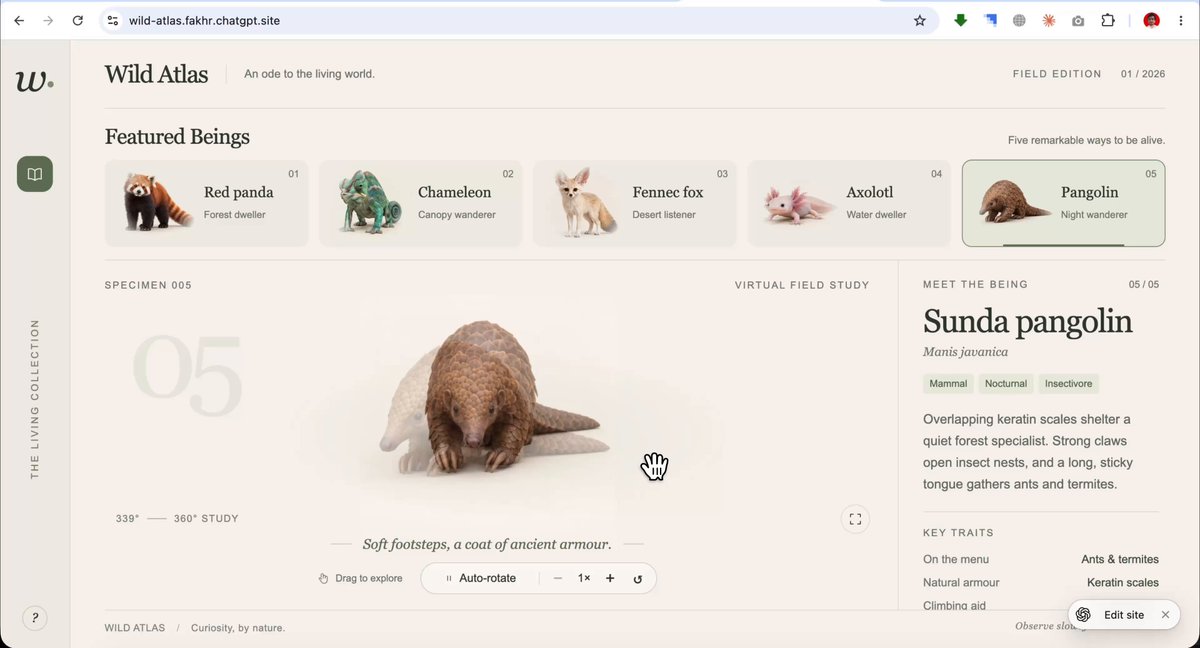
Create a premium interactive wildlife encyclopedia with five matching rendered animal views, selectable animal cards, slow rotation, drag-to-rotate support, close-ups, and an updating animal information panel.
Prompt
Build a premium interactive wildlife encyclopedia web app called “Wild Atlas.”

Design the full interface first, before generating any animals:
- Soft cream background
- Sage-green accents
- Elegant serif headings
- Minimal left sidebar
- Horizontal “Featured Beings” card row across the top
- Large central area for a slowly rotating 3D creature
- Info panel on the right that updates per animal (name, tags, key traits, habitat)
- One short caption line under the creature
- Soft studio lighting, gentle shadows, calm motion
- 16:9 layout, smooth transitions

Then create five hero animals as a matching set. Generate one at a time in a clean front or three-quarter view, using the same lighting, background, and detail level so they feel like one collection. Include a red panda, chameleon, and three other distinctive animals of your choice.

For the interactive experience, add:
- Clickable animal cards that swap the central creature
- Slow 360° rotation on the selected animal
- Right-side info panel that updates with name, tags, key traits, and habitat
- One caption under each creature
- Smooth transitions between selections

Use rendered turntable-style creature views (drag-to-rotate and close-up support is enough; it does not need to be a fully modeled 3D scene). Keep the look premium, quiet, and encyclopedia-like. Publish it as a working private site when finished.
View detail ↗ · Original post · Back to examples
Plush Squid.
Vib3Coded · 2026-10-06
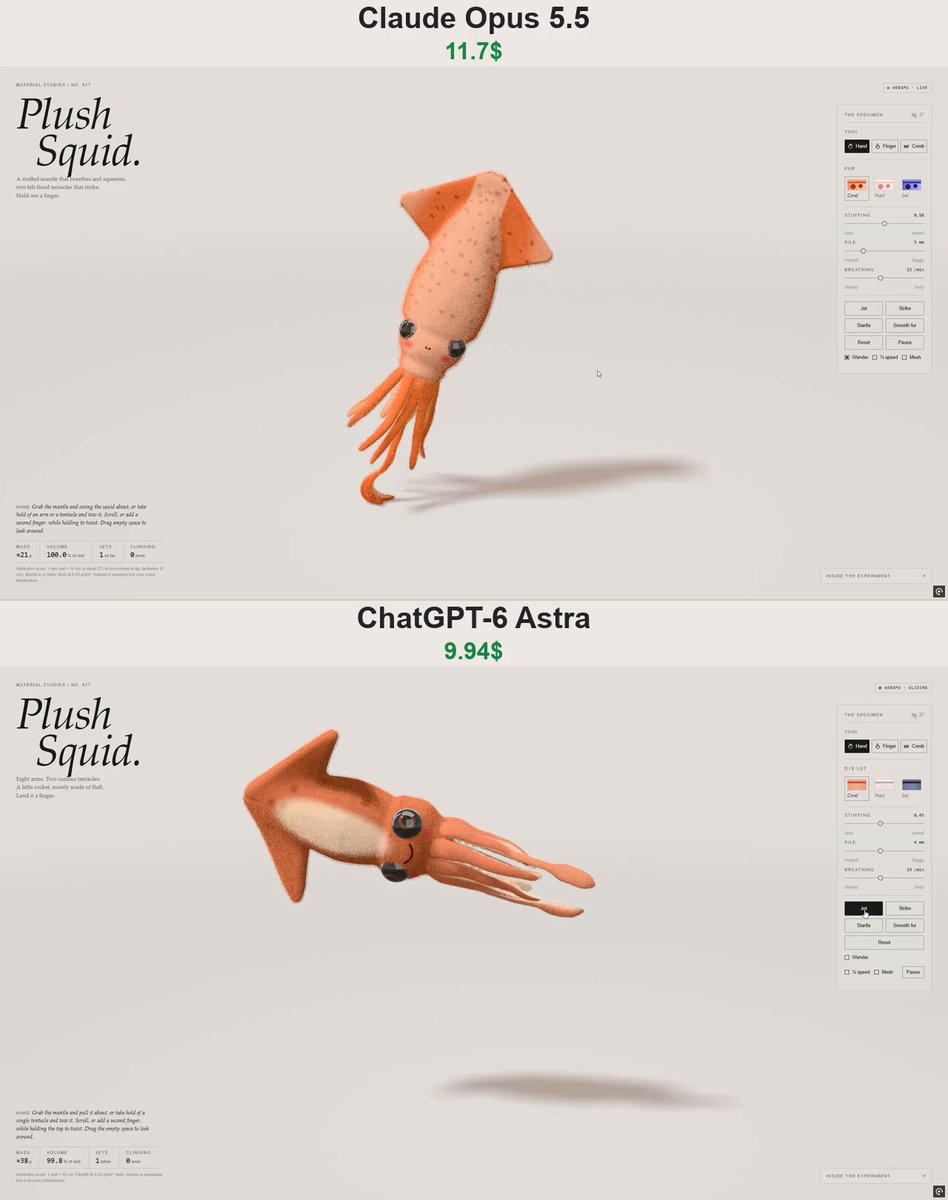
The posting author supplied a prompt for an interactive WebGPU stuffed-toy squid study in a self-contained HTML file. It specifies a procedural squid, soft-body and cloth-based motion, responsive hand, finger, and comb tools, jet and startle behaviors, and an editorial specimen-panel interface.
Prompt
Create "Plush Squid." — an interactive WebGPU study of a stuffed toy squid as ONE self-contained HTML file (native WebGPU/WGSL, no libraries, no textures, no network).

SPECIMEN
- One signed distance field: a soft torpedo mantle tapering to a rounded point, two thick puffy triangular fins forming an arrowhead at the tip, a round head with a collar, and a small arm crown underneath.
- Big glossy glass safety eyes on the sides of the head, embroidered smile, pink cheek blush; a paler belly; soft chromatophore spots on mantle and fins.
- Eight stuffed arms and two long tentacles hanging from the crown: XPBD cloth strips (stretch/shear/bend + long bend links + tethers) drawn as tapering plush tubes; tentacles thin to stalks and swell into clubs; felt sucker discs in staggered rows on every inner face.
- Short minky fur as shell layers (alpha-to-coverage, 4× MSAA) with lag/sway; three dye lots: Coral, Pearl, Ink.

PHYSICS & BEHAVIOUR
- Body = XPBD hex-cell shape matching + tet volume, neutral buoyancy in a slow thick medium; arms sewn on at points embedded in the lattice, kept out of the body via its SDF.
- Muscles without bones: the mantle breathes and contracts by changing cell rest shapes; fins flap by bending fin cells into trapezoids; a weak posture pull turns the body to a bearing.
- Jet: turn the mantle toward a direction, swell (draw water in), one hard squeeze → thrust mantle-first, arms streaming behind, glide on rippling fins, turn upright, drift home. "Wander" does this on its own now and then.
- Strike: both tentacles fling their clubs out to one side in front of it, hold, then draw back. Startle: spots bloom darker and it jets away from the viewer.
- Tools: Hand (grab and swing the mantle, tow an arm or tentacle; twist with scroll/second finger), Finger (held out and pressed: the tentacles strike at it and the arms wind round and cling), Comb (lay the pile).

UI
- Editorial studio layout: "Material Studies / No. 017", large italic serif "Plush Squid.", short caption, live status pill, specimen panel (tools, dye swatches, stuffing, pile, breathing; Jet, Strike, Startle, Smooth fur, Reset, Pause; Wander, ¼ speed, Mesh), readouts (mass, volume %, jets, arms clinging), notes; orbit/zoom; stacked mobile layout; WebGPU fallback card.
View detail ↗ · Original post · Back to examples
Villa Jelly
Vib3Coded · 2026-10-06
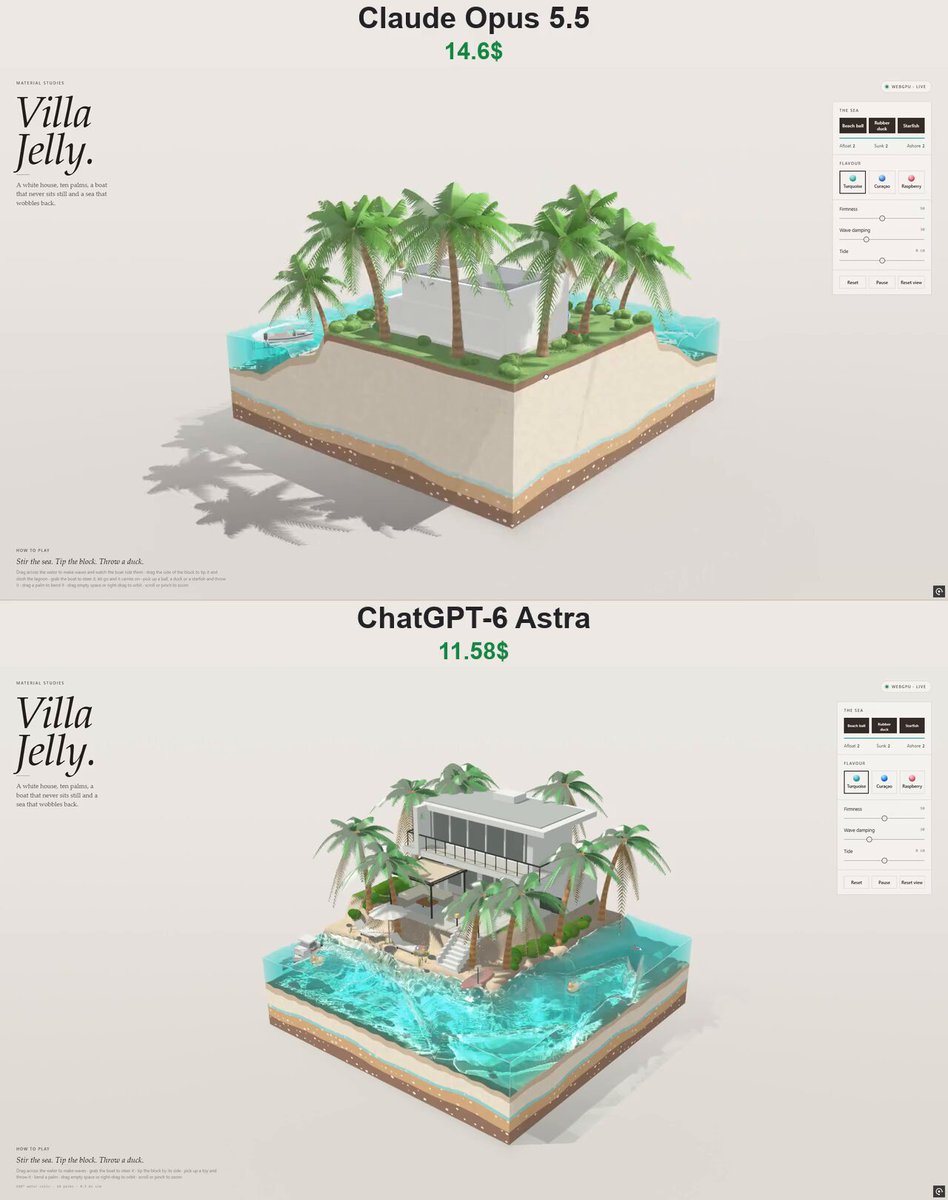
A self-contained WebGPU interactive 3D jelly-island diorama: a modern tropical villa, lagoon, palms, floating toys, and an autonomous boat. Users can stir and tip the jelly sea, change flavour colours, throw objects, bend palms, tow the boat, and orbit the scene.
Prompt
Build "Villa Jelly" — a single self-contained HTML file (no external requests, no libraries) using native WebGPU + WGSL, simulation in plain JS. It belongs to an editorial "MATERIAL STUDIES" series of interactive jelly dioramas. Scene: a square cut-out block of jelly showing a tropical island with a modern white villa at the back and a turquoise lagoon wrapping the two front edges, like a miniature real-estate diorama — but the sea is a wobbling block of jelly with candy-striped strata visible through its cut faces. Must run smoothly (sim ≈3 ms/frame).

PAGE / LAYOUT (warm paper editorial)
- Paper #ece9e3, ink #241f1d, rules #d5d0c8, accent #17a39b (turquoise). Serif italic display (Iowan Old Style / Palatino / Georgia), sans UI, mono numbers.
- Top-left: eyebrow "MATERIAL STUDIES", huge italic H1 "Villa / Jelly.", short rule, caption "A white house, ten palms, a boat that never sits still and a sea that wobbles back."
- Top-right status pill: green dot + "WEBGPU · LIVE" (Paused / Unavailable states).
- Right glass panel:
  • "THE SEA": three dark buttons in a row — "Beach ball", "Rubber duck", "Starfish" (each drops one into the lagoon from above); thin accent meter showing how lively the sea is; tally "Afloat · Sunk · Ashore".
  • "FLAVOUR": three swatches with glossy jelly balls — Turquoise (default), Curaçao (vivid blue), Raspberry (pink).
  • Sliders: Firmness 50, Wave damping 30, Tide 0 (±10 cm).
  • Reset · Pause · Reset view.
- Bottom-left "HOW TO PLAY": italic "Stir the sea. Tip the block. Throw a duck." + small grey line: "Drag across the water to make waves and watch the boat ride them · drag the side of the block to tip it and slosh the lagoon · grab the boat to steer it, let go and it carries on · pick up a ball, a duck or a starfish and throw it · drag a palm to bend it · drag empty space or right-drag to orbit · scroll or pinch to zoom".
- Centre the diorama in the free space between masthead and panel. Mobile: panel becomes a bottom sheet ("Controls" bar, closed by default), touch orbit, pinch zoom, no page scroll. Fallback card "Villa Jelly." if WebGPU/adapter missing. Zero console errors.

THE DIORAMA (block 5.2 × 5.2, sea level 1.3)
- Terrain heightfield: the island fills the back ~60% of the tile; wavy shorelines run along the +z and +x edges (soft-max rounded front corner), so the lagoon is an L along the two edges facing the camera (camera from the front corner, az ≈0.74, el ≈0.5, FOV 34°).
- Profile from sea inland: lagoon floor ≈0.5 deep with sand ripples → short beach slope → narrow sandy beach → steep sandy bank → raised lawn plateau (+0.455). Lawn is striped by a mower, slightly glossy like lime jelly; pale paving slabs for a patio, a terrace strip in front of the glass and a path to the stairs.
- Cut faces of the block: candy strata (chocolate bedrock, caramel clay, a mint/blue/pink shell band depending on flavour, vanilla sand, wet sand under the sea; under the lawn: dark soil then a green grass band on top) with pressed-in pebble specks. The sea's cut faces are translucent jelly walls with a bright meniscus line and soft corner lines; you see the seabed and strata through them.
- Villa (white, modern, boxy): stone plinth; ground floor with a full-height dark glass front split by white mullions; garage wing with dark slatted door; floor slab that runs forward as a balcony on four slim white columns with a dark metal rail; upper floor with a long glass band; a white fin wall at the left end; thin overhanging white roof slab with grey inset, small roof box. Dark glass reflects the studio softbox with a dim warm room behind.
- Pergola over the patio: four dark metal posts, beams, a sagging beige canvas that breathes in the breeze; L-shaped outdoor sofa with cushions, low table, rug.
- White stairs with cheek walls from the lawn down the bank to the beach, two garden lamps at the top.
- Beach: white umbrella (scalloped, flutters), two white loungers, red kayak with paddle; beach grass tufts; rocks on the bank, beach and lagoon floor.
- LUSH vegetation (important — no sparse, bald trees): 10 tall coconut palms with ringed caramel-gummy trunks (swollen foot, curving lean) and full crowns of 16 arching pinnate fronds each (30 leaflet pairs, V-folded, swept to the tip, young fronds upright, old ones drooping) plus 2 dry straw-coloured hanging fronds; dozens of lumpy gummy bushes along the lawn edge and around the house, some with pink/red/white flowers.

PHYSICS (same as "Island Jelly")
- Sea: linear shallow-water sim on a 168² staggered grid at 120 Hz, wave speed √(g·depth) so waves slow and steepen over the shallows, small surface-tension term for springy jelly ripples, damping slider, mean-level correction, tide slider changes the level and the wet area.
- Block: drag its side to tip it (spring-damper, max ~0.17 rad); in-plane gravity makes the sea slosh to the low side and settle; the jelly top shears and squashes with inertia; everything inside is wobbled in the vertex shader.
- Finger stirring: dragging over the water pushes moving dents that make waves.
- Floating bodies (rigid spheres in block frame, 240 Hz): buoyancy along the surface normal, heavy jelly drag towards the flow, displaced volume handed back to the sea every frame (they make their own ripples), splash craters with bubbles and foam on entry, tiny air bubbles suspended in the jelly. Contacts with terrain, palm trunks, villa boxes, each other and the boat.
  • Beach ball: r 0.085, very light, floats high, bounces and skips, rolls; six coloured gores (red, blue, yellow) with white caps, glossy vinyl.
  • Rubber duck: floats half-in, always rights itself head-up (aligns to surface or ground normal), yellow body, orange beak, black eyes.
  • Starfish: sinks slowly, planes down through the jelly, settles flat against the floor; coral/pink/purple with sugared knobs.
  Start state: one ball on the beach, one on the lawn, two ducks afloat, two starfish on the lagoon floor.
- Palms: one 2D bend spring per crown driven by breeze, block tilt and user drag; vertex shader bends the trunk (∝t²) and flutters frond tips.

THE BOAT (runs by itself)
- Small white day cruiser (scaled hull ~0.62 long): deep-V lofted hull with navy bottom and boot stripe, white deck, teak cockpit sole, aft bench, helm seats, low cabin with dark raked windscreen and side windows, white hard-top on slim posts, twin dark outboards, stainless bow rail.
- Floats on the sim: 8 hull points give heave/pitch/roll from the local surface (own trough clamped so it can't sink into it), noses up with speed, leans into turns; in-plane: pushed (capped) down wave slopes, dragged by the flow, low drag fore-aft and high sideways (keel), terrain penalty if it touches sand, bounces off block walls.
- Autopilot: pure-pursuit around a closed racetrack loop following the L-shaped lagoon (out along the outer lane, round the corner, U-turn, back along the inner lane), slowing in bends, cruise ≈0.78 u/s, never grounds.
- It displaces water as it moves → a real wake in the wave sim that runs up the beach; plus a foam field: white lacy trail from the stern, side lines and bow spray, fading over a few seconds.
- User can grab and tow it by the bow across the water; released, it finds the nearest point of its loop and carries on. It shoves floating ducks/balls aside.

RENDERING
- Passes: sun shadow map (everything), caustics (refract a grid through the waves onto the floor, brightness by triangle area change), opaque scene with distance buffer, back-faces of the sea, then the jelly sea over a copy of the scene: Beer–Lambert absorption by path length (flavour sigma), scattered tint, refraction, caustic light shafts, Fresnel studio reflection, sun glints, shoreline lace foam that laps the sand, wake/splash foam field, rim highlights. The floor under the block gets a tinted, caustic-flecked shadow.
- Soft studio lighting: paper backdrop, big softbox front-left, cool strip behind; hemispherical ambient; tone shoulder + dither.
- Materials: matte painted render and stone, dark reflective glass, glossy gel-coat/metal, translucent canvas, gummy translucent shrubs and palm fronds (backlit glow), matte speckled rocks.
- Flavours swap water sigma/tint and strata colours: Turquoise (sigma ≈ 2.1/0.36/0.5, tint 0.07/0.46/0.42), Curaçao (2.7/1.05/0.26, tint 0.02/0.2/0.52), Raspberry (0.34/2.2/1.25, tint 0.44/0.05/0.17).

QA (headless Chromium + SwiftShader)
- Debug hook window.__vj (world, boat, bodies, water, block, advance, drop, pick, project, setPalette, reset, setPause, freeze flag). Verify: 6 starting bodies and tally 2/2/2; villa + 10 palms built; boat laps ≥6 units in 14 s without grounding and leaves foam + waves; idle stability; dropped ball floats high, duck upright, starfish sunk flat; tally UI matches; stirring makes waves that die down; tipping the block piles the sea on the low side and settles back; boat can be grabbed, towed and resumes its course; ball thrown into sea bobs, duck put on the beach sits upright; palms bend; flavours, sliders, pause, orbit, zoom; stress test with no NaN; sim < 5 ms/frame; no network requests; no console errors; no page scroll; mobile sheet + touch; WebGPU fallback.
View detail ↗ · Original post · Back to examples
Three.js visualization of Invisible Cities
quesma.com · 2026-10-07
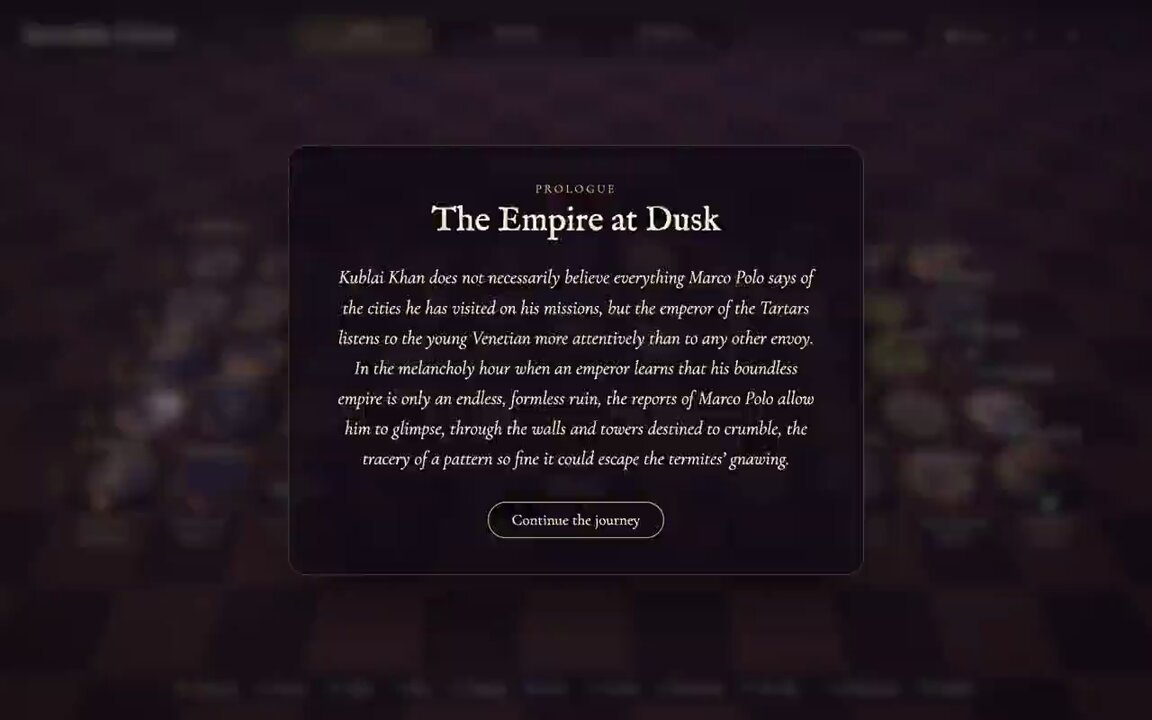
Piotr Migdał’s linked article states that he gave this prompt to GPT-6 Astra in Codex for an interactive Three.js visualization of Italo Calvino’s Invisible Cities.
Prompt
Make a three.js (pnpm) visualization of all Invisible Cities by Italo Calvino. Don’t ask questions, it is a one-shot task. You have 6h of work, use it until it becomes a masterpiece.
View detail ↗ · Original post · Back to examples
Scroll-Driven 3D Website for Lealand Tea
Baretto (tiny.host)⚡ · 2026-10-07
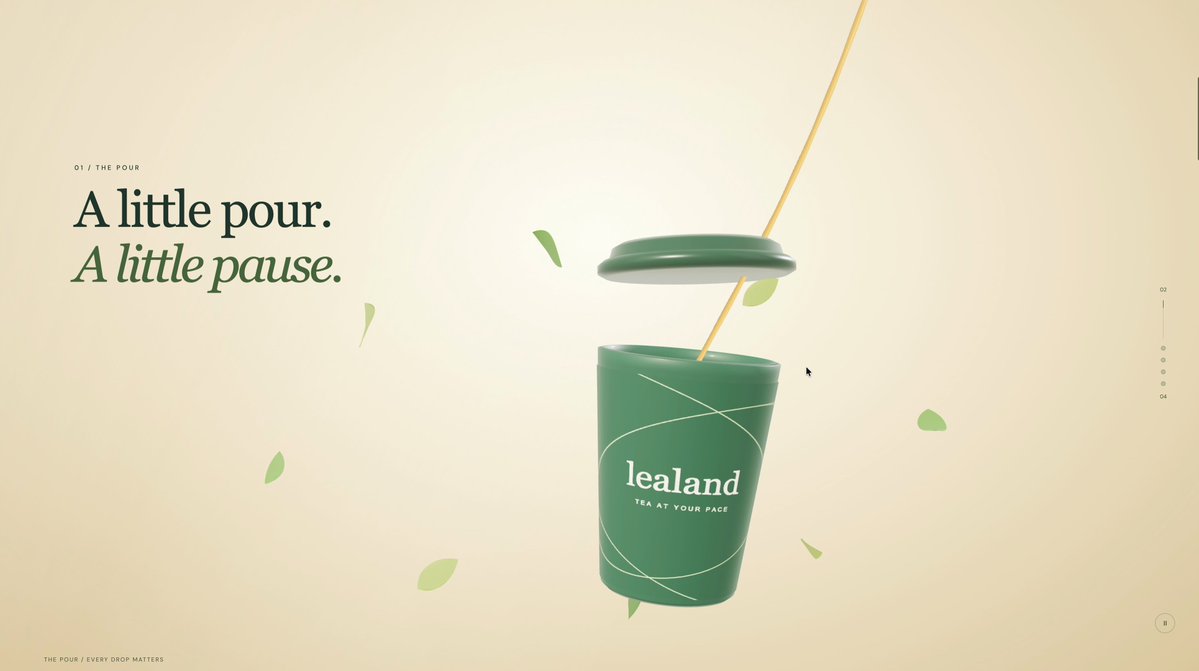
A prompt for a premium scroll-driven interactive 3D tea website with a floating tea cup, pouring animation, camera dive into amber tea, an interactive menu for matcha, jasmine and hojicha, and an immersive café interior.
Prompt
Create a premium, scroll-driven 3D website for Lealand Tea. Use bright cream backgrounds, forest-green branding, warm sunlight, elegant typography, and minimal copy.

The centerpiece is a realistic floating tea cup. As you scroll, its lid lifts, tea pours inside, and the camera smoothly moves over the rim and dives into the cup. Swirling amber tea fills the screen with realistic reflections, ripples, and subtle steam. Continue scrolling to pull back and reveal matcha, jasmine, and hojicha options in an interactive 3D menu, followed by an immersive café interior.

Make it feel like one continuous cinematic product animation—not separate static sections. Keep it clean, polished, responsive, and visually rich, with smooth motion and realistic materials.
View detail ↗ · Original post · Back to examples
Atoll Jelly interactive WebGPU lagoon diorama
Vib3Coded · 2026-10-07
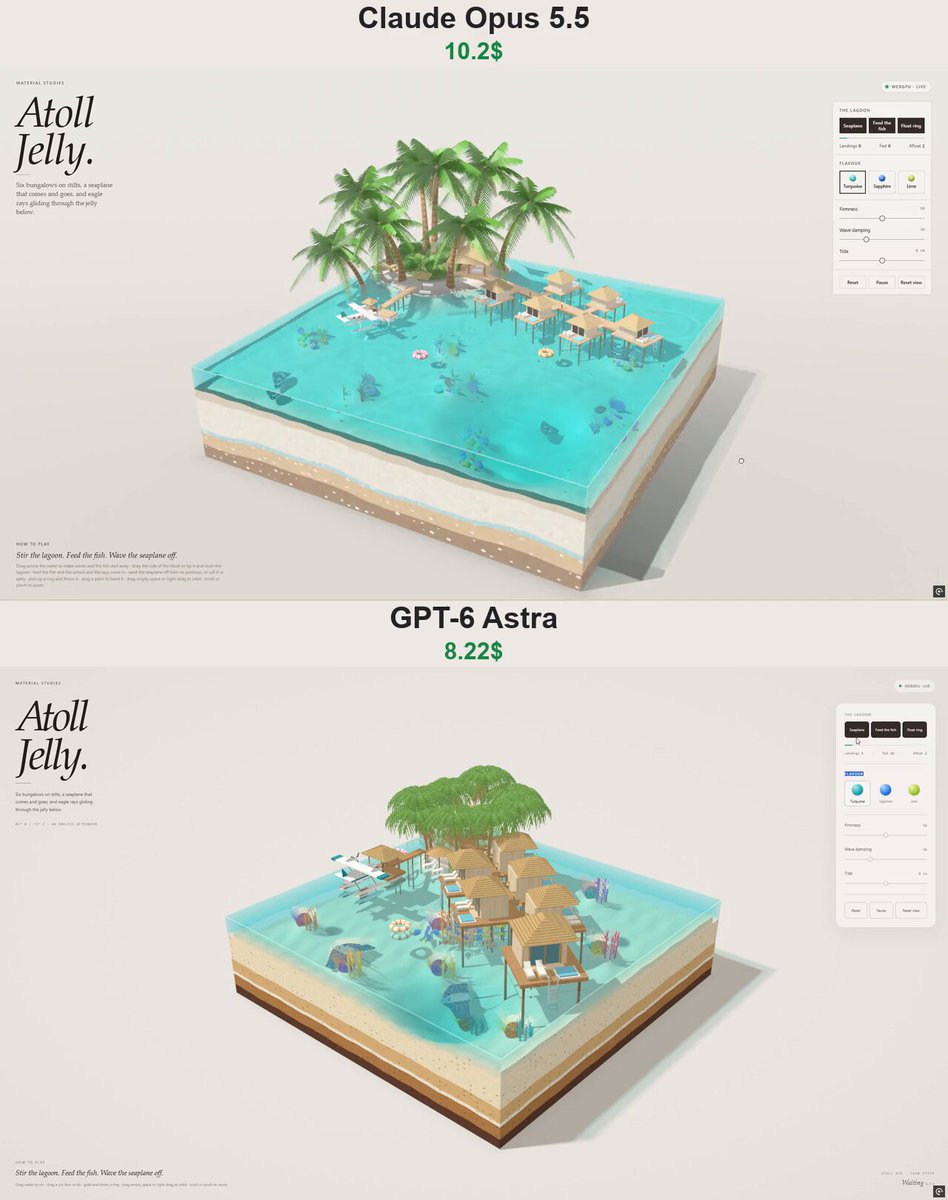
A prompt for a self-contained interactive WebGPU jelly-lagoon diorama set in the Maldives. It specifies an islet resort, overwater bungalows, a seaplane with a complete flight-and-landing cycle, reef fish and rays, floating rings, shallow-water simulation, and touch-orbit controls.
Prompt
Build "Atoll Jelly" — one self-contained HTML file, native WebGPU + WGSL, sim in plain JS, no external requests. An entry in the editorial "MATERIAL STUDIES" series of interactive jelly dioramas: a square cut-out block of turquoise jelly lagoon in the Maldives with a palm islet, a jetty of overwater bungalows, a seaplane that runs its own day, and reef life under the jelly.

PAGE: warm paper (#ece9e3), ink #241f1d, accent #12a2a6, italic serif H1 "Atoll / Jelly.", eyebrow "MATERIAL STUDIES", caption "Six bungalows on stilts, a seaplane that comes and goes, and eagle rays gliding through the jelly below." Status pill "WEBGPU · LIVE". Right glass panel: "THE LAGOON" with three dark buttons "Seaplane", "Feed the fish", "Float ring", a thin meter, tally "Landings · Fed · Afloat"; "FLAVOUR" swatches Turquoise / Sapphire / Lime; sliders Firmness, Wave damping, Tide (±10 cm); Reset · Pause · Reset view. Bottom-left "HOW TO PLAY": "Stir the lagoon. Feed the fish. Wave the seaplane off." + one grey line of gestures. Mobile bottom sheet, touch orbit/pinch, WebGPU fallback card, no scroll, no console errors.

SCENE (block 5.2², sea level 1.3): white-sand lagoon ~0.3 deep sloping into a deep "blue hole" near the front corner; eight coral heads (bumps) dressed with brain corals, branching corals and sea fans in pink/purple/orange/yellow/teal that sway slightly; a sandy islet in the back-left corner (beach ring, low wooded hump, gummy shrubs, two thatched parasols with loungers) with 8 lush coconut palms (16 arching pinnate fronds each + dry hanging fronds); an open lobby pavilion under a big hipped thatch roof. A plank jetty on thin stilts runs from the islet diagonally across the lagoon with low lamp posts; five bungalows hang off it on alternating sides plus a larger one at the end: plank decks on stilts, pale timber huts with glass doors to the sea, hipped thatched roofs (banded straw texture), plunge pool, two loungers, a steel ladder into the water. A floating seaplane pontoon with a tiny thatched shade, linked to the islet's south beach by a stilted walk. Block cut faces show candy strata (sand, shell band, caramel, chocolate) under translucent jelly walls.

WATER (as "Island Jelly"): linear shallow-water sim (168² staggered grid, 120 Hz, √(g·depth) wave speed, small surface tension, damping), finger stirring, block tilting with slosh, floating bodies hand displaced volume back to the sea, splash craters + bubbles, a foam field (white water that fades and laces), caustics, light shafts, refraction, Beer–Lambert flavour absorption, shoreline lace.

SEAPLANE (twin-engine floatplane: white with teal cheatline, high wing with teal tips, struts, twin floats, 3-bladed propellers spinning in the vertex shader): a fixed daily loop — wait at the pontoon → pivot 180° on its floats → taxi out → take-off run (spray) → climb → a racetrack circuit around the diorama at ~3.1 height with banking → approach → touchdown with crater, white water and a jolt → landing run → turn → taxi back to the pontoon. On water it rides the jelly: four float samples set height, pitch and roll; its floats push volume into the sim (wake) and foam. "Seaplane" button: leave now if waiting, or hurry the circuit to land early. Counts landings.

REEF LIFE: 42 boids fish in four colour kinds (yellow tang, blue with yellow tail, black-white banded, orange with white bars), schooling with their own kind, wandering, kept in the water (off the floor, under the surface, out of the shallows, inside the block), tails beating in the vertex shader; 3 spotted eagle rays gliding near the floor with wave-flapping wings and whip tails. A finger in the water, any splash, or the seaplane's floats rushing by scatter them. "Feed the fish" scatters 16 pellets that float, then sink; fish and rays home in and eat them (counted as Fed).

FLOAT RINGS: inflatable candy-striped rings (pink / orange / blue with white) — light, float high, lie flat on the waves, damped so they never pop out of the jelly, shoved aside by the seaplane; pick up and throw; land on decks and beach too.

QA: hook window.__aj; checks for the full seaplane cycle and one landing, altitude > 2.8, floats riding the surface, touchdown foam + waves, fish always in water, feeding brings fish and gets eaten, a finger scatters a school, rings float flat, stirring makes waves that die down, tilt sloshes and settles, flavours/sliders/pause/orbit/zoom, stress, sim < 5 ms, no network, no errors, mobile, fallback.
View detail ↗ · Original post · Back to examples
Interactive Three.js jelly lab with drag-to-squish physics
AIHubmix · 2026-10-08
A benchmark post states that the same prompt was run on Haiku 5.5, Haiku 4.5, and GPT‑6 Luna. The requested result is an interactive Three.js jelly lab with local deformation and drag-to-squish physics.
Prompt
build an interactive Three.js jelly lab with local deformation & drag-to-squish physics
View detail ↗ · Original post · Back to examples
3D voxel world of a pelican riding a bike
filipe · 2026-10-08
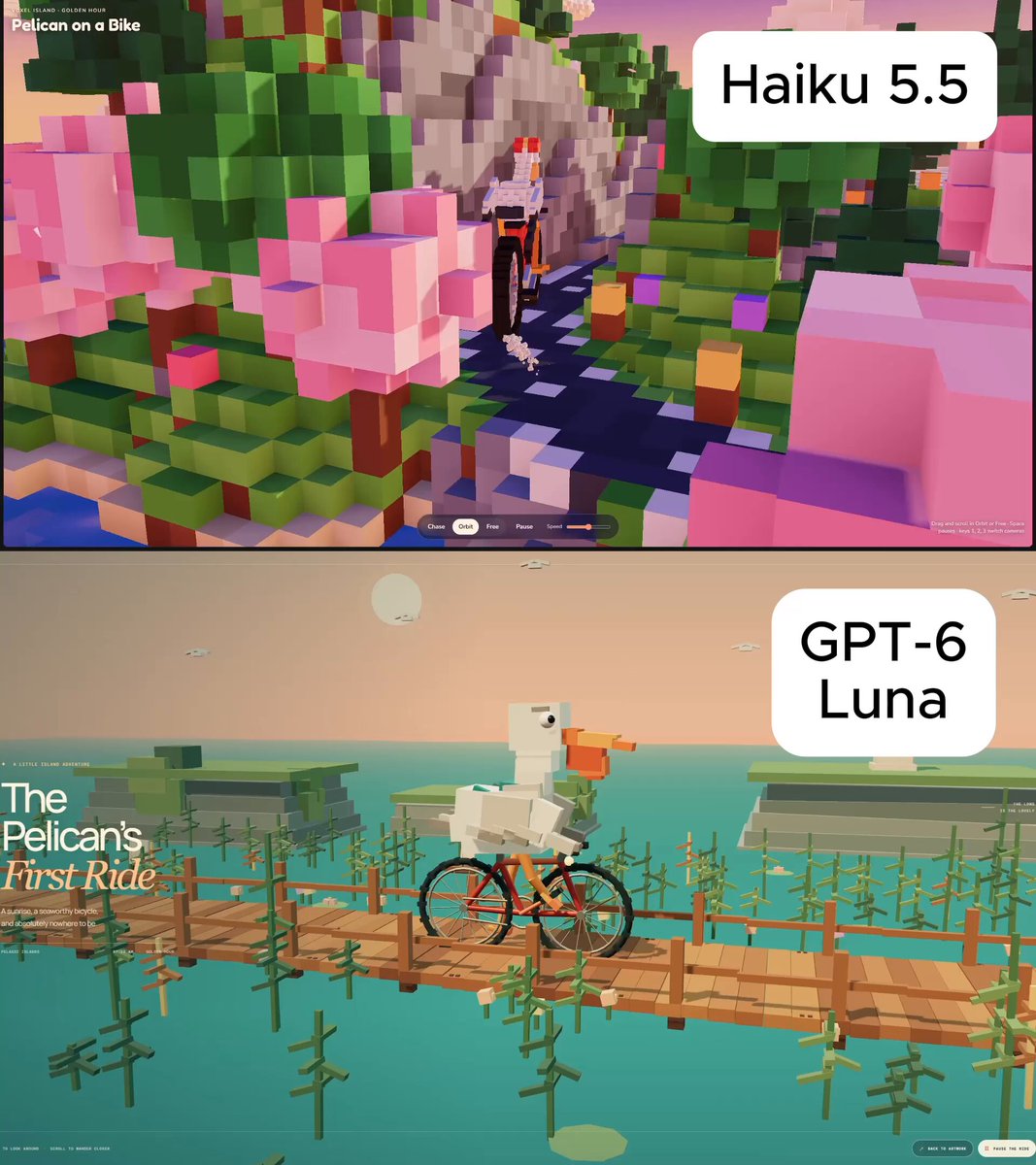
A comparison post states that this was the same prompt used with Haiku 5.5 and GPT-6 Luna. The prompt requests a 3D voxel world featuring a pelican riding a bike.
Prompt
make a 3D voxel world of a pelican riding a bike, as good as you can
View detail ↗ · Original post · Back to examples
Pirate Jelly interactive WebGPU diorama
Vib3Coded · 2026-10-08
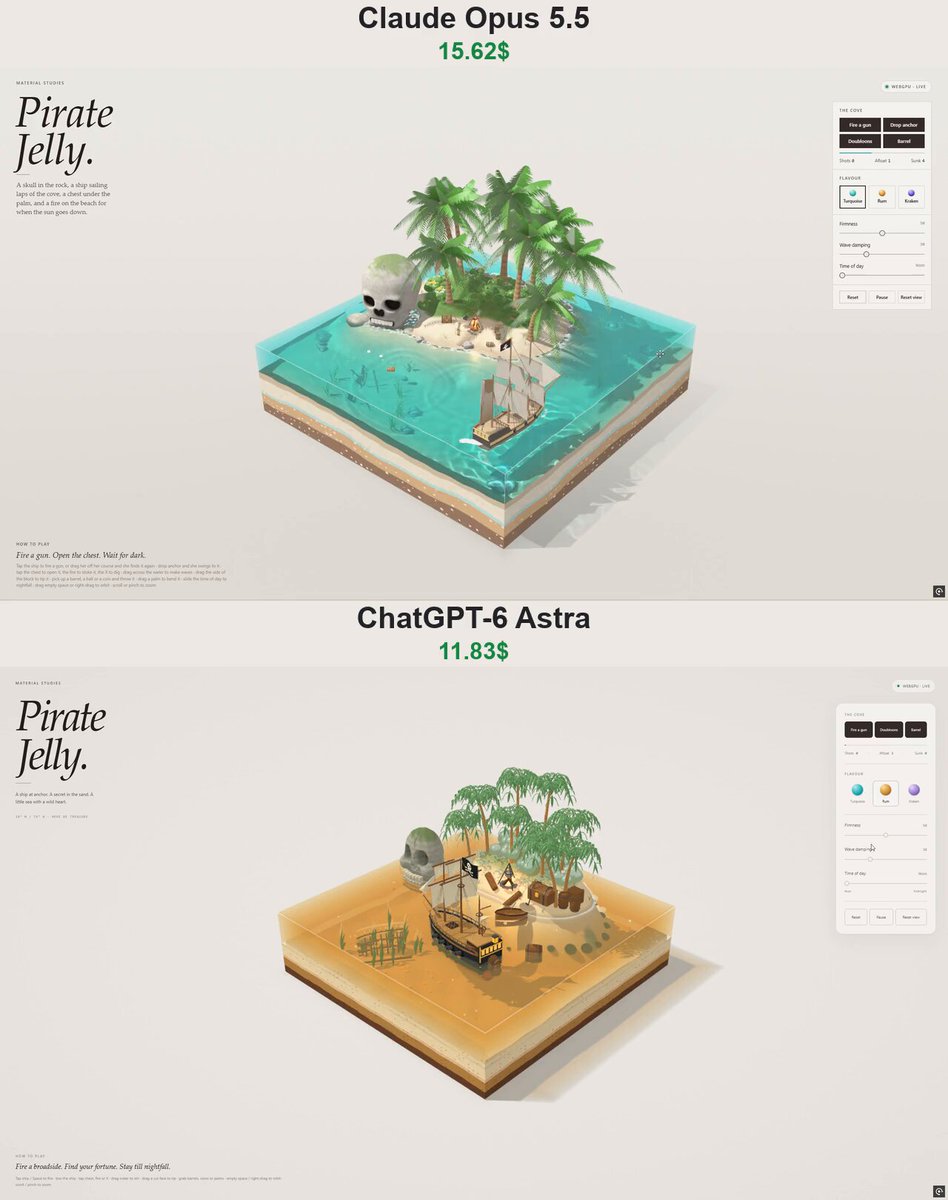
A self-contained procedural interactive pirate-cove jelly diorama: a translucent stratified sea block surrounds a tropical island, skull rock, anchored pirate ship, beach camp, and submerged wreck. It includes shallow-water and rigid-body simulation, direct object interactions, time-of-day controls, and an editorial WebGPU interface.
Prompt
Create a self-contained interactive WebGPU/WGSL page "Pirate Jelly" — part of a "Material Studies" series of jelly dioramas. Single HTML file, no external models, textures, fonts or libraries; everything procedural. English UI.

LOOK & LAYOUT
- A square block of translucent jelly sea (≈5.2 × 5.2 units) standing on a paper-studio floor; the camera looks in at the front corner at ~27°. The block's cut faces show candy strata (chocolate bedrock, caramel clay, a shell band, vanilla sand); the sea surface and walls refract and tint what's behind them, with caustics on the sea floor, light shafts, a tinted caustic shadow on the floor, foam lace on the shoreline and a bright meniscus on the cut edges.
- A small tropical island toward the back: sandy beach, a cove facing the viewer, a mossy jungle hump with ~9 gummy palms (ringed caramel trunks, translucent fronds that flutter), lumpy gummy bushes with flowers, ferns, beach grass, rocks around the shore.
- SKULL ROCK at the island's west tip, standing in the shallows: a cartoon skull sculpted as a signed-distance field (cranium, cheekbones, jaws, deep eye sockets, heart-shaped nose, crack on the crown, rock strata and noise, moss on top, a wet band at the waterline), meshed with surface nets; two rows of separate box teeth set into a carved grin. At night its eye sockets glow like a candle-lit cave.
- A PIRATE SHIP riding at anchor in front of the island, seen at three-quarters from the stern: black hull with an ochre gunport strake, red bottom, gunports with cannons, raised quarterdeck with lit stern windows and a stern lantern, three masts (square courses and topsails on fore and main, a gaff sail on the mizzen, a jib to the bowsprit), shrouds and stays, and a Jolly Roger (skull and crossed bones drawn procedurally in the shader) streaming aft. Her anchor chain runs from the bow down through the jelly to an anchor lying on the sea floor.
- The camp on the cove beach: a campfire (stone ring, teepee of logs with glowing ends, embers, a tripod with a pot, two seating logs), an iron-bound treasure chest under a leaning palm with a hinged lid and a heap of gold and gems inside, a shovel in a sand heap, barrels, a crate, a pyramid of round shot, a rum bottle, a rowing boat pulled up with its bow on the sand, and an "X" scored in the sand.
- On the sea floor: the bow half of an old wreck lying on its side with ribs showing and its broken mast beside it, swaying kelp, a few doubloons, bubbles caught in the jelly.

SIMULATION
- Linear shallow-water waves on a staggered grid with a little surface tension (springy jelly); the block can be tipped and the sea sloshes and the jelly wobbles (shear + squash).
- The ship floats on 10 buoyancy points (heave, pitch, roll), is pushed by a gently veering offshore breeze, held by an elastic anchor rode at the bow, and weathervanes into the wind. Her displaced volume is handed back to the sea, so she makes a wake.
- Rigid bodies: cannonballs (dense, fly in a clean arc, punch a crater, sink and roll on the floor), barrels (float on their side), doubloons (flutter down and settle flat). All interact with the sea (buoyancy, drag, splashes, bubbles), the terrain, the skull, the props, the palm trunks and the ship's hull.
- One particle system: fire flames (additive), embers, woodsmoke, muzzle flash, white gunsmoke, sea spray, sand puffs, gold glints over the open chest, fireflies at night.

INTERACTION
- Tap the ship → fire the next gun on the side facing the viewer (ball, flash, smoke, recoil heel). Drag the ship → tow her against the rode; release → she drifts back to her anchor.
- Tap the chest → lid swings open/shut with a bounce; gold glitters. Tap the fire → it roars and throws sparks. Tap the X → three doubloons pop out of the sand.
- Drag across the water to make waves; drag a side of the block to tip it; pick up and throw balls/barrels/coins; drag a palm to bend it; drag empty space or right-drag to orbit; wheel/pinch to zoom.

TIME OF DAY
- A slider from Noon → Afternoon → Golden hour → Sunset → Dusk → Night → Midnight. The sun lowers and warms, the backdrop turns peach, then the moon takes over (dim blue), stars appear on the backdrop, the page UI switches to a dark theme, and the campfire becomes the main light: a flickering point light that warms the sand, palms, sails and gold, reflects in the water, and lights the smoke from below. Stern windows and lantern glow.

UI (editorial, like the series)
- Top-left masthead: eyebrow "MATERIAL STUDIES", big italic serif title "Pirate / Jelly.", a short line of copy.
- Status pill (WebGPU · Live / Paused / Unavailable).
- Right glass panel: "The cove" — buttons Fire a gun / Doubloons / Barrel, a liveliness meter, tally Shots · Afloat · Sunk; "Flavour" — Turquoise, Rum (amber), Kraken (violet) jelly palettes; sliders Firmness, Wave damping, Time of day; Reset / Pause / Reset view.
- Bottom-left "How to play" line plus small instructions. Space fires a gun.
- Mobile: the panel becomes a bottom sheet; touch orbit and pinch zoom.
- Fallback card when WebGPU (or an adapter) isn't available. Respect prefers-reduced-motion.
View detail ↗ · Original post · Back to examples
Cinematic 3D ORBIT smartwatch product reveal
Maker Evan · 2026-10-09
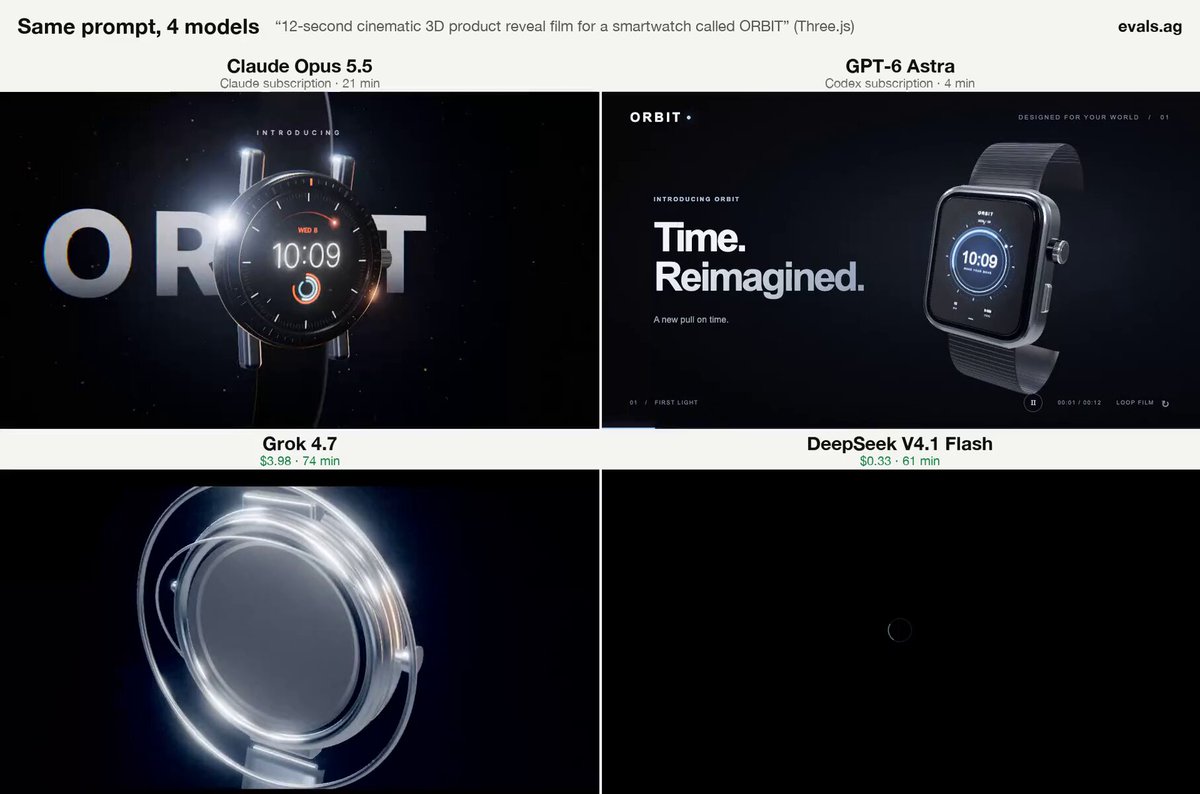
A prompt for a 12-second cinematic 3D product-reveal film featuring a smartwatch called ORBIT. The author presents it as the same prompt used in a four-model comparison that includes GPT-6 Astra.
Prompt
12s cinematic 3D product reveal film for a smartwatch called ORBIT
View detail ↗ · Original post · Back to examples
Interactive educational 3D jet engine
Maker Evan · 2026-10-09
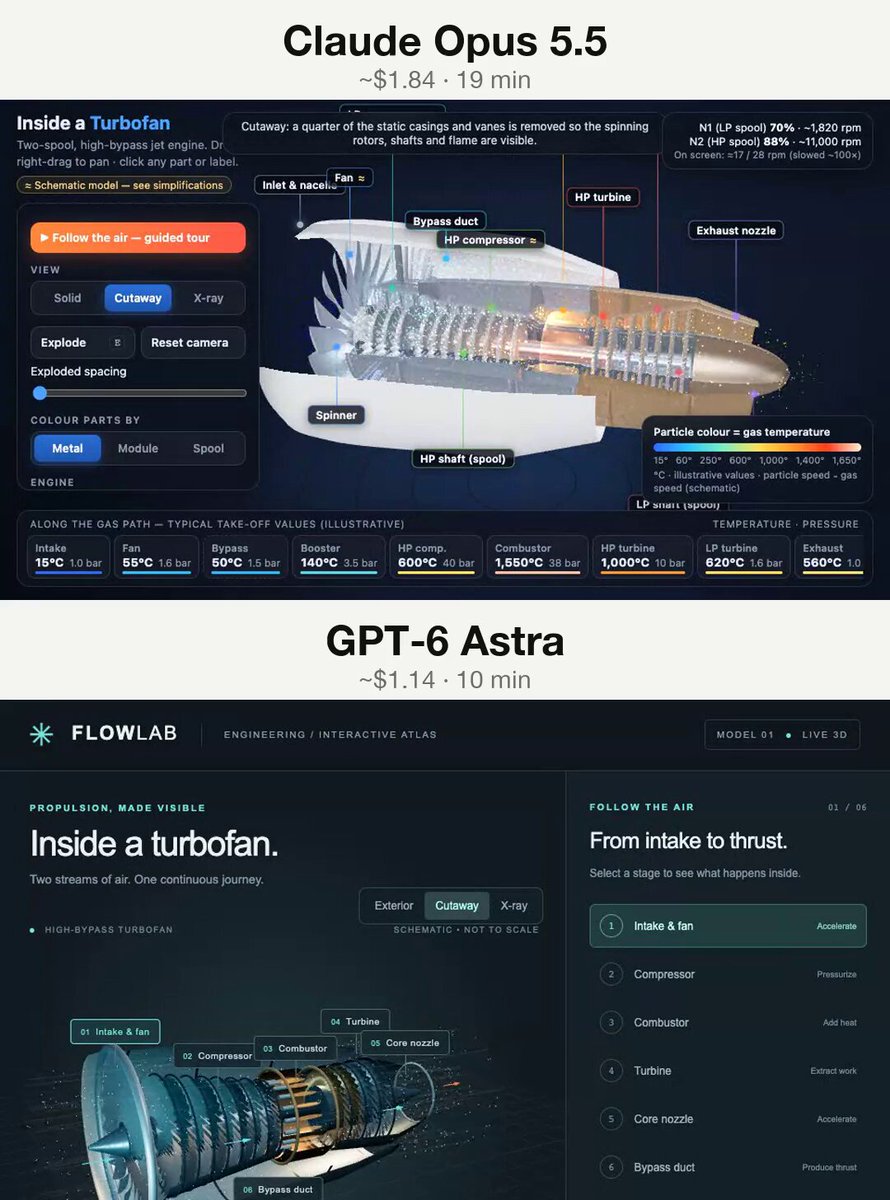
A reusable prompt quoted by the root author for an interactive educational 3D jet engine in the browser. The post says the same prompt was run with GPT-6 Astra and Claude Opus 5.5.
Prompt
Build an interactive educational 3D jet engine in the browser
View detail ↗ · Original post · Back to examples
Detailed visual 3D presentation of an AH-64E Apache Guardian
Maker Evan · 2026-10-09
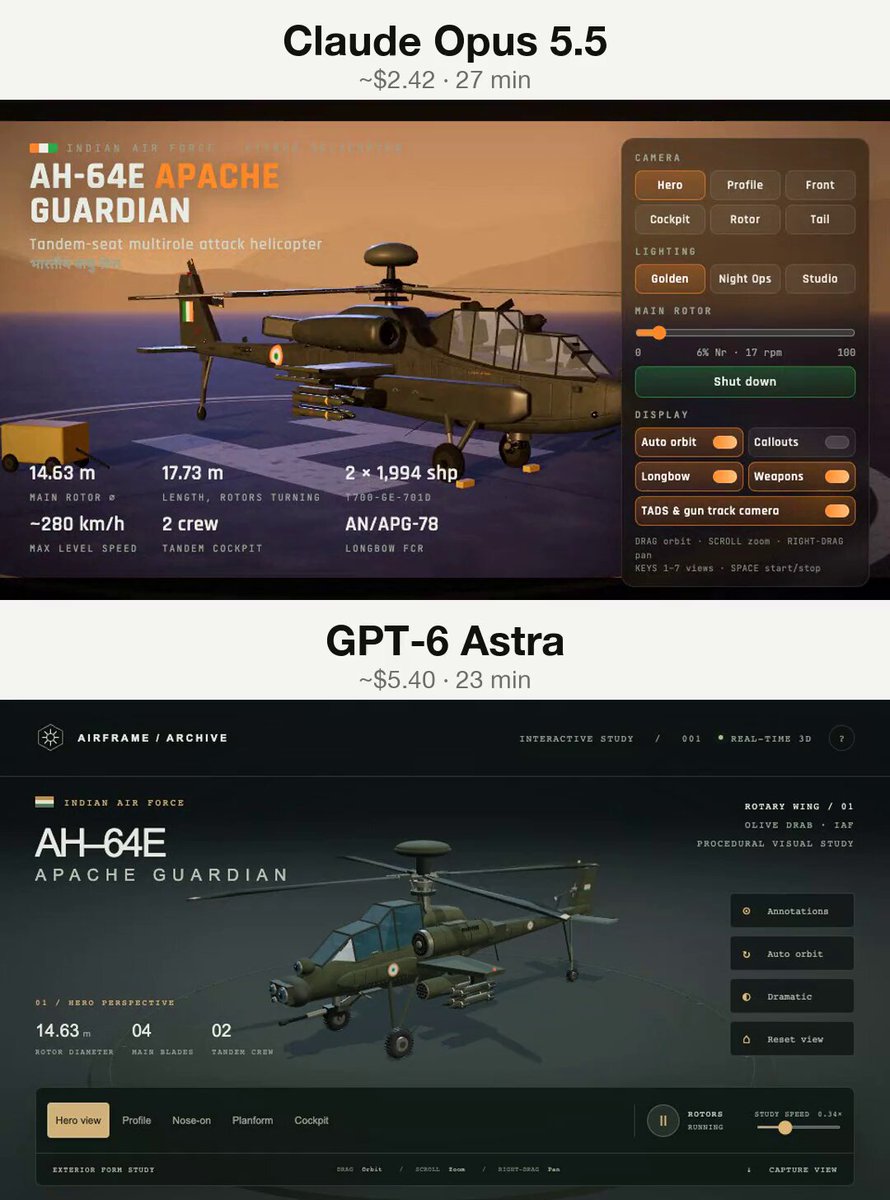
A comparison post states that the same prompt was run with GPT-6 Astra and Claude Opus 5.5. The prompt requests a detailed visual 3D presentation of an AH-64E Apache Guardian helicopter.
Prompt
Create a detailed visual 3D presentation of an AH-64E Apache Guardian
View detail ↗ · Original post · Back to examples
Interactive Honey Keyboard
Harry Jackson · 2026-10-09
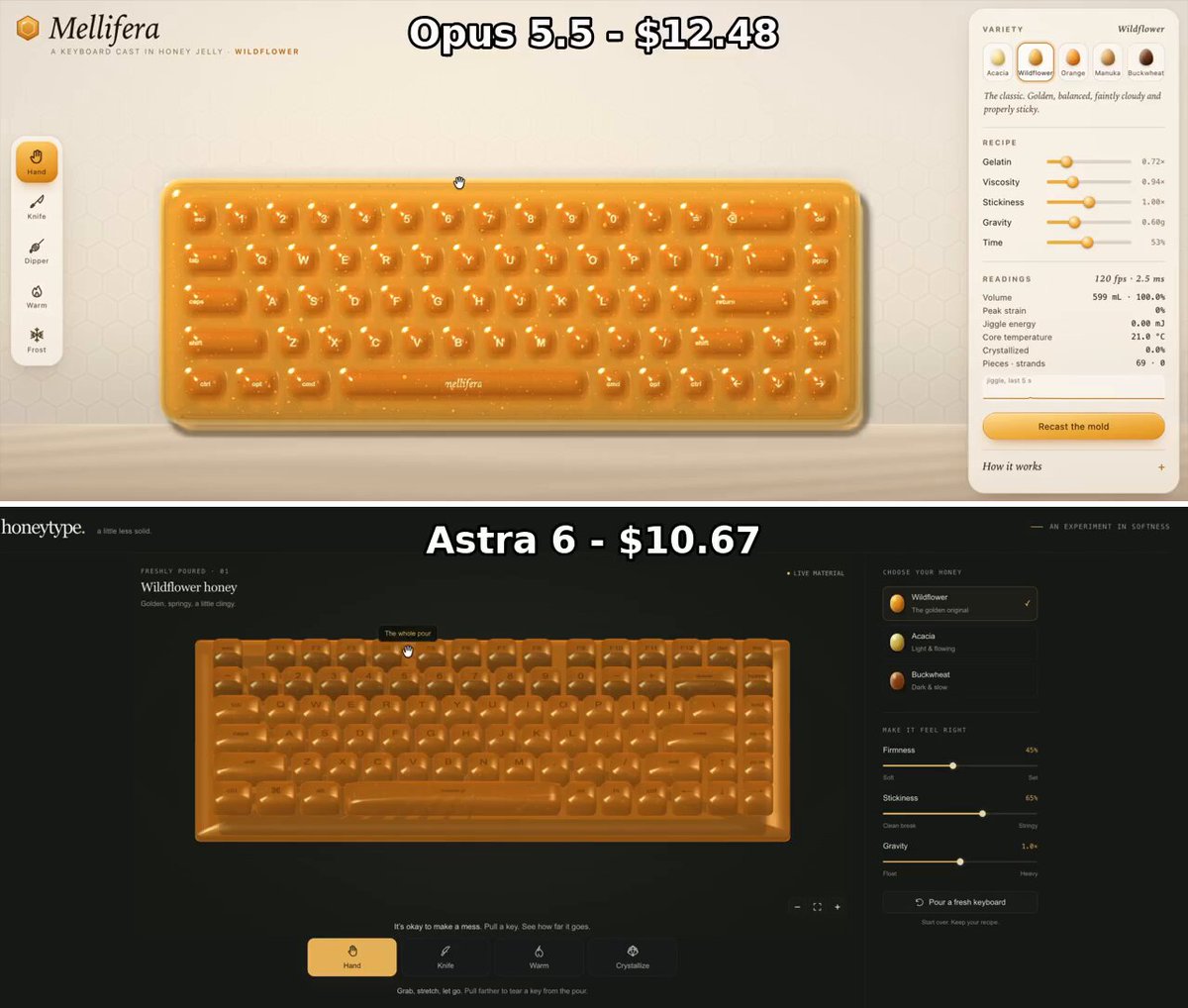
Create an interactive keyboard made of honey. The root post identifies this as the same prompt used for the linked GPT-6 Astra app comparison.
Prompt
Build an interactive keyboard made of honey.
View detail ↗ · Original post · Back to examples
Interactive 3D gummy dice experience
Maker Evan · 2026-10-09
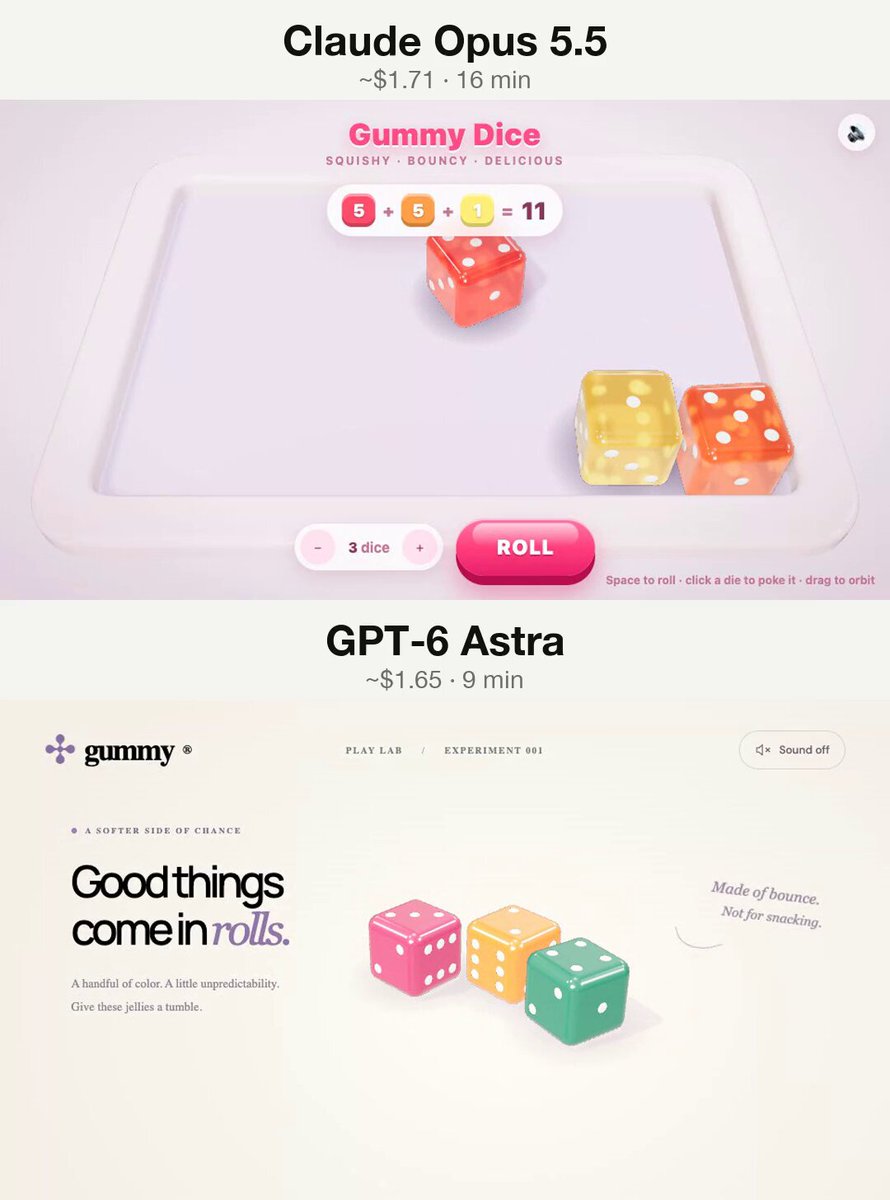
A browser-based interactive 3D gummy dice experience. The root author states that the same prompt was used with GPT-6 Astra and Claude Opus 5.5.
Prompt
Create an interactive 3D gummy dice experience in the browser
View detail ↗ · Original post · Back to examples
Interactive Floating Neon Island
Fazley · 2026-10-09
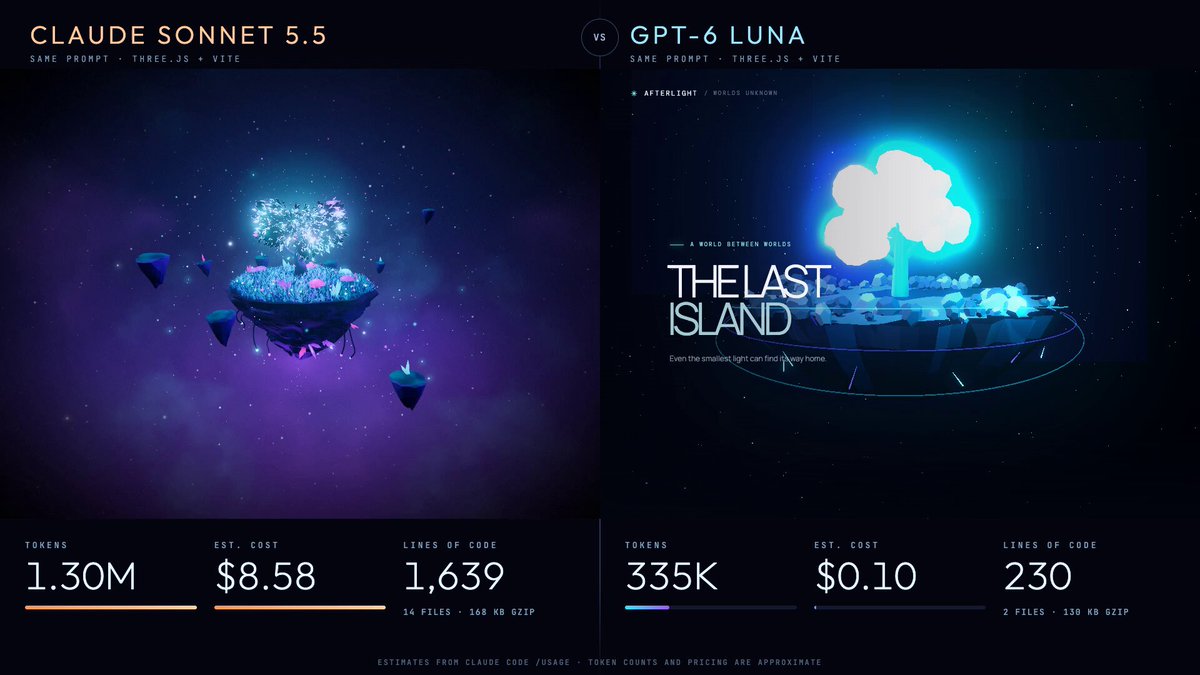
An author-supplied prompt for a complete Three.js and Vite interactive 3D scene: a procedurally generated floating island with grass, rocky sides, a neon tree, particles, atmospheric fog, cinematic lighting, slow rotation, and mouse-driven camera parallax. The post says the same prompt was compared across two models.
Prompt
Build a beautiful, interactive 3D scene using Three.js, JavaScript, and Vite.

Concept: A Floating Neon Island

Create a small floating island suspended in a dark space environment.

Requirements:
A floating island made of procedural geometry with grass on top and rocky sides.
A glowing neon tree in the center with animated, emissive leaves.
Small glowing particles floating around the island.
A star-filled background with subtle atmospheric fog.
Realistic lighting, shadows, ambient occlusion, and bloom effects.
Slowly rotating island with smooth, natural animation.
Mouse-controlled camera movement with subtle parallax.
A minimal UI displaying the title “THE LAST ISLAND” and a small instruction: “Drag to explore.”
Responsive layout that works on desktop and mobile.

Visual Direction
Aim for a polished, cinematic, game-like aesthetic. Use a dark navy background, cyan and purple neon accents, and soft atmospheric lighting.

Technical Constraints
Use Three.js with Vite.
Generate all geometry procedurally. No external 3D models or paid assets.
Keep the code clean and organized.
Ensure the scene runs smoothly in a modern browser.
Include all necessary setup instructions.

Priority: Visual quality, smooth animation, and a cohesive art direction. Avoid a generic-looking demo. Make it feel like a tiny world from an indie game.

Build the complete, runnable project rather than just explaining how to create it.
View detail ↗ · Original post · Back to examples
Castle Jelly interactive WebGPU diorama
Vib3Coded · 2026-10-09
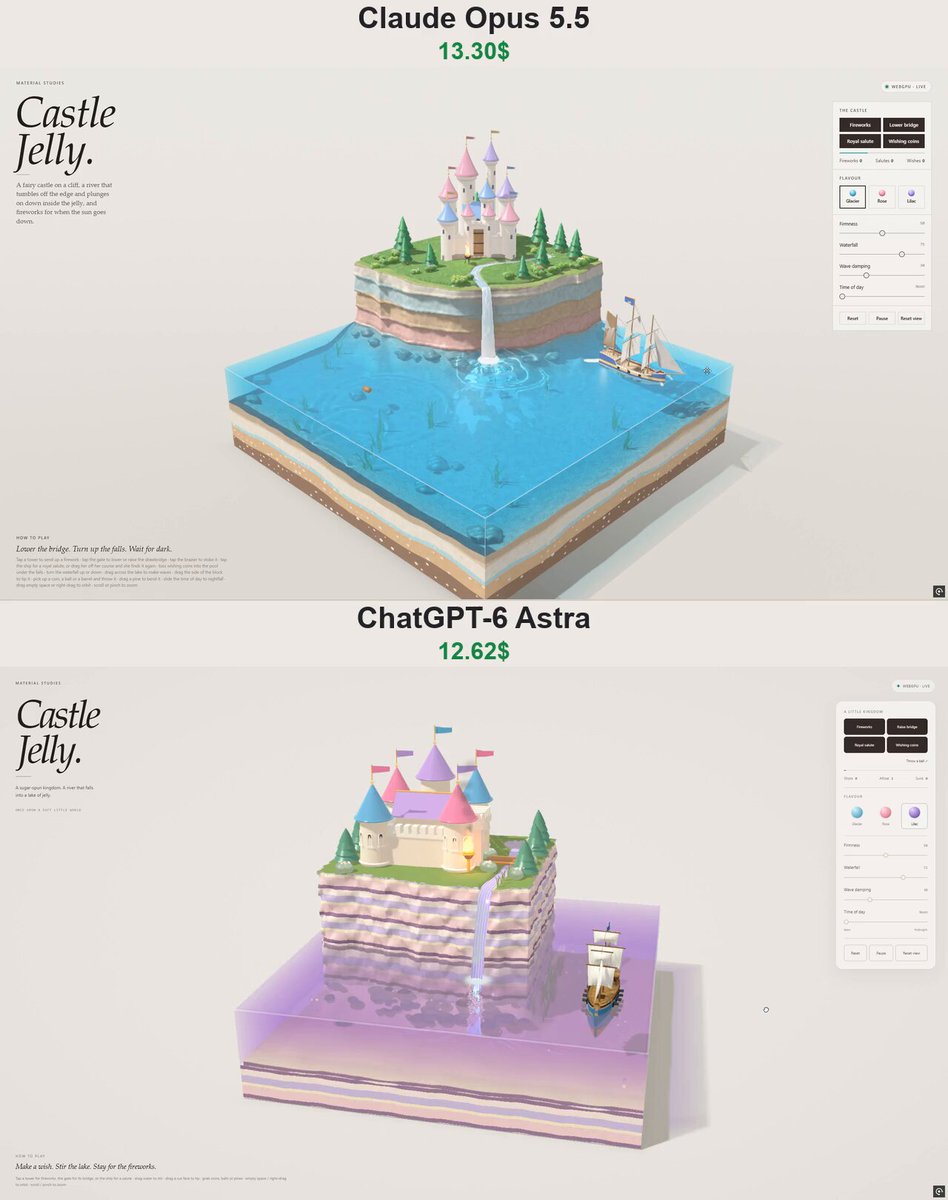
The author supplied this prompt in a verified comment for the same-prompt GPT-6 Astra and Claude comparison. It requests an interactive WebGPU jelly-lake diorama with a fairy-tale cliff castle, layered candy-rock terrain, waterfall physics, a sailing galleon, and touchable controls for fireworks, bridge movement, coins, waves, and time of day.
Prompt
Build a single-file WebGPU "material study" page called "Castle Jelly", in the style of my jelly diorama series (Pirate Jelly / Island Jelly): a square block of wobbly jelly lake on a table in a paper studio, cut faces showing candy strata, italic serif masthead "Castle / Jelly.", glass control panel on the right, "How to play" line at the bottom-left, UI in English, mobile bottom-sheet layout.
The diorama: a fairy-tale castle on a cliff. The back-left of the block is a plateau whose front is a sheer wall of candy-striped rock (layer-cake strata that match the block's cut faces, a talus under the lake), meshed from an SDF with surface nets, mossy where it faces up. On the lawn: a cream castle with round towers, glossy pink/lilac/blue cone roofs, gold finials, fluttering pennants, crenellated walls, a great hall, arched windows (dark glass by day, lamplight at night), a gatehouse with a drawbridge, a brazier by the gate, gummy pines, flowering bushes, reeds. A river wells up from a spring, runs past the gate under the drawbridge and pours off the lip as a waterfall that arcs down into the jelly lake — and keeps going inside the jelly: a fraying plume, bubbles driven down then rising, bright threads of current streaming along the lake floor. The falls pound the surface (shallow-water waves, foam, spray, mist). A little royal galleon (blue hull, white sails, crown standard) sails laps of the lake.
Interactions: Fireworks (rockets off the towers, coloured bursts that light the castle and the lake; automatic at night), Lower/Raise bridge, Royal salute (ship fires, splash), Wishing coins (into the pool under the falls); tap a tower / the gate / the brazier / the ship, drag the water to make waves, tip the block, throw coins and balls, bend the pines. Sliders: Firmness, Waterfall (flow), Wave damping, Time of day (noon → sunset → night with stars). Flavours: Glacier, Rose, Lilac. Shadows, caustics, refraction through the jelly, fixed-step physics.
View detail ↗ · Original post · Back to examples
Photoshop for Gaussian Splats
duck engineer · 2026-10-10
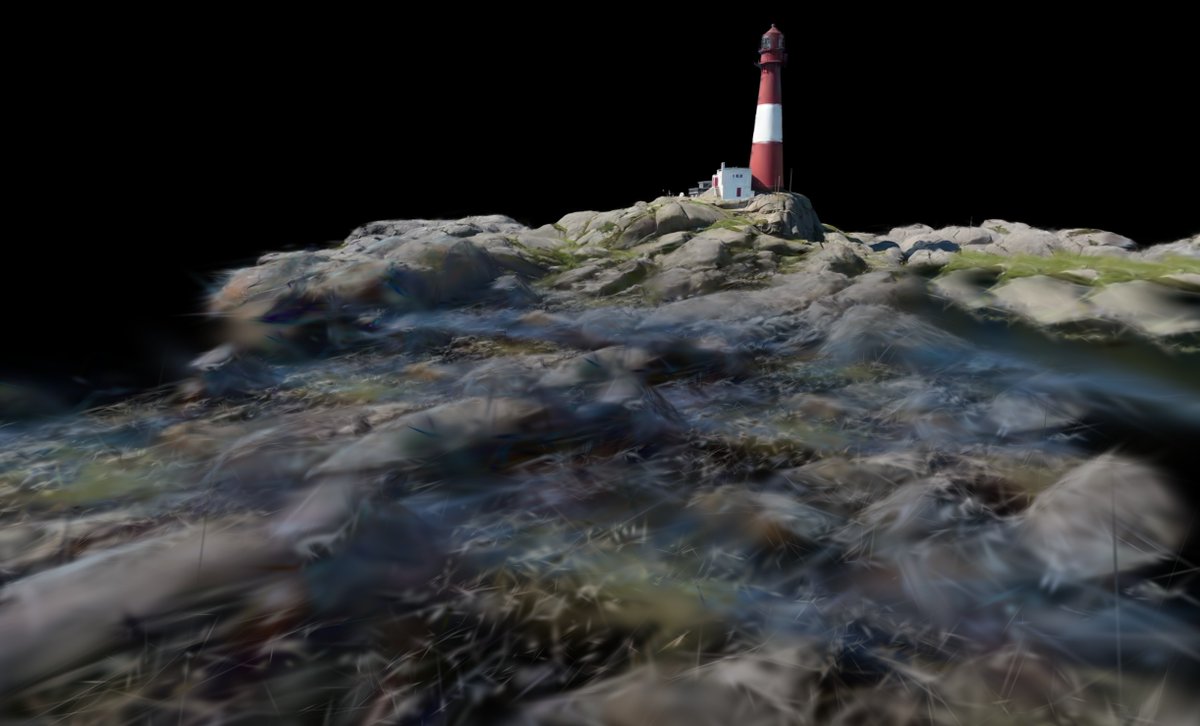
A request for an interactive, Photoshop-like editor for Gaussian splats. The author says they asked Astra for this project in one evening.
Prompt
hey, let's build photoshop for gaussian splats because https://t.co/y592QAHMZH isn't enough
View detail ↗ · Original post · Back to examples
Interactive 3D cloth simulation on a chrome sphere
EvoLink.ai · 2026-10-10
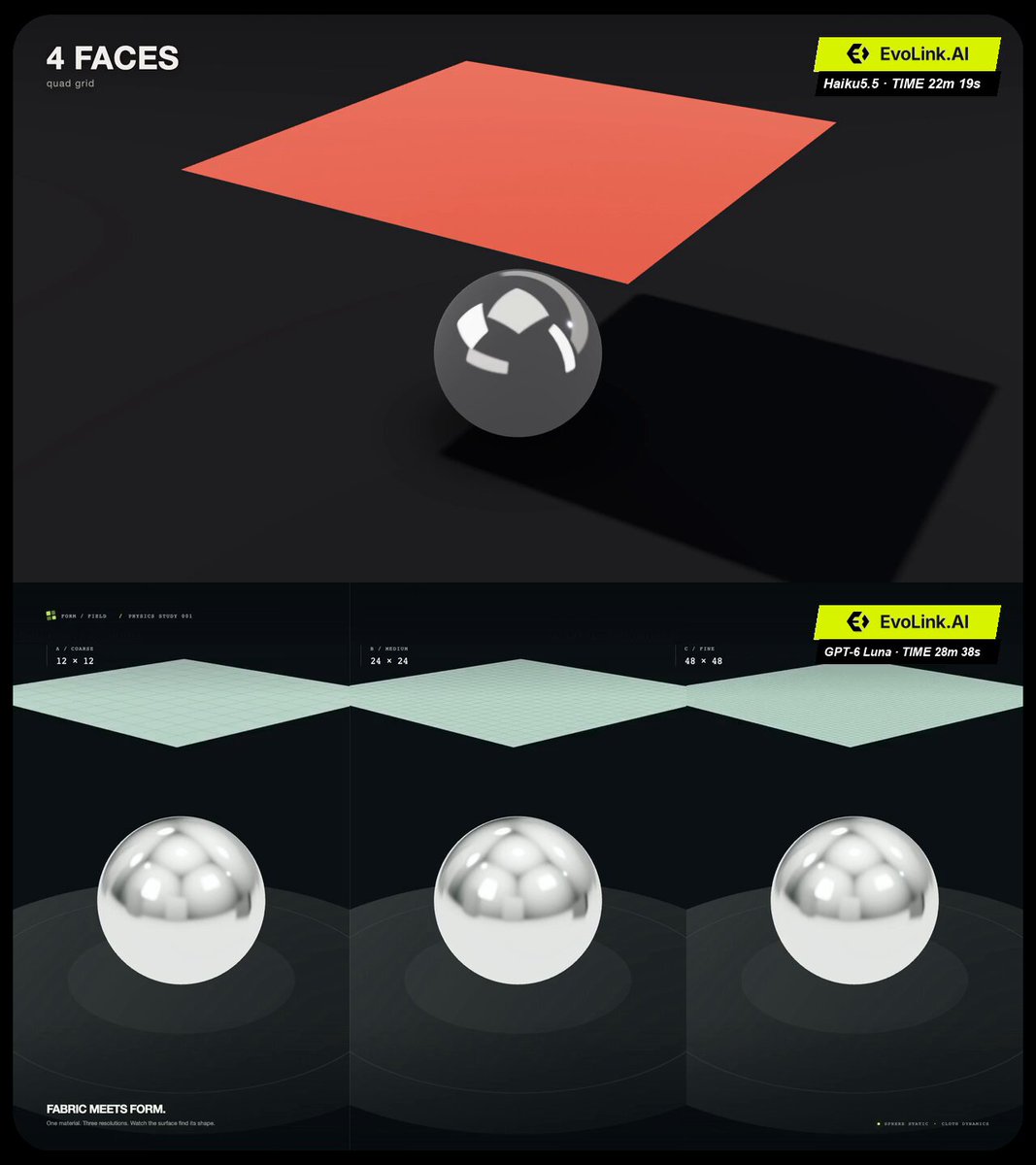
A prompt published by EvoLink.ai in an author comment for a browser-based interactive 3D cloth simulation. It specifies a coral-red satin cloth physically falling and draping over a chrome sphere, with six honestly labeled mesh densities from 4 to 4,096 quads, a deterministic 24-second showcase, and direct cloth-dragging controls.
Prompt
Build a polished, interactive 3D cloth simulation for a visual comparison between AI coding models.

The central visual: a square piece of fabric drops onto a stationary chrome sphere. We repeat the exact same drop with progressively denser cloth meshes, showing how the deformation changes.

Create a working browser application using Three.js and TypeScript/JavaScript. Implement and run it in the current workspace. Complete the project autonomously, test it, and fix problems before finishing.

VISUAL DIRECTION

Aim for a premium, oddly satisfying 3D animation: one large, clearly visible subject, beautiful fabric, convincing contact, and restrained studio lighting.

Use a 16:9 composition. The finished recording will be stacked with two other recordings inside a vertical 9:16 video, so everything must remain legible when reduced to one-third of a phone screen.

Scene:
- A stationary, polished chrome sphere above a matte dark charcoal floor.
- A square of rich coral-red satin fabric suspended horizontally above it.
- Fabric side length approximately 2.6 times the sphere diameter, so the edges can drape around the sphere.
- A large soft key light, gentle fill, and a subtle rim light.
- Broad studio reflections that make the chrome readable.
- Soft contact shadows and visible folds.
- A restrained dark background, with strong separation between fabric, sphere, and floor.

The fabric should look like woven satin, not rubber, liquid, foil, or plastic. Use subtle texture and restrained sheen. Render both sides correctly.

Choose a fixed, slightly elevated three-quarter camera angle that reveals the sphere’s top and the hanging fabric edges. Keep the subject large while leaving enough room for the initial drop.

No camera orbit during the automatic showcase. No decorative dashboard, branding, model names, introductory splash screen, or unnecessary text.

REAL CLOTH SIMULATION

Use a real-time physical simulation. A position-based or extended position-based dynamics solver is appropriate, but choose an implementation you can make reliable and performant.

The motion must emerge from gravity, constraints, and collision handling.

Do not:
- Replace the cloth with a prerecorded video.
- Use a shader wave or a canned vertex animation as a substitute for simulation.
- Animate vertices toward a precomputed draped shape.
- Display arbitrary face counts unrelated to the mesh.
- Swap in a high-resolution cloth while displaying a low-resolution label.

Implement:
- Gravity.
- Structural constraints that resist stretching.
- Shear resistance.
- Bending resistance.
- Damping.
- Stable sphere and floor collisions.
- A small collision margin that prevents visible intersections without making the cloth float.
- Consistent simulation timing independent of rendering frame rate.

The cloth is completely free when released: do not pin its corners.

Use the same physical dimensions and target material properties at every mesh density. Account for mesh spacing when setting masses and constraints so changing the mesh density does not arbitrarily change total mass or fabric stiffness.

Use the same deterministic initial setup at every level. A small fixed offset or rotation relative to the sphere is acceptable to create attractive asymmetric folds, but keep it identical across all runs.

Prioritize preventing the cloth from cutting through the sphere. At coarse mesh resolutions, checking only vertices is insufficient: an edge or triangle can intersect the sphere while its vertices remain outside it. Handle this as well as practical, and do not hide failures with camera placement.

Allow coarse meshes to look coarse. Higher resolutions should reveal more detailed deformation naturally, without fabricated “improvement.”

MESH RESOLUTIONS AND HONEST LABELING

Use these square simulation grids:

2 × 2 cells = 4 quads
4 × 4 cells = 16 quads
8 × 8 cells = 64 quads
16 × 16 cells = 256 quads
32 × 32 cells = 1,024 quads
64 × 64 cells = 4,096 quads

Each quad is rendered as two triangles.

The large recording label should read:
“4 FACES”
“16 FACES”
“64 FACES”
“256 FACES”
“1,024 FACES”
“4,096 FACES”

Include a small, consistent subtitle:
“quad grid”

In the expanded controls, show the exact quad, triangle, and vertex counts. Derive them from the active mesh.

Do not add hidden subdivision that misrepresents the displayed resolution. Shading may be smooth, but the cloth’s visible geometry must match the selected grid.

AUTOMATIC SHOWCASE — EXACTLY 24 SECONDS

Add a “Showcase” button that starts a deterministic sequence.

Six stages, exactly four seconds per stage:

1. 4 faces
2. 16 faces
3. 64 faces
4. 256 faces
5. 1,024 faces
6. 4,096 faces

For each stage:
- First 0.25 seconds: reset the cloth to the identical suspended starting position and display the updated count.
- Next 3.75 seconds: release it and simulate the fall and draping.
- Immediately reset into the next stage without a loading screen or a long transition.

Pre-create or prepare the required resources so switching resolutions does not cause a noticeable pause.

Keep camera, lighting, fabric color, object positions, and simulation time scale identical throughout.

Do not slow down the simulation at higher resolutions to preserve frame rate. Optimize the solver instead.

At the end, retain the last scene and allow interaction. Provide a one-click replay.

INTERACTION

Outside the automatic showcase, support:
- Selecting any mesh resolution.
- Dropping/resetting the cloth.
- Pausing/resuming.
- Toggling a subtle wireframe overlay.
- Grabbing and dragging the fabric with the mouse or touch.
- Releasing the fabric so normal simulation resumes.

Dragging should temporarily constrain the grabbed region, not teleport the whole cloth. Limit dragging to keep the simulation stable.

Switching resolution must cleanly replace the cloth and reset its state.

Provide a recording mode that hides controls and the cursor when inactive, leaving only the scene and the compact face-count label. The label must stay in exactly the same position for all stages.

Make the main scene responsive, with a reliable 16:9 capture layout. Avoid scrollbars and clipped content.

ENGINEERING AND PERFORMANCE

Use the tools and dependencies available in the workspace. Procedural materials and environment lighting are welcome; avoid dependence on fragile external asset URLs.

Aim for smooth desktop playback at 60 fps, with a minimum target of 30 fps at the highest resolution. Measure performance in the actual browser if available. Do not claim a frame rate you have not measured.

Use fixed simulation time steps, appropriate substeps, and efficient data structures. Avoid unnecessary per-frame allocation.

Handle:
- Repeated showcase starts.
- Reset during a simulation.
- Switching resolution during interaction.
- Releasing the pointer outside the canvas.
- Window resizing.
- Cleaning up replaced geometries and event handlers.

If performance becomes a problem, optimize before reducing visual quality. Do not silently reduce the requested mesh resolution.

PRIORITIES

1. Working cloth physics and convincing contact with the sphere.
2. Beautiful, readable fabric and lighting.
3. Reliable synchronized 24-second showcase.
4. Smooth performance.
5. Minimal, functional controls.

Keep the scope focused. Do not spend time building unrelated UI or extra scenes.

VALIDATION

Before finishing:
- Run the application.
- Verify every mesh count.
- Run the complete showcase.
- Inspect low-resolution collisions as well as high-resolution folds.
- Test reset, replay, wireframe, and dragging.
- Check the 16:9 recording composition.
- Inspect browser errors if browser tools are available.
- Fix the problems you observe.

If you cannot visually inspect the browser, state that clearly rather than claiming visual verification.

Finish with a short summary:
- How to launch the app.
- How to start the showcase and recording mode.
- What you tested.
- Any remaining limitations.

Deliver the working application, not just an implementation plan.

Inspired by @noclipepe

Use the Haiku 5.5 API in your agent:

https://t.co/BmU7fO6uOJ
View detail ↗ · Original post · Back to examples
Mario character in Three.js
eliancode · 2026-10-10
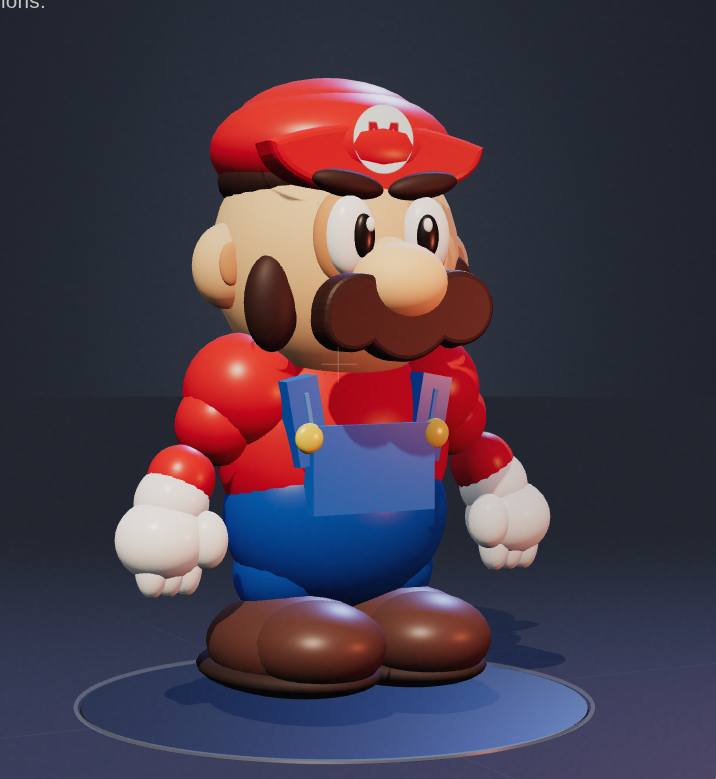
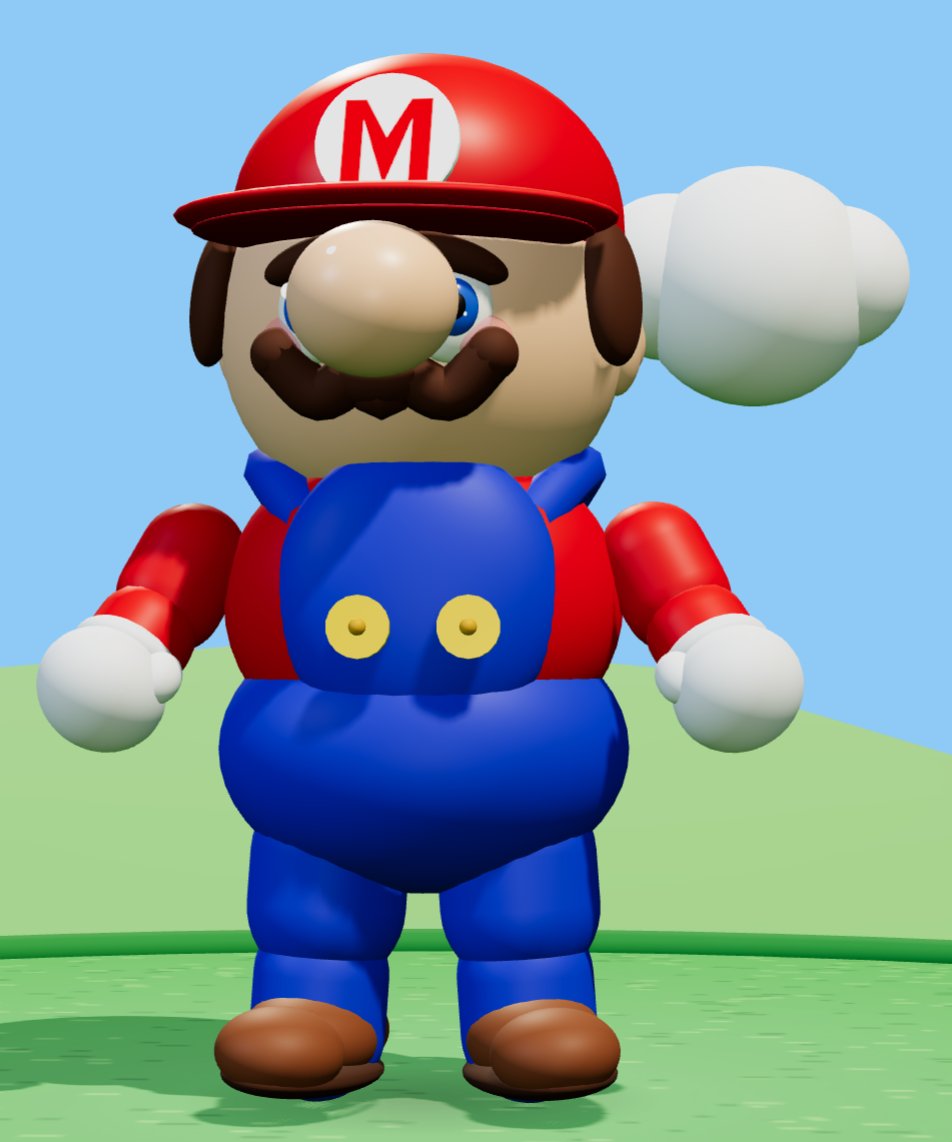
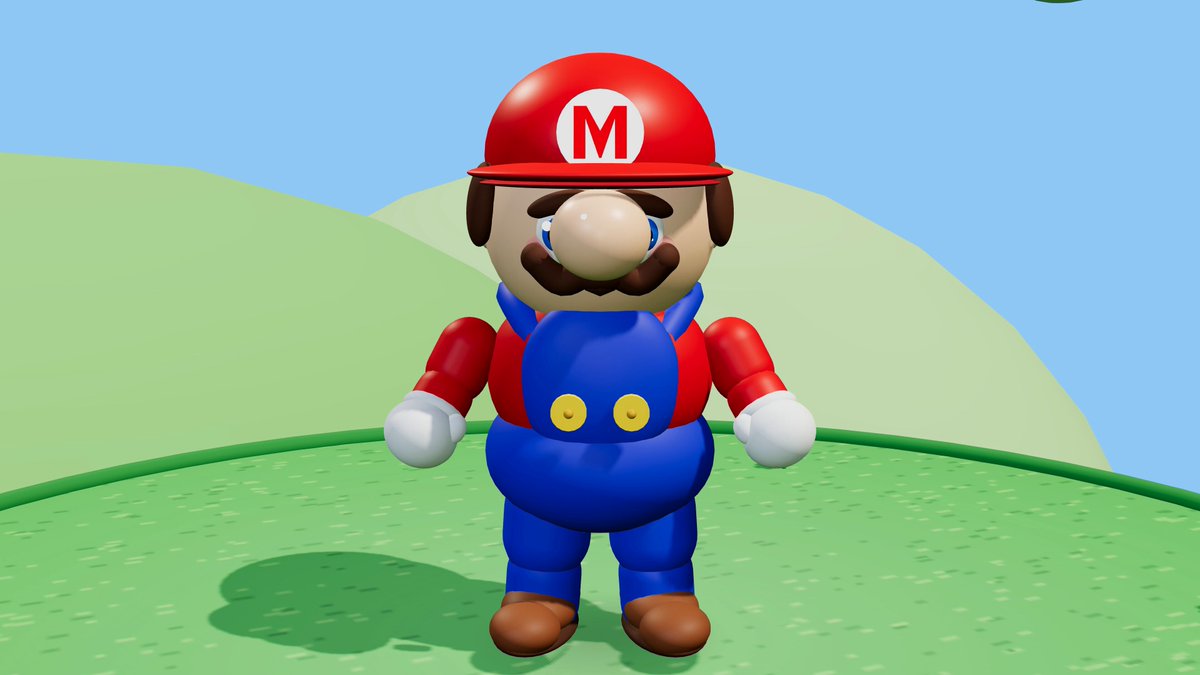
A prompt to recreate Mario as a 3D character in Three.js in a single self-contained HTML file without external assets. The root author presents it as the prompt used for a GPT-6 Luna High versus Grok 4.7 High comparison.
Prompt
Recreate Mario (the character, not the game) in Three.js. Single HTML file, no external assets.
View detail ↗ · Original post · Back to examples
Interactive realistic 3D highway car scene
sgarlen · 2026-10-10
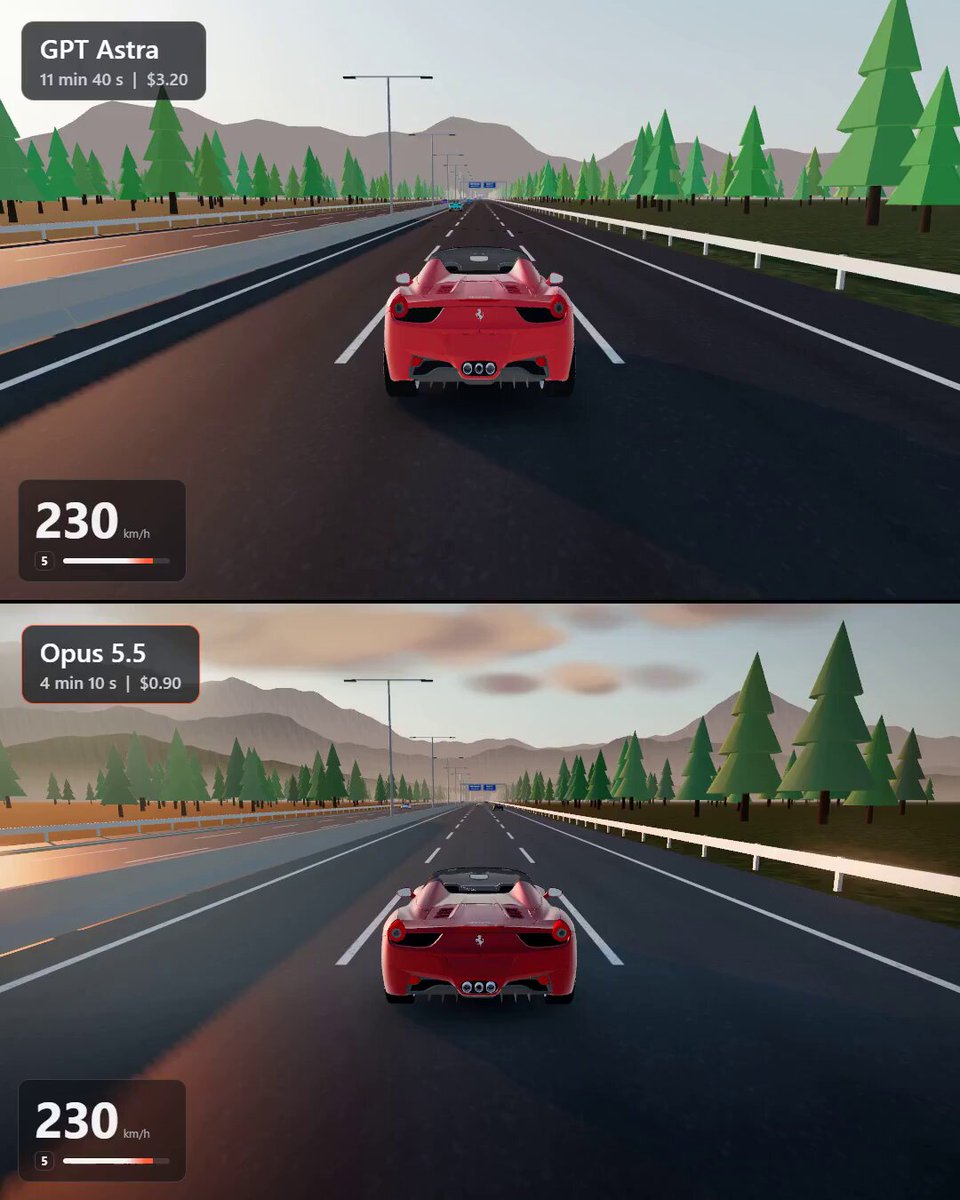
A root-author verbatim one-line prompt used in a same-prompt comparison between GPT Astra and Opus 5.5. It requests a realistic interactive 3D scene of a high-speed car on a highway. The post’s listed output details are not part of the prompt.
Prompt
build a realistic 3D scene of a car on a highway at high speed, make it interactive
View detail ↗ · Original post · Back to examples
Tidepool Jelly Interactive 3D Coastal Ecosystem
Vib3Coded · 2026-10-10
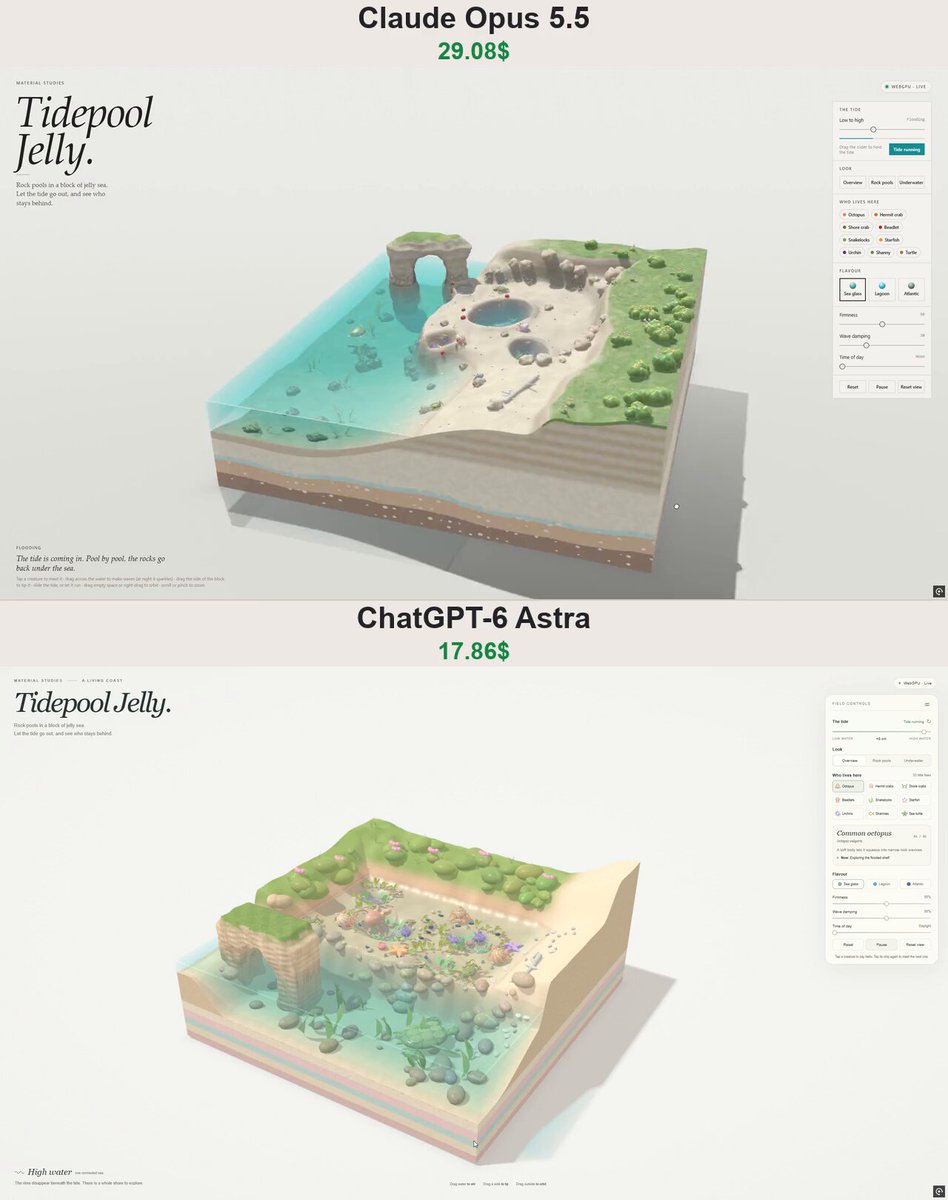
An author-posted prompt for an interactive 3D jelly tidepool ecosystem: a cutaway floating coast with animated tides, reactive water, jelly-like sea creatures, creature cards, camera controls, and adjustable environmental settings. The root post says this same prompt was compared between ChatGPT-6 Astra and Claude Opus 5.5.
Prompt
Create “Tidepool Jelly” - an interactive 3D miniature coastal ecosystem where everything feels soft, squishy, and made of translucent jelly.
Show an elevated, cutaway slice of coastline floating against a warm off-white background. Include layered sand and rock beneath the surface, shallow turquoise water, rocky tide pools, rounded pebbles, seashells, and small patches of coastal greenery. Use an orthographic camera with orbit and zoom controls.
Make the water the star of the scene: convincing waves, spreading ripples, reflections, refraction, underwater caustics, and a wet shoreline. Animate a rising and falling tide that fills and drains the pools. Clicking or dragging through water should create localized ripples that fade naturally.
Populate the pools with animated jelly sea creatures: tiny crabs, starfish, sea anemones, snails, mussels, shrimp, and small fish. Give each species distinct movement and behavior. Crabs scuttle around rocks, anemones sway with the current, snails crawl slowly, and fish swim in loose groups. Their bodies should gently wobble and deform as they move.
Let users click a creature to focus the camera and reveal a compact species card. Allow gentle interactions that trigger a squishy reaction, followed by a smooth return to the original shape.
Add a clean, minimal control panel with:
Tide height and automatic tide cycle.
Wave strength and water clarity.
Jelly softness.
Day and night lighting.
Species visibility toggles.
Pause, reset, and a randomize ecosystem button.
At night, introduce subtle bioluminescence in the water and selected creatures.
Use elegant editorial typography, generous whitespace, and restrained UI styling. Place the “Tidepool Jelly” title in the upper-left corner and controls on the right. The scene should dominate the screen.
Build a fully working browser experience using Three.js and custom shaders where useful. Prioritize beautiful water, believable creature movement, tactile jelly materials, and smooth performance. All controls must work. Avoid static mockups, placeholder assets, and oversized interface elements.
View detail ↗ · Original post · Back to examples
Trippy Three.js and WebGPU 3D visual
ashe · 2026-10-10
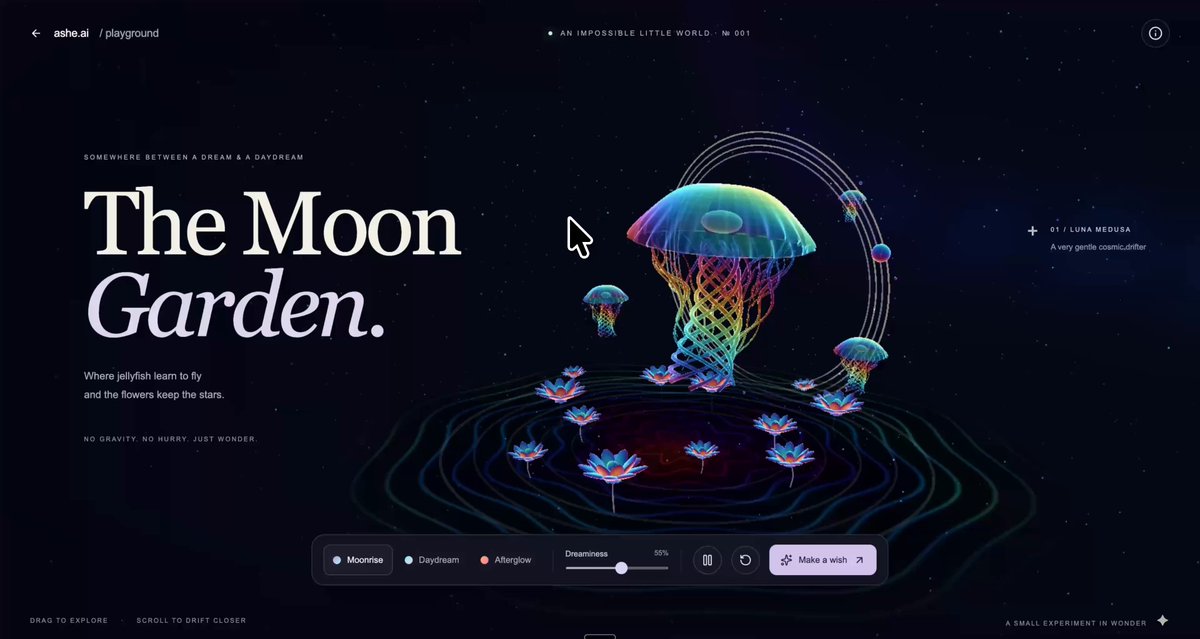
A posted prompt recommendation for Astra or Opus 5.5 requesting a fantastical, whimsical 3D visual made with Three.js and WebGPU. The post presents this as a general visualization prompt, not as the confirmed input for the linked Navier–Stokes explainer.
Prompt
can you create a really trippy visual for me using three.js and webgpu to show off your 3d capabilities? whatever fantastical and whimsical thing comes to mind...you can put it in https://t.co/QLGn7mQK6h
View detail ↗ · Original post · Back to examples
Low-poly open-world driving sandbox game
nitzan.games · 2026-10-11
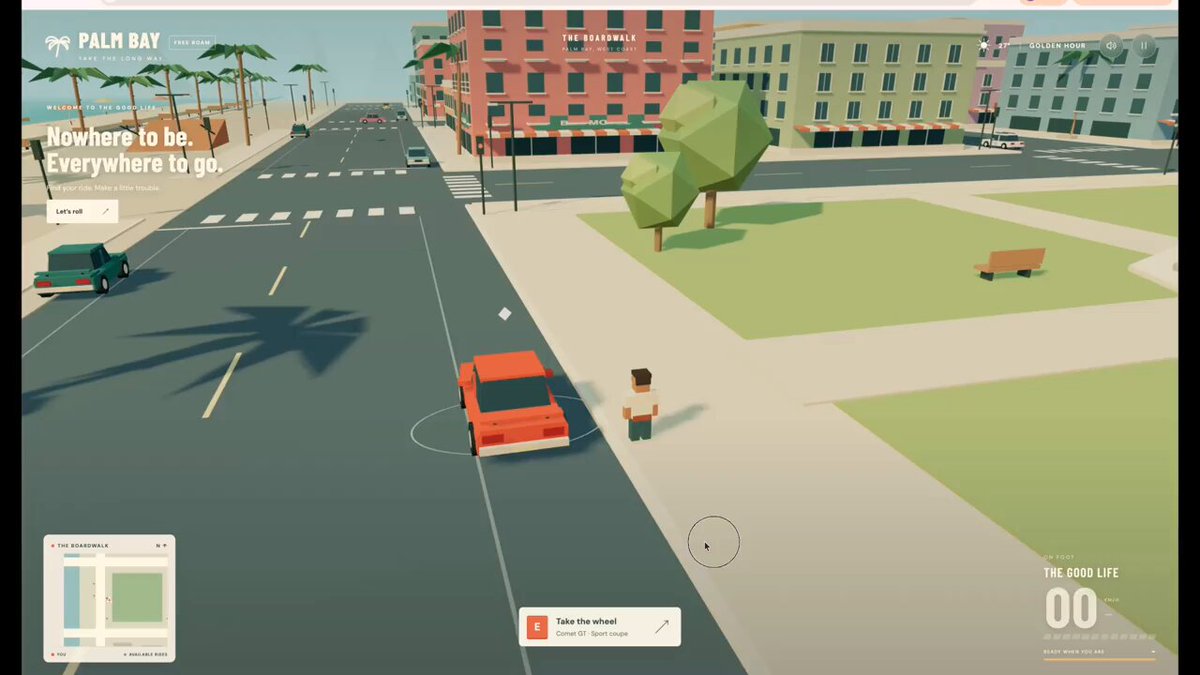
A complete browser-based open-world driving game set in a colorful, sunlit low-poly city. The player can walk, take cars, drive through traffic, crash and wreck vehicles, leave them, and take another car. The linked experiment page, authored by Nitzan and shared by the root post, identifies this as the common prompt used for its Astra 6 and other agent builds.
Prompt
Build a complete, polished open-world driving sandbox in a browser.

You are dropped into a small, colorful, sunlit city. You walk, steal almost any car you see, drive too fast through traffic, crash, wreck the car, get out, steal another, and keep going. That loop is the entire game. No missions, weapons, police, pedestrians, story, or music.

Visual target: low-poly forms with clean flat-shaded surfaces and no texture noise. Strong readable silhouettes, exaggerated proportions, one committed time of day with long warm shadows. Color and proportion do the work that surface detail would do in a realistic game.

This is an autonomous task. Do not stop at "it compiles." Plan, build, run, capture screenshots, critique them as a hostile reviewer would, fix, repeat — until it reads as a finished game, not a technical prototype.

Automated reviewers will inspect your build with no human present. Building a way to drive it, capture it and check it — for them and for yourself — is part of the task. No checklist is coming; the quality bar is yours to set.
View detail ↗ · Original post · Back to examples
Goblin Blender model with walking animation
Cong Le · 2026-10-11
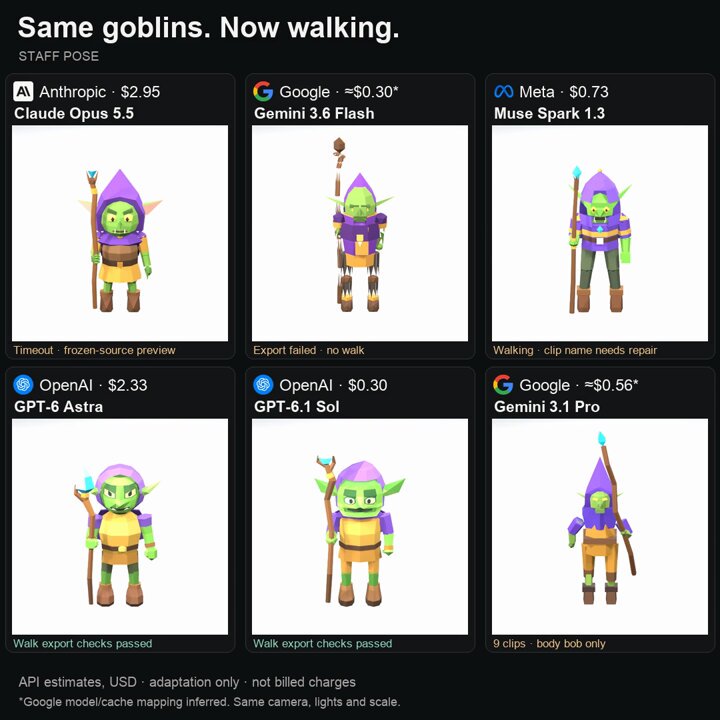
A shared benchmark prompt that asks for a goblin made in Blender with a walking animation. The root author says GPT-6 Astra was one of six models given the same brief in fresh 15-minute sessions.
Prompt
Build a goblin in Blender (with walking animation).
View detail ↗ · Original post · Back to examples
Plush Penguin WebGPU Material Study
Vib3Coded · 2026-10-11
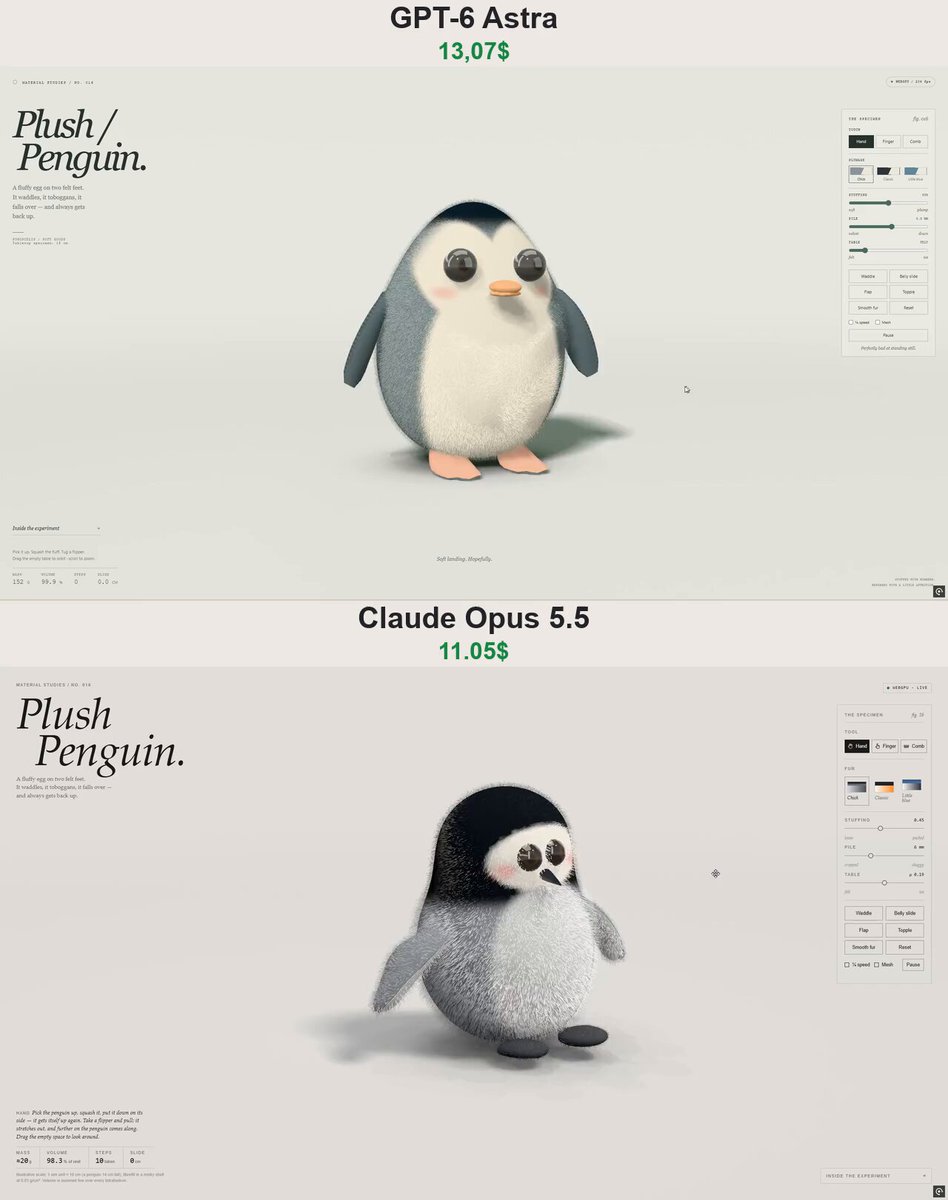
A single-file WebGPU interactive 3D material-study page for a plush penguin chick. The prompt specifies an SDF-meshed stuffed body, cloth flippers, XPBD soft-body physics, brushable shell fur, touch interactions, locomotion behaviours, material controls, palettes, and a responsive editorial interface. The root author presents this as the shared prompt used for GPT-6 Astra and Claude Opus 5.5.
Prompt
Build a single-file WebGPU "material study" page called "Plush Penguin": editorial studio layout, large italic serif title "Plush / Penguin.", kicker "Material Studies / No. 016", caption "A fluffy egg on two felt feet. It waddles, it toboggans, it falls over — and always gets back up.", live status chip, specimen panel on the right, stats row (Mass, Volume, Steps, Slide in cm), collapsible "Inside the experiment" notes. UI in English, works on mobile.

The toy: a round plush penguin chick — an egg-shaped stuffed body as one SDF meshed with surface nets, a dark cap and back, a pale fluffy face and belly, big glossy safety-glass eyes, a small felt beak, pink cheeks, two flat felt feet. Its flippers are separate cloth pieces (particle cloth sewn to points embedded in the body) that flop, flap and stretch.

Physics: XPBD soft body on a hex lattice (shape-matched cells + tetrahedral volume preservation, live volume readout), skinned to the mesh, standing on a table with Coulomb friction. Locomotion by posture: a weak pull of the whole body toward its rest shape turned to an orientation and carried with its centre of mass, so the stuffing does the moving. Behaviours: Waddle (rocks side to side, lifting each foot and setting it down ahead), Belly slide (a little hop, flops forward onto its tummy and toboggans across the table, then rocks back up), Flap (happy flapping and a couple of hops), Topple (falls onto its back, belly or side and rocks itself upright with an overshoot), Smooth fur, Reset. Finger: it waddles over to your finger; push it and it falls over. Hand: pick it up, squash it, pull a flipper and it comes along.

Fur: real-time shell fur with alpha-to-coverage — long fluffy down on the body, short on the face, combable with a Comb tool (against the grain darker, with it shinier). Sliders: Stuffing, Pile (mm), Table (felt ↔ ice friction, so it slides further on ice). Palettes: Chick, Classic, Little blue. ¼ speed and mesh toggles, Pause. 60 fps.
View detail ↗ · Original post · Back to examples
Plush Octopus Interactive WebGPU Experience
shmopix · 2026-10-11
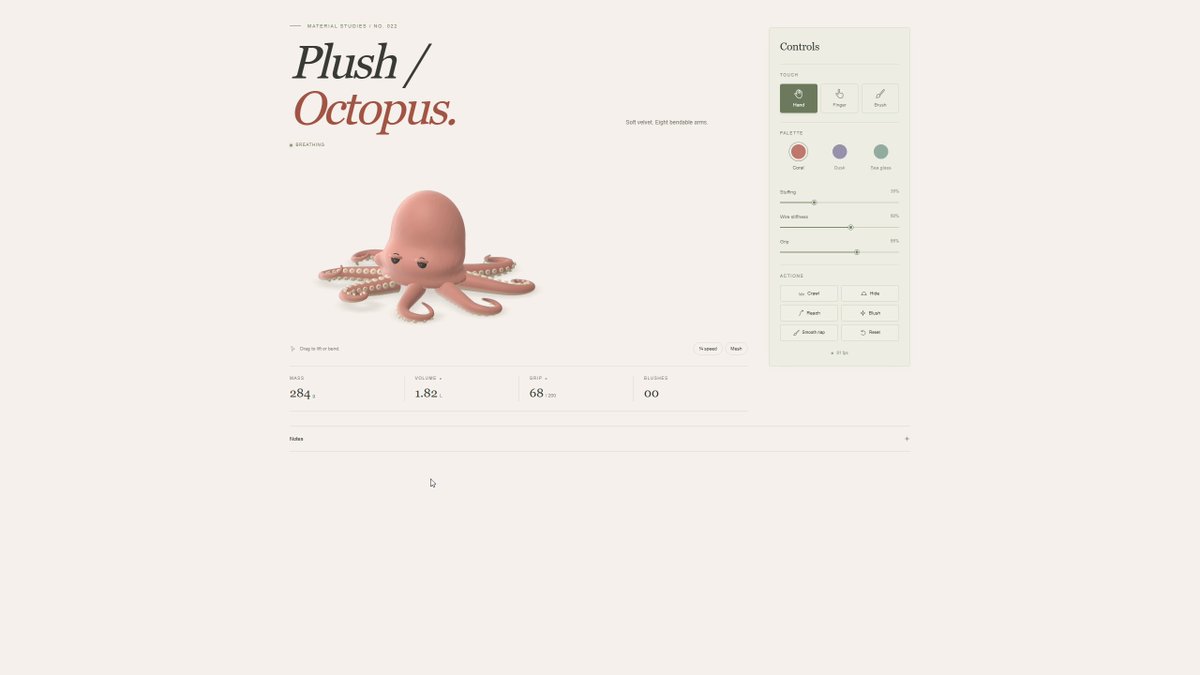
Create a responsive, single-file interactive 3D plush octopus experience with a procedural velvet toy, soft-body deformation, arm manipulation, brushing, behaviors, palettes, controls, and WebGL 2 fallback. The author supplied this prompt in a verified author comment.
Prompt
Build “Plush Octopus”, a single-file interactive WebGPU experience with a WebGL 2 fallback.
Design: Use a warm ivory background, muted coral and sage accents, thin borders, generous whitespace, and a large italic serif title: “Plush / Octopus.” Add the small kicker “Material Studies / No. 022.” Keep text minimal and the UI in English. No studio branding. Place the octopus on the left and a compact control panel on the right. Make the layout responsive for mobile.
Octopus: Create the entire toy procedurally—no imported 3D models. Give it a softly sagging mantle, eight tapered curling arms, heavy-lidded button eyes, a small side siphon, and two rows of cream-colored suckers beneath each arm. Use soft velvet shading with subtle directional nap and gentle blush waves. Avoid harsh speckles or flickering surface noise.
Physics: Make it feel like a lightly stuffed, jelly-like plush. The mantle should squash, spread sideways while preserving volume, and wobble briefly after release. Use a surface-net mesh driven by an XPBD soft-body lattice. Keep deformation centered so it cannot create unwanted sideways motion. Arms should bend smoothly and retain their shape like soft wire, with stable length constraints even during fast dragging. Include gravity, floor friction, and breakable sucker adhesion.
Interactions:
Hand: Lift, squash, release, and bend individual arms. Held arms gradually wrap around the hand.
Finger: Attract an arm; tapping the mantle makes the octopus briefly startle and pale.
Brush: Stroke the velvet to change its nap.
Actions: Crawl, Hide, Reach, Blush, Smooth nap, Reset.
Sliders: Stuffing, Wire stiffness, Grip.
Palettes: Coral, Dusk, Sea glass.
Include quarter-speed and mesh toggles, a live status indicator, and compact Mass, Volume, Grip, and Blushes readouts.
Animation and rendering: Add slow breathing, occasional blinking, and independent tip movement. Use fixed simulation steps with render interpolation and smoothly blended behaviors. Motion must settle naturally without perpetual rocking, snapping, stretching, or tube-frame flips.
Render one continuous, soft floor shadow that follows the body and arms. Prevent visible circular shadow stamps, dark overlap patches, and depth artifacts. Shadows should broaden and fade as the octopus rises.
Deliver one self-contained HTML file. Aim for smooth 60 fps on capable devices and test idle stability, extreme arm pulls, squash-and-release, lifting, behavior transitions, and mobile input.
View detail ↗ · Original post · Back to examples
Torii at High Tide interactive shrine diorama
Vib3Coded · 2026-10-13
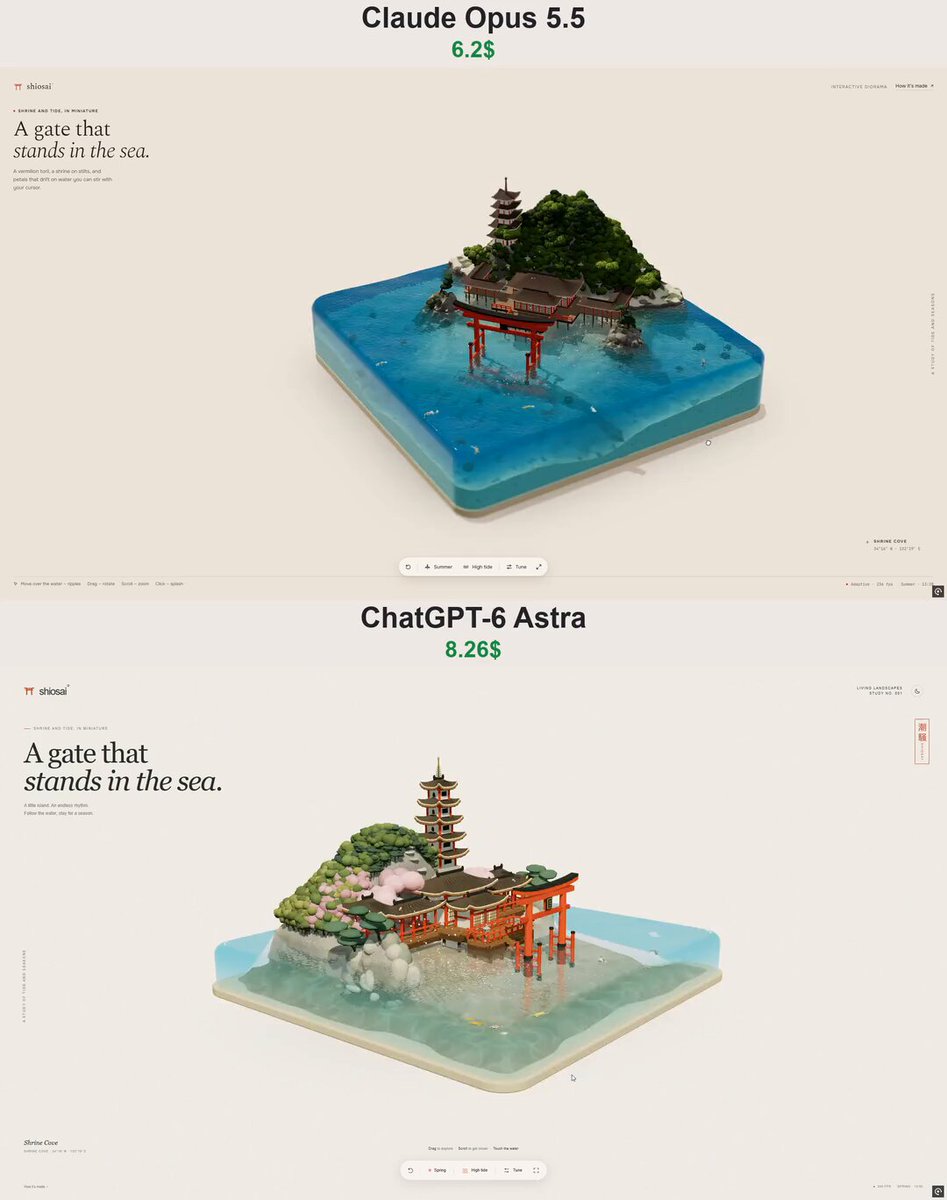
Create a procedural single-file Three.js WebGL diorama of a miniature Japanese shrine island, with a torii, shrine buildings, pagoda, seasonal vegetation, koi, realistic tidal water, responsive editorial UI, and interactive controls for tide, seasons, time, waves, and water settings.
Prompt
Build a single-file interactive WebGL diorama (one index.html, no build step) with Three.js r160 loaded via an import map from https://t.co/lj8MfmK18g, plus OrbitControls and BufferGeometryUtils (mergeVertices, mergeGeometries) from three/examples/jsm. Everything is procedural — no external models or textures.

CONCEPT
"Torii at High Tide": a miniature Japanese shrine island inspired by Itsukushima, inside a 10×10 block of clear water with rounded edges (vertical corner radius ~0.6, top edge radius ~0.26), on a thin sand-colored base slab, on a warm washi-paper background with a soft floor shadow that fades out with distance (so long dusk shadows never streak across the page).

TERRAIN (heightfield ~400×400, clipped to the rounded block, with a boundary "skirt" so the cross-section shows through the water)
- Work in a local frame facing the camera (u = across, v = toward the viewer).
- A forested dome-shaped hill at the back (~2.4 high), a low sandy shrine terrace at its foot, then a wide, gently sloping tidal flat in front (from ~-0.06 down to ~-0.46), dropping to ~-1.0 at the front and sides.
- Two rocky granite headlands framing the bay, each with 1–2 leaning bonsai-style pines (segmented trunks + flattened canopy pads).
- A flattened clearing on the hill flank for the pagoda.
- Terrain shader: granite rock on steep slopes (speckled, darker wet band just above the waterline, algae-dark below it), sand with a wet line, darker wet intertidal sand below the high-tide mark, moss/grass on the hill and in patches on the terrace, snow on upward-facing surfaces in winter, procedural animated caustics under water. CPU-baked horizon AO per vertex plus canopy-cover darkening.

ARCHITECTURE (merge everything into one vertex-colored mesh + one emissive "glow" mesh; write a small Builder that adds boxes/cylinders/spheres/custom geometry with a color and a transform, then mergeGeometries)
- Ryōbu-style torii standing in the bay on the axis of the shrine (~1.9 tall): vermilion tapered main pillars with black base sheaths, four supporting sode-bashira legs with black caps and two connecting beams each, nuki tie beam, central strut with a dark plaque, shimaki, and a curved kasagi (extruded shape with upturned ends) with a black top layer. Pillars must end inside the shimaki, not poke through the kasagi.
- Shrine on stilts over the tidal flat: plank deck (with plank-gap strips and dark edge beams) on a grid of wooden stilts reaching the seabed; a main hall and a smaller front hall (white walls, vermilion posts and tie beams, shoji-style front panels = glow panels behind a thin dark lattice), a lower front stage with vermilion railings, and two roofed vermilion corridors on stilts running sideways then back to the shore.
- Roofs: a hip-roof generator with a concave profile and lifted eave corners (top surface dark cypress-bark brown, warm wood underside, pale fascia trim, black ridge cap).
- A five-storey pagoda on the hill clearing: stone plinth, white walls with vermilion posts, bracket layer, flared roofs decreasing in size, bronze finial with rings.
- Stone tōrō lanterns on the terrace and on the stage (hexagonal base, post, firebox with emissive windows, small roof, jewel).

VEGETATION
- ~4–5k canopy blobs (InstancedMesh of icospheres with vertex-noise displacement + fragment bump), clustered 2–4 per tree, per-instance AO from neighbour occlusion, brighter tops.
- Four kinds via an instance attribute: broadleaf, cherry, maple, pine (flattened pads). Cherries cluster lower on the hill and as 5 feature trees with visible trunks on the terrace; pines dominate the summit and the headlands.
- Colors come from per-kind dark/light palette uniforms that the JS blends across seasons.

SEASONS (cyclic 0..4 = spring, summer, autumn, winter; animated transition from a dock button)
- Spring: pink sakura, falling petals. Summer: lush green, no particles. Autumn: red maples, orange/yellow broadleaf, falling maple leaves. Winter: bare-ish brown deciduous blobs shrunk ~38%, snow on canopy tops, roofs, decks, rocks and ground; snowfall that melts instantly on the water.

WATER (realistic, not jelly)
- Pipeline: opaque scene → MSAA HalfFloat target with DepthTexture; copy to a second target, then draw the water with a custom ShaderMaterial doing a manual depth test; then floating particles; final fullscreen pass with ACES tone mapping, sRGB, subtle tilt-shift. Transparent canvas over the CSS background.
- Color from real thickness: reconstruct the depth behind each water pixel, Beer–Lambert absorption toward a deep scatter color derived from the user's water color (pale over the flats, blue in the deep; side walls get extra path length so they read as a water volume).
- Screen-space refraction, Fresnel sky reflection, sun glints from fine animated detail normals.
- Screen-space reflections (~26 ray-march steps against the depth buffer, fewer on mobile) so the torii, shrine and lit lanterns reflect in the water.
- Ripples: GPU wave equation on a 256×256 HalfFloat ping-pong target, fixed 60 Hz steps, land-mask texture so waves reflect off the shore. Cursor movement injects capsule drops along its path; a click makes a splash.
- Shore foam only where the terrain is near the water level AND gently sloped (no white outlines around cliffs, stilts or the torii pillars); foam band width scaled by slope; broken by noise.
- Tide: a dock toggle animates between high tide (0) and low tide (-0.55): the water block's rim moves and its sides stretch; at low tide the whole flat is exposed and the torii stands on wet sand.

PARTICLES (petals / leaves / snow, ~700 instanced quads, CPU-simulated)
- Spawn from cherry blobs (spring), deciduous blobs (autumn) or the sky (winter); flutter while falling; a gusting wind blows from the island toward the bay so they reach the water.
- Landing: on water they become floating (vertex shader lifts them by the same ripple + wave height as the water), drift slowly, get pushed by the cursor's movement and blown away by click splashes, strand when the tide drops, re-float when it rises; on land they rest and fade.
- Shapes drawn in the fragment shader: notched petal, five-lobed maple leaf, soft snow disc. Manual depth test against the scene depth.

KOI
- 7 koi (lathe body + forked fan tail + pectoral fins, merged), InstancedMesh with a swimming sway in the vertex shader and procedural patterns per type (kohaku, sanke, showa, ogon, plain orange). They wander, steer away from shallow water and the block walls, and flee the cursor and splashes. Rendered under the water so they are refracted and tinted.

TIME OF DAY (slider, shown as a clock from 11:00 to ~19:10)
- Sun elevation, color and intensity, hemisphere colors, and the water's sky reflection shift from noon to golden hour; towards dusk the shoji panels and lanterns glow (emissive) and three warm point lights light the shrine, the stage and the torii.

UI (editorial, minimal, English)
Brand "shiosai°" with a small torii mark, headline "A gate that / stands in the sea.", eyebrow "Shrine and tide, in miniature", a vertical caption "A study of tide and seasons", a location label "Shrine Cove · 34°16′ N · 132°19′ E", a floating pill dock (reset, season cycle with the current season name, High tide / Low tide toggle, Tune, fullscreen), hints and an adaptive FPS + "Season · time" readout in the footer, a glassy settings panel (season, time of day, falling petals; water color, tide level, wave height, ripple strength, clarity, caustics; sun azimuth, tilt-shift), and a "How it's made" card. Vermilion accent, light and dark themes via CSS tokens, responsive to 390 px (panel becomes a bottom sheet), prefers-reduced-motion respected, adaptive pixel ratio and a lighter mode for touch devices. Intro: the water fills the block while the camera eases in.
View detail ↗ · Original post · Back to examples
Old stone lighthouse on a rocky cliff at dusk
JOH · 2026-10-13
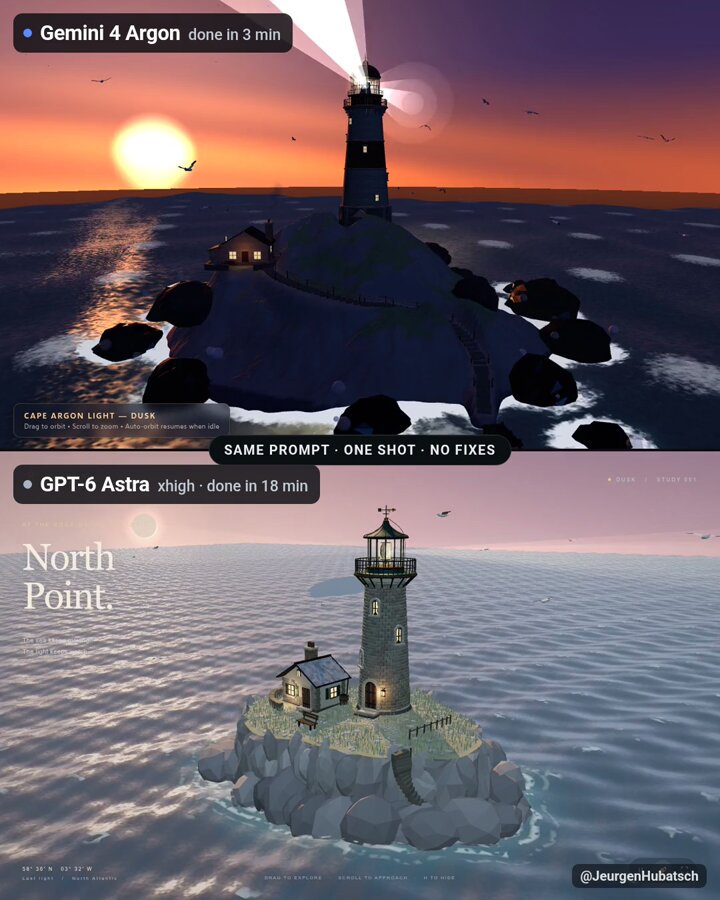
A one-shot prompt shared by the posting author for both Gemini 4 Argon and GPT-6 Astra. It requests a Three.js scene in one index.html featuring an old stone lighthouse at dusk, its rotating beam, a keeper's cottage, a winding path, crashing waves, and seagulls.
Prompt
old stone lighthouse on a rocky cliff at dusk, rotating light beam, keeper's cottage, winding path, waves crashing on rocks, seagulls. one index.html, three.js
View detail ↗ · Original post · Back to examples
3D Flappy Bird-style tropical game
Ivana · 2026-10-13
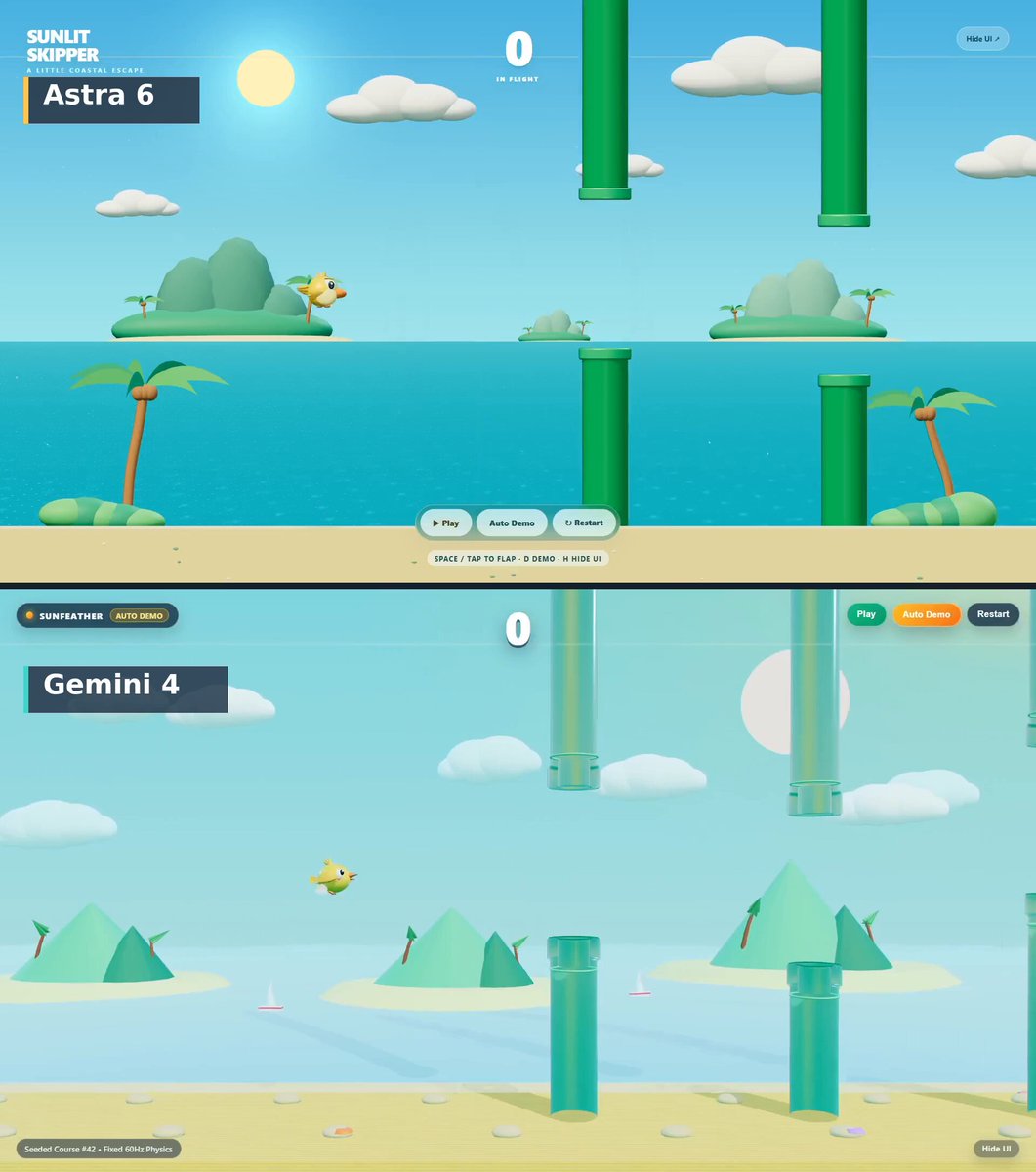
A complete Three.js/WebGL prompt for a playable side-view 3D Flappy Bird-style game in a single HTML file. It specifies a colorful tropical coastal environment, an original animated yellow bird, deterministic pipe generation, fixed physics values, manual controls, scoring, collisions, restart behavior, and an Auto Demo mode.
Prompt
Build a fully playable 3D Flappy Bird-style game in ONE complete, copy-pasteable HTML file using Three.js/WebGL.

Create an original, colorful bird and environment. The game should look beautiful in a screenshot and feel responsive when played.

Return the entire HTML inside ONE fenced html code block. The code must begin with <!DOCTYPE html> and end with </html>. Include all CSS and JavaScript. Do not provide explanations, fragments or additional files.

VISUAL DIRECTION

Create a bright, richly colored tropical coastal world with a turquoise sea, warm sunlight, soft white clouds, distant islands and subtle atmospheric depth.

Keep the foreground crisp and saturated. Use a carefully composed background with gentle parallax, leaving the bird and obstacles easy to see.

The hero is a charming golden-yellow 3D bird with an orange beak, expressive eyes, small animated wings and individually shaped tail feathers. Make it feel like a carefully designed game character.

Animate wingbeats, subtle body movement and a smooth change in body angle when rising or falling.

The obstacles are glossy emerald-green pipes with substantial rounded rims, visible thickness, convincing shadows and beautiful highlights. They must read clearly as solid objects with a navigable gap.

Use tasteful lighting, smooth geometry, soft shadows and restrained reflections. Preserve strong contrast between the yellow bird, green pipes and blue environment.

The opening screen must immediately show the finished world, the bird and several pipes. Keep the interface small and clean.

GAMEPLAY

Use a side-view gameplay plane with real 3D geometry and depth. Keep a fixed camera so the openings and collisions remain easy to judge.

Clicking, tapping or pressing Space makes the bird flap upward. Gravity pulls it downward between flaps.

Pipes move toward the bird at constant speed. Each pair has a gap at a different height. Award exactly one point when the bird successfully passes a pair.

Colliding with a pipe, the ground or the upper gameplay boundary ends the run. Show a short, clear impact response and a Game Over panel with the final score and a working Restart button.

Restart must reset the bird, pipes, score, obstacle sequence and simulation state without reloading the page.

Use these identical gameplay parameters:

Bird position: x = -4.5.
Bird collision radius: 0.35 world units.
Vertical gameplay boundaries: y = -5.4 and +5.4.
Gravity: 18 world units per second squared, downward.
Each flap sets upward velocity to 6.8 world units per second.
Pipe movement speed: 3 world units per second.
Pipe width: 1.2 world units.
Vertical gap size: 3.4 world units.
Horizontal distance between pipe pairs: 5.5 world units.
Gap centers vary between y = -2 and +2.

Use a fixed simulation timestep and collision checks corresponding to the visible bird body and pipe geometry.

Generate obstacle heights deterministically with a dedicated seeded random generator, starting at seed 42. Restart must reproduce the same obstacle sequence. Decorative randomness must not affect this sequence.

AUTOMATIC DEMO

Provide three small controls: Play, Auto Demo and Restart.

Auto Demo must play the actual game automatically. Its controller may only issue the same flap action available to a human player.

It must use the same gravity, obstacles, collision detection and scoring as manual play. It must not reposition the bird directly, disable collisions or make it invincible.

Aim for a smooth, watchable demonstration lasting at least 20 seconds. If the controller crashes, show the real Game Over state.

Pressing D resets the game and starts Auto Demo from the beginning.

Provide a Hide UI toggle that removes menus and buttons while preserving the score. This is for clean screen recordings.

TECHNICAL REQUIREMENTS

Deliver one HTML file that opens directly in a desktop browser without installation or a build step. A pinned CDN import for Three.js is allowed.

Generate all visible assets in code. Do not use imported models, image files, original Flappy Bird sprites or external fonts.

Compose primarily for a square 1080 × 1080 viewport, while supporting responsive resizing. Keep the bird and approaching obstacles visible throughout play.

Aim for crisp rendering and smooth 60 fps motion. Pause the simulation when the browser tab is hidden so returning does not cause a sudden jump.

If browser tools are available, inspect the rendered result and test manual flapping, scoring, pipe collisions, boundary collisions, Restart and Auto Demo.

Prioritize beautiful visuals, responsive controls, correct collisions and a genuinely playable game.

Return only the complete HTML in one fenced html code block.
View detail ↗ · Original post · Back to examples
Exploded view of a Rolex inspired watch
bluumik · 2026-10-13
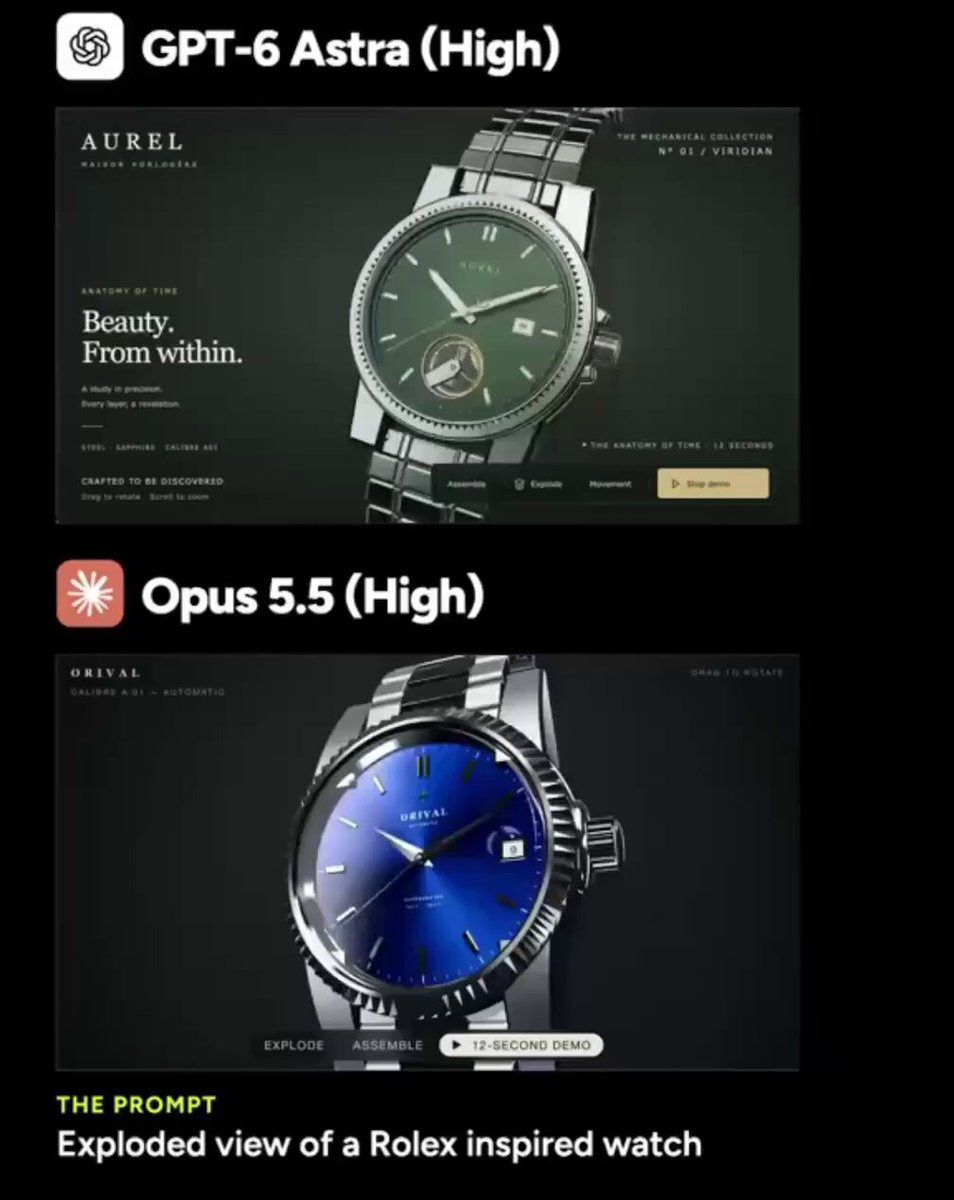
A prompt presented by bluumik as the same seven-word request given to GPT-6 and Opus 5.5. It requests an exploded-view watch visualization; the post describes GPT-6’s result as a dark green interactive site whose watch parts drift apart in the air.
Prompt
Exploded view of a Rolex inspired watch.
View detail ↗ · Original post · Back to examples
Ogre Blender model with walking animation
Cong Le · 2026-10-13
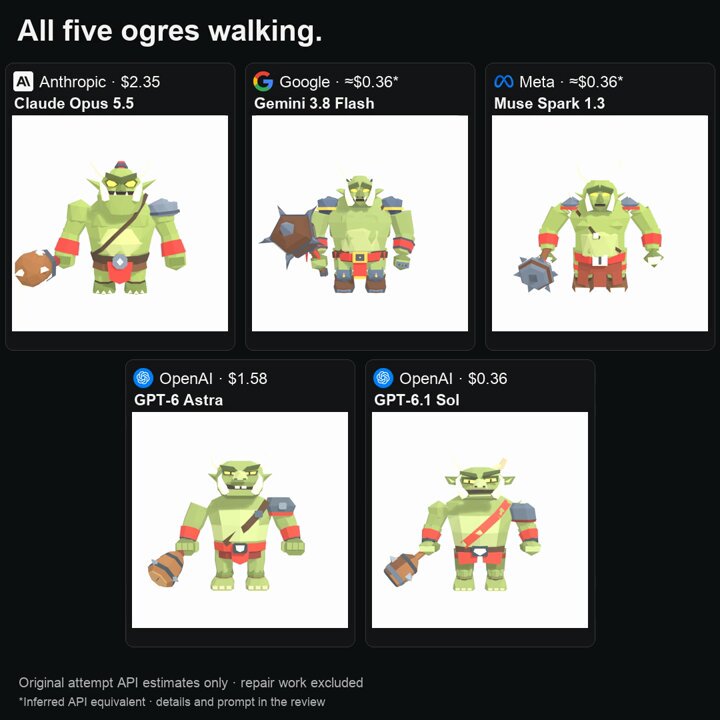
A reusable brief to create an Ogre in Blender with a walking animation. The root author says this same brief was used in fresh 15-minute sessions across five AI models, including GPT-6 Astra.
Prompt
Build an Ogre in Blender (with walking animation).
View detail ↗ · Original post · Back to examples
Interactive 3D gaming mouse explainer
shmopix · 2026-10-14
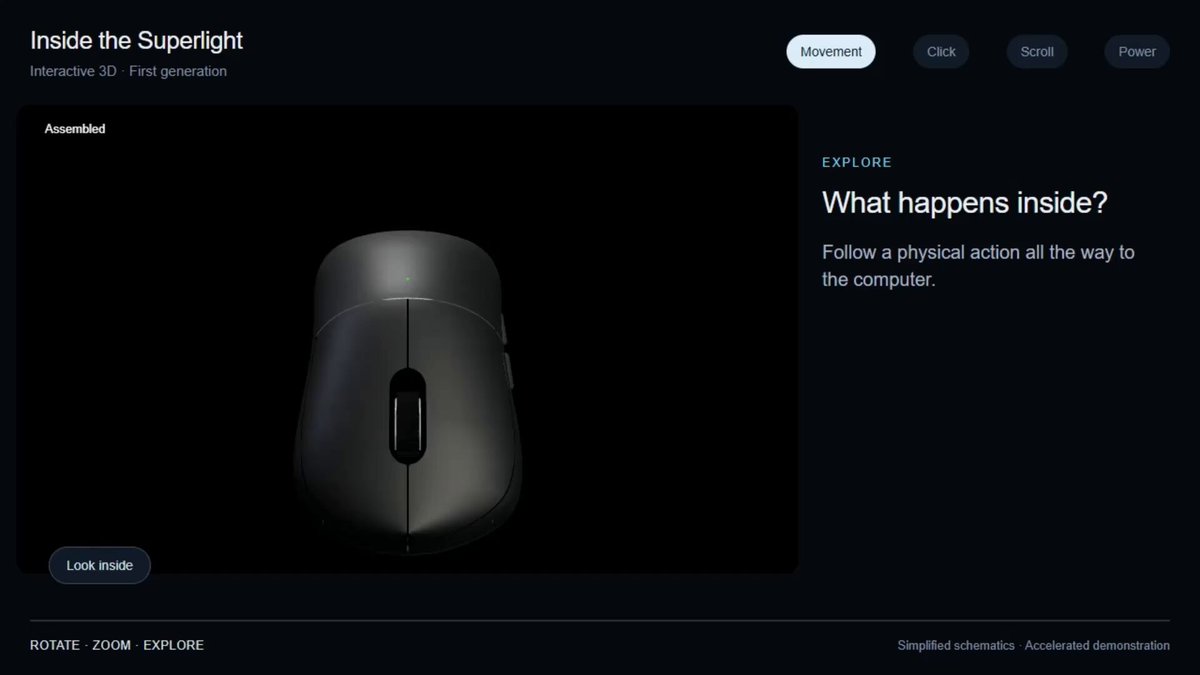
The root author labels the quoted text as the prompt and presents an interactive 3D Superlight mouse explainer. The request is to show how a gaming mouse works from the user's hand through to the computer.
Prompt
show me how a gaming mouse works, from my hand to the computer
View detail ↗ · Original post · Back to examples
3D Screw-Orbit Simulation of the Solar System Moving Through the Milky Way
AI TANUKI(AIたぬき) · 2026-10-14
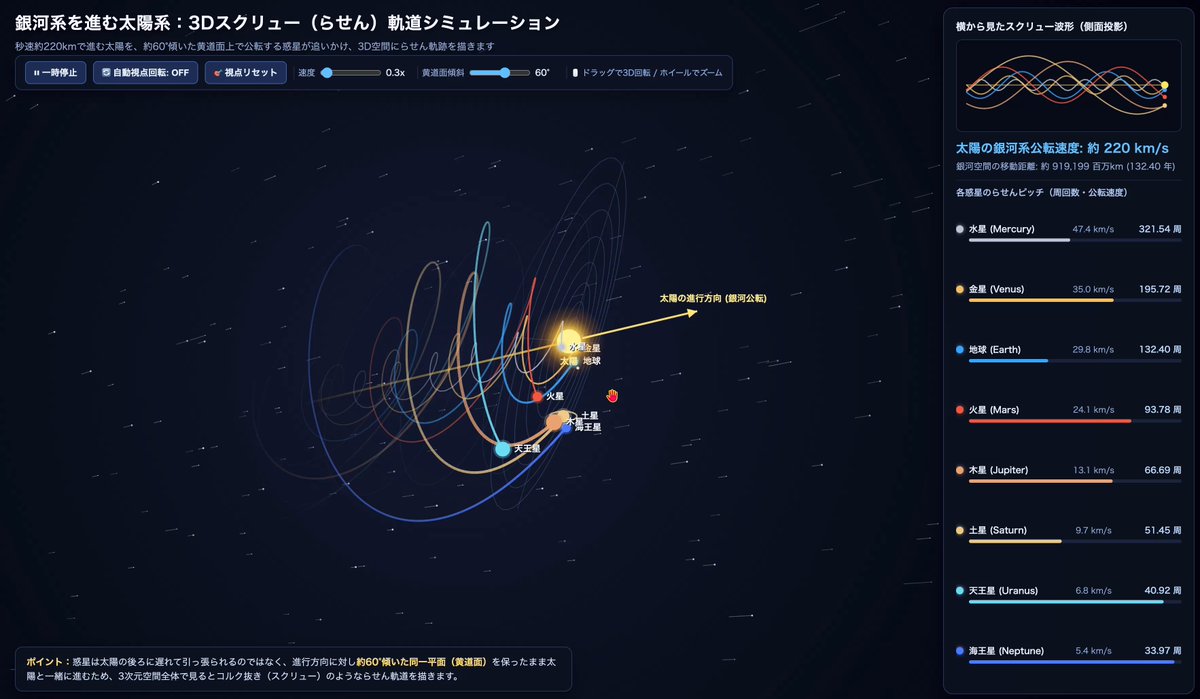
A prompt for creating a single-file HTML interactive 3D animation showing the Sun moving forward through the Milky Way while eight planets orbit around it, maintaining an ecliptic plane tilted approximately 60° relative to the direction of travel. It specifies helical trails for each planet, a star field, orbital guides, a side-view waveform monitor, speed and orbit-count HUDs, camera controls, and playback controls. After trying this subject with multiple models, the poster shared the prompt in the comments.
Prompt
Create a 3D animation of the Sun traveling through the Milky Way at approximately 220 km/s, with the eight planets orbiting around it in a screw (helical) pattern through 3D space as they follow the Sun. Build it as a single HTML file (HTML5 Canvas or Three.js) that can be previewed in Artifacts.

[Visualization and physics model requirements]
1. The Sun's movement and the tilt of the ecliptic plane (important)
   - The Sun continuously moves forward along its direction-of-travel vector through the Milky Way, represented by an axis with a gold arrow.
   - The planets' orbital plane (the ecliptic) moves forward with the Sun while maintaining a single plane tilted approximately 60° relative to the Sun's direction of travel. The planets must not lag behind the Sun and trail it in a cone; instead, they should advance while orbiting on the same tilted plane as the Sun, creating corkscrew-like helical trajectories through 3D space.
   - At the Sun's current position, display a semitransparent guide ring for the approximately 60°-tilted ecliptic plane, including each planet's circular orbit, along with crosshairs.

2. The eight planets and 3D helical trajectories (screw orbits)
   - Render the eight planets: Mercury, Venus, Earth (+ Moon), Mars, Jupiter, Saturn (+ rings), Uranus, and Neptune.
   - Set the orbital timing according to Kepler's laws: inner planets should have shorter orbital periods and tighter-pitch helices, while outer planets should have slower, wider-pitch helices.
   - Leave vivid 3D helical trails in space by connecting each planet's past positions with a ribbon or line that fades toward the tail.
   - Display Japanese labels next to each body: 太陽, 水星, 金星, 地球, 火星, 木星, 土星, 天王星, 海王星.
   - Place a moving star field and cylindrical depth guide rings in the background to convey motion through galactic space.

3. Screen layout and UI panels (dark theme, 16:9 composition)
   - Left-to-center area (main 3D view):
     - In the upper left, display the title 「銀河系を進む太陽系:3Dスクリュー(らせん)軌道シミュレーション」 and the subtitle 「秒速約220kmで進む太陽を、約60°傾いた黄道面上で公転する惑星が追いかけ、3D空間にらせん軌跡を描きます」.
     - In the lower left, display an explanatory badge: 「ポイント:惑星は太陽の後ろに遅れて引っ張られるのではなく、進行方向に対し約60°傾いた同一平面(黄道面)を保ったまま太陽と一緒に進むため、3次元空間全体で見るとコルク抜き(スクリュー)のようならせん軌道を描きます。」
   - Right area (HUD information panel):
     - Top: Add a submonitor frame titled 「横から見たスクリュー波形(側面投影)」 and render, in real time, sine-wave-like patterns showing each planet moving above and below the Sun's direction-of-travel axis (the horizontal line).
     - Middle: Display real-time counters for 「太陽の銀河系公転速度: 約 220 km/s」 and 「銀河空間の移動距離(百万km単位・地球換算年数)」.
     - Bottom: For each of the eight planets, display a colored dot, its name in Japanese and English, its actual average orbital speed (Mercury 47.4 km/s to Neptune 5.4 km/s), its cumulative orbit count (〇〇周), and a progress bar for the current orbit.

4. Interactive controls
   - Allow the user to freely rotate the 3D camera angle by dragging the mouse and zoom with the scroll wheel. The camera should continuously follow the advancing Sun.
   - Provide play/pause, simulation-speed slider, and camera-view reset controls.
View detail ↗ · Original post · Back to examples
Battle City 3D: Endless Tank Defense
jared · 2026-09-22
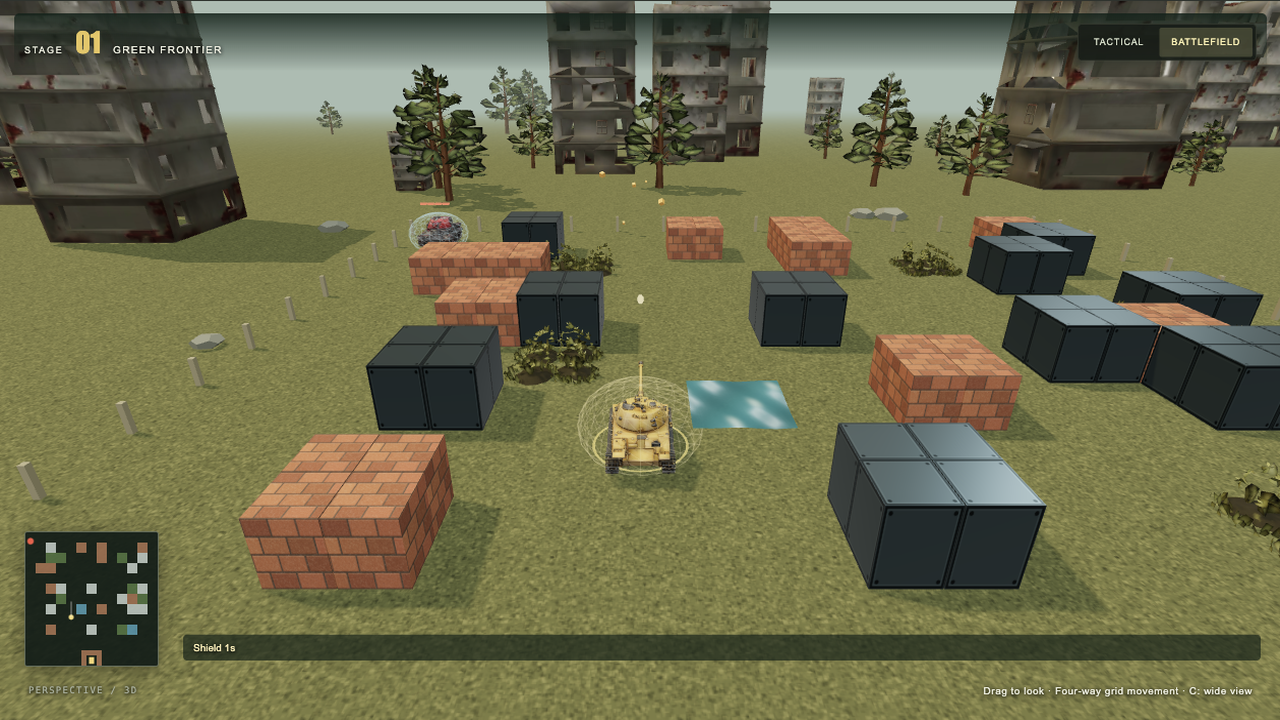
Defend the eagle across endless grass, snow and industrial battlefields or 35 classic maps. Collect ten supplies and defeat heavy enemy tanks that take four hits to destroy.
Prompt
1. Project goal
Build Battle City 3D, a browser tank-defense game inspired by the 1985 Famicom classic. The player drives a tank, destroys a wave of 20 enemies, collects supplies and protects the eagle headquarters. Reconstruct the current perspective-3D version shown in the reference media, including an endless seeded campaign and 35 selectable classic layouts. Preserve the readable arcade rules while giving tanks, walls and scenery genuine depth.

2. Visual style
Use a Three.js PerspectiveCamera with a 60-degree field of view. The default battlefield view sits behind and above the player, around 13 world units away at elevation 0.43 radians. Smoothly follow position and a point ahead of the tank; never rotate the camera automatically when the tank turns. Offer a higher tactical view, manual drag orbit and wheel zoom. Use the four cardinal map axes for movement and firing. After orbiting, map directional keys to the nearest cardinal direction relative to the camera; never turn keyboard input into diagonal movement. Render the chassis heading immediately to match the shot direction, and calibrate projectile and muzzle-flash height to the actual cannon of each model.
Use grounded tracked tanks, metallic turrets, terracotta bricks, dark steel blocks, blue water, low foliage and reflective ice. Continue the ground beyond the playable area into trees, ruined buildings and haze. Use warm directional light, soft shadows, ambient fill, ACES tone mapping and restrained muzzle flashes, recoil, sparks and bouncing debris. Snow changes the ground and tree palette; industrial stages favor steel and ruined buildings.
Frame the game with a dark olive command interface, warm yellow primary action, score, shared lives, remaining enemy icons, stage name and radar. Put the large Tripo 3D / Three.js model switch above the battlefield, showing the selected mode and a rotating tank preview. Use a localized illustrated supply guide and timed-effect indicators. Keep the playfield and essential touch controls visible on narrow screens.

3. World and scenes
Represent the battlefield as a 26 by 26 tile grid, with a tank collision half-width of 0.72. Place the eagle at (13,25), surrounded by a destructible U-shaped brick defense. Player spawns are (9,25) and (17,25); enemy gates are (1,1), (13,1) and (25,1).
Provide two campaigns: all 35 classic layouts with their 20-enemy wave tables, and an endless seed-based generator cycling grass, snow and industrial biomes. Generate connected corridors wide enough for the full chassis, with passable connections between player spawns, enemy gates and pickup locations. Add staggered central steel cover to prevent a direct spawn-to-eagle firing lane while retaining cross-street access. Allow selecting the starting biome or classic stage and rerolling a random map. Carry the run seed, score, lives and surviving players' upgrades into the next stage.
Brick is destructible; steel blocks ordinary shells and tanks; water blocks tanks but allows shells to pass; foliage conceals enemy models; ice reduces traction. Keep the distant environment decorative, separate from gameplay collision.

4. Asset inventory
Use these stable, independently replaceable 3D model slots. Prioritize the player, enemy, heavy tank and eagle, then all ten supply models. Ground each asset at its lowest point and normalize its facing, center and scale. Reuse templates instead of loading a model per enemy.
- player: a mustard-yellow tracked tank with a readable turret and forward cannon; used by player tanks, with a separate ring color for the second player.
- enemy: a compact tracked enemy tank, reused with distinct tints for basic, fast and powerful variants.
- heavy: a visibly heavier armored tank, separate from the standard enemy mesh, with four visible armor segments above it.
- eagle: a metallic golden eagle statue on the headquarters pedestal.
- pickup-star: a gold five-point upgrade star.
- pickup-helmet: a protective military helmet for temporary shielding.
- pickup-clock: a readable clock for freezing enemy movement.
- pickup-shovel: a shovel for headquarters reinforcement.
- pickup-life: a miniature tank representing one extra life.
- pickup-grenade: a hand grenade for destroying active enemies.
- pickup-ammo: an ammunition box for rapid fire.
- pickup-repair: a repair toolbox for restoring armor.
- pickup-magnet: a horseshoe magnet for ranged pickup collection.
- pickup-boost: an energy battery for a temporary speed boost.
- environment-building: a weathered ruined apartment building, Tripo P2.0, requested budget 1,800 triangles.
- environment-tree: an irregular pine with visible trunk, Tripo P2.0, requested budget 1,100 triangles.
- environment-bush: a low leafy shrub and grass tufts, Tripo P2.0, requested budget 650 triangles.
Display supplies as rotating, hovering collectible models with colored rings and matching guide thumbnails. Render repeated buildings, trees and bushes with shared geometry/material instances. Ground the building and tree roots; bury the shrub base slightly to blend with terrain. Add snow on upward-facing surfaces in snow stages. Keep tile walls, water, ice, projectile meshes, UI, lights, particles and collision proxies procedural. Animate water with world-space flowing waves, changing normals and small surface displacement, continuous across adjacent tiles. The Tripo version uses 17 generated models; the comparison version switches both tanks and environment to code-built geometry with the same rules and collisions. Both are rendered with Three.js.

5. Gameplay and feedback
Support solo and local two-player co-op with a shared pool of three lives. Solo uses WASD or arrow keys and Space/J to fire. In co-op, player one uses WASD and Space/J; player two uses arrows and Enter/Numpad 0. P/Escape pauses; C changes camera; 1/2 selects model mode. On touchscreens, allow holding a directional pad and fire button simultaneously, release input on pointer cancellation, and expose pause, resume, next-stage and retry actions without scrolling.
Player speed is 4.2 units per second, or 6.3 with boost. Enemies include basic, fast, powerful and heavy types; heavy tanks have four hit points and survive the first three unshielded hits. Use four concurrent enemies in solo and six in co-op, with staggered spawning. Killing a type awards 100, 200, 300 or 400 points; collecting any supply gives 500 points. Clear a stage after 20 enemy defeats. Lose when the eagle is destroyed or the shared lives are exhausted with no surviving player. Offer immediate retry, explicit next-stage progression and a locally saved best score.
Implement all ten supplies: star upgrades through three levels (faster shells, two simultaneous shells, then steel-breaking shells); helmet shields for 12 seconds; clock freezes enemies for 9 seconds; shovel reinforces the base for 16 seconds; mini tank adds one life; grenade destroys active enemies; ammunition grants 14 seconds of rapid fire with up to four active shells; repair adds two hit points capped at three; magnet collects visible supplies within five units for 20 seconds; boost lasts 12 seconds. Supply models last 25 seconds and appear at reachable locations, with a shuffled deck to vary types. Magnet collection must respect solid obstacles.
Use collected NES-style samples for the 4.333-second stage opening, firing, driving and idling, brick/steel impacts, enemy/player explosions, supply appearance and collection, extra life, armor hit, ice, pause and game over. The current project uses 15 OGG cues from JustoSenka/BattleCity, commit 3a07004ba8e53baea74ff70d2ecc22b017eb9b20. Preserve their attribution and repository license notice; describe them as collected remake audio, without claiming a bit-perfect hardware capture. Unlock audio on user gesture, calibrate sample gains, provide volume/mute, and synchronize sounds to events. Do not add unrelated continuous battle music.

6. Technical implementation
Use TypeScript, Three.js 0.180.0 and Vite 7, with an isolated package.json and lockfile. Keep the simulation independent of rendering, stepping at 120 Hz. Use solid chassis AABBs, axis-separated motion, boundary and tank separation, and continuous nearest-contact shell sweeps, including relative-motion collision between opposing shells. Shells originate at the chassis and sweep forward to prevent point-blank wall clipping. Add ice acceleration/deceleration and gravity with damped bounces for debris. These are arcade ground physics, not a suspension simulator.
Load same-origin GLB assets through GLTFLoader. Keep collision proxies independent of asset geometry. The current runtime uses quantized attributes and WebP textures (1024 px for vehicles/base; 512 px for supplies and environment), without geometry simplification or a WASM decoder. Limit loading to four workers, use hash-versioned URLs and 256 KiB ranges with a 20-second timeout and up to three attempts per range. Unlock play after the four core models and audio are ready; load supplies and environment assets in the background and only spawn supply types whose models are ready. Switching model mode preserves gameplay state.
Provide English, simplified Chinese, Japanese and Korean UI. Select a default from device language, except zh-TW, zh-HK, zh-MO and zh-Hant default to English; persist explicit language choices. Support keyboard, desktop pointer and multitouch, and pause on focus loss. Keep all assets, credits and reproducible scripts local to the source project, and ship a static dist directory with no private credentials or runtime backend dependency.

7. Completion criteria
Deliver editable source, asset provenance and license notices, an npm development/build workflow and a playable static preview. Verify the default Tripo scene, the model comparison, all biomes, a heavy tank taking four hits, every supply effect, pause/resume, defeat/retry and stage progression. Test 1,000 seeded maps for chassis-width connectivity and safe spawns, plus all classic maps, wall tunneling, diagonal shots, tank separation, ice momentum, camera-relative input at multiple yaws, and state-preserving mode switches. Validate localized UI and narrow-screen two-finger controls without claiming physical-device testing when only emulation was used. Compare actual start and combat frames with the reference images/video; confirm all 17 models and 15 audio cues load. Publish through the existing CMS Web Page workflow and verify the final public page, rather than treating a saved CMS record as a completed deployment.
View detail ↗ · Live demo · Back to examples
Crazy Tanks — 3D Island Artillery
jared · 2026-09-24
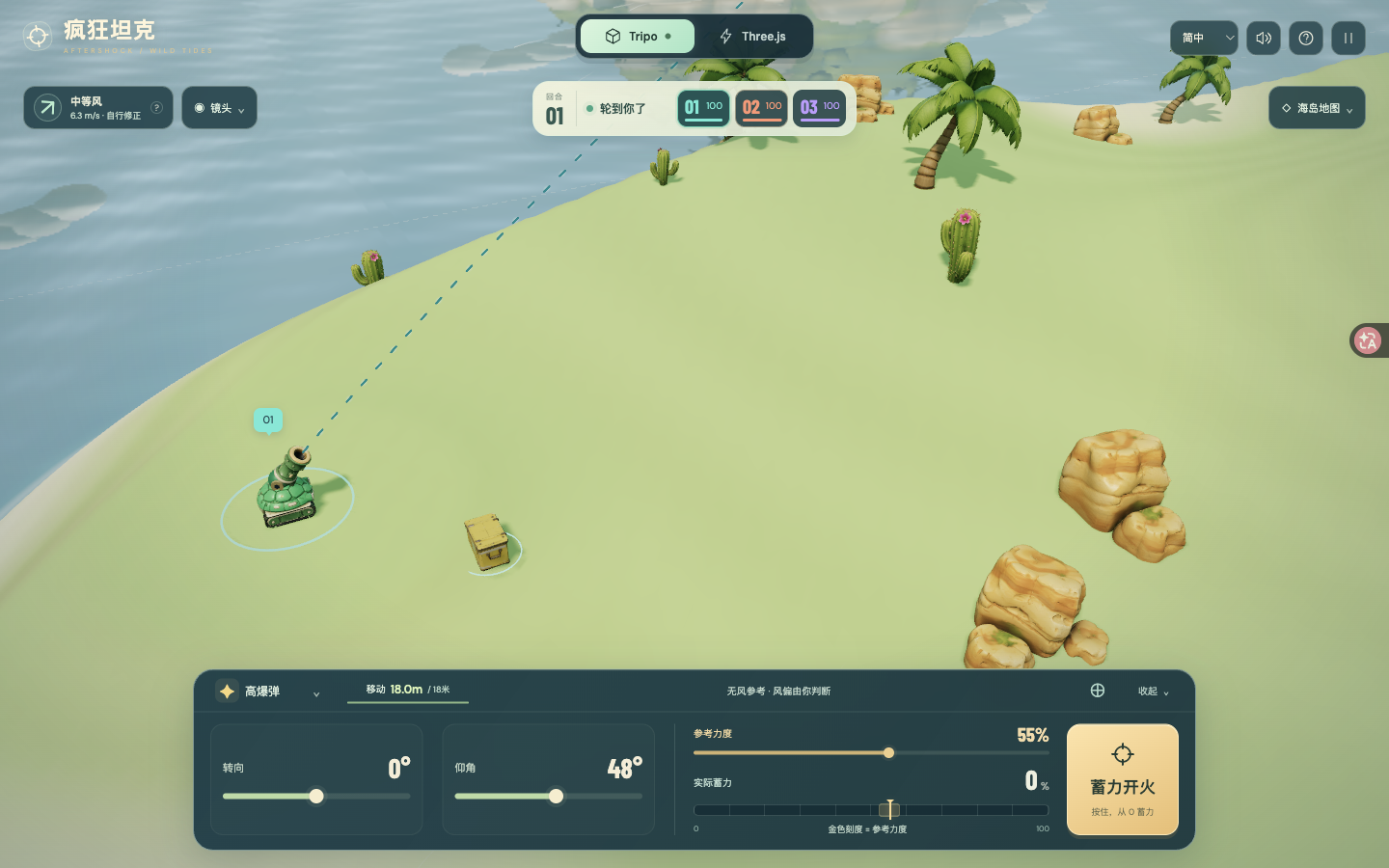
Aim, read the wind and charge from zero in a fully 3D island artillery battle. Choose six shells, carve deep craters and survive the rising chaos.
Prompt
1. Project goal
Build Crazy Tanks — Wild Tides, a playable, genuinely three-dimensional turn-based artillery game on a tropical island. The player aims a small tank, reads the wind, times a charge from zero, and reshapes the battlefield with shells. Support solo against AI and local pass-and-play, with a default three-tank free-for-all and an optional two-tank duel. The last surviving tank wins. Use the current reference gameplay and screenshots as the visual target.

2. Visual style
Use a perspective camera and freely orbitable 3D geometry, not flat sprites or a fixed side view. Create a sunny, miniature diorama with rounded jade, coral-orange and blue-violet tanks, creamy sand, pale green grass, turquoise reflective water, soft shadows and a light atmospheric distance haze. Preserve the three tanks' distinct silhouettes and matching barrels. Use a compact cream round/armor panel above the battlefield and a dark teal rounded control deck below it. Gold marks the reference power and firing action; mint marks actual charge and friendly status. Keep the Tripo / Three.js appearance switch prominent at the top, defaulting to Tripo assets. Switching appearances must preserve the match and physics state. Use thin, evenly spaced teal screen-space dashes and a restrained landing circle; do not reflect aiming graphics in the water.

3. World and scene
Use a destructible height-field island approximately 260 by 184 metres, surrounded by ocean at a fixed sea level. Place the starting tanks far apart on stable ground; distribute rocks, palms, cacti and collectible supply crates. Smaller decorative islands provide background depth and never substitute for the destructible main terrain. Blasts deform the surface and can dig below sea level. Keep shoreline color and foam in a single water surface to avoid overlapping planes and flicker. Project tank numbers from world positions every rendered frame. Provide full-trajectory, tank, orbit and tactical overhead views. The trajectory view must fit the firing tank, arc and estimated landing into the space between the HUD and control deck. Before each shot, show the firing tank for about 0.8 seconds, linger at the muzzle, then follow the projectile. Manual camera interaction cancels cinematic following.

4. Asset inventory
Use stable model slots and keep replacement models individually addressable:
- jade-body: rounded green shield-like tracked hull; the player's default body. jade-cannon: matching jade barrel with a dark bore and gold accents, articulated independently.
- ember-body: coral-orange pointed armored hull with a low mechanical profile. ember-cannon: its longer matching orange barrel and dark muzzle.
- bolt-body: blue-violet industrial tracked hull with angular plated armor. bolt-cannon: matching thick blue barrel.
- shell: a brass artillery projectile with a dark tapered tip and cyan accent. Reuse it with weapon-specific tint and scale.
- crate: a yellow armored supply box with cyan marking and reinforced corners; collect it for 20 armor, capped at 100.
- rock: warm rounded sandstone cluster; repeat at varied scale and use a separate collision proxy.
- palm: curved trunk and layered green fronds; repeat as island vegetation.
- cactus: compact green cactus with small flowering details; repeat on dry terrain.
- islet: a rounded grassy background island with pale rock/sand edges; repeat beyond the arena.
Prioritize the three matching body/barrel pairs, followed by shell/crate and environmental props. Keep terrain deformation, ocean, foam, fire, smoke, shockwaves, debris, aim graphics, lighting, UI and collision proxies procedural. Matching body and barrel parts share one design reference and scale. Place the barrel pivot at its mechanical joint, align its forward axis to +X, and use the visible muzzle as the physical launch point. Tank bodies conform to slopes using quaternions; turret aim remains a world-space direction. Preserve source PBR textures and UV seams. Keep full-resolution downloadable models separate from optimized game runtime copies; references and file provenance must identify the actual generation source.

5. Gameplay and feedback
Each living tank receives 18 metres of movement when its turn starts. WASD and the movement pad move relative to the screen; arrow keys and the aiming pad adjust bearing and elevation. Sliders provide bearing, 10–80 degree elevation and 0–100 reference power. Selecting a rival only faces it; it must not solve the shot.
The teal arc estimates the chosen reference power with NO wind. Keep that reference and its gold marker fixed while charging. Hold Fire, Space, or Enter on the focused Fire button to start actual power at 0 every time; increase by 18 percentage points per second, hold at 100, and fire exactly once on release using the actual power at that instant. A quick tap fires a weak shot. The gold band within 3 percentage points is visual feedback only, with no snapping or hidden correction. Cancel on pointer cancellation, window blur or loss of visibility. Lock movement, target and aim changes during a charge. Range-input keyboard controls must not also turn the turret. Zero power represents the lowest launch speed, not a stationary shell.
The arrow and visible drifting wind streaks show where wind pushes the shell. Label wind strength and metres per second; clicking the wind card explains it. Wind blowing left means the player should aim somewhat right. Stronger wind and longer airtime cause greater drift. Wind stays constant during a shot and changes each turn. Never compensate the player preview automatically. Predict terrain landing approximately; do not promise tank/rock collisions, cluster splitting or ricochets in the preview.
Provide six payloads: unlimited HE; a cluster round that splits into five descending submunitions; Seismic with a crater up to 28 metres across and 13 deep; a ricochet round that bounces twice; one Cataclysm round per tank with a crater up to 46 metres across and 22 deep; and Incendiary that leaves a 12-metre-radius fire zone. Fire deals 8 damage at each of six action endings; moving outside avoids damage and overlapping zones do not stack. Seawater extinguishes flames. An entire tank, including its raised barrel, fully below the water is eliminated immediately. Show the real damage, armor loss, terrain collapse, water splash and elimination outcome.
Use layered fireballs, expanding shock rings, emissive sparks, ballistic fragments, dust and smoke with restrained camera shake. Use the provided original ElevenLabs music and cannon, impact, ricochet, heavy blast, fire and splash sounds. Include sound toggle, pause/resume, instructions, replay and return to menu. During projectile flight or AI turns, offer Back to my turn: run the same fixed-step simulation quickly and preserve all damage, terrain and hazard outcomes. Never skip a local friend's input turn.

6. Technical implementation
Use Three.js with ES modules and Vite, local bundled fonts, Web Audio for effects and an HTML audio element for looping music. Keep resources on the same origin and support a static build. Use a perspective renderer with antialiasing, practical shadow and postprocessing budgets, and proper disposal of transient geometry/materials. Distinguish model decoration from gameplay collision.
Keep deterministic physics independent of rendering, with metre/second units, gravity 9.81 m/s² and a 1/120-second fixed step. Use continuous swept collisions for high-speed projectiles against ground, water, tanks and rocks; apply blast impulses and gravity to displaced tanks. Derive launch positions from the actual tank-specific barrel transform. Normal playback and fast-forward must call the same simulation updates. Damage and wind response are stylized game rules, not an engineering blast simulator.
Support Chinese, English, Japanese and Korean UI. Choose from device language initially; Hong Kong, Macau, Taiwan and Traditional Chinese devices default to English. Remember explicit choices and allow a visible language selector. Use responsive desktop, portrait phone and short landscape layouts, scrollable short-screen menus, comfortable touch targets, collapsible panels and no overlapping controls. Do not require keyboard input on touch devices. Keep development-only state mutation and aiming helpers out of production.

7. Completion criteria
Deliver an editable standalone source project, lockfile, npm dev/build instructions and a working static preview. Match the current screenshots and gameplay video, including the cream status panel, gold fixed reference marker, zero-start live charge and fully 3D tank/island presentation. Verify first launch, model loading, a complete turn cycle, each payload's behavior, pause, replay and a real win/loss outcome. Confirm appearance switching preserves state and keyboard/touch cancellation does not fire. At a clear no-wind test shot, releasing at reference power should land close to the reference circle; opposite crosswinds must visibly shift the actual shell while leaving that circle unchanged. Check 30/60/144 Hz behavior, high-speed collision, deep craters, fire expiry, complete submersion elimination and equality of normal/fast-forward turn outcomes. Inspect desktop and narrow layouts in all four languages; identify browser emulation separately from physical-device testing. Validate the hosted page and linked media, not only the local build.
View detail ↗ · Live demo · Back to examples
Golden Miner: 24-Level 3D Mining Game
jared · 2026-10-11
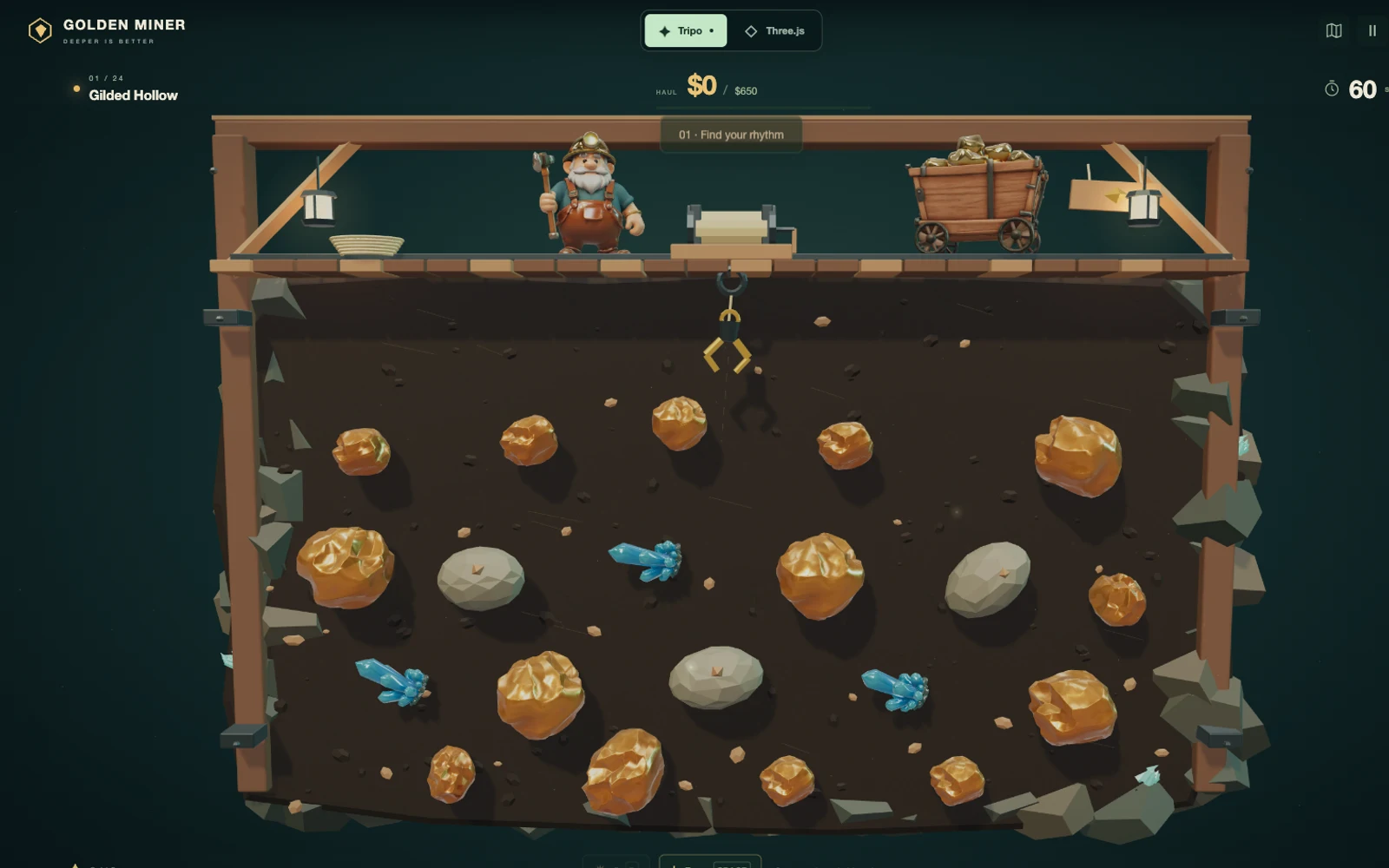
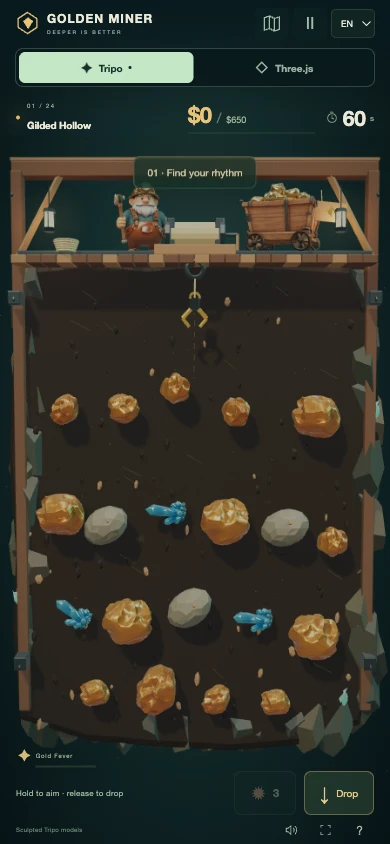
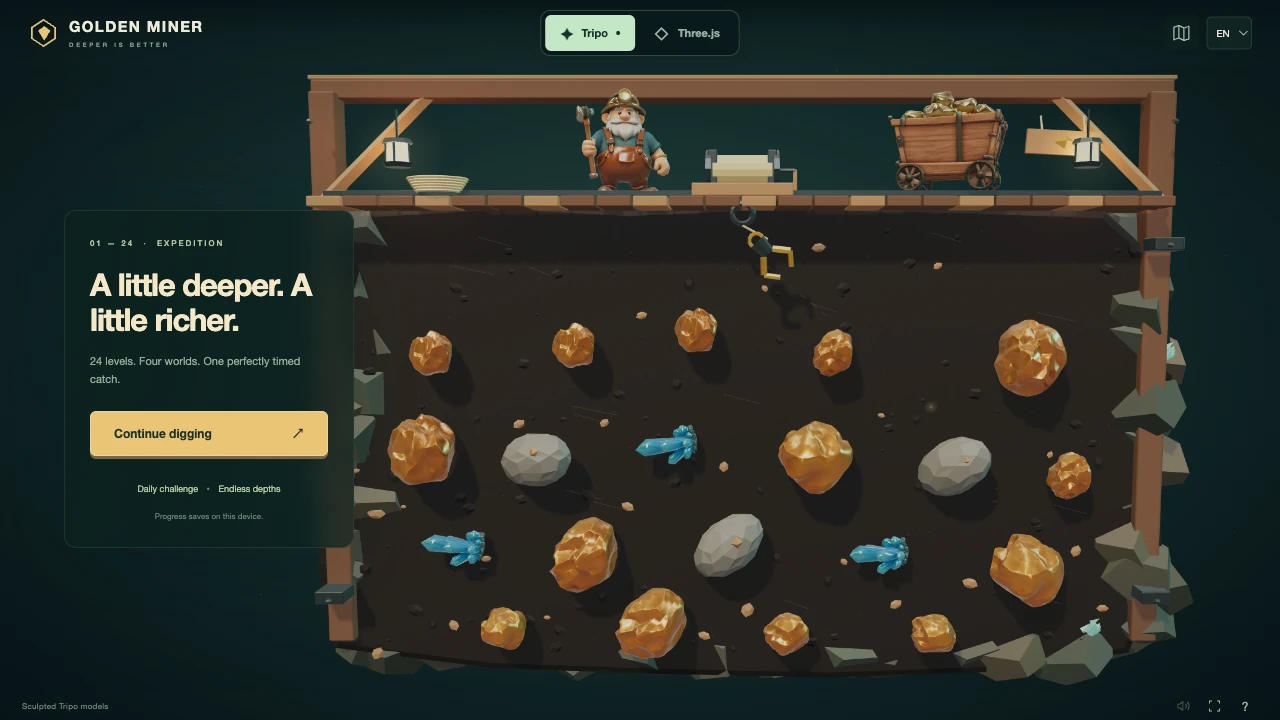
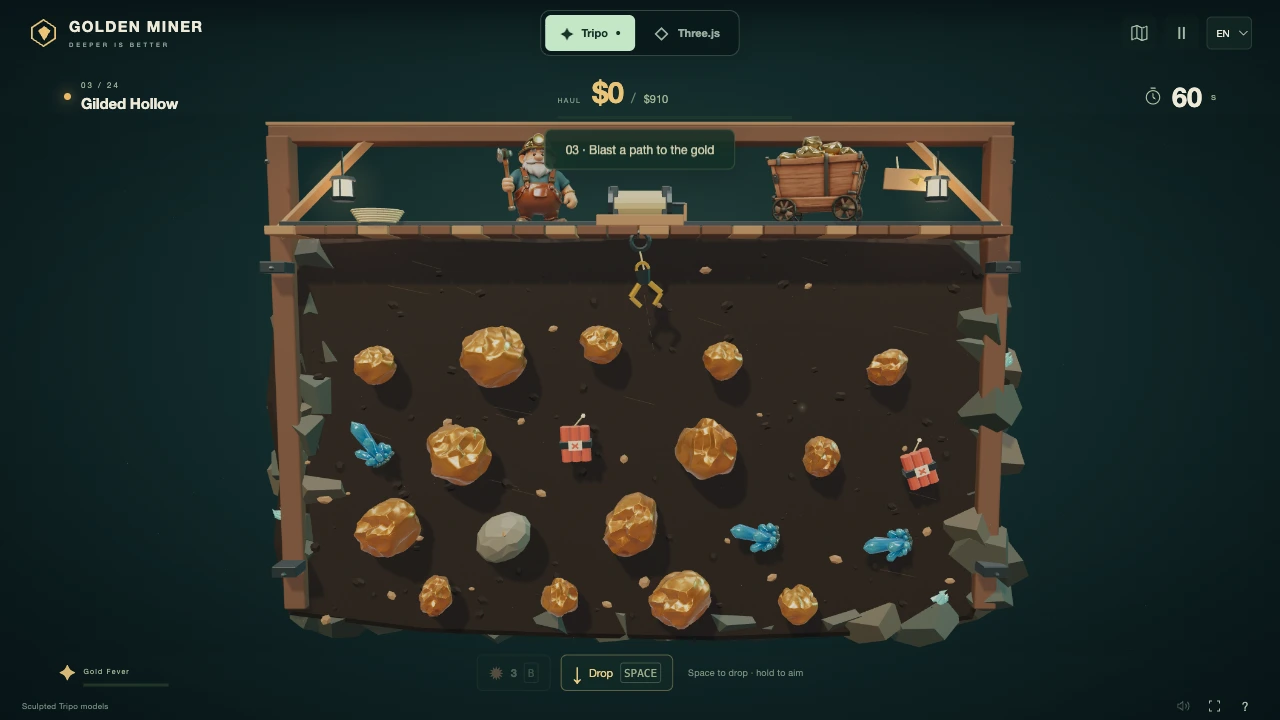

Build a one-button 3D gold-mining game with 24 levels, four cave regions, chain explosions, mystery chests, daily challenges, and hold-to-aim touch controls.
Prompt
# Golden Miner — a one-button 3D mining adventure

## 1. Project goal
Build a complete, playable browser game called Golden Miner. The player operates a swinging mining claw, times each launch, and hauls treasures out of a cutaway mine before the clock expires. Make the decision about timing and target selection, not complicated controls. Deliver a 24-level campaign across four mining regions, a deterministic daily challenge, and an endless mode. Reproduce the current mobile-first Golden Miner demo rather than an older three-level version. This is an original implementation of a familiar mining-game mechanic, not a request to reuse another game's art or code.

## 2. Visual direction
Use a Three.js perspective camera facing a miniature mine with a slight downward tilt. The game world must dominate the screen. A timber platform spans the top of the mine; the prospector stands left of the central winch and the loaded minecart sits on its right. A visible cable connects the winch to the moving claw. Gold, crystals, stones, explosives, chests, and a relic are distributed through the exposed earth below.

Use warm gold against dark moss-green surroundings in Gilded Hollow; icy blue and cyan in Glacier Grotto; burnt copper and orange in Ember Foundry; violet and lavender in Amethyst Abyss. Use sculpted, hand-painted-looking forms, readable silhouettes, metallic gold highlights, rough wood, worn iron, soft shadows, lantern glow, sparse dust, and short treasure sparkles. Add restrained impact particles, a small camera shake, winch rotation, and subtle prospector motion. Do not cover the scene with excessive bloom or a large marketing sidebar.

During play, place only a compact level indicator, haul/target meter, and countdown above the mine. Put small dynamite and drop controls below it; keyboard shortcuts are secondary hints. Keep the Tripo/Three.js comparison switch clearly visible at the top. The opening screen may use a small translucent invitation card over the mine. Use the attached desktop and portrait screenshots as composition references; they show the current version, not concept art.

## 3. World and progression
Create four regions, six levels per region. Cycle the level emphasis through balanced mining, heavy gold, explosive seams, time-extending crystals, mystery chests, and an ancient relic. Use seeded arrangements with a non-overlapping 20-item starting layout; shuffle item types within depth rows and mirror selected layouts so later levels are not identical boards with renamed labels.

For zero-based campaign level L from 0 to 23, set the target to 650 + floor(L / 6) × 300 + (L modulo 6) × 130. Give the first 12 levels 60 seconds and later levels 68 seconds. Targets rise within each region; the start of a new region can reset the difficulty. Introduce TNT from level 3, chests from level 5, and gently moving crystals from level 7. Keep every board winnable with normal inputs and enough accessible treasure value.

The map displays all 24 levels, region names, earned stars, and locked future levels. Completing a campaign level unlocks the next. The daily mode uses the UTC date as its seed, one shared daily board, a $1,900 target, and 75 seconds; refresh the seed at 00:00 UTC. It has only a device-local daily best, not a fictional online leaderboard. Endless mode is available from camp, or after level 24 while retaining upgrades; beyond the campaign, vary the region and seed, use 70 seconds, and increase targets from $2,300 toward a $3,100 cap.

## 4. Asset inventory and replacement slots
Keep these four independent model slots stable. Each needs a matching procedural version and a replaceable self-contained GLB. Share geometry, materials, and textures across repeated instances. Normalize imported orientation and scale at the slot boundary; do not rewrite gameplay when replacing a model.

- `miner`: one stocky elderly dwarf prospector with a large silver beard, brass helmet and headlamp, teal shirt, brown leather overalls, heavy boots, and short pickaxe. Stand him on the upper platform left of the winch, facing the player. Preserve the full head silhouette below the rear top beam. Highest-priority character replacement.
- `cart`: one weathered walnut minecart overflowing with gold, black iron bands, bolts, and four flanged rail wheels. Place it on the upper-right tracks at a slight three-quarter angle. One model, no baked ground or surrounding rails.
- `gold`: an irregular rounded nugget with angular sculpted facets, rich yellow-metal highlights, and darker crevices. Reuse it at small and large scales throughout the mine. Its collision radius must be independent of visual mesh detail.
- `crystal`: one cluster of sharp turquoise/blue hexagonal crystals of varying heights on a small dark root. Reuse it for stationary and moving gems. Make it readable against every region, without requiring expensive transmission rendering.

Keep `rock`, `tnt`, `chest`, and `relic` procedural in this version: a low-poly grey boulder; three clearly red dynamite sticks with an iron band and fuse; a compact wooden chest with brass bands and lock; and a gold faceted relic with a dark orbital ring and cyan inset. Cache these templates instead of allocating new meshes on every shot.

Also keep the cutaway earth slab, layered rocky edges, timber frame and braces, plank deck, tracks, lantern fittings, rope coils, winch, cable, claw fingers, bolts, dust, particles, lighting, HUD, and collision proxies code-driven. These are scene infrastructure rather than additional mandatory model-generation tasks. The current demo already uses the four generated character/prop slots; maintain that visual quality while preserving the comparison mode.

## 5. Controls, rules, and feedback
The claw swings automatically. Tap/click the mine or press Space/Down to launch; it returns automatically. Holding the pointer or Space slows the aim to 22% of normal swing speed; release launches. The countdown continues while aiming. Ignore extra launch inputs while extending or returning. A cancelled touch must cancel aiming without launching. Use pointer capture so a held touch remains stable when it leaves the original contact point.

Use these base values and relative haul weights: small gold $95 / 1.1; large gold $220 / 2.25; crystal $250 / 0.8; rock $15 / 3.1; chest $190 / 1.35; relic $550 / 3. Crystals add 3 seconds. Heavy cargo reels in more slowly. A chest additionally grants one seeded reward: $220, 8 seconds, or 2 dynamites. TNT detonates on contact, destroys nearby rocks, collects nearby treasure at 75% of its value, and can trigger nearby TNT exactly once each; it is not a carried collectible.

Consecutive valuable catches earn 1.0×, 1.2×, 1.4×, then up to 1.6×. Four valuable catches charge 7 seconds of Gold Fever: 2× value and 1.9× reel speed. A miss, stone, or manual dynamite breaks the normal streak and charging sequence. Start with 3 dynamites; B/Up or the dynamite button discards a currently held catch. Never consume dynamite when the claw is empty.

Clear the level when the haul reaches its target. If time runs out, allow the already-launched claw to finish returning and settle its cargo once before deciding the outcome. Show success, failure, retry, and final victory states. A retry keeps upgrades and replays the same seeded level, without counting the failed haul twice.

Between cleared campaign levels offer one free choice: 13% faster winch, capped at 3.2×; 8% more treasure value, capped at 1.65×; or 3 dynamites, capped at 12. Award one star for clearing, another for at least 25% time remaining, and a third for at least 75% hit accuracy plus 40% time remaining.

Use short synthesized sounds for launch, impact, gold, crystal, explosion, countdown, and result. Unlock audio only after a user gesture and provide mute. Pause with P/Escape or the visible button; automatically pause a hidden page. Pause must freeze the clock, moving items, and claw. Use brief localized toasts, floating gains, and a compact Gold Fever meter rather than intrusive tutorials.

## 6. Technical and mobile requirements
Use plain JavaScript modules, Three.js WebGL rendering, GLTFLoader, and Vite for a static build. Keep the deterministic simulation separate from rendering, UI, sound, and persistence. Use swept line-segment/circle collision to prevent tunnelling, and bounded simulation substeps. Keep the simulation's item state authoritative in both visual modes.

Default to Tripo models once loaded. A visible one-click Three.js mode replaces the four model slots with procedural geometry without changing the level, score, timer, held cargo, dynamite, or upgrade state. If a model fails, state the error honestly and keep Classic playable. Bundle models and dependencies locally with the build; never put generation keys or CMS credentials in the browser.

Support English, Simplified Chinese, and Spanish. Match browser language preferences, including regional variants, and fall back to English; remember an explicit manual selection. Localize the map, upgrades, results, help, model switch feedback, and daily challenge information.

Portrait is a different fitted mine layout, not a small desktop canvas. Reflow the physics and scene together into a narrow, deeper shaft while keeping props correctly proportioned. Apply portrait scaling from stable original coordinates, not previously scaled positions. Defer orientation-driven layout changes until a travelling claw finishes its return, preserving cargo. Keep primary touch controls at least 44px and respect safe-area insets. Provide visible focus, modal focus containment, readable contrast, reduced-motion support, and no horizontal overflow.

Persist unlocked levels, stars, best haul, the last 14 daily best records, language, and sound settings locally. Recover safely from unavailable or corrupt storage. Do not imply cloud saves or persistence of a partly completed catch. A reload resumes access to unlocked levels, not the exact live simulation or equipment state.

Batch static meshes by compatible materials; reuse model resources and a fixed particle pool; use modest shadow maps, bounded device-pixel ratio with adaptive reduction, and no unnecessary full-screen post-processing. Stop rendering hidden pages. Measure actual frame behaviour and memory stability; never equate CPU render-submission time with complete GPU frame time or promise universal 60 FPS.

## 7. Acceptance and handoff
Deliver editable source, locked dependencies, documented development/build commands, and a working static preview. Test the campaign's 24 levels, daily seed repeatability, endless continuation, all chest rewards, TNT chains, Gold Fever, upgrades, retry totals, pause, storage recovery, and all three languages.

Visually compare title, normal play, each region, map, upgrades, failure, and victory against the supplied references. Verify a real keyboard catch and a touch hold/release catch, portrait and landscape layouts, rotation during cargo return, and repeated model switches without resource growth. Label emulated mobile tests separately from real-device tests. Keep the public demo and delivered code on the same version; no simulated UI-only mining scene, placeholder controls, invented cloud leaderboard, forced signup, or unrelated marketing sidebar.
View detail ↗ · Original post · Live demo · Back to examples
Jelly Villa
jared · 2026-10-08
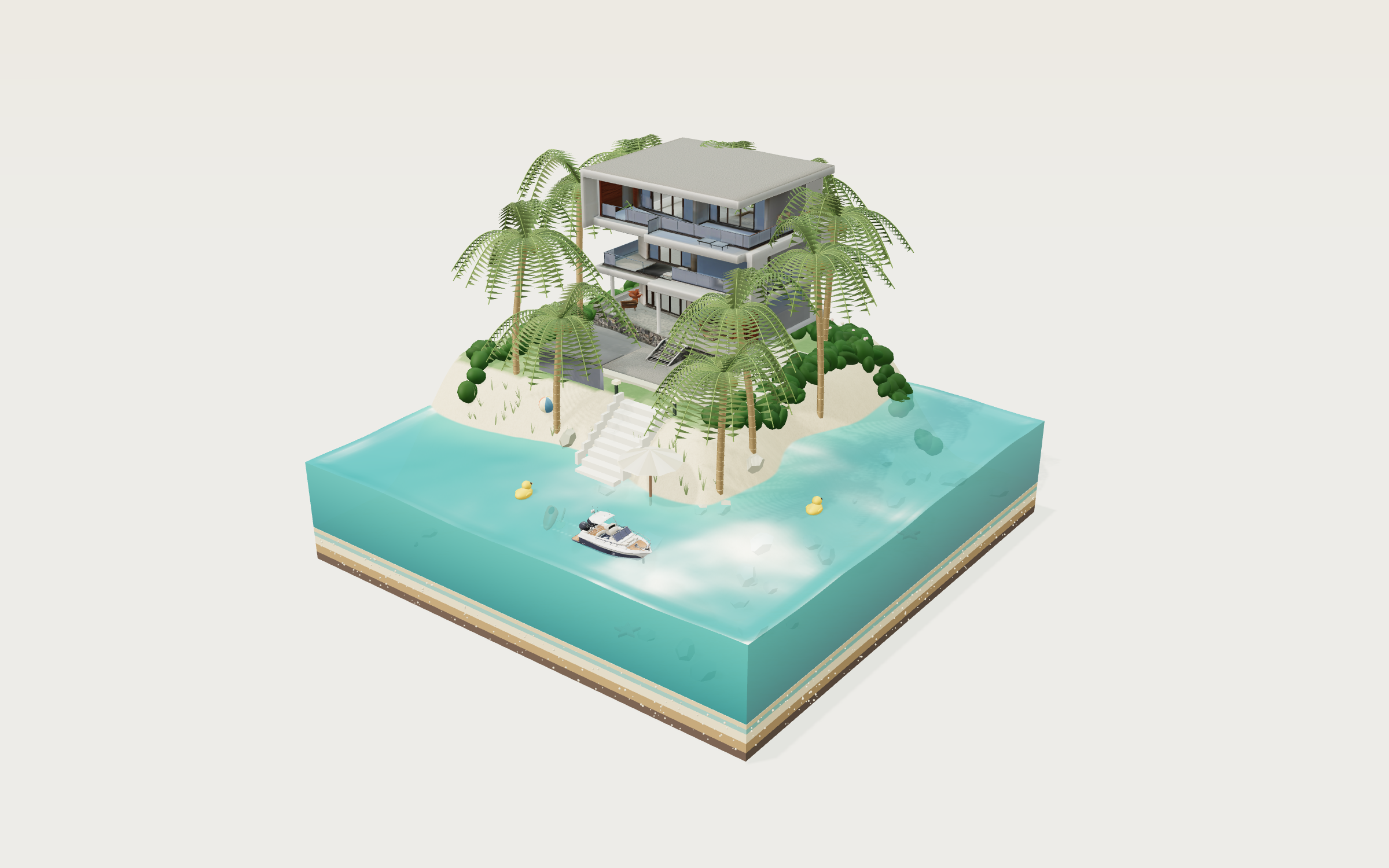
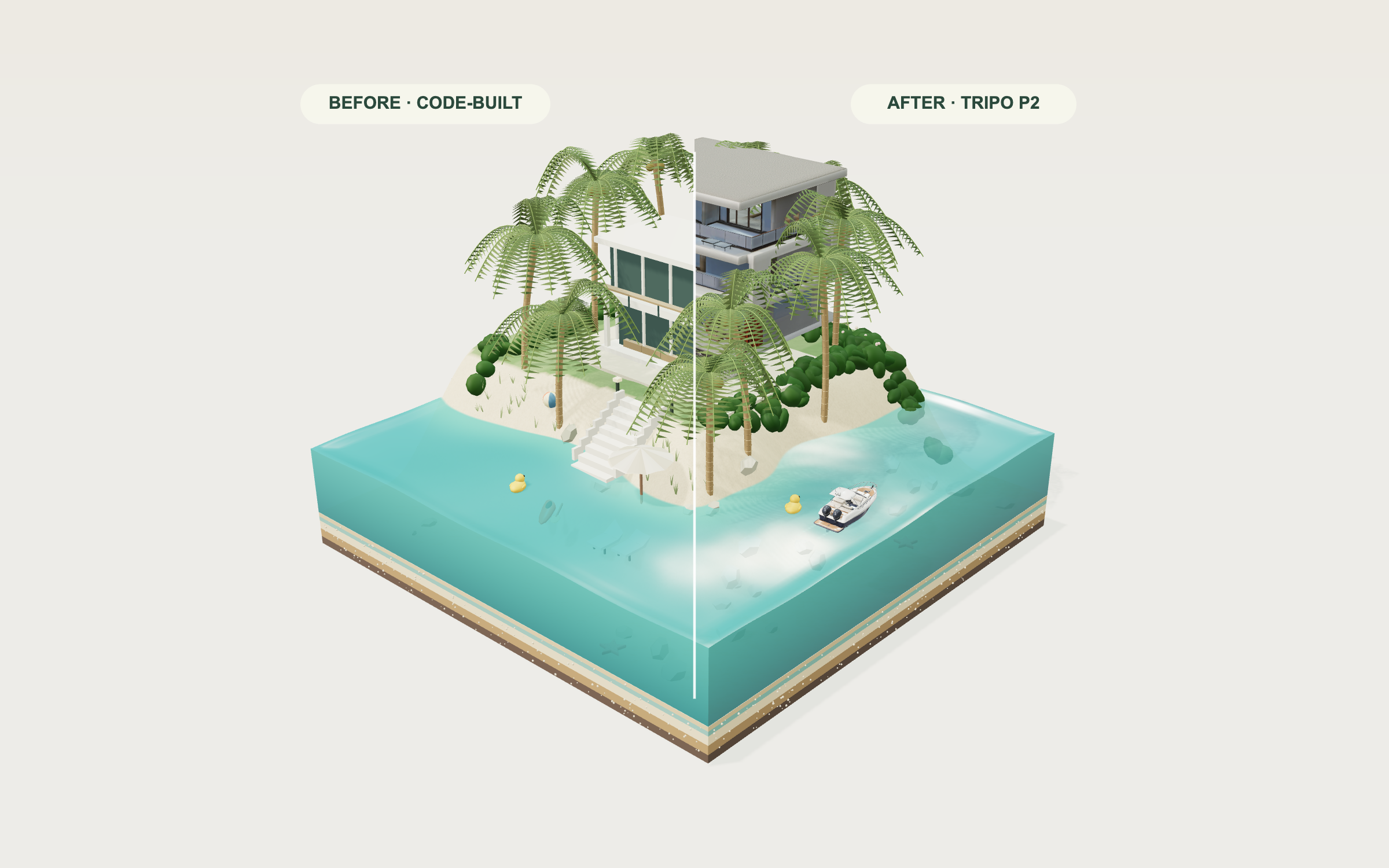
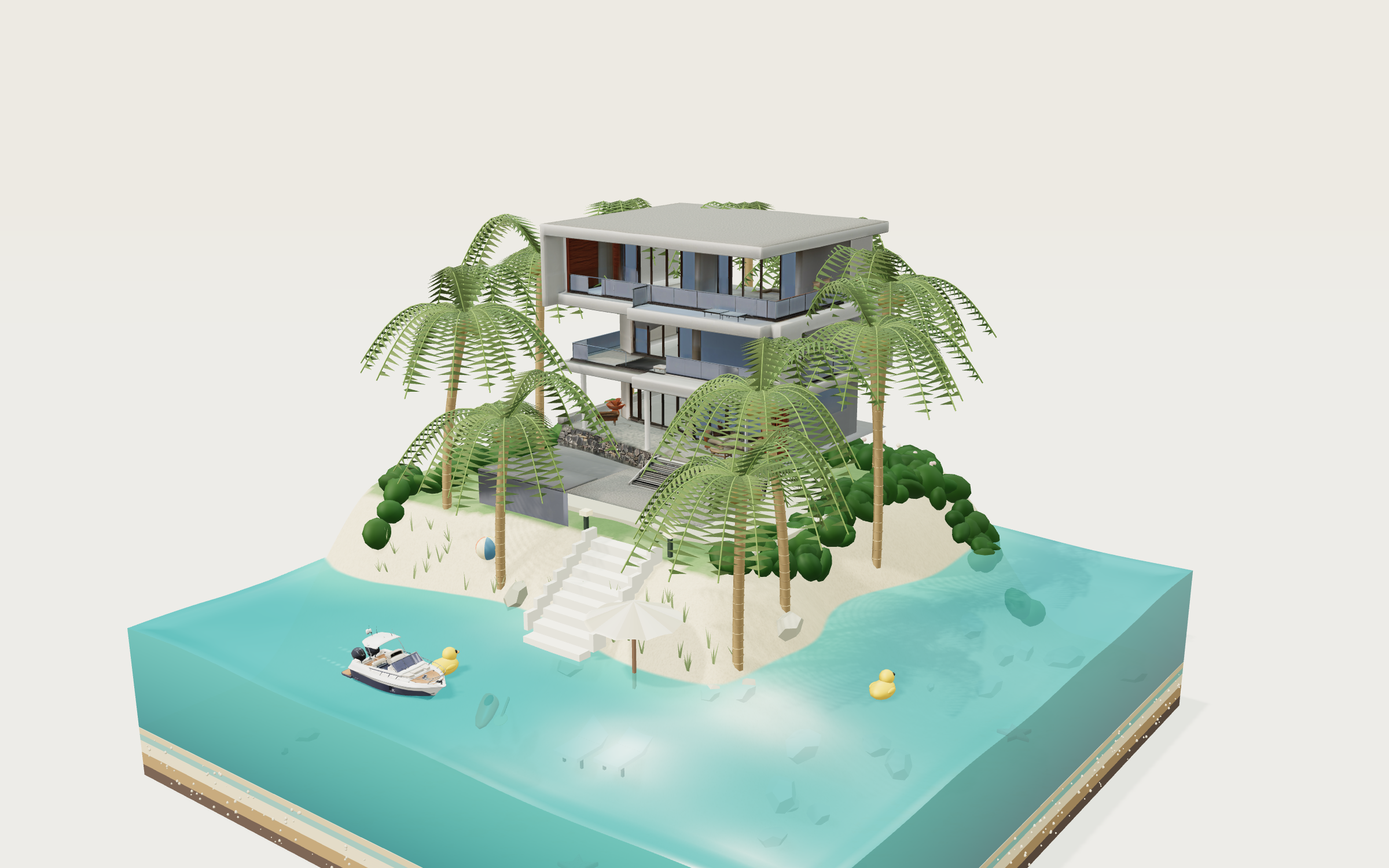
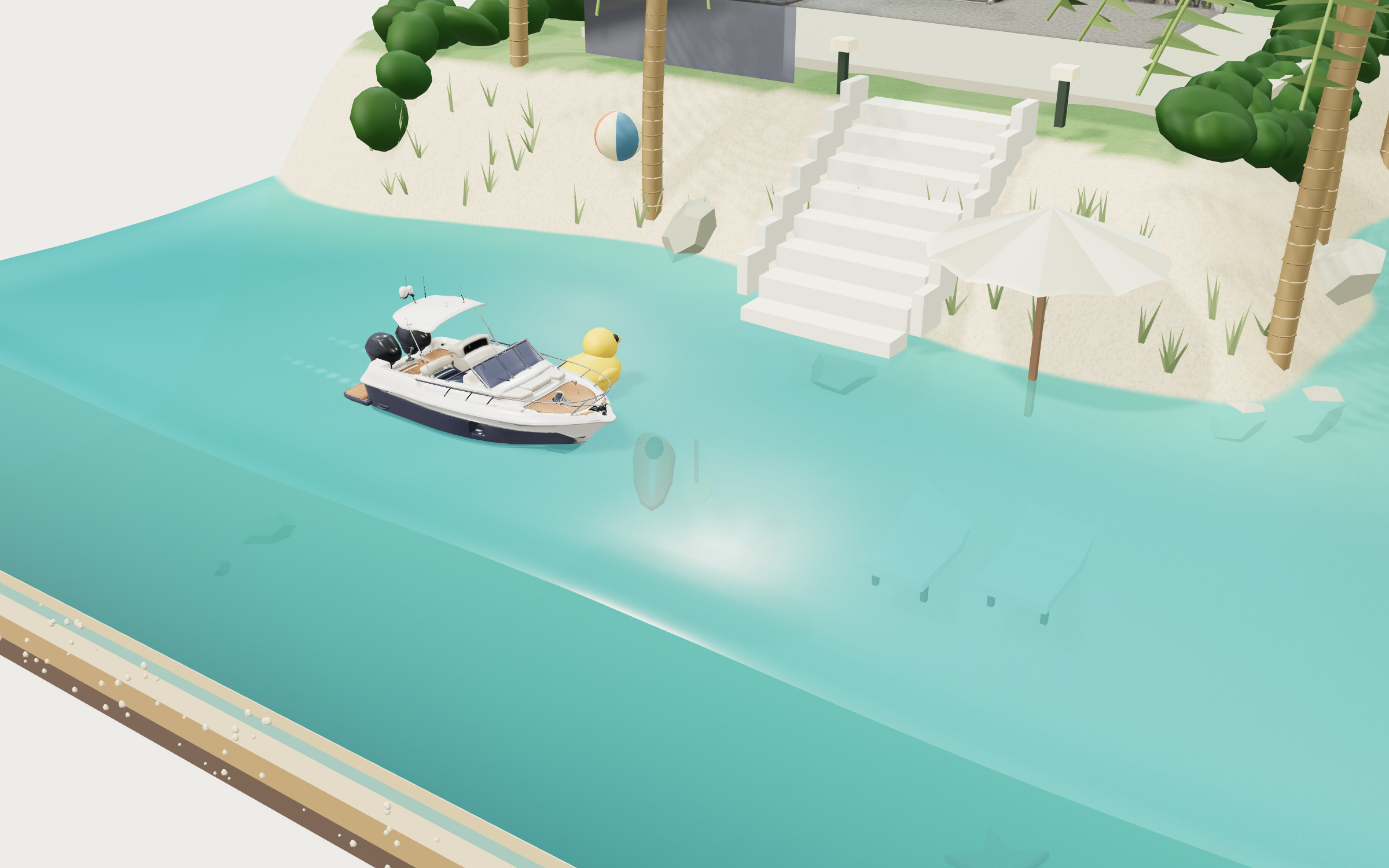
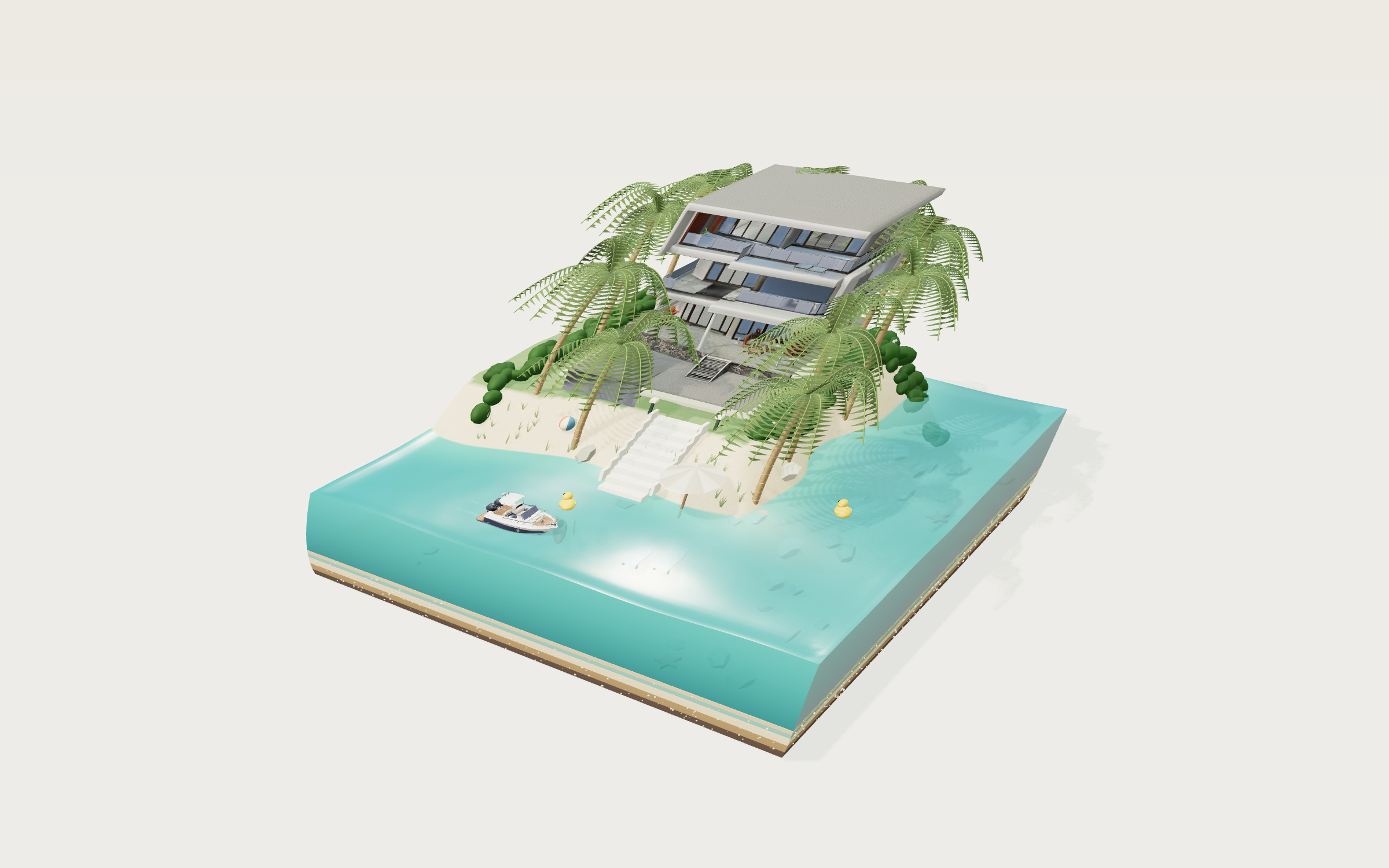
Stir a jewel-toned jelly sea, tow a miniature yacht and bend the palms around a tropical villa. Slide between code-built scenery and real Tripo P2 villa and yacht models in the same living island.
Prompt
1. Project goal
Build “Jelly Villa”, an interactive miniature tropical paradise on a cut-away block of translucent jelly. The visitor stirs the lagoon, tows a miniature yacht, drops beach toys, bends palm trees and tips the island. Make the setting feel like an elegant architectural model that has unexpectedly come alive. This is jared's independent remix of Vib3Coded's Villa Jelly reference, with real Tripo P2 villa and yacht assets. Credit jared with https://x.com/jaredliu_bravo and keep a separate “Inspired by Vib3Coded” link to the original work. Do not present the reference author's video as a recording of this remix.

2. Visual style and comparison
Use the reference video to establish the square block, diagonal elevated camera, L-shaped lagoon, planted rear plateau, white modern house, lush palms, layered cut faces and gently moving boat. Recreate these relationships rather than making a generic island. The final remix uses Three.js/WebGL2, rather than the original native WebGPU implementation, so it can load real GLB assets through the standard browser pipeline.
Use a warm paper background around #edeae3, dark olive-charcoal type, hairline dividers and restrained evergreen accents. Place a large Georgia-style serif “Jelly / Villa.” masthead at upper left with an italic second line. Keep the central diorama dominant, with breathing room around its edges, a small right-side control panel and quiet instructions at the bottom. UI is English. The primary camera looks from positive x and positive z with a 34-degree perspective field of view. Use soft warm sunlight, cool fill, ambient studio lighting, realistic cast shadows, grounded objects and filmic tone mapping. Keep glass, painted plaster, teak, sand, gelcoat, metal and leaf surfaces distinct. Avoid washed-out foliage and flat opaque water.
Place a conspicuous Before / Compare / After control above the model. Before uses a fully decorated procedural villa and procedural yacht. After replaces only those two object families with the actual Tripo assets. Compare renders both in a draggable split screen, using exactly the same camera, animation time, terrain, palms, water, lighting and toy state. Label both sides honestly: “Before · Code-built” and “After · Tripo 3D”. Moving the divider must not reset the scene. Default to After once models load; retain a visible fallback and an honest loading/error state if an asset is unavailable.

3. World and environment
The block is 5.2 by 5.2 scene units. The top is a continuous height field: lagoon floor near 0.35, default water level 1.04, and planted plateau near 1.50. Keep the island in the rear portion; the connected lagoon follows the two front-facing edges. Shape gently irregular sandy shorelines and a smooth bank, with stairs down from the lawn to the beach. The square cut faces expose thin chocolate, caramel, vanilla and mint strata with tiny pebble inclusions. Transparent vertical water faces sit above the layers with a delicate meniscus rim. The water surface and its cut faces respond to the same palette.
Place the villa behind a pale stone terrace, with garden lamps, low flowering shrubs, lightly striped lawn, scattered rocks and beach grasses. Arrange exactly ten individually bendable coconut palms around the villa, preserving visible architecture between their crowns. Each has a curved ringed trunk, coconuts and a full crown of arching pinnate fronds, not a few flat triangular leaves. Add a scalloped cream parasol, two loungers, a terracotta-red kayak and its paddle near the shore. Their scale must remain subordinate to the house.
Use a continuous route through the lagoon for the yacht: an outer lane, rounded corner, return along an inner lane and gentle U-turns. Keep its hull away from the shore and square walls. The terrain and water remain procedural so they can deform and react; do not replace the whole island with a single static generated mesh.

4. Asset inventory and stable slots
- villa: one modern white tropical resort residence, tiered flat roofs, dark glazed facade, thin frames, balconies, stone base and a furnished sheltered terrace. It occupies the rear terrace and is the primary replacement asset. Preserve the actual imported design and all material maps. Fit and ground the model in the named villa slot, checking its front facade against the camera and stairs. The delivered Tripo model has three facade levels; do not claim that it is an exact duplicate of the reference house.
- yacht: one compact white-and-navy day cruiser with a pointed hull, cream cockpit seating, teak deck, windshield, slim hardtop, bow rail and twin outboard motors. It is independently loaded and moves around the lagoon. Normalize length, verify the bow direction, align waterline, and preserve texture detail. Before and After share the same motion transform and buoyancy sampling.
- palms: ten code-built palms with individually selectable bend springs and shared geometry/material families. Reuse merged static parts for rendering efficiency.
- beach props: procedural umbrella, loungers, kayak, paddle, rocks, grass, lamps, paving and bushes. Their geometry and material detail remain identical in both comparison modes.
- toys: reusable striped beach-ball, yellow rubber-duck and coral starfish families. Start with two balls ashore, two ducks afloat and two starfish on the lagoon floor.
- water, terrain, foam, strata, lighting and UI: remain code-generated. Treat collision and interaction proxies independently from visible generated model detail.
The villa and yacht are actual Tripo P2 text-to-model assets, loaded from same-origin GLB files. Keep their true generation prompts and provenance with the project, separate from this reproduction specification. Do not replace the detailed meshes with images or billboards, and do not claim procedural scenery was generated by Tripo.

5. Interaction and feedback
Drag across water to make moving dents and ripples; release to let them disperse. Implement a bounded finite-difference wave field, damped at the shoreline, with parameter-dependent stiffness and damping. Add small animated surface ripples, refractive-looking depth tint, smooth specular highlights, depth-dependent color and soft wake flecks; never derive water normals from per-triangle screen derivatives or overlay repeated line patterns. Describe these as an artistic real-time water simulation, not a fluid-accuracy claim.
Pull the island or its cut face to shear and squash the entire scene. Anchor the base and use a shared nonlinear elastic field for terrain, water, cut faces, architecture, vegetation and shadows. Release with damped overshoot. A visible “Give the island a wobble” button provides the same effect. Keep the water side geometry above its local terrain floor so no coplanar overlapping faces flicker. Water sampling and pointer coordinates must use the same non-mirrored grid, with smooth interpolated heights and normals. Drag a palm to bend it, then release to restore it with a spring and subtle idle breeze.
The yacht advances automatically around its closed route at approximately 0.38–0.48 scene units per second. Sample the wave surface to drive heave and pitch, add restrained roll, and emit water impulses plus fading foam behind the stern. Let the visitor grab and tow it through navigable water; preserve the grabbed offset and follow a damped inertial target. On release retain actual position and velocity, then smoothly steer toward the route. Never teleport to a path point. Use an independent hull-clearance proxy, shoreline sliding, bounded speed, smooth heading and four-point spring buoyancy so slow, fast and reversing drags remain stable. It pushes nearby floating toys aside.
Drop buttons add one beach ball, duck or starfish from above. Balls float high, ducks stay upright, and starfish sink to the seabed. Toys create a splash and ripples on entry. Support dragging and releasing toys, gravity, damped floating motion, terrain contact and wall limits. Count Afloat, Sunk and Ashore from actual body state. Bound the total toys at 40 by retiring the oldest so repeated use remains responsive.
Provide Turquoise, Curaçao and Raspberry palettes; jelly firmness 10–100 with default 50; damping 5–90 with default 30; tide -10 to +10 cm with default zero. Reset restores toys, physics and defaults. Pause freezes the simulated world and Resume continues. Reset view restores the framing. Orbit by dragging empty space or right-dragging; scroll or pinch to zoom. On narrow screens keep the island usable and collapse controls behind a bottom “Make some waves” bar. Avoid horizontal or page scrolling.
Ocean ambience is synthesized locally and starts only after a user gesture. Include an explicit Sound off/on toggle. Provide fullscreen where permitted and a PNG postcard export on desktop. Keep a clear “Make this paradise yours” link to the Tripo creation workspace with jelly-villa attribution parameters, opening a new tab.

6. Technical implementation
Use a standalone Vite + JavaScript + Three.js project, with its own package lock and no server or secret required by the browser. Bundle JavaScript, styles, GLB files and all runtime resources on the same origin. Use GLTFLoader for the individual model slots, OrbitControls for camera input and a physically based renderer with a studio environment and shadow map. Keep UI as accessible HTML above a full-screen canvas. Do not rely on third-party CDN scripts, inline executable code, external texture requests or signed model URLs at runtime.
Normalize GLB bounds without mutating the private originals; preserve maps, normals and UVs. Record any runtime rotation, scale or compression. Merge static scenery, each palm, procedural model and toy into suitable material batches to limit draw calls; avoid expensive transmission passes and a permanently preserved drawing buffer; bound pixel ratio, wave grid and foam particles, and check actual frame rate instead of promising universal 60 fps. Use requestAnimationFrame with bounded delta time, fixed simulation substeps, damped input and finite-number checks. Freeze animation during Pause; changing comparison mode must not recreate or resimulate the scene.
Expose a small debugging interface for current state, asset readiness, camera projection, water energy, toys, boat position, pause, palette and comparison mode. This is for validation, not a substitute for actual pointer and touch testing. Keep original asset files and provenance private for controlled catalog downloads; include only required runtime copies in the static build.

7. Completion criteria
Deliver an editable source project with installation/build/start commands, a production static build and a working public demo. Verify the reference-inspired composition, lush palms, clear cut-away strata, correctly grounded villa and correctly aligned yacht from the actual camera. Test Before, After and a moved comparison divider, with matching shared scene state. Confirm both GLBs load with their real geometry and embedded textures.
Exercise stirring, tipping, palm dragging, boat towing and resumed cruising, dropped/dragged toys, tally, all palettes and sliders, Reset, Pause/Resume, orbit/zoom, mobile control sheet, optional sound, fullscreen, postcard and the creation link. Run a multi-lap boat check, continuous slow/fast/reversing boat drags, shoreline and boundary pulls, release continuity, held island deformation, overshoot, extreme wave settings and repeated toy drops. Inspect close water, all four sides and rear views for triangle highlights, z-fighting, holes, instability or unbounded growth. Test actual pointer/touch input as well as physics regression tests. Inspect desktop and narrow-screen screenshots and console/network failures. Validate the same interactions after deployment and inside the public prompt-page iframe. Report measured results and device limitations honestly.
Publish a new jelly-villa prompt credited to jared, with the original author in Remix from, link the published Web Page, use current remix screenshots and any current recording, and preserve the reference video only as source evidence. Complete localized CMS titles, descriptions, Meta and asset metadata. The visible Tripo improvement must be the detailed villa and yacht, with the surrounding world held constant.
View detail ↗ · Live demo · Back to examples
ODD ARMS — Weird Weapons Survival Game
Deniffer · 2026-09-18


Build a three-minute Three.js survival game where a toy hero with banana blades, toasters and plungers fights wind-up monsters on a workbench. Players can create their own hero or weapon in Tripo Studio and import the GLB to play.
Prompt
# ODD ARMS — Your idea. Your hero.

## 1. Goal
Keep all game UI in English (add Japanese as an optional language switch).
Build a complete three-minute browser survival game in the "auto-attack horde" genre: the player picks a toy-sized hero and two wonderfully weird weapons, then survives 180 seconds of monster swarms on a craftsman's workbench. Weapons attack automatically; the player only moves, dashes, collects crystals, picks upgrades and fires a charged nova. The hook is personal: players can create their own hero or weapon in Tripo, download the GLB and drop it into the game. Use https://odd-arms.tripo.page/ and the supplied references for the finished result. Credit Deniffer at https://x.com/lumina__team.

## 2. Visual direction
Frame the game as a miniature toy diorama seen from a fixed three-quarter top-down camera that follows the hero. The playfield is a deep navy cutting mat with a faint grid and printed "ODD ARMS" corner marks, laid on a warm wooden desk. The desk rim is crowded with oversized craft props (thread spools, ornate brass-rosette boxes, a leather tool roll, a brass desk lamp, a wooden toy train, toy parts) so the arena reads as a real tabletop. Use warm key light from the lamp side, soft ambient fill, contact shadows and gentle bloom; characters are glossy, chunky, collectible-figure style with saturated colours.

UI: cream-white rounded cards with navy text and a coral-orange accent, a heavy condensed display font for headlines ("LET'S MAKE SOME TROUBLE.") and a clean condensed sans for body. In battle: health card top-left, streak counter under it, "SURVIVE THE WEIRD" countdown top-centre, wave label + sound + settings + Pause top-right, defeated count right, level/XP pill bottom-centre, three weapon chips (orbit / returning / shooter with levels) bottom-left, controls + dash cooldown bottom-right, "Q NOVA READY!" pill above it. Juice: damage numbers, crits, squash-and-stretch enemies, knockback, pop particles, light camera shake (disable shake when prefers-reduced-motion is set).

## 3. World
One square arena, clamp the hero to ±23 units on both axes. The cutting mat fills the play area; the desk and props sit outside the clamp as scenery only (no collision). The arena starts empty and fills from the edges: enemies spawn on a ring 12–16 units from the hero (8–11 in the first second) and walk straight at the hero. Every 22 seconds a surge spawns a full circle of enemies at radius 13. Red warning circles appear under the hero's current position (first at 28 s, then every max(4.4, 9 − t/50) s) and explode after 2 s.

## 4. Asset inventory
Prepare stable model slots; every slot must load a single GLB, be centred, auto-scaled to a target height, and fall back to a simple placeholder if loading fails.

Heroes (10, `hero:<id>`), each a chunky toy figure with a distinct silhouette:
- `cat` Astro Cat — orange tabby in a white space suit and glass helmet. HP 100, speed 6.8, magnet ×1.35, dash cooldown 2.4 s.
- `frog` Frog Fighter — green frog in red boxing gloves. HP 130, speed 6.8, dash damage 135.
- `shroom` Mushroom Hero — red-cap mushroom with a small cape. HP 90, speed 7.6, dash 1.8 s.
- `capybara` Chill Capybara — relaxed hot-spring capybara. HP 160, speed 5.8, magnet ×1.15, dash 3 s, dash damage 110.
- `ramen` Ramen Ronin — samurai carrying a steaming ramen bowl. HP 105, speed 7.2, dash 2.2 s, dash damage 120.
- `penguin` Office Penguin — penguin in a shirt and tie. HP 80, speed 7.1, dash 1.5 s, dash damage 75.
- `axolotl` Axolotl — pink axolotl explorer. HP 85, speed 7.3, magnet ×1.6, dash damage 75.
- `avocado` Avo Boxer — avocado boxer with a seed core. HP 120, speed 6.4, dash 2.1 s, dash damage 130.
- `robot` Clockwork Bot — wind-up tin robot with a key. HP 115, speed 6.2, dash 2.8 s, dash damage 165.
- `snail` Snail Knight — knightly snail carrying its house-sized shell. HP 190, speed 5.2, magnet ×1.2, dash 3.2 s, dash damage 120.
Default dash damage is 90 when not listed.

Weapons (12, `weapon:<id>`), grouped by attack slot:
- Orbit: `sardine` Sardine Chainsaw (3 fish, radius 2.9, dmg 1, speed 1.2); `cactus` Cactus Club (2 clubs, radius 3.3, dmg 1.65, speed 0.78, hit radius 1.25, knockback 1.5); `plunger` Plunger Patrol (4 plungers, radius 2.25, dmg 0.85, speed 1.5).
- Returning: `banana` Banana Blades (2, dmg 1, speed 1.25); `pizza` Pizza Cutter (1 large disc, dmg 1.5, speed 0.82, hit radius 1.65); `croissant` Croissant Blades (3, dmg 0.75, speed 1.45); `boomerang` Boomerang (1, dmg 1.15, speed 1.6); `donut-disc` Donut Disc (1, dmg 1.5, speed 0.9, hit radius 1.3).
- Shooter: `duck` Duck Rocket (homing, splash 2, interval 0.42 s); `toaster` Angry Toaster (3-shot piercing fan, dmg 0.7); `teapot` Raging Teapot (2 slow shots, splash 2.8, interval 0.8 s); `bubble-gun` Bubble Gun (2 piercing bubbles, dmg 0.45, interval 0.3 s).
Default loadout: Astro Cat, Banana Blades, Angry Toaster; orbit weapon is unlocked at the first upgrade.

Enemies (3, `enemy:<id>`), wind-up toy monsters: `red-chomper` (red round biting toy, basic, 30 HP base, speed 2.35), `spring-rabbit` (yellow spring-legged rabbit, fast, 23 HP base, speed 3.5), `crown-bear` (large patchwork bear with a crown, tank, 130 HP base, speed 1.7, appears after 60 s at 17%, drops 3 XP).

Scene props (`prop:<id>`): workbench desk, cutting mat frame and corner plates, desk lamp, toy train, thread spools, ornate rosette boxes, tool roll, toy parts tray. Keep the mat, grid, crystals, projectiles, warning circles, particles, lights and UI procedural.

## 5. Gameplay and feedback
Flow: Character → Loadout (one returning + one shooter) → Ready (3D turntable preview of hero with chosen weapons, drag to rotate) → "Let's play". Each onboarding step shows only that category with description, playstyle and weakness text. Remember the last loadout.

Controls: WASD/arrows to move; Space dashes in the move direction (speed ×3.7, brief invulnerability, damages enemies within 2 units once per dash); Q fires a nova when energy is 100 (radius 11, 200 damage, strong knockback, pulls in crystals); 1/2/3 or click to choose upgrades; Esc to pause; auto-pause on window blur. Mobile: left virtual joystick (analog), right Dash and Nova buttons with cooldown/charge rings, multi-touch so the joystick and buttons work together; upgrades sit above the joystick in portrait and between thumbs in landscape.

Rules: enemy HP = base × (1 + t/260) × 1.3. Spawn interval max(0.18, 0.52 − 0.0016·t) s, cap 180 enemies. Contact damage 9 (18 from the bear) with 0.85 s invulnerability after a hit. Every kill adds 2 energy and drops a crystal; every 9th hit per weapon crits ×1.7. 25-kill streak triggers a 5 s frenzy (attack speed ×1.65, 13 s cooldown); taking damage resets the streak. XP to level: 20, then round(need × 1.4 + 10). Level-ups never pause the game: they queue as non-blocking choice cards. The first upgrade offers the three orbit weapons; afterwards offer three of: Orbit overload (+1 orbiter up to 7, +22% damage), Another round (faster, longer, stronger returns), Full blast (faster fire, +20% damage, more projectiles), Live a little (+10% speed, +30 HP). Every choice heals 8 HP.

End: survive 180 s → "Beautifully weird. You made it."; HP 0 → "That was a glorious mess." Both show enemies defeated, best streak and time survived, with Run it back / Change loadout and the create-your-own prompt.

Make it yours: from the loadout, pause and result screens, "Create my hero / weapon in Tripo" opens https://studio.tripo3d.ai/ in a new tab; "Import GLB" loads a local .glb (≤15 MB, embedded textures only, parsed in-browser, never uploaded), centres and scales it, and swaps only the look of the selected hero or weapon while keeping its stats. Show clear errors for invalid files and keep the original model.

Compare models: a header toggle "Tripo3D ⇄ Simple3D (Blender)" swaps every hero, weapon, enemy and prop to a matching simple-primitive set without resetting the run. Load the whole alternate set before swapping; if any file fails, keep the current set.

## 6. Technical implementation
Vite + vanilla JavaScript + Three.js with GLTFLoader, RoomEnvironment lighting and ACES tone mapping. Keep the simulation in a pure, fixed-timestep module with an injectable random source so full runs can be simulated in tests; the renderer only reads state. Cache each GLB once and clone for instances; use instancing or LODs for repeated ornaments. Cap pixel ratio (1.5 on mobile, drop to 1 during dense waves), refresh shadows at most 30 times per second and update HUD text only when values change. Separate collision (simple circles) from visual meshes. Bundle fonts, models and textures same-origin so the build is a static folder. Target desktop and phone browsers, 320 px wide and up, including landscape phones and safe areas. Model complexity should follow on-screen size; no hard polygon limit.

## 7. Done when
- The full flow works: onboarding, battle to win and to loss, pause/resume, restart with the same loadout, change loadout.
- All 10 heroes and 12 weapons load and behave per the numbers above; a 180 s run with any loadout finishes without errors.
- Keyboard and touch controls both work, including joystick plus Dash at the same time.
- GLB import replaces the chosen hero or weapon look and rejects bad files gracefully.
- Tripo3D / Simple3D toggle swaps all models mid-run.
- Opening, mid-battle and result screens match the references; provide runnable source, the start command and a static production build.
View detail ↗ · Original post · Live demo · Back to examples
Red Light, Green Light: 3D Survival Game
jared · 2026-10-12
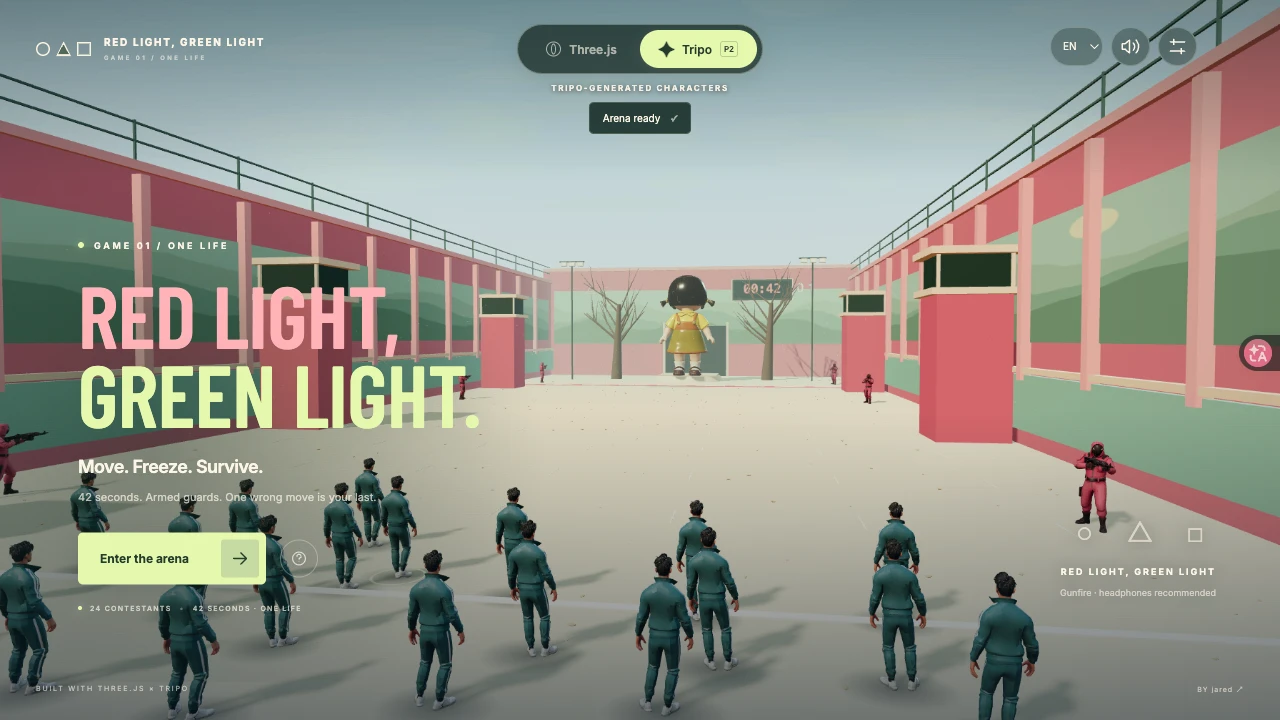
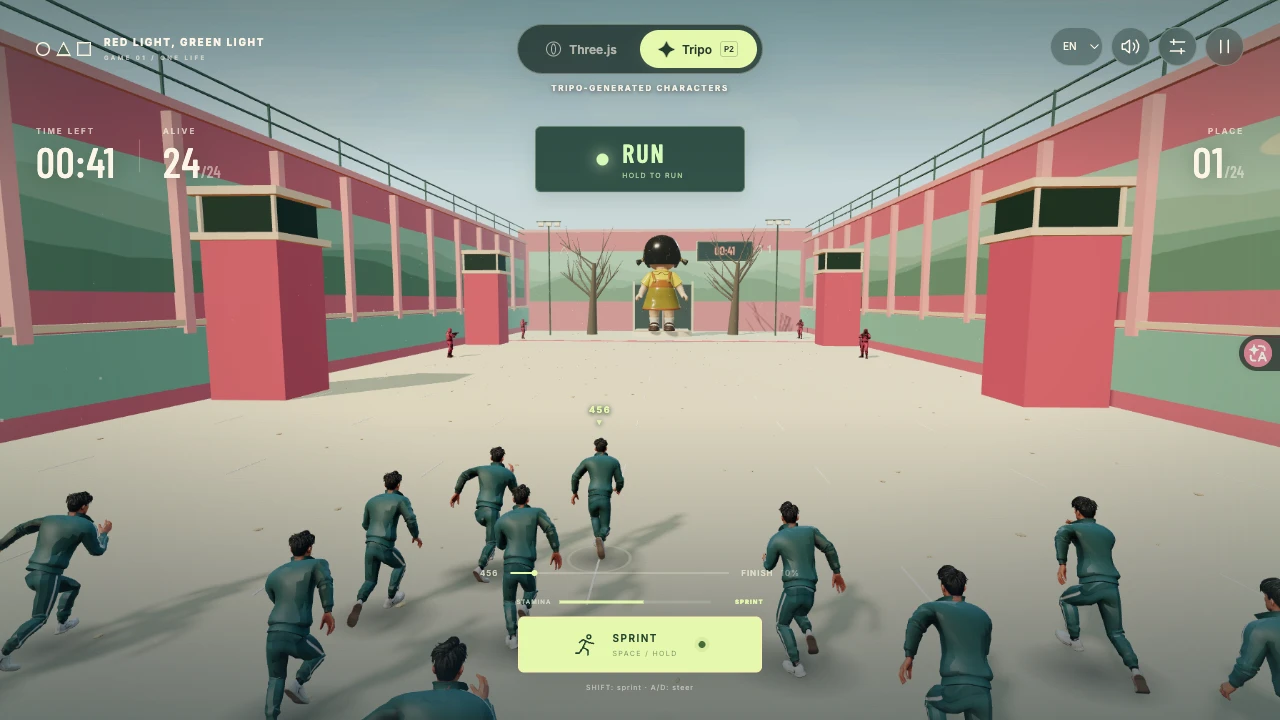
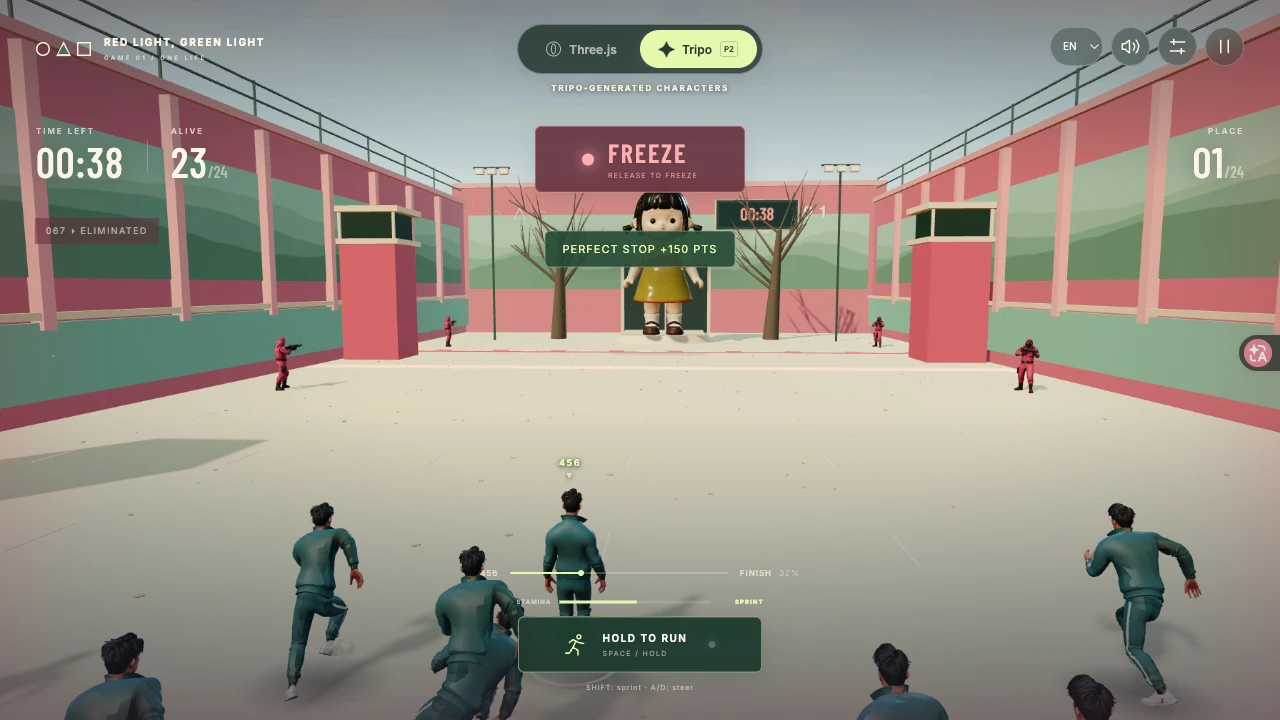
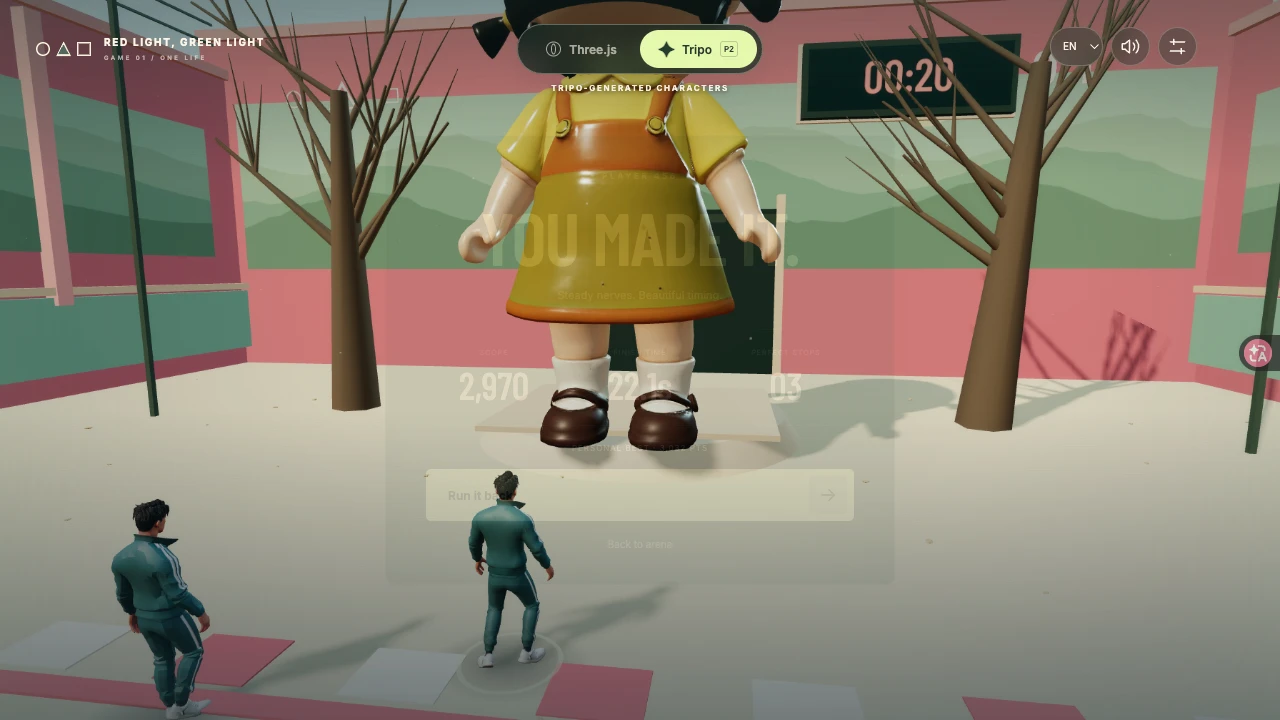
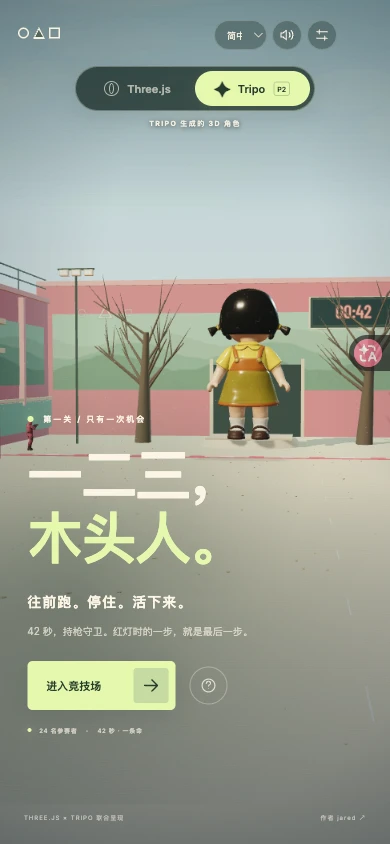
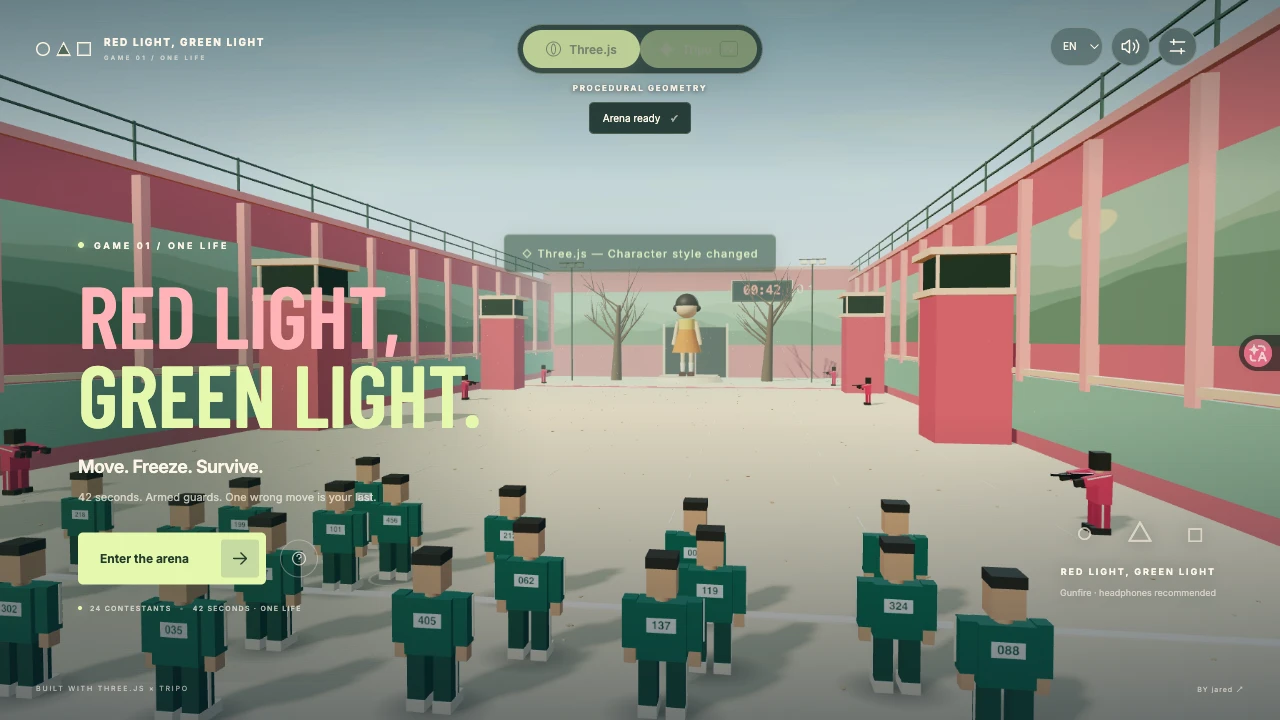
Race a giant doll and armed guards in a tense 42-second stop-and-go game. Sprint, manage stamina, freeze on red, and compare procedural characters with real Tripo models.
Prompt
1. Project goal
Build Red Light, Green Light, a single-player 3D playground survival game inspired by the familiar stop-and-go challenge. The player is contestant 456, racing 23 local AI contestants across a 62-metre arena within 42 seconds. Holding a single input advances; releasing stops immediately. There is one life per attempt. Deliver the playable game, not a mockup or a prerecorded scene. This is an independent game, not an official television tie-in.

2. Visual direction and screen hierarchy
Use Three.js with a cinematic third-person perspective: dusty warm sand, tall faded pink walls with mint-green lower panels and painted hills, watchtowers, bare trees, a giant orange-and-yellow doll beyond the finish line, teal tracksuits and masked pink guards. Directional golden light, soft contact shadows, restrained fog, chalk lane marks and sparse dust should establish depth without heavy postprocessing. The arena fills the viewport. Place the recognizable title low left in the opening screen and keep instructions compact. During play show a small timer/alive counter, a central colour-and-text signal, progress and one hold-to-run button. Do not replace gameplay with oversized text panels. Adapt portrait layouts without stretching the 3D view.

3. Movement, sprint and stop judgment
Hold Space, W, Up Arrow or the run button to move. A/D or Left/Right steers, but steering is optional. Hold Shift to sprint; on touch, hold the button and slide upward more than 38 pixels to sprint, with horizontal dragging to steer. Normal speed is 3.6 metres/second; sprint is 5.65 before small streak bonuses. Sprint drains stamina; stopping restores it. Exhaustion disables sprint until enough stamina has returned. Releasing forward input stops immediately, with no hidden inertia. Cancel all movement/sprint on pause, blur, language UI replacement, renderer-style switch, retry and end state. Track multiple held keys and one active pointer correctly.

4. Round rhythm and consequences
Implement ready, countdown, running, paused, dying, lost and won states. A three-second countdown starts a 42-second round. Alternate green running periods, visible amber turning warnings and red surveillance. First green lasts 3.4 seconds; later greens vary and tighten as the round progresses. Amber lasts 0.65–0.95 seconds, never disappears without warning. Red is about 2.1–3.35 seconds. The doll starts turning during amber and faces contestants on red. After a short red transition grace, continued movement fills a visible detection indicator and triggers a guard shot. Do not kill a stationary player randomly. Running out of time also eliminates the player. Show a brief 1.65-second hit/fall camera sequence before results, then immediate retry. Crossing the finish line is safe.

5. Tension, opponents and rewards
Give the 23 AI contestants independent speed and reaction timing. A nearby slow-reacting contestant visibly violates the first red and is shot, establishing the threat without scripting a player loss. Later mistakes trigger bounded bursts of eliminations. Aim a nearby armed guard toward each actual target, align the shot origin to its rifle muzzle, show a brief star-shaped muzzle flash, thin tracer, muted impact dust and non-graphic fall. Use an eight-slot reusable effect pool. A stop in the last 0.34 seconds before red earns perfect-stop points, a streak and a small stamina refill. The final 18 seconds increase audio/visual urgency. Preserve deterministic seeded rules for tests while normal play varies by attempt.

6. Real Tripo characters and procedural comparison
Default to genuine Tripo P2-generated GLB assets: the playground doll, the teal contestant with idle/run/victory skeletal clips, and an armed masked guard. Preserve the source model provenance and reuse supplied originals; do not regenerate equivalent assets without need. Normalize forward axes, scale and feet-to-floor alignment. Rotate the doll head independently. Keep the hero fully skinned; batch distant opponents with shared baked pose instances and freeze them faithfully on red. Provide a prominent top-centre Three.js / Tripo toggle that changes character appearance instantly without resetting distance, time, score or the round. The Three.js mode uses articulated geometric contestants, doll and armed guards. Both modes use Three.js; do not imply that the entire environment was generated by Tripo.

7. Sound and accessibility
Use synthesized Web Audio for warning notes, tense heartbeat, footsteps, directional gunshots and short echoes, perfect-stop chimes and victory. Unlock audio only on interaction, limit amplitude to avoid clipping and offer mute. Red/green meaning must be readable from words as well as colour. Provide reduced motion, suppressing flash/camera shake while retaining understandable outcomes. Support keyboard focus, compact settings, pause/resume and clear error recovery. Asset failure must visibly fall back to the procedural mode, keep the game playable and expose retry.

8. Languages, persistence and author
Include complete English, Simplified Chinese and Spanish UI. On first visit select the first supported browser language, falling back to English; keep manual selection on this device. Localize instructions, status, stamina, errors and results. Title: Red Light, Green Light / 一二三,木头人 / Luz roja, luz verde. Save a local personal best, not a fabricated global leaderboard. Credit jared with https://x.com/jaredliu_bravo. No signup, payment, multiplayer or custom-model upload is required for gameplay.

9. Engineering, performance and acceptance
Use an isolated Vite/Three.js project with a lockfile and bundled same-origin scripts/fonts/GLBs. No API keys or temporary signed URLs in the build. Share textures/materials, merge static architecture, instance repeated props and crowd poses, limit pixel ratio adaptively and bound shadow updates. Separate game logic, input controller, scene, combat effects, audio, localization and UI. Test seeded winnability, sprint exhaustion/recovery, exact stops, detection fairness, safe finish, timeout/death/retry, paused timing, multi-key/pointer ownership and translations. Then verify in a real browser: opening, sprint, red warning and shots, death, win, retry, both character modes, portrait controls, sound and resource errors. Measure actual frame timing instead of claiming 60 FPS from configuration. Produce one smooth 20–60-second real-time gameplay recording and at least four genuine state screenshots; disclose canvas/HUD recording method. Verify the final hosted game, public media playback/seek and CMS asset previews/download policy separately.
View detail ↗ · Live demo · Back to examples
TITANIC — The Last Light
jared · 2026-09-20
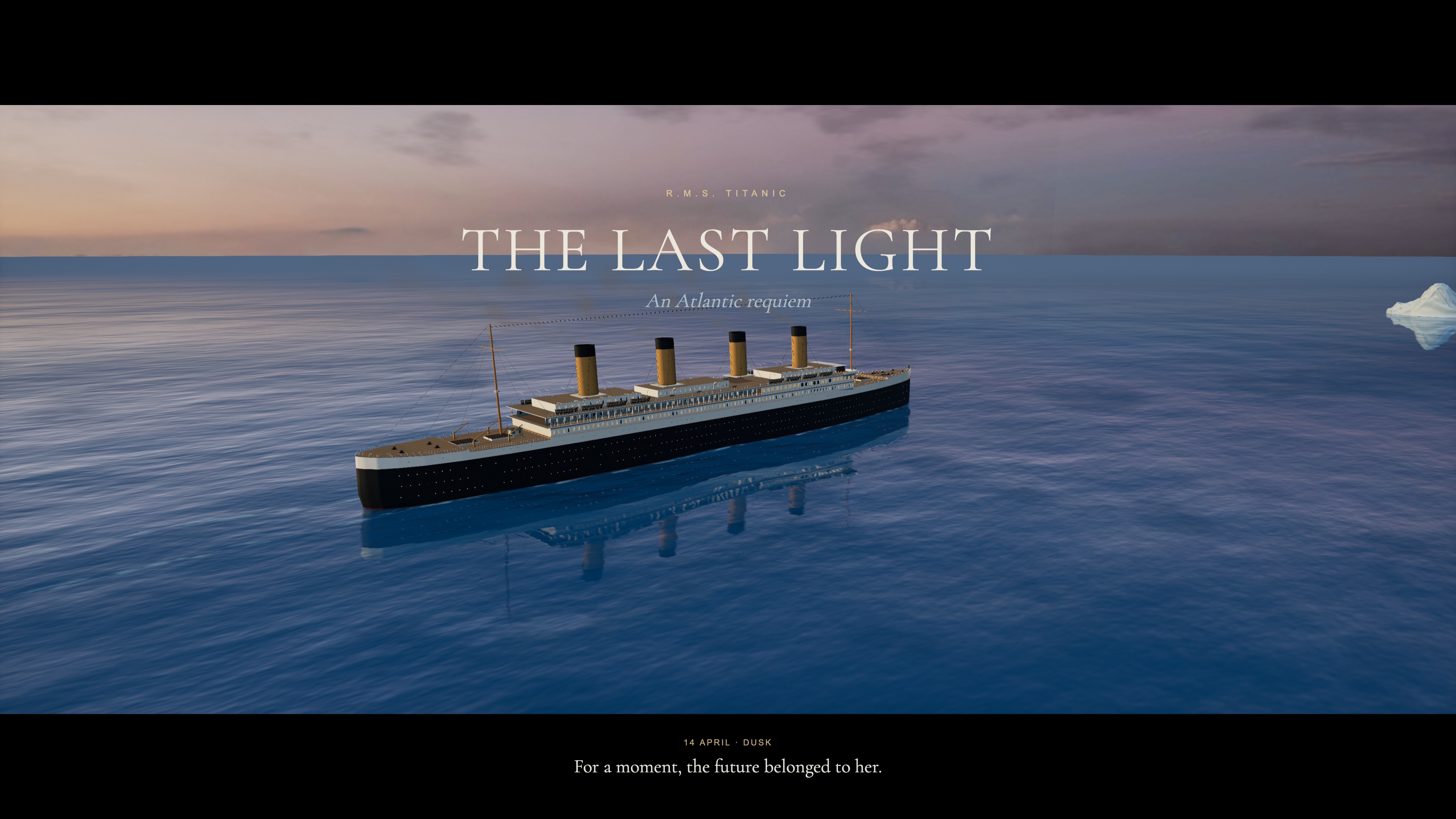
A 4:24 cinematic Titanic voyage with a deep-blue Atlantic, character portraits, tracked lifeboat lowering and a moving world to explore.
Prompt
1. Project goal
Create TITANIC — THE LAST LIGHT: an interactive, 264-second cinematic voyage from the ship’s final sunset through collision, evacuation and sinking to a dawn memorial. Visitors watch a directed film, explore its moving 3D world, jump to a chapter, save a still or download the complete movie. Present it as an artistic interpretation, without claiming forensic accuracy or official affiliation.

2. Visual direction
Use a restrained cinematic palette: warm cream and amber ship lights against deep Atlantic blue, followed by a dark star-lit night and cool dawn. Render a perspective scene with a 2.39:1 movie composition, soft bloom, subtle grain and vignette. Use depth of field for character portraits and dawn, while keeping distress-rocket particles sharp. Give the ocean a deep-blue body colour, world-space swells, smaller mipmapped ripple normals and Fresnel reflections; warm sunset colour belongs mainly in reflected light. Use hull-attached wake ribbons following the same ocean displacement, with soft ends and broken foam. Wrap panorama textures horizontally without a fract discontinuity to prevent vertical sky seams and reflected streaks. Avoid orange shallow-water shading, tiny uniform ripples and glowing circular foam decals. Remove hidden overlapping roof top faces to prevent depth fighting; use a camera near plane appropriate to the shot distance. During sinking, dim window light monotonically rather than adding high-frequency flicker. Use a quiet serif title, bilingual English/Chinese controls and a narrow timeline along the bottom.

3. World, geography and camera edit
Use one continuous coordinate system with a 269-metre vessel, bow facing +X, and an iceberg fixed at (275, 0, 57). The vessel advances, contacts the iceberg at 96.727 seconds, coasts to a stop, then sinks in fore and aft sections. Keep the iceberg present through the ending and visible in the dawn composition. Retain six chapters beginning at 0, 63, 110, 163, 211 and 241 seconds.

Build 23 deliberate shots. The bow embrace spans 29–61 seconds: an establishing approach, a close double portrait, a view from behind toward the sea and an oblique portrait. Place Rose in front and Jack behind her at the forward tip, both facing out over the bow. Maintain sunset lighting through the sequence. From 127–158 seconds, use three shots attached to a lifeboat’s actual world transform: departure from the boat deck, a closer view of passengers and suspension ropes, and approach to the water. Follow with wide evacuation, listing, fracture and sinking shots. At dawn show the surviving boats with the iceberg in the distance, then a restrained memorial title.

4. Asset inventory
- titanic-vessel: build the 269-metre primary structure in Blender with continuous well decks, a closed forecastle, layered promenades, four hollow raked buff funnels, black upper hull and red lower hull. Use real circular rims for 864 portholes and frames for 360 windows. Restrict emission to actual glazing materials. Batch materials and split at x=-32 for sinking. Add masts, rigging, davits, falls, bronze propellers and rudder. Generate a P2 companionway with teak doors and brass details, normalize it and reuse it twice on the authored deck. Preserve node transforms when assembling the GLB.
- atlantic-iceberg: one irregular, eroded blue-white iceberg, with layered frost, roughness variation, a subdued normal map and a convincing waterline. It remains a fixed geographical object.
- lifeboat: one White Star rowing lifeboat with a white wooden shell, dark gunwale, benches and oars, instanced across sixteen independently moving boats.
- bow-embrace: an isolated double-character asset inspired by the requested 1997 film costumes and pose: Rose with auburn hair, navy/ivory clothing and a patterned shawl, arms extended; Jack immediately behind in a dark coat and ivory shirt. Generate clean full-figure reference images before conversion to H v3.1, keeping each figure’s head, neck, shoulders and clothing coherent. Refine Rose with a separate close-up reference and H facial-detail donor: register eyes, nose, lips and chin, transfer local shape and colour to the continuous full-figure mesh, and blend and retouch the UV transition. For Jack, generate a clean portrait with natural skin colour and defined eyes and lips. Keep its complete head and upper neck, fit gaze and scale to the H body, conform the lower neck and weld both boundary loops. Bake and retouch the narrow neck transition without flattening facial detail. Correct stance and hand contact in Blender. Inspect front, side and rear views for dark smears, texture seams, holes, cut edges and garment intersections. Give skin and cloth separate shading. Preserve natural base expressions with restrained body and cloth movement; do not imply a facial animation rig unless one is actually implemented.
- seated-woman and seated-man: separate adult passenger models in 1912 clothing and pale cork life jackets, seated with bent knees and hands on their laps. Share geometry and materials across boats; vary placement and orientation slightly. Use reversible per-boat instance counts for boarding.

Use Blender for the primary vessel, Tripo P2.0 for the deck companionway, iceberg, boats and seated passengers, and H v3.1 for the two complete hero figures and close-up portrait refinements. Keep the ocean, sky blend, stars, lighting, smoke, distress rockets, foam, spray and debris as scene effects. Supply lighter web model variants with compressed textures and retain detailed source assets for editing. Use the same approved optimized hero pair for the website and offline film export.

5. Playback and feedback
Show real loading progress for essential ship, boat, sky and sea-normal assets. Enable the opening button when the first scene is ready; defer the other models and music. If a required character or iceberg model is late, hold at its scene boundary and resume when it is ready rather than silently skipping its shot. Audio begins after user interaction.

The timeline must support forward/backward seeking and rapid drags without resetting to zero. Preserve play/pause and mute state while seeking; do not let the old audio clock overwrite the requested position. Serve byte ranges for MP3 and MP4. Chapter navigation includes direct entries for the bow embrace at 29 seconds and lifeboat lowering at 127 seconds; these restore the director’s camera while preserving playback state.

Exploration allows orbit, drag and zoom while the world, vessel and soundtrack continue. Follow vessel translation without snapping the viewing direction. Pause remains independent; returning to the film preserves current time. Space plays/pauses, arrows jump ten seconds, M toggles sound, E toggles exploration and F opens fullscreen. Support touch orbit/pinch and timeline tapping.

Boats start empty. Passengers board in staggered groups after 112 seconds and finish before each boat descends. Ropes run between moving davits and the actual boat attachment points, then disappear after release. Backward seeking restores earlier occupancy and rope states. Collision must coordinate hull/camera vibration, ice chips, scraping spray and a steel/ice sound transient. Distress rockets use white burning stars, short individual trails, gravity, drag and fading smoke. Sinking disturbances are irregular, wave-following patches that decay gradually; distribute spray along the stern’s true waterline, never from a remote point fountain.

6. Technical implementation and deliverables
Use Vite, JavaScript modules and Three.js with deterministic time-based animation. Separate camera/timeline, vessel assets, characters, environment, effects and scene readiness. Share the same time model for web playback, seeking and offline capture. Keep web rendering within an explicit pixel, reflection and shadow budget; defer heavier ambient occlusion to the offline profile. Compile and decode assets without a long blocking startup prewarm. Host scripts, models, images, fonts and audio on the same origin and keep secrets out of the static build.

Use an original score and paid ElevenLabs Foley: a complete natural whistling firework take split at its actual airburst into an ascending flight and a sharp bang with crackling tail, steel/ice contact and scrape, lifeboat ropes and water contact, hull strain/fracture, and stern water displacement. Export source WAV files, retain prompts/history IDs, and edit them into timed cues. Align launches at 119, 151 and 183 seconds, with the airbursts 3.15 seconds later. Retain the original burst attack and briefly duck the orchestral score. Keep quiet sea, wind and engine ambience beneath the mix. The reference film soundtrack is not included without authorization for both the public website and downloadable film. Document actual asset and sound sources rather than describing a fallback as a service-generated asset.

Provide a deterministic export of 6,336 frames at 3840×2160 and 24 fps with three temporal samples, burned-in English titles and a 2.39:1 letterboxed image. Encode a 4K H.264/AAC master and a 1080p web edition below 100 MiB, both 264 seconds with 48 kHz stereo audio. Preserve optional Chinese/English subtitles, the audio master and editable source. Publish the static build through the existing CMS Web Pages hosting, without adding a platform application or a per-page Worker.

7. Acceptance
Inspect the opening, both character portraits, collision, distress rockets, all three lowering shots, fracture, stern disappearance and dawn. Check that the iceberg does not vanish at 244 seconds, the sea reads as deep blue, the sinking has no regular white rings, characters remain present in their authored shots, and boat ropes/passengers stay aligned throughout lowering. Test delayed model loading, forward/backward seeking, quick scrubbing, pause/mute, dynamic exploration, direct close-up entries and touch emulation. Verify every exported frame, fully decode both films, compare the actual browser download with the delivered file, and verify the public build and CMS association. Distinguish browser mobile emulation from testing on a physical phone.
View detail ↗ · Live demo · Back to examples
|
To keep GitHub README rendering smooth, only the latest 100 examples are shown here. |
Share a good example
Suggest an example with the original post, a preview and any available prompt or project repository. See CONTRIBUTING.md.
Credits
Curated by TripoGrowthLab. Thanks to every creator who shared their work.
The banner is conceptual artwork. Example images belong to their credited creators. The MIT license covers our tooling and original documentation; third-party material retains its owners’ rights. Attribution and removal requests.