

Shared Sessions for Claude Code
Work in the same Claude session with your team. Share a link, let a teammate join from their own Claude Code, and see each other's prompts, streamed replies and tool results. The host's machine does the work.
Install · Try a first session · Full guide · Contribute
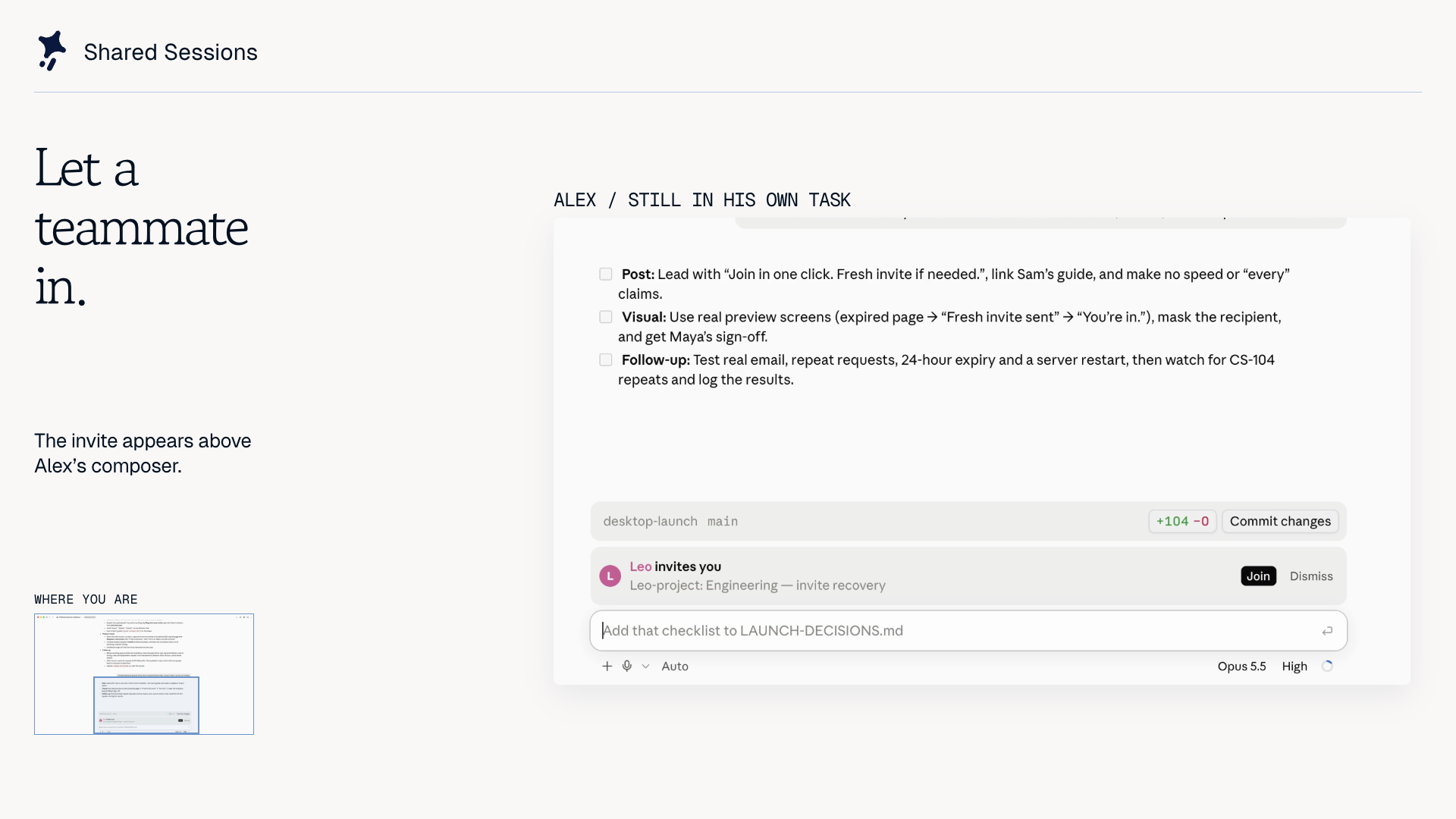
Watch the 90-second demo on X or download the 8-second invitation clip. The clip shows an invitation arriving in Claude Desktop. Recorded with fictional teammates; demo details and music credit.
- Pair on a real task. A teammate joins your ongoing session with its shared history, then asks Claude to investigate the same code.
- Review the result together. See the host's replies, tool cards, files and supported previews in your own session.
- Keep control of your machine. By default, a guest's request to edit, run commands or use the network asks the host first. Watch-only mode is available.
- Find your team. Optional teams add sign-in, live session lists and invitations inside Claude Code.
Works in Claude Desktop and the terminal. A public room server is included, or you can run your own.
Install
Both people need a working Claude Code installation and this plugin. Requires Claude Code 2.1.286+. Check with claude --version; if your terminal copy is older, use claude update or the setup option below. Your normal Claude authentication still applies; sharing by link needs no separate Shared Sessions account.
In a terminal with a supported Claude Code version:
claude plugin marketplace add Paradigm-Study/claude-share
claude plugin install shared-session@claude-share
Leave the optional share-server setting empty to use the public server. Start a new session after installing. Quit and reopen Claude Desktop to load the plugin into sessions already open.
Have Desktop but an older terminal CLI? With Git and Node 20+ installed, the setup script can find the newer Claude Code bundled with Desktop on macOS:
git clone https://github.com/Paradigm-Study/claude-share.git
cd claude-share
node scripts/setup.mjs join
Despite the command name, join installs the plugin for both sharing and joining. It also enables automatic marketplace updates and the function-hooks switch needed on 2.1.285. Read its NOTE lines; if it prints NEEDS HUMAN, complete that step and rerun the command. More setup and update options.
Use it
Try this with a new session in a scratch project:
- Host: press Share above the prompt, or type
/share-session. Copy the link. - Teammate: paste the link into a fresh Claude Code session and send it. Opening the link in a browser can open a Desktop session with the link prefilled; press Enter there.
- Either person: ask Claude to read the project's README. Both sessions should show the prompt, reply and tool results. Guest prompts run on the host in turn; the guest's model is not called.
- Host: type
/stop-sharingwhen done. The room ends for everyone.
Sharing a session with existing history asks whether to include it. Choose Only from now on or /share-session new to leave earlier messages out. Anything you share passes through the room server; read what it sees and keeps.
Use /room for people, side chat and host controls. Use /team for optional teams. For an explicitly shared local dev server, run /share-preview <port> on the host; guests press Open in the Room. Local TCP previews require Node 20+, POSIX sh and the host's live curl stream. Commands and supported previews.
Privacy and the public server
The default server is claude-share.proud-limit-da0a.workers.dev, run by this project. It receives the shared transcript, tool results, side chat and shared files. Traffic is encrypted in transit, not end to end. Anyone with a room link can join unless access is restricted to a team.
Rooms and their files are deleted 24 hours after the host stops sharing or was last seen. Team accounts and settings persist until account deletion. The public service has limits, including 20 people and 100 MB of files per room. Full data, retention and access details.
Host a server
Sharing by link works with the public server. Teams that want their own infrastructure can use a Cloudflare Worker or the Node server:
node scripts/setup.mjs deploy
Run that from a clone with Node 20+; Cloudflare account setup and browser authorization need a person. For an existing server, use node scripts/setup.mjs host --server https://your-server. Cloudflare, Node and team sign-in setup.
Troubleshooting
- No Share button or unknown command: start a new session, or quit and reopen Desktop. The session may have started before installation.
hooks: Invalid input: checkclaude --version. Use the setup script above if Desktop has a newer copy than your terminal.- A pasted link gets an ordinary Claude reply: the plugin is not loaded in that session. Restart after installing and paste the link into a fresh session.
- Check the installation: from a clone, run
node scripts/setup.mjs check. Add--liveto test sharing, resuming, stopping and joining with temporary sessions through the selected server.
More troubleshooting · Report a reproducible bug
Security model
The host executes the work. Guests see replayed tool cards; those cards do not run the host's commands on their machines. Host approval rules govern guest requests. Room links grant access, and the relay server can read shared content. Permissions, files and preview boundaries.
Limits
Guests see the first 40 lines of each tool result. Subagents' inner steps are not mirrored. Some viewers and session-list features are Desktop-only; terminal guests receive files or links. Local previews need the host's session and dev server to stay open. Compatibility and resource limits.
Develop
The plugin is in plugin/; shared room logic is in server/core.mjs. CONTRIBUTING.md covers local development and tests. AGENTS.md records the engine contracts and release procedure.
If you use Shared Sessions, a star helps other developers find it. Bug reports with the versions and steps to reproduce help us improve it.
License
MIT. The Paradigm name, logo and Clover character remain trademarks of Paradigm Study. Demo music has separate attribution terms.