Image to ASCII
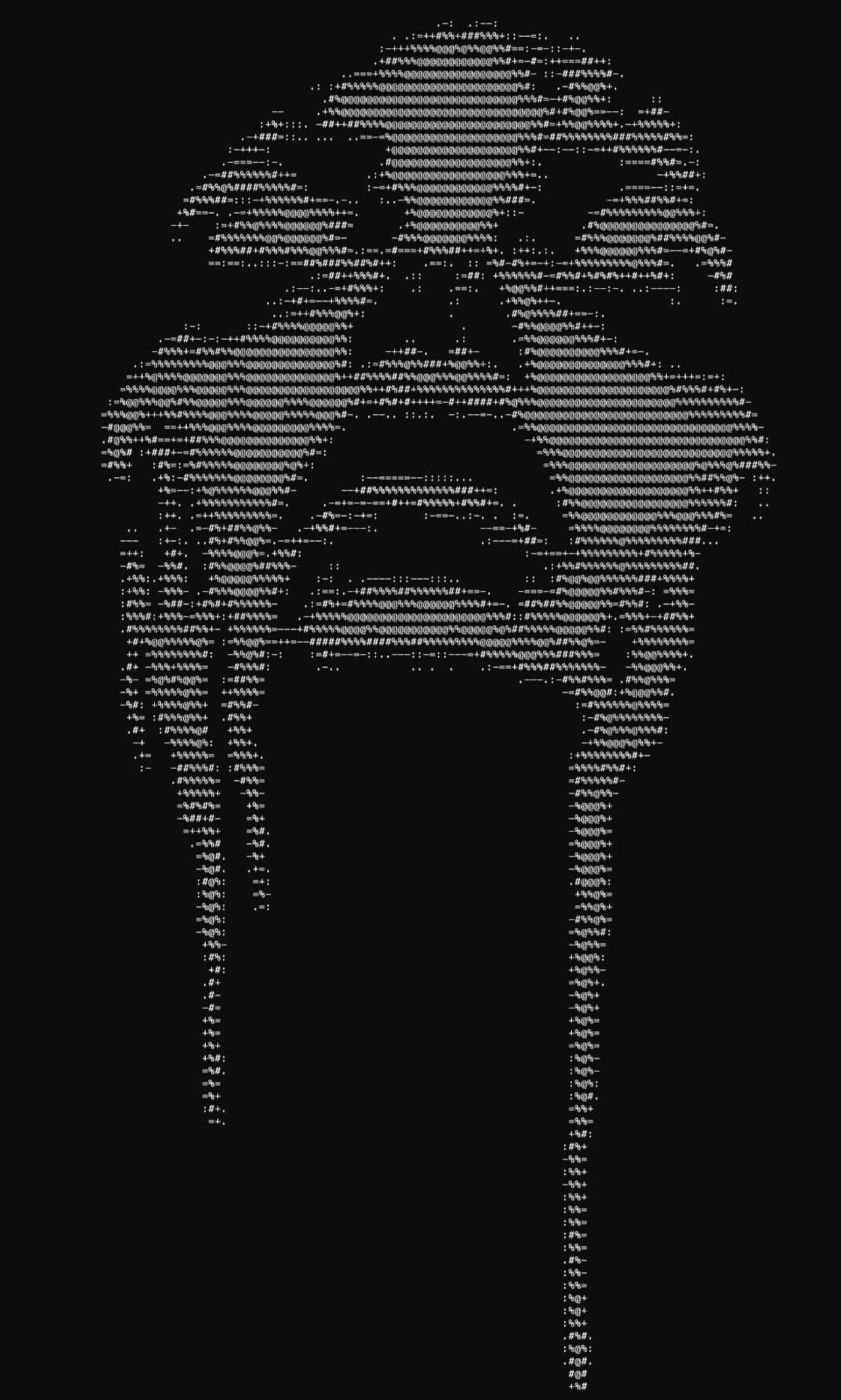
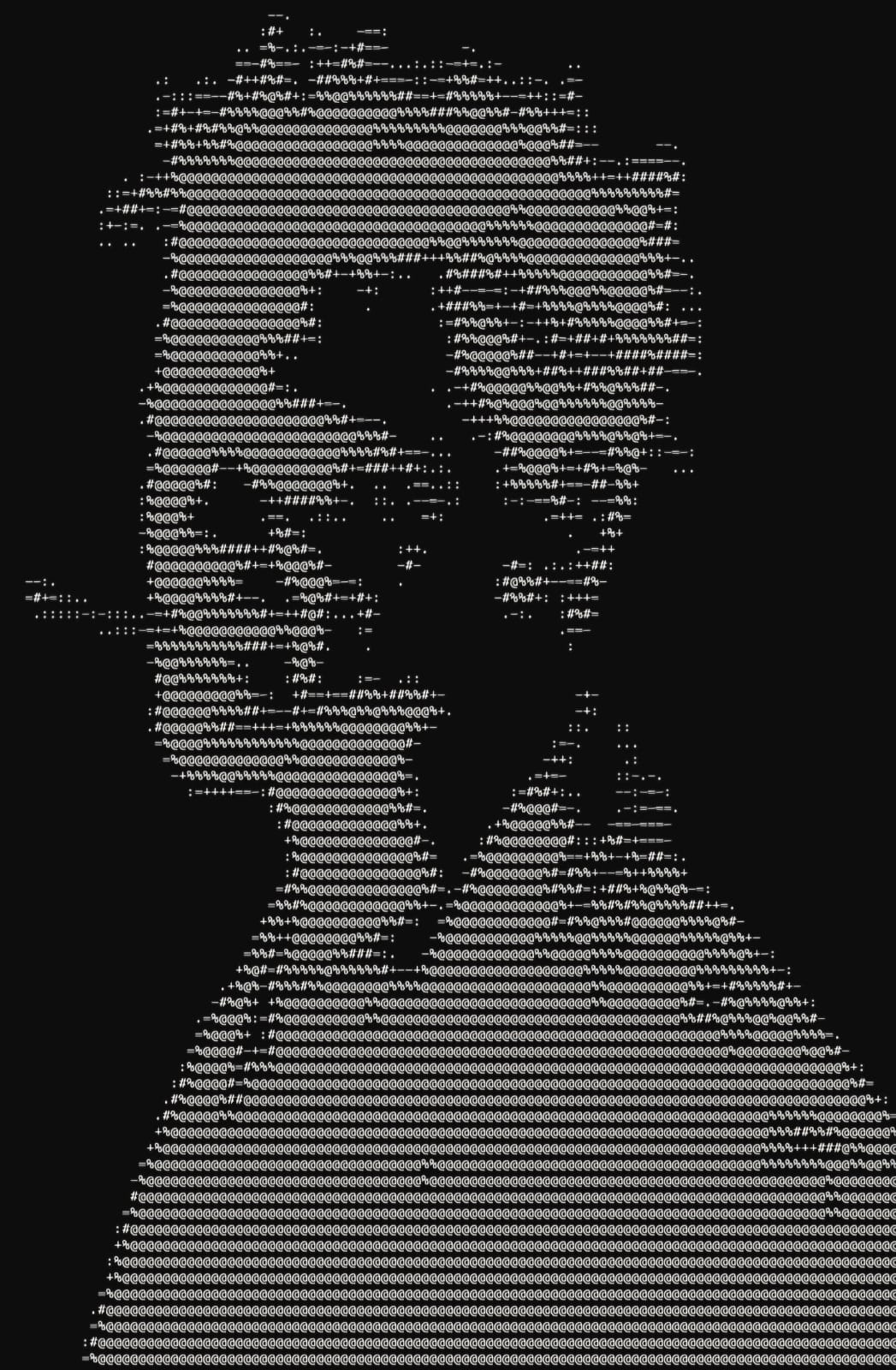
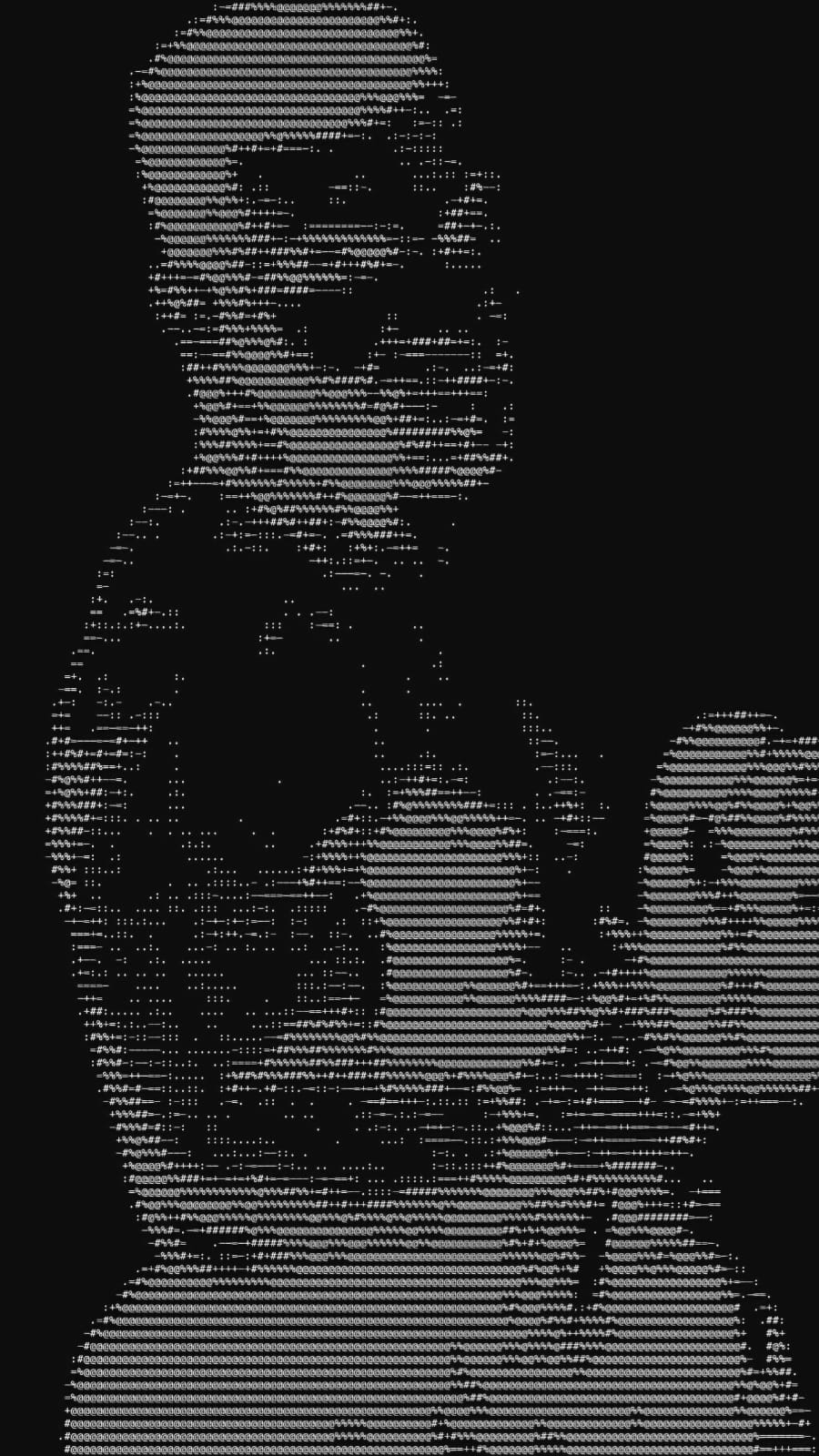
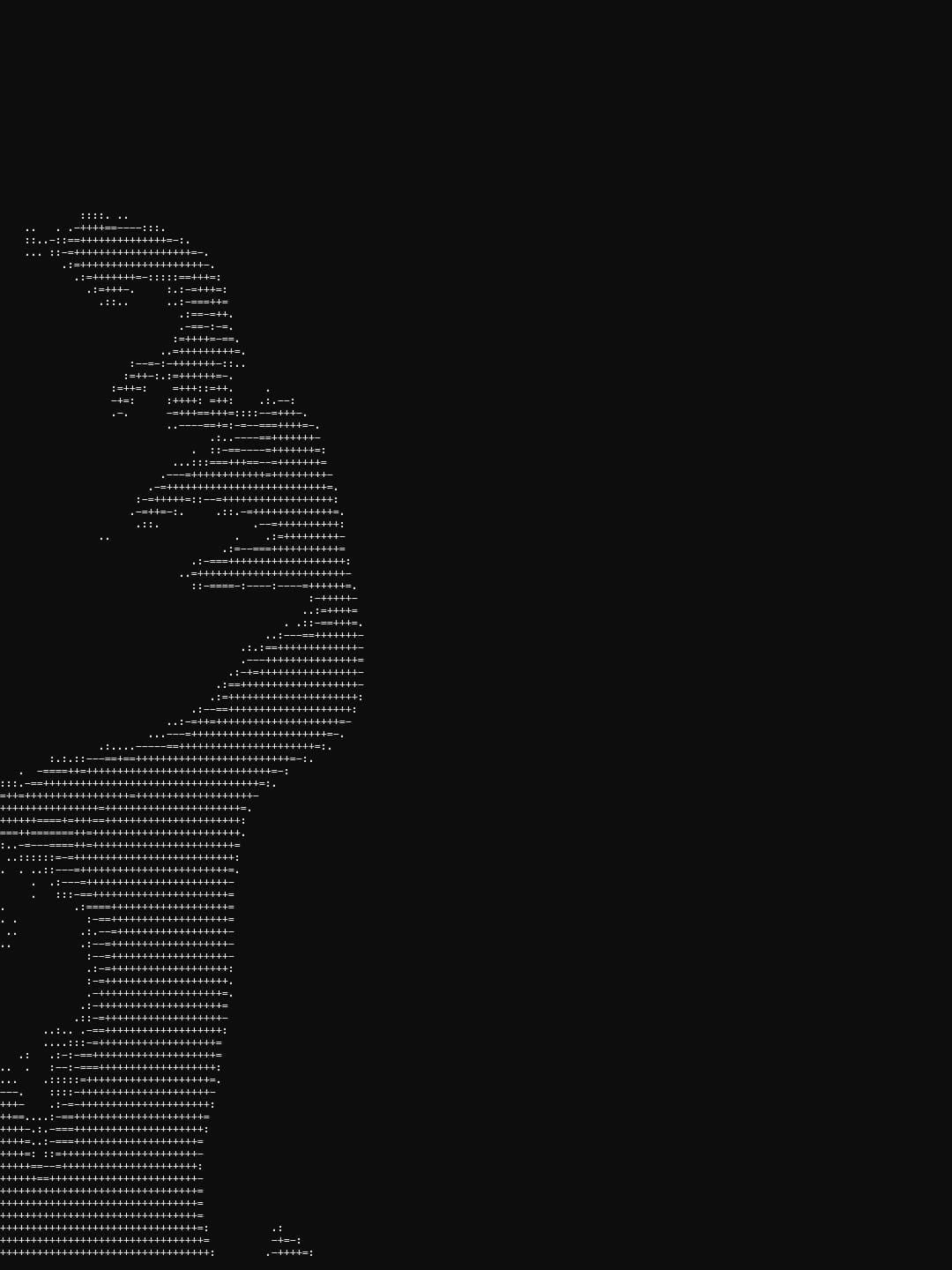
This project converts any supported image format into ASCII art.
Usage
Convert an image to ASCII art using:
./image2ascii <path_to_image> <size> [options]
Size Options
| Size | Flag | Scale Factor |
|---|---|---|
| Small | -s |
1/24 |
| Medium | -m |
1/12 |
| Large | -l |
1/6 |
| Extra Large | -xl |
1/3 |
| Extra Extra Large | -xxl |
1/1 |
| Custom Line Length | -llen <size> |
Custom line length size |
Additional Options
| Option | Flag | Description |
|---|---|---|
| Saliency Threshold | -salience <val> or -sal <val> |
Applies a saliency filter with a custom threshold (e.g., -sal 140). |
Help
To display the help message:
./image2ascii -h
or:
./image2ascii -help
Supported Image Formats
jpg, jpeg, png, bmp, tga, psd, hdr, pic, ppm, pgm
Build
1. Install Required Packages
Arch Linux:
sudo pacman -S --needed base-devel git gcc make
Debian / Ubuntu:
sudo apt update && sudo apt install -y git gcc makeFedora:
sudo dnf install -y git gcc make
2. Clone the Repository
git clone https://github.com/Drbsy/image2ascii.git
3. Navigate to Directory
cd image2ascii4. Compile
make
Art Examples